Productivity Best in category 3 results Teacher Assistant AI Tool

Popular AI tools in the Teacher Assistant field of Productivity include MagicSchool、Teachally、MyLessonPal, etc., helping you quickly improve efficiency.

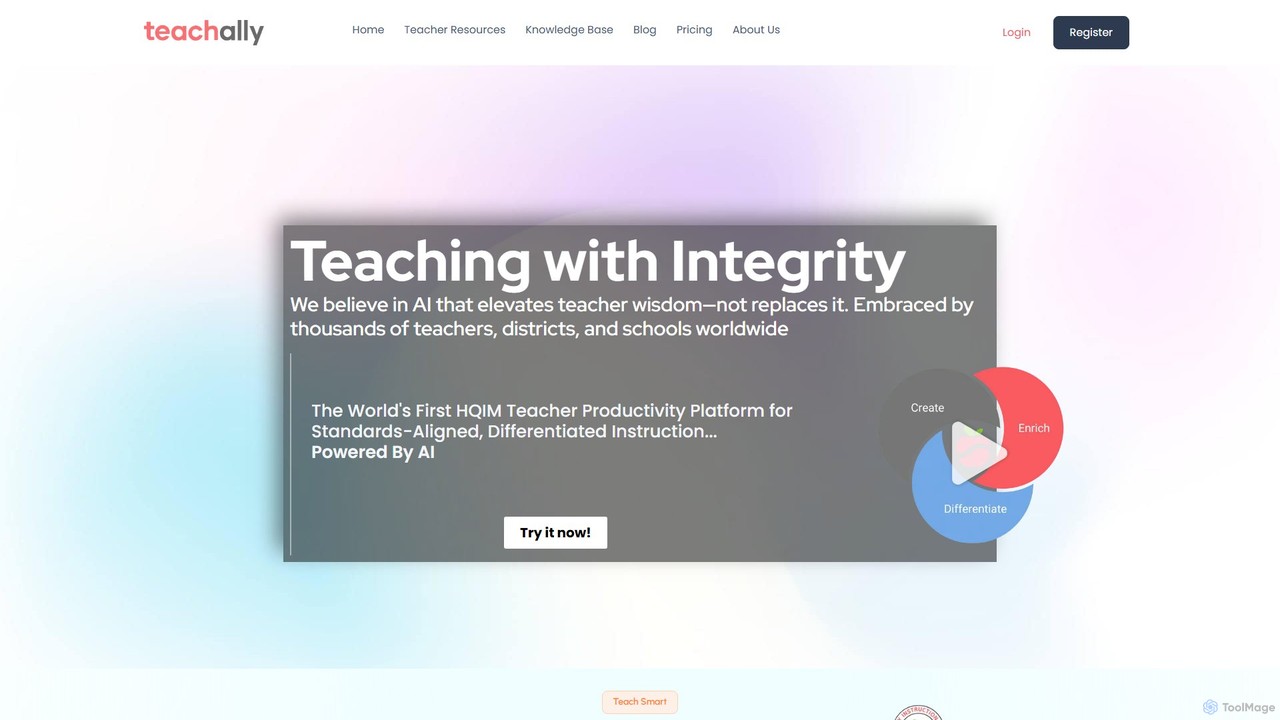
Teachally

Teachally

Teachally is an AI-powered productivity platform for educators, designed to generate high-quality, standards-aligned lesson plans, assessments, and teaching …

3.7K
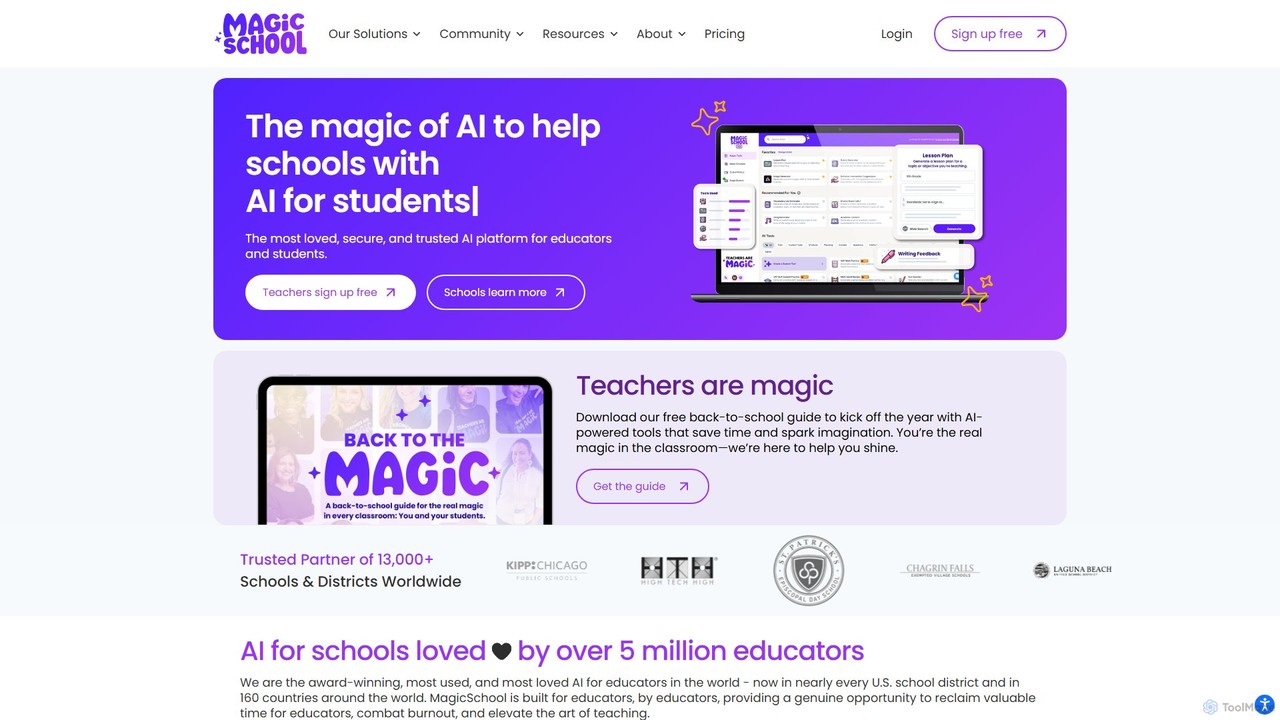
MagicSchool

MagicSchool

MagicSchool is an AI platform designed for educators, offering over 80 tools to streamline tasks like lesson planning, …

2.8M
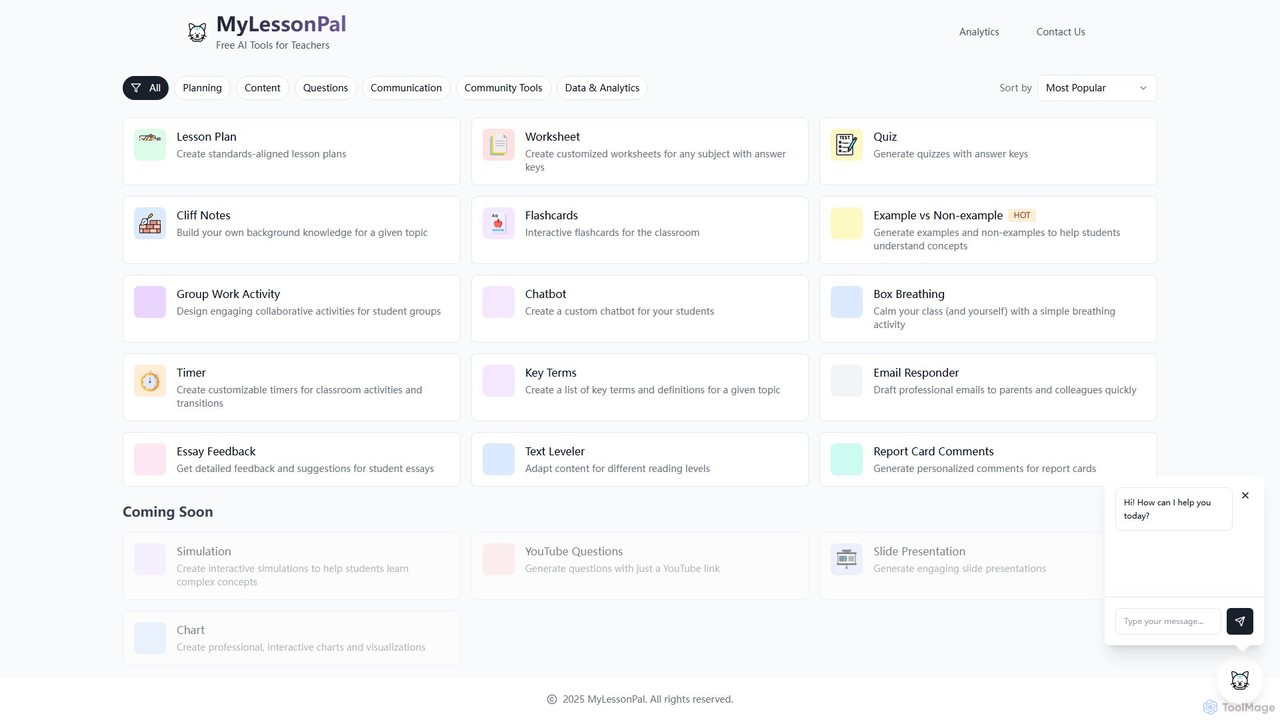
MyLessonPal

MyLessonPal

MyLessonPal is an AI-powered assistant for educators, designed to streamline lesson planning, content creation, and administrative tasks. It …

3.2K

About Teacher Assistant

Teacher Assistant tools are AI-powered applications designed to support educators in streamlining various aspects of their professional responsibilities. Leveraging advanced artificial intelligence, these tools automate repetitive tasks, generate educational content, and provide data-driven insights, significantly enhancing teaching efficiency and effectiveness. They empower teachers to dedicate more time to direct student interaction and personalized instruction, ultimately enriching the learning experience within the broader context of productivity tools.

Core Features

  • Automated Lesson Planning: Generates lesson plans, curriculum outlines, and activity ideas based on learning objectives and student demographics.
  • Content Creation: Assists in developing quizzes, worksheets, presentations, and interactive learning materials tailored to specific topics and grade levels.
  • Grading and Feedback: Automates the assessment of assignments, provides constructive feedback, and tracks student progress with detailed analytics.
  • Administrative Support: Helps manage schedules, generate reports, communicate with parents, and organize classroom resources.

Use Cases

Educators across K-12, higher education, and vocational training utilize Teacher Assistant AI tools to optimize their workflows. For instance, a high school teacher can use these tools to quickly create differentiated learning materials for students with varying needs, or a university lecturer can automate the initial grading of essays, focusing their attention on qualitative feedback. They are invaluable for reducing administrative burdens and fostering more engaging learning environments.

How to Choose

When selecting a Teacher Assistant AI tool, consider its specific functionalities, such as lesson planning, content generation, or grading capabilities, to ensure it aligns with your primary needs. Evaluate its integration with existing learning management systems (LMS) and other educational platforms for seamless workflow. Assess the tool's ease of use and the quality of its AI output, particularly for content accuracy and relevance. Finally, review pricing models and data privacy policies to ensure compliance and cost-effectiveness.

Teacher AssistantUse Cases

1

Generate Customized Lesson Plans

A middle school teacher can input learning objectives, student age, and subject matter into an AI assistant to instantly receive a comprehensive lesson plan, complete with activities, discussion prompts, and assessment ideas. This saves hours of manual planning, allowing more focus on classroom delivery and student engagement.

2

Create Differentiated Learning Resources

An elementary school educator uses an AI tool to adapt reading passages or math problems to different student proficiency levels. By providing student profiles, the AI generates multiple versions of assignments, ensuring each student receives appropriately challenging material, fostering inclusive learning and meeting individual needs.

3

Efficient Assignment Grading and Feedback

A university professor can upload student essays or coding assignments to an AI grading assistant. The tool quickly identifies common errors, assesses adherence to rubrics, and generates initial feedback, significantly reducing grading time while providing students with timely, actionable insights for improvement.

4

Automate Routine Administrative Tasks

School administrators or teachers can leverage AI to automatically generate student progress reports, attendance summaries, or parent communication templates. This reduces the time spent on paperwork, freeing up valuable resources for more critical student support and strategic planning within the educational institution.

5

Design Interactive Classroom Activities

A language teacher can use an AI assistant to brainstorm and create interactive games, role-playing scenarios, or vocabulary exercises tailored to specific linguistic concepts and cultural contexts. This enhances student engagement and makes learning more dynamic, enjoyable, and culturally relevant for diverse classrooms.

6

Analyze Student Performance and Identify Gaps

An academic advisor or teacher can utilize AI tools to analyze student performance data across multiple assignments and tests. The AI identifies patterns, predicts potential learning difficulties, and suggests targeted interventions, enabling proactive support for students at risk and optimizing educational strategies.

Teacher AssistantFrequently Asked Questions