

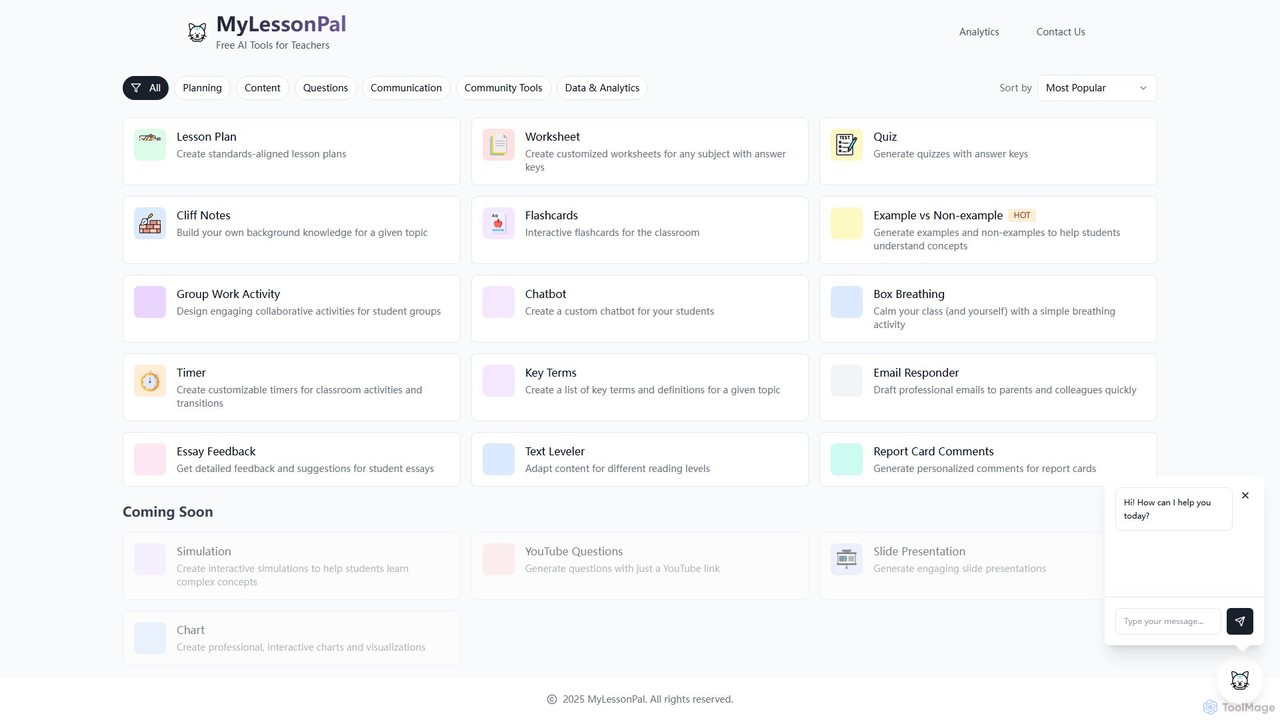
MyLessonPal Overview
MyLessonPal is a comprehensive AI-powered platform built specifically for educators to revolutionize their teaching workflow. It serves as an all-in-one assistant, tackling the most time-consuming aspects of a teacher's job, from planning and content creation to communication and assessment. By leveraging artificial intelligence, MyLessonPal empowers teachers to generate high-quality, customized educational materials in minutes, freeing up valuable time to focus on student interaction and professional growth.
The platform offers a diverse suite of tools tailored to the daily needs of the classroom. Whether you need to create a detailed, standards-aligned lesson plan for a new history unit, generate differentiated worksheets for a math class, or design an engaging group activity, MyLessonPal provides an intuitive solution. It goes beyond simple content generation by offering tools for assessment, such as a quiz maker with answer keys and an essay feedback generator that provides detailed, constructive suggestions.
How to use MyLessonPal
Using MyLessonPal is a simple and intuitive process designed for busy educators:
- Select a Tool: Begin by choosing the specific tool you need from the dashboard, such as 'Lesson Plan', 'Worksheet', or 'Email Responder'.
- Provide Context: Enter the necessary details for your request. For a lesson plan, this might include the grade level, subject, topic, and specific learning objectives or standards. For a worksheet, you would specify the topic and the types of questions you want.
- Generate Content: Click the generate button and let the AI work its magic. Within seconds, MyLessonPal will produce a complete, well-structured piece of content based on your inputs.
- Review and Customize: The generated content is a strong first draft. You can easily review, edit, and customize it to perfectly fit your students' needs and your unique teaching style.
- Export and Use: Once you are satisfied, you can copy, paste, or export the material for use in your classroom, whether it's a printed worksheet or a digital presentation.
Core Features of MyLessonPal
- Lesson Plan Generator: Creates detailed, standards-aligned lesson plans for any subject and grade level.
- Worksheet & Quiz Creator: Generates customized worksheets and quizzes complete with answer keys.
- Content Differentiation: Includes a 'Text Leveler' to adapt existing content for various reading levels, ensuring accessibility for all students.
- Assessment & Feedback: Offers an 'Essay Feedback' tool for detailed suggestions on student writing and a 'Report Card Comments' generator for personalized student evaluations.
- Communication Tools: Features an 'Email Responder' to quickly draft professional emails to parents and colleagues.
- Classroom Activities: Provides tools to create 'Group Work Activities', 'Flashcards', 'Key Terms' lists, and even calming 'Box Breathing' exercises.
- Content Summarization: The 'Cliff Notes' feature helps teachers quickly build background knowledge on any topic.
- Upcoming Features: Continuously evolving with planned additions like interactive simulations, YouTube question generators, and slide presentation creators.
Use Cases for MyLessonPal
MyLessonPal is versatile and can be used by various educators:
- K-12 Teachers: A 5th-grade teacher can generate a full week's worth of lesson plans and accompanying worksheets for a science unit on ecosystems.
- Special Education Teachers: An educator can use the 'Text Leveler' to adapt a social studies article for students with different reading abilities.
- New Teachers: A first-year teacher can use the 'Cliff Notes' to quickly get up to speed on a new curriculum topic and use the 'Lesson Plan' generator to build a solid foundation for their classes.
- Administrators & Department Heads: A principal can use the 'Email Responder' to draft school-wide communications to parents efficiently.
Advantages of MyLessonPal
The primary advantage of MyLessonPal is massive time savings. It automates repetitive and time-consuming tasks, reducing planning time from hours to minutes. This leads to a better work-life balance and reduces teacher burnout. Furthermore, it enhances the quality of teaching materials by providing well-structured, creative, and differentiated content. It supports personalized learning by making it easy to create materials tailored to individual student needs. The platform acts as a creative partner, helping teachers overcome writer's block and discover new ideas for their lessons.
Pricing and Plans
MyLessonPal operates on a freemium model, making it accessible to all educators.
- Free Plan: Users can access a limited number of tool generations per month, allowing them to try out the core features and see the value it provides.
- Pro Plan: For a monthly or annual subscription fee, users get unlimited access to all tools, priority support, and early access to new features. This plan is designed for educators who want to fully integrate MyLessonPal into their daily workflow.
The paid plan ensures that teachers have a reliable and powerful assistant at their fingertips whenever they need it.
Traffic
Latest traffic
Status
Monthly traffic trend
- 2025-9: 378
- 2026-1: 0
- 2026-2: 859
- 2026-3: 348
- 2026-4: 169
- 2026-5: 65
Geography
Top 5 countries / regions
- 🇮🇹Italy100.0%
Top keywords
| Keyword | Cost per click |
|---|---|
| lessonpal | $3.92 |
MyLessonPal Alternatives
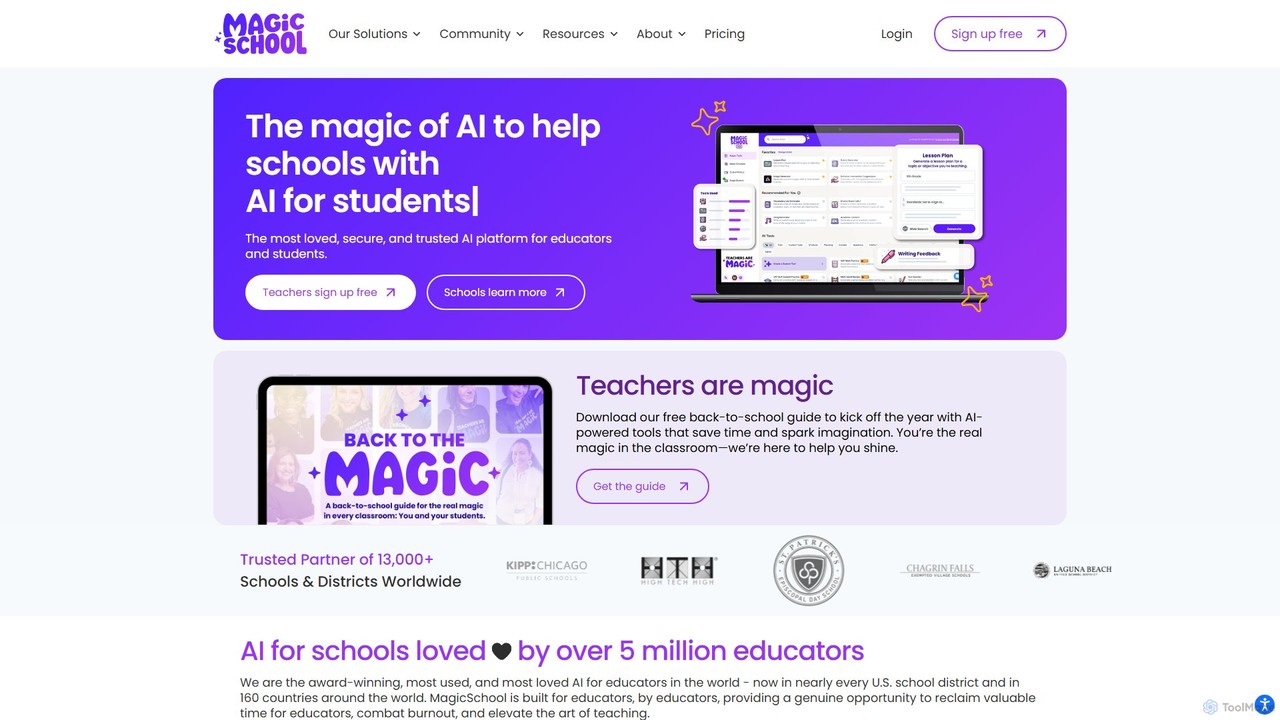
MagicSchool
MagicSchool is an AI platform designed for educators, offering over 80 tools to streamline tasks like lesson planning, assessment creation, IEP development, and communication. It aims to reduce teacher workload, combat burnout, and enhance student learning outcomes by providing a secure, integrated, and responsible AI assistant for the classroom.
Lesson Planning
Teacherbot
Teacherbot is an AI-powered platform designed for educators to instantly create high-quality teaching resources. It helps teachers generate lesson plans, worksheets, quizzes, and parent communications in seconds, significantly reducing workload and freeing up time to focus on students.
Lesson Planning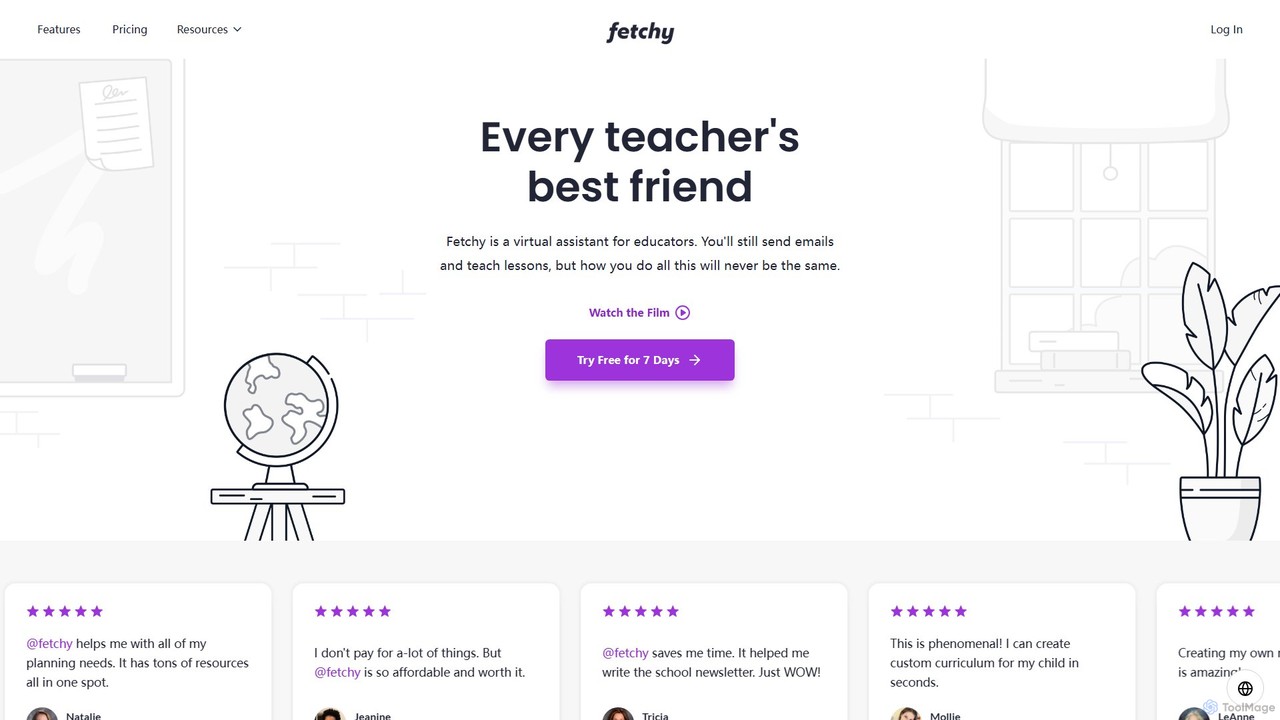
Fetchy
Fetchy is an AI-powered virtual assistant designed specifically for educators. It offers over 50 specialized tools to help teachers with lesson planning, content creation, classroom management, and communication, saving them hours of work daily. It caters to K-12 classroom teachers, homeschool educators, and administrators.
Lesson Planning
TeachCatalystAI
TeachCatalystAI is a comprehensive AI-powered teaching assistant designed to help educators save time, reduce burnout, and create engaging learning materials. With over 40 specialized tools for lesson planning, content creation, classroom management, and communication, it streamlines administrative tasks, allowing teachers to focus on what they do best: teaching. It's an all-in-one platform created by teachers, for teachers.
Teaching Assistant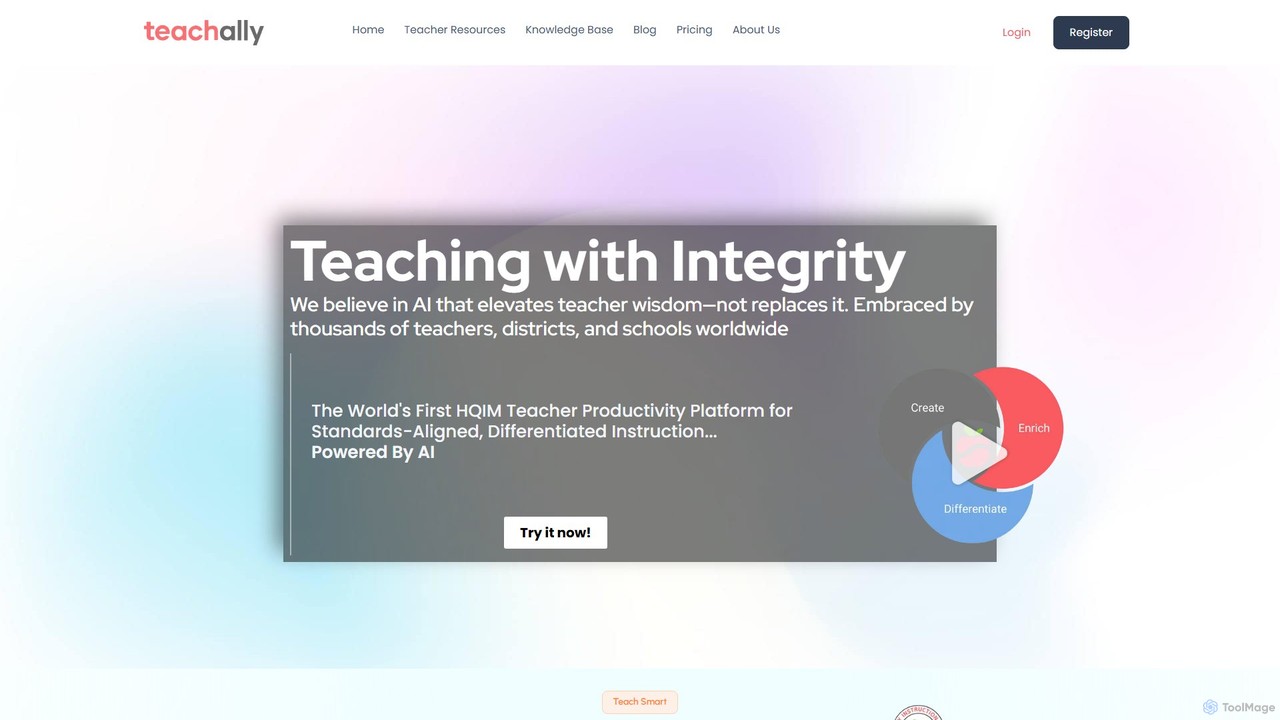
Teachally
Teachally is an AI-powered productivity platform for educators, designed to generate high-quality, standards-aligned lesson plans, assessments, and teaching materials. It streamlines the planning process with a no-prompt interface, offering tools for differentiation, enrichment, and multilingual support to help teachers save time and enhance instruction for all students.
Curriculum DevelopmentMyLessonPal Categories
MyLessonPal Embed Widget
Copy this embed code to place the badge on your blog, article, or product site and send readers directly to this ToolMage detail page.

Related AI tools
Teacherbot
Teacherbot is an AI-powered platform designed for educators to instantly create high-quality teaching resources. It helps teachers generate lesson plans, worksheets, quizzes, and parent communications in seconds, significantly reducing workload and freeing up time to focus on students.
Lesson PlanningTeachCatalystAI
TeachCatalystAI is a comprehensive AI-powered teaching assistant designed to help educators save time, reduce burnout, and create engaging learning materials. With over 40 specialized tools for lesson planning, content creation, classroom management, and communication, it streamlines administrative tasks, allowing teachers to focus on what they do best: teaching. It's an all-in-one platform created by teachers, for teachers.
Teaching Assistant
Teachify.online
Teachify.online is an AI-powered platform designed for educators to streamline content creation. It instantly generates high-quality lesson plans, quizzes, worksheets, and course outlines, saving teachers valuable time and effort. Ideal for K-12 teachers, university professors, and online course creators looking to enhance their teaching materials and engage students more effectively.
Lesson PlanningMagicSchool
MagicSchool is an AI platform designed for educators, offering over 80 tools to streamline tasks like lesson planning, assessment creation, IEP development, and communication. It aims to reduce teacher workload, combat burnout, and enhance student learning outcomes by providing a secure, integrated, and responsible AI assistant for the classroom.
Lesson Planning
mwalimu
Mwalimu is an AI-powered educational platform designed to assist teachers and tutors. It streamlines lesson planning, generates quizzes and worksheets, and creates engaging educational content, saving educators valuable time and enhancing the learning experience for students.
Quiz Maker
coschool
coschool is an AI-powered co-pilot for educators, designed to streamline workflows and reduce administrative burdens. It helps teachers generate high-quality lesson plans, quizzes, worksheets, report card comments, and other educational materials in minutes, freeing up valuable time to focus on teaching and student engagement.
Assessment Generation
PlanitTeachers
PlanitTeachers is an AI-powered platform for educators, designed to automate lesson planning, resource creation, and assessments. It offers over 100 AI tools to generate curriculum-aligned lesson plans, worksheets, presentations, and reports, saving teachers valuable hours every week and enhancing student engagement.
Assessment
ClassroomPlans
ClassroomPlans is an AI-powered platform designed for educators to streamline their workflow. It helps teachers create detailed lesson plans, custom quizzes, comprehensive study guides, and engaging activity worksheets, saving valuable time and enhancing the teaching experience across multiple subjects.
Lesson Planning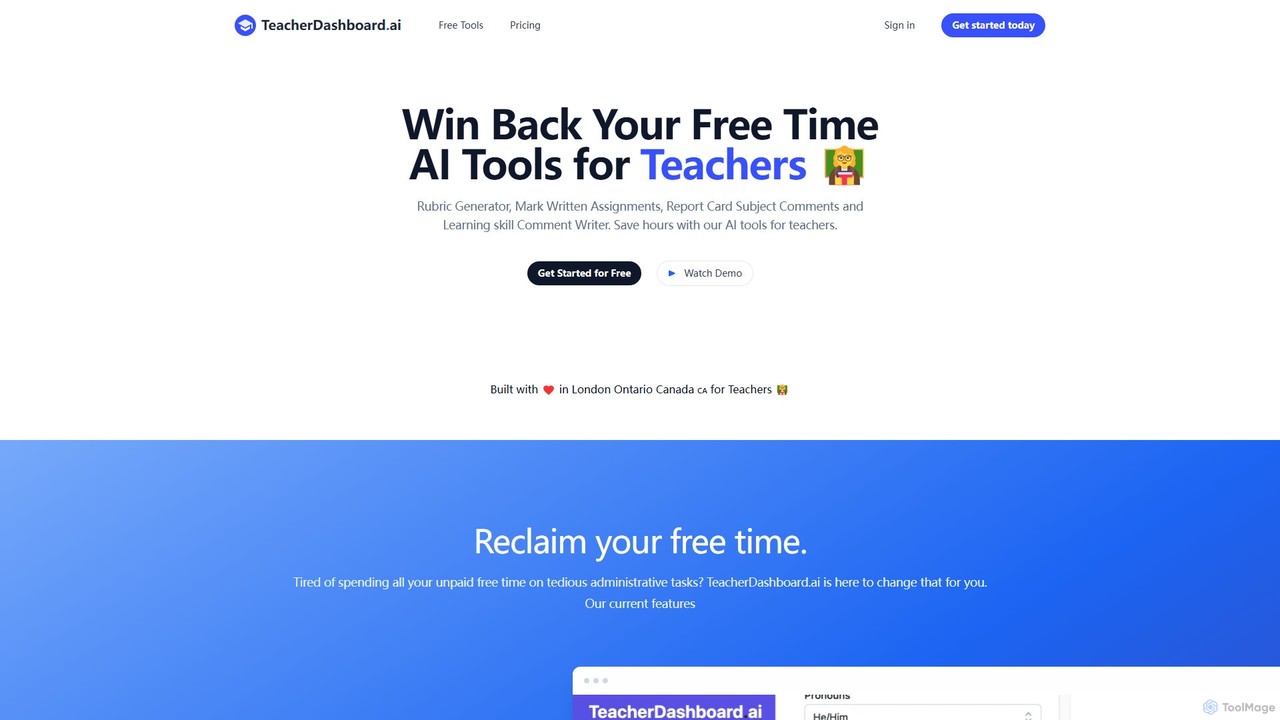
TeacherDashboard.ai
An AI-powered suite of tools designed for teachers to save hours on administrative tasks. It automates the creation of report card comments, rubrics, lesson plans, and assists with marking written assignments, allowing educators to reclaim their free time and focus on teaching.
Teacher Assistant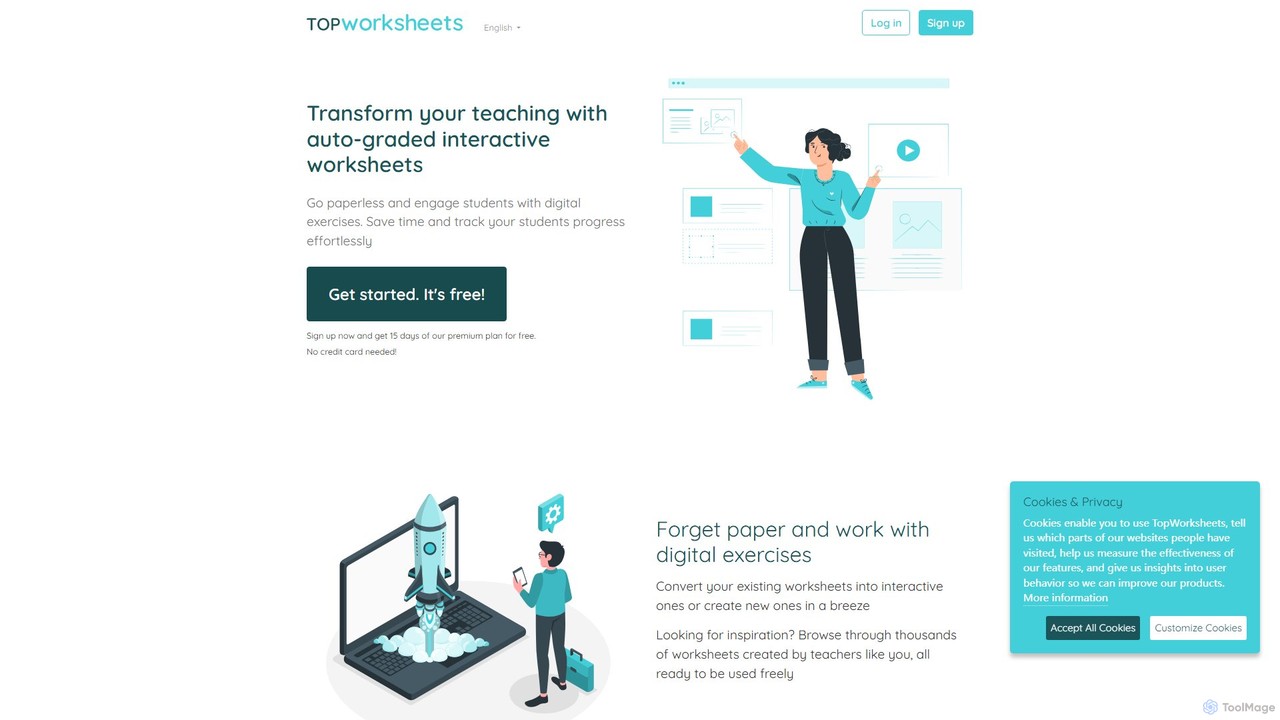
TopWorksheets
TopWorksheets is an AI-powered platform for educators to create interactive, auto-graded worksheets. Transform traditional PDFs or build new exercises from scratch with AI-generated questions, saving valuable time on preparation and grading while boosting student engagement and tracking progress effortlessly.
Question Generation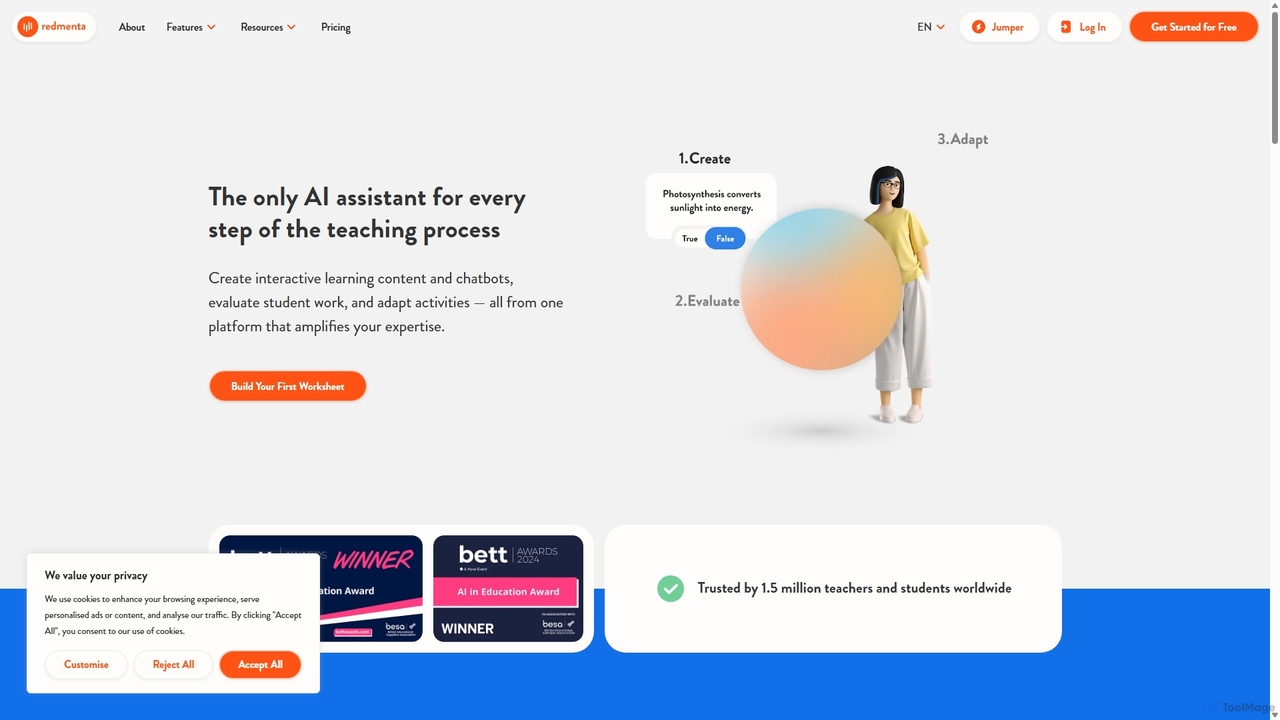
Redmenta
Redmenta is an AI-powered teaching assistant designed for educators and schools to streamline lesson planning, content creation, and student assessment. It helps teachers generate customized lesson plans, adaptive worksheets, and quizzes in seconds. With features like an AI essay grader and rubric creator, Redmenta saves valuable time, enables personalized learning, and provides insightful performance analytics to support every student's unique educational journey.
Teaching Assistant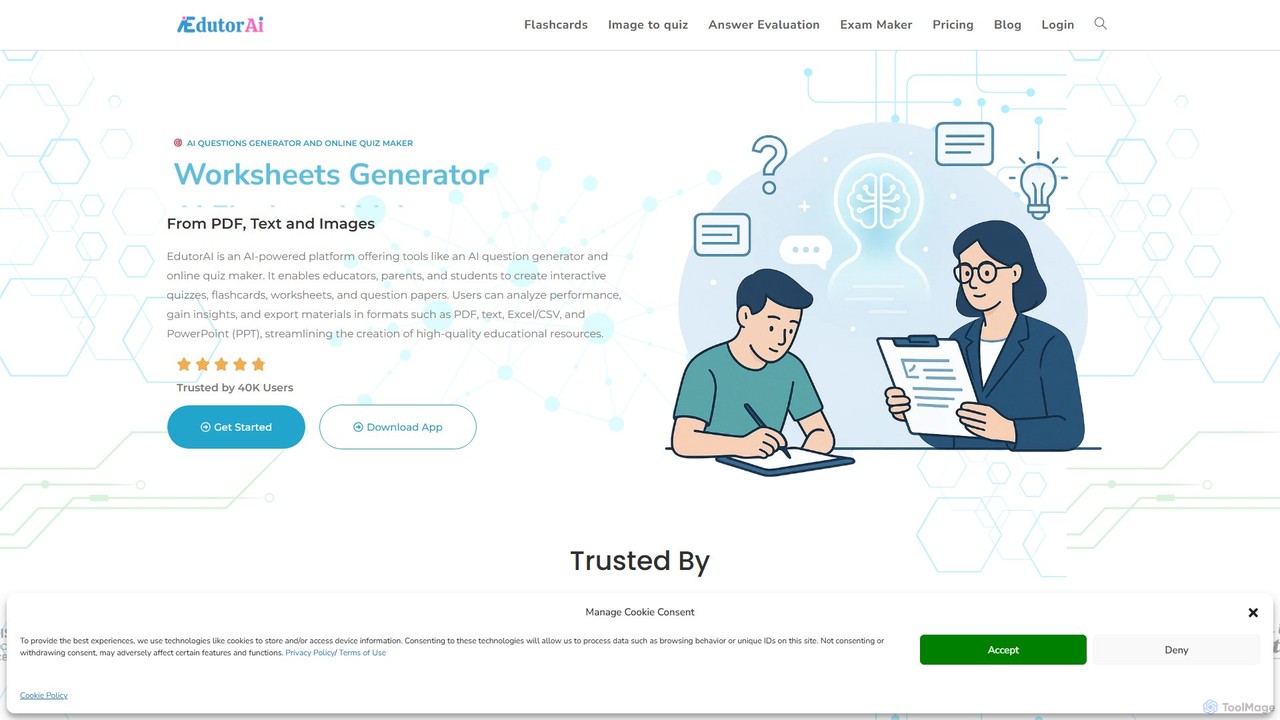
edutorai
EdutorAI is an AI-powered educational platform designed for educators, students, and parents. It streamlines the creation of learning materials by generating quizzes, flashcards, worksheets, and exams from text, PDFs, or images. It also features AI-driven answer evaluation and performance analytics to enhance the learning experience.
Assessment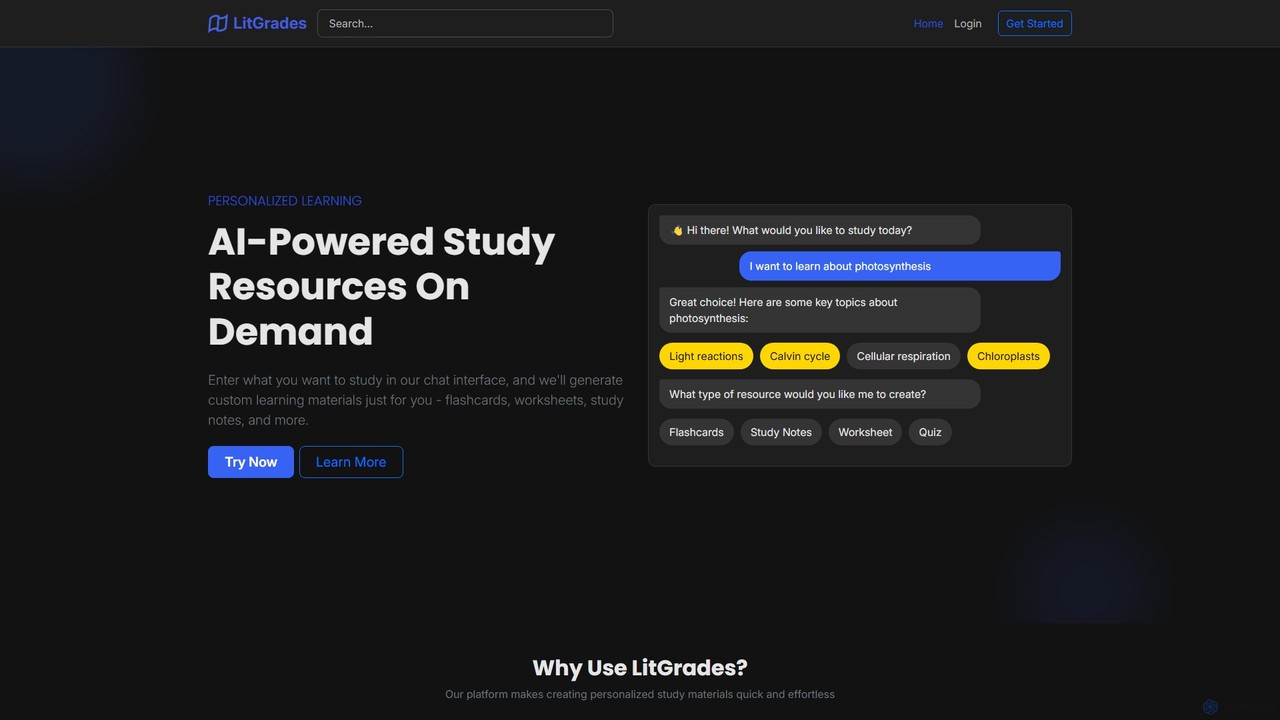
LitGrades
LitGrades is an AI-powered learning platform that generates personalized study materials on demand. Simply enter any topic, and LitGrades instantly creates custom flashcards, worksheets, study notes, and quizzes to help you learn faster and more effectively. It's the perfect study partner for students, educators, and lifelong learners.
Study Assistant
Jyek
Jyek is an AI agent platform that understands objectives, creates execution plans, uses tools, and delivers verifiable results for complex, multi-step tasks.
Automation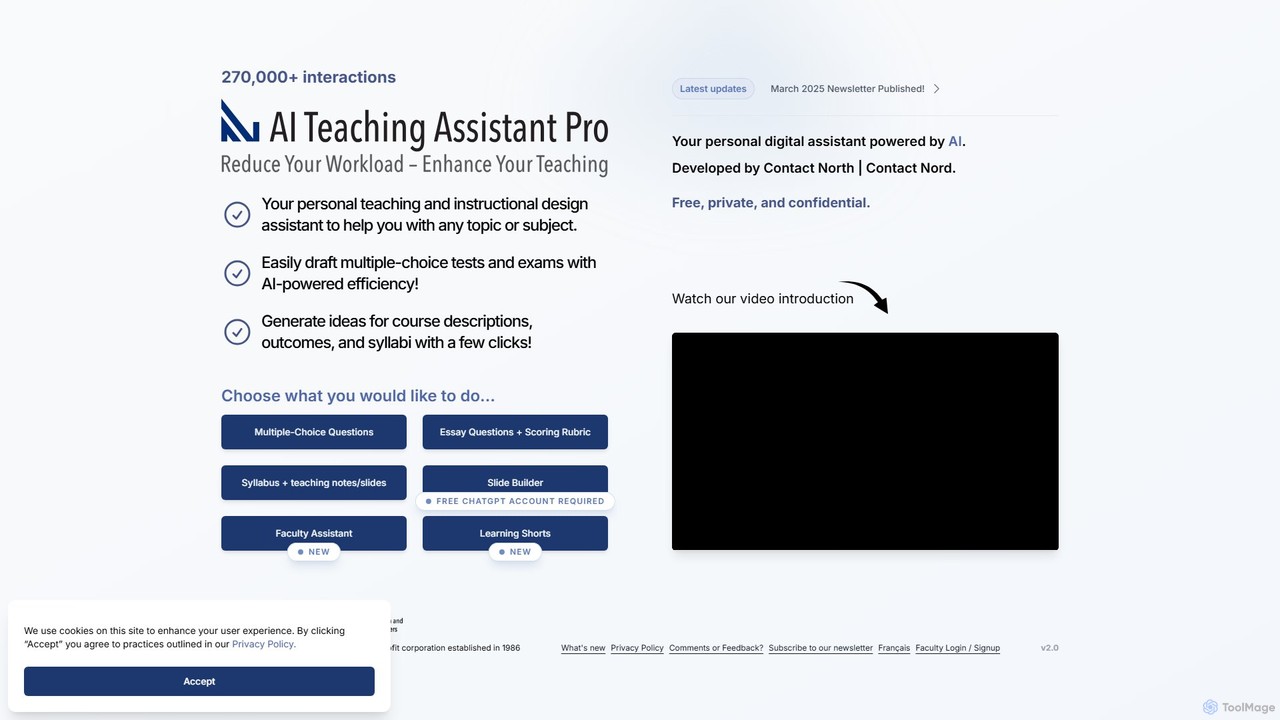
AI Teaching Assistant Pro
An AI-powered assistant for educators, developed by Contact North. It helps create multiple-choice questions, essay rubrics, syllabi, presentation slides, and short educational videos. It also allows instructors to upload their own materials for personalized student tutoring, saving time and enhancing the learning experience.
Video Generation
MyLessonPal Comments (0)
Sign in to comment.
Sign inNo comments yet.