
Education Best in category 1 results Teacher Assistant AI Tool

Popular AI tools in the Teacher Assistant field of Education include TeacherDashboard.ai, etc., helping you quickly improve efficiency.

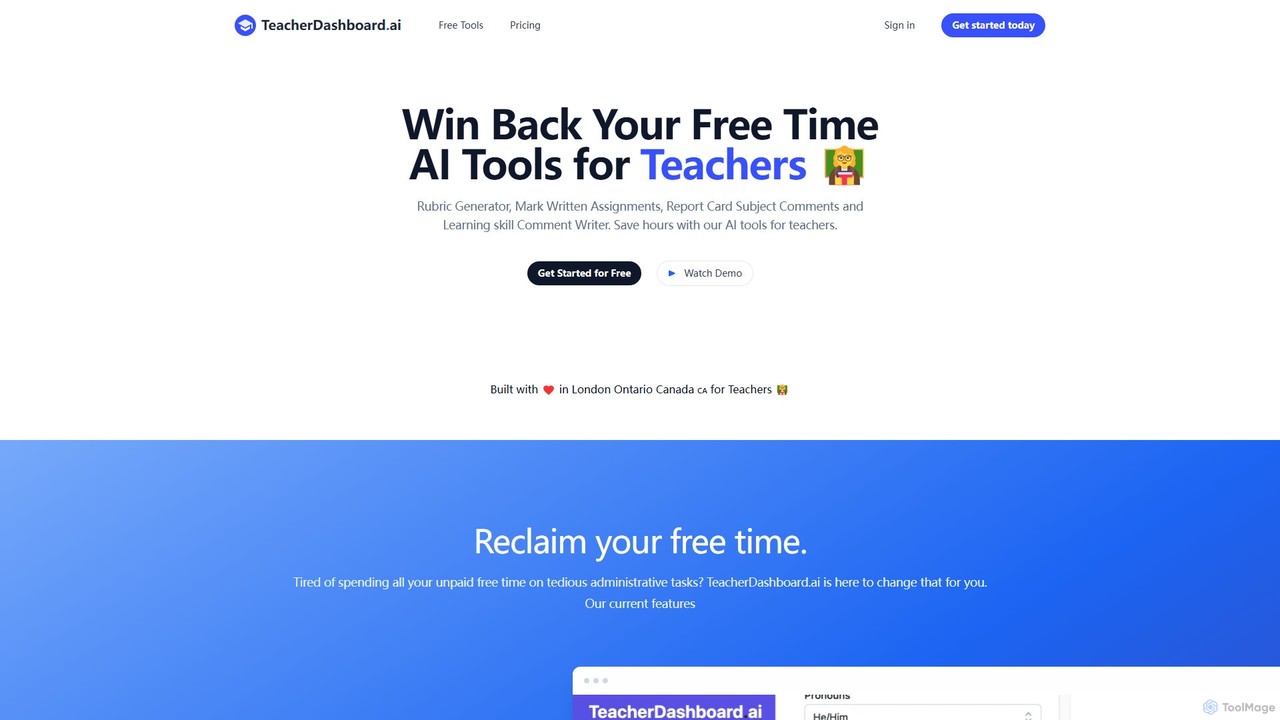
TeacherDashboard.ai

TeacherDashboard.ai

An AI-powered suite of tools designed for teachers to save hours on administrative tasks. It automates the creation …

3.9K

About Teacher Assistant

AI Teacher Assistant tools are specialized applications designed to help educators automate administrative tasks and enhance instructional design. These tools leverage natural language processing and machine learning to generate lesson plans, create assessments, and provide data-driven insights into student performance. Their primary value lies in reducing teachers' workloads, allowing them to dedicate more time to direct student interaction and personalized support. Unlike general educational platforms, they focus specifically on the teacher's workflow, from preparation to evaluation.

Core Features

  • Lesson Plan Generation: Automatically creates structured lesson plans, learning objectives, and activity suggestions based on curriculum standards and topics.
  • Assessment Creation: Generates diverse question types, including multiple-choice, short answer, and essay prompts, along with corresponding rubrics.
  • Automated Grading & Feedback: Provides initial scoring and constructive feedback on assignments, particularly for objective questions and grammar checks.
  • Content Differentiation: Adapts educational materials to meet the needs of students with varying learning levels and styles.
  • Parent Communication Drafting: Assists in writing professional emails, newsletters, and progress reports for parents.

Use Cases

These tools are widely used by K-12 teachers, university professors, and corporate trainers. For instance, a high school science teacher can use an AI assistant to generate a complete lab report template and a corresponding quiz in minutes. A language instructor might use it to create personalized vocabulary lists and practice exercises for different proficiency levels.

How to Choose

When selecting an AI Teacher Assistant, consider its subject and grade-level specialization. Evaluate its integration capabilities with your existing Learning Management System (LMS). Prioritize tools with strong data privacy and security policies to protect student information. Finally, assess the user interface for ease of use, as the goal is to save time, not add complexity.

Teacher AssistantUse Cases

1

Automate Weekly Lesson Planning

A middle school history teacher needs to prepare for an upcoming unit on ancient civilizations. Instead of spending hours searching for resources, they use an AI Teacher Assistant. By inputting the topic, grade level, and duration, the tool generates a complete week-long lesson plan. This includes daily learning objectives, engaging warm-up activities, links to relevant videos and articles, discussion prompts, and a culminating project idea. The teacher can then quickly review and customize the plan, saving over 80% of their usual planning time.

2

Create Differentiated Assessments

An elementary school math teacher has a class with diverse learning abilities. To assess understanding of fractions, she needs worksheets at three different difficulty levels. Using an AI Teacher Assistant, she specifies the core concept ('adding fractions with like denominators') and requests three versions: basic (with visual aids), intermediate (standard problems), and advanced (word problems). The AI generates all three worksheets in minutes, complete with answer keys. This allows her to provide equitable assessment opportunities for every student without spending an entire evening creating materials from scratch.

3

Generate Rubrics for Subjective Assignments

A university professor assigns a research paper and needs a clear, comprehensive rubric for grading. They use an AI Teacher Assistant to generate one. The professor inputs the assignment description, key learning outcomes (e.g., 'critical analysis', 'evidence-based arguments', 'clarity of writing'), and the desired point scale. The AI produces a detailed rubric with specific criteria for each performance level (e.g., 'Excellent', 'Proficient', 'Needs Improvement'). This ensures consistent and transparent grading across all students and clearly communicates expectations before they begin writing.

4

Draft Professional Parent Communications

A first-grade teacher needs to send a weekly newsletter to parents, summarizing class activities and announcing upcoming events. This task can be time-consuming. By using an AI Teacher Assistant, the teacher provides a few bullet points: 'Learned about plant life cycles,' 'Practiced addition up to 20,' 'Upcoming field trip on Friday.' The AI then drafts a warm, professional, and well-structured newsletter. It can even translate the draft into multiple languages to accommodate non-native English-speaking families, fostering better home-school communication with minimal effort.

5

Analyze Student Performance Data

After a unit test, a biology teacher uploads the anonymized scores and question-by-question results into an AI Teacher Assistant. The tool quickly analyzes the data and generates a report. It highlights which questions were most frequently missed by the class, identifies potential misconceptions (e.g., students consistently confuse mitosis with meiosis), and even groups students who struggled with similar concepts. This data-driven insight allows the teacher to efficiently plan targeted review sessions and small-group interventions, addressing learning gaps before moving to the next topic.

6

Generate Engaging Classroom Activities

A language arts teacher wants to find a creative way to teach Shakespeare's 'Romeo and Juliet'. They use an AI Teacher Assistant for ideas. By prompting the AI with 'Create a debate activity for 10th graders about who is most to blame for the tragedy in Romeo and Juliet,' the tool generates a complete activity guide. This includes debate roles (e.g., Team Capulet, Team Montague, Friar Laurence's defense), key talking points for each side, and a rubric for assessing participation and arguments. This instantly provides a dynamic, student-centered activity that promotes critical thinking and engagement.

Teacher AssistantFrequently Asked Questions