

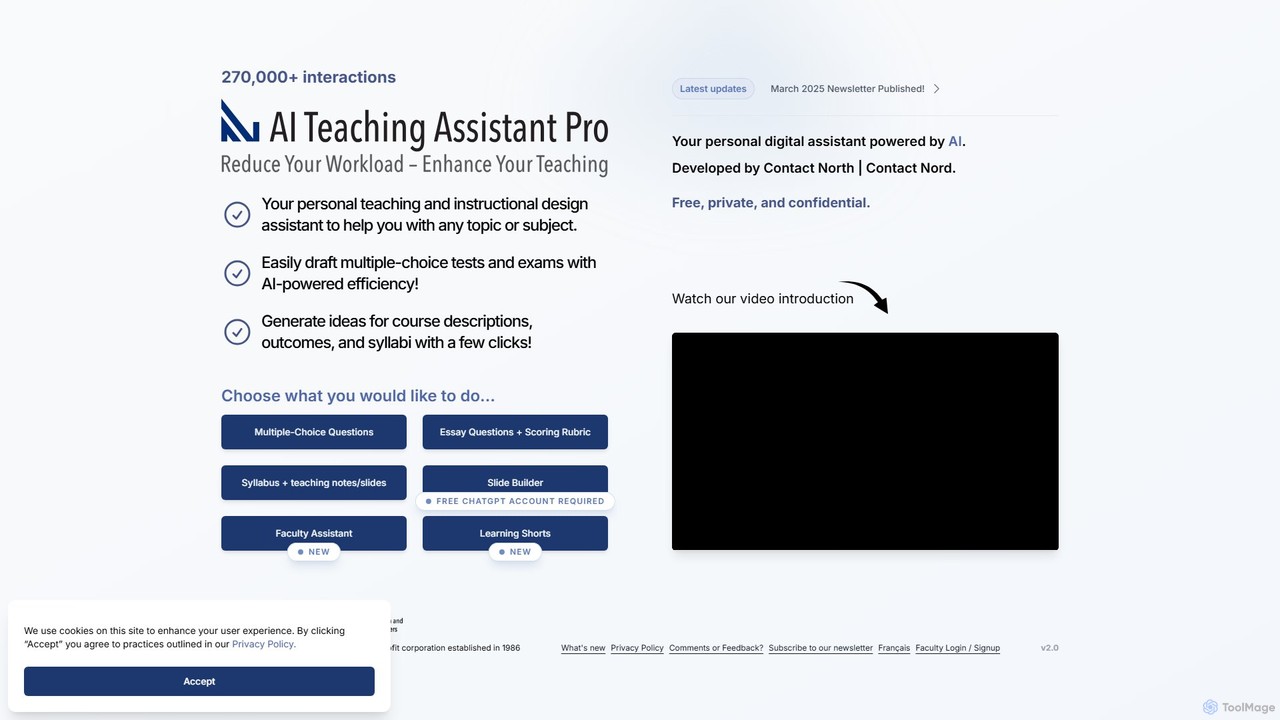
AI Teaching Assistant Pro Overview
AI Teaching Assistant Pro, developed by Contact North | Contact Nord, is a sophisticated personal digital assistant designed specifically for educators, faculty, and instructional designers. Powered by advanced AI models like GPT-4o, this tool streamlines and enhances various aspects of teaching and course development. It serves as a comprehensive suite of tools to reduce workload, foster creativity, and improve the learning experience for students. From generating assessment materials to creating entire course outlines and even producing short educational videos, AI Teaching Assistant Pro is a versatile and confidential partner in modern education.
How to use AI Teaching Assistant Pro
Using the platform is intuitive. Users start by selecting their desired task from the main dashboard, such as creating multiple-choice questions, an essay rubric, or a syllabus.
1. Content Generation: For tasks like generating quizzes or syllabi, you simply input your topic and any specific requirements. The AI then produces a draft. You can review, request revisions, or regenerate the content until it meets your needs.
2. Slide Builder: To create a presentation, you specify the topic and the number of slides. The Slide Builder generates a complete outline, including suggested graphics, which you can download as a PowerPoint file for further customization.
3. Faculty Assistant: This feature allows instructors to create a personalized tutor for their students. You upload your own course materials (lecture notes, readings, etc.). The system then generates a private, secure link for your students to access an AI tutor that answers questions based *only* on the content you provided, ensuring relevance and accuracy.
4. Learning Shorts: To create an AI-generated video, you provide a topic. The tool generates a script which you can edit and approve. Once finalized, it produces a short (2-4 minute) video with an AI avatar narrator. This feature operates on a credit system.
Core Features of AI Teaching Assistant Pro
- Assessment Creation: Instantly generate multiple-choice questions and essay questions complete with detailed scoring rubrics based on your topic or uploaded course materials.
- Syllabus & Course Design: Create comprehensive course syllabi, including course descriptions, learning outcomes, and detailed weekly outlines with teaching notes.
- Slide Builder: Automatically generate professional presentation outlines and download them as ready-to-edit slide decks.
- Faculty Assistant: Upload your own course content to create a private and secure AI tutor for your students, ensuring tutoring is aligned with your specific materials and teaching style.
- Learning Shorts: Produce short, engaging AI-generated videos with lifelike avatars to explain complex concepts, introduce topics, or demonstrate procedures.
- Course Mapping: A powerful tool that analyzes your generated syllabus to ensure all topics and activities align with your stated learning outcomes, providing a coverage rating.
- Syllabot: A creative feature that turns your course syllabus into an interactive AI tutor, helping students master the course content in an engaging way.
- GPT-4o Powered: Utilizes OpenAI's latest model for faster response times and higher-quality, more accurate content generation.
Use Cases for AI Teaching Assistant Pro
AI Teaching Assistant Pro is ideal for a variety of educational scenarios. An instructor can design a new course from scratch in a fraction of the time, generating a syllabus, learning outcomes, and initial lecture slides within an hour. A teacher can upload a specific chapter from a textbook and instantly create a multiple-choice quiz and an essay question with a rubric that directly tests students' understanding of that material. It's also perfect for creating flipped classroom content, such as a 'Learning Short' video to explain a foundational concept for students to watch before class. Furthermore, it provides personalized student support through the 'Faculty Assistant' tutor, which offers 24/7 help based on trusted course content.
Advantages of AI Teaching Assistant Pro
The primary advantage is a massive boost in efficiency, drastically reducing the time spent on administrative and content creation tasks. This allows educators to focus more on teaching and student interaction. The platform prioritizes privacy and confidentiality; the 'Faculty Assistant' feature ensures instructor-uploaded materials are not used for training AI models and can be deleted at any time. It enhances teaching quality by providing high-quality, customizable materials and fosters innovation in learning with features like 'Learning Shorts' and 'Syllabot'. Instructors retain full control over the content, ensuring alignment with their curriculum and teaching philosophy.
Pricing and Plans
AI Teaching Assistant Pro operates on a freemium model. The core features, including the syllabus generator, question creators, and the Faculty Assistant, are available for free. Advanced features, such as the 'Learning Shorts' video generator, operate on a credit-based system to manage the higher costs of video production; users can request free credits to try the feature. The platform also offers licensing partnerships for colleges and universities looking for wider institutional deployment.
Traffic
Latest traffic
Status
Monthly traffic trend
- 2025-9: 2.1K
- 2026-1: 2.1K
- 2026-2: 1.3K
- 2026-3: 1.9K
- 2026-4: 1.7K
- 2026-5: 112
Geography
Top 5 countries / regions
- 🇨🇦Canada100.0%
Top keywords
| Keyword | Cost per click |
|---|---|
| ai assistant | $2.19 |
| ai teacher assistant | $4.12 |
| north ai | $1.40 |
| pro assistant | $0.00 |
| teaching assistant | $1.57 |
AI Teaching Assistant Pro Alternatives
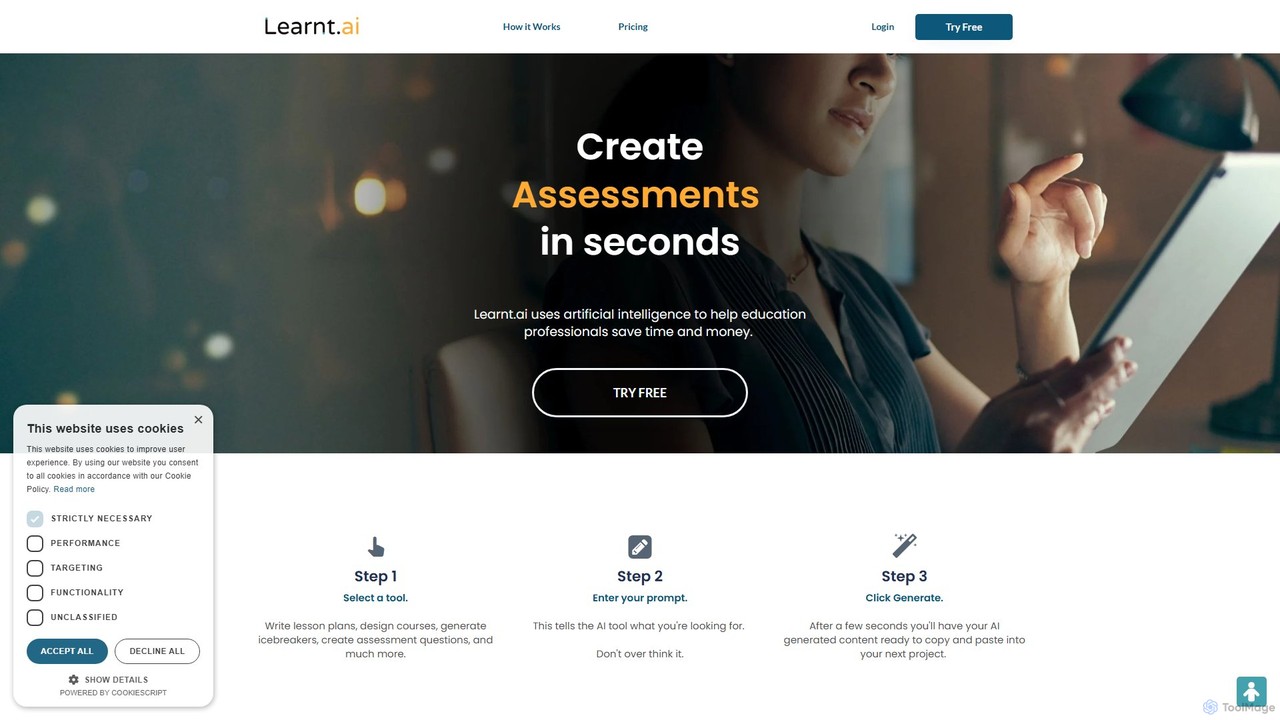
Learnt.ai
Learnt.ai is an AI-powered platform designed for education professionals. It offers over 110 specialized tools and AI sidekicks to automate and enhance the creation of lesson plans, course materials, assessments, and engaging activities, saving educators valuable time and inspiring creativity.
Teaching Assistant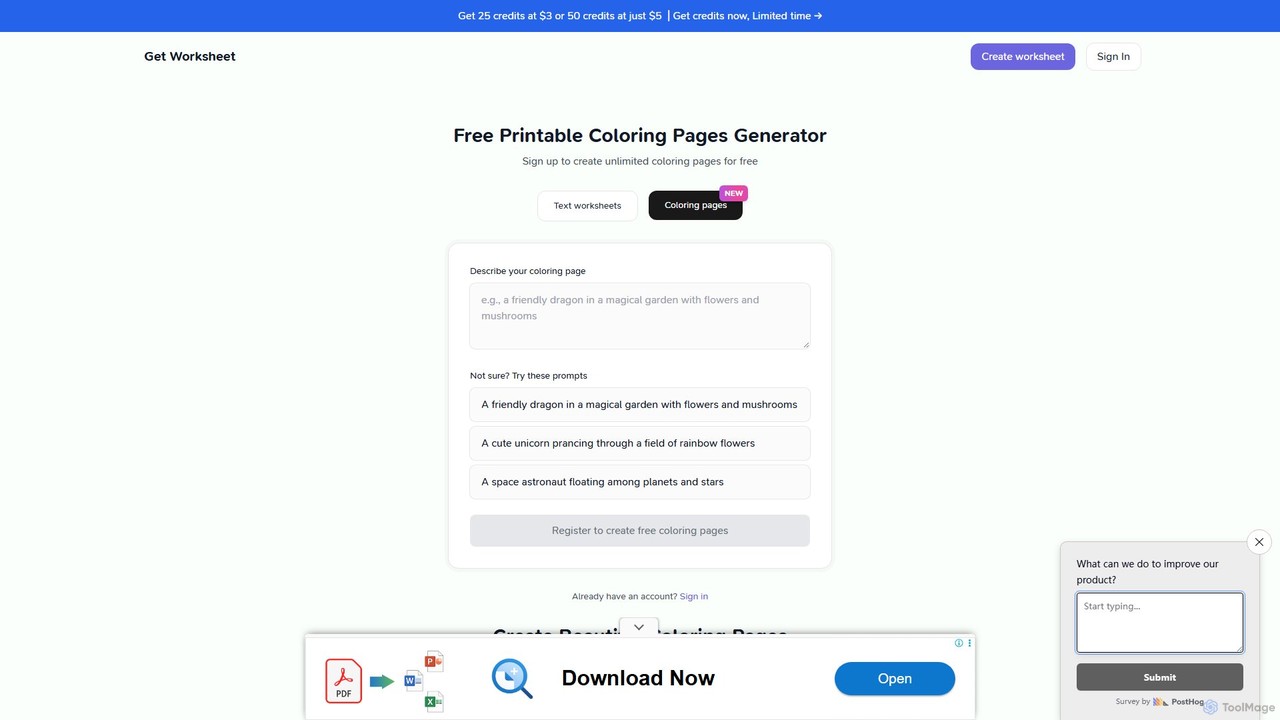
getworksheet
An AI-powered generator for creating custom, printable worksheets and coloring pages. Ideal for teachers, parents, and homeschoolers to produce engaging educational materials in seconds based on simple text descriptions.
Image Generation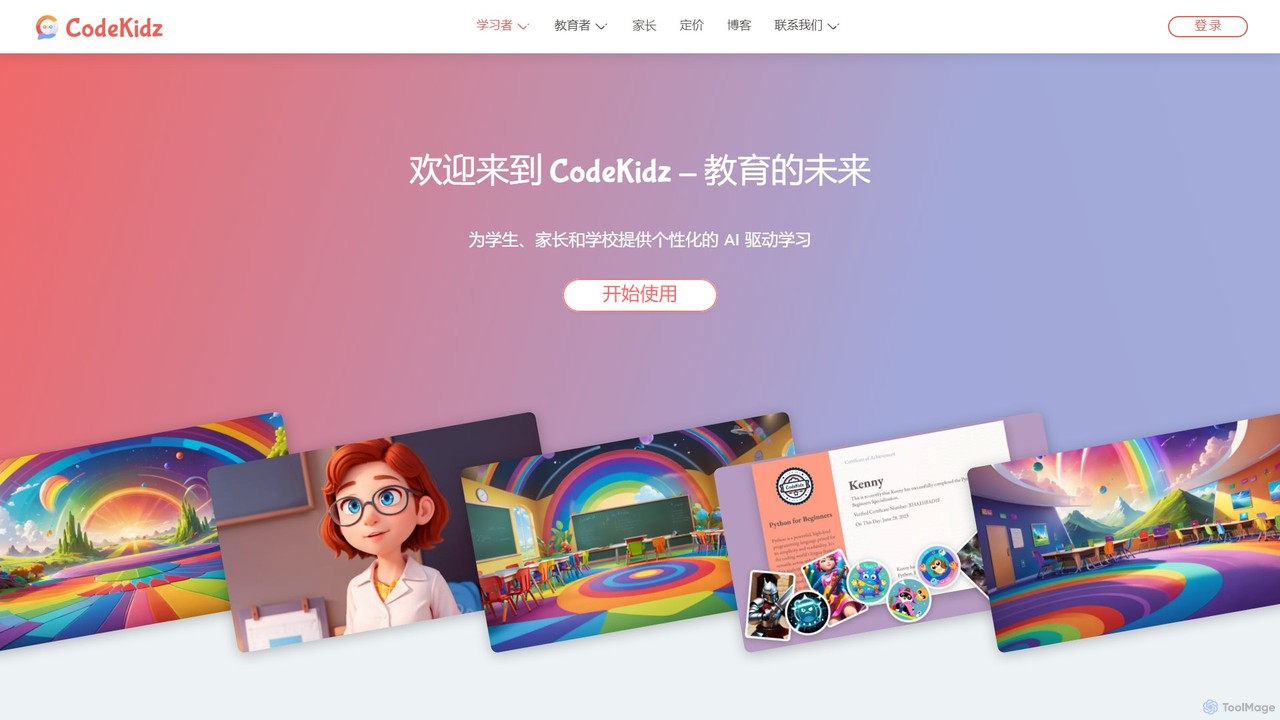
CodeKidz
CodeKidz is an AI-powered personalized learning platform for students, educators, and parents. It offers a wide range of courses from coding to arts, featuring customizable AI tutors, gamified rewards, and powerful tools for educators to create and manage digital lessons.
Virtual Assistant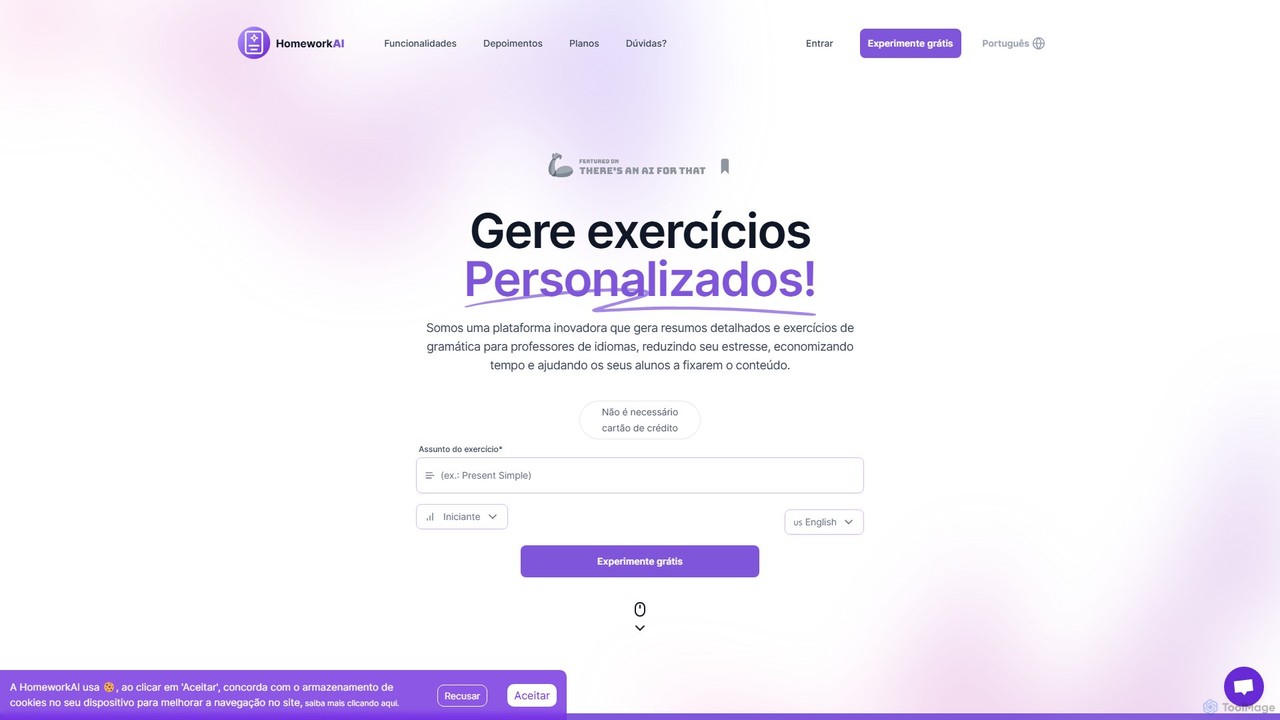
HomeworkAI
HomeworkAI is an AI-powered platform designed for educators, especially language teachers, to instantly generate comprehensive lesson materials. It creates detailed grammar explanations, interactive quizzes, and engaging vocabulary exercises, saving teachers valuable preparation time and enhancing student learning experiences.
Teaching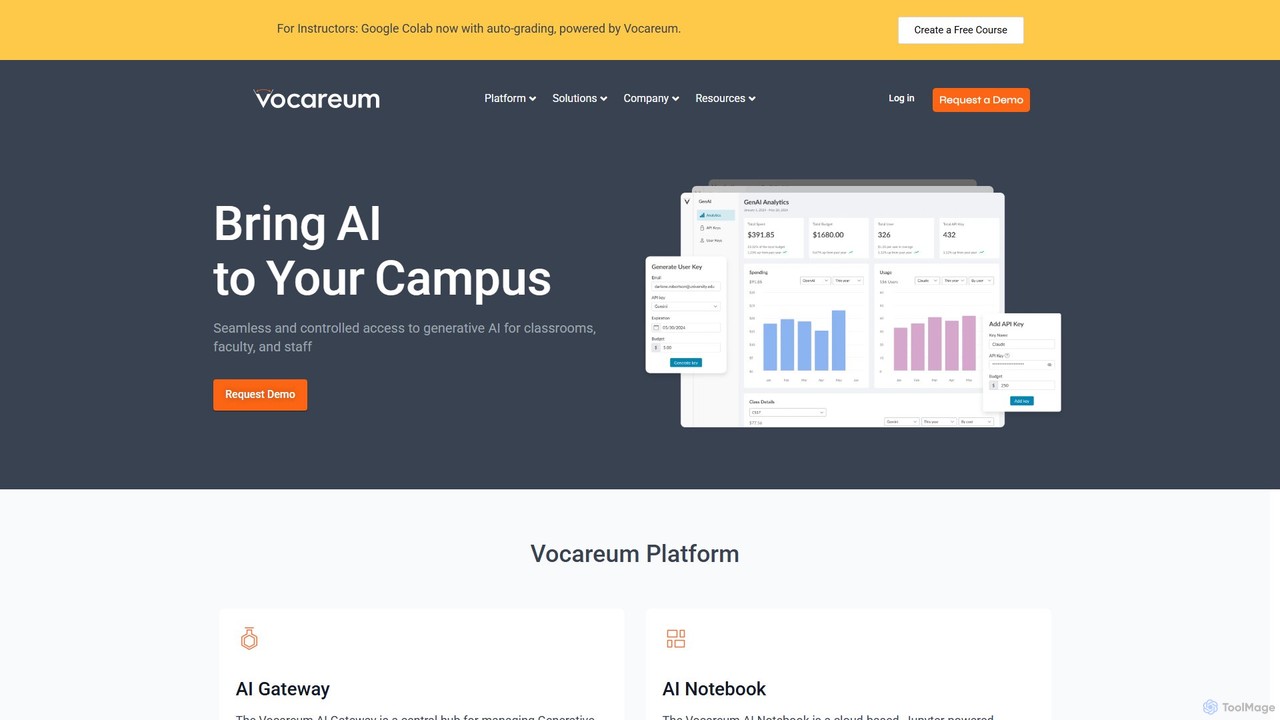
Vocareum
Vocareum is a comprehensive cloud-based learning platform designed for educational institutions. It provides secure, scalable, and budget-controlled access to AI tools, virtual computer labs, and cloud resources like AWS, Azure, and GCP. The platform facilitates hands-on learning in AI, data science, and computer science, integrating seamlessly with existing Learning Management Systems (LMS).
Data ScienceAI Teaching Assistant Pro Categories
AI Teaching Assistant Pro Embed Widget
Copy this embed code to place the badge on your blog, article, or product site and send readers directly to this ToolMage detail page.

Related AI tools
Learnt.ai
Learnt.ai is an AI-powered platform designed for education professionals. It offers over 110 specialized tools and AI sidekicks to automate and enhance the creation of lesson plans, course materials, assessments, and engaging activities, saving educators valuable time and inspiring creativity.
Teaching Assistant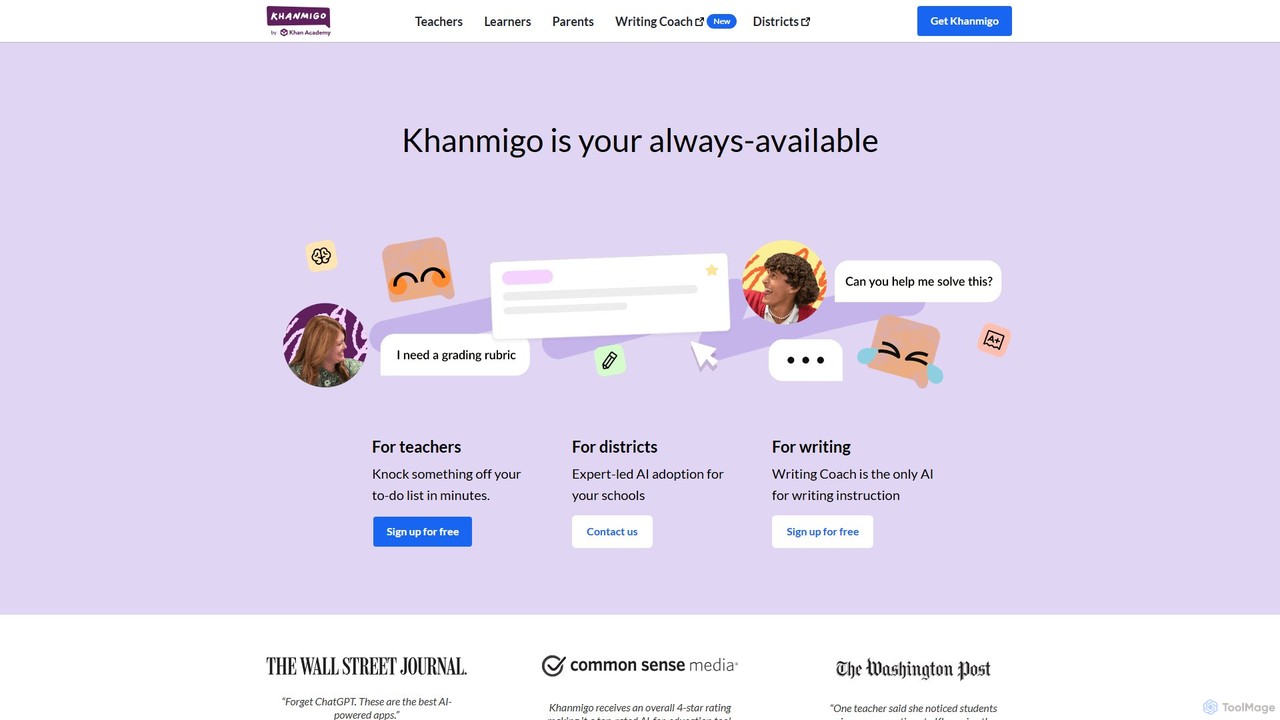
Khanmigo
Khanmigo is an AI-powered tutor and teaching assistant from Khan Academy. It provides personalized, Socratic-style guidance for learners across various subjects, encouraging critical thinking instead of giving direct answers. For teachers, it streamlines tasks like lesson planning and rubric creation, freeing up time for instruction.
Tutoring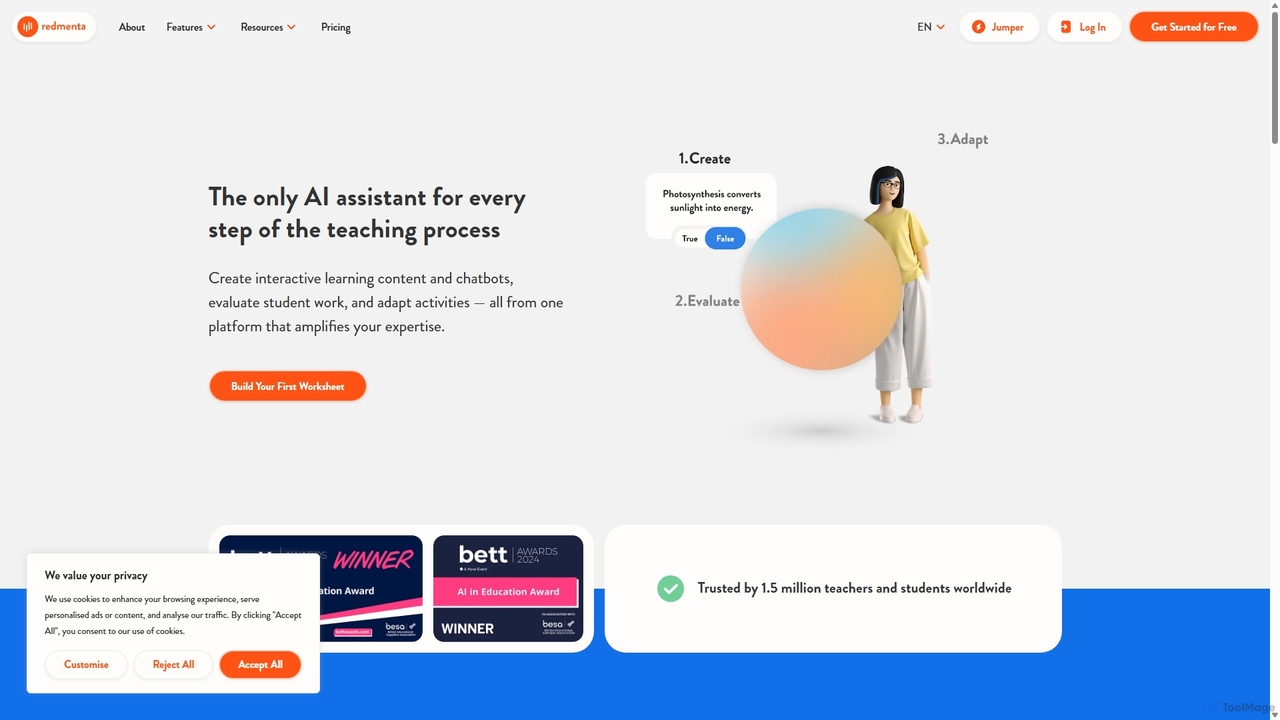
Redmenta
Redmenta is an AI-powered teaching assistant designed for educators and schools to streamline lesson planning, content creation, and student assessment. It helps teachers generate customized lesson plans, adaptive worksheets, and quizzes in seconds. With features like an AI essay grader and rubric creator, Redmenta saves valuable time, enables personalized learning, and provides insightful performance analytics to support every student's unique educational journey.
Teaching Assistant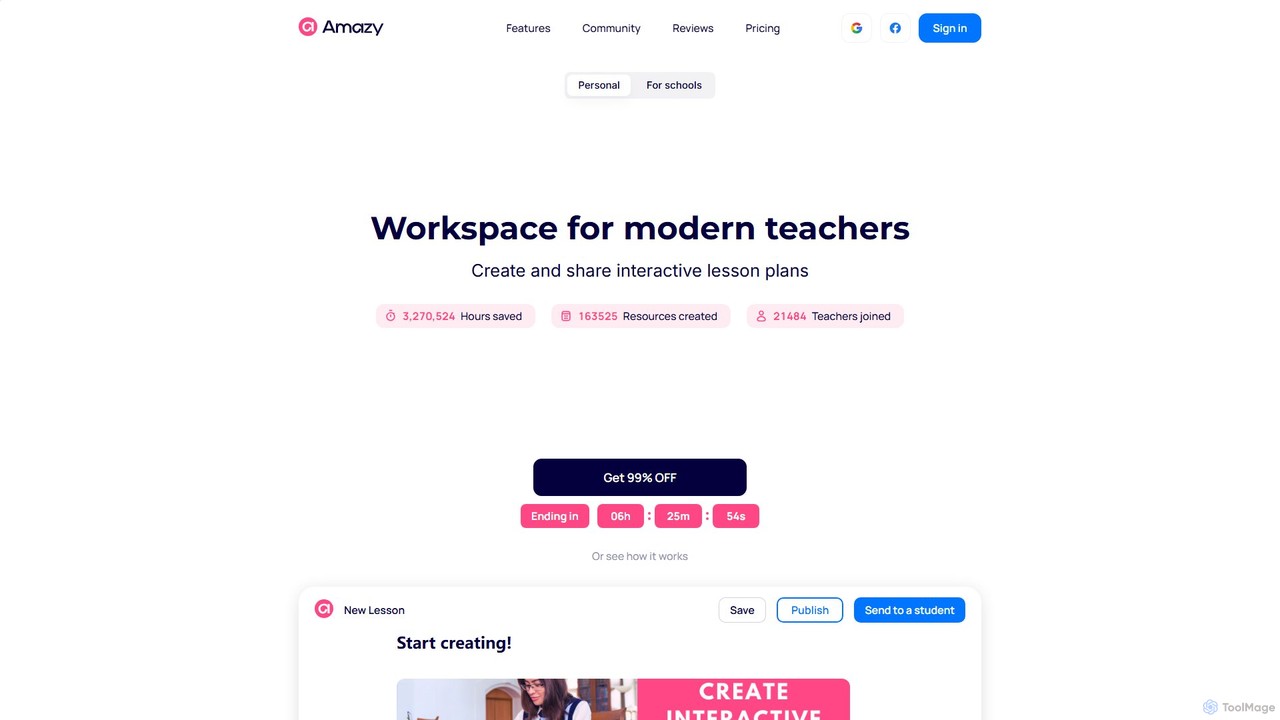
amazy
amazy is an AI-powered workspace for modern educators to create and share interactive lesson plans. It streamlines course creation, automates grading, tracks student progress, and provides access to a vast community library of ready-to-use materials, saving teachers valuable time while enhancing student engagement.
Course Creation
coschool
coschool is an AI-powered co-pilot for educators, designed to streamline workflows and reduce administrative burdens. It helps teachers generate high-quality lesson plans, quizzes, worksheets, report card comments, and other educational materials in minutes, freeing up valuable time to focus on teaching and student engagement.
Assessment Generation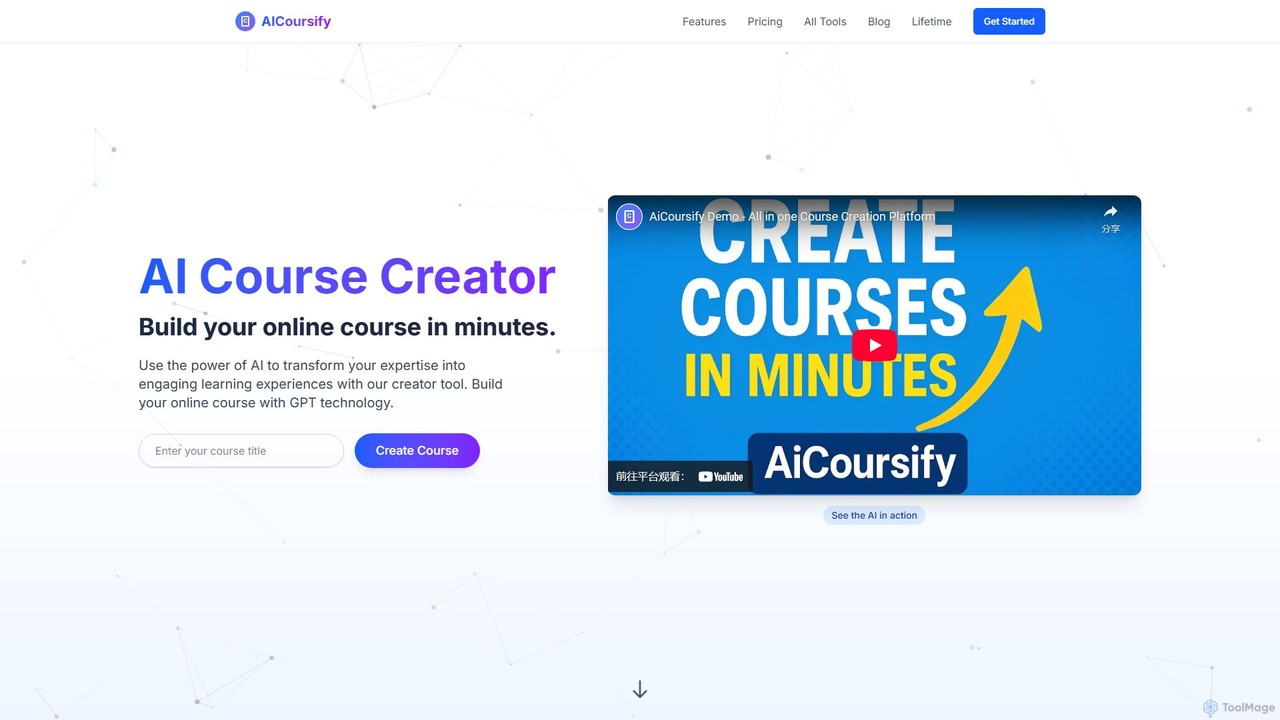
AiCoursify
AiCoursify is an AI-powered platform designed for educators and content creators to build comprehensive online courses in minutes. It leverages GPT technology to generate structured course outlines, engaging lessons, quizzes, and assignments. With unique features like AI voiceovers, voice cloning, and automatic PowerPoint creation, it streamlines the entire course development process, transforming expertise into high-quality, multi-format learning experiences.
Voice Synthesis
TeachCatalystAI
TeachCatalystAI is a comprehensive AI-powered teaching assistant designed to help educators save time, reduce burnout, and create engaging learning materials. With over 40 specialized tools for lesson planning, content creation, classroom management, and communication, it streamlines administrative tasks, allowing teachers to focus on what they do best: teaching. It's an all-in-one platform created by teachers, for teachers.
Teaching Assistant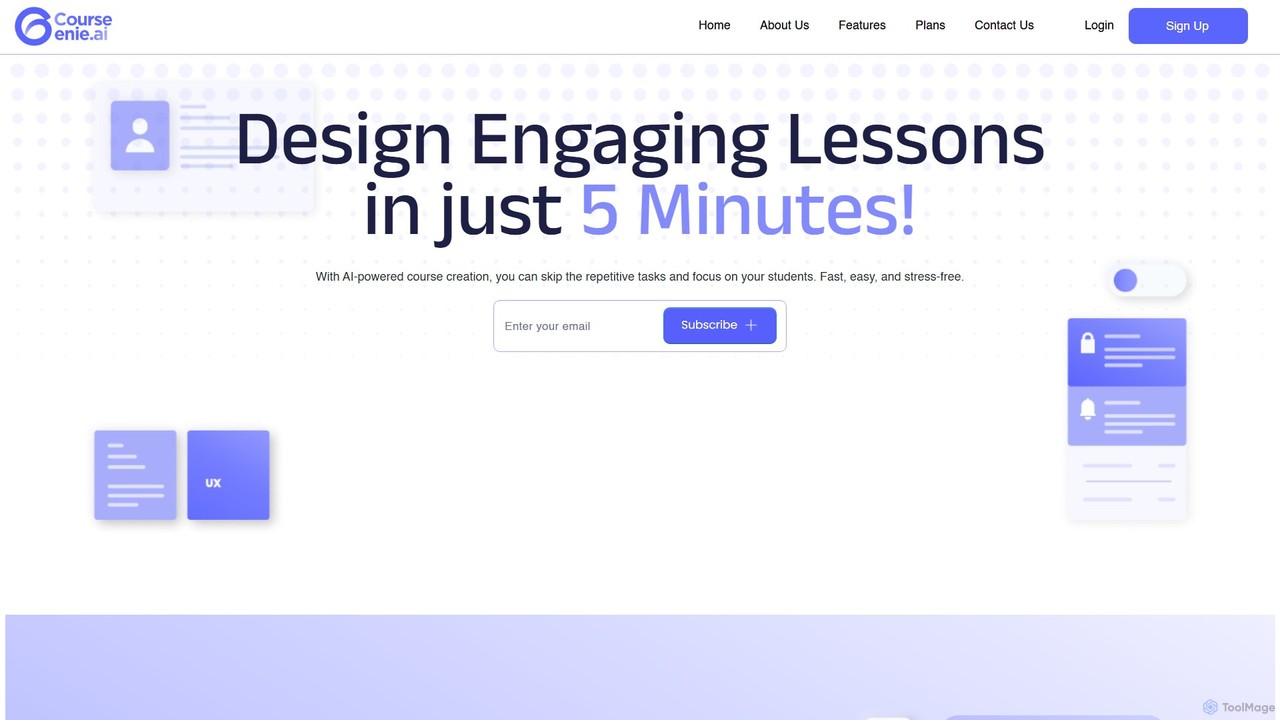
CourseGenie
CourseGenie is an AI-powered platform designed for educators to streamline course creation. It enables the rapid generation of engaging lesson plans, quizzes, activities, and entire course outlines in minutes. By automating repetitive tasks, it saves teachers over 10 hours per week, allowing them to focus more on student interaction and inspiration. The platform also features one-click translation to make content accessible to a global audience.
Lesson Planning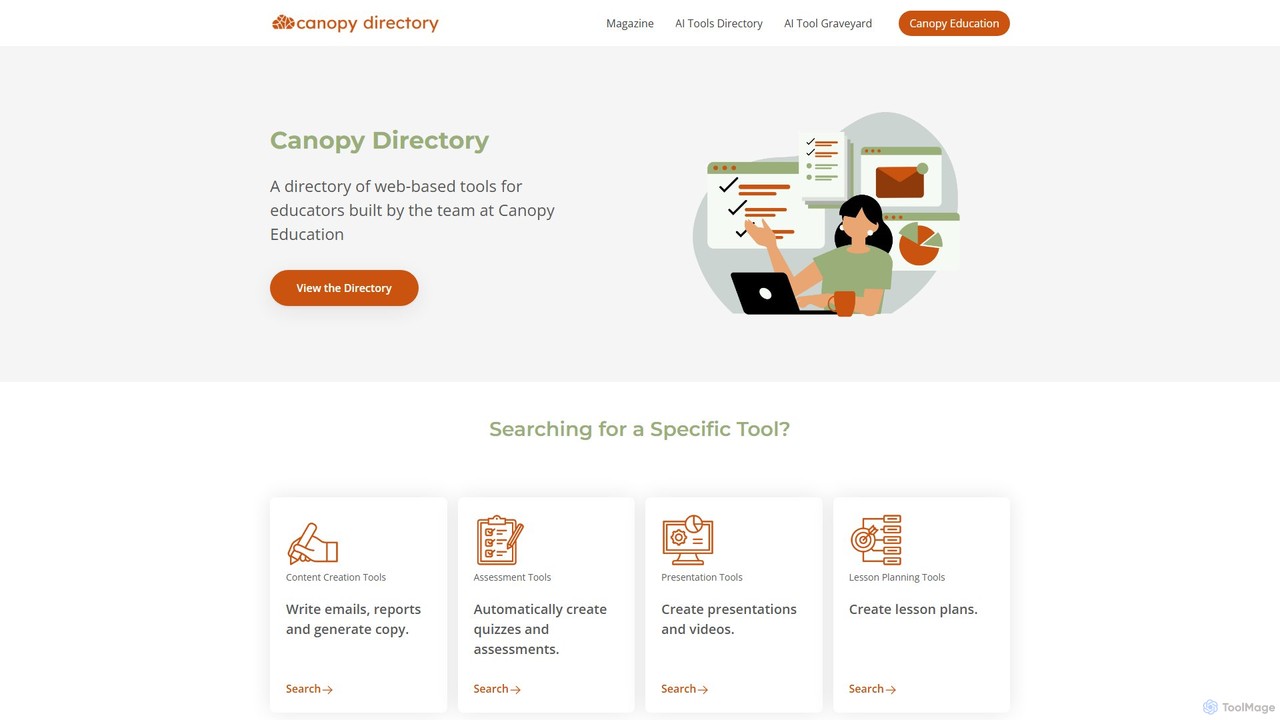
Canopy Directory
Canopy Directory is a specialized, curated AI toolbox for educators. It provides a comprehensive directory of web-based AI tools, categorized for easy discovery, to help teachers find the best applications for lesson planning, content creation, assessment, and more, saving time and enhancing classroom instruction.
Tool Discovery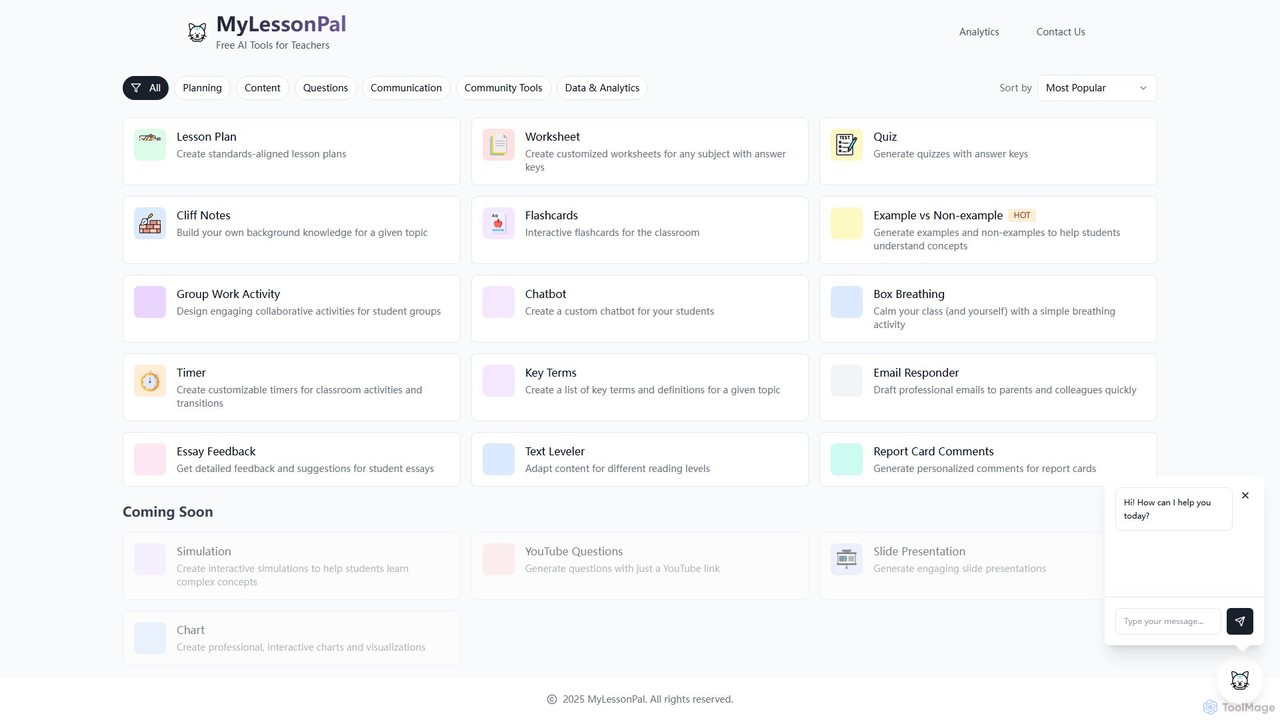
MyLessonPal
MyLessonPal is an AI-powered assistant for educators, designed to streamline lesson planning, content creation, and administrative tasks. It helps teachers save hours of work by generating lesson plans, worksheets, quizzes, report card comments, and more, allowing them to focus on teaching.
Lesson Planning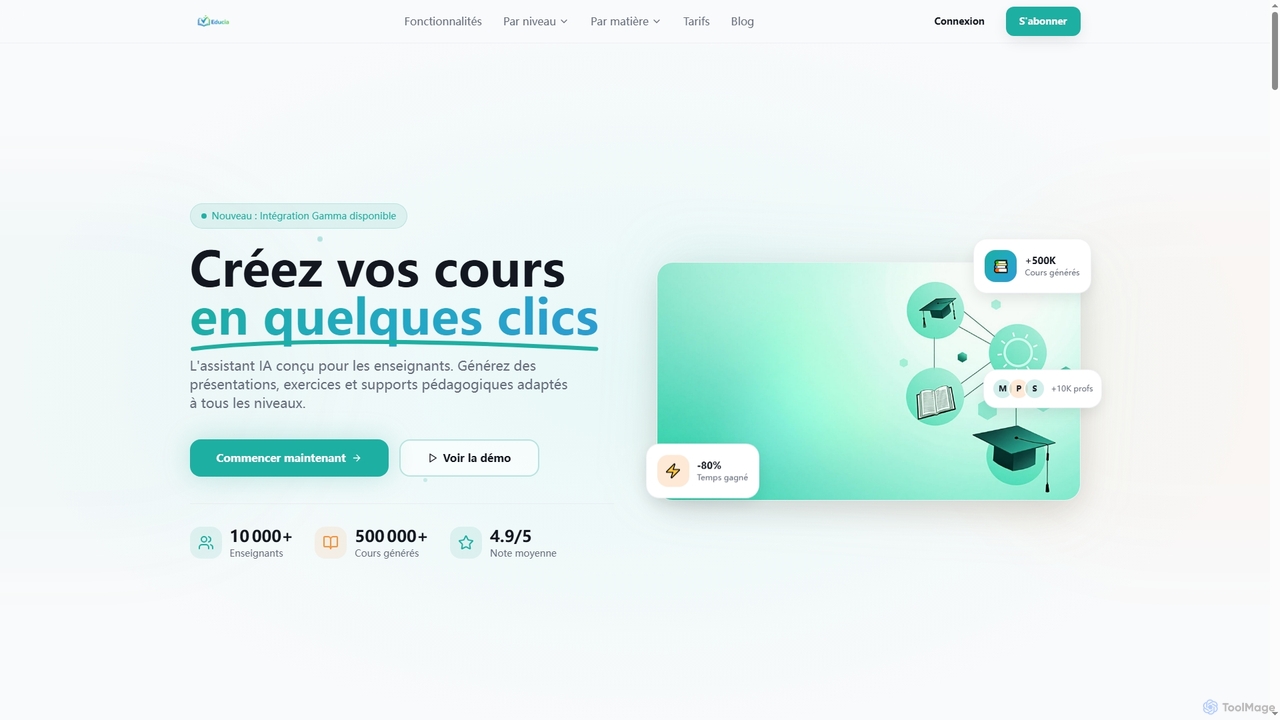
EducIA
EducIA is an AI-powered assistant designed specifically for teachers, enabling them to create engaging lessons, presentations, exercises, and quizzes in minutes. It significantly reduces preparation time by up to 80%, adapting content to all educational levels from kindergarten to higher education, and integrating seamlessly with Gamma for professional presentations.
Assessment
Teachify.online
Teachify.online is an AI-powered platform designed for educators to streamline content creation. It instantly generates high-quality lesson plans, quizzes, worksheets, and course outlines, saving teachers valuable time and effort. Ideal for K-12 teachers, university professors, and online course creators looking to enhance their teaching materials and engage students more effectively.
Lesson Planninggetworksheet
An AI-powered generator for creating custom, printable worksheets and coloring pages. Ideal for teachers, parents, and homeschoolers to produce engaging educational materials in seconds based on simple text descriptions.
Image GenerationCodeKidz
CodeKidz is an AI-powered personalized learning platform for students, educators, and parents. It offers a wide range of courses from coding to arts, featuring customizable AI tutors, gamified rewards, and powerful tools for educators to create and manage digital lessons.
Virtual AssistantHomeworkAI
HomeworkAI is an AI-powered platform designed for educators, especially language teachers, to instantly generate comprehensive lesson materials. It creates detailed grammar explanations, interactive quizzes, and engaging vocabulary exercises, saving teachers valuable preparation time and enhancing student learning experiences.
Teaching
AI Teaching Assistant Pro Comments (0)
Sign in to comment.
Sign inNo comments yet.