
Canopy Directory Overview
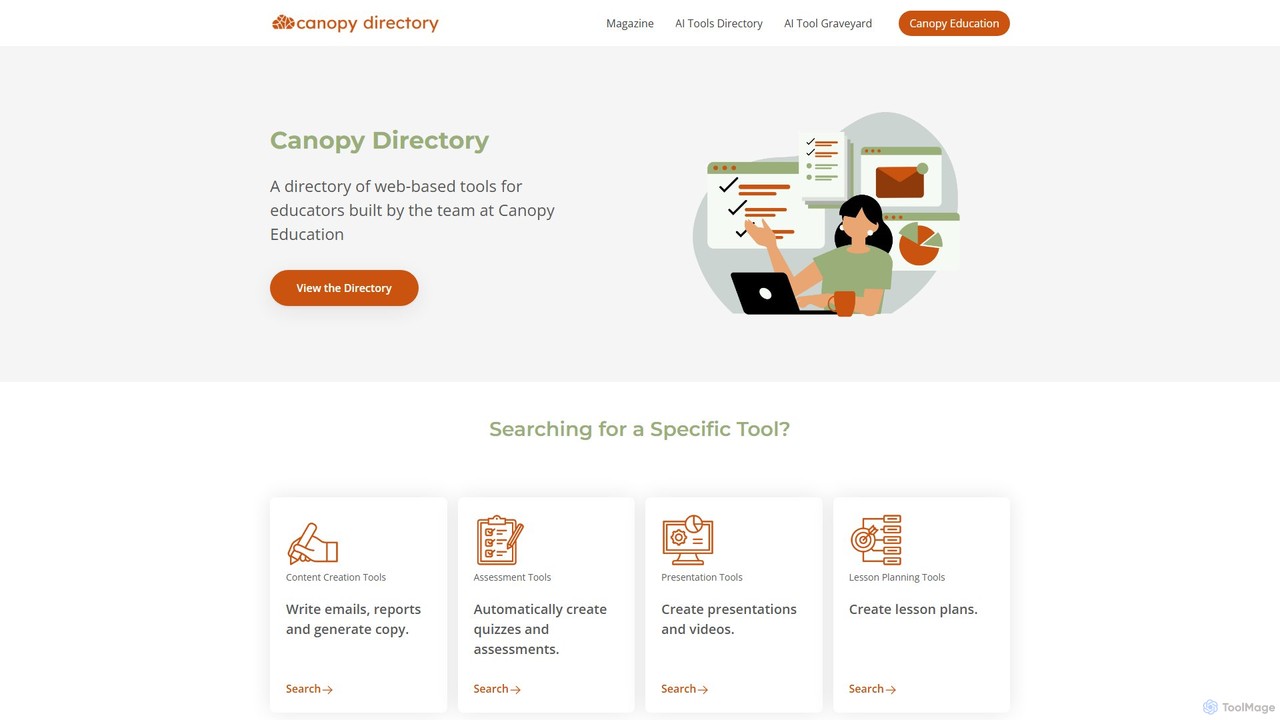
Canopy Directory stands as The Educator's AI Toolbox, a dedicated and meticulously curated platform designed to empower teachers, school leaders, and educators in the digital age. Developed by the team at Canopy Education, this directory serves as a central hub for discovering, evaluating, and implementing the most effective web-based AI tools for the classroom. In a rapidly expanding landscape of educational technology, Canopy Directory simplifies the process of finding the right tool for the right task, ensuring that educators can focus on what matters most: teaching and student engagement.
The platform is intuitively organized, allowing users to browse tools by specific educational functions. Whether you need to generate engaging lesson plans, create automated quizzes, design stunning presentations, or write detailed student reports, Canopy Directory has a dedicated category to streamline your search. It's more than just a list; it's a community-driven ecosystem where the most popular and effective tools rise to the top through user ratings and clicks, featured prominently in the 'Trending Tools' section.
How to use Canopy Directory
Using Canopy Directory is a straightforward and intuitive process designed for busy educators:
- Explore Categories: Begin by browsing the main categories on the homepage, such as 'Content Creation Tools', 'Assessment Tools', 'Presentation Tools', and 'Lesson Planning Tools'.
- Discover Tools: Click on a category to see a list of relevant AI tools. Each tool is presented with a concise description of its function and key features.
- View Trending & New Tools: Check the 'Trending Tools' section to see what's popular among your peers or visit the 'Newest Tools' section to stay updated on the latest innovations in EdTech.
- Upvote and Engage: If you find a tool particularly useful, you can upvote it. This community feedback helps determine the trending tools and assists other educators in their selection process.
- Suggest a Tool: If you know of a great AI tool for education that isn't listed, you can use the 'Suggest a Tool' feature to contribute to the directory's growth and comprehensiveness.
- Check Privacy: Before adopting a new tool, use the provided links to review its Privacy Policy to ensure it complies with your school's and district's guidelines.
Core Features of Canopy Directory
- Curated Database for Educators: A handpicked selection of AI tools specifically vetted for their relevance and utility in educational settings.
- Intuitive Categorization: Tools are logically sorted into functional categories like Assessment, Lesson Planning, Content Creation, and Presentations.
- Community-Driven Rankings: A 'Trending' section highlights the most popular tools based on user upvotes and interaction, providing social proof of their effectiveness.
- Constant Updates: A 'Newest Tools' section ensures educators are always aware of the latest applications entering the market.
- Tool Graveyard: A unique section that archives discontinued educational AI tools, offering insight into the evolving EdTech landscape.
- Privacy-Conscious: Provides direct links to the privacy policies of each tool, promoting responsible and safe technology adoption in schools.
- Free and Accessible: The directory is a completely free resource for all educators, with no subscription required to browse and discover tools.
Use Cases for Canopy Directory
Canopy Directory is valuable for a wide range of educational scenarios:
- Lesson Planning: A history teacher can find tools like MagicSchool.ai or Almanack to generate comprehensive lesson plans, activities, and differentiated resources for a unit on ancient civilizations.
- Student Assessment: A science teacher can explore the 'Assessment' category to discover tools like Conker or QuestionWell to create standards-aligned quizzes and export them to Google Forms.
- Content Creation: An English teacher can find tools like Diffit to adapt a complex article to various reading levels or use Canva to create visually appealing infographics for a literature lesson.
- Report Writing: School staff can use the directory to find AI assistants like Teachers Report or SchoolAI to streamline the process of writing personalized and detailed student reports, saving hours of administrative work.
Advantages of Canopy Directory
The primary advantage of Canopy Directory is its ability to save educators valuable time and reduce the overwhelming feeling of navigating the AI tool market. By offering a focused, relevant, and well-organized list, it eliminates hours of independent research. Its community-driven nature helps surface high-quality, trusted tools, while its emphasis on privacy encourages safe and ethical implementation in the classroom. It acts as a professional learning network, allowing educators to learn from the collective wisdom of their peers.
Pricing and Plans
Access to the Canopy Directory platform is completely free for all users. It is a public resource created to support the education community. While the directory itself is free, the tools listed within it have their own individual pricing models, which may include free, freemium, free trial, or paid subscription plans. Users should visit the respective tool's website for specific pricing information.
Canopy Directory Alternatives

edtools.io
edtools.io is a comprehensive directory and discovery platform for AI tools specifically curated for the education sector. It helps teachers, students, and researchers find, compare, and review the best AI-powered solutions to enhance teaching, learning, and academic productivity.
Assistant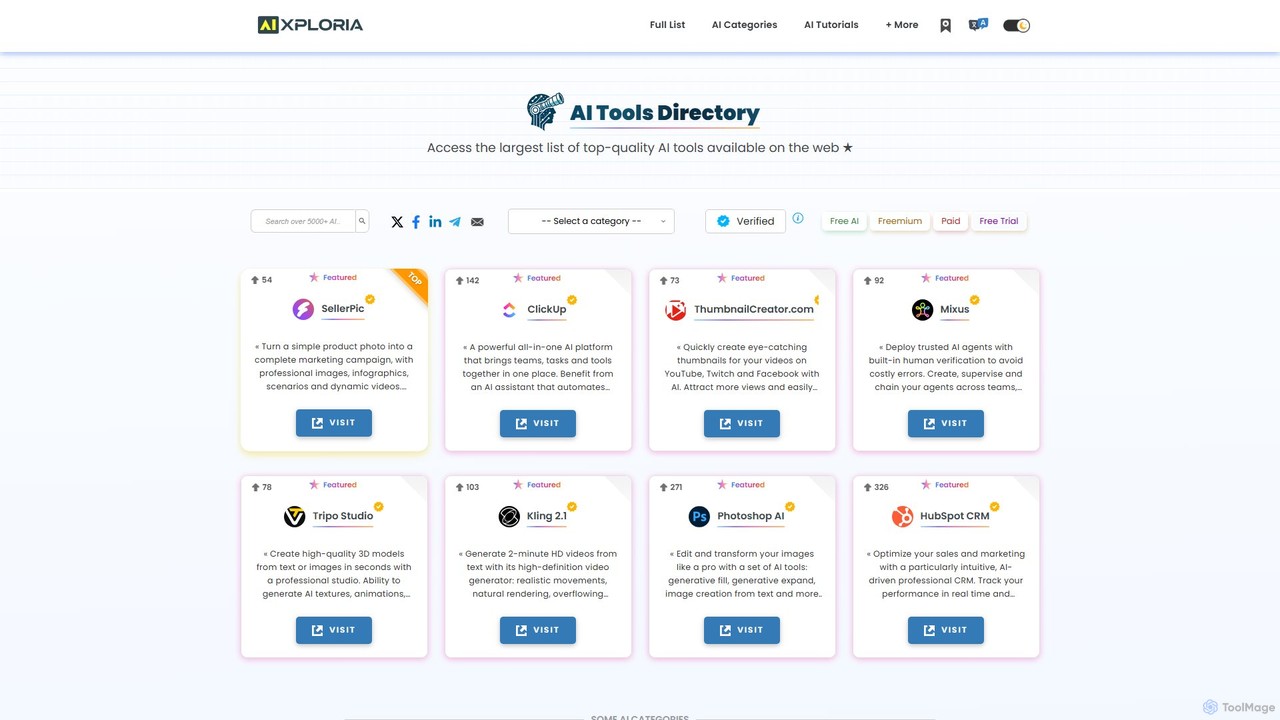
aixploria
aixploria is a comprehensive and daily-updated AI tools directory. It features a massive, curated list of AI applications, categorized for easy discovery. Users can search, filter by price, and explore top-rated tools, AI news, tutorials, and job listings, all on a free, user-friendly platform.
Learning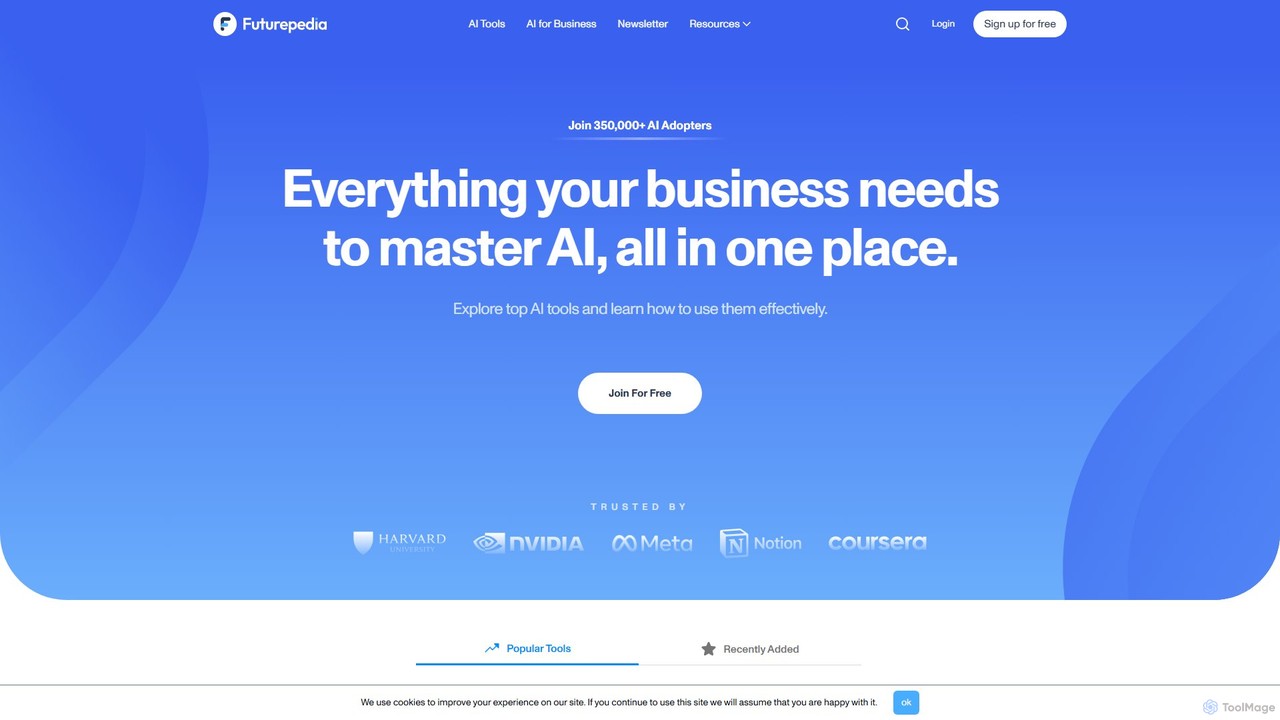
Futurepedia.io
A comprehensive directory and resource hub for discovering, learning about, and implementing the latest AI tools. Futurepedia offers a curated database of thousands of AI applications, detailed tutorials, expert insights, and a weekly newsletter to help professionals and businesses master AI and boost productivity.
Learning Platform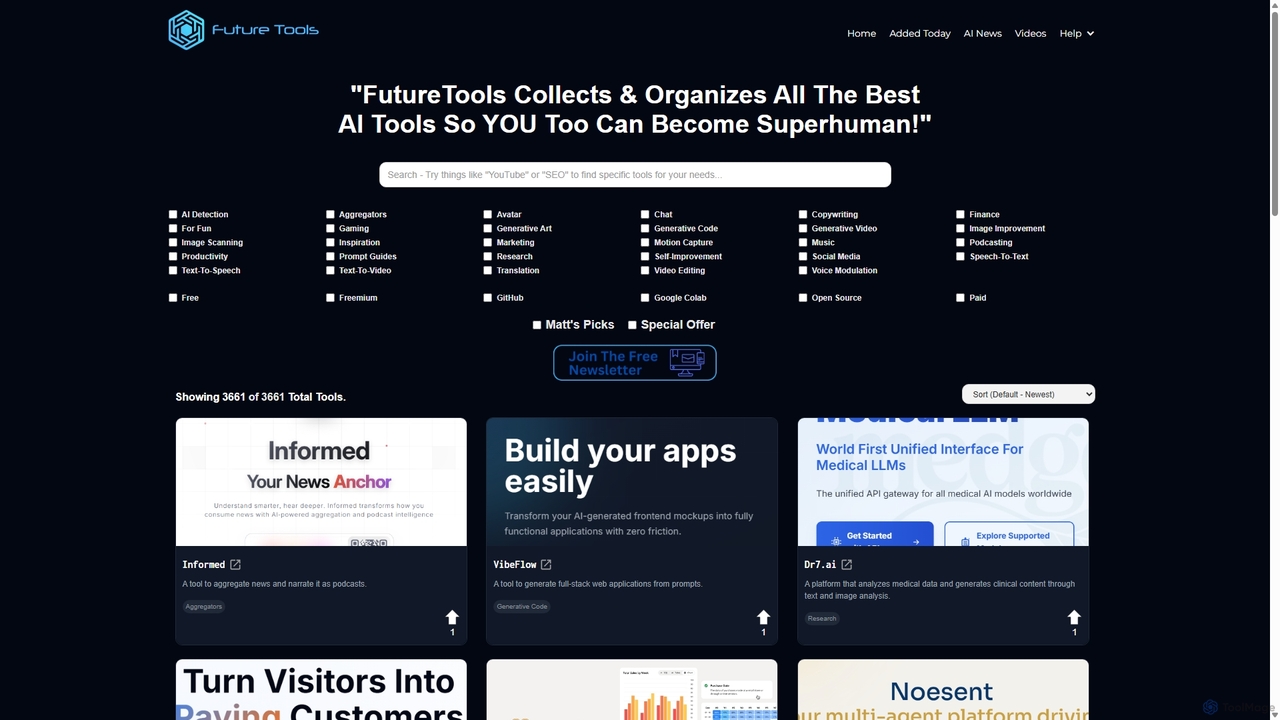
FutureTools
FutureTools is the largest and most comprehensive curated directory of AI tools. Founded by Matt Wolfe, it collects and organizes the best AI applications, helping users find the perfect solution for any need. It features thousands of tools, daily updates, community ratings, and expert picks.
Artificial Intelligence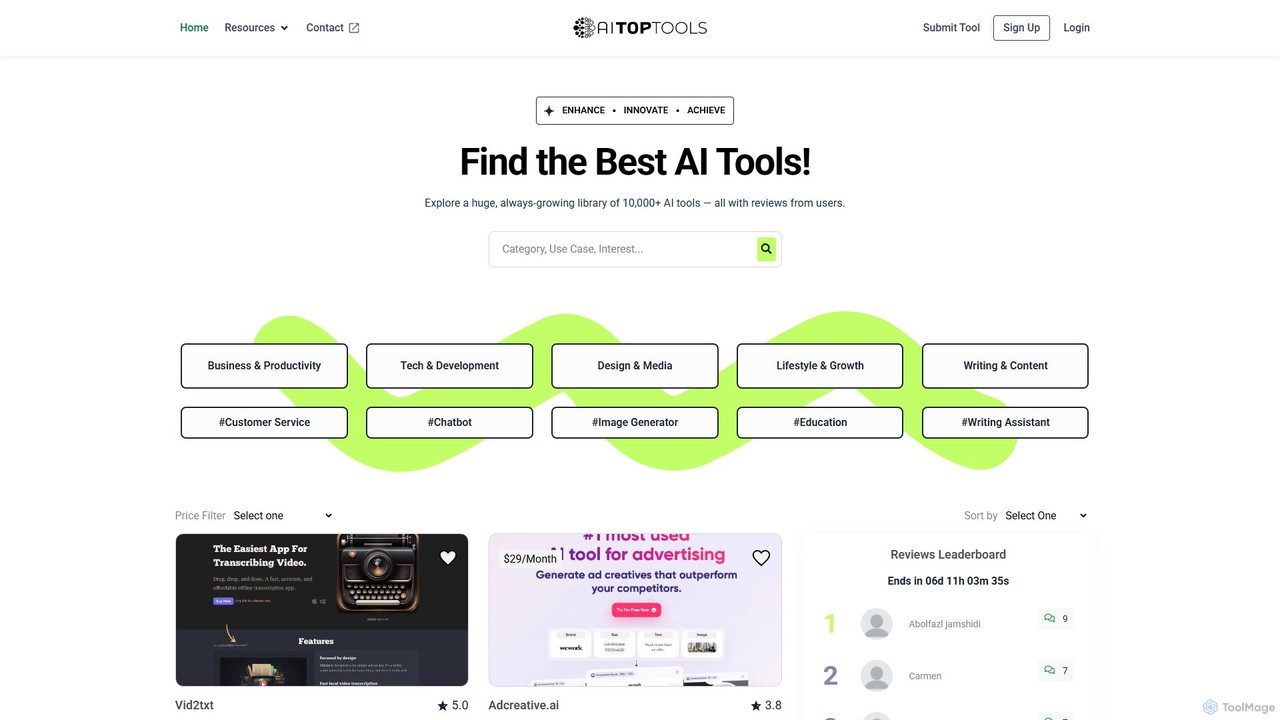
AITopTools
AITopTools is a comprehensive and daily-updated directory featuring over 10,000 AI tools. It serves as a central hub for users to discover, compare, and review the latest AI applications across various categories, helping individuals and businesses find the perfect solutions to enhance productivity, innovation, and growth.
Market ResearchCanopy Directory Categories
Canopy Directory Embed Widget
Copy this embed code to place the badge on your blog, article, or product site and send readers directly to this ToolMage detail page.

Related AI tools
edtools.io
edtools.io is a comprehensive directory and discovery platform for AI tools specifically curated for the education sector. It helps teachers, students, and researchers find, compare, and review the best AI-powered solutions to enhance teaching, learning, and academic productivity.
Assistant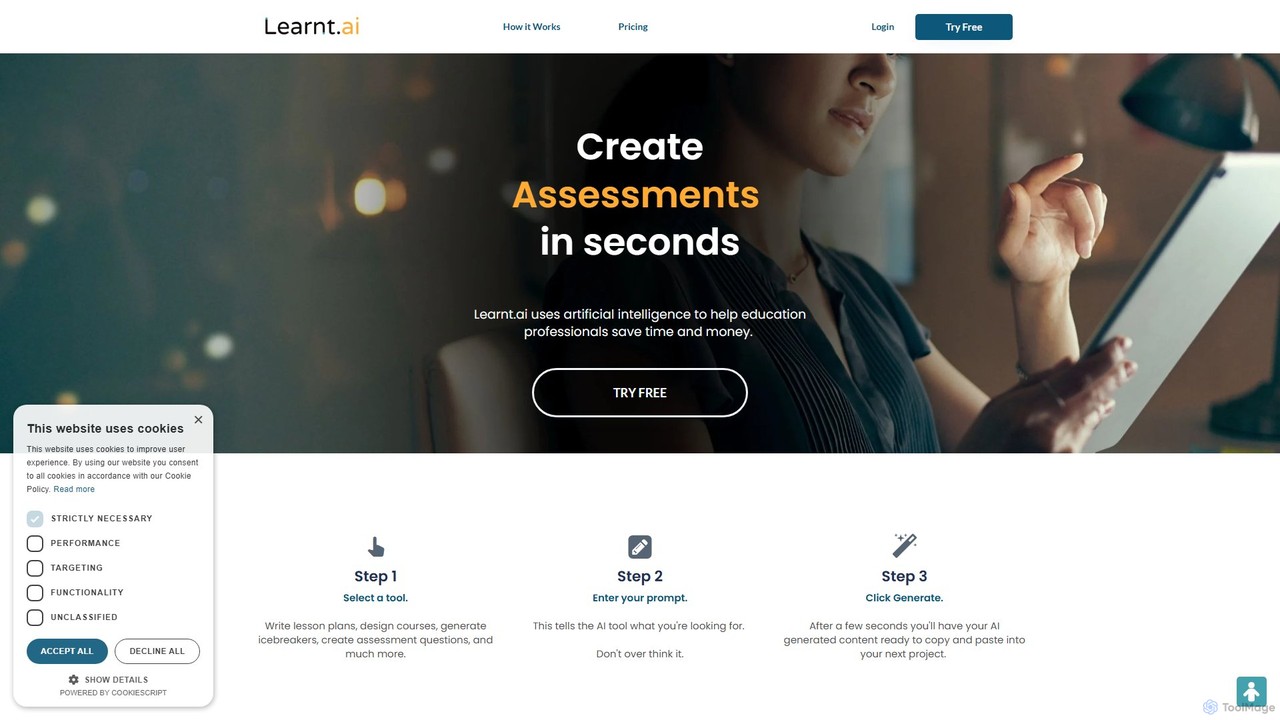
Learnt.ai
Learnt.ai is an AI-powered platform designed for education professionals. It offers over 110 specialized tools and AI sidekicks to automate and enhance the creation of lesson plans, course materials, assessments, and engaging activities, saving educators valuable time and inspiring creativity.
Teaching Assistant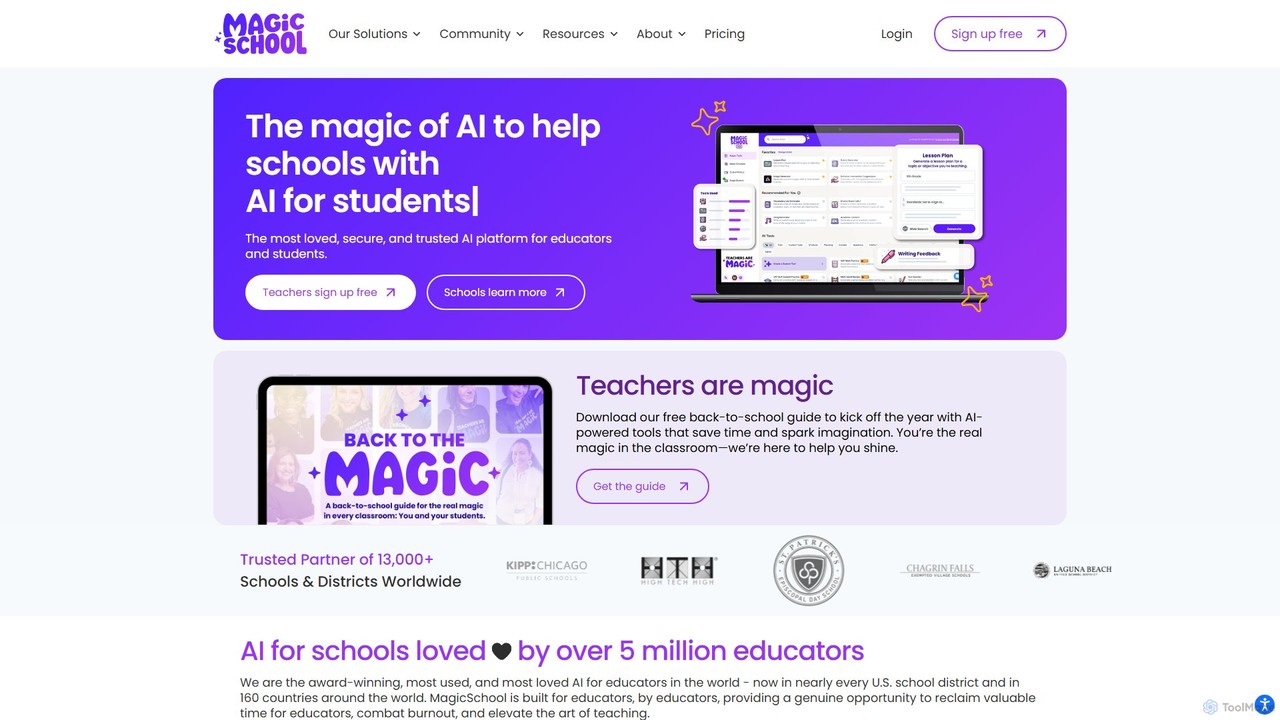
MagicSchool
MagicSchool is an AI platform designed for educators, offering over 80 tools to streamline tasks like lesson planning, assessment creation, IEP development, and communication. It aims to reduce teacher workload, combat burnout, and enhance student learning outcomes by providing a secure, integrated, and responsible AI assistant for the classroom.
Lesson Planning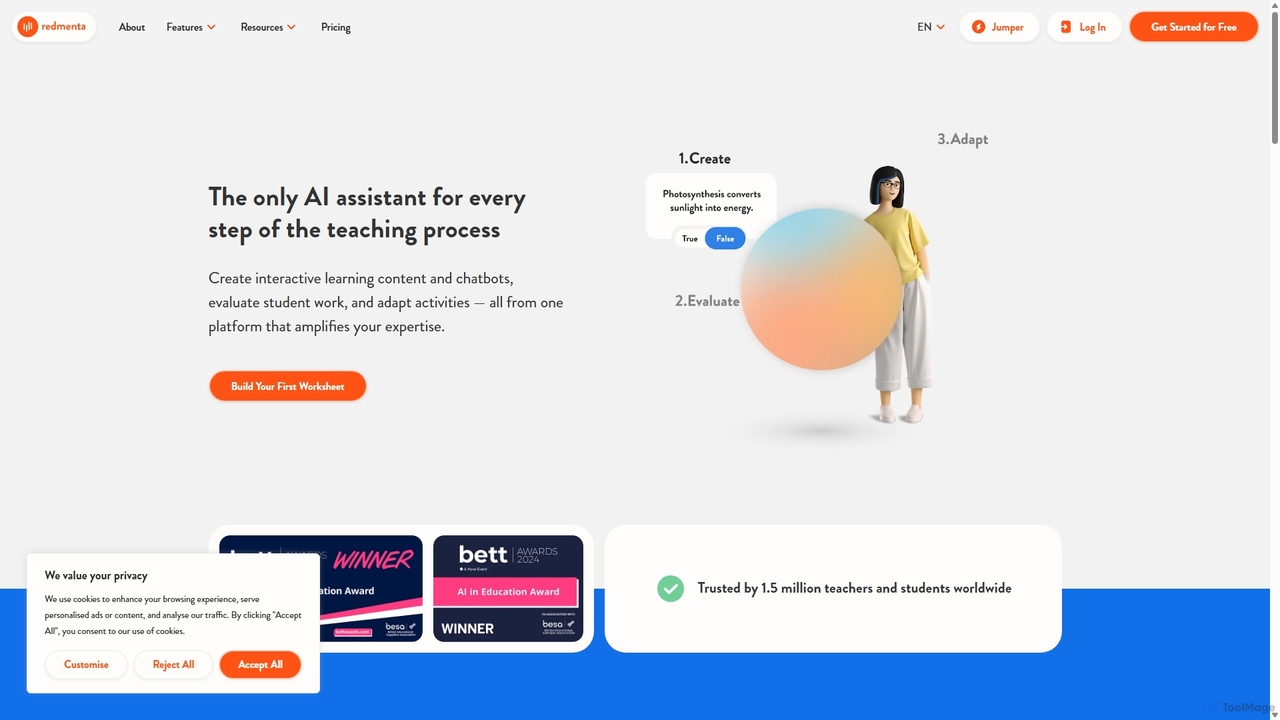
Redmenta
Redmenta is an AI-powered teaching assistant designed for educators and schools to streamline lesson planning, content creation, and student assessment. It helps teachers generate customized lesson plans, adaptive worksheets, and quizzes in seconds. With features like an AI essay grader and rubric creator, Redmenta saves valuable time, enables personalized learning, and provides insightful performance analytics to support every student's unique educational journey.
Teaching Assistant
Quizbot
Quizbot is a powerful AI-driven platform designed for educators, students, and professionals. It automatically generates a wide variety of questions and learning materials, such as quizzes, flashcards, and lesson plans, from any text, link, video, or document. It supports advanced educational frameworks like Bloom's Taxonomy to create differentiated assessments, saving hours of preparation time.
Assessment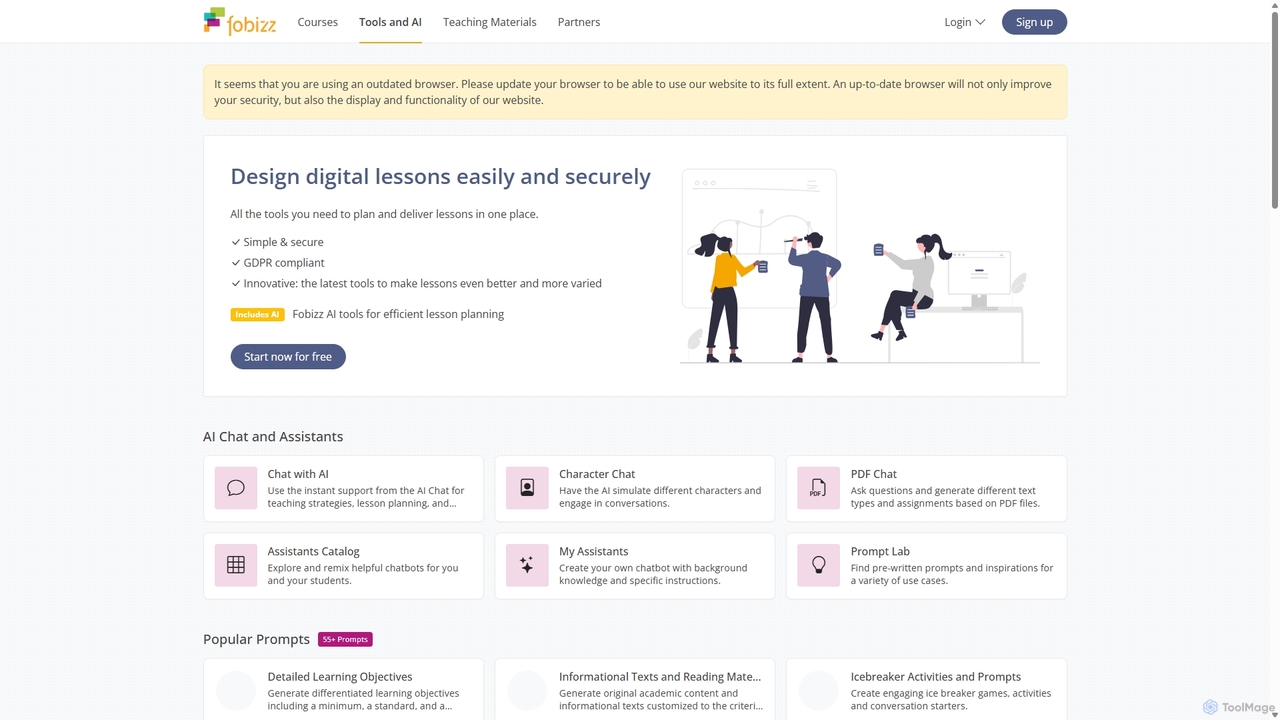
fobizz
fobizz is an all-in-one digital platform for educators, offering a comprehensive suite of AI-powered tools, professional development courses, and ready-to-use teaching materials. It's designed to simplify lesson planning, create engaging content, and foster a secure, innovative learning environment compliant with GDPR.
Text To Speech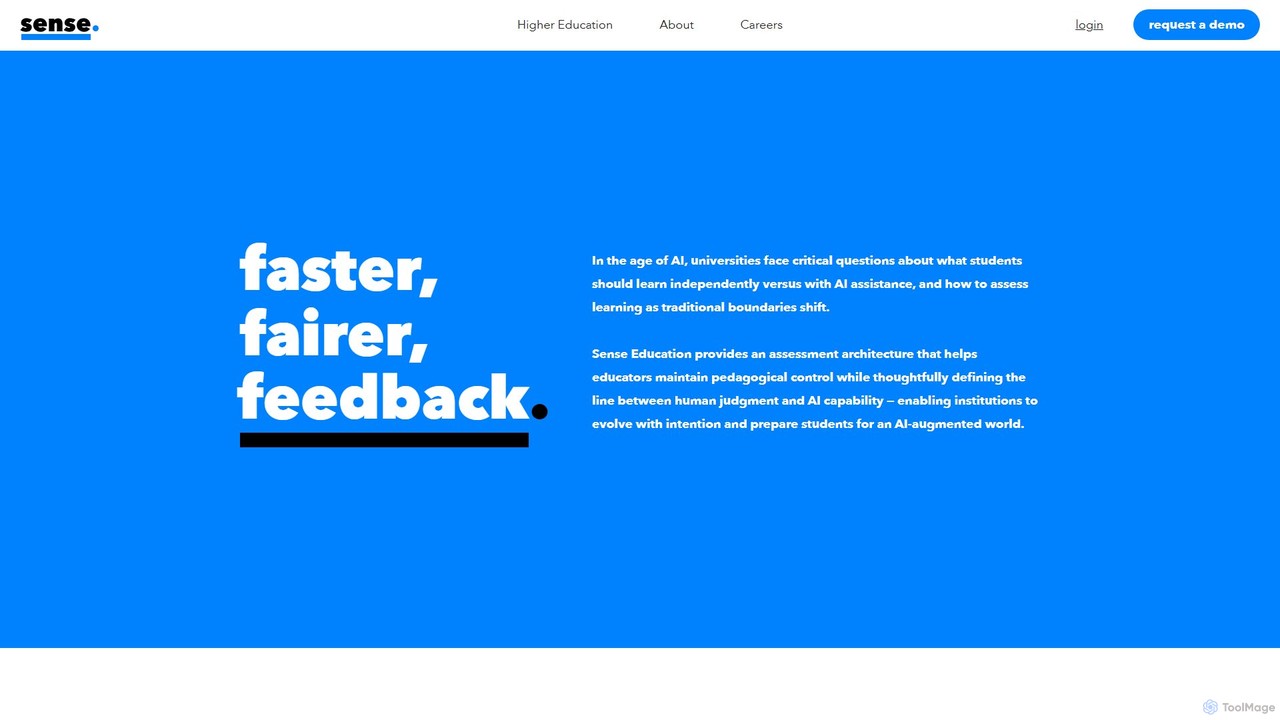
Sense
Sense is an AI-driven assessment and feedback platform designed for higher education. It empowers educators to provide personalized, high-quality feedback at scale, overcoming the challenges of large class sizes. By amplifying human expertise, Sense helps improve student outcomes and makes quality education more accessible.
Assessment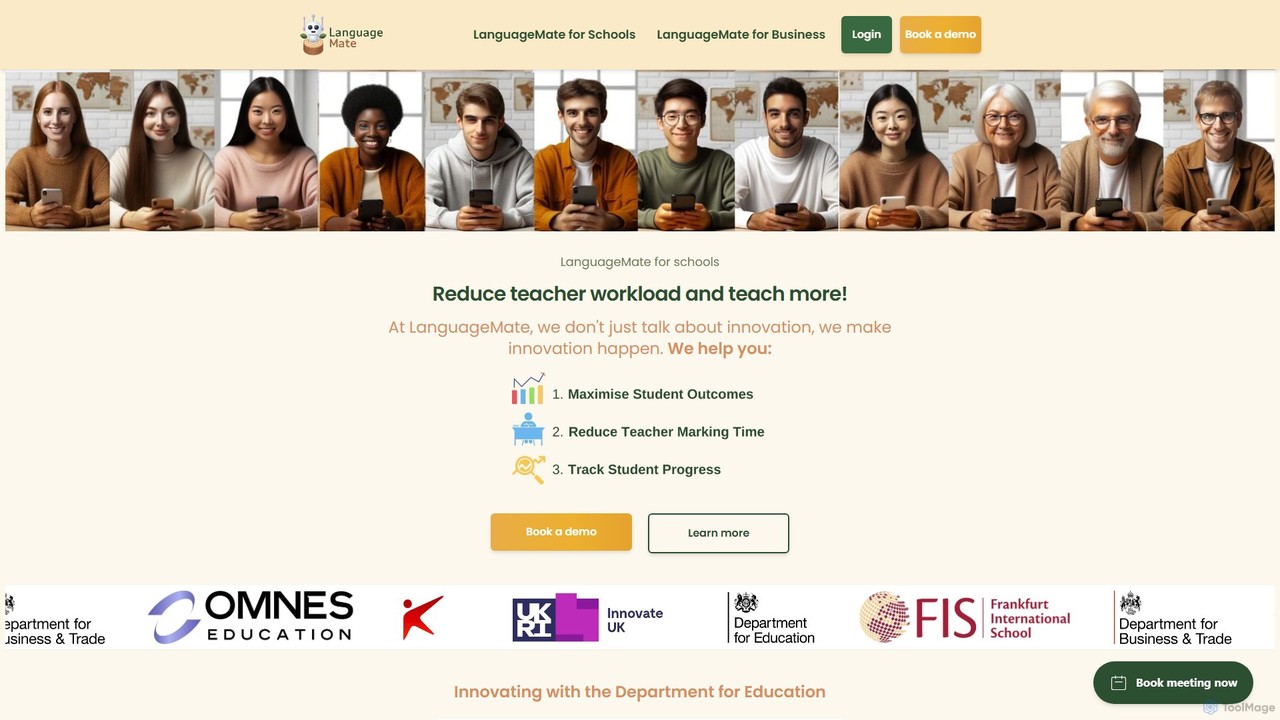
LanguageMate
LanguageMate is an AI-powered language education platform for schools and businesses. It aims to reduce teacher workload and enhance student learning with a suite of tools for conversational practice (Converse), lesson planning (Copilot), student placement (PlacementPro), and resource generation (ResourceHub), supporting over 20 languages.
Corporate Training
SchoolAI
SchoolAI is a powerful AI writing assistant designed for educators. It helps teachers save hours of administrative work by automating the creation of lesson plans, report card comments, parent emails, and educational materials. Streamline workflows and focus more on teaching.
Lesson Planning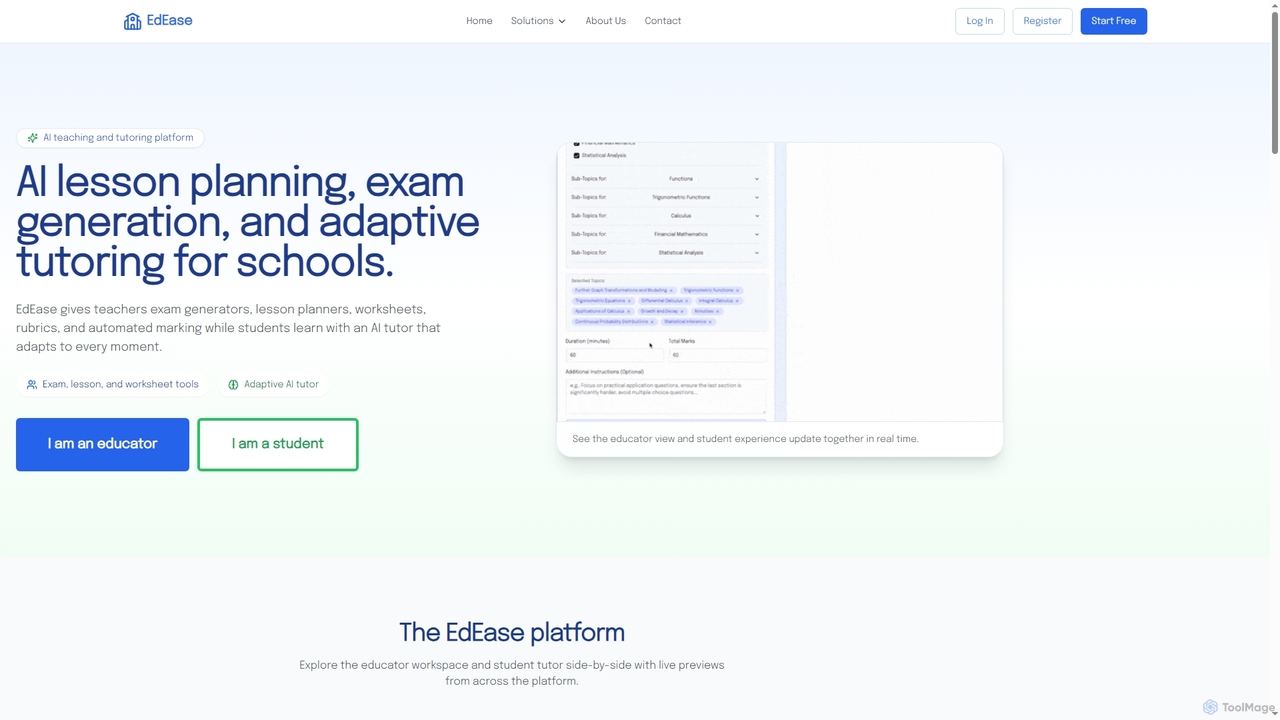
EdEase
EdEase is an AI-powered teaching and tutoring platform designed for educators and students. It streamlines lesson planning, exam generation, worksheet creation, and automated marking for teachers, while providing students with an adaptive AI tutor for personalized learning and practice. Built to reduce teacher workload and enhance student outcomes.
Assessment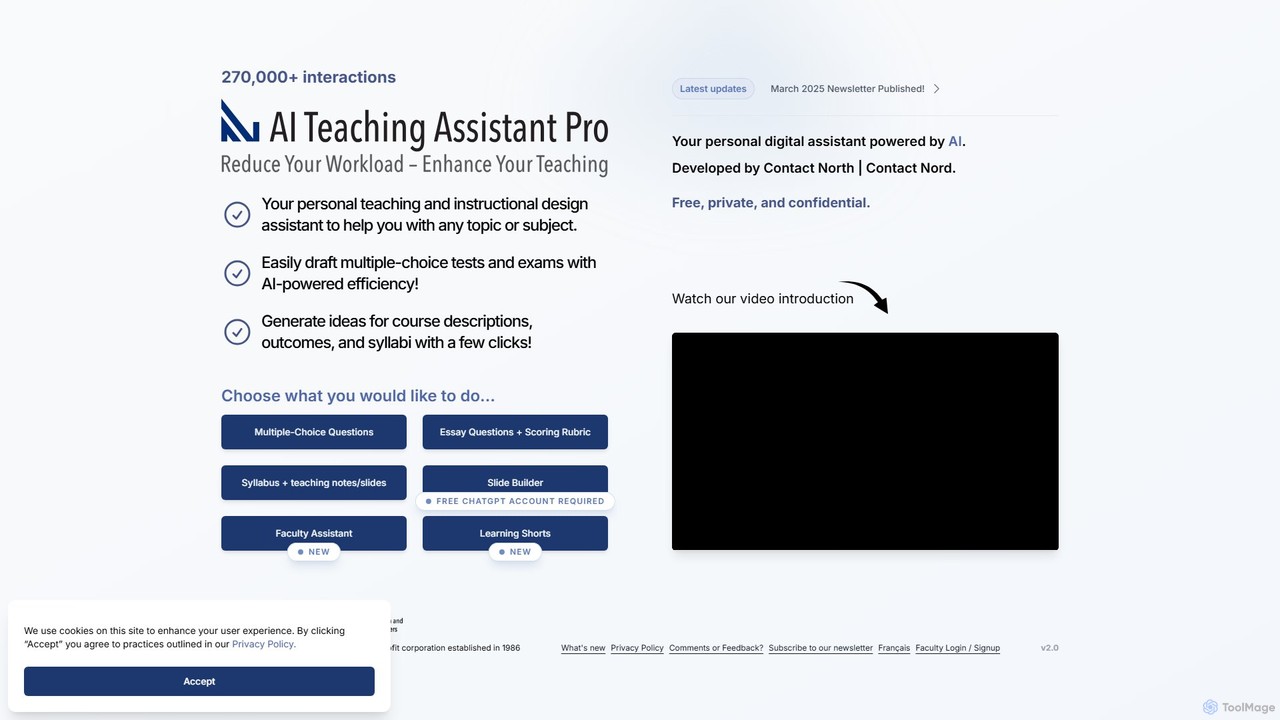
AI Teaching Assistant Pro
An AI-powered assistant for educators, developed by Contact North. It helps create multiple-choice questions, essay rubrics, syllabi, presentation slides, and short educational videos. It also allows instructors to upload their own materials for personalized student tutoring, saving time and enhancing the learning experience.
Video Generation
Teachify.online
Teachify.online is an AI-powered platform designed for educators to streamline content creation. It instantly generates high-quality lesson plans, quizzes, worksheets, and course outlines, saving teachers valuable time and effort. Ideal for K-12 teachers, university professors, and online course creators looking to enhance their teaching materials and engage students more effectively.
Lesson Planning
Wayground (Quizizz)
Wayground (formerly Quizizz) is an AI-powered K-12 learning platform that helps teachers create engaging quizzes, interactive lessons, and differentiated materials. It combines gamification with powerful assessment tools to motivate every student, provide data-driven insights, and seamlessly integrate with existing school curricula and technology ecosystems.
Assessment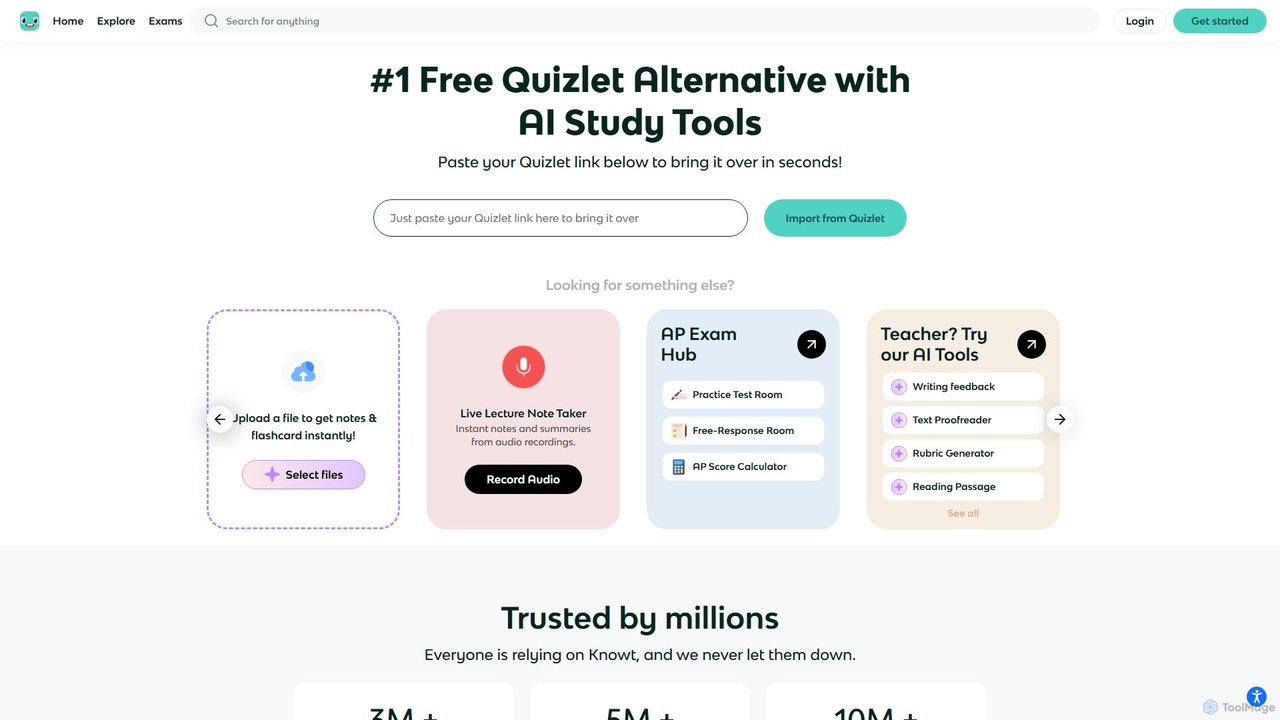
Knowt
Knowt is an all-in-one AI-powered study platform and a leading free alternative to Quizlet. It automatically creates flashcards, notes, and practice quizzes from your documents, videos, or lectures. Designed for both students and teachers, Knowt offers a suite of tools to enhance learning, streamline lesson planning, and prepare for exams like the APs with maximum efficiency.
Summarizer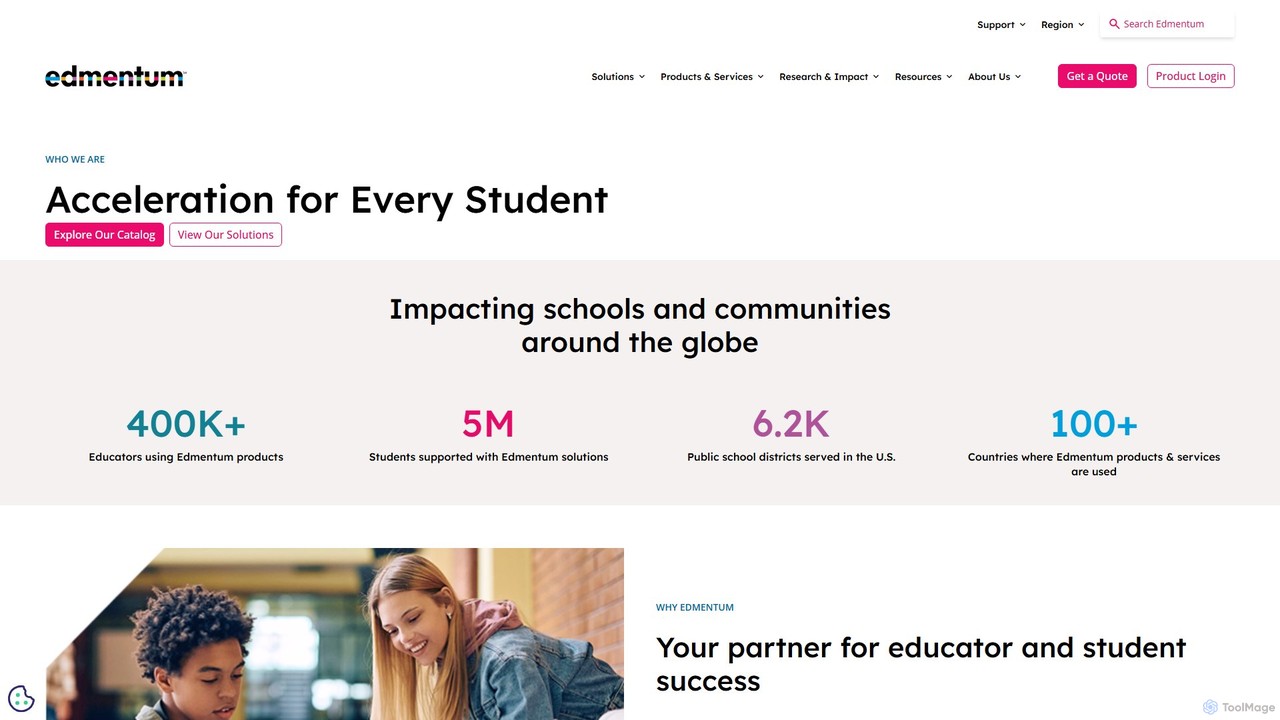
Edmentum
Edmentum is a comprehensive K-12 learning acceleration platform, providing personalized digital curriculum, assessments, and educational services. It empowers educators with data-driven insights and tools to support individual student needs, from intervention and credit recovery to career and technical education, fostering academic growth and future readiness.
Learning Platform
Canopy Directory Comments (0)
Sign in to comment.
Sign inNo comments yet.