ToolMage
Sign in

Best 4 Resource Curation AI tools for Productivity

Popular Resource Curation AI tools in Productivity include dupple, Landing Page FYI, The Solopreneur Toolkit, and Canopy Directory, helping you work more efficiently.

dupple
Freemium

dupple

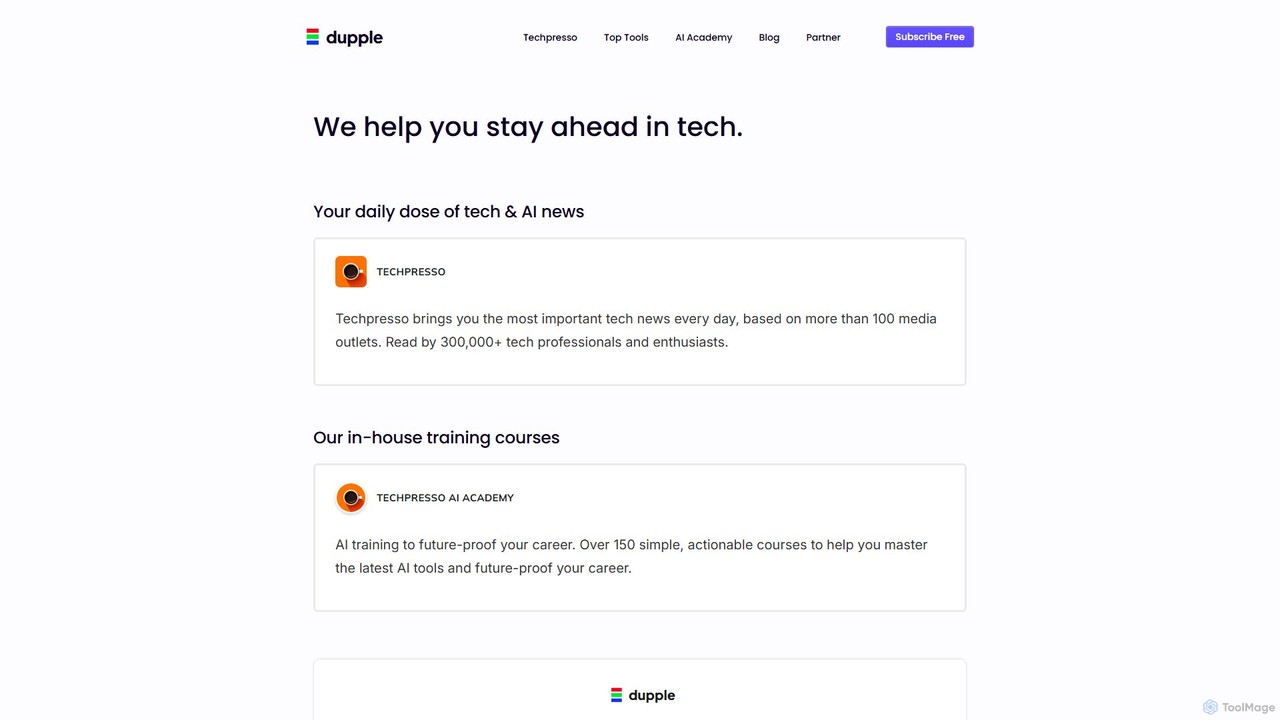
Dupple is a comprehensive platform designed to keep tech professionals and enthusiasts ahead of the curve. It offers a daily AI and tech newsletter (Techpresso), an extensive library of AI training courses (AI Academy), and a curated directory of top tech tools.

Online Courses
Visits 141.6KFavorites 105Likes 109
Landing Page FYI
Free

Landing Page FYI

Landing Page FYI is a comprehensive resource hub for creating high-converting landing pages. It offers a curated collection of the best tools, real-world examples, guides, and components, covering everything from no-code builders and AI copywriters to SEO and analytics platforms. It's the ultimate one-stop-shop for marketers, designers, and entrepreneurs.

Inspiration
Visits 7.4KFavorites 109Likes 102
The Solopreneur Toolkit
Freemium

The Solopreneur Toolkit

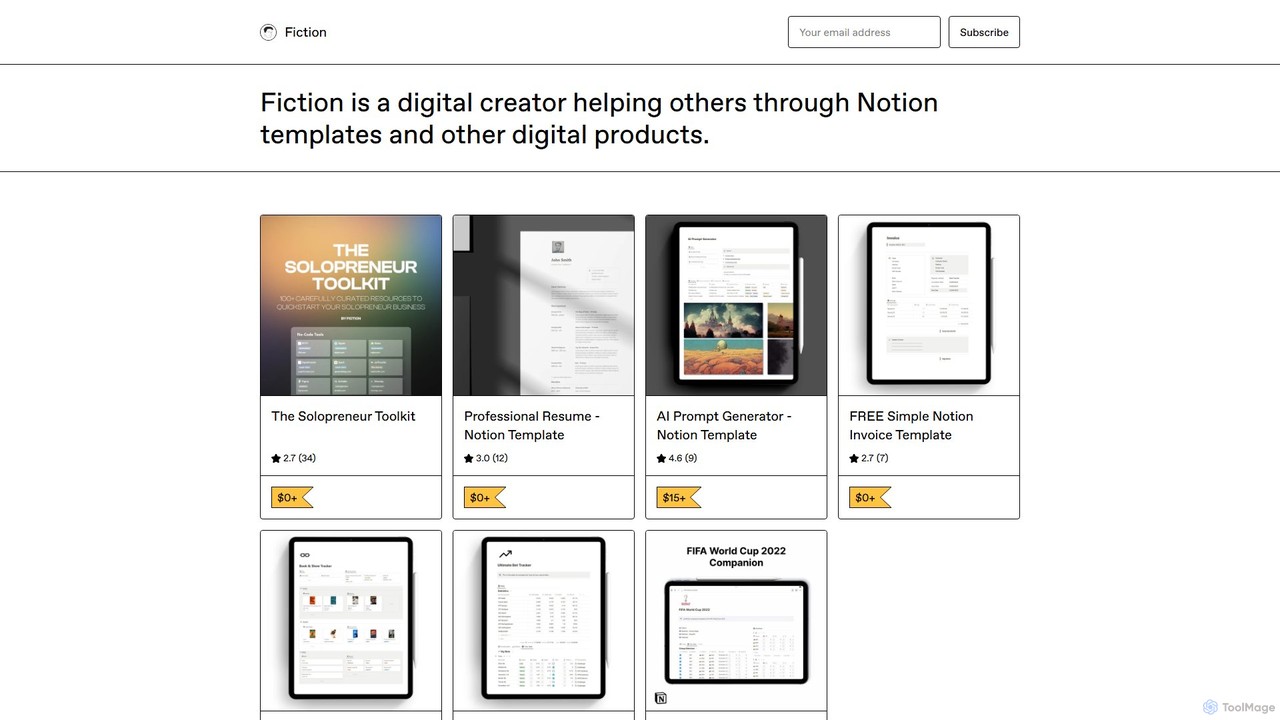
A comprehensive, free Notion template by Fiction, curating over 100 battle-tested tools and resources for solopreneurs. It covers no-code, visual design (including AI tools), productivity, social media, and hiring to help you build and scale your business efficiently.

Startup Tools
Visits 4.5KFavorites 114Likes 133
Canopy Directory
Free

Canopy Directory

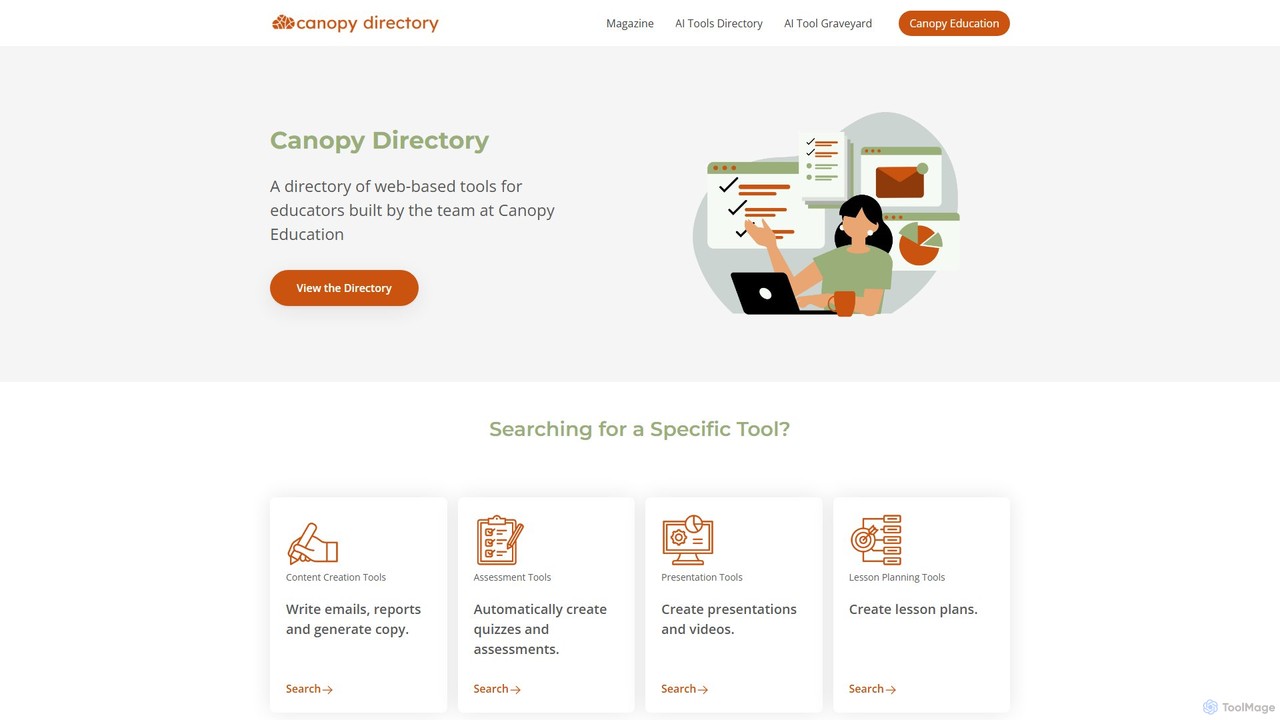
Canopy Directory is a specialized, curated AI toolbox for educators. It provides a comprehensive directory of web-based AI tools, categorized for easy discovery, to help teachers find the best applications for lesson planning, content creation, assessment, and more, saving time and enhancing classroom instruction.

Tool Discovery
Visits 4.3KFavorites 93Likes 85

About Resource Curation

AI Resource Curation tools are a specialized category of productivity software that automates the process of discovering, organizing, and summarizing digital information. Leveraging natural language processing (NLP) and machine learning, these tools sift through vast amounts of web pages, articles, and documents to extract relevant content. They empower researchers, content creators, and teams to build structured knowledge bases and stay informed with significantly less manual effort. Unlike simple bookmarking, these tools provide intelligent filtering, automated tagging, and content synthesis capabilities.

Core Features

  • Automated Content Aggregation: Gathers information from specified sources like websites, RSS feeds, and social media platforms.
  • AI-Powered Summarization: Generates concise summaries of articles, reports, and documents to accelerate the review process.
  • Intelligent Tagging & Categorization: Automatically analyzes content and applies relevant tags for easy organization and retrieval.
  • Knowledge Synthesis: Identifies connections, patterns, and overarching themes across multiple curated resources.
  • Collaborative Workspaces: Allows teams to build, share, and comment on curated collections of information in a central place.

Use Cases

These tools are valuable for market analysts tracking industry trends, academic researchers compiling literature reviews, and content teams gathering source material. They are also frequently used by product managers to monitor competitor activities and by corporate teams to build internal, auto-updating knowledge hubs.

How to Choose

When selecting a tool, consider the types of sources it can connect to (web pages, PDFs, social media), the sophistication of its summarization and tagging AI, its integration capabilities with other apps (like Notion or Slack), and whether its pricing model is suitable for individual or team use.

Featured tool rankings

Resource Curation use cases

1

Building a Competitive Intelligence Report

A market analyst needs to continuously track competitors' product launches, press releases, and user reviews. Using an AI Resource Curation tool, they set up automated monitors for competitor websites and industry news outlets. The tool automatically collects new articles, filters out irrelevant noise, summarizes key announcements, and tags them by competitor and topic. This transforms a time-consuming daily task into a streamlined, automated feed, allowing the analyst to focus on analysis rather than data collection and produce comprehensive reports much faster.

2

Creating an Academic Literature Review

A PhD student needs to gather hundreds of academic papers for a dissertation. Instead of manually searching databases, they use an AI curation tool to pull papers from sources like Google Scholar and arXiv based on keywords. The tool helps by summarizing abstracts, extracting key findings, and identifying thematic connections between papers. This allows the student to quickly grasp the landscape of existing research, identify gaps, and build a structured bibliography, saving weeks of manual reading and organization.

3

Gathering Sources for In-Depth Journalism

An investigative journalist is working on a long-form story. They use a resource curation tool to create a private repository of all research materials, including web articles, interview transcripts, and PDF reports. The AI helps by highlighting key entities (people, organizations), summarizing lengthy documents, and creating a timeline of events based on the collected data. This provides a powerful research environment to uncover connections and build a strong, evidence-based narrative for their article.

4

Tracking Industry Trends for Product Strategy

A product management team needs to stay ahead of technological trends. They configure an AI curation tool to monitor tech blogs, industry forums, and patent filings. The AI aggregates and synthesizes this information into a weekly digest, highlighting emerging technologies and recurring themes in user discussions. This provides the team with actionable insights for their product roadmap, ensuring their strategy is informed by the latest market intelligence without requiring hours of daily browsing.

5

Monitoring a Portfolio of Investments

An investment analyst manages a portfolio of stocks and needs to stay updated on all relevant news. They use an AI curation tool to create a personalized dashboard that tracks financial news sites, regulatory filings, and earnings call transcripts for each company. The tool's AI can perform sentiment analysis on news articles and summarize key points from dense financial reports. This enables the analyst to react quickly to market-moving information and make more informed investment decisions.

6

Developing a Team's Central Knowledge Hub

A remote project team needs a single source of truth for project-related information. They use a collaborative AI curation tool to build a shared knowledge base. Team members can add resources, and the AI automatically organizes, tags, and summarizes them. This prevents knowledge silos and reduces the time spent searching for information in emails or chat logs, ensuring everyone on the team is working with the most current and relevant data for their project.

Resource Curation FAQ

What are AI Resource Curation tools?

AI Resource Curation tools are applications that use artificial intelligence to automate the discovery, collection, organization, and summarization of digital content. Unlike manual methods, they employ technologies like NLP to understand and process information from various sources. Key features include automated content aggregation, intelligent tagging, and AI-generated summaries, helping users build structured knowledge bases efficiently.

How do I choose the right AI Resource Curation tool?

To choose the right tool, evaluate these factors:

  • Source Integration: Ensure it supports the sources you rely on (websites, RSS, PDFs, social media).
  • AI Capabilities: Assess the quality of its summarization, tagging, and content analysis features.
  • Collaboration: If working in a team, look for features like shared spaces and commenting.
  • Export & Integration: Check if it can connect with your existing workflow tools like Notion or Slack.
  • Pricing: Compare plans based on the volume of content you need to curate and the number of users.
What's the difference between AI Resource Curation and traditional bookmarking tools?

The key difference lies in intelligence and automation. Traditional bookmarking tools (like browser bookmarks or Pocket) simply save links for later reading. AI Resource Curation tools go much further: they actively process the content. They can automatically fetch articles, summarize them, extract key information, assign relevant tags, and even find connections between different resources. They are designed for building knowledge, not just creating a reading list.

Who can benefit from using AI Resource Curation tools?

A wide range of professionals and individuals can benefit. This includes:

  • Researchers and Academics: For literature reviews and staying updated on new publications.
  • Market Analysts and Strategists: For tracking industry trends and competitor intelligence.
  • Content Creators and Journalists: For gathering source material and research for their work.
  • Product Managers: For monitoring user feedback and market developments.
  • Teams and Organizations: For building shared, internal knowledge bases.
How do these tools ensure the quality of curated content?

These tools ensure quality primarily through user-defined controls and intelligent filtering. Users specify the trusted sources (e.g., specific websites, academic journals) from which content should be pulled. The AI then uses natural language processing to filter out irrelevant 'noise' based on keywords, topics, and context. While the AI automates the collection, the ultimate curation quality still relies on the user's initial setup of sources and filtering rules, creating a partnership between human expertise and machine efficiency.