

Clip Studio Overview
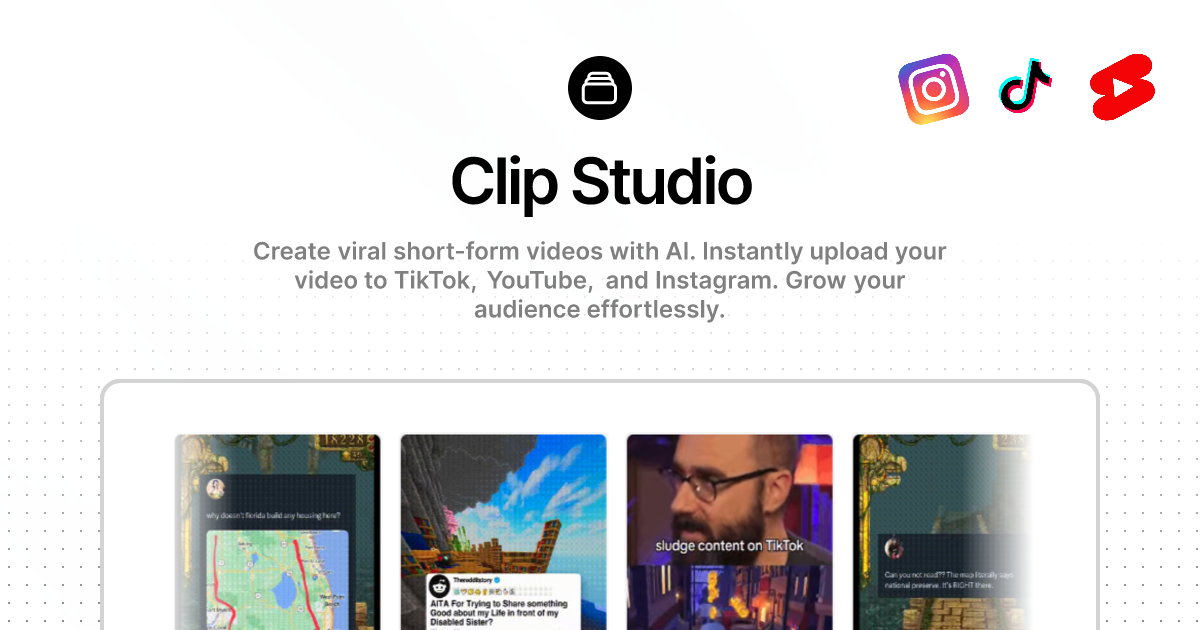
Clip Studio is a cutting-edge, AI-driven platform designed for creating dynamic and viral short-form videos. It empowers users, from content creators to marketers, to produce high-quality animated content with unprecedented ease and control. By leveraging detailed text prompts, Clip Studio can generate complex scenes, animate characters, and execute cinematic camera movements, turning simple ideas into visually stunning videos ready for platforms like TikTok, Instagram Reels, and YouTube Shorts.
The platform's core philosophy is to bridge the gap between creative vision and technical execution. Users can start with a default character, upload their own image, and even modify it using AI prompts before diving into video creation. The true power lies in its sophisticated video generation engine, which interprets detailed instructions for shot plans, camera angles, transitions, lighting, and even voiceovers, offering a level of directorial control rarely seen in automated tools.
How to use Clip Studio
Getting started with Clip Studio is a straightforward process designed to get you creating quickly:
- Sign Up for Free: Create an account using Google or your email address to receive 20 free credits, with no credit card required to start.
- Choose a Template or Start Fresh: Select from various templates like 'AI Lizard', 'Splitscreen Clips', or social media formats like 'Twitter Thread' and 'Reddit Story' to kickstart your project.
- Set Your Starting Image: Use one of the default characters or upload your own image (PNG, JPG). You can then use an AI text prompt to modify this image, adding accessories or changing its style.
- Craft a Detailed Video Prompt: This is the most crucial step. Write a comprehensive prompt describing the entire video sequence. Specify camera angles (e.g., 'low-angle wide'), movements ('dolly-out', 'crane drop-in'), transitions ('whip pans', 'match cuts'), character actions, and even the mood and lighting.
- Generate the Video: With your prompt ready, initiate the generation process. The AI will render your animated video, which typically takes about 60 seconds. This step consumes credits based on complexity.
- Download and Share: Once your video is complete, you can download it and share it across your social media channels to engage your audience.
Core Features of Clip Studio
- Advanced Text-to-Video Generation: Transforms highly detailed text prompts into complex animated sequences.
- Cinematic Control: Allows users to specify camera angles, shot types (e.g., extreme close-up, wide shot), camera movements, and transitions.
- Image-to-Video Animation: Animate a static character or image, bringing it to life based on your instructions.
- AI Image Modification: Customize your starting character or image with simple text prompts before animation.
- Template Library: Provides pre-built templates for various content styles and social media formats to speed up creation.
- Credit-Based System: A flexible system where users spend credits on image modifications and video generations.
- Community and Support: Access to a Discord community for feedback, support, and inspiration.
Use Cases for Clip Studio
Clip Studio is versatile and can be used by various professionals:
- Social Media Managers: Create unique, eye-catching video content to boost engagement and grow followers on platforms like TikTok and Instagram.
- Marketers and Advertisers: Produce animated promotional videos, product explainers, and viral marketing campaigns quickly and cost-effectively.
- Content Creators and Influencers: Develop a unique animated style for their brand, creating memorable and shareable content.
- Animators and Digital Artists: Rapidly prototype animation ideas, create storyboards, or generate short animated clips without the need for complex software.
- Meme Creators: Generate the next viral animated meme with full creative control over the scene and character.
Advantages of Clip Studio
Clip Studio stands out with several key benefits:
- Unparalleled Creative Control: The detailed prompt system gives users fine-grained control over the final output, far surpassing simpler AI video tools.
- Efficiency and Speed: Generate complex animations in minutes, drastically reducing production time compared to traditional methods.
- Accessibility: No prior animation or video editing experience is required, making high-quality animation accessible to everyone.
- Designed for Virality: The tool is built from the ground up to create content that is engaging, dynamic, and optimized for social media algorithms.
- Cost-Effective: The freemium model allows users to test the platform's capabilities for free, with paid plans for higher volume creation.
Pricing and Plans
Clip Studio operates on a freemium, credit-based model:
- Free Trial: New users receive 20 free credits upon signing up, allowing them to experiment with the tool's features without any financial commitment.
- Pro Plan: For users who need to create more videos, there is an option to 'Upgrade to Pro'. This paid plan provides a larger number of credits and potentially unlocks advanced features. Specific pricing details are available on the website after logging in.
The platform also offers an affiliate program where users can earn a 30% commission for referrals.
Traffic
Latest traffic
Status
Monthly traffic trend
- 2025-9: 10.6K
- 2026-1: 2.0K
- 2026-2: 2.5K
- 2026-3: 9.4K
- 2026-4: 20.8K
- 2026-5: 33.9K
Geography
Top 5 countries / regions
- 🇮🇳India27.9%
- 🇺🇸United States25.5%
- 🇻🇳Vietnam21.8%
- 🇦🇺Australia13.8%
- 🇹🇷Türkiye11.1%
Traffic sources
| Source type | Percentage |
|---|---|
Direct | 100.0% |
Top keywords
| Keyword | Cost per click |
|---|---|
| clip studio | $0.56 |
| clipstudio | $0.64 |
| clip studio ai | $0.00 |
| clipstudio.pro | $0.00 |
| c-studio videos | $0.00 |
Clip Studio Videos on YouTube
CLIP STUDIO PAINT

Emoco Ch. / えもこ

Friendly Neighborhood Artist


LadySplitChin

Mohammed Agbadi

CLIP STUDIO PAINT
Clip Studio Alternatives
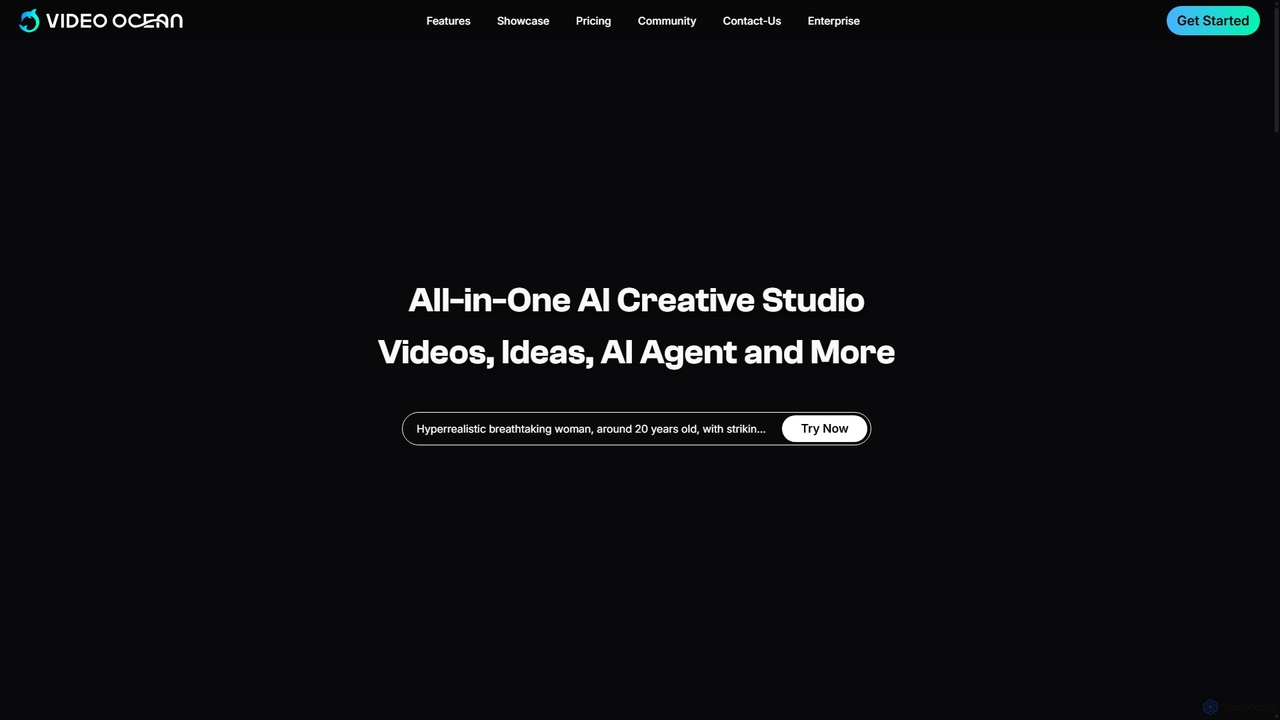
Video Ocean
Video Ocean is an all-in-one AI creative studio that transforms ideas into stunning videos and images. It offers a comprehensive suite of tools, including text-to-video, image-to-video, lip-sync, and multi-reference generation, making high-quality video production accessible to everyone, from marketers to content creators.
Image Generation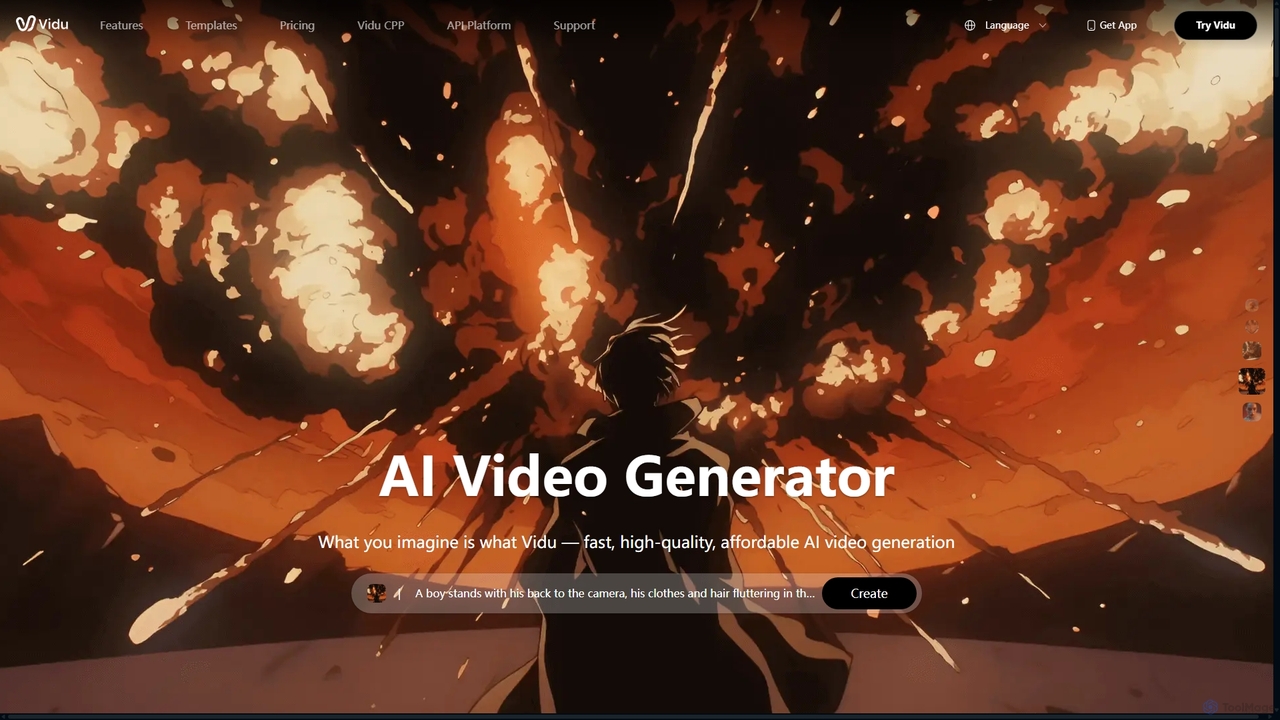
Vidu
Vidu is a powerful AI video generator that transforms text and images into high-quality videos in seconds. It excels in creating anime-style animations and maintaining character consistency across scenes using multi-reference technology. Ideal for creators, marketers, and animators.
Animation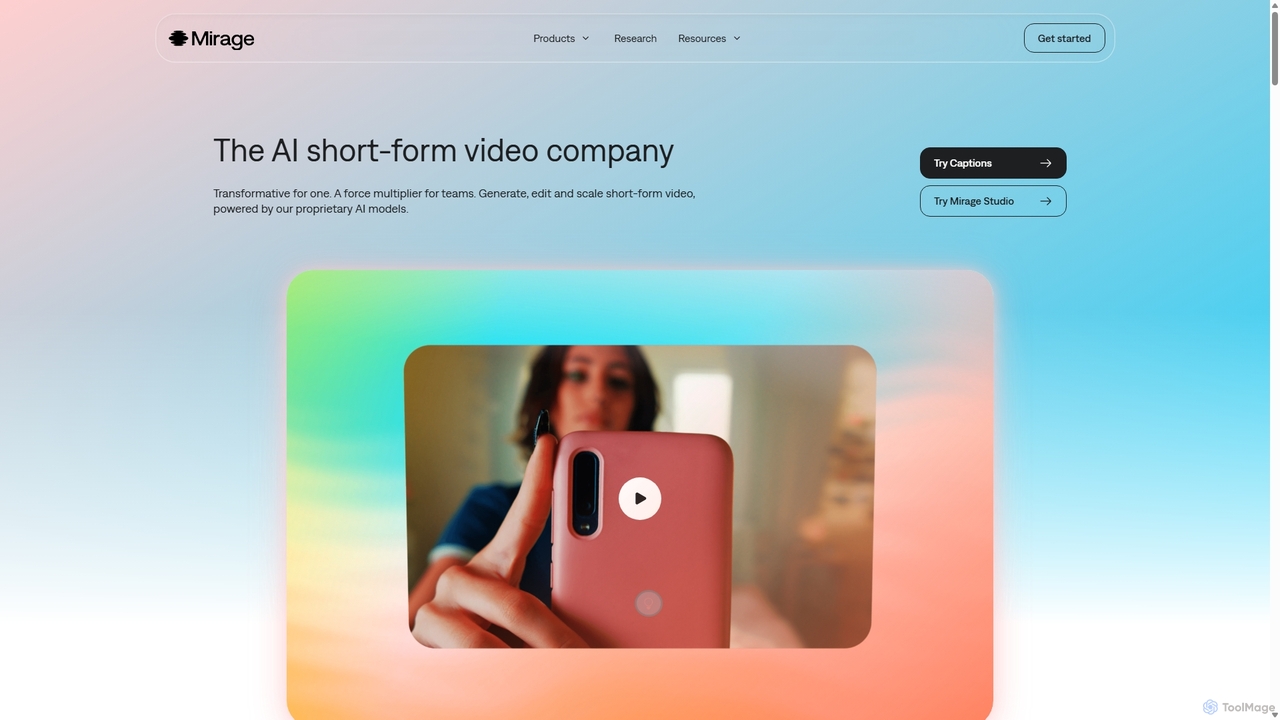
Mirage
Mirage is an AI video platform that transforms ideas into engaging short-form videos. It offers the Captions app for creators to generate and edit talking videos with text prompts, and Mirage Studio for teams to scale video production. Powered by proprietary AI, Mirage creates photorealistic footage and AI avatars, streamlining video creation for platforms like TikTok and Instagram.
Advertising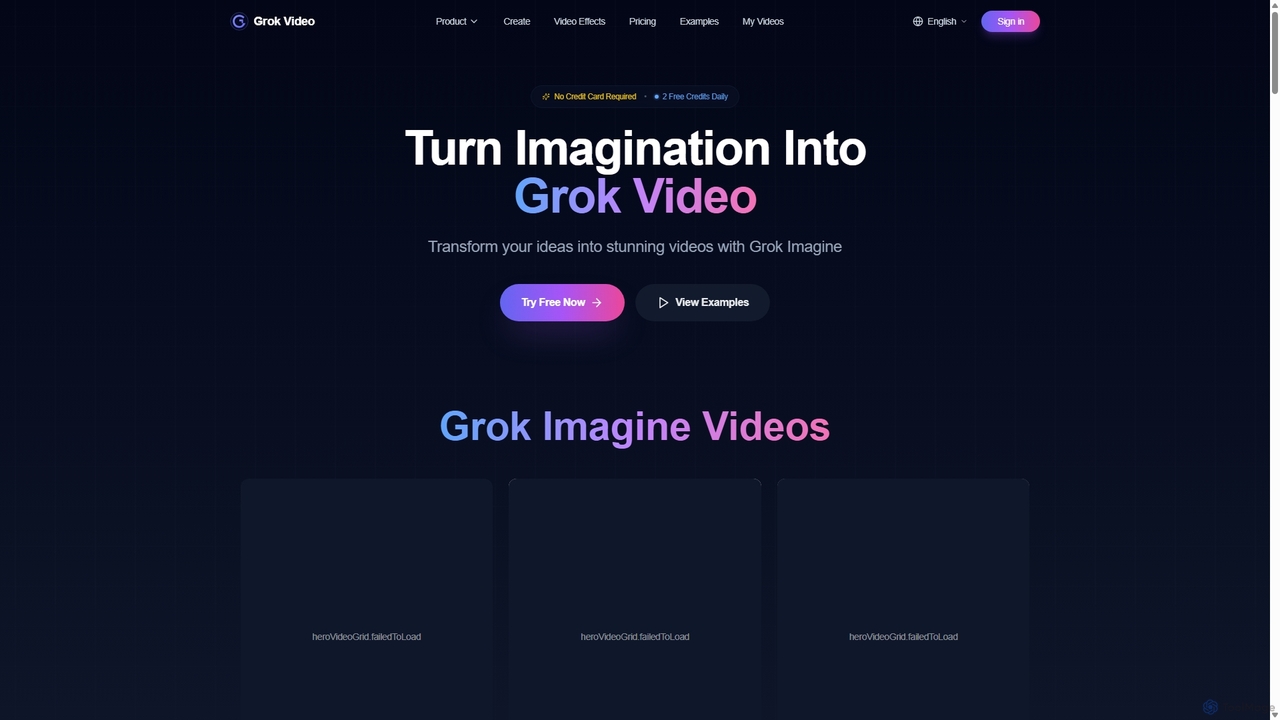
Grok Video
Grok Video is an AI-powered platform that transforms static images into dynamic, high-quality videos. Using simple text prompts, users can animate photos, create engaging content from scratch, and apply professional video effects. It's designed for creators, marketers, and businesses to produce stunning videos in seconds, with no technical skills required.
Image Animation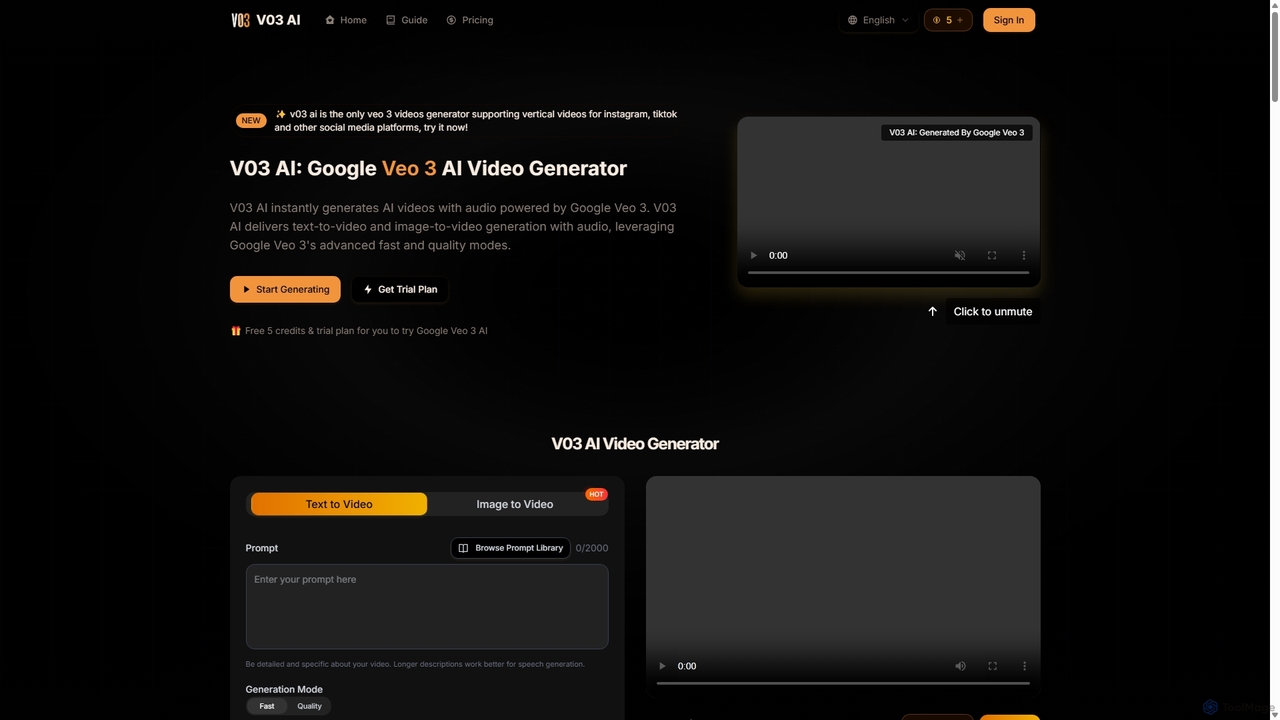
V03 AI
V03 AI is an advanced AI video generator powered by Google's Veo 3 model. It transforms text and images into high-quality, cinematic videos complete with synchronized audio, sound effects, and dialogue. Supporting vertical formats for social media, it offers both fast and quality modes to cater to various creative and marketing needs, from quick content creation to professional-grade video production.
AnimationClip Studio Categories
Clip Studio Jobs
Clip Studio Embed Widget
Copy this embed code to place the badge on your blog, article, or product site and send readers directly to this ToolMage detail page.

Related AI tools
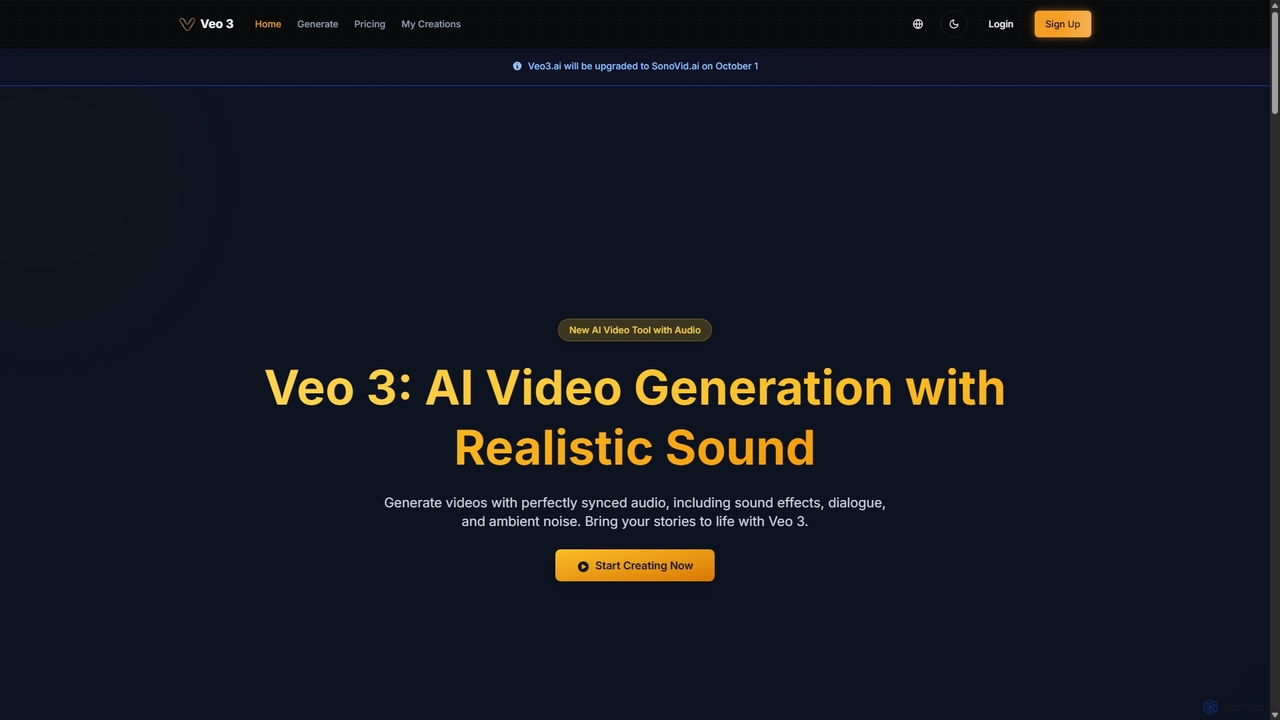
Veo 3
Veo 3 is an advanced AI video generator powered by Google's Veo 3 model. It specializes in creating high-quality, 1080p videos up to 8 seconds long with perfectly synchronized, natively generated audio. Users can generate content from text or image prompts, complete with realistic dialogue, sound effects, ambient noise, and precise lip-syncing, making it ideal for creators and marketers.
Speech Synthesis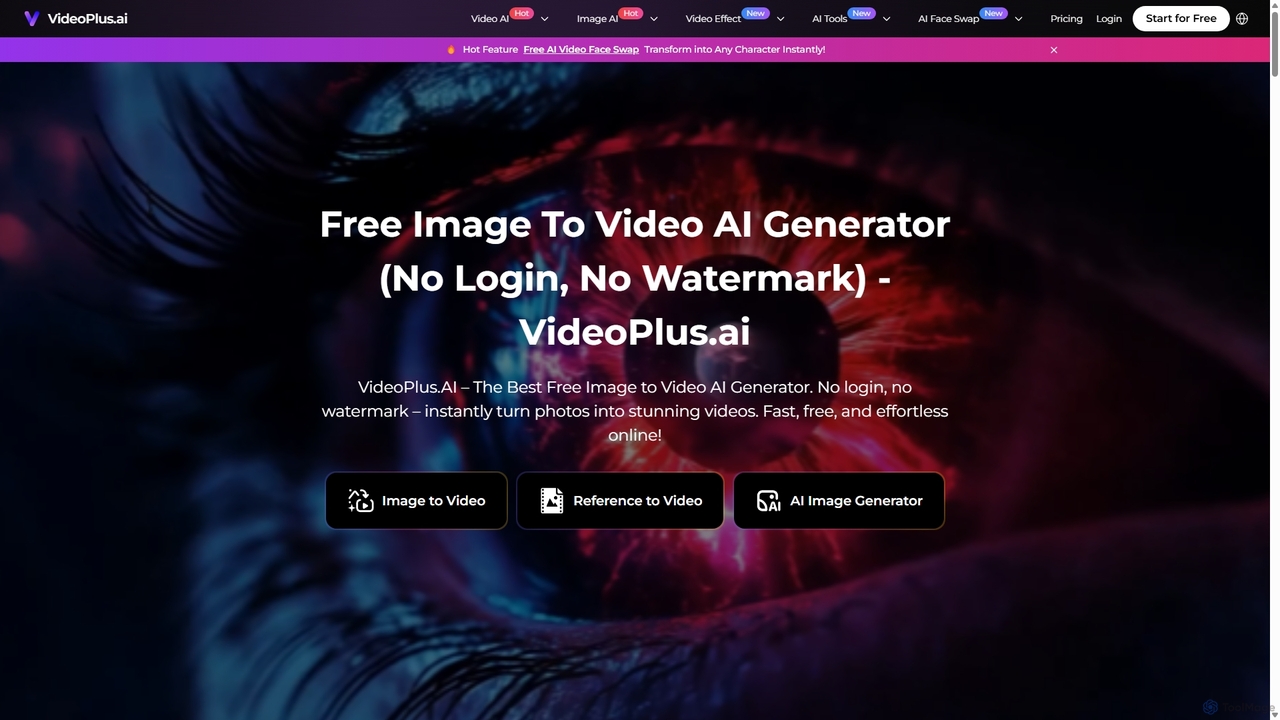
VideoPlus.ai
VideoPlus.ai is a powerful, all-in-one AI video generation platform that effortlessly transforms images and text into stunning, high-quality videos. It offers a suite of tools including image-to-video, text-to-video, AI video effects, and face swapping. Designed for both beginners and professionals, it requires no login or watermark for free use, making video creation fast, accessible, and cost-effective for marketing, content creation, and more.
Image Generation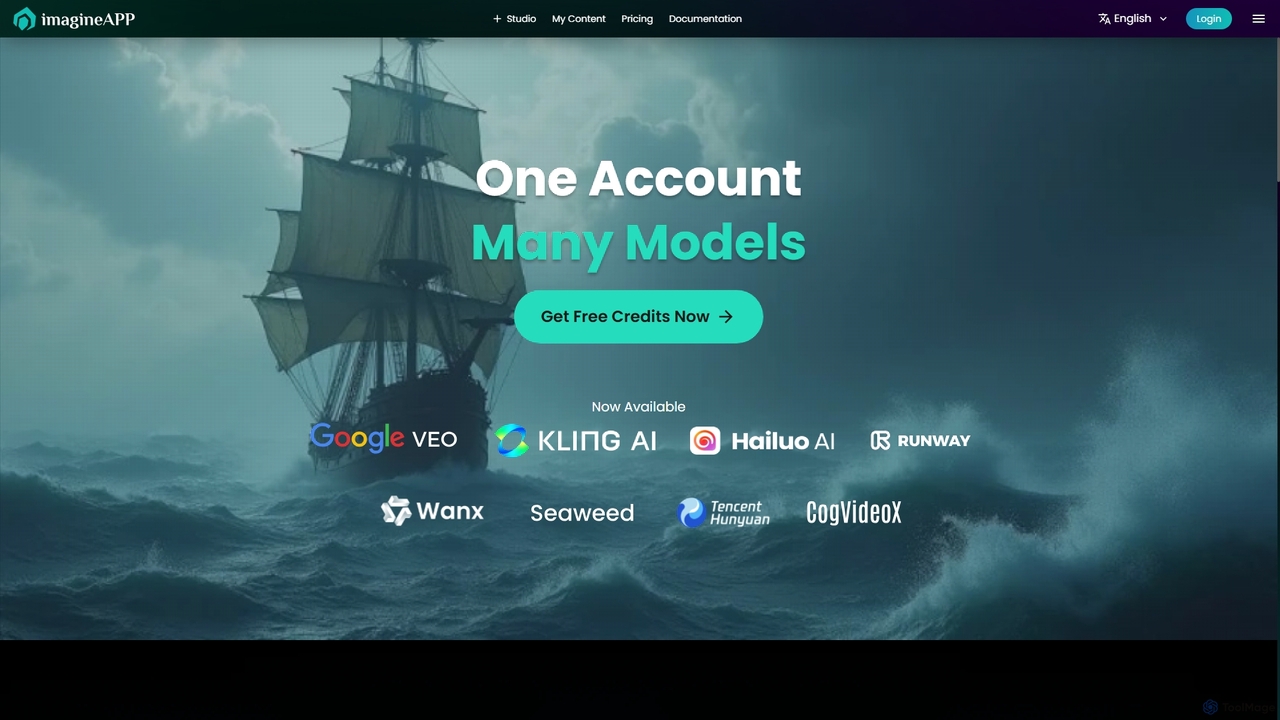
Imagineapp
Imagineapp is a powerful AI video generation platform that transforms text and images into stunning videos. It specializes in creating high-quality music videos, social media content, and marketing materials in minutes. With over 30 artistic styles and multiple AI models, it empowers creators, musicians, and marketers to produce visually compelling content without complex software or large budgets.
Image Animation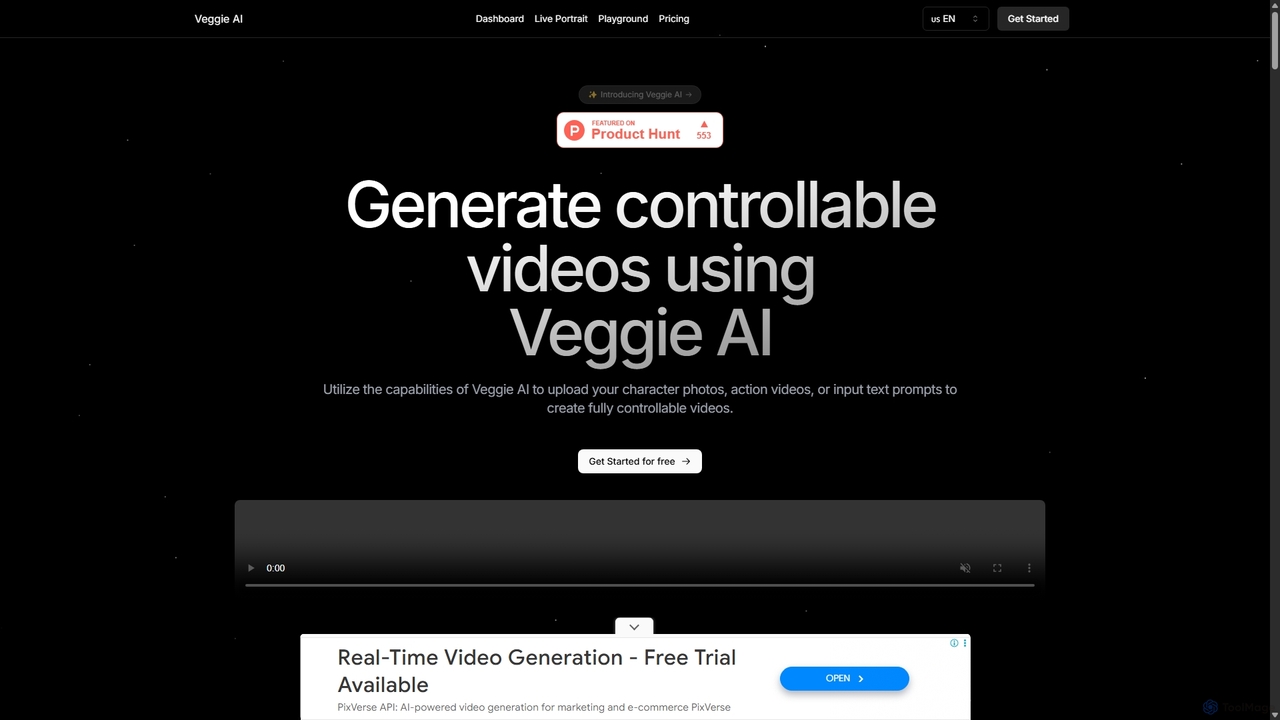
Veggie AI
Veggie AI is a powerful AI video generation platform that creates controllable videos from various inputs. Users can combine character images with action videos, animate photos using text prompts, or generate entire scenes from text descriptions. With four distinct creation modes—Mix, Animate, Ideate, and Stylize—it offers flexible and creative control for producing high-quality, dynamic video content for marketing, social media, and personal projects without requiring any technical AI expertise.
Animation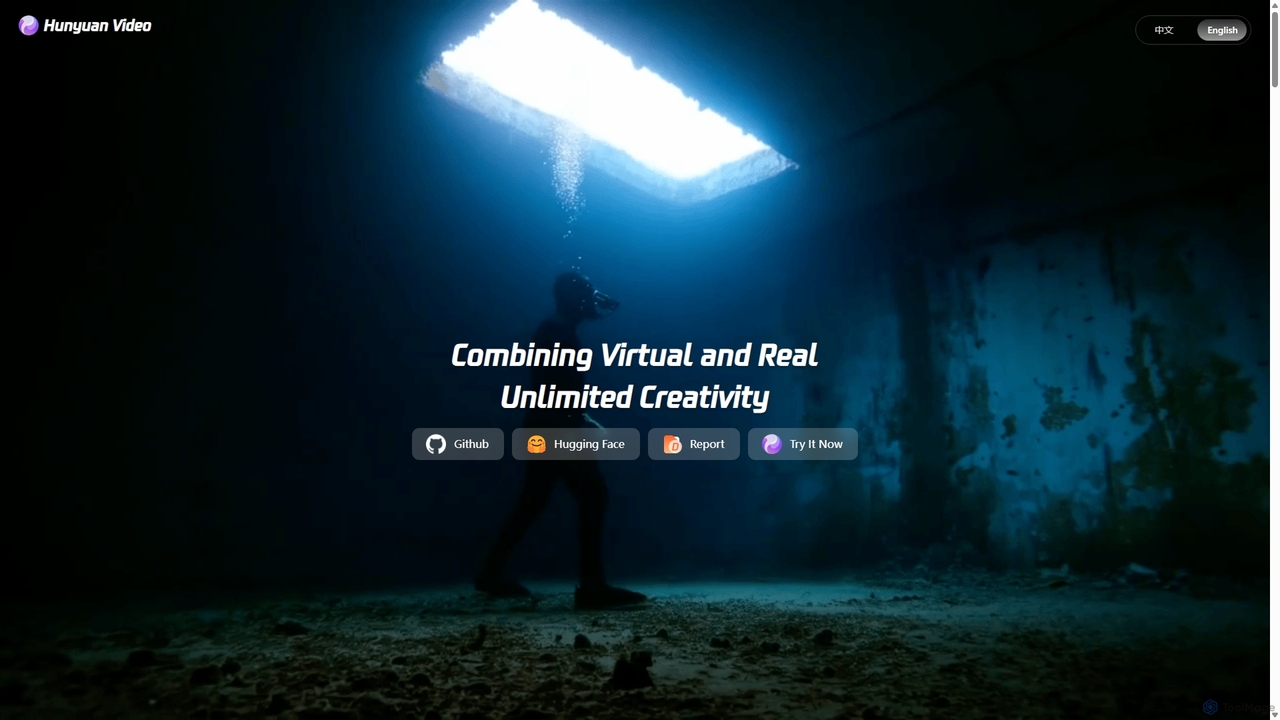
Tencent Hunyuan Video
Tencent Hunyuan Video is a powerful text-to-video generation model with 13 billion parameters. It creates high-quality, cinematic videos from text prompts, supporting complex actions, artistic camera movements, and both realistic and stylized visuals. It excels in dynamic motion and scene consistency, making it a versatile tool for creators, filmmakers, and marketers to bring their ideas to life.
Character AnimationVideo Ocean
Video Ocean is an all-in-one AI creative studio that transforms ideas into stunning videos and images. It offers a comprehensive suite of tools, including text-to-video, image-to-video, lip-sync, and multi-reference generation, making high-quality video production accessible to everyone, from marketers to content creators.
Image Generation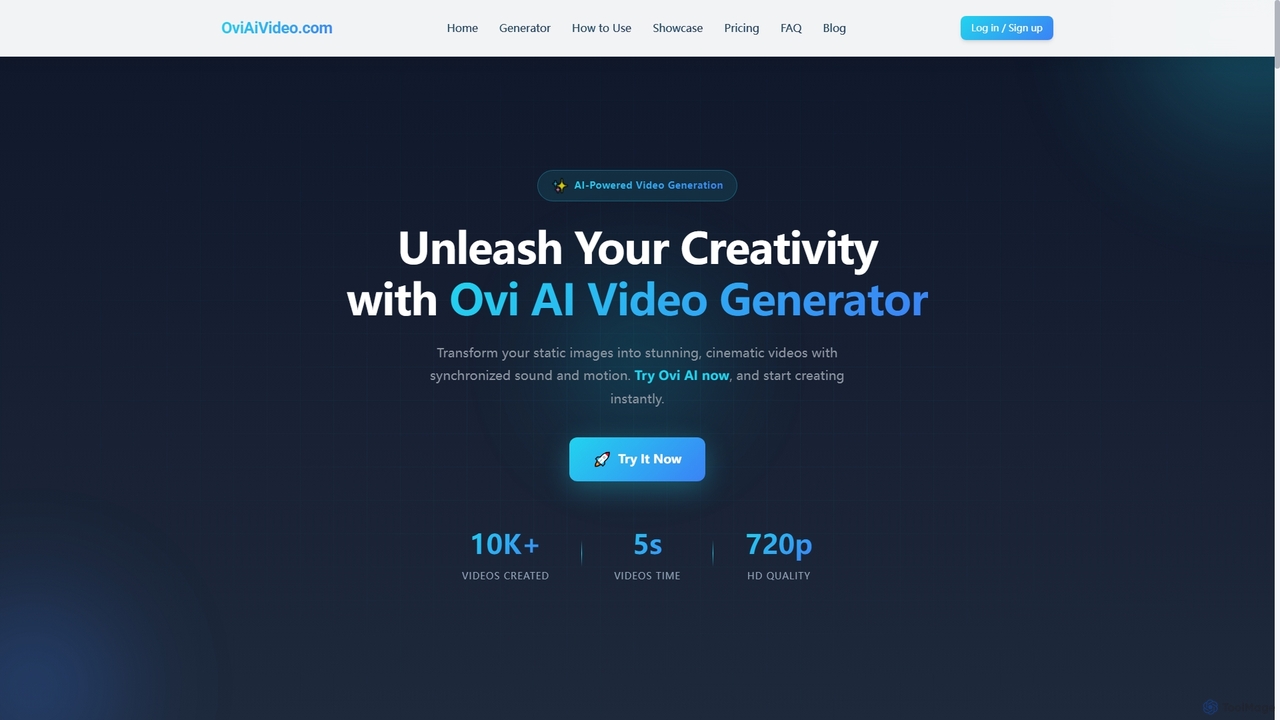
Ovi AI
Ovi AI is an advanced AI video generator that transforms static images and text prompts into captivating 5-second cinematic videos with synchronized audio and realistic motion. Ideal for creators, marketers, and educators, it enables rapid production of high-quality, short-form content for social media, ads, and presentations, all without requiring prior video editing experience.
3DMirage
Mirage is an AI video platform that transforms ideas into engaging short-form videos. It offers the Captions app for creators to generate and edit talking videos with text prompts, and Mirage Studio for teams to scale video production. Powered by proprietary AI, Mirage creates photorealistic footage and AI avatars, streamlining video creation for platforms like TikTok and Instagram.
Advertising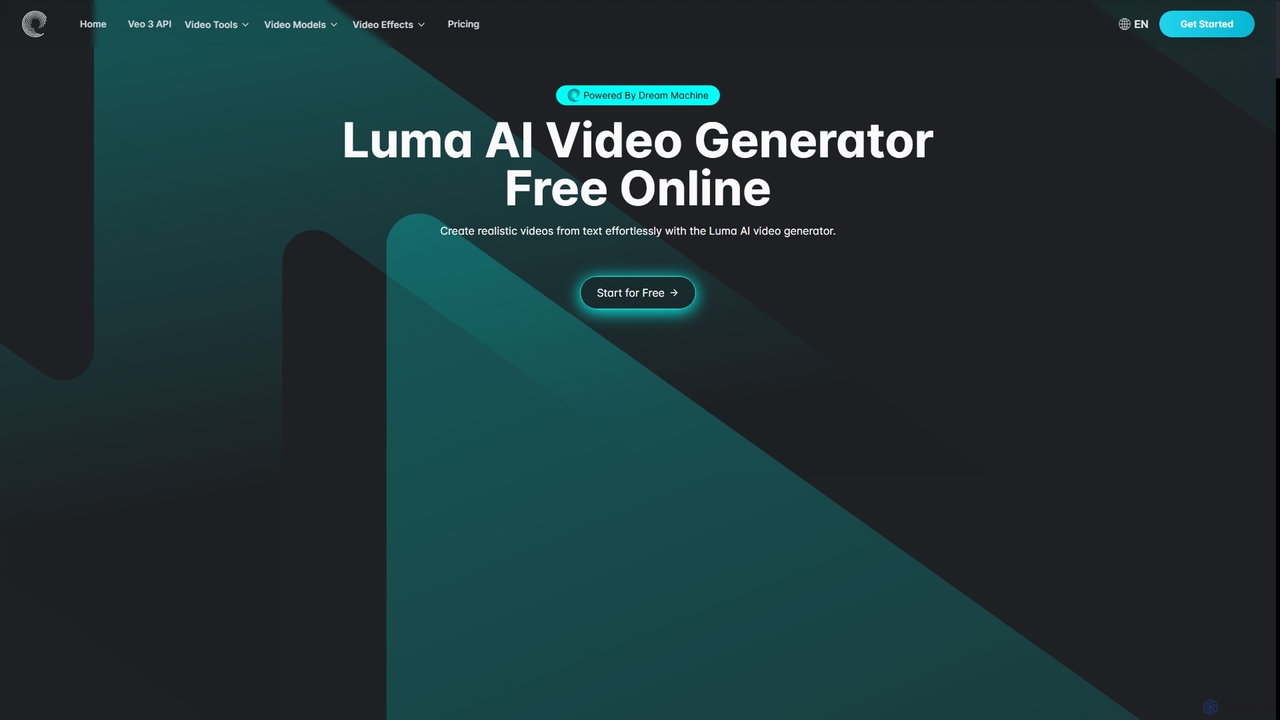
Aivideogenerator
Aivideogenerator is a versatile AI video creation platform that transforms text prompts and static images into realistic, high-quality videos. Powered by advanced models like Luma AI's Dream Machine and Google's Veo 3, it offers both text-to-video and image-to-video generation. The tool is designed for accessibility, providing a free-to-use option and various subscription plans for creators, marketers, and businesses. It supports different aspect ratios, commercial use, and rapid video creation, making it a powerful solution for producing engaging content.
Social Media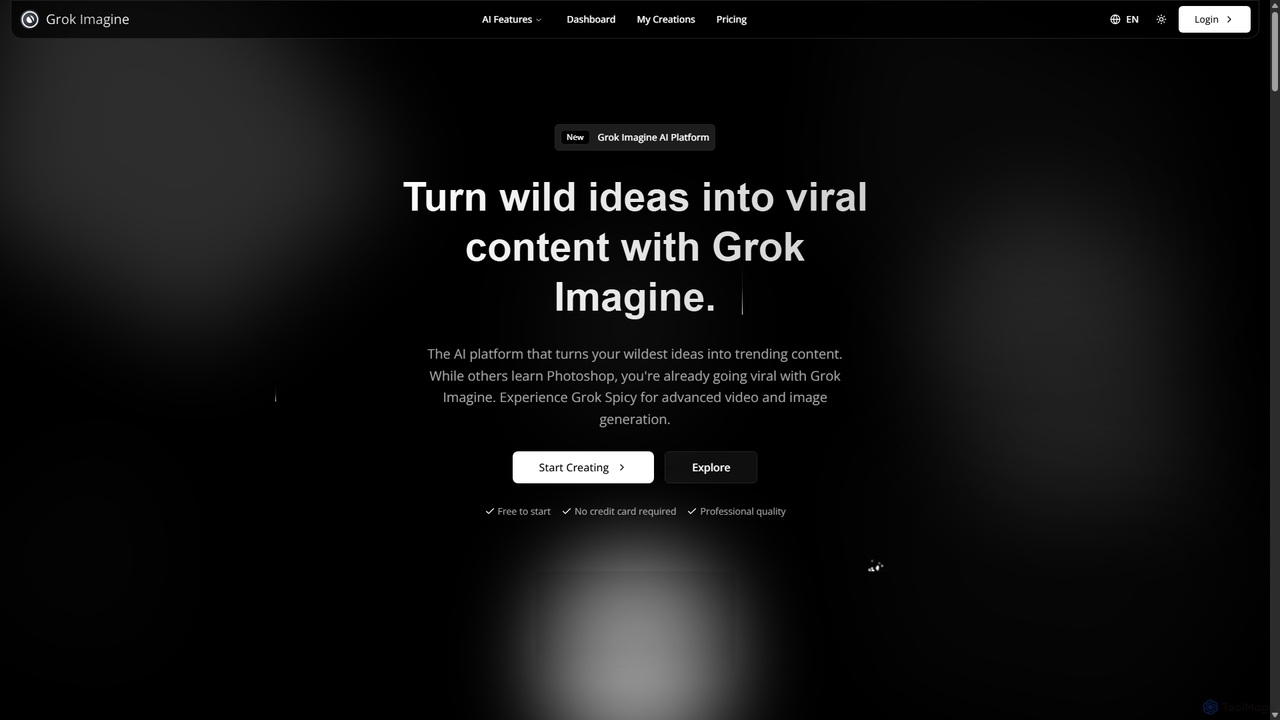
Grok Imagine
Grok Imagine is a powerful AI image and video generation suite powered by Aurora Engine Technology. It transforms text, images, and other videos into stunning, high-quality visual content. Featuring multiple generation modes, resolution options, and a user-friendly interface, it's designed for creators, marketers, and artists to bring their ideas to life effortlessly.
Generative Art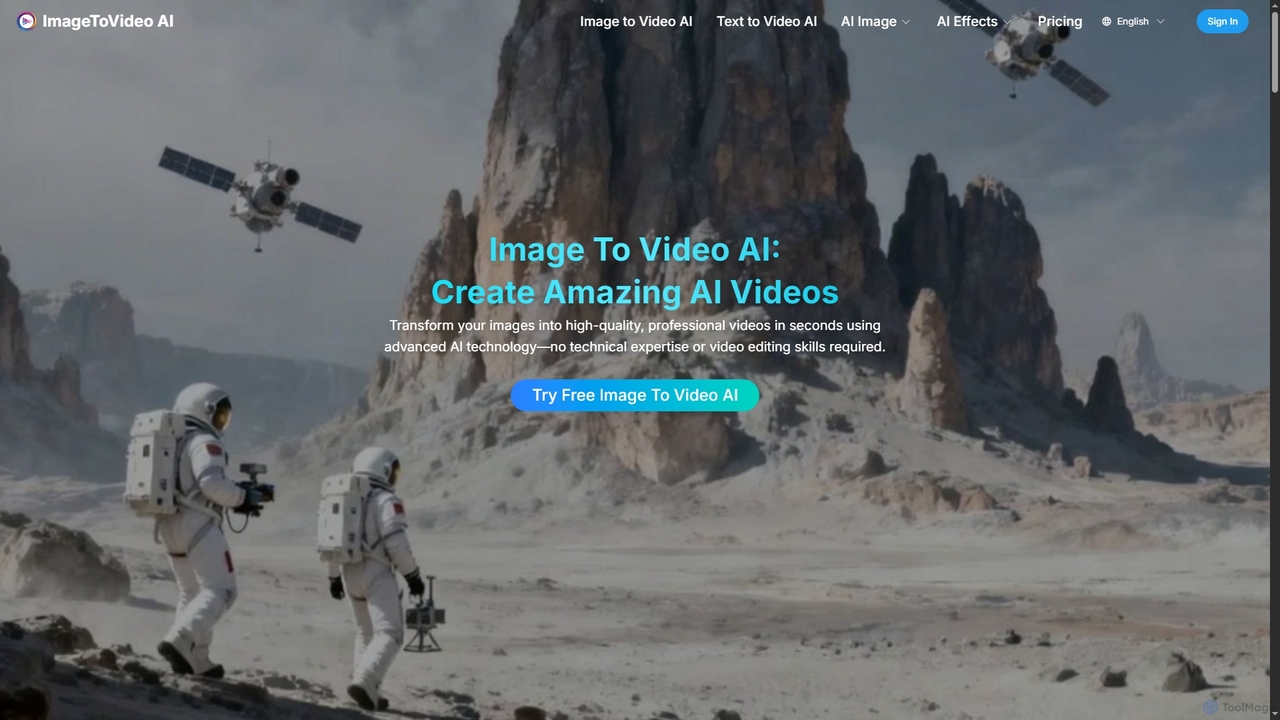
Imagetovideoai
Imagetovideoai is an AI-powered video generator that transforms static images and text prompts into dynamic, animated videos. It features an intuitive interface, requiring no technical skills, and produces high-quality, watermark-free videos suitable for social media, marketing, and personal projects. The platform also includes unique AI effects for creative content.
Entertainment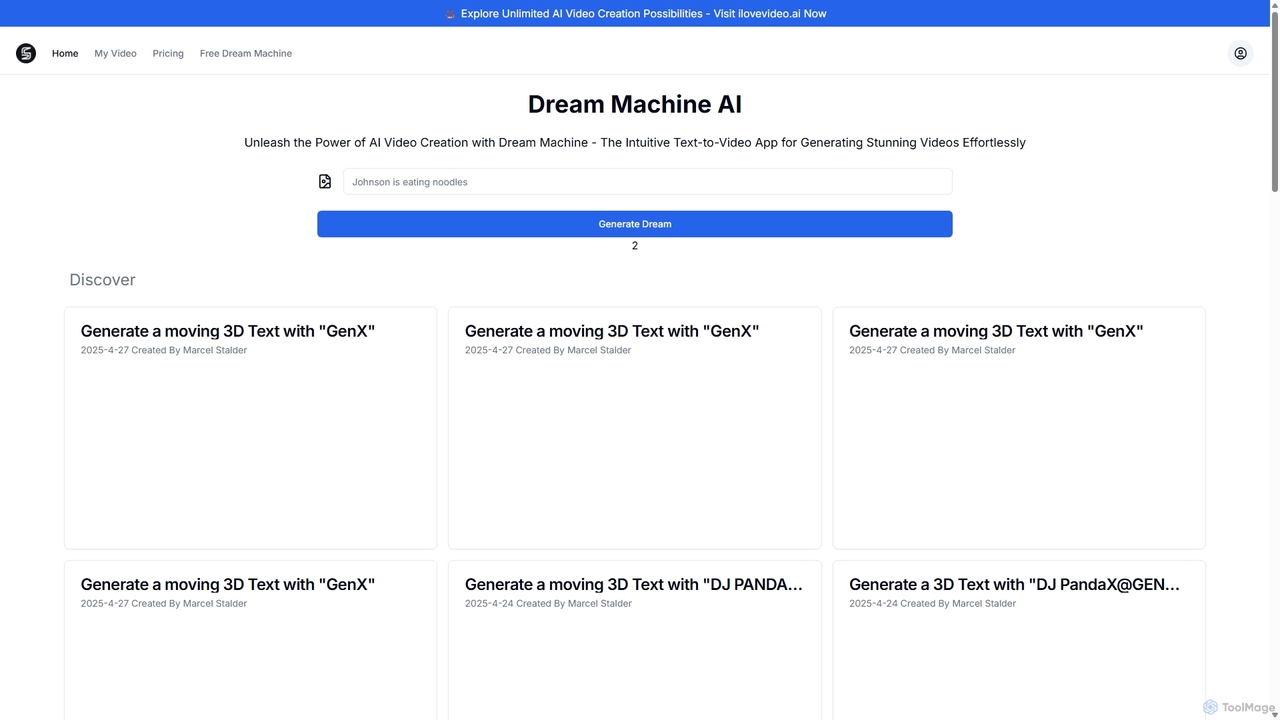
Dream Machine AI
Dream Machine AI by Luma Labs is a revolutionary text-to-video and image-to-video model that generates high-quality, realistic 5-second video clips. It transforms simple text prompts or static images into dynamic, cinematic scenes with consistent characters, accurate physics, and fluid camera movements, making advanced video creation accessible to everyone.
Generative Art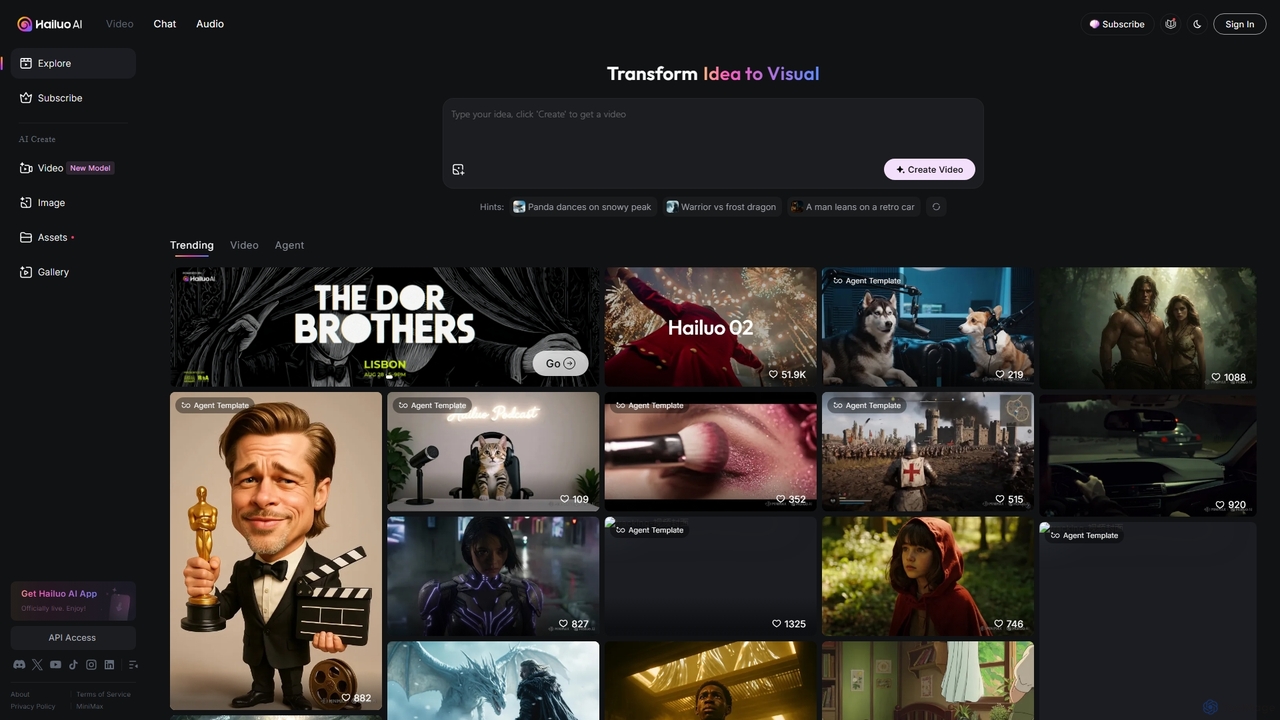
Hailuo AI
Hailuo AI is a powerful AI video generator that transforms ideas into stunning visuals. It supports text-to-video and image-to-video creation, offering a wide range of customizable "Agent Templates" for specific scenarios like pet videos, caricatures, and product showcases. With features like automated editing and support for various resolutions, Hailuo AI simplifies video production for marketers, content creators, and businesses, making it easy to create engaging, professional-quality content effortlessly.
Animation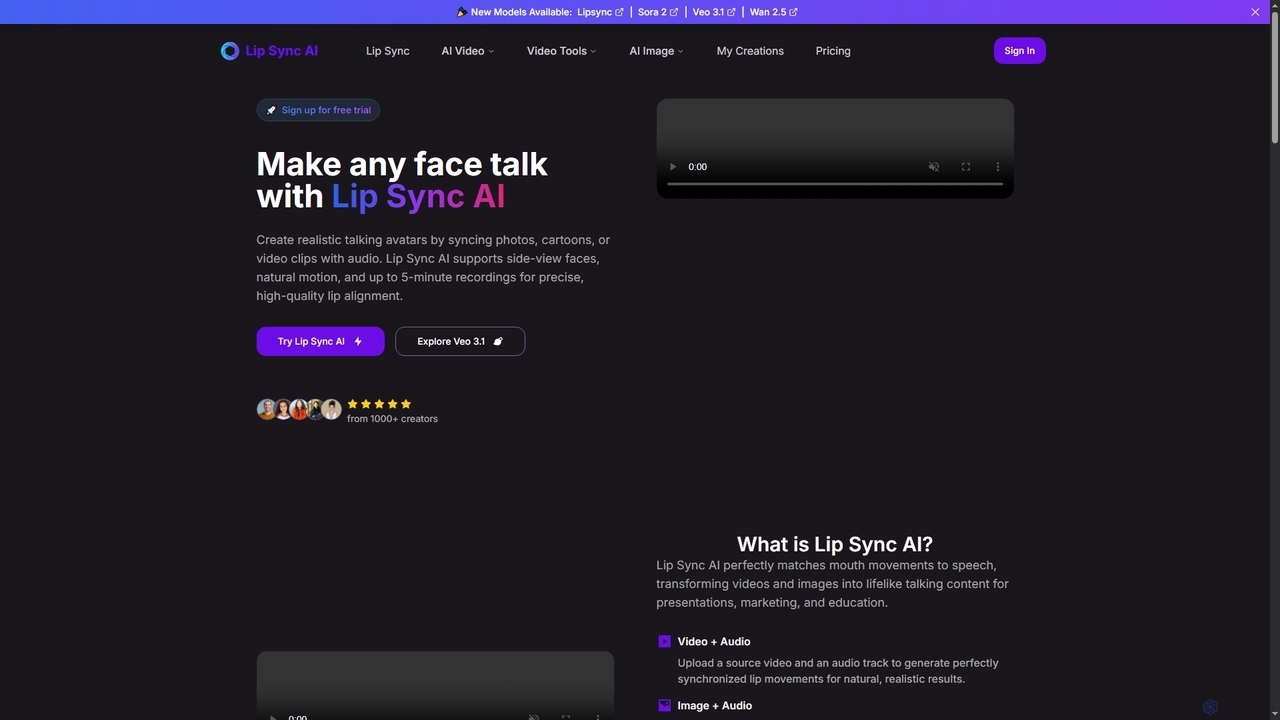
Lipsync AI
Lipsync AI is an advanced online AI tool that transforms images and videos into realistic talking avatars. It precisely synchronizes lip movements with any audio, supporting human and non-human characters for diverse content creation needs.
3D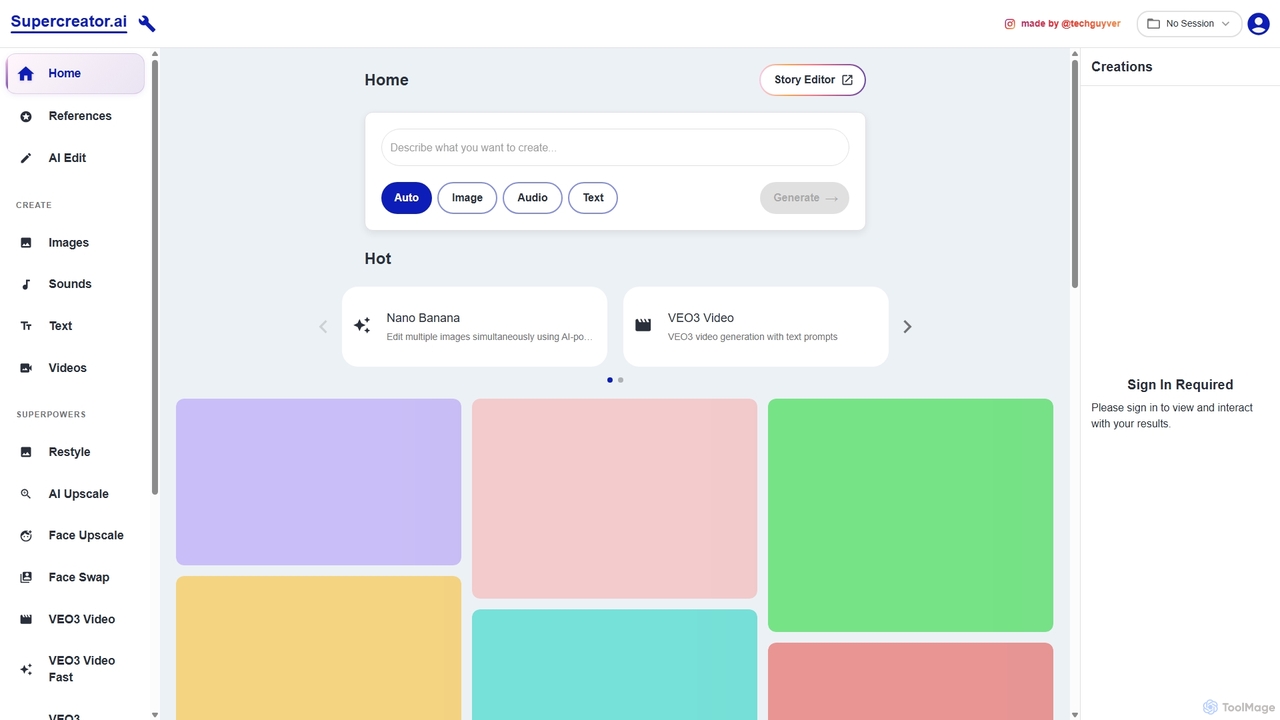
Supercreator.ai
Supercreator.ai is an all-in-one AI content creation suite, described as 'AGI in your pocket.' It empowers creators to generate and edit videos, images, audio, and text using advanced AI models like VEO3 and Kling 2.1. The platform integrates powerful tools for upscaling, face swapping, restyling, and multi-modal editing into a single, streamlined workflow.
Music Generation
Clip Studio Comments (0)
Sign in to comment.
Sign inNo comments yet.