

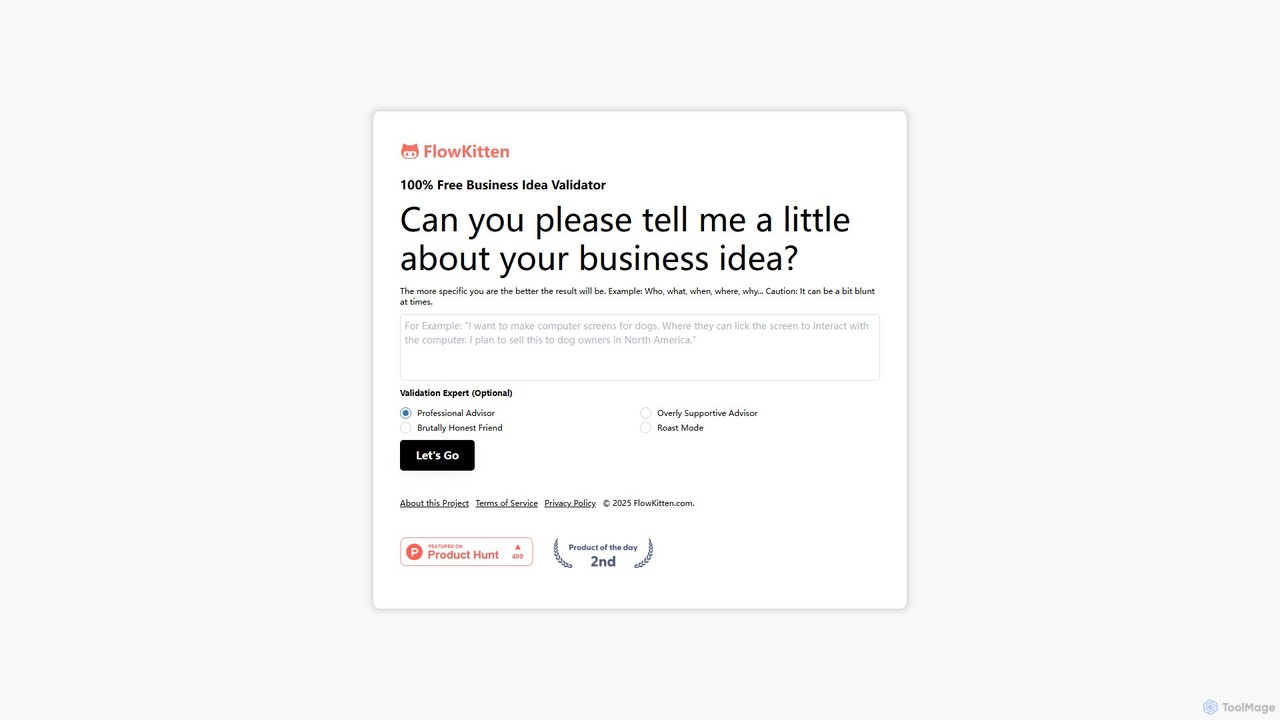
FlowKitten Overview
FlowKitten is a revolutionary workflow automation platform that leverages the power of artificial intelligence to make automation accessible to everyone. Designed with a user-friendly, no-code interface, FlowKitten empowers individuals and teams to connect their favorite applications, automate repetitive tasks, and streamline complex processes without writing a single line of code. The name itself, combining "Flow" for process and "Kitten" for agility and simplicity, reflects its core mission: to provide a powerful yet intuitive tool that feels less like a complex machine and more like a helpful assistant.
The platform is built around a visual, drag-and-drop canvas where users can map out their workflows. You can easily link triggers (like a new email or a form submission) to a series of actions across various applications. What sets FlowKitten apart is its integration of AI-native nodes, allowing for intelligent decision-making, data processing, and content generation directly within your automations. This transforms simple automations into smart, adaptive systems that can handle ambiguity and perform tasks that traditionally required human intellect.
How to use FlowKitten
Getting started with FlowKitten is a straightforward process designed for maximum efficiency:
- Sign Up & Connect: Create your FlowKitten account and connect your most-used applications from our extensive library, such as Google Workspace, Slack, Trello, HubSpot, and more. Authentication is secure and simple.
- Choose a Template or Start Fresh: Browse the comprehensive template library for pre-built solutions for common use cases like social media management or lead nurturing. Alternatively, start with a blank canvas to build a custom workflow.
- Build Your Flow: Use the drag-and-drop editor. Start by selecting a trigger (e.g., 'New Row in Google Sheets'). Then, add action nodes. You can chain multiple actions together, creating a sequence of tasks.
- Inject AI Intelligence: Add AI-powered nodes to your workflow. For example, use an 'AI Summarizer' to condense text from an article, a 'Sentiment Analysis' node to gauge customer feedback, or a 'Text Generator' to draft an email response.
- Set Conditions and Logic: Implement conditional logic ('if/then' branches) to create dynamic workflows that adapt based on the incoming data. For instance, 'If sentiment is negative, create a high-priority ticket in Zendesk.'
- Test and Activate: Run a test to ensure your workflow operates as expected. Once you're satisfied, activate it, and FlowKitten will handle the tasks for you 24/7.
Core Features of FlowKitten
- Visual Workflow Builder: An intuitive drag-and-drop interface that makes designing complex automations simple and visual.
- Extensive App Integration Library: Seamlessly connect to hundreds of popular SaaS tools, cloud services, and databases.
- AI-Powered Nodes: Go beyond basic automation with built-in AI capabilities for text generation, summarization, translation, sentiment analysis, data extraction, and more.
- Pre-built Template Library: A rich collection of ready-to-use workflow templates for marketing, sales, operations, and productivity to get you started in minutes.
- Advanced Conditional Logic: Create sophisticated, multi-step workflows with complex rules, branching, and filtering.
- Real-time Monitoring & Logs: A detailed dashboard to monitor workflow execution history, track performance, and quickly debug any issues.
- Team Collaboration: Share, manage, and collaborate on workflows with your team members in a secure, shared workspace.
Use Cases for FlowKitten
FlowKitten is versatile and can be adapted for countless scenarios across different departments:
- Marketing Automation: Automatically share new blog posts to all social media channels, enrich new leads from forms with company data, and add them to your CRM and email marketing sequence.
- Sales Operations: Automate the process of logging calls and emails in your CRM, send personalized follow-up sequences, and get notified in Slack when a high-value lead visits your pricing page.
- Content Creation: Build a pipeline that uses AI to research a topic, generate a first draft, find a relevant stock image, and save it all to a shared drive for review.
- Customer Support: Create a workflow that analyzes incoming support emails for sentiment and keywords, automatically creates and assigns tickets in your helpdesk system, and sends an initial acknowledgment to the customer.
- HR & Operations: Automate employee onboarding by creating accounts, sending welcome documents, and scheduling introductory meetings when a new hire is added to your HR system.
Advantages of FlowKitten
FlowKitten offers a distinct competitive edge by blending simplicity with powerful AI:
- Democratizes Automation: Its no-code approach empowers non-technical users (marketers, sales reps, managers) to build the automations they need without relying on developers.
- Increases Efficiency and Reduces Errors: By automating manual, repetitive tasks, it frees up valuable human hours for strategic work and minimizes the risk of human error.
- Enhances Decision-Making: AI-driven insights and actions within workflows enable smarter, data-driven business processes.
- Highly Scalable: The platform is built to scale, handling everything from a single user's personal tasks to enterprise-wide, mission-critical processes.
- Cost-Effective: Consolidates the functionality of multiple tools into one platform, offering a high return on investment by saving time and reducing software spend.
Pricing and Plans
FlowKitten offers a flexible pricing structure to suit different needs, including a free-forever plan.
- Free Plan: Ideal for individuals and hobbyists starting with automation. Includes a limited number of tasks per month and basic features.
- Pro Plan: Perfect for professionals and small teams who need more power. Offers a higher task limit, unlimited workflows, access to premium app integrations, and faster execution speeds.
- Business Plan: Designed for larger teams and organizations. Includes all Pro features plus advanced collaboration tools, enterprise-grade security, dedicated support, and higher API rate limits.
- Enterprise Plan: A custom solution for large-scale deployments with specific security, compliance, and support requirements. Contact sales for a personalized quote.
FlowKitten Alternatives
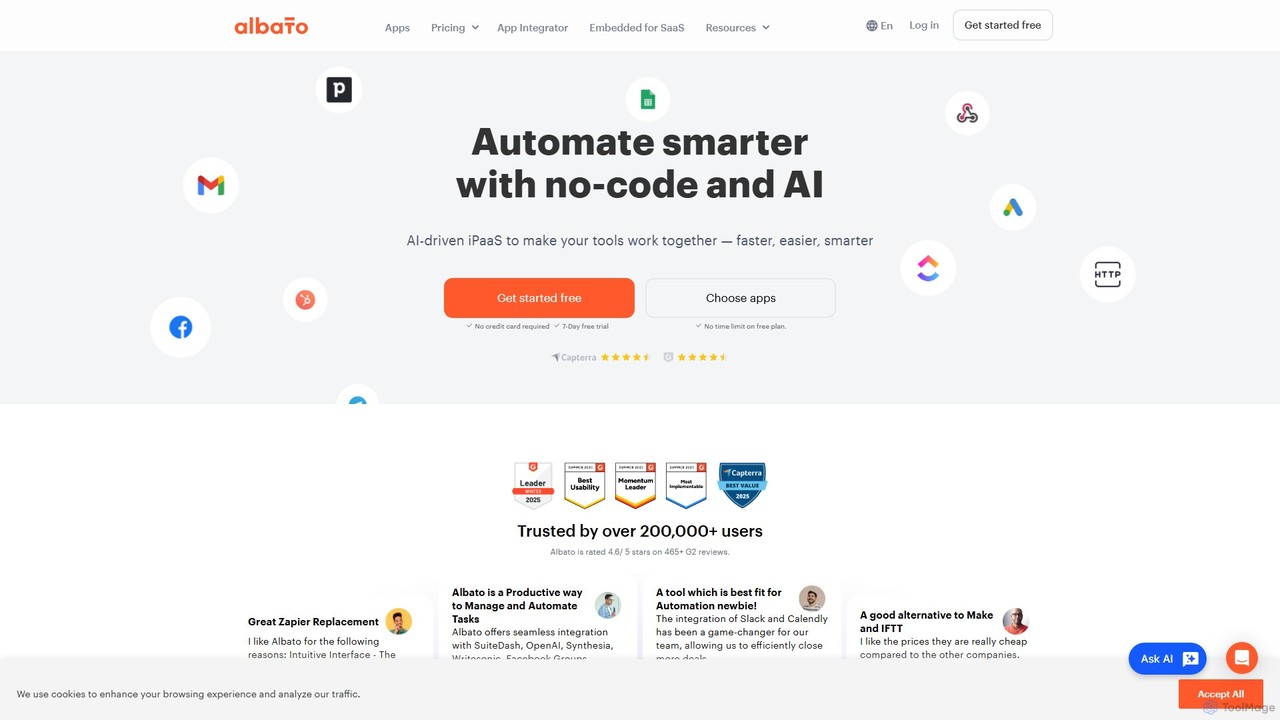
Albato
Albato is an AI-driven, no-code integration platform (iPaaS) that empowers users to connect over 800 applications and automate complex workflows effortlessly. It serves as a powerful alternative to Zapier and Make, offering an intuitive interface, extensive app library, and the ability to build custom integrations. Ideal for businesses of all sizes, Albato simplifies data synchronization, task automation, and process management, enhancing productivity and efficiency without requiring any coding knowledge.
Workflow Management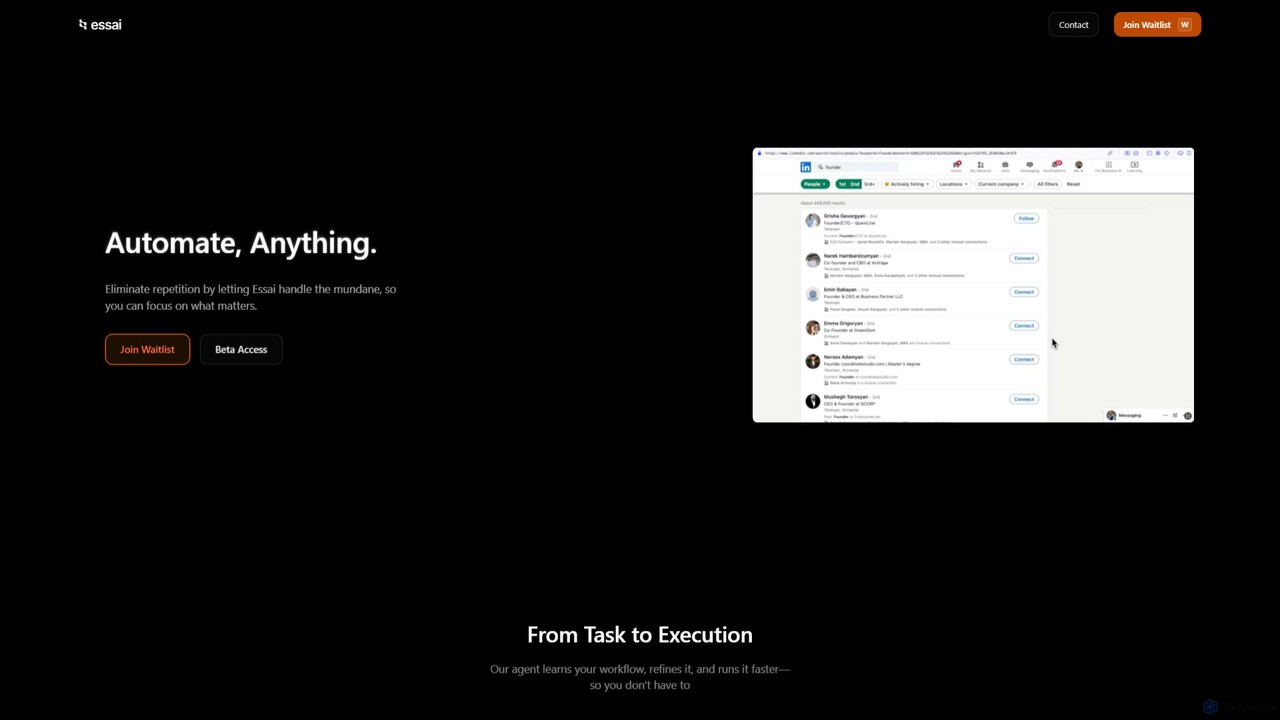
Essai
Essai is an AI-powered automation platform that learns and executes your repetitive digital tasks. By observing your keystrokes and clicks, the Essai agent identifies patterns, builds workflows, and runs them on your behalf, freeing you to focus on more strategic work. It seamlessly integrates across various applications and industries to streamline operations.
Workflow Management
doflow.io
doflow.io is an AI-native workflow automation platform designed to connect your apps and automate complex tasks. It allows you to build intelligent workflows using a visual canvas, integrating powerful AI models to streamline marketing, sales, and operational processes without writing any code.
Business Intelligence
xantonai
xantonai is an AI-powered, no-code platform designed for business process automation. It enables users to build intelligent workflows, create custom AI agents, and integrate hundreds of applications to streamline operations, enhance productivity, and reduce manual errors without writing a single line of code.
Workflow Management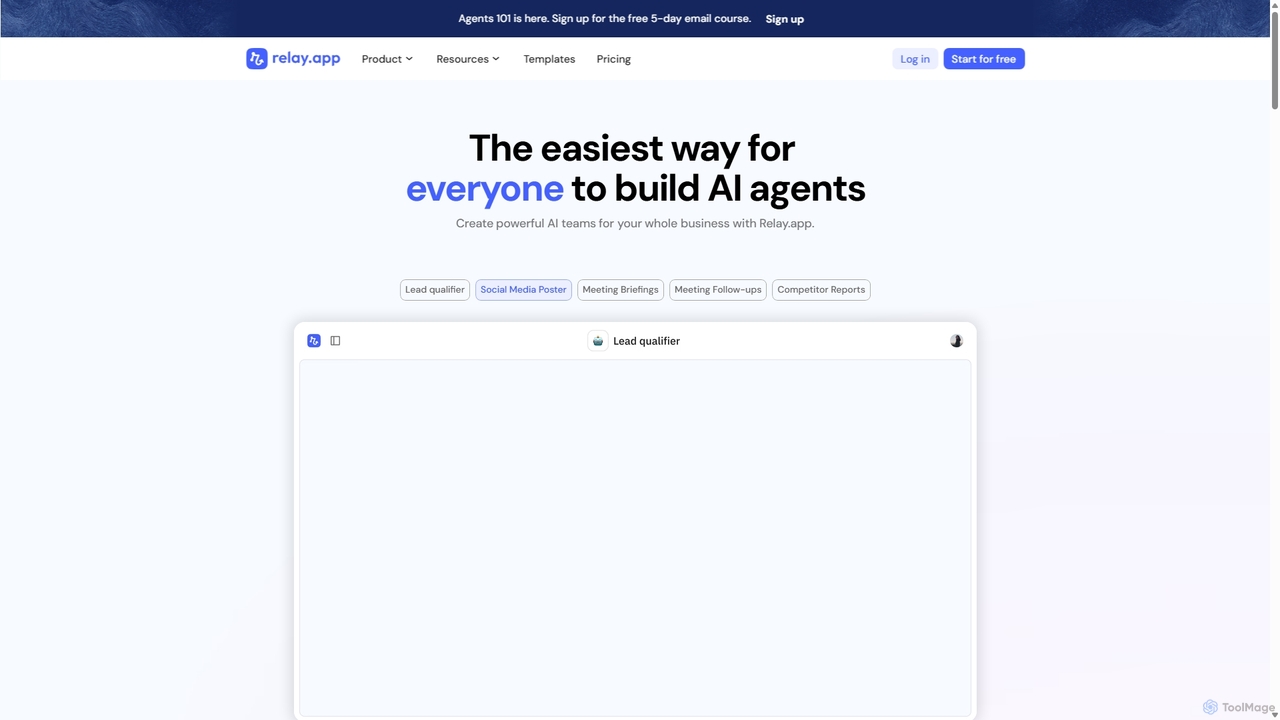
Relay.app
Relay.app is an intuitive no-code platform for building powerful AI agents and automating complex workflows. It uniquely combines AI-driven steps with 'human-in-the-loop' checkpoints for approvals and data entry. With over 100 integrations and a user-friendly interface, it simplifies processes for sales, marketing, and operations, making it a powerful alternative to tools like Zapier and Make.com.
Workflow ManagementFlowKitten Categories
FlowKitten Embed Widget
Copy this embed code to place the badge on your blog, article, or product site and send readers directly to this ToolMage detail page.

Related AI tools

zmaticoo
zmaticoo is an AI-powered automation platform that connects your favorite apps and services to streamline workflows. It enables you to automate repetitive tasks without any coding, using an intuitive visual builder to create intelligent, multi-step processes that boost productivity and efficiency for businesses and individuals.
AutomationAlbato
Albato is an AI-driven, no-code integration platform (iPaaS) that empowers users to connect over 800 applications and automate complex workflows effortlessly. It serves as a powerful alternative to Zapier and Make, offering an intuitive interface, extensive app library, and the ability to build custom integrations. Ideal for businesses of all sizes, Albato simplifies data synchronization, task automation, and process management, enhancing productivity and efficiency without requiring any coding knowledge.
Workflow ManagementEssai
Essai is an AI-powered automation platform that learns and executes your repetitive digital tasks. By observing your keystrokes and clicks, the Essai agent identifies patterns, builds workflows, and runs them on your behalf, freeing you to focus on more strategic work. It seamlessly integrates across various applications and industries to streamline operations.
Workflow Managementdoflow.io
doflow.io is an AI-native workflow automation platform designed to connect your apps and automate complex tasks. It allows you to build intelligent workflows using a visual canvas, integrating powerful AI models to streamline marketing, sales, and operational processes without writing any code.
Business Intelligencexantonai
xantonai is an AI-powered, no-code platform designed for business process automation. It enables users to build intelligent workflows, create custom AI agents, and integrate hundreds of applications to streamline operations, enhance productivity, and reduce manual errors without writing a single line of code.
Workflow Management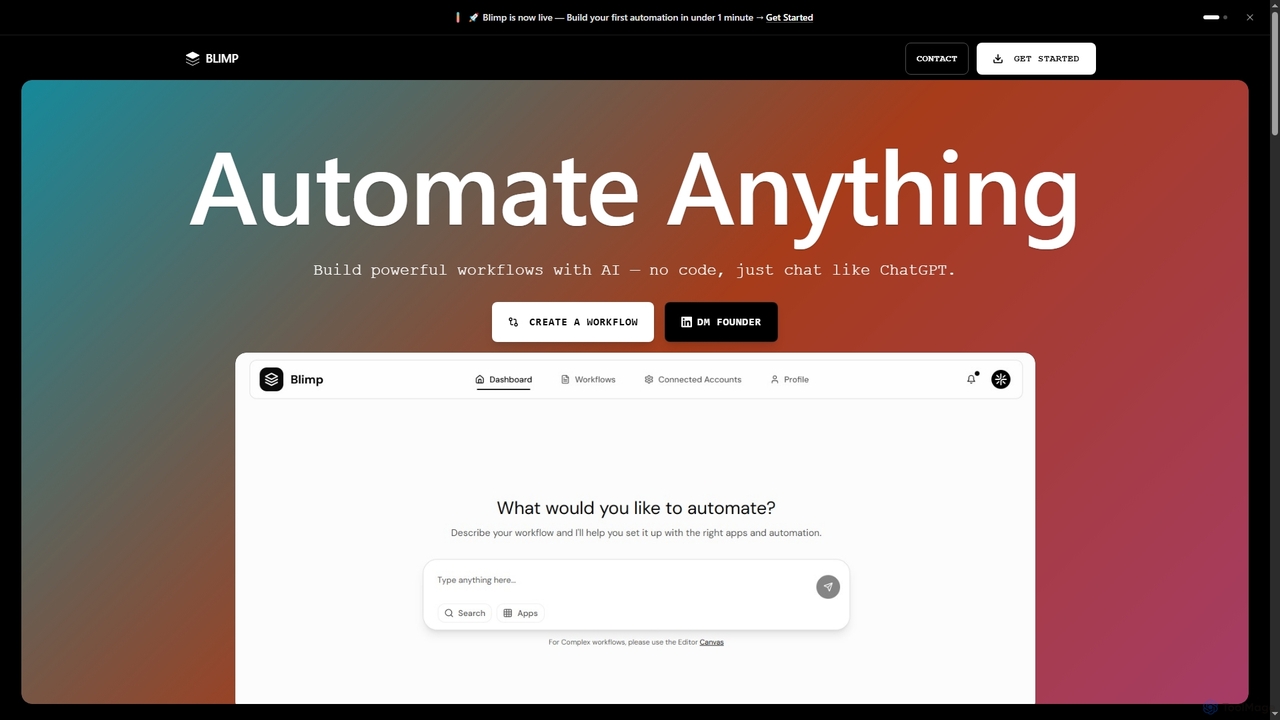
Blimp
Blimp is an AI-powered, no-code workflow automation platform designed for everyone. It allows users to build powerful automations by simply describing their desired tasks in natural language, connecting seamlessly with popular applications to streamline daily operations.
Task Automation
relayed.ai
relayed.ai is an AI-powered automation platform that intelligently connects your apps and workflows. It automates the process of relaying information, tasks, and data between services like Slack, email, CRMs, and project management tools, ensuring seamless communication and operational efficiency.
Communication
Autopailot
Autopailot is an AI-powered automation platform designed to streamline business workflows, manage tasks, and connect your favorite apps. It acts as an intelligent co-pilot for your team, automating repetitive processes from marketing and sales to project management, allowing you to focus on strategic growth.
Task Management
aify
aify is a powerful no-code platform for building and running custom AI-powered workflows. Connect various AI models and applications to automate complex tasks, from content creation and data analysis to customer support and marketing campaigns, all within a visual, drag-and-drop interface.
No Code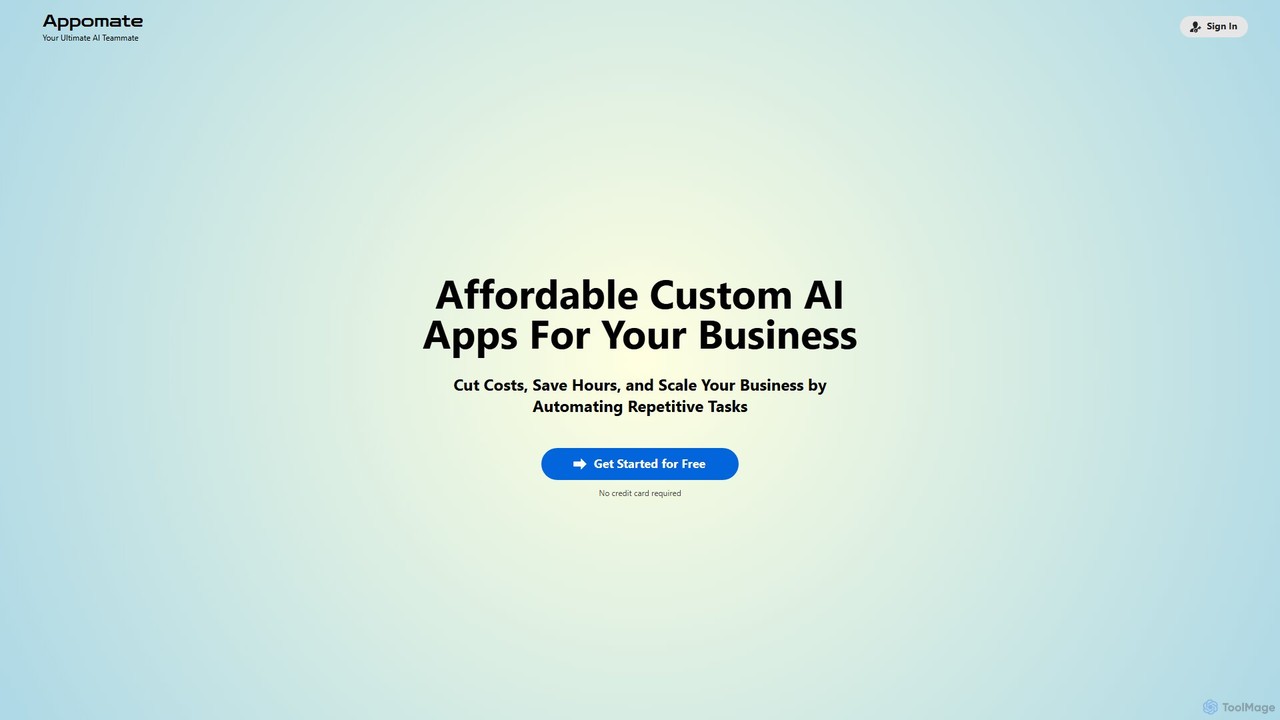
Appomate
Appomate is your ultimate AI teammate, offering affordable, custom AI applications for businesses. It helps cut costs, save hours, and scale operations by automating repetitive tasks and providing data-driven insights.
Customer Relationship Management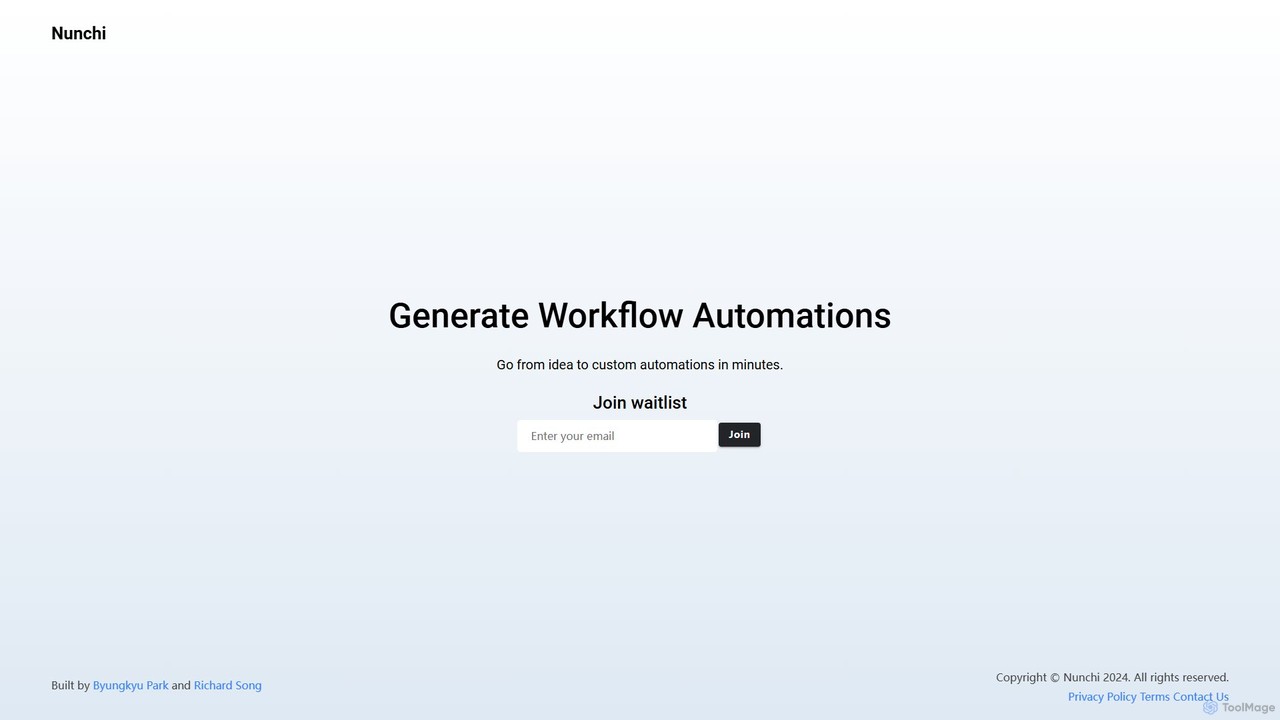
Nunchi
Nunchi is an AI-powered platform that transforms your ideas into custom workflow automations in minutes. By simply describing your desired process in natural language, you can connect apps and automate repetitive tasks without any coding. It's designed to be intuitive, fast, and powerful, streamlining operations for individuals and teams.
Api & Integration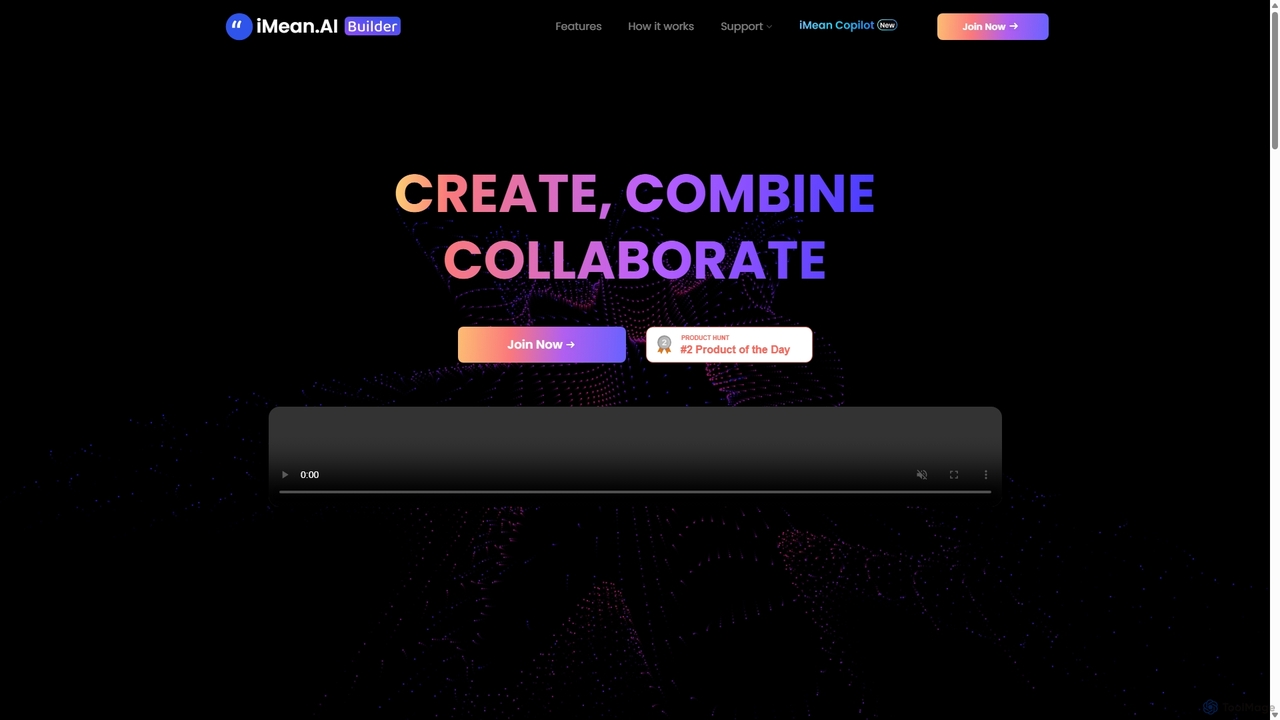
IMean AI Builder
iMean AI Builder is a no-code platform that allows you to create a personal AI assistant by simply recording your online activities. It learns from your actions, turning repetitive tasks like scheduling, research, and data entry into automated workflows. Customize your AI with a drag-and-drop editor to build a truly personalized digital companion.
No Code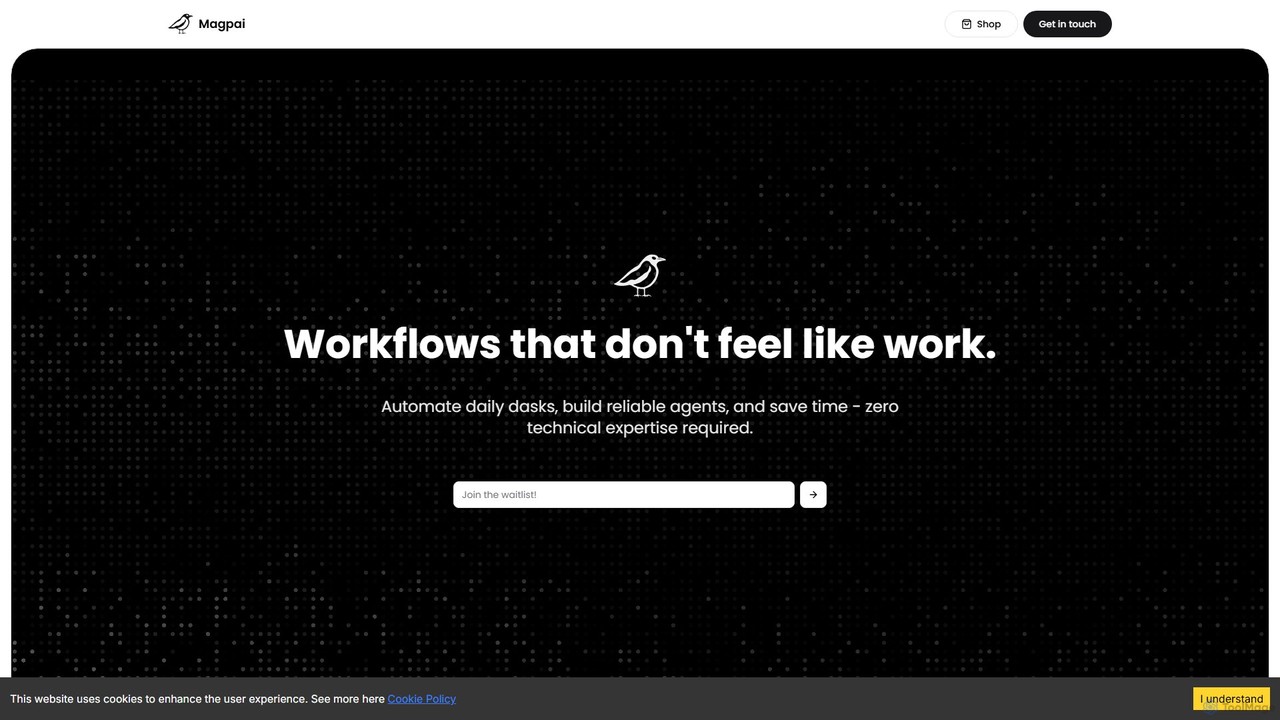
Magpai
Magpai is a user-friendly, no-code AI platform designed to automate daily tasks and build custom workflows. Positioned as the 'Canva of automation,' it allows anyone, regardless of technical skill, to create powerful AI agents and streamline business processes through an intuitive drag-and-drop interface. It serves various industries, from marketing to manufacturing, offering both a DIY platform and expert-built solutions.
Workflow Management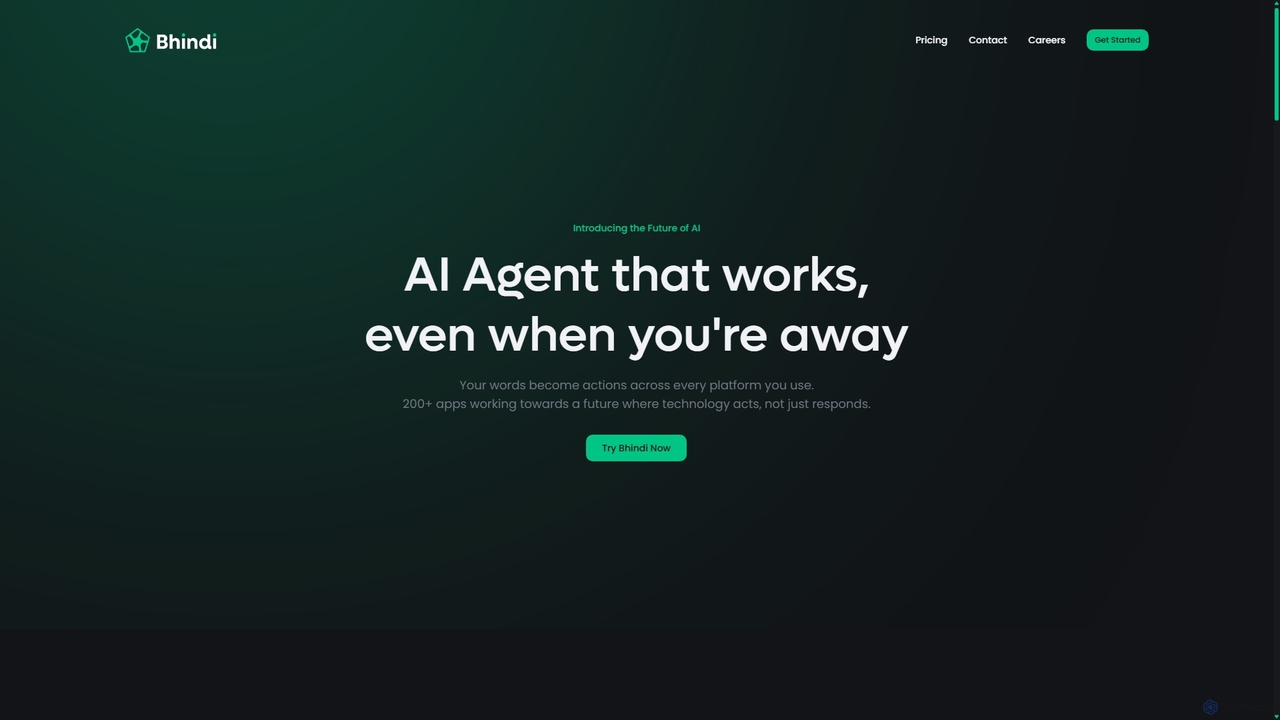
Bhindi
Bhindi is an AI agent platform that automates complex tasks and workflows across over 200 applications using simple natural language commands. It acts as an intelligent assistant that works in the background, connecting your favorite tools like Gmail, Slack, and Notion to execute multi-step actions, turning your words into a seamless, automated reality.
Personal Assistant
iflowai
iflowai is an AI-powered workflow automation platform that allows you to connect your favorite apps and services to automate repetitive tasks. With its intuitive no-code visual builder, you can design, build, and run complex workflows that incorporate advanced AI capabilities for data processing, content generation, and decision-making, boosting productivity for individuals and teams.
Operations
FlowKitten Comments (0)
Sign in to comment.
Sign inNo comments yet.