

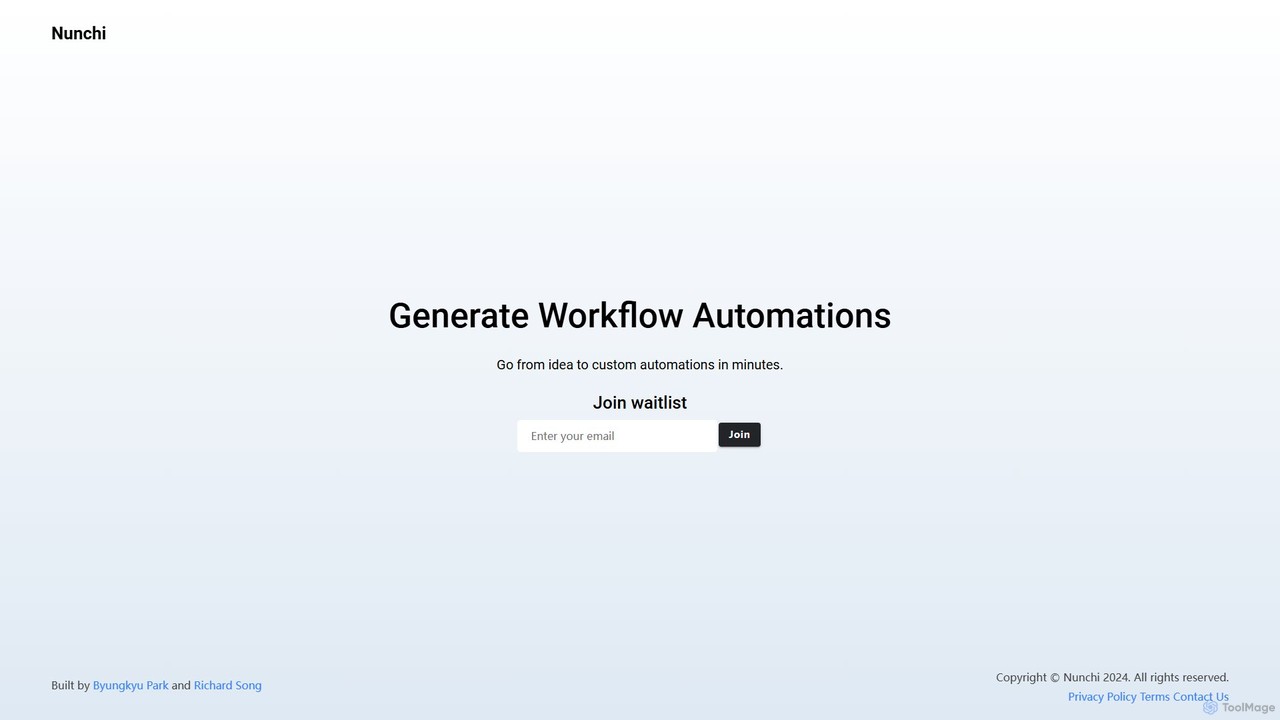
Nunchi Overview
Nunchi is a revolutionary AI-native workflow automation platform designed to bridge the gap between idea and execution. The name 'Nunchi' (눈치) is a Korean concept representing the subtle art of understanding others' thoughts and feelings intuitively—a principle embedded in the tool's core. It aims to understand your intent from simple text descriptions and build complex, multi-step automations for you in minutes. This eliminates the steep learning curve and tedious setup associated with traditional automation platforms, making powerful workflow creation accessible to everyone, regardless of their technical expertise.
The platform operates on a simple yet powerful premise: you describe what you want to automate, and Nunchi builds it. Whether it's for marketing, sales, operations, or personal productivity, Nunchi can connect to your favorite applications and orchestrate tasks seamlessly. It's built for the modern professional who needs to move fast and eliminate manual, repetitive work that drains time and energy.
How to use Nunchi
Using Nunchi is designed to be an intuitive, conversational experience. As the tool is currently in a pre-launch phase, the first step is to join the waitlist on their official website to get early access.
- Describe Your Workflow: Once you have access, you start by typing your automation goal in plain English. For example: "When a new customer signs up on Stripe, find their email, add them to a 'New Customers' list in Mailchimp, and send a welcome message to the #sales channel in Slack."
- AI-Powered Generation: Nunchi's AI will parse your request, identify the apps involved (Stripe, Mailchimp, Slack), the trigger (new customer), and the sequence of actions. It will then generate a visual or logical representation of this workflow.
- Connect Your Apps: You'll be prompted to securely connect and authorize your accounts for the applications identified in the workflow. This is a one-time setup for each app.
- Review and Refine: Nunchi will present the generated automation for your review. You can make adjustments, add conditional logic, or modify steps if needed, either through the visual interface or by refining your text description.
- Activate and Monitor: Once you're satisfied, you can activate the automation. Nunchi will run it in the background and provide logs and monitoring dashboards to track its performance and success.
Core Features of Nunchi
- Natural Language Automation: The core engine that translates plain text descriptions into fully functional, multi-step workflows.
- Extensive App Integration: Connects with a wide range of popular SaaS tools for CRM, marketing, communication, project management, and more (e.g., Google Suite, Slack, Notion, Salesforce, HubSpot).
- AI-Assisted Workflow Building: The AI not only builds the initial workflow but can also suggest improvements, optimizations, and error handling.
- Custom Logic and Conditionals: Go beyond simple trigger-action pairs. Create automations with 'if-then-else' conditions, loops, and data formatting to handle complex scenarios.
- Visual Workflow Editor: While generation is text-based, a clear visual interface allows you to see, edit, and understand the flow of your automation.
- Pre-built Templates: A library of common automation recipes that you can use as a starting point and customize to your needs.
Use Cases for Nunchi
Nunchi is versatile and can be applied across various business functions:
- Marketing Automation: Automatically sync leads from lead magnets to your CRM and email marketing platform, post social media updates across channels, or track brand mentions.
- Sales Operations: Automate lead assignment, create follow-up tasks in your CRM when a deal progresses, and send personalized outreach emails based on triggers.
- Productivity Boost: Manage your personal tasks by syncing your to-do list with your calendar, saving email attachments to cloud storage, or creating meeting summaries.
- Customer Support: Instantly create a support ticket in Zendesk or Jira from a customer email or a message in a specific Slack channel.
- Data Management: Automate the process of moving data between spreadsheets, databases, and other applications, ensuring data consistency.
Advantages of Nunchi
Nunchi's primary advantage is its intuitive, AI-first approach.
- Speed: Go from a simple idea to a live, running automation in a fraction of the time it takes with traditional tools.
- Accessibility: No need to learn a complex interface or coding. If you can describe it, Nunchi can build it, empowering non-technical users.
- Intelligence: The 'Nunchi' philosophy means the tool is designed to be perceptive, understanding context and intent to reduce manual configuration.
- Flexibility: The natural language interface allows for the creation of highly specific and custom workflows that might not fit into the rigid templates of other platforms.
Pricing and Plans
Nunchi is currently in a pre-launch phase and is accessible via a waitlist. As such, official pricing and plan details have not yet been released. It is anticipated that a tiered pricing model will be offered upon launch, potentially including a free or trial plan for basic use and paid plans for advanced features, higher task volumes, and team collaboration. To receive updates on pricing and gain early access, interested users are encouraged to join the waitlist on the Nunchi website.
Traffic
Latest traffic
Status
Monthly traffic trend
- 2025-9: 323
- 2026-1: 0
- 2026-2: 298
- 2026-3: 3.2K
- 2026-4: 0
- 2026-5: 166
Geography
Top 5 countries / regions
- 🇵🇷Puerto Rico54.2%
- 🇧🇷Brazil45.8%
Top keywords
| Keyword | Cost per click |
|---|---|
| nunchi | $0.00 |
| nunchi club discount | $0.00 |
Nunchi Alternatives
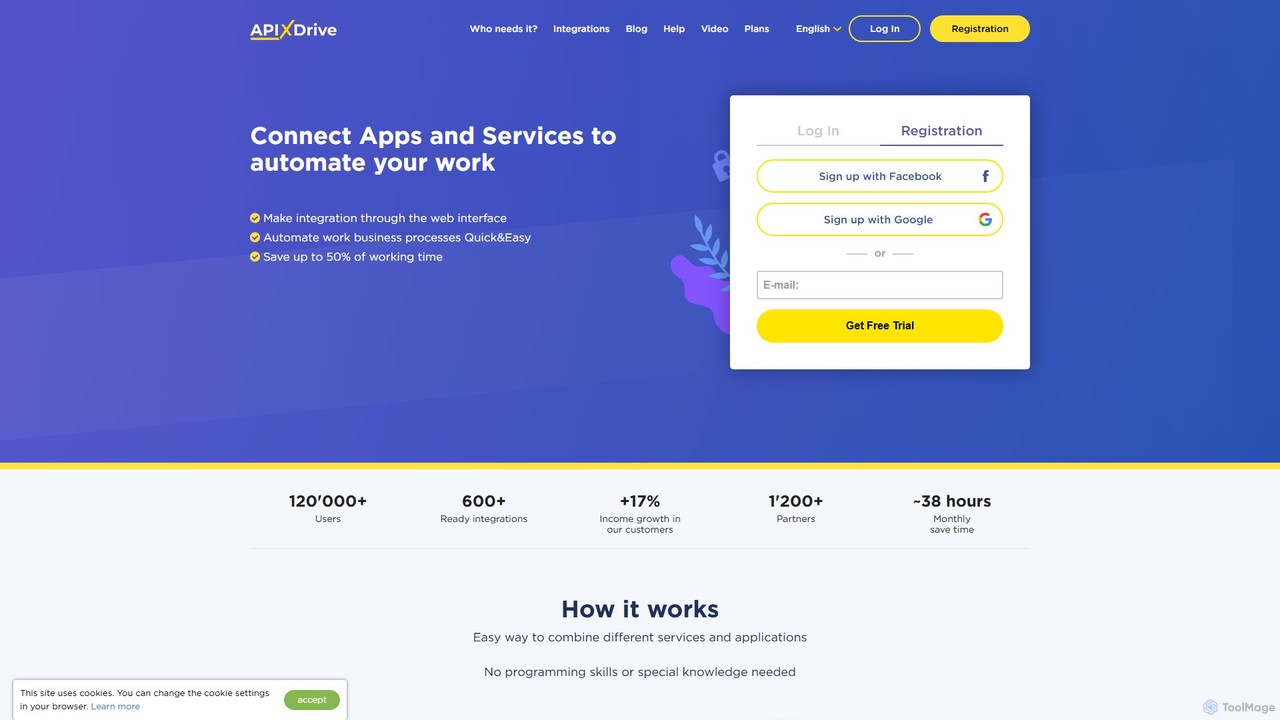
apix_drive
ApiX-Drive is a no-code integration platform that automates workflows by connecting over 600 apps and services. Easily link your CRM, marketing tools, e-commerce platforms, and AI applications like ChatGPT without any programming skills. Streamline data transfer, automate lead management, and save significant time.
Api Management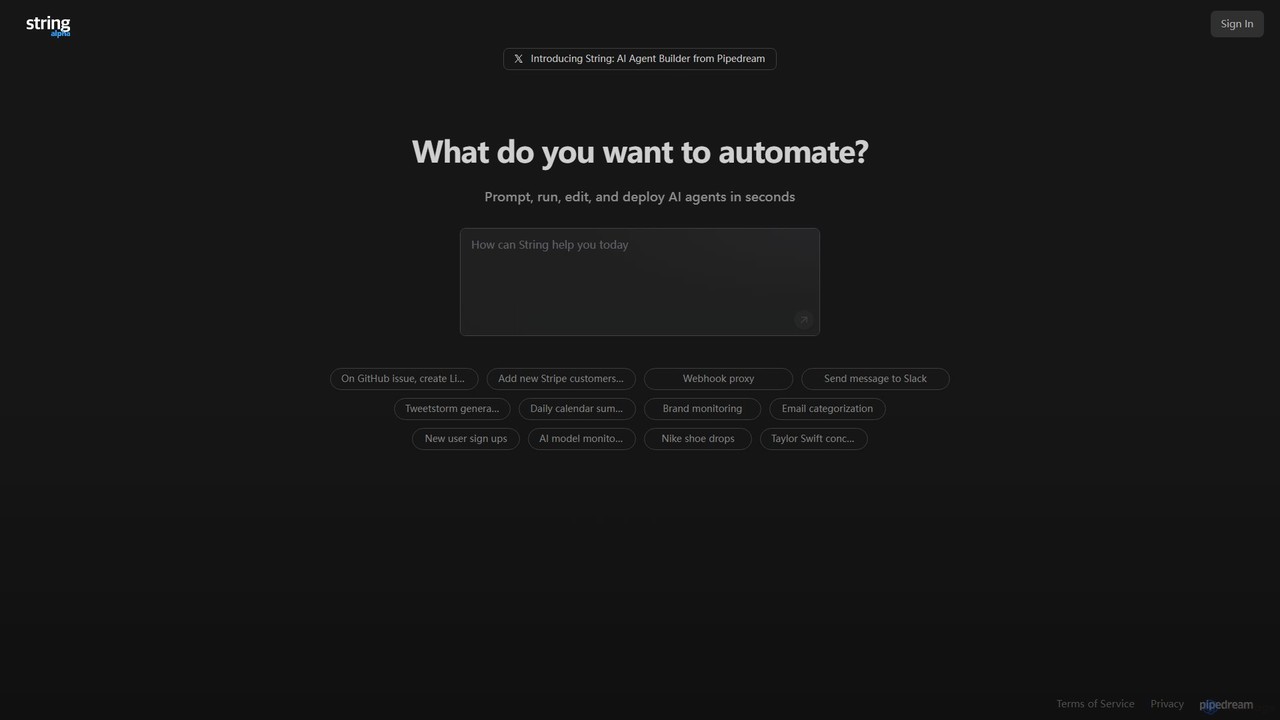
String
String is an AI agent builder from Pipedream that allows you to create, run, and deploy automated workflows in seconds. Using natural language prompts, you can build agents that connect various applications like Google Sheets, GitHub, Stripe, and HubSpot. It's designed for automating complex tasks, from data synchronization and brand monitoring to content generation and custom notifications, without needing extensive coding knowledge.
No Code & Low Code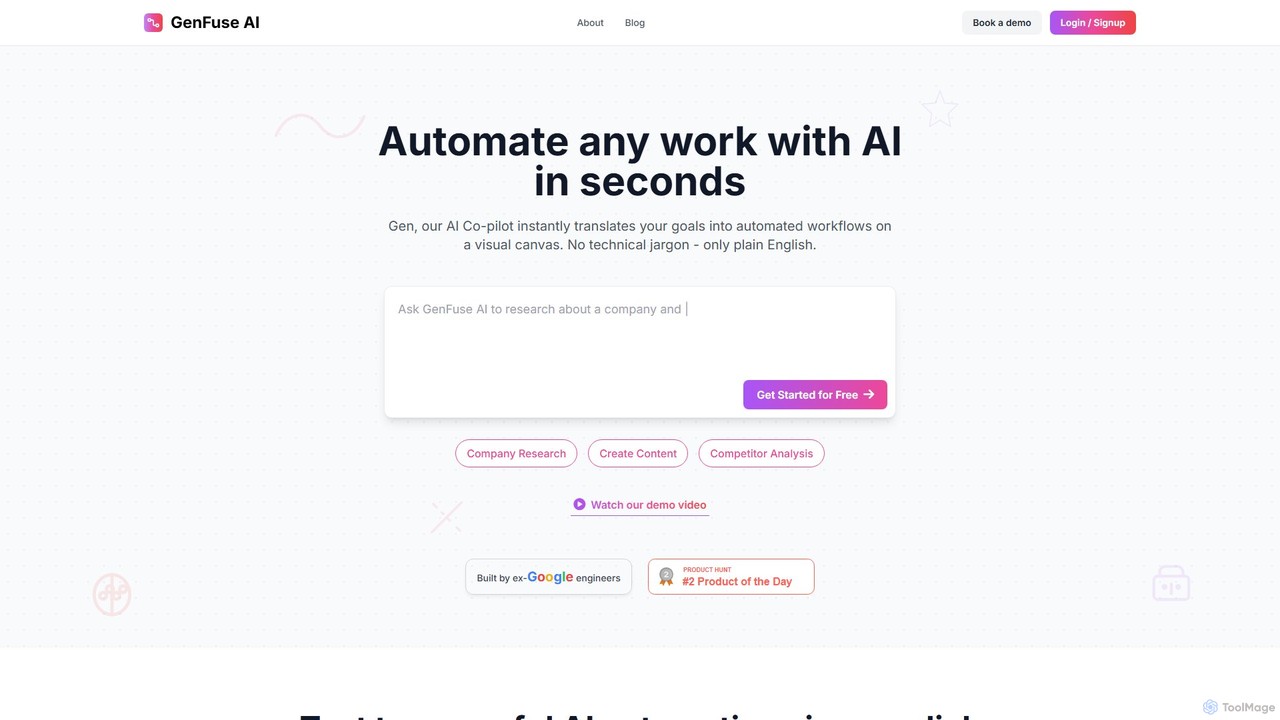
GenFuse AI
GenFuse AI is an AI-native platform that transforms your goals into automated workflows using plain English. Built by ex-Google engineers, it allows you to connect your apps, automate repetitive tasks, and build complex agentic automations without any coding or technical jargon. Simply describe what you want, and the AI builds it.
Marketing Automation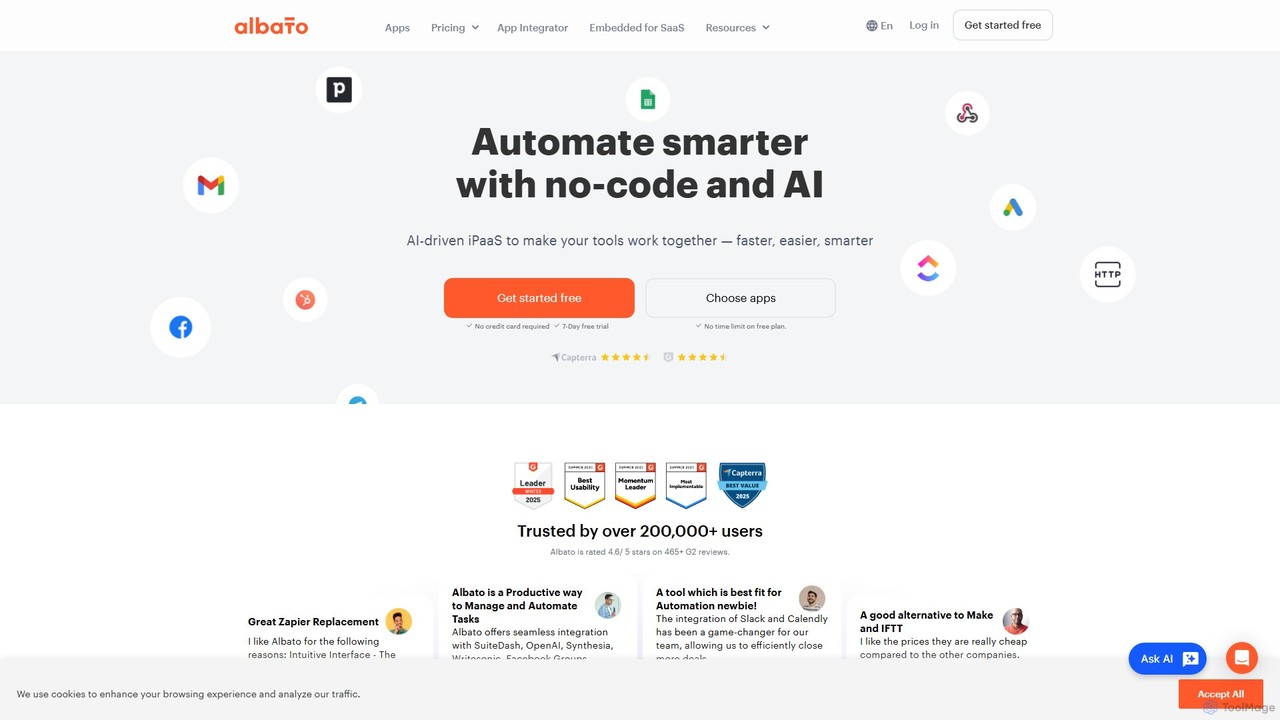
Albato
Albato is an AI-driven, no-code integration platform (iPaaS) that empowers users to connect over 800 applications and automate complex workflows effortlessly. It serves as a powerful alternative to Zapier and Make, offering an intuitive interface, extensive app library, and the ability to build custom integrations. Ideal for businesses of all sizes, Albato simplifies data synchronization, task automation, and process management, enhancing productivity and efficiency without requiring any coding knowledge.
Workflow Management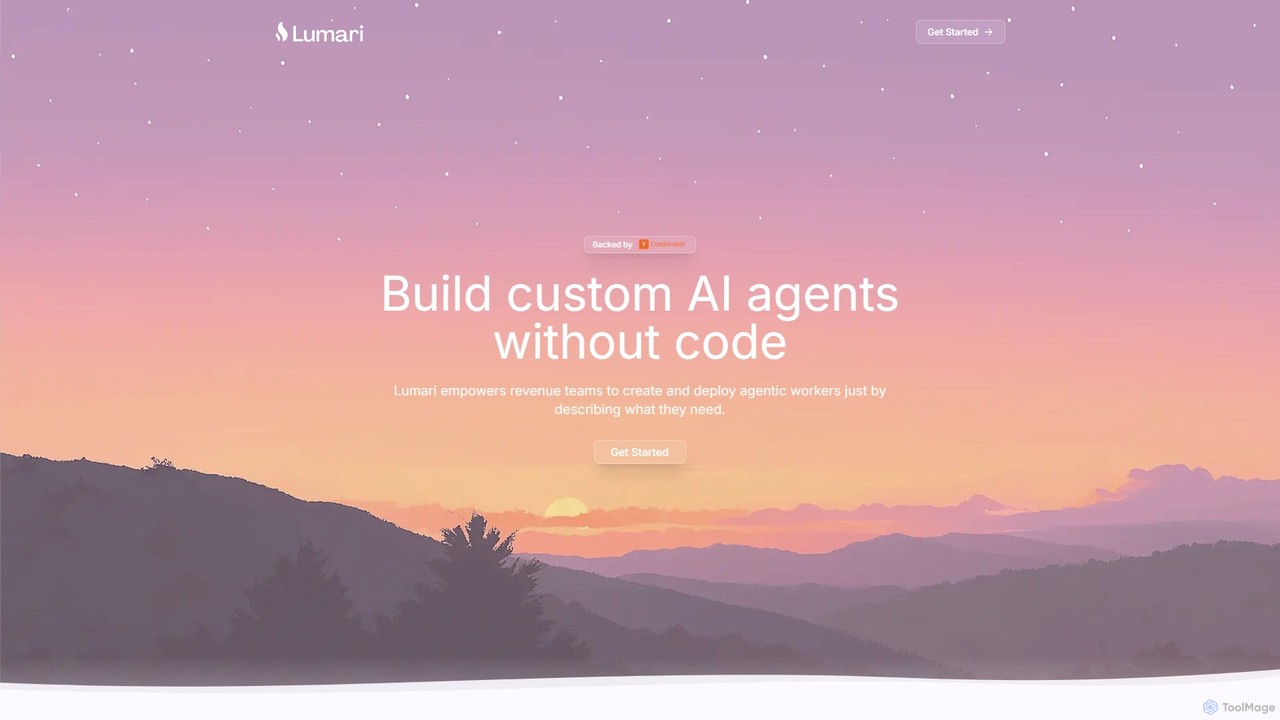
Lumari
Lumari is a no-code platform that empowers revenue teams to build, deploy, and manage custom AI agents. By simply describing tasks in plain English, users can create autonomous agents that handle complex workflows, from lead generation to deal closure, integrating seamlessly with existing tools like CRMs and communication platforms.
Marketing AutomationNunchi Categories
Nunchi Embed Widget
Copy this embed code to place the badge on your blog, article, or product site and send readers directly to this ToolMage detail page.

Related AI tools

automi
automi is an AI-powered, no-code platform for building custom AI agents and automating complex workflows. Connect hundreds of apps, integrate powerful AI models, and streamline your business processes to boost productivity and save time.
Workflow Managementapix_drive
ApiX-Drive is a no-code integration platform that automates workflows by connecting over 600 apps and services. Easily link your CRM, marketing tools, e-commerce platforms, and AI applications like ChatGPT without any programming skills. Streamline data transfer, automate lead management, and save significant time.
Api ManagementString
String is an AI agent builder from Pipedream that allows you to create, run, and deploy automated workflows in seconds. Using natural language prompts, you can build agents that connect various applications like Google Sheets, GitHub, Stripe, and HubSpot. It's designed for automating complex tasks, from data synchronization and brand monitoring to content generation and custom notifications, without needing extensive coding knowledge.
No Code & Low CodeGenFuse AI
GenFuse AI is an AI-native platform that transforms your goals into automated workflows using plain English. Built by ex-Google engineers, it allows you to connect your apps, automate repetitive tasks, and build complex agentic automations without any coding or technical jargon. Simply describe what you want, and the AI builds it.
Marketing Automation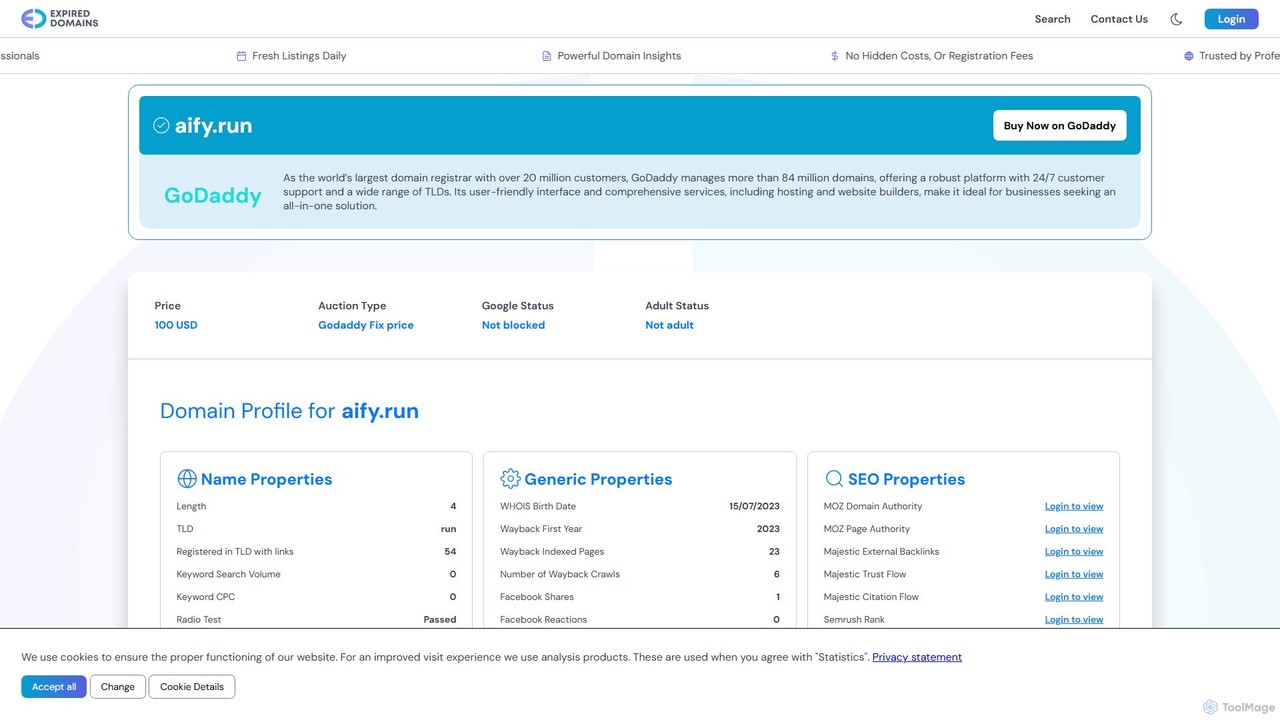
aify
aify is a powerful no-code platform for building and running custom AI-powered workflows. Connect various AI models and applications to automate complex tasks, from content creation and data analysis to customer support and marketing campaigns, all within a visual, drag-and-drop interface.
No Code
zmaticoo
zmaticoo is an AI-powered automation platform that connects your favorite apps and services to streamline workflows. It enables you to automate repetitive tasks without any coding, using an intuitive visual builder to create intelligent, multi-step processes that boost productivity and efficiency for businesses and individuals.
Automation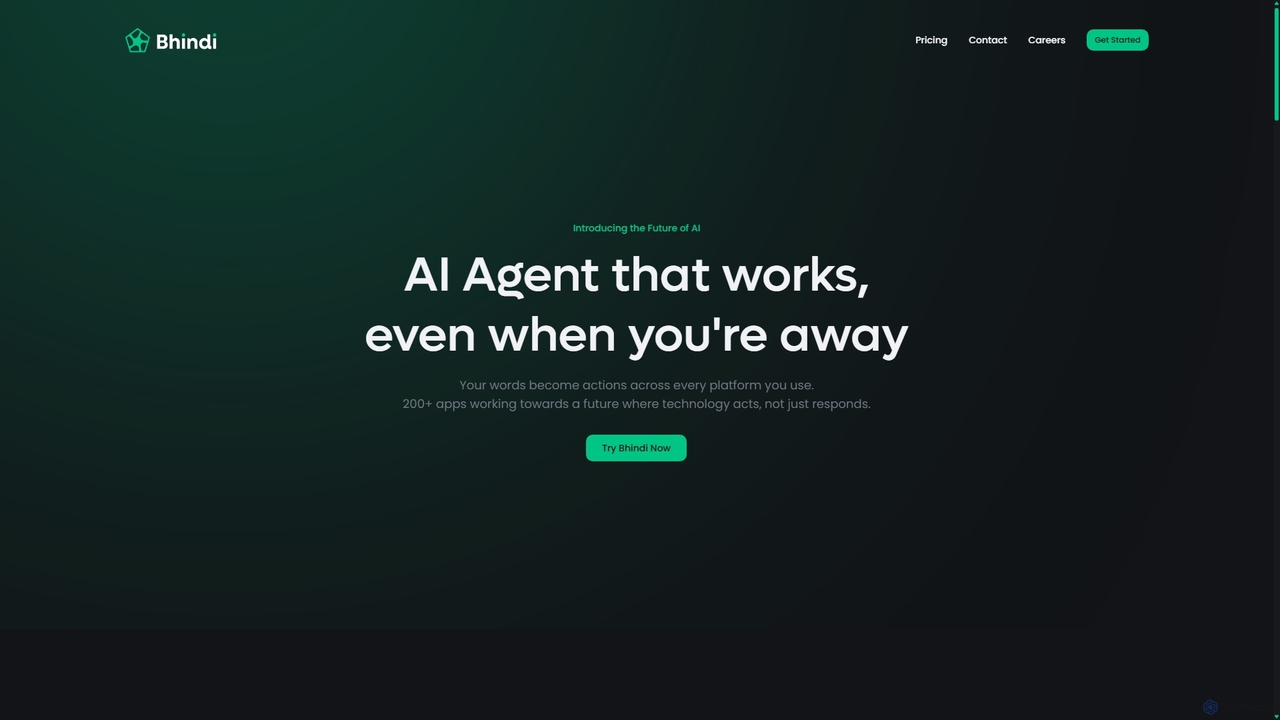
Bhindi
Bhindi is an AI agent platform that automates complex tasks and workflows across over 200 applications using simple natural language commands. It acts as an intelligent assistant that works in the background, connecting your favorite tools like Gmail, Slack, and Notion to execute multi-step actions, turning your words into a seamless, automated reality.
Personal Assistant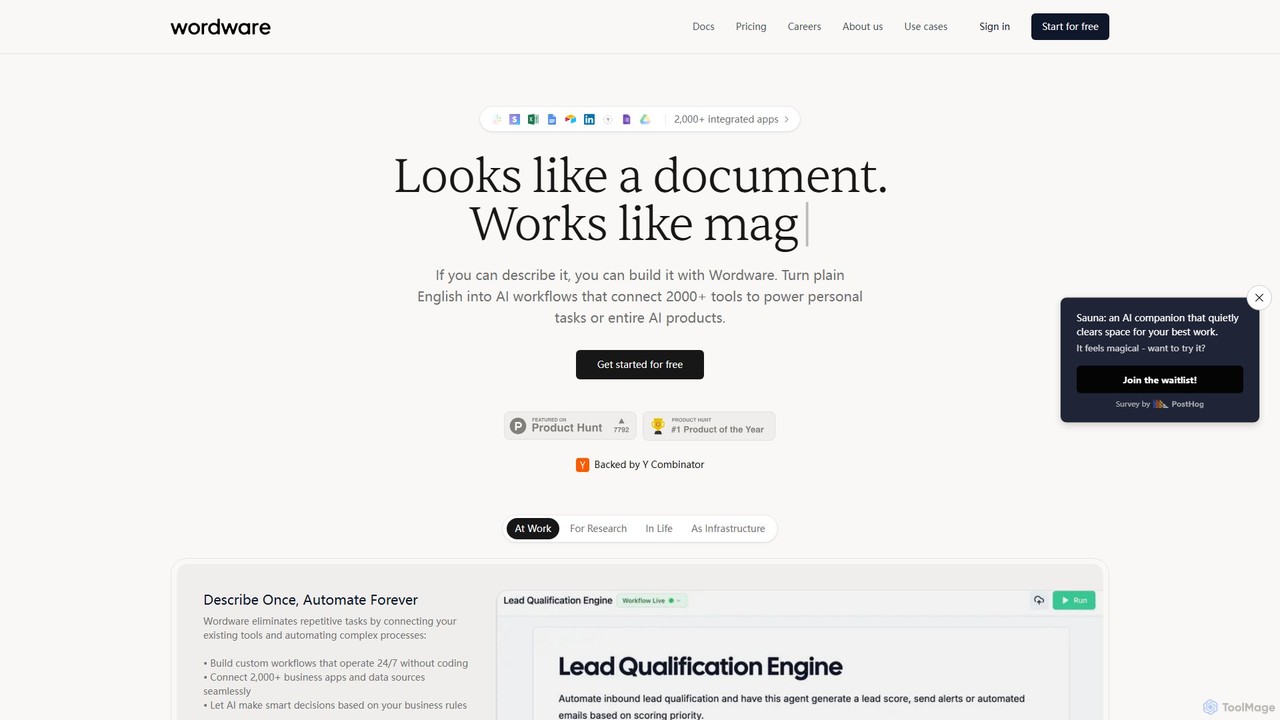
Wordware
Wordware is an AI-first workflow automation platform that lets you build complex automations using plain English. Connect over 2,000 apps and leverage advanced AI models to automate personal tasks, business processes, or even entire AI products without writing code. It's designed for building nuanced, reliable AI agents you can trust and deploy anywhere.
No Code
itsimple
itsimple is an AI-powered no-code platform that simplifies business process automation. It enables users to connect various applications, automate repetitive tasks, and create complex workflows without writing any code, boosting productivity and operational efficiency for teams of all sizes.
Data Integration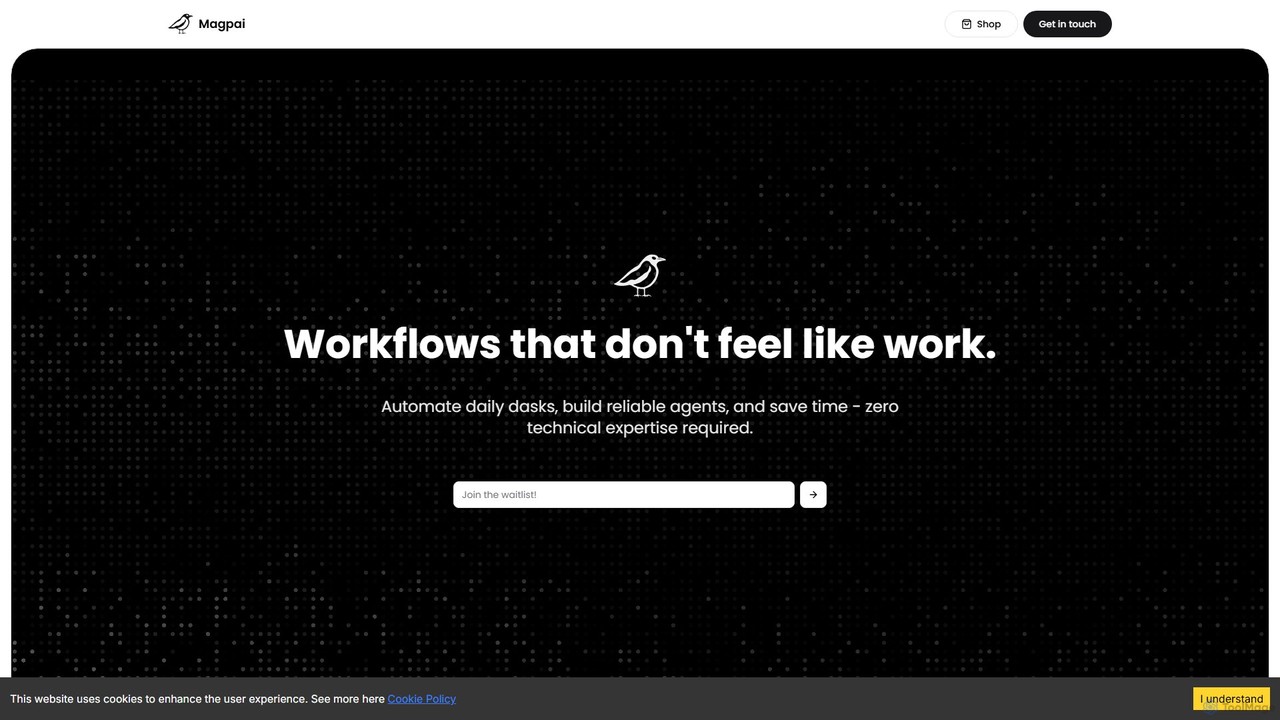
Magpai
Magpai is a user-friendly, no-code AI platform designed to automate daily tasks and build custom workflows. Positioned as the 'Canva of automation,' it allows anyone, regardless of technical skill, to create powerful AI agents and streamline business processes through an intuitive drag-and-drop interface. It serves various industries, from marketing to manufacturing, offering both a DIY platform and expert-built solutions.
Workflow Management
iflowai
iflowai is an AI-powered workflow automation platform that allows you to connect your favorite apps and services to automate repetitive tasks. With its intuitive no-code visual builder, you can design, build, and run complex workflows that incorporate advanced AI capabilities for data processing, content generation, and decision-making, boosting productivity for individuals and teams.
Operations
accomplice.ai
accomplice.ai is an intelligent AI-powered platform designed to automate workflows, manage tasks, and act as a proactive digital partner. It integrates seamlessly with your favorite apps to streamline processes and boost productivity for individuals and teams.
No Code
Autopailot
Autopailot is an AI-powered automation platform designed to streamline business workflows, manage tasks, and connect your favorite apps. It acts as an intelligent co-pilot for your team, automating repetitive processes from marketing and sales to project management, allowing you to focus on strategic growth.
Task ManagementAlbato
Albato is an AI-driven, no-code integration platform (iPaaS) that empowers users to connect over 800 applications and automate complex workflows effortlessly. It serves as a powerful alternative to Zapier and Make, offering an intuitive interface, extensive app library, and the ability to build custom integrations. Ideal for businesses of all sizes, Albato simplifies data synchronization, task automation, and process management, enhancing productivity and efficiency without requiring any coding knowledge.
Workflow Management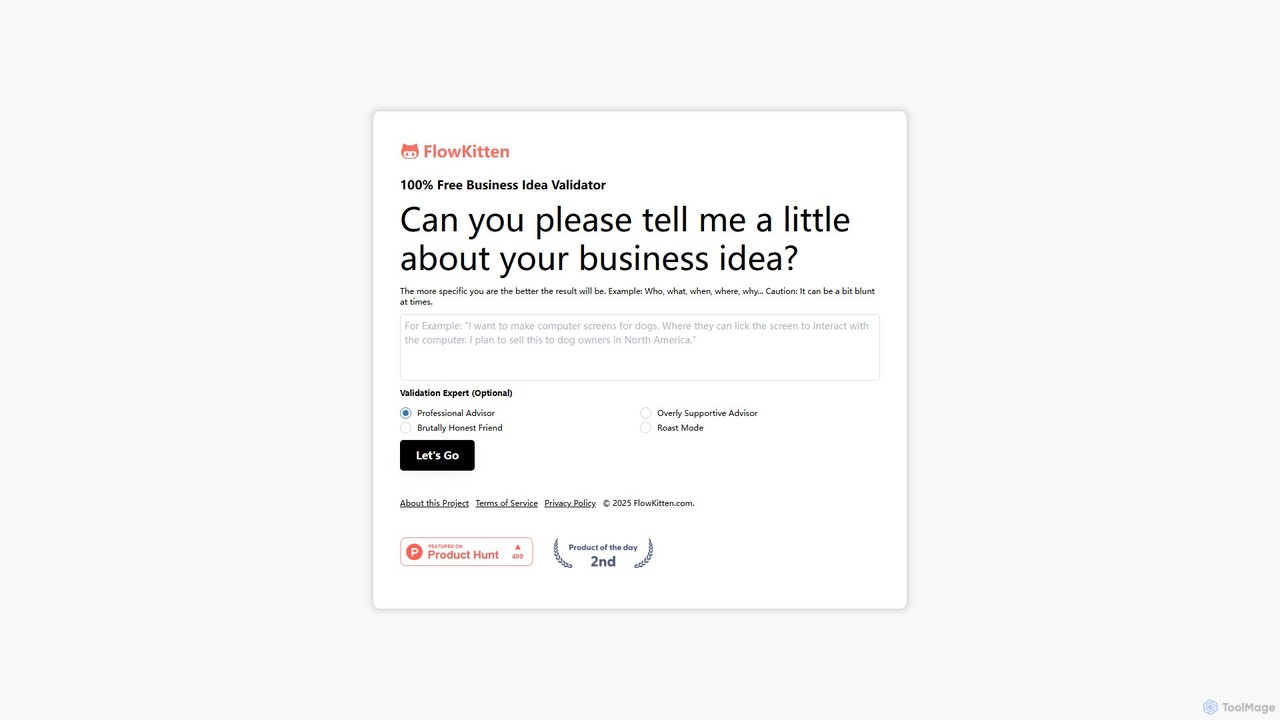
FlowKitten
FlowKitten is an AI-powered, no-code workflow automation platform designed to connect your apps and automate repetitive tasks. Its intuitive drag-and-drop interface allows anyone to build powerful, intelligent workflows, from simple personal automations to complex business processes, saving time and boosting productivity.
Workflow Management
Nunchi Comments (0)
Sign in to comment.
Sign inNo comments yet.