ToolMage
Sign in

Best 5 Workflow Builder AI tools for No Code

Popular Workflow Builder AI tools in No Code include Lumari, Goless, lecca.io, Nunchi, and Tablize, helping you work more efficiently.

Tablize
Freemium

Tablize

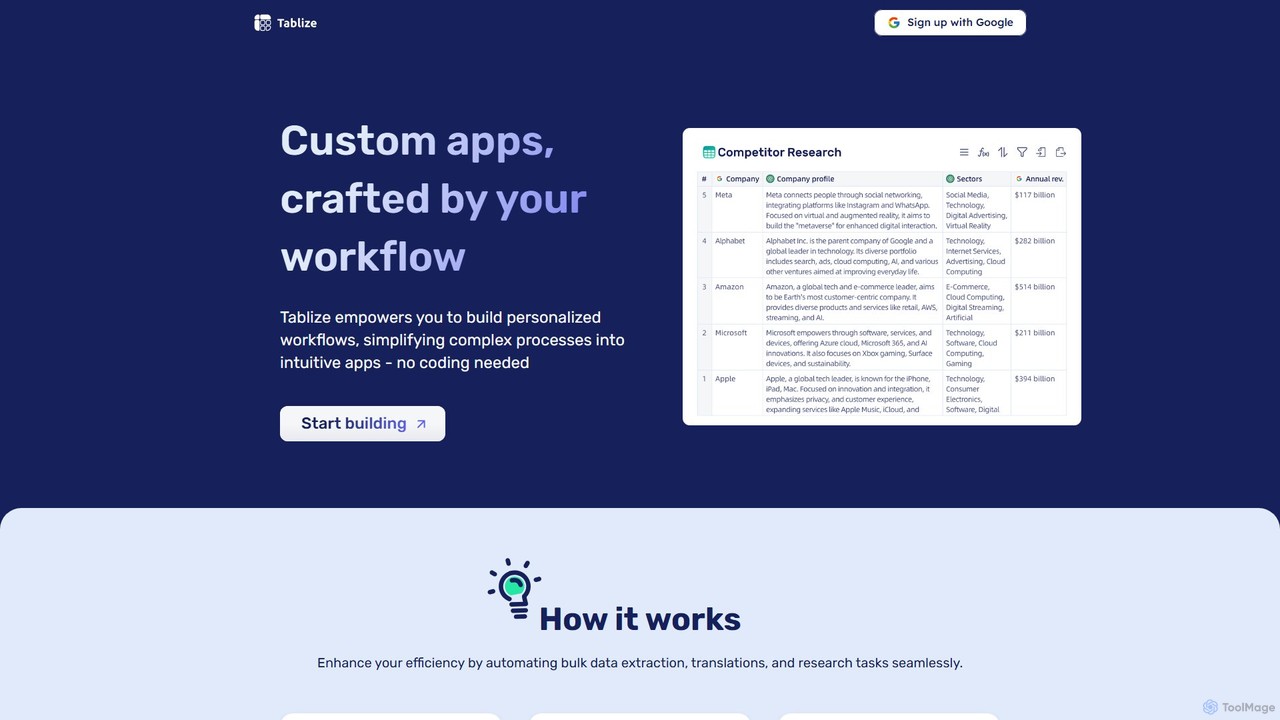
Tablize is a no-code AI platform that transforms complex tasks into simple, automated workflows. Using a familiar spreadsheet interface, you can build custom applications to perform bulk data extraction, research, and translations without writing any code. Simply define tasks in columns with natural language, and let AI do the work.

Spreadsheets
Visits 6.6KFavorites 139Likes 128
Lumari
Paid

Lumari

Lumari is a no-code platform that empowers revenue teams to build, deploy, and manage custom AI agents. By simply describing tasks in plain English, users can create autonomous agents that handle complex workflows, from lead generation to deal closure, integrating seamlessly with existing tools like CRMs and communication platforms.

Marketing Automation
Visits 15.9KFavorites 154Likes 159
Nunchi

Nunchi

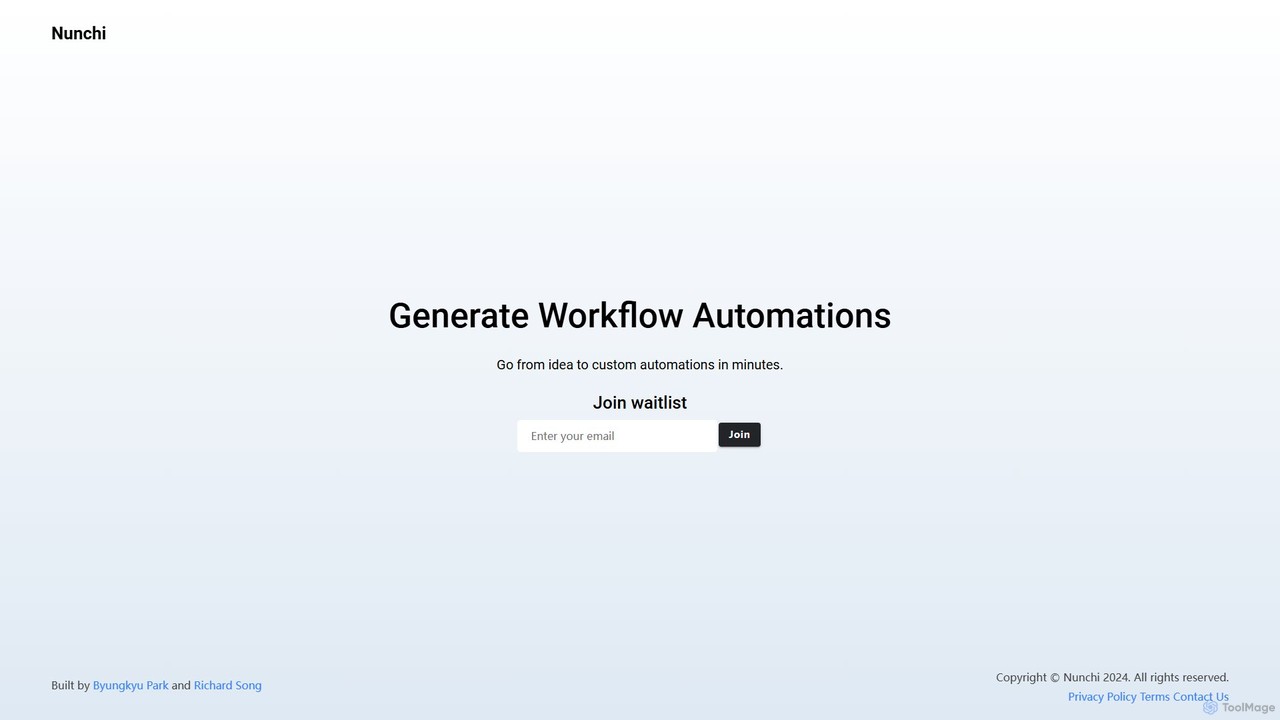
Nunchi is an AI-powered platform that transforms your ideas into custom workflow automations in minutes. By simply describing your desired process in natural language, you can connect apps and automate repetitive tasks without any coding. It's designed to be intuitive, fast, and powerful, streamlining operations for individuals and teams.

Api & Integration
Visits 6.6KFavorites 135Likes 138
Goless
Freemium

Goless

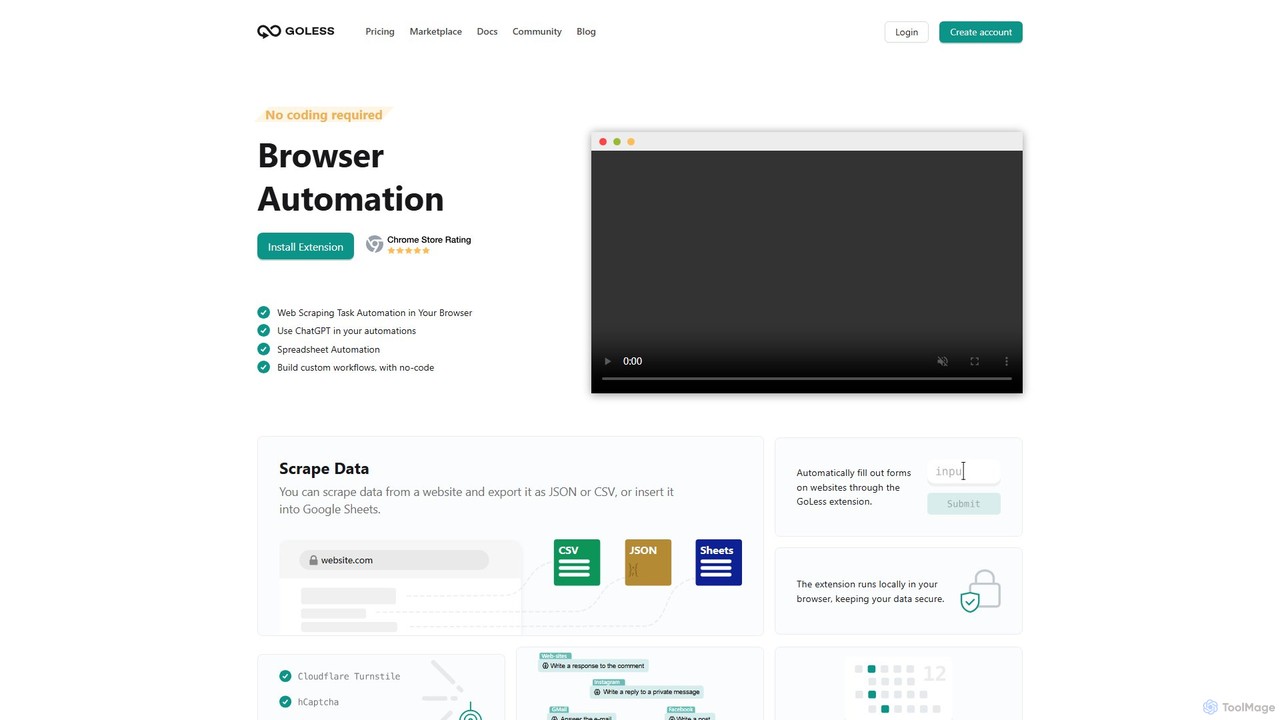
Goless is a no-code browser automation tool that allows you to automate repetitive tasks, scrape data, and create custom workflows directly in your browser. With a visual drag-and-drop interface and ChatGPT integration, it simplifies complex web operations like data entry, social media management, and website testing without any programming knowledge.

Web Scraping
Visits 12.2KFavorites 137Likes 146
lecca.io
Freemium

lecca.io

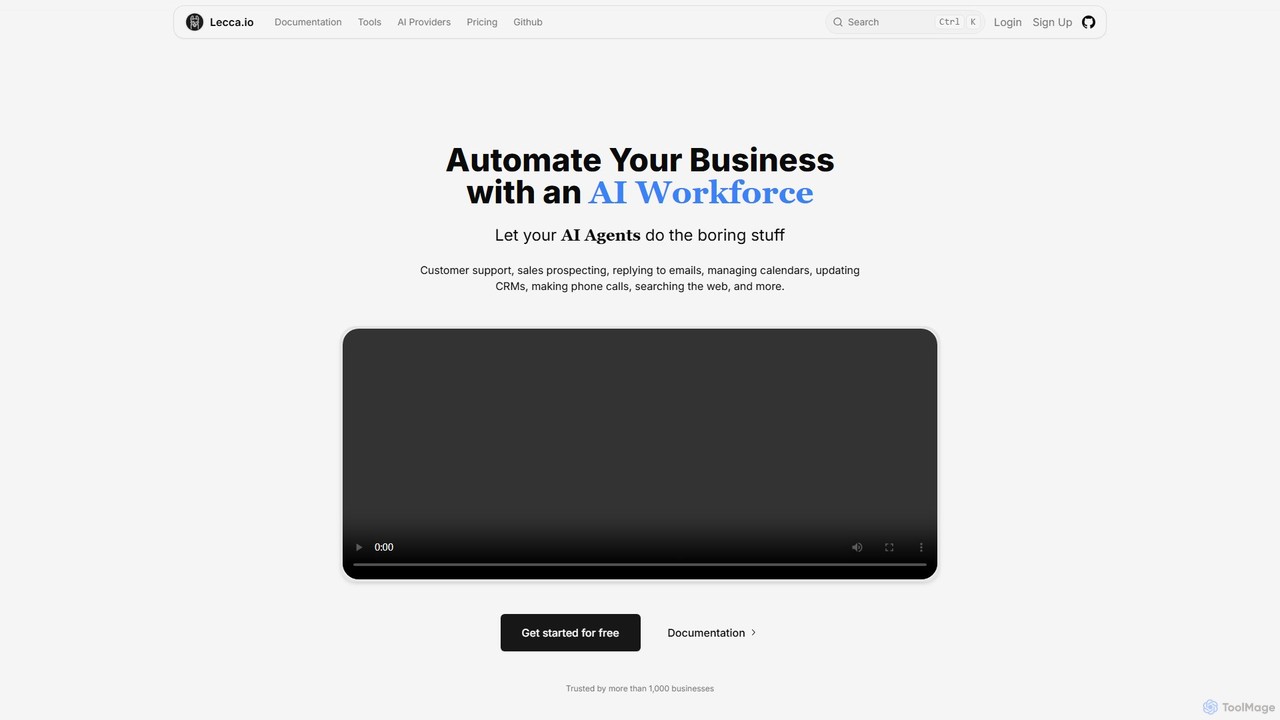
lecca.io is a no-code AI agent and automation platform designed to build an AI workforce for your business. It allows you to create intelligent agents that can handle repetitive tasks such as customer support, sales prospecting, email management, and CRM updates by integrating with your existing tools and workflows.

Chatbot
Visits 8.7KFavorites 133Likes 118

About Workflow Builder

Workflow Builders are AI-powered no-code tools that enable users to design, automate, and manage complex sequences of tasks and business processes without writing any code. These platforms leverage visual drag-and-drop interfaces and intelligent automation to connect various applications, execute conditional logic, and streamline operations. They empower individuals and teams to significantly reduce manual effort, improve operational efficiency, and ensure consistency across diverse workflows, from simple data transfers to intricate multi-step approvals.

Core Features

  • Visual Workflow Design: Intuitive drag-and-drop interfaces for mapping out process steps and logic.
  • Intelligent Automation: AI-driven capabilities for task routing, data extraction, decision-making, and predictive analytics within workflows.
  • Extensive Integrations: Seamless connections with hundreds of third-party applications and services to automate data flow.
  • Conditional Logic & Branching: Ability to define rules and conditions that dictate different paths within a workflow based on specific criteria.
  • Monitoring & Analytics: Tools to track workflow performance, identify bottlenecks, and gain insights for continuous optimization.

Use Cases

Workflow Builders are invaluable for businesses and individuals seeking to automate repetitive tasks and optimize operational efficiency. They are widely adopted in marketing for lead nurturing, in HR for onboarding processes, in finance for invoice processing, and in customer service for automated ticket routing and response generation. Any department with recurring, multi-step processes can benefit from their implementation.

How to Choose

When selecting a Workflow Builder, consider its integration capabilities with your existing tech stack, the flexibility of its visual builder for complex logic, and its scalability to handle growing automation needs. Evaluate the range of AI features offered, such as natural language processing or machine learning for decision support, and compare pricing models. User-friendliness and the availability of pre-built templates are also crucial for rapid adoption.

Workflow Builder use cases

1

Automating Customer Onboarding

For SaaS companies or service providers, a Workflow Builder can automate the entire customer onboarding journey. Upon new sign-up, it can trigger welcome emails, create customer records in CRM, assign a success manager, schedule initial training calls, and send follow-up resources, ensuring a consistent and efficient first impression without manual intervention.

2

Streamlining Content Approval

Content marketing teams can use Workflow Builders to manage the creation and approval of articles, social media posts, or videos. A workflow can automatically route content drafts from writers to editors, then to legal/compliance, and finally to the publishing team, with automated notifications and reminders at each stage, significantly reducing delays.

3

Expediting Invoice Processing

Finance departments can automate invoice processing from receipt to payment. A Workflow Builder can extract data from incoming invoices (using AI-powered OCR), match them against purchase orders, route them for approval based on amount or vendor, and then trigger payment processing, minimizing errors and accelerating financial cycles.

4

Managing IT Support Tickets

IT help desks can leverage Workflow Builders to automate ticket triage and resolution. When a new ticket arrives, the workflow can analyze keywords (using NLP), categorize the issue, assign it to the appropriate support agent or team, and even trigger automated responses for common queries, improving response times and agent efficiency.

5

Automating Sales Lead Nurturing

Sales and marketing teams can build workflows to nurture leads automatically. After a lead interacts with marketing content, the workflow can send personalized follow-up emails, update lead scores in the CRM, notify sales representatives when a lead reaches a certain engagement level, and schedule tasks for manual outreach, ensuring no lead is missed.

6

Simplifying HR Employee Offboarding

HR departments can automate the complex process of employee offboarding. A Workflow Builder can trigger tasks across multiple departments: notifying IT to revoke access, informing payroll for final salary processing, alerting facilities for equipment return, and sending exit surveys, ensuring all necessary steps are completed smoothly and compliantly.

Workflow Builder FAQ

What are Workflow Builders?

Workflow Builders are no-code platforms that allow users to visually design and automate multi-step business processes and tasks. They connect different applications and services, enabling data transfer, conditional logic execution, and task orchestration without requiring any programming. Their primary goal is to eliminate manual, repetitive work and enhance operational efficiency across an organization.

How do Workflow Builders differ from traditional coding for automation?

Workflow Builders provide a visual, drag-and-drop interface, allowing anyone to create automations without writing code, making them accessible to business users. Traditional coding for automation requires specialized programming skills, offering greater customization but demanding more time and technical expertise. Workflow Builders prioritize speed, ease of use, and accessibility, while coded solutions offer ultimate flexibility for highly unique or complex scenarios.

What are the key benefits of using a Workflow Builder?

The main benefits include significant time savings by automating repetitive tasks, improved accuracy by reducing human error, enhanced operational efficiency through streamlined processes, and increased scalability as automations can be easily replicated and adapted. They also foster better collaboration by clearly defining process steps and responsibilities, and provide valuable insights through performance monitoring.

Who can benefit most from using Workflow Builders?

Workflow Builders are highly beneficial for small to large businesses across various departments, including marketing, sales, HR, finance, IT, and customer service. They are ideal for business analysts, operations managers, project managers, and even individual contributors who need to automate their daily tasks without relying on developers. Essentially, anyone looking to optimize recurring processes can benefit.

What should I look for when choosing a Workflow Builder?

When choosing a Workflow Builder, prioritize its integration capabilities with your existing software ecosystem, the robustness and flexibility of its visual design interface for handling complex logic, and its scalability to grow with your business needs. Also, consider the availability of AI features (like NLP or machine learning), pricing structure, ease of use, and the quality of customer support and community resources.