
Tablize Overview
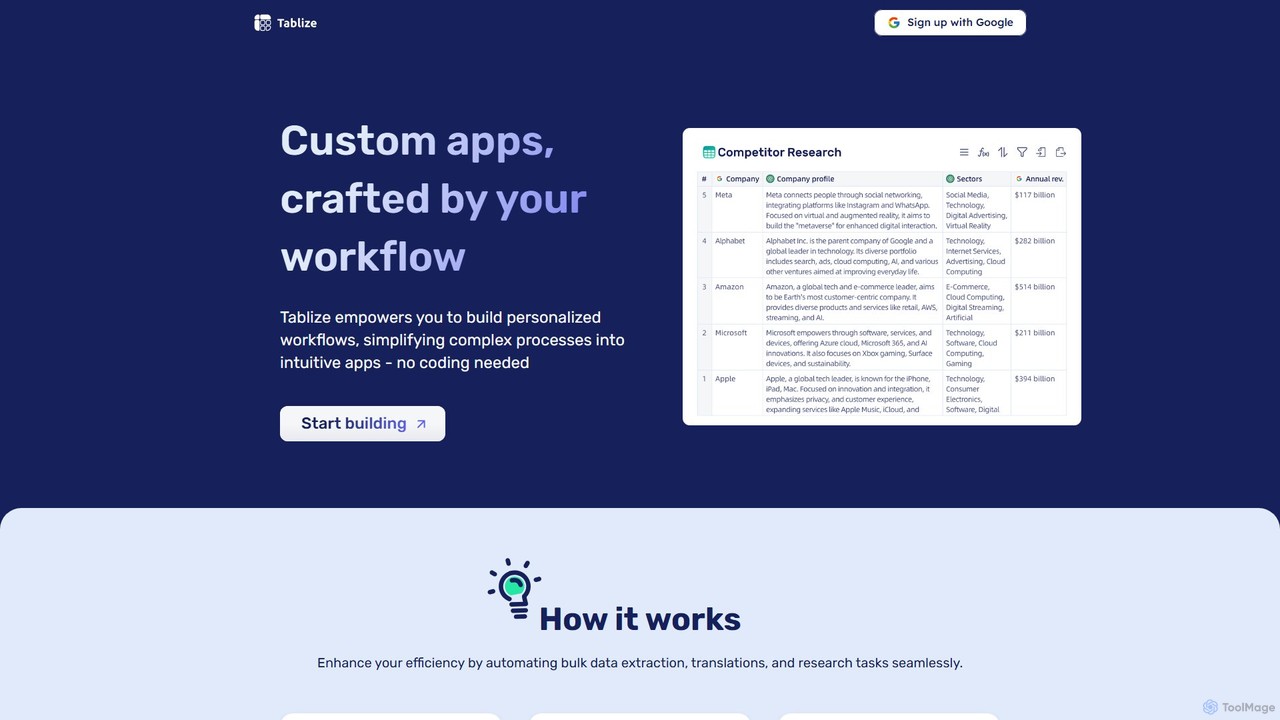
Tablize is a revolutionary no-code platform designed to empower users to build personalized AI-driven applications and automate complex workflows with the simplicity of a spreadsheet. It bridges the gap between powerful AI capabilities and everyday business needs, allowing anyone to streamline processes like bulk data extraction, market research, content generation, and data enrichment without writing a single line of code. The core concept revolves around a spreadsheet-like grid where each column functions as an intelligent node or a step in your workflow. By providing natural language instructions to these columns, you can command AI to perform sophisticated tasks, transforming tedious manual work into an efficient, automated process.
How to use Tablize
Getting started with Tablize is designed to be intuitive and straightforward, mirroring the experience of using a modern spreadsheet application. Here’s a typical workflow:
- Design Your Workflow Grid: Begin with a blank, spreadsheet-like interface. The first column is typically your input data, such as a list of company websites, product names, or keywords.
- Create Intelligent Nodes: Add new columns for each task you want to perform. Each column acts as a distinct step. For example, if your input is a company website, you might create columns for 'Find CEO Name', 'Extract Mission Statement', or 'Summarize Recent News'.
- Define Tasks with Natural Language: Click on a column header and simply type in your instructions in plain English. For instance, you could instruct a column to 'Find the LinkedIn profile of the CEO from the website in Column A' or 'Translate the text in Column B to Spanish'. The AI interprets these commands to execute the task.
- Integrate Data Sources: Tablize can pull data from various sources. You can upload files (like PDFs or CSVs), crawl web pages, perform Google or Wikipedia searches, or make HTTP GET requests to APIs, all within your workflow.
- Run and Export: Once your workflow is designed, you run the process. Tablize populates the columns with the results. You can then easily export your enriched data as an Excel or CSV file, or integrate it into other systems using the provided API.
Core Features of Tablize
- No-Code Workflow Builder: Create sophisticated, multi-step AI workflows using an intuitive, visual interface without any programming knowledge.
- Spreadsheet-like Interface: Leverages the familiarity of spreadsheets, making it easy for anyone to design and manage complex data processing tasks.
- Natural Language Prompting: Instruct the AI by typing commands in plain English, making the platform highly accessible and user-friendly.
- Multi-Source Data Integration: Seamlessly connect to various data sources, including file uploads (PDFs), web page crawling, Google Search, Wikipedia, Perplexity AI, and direct HTTP requests.
- Advanced AI Models: Powered by leading AI models like GPT-4o and GPT-4o mini to perform a wide range of tasks, from text generation and summarization to data extraction and analysis.
- Bulk Processing: Designed to handle large volumes of data, enabling you to automate research, enrichment, and translation for thousands of rows at once.
- Flexible Export Options: Easily export your results to CSV or Excel for further analysis, or integrate them into your existing tools and systems via a robust API.
Use Cases for Tablize
Tablize's flexibility makes it suitable for a wide array of applications across different industries. For sales and marketing teams, it can be used to build lead lists by enriching company domains with contact details, social media profiles, and recent funding news. Market researchers can automate the process of gathering competitor data, scraping customer reviews, and performing sentiment analysis. Content creators can use it to generate article ideas, outlines, and social media posts in bulk. For data analysts, it's a powerful tool for cleaning, standardizing, and enriching large datasets without complex scripts.
Advantages of Tablize
The primary advantage of Tablize is its remarkable simplicity combined with powerful functionality. It democratizes AI automation, making it accessible to non-technical users. Unlike other automation platforms that may require understanding APIs and webhooks, Tablize's natural language and spreadsheet interface significantly lowers the barrier to entry. This leads to massive efficiency gains, saving countless hours of manual work. The platform is also highly scalable, capable of processing a few records or thousands with the same easy-to-create workflow. Its integration with top-tier AI models and data sources ensures high-quality, reliable results.
Pricing and Plans
Tablize offers a straightforward freemium pricing model:
- Free Plan: $0 per month. This plan includes 50,000 credits, access to the GPT-4o mini AI model, and all core features like unlimited attachment uploads, Chat PDF, Google Search, Web Crawl, and more. It's perfect for individuals and small-scale projects.
- Professional Plan: $199 per month. This plan provides a substantial 1,500,000 credits and access to the more powerful GPT-4o model, in addition to all the features available in the free plan. It is designed for professionals, teams, and businesses with larger data processing and automation needs.
Tablize Alternatives
Unfetch
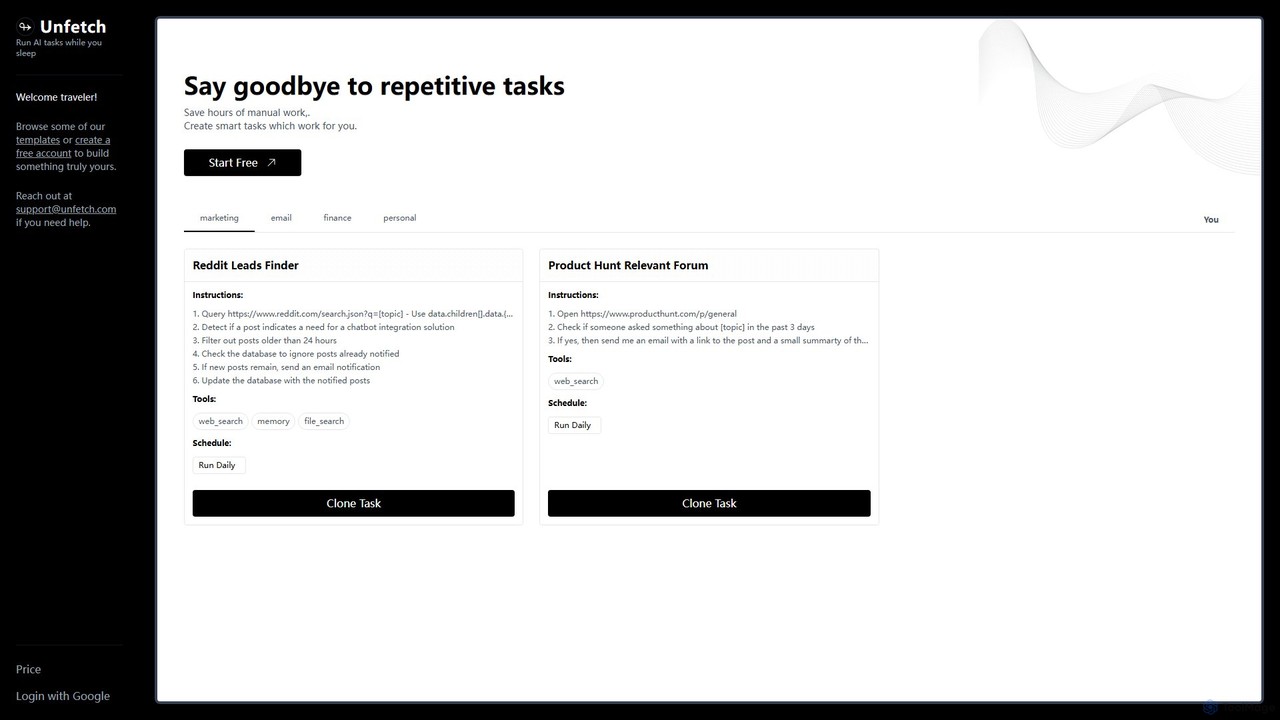
Unfetch is an AI-powered automation platform that allows you to create and run smart tasks 24/7. Save hours of manual work by automating repetitive processes like lead generation from social media, market research on forums, and data monitoring. Build custom workflows from templates or from scratch, schedule them to run at any interval, and let Unfetch handle the rest while you sleep.
Api Automation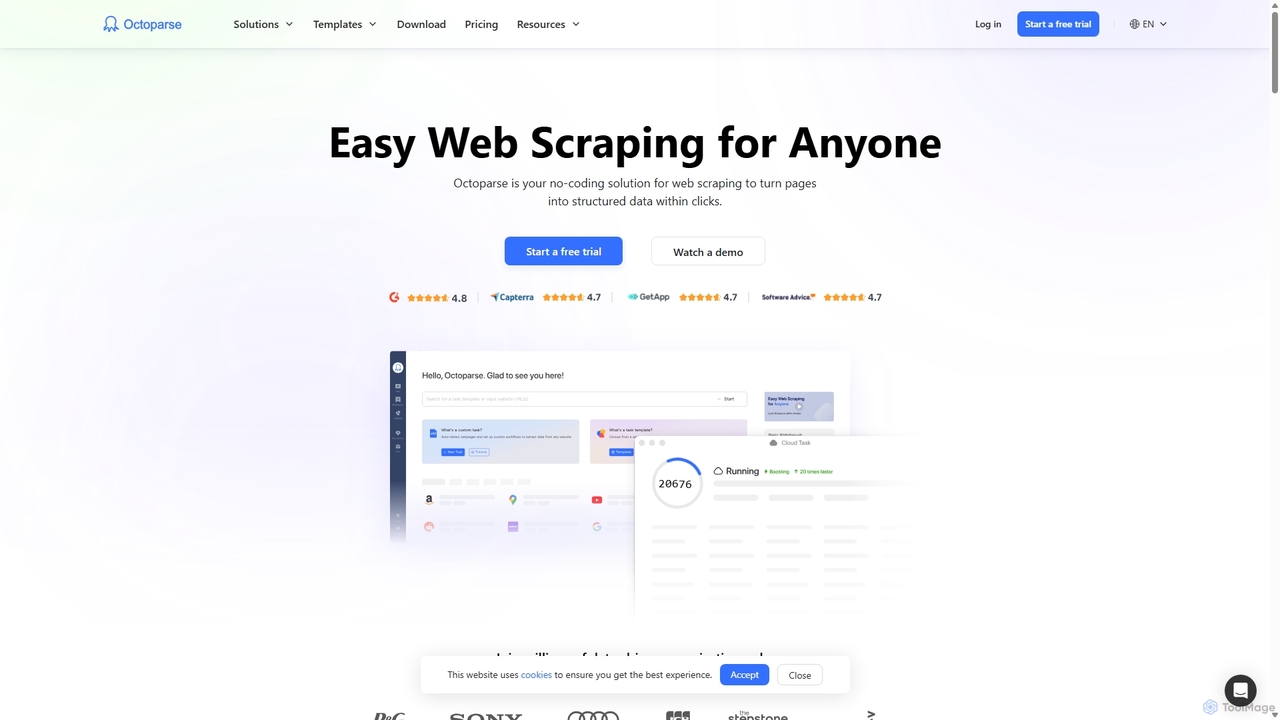
Octoparse
Octoparse is a powerful no-code web scraping tool that allows anyone to extract data from websites without programming. It features a visual workflow designer, an AI-powered assistant for easy setup, and hundreds of pre-built templates for popular sites. With cloud-based automation, IP rotation, and CAPTCHA solving, Octoparse handles complex scraping tasks efficiently, turning web pages into structured data for lead generation, market research, and more.
Web Scraping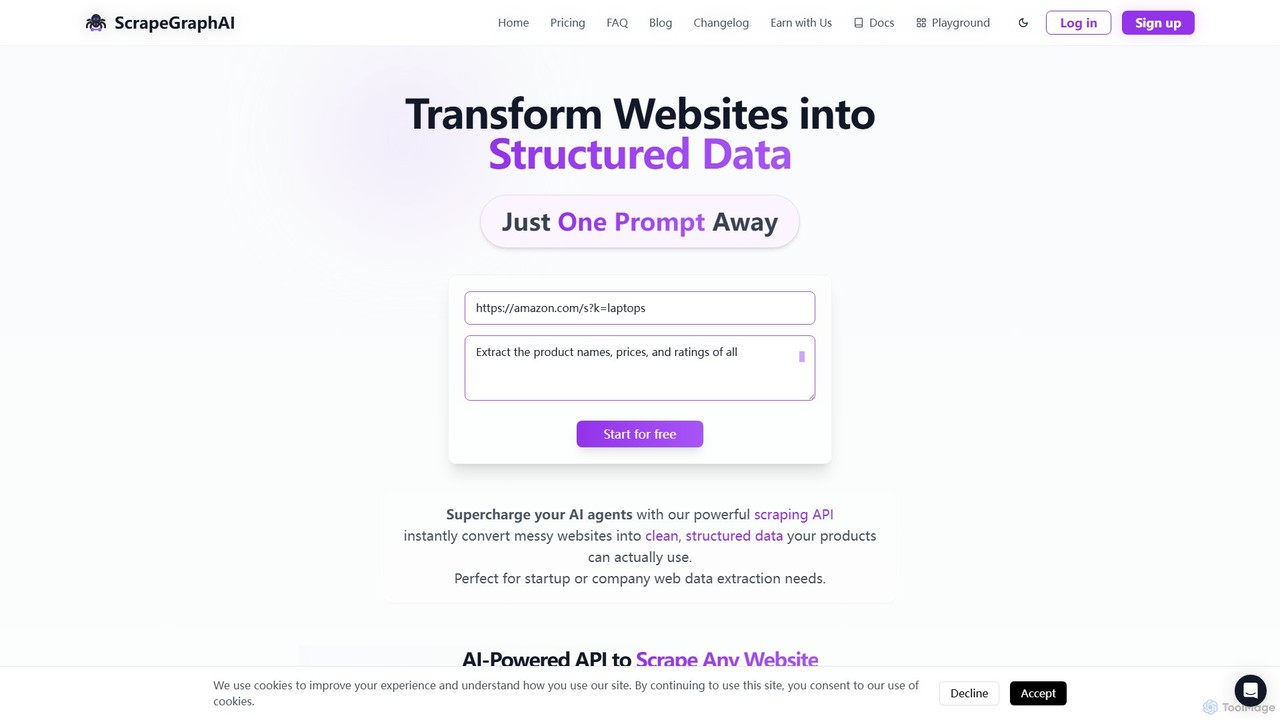
ScrapeGraphAI
ScrapeGraphAI is an AI-powered web scraping API that transforms unstructured websites into clean, structured JSON data using simple natural language prompts. Designed for developers, AI agents, and automated workflows, it simplifies data extraction without complex code.
Analytics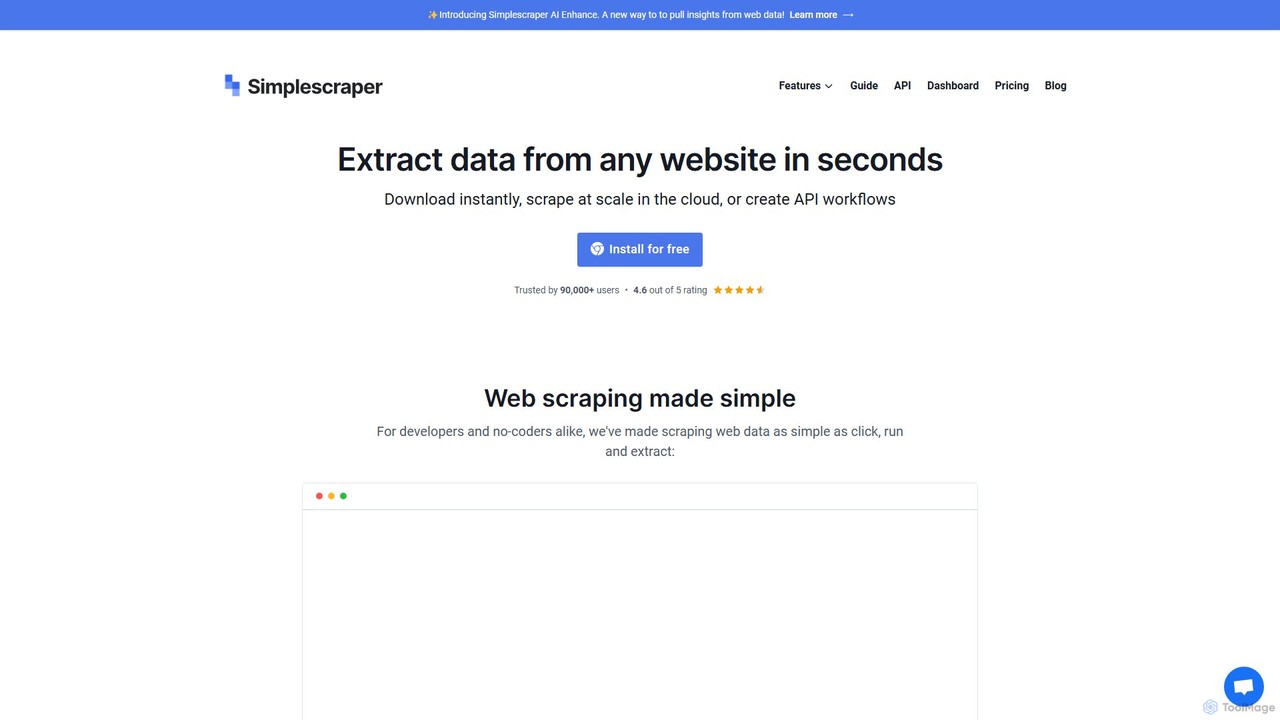
Simplescraper
Simplescraper is a powerful web scraping tool that extracts data from any website in seconds. It offers a user-friendly Chrome extension for no-code data selection, cloud-based automation for large-scale scraping, and an innovative AI Enhance feature to pull insights using simple prompts. Turn websites into structured data (CSV, JSON) or instant APIs, and integrate with tools like Google Sheets and Airtable.
Web Scraping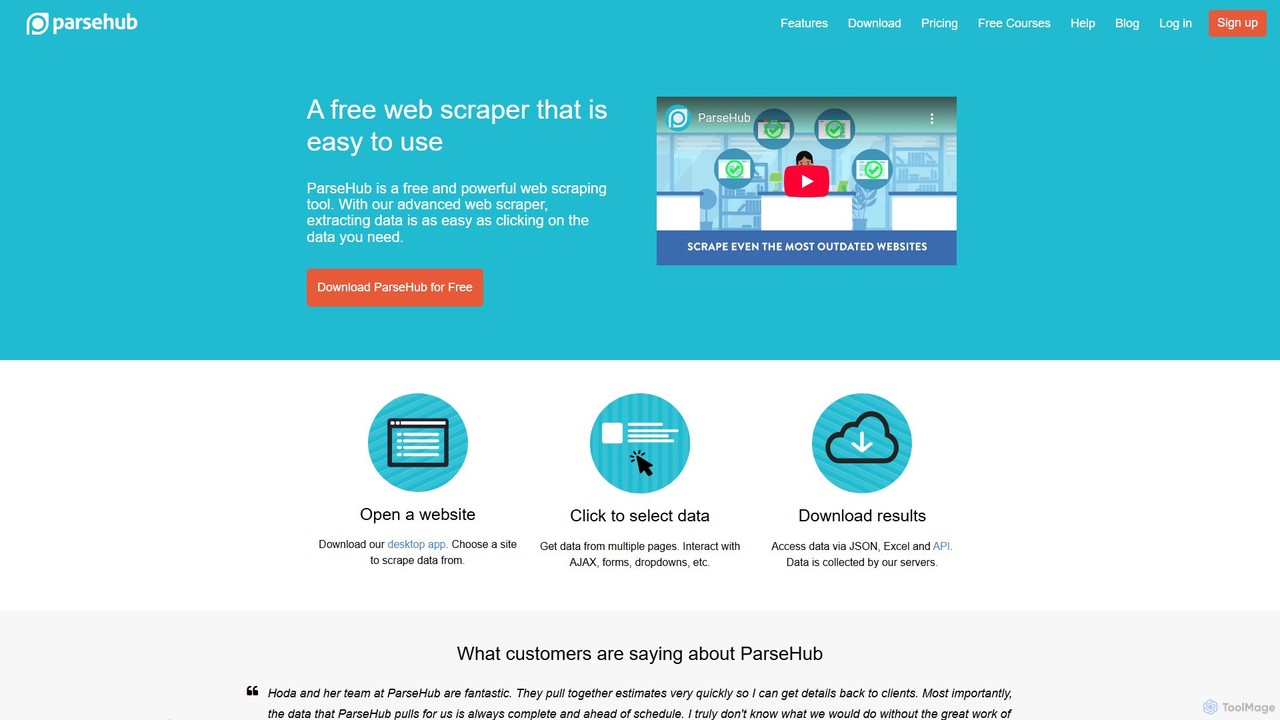
ParseHub
ParseHub is a powerful, no-code web scraping tool that allows users to extract data from any website with a simple point-and-click interface. It's designed to handle complex, dynamic sites with JavaScript, AJAX, forms, and infinite scroll. Data can be collected on a schedule, exported as JSON/Excel, or accessed via API, making it ideal for lead generation, market research, and data aggregation.
Web ScrapingTablize Categories
Tablize Embed Widget
Copy this embed code to place the badge on your blog, article, or product site and send readers directly to this ToolMage detail page.

Related AI tools
Unfetch
Unfetch is an AI-powered automation platform that allows you to create and run smart tasks 24/7. Save hours of manual work by automating repetitive processes like lead generation from social media, market research on forums, and data monitoring. Build custom workflows from templates or from scratch, schedule them to run at any interval, and let Unfetch handle the rest while you sleep.
Api Automation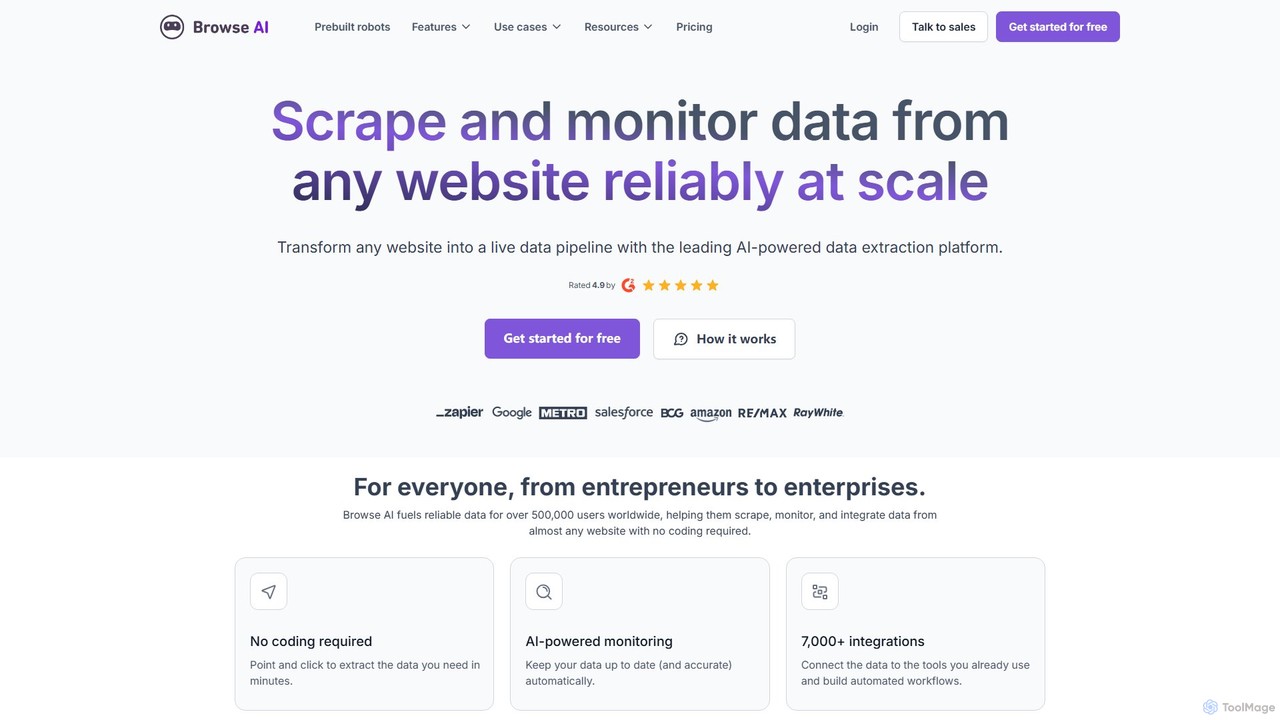
Browse AI
Browse AI is a no-code platform that enables users to extract and monitor data from any website. Easily train a robot to scrape information, turn websites into spreadsheets or APIs, and track changes automatically. It's designed for marketers, researchers, and developers to automate data collection without writing any code, offering prebuilt robots and seamless integrations with tools like Google Sheets and Zapier.
Web Scraping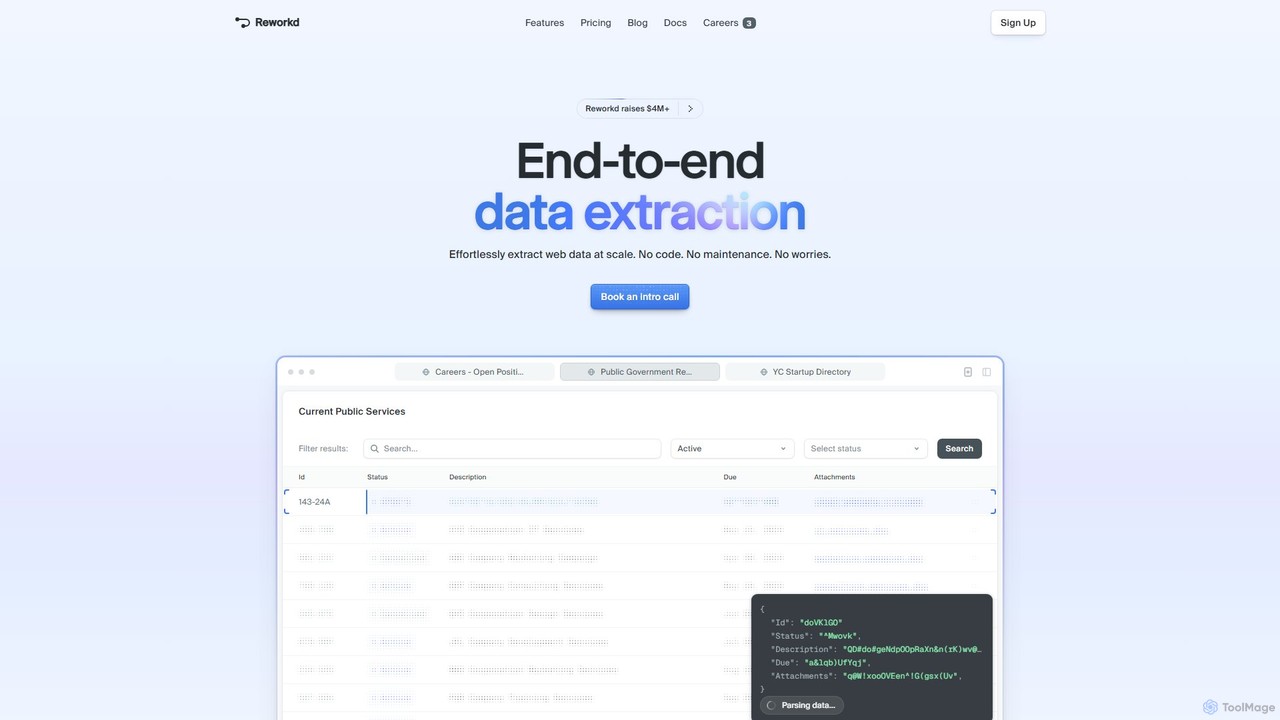
Reworkd
Reworkd is an AI-powered, no-code platform that automates the entire web data extraction process. It uses AI agents to understand websites, generate scraping code, and deliver structured data at scale. Ideal for building datasets, market research, and enriching data pipelines without manual coding or maintenance.
Data Extraction
runautomat
runautomat is an AI-driven platform that simplifies business process automation. It allows users to create robust Robotic Process Automation (RPA) solutions by simply providing screen recordings, videos, or text descriptions of their workflows. It's designed to be 10x faster and more cost-effective than traditional RPA, empowering businesses to automate tasks without extensive engineering teams.
Process Management
Cheat Layer
Cheat Layer is a no-code business automation platform that uses AI agents, powered by models like GPT-4, to automate complex tasks. It allows users to build custom automations for marketing, sales, and data scraping using natural language, effectively creating a personal AI team to streamline workflows and grow businesses.
No Code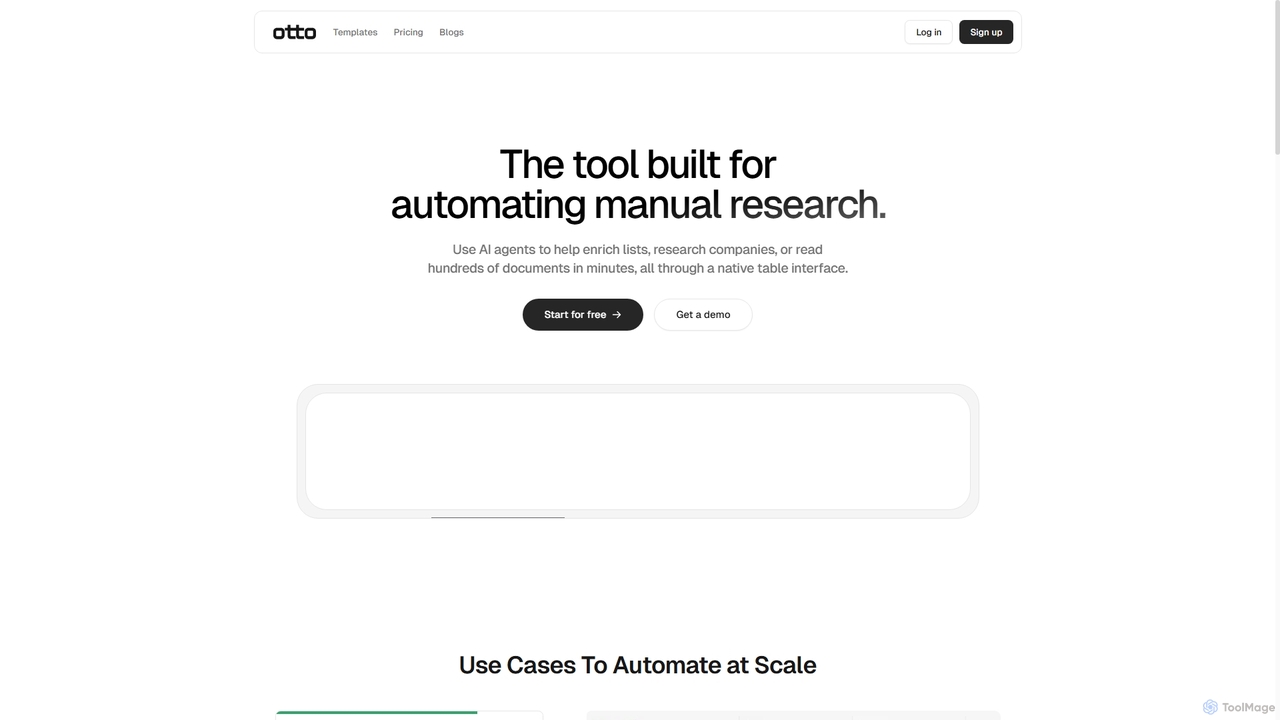
Ottogrid
Ottogrid is an AI-powered platform designed to automate manual research tasks. Using AI agents within a native table interface, it helps users enrich lists, research companies, scrape websites with plain English, and analyze hundreds of documents in minutes, streamlining data collection and analysis workflows.
Data Extraction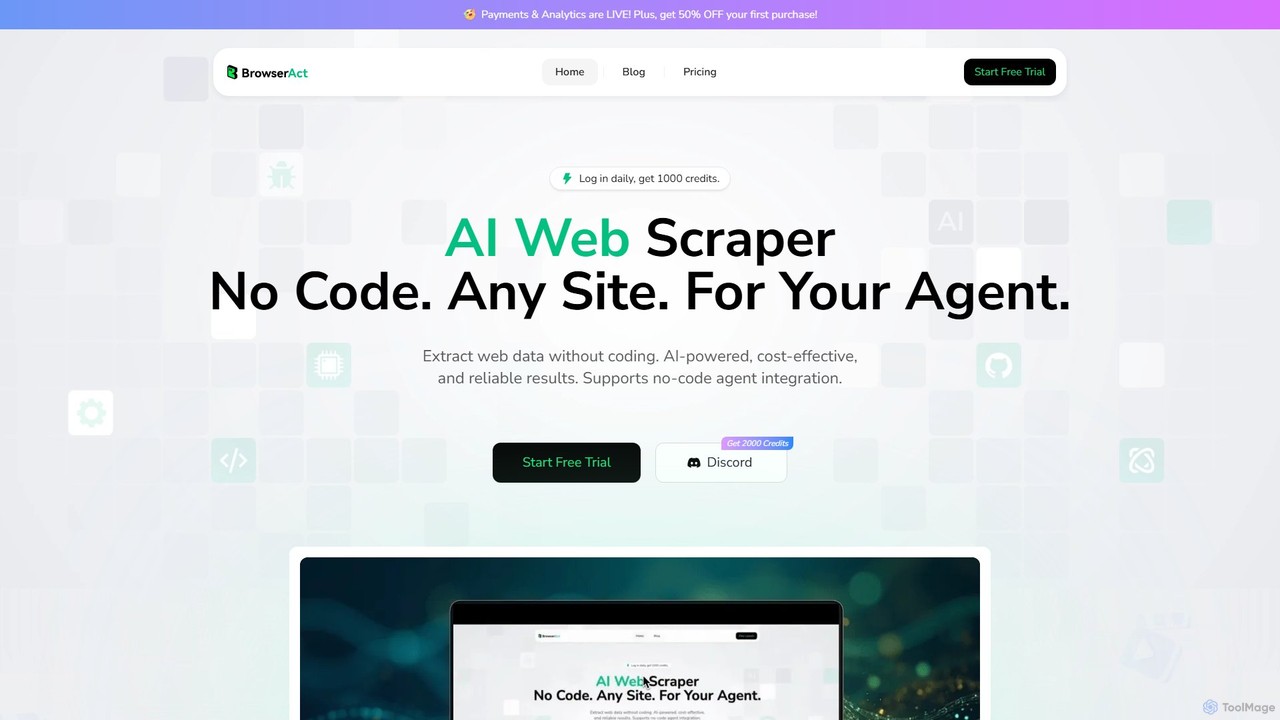
BrowserAct
BrowserAct is an AI-powered, no-code web scraper that allows users to extract data from any website using natural language commands. It's designed for easy integration with AI agents, automating data collection for market research, lead generation, and content monitoring without writing a single line of code.
Web ScrapingOctoparse
Octoparse is a powerful no-code web scraping tool that allows anyone to extract data from websites without programming. It features a visual workflow designer, an AI-powered assistant for easy setup, and hundreds of pre-built templates for popular sites. With cloud-based automation, IP rotation, and CAPTCHA solving, Octoparse handles complex scraping tasks efficiently, turning web pages into structured data for lead generation, market research, and more.
Web ScrapingScrapeGraphAI
ScrapeGraphAI is an AI-powered web scraping API that transforms unstructured websites into clean, structured JSON data using simple natural language prompts. Designed for developers, AI agents, and automated workflows, it simplifies data extraction without complex code.
AnalyticsSimplescraper
Simplescraper is a powerful web scraping tool that extracts data from any website in seconds. It offers a user-friendly Chrome extension for no-code data selection, cloud-based automation for large-scale scraping, and an innovative AI Enhance feature to pull insights using simple prompts. Turn websites into structured data (CSV, JSON) or instant APIs, and integrate with tools like Google Sheets and Airtable.
Web ScrapingParseHub
ParseHub is a powerful, no-code web scraping tool that allows users to extract data from any website with a simple point-and-click interface. It's designed to handle complex, dynamic sites with JavaScript, AJAX, forms, and infinite scroll. Data can be collected on a schedule, exported as JSON/Excel, or accessed via API, making it ideal for lead generation, market research, and data aggregation.
Web Scraping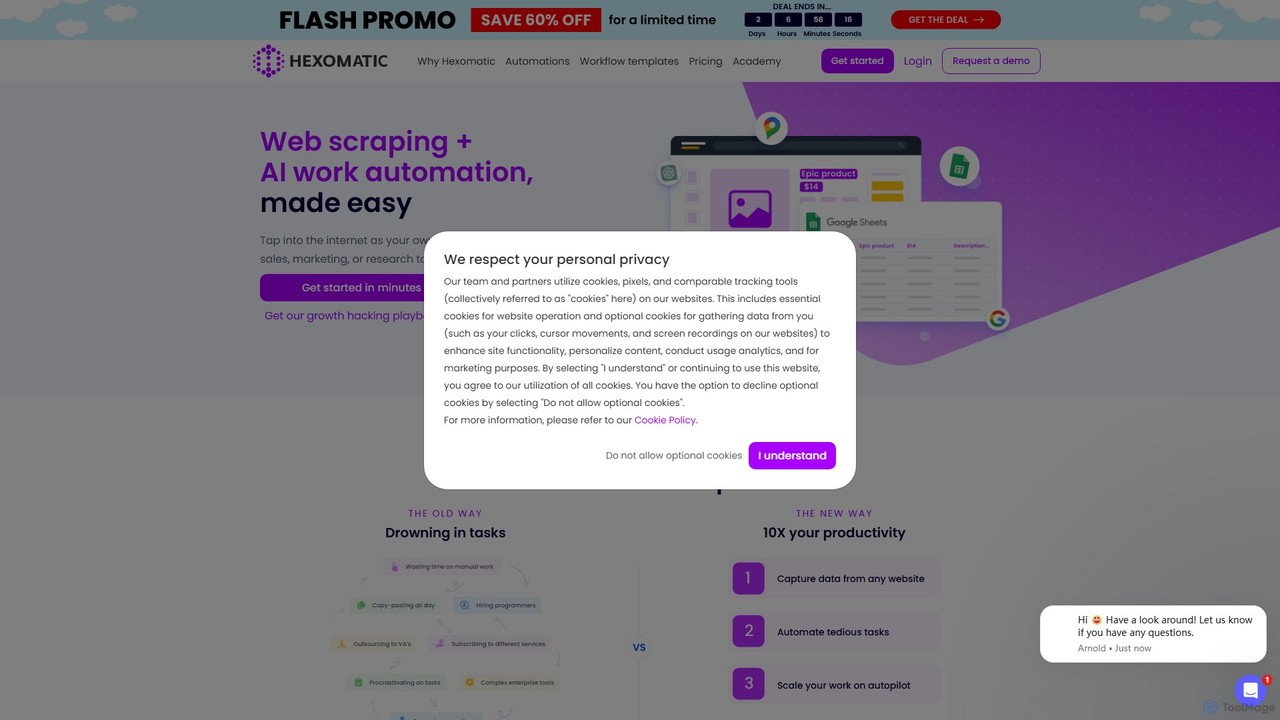
Hexomatic
Hexomatic is a no-code, cloud-based web scraping and workflow automation platform. It empowers users to extract data from any website using a simple point-and-click interface and automate over 100 tasks for sales, marketing, and research. With integrated AI like ChatGPT and Google Gemini, you can scale your operations, from lead generation to content creation, without writing a single line of code.
Web Scraping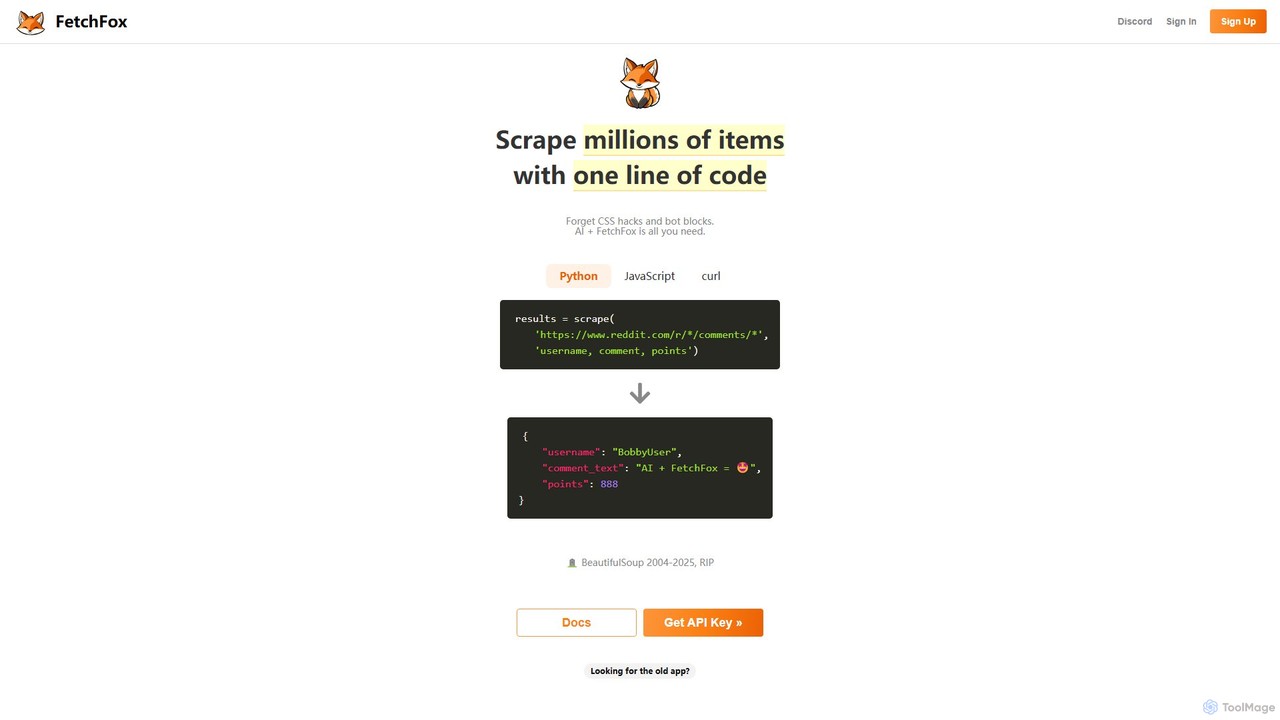
FetchFox
FetchFox is an AI-powered web scraping tool that allows users to extract data from any website using simple text prompts. It eliminates the need for complex coding or CSS selectors, automatically handling anti-bot measures. Available as an API, JavaScript library, and Chrome extension, it's designed for both developers and non-technical users to automate data collection effortlessly.
Data Extraction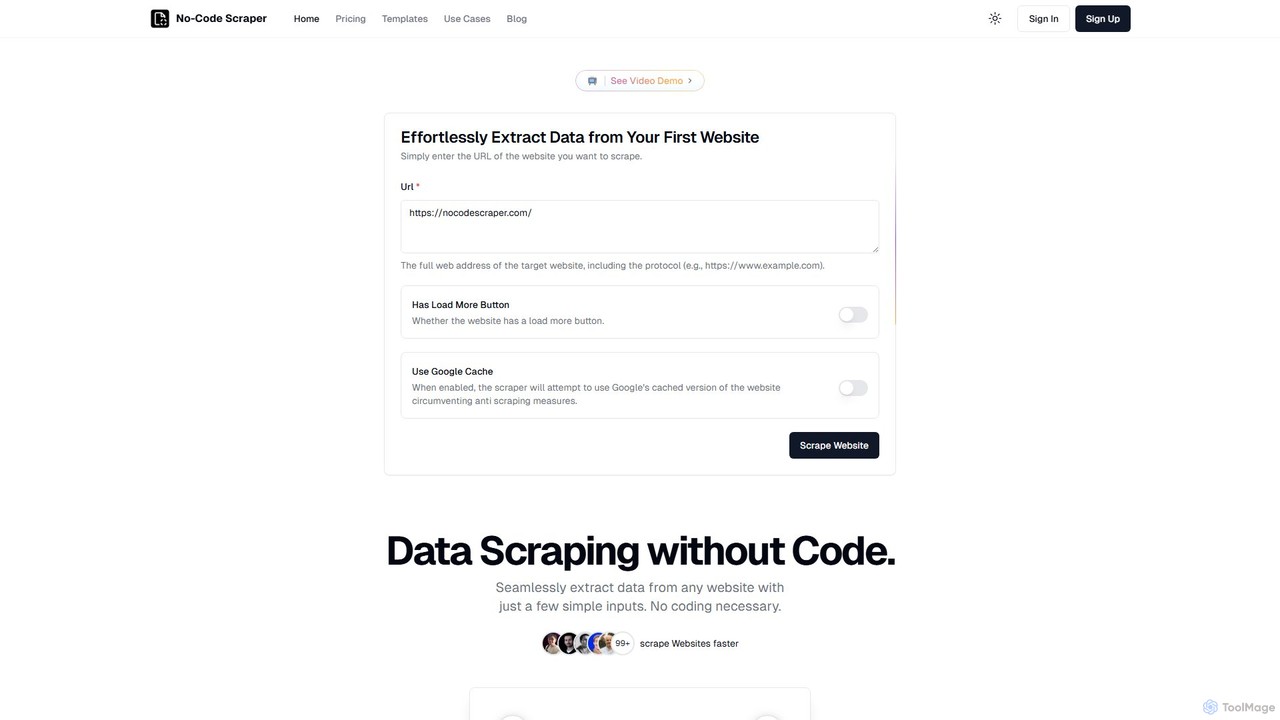
No-Code Scraper
No-Code Scraper is an AI-powered platform that enables users to extract data from any website without writing a single line of code. It uses large language models to automate data extraction, cleaning, and structuring, making web scraping accessible, reliable, and efficient for everyone.
Web Scraping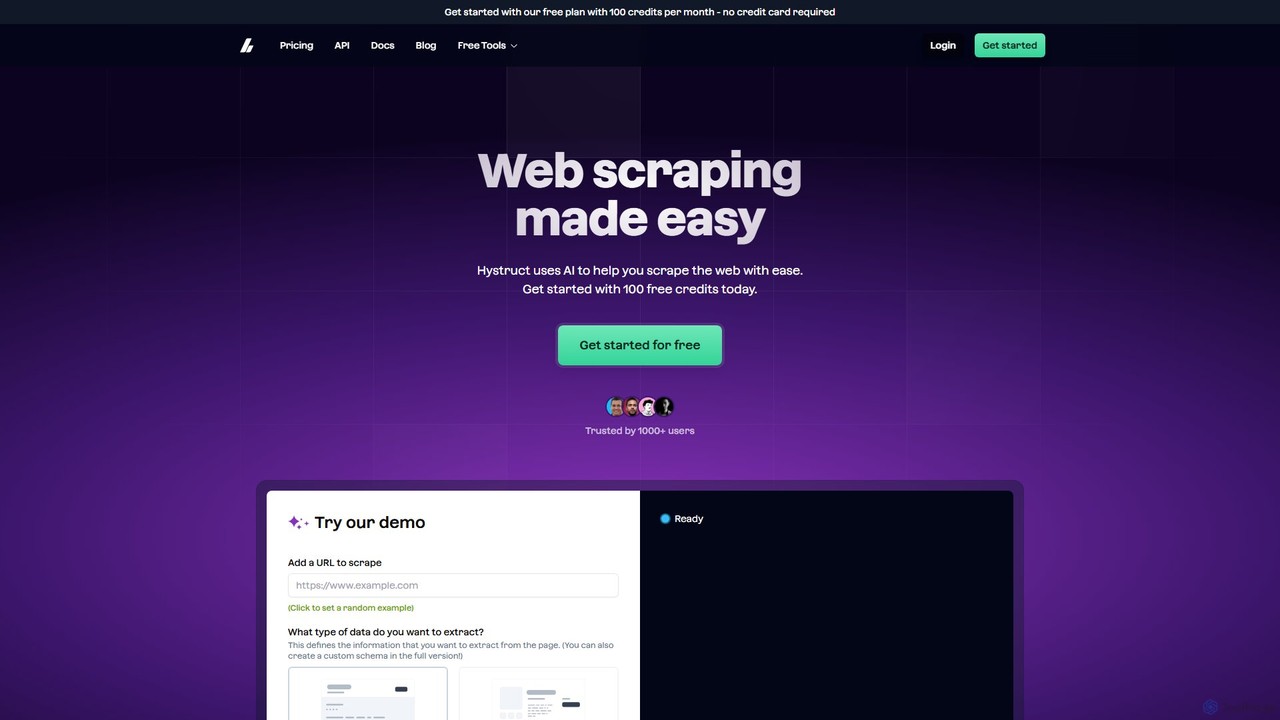
hystruct
hystruct is an AI-powered web scraping tool that simplifies data extraction. It allows users to easily turn unstructured web content into structured data using pre-built or custom schemas, without needing to code. With integrations like Zapier, it automates workflows for market research, lead generation, and more. It's designed for everyone from beginners to enterprise teams.
Scraping
Tablize Comments (0)
Sign in to comment.
Sign inNo comments yet.