

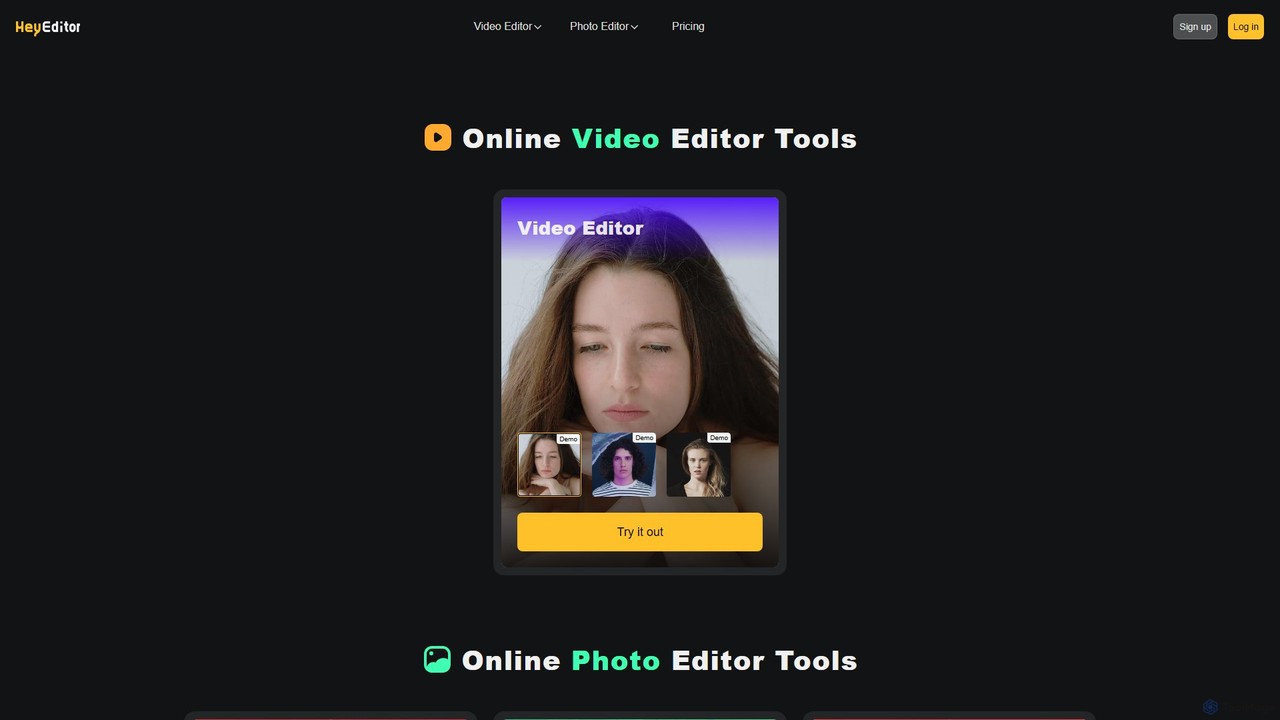
HeyEditor Overview
HeyEditor is a versatile and user-friendly online platform that leverages artificial intelligence to simplify and enhance video and photo editing. It provides a suite of powerful tools accessible directly from a web browser, eliminating the need for heavy software installations. Whether you're a content creator, a marketer, or just looking to have fun with your media, HeyEditor offers intuitive solutions for a variety of editing needs. The platform's core strength lies in its AI-driven features, which automate complex tasks like face swapping, image quality enhancement, and artistic style conversion, making high-quality media editing accessible to everyone.
How to use HeyEditor
Using HeyEditor is designed to be a straightforward process. The general workflow for most tools is as follows:
- Select a Tool: Navigate to the HeyEditor website and choose the specific tool you want to use, such as Video Editor, Photo Enhancer, or Faceswap.
- Upload Your File: Upload your video, photo, or GIF from your device. The platform supports various formats and specifies file size limits for optimal performance (e.g., videos up to 10 minutes/500 MB, photos up to 10 MB).
- Apply AI Effects: For a feature like Faceswap, you would upload your source media, and then upload the face you want to swap in. The AI automatically detects faces and performs the swap. For other tools like the enhancer, the AI will automatically process and improve the image quality.
- Generate and Download: After configuring the options, click the 'Generate' button. The AI will process your file, and once complete, you can preview the result and download it to your device.
Core Features of HeyEditor
- AI Faceswap: Seamlessly swap faces in videos, photos, and GIFs. The tool provides high-quality results, maintaining realism and consistency throughout video clips.
- AI Video Editor: A comprehensive online editor for videos. While specifics are developing, it's built to handle common editing tasks, likely including trimming, object removal, and AI-powered enhancements.
- AI Photo Editor: A suite of tools for image manipulation. This includes features beyond basic editing, leveraging AI for complex tasks.
- Photo Enhancer: Automatically improves the quality, resolution, and clarity of your photos. It can fix blurriness, reduce noise, and enhance colors and details.
- Photo to Anime: Transform your portraits or any photo into a beautiful anime-style illustration with a single click, using advanced AI models.
Use Cases for HeyEditor
HeyEditor is suitable for a wide range of users and applications:
- Content Creators & Influencers: Quickly create viral content, memes, and engaging social media posts using the Faceswap tool. Enhance the quality of vlogs and photos before publishing.
- Marketing & Advertising: Create unique promotional materials by swapping faces onto stock videos or images to better match brand campaigns. Enhance product photos for e-commerce listings.
- Personal Entertainment: Have fun with friends and family by creating funny faceswap videos and photos. Create unique anime-style avatars for social profiles.
- Photo Restoration: Use the Photo Enhancer to restore old, blurry, or low-quality family photos, bringing precious memories back to life.
Advantages of HeyEditor
HeyEditor stands out with several key advantages:
- Accessibility: As a fully online tool, it can be accessed from any device with a web browser, with no installation required.
- User-Friendly Interface: The platform is designed for simplicity, with an intuitive upload-and-process workflow that requires no prior editing experience.
- AI-Powered Automation: It automates complex and time-consuming editing tasks, allowing users to achieve professional results in a fraction of the time.
- Flexible Pricing: HeyEditor offers both pay-as-you-go credits for occasional users and affordable subscription plans for regular users, providing great value and choice.
Pricing and Plans
HeyEditor offers two flexible pricing models to suit different user needs:
- Buy Credits (Pay-as-you-go):
- 100 credits: $12.99
- 500 credits: $59.99 (8% off)
- 1000 credits: $116.99 (10% off)
- 3000 credits: $309.99 (20% off) - Buy Pro (Subscription):
- Monthly Plan: $12.99/month (billed monthly)
- Annual Plan: $90.99/year (equivalent to $7.58/month, 70% off)
The platform also has a clear refund policy, offering refunds for unused credits within 14 days of purchase.
Traffic
Latest traffic
Status
Monthly traffic trend
- 2025-9: 507
- 2026-1: 1.4K
- 2026-2: 962
- 2026-3: 430
- 2026-4: 290
- 2026-5: 24
Geography
Top 5 countries / regions
- 🇺🇸United States100.0%
Top keywords
| Keyword | Cost per click |
|---|---|
| .hen editor | $0.00 |
| hey ai | $1.09 |
| hypereditor | $0.00 |
HeyEditor Alternatives
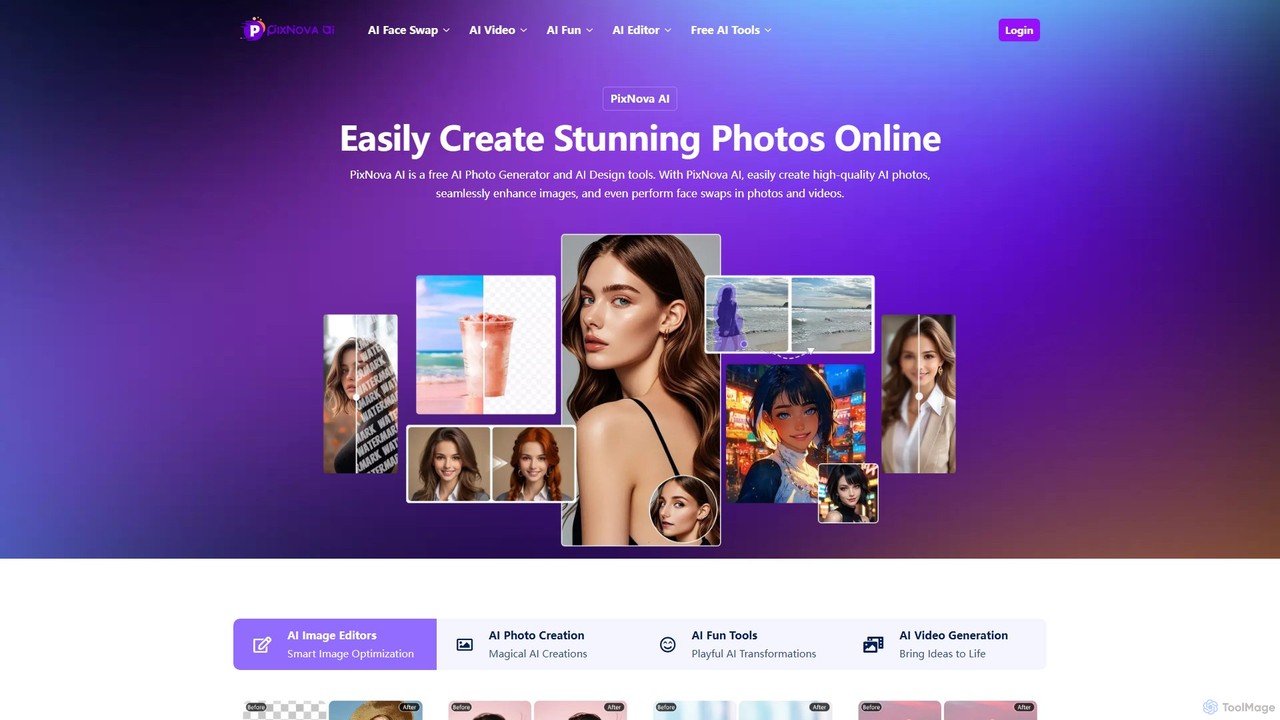
PixNova AI
PixNova AI is a free, all-in-one online platform for AI-powered image and video creation. It offers a comprehensive suite of tools, including a photo generator, advanced image editor, seamless face swap for photos and videos, and various creative transformation tools.
Face Swap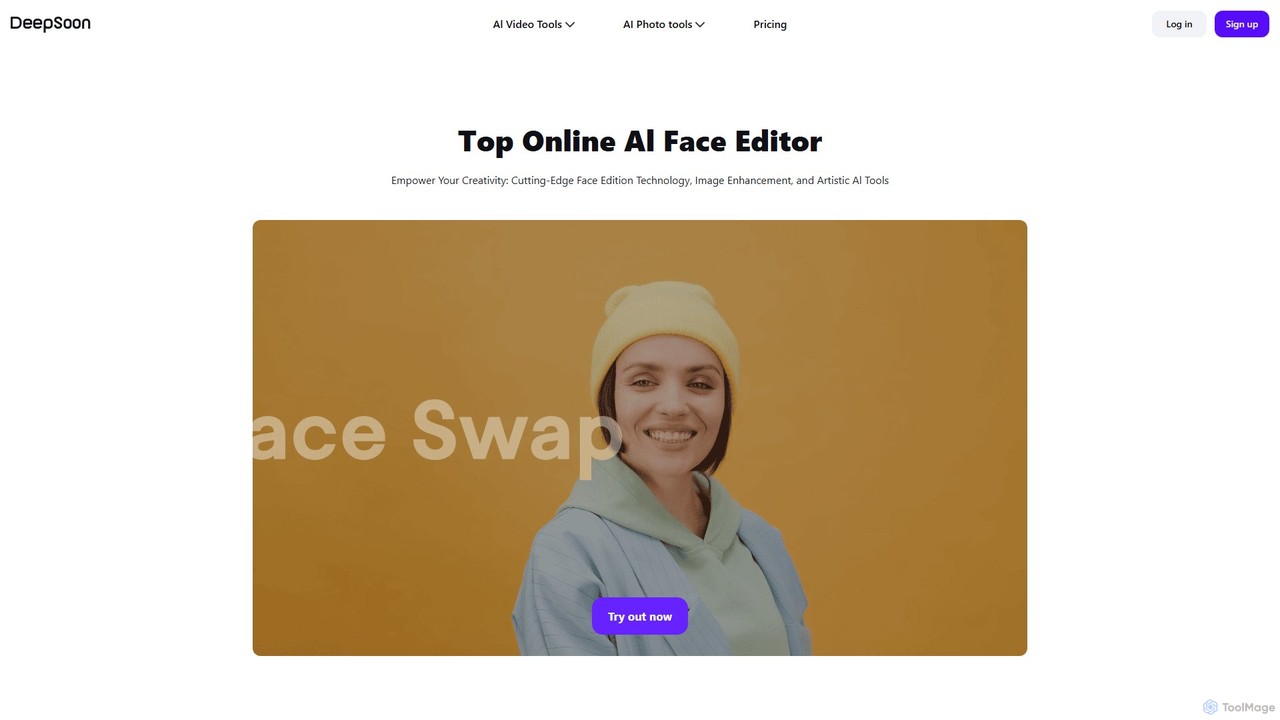
deepsoon
deepsoon is a powerful AI-driven creative suite for editing photos and videos. It specializes in high-quality face swapping for videos and photos, image-to-video conversion, and offers a range of tools including a photo enhancer, background remover, and anime stylizer. It's designed for both entertainment and professional content creation.
Face Swap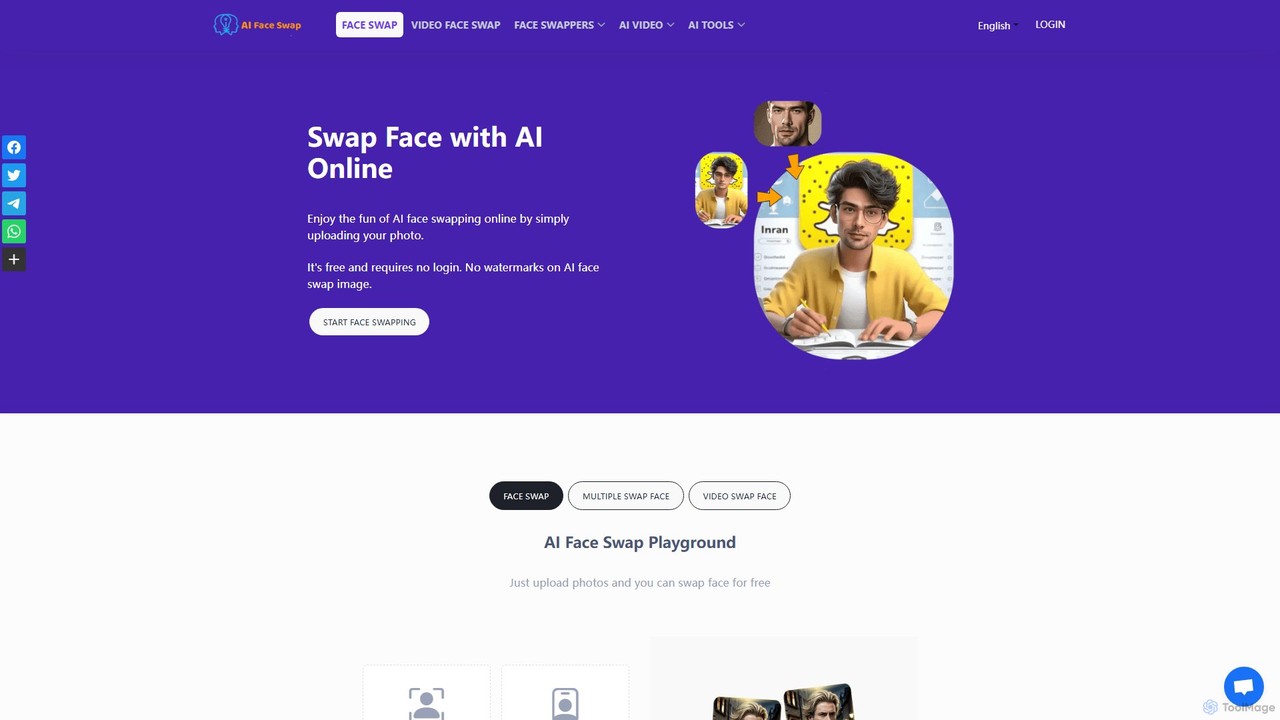
aifaceswap
A powerful and free online AI tool for seamlessly swapping faces in both images and videos. Create hilarious memes, transform into celebrities, or produce high-quality video edits in seconds without any sign-up required for basic features.
Face Swap
DeepAny.AI
DeepAny.AI is a versatile online AI creative suite offering a range of powerful tools, including face swapping, video and art generation, image inpainting, and media upscaling. It provides a user-friendly, high-performance platform for both creative professionals and casual users, supported by a free trial and flexible pricing.
Art Generation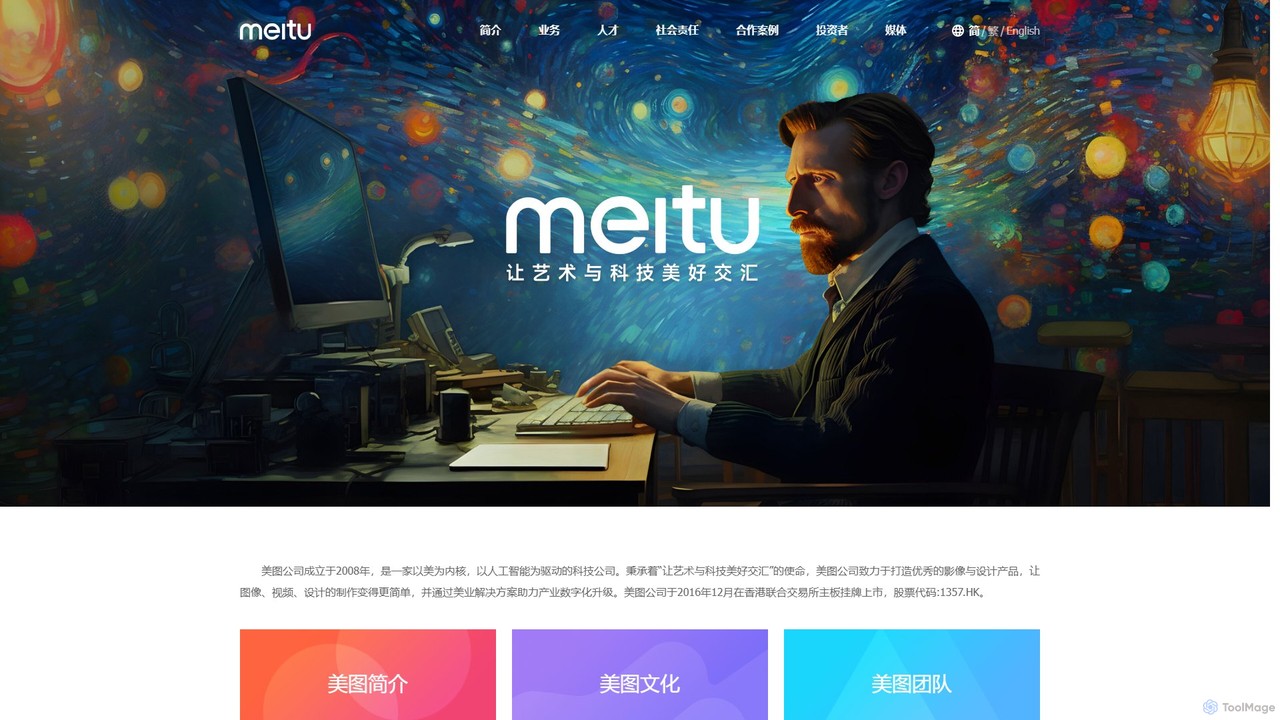
Meitu
Meitu is a comprehensive suite of AI-powered tools for photo and video editing, graphic design, and professional creative workflows. It simplifies complex tasks like photo retouching, video quality restoration, and content creation, making advanced editing accessible to everyone from casual users to businesses.
Graphic DesignHeyEditor Categories
HeyEditor Embed Widget
Copy this embed code to place the badge on your blog, article, or product site and send readers directly to this ToolMage detail page.

Related AI tools
Meitu
Meitu is a comprehensive suite of AI-powered tools for photo and video editing, graphic design, and professional creative workflows. It simplifies complex tasks like photo retouching, video quality restoration, and content creation, making advanced editing accessible to everyone from casual users to businesses.
Graphic Design
RoboNeo
RoboNeo is an AI agent by Meitu, focused on visual productivity. It streamlines content creation by integrating AI-powered photo editing, graphic design, and video generation into a single, intuitive platform. Ideal for marketers, creators, and businesses to produce high-quality visuals effortlessly.
Graphic Design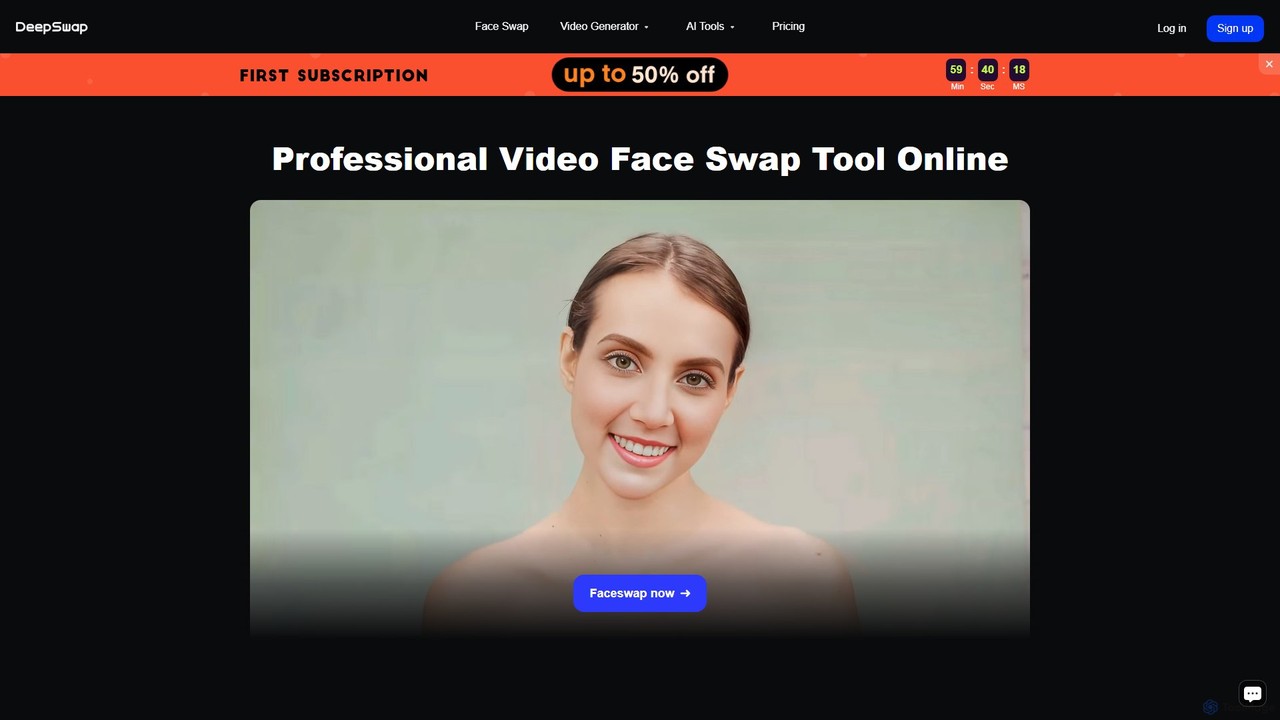
Deepswap
Deepswap is an advanced AI-powered online tool for creating hyper-realistic face swaps in videos, photos, and GIFs. It utilizes proprietary models to achieve over 90% similarity, supports up to 6 faces in a single clip, and offers 4K video output. Additional features include image enhancement, background removal, and a cartoonizer, making it a versatile tool for creators and professionals.
Meme Generator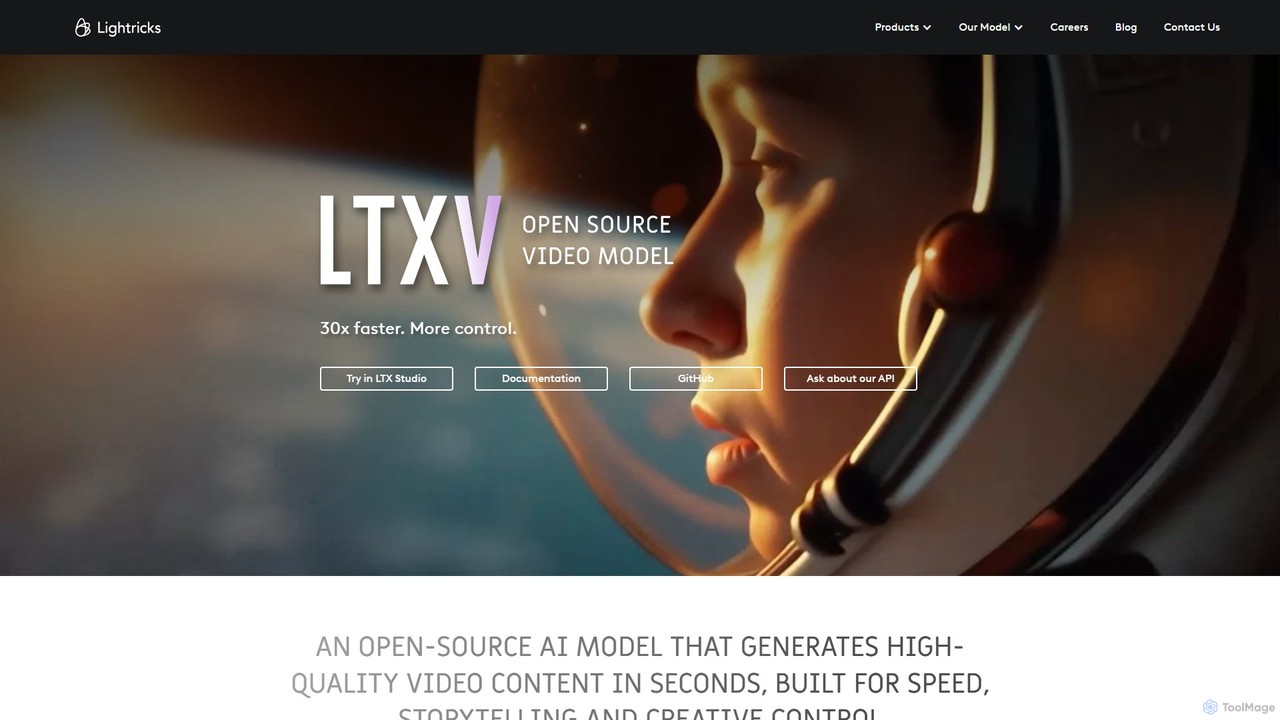
Lightricks
Lightricks is an AI-first company that develops a powerful suite of creative applications for photo and video editing. Its flagship products, including Facetune, Photoleap, Videoleap, and the groundbreaking LTX Studio, empower creators and brands to produce stunning visual content using cutting-edge generative AI technology, bridging the gap between imagination and creation.
Image Editing
pixalto
Pixalto is an all-in-one AI creative suite for effortless content creation. It allows users to generate stunning videos and images from text, perform advanced photo and video editing like background removal and object erasing, and utilize creative tools such as face swap and style transfer.
Generative Art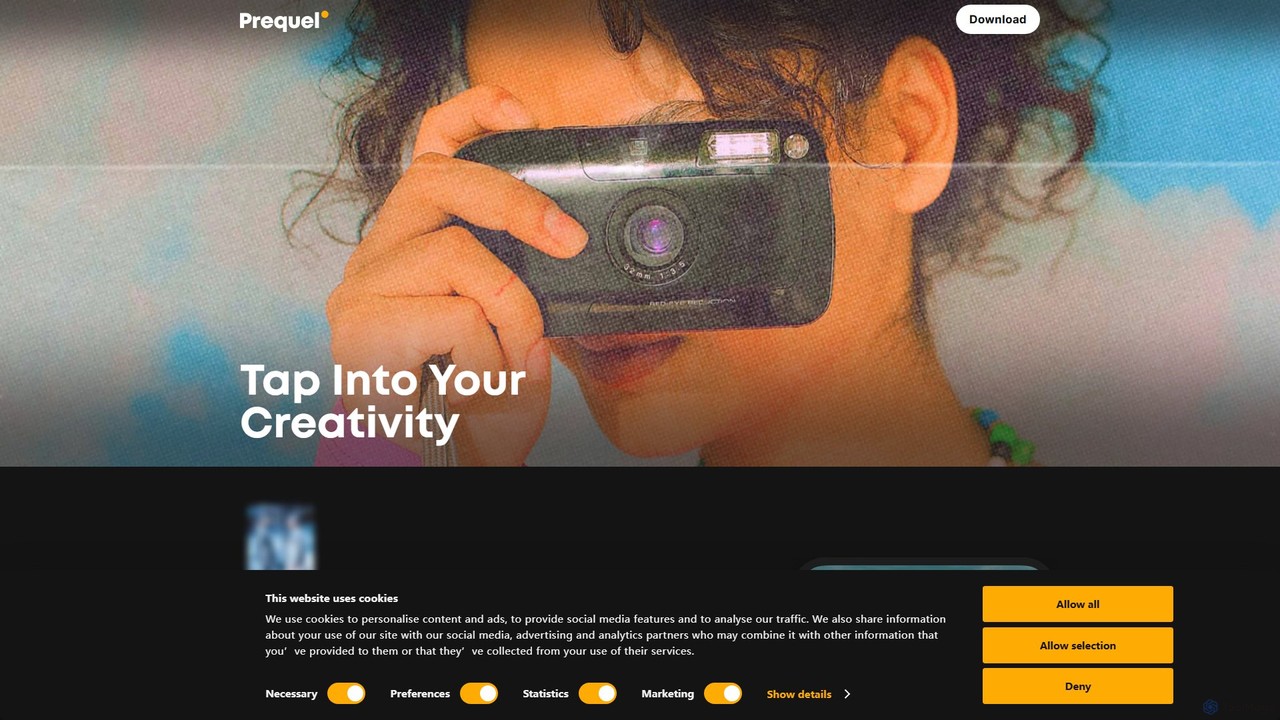
Prequel
Prequel is an AI-powered photo and video editor designed for creating stunning, aesthetic content. It offers a vast library of trendy filters, AI effects, and advanced editing tools, making it easy for users to transform their visuals for social media and personal projects. Ideal for content creators, influencers, and anyone looking to elevate their digital imagery.
Image Editing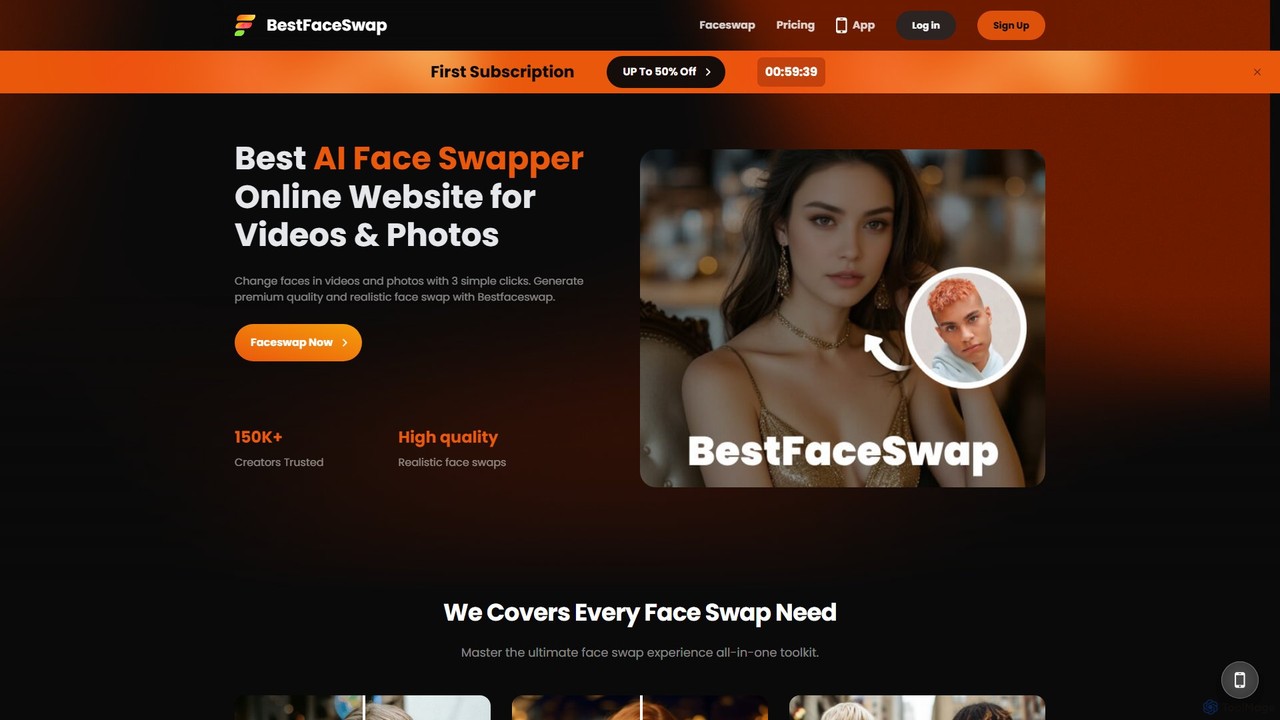
bestfaceswap
bestfaceswap is an advanced AI-powered online tool for creating high-quality, realistic face swaps in both videos and photos. With a simple 3-step process, users can easily generate entertaining content, memes, or professional marketing materials. It supports high-resolution output, ensures user privacy, and offers a seamless experience with no downloads required.
Meme Generator
swapper_ai
swapper_ai is an advanced AI-powered tool for creating realistic face swaps in images and videos. With a user-friendly interface, it allows anyone to seamlessly exchange faces in just a few clicks. Ideal for content creators, marketers, and individuals looking to create fun and engaging visual content with high-quality, natural-looking results.
Entertainment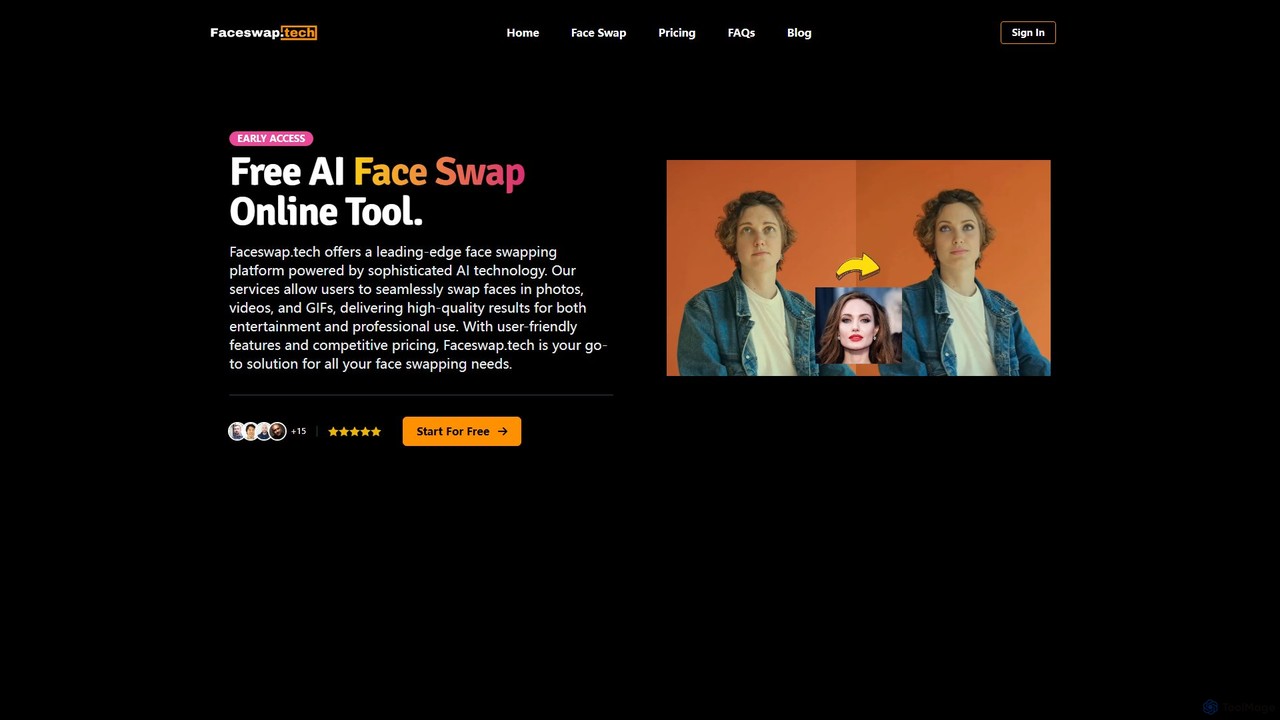
Faceswap.tech
Faceswap.tech is a leading-edge online AI tool for seamlessly swapping faces in photos, videos, and GIFs. It offers high-quality, realistic results with fast processing speeds. The user-friendly platform supports various media formats and prioritizes user privacy with encrypted, auto-deleted files. A free plan is available, with affordable one-time payment options for advanced features and more credits.
Meme Generator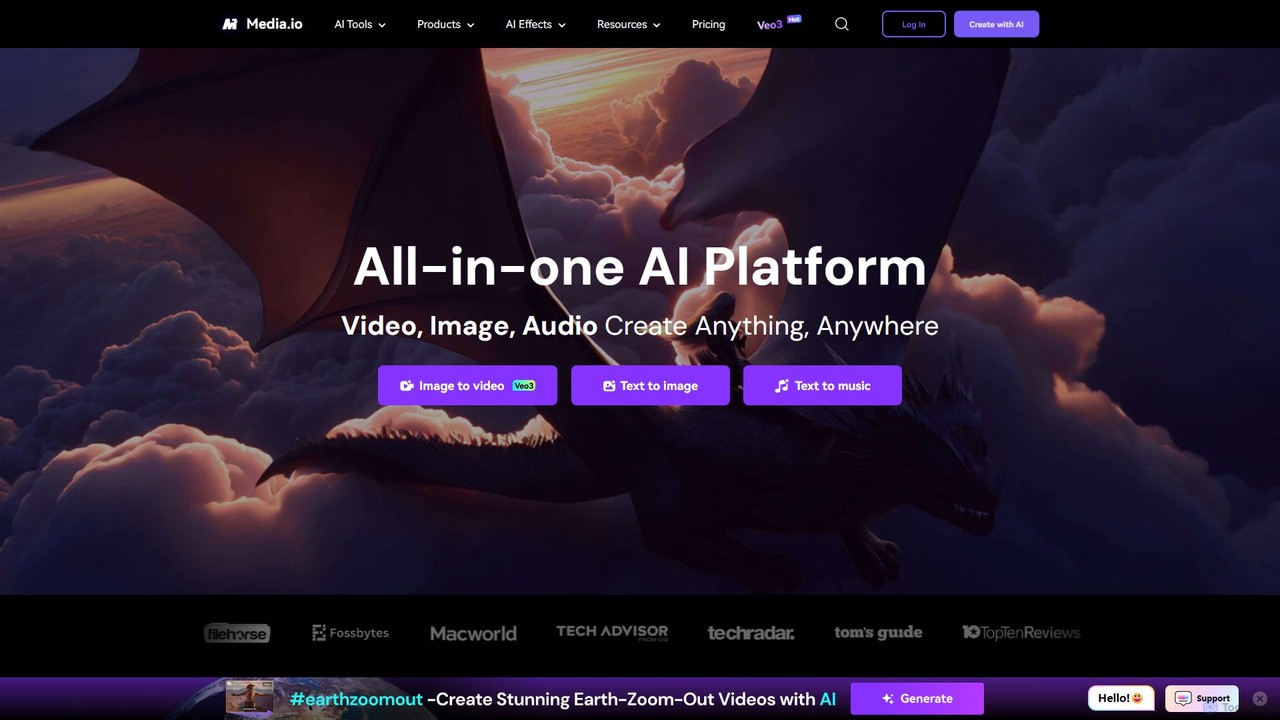
Media.io
Media.io is a comprehensive, all-in-one AI creative platform for video, image, and audio. It empowers users to effortlessly generate and edit high-quality content using advanced AI tools. From text-to-video and image-to-video generation to AI-powered object removal, video enhancement, and music creation, Media.io provides a complete suite for content creators, marketers, and individuals to turn their ideas into compelling visual and auditory experiences directly in their browser.
Music Generation
InShot
InShot is a powerful all-in-one video and photo editor for mobile devices, packed with professional-grade features and AI-powered tools. It's designed for everyone from social media creators to beginners, offering an intuitive interface for easy editing, trimming, and enhancing videos. With features like AI auto-captions, advanced effects, a rich music library, and 4K export, InShot makes creating high-quality content for platforms like YouTube, Instagram, and TikTok simple and accessible.
Photo Editing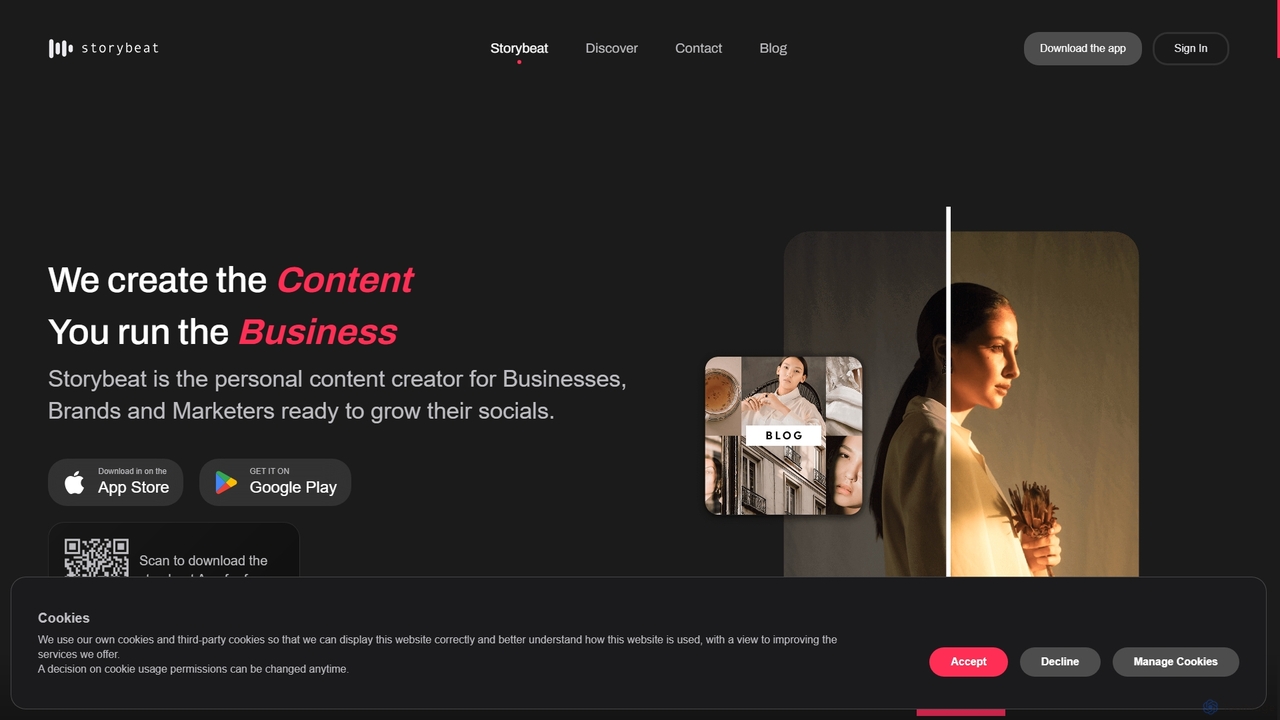
Storybeat
Storybeat is an AI-powered mobile app for creating stunning social media stories and reels. It offers a vast library of templates, filters, and music, along with AI tools like Auto Design, AI Captions, and AI Avatars to help businesses, brands, and creators grow their social presence effortlessly.
Social Media Marketing
Adobe Express
Adobe Express is an all-in-one AI-powered content creation app for designing stunning social media posts, videos, flyers, logos, and more. Powered by Adobe Firefly, it integrates generative AI features like Text to Image and Generative Fill, making professional design accessible to everyone, from beginners to experts.
Graphic DesignPixNova AI
PixNova AI is a free, all-in-one online platform for AI-powered image and video creation. It offers a comprehensive suite of tools, including a photo generator, advanced image editor, seamless face swap for photos and videos, and various creative transformation tools.
Face Swapdeepsoon
deepsoon is a powerful AI-driven creative suite for editing photos and videos. It specializes in high-quality face swapping for videos and photos, image-to-video conversion, and offers a range of tools including a photo enhancer, background remover, and anime stylizer. It's designed for both entertainment and professional content creation.
Face Swap
HeyEditor Comments (0)
Sign in to comment.
Sign inNo comments yet.