


Hovercode Overview
Hovercode is a comprehensive and user-friendly platform designed for creating, managing, and tracking dynamic QR codes. It empowers businesses and marketers to connect their physical marketing materials with digital experiences seamlessly. Beyond simple QR code generation, Hovercode offers a suite of tools including a link shortener, micro-landing page builder, and in-depth analytics, making it a one-stop solution for interactive marketing campaigns.
The platform is built to enhance brand identity by allowing deep customization of QR codes. Users can move beyond the standard black-and-white squares and create visually appealing codes that incorporate company logos, brand colors, and unique shapes or frames. This not only improves aesthetics but also increases scan rates by building brand recognition and trust.
How to use Hovercode
Using Hovercode is a straightforward process, designed for users of all technical levels:
- Set Destination: Begin by choosing the destination for your QR code. This can be a website link, a PDF file, a vCard for contact details, a Google Form, and more.
- Enable Dynamic Mode: Toggle the 'Dynamic' option on. This is the key to unlocking features like scan tracking and the ability to edit the destination later without changing the QR code itself.
- Customize Your Design: Select from a variety of templates, including square, circle, and other creative frames. Apply your brand colors, adjust the pattern style, and upload your logo to be placed in the center of the code.
- Generate and Download: Once you are satisfied with the design, generate the QR code. You can then download it in high-resolution formats like PNG for digital use or SVG for print materials that require scalability.
- Track and Manage: All your created QR codes are saved in your dashboard. From here, you can monitor scan analytics, see where and when people are scanning your codes, and edit the destination link at any time.
Core Features of Hovercode
- Dynamic QR Codes: Edit the destination URL of your QR codes at any time, even after they have been printed and distributed.
- Advanced Customization: Tailor the look of your QR codes with custom colors, patterns, frames, and by adding your company logo.
- Scan Tracking & Analytics: Gain valuable insights into your campaign's performance by tracking the number of scans, location (city/country), time of day, and the devices used.
- Custom Domains: Enhance brand credibility by using your own domain for the QR code's redirect link (e.g., qr.yourcompany.com instead of hov.to).
- Micro Landing Pages: Create simple, mobile-optimized landing pages to host multiple links, social media profiles, or other resources, accessible through a single QR code.
- Link Shortener: Generate branded, trackable short links for use in social media, emails, or text messages.
- Bulk QR Code Generation: Efficiently create multiple unique QR codes at once by uploading a CSV file, perfect for large-scale campaigns or product tagging.
- API Access: Integrate Hovercode's QR code generation and management capabilities directly into your own applications and workflows.
- Team Collaboration: Invite team members to manage QR codes, view analytics, and collaborate on campaigns within a shared workspace.
Use Cases for Hovercode
Hovercode is versatile and can be applied across various industries and scenarios:
- Marketing & Advertising: Place trackable QR codes on flyers, posters, billboards, and magazine ads to measure offline campaign engagement.
- Product Packaging: Link customers to tutorials, warranty registration, user manuals, or exclusive content directly from the product.
- Business Cards: Use a vCard QR code to allow new contacts to save your details to their phone with a single scan.
- Restaurants & Hospitality: Provide contactless access to digital menus, feedback forms, or Wi-Fi networks.
- Events & Conferences: Share event schedules, speaker information, presentation slides, or networking links with attendees.
- Non-Profits & Charities: Simplify the donation process by linking QR codes directly to a donation page.
Advantages of Hovercode
Hovercode stands out with its combination of powerful features and ease of use. The ability to create fully branded, dynamic codes makes it a superior choice for professional use. Its detailed analytics provide actionable data to refine marketing strategies. The platform's flexibility, from editable destinations to API access, ensures it can scale with a business's needs. Furthermore, its generous free plan provides significant value, making advanced QR code technology accessible to everyone.
Pricing and Plans
Hovercode offers a freemium model with several tiers to suit different needs:
- Free Plan ($0/mo): Includes 3 dynamic QR codes, 3 short links, 1 multi-link page, unlimited scans, logo customization, and basic analytics with a 3-month history.
- Pro Plan ($12/mo): Offers 100 dynamic QR codes, 100 short links, 5 multi-link pages, advanced analytics with a 12-month history, and 1 custom domain.
- Business Plan ($39/mo): Provides 600 dynamic QR codes/month, 600 short links/month, 50 multi-link pages, unlimited analytics history, 10 custom domains, API access, bulk generation, CSV exports, and up to 10 team members.
- Business Plus Plan ($99/mo): Includes 2,000 dynamic QR codes/month, 2,000 short links/month, 400 multi-link pages, 50 custom domains, up to 25 team members, multiple workspaces, and webhooks.
Annual subscriptions offer a discount equivalent to two months free.
Traffic
Latest traffic
Status
Monthly traffic trend
- 2025-9: 246.1K
- 2026-1: 243.3K
- 2026-2: 237.3K
- 2026-3: 229.7K
- 2026-4: 262.1K
- 2026-5: 353.8K
Geography
Top 5 countries / regions
- 🇺🇸United States63.5%
- 🇮🇳India15.0%
- 🇧🇷Brazil7.9%
- 🇵🇭Philippines7.1%
- 🇬🇧United Kingdom6.5%
Traffic sources
| Source type | Percentage |
|---|---|
Direct | 83.9% |
Referral | 11.7% |
Email | 4.5% |
Top keywords
| Keyword | Cost per click |
|---|---|
| free qr code generator | $1.88 |
| hovercode | $3.80 |
| qr code generator | $0.71 |
| qr code generator free | $1.06 |
| qr code scanner online | $0.18 |
Hovercode Alternatives
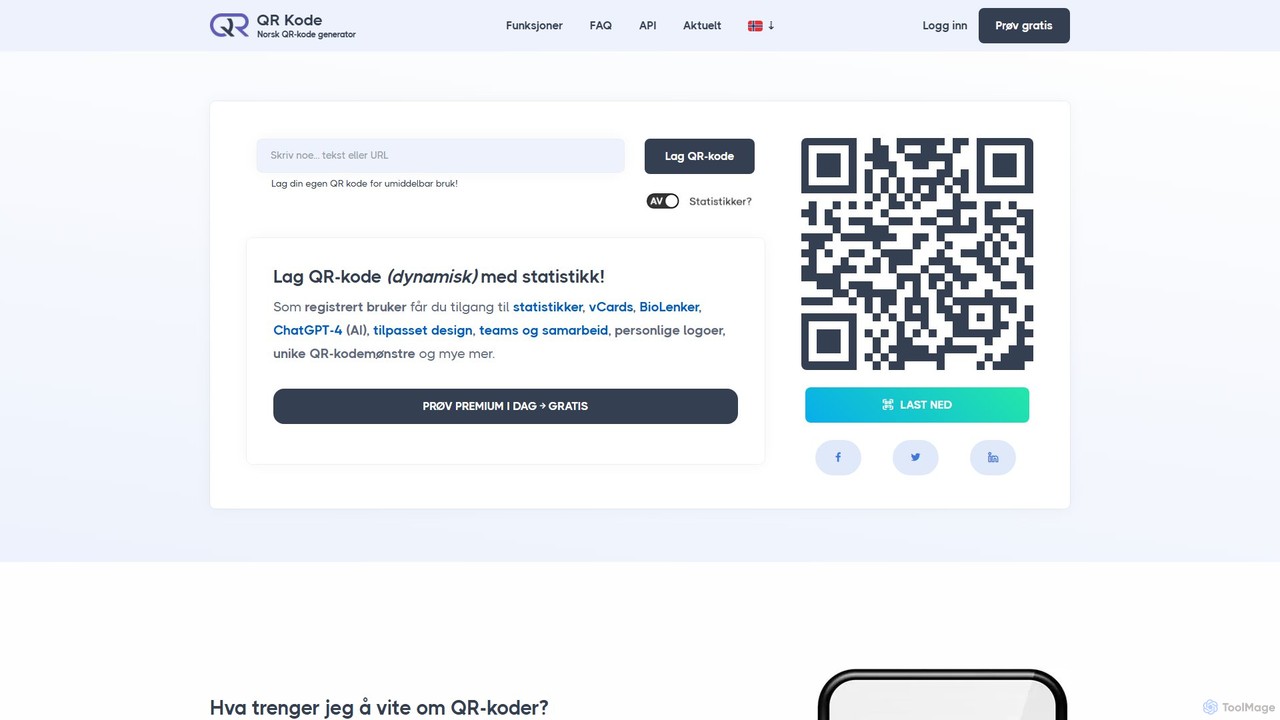
QR-Kode.no
QR-Kode.no is an advanced QR code generator from Norway, offering comprehensive solutions for businesses and individuals. It allows users to create fully customized, dynamic QR codes for various purposes, including marketing campaigns, digital business cards, and event management. The platform features unlimited QR codes, detailed scan statistics, BioLink pages, and extensive customization options, all supported by a robust API and priority support.
Analytics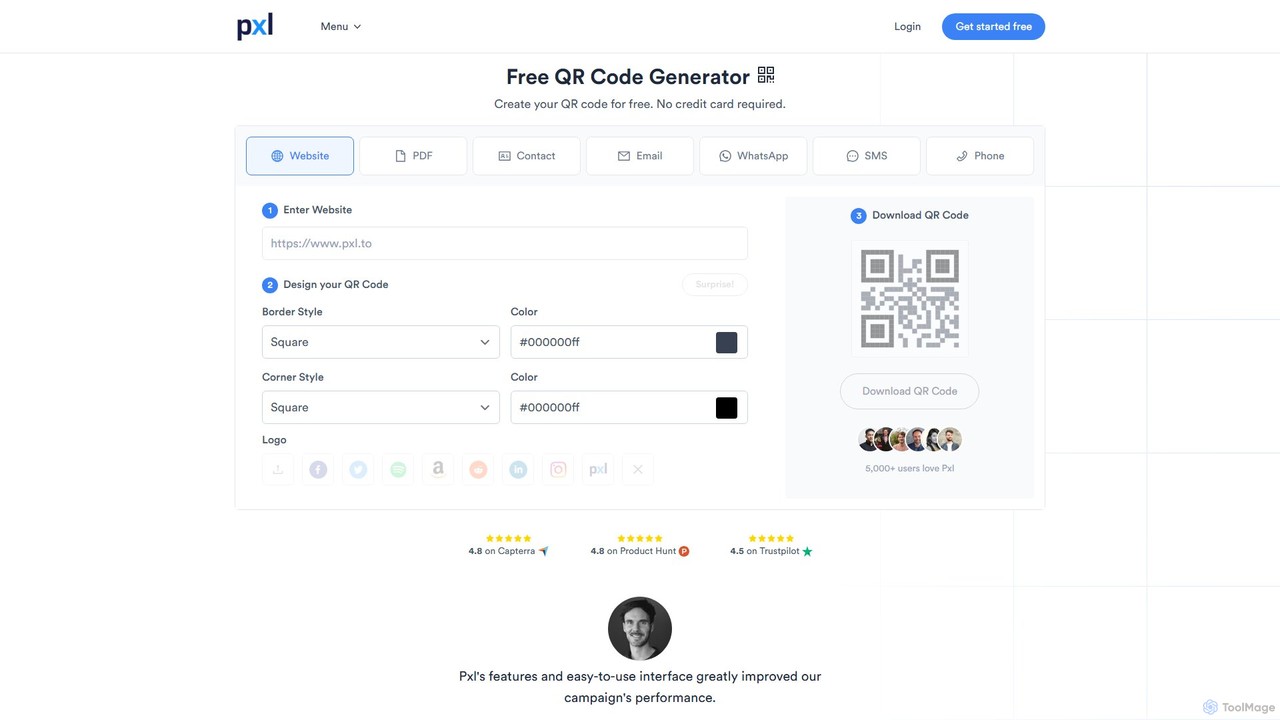
Pxl
Pxl is a privacy-first marketing platform for creating dynamic QR codes, AI-powered microsites, and branded short links. It offers detailed, GDPR-compliant analytics to track campaign performance without compromising user privacy. With features like custom domains, team collaboration, and powerful integrations, Pxl helps businesses and marketers optimize their engagement, build audiences, and make data-driven decisions.
Analytics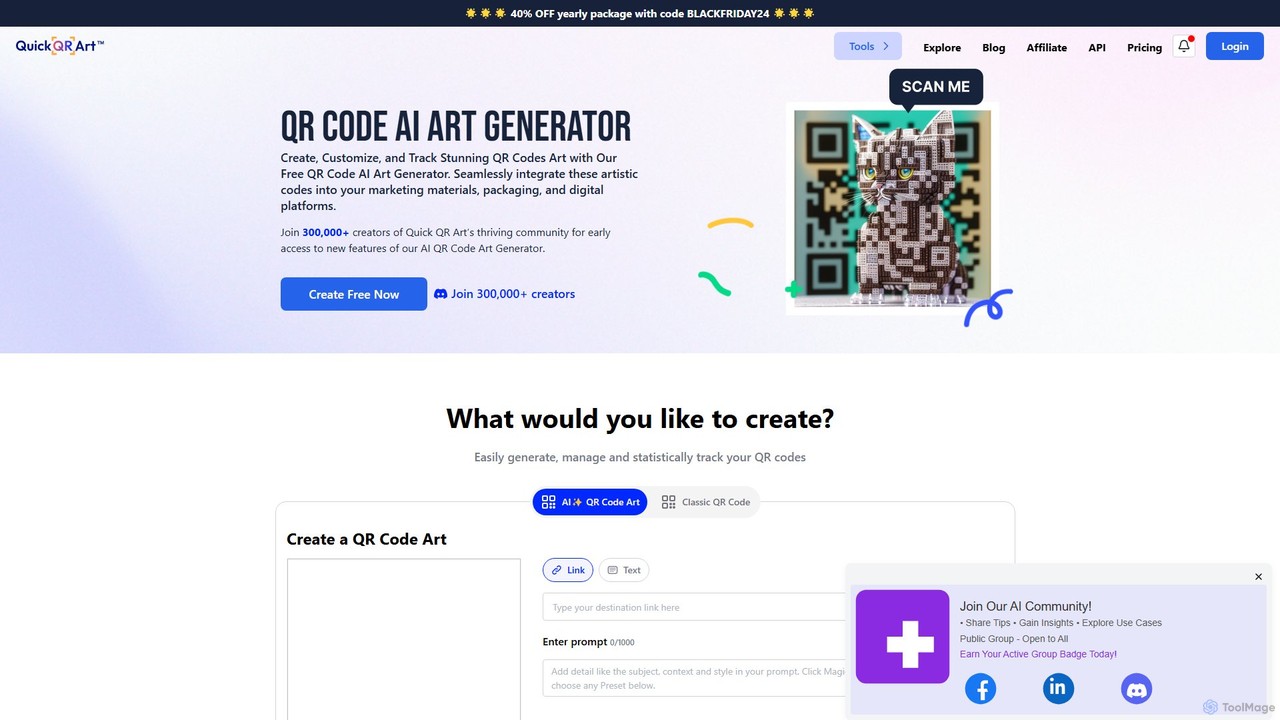
Quick QR Art
Quick QR Art is an AI-powered generator that transforms standard QR codes into stunning, scannable works of art. It allows users to create, customize, and track artistic QR codes using text prompts, enhancing marketing materials, packaging, and digital platforms with unique, brand-aligned visuals.
Image Generator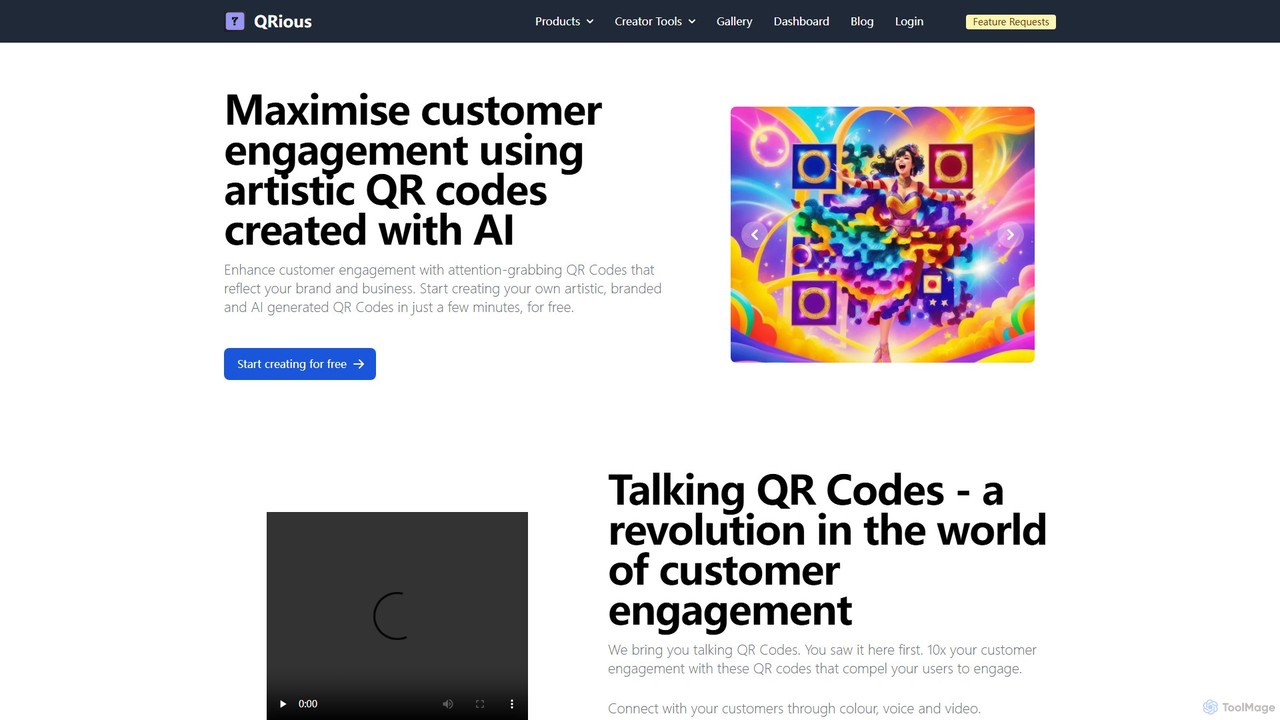
QRious
QRious is an AI-powered platform that creates artistic, branded, and even 'talking' QR codes. Using technologies like Stable Diffusion, it transforms standard QR codes into engaging marketing tools. Features include dynamic QR codes, detailed analytics, a user-friendly creator studio, and API access, helping businesses boost customer interaction and brand visibility.
Ai Art Generator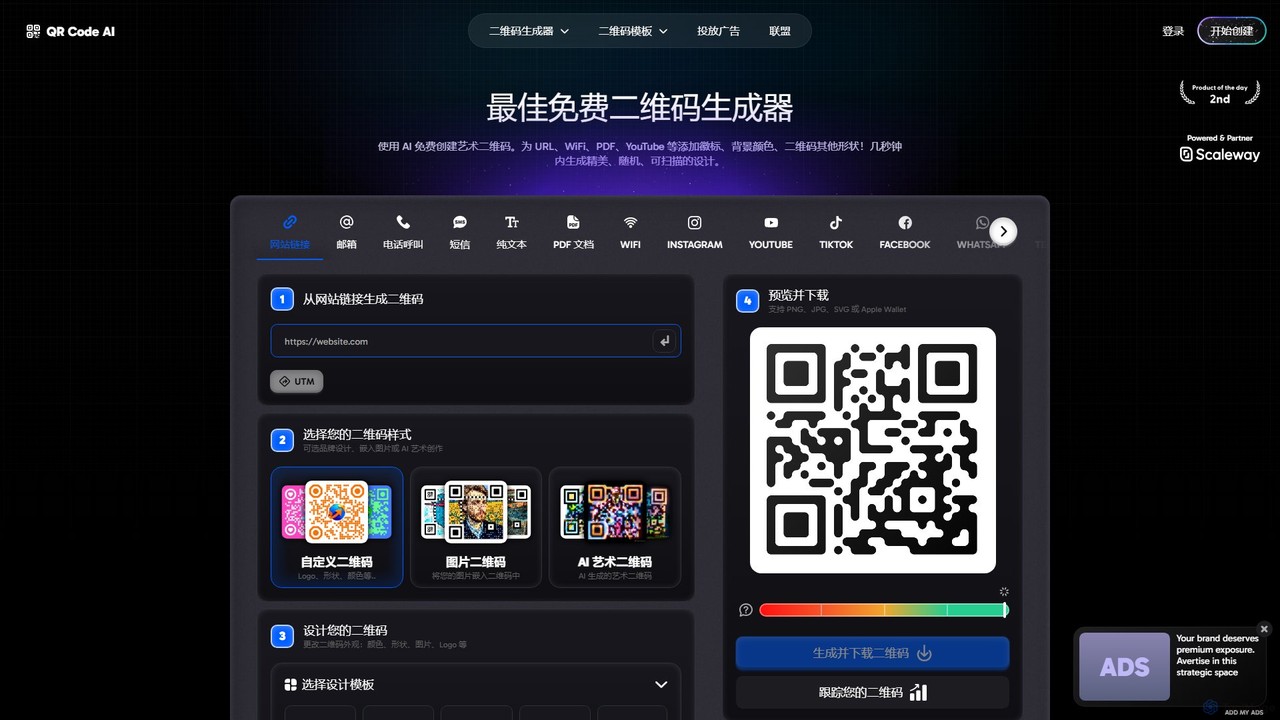
qrcode_ai
An advanced AI-powered QR code generator that creates free, custom, and artistic QR codes. It offers extensive customization options, including shapes, colors, and logos, plus a unique AI art feature to embed images. Supports over 50 QR code types with tracking and analytics.
Qr Code GeneratorHovercode Categories
Hovercode Embed Widget
Copy this embed code to place the badge on your blog, article, or product site and send readers directly to this ToolMage detail page.

Related AI tools
QR-Kode.no
QR-Kode.no is an advanced QR code generator from Norway, offering comprehensive solutions for businesses and individuals. It allows users to create fully customized, dynamic QR codes for various purposes, including marketing campaigns, digital business cards, and event management. The platform features unlimited QR codes, detailed scan statistics, BioLink pages, and extensive customization options, all supported by a robust API and priority support.
AnalyticsQuick QR Art
Quick QR Art is an AI-powered generator that transforms standard QR codes into stunning, scannable works of art. It allows users to create, customize, and track artistic QR codes using text prompts, enhancing marketing materials, packaging, and digital platforms with unique, brand-aligned visuals.
Image GeneratorQRious
QRious is an AI-powered platform that creates artistic, branded, and even 'talking' QR codes. Using technologies like Stable Diffusion, it transforms standard QR codes into engaging marketing tools. Features include dynamic QR codes, detailed analytics, a user-friendly creator studio, and API access, helping businesses boost customer interaction and brand visibility.
Ai Art Generatorqrcode_ai
An advanced AI-powered QR code generator that creates free, custom, and artistic QR codes. It offers extensive customization options, including shapes, colors, and logos, plus a unique AI art feature to embed images. Supports over 50 QR code types with tracking and analytics.
Qr Code GeneratorPxl
Pxl is a privacy-first marketing platform for creating dynamic QR codes, AI-powered microsites, and branded short links. It offers detailed, GDPR-compliant analytics to track campaign performance without compromising user privacy. With features like custom domains, team collaboration, and powerful integrations, Pxl helps businesses and marketers optimize their engagement, build audiences, and make data-driven decisions.
Analytics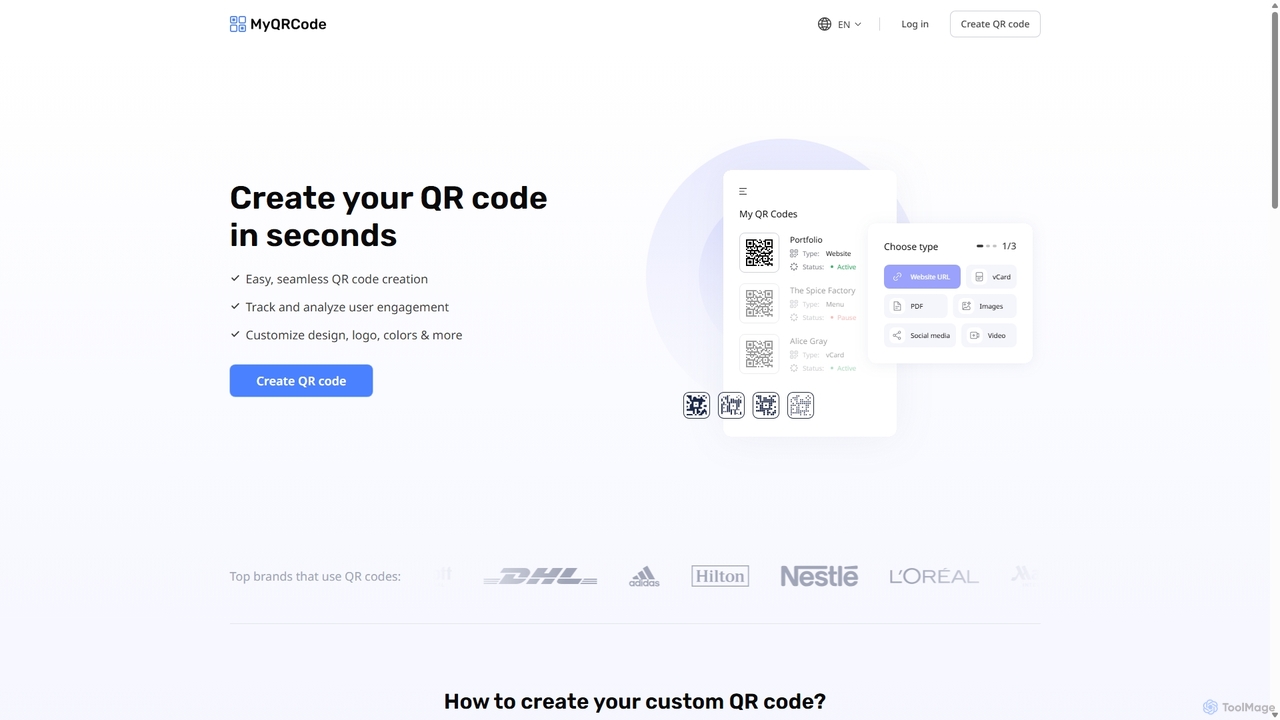
Myqrcode
An advanced QR code generator that allows you to create, customize, and track dynamic QR codes. Turn any link, vCard, PDF, or social media profile into a scannable code with custom logos, colors, and frames to enhance marketing and user engagement.
Customer Engagement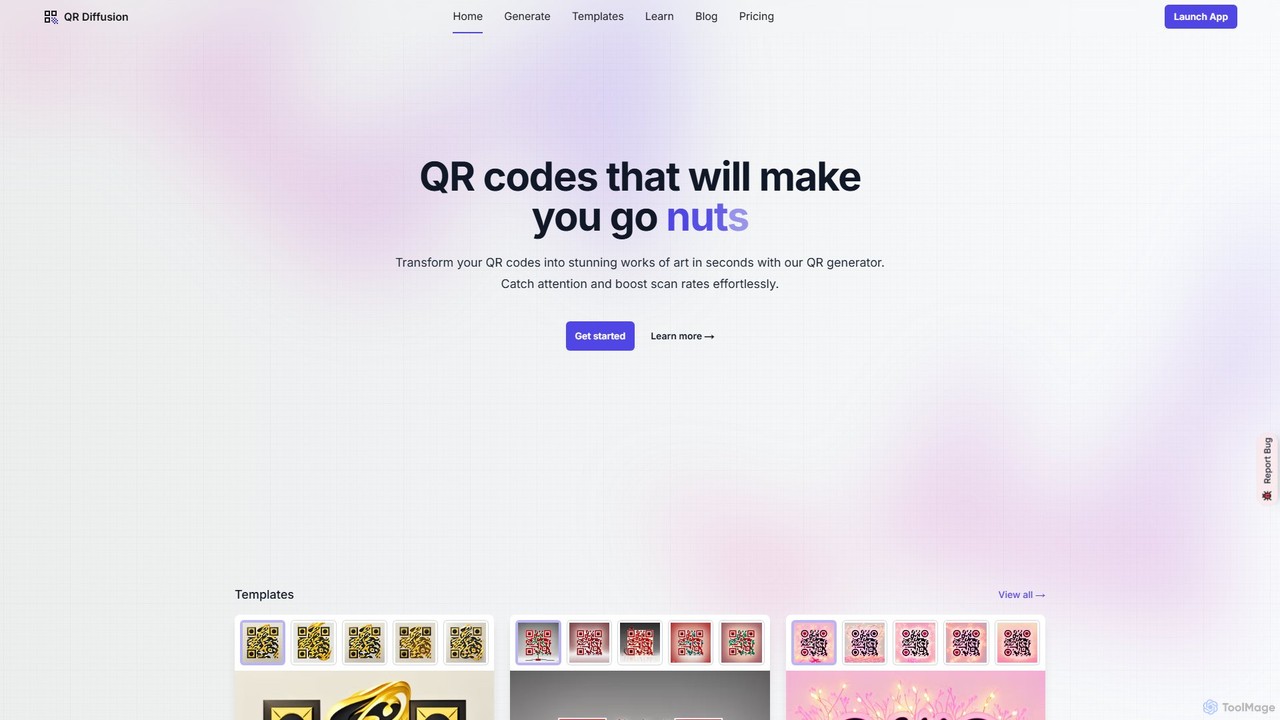
QR Diffusion
QR Diffusion is an AI-powered tool that transforms standard QR codes into stunning works of art using Stable Diffusion. It helps increase scan rates and brand engagement by creating visually appealing, scannable QR codes from text prompts or templates.
Image Generator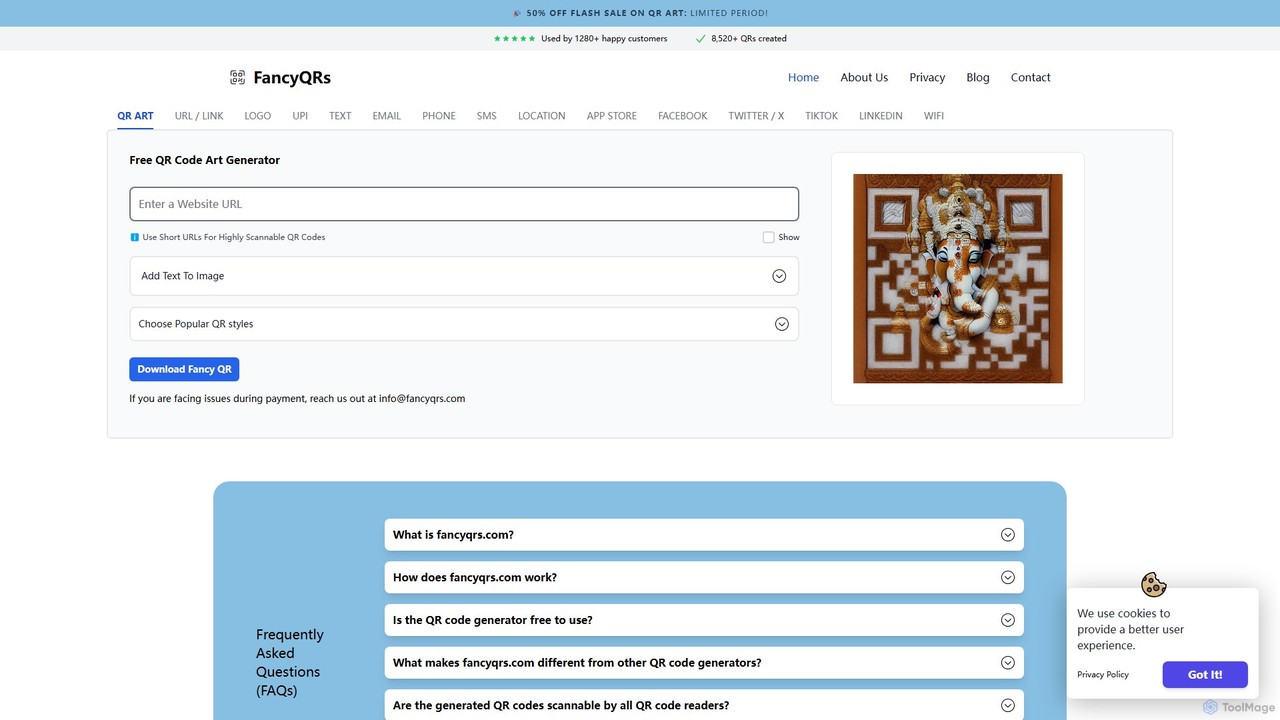
fancyqrs
fancyqrs is an AI-powered QR code art generator that transforms standard QR codes into unique, visually stunning designs. It allows users to customize codes with various styles, colors, and patterns to match their brand or personal aesthetic. In addition to artistic QR codes, it offers a completely free tool for generating standard QR codes for URLs, text, and more, making it a versatile solution for both marketing and personal use.
Art Generator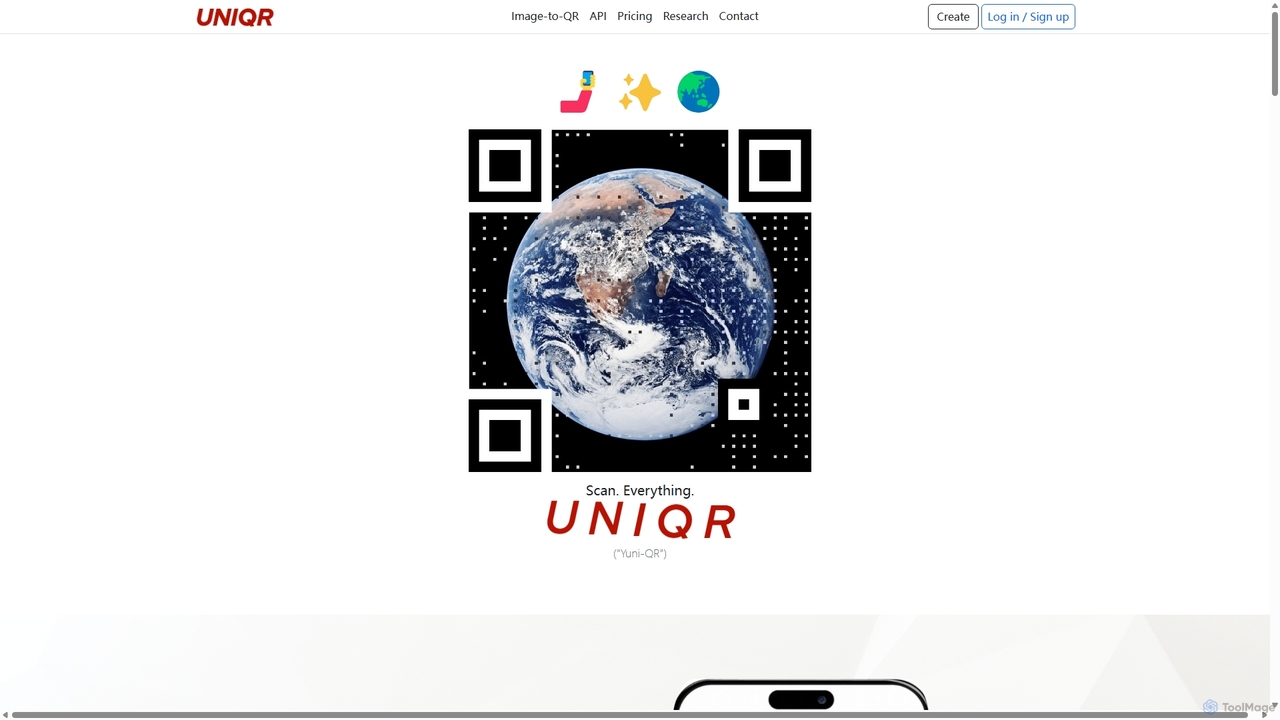
UNIQR
UNIQR is an AI-powered platform that transforms any image into a unique, scannable QR code. It specializes in creating visually stunning "PiQ Codes" (Picture-in-QR) that merge branding and art with functionality. It offers dynamic QR codes with tracking, tamper-resistant features, and an API for developers, aiming to upgrade the standard QR code for a modern, visual culture.
Graphic Design
mi.nimax.me
mi.nimax.me is an innovative 'link in bio' tool that lets you create a customizable minipage for all your links. Its standout feature is the AI-powered QR code generator, which transforms standard QR codes into unique, artistic visuals based on text prompts. This allows creators and businesses to enhance their online and offline presence with stunning, brand-aligned QR codes that capture attention and drive engagement.
Art Generator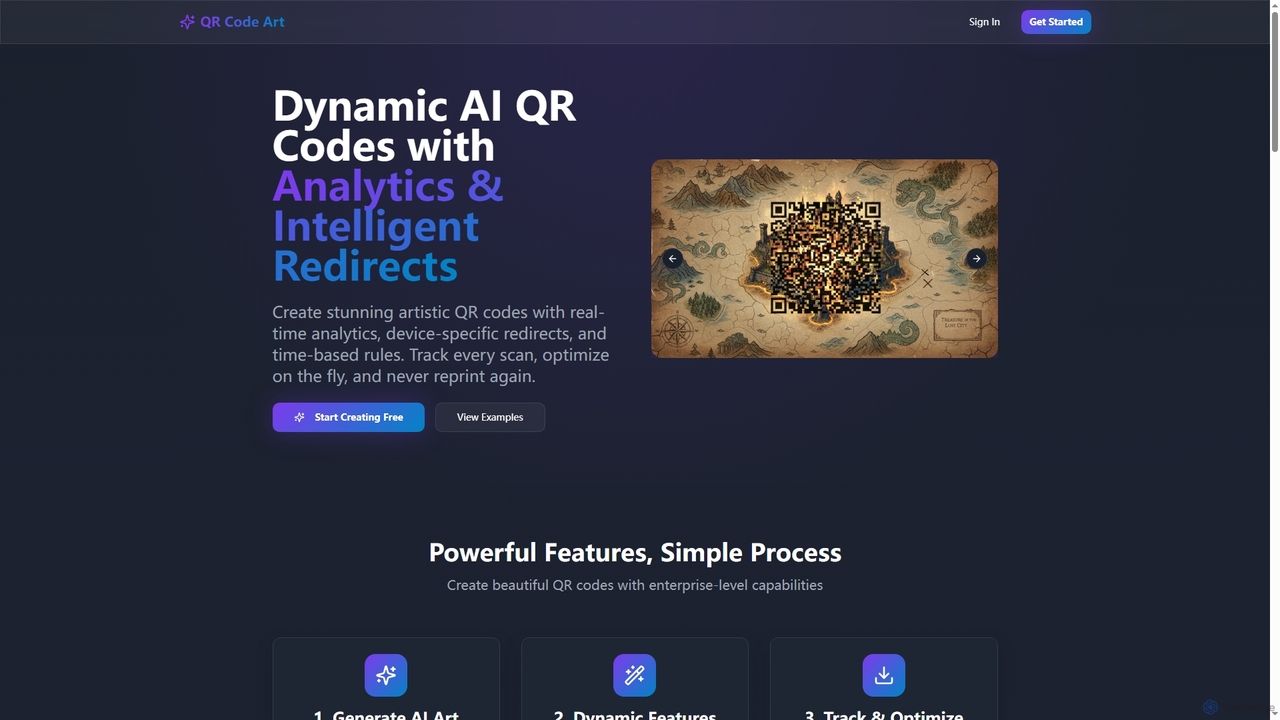
Qrcodeart
Qrcodeart is an AI-powered platform that transforms standard QR codes into stunning, scannable artistic designs. It offers dynamic features like real-time analytics, device-specific redirects, and time-based rules, allowing users to create visually engaging and highly functional QR codes for marketing, business, and personal projects.
Graphics Generation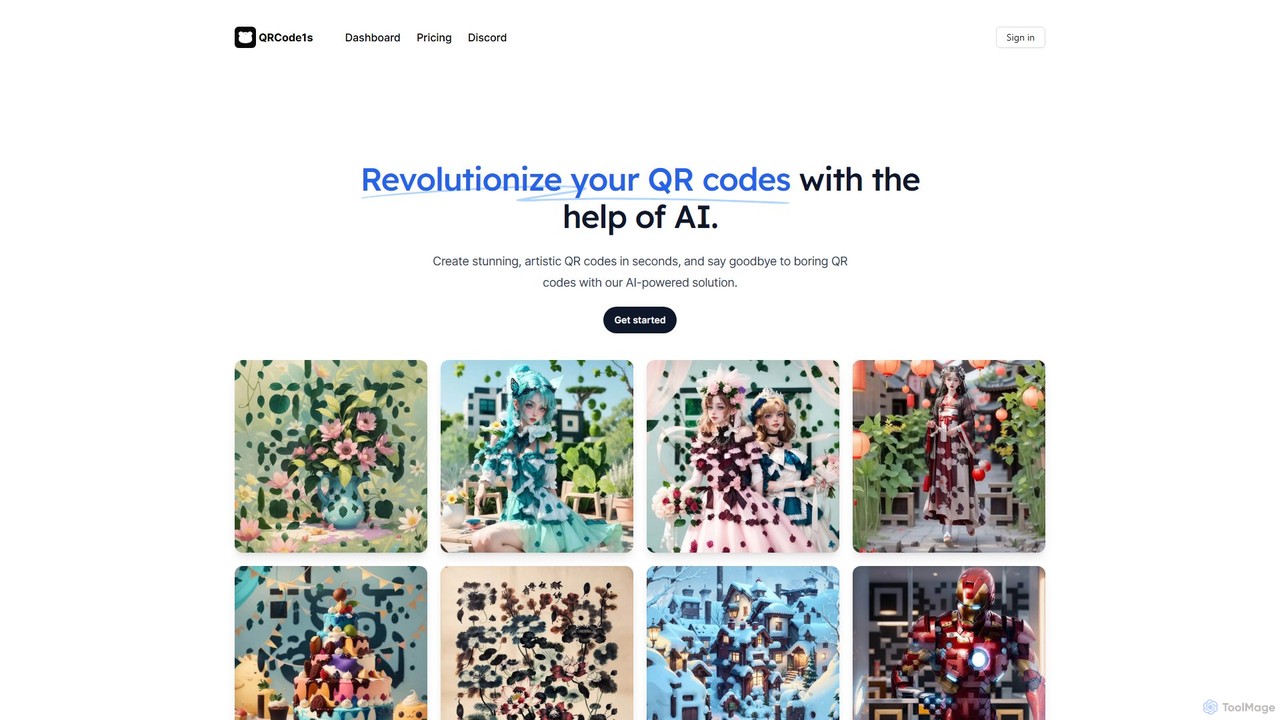
qrcode1s
qrcode1s is an AI-powered tool that transforms standard QR codes into stunning, artistic visuals. In seconds, you can generate unique, scannable QR codes that enhance brand identity, increase user engagement, and make a lasting impression. Ideal for marketing, personal branding, and creative projects.
Image Generator
aiqrcodes
aiqrcodes is an AI-powered online generator that transforms standard QR codes into unique, artistic visuals. By simply providing a destination URL and a descriptive prompt, users can create scannable, brand-aligned QR codes that capture attention and enhance engagement. It's ideal for marketing, personal branding, and creative projects, offering a free tier with options for advanced customization.
Image Generator
CustomQR AI
CustomQR AI is an advanced AI-powered platform that transforms standard QR codes into stunning, artistic, and fully scannable visual pieces. Generate unique, brand-aligned QR codes from simple text prompts, perfect for elevating marketing campaigns, business branding, and event engagement. Move beyond boring black-and-white squares and capture attention with QR codes that are works of art.
Image Generator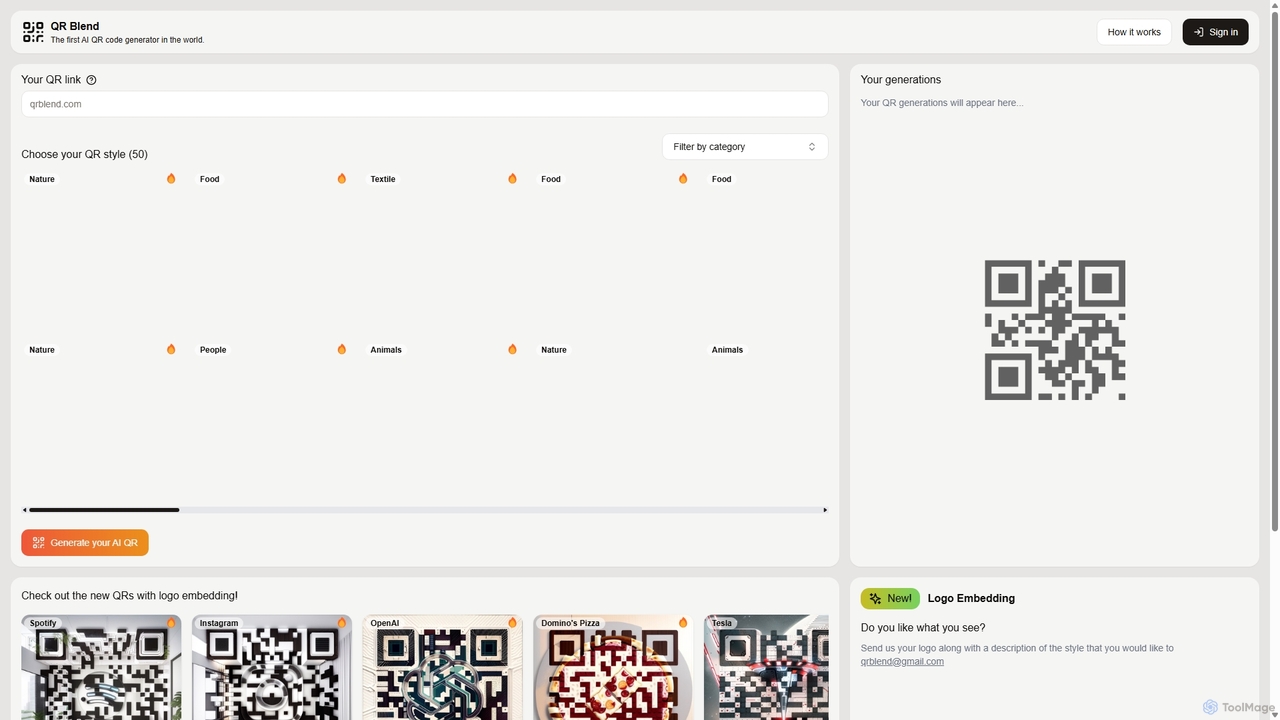
QR Blend
QR Blend is an AI-powered tool that transforms standard QR codes into stunning works of art. Choose from over 50 unique, pre-designed styles or request custom designs with your logo to create visually appealing, scannable QR codes that enhance your brand and marketing materials.
Generative Art
Hovercode Comments (0)
Sign in to comment.
Sign inNo comments yet.