ToolMage
Sign in

Best 4 Art Generator for Image

Popular Art Generator in Image include icoloring, AIFreeBox, PixelVibe, and mi.nimax.me, helping you work more efficiently.

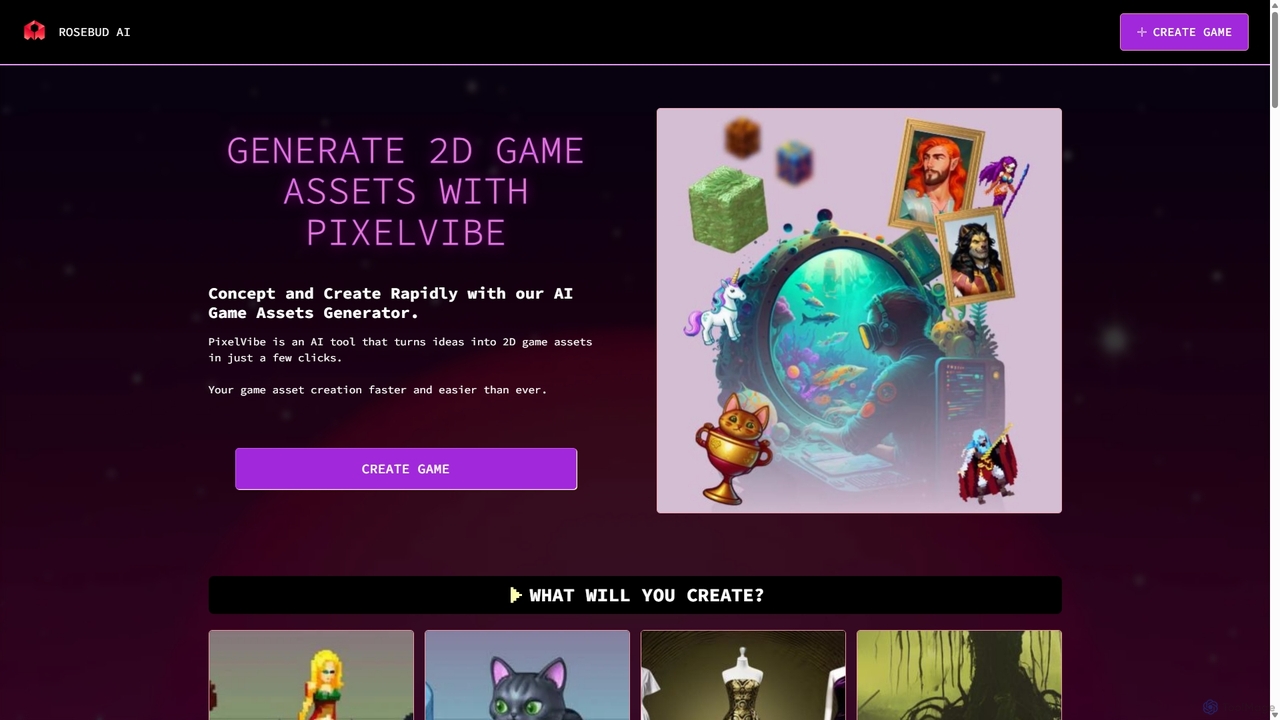
PixelVibe
Freemium

PixelVibe

PixelVibe is an AI-powered game asset generator by Rosebud AI that transforms text prompts into high-quality 2D and 3D game assets. It offers a wide range of styles, from pixel art to cartoony, enabling game developers and creators to rapidly concept and produce character sprites, environments, props, and more, significantly speeding up the creative workflow.

3D
Visits 5.1KFavorites 103Likes 110
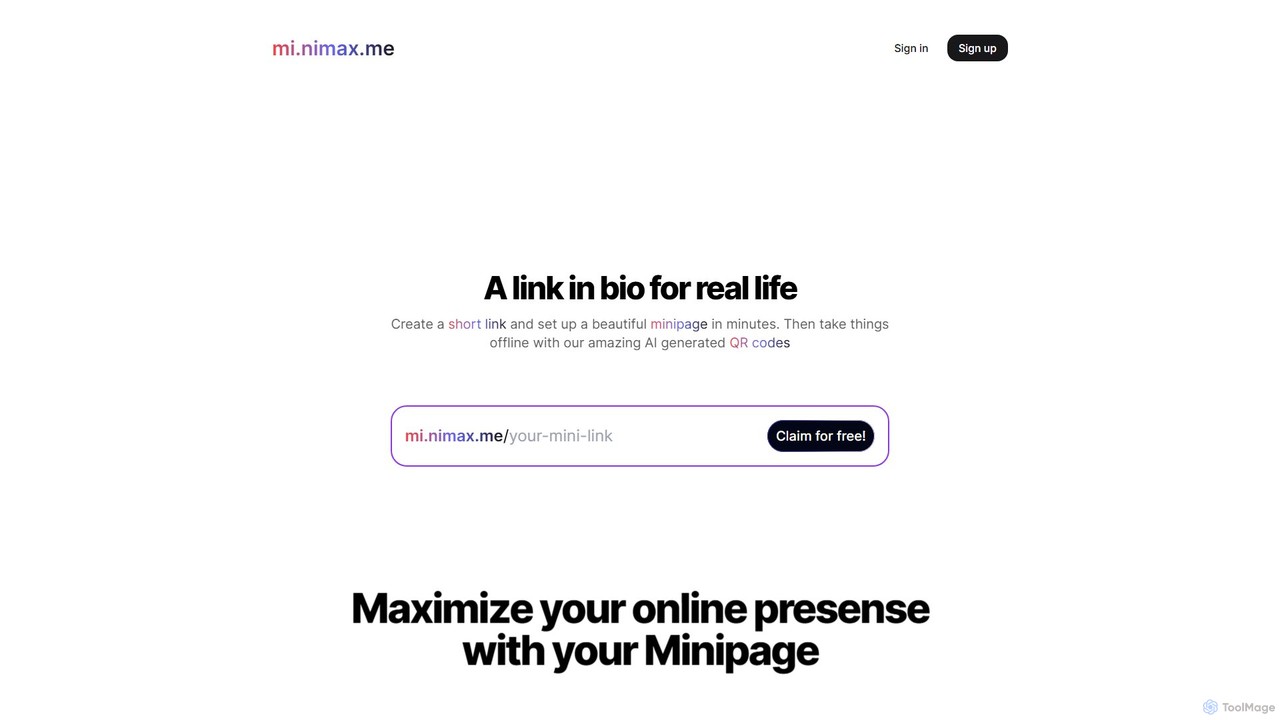
mi.nimax.me
Freemium

mi.nimax.me

mi.nimax.me is an innovative 'link in bio' tool that lets you create a customizable minipage for all your links. Its standout feature is the AI-powered QR code generator, which transforms standard QR codes into unique, artistic visuals based on text prompts. This allows creators and businesses to enhance their online and offline presence with stunning, brand-aligned QR codes that capture attention and drive engagement.

Art Generator
Visits 5KFavorites 121Likes 120
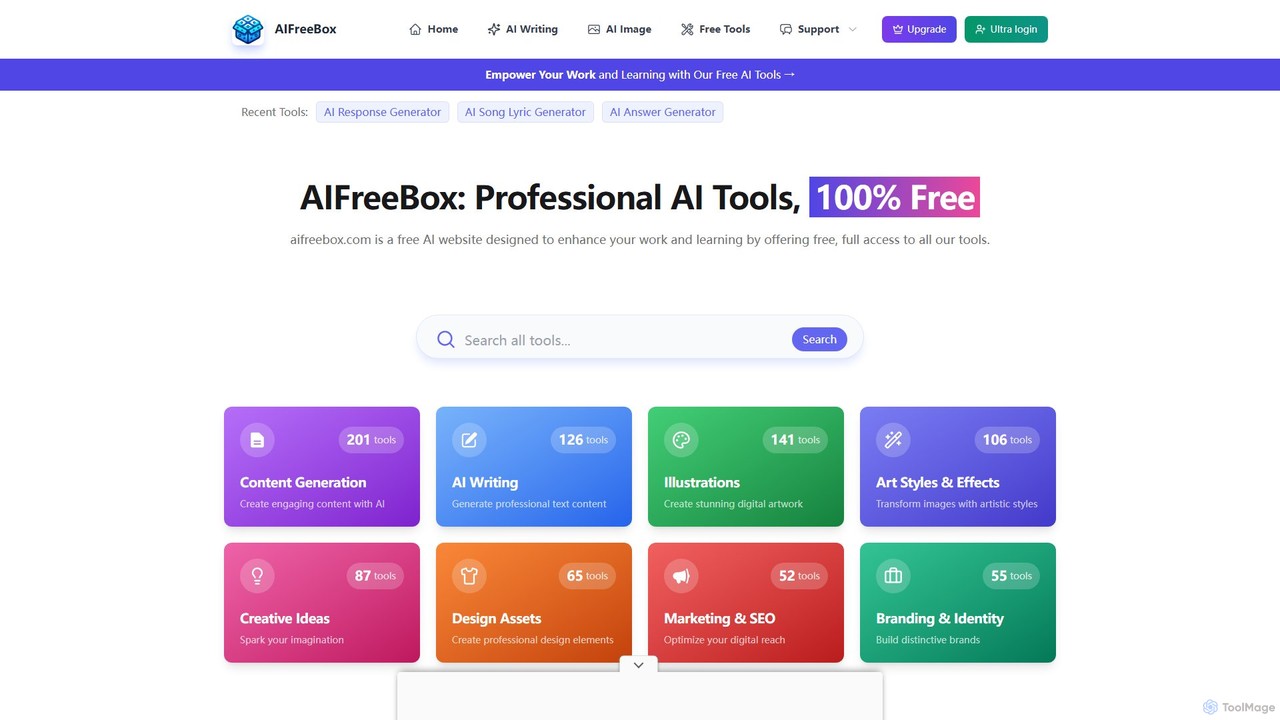
AIFreeBox
Free

AIFreeBox

A comprehensive platform offering over 500 free AI tools for content creation, marketing, image generation, and more. No sign-up is required, providing instant access to a vast suite of generators for writing, social media, business, and creative projects, empowering users worldwide.

Content Generation
Visits 146.6KFavorites 163Likes 171
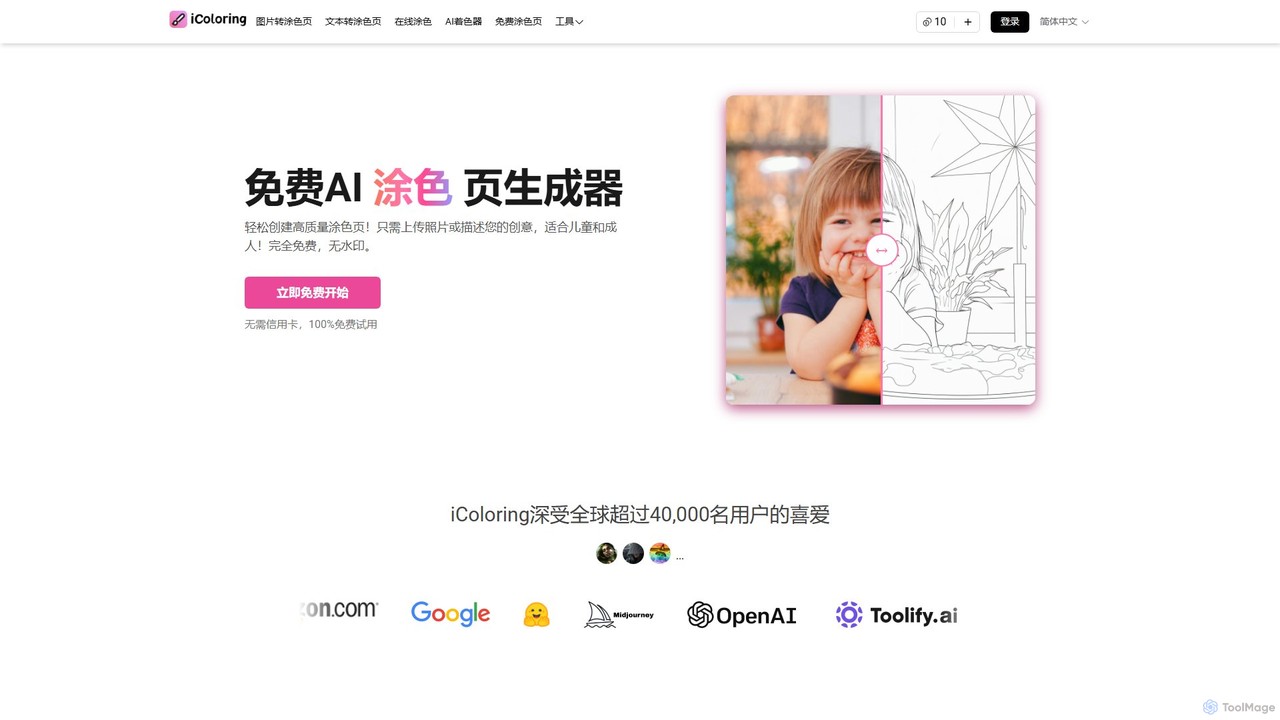
icoloring
Freemium

icoloring

An AI-powered tool that generates high-quality, printable coloring pages from text prompts or uploaded images. It offers various artistic styles, an AI colorizer, and a library of free designs. Ideal for parents, educators, artists, and commercial sellers, it's a versatile platform for creativity and relaxation, available for free with no watermarks.

Teaching Aid
Visits 259.5KFavorites 119Likes 115

About Art Generator

Art Generators are AI-powered tools that automatically create visual content from text prompts or other inputs. These tools leverage advanced deep learning models, such as GANs and diffusion models, to interpret descriptions and synthesize unique images, illustrations, or digital art. They empower creators to rapidly prototype ideas, explore diverse artistic styles, and produce high-quality visuals without extensive manual design skills. This technology significantly expands creative possibilities within the broader field of AI image tools.

Core Features

  • Text-to-Image Generation: Synthesize diverse visual content from descriptive text prompts.
  • Style Transfer: Apply the artistic style of one image to the content of another.
  • Image-to-Image Transformation: Generate new images based on an input image, guided by text or parameters.
  • Inpainting & Outpainting: Fill in missing parts of an image or extend its boundaries seamlessly.
  • Variations Generation: Produce multiple stylistic or compositional alternatives from a single input.

Use Cases

Art Generators are widely adopted by digital artists, graphic designers, marketers, and game developers. They are used for rapid concept art creation, generating unique assets for marketing campaigns, or producing custom illustrations for publications. For instance, a game designer might generate dozens of character concepts in minutes, or a marketer could create varied ad visuals for A/B testing.

How to Choose

When selecting an Art Generator, consider the quality and fidelity of its output, the range of available artistic styles, and the flexibility of its prompt engineering capabilities. Evaluate the ease of use, the cost of generation (credits/subscription), and whether it offers advanced features like custom model training or API access for integration into existing workflows.

Art Generator use cases

1

Concept Art for Game Development

Game artists and designers can input textual descriptions of characters, environments, or props to rapidly generate diverse concept art. This allows for quick iteration on visual ideas, exploring various styles and compositions before committing to detailed production, significantly accelerating the pre-production phase.

2

Generate Concept Art for Games and Films

Game artists and film concept designers can input textual descriptions of characters, environments, or props to rapidly generate multiple visual variations. This allows for quick iteration and exploration of diverse artistic styles and compositions, significantly accelerating the pre-production phase and helping teams visualize ideas before committing to detailed designs.

3

Marketing Campaign Visuals

Marketing teams can create unique and eye-catching visuals for social media posts, advertisements, and website banners. By providing specific brand guidelines and campaign themes, Art Generators can produce multiple image variations, enabling A/B testing and ensuring fresh content without relying solely on stock photos or extensive design resources.

4

Create Unique Marketing and Social Media Visuals

Marketing professionals and content creators can use Art Generators to produce eye-catching images for campaigns, advertisements, and social media posts. By simply describing the desired visual, they can generate unique graphics that stand out, test different creative directions, and maintain a consistent brand aesthetic across various platforms without relying on stock photos or extensive design resources.

5

Personalized Digital Art & Illustrations

Individual creators and hobbyists can transform their imaginative ideas into digital artworks or illustrations. Users can experiment with different artistic styles, from photorealistic to abstract, by simply adjusting text prompts, making high-quality art creation accessible to those without traditional drawing skills.

6

Personalized Digital Art and Illustrations

Individual artists and hobbyists can leverage Art Generators to explore new creative avenues, generate inspiration, or produce personalized digital artworks for prints, gifts, or personal projects. These tools allow users to experiment with various styles, themes, and compositions, transforming their imaginative ideas into tangible visual forms with ease, even without advanced drawing or painting skills.

7

Fashion Design & Product Prototyping

Fashion designers can use Art Generators to visualize new clothing lines, patterns, or accessories based on textual descriptions or mood boards. This facilitates rapid prototyping of design concepts, allowing for quick feedback and adjustments before physical samples are produced, streamlining the design process.

8

Rapid Prototyping for Product Design

Product designers and architects can utilize Art Generators to quickly visualize different design concepts, material textures, or environmental settings for their products or buildings. By generating various iterations based on textual descriptions or rough sketches, they can explore a wide range of aesthetic possibilities and refine their ideas much faster than traditional rendering methods, streamlining the design process.

9

Educational Content and Visual Aids

Educators and content developers can employ Art Generators to create engaging visual aids, diagrams, or illustrations for textbooks, presentations, and online courses. This enables them to quickly produce custom graphics that simplify complex concepts, illustrate historical events, or visualize scientific processes, making learning more interactive and accessible for students across various subjects.

10

Storyboarding and Visual Storytelling

Filmmakers, animators, and content creators can generate visual storyboards or scene mock-ups from script excerpts. This helps in visualizing narrative flow, camera angles, and character interactions, providing a quick and efficient way to plan visual sequences for films, animations, or comic books.

11

Architectural Visualization & Interior Design

Architects and interior designers can input design specifications and desired aesthetics to generate realistic or conceptual renderings of buildings, rooms, or landscapes. This aids in presenting design ideas to clients, exploring different material palettes, and visualizing spatial arrangements without extensive 3D modeling.

12

Interior Design and Home Staging Visualizations

Interior designers and real estate professionals can utilize Art Generators to visualize different decor styles, furniture arrangements, or renovation ideas for spaces. By inputting room descriptions or existing photos, they can generate various aesthetic options, helping clients envision potential changes and make informed decisions about design choices without the need for expensive physical mock-ups or lengthy manual rendering processes.

Art Generator FAQ

What are AI Art Generators?

AI Art Generators are software tools that use artificial intelligence, primarily deep learning models like diffusion models, to create original images, illustrations, or digital art from various inputs. Typically, users provide text descriptions (prompts), and the AI interprets these to synthesize unique visual content. They are distinct from image editors as their primary function is creation, not modification.

What are AI Art Generators?

AI Art Generators are advanced software tools that use artificial intelligence, primarily deep learning models like diffusion models, to create original images, illustrations, and digital artworks. Users typically provide text prompts or image inputs, and the AI interprets these to synthesize unique visual content, enabling rapid artistic creation and exploration without traditional drawing skills.

How do AI Art Generators work?

Most AI Art Generators operate using sophisticated neural networks trained on vast datasets of images and their corresponding descriptions. When a user inputs a text prompt, the AI processes this language, maps it to visual concepts learned during training, and then iteratively refines a random noise pattern into a coherent image that matches the prompt's intent. Diffusion models are a common underlying technology.

How do AI Art Generators work?

AI Art Generators typically work by employing generative models trained on vast datasets of images and their corresponding descriptions. When a user provides a prompt, the AI uses its learned patterns to generate a new image that matches the prompt's semantic meaning and style. Diffusion models, for instance, start with random noise and iteratively refine it into a coherent image, guided by the input prompt, until a high-quality visual is produced.

What's the difference between an AI Art Generator and an AI Image Editor?

An AI Art Generator's core function is to create new visual content from scratch, often based on text prompts, generating unique images that didn't exist before. In contrast, an AI Image Editor modifies existing images, enhancing them, removing elements, or applying filters. While some generators have editing features, their primary purpose is generative, whereas editors focus on manipulation.

How to choose a suitable AI Art Generator?

To choose a suitable AI Art Generator, consider your specific needs. Evaluate the quality and diversity of the artistic styles it can produce, ensuring they align with your creative vision. Look for tools that offer robust control over the generation process, such as advanced prompt engineering, inpainting, and outpainting features. Assess the pricing model, ease of use, and the speed of image generation. Finally, check for community support and integration capabilities with other design tools.

What's the difference between an AI Art Generator and an AI Image Editor?

An AI Art Generator primarily focuses on creating entirely new images from scratch based on prompts, synthesizing visuals that didn't exist before. In contrast, an AI Image Editor works with existing images, enhancing, modifying, or manipulating them. While some Art Generators may include basic editing features, their core function is generation, whereas editors specialize in refining and transforming pre-existing visual content.

Who can benefit from using AI Art Generators?

A wide range of individuals and professionals can benefit. This includes digital artists seeking inspiration or rapid prototyping, graphic designers needing unique assets, marketers creating diverse ad visuals, game developers designing concept art, and even hobbyists wanting to bring their imaginative ideas to life. They democratize art creation by lowering the technical barrier.

What should I consider when choosing an AI Art Generator?

Key considerations include the quality and style of the generated output, the ease and flexibility of prompt engineering, and the range of features like inpainting, outpainting, or style transfer. Also, evaluate the pricing model (free tiers, subscription, credit-based), the speed of generation, and the community support or integration options available.

Who can benefit from using AI Art Generators?

A wide range of individuals and professionals can benefit from AI Art Generators. This includes graphic designers seeking quick concept iterations, marketers needing unique visuals for campaigns, game developers creating concept art, illustrators exploring new styles, and hobbyists looking to express their creativity. Essentially, anyone who needs to generate visual content efficiently and explore diverse artistic possibilities can find value in these tools.