ToolMage
Sign in

Best 4 Teaching Aid AI tools for Education

Popular Teaching Aid AI tools in Education include icoloring, ColorBliss, aicoloringpages, and talesai, helping you work more efficiently.

talesai
Freemium

talesai

talesai is an AI-powered story generator that transforms your ideas into captivating narratives. Perfect for writers, parents, educators, and marketers, it helps you create unique stories, from personalized bedtime tales to compelling brand narratives. Simply provide a prompt, choose your style, and let the AI craft a complete story, helping you overcome writer's block and unlock your creative potential in minutes.

Teaching Aid
Visits 5KFavorites 135Likes 160
aicoloringpages
Freemium

aicoloringpages

An AI-powered tool that generates unique, printable coloring pages from simple text prompts. Powered by Stable Diffusion XL, it creates custom line art for kids and adults, covering endless themes from animals and fantasy to holidays. Perfect for creative fun, education, and relaxation.

Image Generation
Visits 7.7KFavorites 154Likes 138
icoloring
Freemium

icoloring

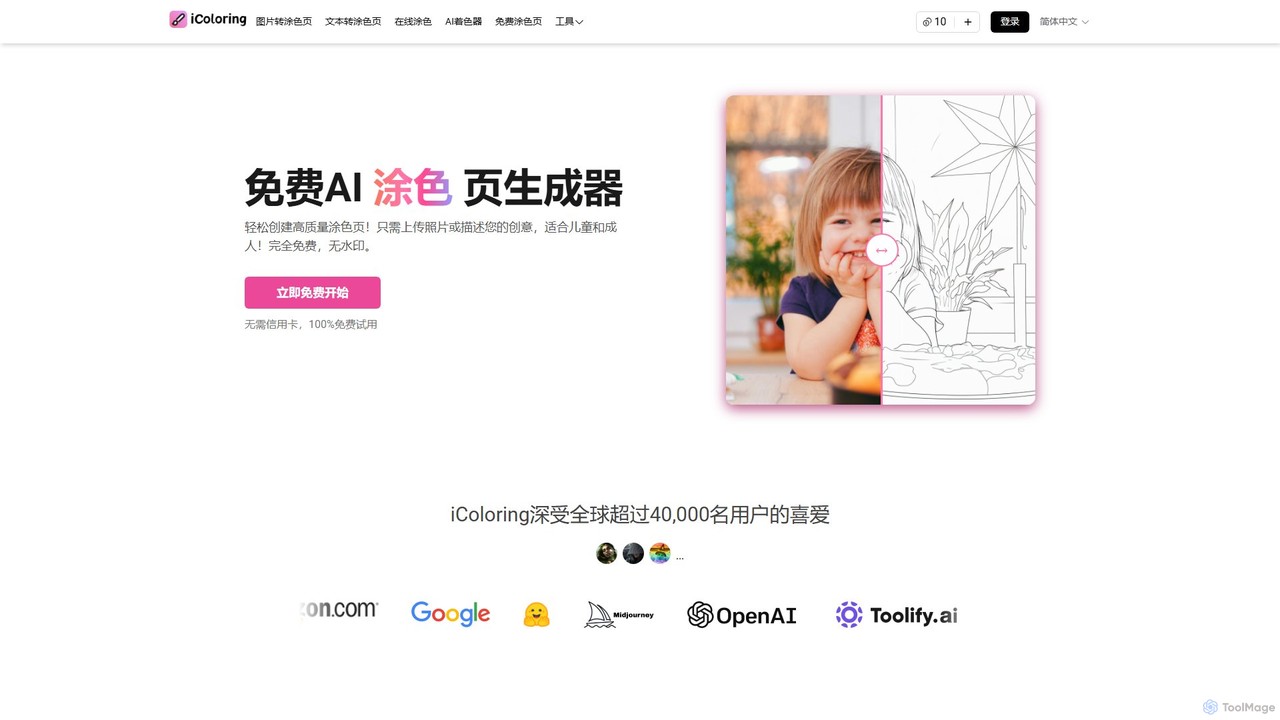
An AI-powered tool that generates high-quality, printable coloring pages from text prompts or uploaded images. It offers various artistic styles, an AI colorizer, and a library of free designs. Ideal for parents, educators, artists, and commercial sellers, it's a versatile platform for creativity and relaxation, available for free with no watermarks.

Teaching Aid
Visits 259.6KFavorites 120Likes 115
ColorBliss
Freemium

ColorBliss

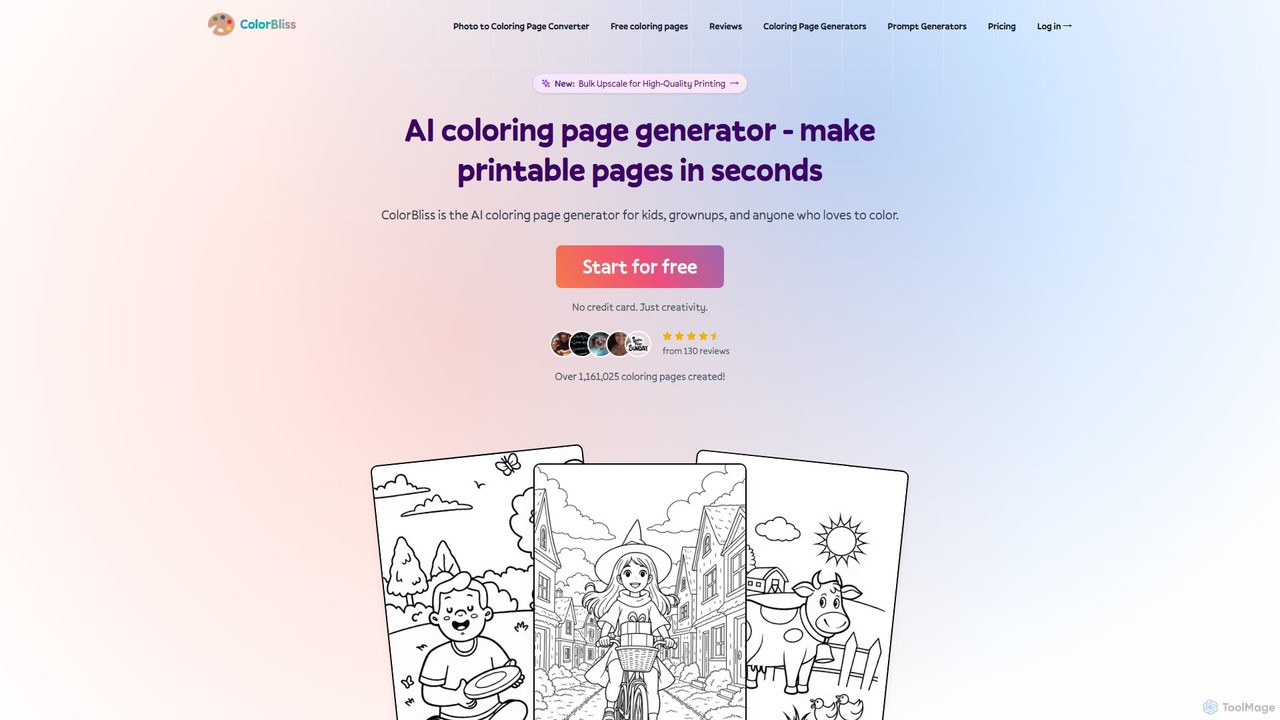
ColorBliss is a leading AI-powered coloring page generator that allows users to create unique, printable coloring sheets in seconds. Turn text prompts, photos, or even simple sketches into detailed line art. Perfect for parents, teachers, artists, and anyone who loves to color.

Image Generation
Visits 80.2KFavorites 136Likes 115

About Teaching Aid

AI Teaching Aids are tools that leverage artificial intelligence to help educators create, customize, and deploy interactive educational materials. They utilize generative AI and machine learning to automate the production of content like quizzes, lesson plans, and simulations. This enables teachers to save significant time on preparation and deliver more engaging, personalized learning experiences tailored to individual student needs. These tools transform static content into dynamic, responsive learning modules.

Core Features

  • Automated Content Generation: Instantly create lesson plans, worksheets, quizzes, and presentations based on a topic or curriculum standard.
  • Interactive Simulations: Build virtual labs, historical scenarios, or complex problem-solving environments for hands-on learning.
  • Personalized Learning Paths: Automatically adjust the difficulty and content of exercises based on real-time student performance data.
  • Gamification Elements: Design educational games, leaderboards, and reward systems to increase student motivation and engagement.
  • Automated Assessment: Generate and grade assignments, providing instant, constructive feedback to students.

Use Cases

AI Teaching Aids are widely used across the educational spectrum. In K-12 education, teachers use them to create differentiated materials for students with varying learning levels. In higher education, professors build complex simulations for subjects like medicine or engineering. Corporate trainers also employ these tools to develop scalable, interactive training modules for employee onboarding and skill development.

How to Choose

When selecting an AI Teaching Aid, first consider its subject matter and age group suitability. Evaluate its integration capabilities with your existing Learning Management System (LMS). Assess the user interface for ease of use, as it should be accessible to educators without a technical background. Finally, scrutinize the platform's data privacy and security policies to ensure student information is protected.

Teaching Aid use cases

1

Generate Differentiated Reading Materials

An elementary school teacher needs to provide reading materials on the same topic for students with varying reading abilities. Using an AI Teaching Aid, the teacher inputs a single article about rainforests. The tool instantly generates three versions of the text: one for advanced readers with complex vocabulary, one at grade level, and a simplified version with basic vocabulary and shorter sentences for struggling readers. This process, which would manually take hours, is completed in minutes, ensuring every student can access the curriculum appropriately.

2

Create an Interactive Virtual Science Lab

A high school chemistry teacher wants students to practice titration experiments without the risk and cost of using real chemicals. They use an AI Teaching Aid to build a virtual lab simulation. The teacher sets the parameters, and the AI generates an interactive interface where students can mix virtual chemicals, observe reactions, and record data. The tool provides immediate feedback if a student makes an error, allowing for safe, repeatable practice. This enhances conceptual understanding before students perform the experiment in a physical lab.

3

Automate Lesson Plan and Quiz Creation

A new teacher is overwhelmed with the weekly task of creating detailed lesson plans and corresponding quizzes for their history class. They use an AI Teaching Aid by inputting the week's topic, such as 'The Industrial Revolution,' and specifying learning objectives. The AI generates a comprehensive lesson plan including an introduction, key activities, discussion prompts, and a 15-question multiple-choice quiz with an answer key. This reduces planning time by over 75%, allowing the teacher to focus more on classroom instruction and student interaction.

4

Design Gamified Corporate Training Modules

A corporate trainer needs to develop an engaging compliance training module for new hires. Instead of a static presentation, they use an AI Teaching Aid to create a gamified experience. The tool helps design a series of interactive scenarios where employees must make decisions related to company policy. Correct answers earn points and unlock the next level. The AI can also generate a leaderboard to foster friendly competition. This approach increases knowledge retention and completion rates compared to traditional training methods.

5

Create Personalized Language Learning Drills

A language tutor is working with a student who struggles with specific grammar concepts, like German noun genders. The tutor uses an AI Teaching Aid to generate a set of personalized drills. They input the specific nouns the student finds difficult, and the AI creates various exercises: multiple-choice questions, fill-in-the-blanks, and sentence construction tasks. The platform tracks the student's progress and automatically generates new drills focusing on the areas where they are weakest, ensuring efficient and targeted practice.

6

Develop an Interactive Historical Simulation

A university history professor wants to move beyond lectures and have students experience historical decision-making. Using an AI Teaching Aid, they design a simulation of the Cuban Missile Crisis. Students take on roles like President Kennedy or Khrushchev and are presented with intelligence briefings generated by the AI. They must make critical decisions, and the AI simulates the geopolitical consequences based on historical data and game theory models. This immersive experience fosters a deeper understanding of historical context and critical thinking skills.

Teaching Aid FAQ

What are AI Teaching Aids?

AI Teaching Aids are specialized software tools that use artificial intelligence to help educators create, manage, and deliver educational content. Unlike a complete Learning Management System (LMS), their primary focus is on content creation and personalization. They can generate materials like quizzes, lesson plans, and interactive simulations from simple prompts. The main goal is to reduce the administrative burden on teachers and provide more dynamic, engaging, and individualized learning experiences for students.

How to choose the right AI Teaching Aid?

Choosing the right tool depends on your specific needs. Consider these factors:

  • Subject & Age Level: Ensure the tool is designed for your specific subject area (e.g., STEM, humanities) and the age group you teach.
  • Ease of Use: Look for an intuitive interface that doesn't require extensive technical skills to create and manage content.
  • LMS Integration: Check if it can seamlessly integrate with your school's or organization's existing Learning Management System (LMS) like Canvas, Moodle, or Google Classroom.
  • Customization & Flexibility: The best tools allow you to heavily customize the generated content to fit your unique teaching style and curriculum requirements.
  • Data Privacy: Verify that the tool complies with student data privacy regulations like FERPA or GDPR.
What's the difference between an AI Teaching Aid and a Learning Management System (LMS)?

The primary difference lies in their core function. An AI Teaching Aid is a content creation tool. Its purpose is to help educators generate, customize, and enrich learning materials (like worksheets, quizzes, and simulations). A Learning Management System (LMS), on the other hand, is an administrative platform. Its purpose is to manage the entire learning process: enrolling students, distributing materials, tracking grades, and facilitating communication. Essentially, you would use an AI Teaching Aid to create the content that you then upload and deliver through an LMS.

Can AI Teaching Aids replace teachers?

No, AI Teaching Aids are designed to augment, not replace, teachers. Their role is to handle repetitive and time-consuming tasks, such as creating first drafts of lesson plans, generating practice questions, or grading multiple-choice tests. This frees up educators to focus on higher-value activities that require human connection and expertise, like mentoring students, facilitating complex discussions, providing personalized emotional support, and fostering creativity. The goal is to empower teachers by giving them more powerful tools, allowing them to be more effective in the classroom.

Who can benefit from using AI Teaching Aids?

A wide range of professionals in the education and training sectors can benefit from these tools. This includes:

  • K-12 Teachers: For creating differentiated instruction materials, automating quiz generation, and saving time on lesson planning.
  • University Professors: For developing complex simulations, generating research-based question banks, and creating interactive lecture materials.
  • Corporate Trainers: For building scalable and engaging onboarding programs, compliance training modules, and skill development courses.
  • Curriculum Developers: For rapidly prototyping and iterating on new educational content and aligning it with standards.
  • Private Tutors: For creating personalized practice materials tailored to the specific weaknesses of individual students.