


Imgage Overview
Imgage is a revolutionary mobile application designed for the modern creative, offering a seamless path to transform artistic passion into tangible earnings. It stands at the intersection of artificial intelligence, creativity, and commerce, providing a comprehensive platform for both aspiring and established artists. At its core, Imgage is a powerful AI image generator that uses advanced algorithms to interpret text prompts and produce unique, high-quality visuals. Users can guide the AI's creation by choosing from a diverse range of artistic styles, including watercolor, oil painting, sketch, photorealistic, and more, making it a versatile tool for any creative vision.
What truly sets Imgage apart is its integrated ecosystem built around a vibrant community and a direct monetization model. Beyond just creating art, users can immerse themselves in a global gallery, exploring works from other artists to find inspiration and discover emerging trends. This community feed is not just for viewing; it's an interactive space where users can like, comment, and even use others' prompts as a starting point for their own creations. The platform empowers creators to build an audience, share their masterpieces effortlessly on social media, and connect with fellow art enthusiasts. The most compelling feature is the ability to earn directly from creativity. Imgage provides a built-in marketplace where users can sell not only their generated images but also the meticulously crafted prompts that produced them, opening up a new revenue stream for prompt engineers and writers. With a seamless transaction process and real-time earnings tracking, Imgage makes the journey from passion to profit both accessible and rewarding.
How to use Imgage
Using Imgage is an intuitive process designed for a seamless mobile experience:
- Download the App: Start by downloading the Imgage application from the Apple App Store onto your device.
- Craft Your Prompt: In the creation interface, type a descriptive text prompt of the image you envision. Be as detailed as you like to guide the AI.
- Select a Style: Choose from a variety of available artistic styles (e.g., watercolor, oil painting, sketch, futuristic) to define the aesthetic of your artwork.
- Generate Your Image: Tap the generate button and let Imgage's advanced AI algorithms bring your idea to life in moments.
- Share and Showcase: Once you're happy with your masterpiece, share it directly to the Imgage public feed to engage with the community or export it to share on other social media platforms.
- Explore and Discover: Browse the public feed to see what others are creating. You can like their work or use their prompts to inspire your next piece.
- Monetize Your Creations: List your unique images and the prompts that created them for sale on the Imgage marketplace. Set your prices and track your earnings directly within the app.
Core Features of Imgage
- Advanced AI Image Generation: Utilizes sophisticated text-to-image algorithms to produce high-quality, unique pictures based on user requests.
- Diverse Style Selection: Offers a wide array of artistic styles, including watercolor, oil painting, sketch, and digital art, allowing for extensive creative control.
- Integrated Marketplace: A unique platform feature that allows users to sell both their generated digital images and the text prompts used to create them.
- Community Feed & Gallery: A public, interactive feed where users can share their work, discover other artists, find inspiration, and build a following.
- Social Sharing Capabilities: Easy one-tap sharing of creations to the Imgage community and other major social media networks.
- Real-time Earnings Tracker: A dashboard to monitor sales and track income from sold images and prompts seamlessly.
- Prompt-Based Inspiration: Ability to view and use prompts from other users' creations to learn and generate similar styles of images.
Use Cases for Imgage
Imgage is a versatile tool suitable for a wide range of users:
- Digital Artists and Illustrators: Quickly prototype ideas, create unique pieces for their portfolio, or find new stylistic inspiration.
- Content Creators and Social Media Managers: Generate eye-catching, custom visuals for posts, stories, and marketing campaigns without needing advanced design skills.
- Prompt Engineers and Writers: Craft and refine high-quality prompts and monetize their skill by selling them to other users on the marketplace.
- Hobbyists and Art Enthusiasts: Explore the world of AI art, create for fun, and connect with a global community of like-minded individuals.
- Entrepreneurs and Small Businesses: Create affordable and unique branding assets, product mockups, or promotional materials.
Advantages of Imgage
Imgage offers several key advantages:
- All-in-One Platform: It uniquely combines AI art generation, a social community, and a monetization marketplace within a single, user-friendly mobile app.
- Dual Monetization Opportunity: The ability to sell both the final artwork and the underlying prompt provides creators with two distinct revenue streams.
- Empowers Creativity: Lowers the barrier to entry for art creation and monetization, allowing anyone with a creative idea to participate in the creator economy.
- Strong Community Focus: The discovery feed fosters a sense of community, collaboration, and continuous inspiration.
- Accessibility: As a mobile-first application, it allows users to create, share, and earn anytime, anywhere.
Pricing and Plans
Imgage operates on a freemium model, making it accessible to everyone. Users can typically download the app and start creating images for free, often with a certain number of complimentary credits or daily generations. For more extensive use and advanced features, the platform offers in-app purchases. This may include buying packs of credits for more image generations or a potential subscription plan for unlimited access. The monetization feature involves the platform taking a small commission from the sales made on the marketplace. For the most accurate and up-to-date pricing details, users should check the official App Store listing or the in-app purchase section.
Imgage Alternatives
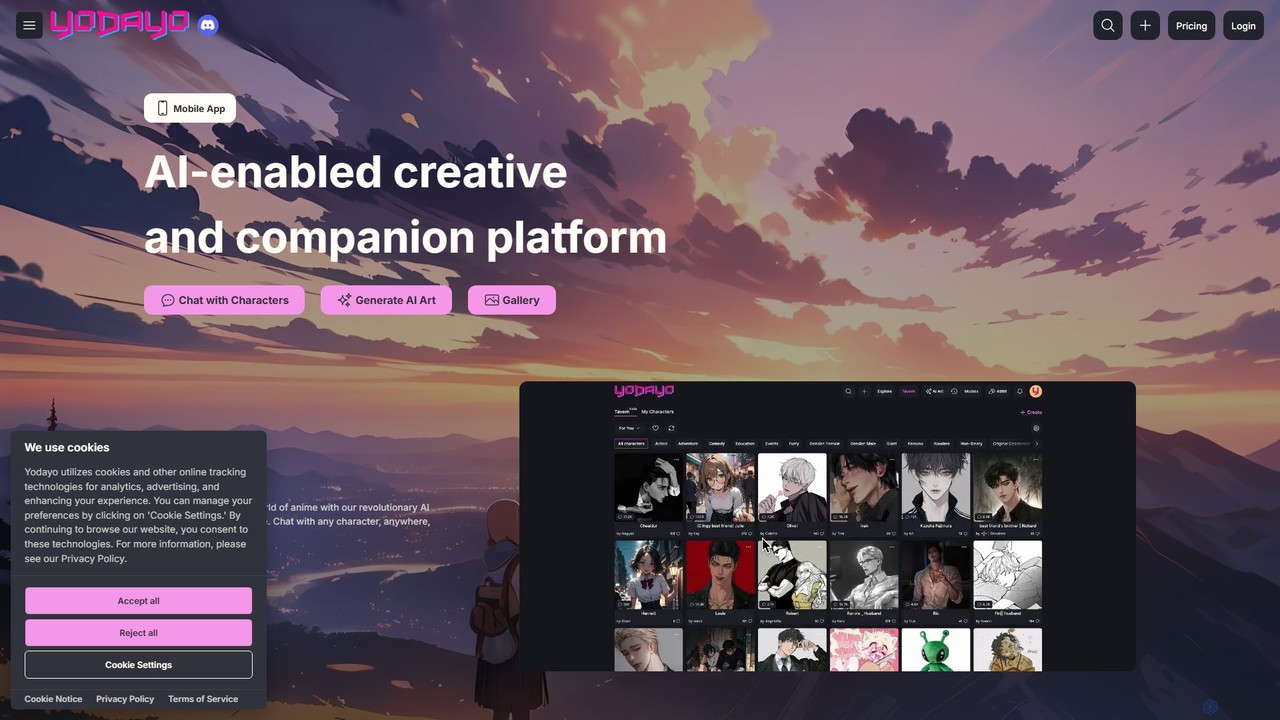
Yodayo
Yodayo is an AI-powered creative platform dedicated to the anime fandom. It combines a powerful AI art generator with an immersive character chatbot experience, allowing users to create stunning visuals and interact with lifelike AI companions in a vibrant community setting.
Social Platforms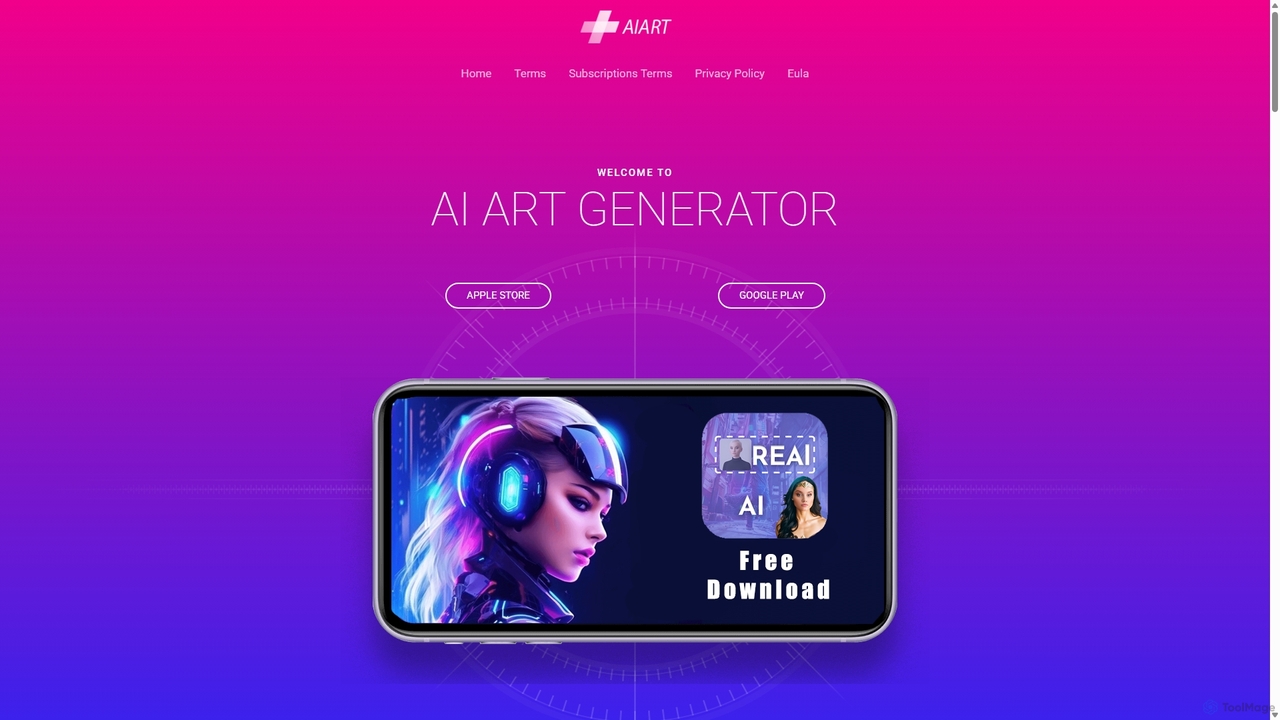
AI Art Generator
AI Art Generator is a powerful mobile application for iOS and Android that transforms your text prompts into stunning, high-quality images. Leveraging advanced artificial intelligence, it allows users to create unique digital art, photos, and illustrations effortlessly. Ideal for artists, designers, content creators, and hobbyists looking to unleash their creativity on the go.
Digital Art
mirrorize
Mirrorize is a community-driven AI creation platform where users can generate stunning images and videos from text prompts. It uniquely blends art generation with social features like collaborative "Reflections" chains and reusable "Characters" for consistent storytelling. Discover, create, and connect with a vibrant community of artists.
Social Platforms
Aimajic
Aimajic is a powerful AI-driven image and art generator that transforms your text prompts into stunning, high-quality visuals. Designed for artists, marketers, and creators, it simplifies the creative process, allowing anyone to produce unique illustrations, photorealistic images, and abstract art in seconds.
Creative
Digitaldogs
Digitaldogs is an AI-powered platform for generating unique, high-quality images of dogs from text descriptions. Simply describe your ideal canine companion, choose an artistic style, and watch as AI brings your vision to life in seconds. It's the perfect tool for artists, designers, content creators, and any dog lover looking to create custom pet art.
GraphicsImgage Categories
Imgage Embed Widget
Copy this embed code to place the badge on your blog, article, or product site and send readers directly to this ToolMage detail page.

Related AI tools
AI Art Generator
AI Art Generator is a powerful mobile application for iOS and Android that transforms your text prompts into stunning, high-quality images. Leveraging advanced artificial intelligence, it allows users to create unique digital art, photos, and illustrations effortlessly. Ideal for artists, designers, content creators, and hobbyists looking to unleash their creativity on the go.
Digital ArtAimajic
Aimajic is a powerful AI-driven image and art generator that transforms your text prompts into stunning, high-quality visuals. Designed for artists, marketers, and creators, it simplifies the creative process, allowing anyone to produce unique illustrations, photorealistic images, and abstract art in seconds.
Creative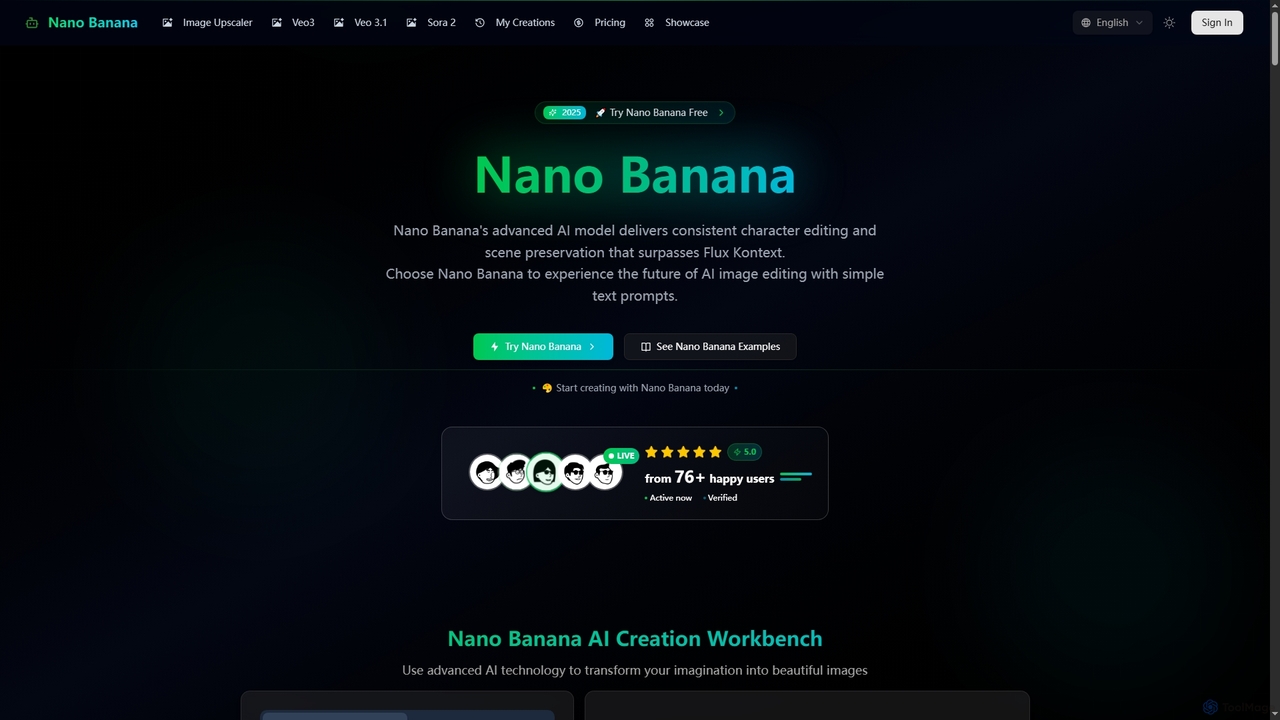
Nano Banana
Nano Banana is an advanced AI-powered platform for image generation and editing, offering consistent character editing, scene preservation, and in-context visual modifications. It also features a professional AI image upscaler and two cutting-edge AI video generators, Veo 3.1 and Sora 2, enabling users to create stunning visuals and cinematic videos from text or images with unparalleled speed and quality.
Digital Art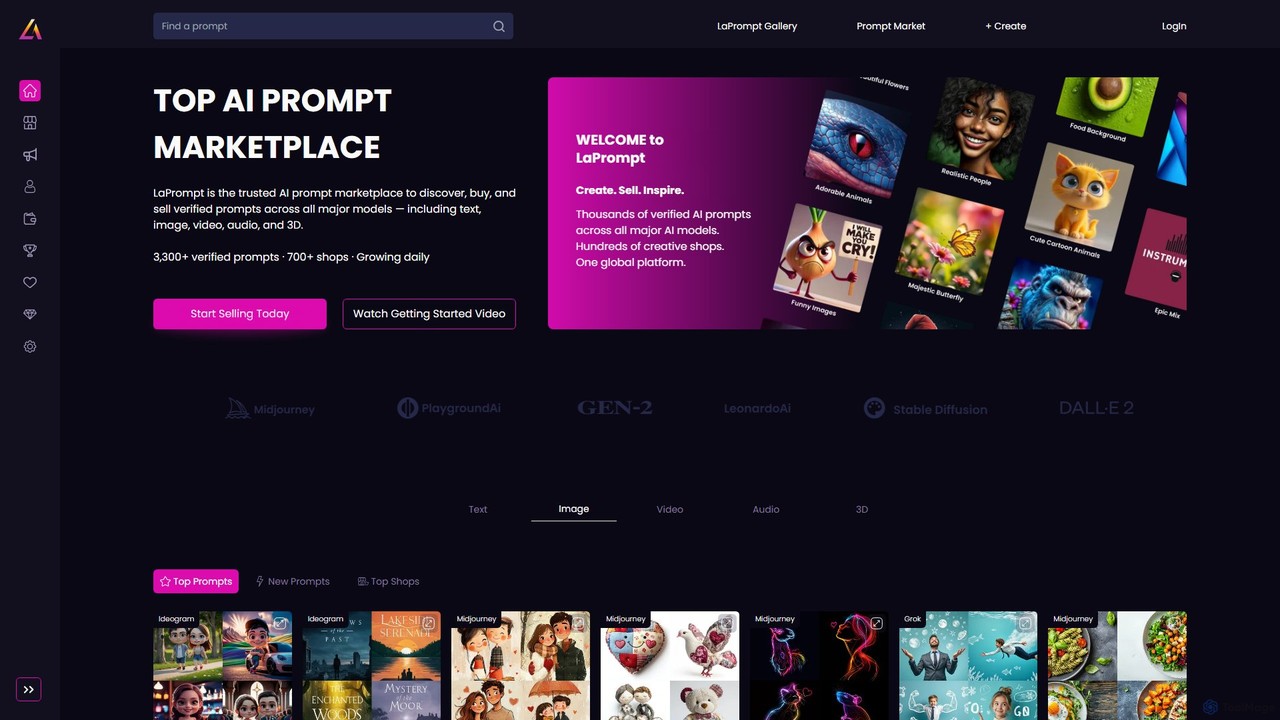
LaPrompt
LaPrompt is a leading AI prompt marketplace where creators can discover, buy, and sell verified prompts for major generative AI models. It supports a wide range of formats including text, image, video, audio, and 3D, fostering a vibrant community for prompt engineers and AI enthusiasts to monetize their creativity and find inspiration.
Image Generation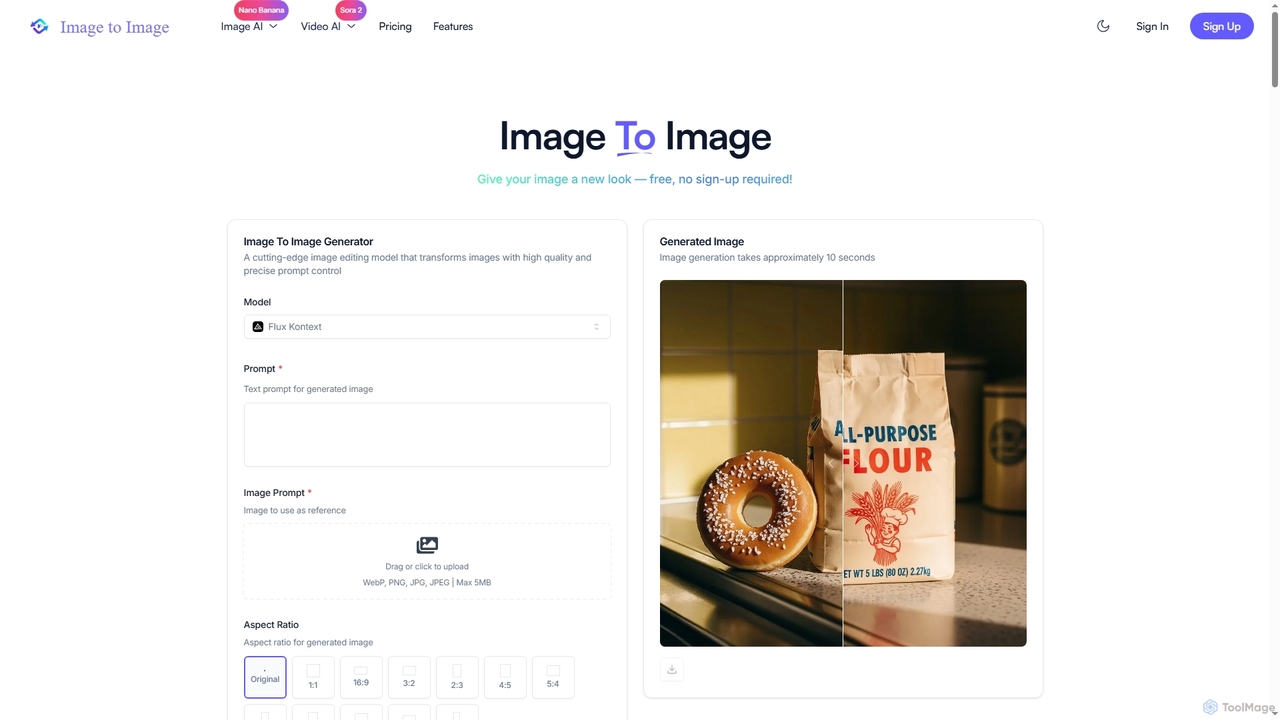
Image to Image
Image to Image is an all-in-one AI creative suite that transforms existing images, generates new visuals from text, and creates dynamic videos from both images and text. It offers high-fidelity outputs, multiple AI models, and a user-friendly interface for artists, designers, marketers, and content creators.
Creative Suite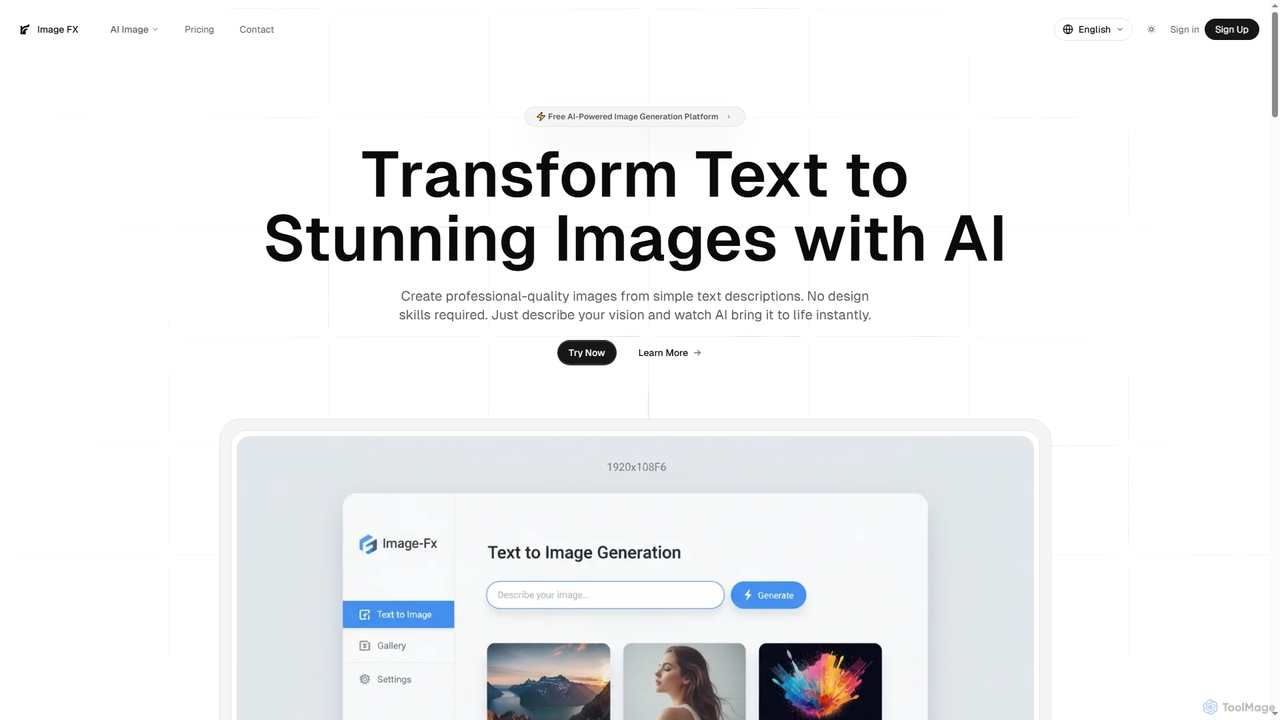
Image FX
Image FX is a free, AI-powered platform that transforms text descriptions into stunning, professional-quality images with a single click. It also features an intelligent AI chat assistant for creative brainstorming and support, making advanced image generation accessible to everyone without requiring design skills.
Text To Image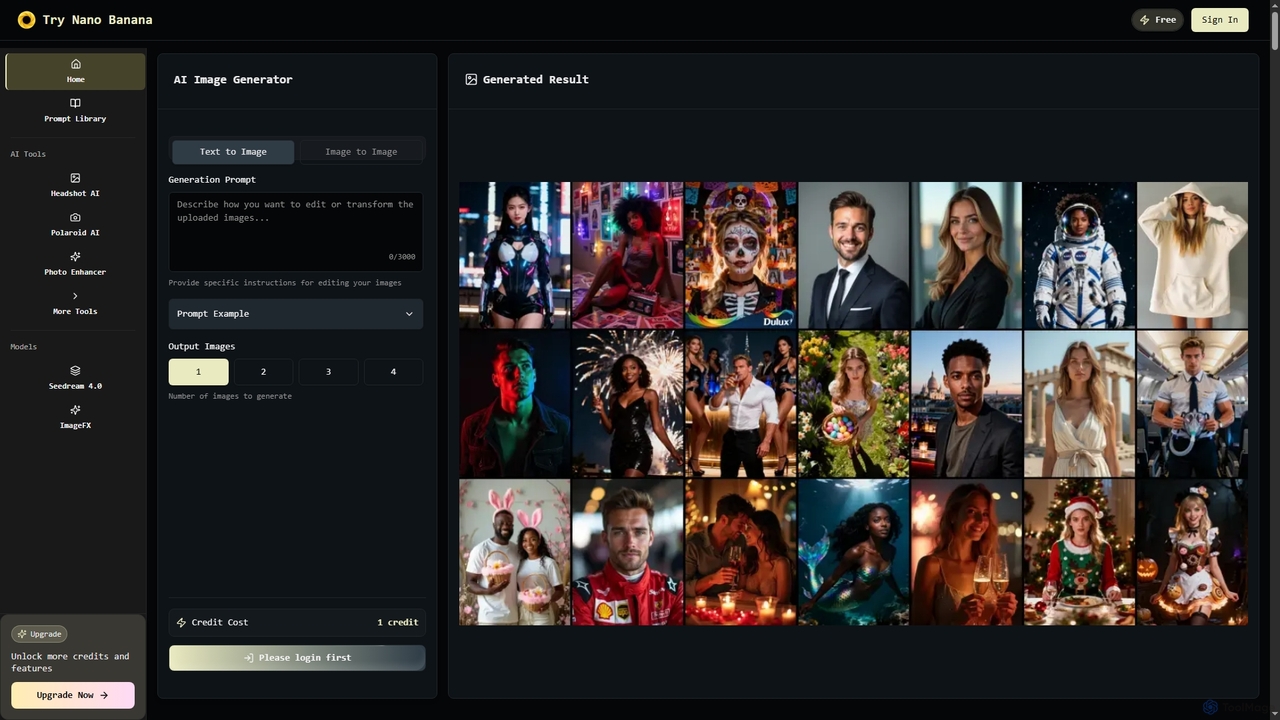
Nano Banana
Nano Banana is an instant AI image generator powered by Google's Gemini 2.5 Flash Image model, offering text-to-image creation, smart image editing, and multi-image fusion. It helps users generate professional-quality visuals for various personal and commercial needs, including headshots, product images, and artistic creations, with speed and high resolution.
Creative Asset Generation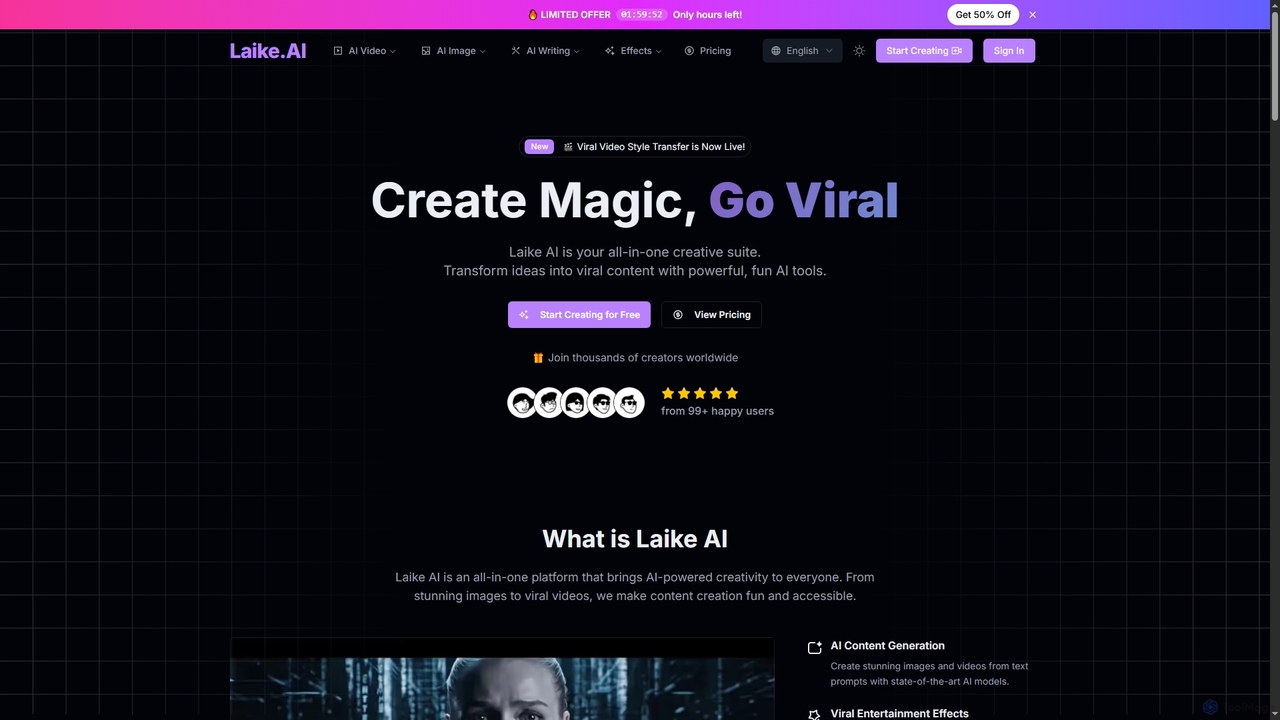
Laike
Laike is an all-in-one AI-powered creative suite designed to transform ideas into viral content. It offers powerful tools for generating stunning images and videos, applying trending entertainment effects, and sharing creations effortlessly across social platforms.
Image Generation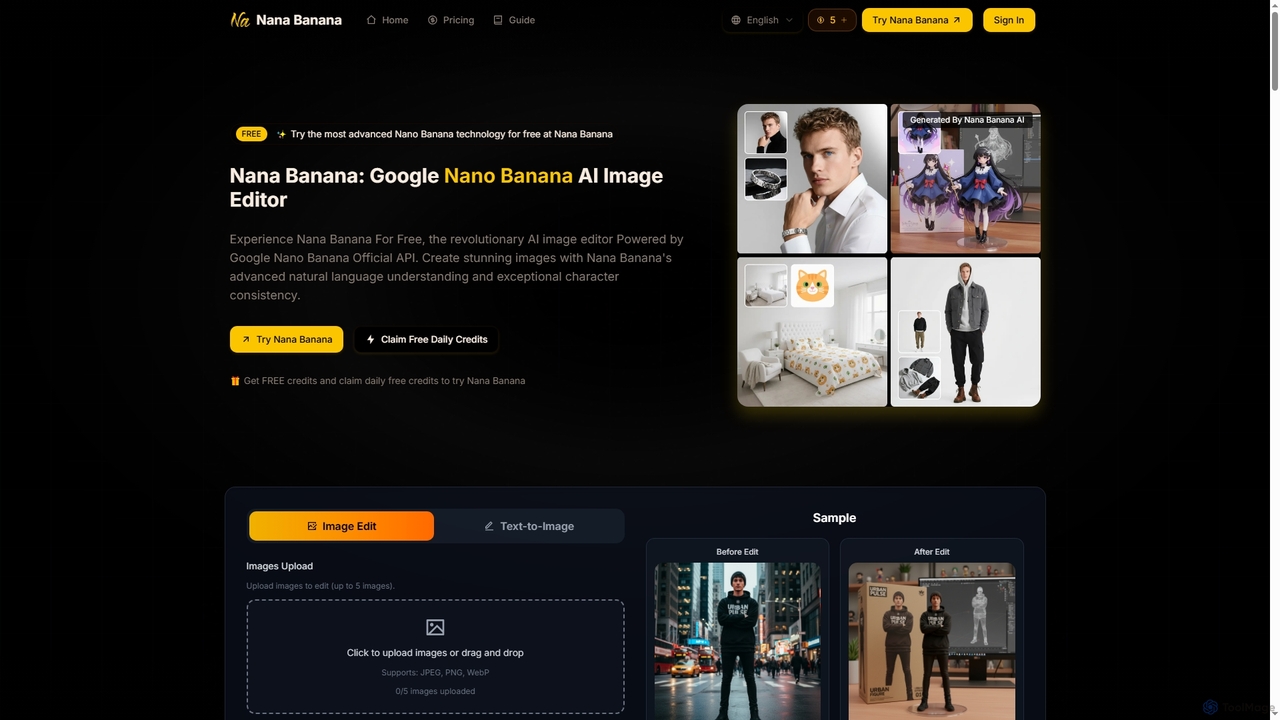
Nana Banana
Nana Banana is an advanced AI image editor and generator powered by Google's cutting-edge Gemini 2.5 Flash Image model. It enables users to create stunning visuals from text prompts or by editing existing images with exceptional natural language understanding, character consistency, and one-shot editing capabilities, delivering professional-grade 4K+ output rapidly.
Graphic Design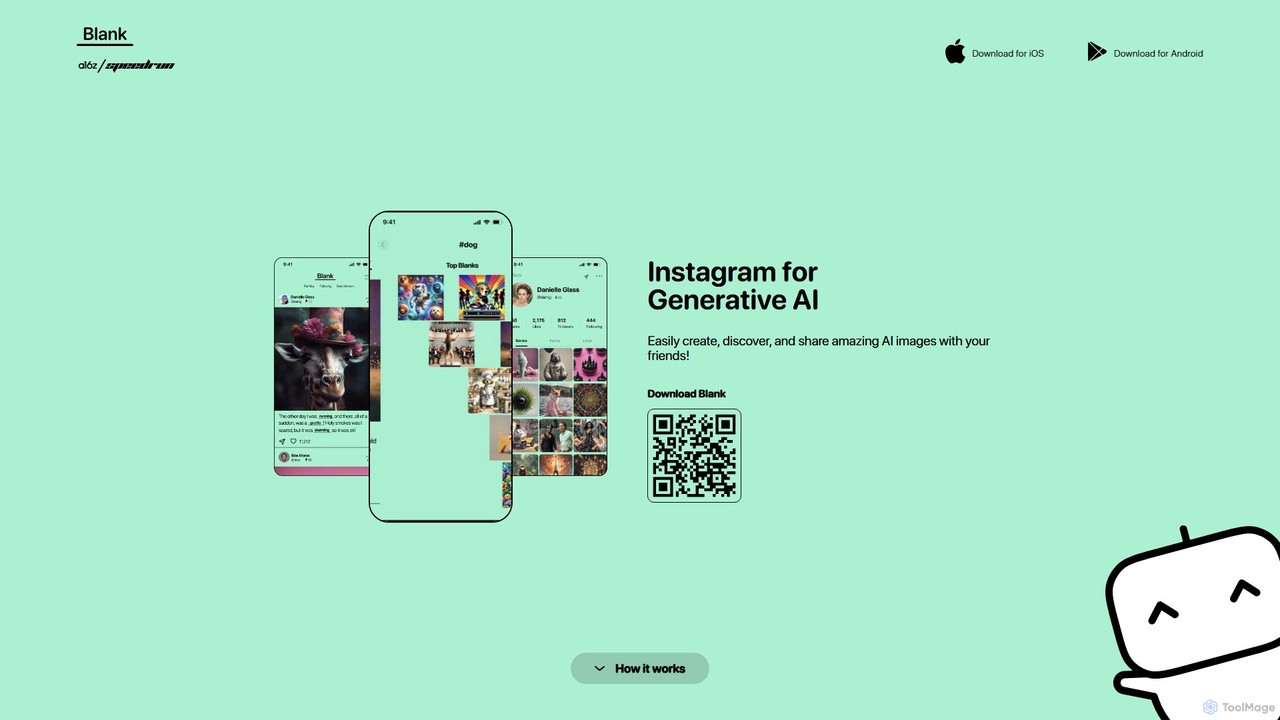
theblankapp
theblankapp is a mobile AI art generator and social platform, dubbed the 'Instagram for Generative AI.' It empowers users to effortlessly create, discover, and share stunning AI-generated images. With a focus on community and daily creativity, the app makes digital art accessible to everyone, regardless of skill level. Simply type a prompt, generate a masterpiece in seconds, and share it with a vibrant community of creators.
Creative Tools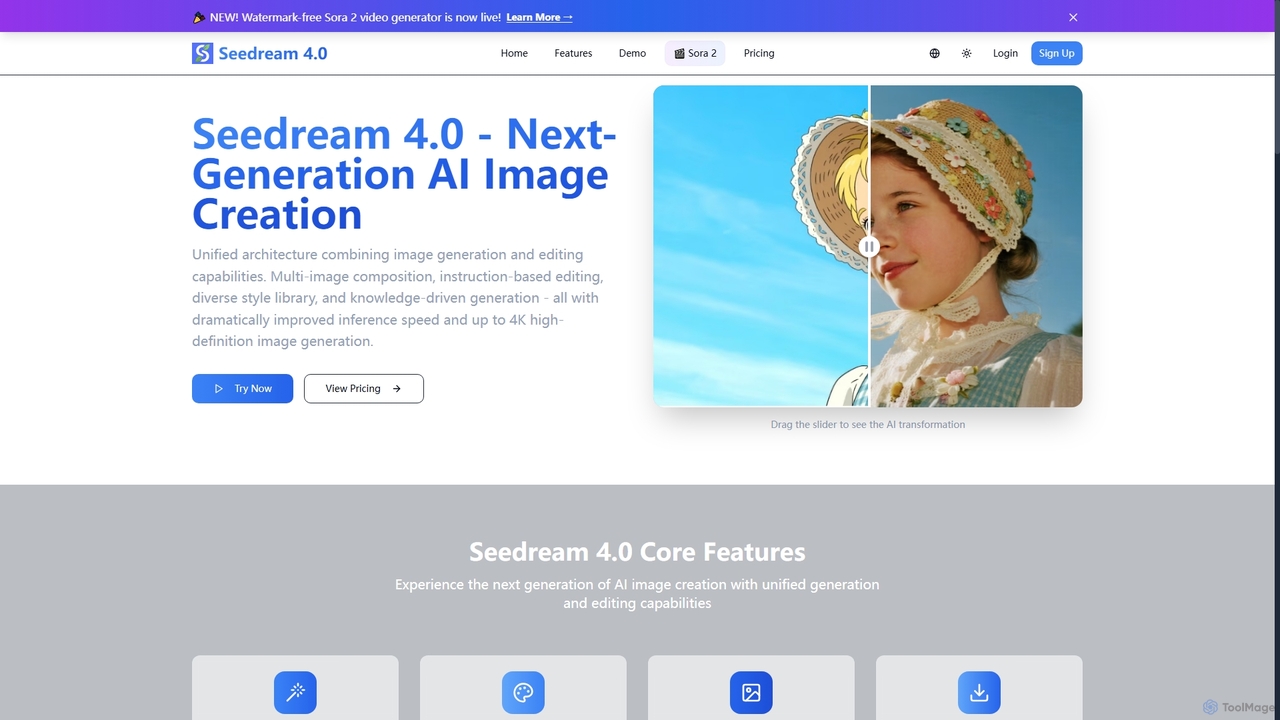
Seedream 4.0
Seedream 4.0 is a next-generation AI image creation tool that unifies image generation and editing capabilities. It features multi-image composition, instruction-based editing, a diverse style library, and knowledge-driven generation, delivering dramatically improved inference speed and up to 4K high-definition images. It also includes a watermark-free Sora 2 video generator.
Creative Asset Creation
NeoPrompt Pro
NeoPrompt Pro is an intelligent prompt generation tool designed to elevate AI art creation. It simplifies writing effective prompts for platforms like Midjourney and Stable Diffusion. By offering a comprehensive framework, a vast library of creative keywords, and insightful explanations, it empowers both beginners and experts to save time and generate stunning, unique visual masterpieces with ease.
Digital Art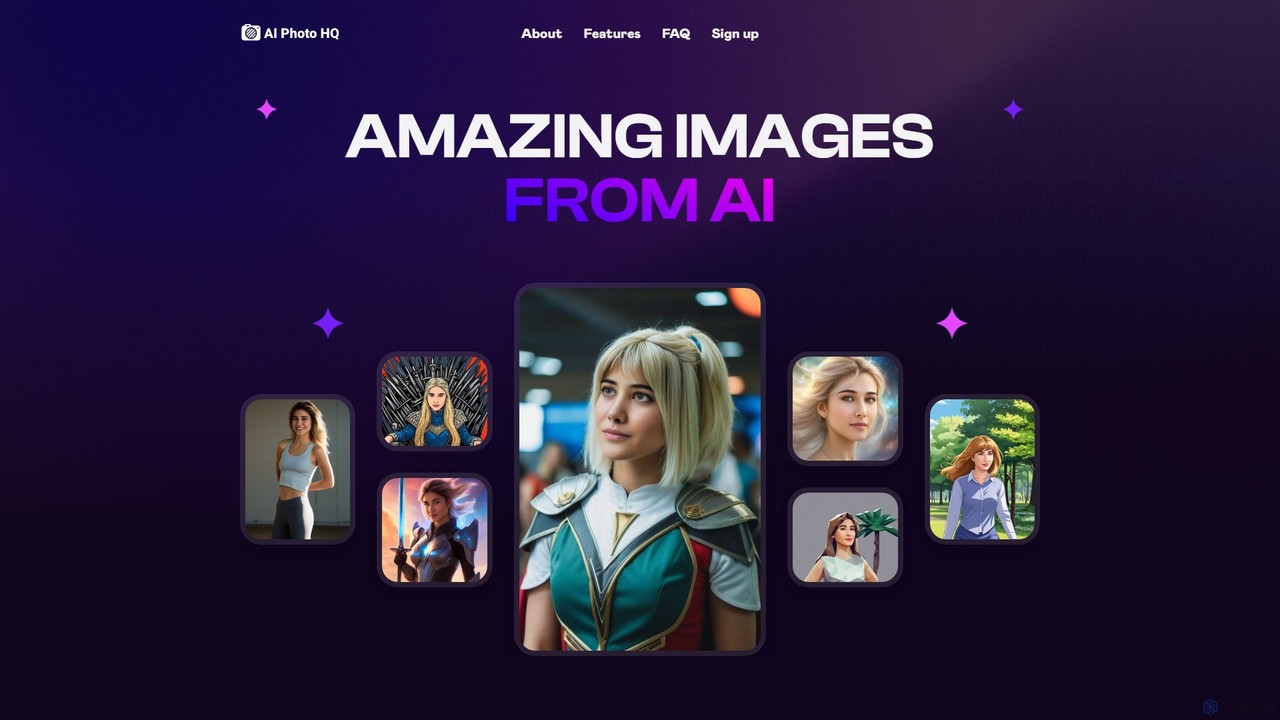
retouchpro
retouchpro is a powerful AI image generation platform that creates stunning, high-quality images in seconds. Leveraging Stable Diffusion XL, it offers a wide variety of styles, from realistic photos to anime and fantasy art. It features unlimited character creation, pre-built templates, and social media optimization, making it ideal for influencers, artists, and agencies.
Ai Art
picassopix
PicassoPix is an advanced AI image generator that transforms your text prompts into stunning, high-quality visual art and images. Ideal for artists, marketers, and creators, it offers a versatile toolkit to produce unique illustrations, posters, and social media content effortlessly, unlocking creative possibilities in seconds.
Digital Art
Lumen Digital
Lumen Digital is an AI-powered creative suite for generating and enhancing stunning visual content. Ideal for artists, marketers, and creators, it offers advanced tools for AI image generation, video enhancement, and dynamic lighting effects to bring your creative visions to life with cinematic quality.
Digital Art
Imgage Comments (0)
Sign in to comment.
Sign inNo comments yet.