
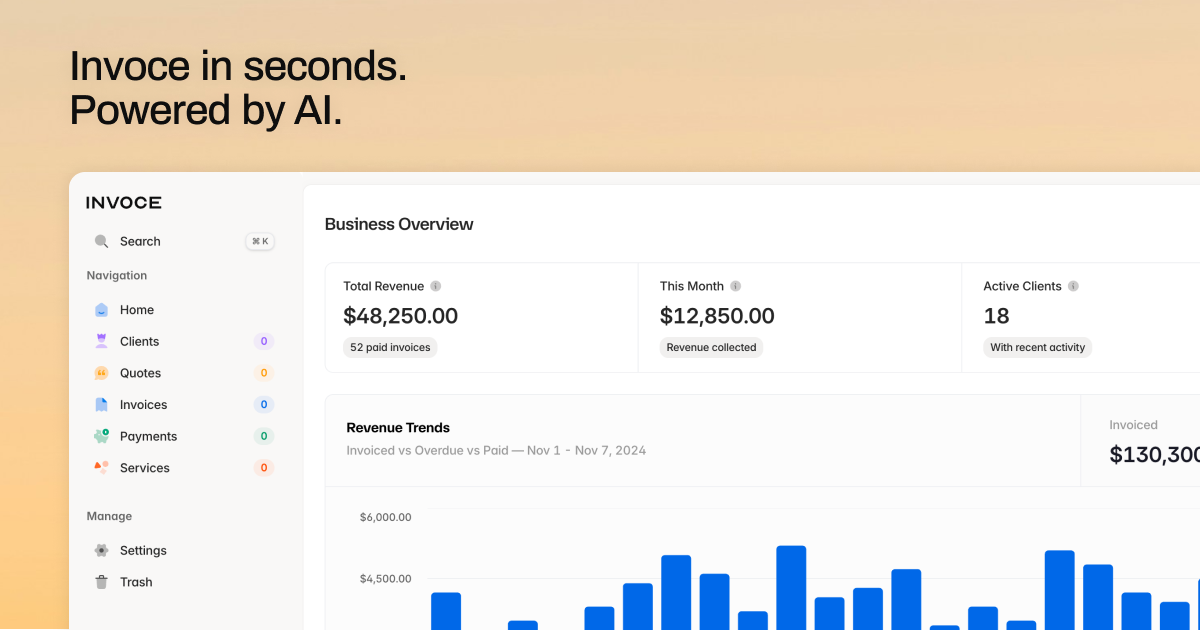
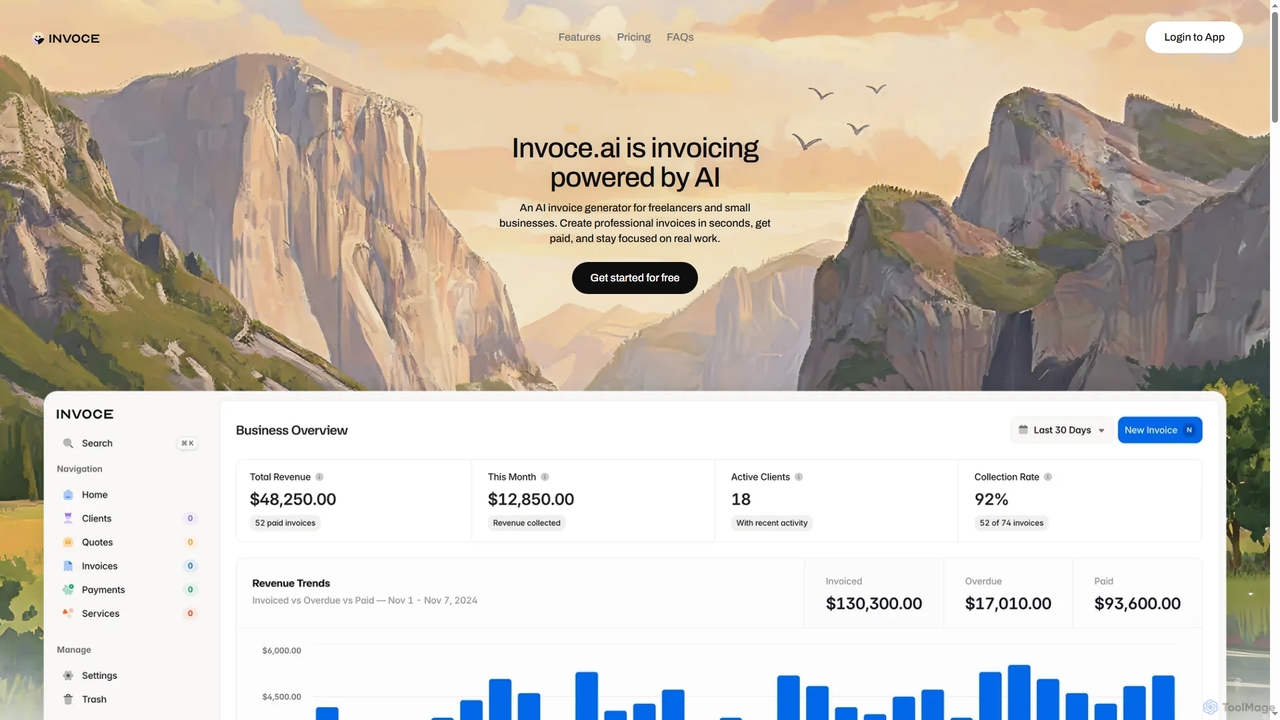
Invoce Overview
Invoce is a sophisticated AI-driven platform that simplifies the invoicing and client management process for freelancers and small businesses. It offers a unique blend of artificial intelligence and intuitive manual tools to streamline the creation of professional invoices and quotes, ensuring efficiency and accuracy. By centralizing client information, service details, and payment tracking, Invoce empowers users to maintain organized financial records and focus more on their core business activities.
How to use Invoce
To use Invoce, users can either leverage its AI capabilities by simply describing the work performed in plain English, allowing the AI to automatically extract services, assign prices, and generate an invoice. Alternatively, a simple manual editor is available for building invoices from scratch. Clients, services, quotes, invoices, and payment records can be managed through dedicated, easy-to-use databases. For payments, users integrate their preferred payment links (e.g., Stripe, PayPal) directly into invoices, enabling direct client payments without transaction fees from Invoce.
Core Features of Invoce
- AI-powered invoice and quote generation from plain text descriptions.
- Manual invoice and quote editor for full customization.
- Centralized management system for clients, services, quotes, invoices, and payments.
- "Bring Your Own Link" payment integration for direct client payments with zero transaction fees.
- Financial tracking tools for total revenue, pending invoices, and monthly performance.
- Customizable invoice branding including company logo, brand color, and footer messages.
- Support for all major global currencies, configurable per-account or per-invoice.
- Data export functionality for invoices, quotes, clients, and payment records to CSV.
- Secure data handling with encryption (in transit and at rest) and GDPR compliance.
Use Cases for Invoce
Invoce is ideal for a variety of professionals and businesses seeking to streamline their billing and client management. It's perfectly suited for freelancers needing to quickly generate invoices for completed projects and manage multiple clients. Small business owners can leverage it to automate billing processes, create professional quotes, organize client data, and monitor financial health without complex accounting software. Additionally, consultants and service providers can utilize Invoce to efficiently bill for recurring services or one-off tasks, managing a growing client base and simplifying payment collection.
Advantages of Invoce
Invoce offers significant advantages through its AI-driven efficiency, saving users valuable time by automating document drafting. Its "Bring Your Own Link" payment model ensures users receive 100% of their earnings without hidden transaction fees. The platform centralizes all essential business documents and client information, eliminating the need to search through disparate systems. Furthermore, its robust financial tracking provides clear insights into business performance, while strong data security and customization options ensure professional, compliant, and branded invoicing.
Pricing and Plans
Invoce operates on a "pay once, use forever" model, offering transparent pricing:
- Starter Plan: $0 per month. This plan allows you to create up to 5 invoices and 5 quotes with full AI assistance. It includes email support and access to AI workflow features, making it perfect for getting started risk-free.
- Lifetime Plan: A one-time payment of $49 for the first 100 customers. After this initial offer, the price increases to $98. This plan provides unlimited invoices, quotes, and AI-powered workflows forever, representing the best value for growing businesses. A 50% discount is available using the code LAUNCH50 at checkout.
Invoce FAQ
Invoce Alternatives
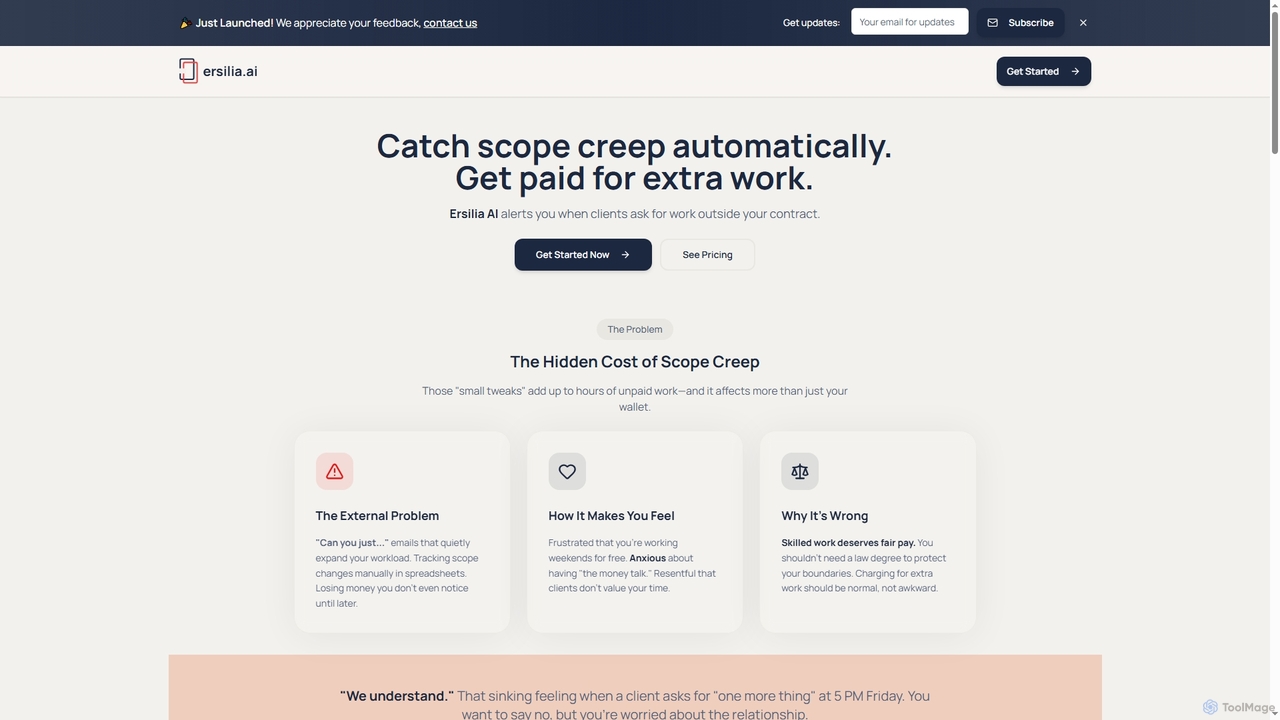
Ersilia
Ersilia is an AI-powered tool designed for freelancers and agencies to automatically detect scope creep in client communications. It helps users identify out-of-scope requests, provides professional response templates, and tracks recovered revenue, ensuring they get paid for all their work.
Communication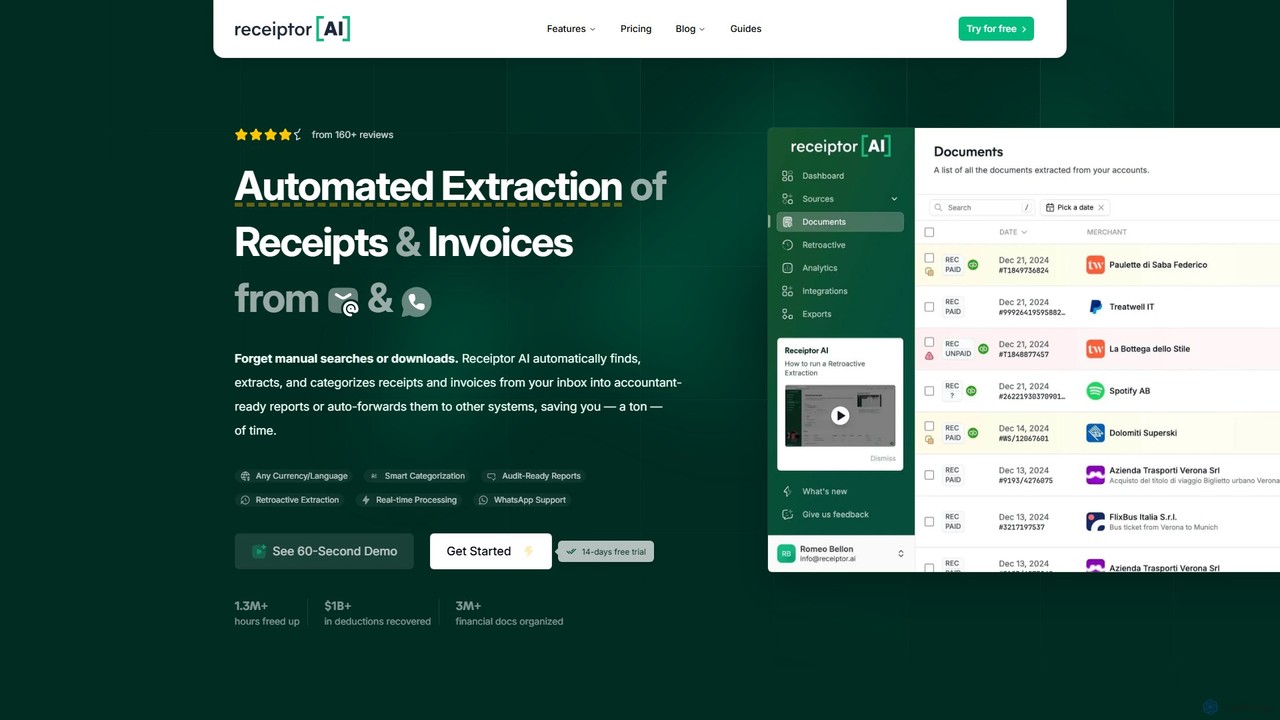
Receiptor AI
Receiptor AI is an intelligent automation tool that extracts receipts and invoices directly from your emails. It automatically captures, categorizes, and organizes financial documents, syncs with accounting software like Xero and QuickBooks, and provides real-time expense analytics. Ideal for freelancers, startups, and small businesses aiming for effortless expense management and audit readiness.
Accounting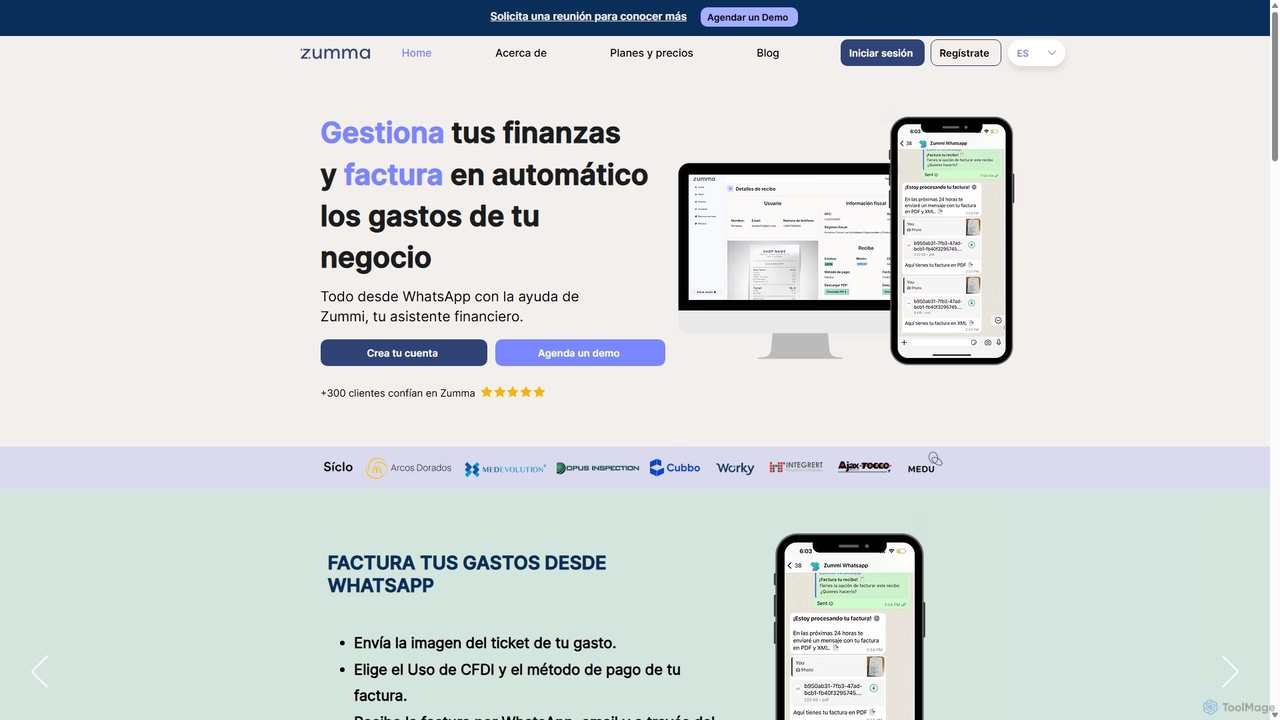
Zumma Financial
Zumma Financial is an AI-powered financial assistant that automates expense management and invoicing for businesses in Mexico. Using its AI assistant, Zummi, users can effortlessly generate official invoices (CFDI) by simply sending a photo of their receipt via WhatsApp, saving significant time and improving financial organization.
Personal Assistant
Clyr
Clyr is an AI-powered expense and bill management platform designed for contractors, project managers, and businesses with field teams. It automates expense tracking, receipt capture, and accounts payable to save time, boost efficiency, and increase profit margins. Clyr integrates seamlessly with your existing CRM, ERP, and accounting software.
Accounting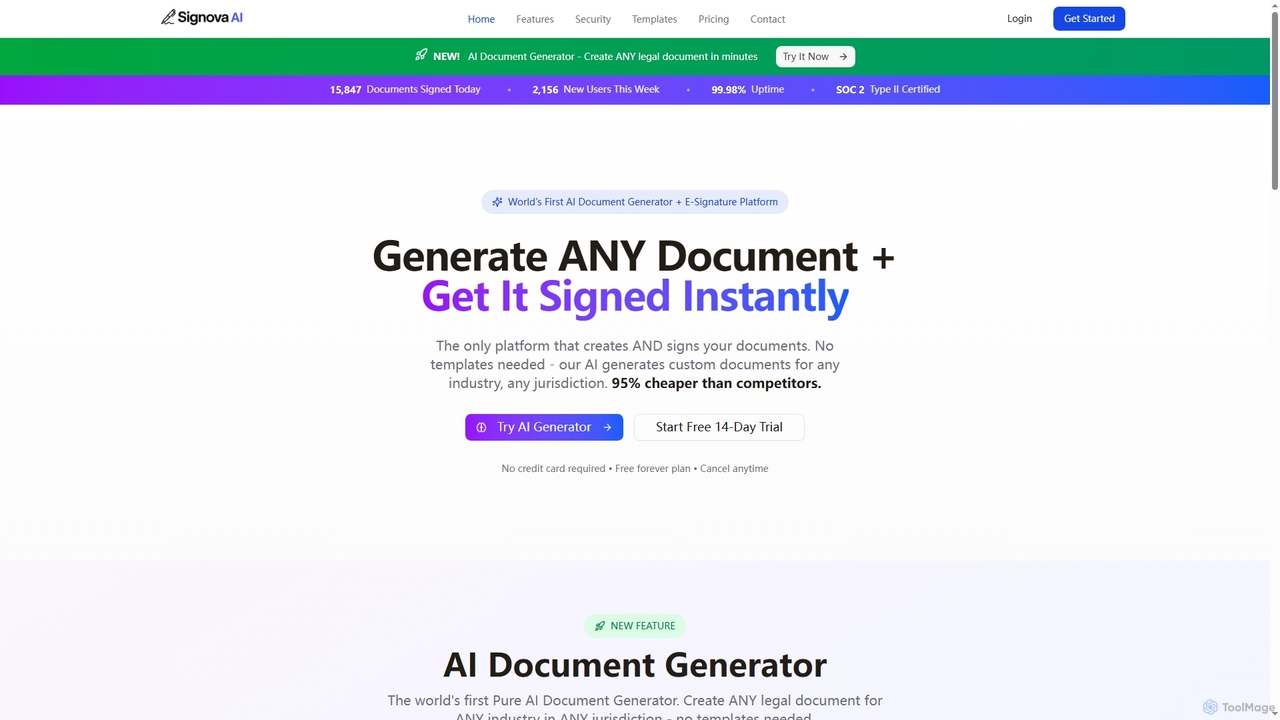
Signova
Signova is an AI-powered platform that combines an intelligent document generator with a secure e-signature solution. It allows users to create custom legal and business documents for any jurisdiction without templates and manage the entire signing process efficiently.
ComplianceInvoce Categories
Invoce Jobs
Invoce Embed Widget
Copy this embed code to place the badge on your blog, article, or product site and send readers directly to this ToolMage detail page.

Related AI tools
Ersilia
Ersilia is an AI-powered tool designed for freelancers and agencies to automatically detect scope creep in client communications. It helps users identify out-of-scope requests, provides professional response templates, and tracks recovered revenue, ensuring they get paid for all their work.
Communication
BillMaster
BillMaster is an all-in-one restaurant CRM solution designed to streamline operations. It helps restaurants manage customers, generate invoices, track expenses, and analyze sales data, all within a secure and intuitive platform. Start with a 7-day free trial, no credit card required.
Sales Analytics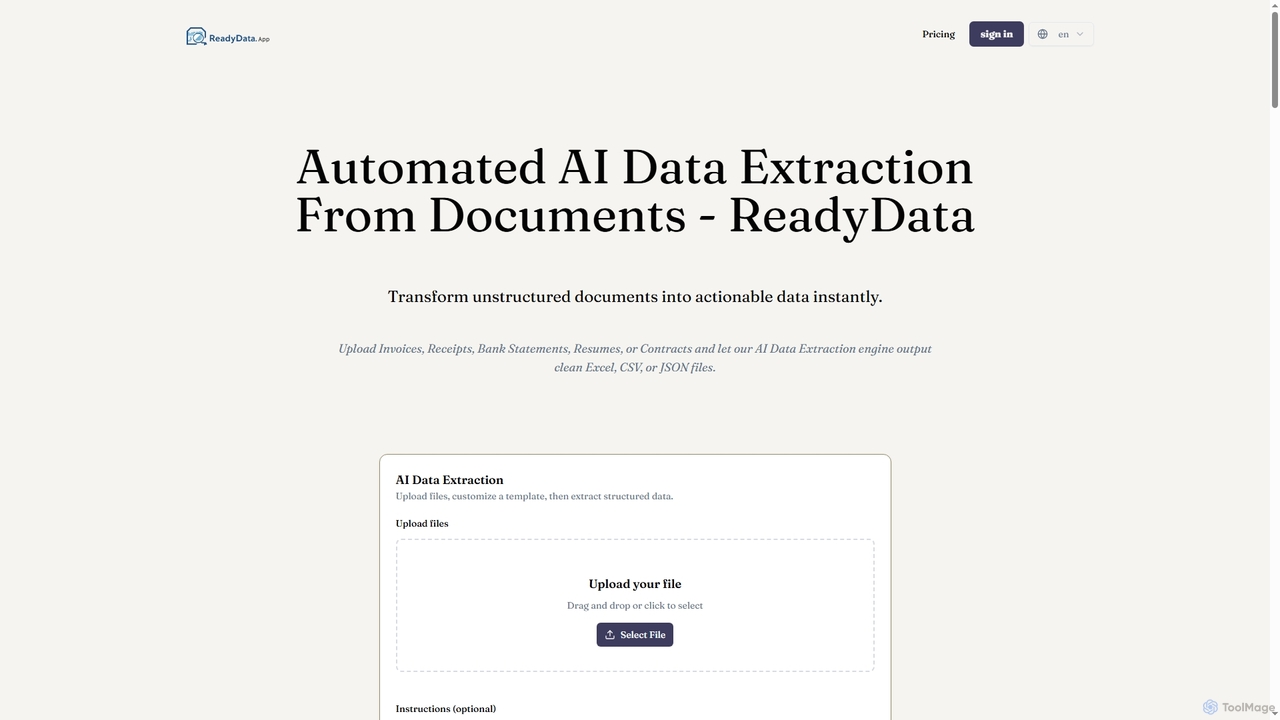
ReadyData
ReadyData is an AI-powered data extraction tool that transforms unstructured documents like invoices, receipts, bank statements, resumes, and contracts into clean, structured data formats such as Excel, CSV, or JSON. It automates manual data entry, offering high accuracy and instant results for various business needs.
Workflow AutomationSignova
Signova is an AI-powered platform that combines an intelligent document generator with a secure e-signature solution. It allows users to create custom legal and business documents for any jurisdiction without templates and manage the entire signing process efficiently.
Compliance
Pinza
Pinza is a managed service that sets up and hosts a personal OpenClaw AI assistant for you within 24 hours, without requiring any technical knowledge or server management. It connects to your tools (like email and calendar) to automate tasks such as meeting scheduling, email summarization, and lead management, allowing freelancers and small businesses to leverage advanced AI effortlessly.
Crm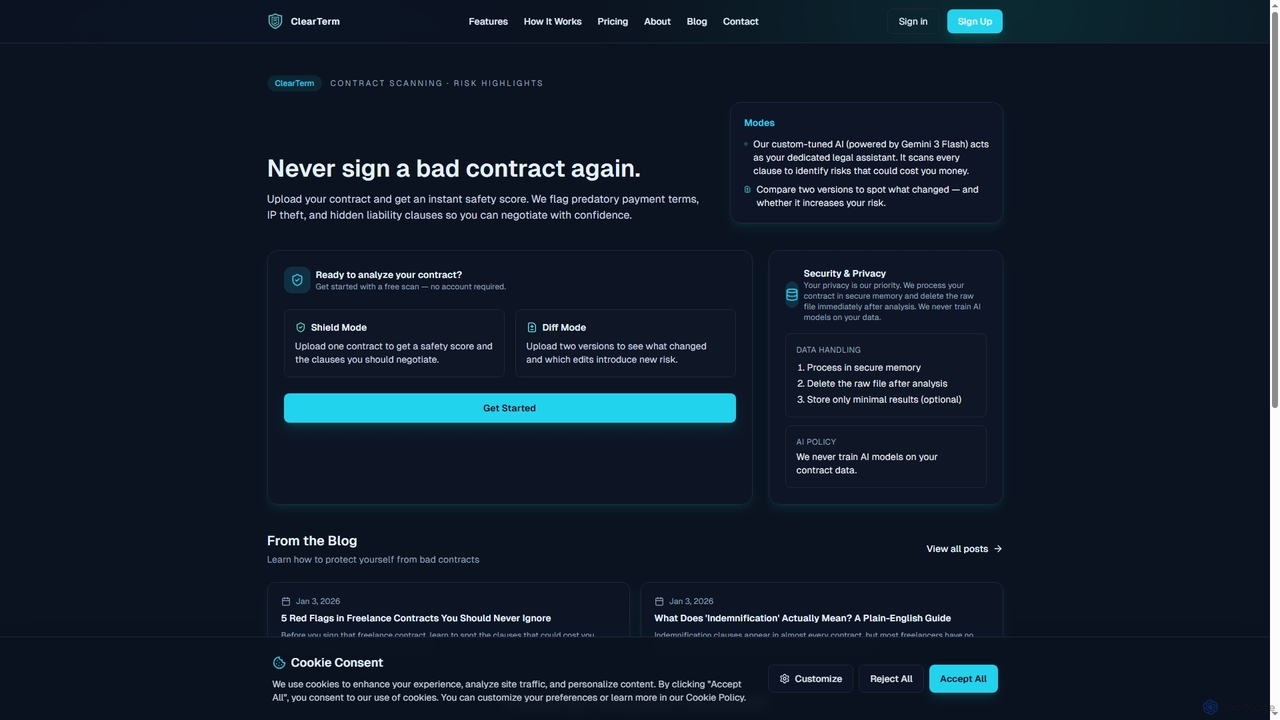
ClearTerm
ClearTerm is an AI-powered contract analysis tool designed for freelancers and independent professionals. It rapidly scans contracts to identify potential risks like predatory payment terms, IP theft, and liability traps, providing plain-English explanations and negotiation suggestions. With features like Shield Mode for single contract analysis and Diff Mode for version comparison, ClearTerm empowers users to understand agreements, negotiate confidently, and protect their interests without legal jargon.
Text Analysis
Onboardly
Onboardly is a client onboarding platform designed for agencies to streamline their processes. It enables the creation of branded client portals, automated assessments, and professional reports under the agency's own name, without requiring any technical setup.
Agency Tools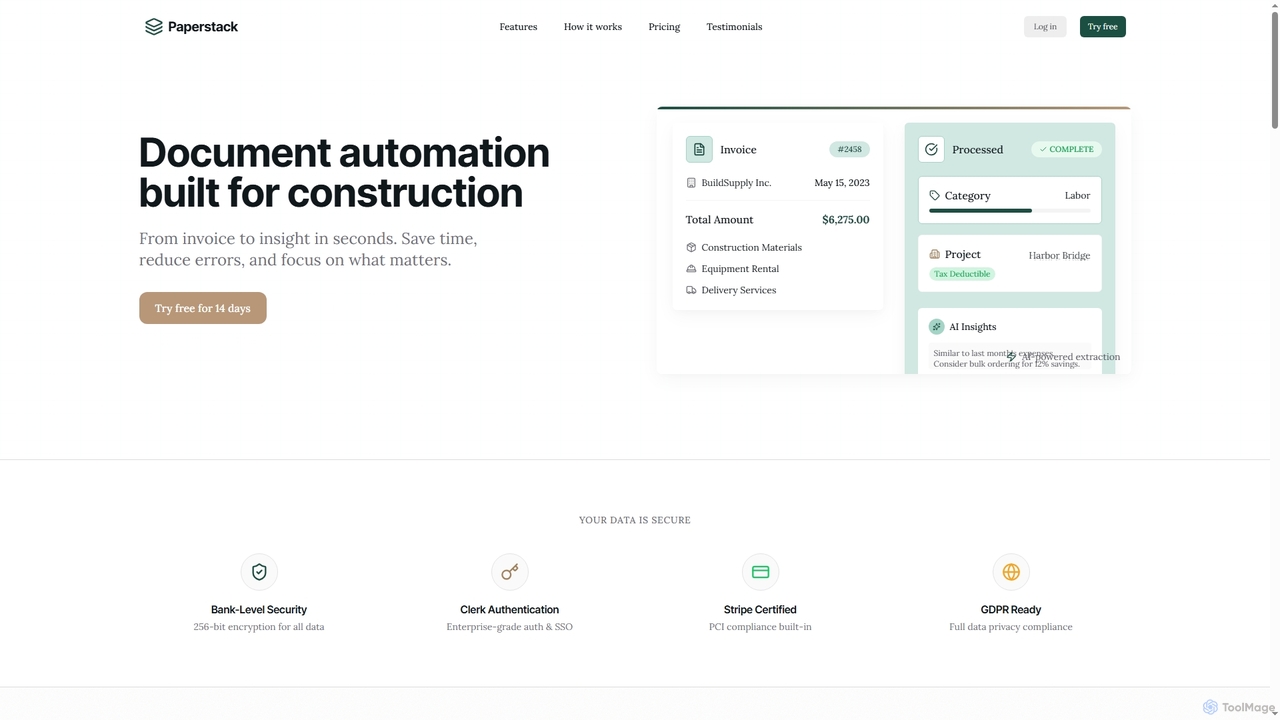
Paperstack
Paperstack is an AI-powered document automation platform specifically designed for the construction industry. It automates data extraction from invoices and other documents with 99.8% accuracy, saving up to 85% of processing time. The tool helps businesses reduce errors, gain financial insights, and focus on core construction operations.
Real Estate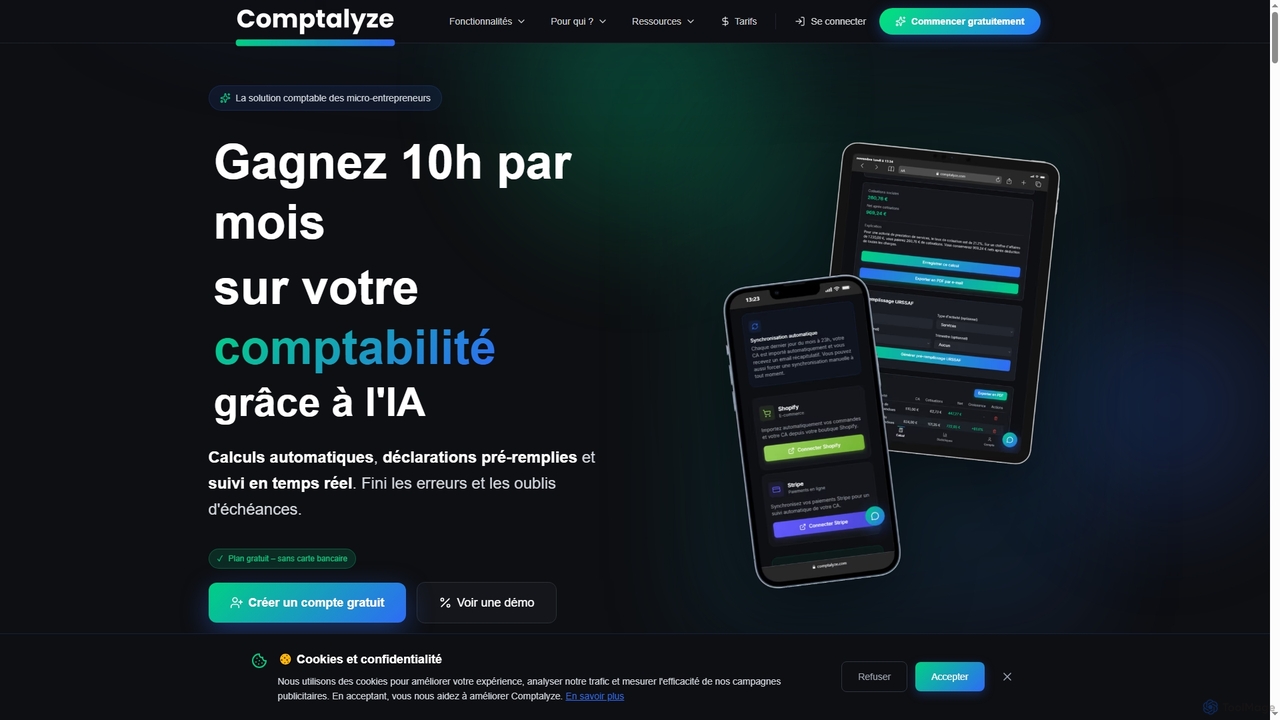
Comptalyze
Comptalyze is an AI-powered accounting solution designed specifically for micro-entrepreneurs in France. It automates URSSAF calculations, pre-fills declarations, generates professional invoices, and provides real-time financial tracking, helping users save significant time and ensure compliance with French fiscal regulations.
Tax Advisor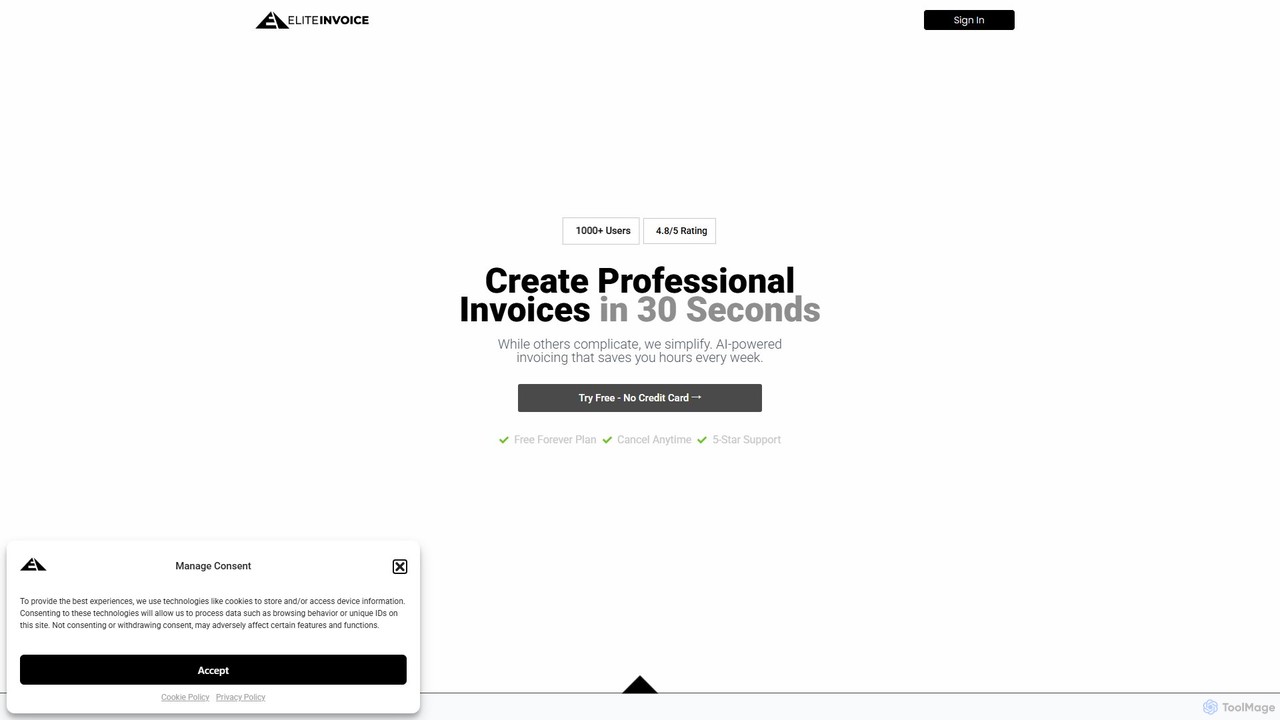
EliteInvoice
EliteInvoice is an AI-powered invoicing platform designed for freelancers and modern businesses. It simplifies the billing process, allowing you to create professional, customized invoices in under 30 seconds using natural language. The tool automates calculations, tracks payments in real-time, and provides insightful analytics to help you manage your finances efficiently and get paid faster.
Freelance ToolsZumma Financial
Zumma Financial is an AI-powered financial assistant that automates expense management and invoicing for businesses in Mexico. Using its AI assistant, Zummi, users can effortlessly generate official invoices (CFDI) by simply sending a photo of their receipt via WhatsApp, saving significant time and improving financial organization.
Personal Assistant
Whisprlist
Whisprlist is an AI-powered task management tool that lets you create and organize your to-do list simply by speaking. It eliminates typing, using advanced voice recognition and AI to parse details, set deadlines, and structure your tasks. Receive a daily summary email to stay on track effortlessly.
Voice Recognition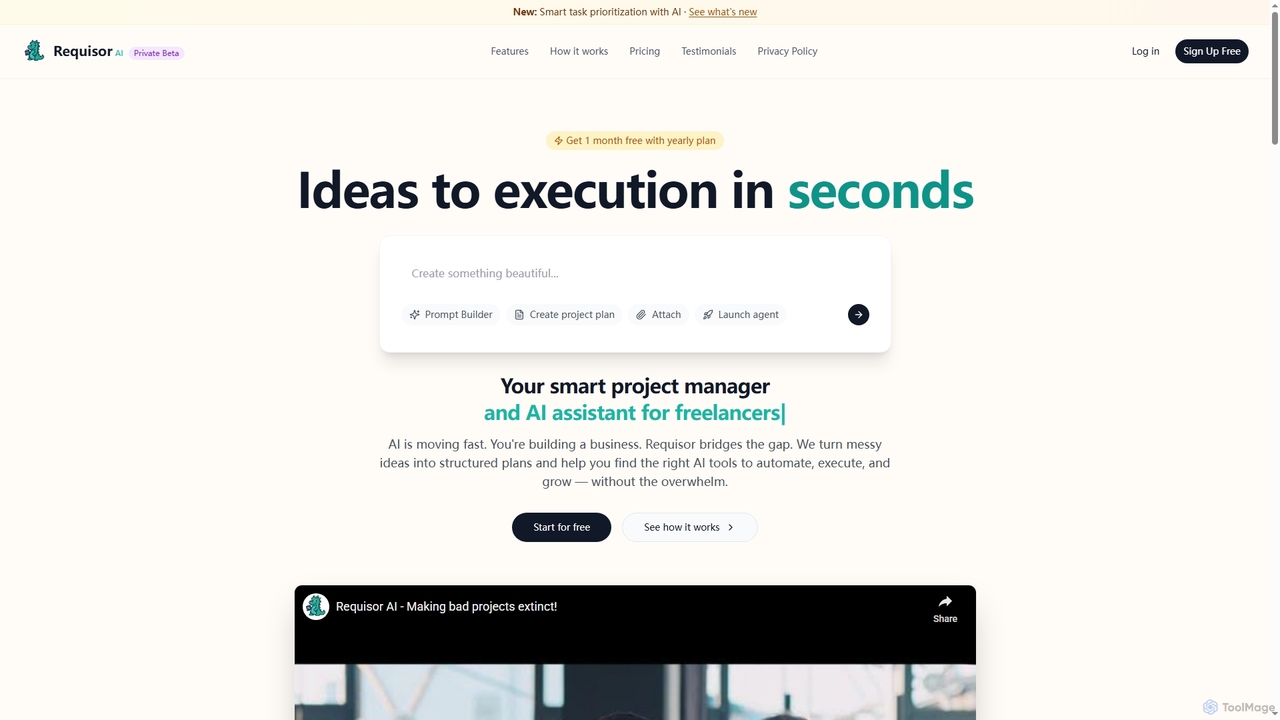
Requisor
Requisor is an intelligent AI project management tool designed for solopreneurs, freelancers, and small teams. It transforms messy ideas into structured plans, automates tasks, and helps prioritize high-impact work to accelerate project completion and optimize resource allocation. With AI-powered insights, Requisor aims to reduce manual task management and enhance productivity.
Workflow Automation
EasyEmailWriter
EasyEmailWriter is an AI-powered email generator designed to help business owners, freelancers, and marketers quickly create high-converting sales and marketing email sequences. It eliminates writer's block by asking simple questions and generating personalized, expert-crafted emails in minutes, adapted to your unique voice and tone.
Small Business Tools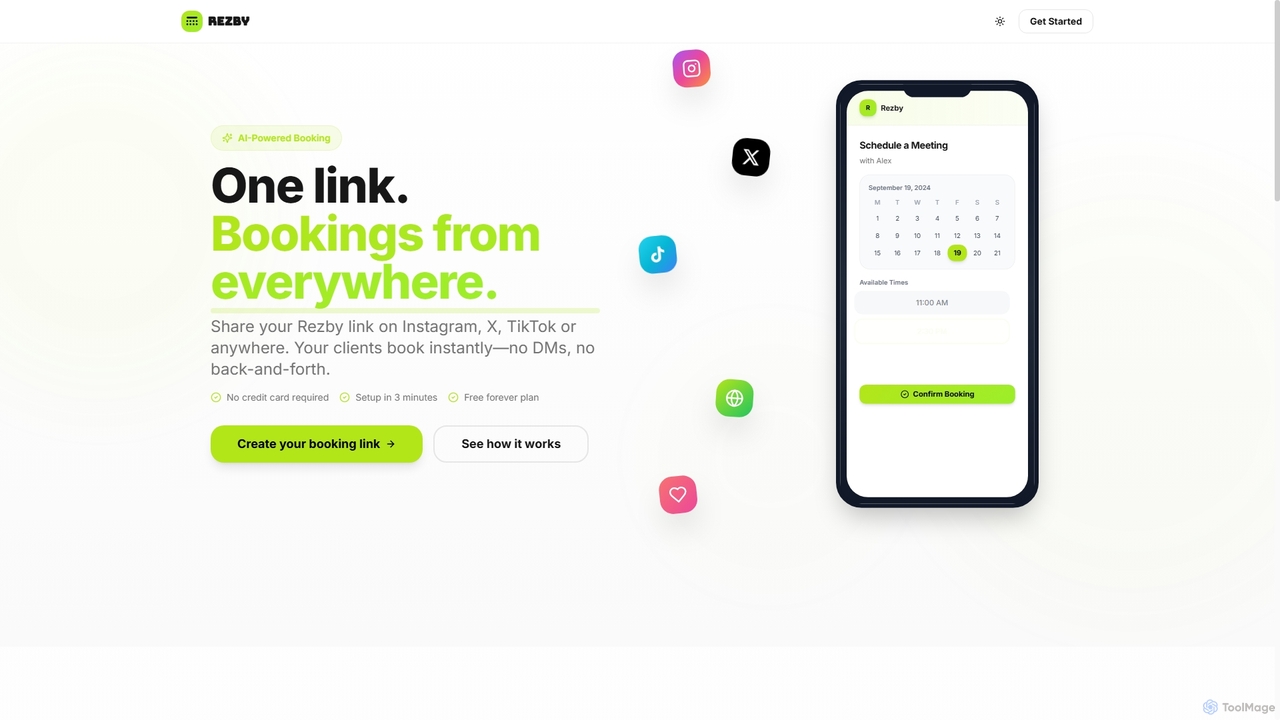
Rezby
Rezby is an AI-powered booking platform that allows creators and professionals to set up a personalized booking page in minutes. Share a single link to let clients instantly schedule appointments, eliminating manual back-and-forth messaging.
Booking Management
Invoce Comments (0)
Sign in to comment.
Sign inNo comments yet.