

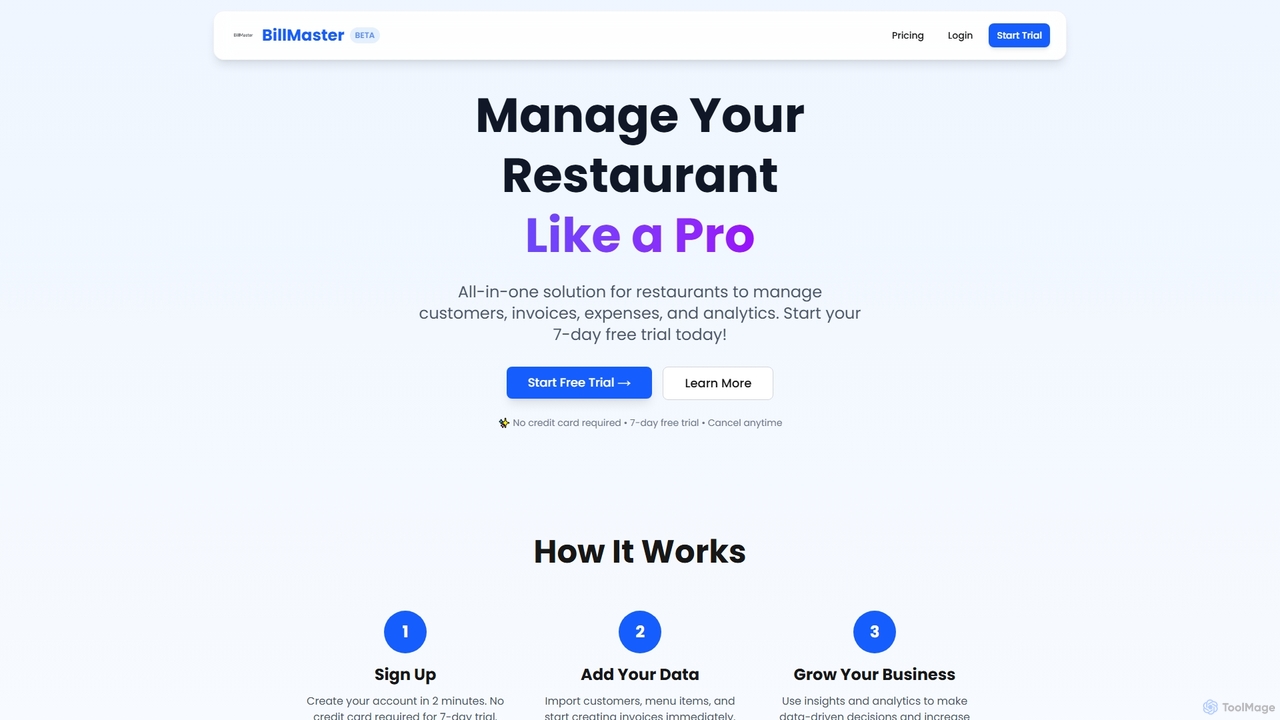
BillMaster Overview
BillMaster is a comprehensive, all-in-one solution specifically tailored for restaurants, cafes, and diners looking to manage their operations like a pro. This powerful platform integrates customer relationship management (CRM), invoicing, expense tracking, and sales analytics into a single, intuitive system. It empowers restaurant owners and managers to make data-driven decisions, enhance efficiency, and ultimately increase revenue.
How to use BillMaster
Using BillMaster is designed to be straightforward and efficient, allowing you to get started quickly and manage your restaurant operations effectively:
- Sign Up: Create your account in just 2 minutes. BillMaster offers a 7-day free trial that requires no credit card, allowing you to explore all features risk-free.
- Add Your Data: Easily import your existing customer information, menu items, and begin creating professional invoices immediately. The system is built for quick data integration to minimize setup time.
- Grow Your Business: Leverage the platform's insights and analytics tools to understand your business performance. Use these data-driven reports to make informed decisions that can help increase your revenue and optimize operations.
Core Features of BillMaster
- Customer Management: Keep detailed profiles of all your customers, including their purchase history, allowing for personalized service and targeted marketing.
- Invoice Generation: Create professional and accurate invoices in seconds with an intuitive interface, ensuring quick and efficient billing processes.
- Expense Tracking: Monitor all business expenses, with the ability to upload receipts and categorize spending, providing a clear overview of your financial outflows.
- Sales Analytics: Access beautiful charts and comprehensive reports that help you understand your business performance, identify trends, and make strategic decisions.
- Secure & Reliable: Your valuable data is protected with industry-standard encryption and automatically backed up in the cloud (Firebase/Google Cloud), ensuring security and reliability.
- Lightning Fast: Experience quick bill generation and instant invoice creation, designed to keep pace with the demands of busy restaurant environments.
- Mobile Access: Manage your restaurant on the go with mobile access, available across all paid plans.
- API Access: Integrate BillMaster with other systems using API access, a feature included in the Yearly plan for advanced customization and connectivity.
- Staff Management: The Yearly plan includes features for managing your staff, streamlining team operations.
- Multi-location Support: For growing restaurants, the Yearly plan offers support for managing multiple locations.
Use Cases for BillMaster
BillMaster is ideal for a variety of restaurant-related businesses seeking to modernize and streamline their management processes. It's perfectly suited for:
- Independent Restaurants: Owners looking for an all-in-one tool to manage daily operations, from customer interactions to financial tracking.
- Cafes and Diners: Businesses that need efficient billing, customer loyalty tracking, and expense management to optimize profitability.
- Small to Medium-sized Restaurant Chains: Businesses requiring multi-location support, staff management, and advanced analytics to scale operations effectively.
- Restaurant Managers: Professionals who need quick access to sales data, customer history, and expense reports to make informed operational decisions.
- Accountants and Bookkeepers: Individuals or firms managing finances for restaurant clients, benefiting from organized expense tracking and invoice generation.
Advantages of BillMaster
BillMaster offers several key advantages that contribute to its effectiveness as a restaurant management solution:
- Streamlined Operations: Consolidates multiple management tasks into one platform, reducing manual effort and improving workflow efficiency.
- Data-Driven Insights: Provides robust sales analytics and reporting, enabling owners to make informed decisions that can lead to increased revenue and better business performance.
- Time-Saving: Features like quick invoice generation and automated expense tracking save hours every week, as highlighted by customer testimonials.
- Enhanced Customer Relationships: Detailed customer profiles and purchase history facilitate personalized service and stronger customer loyalty.
- Security and Reliability: Ensures data integrity and protection through encryption and cloud backups, offering peace of mind.
- Scalability: With features like API access, staff management, and multi-location support in its Yearly plan, BillMaster can grow with your business.
- User-Friendly: An intuitive interface makes the system easy to learn and use, minimizing training time for staff.
Pricing and Plans
BillMaster offers simple, transparent pricing plans, all starting with a 7-day free trial that requires no credit card.
- Quarterly Plan: Priced at $55 every 3 months. This plan includes Unlimited Invoices, Customer Management, Expense Tracking, Reports & Analytics, Email Support, Mobile Access, Data Export, and Cloud Backup. It's described as perfect for trying out BillMaster.
- Yearly Plan (Most Popular): Priced at $99 per year, offering a saving of $121 compared to the quarterly plan. This plan includes everything in the Quarterly plan, plus Priority Support, Advanced Analytics, Custom Branding, API Access, Staff Management, Multi-location Support, and a Dedicated Account Manager. It's presented as the best value for growing restaurants.
BillMaster FAQ
BillMaster Alternatives
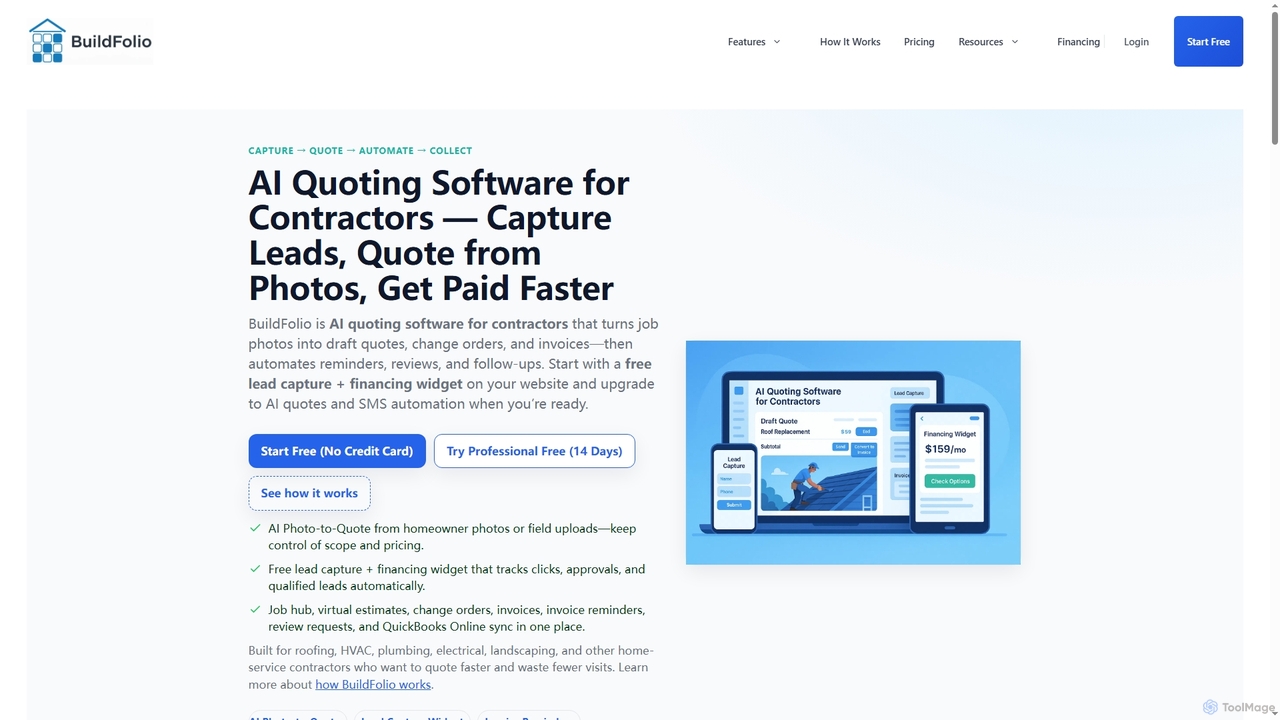
BuildFolio
BuildFolio is an AI-powered quoting and job management software for contractors. It automates workflows from lead capture to payment by turning job site photos into professional quotes in seconds, managing projects in a central hub, and automating follow-ups and invoicing.
Crm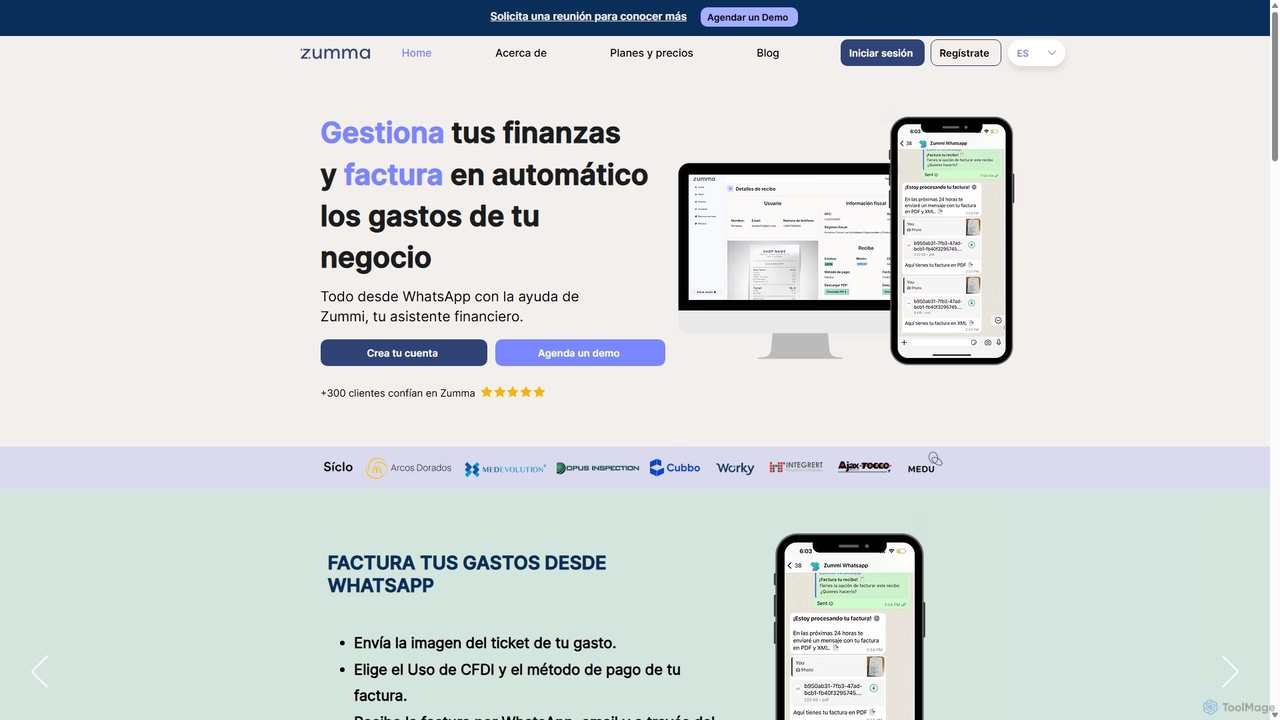
Zumma Financial
Zumma Financial is an AI-powered financial assistant that automates expense management and invoicing for businesses in Mexico. Using its AI assistant, Zummi, users can effortlessly generate official invoices (CFDI) by simply sending a photo of their receipt via WhatsApp, saving significant time and improving financial organization.
Personal Assistant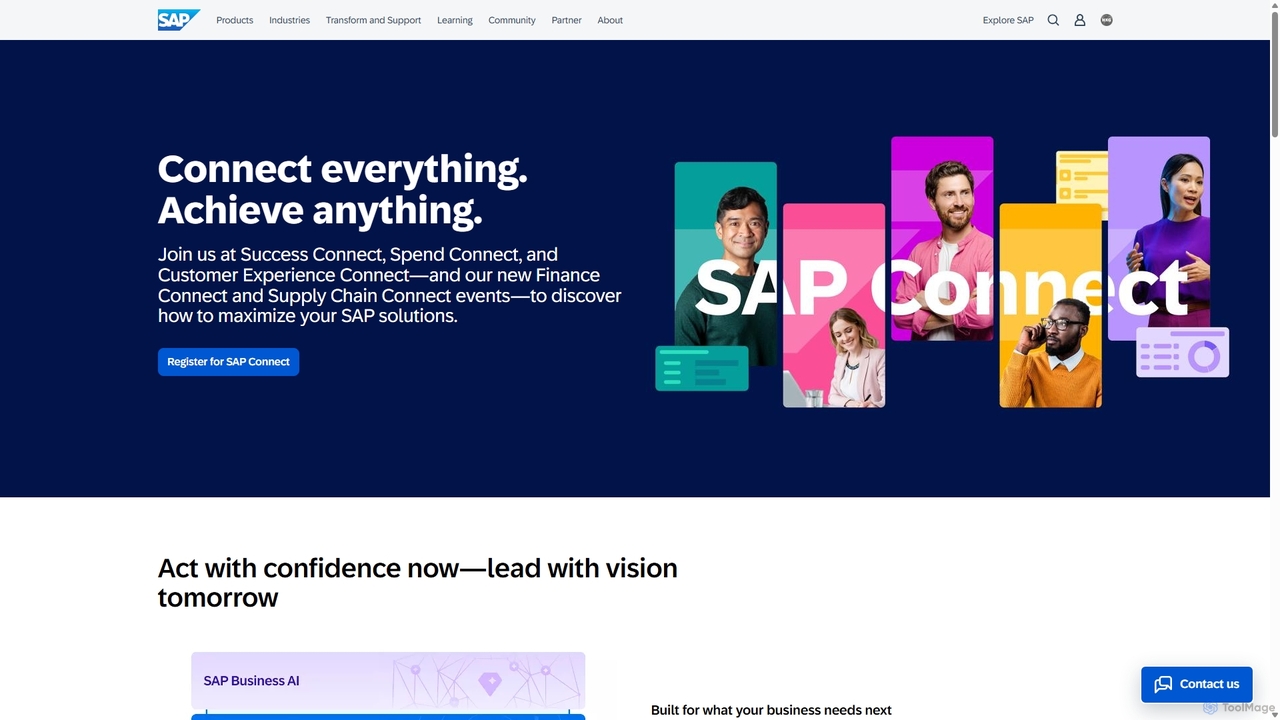
SAP
SAP is a leading provider of enterprise application software, offering a comprehensive suite of AI-powered, cloud-based solutions. It helps companies of all sizes and industries manage business operations and customer relations effectively. Key areas include Cloud ERP, financial management, supply chain, human capital management, and customer experience, all integrated on a unified business technology platform.
Crm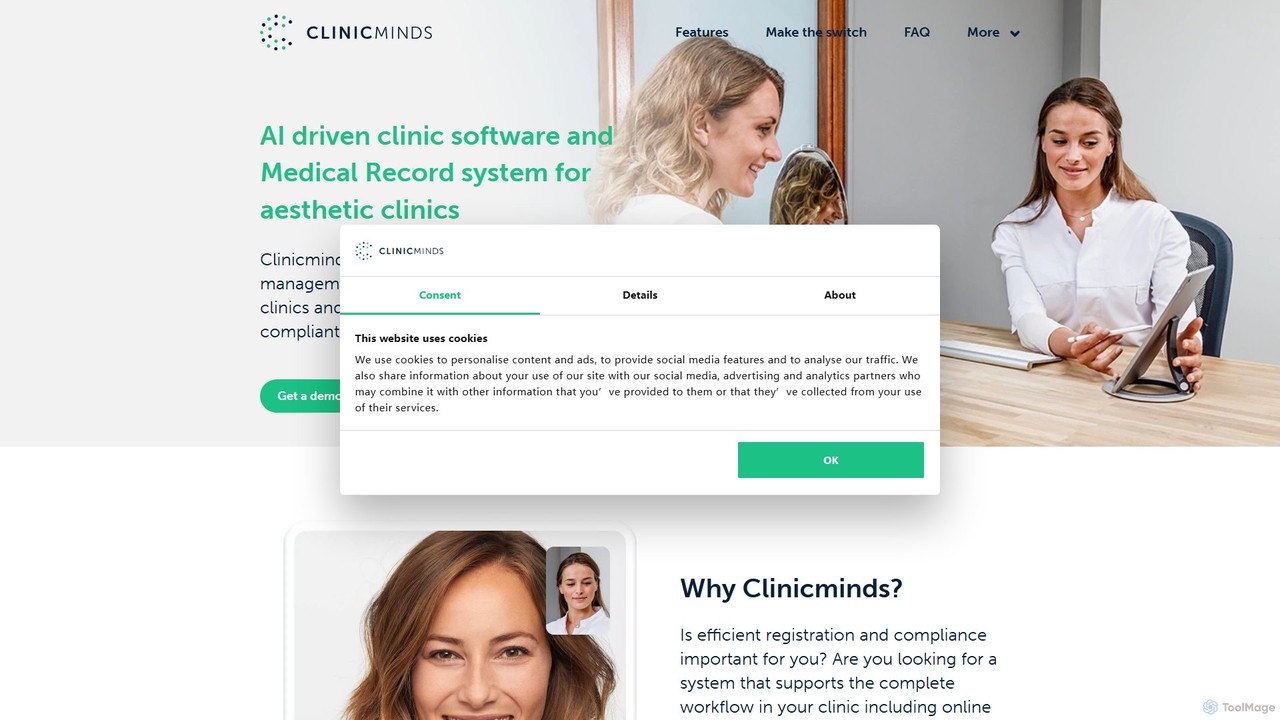
Clinicminds
Clinicminds is an all-in-one practice management software designed for aesthetic clinics. It streamlines operations with features like electronic medical records (EMR), online appointment scheduling, digital consent forms, invoicing, and powerful analytics, helping clinics go paperless and grow their business efficiently.
Crm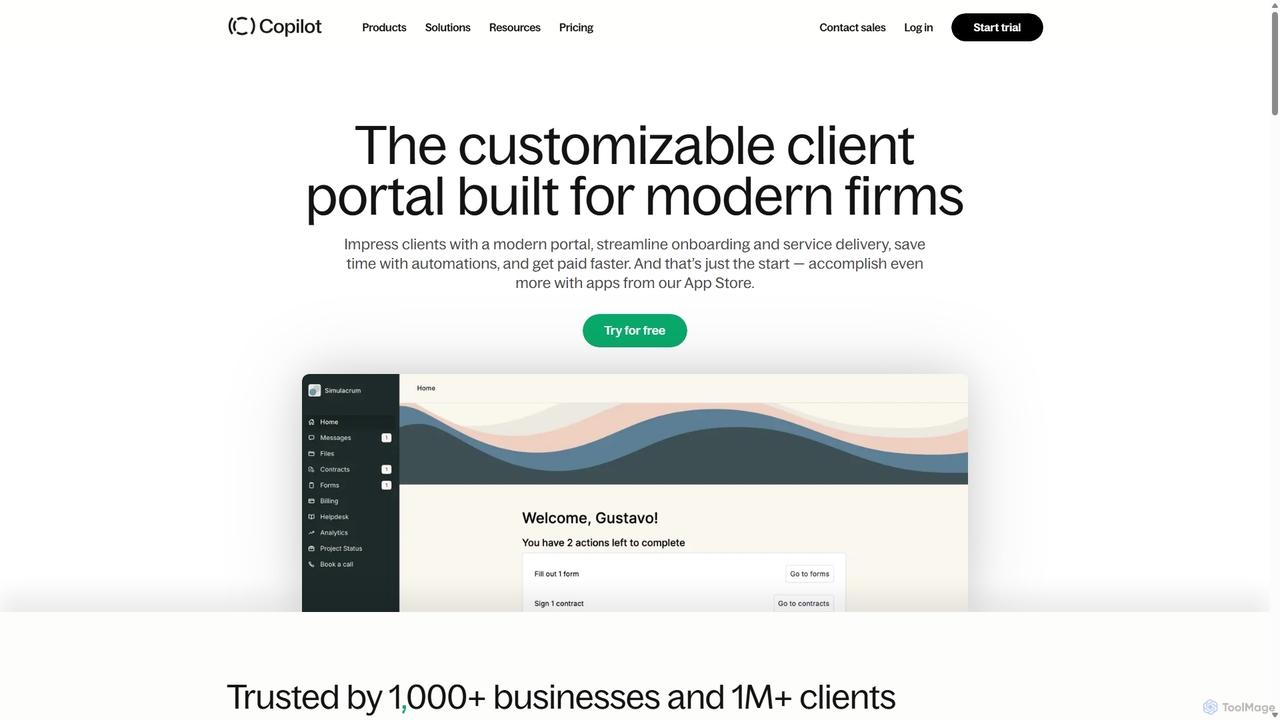
Copilot
Copilot is a comprehensive client portal software designed for service-based businesses. It provides a white-label platform to streamline client communication, billing, file sharing, and project management. With features like secure messaging, e-contracts, customizable forms, and extensive app integrations (including Zapier and Make), Copilot helps firms create a branded, unified, and professional client experience, saving time through automation and consolidating their tech stack.
CrmBillMaster Categories
BillMaster Jobs
BillMaster Embed Widget
Copy this embed code to place the badge on your blog, article, or product site and send readers directly to this ToolMage detail page.

Related AI tools
Agatha Core
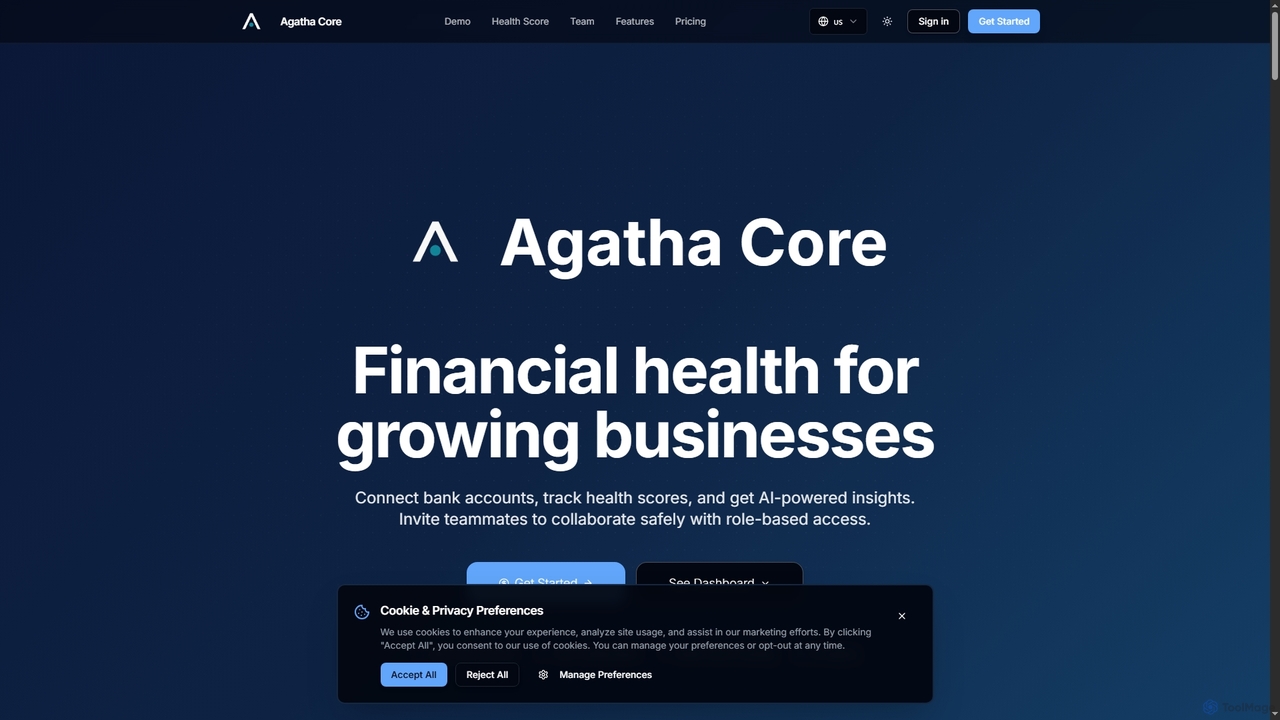
Agatha Core is an AI-powered financial management platform designed for growing businesses. It connects bank accounts, tracks financial health scores, and provides actionable AI insights to optimize revenue, control expenses, and achieve sustainable profitability. It also facilitates secure team collaboration with role-based access.
AnalyticsZumma Financial
Zumma Financial is an AI-powered financial assistant that automates expense management and invoicing for businesses in Mexico. Using its AI assistant, Zummi, users can effortlessly generate official invoices (CFDI) by simply sending a photo of their receipt via WhatsApp, saving significant time and improving financial organization.
Personal Assistant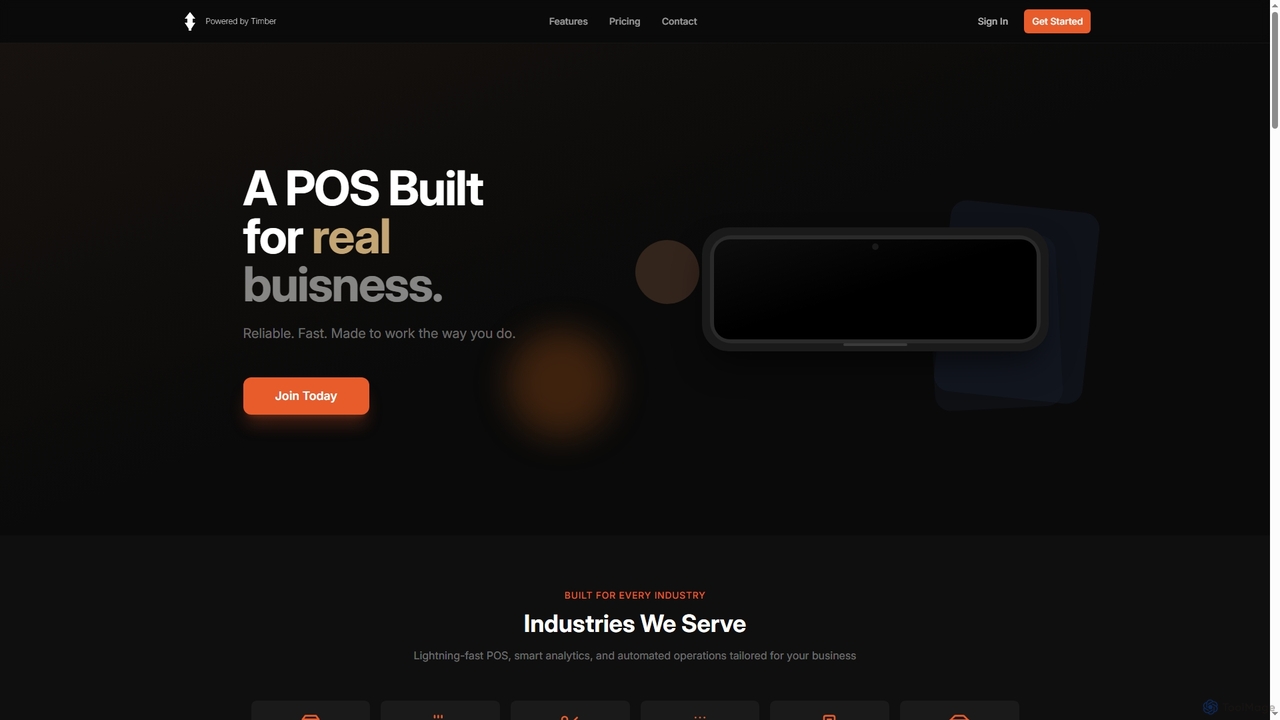
Timber POS
Timber POS is a reliable and lightning-fast point of sale system designed for small businesses across various industries. It offers smart analytics, automated operations, and flexible hardware compatibility, enabling businesses to manage sales, inventory, and customer relationships efficiently, both in-store and online.
Loyalty Programs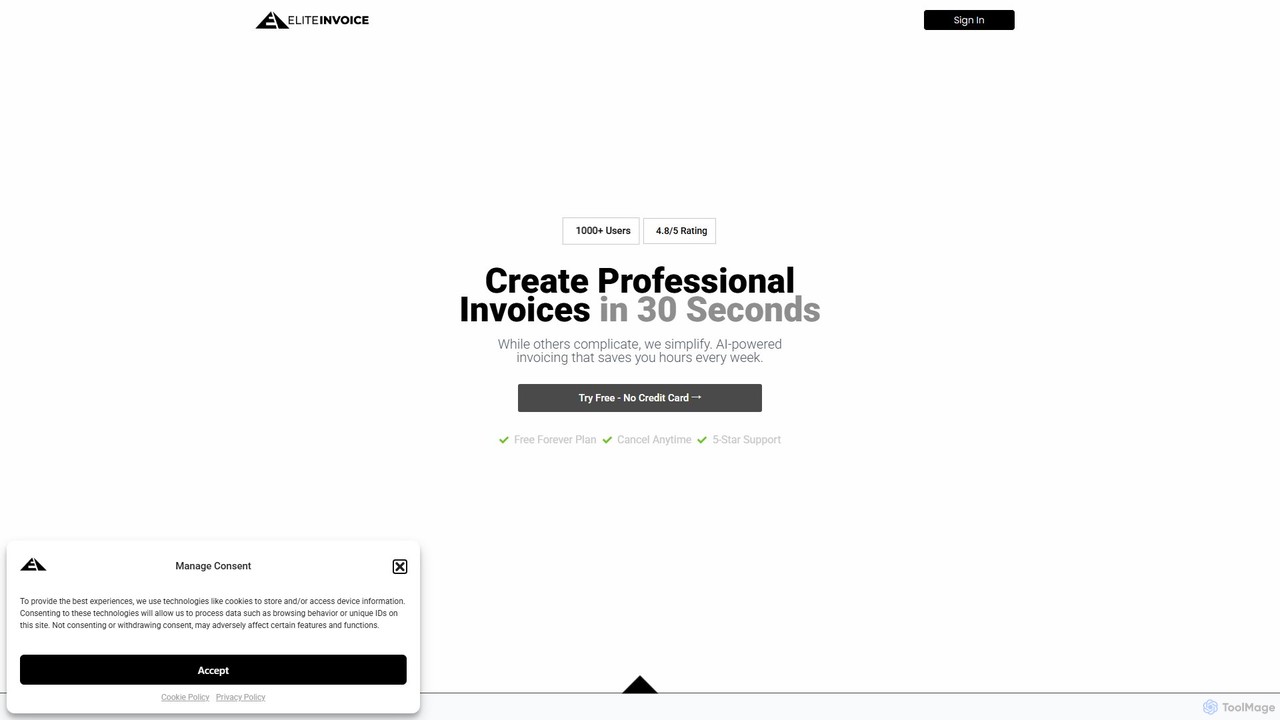
EliteInvoice
EliteInvoice is an AI-powered invoicing platform designed for freelancers and modern businesses. It simplifies the billing process, allowing you to create professional, customized invoices in under 30 seconds using natural language. The tool automates calculations, tracks payments in real-time, and provides insightful analytics to help you manage your finances efficiently and get paid faster.
Freelance Tools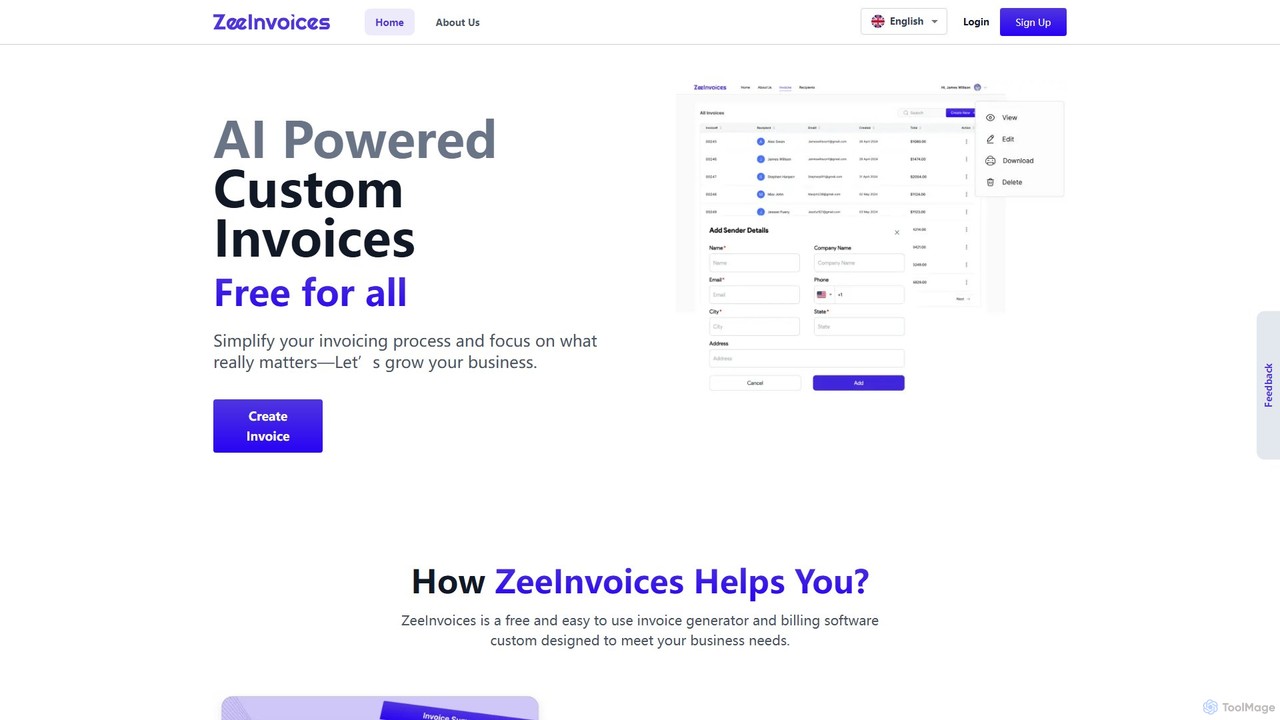
ZeeInvoices
ZeeInvoices is a free, AI-powered invoice generator designed to simplify billing for freelancers, small businesses, and e-commerce. It automates invoice creation, offers customizable templates, and provides robust tracking to help you get paid faster and focus on growing your business.
Freelance Tools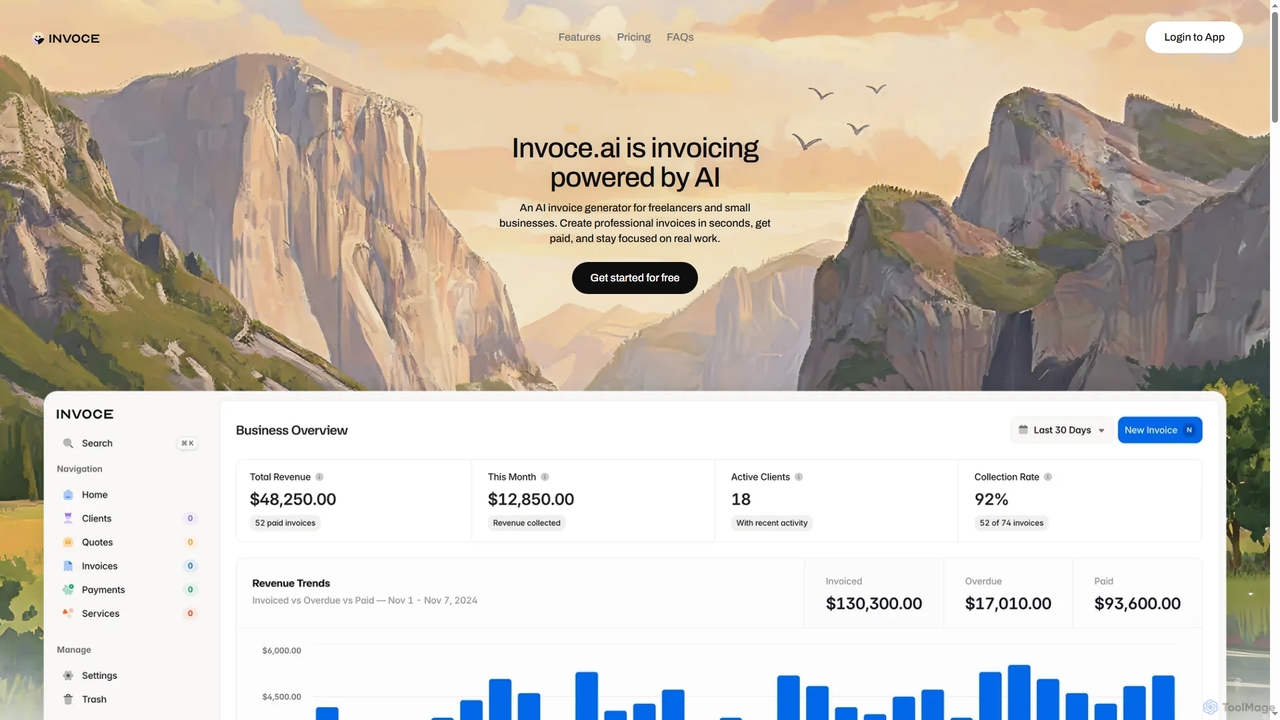
Invoce
Invoce is an AI-powered invoice generator designed for freelancers and small businesses. It allows users to quickly create professional invoices and quotes using AI or a simple manual editor, manage clients and payments, and track business growth all in one centralized platform.
Document Generation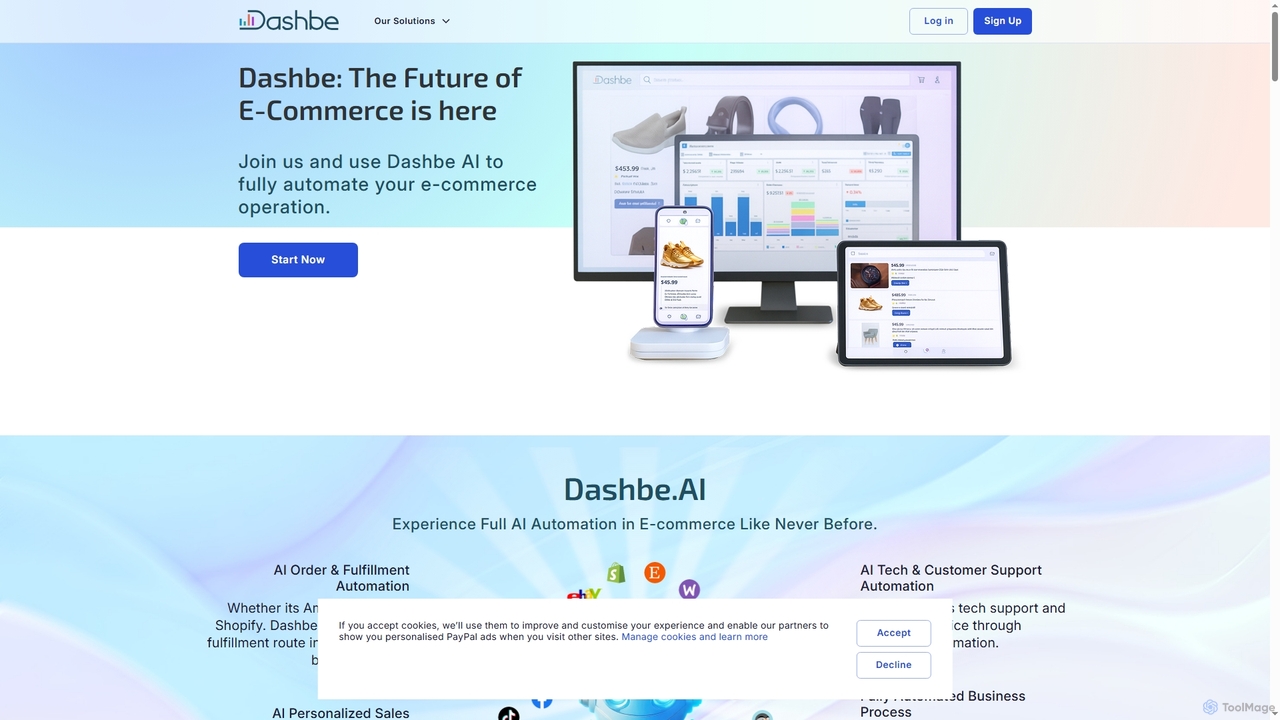
Dashbe
Dashbe is an AI-powered e-commerce automation platform designed to streamline and optimize online business operations. It offers comprehensive solutions for order fulfillment, personalized sales, marketing, customer support, inventory management, and multi-channel payment processing, empowering merchants to scale efficiently and enhance customer satisfaction.
Sales Management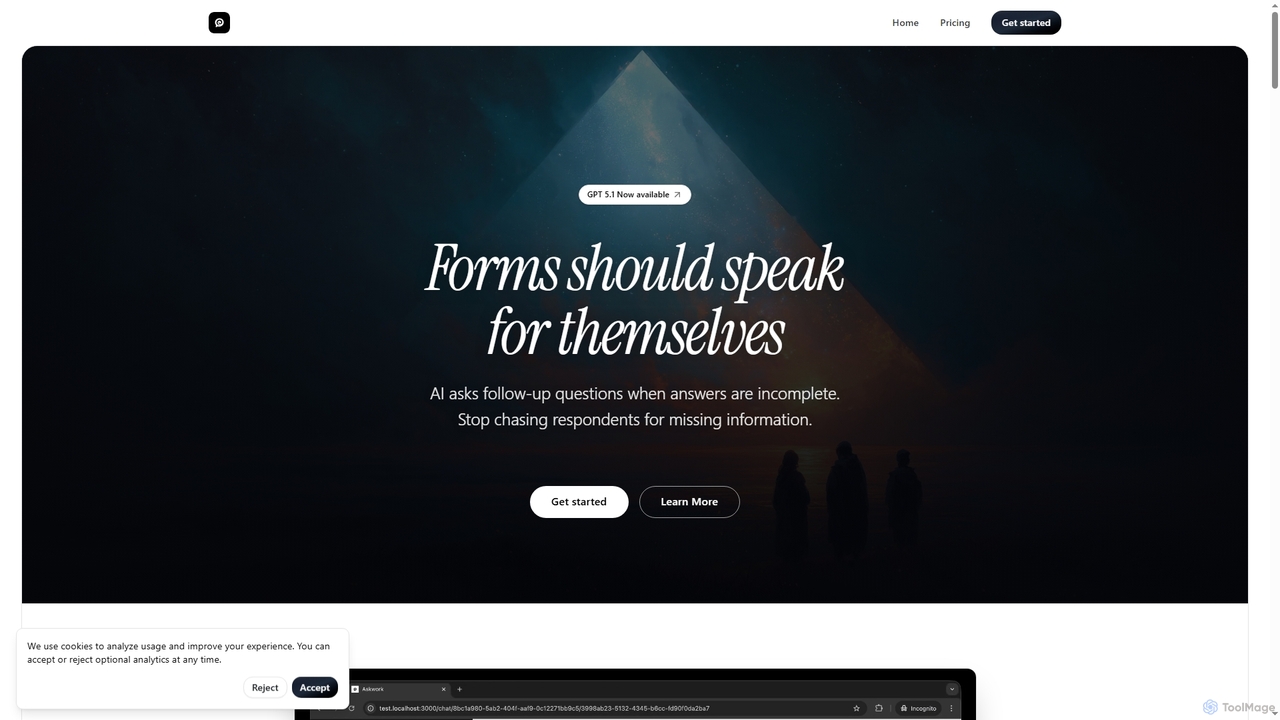
Askwork
Askwork transforms static forms into dynamic, AI-powered conversations. It automatically asks follow-up questions, validates responses in real-time, and gathers deeper, context-rich insights to boost engagement and data quality for various business needs.
SurveysSAP
SAP is a leading provider of enterprise application software, offering a comprehensive suite of AI-powered, cloud-based solutions. It helps companies of all sizes and industries manage business operations and customer relations effectively. Key areas include Cloud ERP, financial management, supply chain, human capital management, and customer experience, all integrated on a unified business technology platform.
Crm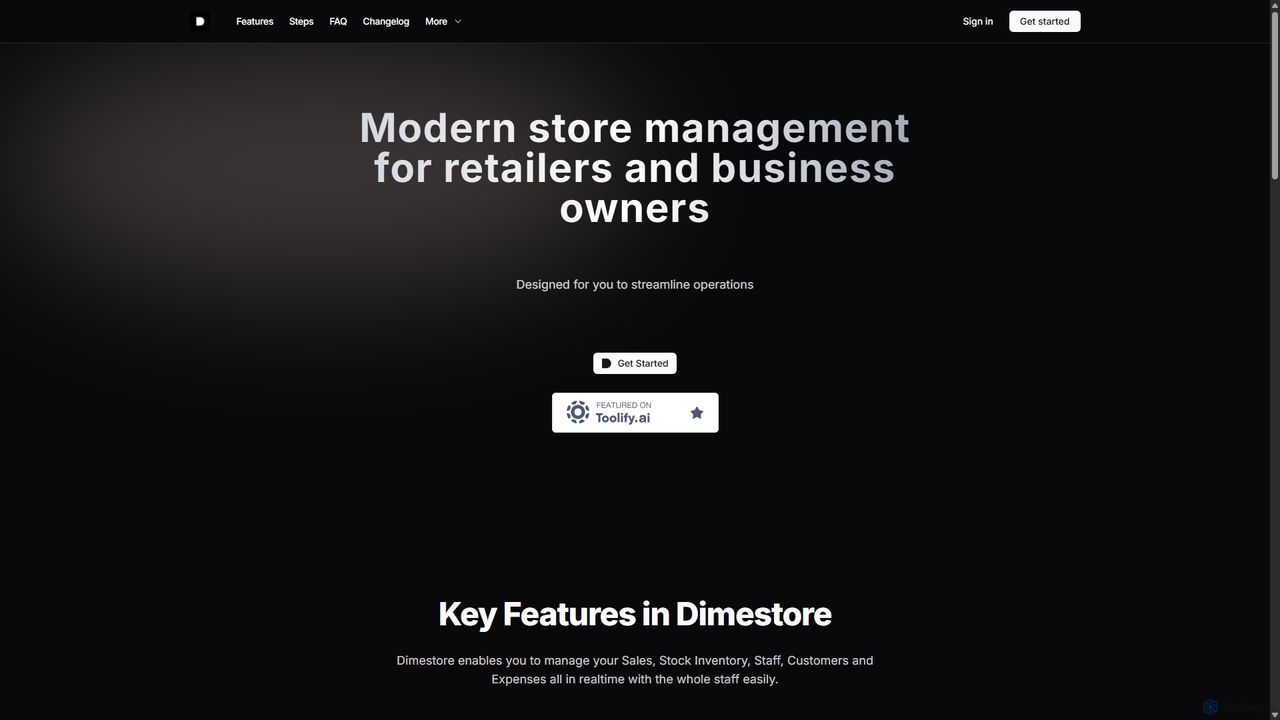
Dimestore
Dimestore is a modern, all-in-one store management solution for retailers and business owners. It streamlines operations by integrating sales processing, real-time inventory tracking, staff management, customer data, and expense reporting into a single, easy-to-use platform. Designed for efficiency, it offers powerful analytics and supports thermal printing, with an upcoming AI-powered assistant to further enhance productivity.
Retail
Jyek
Jyek is an AI agent platform that understands objectives, creates execution plans, uses tools, and delivers verifiable results for complex, multi-step tasks.
Automation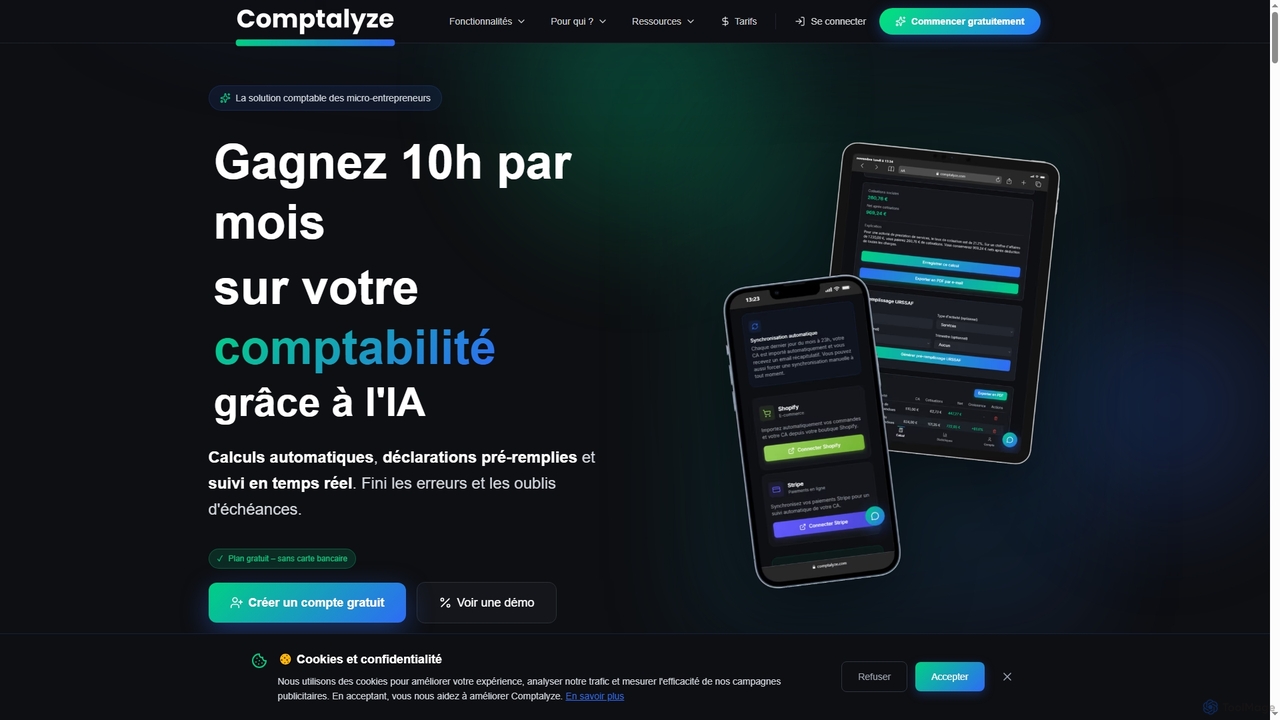
Comptalyze
Comptalyze is an AI-powered accounting solution designed specifically for micro-entrepreneurs in France. It automates URSSAF calculations, pre-fills declarations, generates professional invoices, and provides real-time financial tracking, helping users save significant time and ensure compliance with French fiscal regulations.
Tax AdvisorBuildFolio
BuildFolio is an AI-powered quoting and job management software for contractors. It automates workflows from lead capture to payment by turning job site photos into professional quotes in seconds, managing projects in a central hub, and automating follow-ups and invoicing.
Crm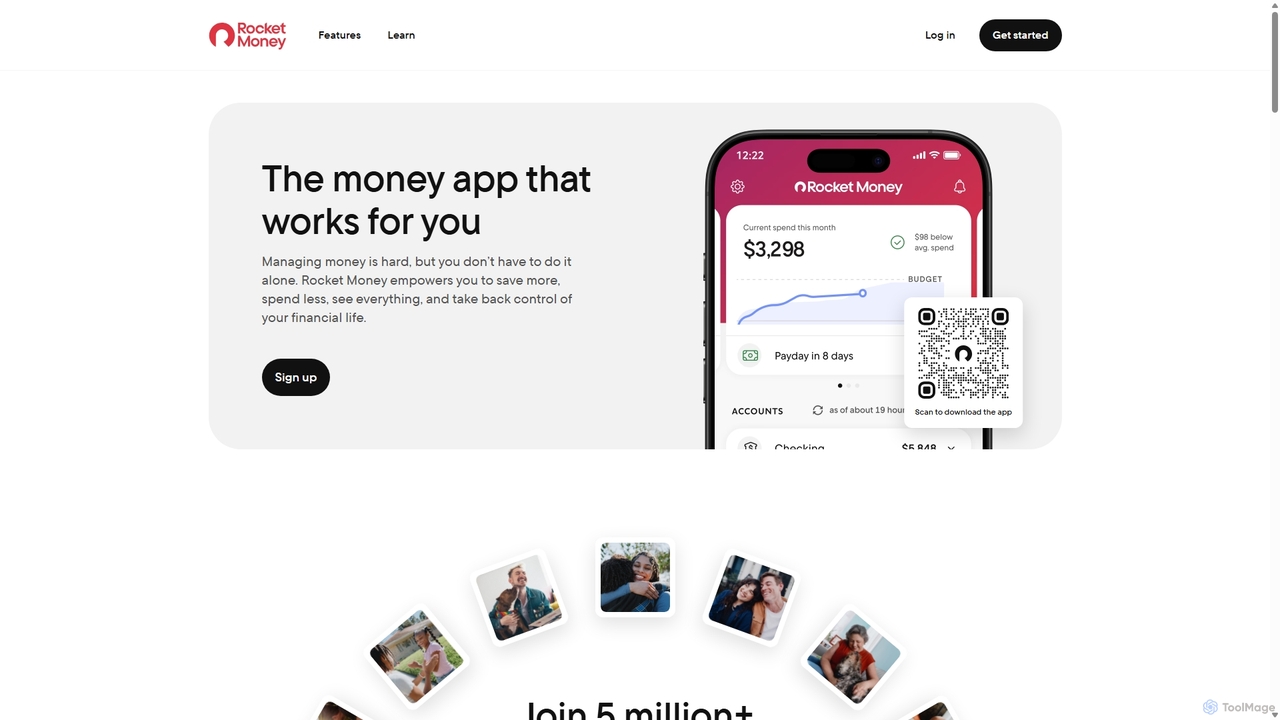
Rocket Money
Rocket Money (formerly Truebill) is an all-in-one personal finance app that helps you manage subscriptions, track spending, create budgets, and lower your bills. It provides a complete overview of your financial health to empower you to save more and spend less.
Expense Tracking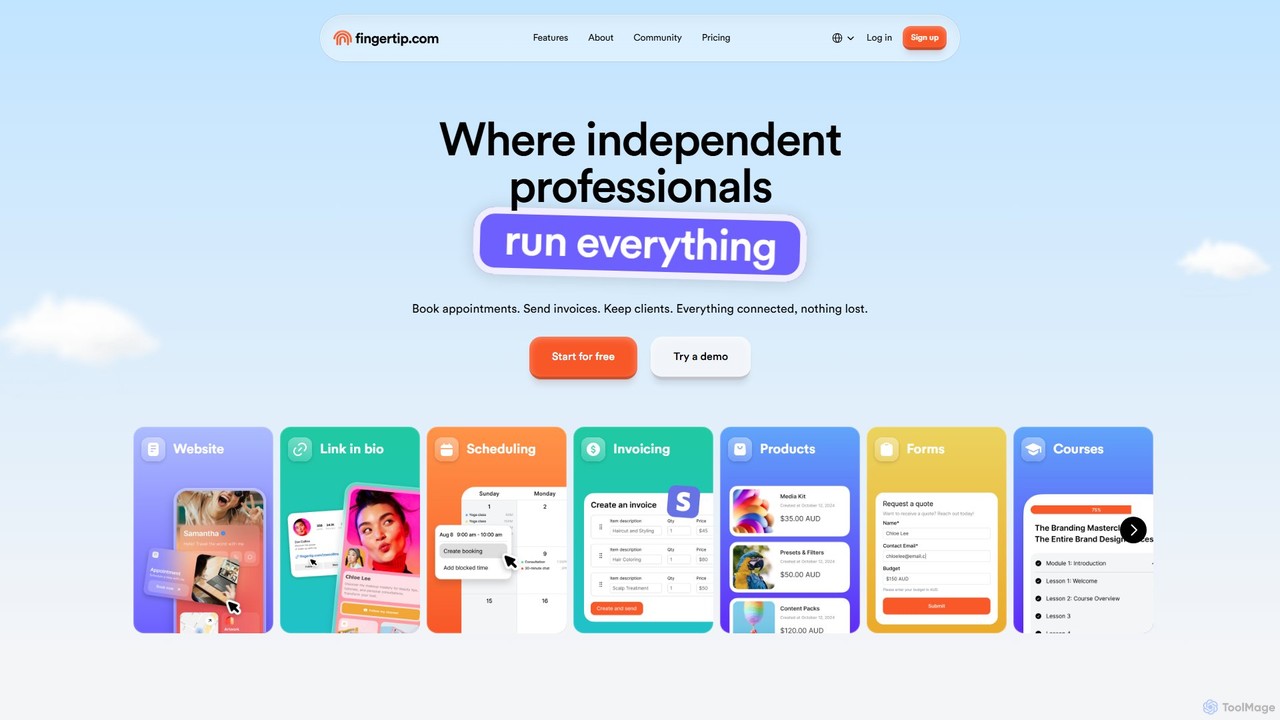
Fingertip
Fingertip is an all-in-one business platform designed for independent professionals, freelancers, and small businesses. It consolidates essential tools like appointment scheduling, invoicing, a website and link-in-bio builder, e-commerce, and marketing into a single, connected system. With an AI-powered setup, Fingertip helps you save time and money by streamlining your entire business operation, from winning leads to getting paid.
Invoicing
BillMaster Comments (0)
Sign in to comment.
Sign inNo comments yet.