

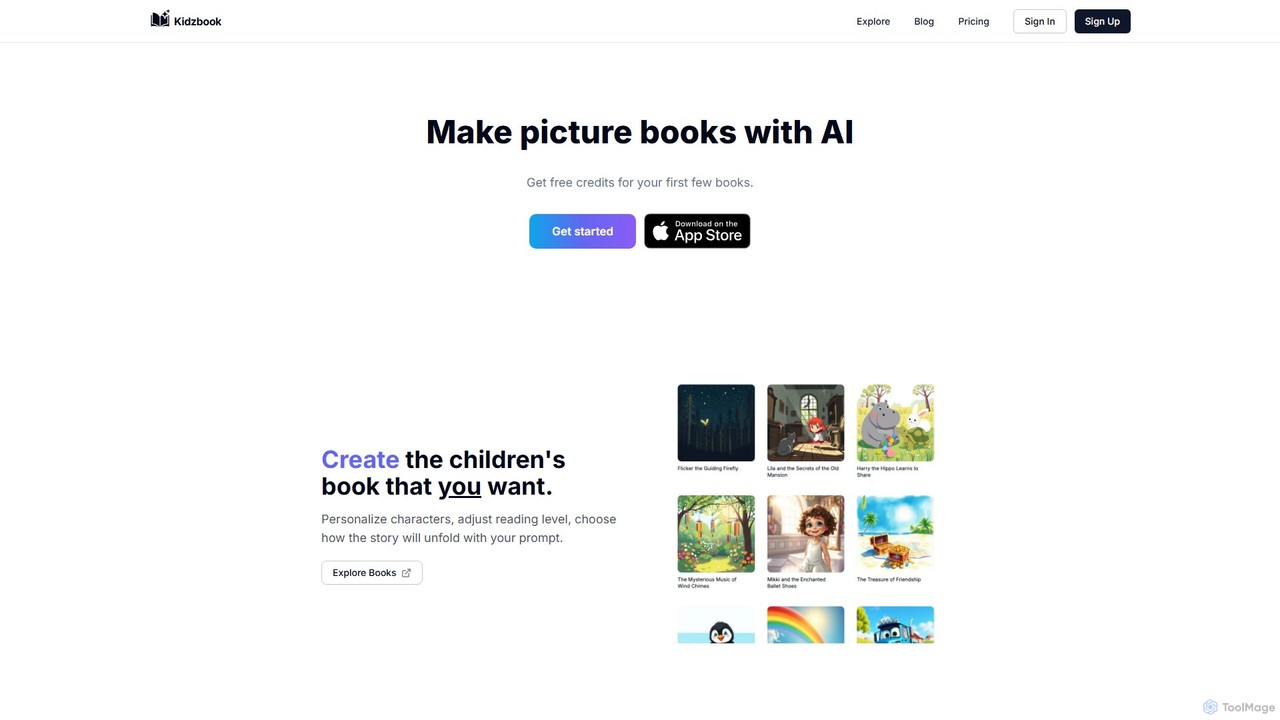
Kidzbook Overview
Kidzbook is an innovative AI-powered platform that empowers anyone to create, edit, and print personalized children's books. It's designed to spark creativity and make storytelling a collaborative and magical experience. By simply providing a prompt, users can generate complete stories with beautiful, AI-created illustrations. The platform offers deep personalization, allowing you to customize characters, adjust the reading level to suit different age groups, and guide the narrative's direction.
Beyond basic creation, Kidzbook is a powerful tool for education and connection. It breaks down language barriers by translating books into over 20 languages. A standout feature is the ability to display two languages simultaneously on the page, making it an excellent resource for bilingual families and language learners. Every book can also be transformed into an engaging audiobook with high-quality voice narration, available in all supported languages. For those who prefer a screen-free experience, Kidzbook allows you to download your creations as print-ready PDFs, including a special 'Booklet' layout that can be easily folded into a physical book.
How to use Kidzbook
Using Kidzbook is a simple and intuitive process:
- Start with an Idea: Begin by writing a prompt that describes the story you want to create. This can be about anything—a magical adventure, a day in the life of a pet, or a story featuring your child as the hero.
- Personalize Your Story: Customize the main characters and adjust the reading level to be age-appropriate for your audience.
- Generate with AI: The AI will take your prompt and personalization details to generate a unique story complete with text and illustrations.
- Edit and Refine (Subscription Feature): With a subscription plan, you gain access to the book editor. Here, you can modify the story's text, change image prompts to regenerate illustrations, and select from previously generated images to perfectly match your vision.
- Translate and Go Bilingual: Translate your entire book into one of the 20+ available languages. You can also choose to display two languages side-by-side to create a bilingual learning tool.
- Create an Audiobook: With a single click, generate a high-quality audio narration of your book in any of the supported languages.
- Download and Print: Export your finished book as a high-resolution PDF. Choose from multiple layout options, including the 'Booklet' format for easy home printing and assembly.
Core Features of Kidzbook
- AI Story & Illustration Generation: Create unique children's books from simple text prompts.
- Character Personalization: Customize characters to resemble your child, family, or friends.
- Adjustable Reading Level: Tailor the story's complexity and vocabulary for different age groups.
- Advanced Book Editor: Subscribers can edit text, modify image prompts, and fine-tune every aspect of the book.
- Multilingual Translation: Translate stories into over 20 languages to reach a global audience or for educational purposes.
- Bilingual Book Display: Show two languages at once to boost language learning in an engaging way.
- High-Quality Audio Narration: Turn any book into an audiobook with natural-sounding voices in all available languages.
- Print-Ready PDF Downloads: Export your book as a PDF, with options for standard printing or a foldable booklet layout.
- iOS App: Create and read books on the go with the dedicated mobile app for iOS.
Use Cases for Kidzbook
Kidzbook is versatile and can be used by various people for different purposes:
- Parents: Create personalized bedtime stories starring their own children, making reading time more special and engaging.
- Educators: Develop custom teaching materials, themed stories for classroom activities, or language-learning resources using the bilingual feature.
- Language Learners: A fun and visual tool for children and adults to learn new vocabulary and grammar in context.
- Gift Givers: Design a truly unique and heartfelt gift for birthdays, holidays, or other special occasions.
- Aspiring Authors: Quickly prototype story ideas and visualize them with illustrations without needing artistic skills.
Advantages of Kidzbook
The platform offers several key advantages:
- Fosters Creativity: Empowers children and adults to bring their imaginative stories to life.
- Educational: Makes language learning interactive and effective through visual and auditory storytelling.
- Highly Customizable: Offers deep control over the story, characters, and visuals for a truly personal result.
- Accessible: Provides both digital and physical reading options, catering to different preferences and reducing screen time.
- User-Friendly: An intuitive interface makes book creation easy for users of all technical skill levels.
- Cost-Effective: A generous free plan allows users to try the platform, with affordable subscriptions for more advanced features and higher usage.
Pricing and Plans
Kidzbook offers a freemium model with several tiers to suit different needs (All prices in USD and subject to change):
- Free Plan: $0/month. Includes creation of 2 books per month and 10 image edits per month. Does not include access to the book editor.
- Starter Plan: $4.99/month. Includes creation of 10 books per month, 100 image edits per month, and full access to the book editor.
- Plus Plan: $9.99/month. Includes creation of 25 books per month, 500 image edits per month, and full access to the book editor.
- Pro Plan: $19.99/month. Includes creation of 50 books per month, 1500 image edits per month, and full access to the book editor.
Traffic
Latest traffic
Status
Monthly traffic trend
- 2025-9: 412
- 2026-1: 0
- 2026-2: 0
- 2026-3: 1.3K
- 2026-4: 747
- 2026-5: 392
Geography
Top 5 countries / regions
- 🇧🇷Brazil100.0%
Top keywords
| Keyword | Cost per click |
|---|---|
| ai for kids book | $0.00 |
| ai kids book | $0.00 |
Kidzbook Alternatives
Infinite Pages
Infinite Pages is an AI-powered platform that lets you create personalized, interactive picture books. You can become the main character of your own story, with unique text and illustrations generated by artificial intelligence, making storytelling magical and engaging for children.
Illustration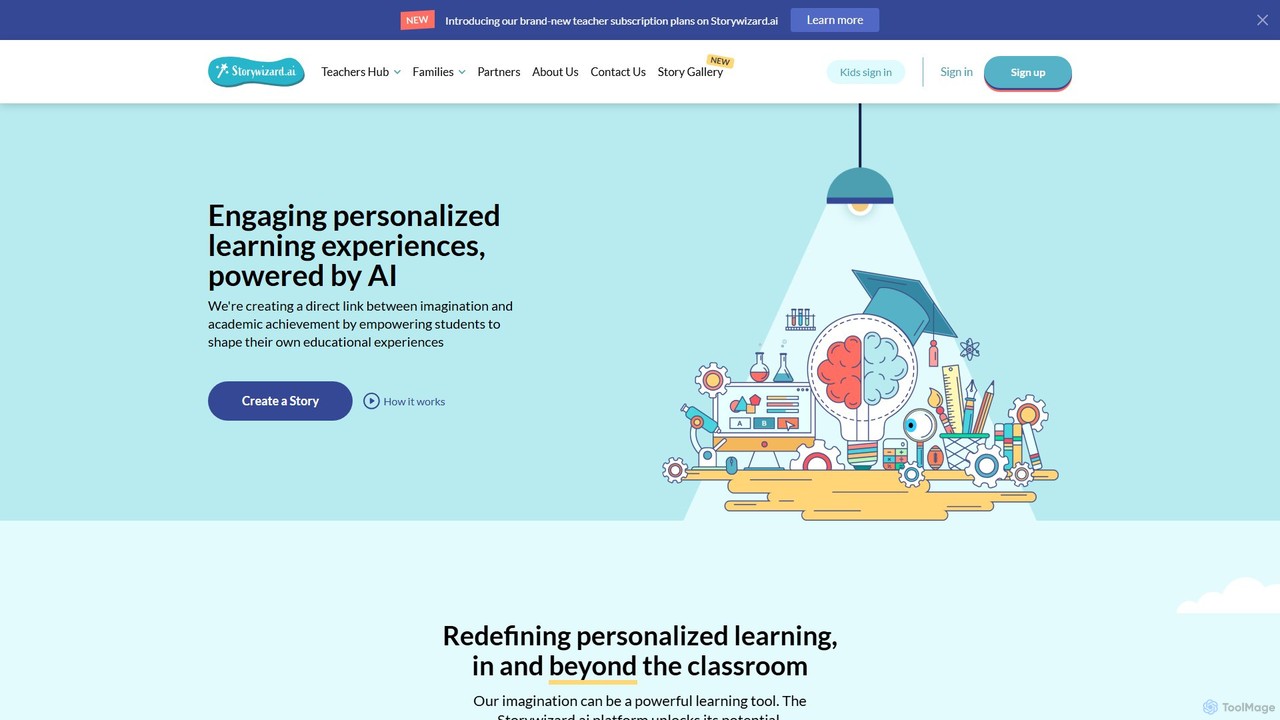
Storywizard.ai
Storywizard.ai is an AI-powered platform designed to create personalized and engaging learning experiences for children. It enables families and educators to generate unique stories with illustrations, turning any child into the hero of their own adventure. The tool supports differentiated learning with customizable assignments, vocabulary controls, and progress tracking, making education both fun and effective.
Generative Ai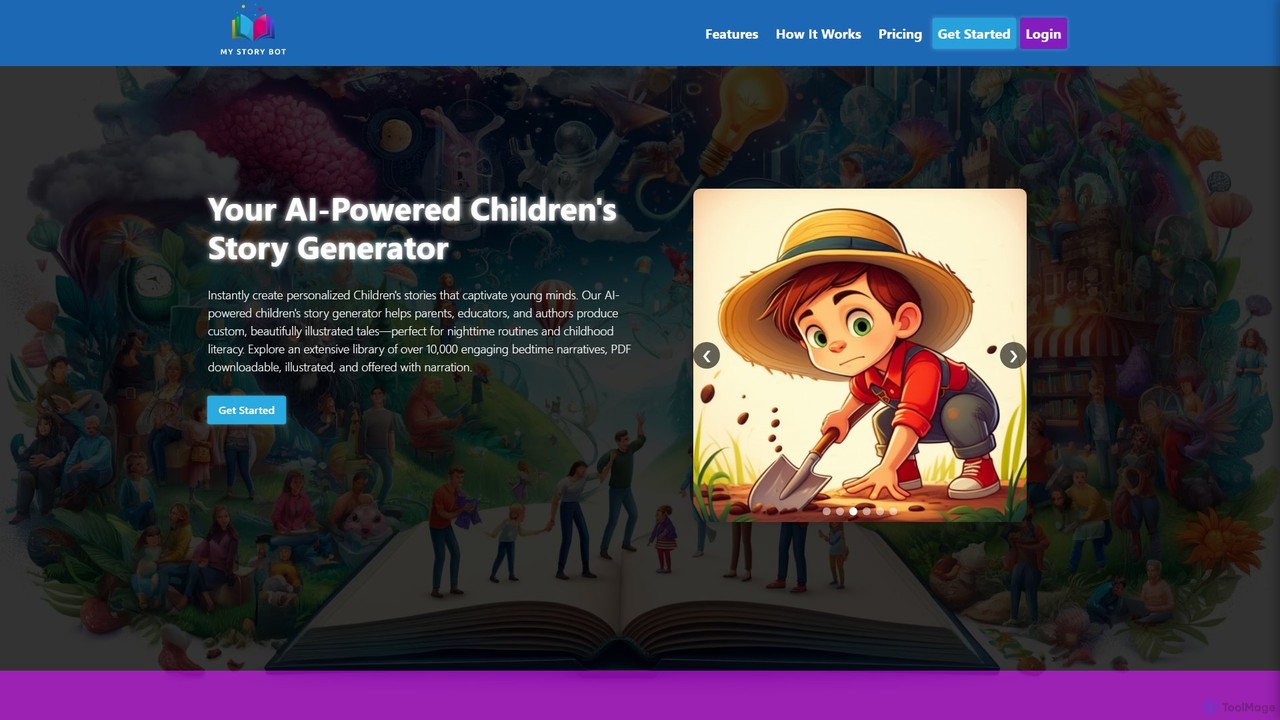
mystorybot
MyStoryBot is an AI-powered children's story generator that creates personalized, illustrated tales. It allows users to turn photos into consistent story characters, guide the narrative through interactive choices, and generate high-quality illustrations and narration. It's designed for parents, educators, and authors, offering a commercial license to print, distribute, and sell the created books.
Art Generation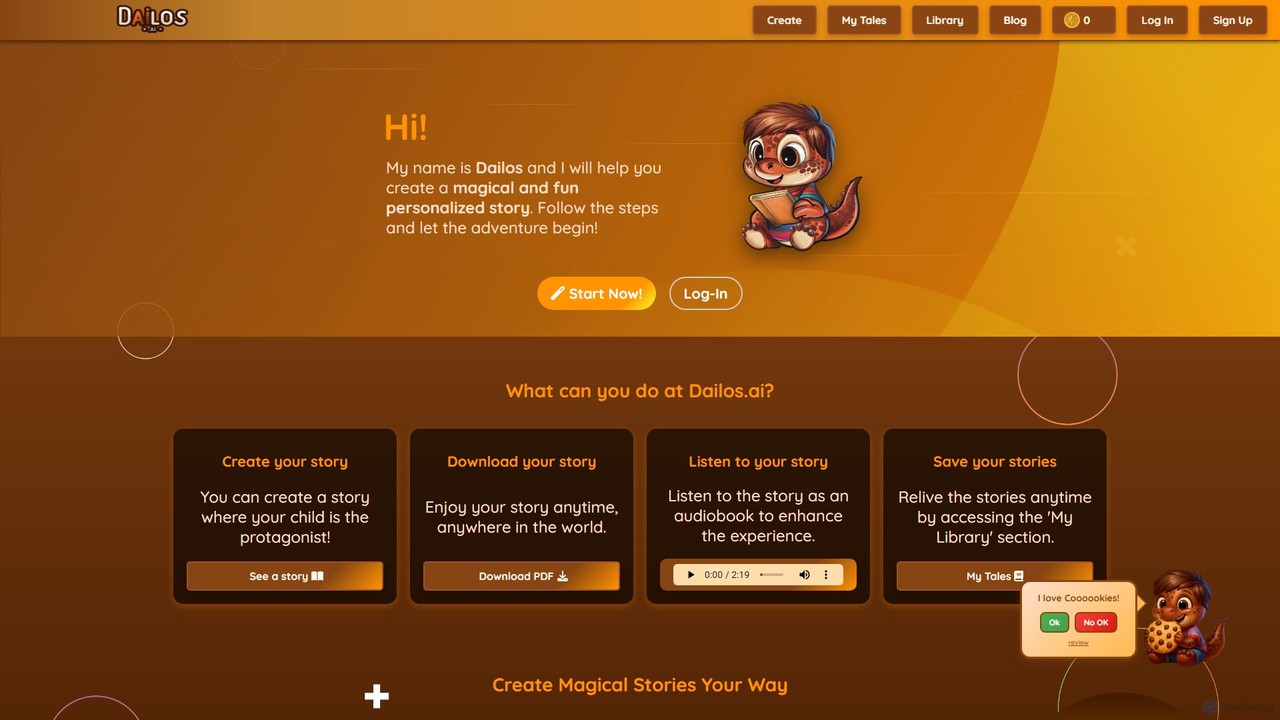
Dailos
Dailos is an AI-powered platform designed to create magical and personalized children's stories. It allows users to make their child the protagonist of their own adventure, embedding positive values and educational content. With features like audiobook generation, PDF downloads, and multilingual support, Dailos transforms storytelling into an interactive and enriching experience for both parents and educators.
Audiobook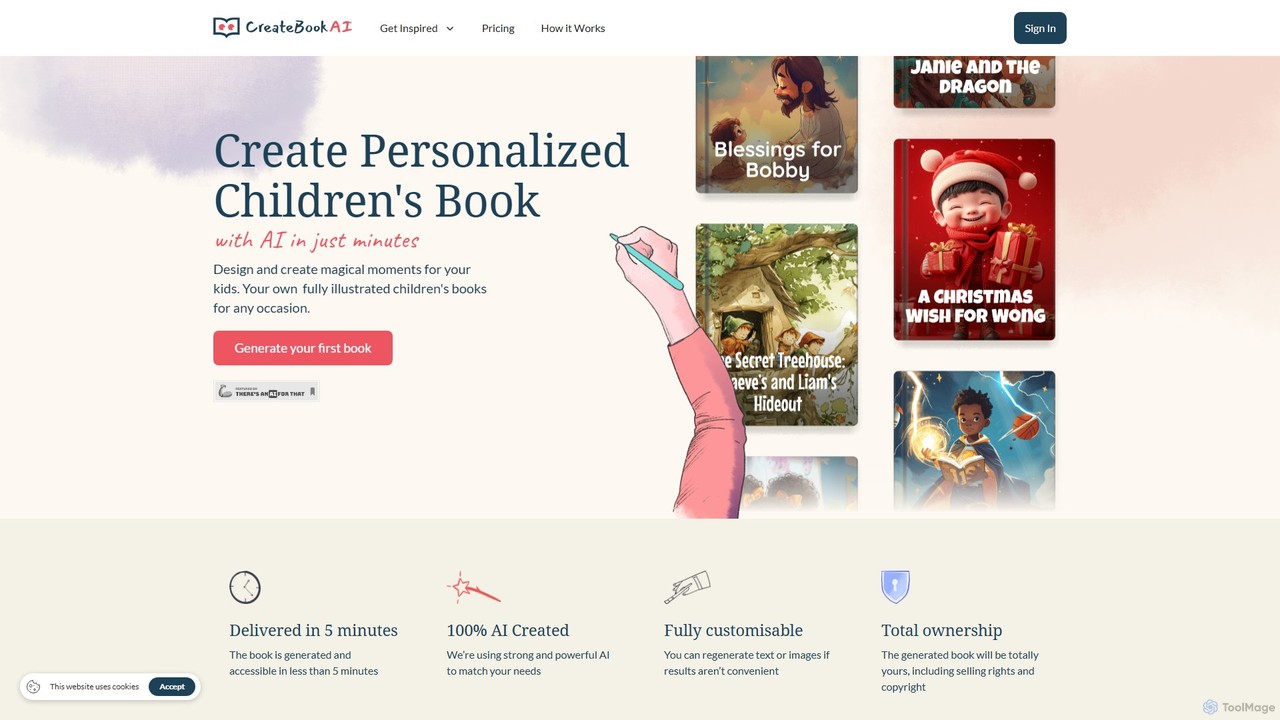
CreateBookAI
CreateBookAI is an AI-powered platform that enables users to generate fully illustrated, personalized children's books in minutes. Design unique stories for any occasion, customize characters and plots, and receive a print-ready PDF. You retain full ownership and commercial rights, making it perfect for parents, educators, and aspiring authors.
Image GenerationKidzbook Categories
Kidzbook Embed Widget
Copy this embed code to place the badge on your blog, article, or product site and send readers directly to this ToolMage detail page.

Related AI tools
Storybooks
Storybooks is an AI-powered platform designed to create unique, personalized, and beautifully illustrated storybooks in minutes. It empowers parents, educators, and writers to generate engaging narratives and corresponding visuals from simple prompts. Turn any idea into a complete storybook, fostering creativity and a love for reading for all ages.
Image Generation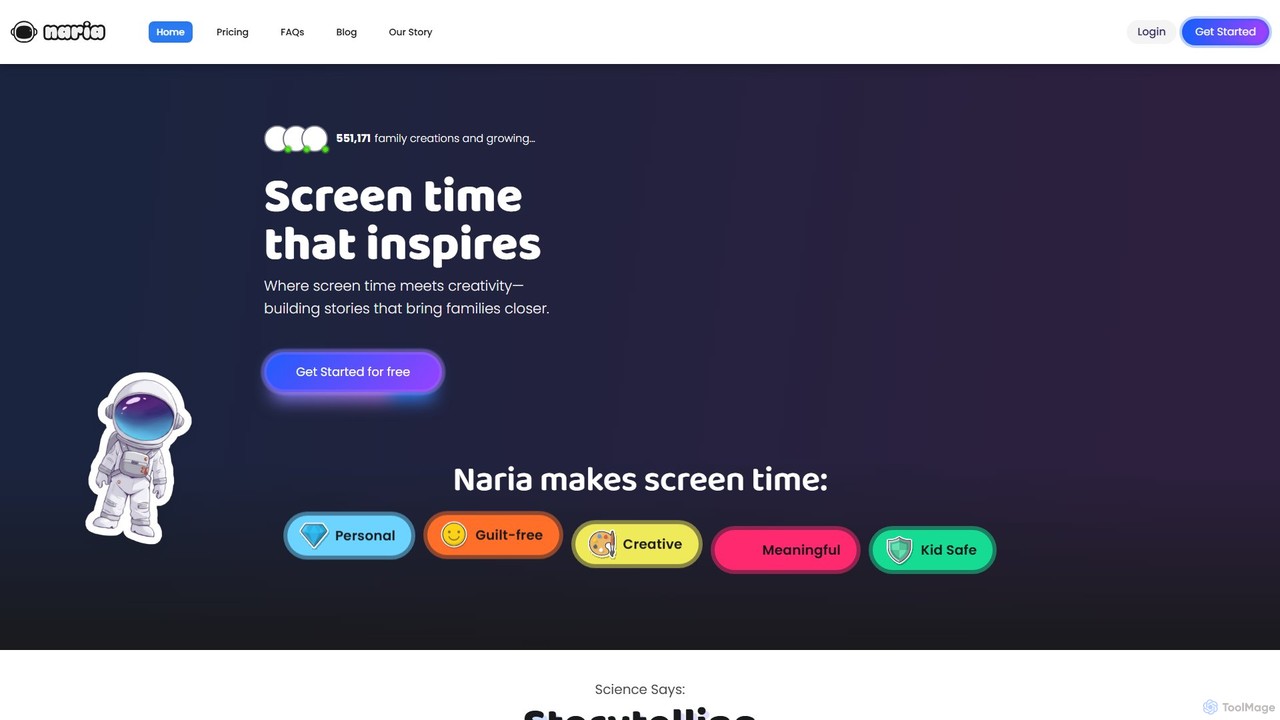
Naria
Naria is an AI-powered storytelling platform that transforms screen time into a creative and educational experience for families. It allows users to create personalized characters and stories, fostering literacy, creativity, and emotional intelligence in children through interactive and collaborative fun.
Story Generation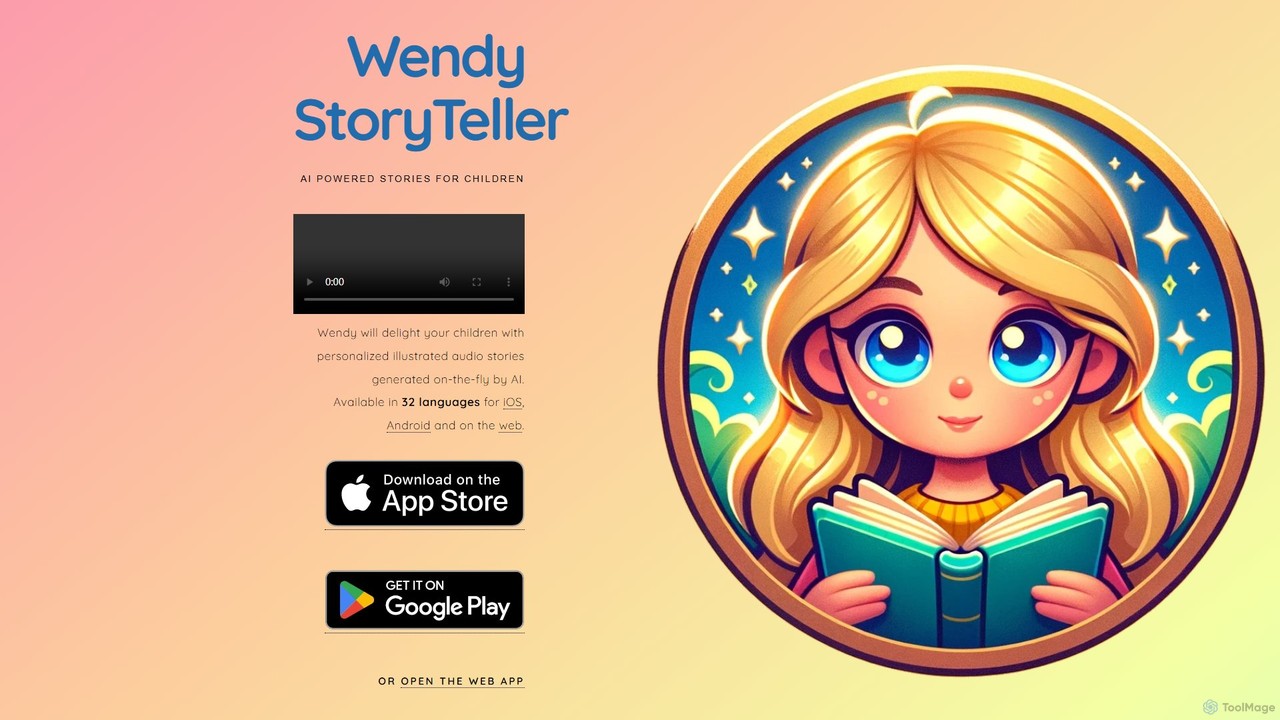
wendystoryteller
An AI-powered platform that generates personalized, illustrated audio stories for children on demand. Available in 32 languages, it creates unique tales with custom characters and themes, accessible on iOS, Android, and the web, making storytelling magical and interactive.
StorytellingInfinite Pages
Infinite Pages is an AI-powered platform that lets you create personalized, interactive picture books. You can become the main character of your own story, with unique text and illustrations generated by artificial intelligence, making storytelling magical and engaging for children.
Illustration
magicalchildrensbook
An AI-powered platform that creates unique, personalized children's books. Turn a child into the hero of their own story by uploading a photo and personal details, generating a complete book with custom text and illustrations. A perfect, lasting gift for any occasion.
Illustration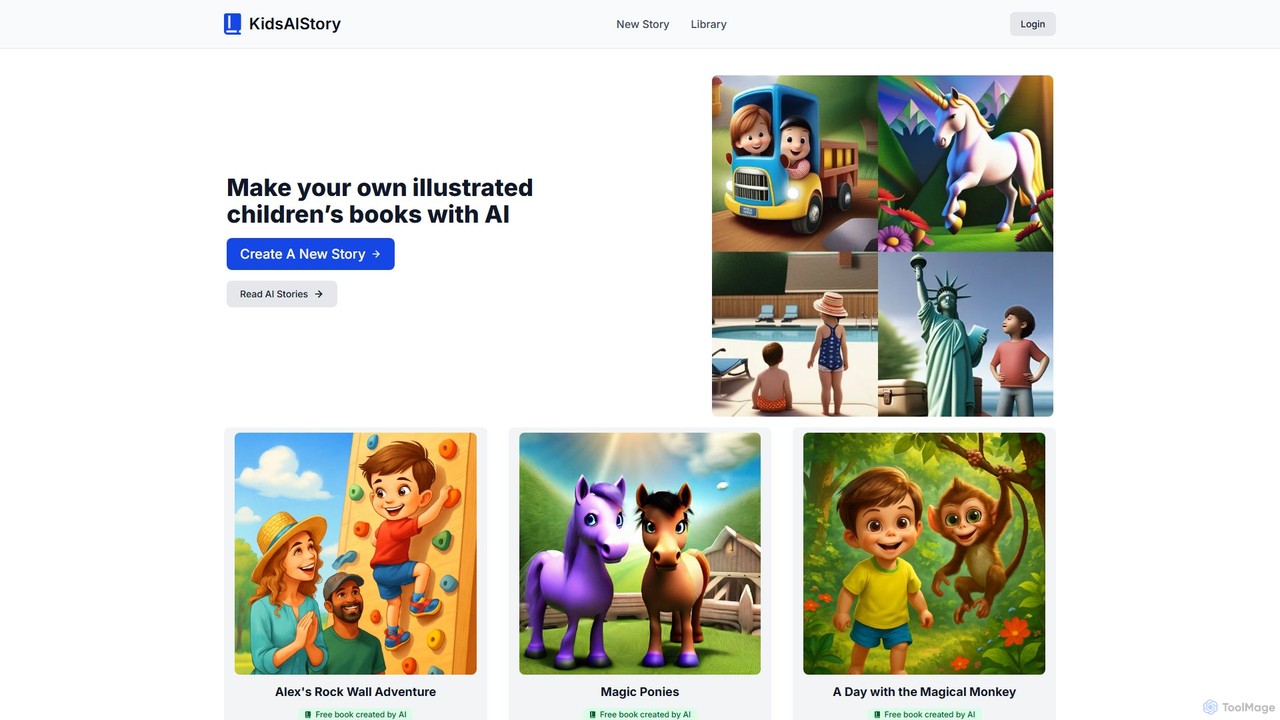
KidsAIStory
KidsAIStory is an AI-powered platform that enables users to create personalized, illustrated children's books in minutes. Simply provide a story idea, select the child's age and story length, and the AI generates both the narrative and accompanying images, making storytelling accessible and fun for parents, educators, and children.
Image Generation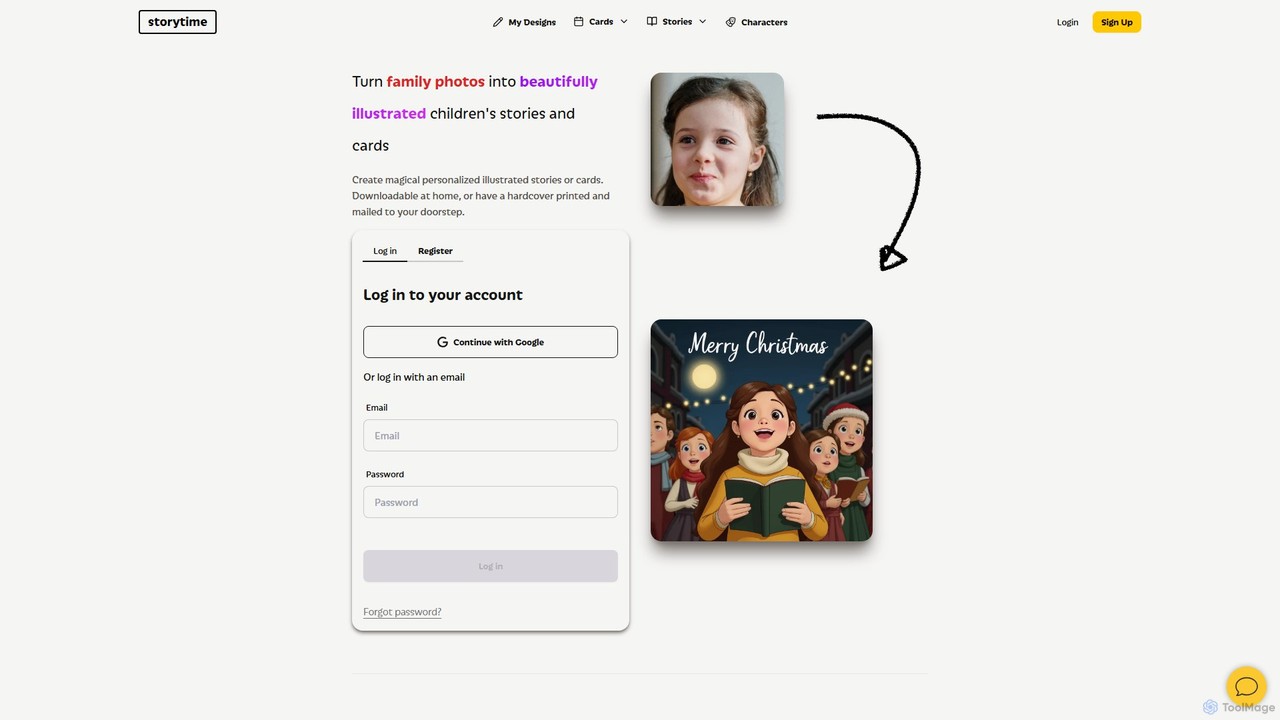
Storytime
Storytime is an AI-powered platform that transforms your family photos and ideas into beautifully illustrated, personalized children's picture books. Create unique stories with custom text, generate illustrations from descriptions, and cast your own family members as the main characters. Download your creation or order a high-quality hardcover book to create lasting family memories.
Illustration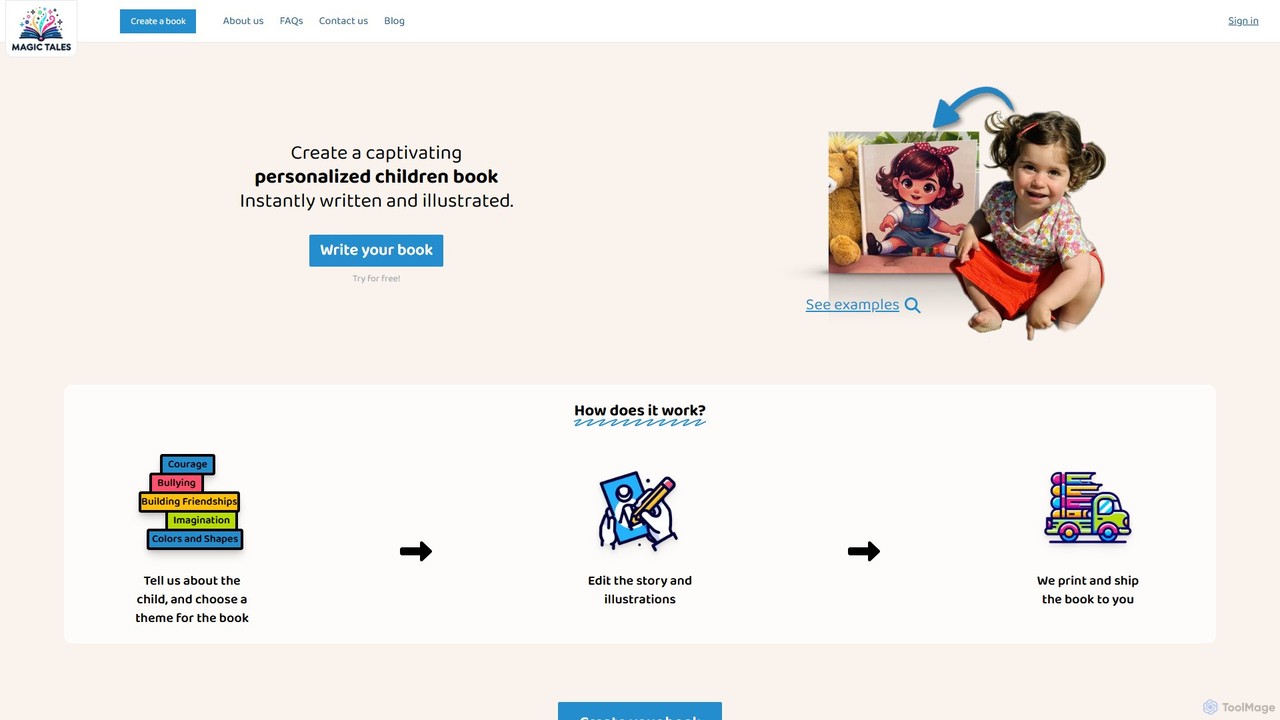
Magic Tales
Magic Tales is an AI-powered platform that instantly creates personalized and illustrated children's books. Simply provide your child's name and choose a theme, and the AI generates a unique story and artwork. You can fully edit the content before ordering a beautifully printed hardcover book, making it a perfect, meaningful gift that helps children see themselves as the hero of their own story.
Illustration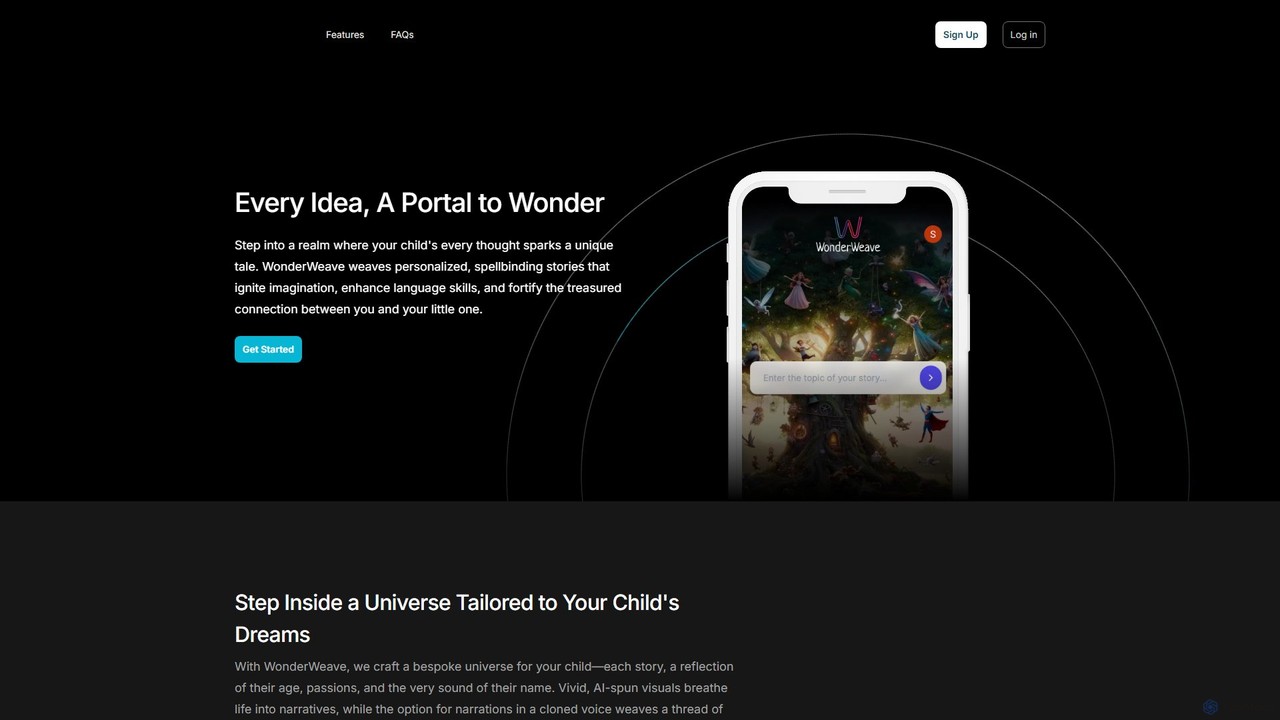
WonderWeave
WonderWeave is an AI-powered platform that creates personalized, spellbinding stories for children aged 3-12. By using a child's name, age, and interests, it generates unique tales complete with AI-spun visuals. A standout feature is the ability to narrate stories using a cloned voice of a parent or loved one, fostering a deep emotional connection. It's designed to ignite imagination, enhance language skills, and make storytelling a magical, shared experience.
Writing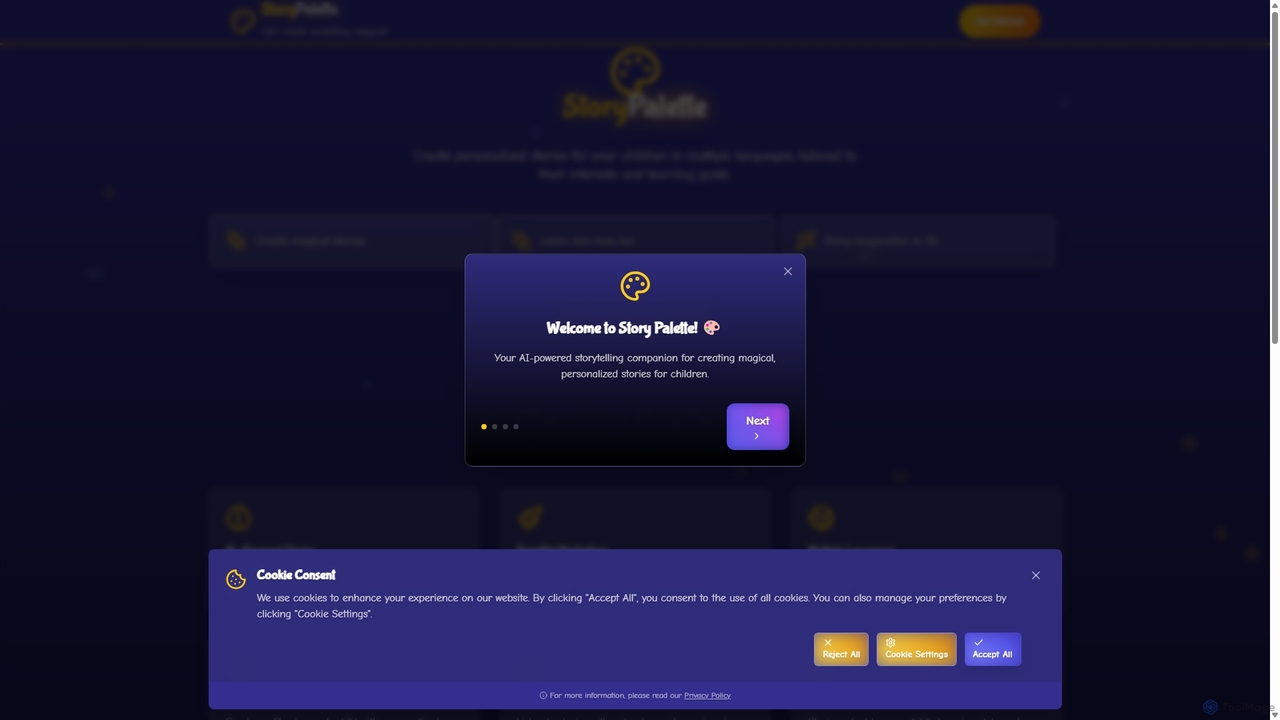
Story Palette
Story Palette is an AI-powered platform for creating personalized children's stories. It generates unique tales with beautiful illustrations, tailored to a child's interests and learning goals. Available in multiple languages with audio narration, it's a magical tool for parents and educators to foster imagination and learning.
WritingStorywizard.ai
Storywizard.ai is an AI-powered platform designed to create personalized and engaging learning experiences for children. It enables families and educators to generate unique stories with illustrations, turning any child into the hero of their own adventure. The tool supports differentiated learning with customizable assignments, vocabulary controls, and progress tracking, making education both fun and effective.
Generative Ai
Jyek
Jyek is an AI agent platform that understands objectives, creates execution plans, uses tools, and delivers verifiable results for complex, multi-step tasks.
Automationmystorybot
MyStoryBot is an AI-powered children's story generator that creates personalized, illustrated tales. It allows users to turn photos into consistent story characters, guide the narrative through interactive choices, and generate high-quality illustrations and narration. It's designed for parents, educators, and authors, offering a commercial license to print, distribute, and sell the created books.
Art GenerationDailos
Dailos is an AI-powered platform designed to create magical and personalized children's stories. It allows users to make their child the protagonist of their own adventure, embedding positive values and educational content. With features like audiobook generation, PDF downloads, and multilingual support, Dailos transforms storytelling into an interactive and enriching experience for both parents and educators.
AudiobookCreateBookAI
CreateBookAI is an AI-powered platform that enables users to generate fully illustrated, personalized children's books in minutes. Design unique stories for any occasion, customize characters and plots, and receive a print-ready PDF. You retain full ownership and commercial rights, making it perfect for parents, educators, and aspiring authors.
Image Generation
Kidzbook Comments (0)
Sign in to comment.
Sign inNo comments yet.