


Latexwriter Overview
Latexwriter is a powerful and intuitive LaTeX editor built to streamline the process of creating professional and academic documents. It uniquely combines the speed of offline compilation with the convenience of real-time collaboration, addressing the common pain points of traditional LaTeX workflows. Users can compile complex documents in under a second directly on their computer without waiting for online servers. The platform is designed for simplicity, allowing users to focus on content rather than formatting, with features like a math symbol keyboard, AI-powered assistance, and a smart toolbar for quick formatting.
How to use Latexwriter
Start by downloading the application for Windows. Once installed, you can create a new project or upload an existing one. Use the intuitive editor to write your content, leveraging the smart toolbar for formatting text, adding sections, and inserting citations. For mathematical equations, the on-screen math keyboard provides easy access to symbols and formulas. Collaborate with team members in real-time, seeing their changes instantly. The auto-compilation feature shows a live PDF preview as you type. Finally, use the version history system to save milestones and restore previous versions with a single click.
Core Features of Latexwriter
- Lightning Fast Offline Compilation: Compile complex LaTeX documents locally in under a second, eliminating the lag and timeouts of online editors.
- Real-time Collaboration: Work seamlessly with unlimited collaborators on the same document, with changes appearing instantly for all users.
- Unlimited Version History: Track all changes with a commit-style system and restore any previous version of your document with one click.
- Simple Math Keyboard: Insert complex mathematical symbols and formulas quickly using an intuitive on-screen keyboard, without needing to memorize LaTeX commands.
- AI Seek (Ask Gemini): Get instant answers to questions about LaTeX commands, formatting, or content suggestions directly within the editor.
- Error Assistance: Understand and fix LaTeX errors easily with plain-language explanations and clear instructions.
- Smart Toolbar & Auto-Save: Format text, structure documents, and insert elements with one-click tools, while all your work is saved automatically in the background.
Use Cases for Latexwriter
Latexwriter is ideal for a wide range of professional and academic writing tasks. Students and researchers can use it to write theses, dissertations, and research papers with precise formatting and citation management. It is perfectly suited for creating scientific journals and technical reports in STEM fields, handling complex equations and figures with ease. Professionals can build structured, ATS-friendly resumes and CVs. It's also a great tool for publishing books and e-books, designing templates for invoices or forms, and preparing multilingual documents with full Unicode support.
Advantages of Latexwriter
Latexwriter's primary advantage is its hybrid approach, offering the speed of offline editors and the collaborative power of online platforms. Unlike competitors, it eliminates slow compilation times while providing seamless real-time teamwork. Its user-friendly interface makes LaTeX accessible to beginners without sacrificing the powerful features required by experts. The automatic installation of necessary packages removes the hassle of complicated setups. Furthermore, integrated AI assistance and robust version control enhance productivity and prevent data loss, making it a comprehensive and efficient solution for all LaTeX users.
Pricing and Plans
Latexwriter offers a one-month free trial for all users, which does not require credit card details to start. After the trial period, users can subscribe to a paid plan to continue using the service. Specific details about subscription plans and pricing are available after the trial.
Latexwriter FAQ
Latexwriter Alternatives

Qianbi Writing
Qianbi Writing is an AI-powered academic writing platform designed to assist students and researchers. It specializes in rapidly generating high-quality theses and papers, while also offering advanced tools to reduce AI-generated content scores and plagiarism rates to pass strict academic detectors.
Academic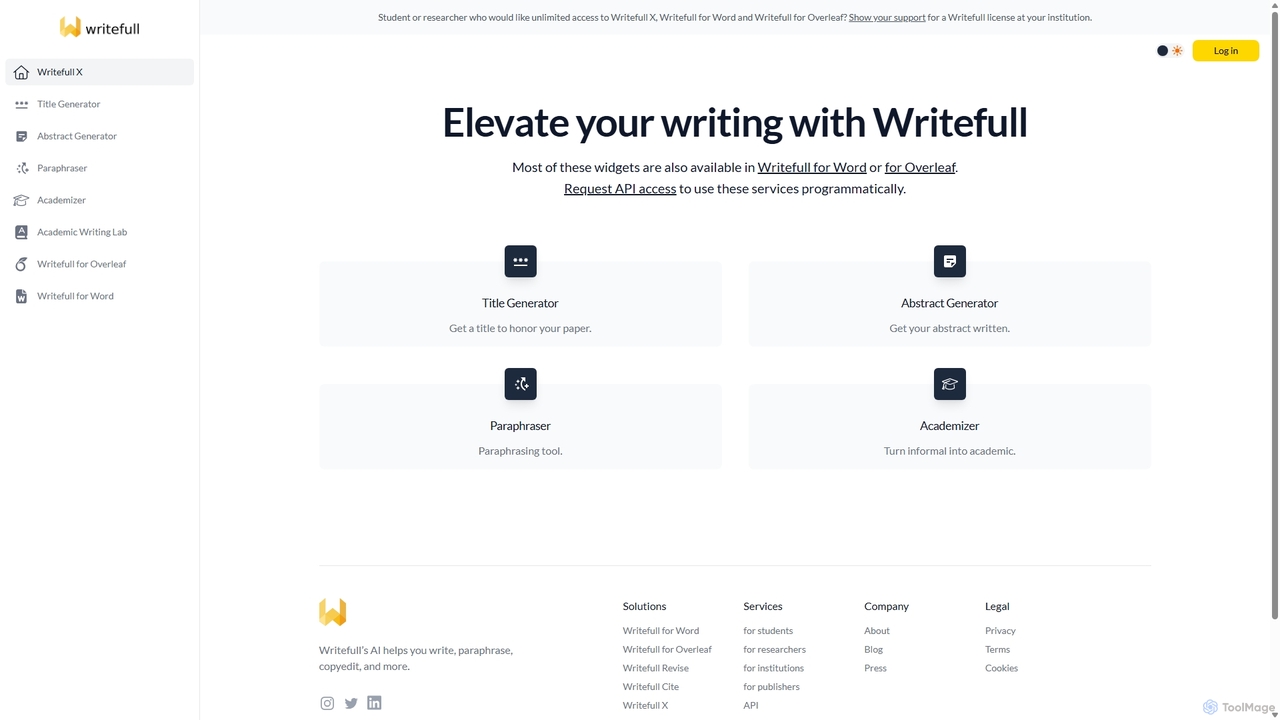
Writefull X
Writefull X is an AI-powered academic writing suite designed for students and researchers. It offers a set of free tools, including a Title Generator, Abstract Generator, Paraphraser, and Academizer, to enhance the quality and efficiency of scientific papers, essays, and theses. With integrations for Word and Overleaf, it provides real-time language feedback and writing assistance directly within your workflow, ensuring your writing is clear, concise, and professional.
Proofreading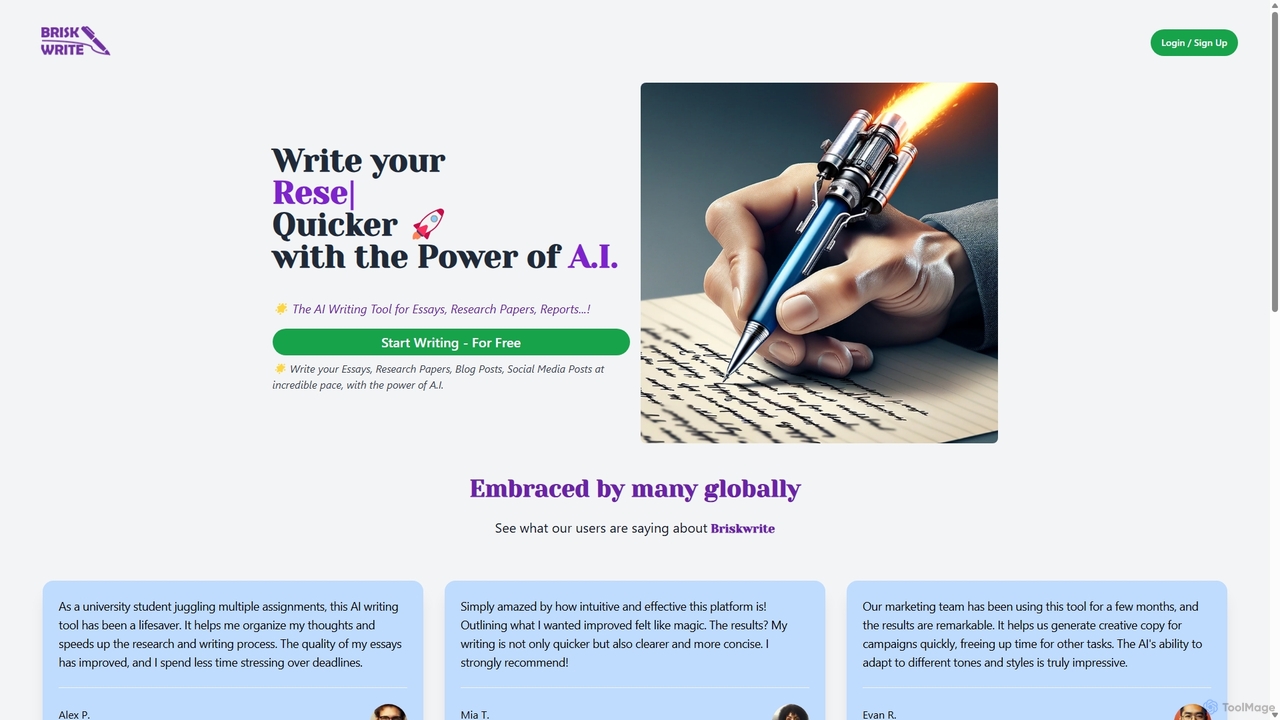
Briskwrite
Briskwrite is an AI-powered writing assistant designed to accelerate the creation of essays, research papers, blog posts, and social media content. It helps users overcome writer's block, structure their thoughts, and produce high-quality, articulate documents at an incredible pace. Ideal for students, bloggers, and marketers, Briskwrite enhances both writing speed and clarity.
Academic
Paraphrase Tool
An AI-powered writing assistant that offers paraphrasing in over 100 languages with 18+ writing modes. It also includes a plagiarism checker, grammar checker, text generator from keywords, and an automatic citation creator, making it an all-in-one solution for students, writers, and content creators.
Academic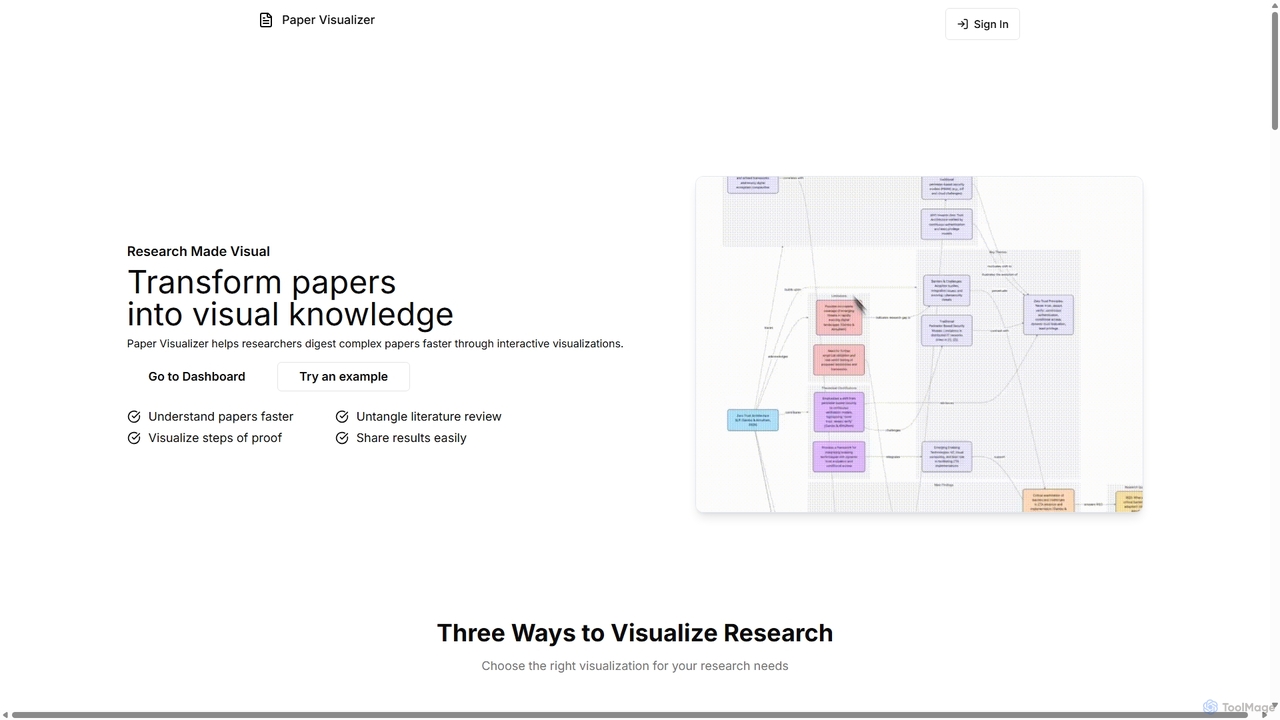
Paper Visualizer
Paper Visualizer is an AI-powered tool that transforms complex research papers into interactive visualizations and knowledge graphs. It helps researchers, students, and academics quickly digest dense information, understand technical details, and map literature connections, accelerating the research process.
VisualizationLatexwriter Categories
Latexwriter Jobs
Latexwriter Embed Widget
Copy this embed code to place the badge on your blog, article, or product site and send readers directly to this ToolMage detail page.

Related AI tools
Writefull X
Writefull X is an AI-powered academic writing suite designed for students and researchers. It offers a set of free tools, including a Title Generator, Abstract Generator, Paraphraser, and Academizer, to enhance the quality and efficiency of scientific papers, essays, and theses. With integrations for Word and Overleaf, it provides real-time language feedback and writing assistance directly within your workflow, ensuring your writing is clear, concise, and professional.
ProofreadingPaper Visualizer
Paper Visualizer is an AI-powered tool that transforms complex research papers into interactive visualizations and knowledge graphs. It helps researchers, students, and academics quickly digest dense information, understand technical details, and map literature connections, accelerating the research process.
Visualization
Jenni
Jenni is an AI writing assistant designed to supercharge academic writing. It acts as a research and writing co-pilot, helping students, researchers, and writers overcome writer's block, generate ideas, paraphrase text, and automatically add in-text citations from real sources. It focuses on enhancing, not replacing, the writer's own work.
ResearchQianbi Writing
Qianbi Writing is an AI-powered academic writing platform designed to assist students and researchers. It specializes in rapidly generating high-quality theses and papers, while also offering advanced tools to reduce AI-generated content scores and plagiarism rates to pass strict academic detectors.
AcademicBriskwrite
Briskwrite is an AI-powered writing assistant designed to accelerate the creation of essays, research papers, blog posts, and social media content. It helps users overcome writer's block, structure their thoughts, and produce high-quality, articulate documents at an incredible pace. Ideal for students, bloggers, and marketers, Briskwrite enhances both writing speed and clarity.
Academic
Samwell
Samwell is an AI-powered academic writing assistant designed for students, researchers, and academics. It generates high-quality essays and research papers complete with accurate citations from credible sources. Key features include an AI detection bypass, plagiarism checking, a literature review generator, and a powerful editor to refine and enhance your work, streamlining the entire academic writing process.
Academic Writing
RikiGPT
RikiGPT is a powerful AI writing assistant designed for students and researchers. It acts as a one-click solution for academic needs, generating high-quality research papers, essays, and assignments complete with accurate citations from a database of over 200 million sources. It simplifies the entire research and writing process, from topic generation to final paper delivery.
Academic Writing
CoWriter AI
CoWriter AI is an advanced AI writing copilot designed for students, researchers, and professionals. It accelerates the writing and research process, helping users create high-quality, original academic papers, theses, and essays in hours instead of months. Key features include AI detection bypassing, plagiarism checking, instant citation generation, and intelligent thought autocompletion, all while maintaining the user's unique voice.
Academic Research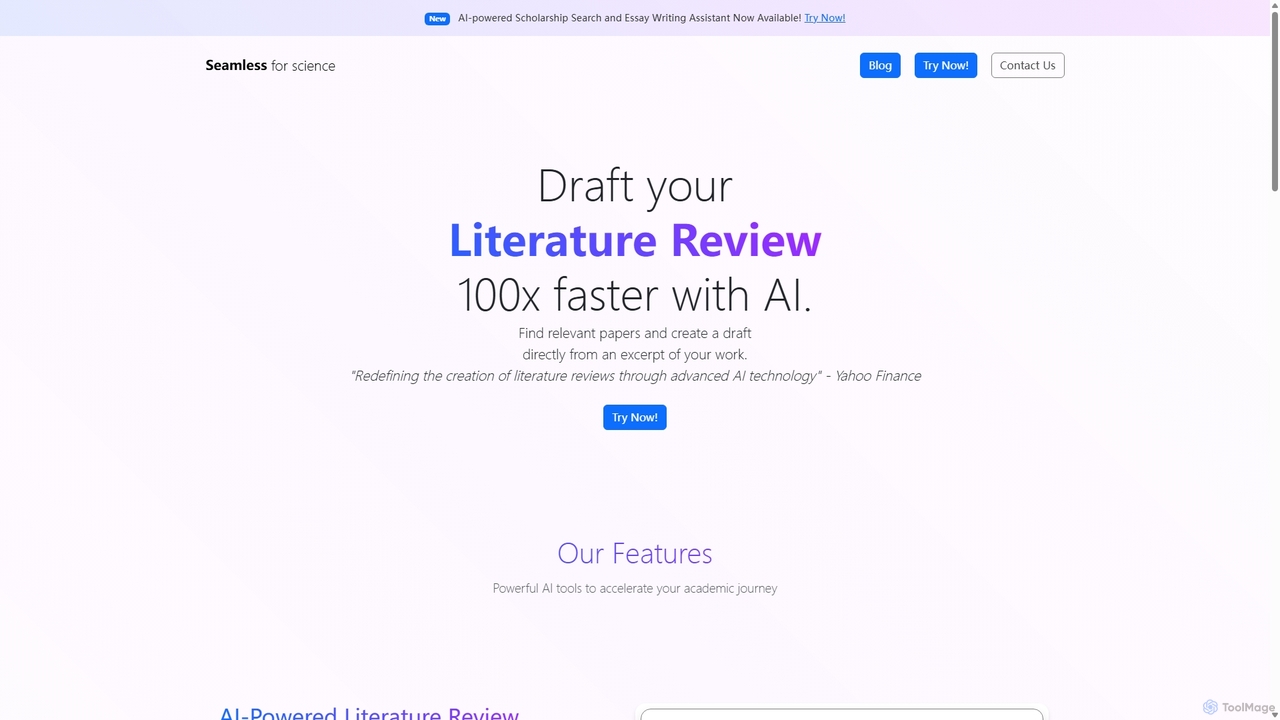
Seamless
Seamless is an AI-powered platform designed to accelerate academic research. It generates comprehensive literature reviews with citations in minutes, helps students find and apply for scholarships, and offers an AI assistant for crafting compelling essays. It's built for students, researchers, and academics.
Research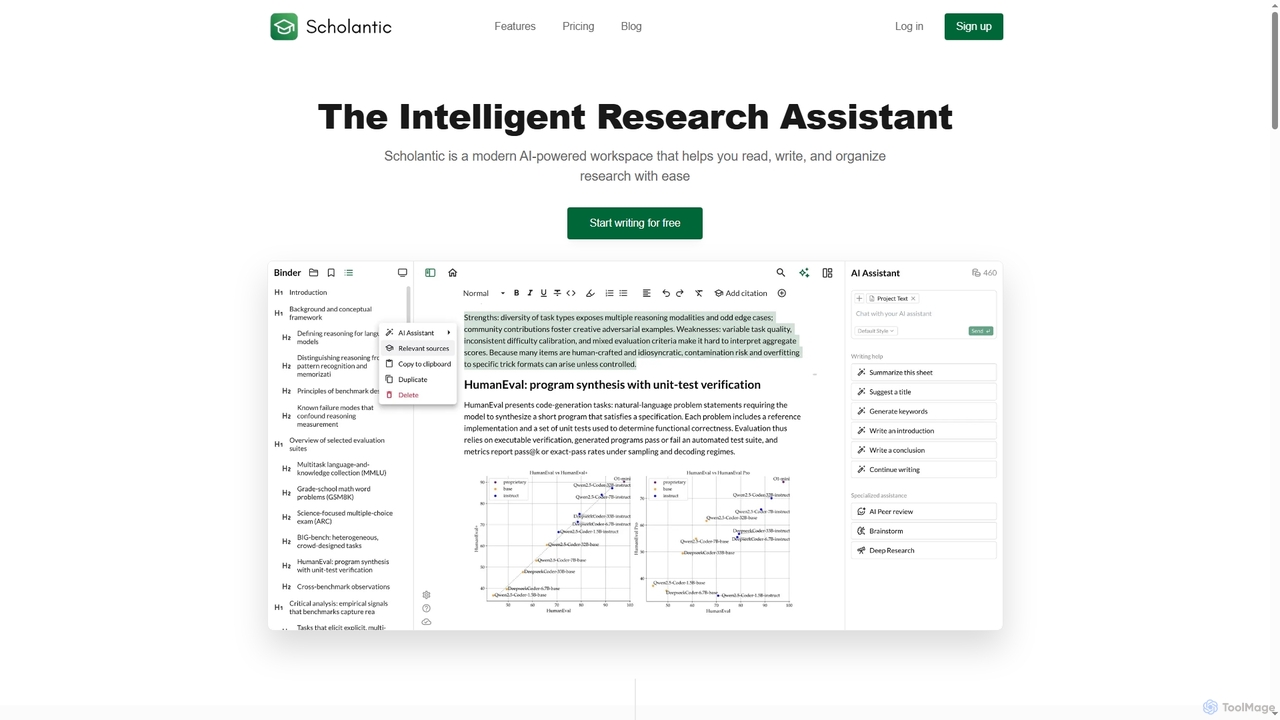
Scholantic
Scholantic is an AI-powered academic workspace designed for students, researchers, and professionals. It integrates tools for deep research, AI-assisted writing, automated citation management, and peer review to streamline the entire process from brainstorming to a submission-ready paper.
Research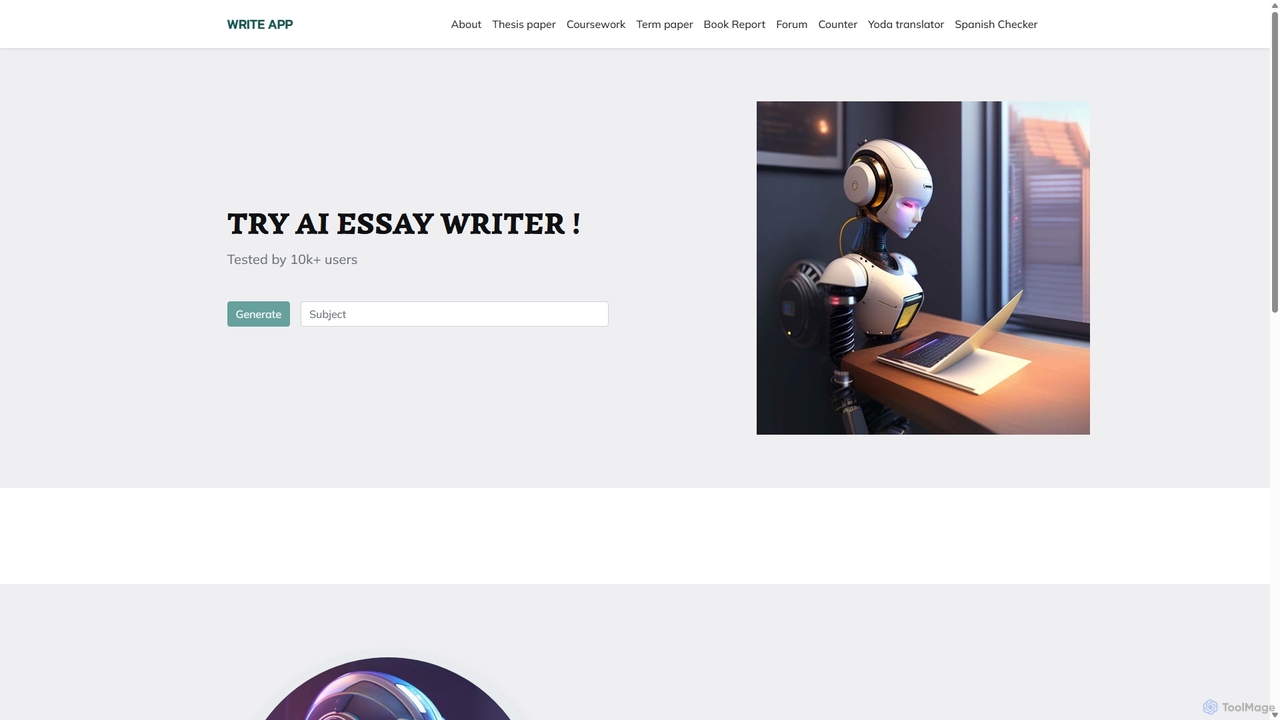
WriteApp
WriteApp is an AI-powered academic writing assistant designed for students and researchers. It generates high-quality, plagiarism-free essays, research papers, theses, and other academic documents based on user prompts, saving time and reducing stress while ensuring proper formatting and structure.
Text GenerationParaphrase Tool
An AI-powered writing assistant that offers paraphrasing in over 100 languages with 18+ writing modes. It also includes a plagiarism checker, grammar checker, text generator from keywords, and an automatic citation creator, making it an all-in-one solution for students, writers, and content creators.
Academic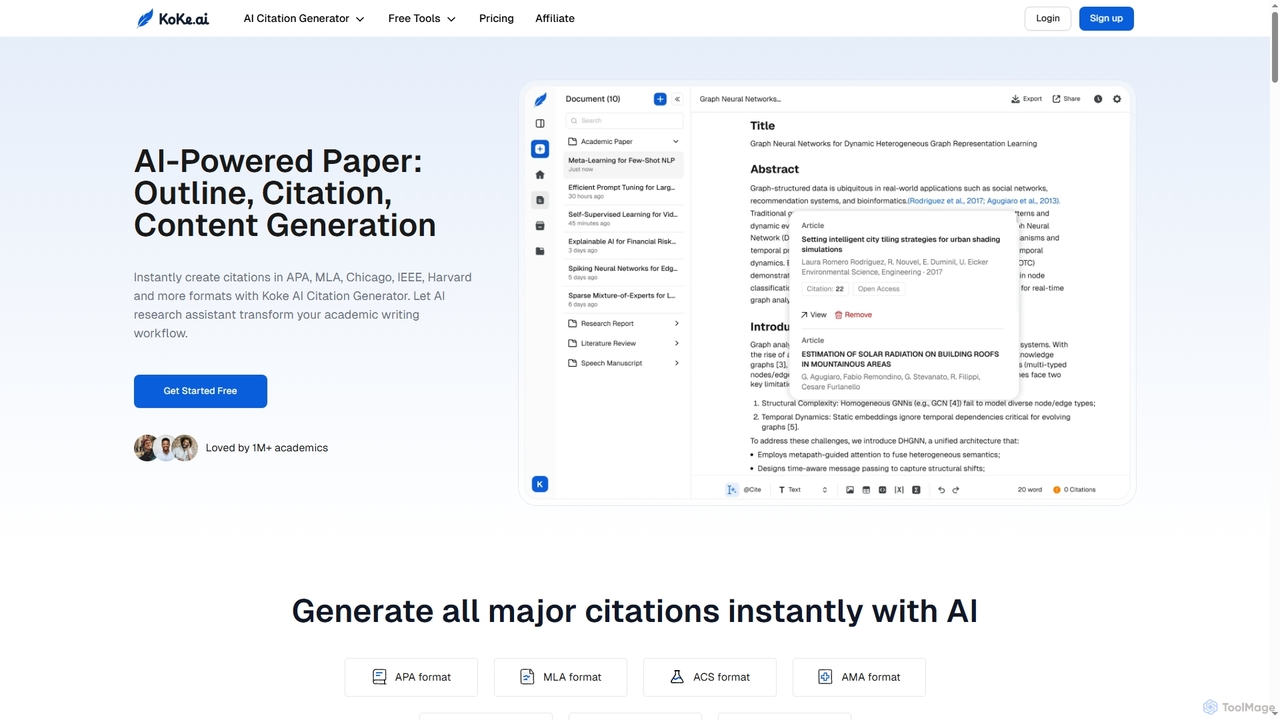
Koke
Koke is an AI-powered academic writing assistant that streamlines the entire paper creation process. It offers an instant citation generator for APA, MLA, Chicago, IEEE, and Harvard styles, an outline generator, and advanced content generation tools for sentences, paragraphs, and research questions. Koke helps students and academics write smarter, manage references, and refine drafts efficiently.
Citation Generator
AcademicGPT
AcademicGPT is an AI-powered assistant designed for researchers, students, and academics. It streamlines the academic writing process by helping to write paper sections like abstracts, providing constructive feedback on manuscripts, and explaining complex concepts from research papers. Simply upload your document to enhance your writing and research efficiency.
Research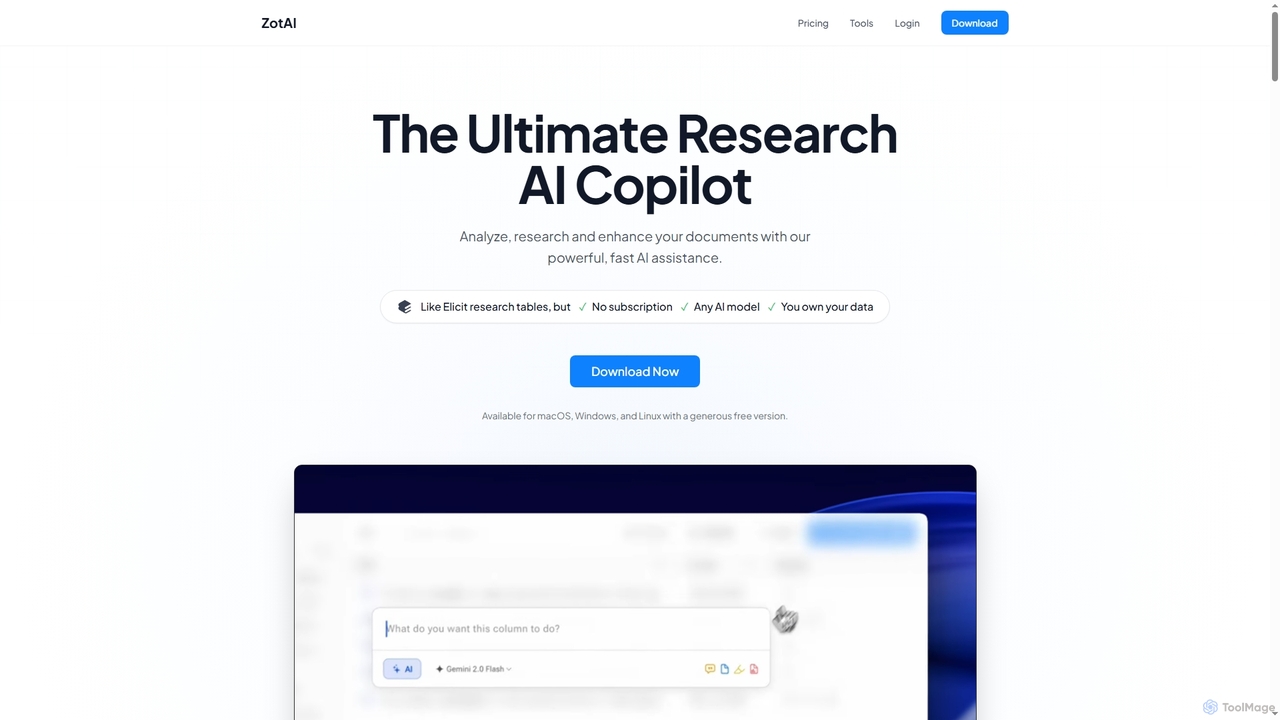
ZotAI
ZotAI is an ultimate AI research assistant designed for academics and researchers. It helps analyze, research, and enhance documents with powerful, fast AI assistance, offering seamless Zotero integration, support for all major AI models, and robust data privacy features including offline processing. It's a one-time purchase desktop application for Windows, Mac, and Linux.
Knowledge Management
Latexwriter Comments (0)
Sign in to comment.
Sign inNo comments yet.