
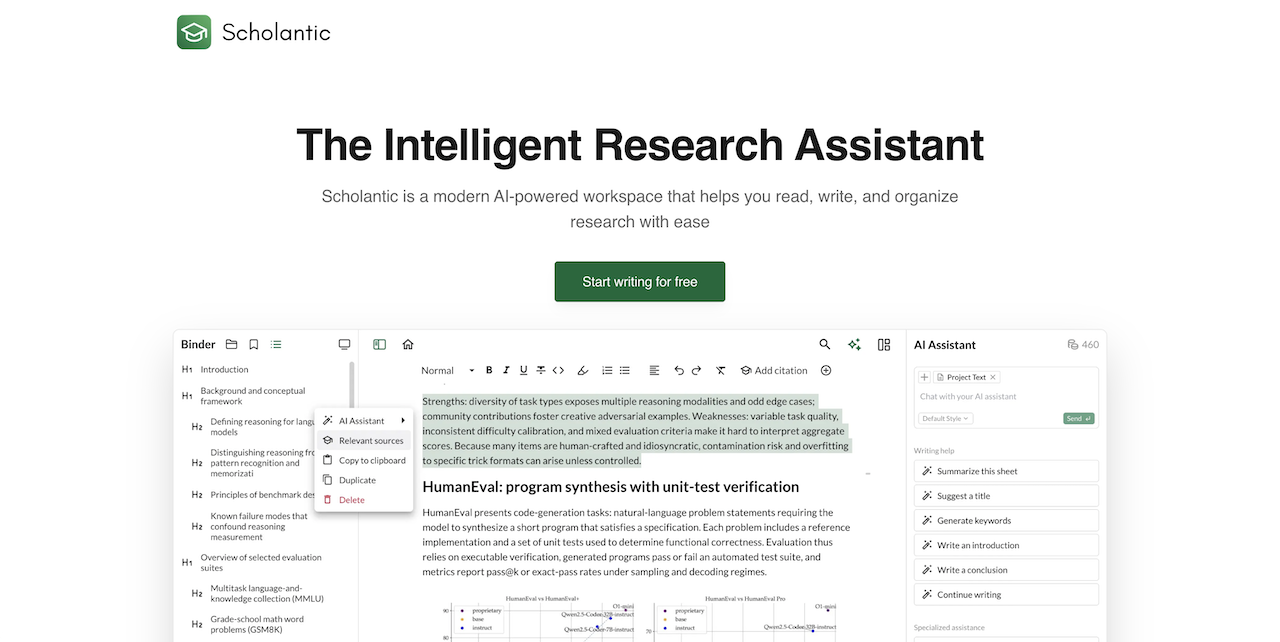
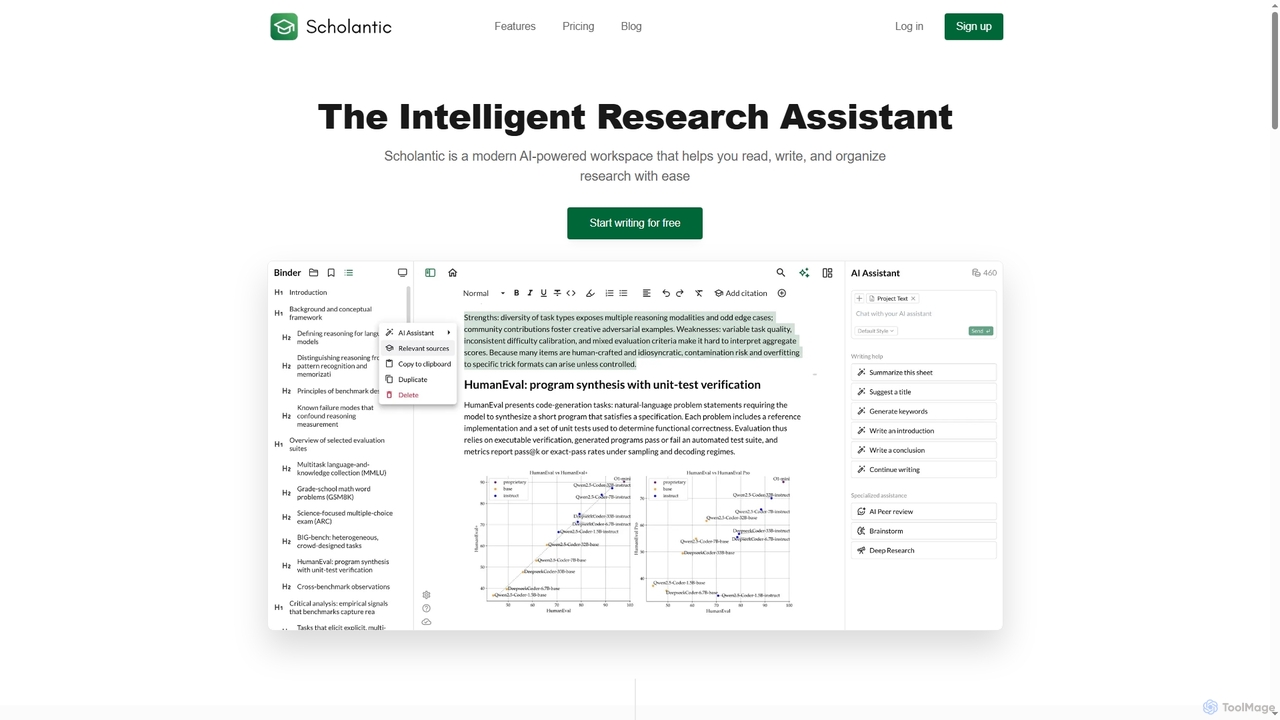
Scholantic Overview
Scholantic is a modern, intelligent research assistant and academic writing platform designed to enhance productivity for students, academics, and professionals. It combines a clean, distraction-free editor with a suite of powerful AI tools tailored specifically for scholarly work. The platform assists users throughout the entire writing lifecycle, from initial ideation and research synthesis to drafting, refining arguments, managing citations, and exporting polished, submission-ready documents.
How to use Scholantic
To leverage Scholantic, start by entering a research topic to utilize the 'Deep Research' feature, which synthesizes relevant information and saves you from endless searching. Next, use the AI chat for guided brainstorming sessions to generate outlines or thesis statements. As you write in the distraction-free editor, employ the context-aware AI tools to rephrase sentences, explore counterarguments, or generate introductions. You can search for academic papers and add sources directly within the app, which automatically formats citations and bibliographies in styles like APA, MLA, and Chicago. Before finalizing, use the AI Peer Review to get constructive feedback on your argument's strength and clarity. Finally, export your completed work as a formatted PDF, Word, or Markdown file.
Core Features of Scholantic
- AI Assistant for Academia: An AI chat trained on academic conventions for brainstorming, structuring arguments, and answering questions.
- Deep Research: Enter a topic to receive a comprehensive synthesis of relevant academic information, bypassing manual search engine scrolling.
- AI Peer Review: Get automated, constructive feedback on argument strength, clarity, and structure.
- Automated Citation Management: Find sources, insert in-text citations, and generate one-click bibliographies in APA, MLA, Chicago, Harvard, and IEEE formats.
- Distraction-Free Editor: A clean writing interface with markdown support and customizable themes to help maintain focus.
- Personalized AI Writing Style: Train the AI with your previous papers to learn and adapt to your unique voice and tone.
- Smart Grammar & Spell Check: An intelligent checker that understands academic writing conventions beyond basic corrections.
- Version History: Automatic snapshots save your progress, allowing you to restore previous versions at any time.
- Submission-Ready Export: Export documents to PDF, Word, or Markdown with pre-configured formatting for major academic styles.
Use Cases for Scholantic
Scholantic is ideal for anyone engaged in academic or research-intensive writing. Students can use it to write essays, research papers, and theses more efficiently. Academics and researchers can streamline their literature review process, draft articles for publication, and manage complex bibliographies. Professionals can leverage it to create well-researched reports, white papers, and technical documents that require strong arguments and proper sourcing.
Advantages of Scholantic
The primary advantage of Scholantic is its all-in-one, specialized environment for academic work. It eliminates the need to juggle multiple tools for research, writing, and citation management. The AI is specifically trained for academic rigor, ensuring suggestions are relevant and appropriate. Features like personalized AI style, deep research, and AI peer review provide a significant time-saving and quality-enhancing benefit, helping users move from a blank page to a polished paper with greater confidence and efficiency.
Pricing and Plans
Scholantic offers a transparent pricing model with two main plans:
- Basic (Free): This plan is designed for students and includes 5 AI Assistant uses per day, unlimited documents for individuals, smart source recommendations, and partial document export to .txt.
- Pro ($18 per month): Aimed at professionals and academics, this plan includes everything in Basic, plus unlimited AI assistance, unlimited citations, the Deep Research feature, personalized AI writing styles, full document export to Markdown, PDF, and DOCX, early access to new features, and priority support.
Scholantic FAQ
Scholantic Alternatives

AcademicGPT
AcademicGPT is an AI-powered assistant designed for researchers, students, and academics. It streamlines the academic writing process by helping to write paper sections like abstracts, providing constructive feedback on manuscripts, and explaining complex concepts from research papers. Simply upload your document to enhance your writing and research efficiency.
Research
Jenni
Jenni is an AI writing assistant designed to supercharge academic writing. It acts as a research and writing co-pilot, helping students, researchers, and writers overcome writer's block, generate ideas, paraphrase text, and automatically add in-text citations from real sources. It focuses on enhancing, not replacing, the writer's own work.
Research
Nemo AI
Nemo AI is an intelligent writing and note-taking copilot designed for students and academics. It leverages advanced AI to help you generate essay drafts, find and cite millions of academic sources, and refine your work through an interactive chat and a Notion-like editor, aiming to make your writing process 10x more effective.
Research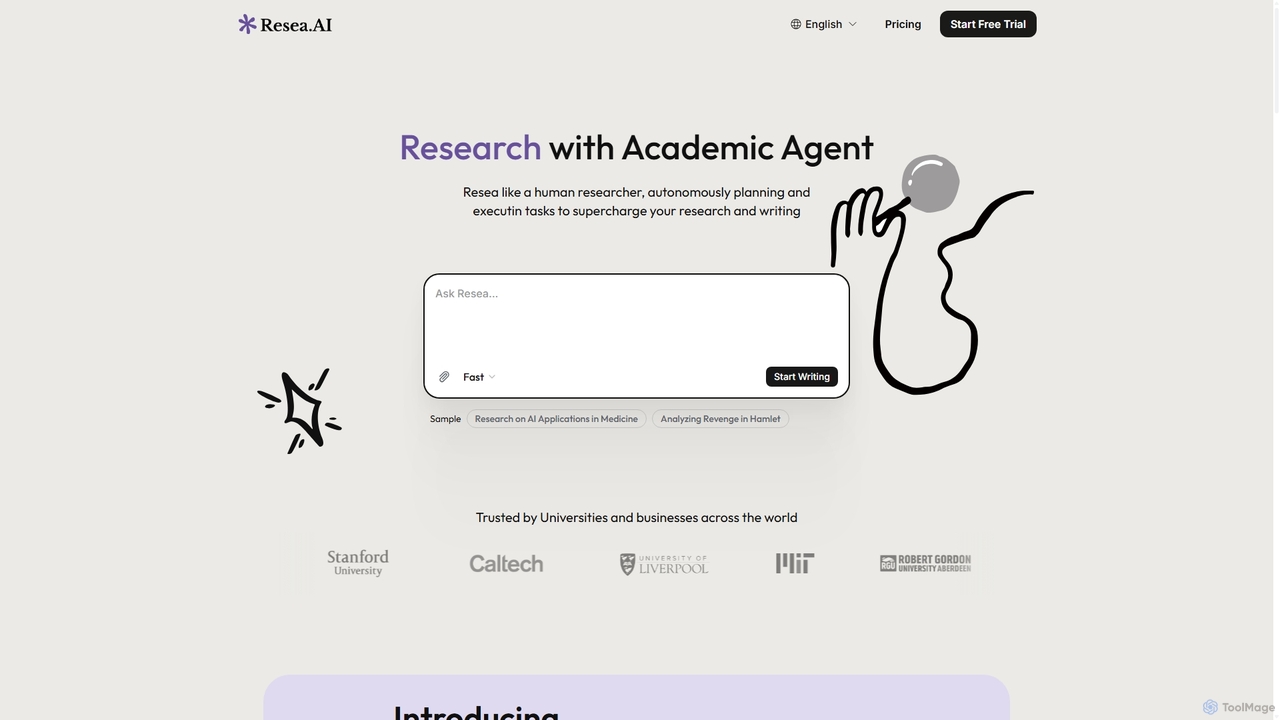
Resea AI
Resea AI is the world's first autonomous academic agent, designed to supercharge research and writing. It independently plans and executes tasks, from conducting in-depth research across databases like Google Scholar and PubMed to writing long-form reports of up to 50,000 words with accurate citations in formats like APA and IEEE. It's an all-in-one partner for students, academics, and researchers.
Research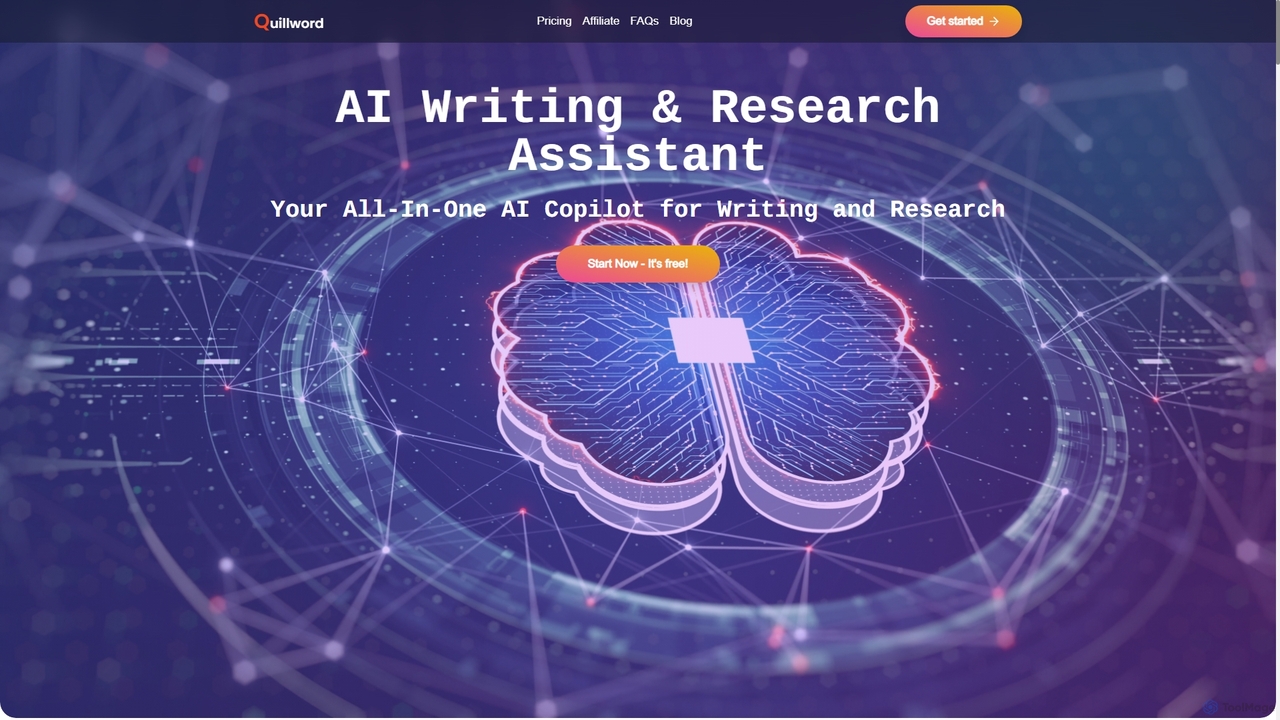
QuillWord
QuillWord is an all-in-one AI writing and research assistant designed for academics, students, and professionals. It combines an AI copilot that can chat with documents and websites, an advanced AI writer with autocompletion and editing tools, and robust citation management. Streamline your workflow, overcome writer's block, and produce high-quality, well-researched content with ease.
ResearchScholantic Categories
Scholantic Jobs
Scholantic Embed Widget
Copy this embed code to place the badge on your blog, article, or product site and send readers directly to this ToolMage detail page.

Related AI tools
AcademicGPT
AcademicGPT is an AI-powered assistant designed for researchers, students, and academics. It streamlines the academic writing process by helping to write paper sections like abstracts, providing constructive feedback on manuscripts, and explaining complex concepts from research papers. Simply upload your document to enhance your writing and research efficiency.
ResearchResea AI
Resea AI is the world's first autonomous academic agent, designed to supercharge research and writing. It independently plans and executes tasks, from conducting in-depth research across databases like Google Scholar and PubMed to writing long-form reports of up to 50,000 words with accurate citations in formats like APA and IEEE. It's an all-in-one partner for students, academics, and researchers.
ResearchQuillWord
QuillWord is an all-in-one AI writing and research assistant designed for academics, students, and professionals. It combines an AI copilot that can chat with documents and websites, an advanced AI writer with autocompletion and editing tools, and robust citation management. Streamline your workflow, overcome writer's block, and produce high-quality, well-researched content with ease.
ResearchJenni
Jenni is an AI writing assistant designed to supercharge academic writing. It acts as a research and writing co-pilot, helping students, researchers, and writers overcome writer's block, generate ideas, paraphrase text, and automatically add in-text citations from real sources. It focuses on enhancing, not replacing, the writer's own work.
ResearchNemo AI
Nemo AI is an intelligent writing and note-taking copilot designed for students and academics. It leverages advanced AI to help you generate essay drafts, find and cite millions of academic sources, and refine your work through an interactive chat and a Notion-like editor, aiming to make your writing process 10x more effective.
Research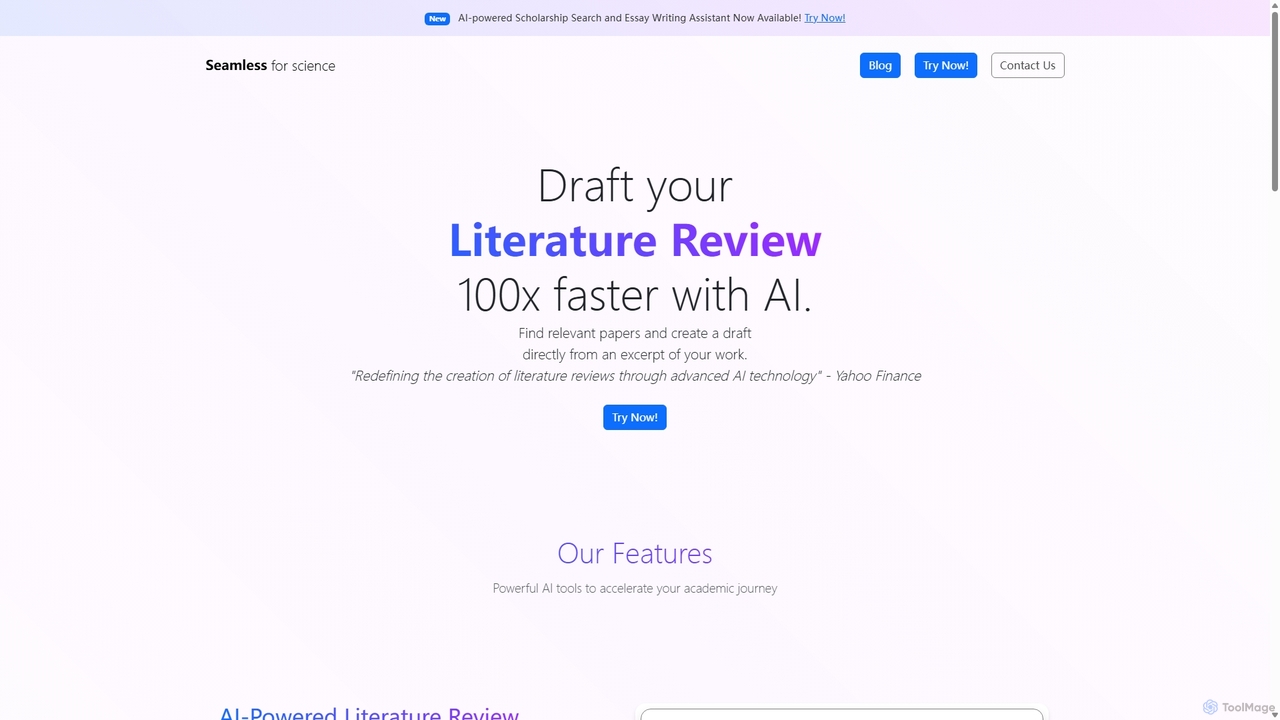
Seamless
Seamless is an AI-powered platform designed to accelerate academic research. It generates comprehensive literature reviews with citations in minutes, helps students find and apply for scholarships, and offers an AI assistant for crafting compelling essays. It's built for students, researchers, and academics.
Research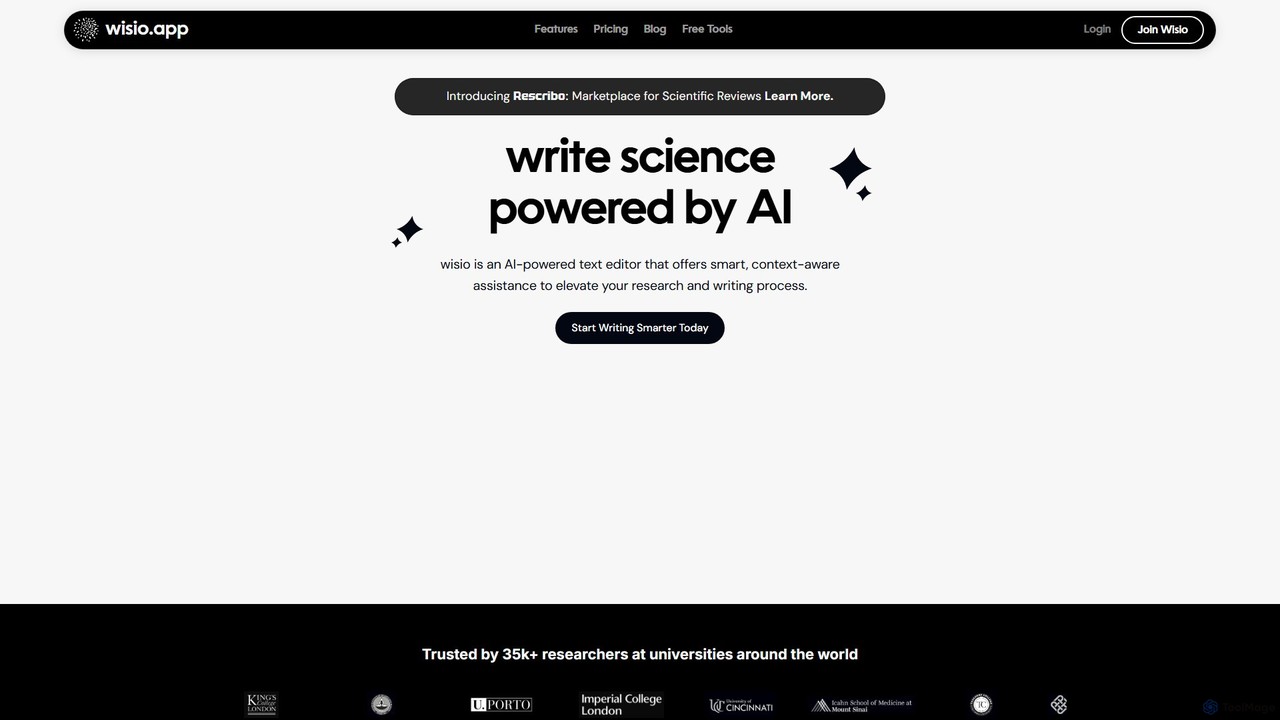
wisio
wisio is an AI-powered co-pilot for scientific writing, designed to assist researchers and students. It streamlines the writing process with features like smart referencing from databases, AI-powered text completion, translation into scientific English, paraphrasing, and real-time grammar correction.
Scientific Writing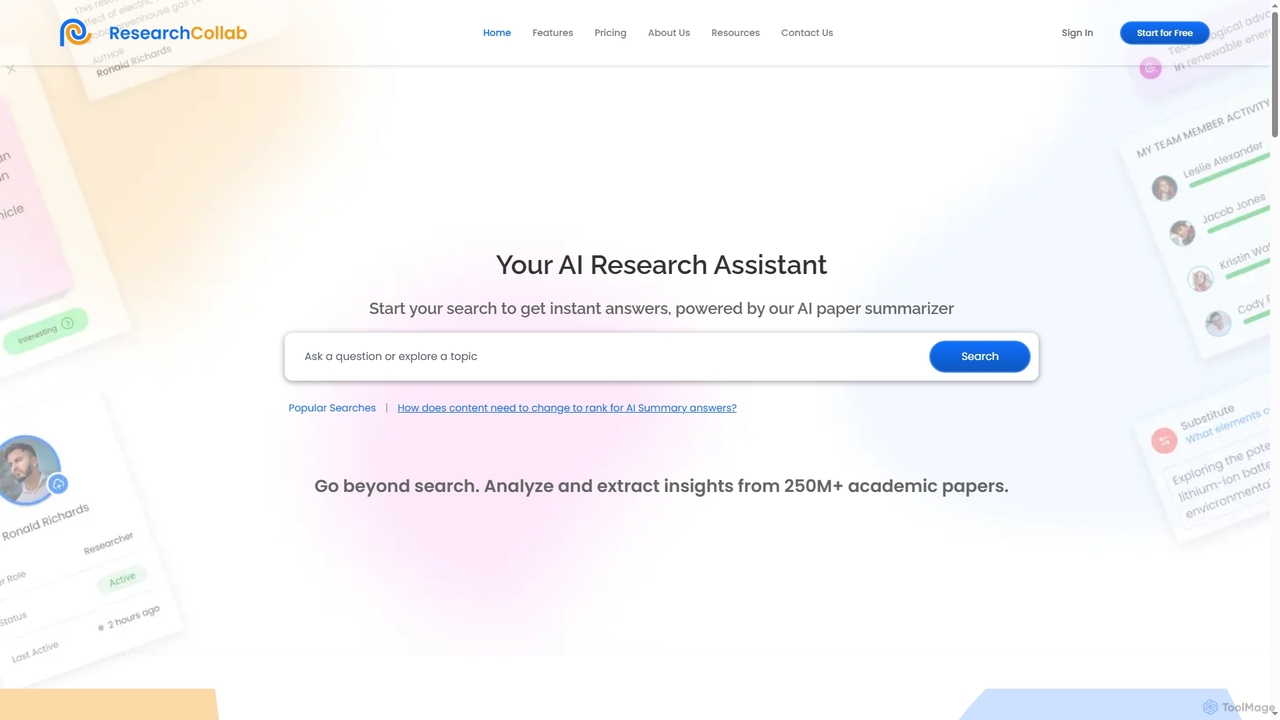
ResearchCollab
ResearchCollab is an AI-powered research assistant and collaboration platform designed to streamline academic work. It enables users to search, analyze, and summarize over 250 million academic papers, generate ideas, manage citations, and collaborate with teams efficiently.
Research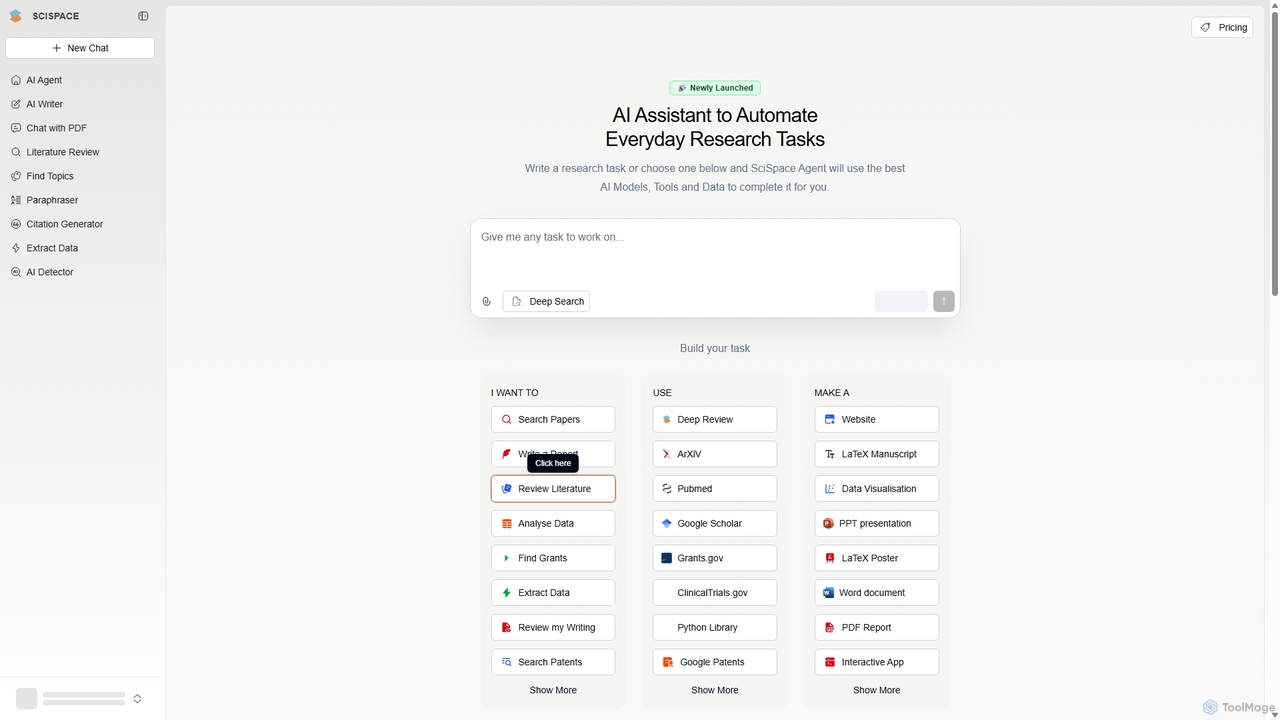
SciSpace
SciSpace (formerly Typeset) is an AI-powered platform designed to streamline the entire academic research workflow. It offers a suite of tools for literature discovery, analysis, and writing, leveraging a database of over 280 million papers. Key features include an AI research agent, PDF summarization, literature review automation, an AI writer with citation generation, and data extraction, making it an indispensable assistant for researchers, academics, and students.
Academic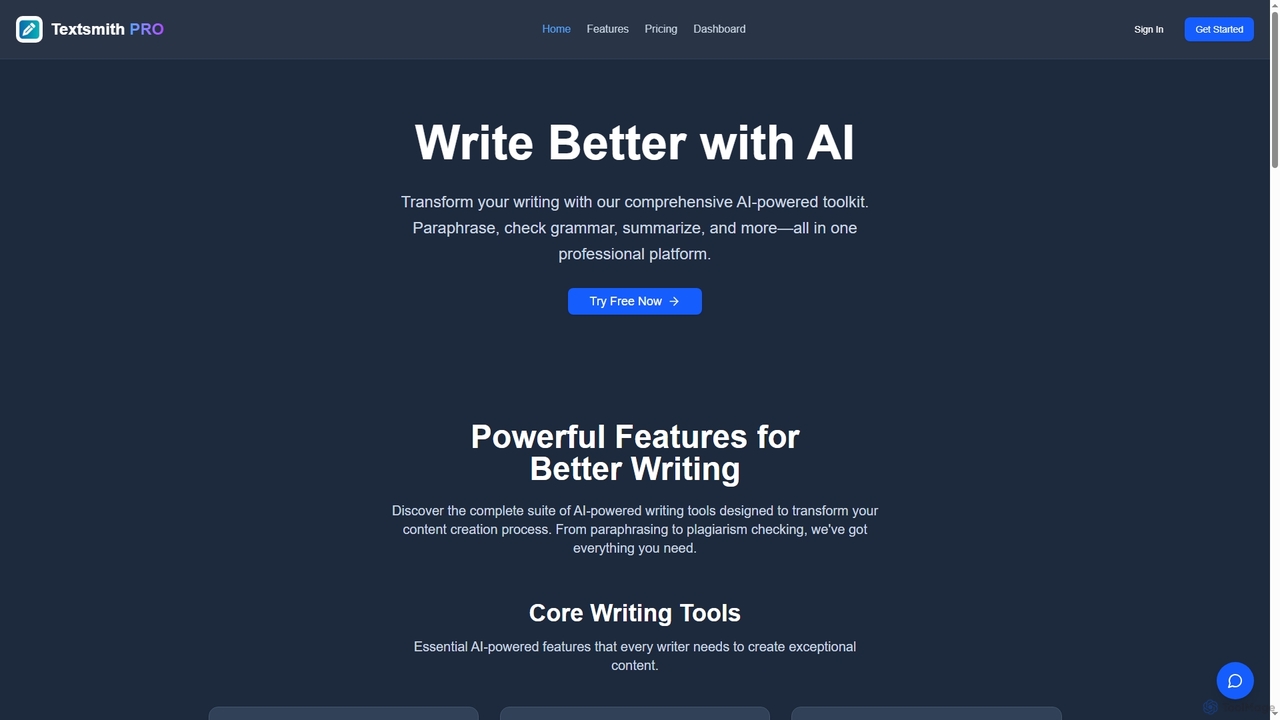
Textsmith Pro
Textsmith Pro is a comprehensive AI writing assistant designed to enhance writing quality and productivity. It offers a suite of tools including an advanced paraphraser with 10+ modes, a grammar checker, plagiarism detection, an AI humanizer, a smart translator for over 20 languages, and a citation generator. Ideal for writers, students, and professionals, it helps create clear, original, and publication-ready content efficiently.
Research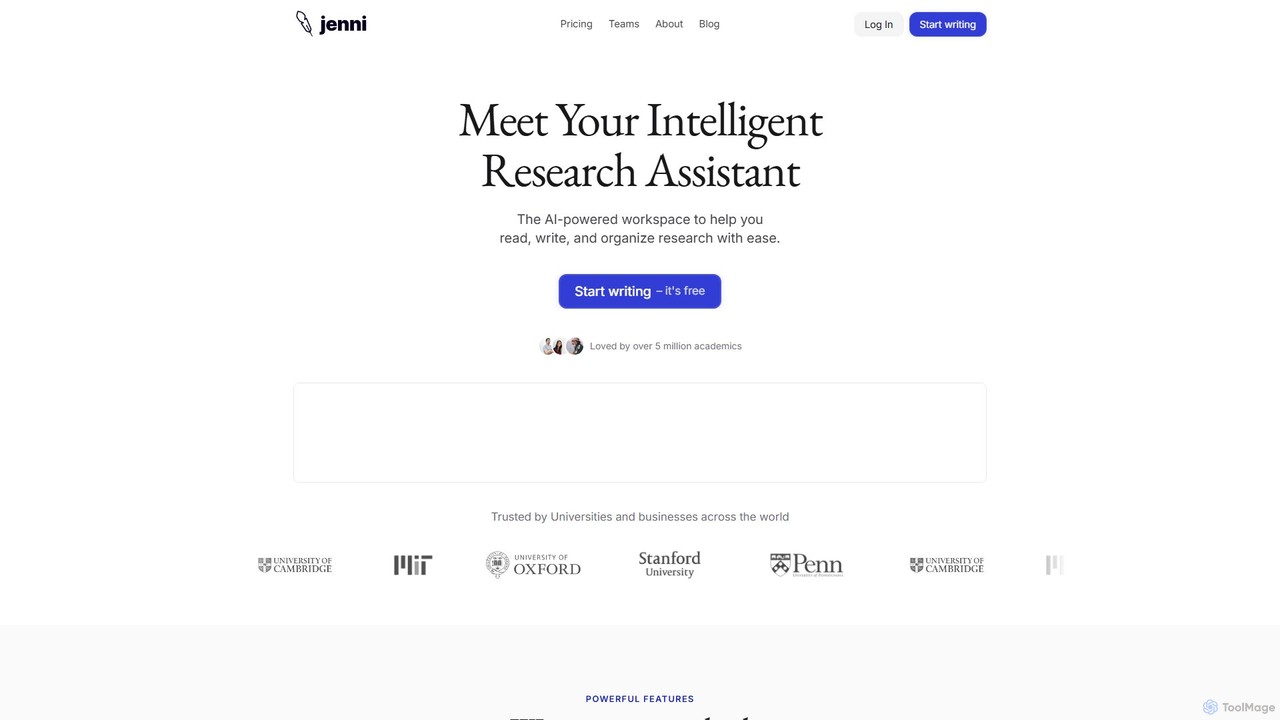
Jenni AI
Jenni AI is an intelligent research assistant and AI writing partner designed for academics, students, and researchers. It streamlines the writing process with features like AI autocomplete, in-text citations, research summarization from PDFs, and advanced paraphrasing, helping users write essays, research papers, and literature reviews more efficiently.
Citation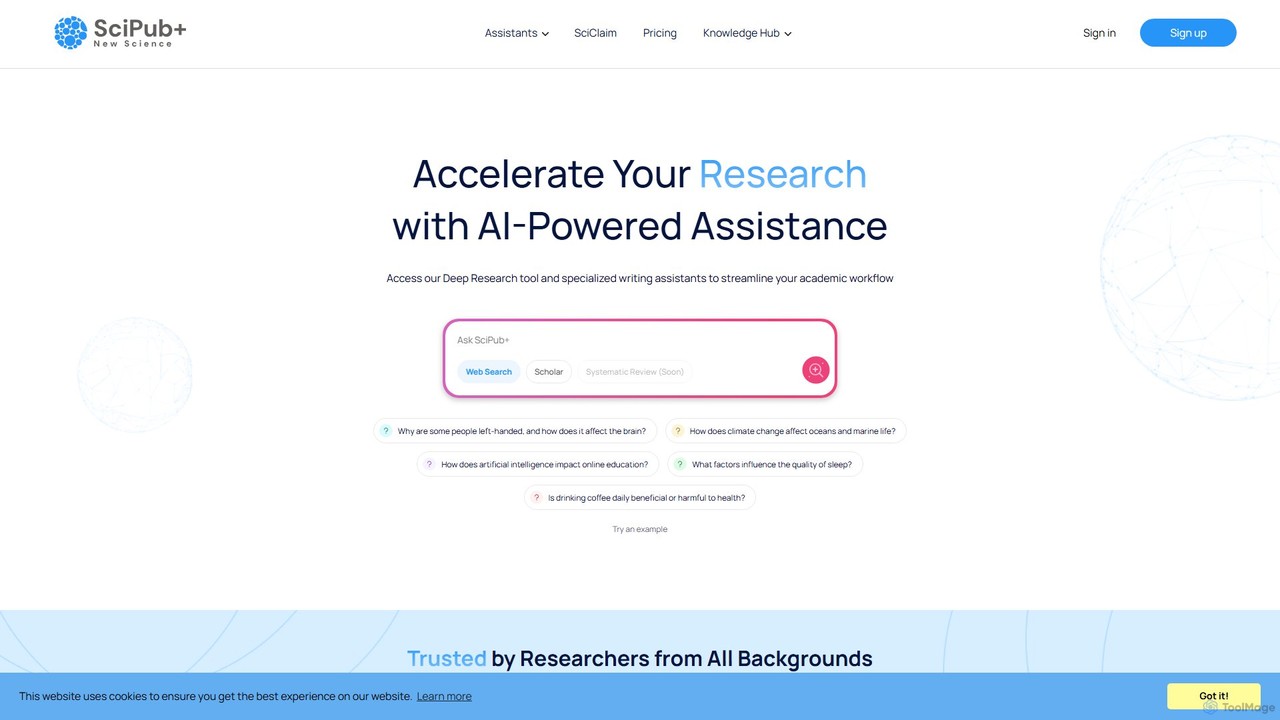
SciPub+
SciPub+ is an AI-powered academic writing platform designed by researchers for researchers. It offers a suite of 10 specialized assistants to streamline every stage of paper and thesis writing, from outlining and literature reviews to drafting results and conclusions. It accelerates the research workflow, enhances writing quality, and helps overcome writer's block.
Scientific Writing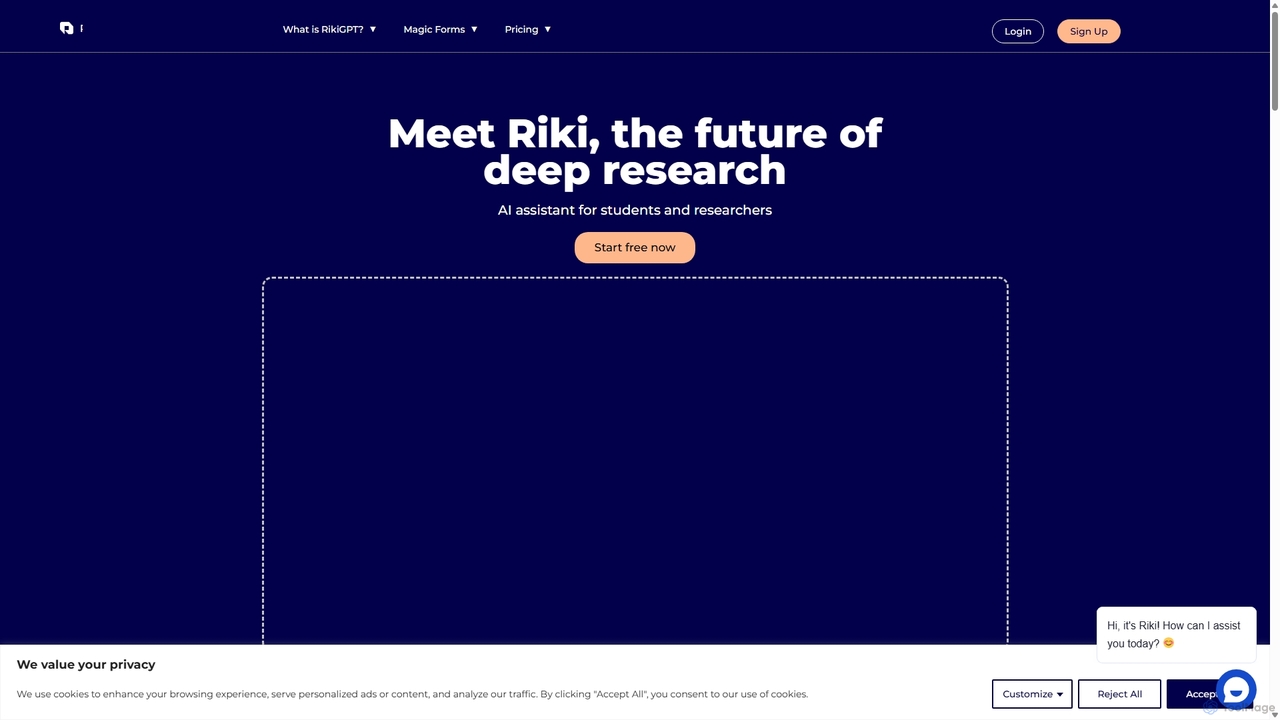
RikiGPT
RikiGPT is a powerful AI writing assistant designed for students and researchers. It acts as a one-click solution for academic needs, generating high-quality research papers, essays, and assignments complete with accurate citations from a database of over 200 million sources. It simplifies the entire research and writing process, from topic generation to final paper delivery.
Academic Writing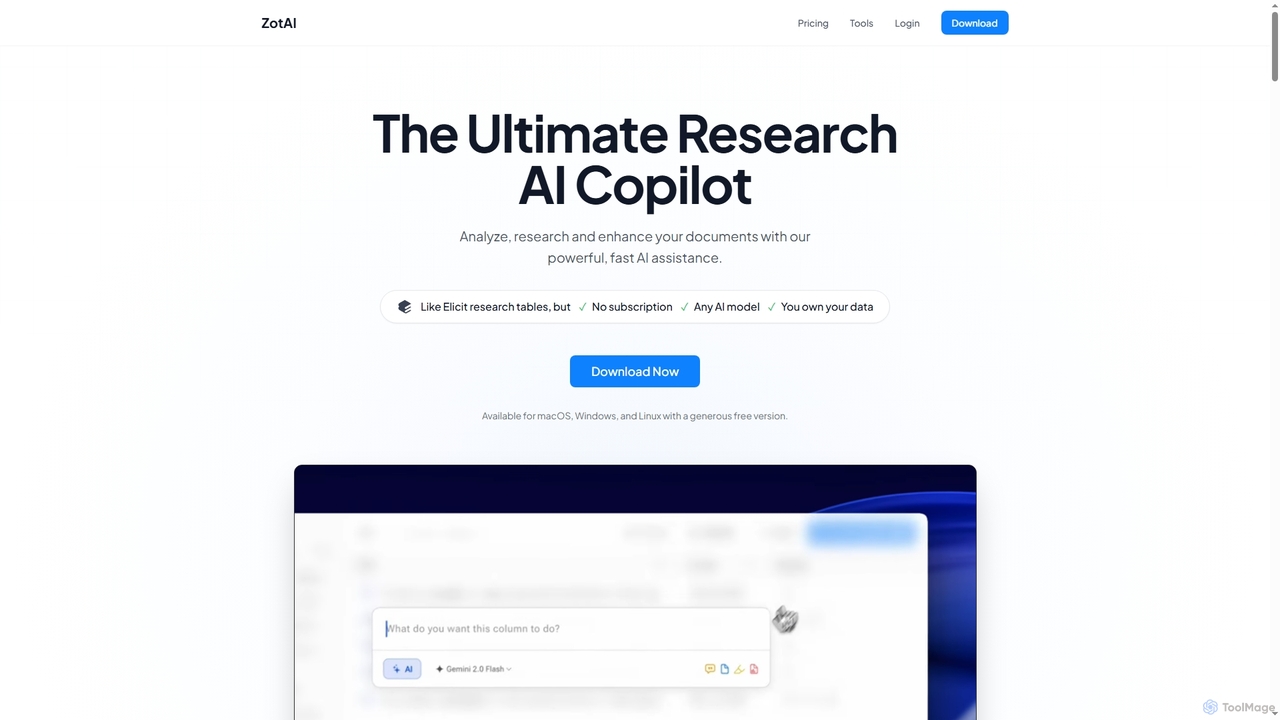
ZotAI
ZotAI is an ultimate AI research assistant designed for academics and researchers. It helps analyze, research, and enhance documents with powerful, fast AI assistance, offering seamless Zotero integration, support for all major AI models, and robust data privacy features including offline processing. It's a one-time purchase desktop application for Windows, Mac, and Linux.
Knowledge Management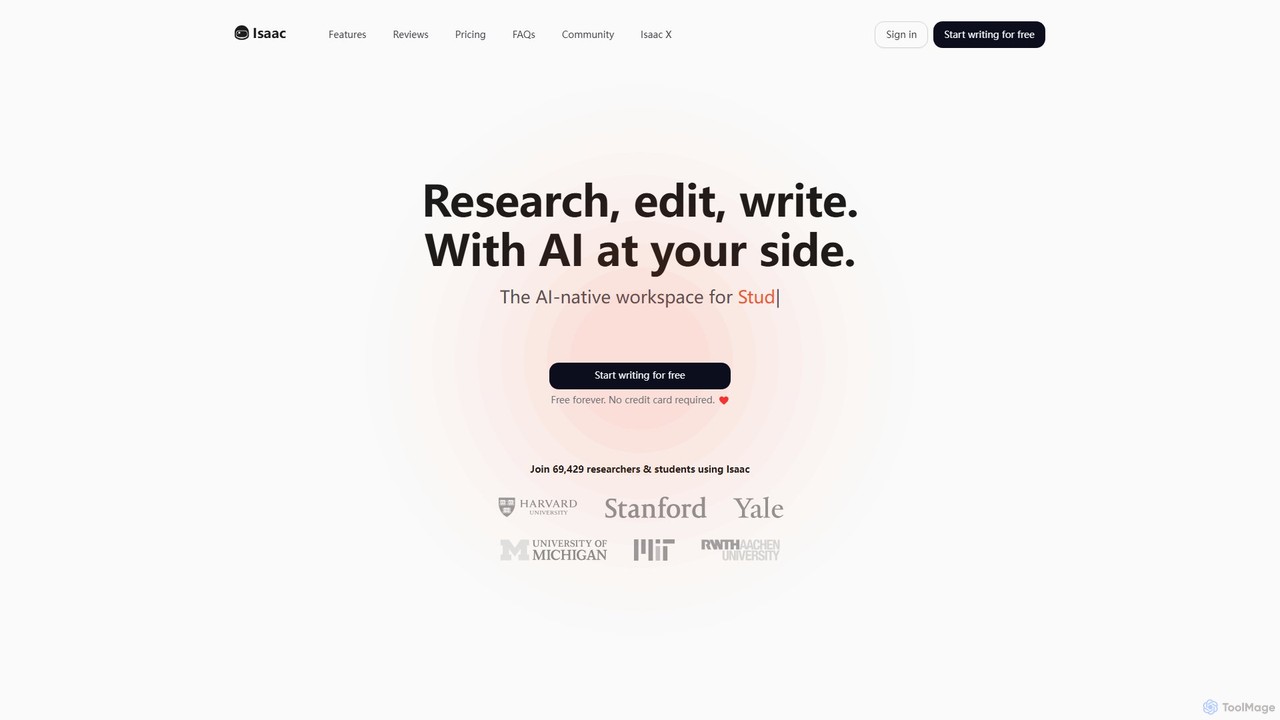
Isaac
Isaac is an AI-native workspace designed for scientists, researchers, and students. It integrates the entire academic writing workflow, from literature search and reference management to AI-assisted writing and document analysis. Think of it as a specialized ChatGPT for academia, helping you research, edit, and write more efficiently while maintaining high academic standards. Start for free to revolutionize your research process.
Literature Review
Scholantic Comments (0)
Sign in to comment.
Sign inNo comments yet.