

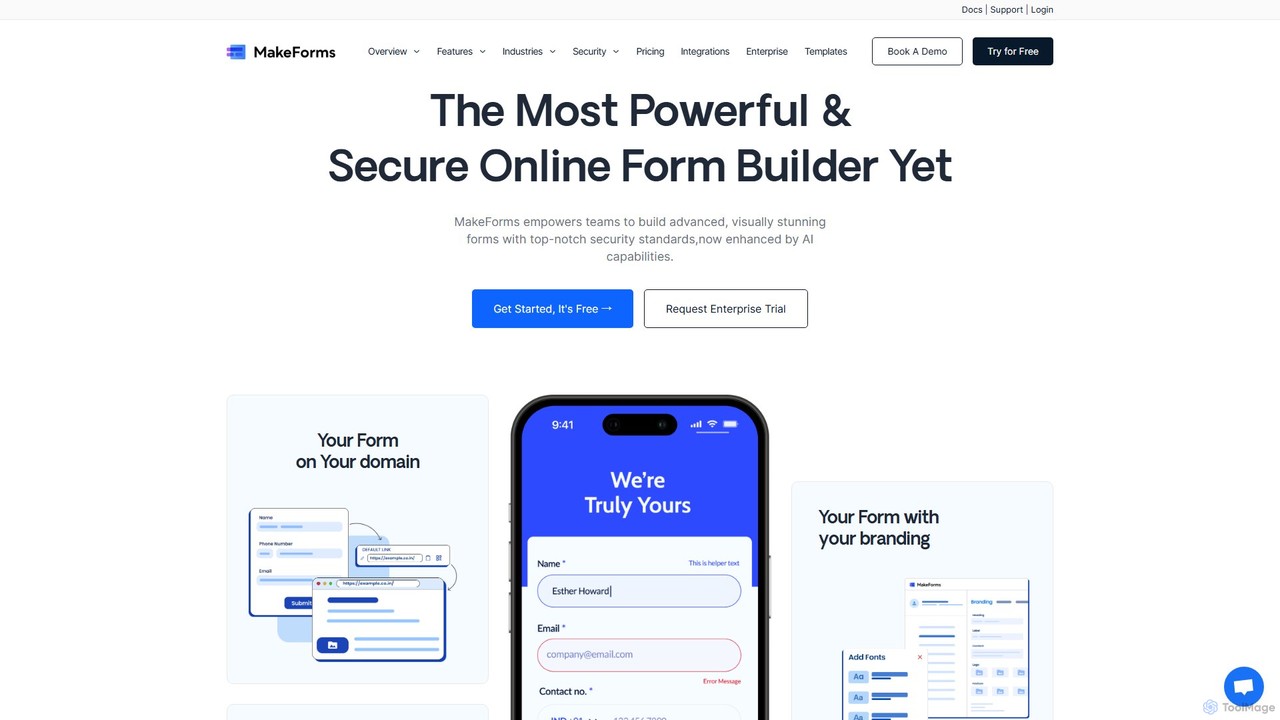
Makeforms Overview
Makeforms is a comprehensive and powerful online platform designed for creating sophisticated forms, surveys, and quizzes. It stands out as a versatile tool that goes beyond simple data collection, offering a suite of advanced features to meet the complex needs of modern businesses. With its intuitive drag-and-drop builder, users can easily design professional-looking forms that are perfectly aligned with their brand identity. The platform is highly praised by users for its robust functionality, user-friendly interface, and proactive support, often being described as a "game changer" in survey management and information gathering.
How to use Makeforms
Using Makeforms is a straightforward process designed for efficiency:
- Sign Up & Create: Start by creating an account. You can begin with a blank canvas or choose from a variety of pre-built templates to speed up the process.
- Build Your Form: Utilize the intuitive drag-and-drop editor to add and arrange a wide array of form fields, from basic text inputs to advanced elements like signature pads and file uploads.
- Apply Advanced Logic: Implement conditional logic to create dynamic forms that show or hide fields based on user responses. Set up automated workflows to trigger actions like sending notification emails or updating a CRM based on form submissions.
- Customize & Brand: Tailor the form's design to match your brand. Apply custom branding, use your own domain (Domain Mapping), and adjust colors, fonts, and layouts to create a seamless user experience.
- Enhance Security: Secure your forms by enabling features like OTP verification for email and mobile numbers to validate leads and prevent spam. Mark specific fields as 'sensitive data' to mask them from unauthorized users.
- Share & Embed: Distribute your form through various channels. Share a direct link, embed it on your website, or even send forms that can be filled out directly within an email. Use Form Sources to track responses from different channels.
- Analyze Data: Manage and analyze submissions efficiently in the Table View. Use features like tagging, bookmarking, filtering, and searching to organize data. Export your data to CSV, Excel, or PDF for further analysis.
Core Features of Makeforms
- Advanced Form Fields: A wide variety of drag-and-drop fields for any data collection need.
- Conditional Logic: Create dynamic, interactive forms that adapt to user input.
- Automated Workflows: Streamline processes by automating tasks and actions based on form submissions.
- Custom Branding & Domain Mapping: Maintain brand consistency with custom designs and personalized form URLs.
- Lead Verification: Ensure data quality with Email and Mobile OTP verification to filter out fake or invalid submissions.
- Team Collaboration: Use WorkSpaces, Folders, and Access Control Lists (ACL) to manage projects and control team member access securely.
- Data Organization: A powerful Table View to manage submissions with features like tagging, bookmarking, source mapping, and spam filtering.
- Sensitive Data Protection: Mask confidential information to protect user privacy and comply with regulations.
- Fill Within Email: Allow users to complete and submit forms directly from their email inbox, increasing response rates.
Use Cases for Makeforms
Makeforms is a versatile tool applicable across numerous industries:
- E-commerce: Prevent fraudulent orders and spam by verifying customer contact information with OTP.
- Financial Services: Comply with KYC and AML regulations by securely verifying client identity.
- Healthcare: Securely collect patient information and send appointment reminders.
- Recruitment: Verify applicant contact details to ensure communication with the right candidates.
- Education: Communicate with students and protect sensitive academic data.
- Marketing & Sales: Generate and qualify leads by capturing verified contact information through landing pages and campaigns.
- Government & Non-profits: Securely communicate with citizens or donors and manage databases effectively.
Advantages of Makeforms
Makeforms offers significant advantages, including enhanced efficiency through automation, improved data accuracy via verification, and a highly professional appearance with deep customization. Its robust security features build trust, while collaborative tools make it ideal for teams. The platform's flexibility allows it to be a single solution for a wide range of data collection and management tasks, from simple surveys to complex application processes.
Pricing and Plans
Makeforms operates on a freemium model, offering several tiers to suit different needs. This includes a free plan with basic features, as well as paid plans (such as Starter, Pro, and Business) that unlock more advanced capabilities, higher submission limits, and greater customization. For the most current and detailed pricing information, it is recommended to visit the official Makeforms website.
Traffic
Latest traffic
Status
Monthly traffic trend
- 2025-9: 24.8K
- 2026-1: 26.5K
- 2026-2: 22.3K
- 2026-3: 25.3K
- 2026-4: 21.6K
- 2026-5: 20.1K
Geography
Top 5 countries / regions
- 🇺🇸United States32.6%
- 🇮🇳India23.7%
- 🇻🇳Vietnam19.2%
- 🇬🇧United Kingdom13.7%
- 🇧🇷Brazil10.8%
Top keywords
| Keyword | Cost per click |
|---|---|
| ai designer form maker | $0.00 |
| fake otp | $0.11 |
| make forms | $0.00 |
| makeforms | $0.27 |
| makerform | $0.00 |
Makeforms Videos on YouTube


VijayaTech Labs - Automation & AI

VijayaTech Labs - Automation & AI

VijayaTech Labs - Automation & AI

VijayaTech Labs - Automation & AI
Makeforms Alternatives
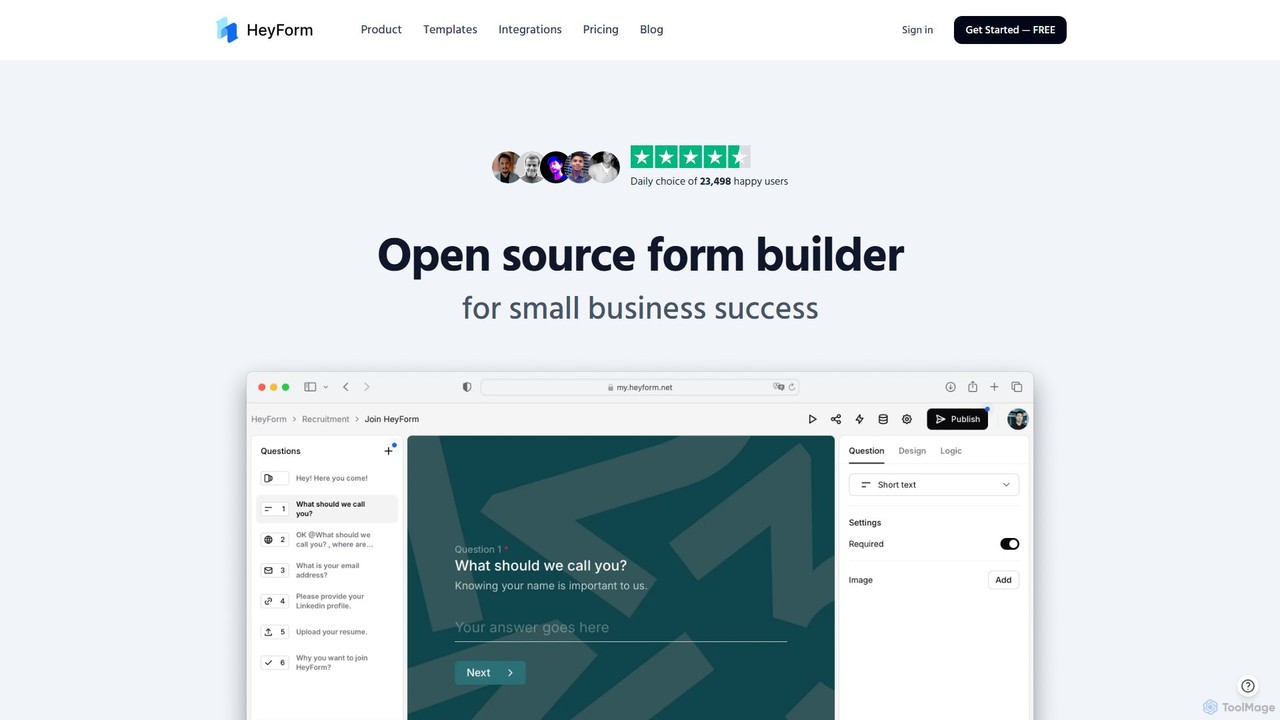
HeyForm
HeyForm is an open-source form builder designed for small businesses. It features an AI copilot to accelerate form creation, extensive customization options, and powerful tools like conditional logic. It simplifies data collection, lead generation, and workflow automation through seamless integrations with numerous popular applications.
Data Collection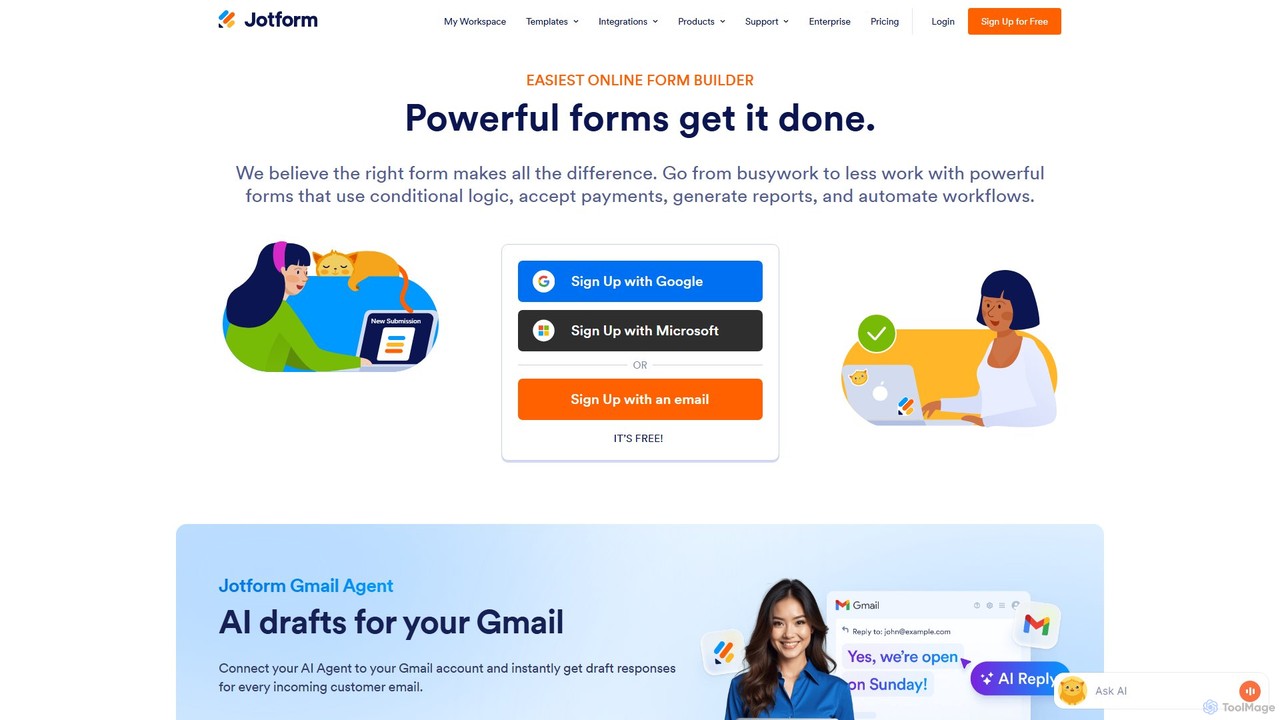
Jotform
Jotform is a powerful no-code online form builder that allows anyone to create custom forms for data collection, payments, and workflow automation. With a drag-and-drop interface, over 10,000 templates, and extensive integrations, it simplifies everything from lead generation and surveys to event registrations and e-commerce. Its robust security features, including HIPAA and PCI compliance, make it a trusted choice for over 30 million users worldwide.
Data Collection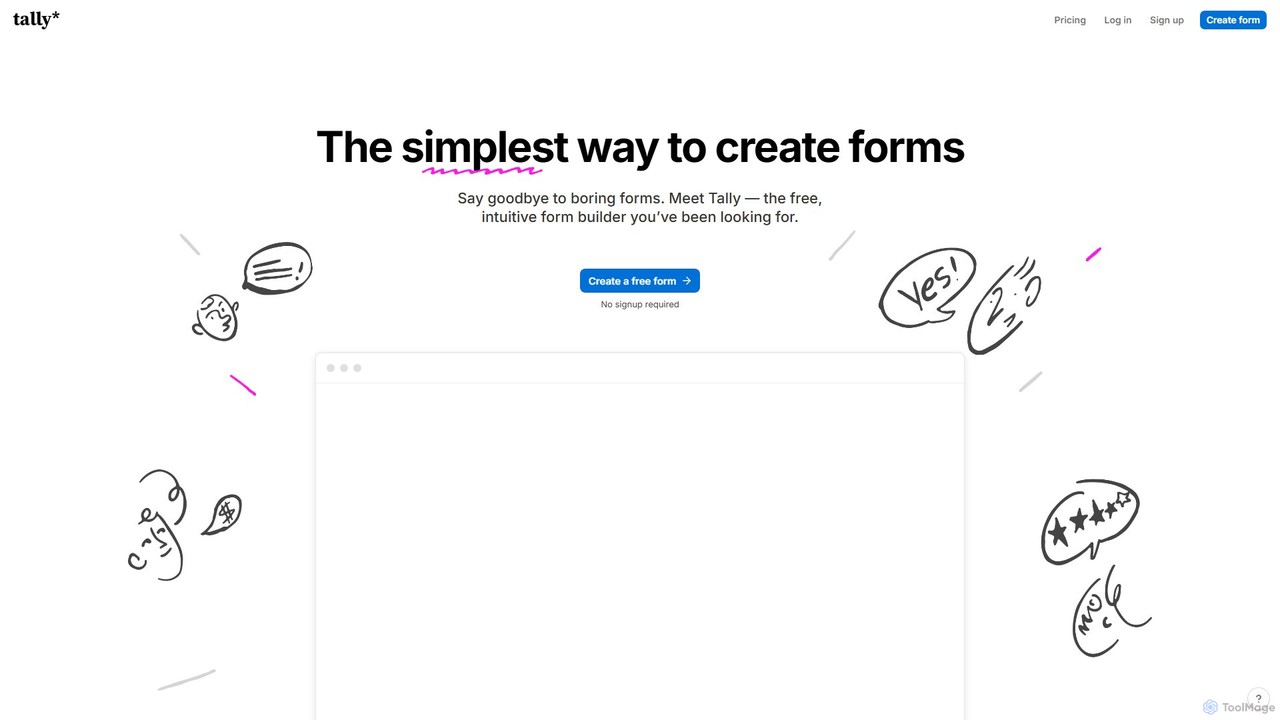
Tally
Tally is an intuitive and powerful online form builder that works like a text document. It offers unlimited forms and submissions for free, making it easy to create everything from simple surveys to complex checkout forms without any coding knowledge. It's a privacy-focused, user-friendly alternative to traditional form builders.
Data Collection
Jinshuju
Jinshuju is a versatile data platform that enables anyone to create online forms, surveys, and quizzes. It integrates AI for smart exam creation, simplifying data collection for event registration, customer feedback, online payments, and professional assessments. It's designed for ease of use, security, and efficiency across multiple industries.
Data Collection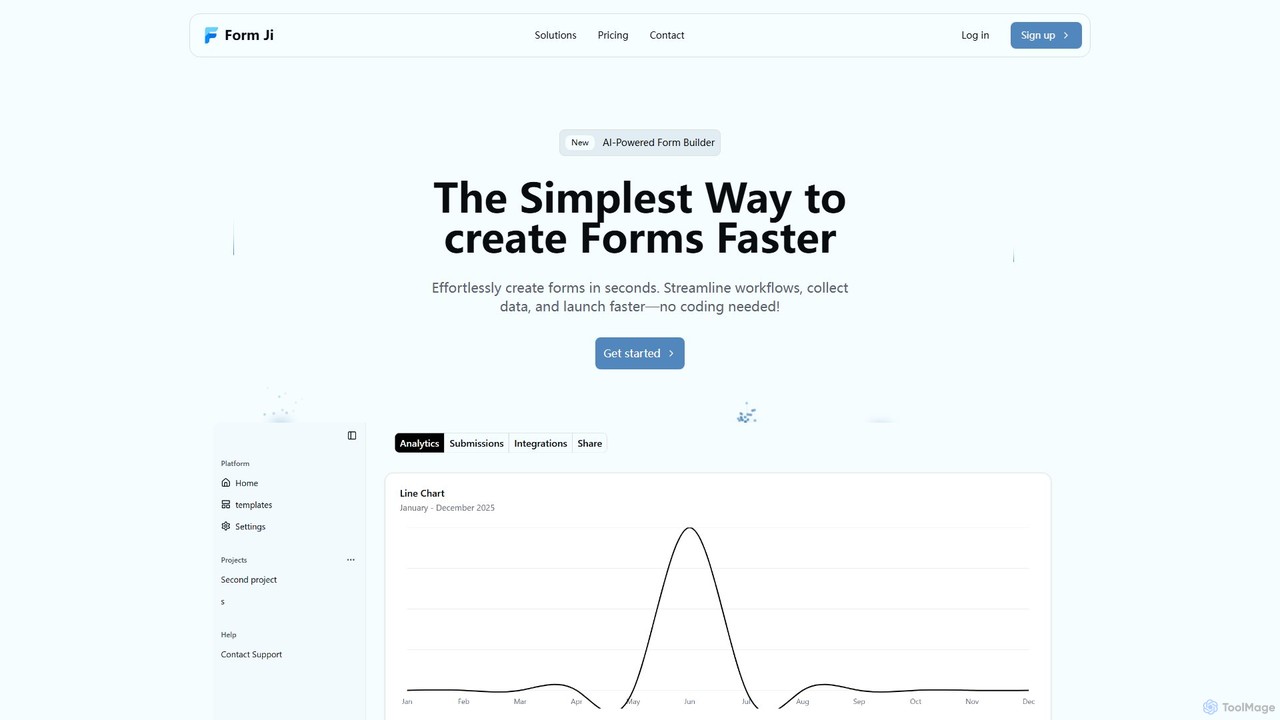
Form Ji
Form Ji is an AI-powered form builder that dramatically accelerates the creation of intelligent forms and surveys. It uses AI to suggest optimal field types and layouts, offers powerful features like conditional logic and CRM integrations, and provides an insightful analytics dashboard to improve completion rates.
RecruitingMakeforms Categories
Makeforms Embed Widget
Copy this embed code to place the badge on your blog, article, or product site and send readers directly to this ToolMage detail page.

Related AI tools
HeyForm
HeyForm is an open-source form builder designed for small businesses. It features an AI copilot to accelerate form creation, extensive customization options, and powerful tools like conditional logic. It simplifies data collection, lead generation, and workflow automation through seamless integrations with numerous popular applications.
Data Collection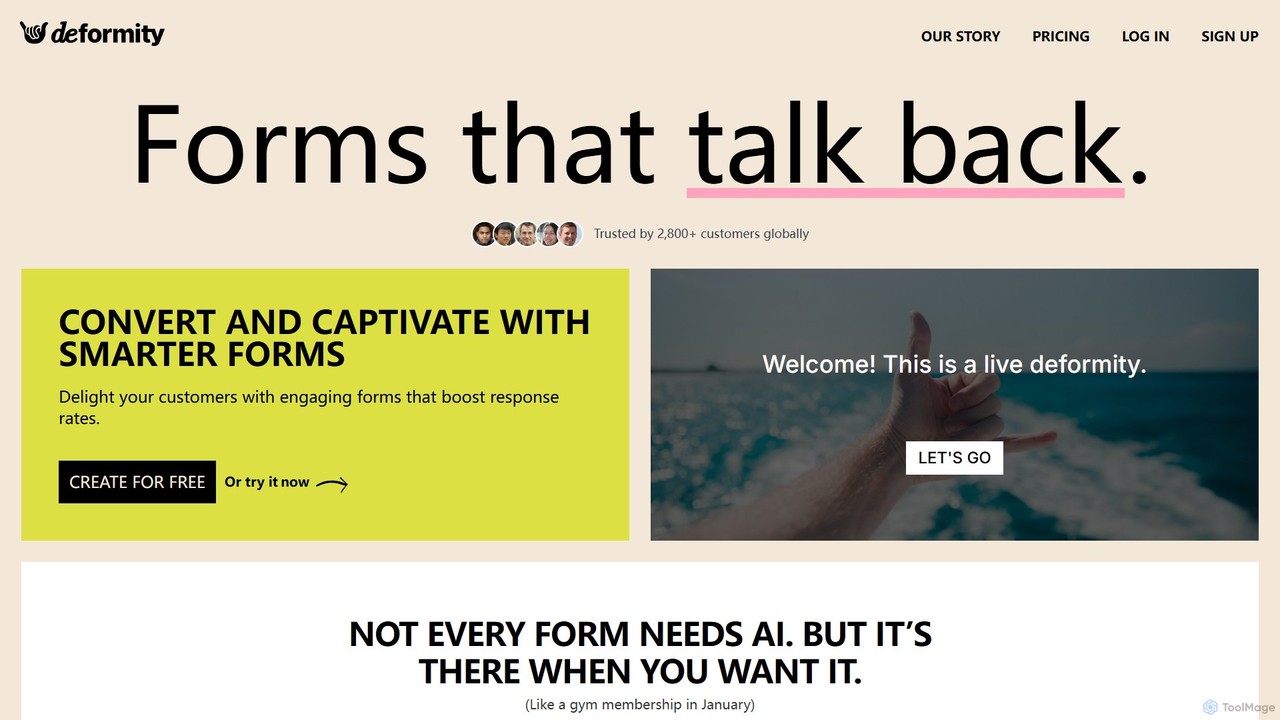
Deformity
Deformity is an AI-powered form builder that creates engaging, conversational forms to boost response rates. It offers a unique dual-mode approach, allowing you to either let AI generate dynamic, adaptive flows or manually craft beautiful, branded forms. With no-code logic, 120+ language support, and extensive integrations, Deformity makes data collection smarter, smoother, and more human.
Surveys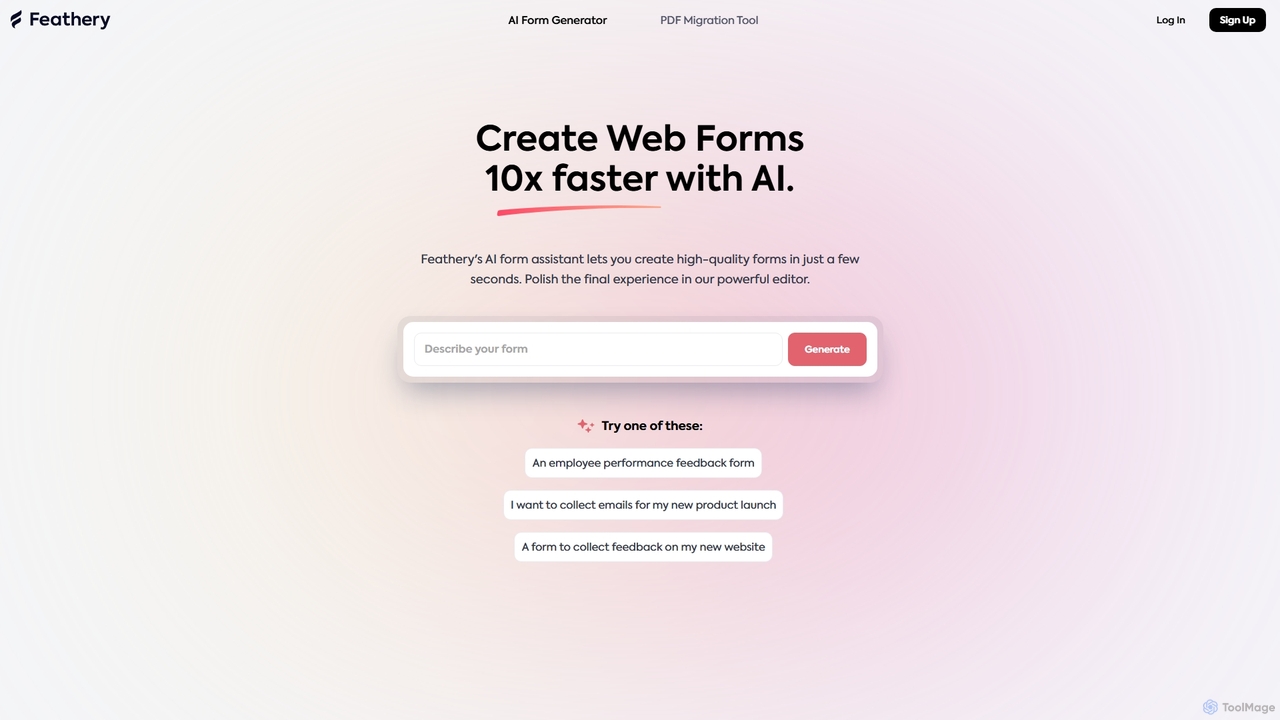
Feathery
Feathery is an AI-powered form builder that accelerates web form creation by 10x. Use natural language to generate complex forms in seconds, or instantly convert static PDFs into interactive digital forms. Refine and customize your forms with a powerful no-code editor for a perfect user experience.
Data CollectionJotform
Jotform is a powerful no-code online form builder that allows anyone to create custom forms for data collection, payments, and workflow automation. With a drag-and-drop interface, over 10,000 templates, and extensive integrations, it simplifies everything from lead generation and surveys to event registrations and e-commerce. Its robust security features, including HIPAA and PCI compliance, make it a trusted choice for over 30 million users worldwide.
Data CollectionTally
Tally is an intuitive and powerful online form builder that works like a text document. It offers unlimited forms and submissions for free, making it easy to create everything from simple surveys to complex checkout forms without any coding knowledge. It's a privacy-focused, user-friendly alternative to traditional form builders.
Data CollectionForm Ji
Form Ji is an AI-powered form builder that dramatically accelerates the creation of intelligent forms and surveys. It uses AI to suggest optimal field types and layouts, offers powerful features like conditional logic and CRM integrations, and provides an insightful analytics dashboard to improve completion rates.
Recruiting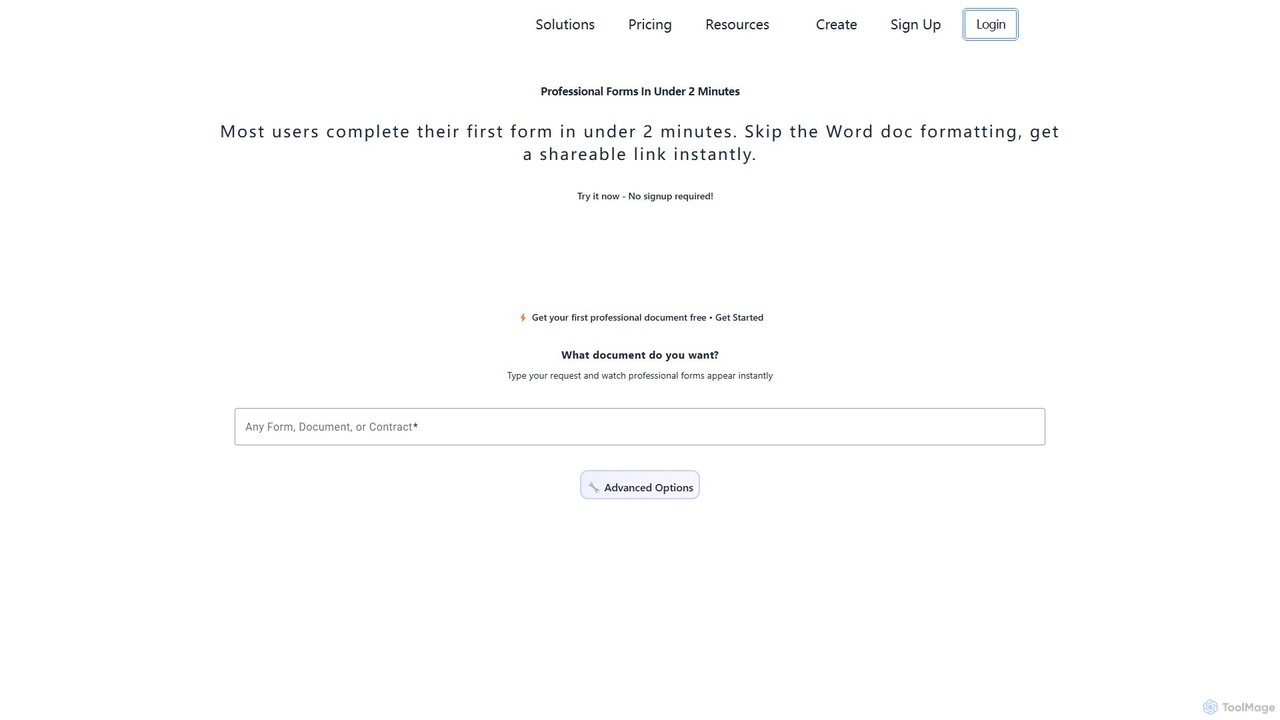
Formzil
Formzil is an AI-powered form builder that creates professional forms, surveys, and contracts in minutes. Simply describe the document you need, and the AI generates it instantly. It's designed to save hours of work, improve data collection, and enhance client interactions with features like conditional logic, custom branding, and analytics.
Data Collection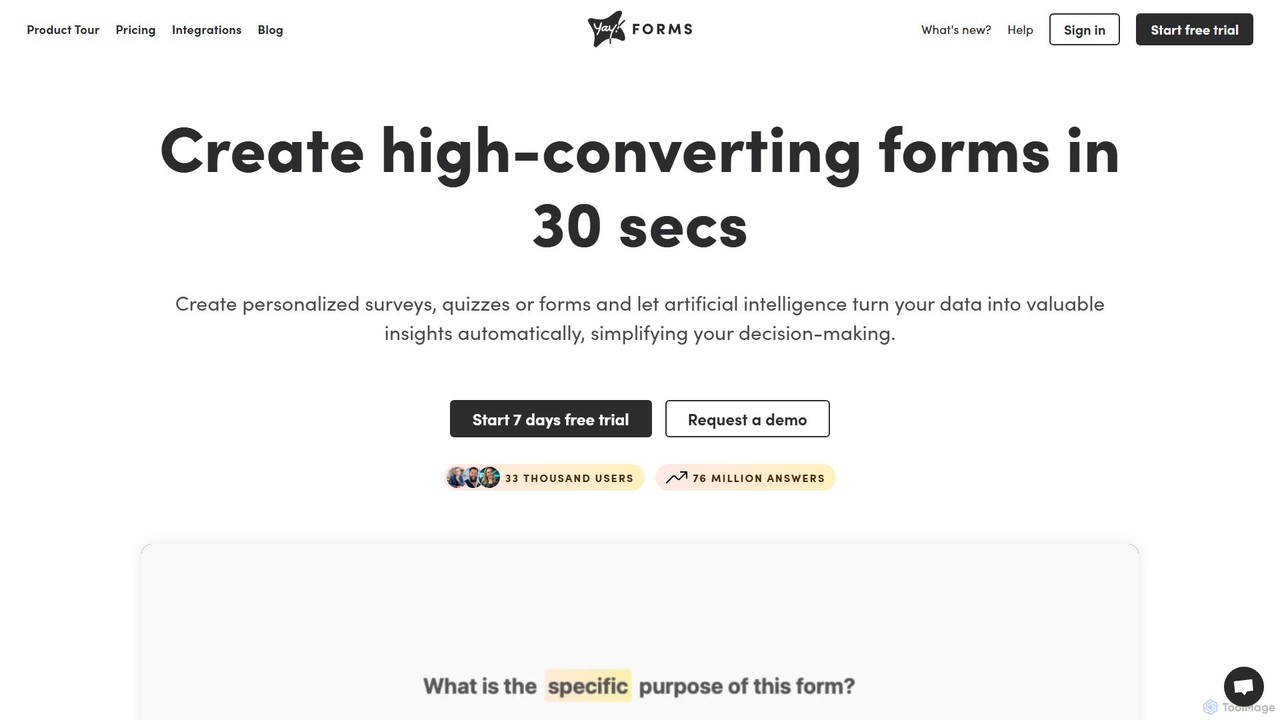
Yay! Forms
Yay! Forms is an AI-powered form builder designed to create high-converting forms and surveys in seconds. It leverages artificial intelligence to provide deep insights from responses, including sentiment analysis, emotion detection, and automatic keyword extraction. Ideal for marketing, sales, HR, and research, it helps automate workflows through seamless integrations with popular tools.
Feedback Collection
Quizify
Quizify is an AI-powered platform designed to effortlessly create interactive quizzes, surveys, and forms. It helps businesses, marketers, and educators engage their audience, gather valuable insights, and convert responses into actionable data, all within a user-friendly interface.
Customer Feedback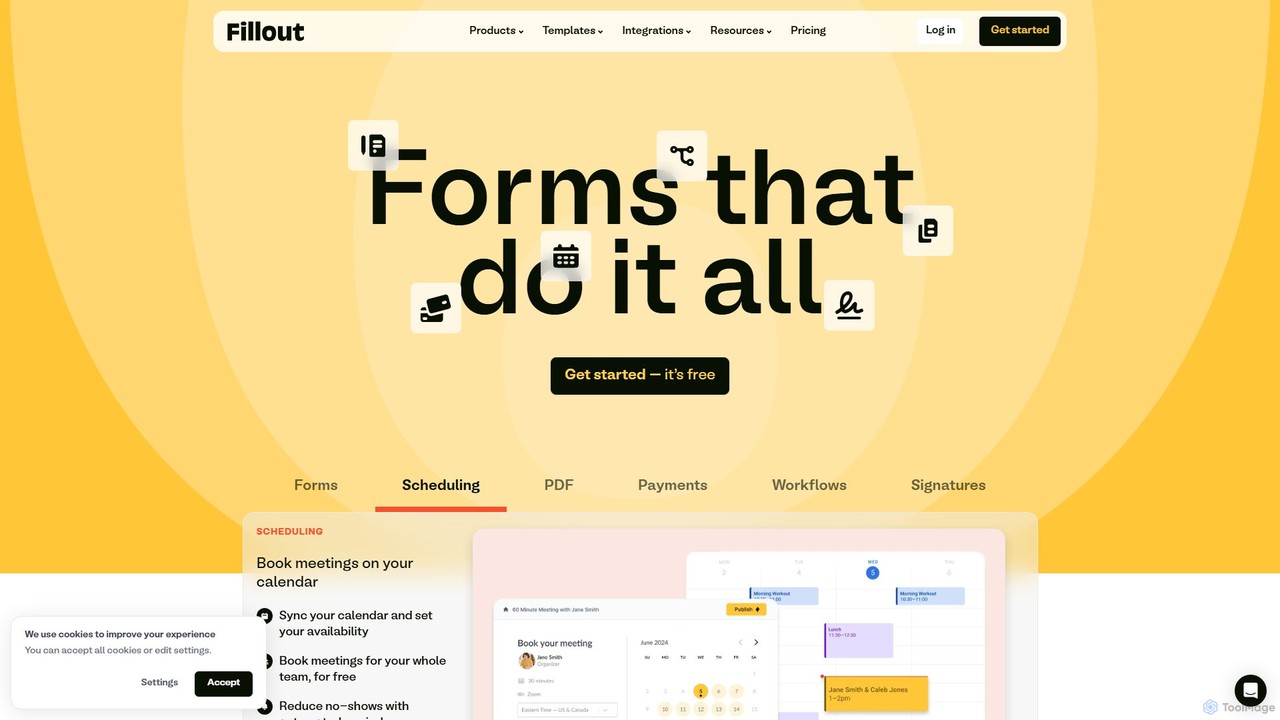
Fillout
Fillout is a powerful, modern form builder designed to create highly customizable and brand-aligned forms, surveys, and quizzes. It excels at automating data collection and workflows through deep, native integrations with tools like Airtable, Notion, and Salesforce. Features include scheduling, payments, e-signatures, and advanced conditional logic, making it a comprehensive solution for businesses to streamline data intake securely and efficiently.
Workflow Automation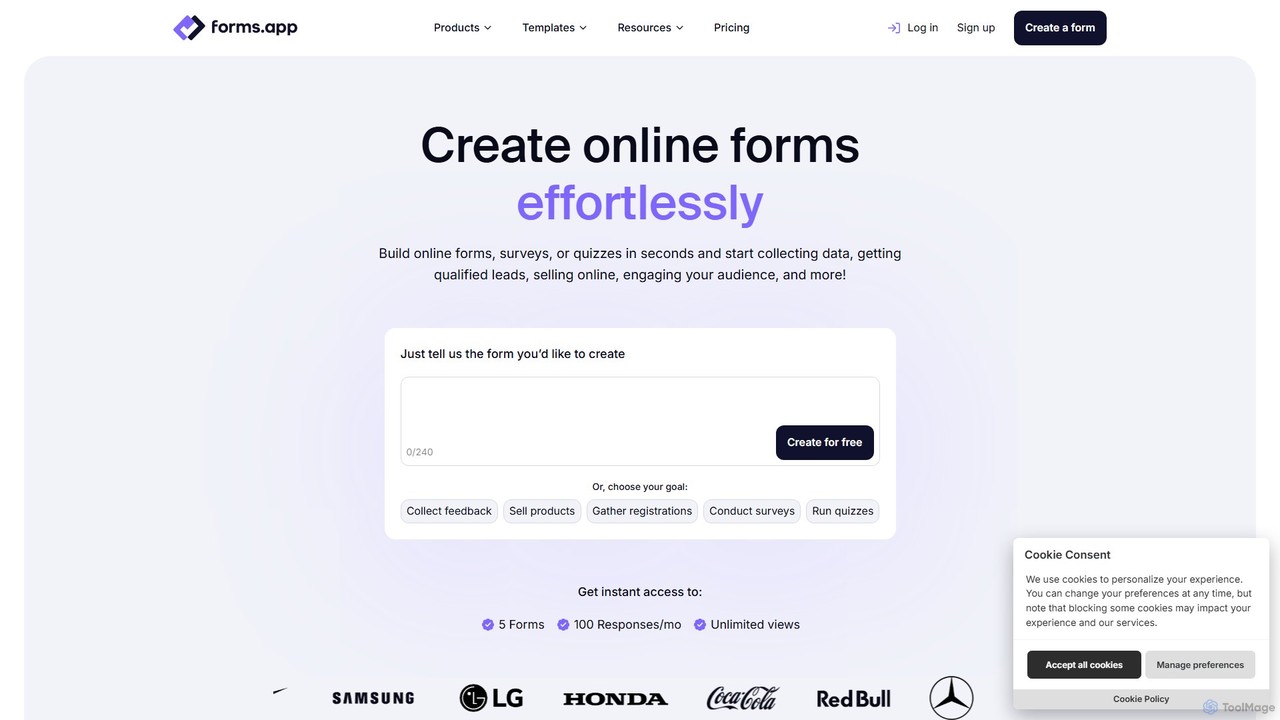
forms.app
forms.app is an AI-powered online form builder that enables users to effortlessly create forms, surveys, and quizzes. It features an intuitive drag-and-drop interface, AI-driven question and response generation, extensive customization options, and seamless integrations to automate data collection and workflows.
Data Collection
TalkForm AI
TalkForm AI revolutionizes form creation and completion through a conversational interface. Simply describe the form you need in natural language, and the AI builds it for you. Users fill out forms by chatting with an AI assistant that intelligently validates, cleans, and structures the data. It's an open-source tool designed to make data collection faster, more intuitive, and powerful, eliminating the need for tedious form builders.
Feedback Collection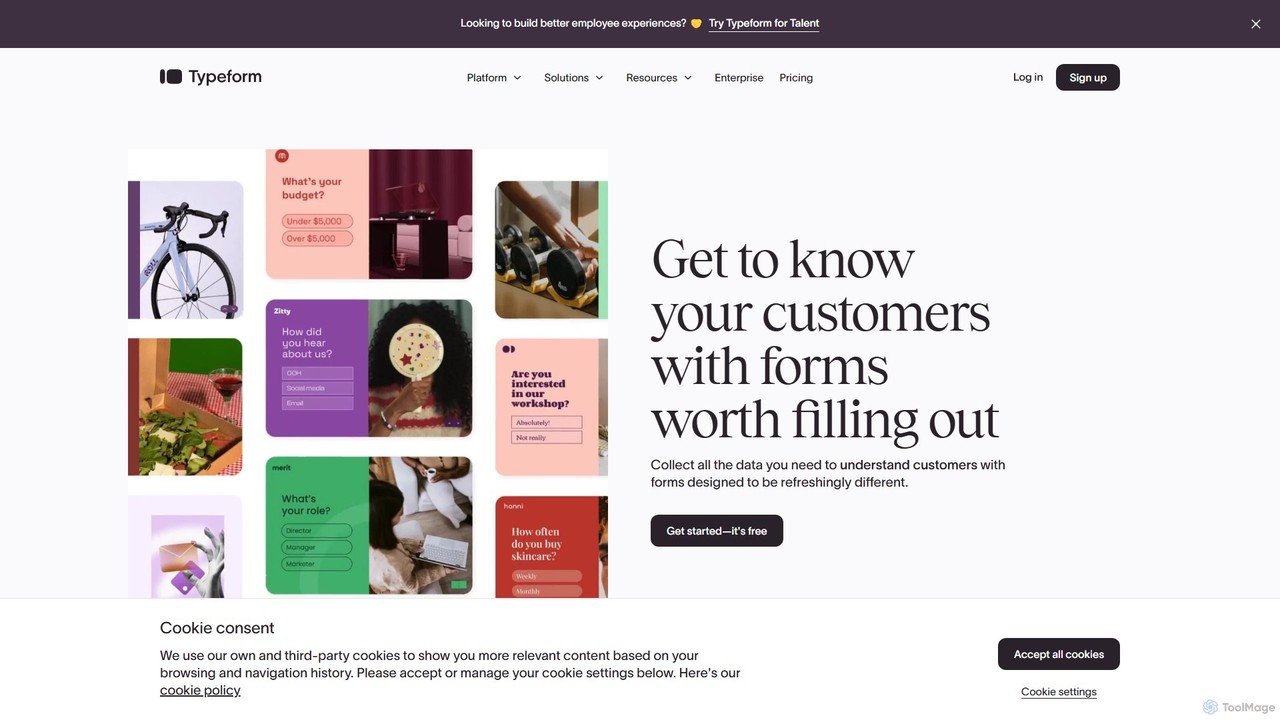
Typeform
Typeform is an AI-powered, conversational data collection platform that allows users to create beautiful, engaging, and intuitive forms, surveys, and quizzes. It focuses on a one-question-at-a-time interface to increase response rates, making data collection feel more like a conversation. Ideal for marketing, HR, and customer feedback, it helps businesses gather better data and deeper insights.
Feedback Collection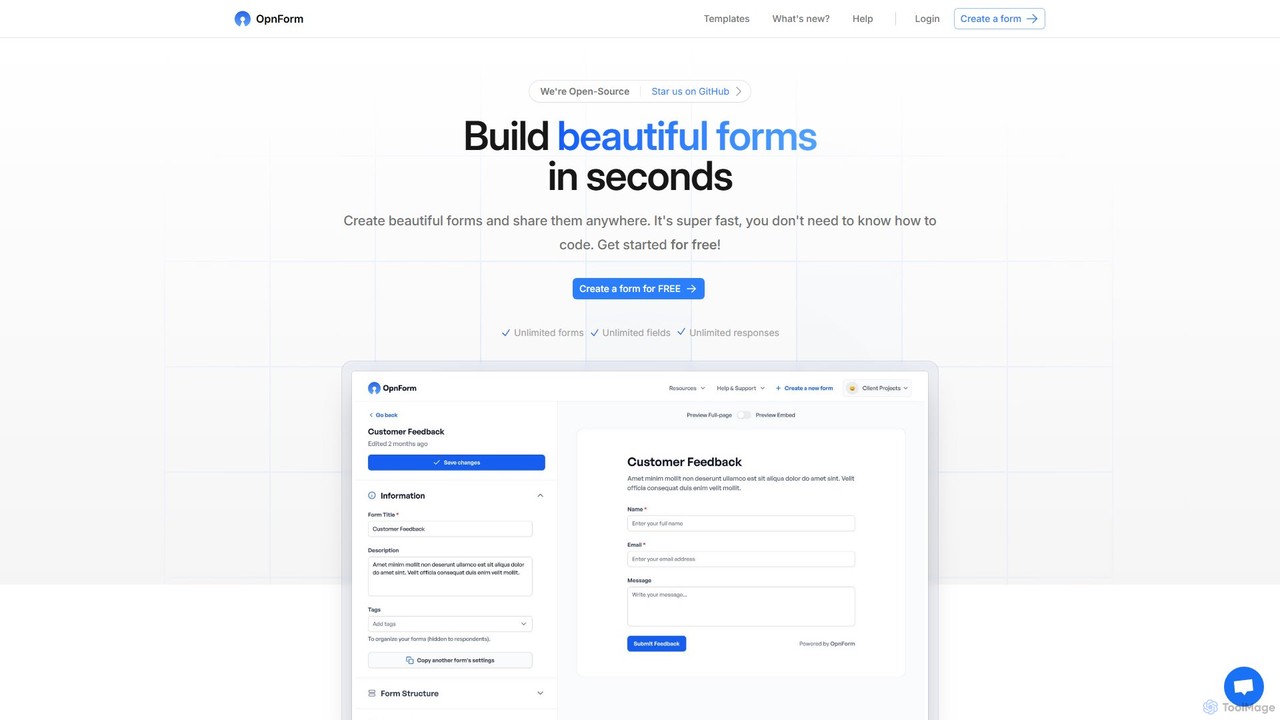
OpnForm
OpnForm is an open-source, AI-powered form builder that allows users to create unlimited beautiful forms for free. With its intuitive no-code interface, AI form generation from text prompts, and extensive customization options, it's perfect for surveys, contact forms, and data collection. It offers a generous free plan and powerful pro features like advanced integrations, custom domains, and API access.
Open Source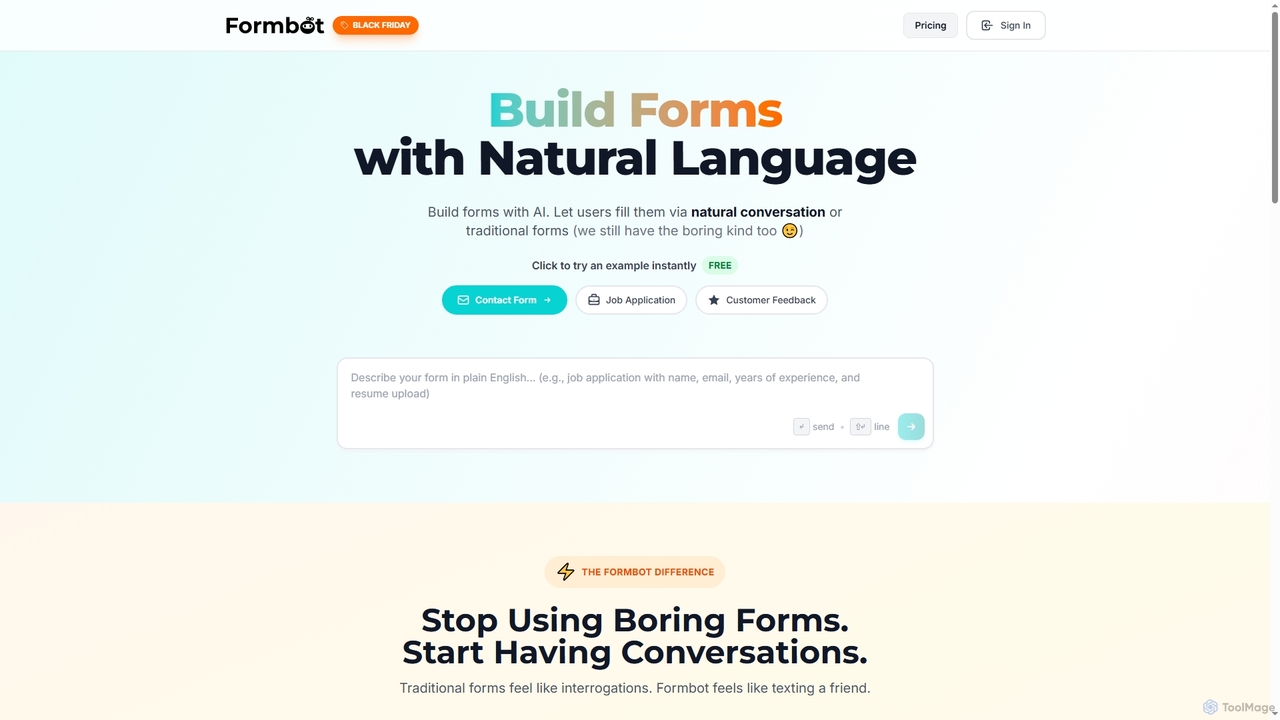
Formbot
Formbot is an AI-powered form builder that creates forms from natural language descriptions. It features a unique conversational chat mode to boost user engagement and completion rates, alongside traditional and guided form options. It offers full customization, real-time analytics, and over 100 templates for various industries without requiring any coding skills.
Feedback
Makeforms Comments (0)
Sign in to comment.
Sign inNo comments yet.