
Narakeet Overview
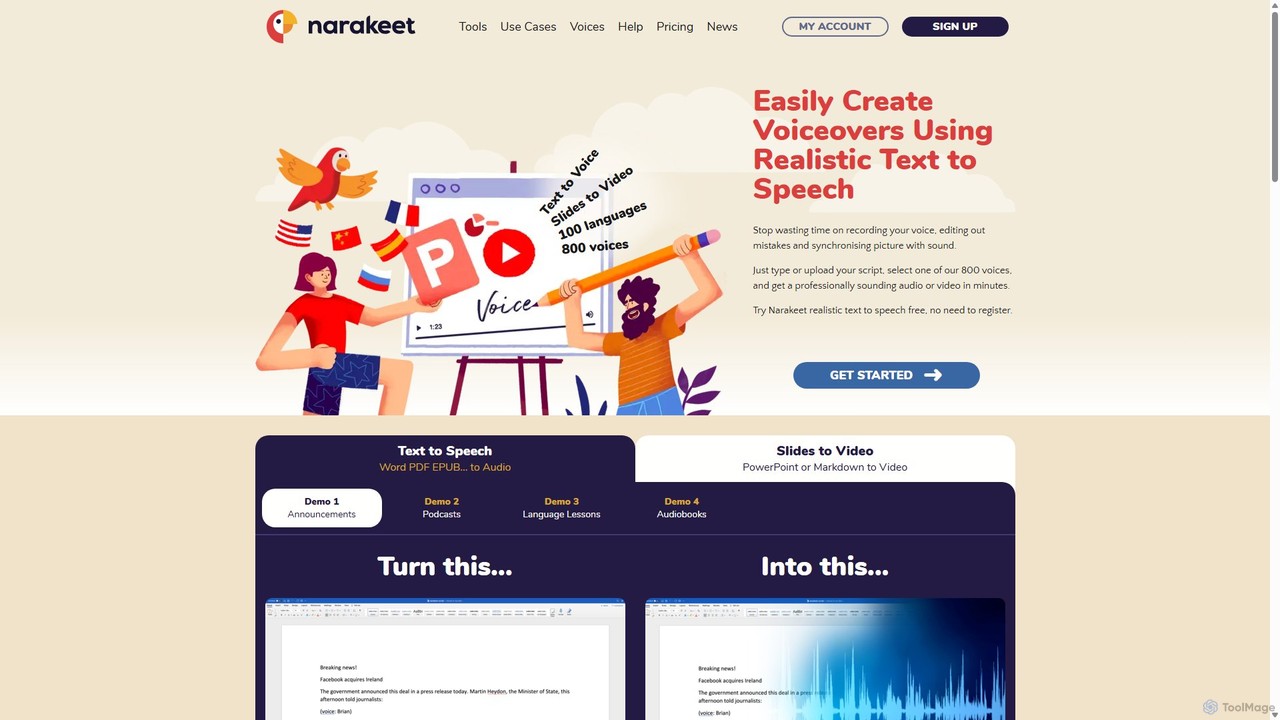
Narakeet is a versatile and powerful AI-driven platform designed to streamline the creation of narrated videos and audio content. It serves as a text-to-speech video maker, enabling users to effortlessly convert various forms of text and visual materials into engaging, professionally voiced productions. By leveraging advanced artificial intelligence, Narakeet offers a library of over 800 realistic voices across 100 languages, making it an ideal solution for creating global content. The core principle of Narakeet is to make video production as simple as editing a document, eliminating the time-consuming tasks of manual voice recording, audio-video synchronization, and subtitle creation.
The platform supports a wide array of input formats, allowing users to turn Word documents, PDFs, EPUB files, and plain text into high-quality audio files like MP3s and WAVs. More powerfully, it can transform presentations from PowerPoint, Google Slides, or Keynote into dynamic videos. Users simply add their narration script to the speaker notes of their slides, and Narakeet automatically generates the voiceover and synchronizes it perfectly with the visual transitions.
How to use Narakeet
Narakeet offers several straightforward workflows for content creation:
- Create Video from Presentations: Upload your PowerPoint, Google Slides, or Keynote file. Write your narration in the speaker notes for each slide. Narakeet will use this text to generate a voiceover and create a video, syncing the audio with the corresponding slides automatically.
- Create Video from a Script: Write your video script using Markdown syntax. You can embed images, screen recordings, and video clips directly within the script. Narakeet processes the script to create a complete video, handling slide creation, call-outs, and text overlays, with the narration perfectly timed to the visuals.
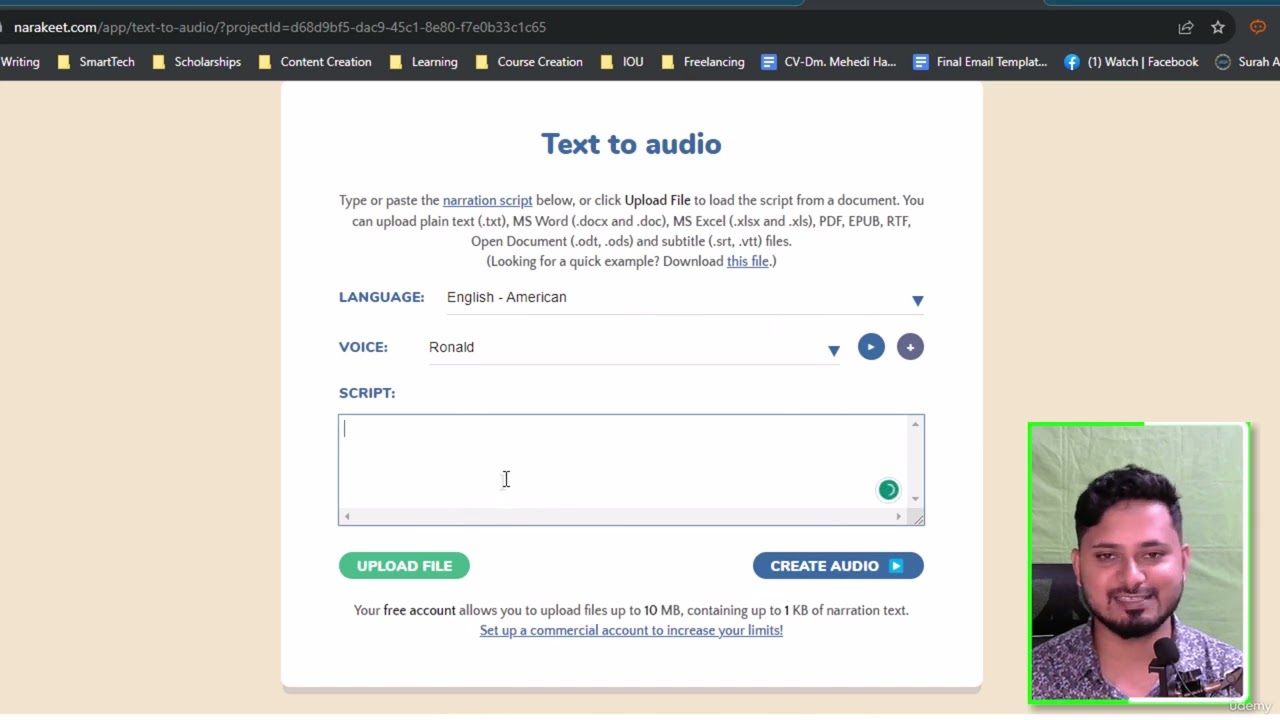
- Convert Text to Audio: Upload a Word document, PDF, or simply type/paste your text into the editor. Select your desired language, voice, and audio format (MP3, WAV). Click 'Create Audio' to generate a high-quality voiceover file.
- Convert Subtitles to Audio (Dubbing): Upload a subtitle file in SRT or WebVTT format. Narakeet uses the timestamps in the file to generate a synchronized audio track in the language and voice of your choice. This is perfect for dubbing existing videos for international audiences.
- Automate Video Production: For developers and large-scale operations, Narakeet provides an API and a command-line client (CLI) to integrate video creation into automated workflows, such as continuous delivery pipelines for updating documentation videos.
Core Features of Narakeet
- Realistic Text-to-Speech: Access a vast library of 800+ AI voices in 100 languages and accents for natural-sounding narration.
- Presentation to Video Conversion: Effortlessly turn PowerPoint, Google Slides, and Keynote presentations into narrated videos.
- Script-Based Video Creation: Use Markdown to script entire videos, including visuals, text overlays, and transitions.
- Subtitle to Audio Conversion: Convert SRT and WebVTT subtitle files into synchronized voiceover tracks for easy video dubbing.
- Automatic Synchronization: The AI automatically synchronizes audio narration with visual elements, saving hours of manual editing.
- Multi-format Support: Create audio from various text formats, including Word, PDF, and EPUB.
- Video Automation API: Integrate video production into your systems and workflows for automated content creation.
- Automatic Captions: Automatically generate subtitles and closed captions for the videos you create.
Use Cases for Narakeet
Narakeet is ideal for a wide range of applications, including:
- Corporate Training & E-Learning: Quickly produce and update training materials and instructional videos in multiple languages.
- Marketing & Product Demos: Create engaging promotional videos, product explainers, and demos for global markets.
- YouTube Content Creation: Generate consistent, high-quality voiceovers for YouTube channels without recording your own voice.
- Audiobooks & Podcasts: Convert written content into audiobooks or produce podcast episodes from a script.
- Social Media Videos: Use templates to quickly create videos formatted for Instagram, LinkedIn, Facebook, and Twitter.
- Automated Documentation: Automatically generate up-to-date video tutorials and guides as part of a software development lifecycle.
Advantages of Narakeet
The primary advantage of Narakeet is its efficiency. It dramatically reduces the time and effort required for video production from hours to minutes. Its intuitive interface means users don't need any technical video editing skills. The ability to update videos by simply editing the text script is a game-changer for content that requires frequent revisions. Furthermore, its extensive language and voice library makes content localization scalable and affordable, while the AI ensures a consistent vocal tone across all productions.
Pricing and Plans
Narakeet uses a flexible pay-as-you-go pricing model instead of recurring subscriptions. Users purchase credit packs based on the duration of the audio or video they need to produce. This allows you to pay only for what you use. The cost per minute decreases as the size of the purchased pack increases. For example, plans start from a 30-minute pack for $6 USD ($0.20/minute) and go up to a 10,000-minute pack for $500 USD ($0.05/minute). This model provides transparency and is cost-effective for both small, infrequent projects and large-scale production needs. Prices are also available in GBP, EUR, and INR.
Traffic
Latest traffic
Status
Monthly traffic trend
- 2025-9: 2.3M
- 2026-1: 1.9M
- 2026-2: 1.7M
- 2026-3: 1.7M
- 2026-4: 1.7M
- 2026-5: 1.6M
Geography
Top 5 countries / regions
- 🇺🇸United States34.5%
- 🇮🇳India29.0%
- 🇻🇳Vietnam13.7%
- 🇹🇷Türkiye12.2%
- 🇪🇸Spain10.6%
Traffic sources
| Source type | Percentage |
|---|---|
Direct | 86.8% |
Referral | 11.2% |
Email | 2.0% |
Top keywords
| Keyword | Cost per click |
|---|---|
| german voice over | $1.84 |
| narakeet | $1.13 |
| narakeet text to speech | $0.67 |
| voz ia | $0.31 |
| озвучка текста | $0.20 |
Narakeet Videos on YouTube

The Speakr

Doom Slayer

Negi tech guide
Narakeet Alternatives
Fliki
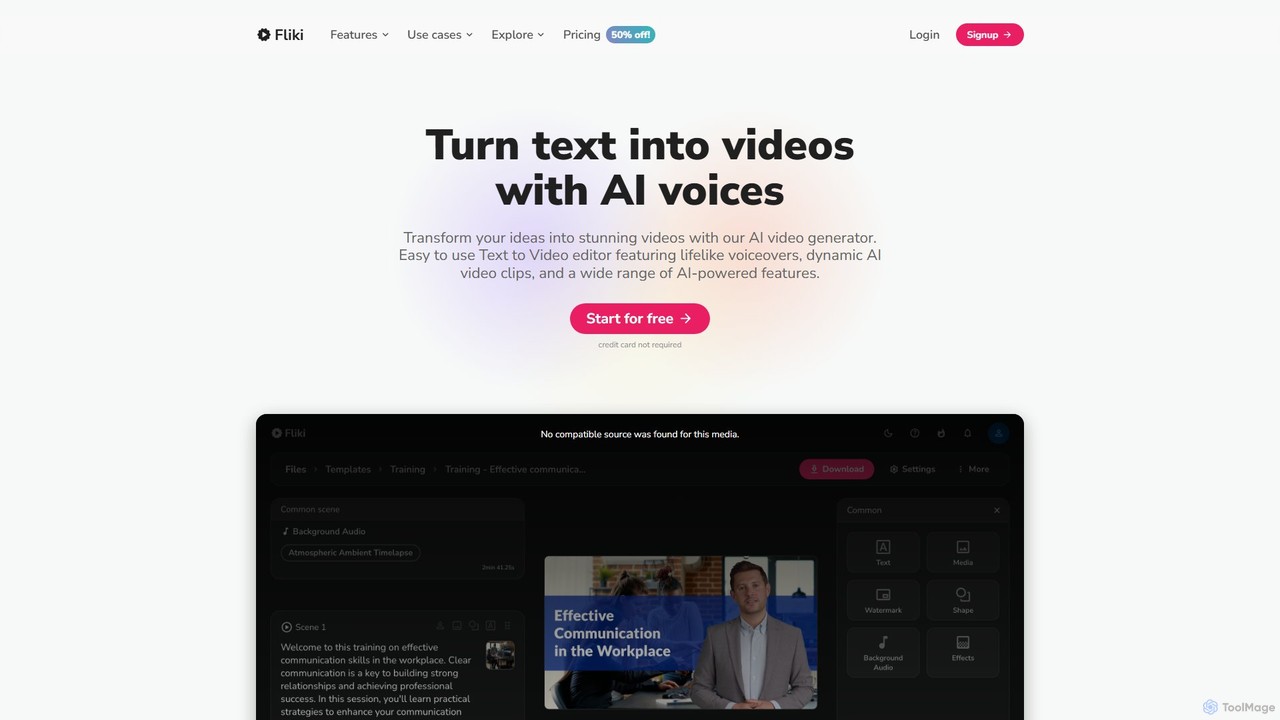
Fliki is an AI-powered text-to-video and text-to-speech creator that transforms your text into stunning videos with lifelike AI voices and avatars. Easily convert blog posts, scripts, or ideas into engaging video content for social media, marketing, education, and training.
Text To Speech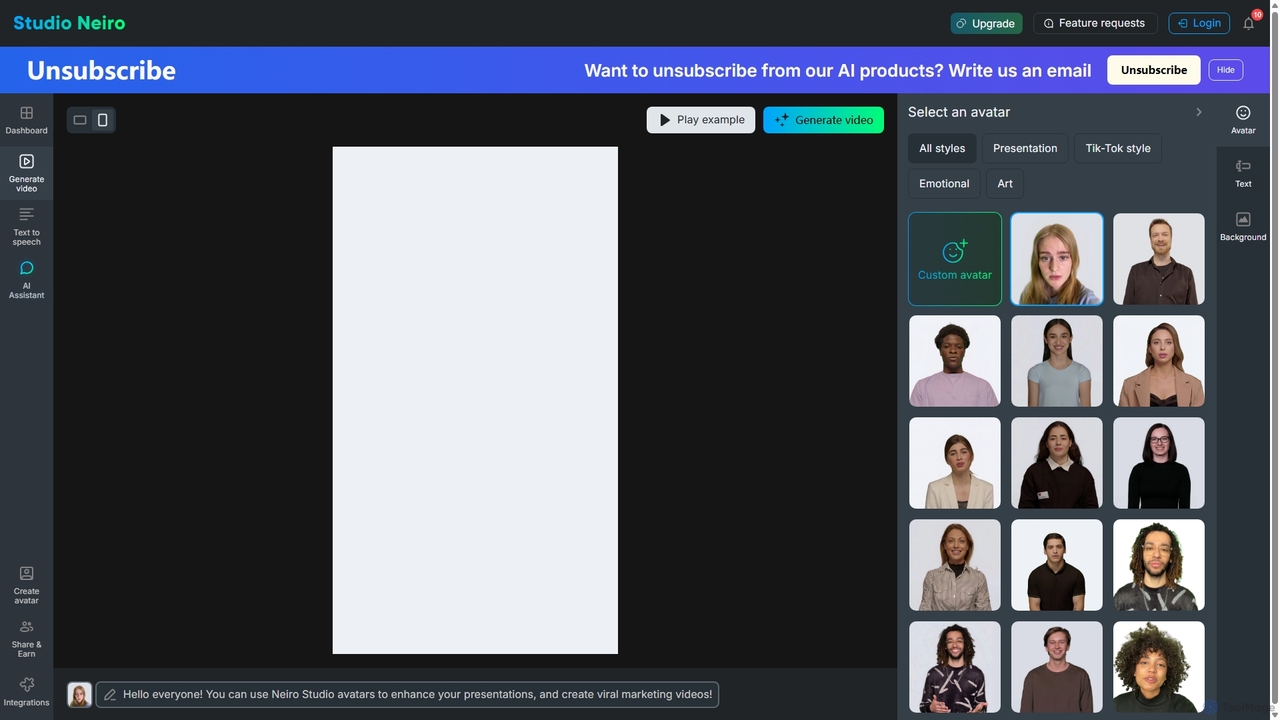
Studio Neiro
Studio Neiro is an AI-powered video generation platform that transforms text into engaging videos featuring customizable digital avatars. Effortlessly create professional-quality content for marketing, training, and presentations in minutes, without needing cameras or actors. Simply type your script, choose an avatar, and generate a captivating video.
Text To Speech
kaipai
Kaipai is an AI-powered video creation platform that specializes in generating realistic talking head videos from text. It allows users to create professional-grade videos with AI avatars, eliminating the need for cameras, microphones, or actors. Simply input your script, choose an avatar and voice, and generate a high-quality video in minutes, perfect for marketing, training, and content creation.
Text To Speech
HeyGen
HeyGen is a leading AI video generation platform that enables users to create professional, studio-quality videos in minutes without a camera or crew. It converts text into engaging videos using realistic AI avatars, voice cloning, and advanced video translation. Ideal for marketing, sales, training, and content creation, HeyGen simplifies video production, making it scalable and accessible for everyone.
E Learning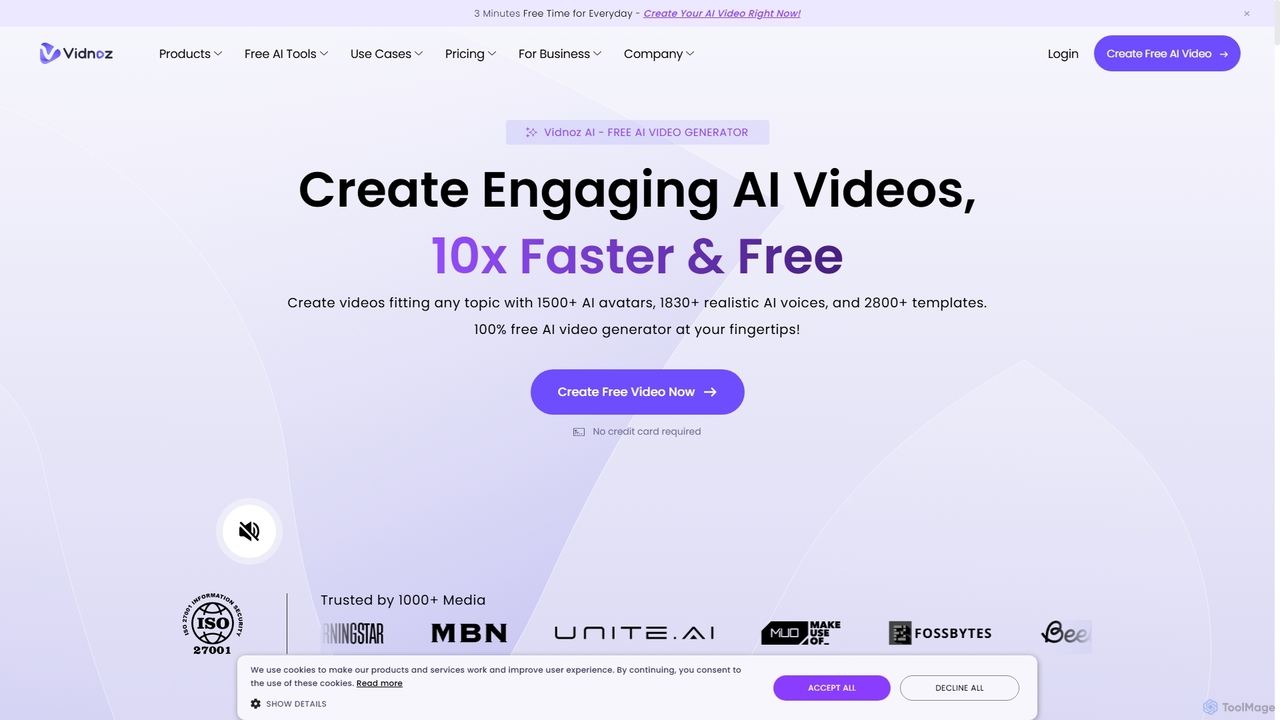
Vidnoz
Vidnoz is a powerful AI video generation platform that allows users to create professional videos 10x faster. It features a vast library of AI avatars, voices, and templates, along with advanced tools like voice cloning, video translation, and talking photos, making video creation accessible and affordable for everyone.
E LearningNarakeet Categories
Narakeet Embed Widget
Copy this embed code to place the badge on your blog, article, or product site and send readers directly to this ToolMage detail page.

Related AI tools
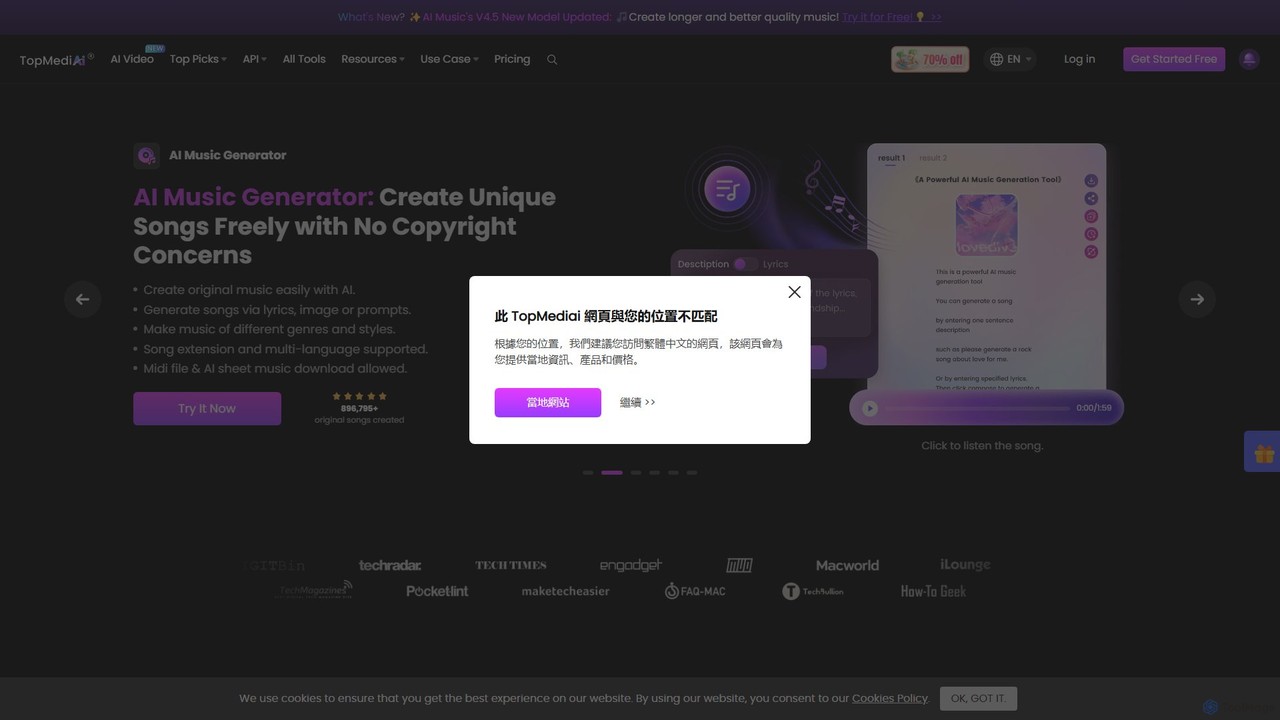
TopMediai
TopMediai is an all-in-one AI-powered creative platform for video, voice, and music generation. It offers a comprehensive suite of tools, including Text-to-Speech with over 3200 voices, AI Music Generator, AI Video Generator, Voice Cloning, and an AI Song Cover creator. Designed for content creators, marketers, and developers, it simplifies the production of high-quality, professional-grade content without requiring technical expertise. The platform supports over 190 languages and provides API access for seamless integration.
Music Generation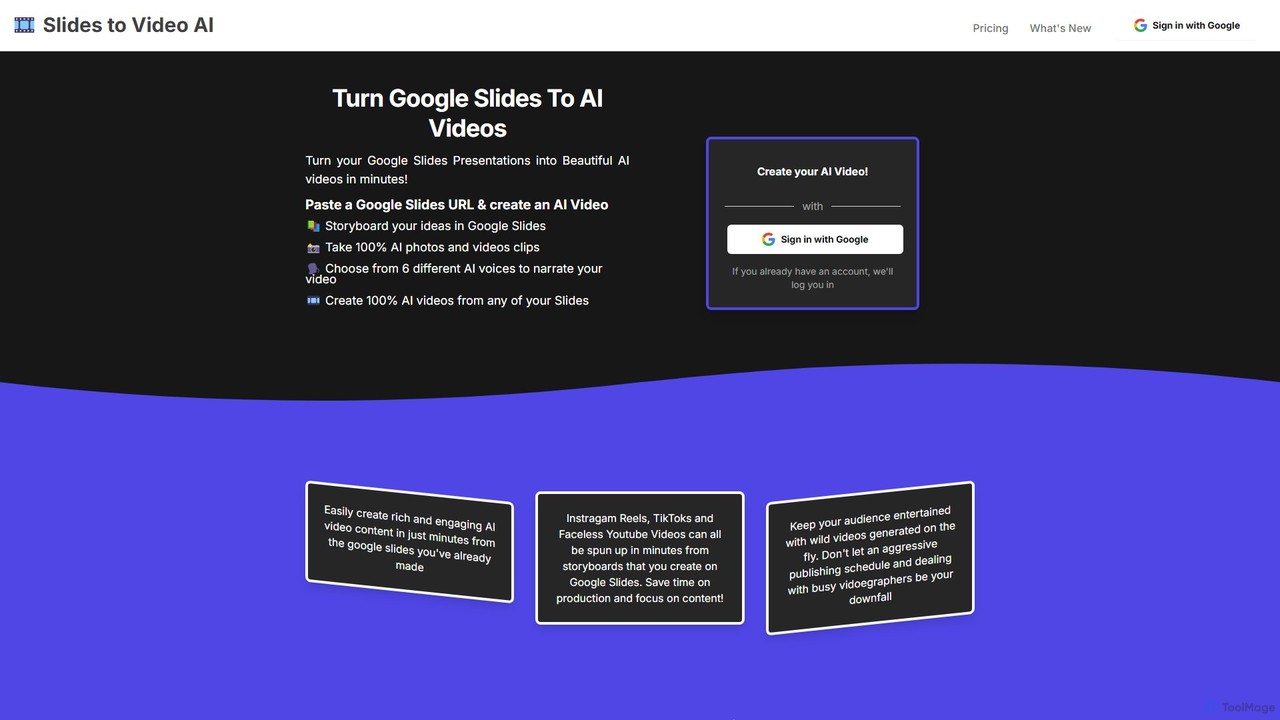
slidestovideos
slidestovideos is an AI-powered tool that transforms Google Slides presentations into engaging videos in minutes. Simply paste a Google Slides URL to generate AI-driven visuals, select from multiple AI voices for narration, and create professional-quality videos for marketing, social media, and education.
Video MarketingFliki
Fliki is an AI-powered text-to-video and text-to-speech creator that transforms your text into stunning videos with lifelike AI voices and avatars. Easily convert blog posts, scripts, or ideas into engaging video content for social media, marketing, education, and training.
Text To Speech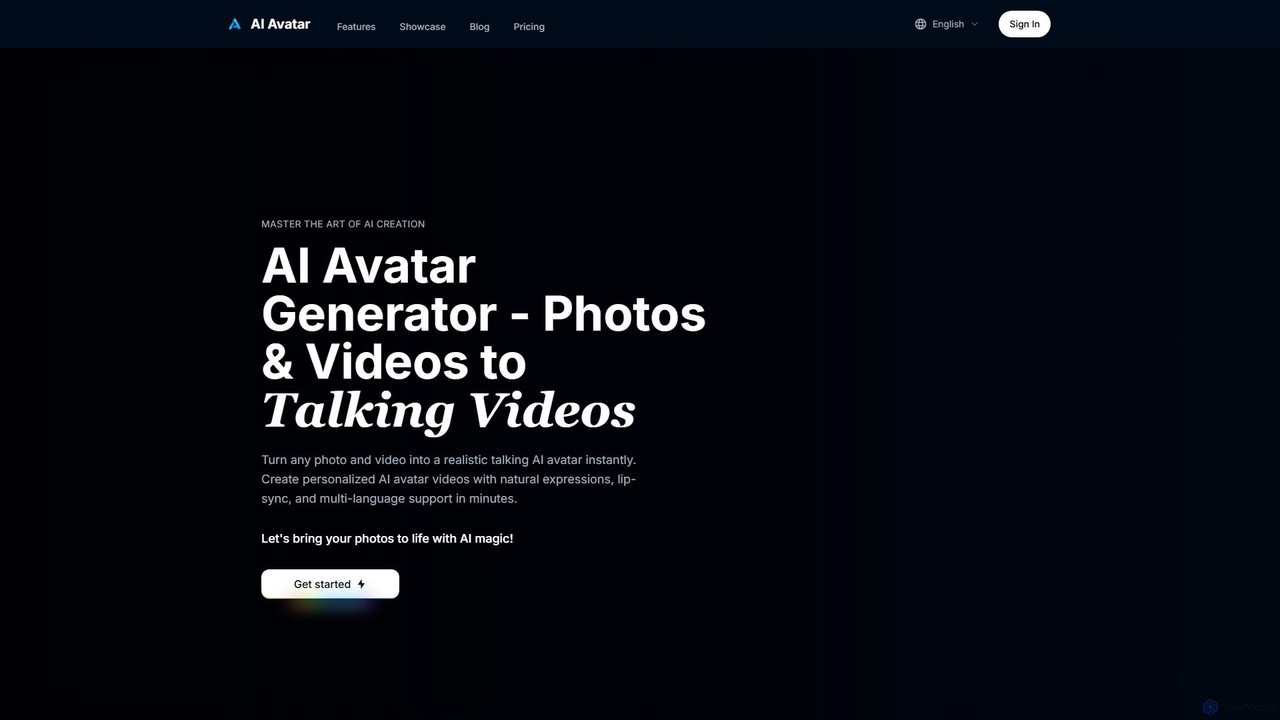
ai_avatar
An AI-powered platform that transforms any photo or video into a realistic talking avatar. Create professional videos with natural expressions, perfect lip-sync, and multi-language support in minutes, ideal for marketing, training, and social media content.
TrainingStudio Neiro
Studio Neiro is an AI-powered video generation platform that transforms text into engaging videos featuring customizable digital avatars. Effortlessly create professional-quality content for marketing, training, and presentations in minutes, without needing cameras or actors. Simply type your script, choose an avatar, and generate a captivating video.
Text To Speech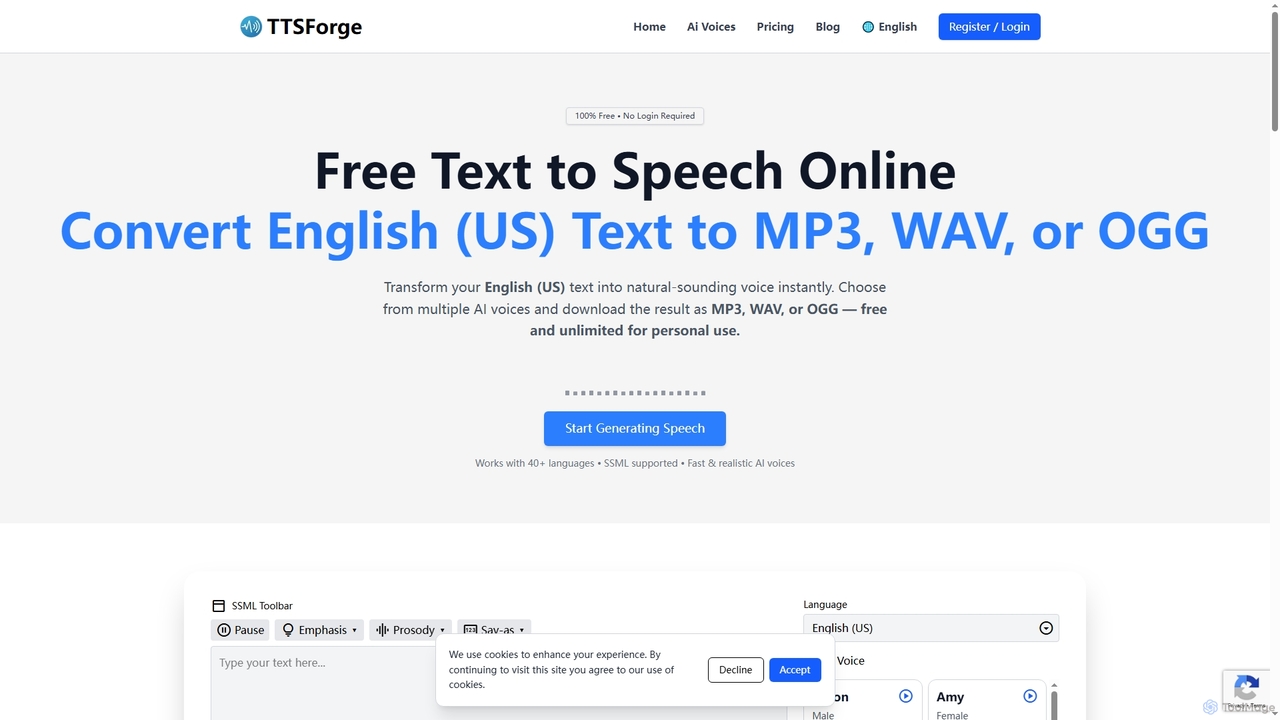
TTSForge
TTSForge is a free online text-to-speech platform that converts written text into natural-sounding audio using advanced AI voices. It supports over 40 languages and allows users to download audio in MP3, WAV, or OGG formats for various personal and commercial projects.
Text To Speech
ttsopenai
A powerful text-to-speech tool leveraging OpenAI's advanced voice engine. Instantly convert text into incredibly natural, human-like audio in multiple languages and voices. Ideal for content creators, developers, and businesses seeking high-quality voiceovers for videos, podcasts, e-learning, and more.
Text To Speech
VoiceDesignAI
VoiceDesignAI is a free, cutting-edge text-to-speech (TTS) and voice converter powered by advanced AI models like Deepseek, Hailuo, and Grok. It transforms text into natural, expressive, and high-quality audio. The platform supports voice cloning, multi-language synthesis, and real-time processing, making it ideal for content creators, developers, and businesses seeking to enhance their projects with lifelike voiceovers.
Text To Speech
Synthy
Synthy is an advanced AI voice generator and text-to-speech (TTS) platform that creates ultra-realistic human-like voices. It offers voice cloning, emotional expression control, and a wide range of languages and accents, making it ideal for content creators, developers, and businesses.
Text To Speech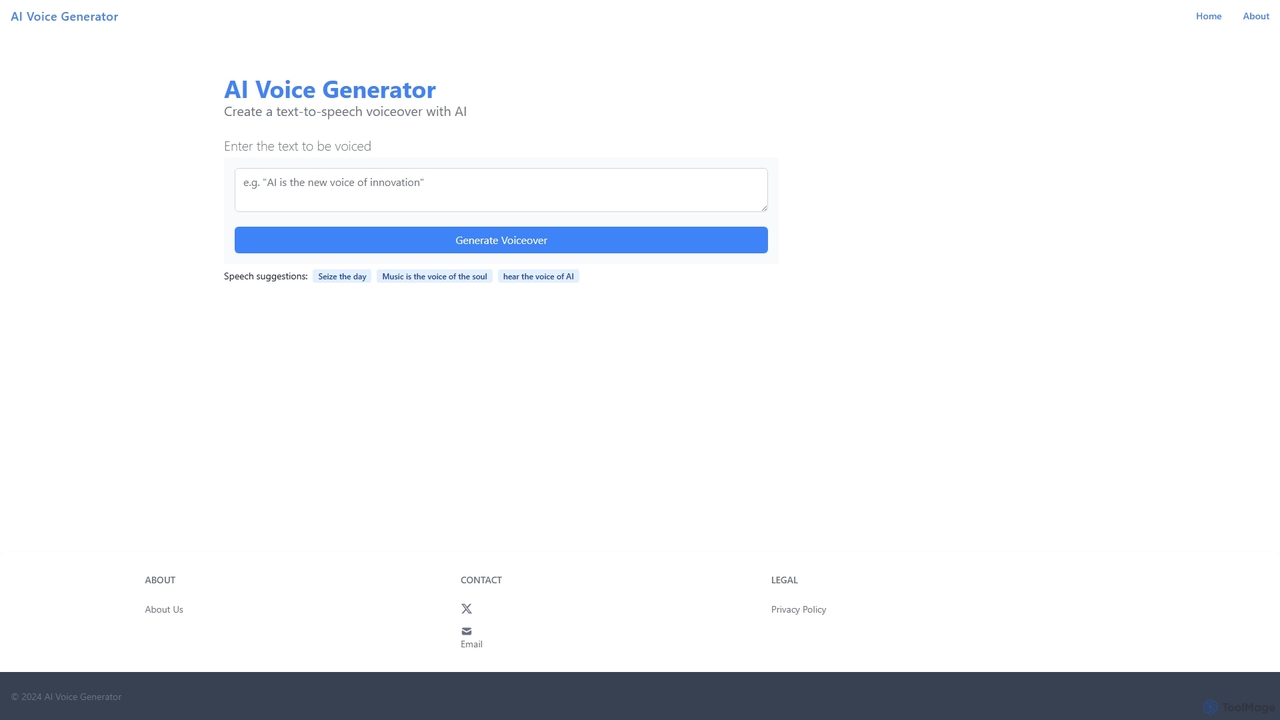
AI Voice Generator
A free, web-based AI text-to-speech tool that instantly converts written text into natural-sounding audio. Ideal for creating voiceovers for videos, narrations, marketing content, and e-learning materials without any cost or complex software.
Text To Speech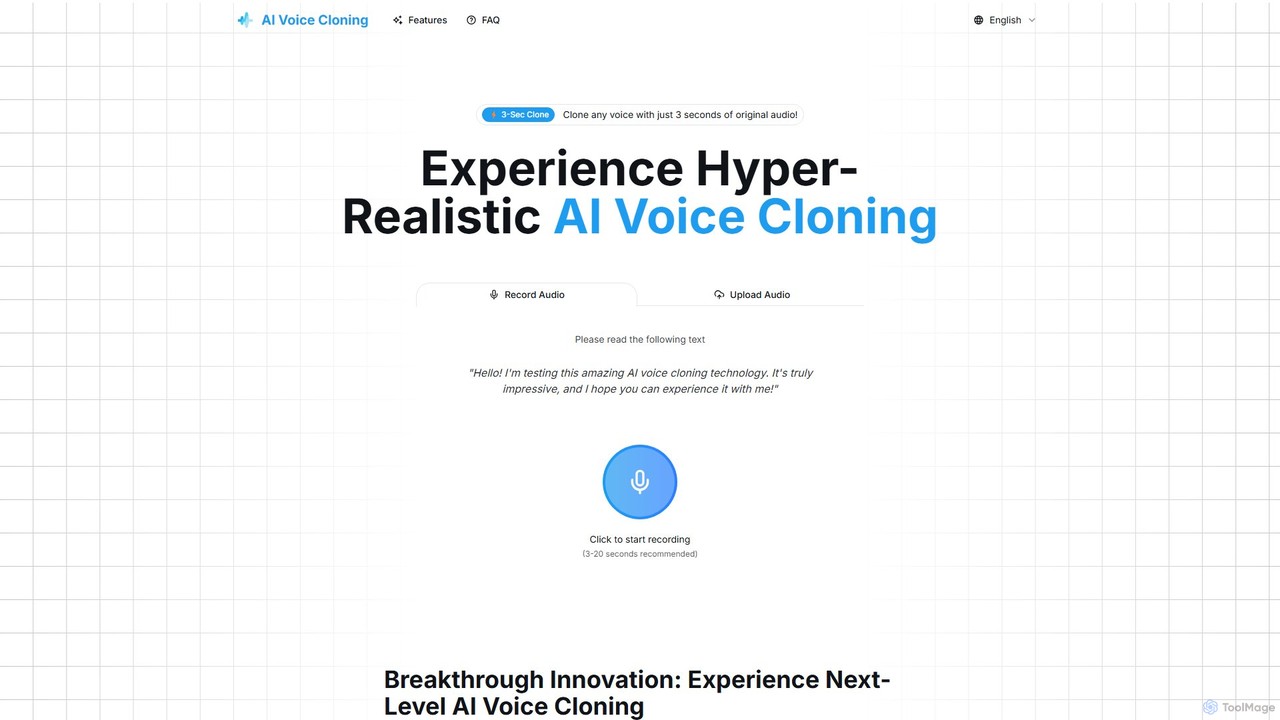
aivoicecloning
aivoicecloning is a hyper-realistic AI voice generator that can clone any voice from just a 3-second audio sample. It offers high-fidelity, multi-language voice replication for content creators, developers, and businesses, featuring a simple interface and instant audio generation. It supports English, Mandarin, Japanese, and Korean.
Text To Speech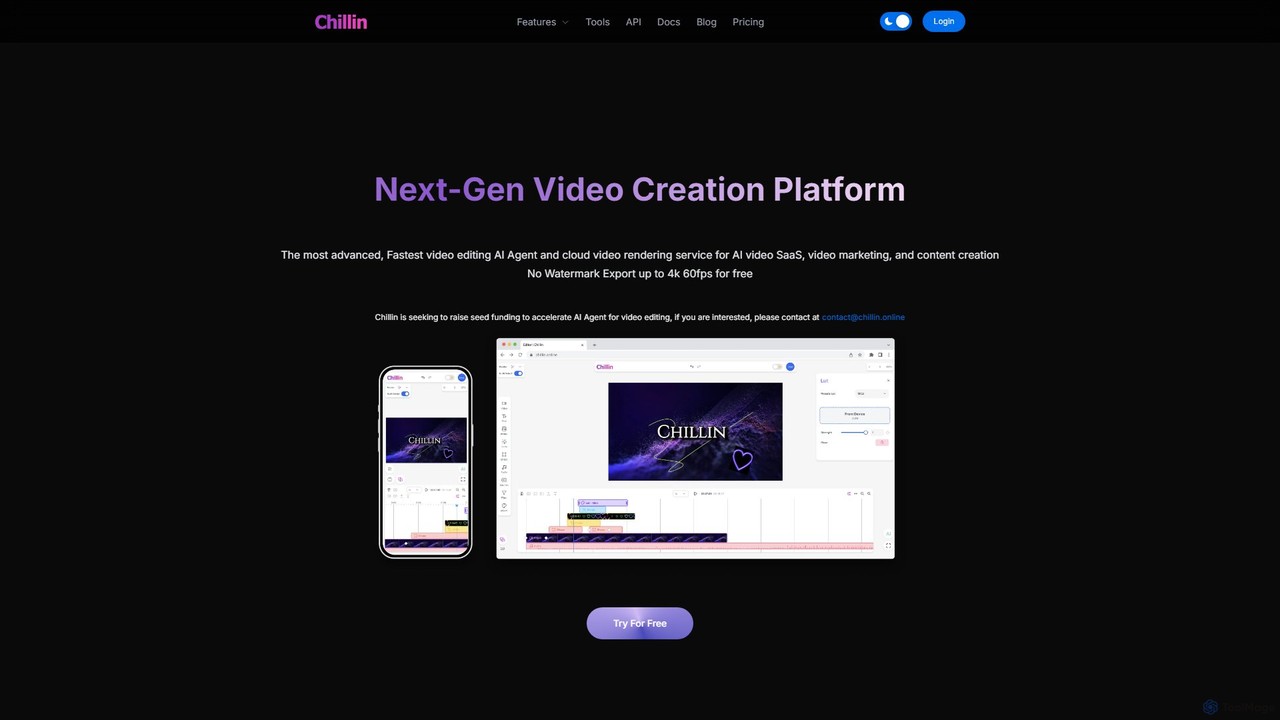
Chillin
Chillin is an advanced AI-powered video creation platform offering a comprehensive suite of tools for both individual creators and businesses. It features an AI Agent for automated editing, high-speed cloud rendering, and a full-featured online editor. Key capabilities include AI-driven captioning, text-to-speech, image generation, and background removal. It also provides a powerful API for programmatic video creation, making it a versatile solution for content marketing and AI video SaaS applications.
Api
Muvie
Muvie is an AI-powered animation platform that enables users to create stunning animated videos effortlessly. It integrates a character design engine, a text-to-animation studio, and a realistic text-to-speech voice studio. Ideal for creators, marketers, and educators, Muvie simplifies the entire animation workflow, from concept to final video, without requiring any technical expertise.
Character GeneratorHeyGen
HeyGen is a leading AI video generation platform that enables users to create professional, studio-quality videos in minutes without a camera or crew. It converts text into engaging videos using realistic AI avatars, voice cloning, and advanced video translation. Ideal for marketing, sales, training, and content creation, HeyGen simplifies video production, making it scalable and accessible for everyone.
E LearningVidnoz
Vidnoz is a powerful AI video generation platform that allows users to create professional videos 10x faster. It features a vast library of AI avatars, voices, and templates, along with advanced tools like voice cloning, video translation, and talking photos, making video creation accessible and affordable for everyone.
E Learning
Narakeet Comments (0)
Sign in to comment.
Sign inNo comments yet.