

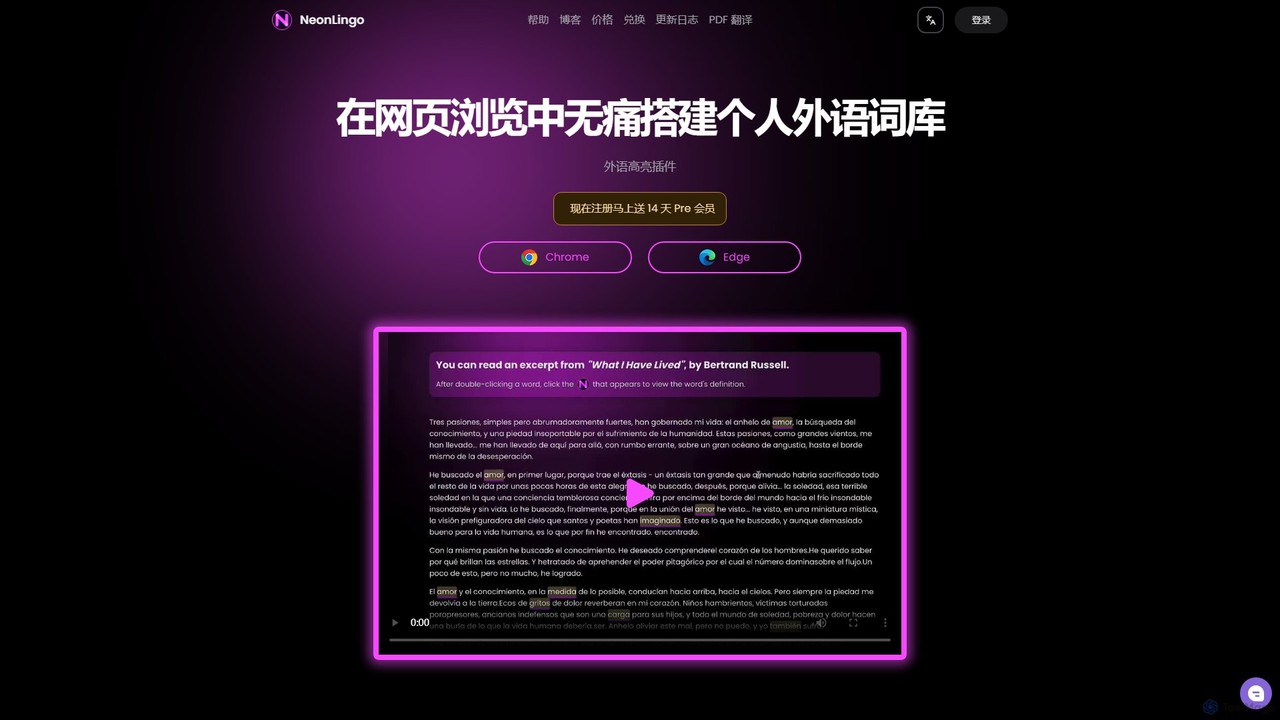
NeonLingo Overview
NeonLingo is a revolutionary AI browser extension for Chrome and Edge that transforms how you learn languages online. It's designed to help you build your foreign language vocabulary painlessly and efficiently while you browse the web. Instead of interrupting your reading flow to look up words, NeonLingo integrates learning directly into your browsing experience. When you encounter an unfamiliar word, a simple selection provides an instant, AI-powered translation that understands the specific context of the sentence. This saves you from sifting through multiple irrelevant definitions.
The core of NeonLingo's effectiveness lies in its smart highlighting system. Once you translate a word, the extension automatically highlights it on every webpage you visit. This constant, subtle exposure acts as a form of spaced repetition, reinforcing your memory and helping you master new vocabulary naturally over time. All translated words are automatically saved to your personal 'Foreign Language Notebook,' creating a dynamic and relevant word list for active recall and review. You can also easily remove words you've already mastered, keeping your vocabulary list focused and effective.
How to use NeonLingo
Getting started with NeonLingo is simple and intuitive. First, install the extension from the Chrome Web Store or Microsoft Edge Add-ons. Once installed, simply browse any foreign language website. When you come across a word you don't know, select it with your mouse. A pop-up will instantly appear with the AI-selected, context-aware translation. This word is now automatically added to your vocabulary list and will be highlighted wherever it appears online. To review your words, you can access your personal vocabulary notebook through the extension's icon. For reading and learning from local PDF files, you need to grant the extension permission to access file URLs in your browser's extension management settings. This allows NeonLingo's translation and highlighting features to work seamlessly on PDFs opened in your browser.
Core Features of NeonLingo
- AI-Powered Contextual Translation: Provides the most accurate word meaning based on the sentence's context, eliminating ambiguity.
- Automatic Word Highlighting: Once a word is translated, it's automatically highlighted across all websites, reinforcing memory through repeated exposure.
- Personal Vocabulary Notebook: Automatically collects all translated words into a centralized, easy-to-manage list for review and practice.
- PDF Translation Support: Extend your learning to offline documents by translating and highlighting words in PDF files opened in your browser.
- Seamless Browsing Experience: Learn new words without leaving your page or disrupting your reading flow.
- Customizable Highlighting: Pro members can personalize the color and style of the word highlights to suit their preferences.
- Active Recall and Spaced Repetition: The tool's methodology is built on proven learning principles like the 'testing effect' and the 'forgetting curve' to accelerate vocabulary retention.
Use Cases for NeonLingo
NeonLingo is ideal for a wide range of users. Language learners can immerse themselves in authentic content like news articles or novels, building vocabulary organically. Professionals, such as market researchers or analysts, can efficiently read international reports and industry news, quickly grasping new terminology without breaking their concentration. Programmers and developers can read technical documentation in its original language, learning domain-specific terms on the fly. Students can use it to study academic papers and online resources, enhancing both their subject knowledge and language skills simultaneously.
Advantages of NeonLingo
The primary advantage of NeonLingo is its ability to make language learning an effortless and integrated part of your daily online activities. It eliminates the tedious task of manually looking up words and creating flashcards. The AI-driven contextual translation is significantly more efficient than traditional tools. By leveraging memory principles like spaced repetition through its unique highlighting feature, it dramatically improves vocabulary retention. This leads to a faster and more natural learning curve, allowing users to progress from struggling with new texts to reading them fluently in a much shorter time.
Pricing and Plans
NeonLingo operates on a freemium model. There is a free version that provides core functionalities like word translation and automatic vocabulary collection. For users seeking an enhanced experience, NeonLingo offers a Pro membership. New users are typically offered a 14-day free trial of the Pro plan. The Pro plan unlocks advanced features, most notably the ability to customize the color and style of the word highlights, allowing for a more personalized learning environment.
Traffic
Latest traffic
Status
Monthly traffic trend
- 2026-1: 3.0K
- 2026-2: 492
- 2026-3: 2.3K
- 2026-4: 1.1K
- 2026-5: 10
Geography
Top 5 countries / regions
- 🇯🇵Japan100.0%
Traffic sources
| Source type | Percentage |
|---|---|
Direct | 100.0% |
Top keywords
| Keyword | Cost per click |
|---|---|
| immersive translate indonesia | $0.00 |
| terjemahan inersif apa | $0.00 |
NeonLingo Alternatives
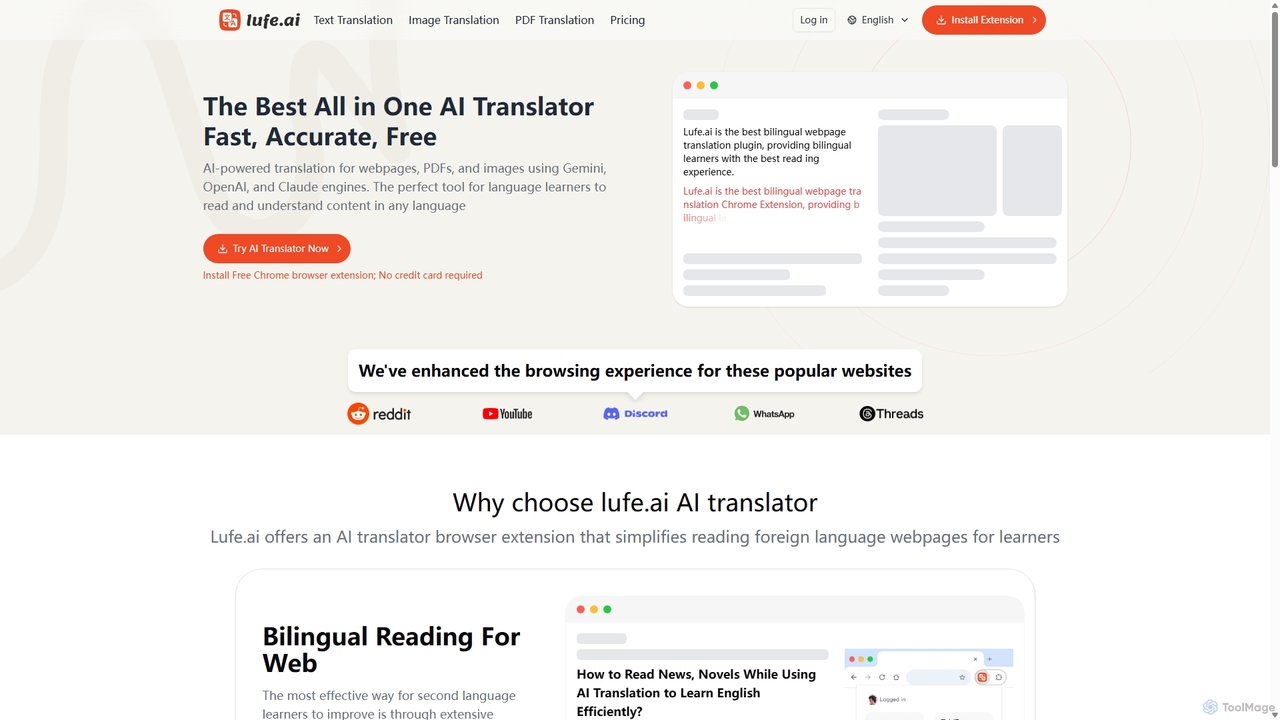
Lufe
Lufe is an all-in-one AI translator powered by Gemini, ChatGPT, and Claude. It offers fast, accurate translation for webpages, PDFs, and images as a Chrome extension and web tool. Its standout feature is the bilingual, side-by-side reading mode, making it an ideal tool for language learners and professionals to understand foreign content with ease and precision.
Chrome Extensions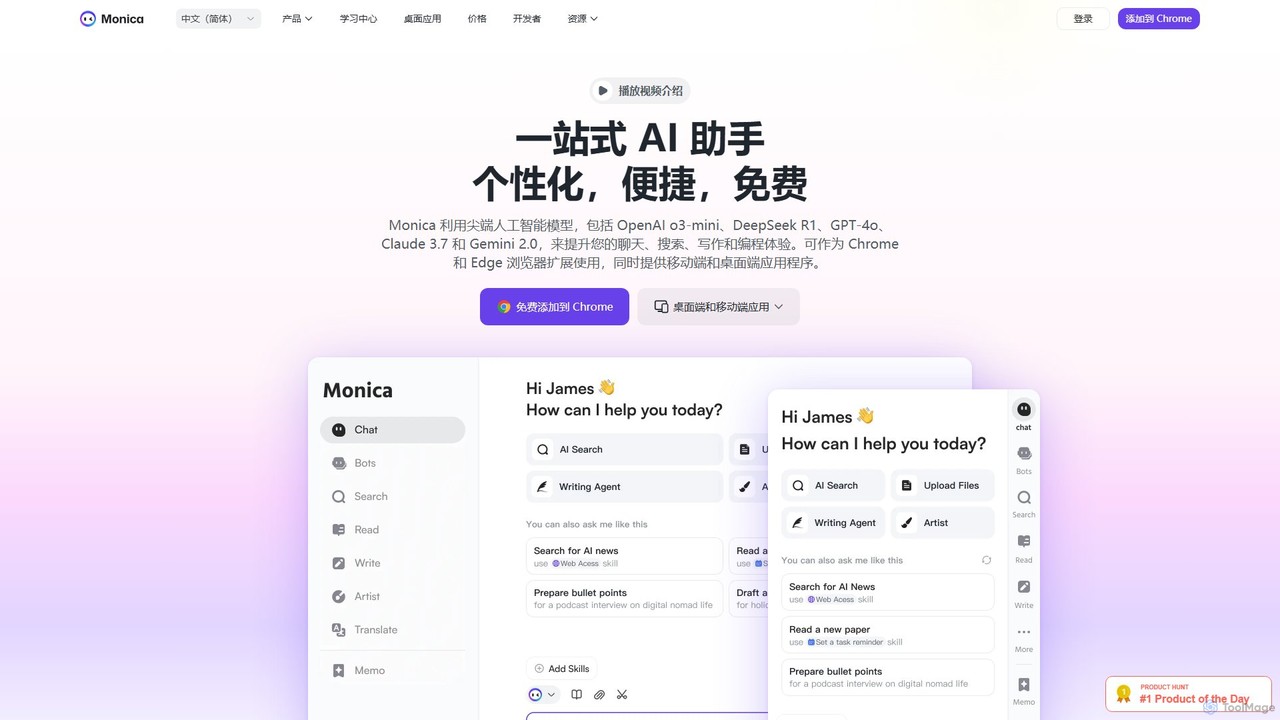
Monica
Monica is an all-in-one AI assistant powered by leading models like GPT-4o, Claude 3.7, and Gemini 1.5. It integrates seamlessly into your workflow as a browser extension, desktop, and mobile app, offering features for chat, search, writing, translation, and image creation to boost productivity.
Chrome Extensions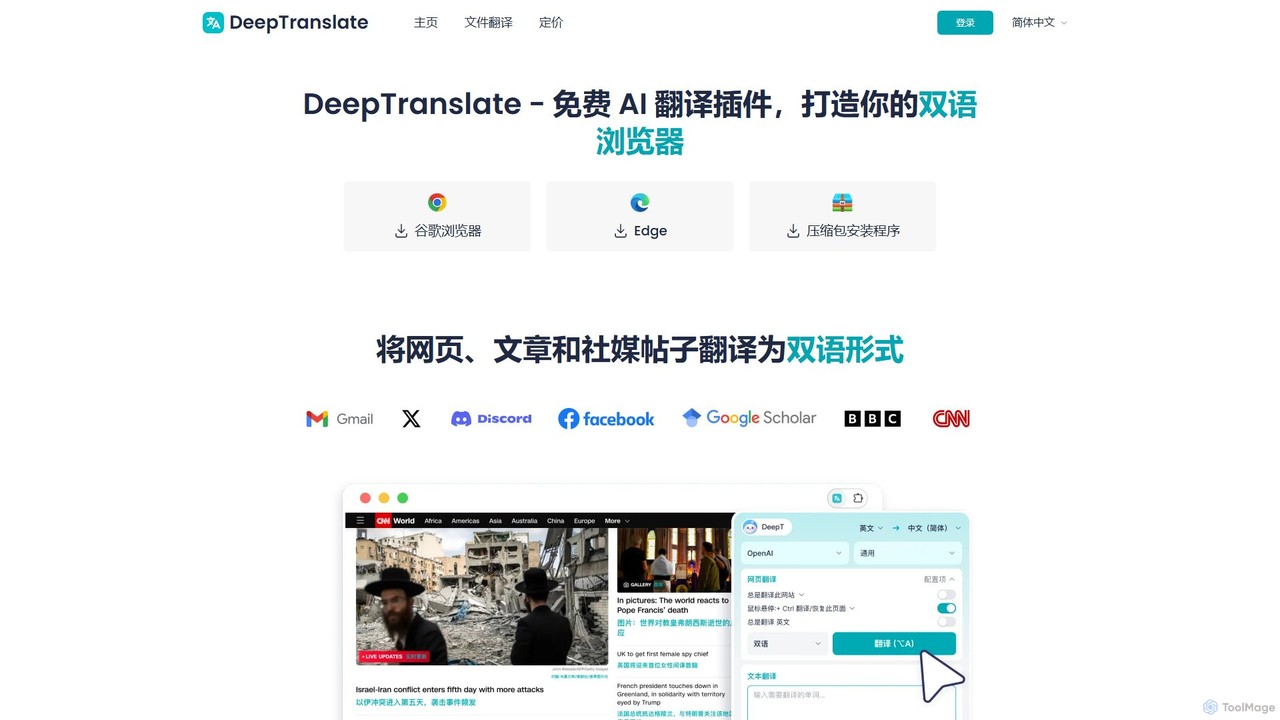
Deeptranslate
Deeptranslate is a free AI-powered browser extension that provides instant, high-quality bilingual webpage translations. It integrates multiple leading translation engines like GPT, Claude, and Google Translate, allowing users to view original and translated text side-by-side for enhanced comprehension and learning.
Chrome Extensions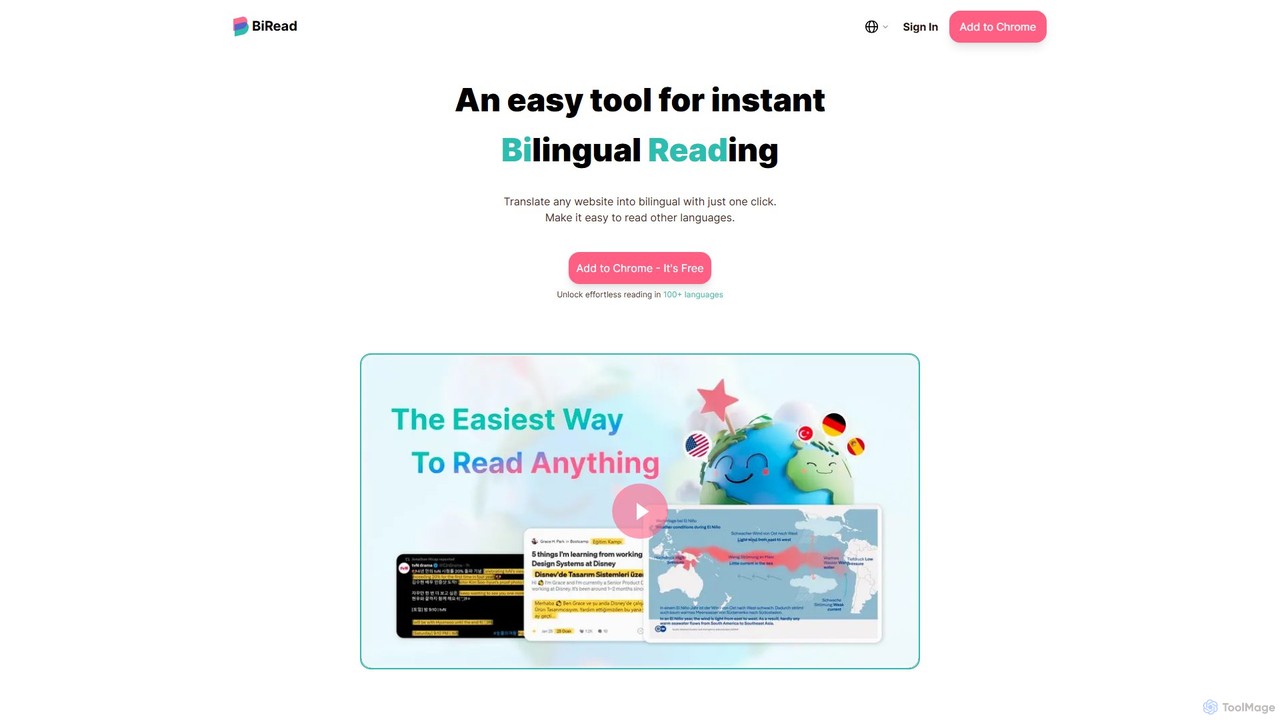
BiRead
BiRead is an AI-powered Chrome extension that instantly translates any webpage into a bilingual format. With one click, it provides a side-by-side reading experience, using advanced AI for accurate, context-aware translations in over 100 languages. It's an ideal tool for language learners, researchers, and anyone looking to read foreign content effortlessly.
Chrome Extensions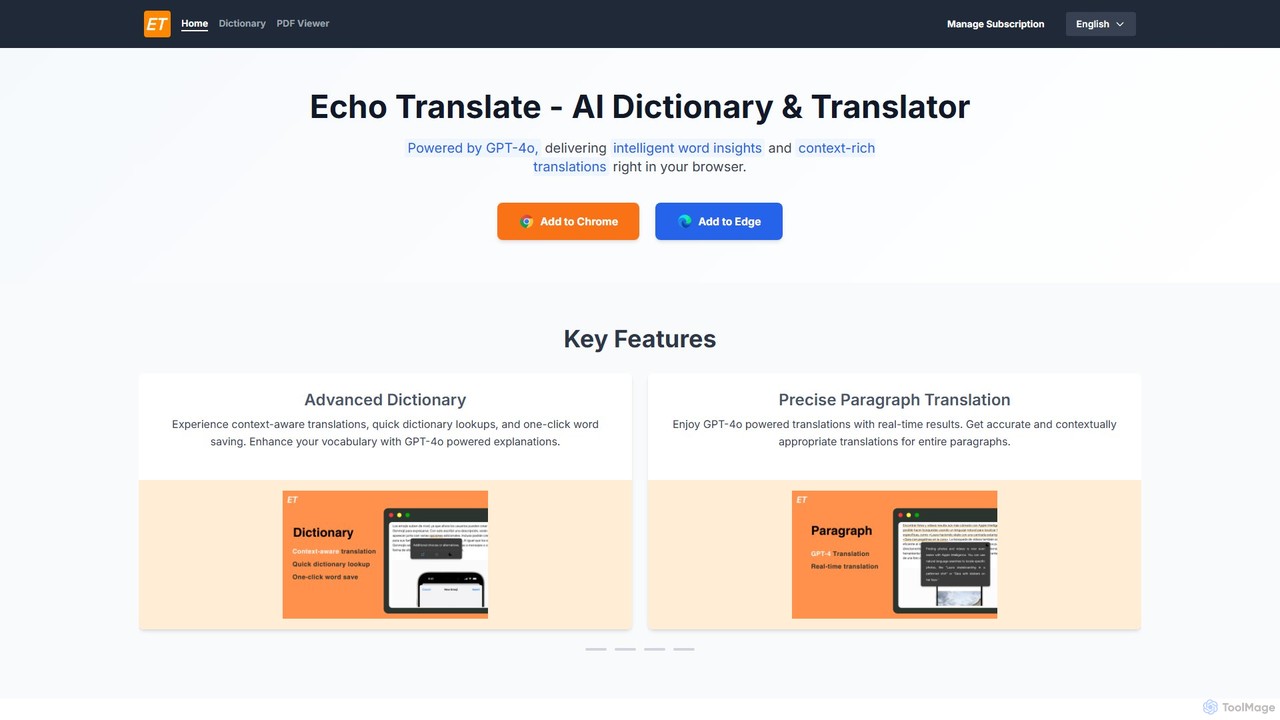
Echo Translate
Echo Translate is a GPT-4o powered AI dictionary and translator available as a browser extension. It offers intelligent, context-aware word insights, precise paragraph translations, and integrated vocabulary-building features. Ideal for language learners, students, and professionals, it supports numerous languages and includes a PDF translation function.
UtilitiesNeonLingo Categories
NeonLingo Embed Widget
Copy this embed code to place the badge on your blog, article, or product site and send readers directly to this ToolMage detail page.

Related AI tools
Echo Translate
Echo Translate is a GPT-4o powered AI dictionary and translator available as a browser extension. It offers intelligent, context-aware word insights, precise paragraph translations, and integrated vocabulary-building features. Ideal for language learners, students, and professionals, it supports numerous languages and includes a PDF translation function.
Utilities
Voclipai
Voclipai is an AI-powered vocabulary learning tool that helps you clip, understand, and memorize words from any language. It uses AI to generate detailed explanations and smart flashcards with a spaced repetition system to make learning effective and personalized.
Language Learning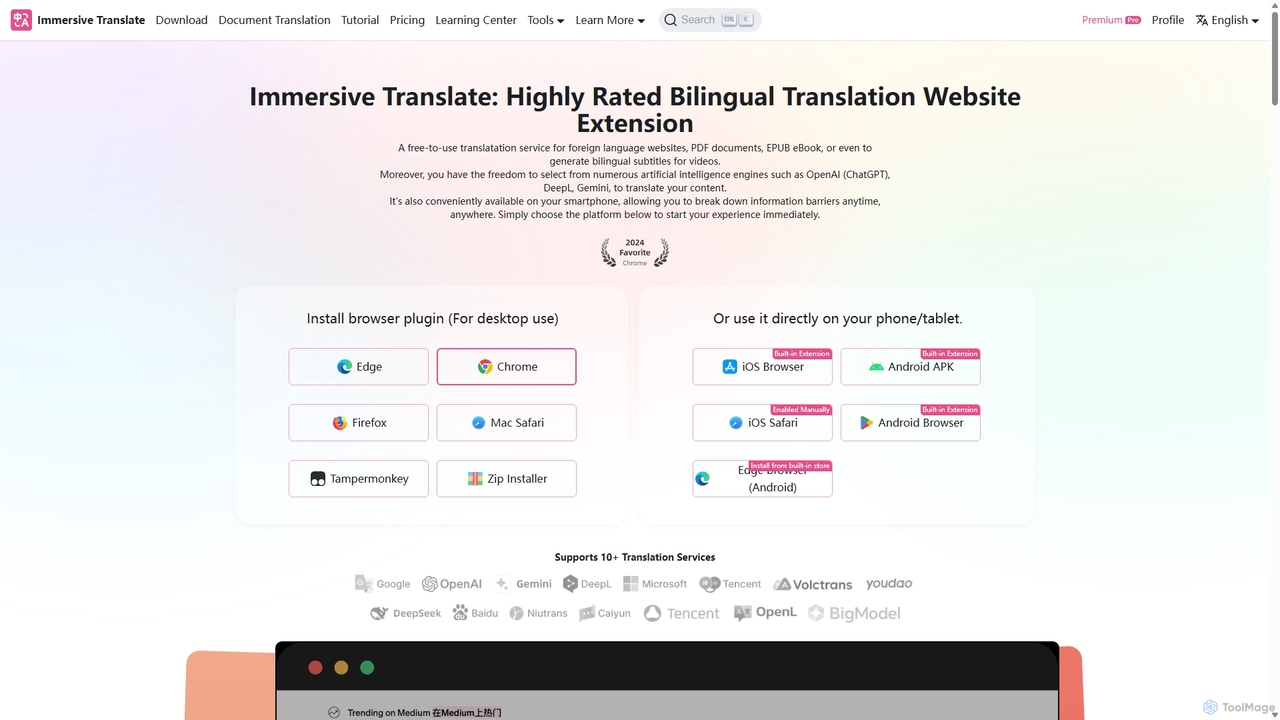
Immersive Translate
A powerful browser extension for immersive, bilingual translation of webpages, PDFs, videos, and more. It supports over 10 AI engines like DeepL and OpenAI, offering a side-by-side reading experience to break down language barriers for learning, work, and entertainment.
Utilities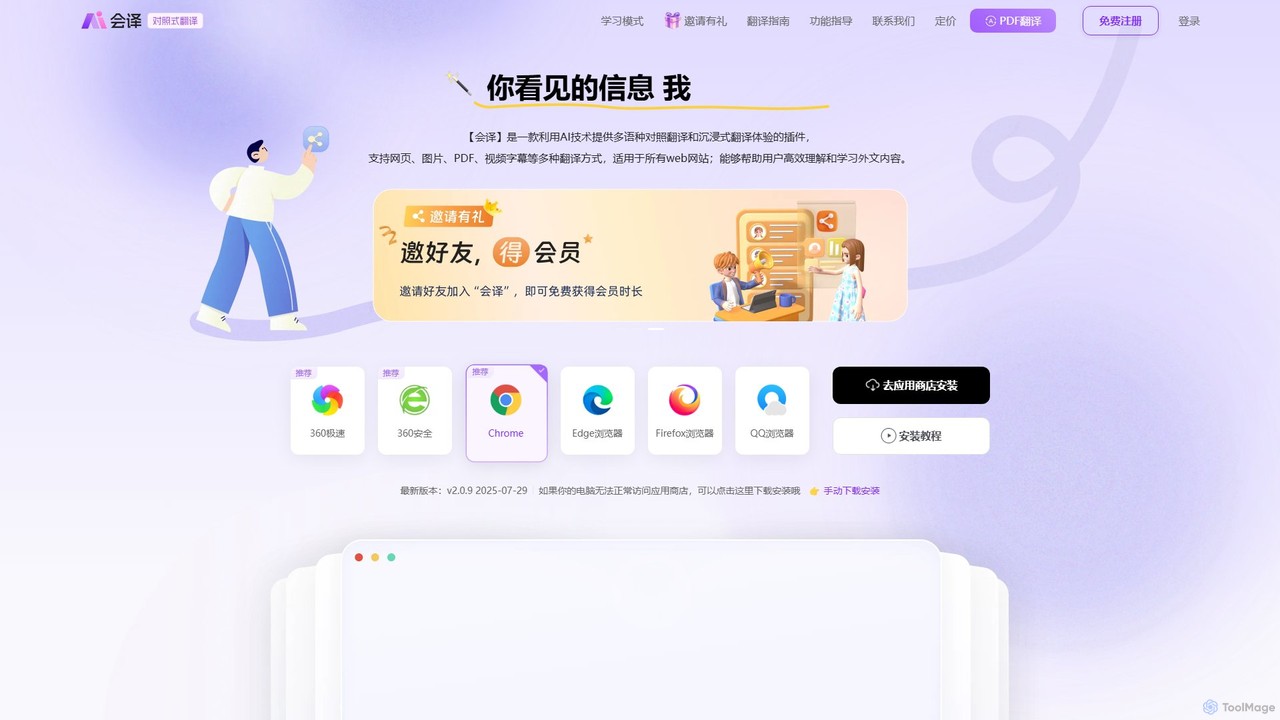
Huiyi AI
Huiyi AI is a powerful AI-powered browser extension for immersive, bilingual translation. It offers real-time, side-by-side translation for webpages, PDFs, images, and video subtitles. With features like hover-to-translate and selection translation, it helps users overcome language barriers, learn new languages, and efficiently consume foreign content across 54+ languages.
Translation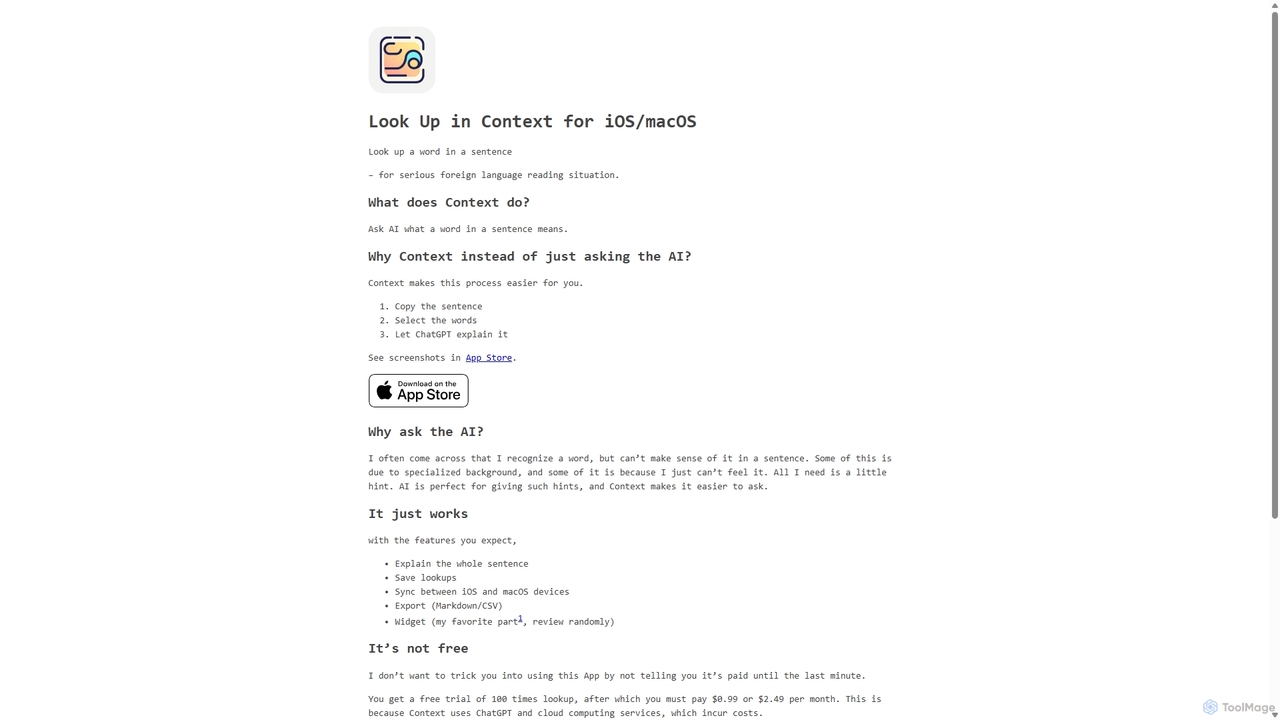
Context
Context is an AI-powered app for iOS and macOS designed for serious language learners. It goes beyond traditional dictionaries by explaining what a word means within a specific sentence, helping you grasp nuances, idioms, and specialized terminology for deeper reading comprehension.
Language LearningLufe
Lufe is an all-in-one AI translator powered by Gemini, ChatGPT, and Claude. It offers fast, accurate translation for webpages, PDFs, and images as a Chrome extension and web tool. Its standout feature is the bilingual, side-by-side reading mode, making it an ideal tool for language learners and professionals to understand foreign content with ease and precision.
Chrome Extensions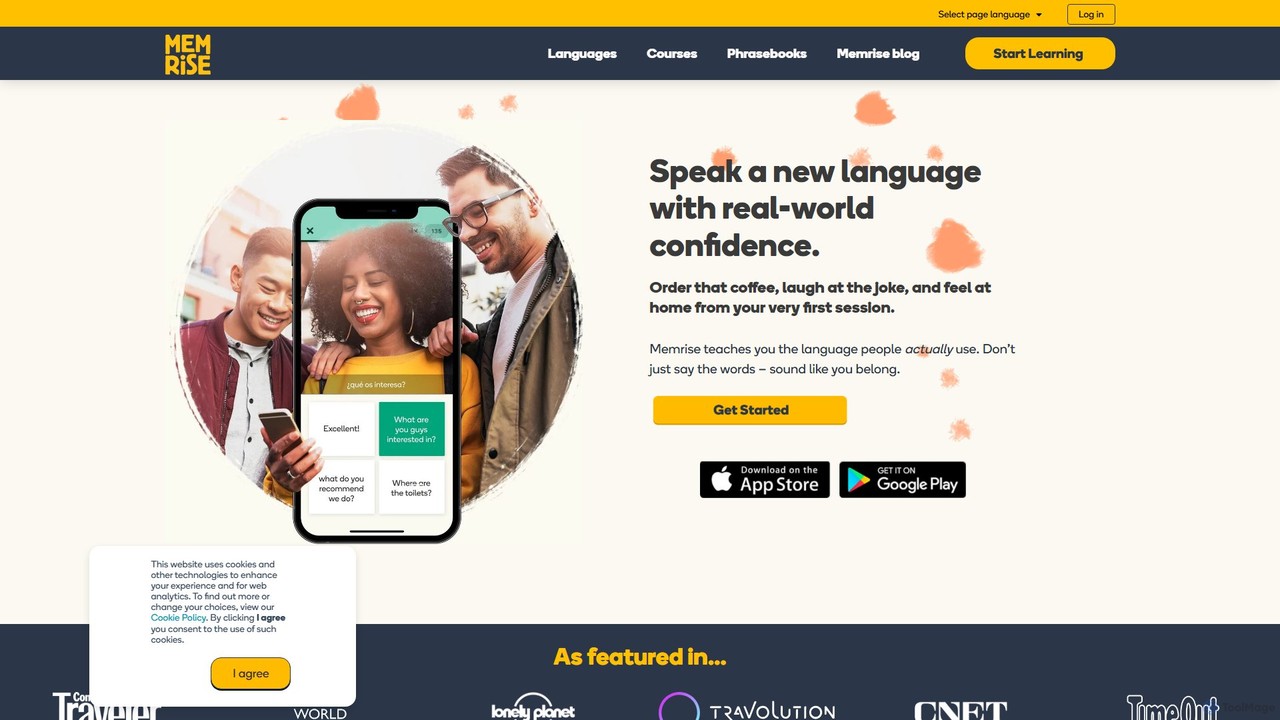
Memrise
Memrise is an AI-powered language learning platform designed to teach real-world language skills. It uses native speaker videos, smart spaced repetition, and a personalized AI coach to help you learn vocabulary, improve pronunciation, and speak with confidence. Ideal for travelers, professionals, and lifelong learners.
Language Learning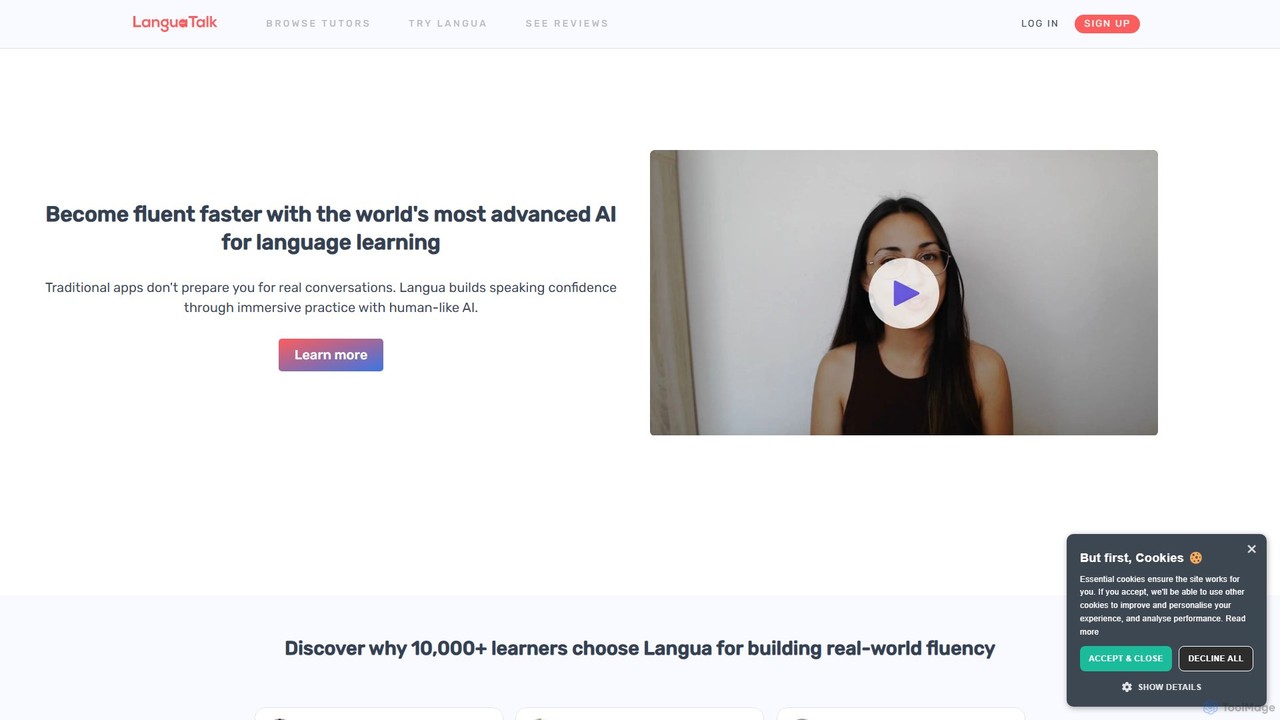
LanguaTalk
LanguaTalk is a comprehensive language learning platform that combines AI-powered conversation practice with 1-on-1 lessons from top-rated human tutors. Its AI tool, Langua, helps you build speaking confidence through realistic, human-like voice conversations, providing instant feedback and corrections. This dual approach accelerates fluency by offering 24/7 AI practice and personalized guidance from expert teachers.
Virtual Assistant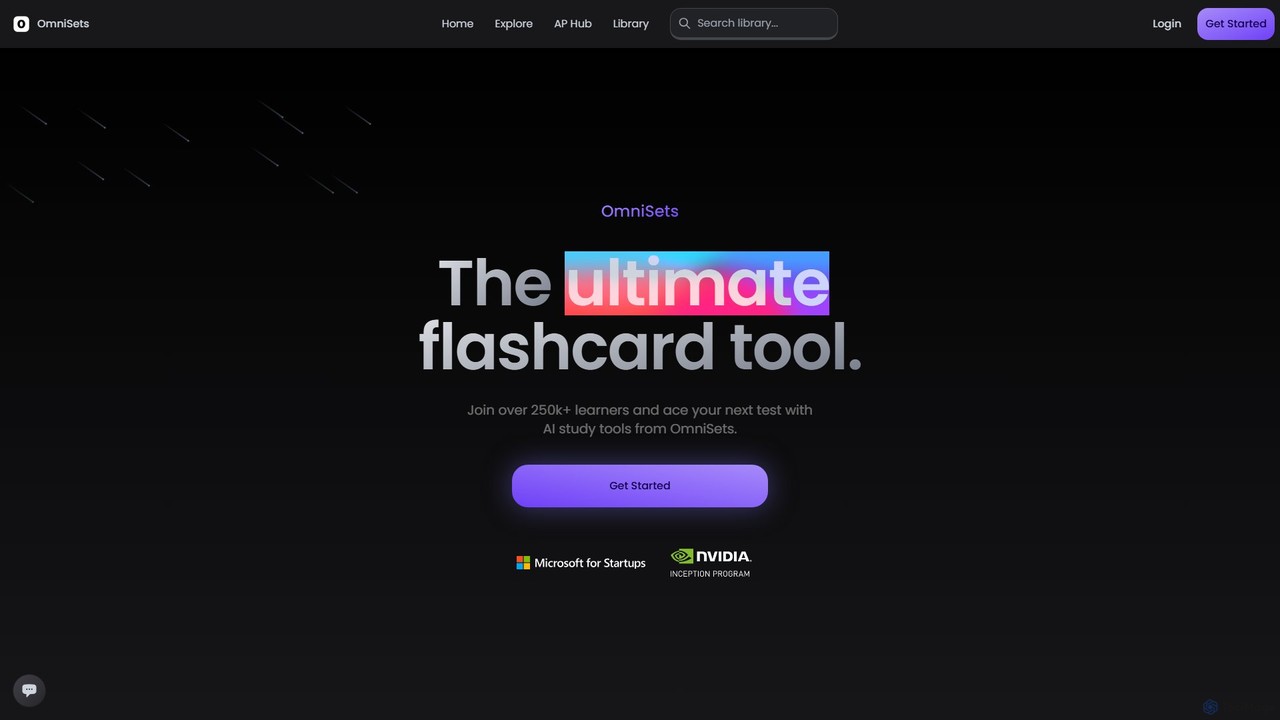
OmniSets
OmniSets is an AI-powered study platform that transforms your notes, documents, or any topic into dynamic flashcards and quizzes. It uses adaptive learning and spaced repetition to help over 250,000 learners master subjects, prepare for exams, and retain information efficiently.
Personalized Learning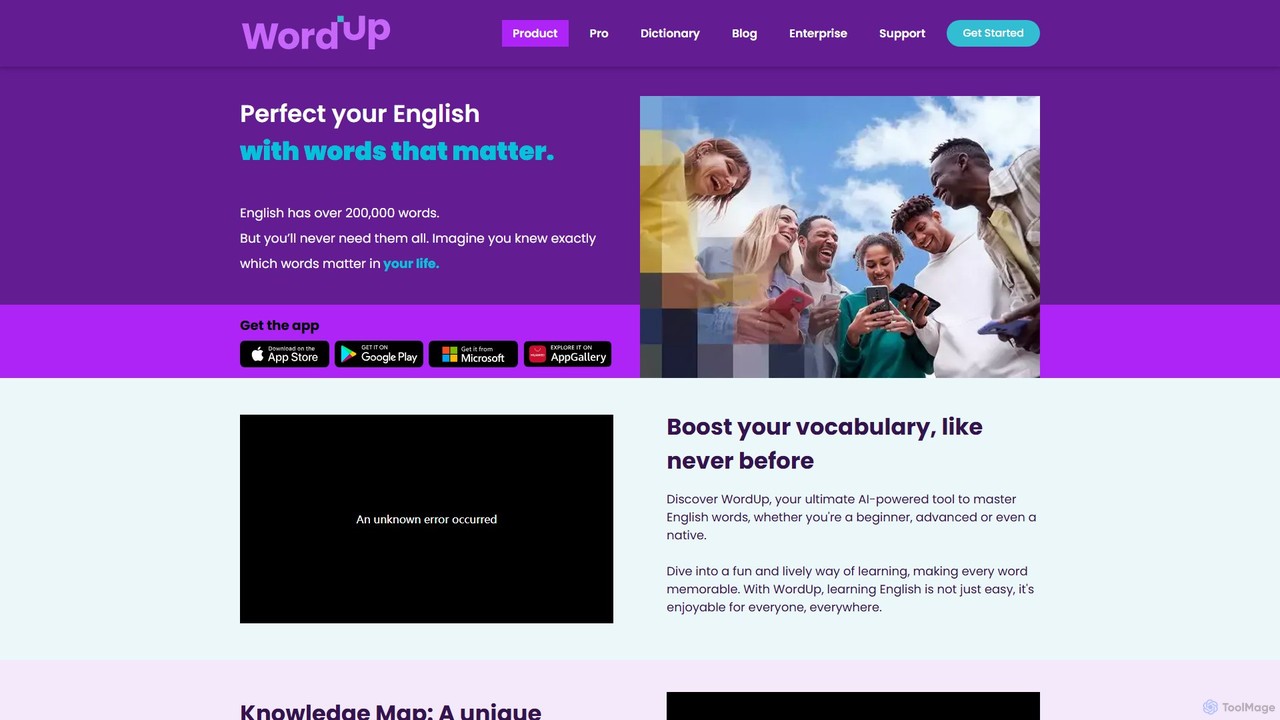
WordUp
WordUp is an AI-powered vocabulary builder designed to help you master English words that truly matter. Using a unique Knowledge Map, it visualizes your vocabulary, identifies gaps, and creates a personalized, efficient learning path. It's ideal for learners of all levels, from beginners to advanced speakers, and for those preparing for exams like IELTS and TOEFL.
Language Learning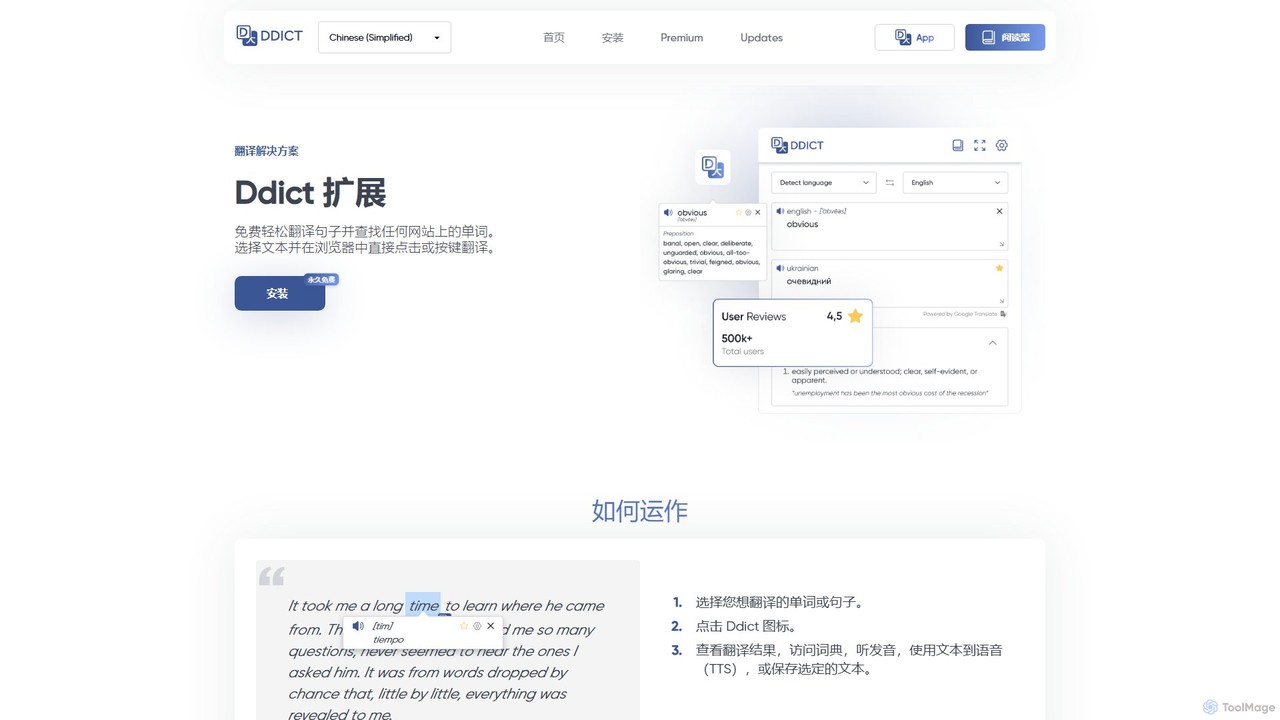
Ddict
Ddict is an AI-powered browser extension that provides instant translation, writing assistance, grammar checking, and text summarization. It helps users understand, learn, and write in any language directly on any website, breaking down language barriers with advanced AI.
Assistants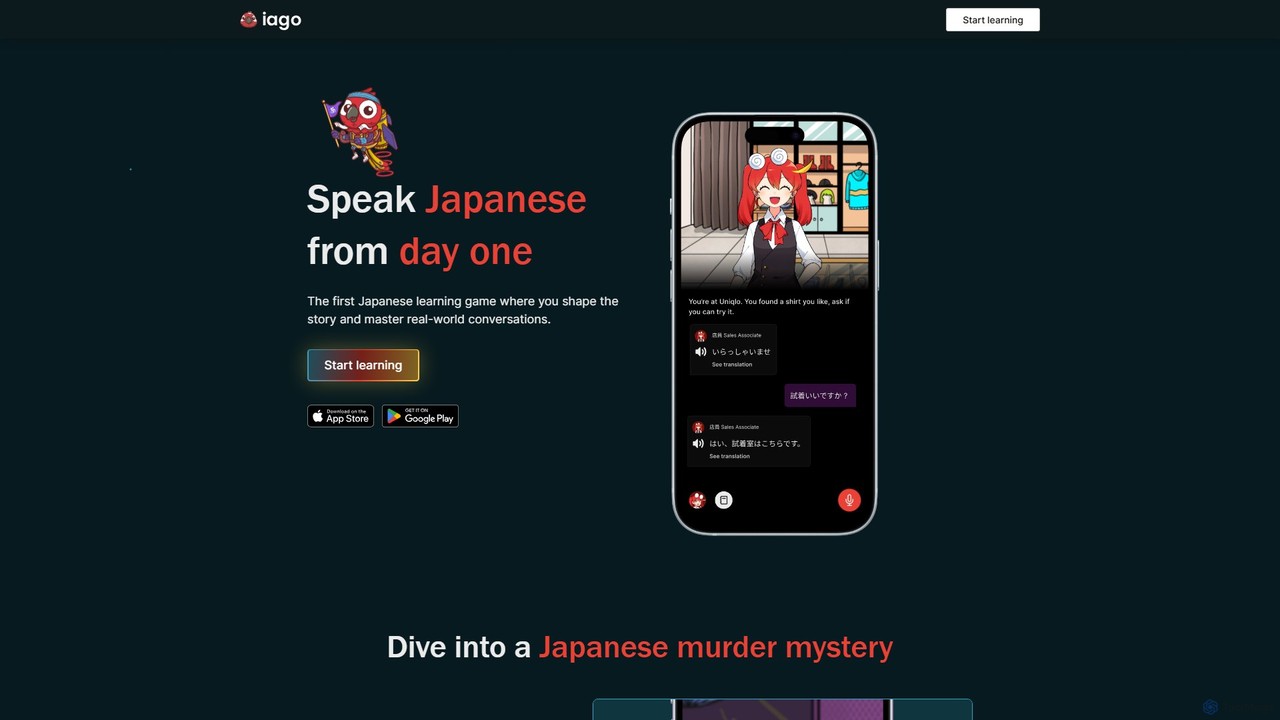
iago
iago is an AI-powered Japanese learning platform that uses a gamified, story-driven approach. Master real-world conversations, perfect your pronunciation with instant feedback, and learn immersively by watching your favorite shows with its browser extension. It's designed for beginners and intermediate learners who want to speak Japanese from day one.
Language Learning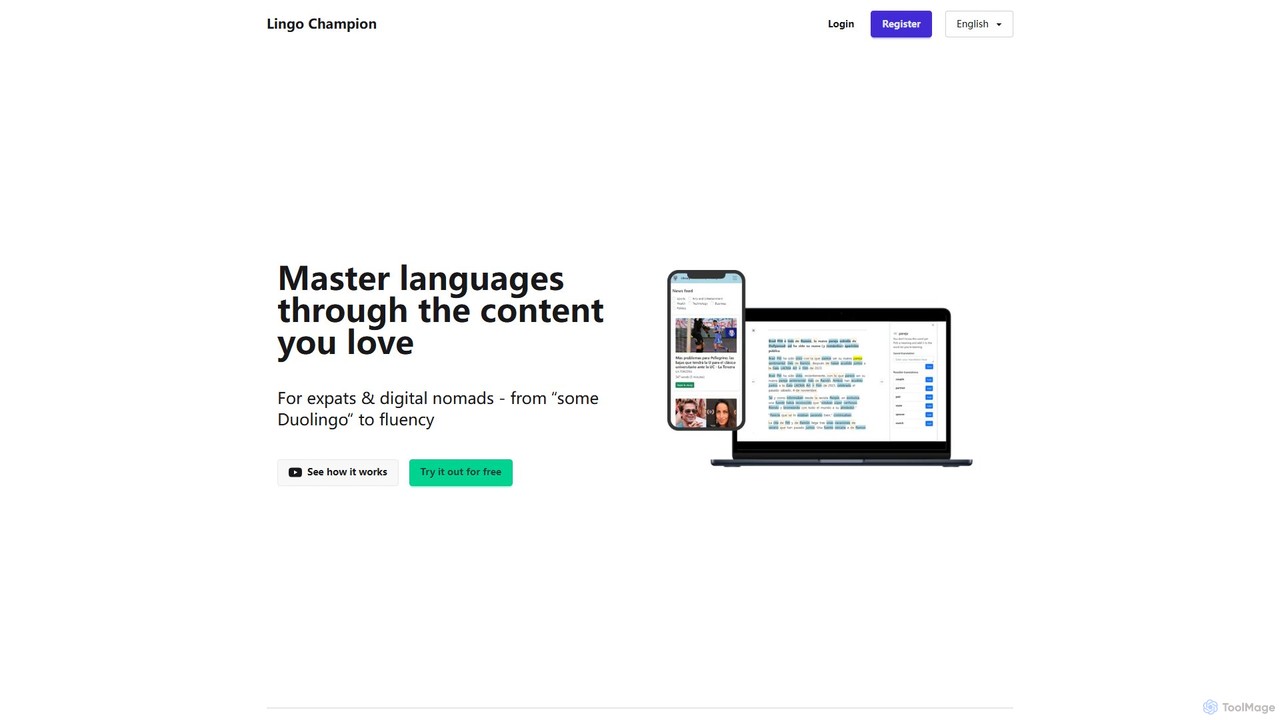
LingoChampion
LingoChampion is an AI-powered language learning platform designed for intermediate learners aiming for fluency. It utilizes the comprehensible input method, allowing users to learn through authentic content they love, such as news articles, videos, and music. With features like AI explanations, vocabulary tracking, SRS flashcards, and an integrated AI chat, it helps users transition from basic knowledge to practical, real-world language proficiency.
Personalized Learning
Vocabulary.live
Vocabulary.live is an AI-powered language learning platform that helps you build vocabulary in context. Using a browser extension, you can highlight and save new words from any website. The platform then uses a spaced repetition system based on the Ebbinghaus method to help you effectively memorize and retain them.
Language Learning
KardsAI
KardsAI is the #1 AI-powered flashcard maker that instantly transforms any text, PDF, PowerPoint, or even handwritten notes into interactive study decks. Utilizing a spaced repetition algorithm, it helps students, language learners, and knowledge seekers learn faster and remember longer.
Study Tools
NeonLingo Comments (0)
Sign in to comment.
Sign inNo comments yet.