
NeuralWriter Overview
NeuralWriter is a comprehensive and completely free AI-powered platform designed to assist a wide range of users, including students, writers, developers, and marketers. It provides a suite of powerful tools that leverage advanced artificial intelligence and natural language processing (NLP) to handle various text-related tasks. Unlike single-function tools, NeuralWriter integrates a paraphraser, summarizer, translator, and prompt generator into one accessible, registration-free service.
The core philosophy of NeuralWriter is to deliver high-quality, human-like output. Its paraphrasing tool goes beyond simple synonym replacement, restructuring entire sentences and paragraphs to ensure the text is natural, readable, and can bypass AI detection and plagiarism checks. The platform supports over 30 languages, making it a truly global tool for content creation and localization.
How to use NeuralWriter
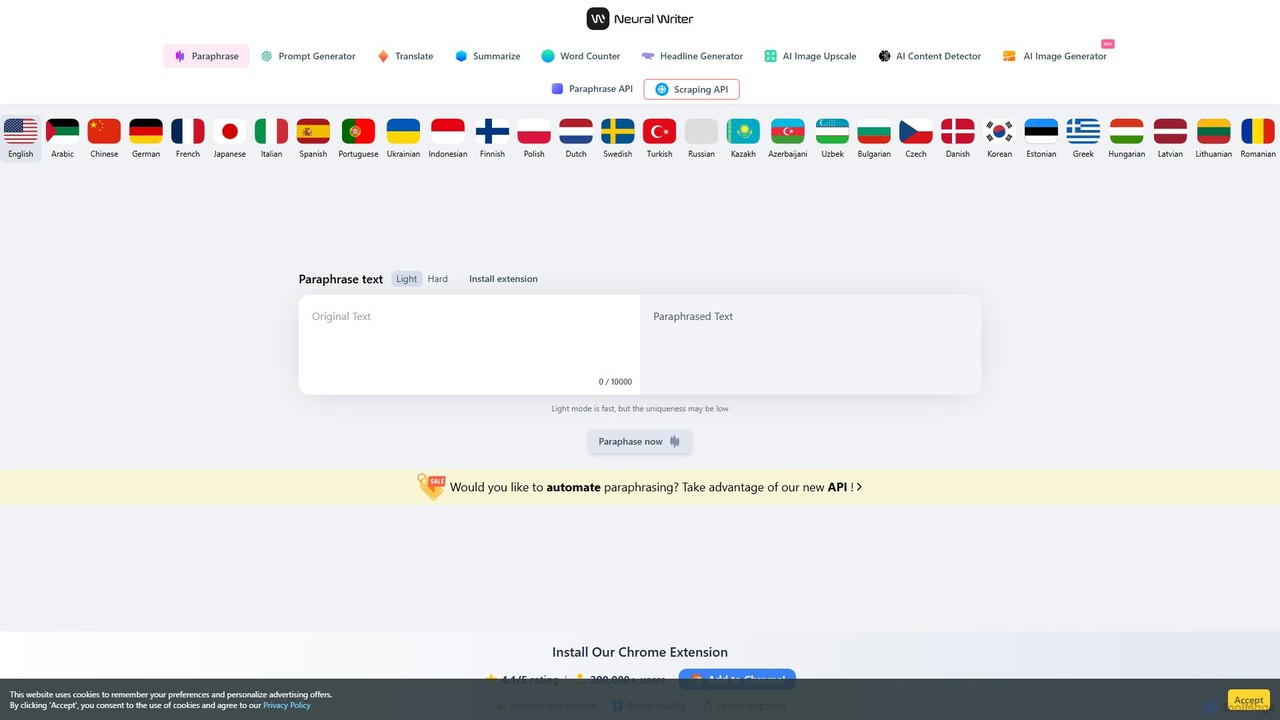
Using any of the tools on the NeuralWriter platform is designed to be simple and intuitive. The process generally follows these steps:
- Select a Tool: Navigate to the NeuralWriter website and choose the specific tool you need from the top menu, such as Paraphrase, Summarize, Translate, or Prompt Generator.
- Input Your Text: Copy the text you want to process and paste it into the provided input field. The platform supports up to 10,000 characters per request, which is generous for a free service.
- Configure Settings (If Applicable): Some tools offer customization. For the Paraphraser, you can choose between different modes like 'Light' or 'Hard' to control the extent of rewriting. For the Summarizer, you can use a slider to set the desired length of the summary (from 20% to 90% of the original text). For the Translator, you select the source and target languages.
- Generate the Output: Click the primary action button (e.g., "Paraphrase now", "Summarize now"). The AI will process your text in seconds.
- Review and Use: The processed text will appear in the output box. You can then copy it for your use. For paraphrased text, the tool even highlights the changes made.
Core Features of NeuralWriter
- Advanced AI Paraphrasing Tool: Rewrites text to be unique and natural. It includes a 'humanizer' feature to make AI-generated content sound like it was written by a person and avoid detection.
- Text Summarizer: Condenses long articles and documents into concise summaries. Users can control the output length to get the key points quickly.
- Multilingual AI Translator: Provides fast and accurate translations in over 30 languages. It has a unique capability to translate code files (HTML, JSON, XML, Markdown) without breaking their structure, preserving tags and attributes.
- ChatGPT Prompt Generator: Enhances simple ideas into detailed, effective prompts for use with ChatGPT and other GPT models, helping users get better results from their AI interactions.
- No Registration Required: All tools are freely accessible without the need to create an account or sign up.
- Generous Free Usage: Process up to 10,000 characters at a time, completely free of charge.
- Multi-Language Support: Works with a vast array of languages, from English and Spanish to Chinese and Arabic.
- Browser Extension: Offers a Chrome extension for even quicker access to its paraphrasing capabilities.
- Developer API: Provides a Paraphrase API and Scraping API for users who wish to automate and integrate NeuralWriter's capabilities into their own applications.
Use Cases for NeuralWriter
NeuralWriter is a versatile tool suitable for various needs:
- Students: Can paraphrase research papers and essays to avoid plagiarism, summarize long textbooks to study more efficiently, and translate academic sources from other languages.
- Writers and Bloggers: Can rewrite their own content for different platforms, overcome writer's block by generating new phrasing, and create unique articles to improve SEO performance.
- Marketers and SEO Specialists: Can create multiple versions of ad copy for A/B testing, paraphrase product descriptions, and translate website content for international markets while preserving important SEO tags.
- Developers: Can use the specialized translator to localize application resources (like JSON files for i18next) or website HTML content without corrupting the code.
- Non-Native English Speakers: Can improve the fluency and naturalness of their writing by using the paraphraser to refine their sentences.
Advantages of NeuralWriter
The main advantage of NeuralWriter is its combination of power, accessibility, and cost. It is a 'forever free' service that doesn't compromise on quality. The AI is sophisticated enough to produce human-like text, a critical feature in an era of AI content detectors. Its multilingual capabilities and specialized tools, like the code-aware translator, set it apart from many other free online tools. The lack of a registration requirement removes any barrier to entry, allowing anyone to start using it immediately.
Pricing and Plans
NeuralWriter is completely free to use. The website explicitly states that the service is "Absolutely FREE" and a "Forever free service." There are no subscription plans, hidden fees, or registration requirements to access its core features. This makes it an exceptionally valuable resource for anyone needing high-quality text processing tools without a budget.
Traffic
Latest traffic
Status
Monthly traffic trend
- 2025-9: 726.7K
- 2026-1: 436.8K
- 2026-2: 480.1K
- 2026-3: 382.4K
- 2026-4: 385.7K
- 2026-5: 400.8K
Geography
Top 5 countries / regions
- 🇺🇦Ukraine46.9%
- 🇰🇿Kazakhstan18.3%
- 🇵🇱Poland13.8%
- 🇷🇺Russia10.8%
- 🇮🇳India10.3%
Traffic sources
| Source type | Percentage |
|---|---|
Direct | 78.1% |
Referral | 20.6% |
Email | 1.3% |
Top keywords
| Keyword | Cost per click |
|---|---|
| gemini | $0.26 |
| neural writer | $0.17 |
| neuralwriter | $0.21 |
| гугл перекладач | $0.07 |
| переводчик | $0.30 |
NeuralWriter Videos on YouTube

Shree Digital Learning
NeuralWriter Alternatives
TextAdviser
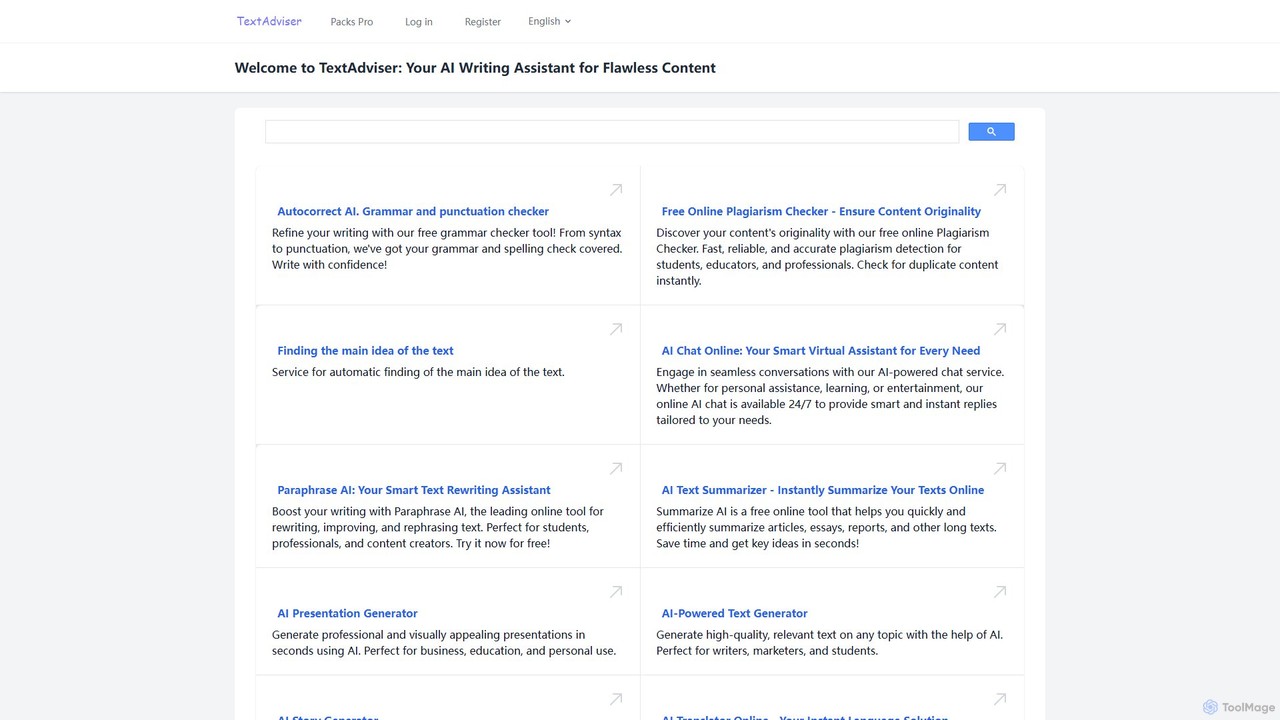
TextAdviser is a comprehensive AI-powered platform offering a wide array of writing and content processing tools. It assists users with grammar and plagiarism checking, paraphrasing, summarizing, and generating various types of content, from articles and presentations to stories and poems. Designed for students, professionals, and creators, it aims to enhance writing productivity and quality through its intuitive web interface and mobile applications.
Research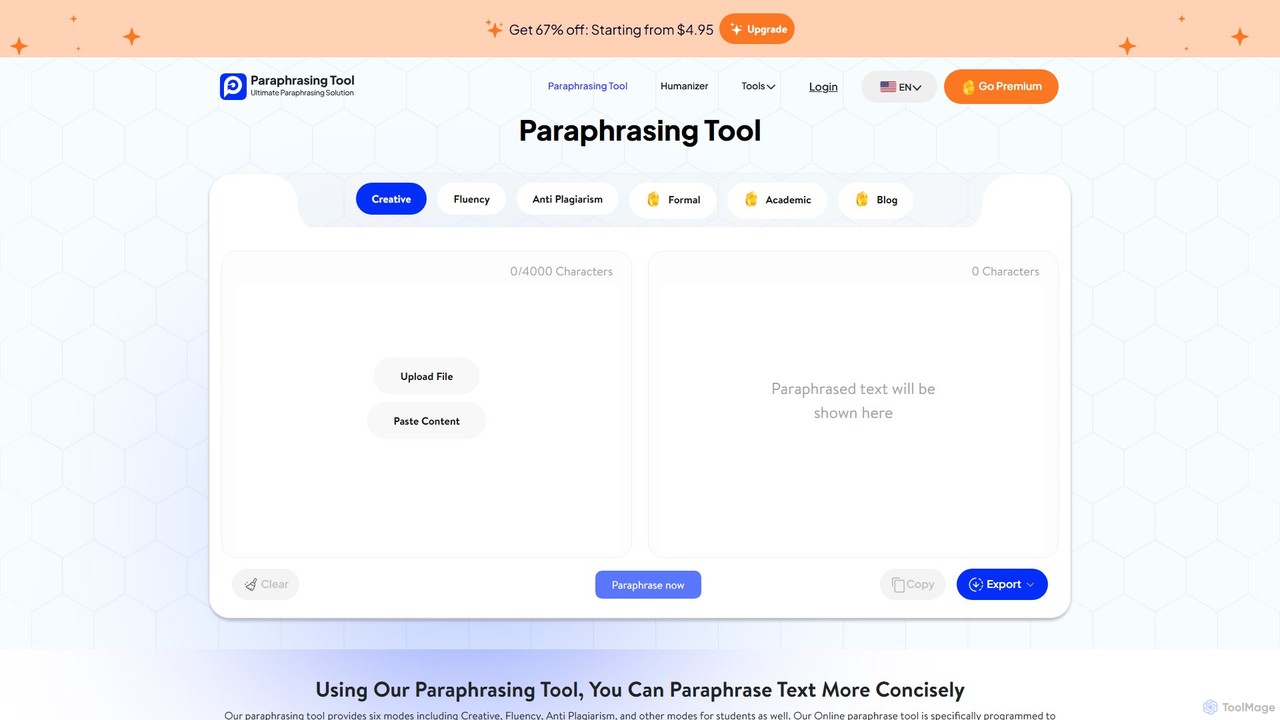
paraphrasing_tool.ai
paraphrasing_tool.ai is an advanced AI-powered paraphraser that rewrites text with high accuracy. It offers multiple modes, including Creative, Formal, Academic, and Blog, to tailor the output for various contexts. This tool goes beyond simple synonym replacement, restructuring sentences to improve clarity, style, and originality while helping users avoid plagiarism.
Research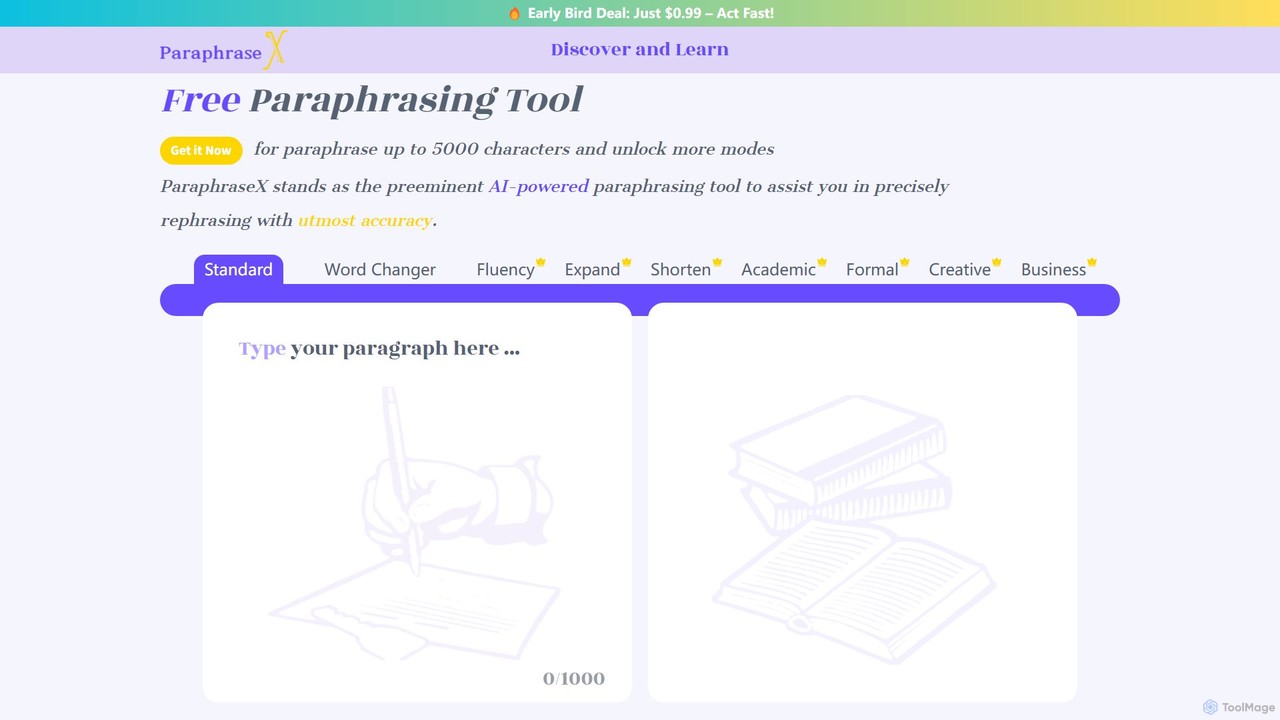
ParaphraseX
ParaphraseX is an advanced AI-powered paraphrasing tool designed to help users rephrase text with high accuracy. It offers multiple modes like Standard, Academic, Creative, and Business to cater to various writing needs. Ideal for students, writers, and professionals, it enhances clarity, avoids plagiarism, and saves significant time in content creation.
Research
JustDone
JustDone is an all-in-one AI-powered suite for students, writers, and researchers. It offers over 35 tools, including a plagiarism checker, AI humanizer, paraphraser, grammar checker, and an advanced AI chat. It's designed to enhance writing quality, ensure originality, and boost productivity in academic and professional tasks.
Research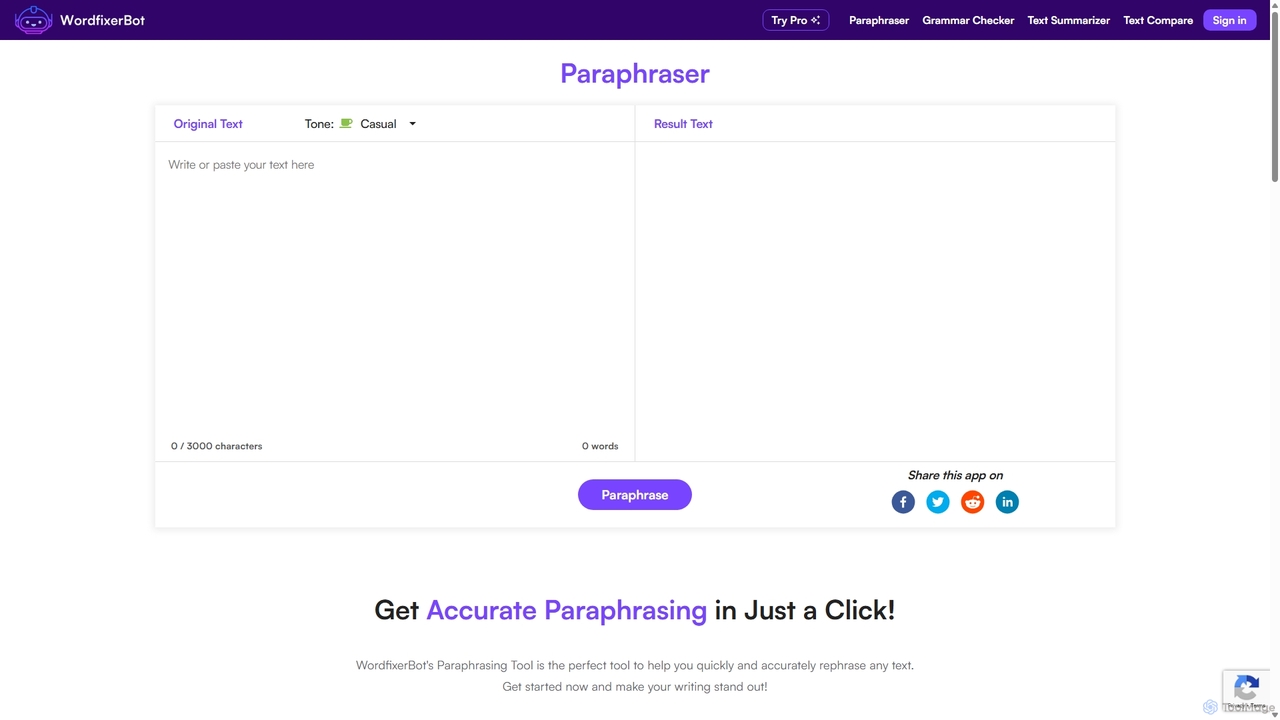
WordfixerBot
WordfixerBot is an AI-powered writing suite designed to enhance text quality. It offers a versatile paraphrasing tool with multiple tones, an accurate grammar checker, a concise text summarizer, and a text comparison tool. Ideal for students, writers, and professionals to improve clarity, avoid plagiarism, and streamline their writing process.
LearningNeuralWriter Categories
NeuralWriter Embed Widget
Copy this embed code to place the badge on your blog, article, or product site and send readers directly to this ToolMage detail page.

Related AI tools
WordfixerBot
WordfixerBot is an AI-powered writing suite designed to enhance text quality. It offers a versatile paraphrasing tool with multiple tones, an accurate grammar checker, a concise text summarizer, and a text comparison tool. Ideal for students, writers, and professionals to improve clarity, avoid plagiarism, and streamline their writing process.
Learning
Toolsaday
Toolsaday is a comprehensive AI-powered platform offering a suite of over 40 writing and content creation tools. It's designed to help writers, marketers, students, and storytellers save time, overcome writer's block, and produce high-quality content. Key features include a paraphrasing tool, story generator, email writer, ad copy creator, and text-to-speech converter.
Text To Speech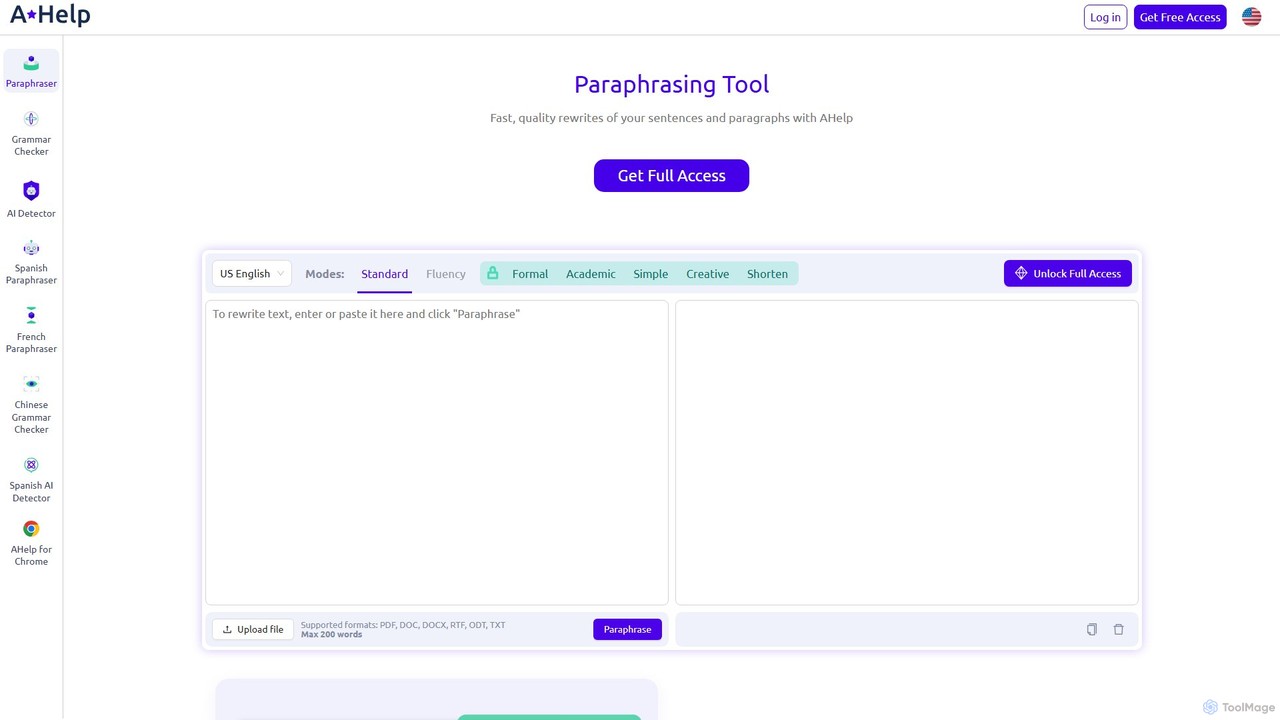
Paraphraser.io
Paraphraser.io is a comprehensive AI-powered writing suite designed to enhance text quality. It offers a multi-mode paraphrasing tool, a plagiarism checker, a grammar corrector, a text summarizer, and an AI humanizer. Ideal for students, writers, and professionals, it helps create unique, fluent, and error-free content for any purpose, from academic papers to social media posts.
Academic Writing
Paraphrase Tool
An AI-powered writing assistant that offers paraphrasing in over 100 languages with 18+ writing modes. It also includes a plagiarism checker, grammar checker, text generator from keywords, and an automatic citation creator, making it an all-in-one solution for students, writers, and content creators.
Academic
JotBot
JotBot is an AI-powered writing and research assistant designed to streamline your workflow. It helps overcome writer's block with AI autocomplete, finds and cites sources instantly, generates drafts in your unique style, and allows you to chat with your documents and sources. Ideal for students, writers, and researchers.
Research
TextFlip
TextFlip is an advanced AI-powered tool for rewriting, paraphrasing, and summarizing text. It helps users create unique, human-like content for blogs, essays, and social media while evading AI detection. Key features include keyword replacement, custom instructions, and a PDF summarizer, making it ideal for content creators, students, and marketers.
Academic Writing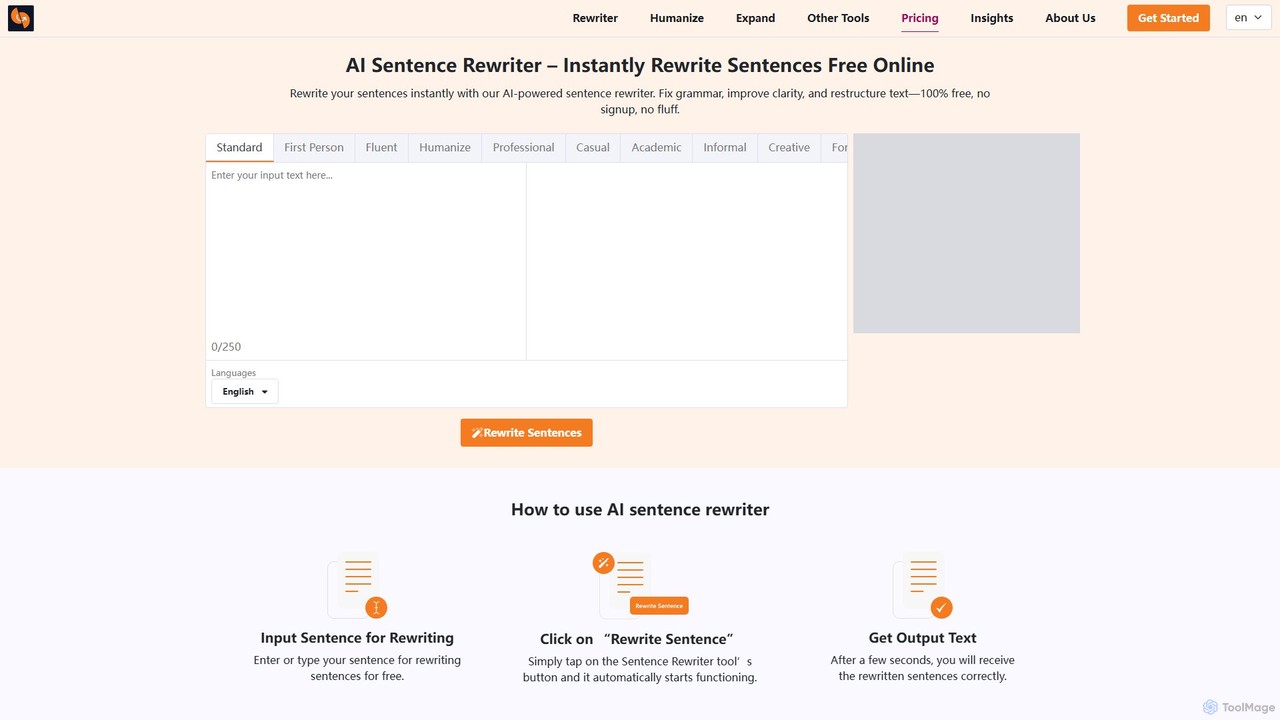
sentencerewriter.net
sentencerewriter.net is a free, AI-powered tool that instantly rewrites sentences, paragraphs, and articles. It helps fix grammar, improve clarity, adjust tone, and humanize AI-generated text to avoid plagiarism and AI detection. With multiple writing modes and a user-friendly interface, it's an essential assistant for students, writers, marketers, and ESL learners looking to enhance their content quality effortlessly.
Academic Writing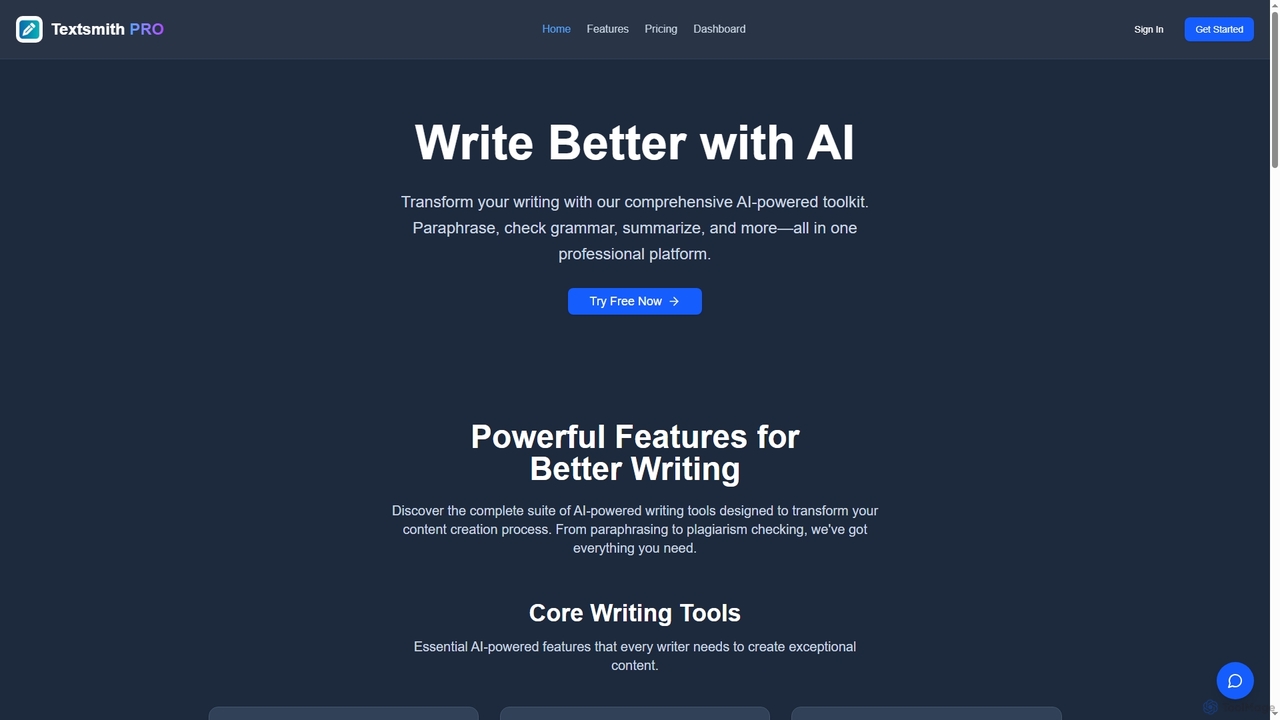
Textsmith Pro
Textsmith Pro is a comprehensive AI writing assistant designed to enhance writing quality and productivity. It offers a suite of tools including an advanced paraphraser with 10+ modes, a grammar checker, plagiarism detection, an AI humanizer, a smart translator for over 20 languages, and a citation generator. Ideal for writers, students, and professionals, it helps create clear, original, and publication-ready content efficiently.
Research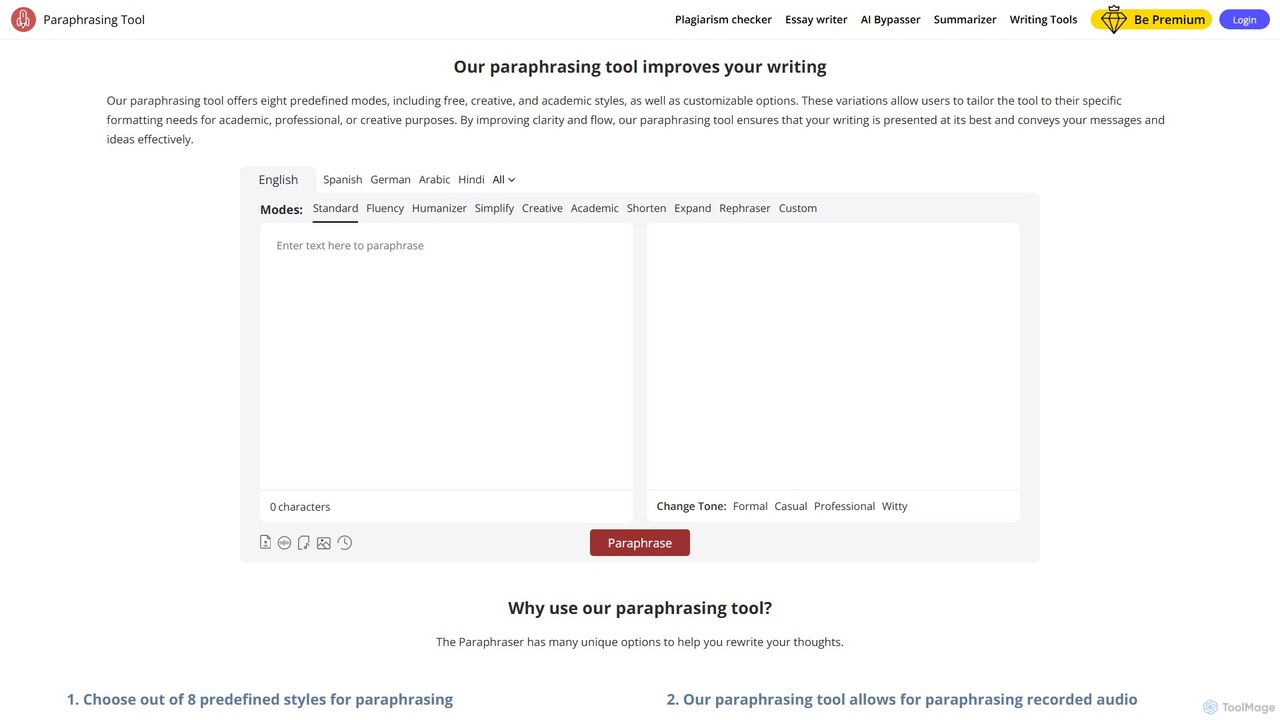
Paraphrasingtool.ai
Paraphrasingtool.ai is a comprehensive AI-powered writing assistant that helps users improve their writing. It offers multiple paraphrasing modes, a tone changer, grammar checking, and a plagiarism detector. It supports various input methods, including text, documents, voice, and images, making it a versatile tool for students, writers, marketers, and professionals to create clear, original, and engaging content.
Academic Writing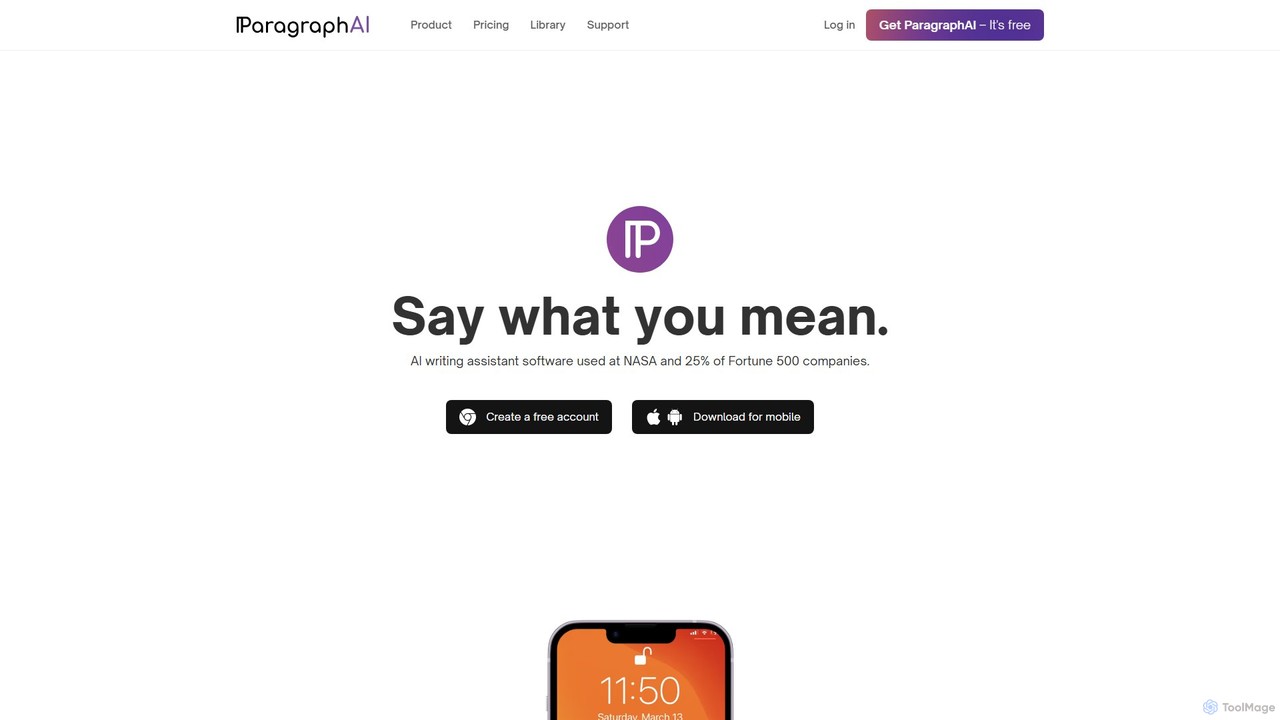
ParagraphAI
ParagraphAI is a versatile AI writing assistant designed to enhance your writing across all platforms. It offers one-tap grammar correction, instant email replies, and content generation in your unique voice. With features like real-time editing, multi-language translation, and AI humanization, it helps you create flawless, natural-sounding text for professional reports, casual messages, and everything in between, saving you time and effort.
Email Assistant
Jyek
Jyek is an AI agent platform that understands objectives, creates execution plans, uses tools, and delivers verifiable results for complex, multi-step tasks.
Automation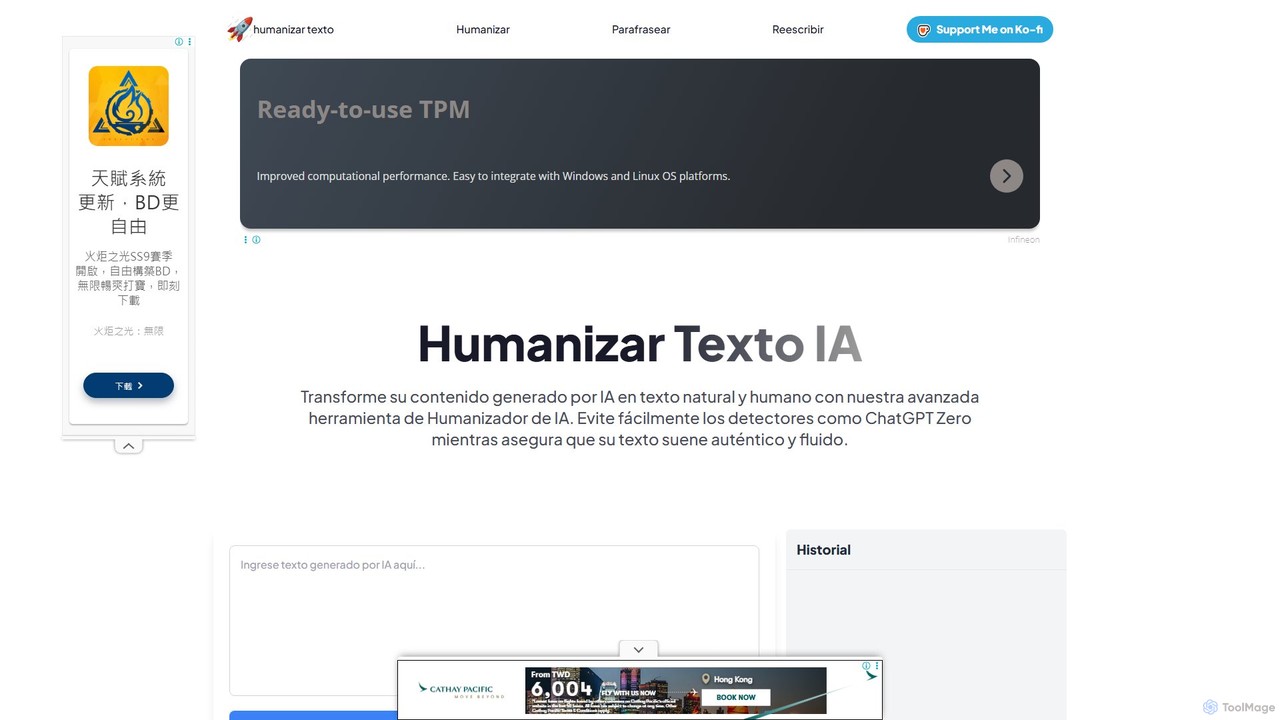
HumanizarTextoIA
A free, no-registration AI tool that transforms AI-generated text into natural, human-like content. It functions as an AI humanizer, paraphraser, and rewriter to bypass AI detectors, enhance quality, and ensure authenticity. Ideal for writers, students, and marketers.
Text Editing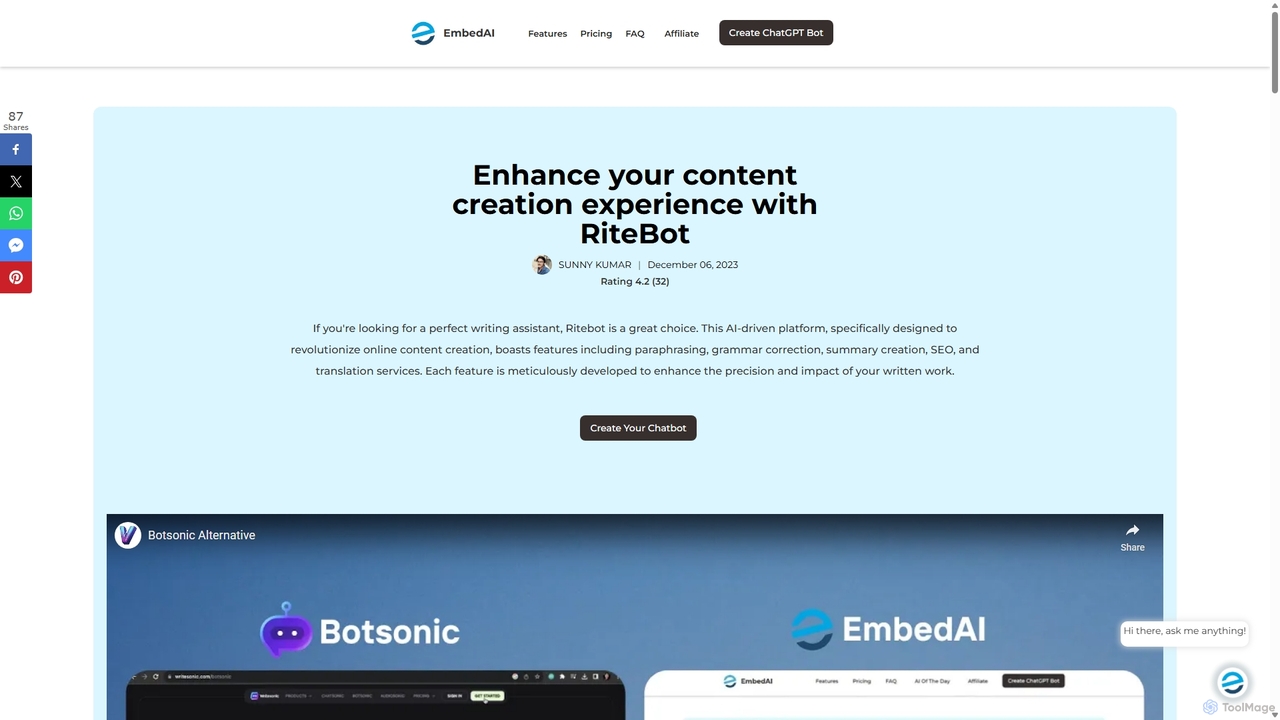
Ritebot
Ritebot is an all-in-one AI writing assistant powered by ChatGPT. It offers a comprehensive suite of free tools, including a paraphraser, grammar checker, summarizer, translator, and SEO optimizer. Designed for content creators, marketers, students, and bloggers, Ritebot streamlines the writing process, enhances content quality, and boosts online visibility by leveraging advanced AI capabilities in a user-friendly interface.
Assistant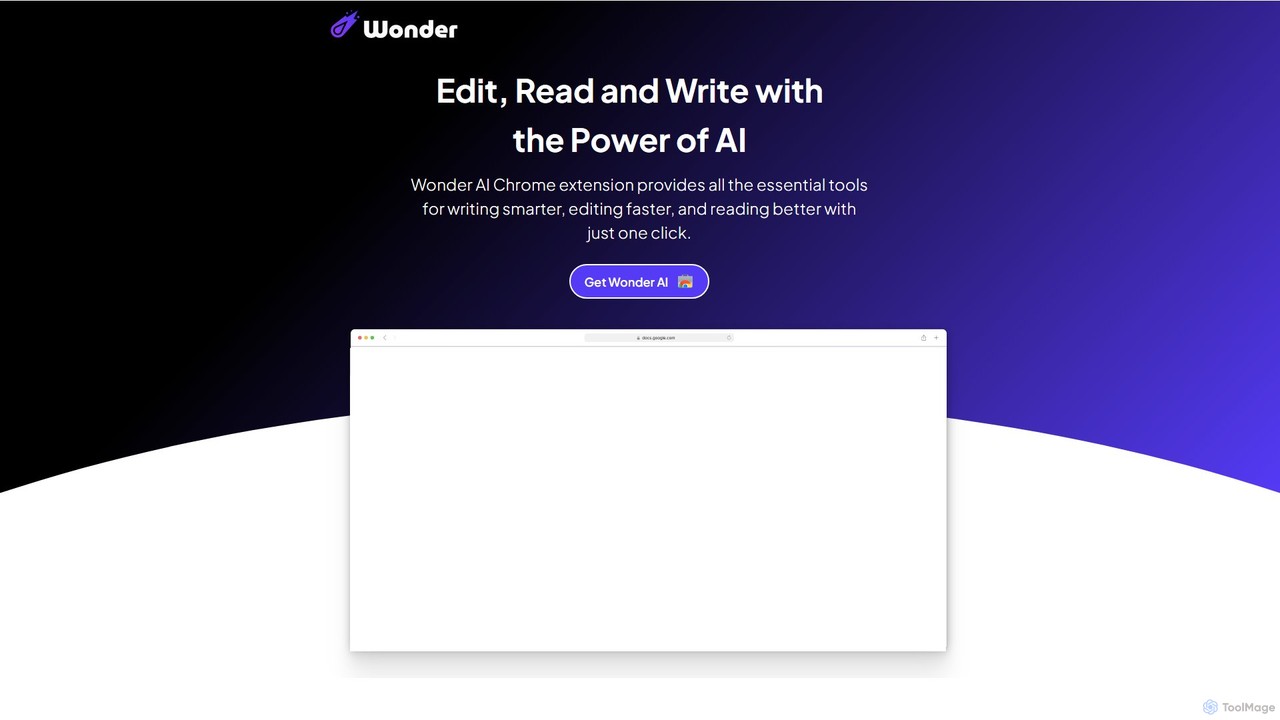
Wonder AI
Wonder AI is a powerful Chrome extension that enhances your writing, editing, and reading. It integrates directly into your browser, offering one-click tools to rewrite text, check grammar, summarize articles, explain complex concepts, and translate content, boosting your daily productivity and communication skills.
Chrome Extensions
NeuralWriter Comments (0)
Sign in to comment.
Sign inNo comments yet.