

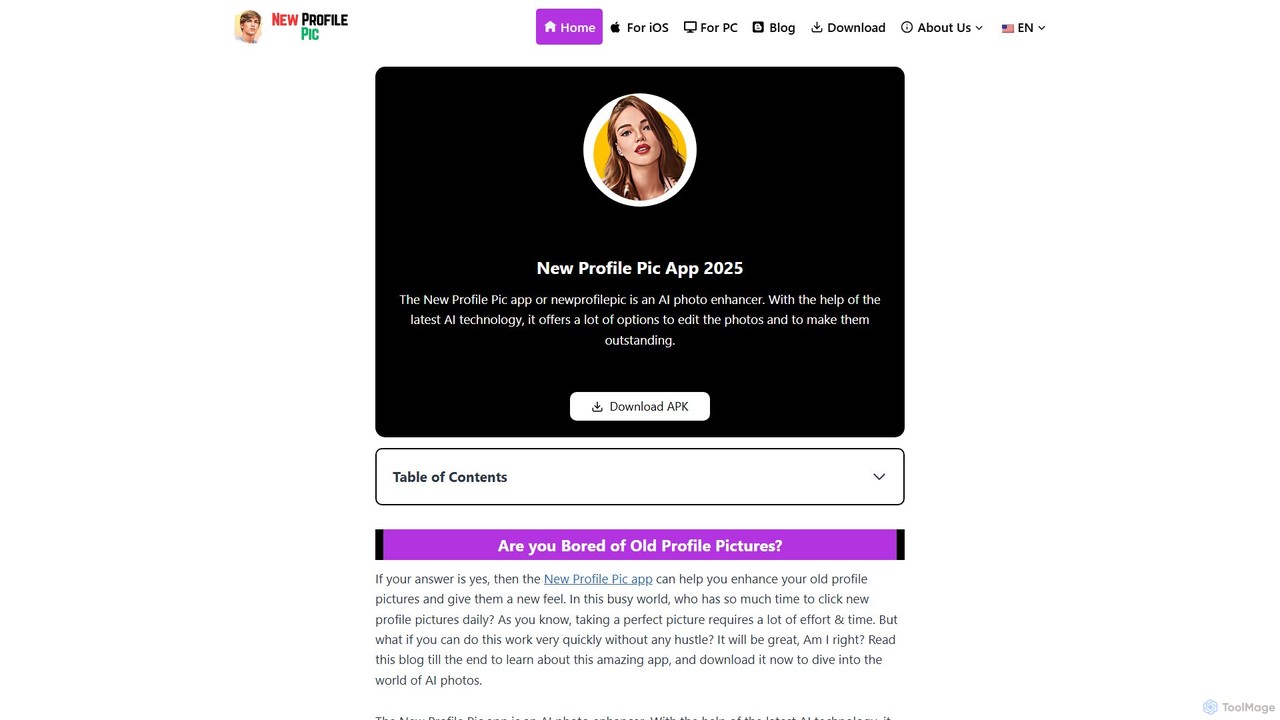
New Profile Pic App Overview
New Profile Pic App is a sophisticated AI photo enhancer that breathes new life into your profile pictures. Leveraging the latest in artificial intelligence, this application provides a seamless and intuitive way to create eye-catching and unique avatars for your social media accounts. If you're tired of your standard photos, this app offers a world of creative possibilities, transforming your images into various artistic styles, from cartoon portraits to stylish sketches, all with a few taps. It's designed for anyone looking to refresh their online presence without the time and effort of a professional photoshoot or complex editing software.
The core of the app is its powerful AI engine, which intelligently analyzes your photo to apply a wide range of effects and enhancements. It goes beyond simple filters by generating entirely new artistic interpretations of your image. The app is regularly updated with new styles and features, ensuring that your creative options are always expanding. Whether you want a fun, cartoonish look or a more elegant, artistic vibe, New Profile Pic App provides the tools to express your personality and current mood perfectly.
How to use New Profile Pic App
Using the New Profile Pic App is a straightforward and user-friendly process, designed to be accessible to everyone, regardless of their editing knowledge.
- Download and Install: First, download the app from the Google Play Store for Android or the Apple App Store for iOS.
- Grant Permissions: Upon opening the app for the first time, you'll need to grant it permission to access your phone's storage and camera. This allows the app to load your photos for editing.
- Select a Photo: You can either choose an existing photo from your gallery or take a new one directly through the app's camera feature. For best results, use a high-resolution photo with good lighting.
- Explore Styles and Filters: Once a photo is selected, the app will present you with a wide array of AI-generated styles and filters. Browse through the options, which include cartoon effects, artistic sketches, and more.
- Customize Your Image: Beyond applying a style, you can further customize your picture. The app allows you to change the background, adjust settings like contrast and color, and fine-tune the final look.
- Save and Share: When you are happy with your creation, you can save the edited photo to your device. The app also features an inbuilt sharing option, allowing you to directly post your new profile picture to social media platforms like Instagram, Facebook, and X (Twitter).
Core Features of New Profile Pic App
- AI-Powered Styles & Filters: Access a massive library of over 100 filters and styles (many in the premium version) that use AI to transform your photos into works of art, including popular cartoon and sketch effects.
- Advanced Background Editor: Automatically remove, replace, or blur the background of your photos. The AI ensures clean cutouts, even around complex areas like hair, making the new background look incredibly realistic.
- Comprehensive Customization: Fine-tune your images with professional-grade editing tools. Adjust contrast, saturation, brightness, and other parameters to achieve the perfect look.
- Inbuilt Sharing Functionality: Share your edited masterpieces directly from the app to your favorite social media networks without needing to save them to your gallery first.
- Regular Updates: The app is consistently updated with new features, filters, styles, and bug fixes, ensuring a constantly improving user experience.
- Bulk Editing (Premium): The premium version allows users to process multiple photos at once, saving significant time for those who want to create a whole set of stylized images.
Use Cases for New Profile Pic App
The primary use case for New Profile Pic App is to create fresh and engaging profile pictures for social media platforms. It helps users stand out from the crowd with unique, AI-generated avatars. It's also perfect for users who want to update their look online to reflect a new mood, season, or event without a new photoshoot. Additionally, the background removal feature is highly useful for creating transparent PNG images for graphic design projects, product mockups, or presentations. It allows you to isolate a subject from a distracting background and place it in a new context.
Advantages of New Profile Pic App
New Profile Pic App offers significant advantages over traditional editing methods and other filter apps. It saves immense time and effort compared to manual editing in software like Photoshop. Its AI-driven features provide results that are often difficult to achieve for non-professionals. Compared to simple filter apps like Snapchat, it offers far more customization and control over the final image, along with unique, generative styles. The user-friendly interface makes advanced editing accessible to everyone, and the regular updates ensure the tool remains relevant and powerful.
Pricing and Plans
New Profile Pic App operates on a freemium model, offering both a free and a premium subscription plan.
- Free Version: This version is free to use and includes access to a limited selection of features. It comes with approximately 20 filters and 10 editing styles, limited background changing options, and displays ads. Edits made with the free version will have a watermark, and the export resolution is limited to 720p.
- Premium Version: Priced at approximately $4.99/month, the premium subscription unlocks the full potential of the app. Subscribers get access to over 100 filters, 50+ exclusive styles, unlimited background changes, no ads, and no watermarks. Additional benefits include 4K export resolution, unlimited bulk editing, priority customer support, and 100GB of cloud storage.
New Profile Pic App Alternatives
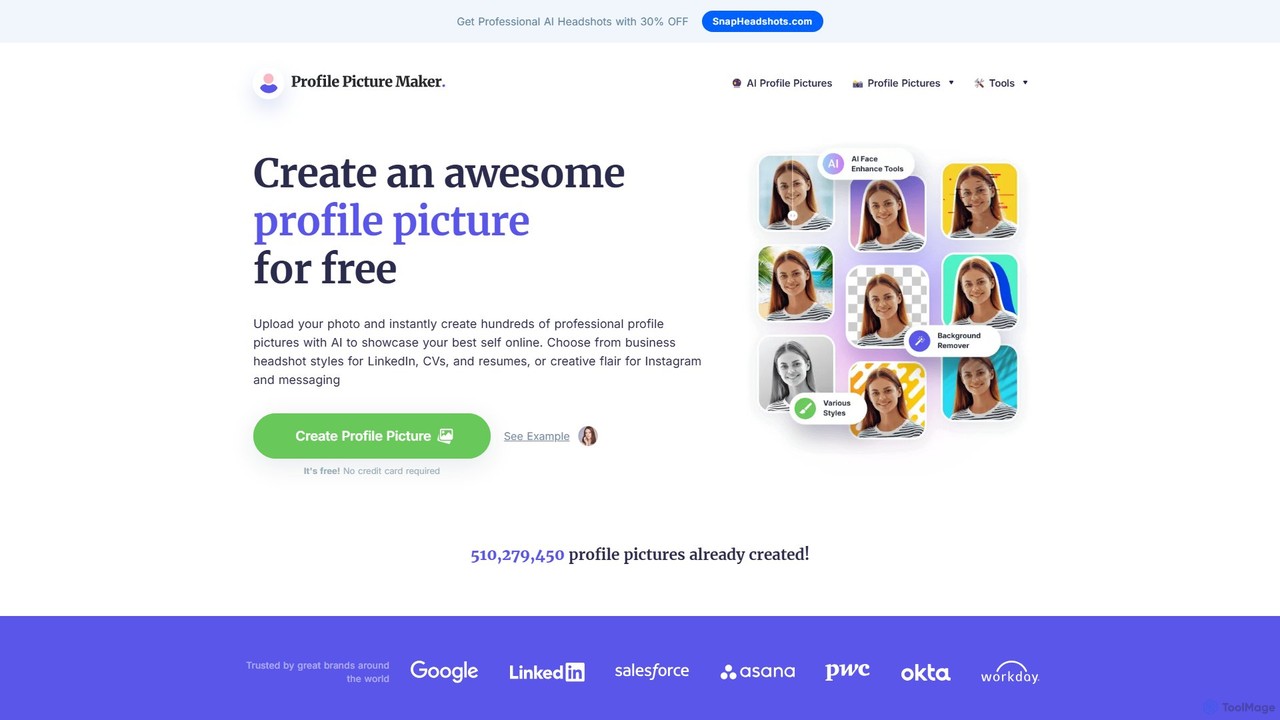
PFPMaker
PFPMaker is a free AI-powered tool that instantly generates hundreds of professional and creative profile pictures. Simply upload your photo, and the AI will automatically remove the background, enhance your portrait, and create a variety of PFP options with different styles, colors, and backgrounds. It's perfect for social media, professional networks like LinkedIn, resumes, and email signatures, helping you make a great first impression online.
Profile Picture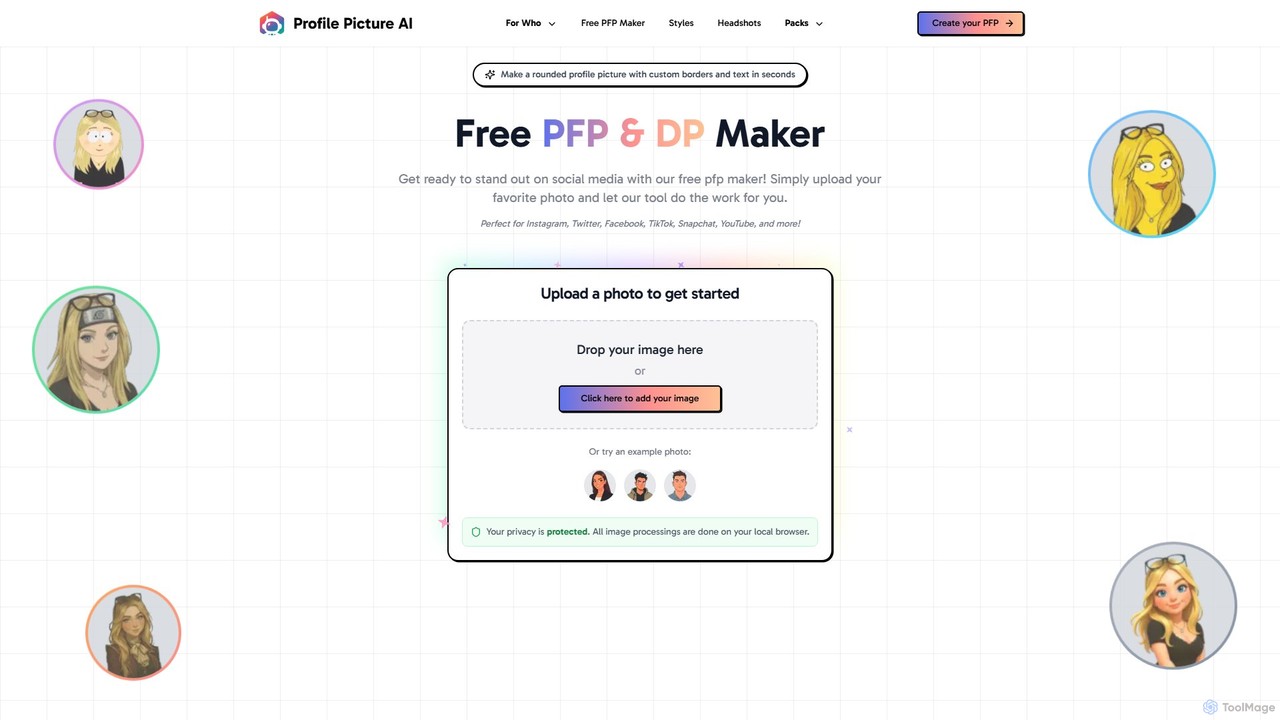
ProfilePicture.AI
ProfilePicture.AI is a versatile platform offering a 100% free PFP Maker for creating custom social media profile pictures with borders and text. It also features a powerful AI Headshot Generator that produces professional, studio-quality headshots from your photos, eliminating the need for a physical photoshoot.
Profile Picture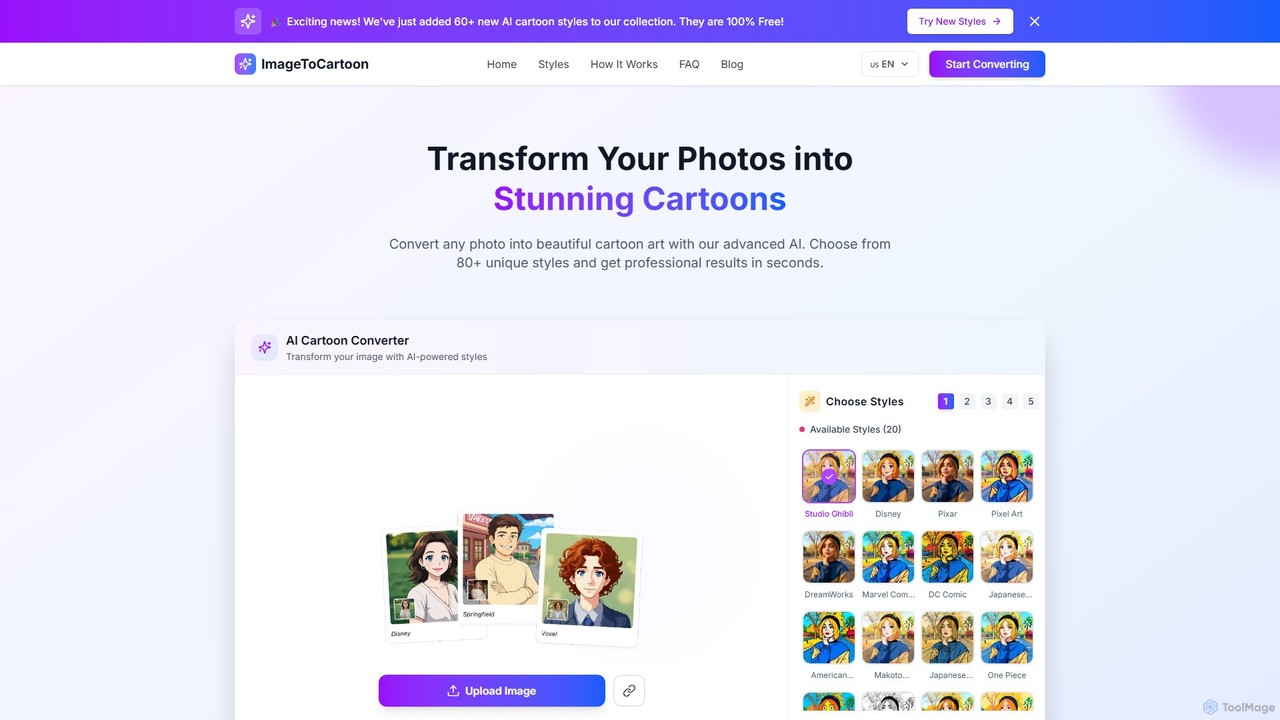
imagetocartoon
imagetocartoon is a free, web-based AI tool that transforms your photos into cartoons instantly. With over 80 unique styles, including Disney, Pixar, Anime, and Ghibli, you can create high-quality, professional-looking cartoon images in seconds. No software installation or registration is required. Simply upload your image, choose a style, and download your cartoonized photo for avatars, social media, or commercial projects.
Generative Art
Photoleap
Photoleap is a powerful all-in-one AI photo editing app by Lightricks. It combines traditional editing tools with a massive suite of cutting-edge AI features, allowing users to transform photos, generate stunning AI art from text, create professional headshots, and apply creative effects with ease. It's designed for everyone from social media creators to casual users looking to elevate their images.
Generative Art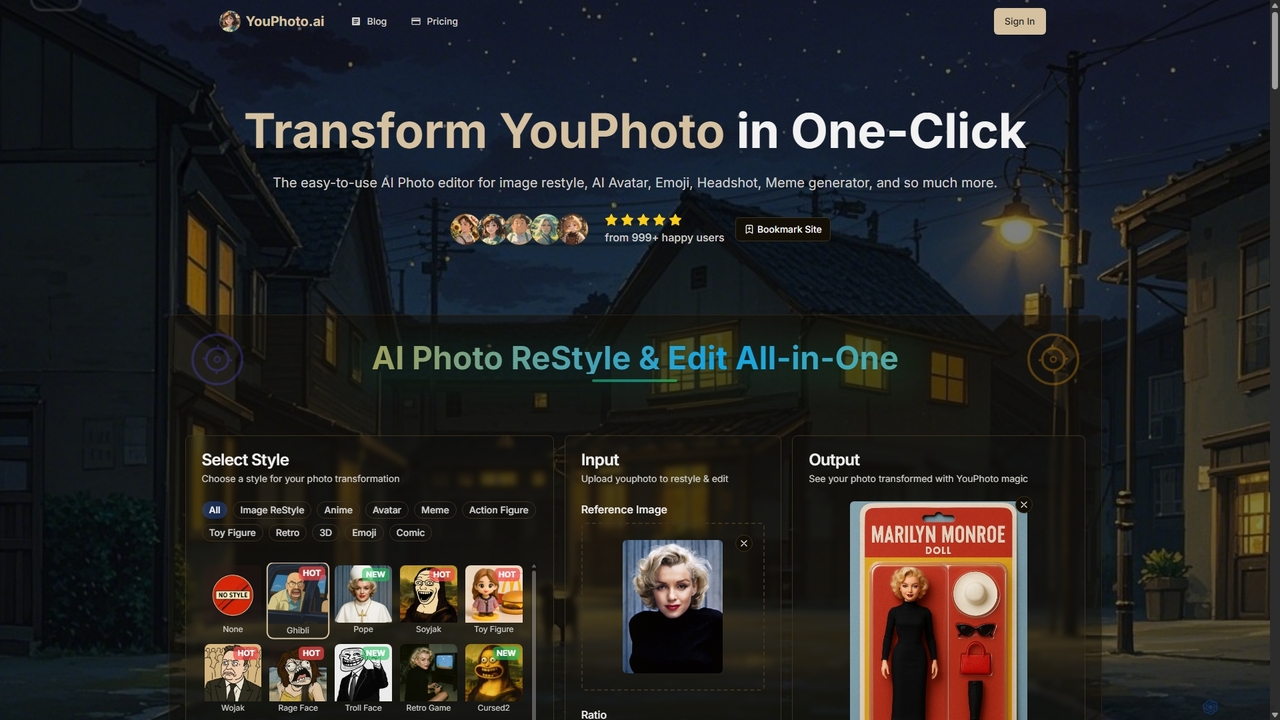
Youphoto
Youphoto is an all-in-one AI photo editor that transforms your images with a single click. It offers a vast library of styles for image restyling, including anime, Ghibli, and LEGO, alongside powerful tools like a meme generator, avatar maker, and photo enhancer for creating high-quality, shareable content effortlessly.
Meme GeneratorNew Profile Pic App Categories
New Profile Pic App Embed Widget
Copy this embed code to place the badge on your blog, article, or product site and send readers directly to this ToolMage detail page.

Related AI tools
PFPMaker
PFPMaker is a free AI-powered tool that instantly generates hundreds of professional and creative profile pictures. Simply upload your photo, and the AI will automatically remove the background, enhance your portrait, and create a variety of PFP options with different styles, colors, and backgrounds. It's perfect for social media, professional networks like LinkedIn, resumes, and email signatures, helping you make a great first impression online.
Profile PictureProfilePicture.AI
ProfilePicture.AI is a versatile platform offering a 100% free PFP Maker for creating custom social media profile pictures with borders and text. It also features a powerful AI Headshot Generator that produces professional, studio-quality headshots from your photos, eliminating the need for a physical photoshoot.
Profile Picture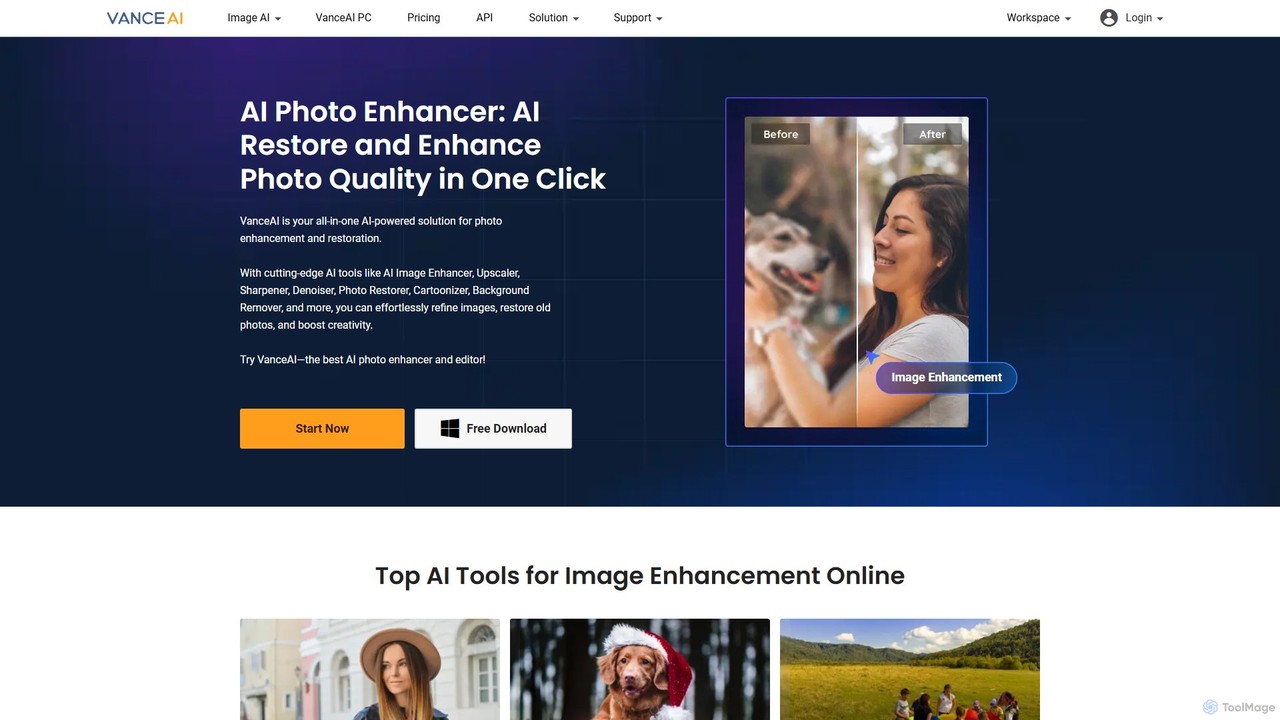
VanceAI
VanceAI is a comprehensive, AI-powered suite for photo enhancement, restoration, and editing. It offers a wide range of tools, including an image upscaler, sharpener, denoiser, background remover, and photo restorer. With one-click solutions and batch processing capabilities, VanceAI helps users from photographers to e-commerce businesses improve image quality, streamline workflows, and boost creativity effortlessly, available both online and as a desktop application.
Image Editing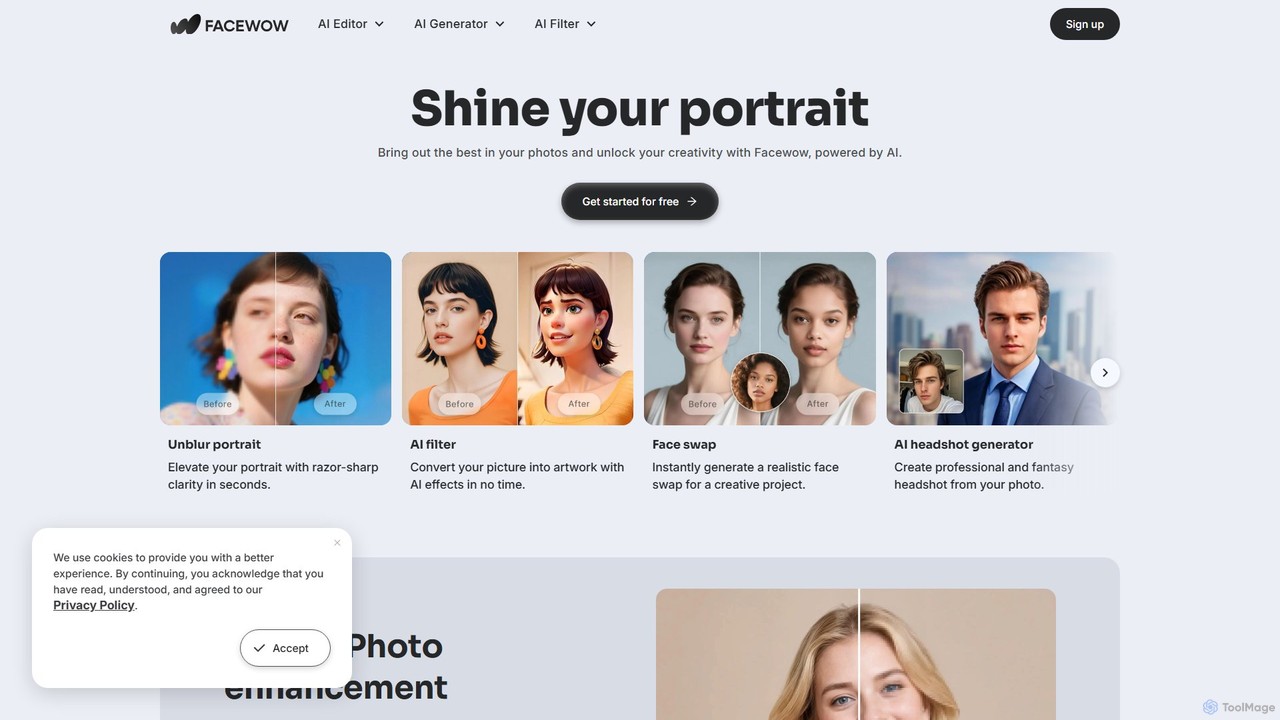
Facewow
Facewow is a comprehensive, free-to-use AI toolkit for creating and editing portraits. It offers a suite of powerful tools including a photo enhancer to unblur and upscale images, over 100 artistic AI filters, a realistic face swap for photos and videos, and an AI headshot generator for professional or creative profiles. It's designed for everyone, requiring no sign-up or technical skills to produce high-quality, watermark-free results instantly.
Memes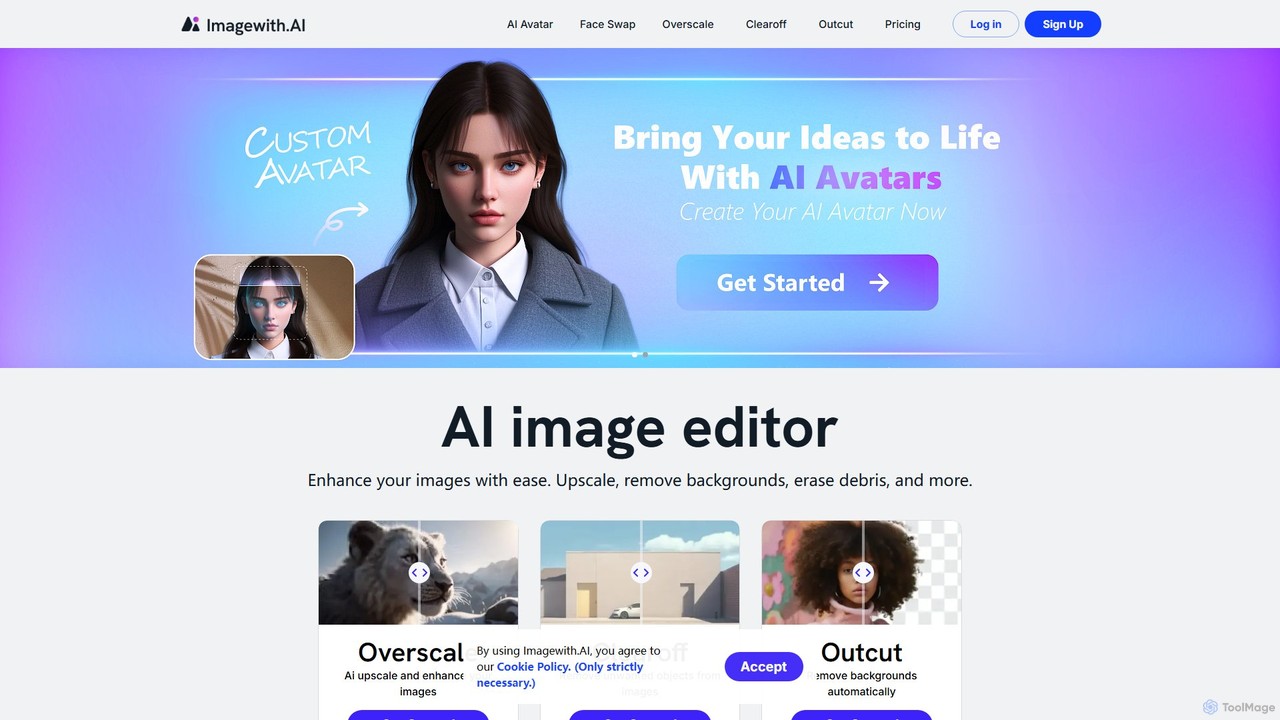
imagewith.ai
imagewith.ai is an AI-powered online image editing suite designed to simplify complex photo editing tasks. It offers a set of powerful tools including an image upscaler (Overscale), a background remover (Outcut), and an object remover (Clearoff). This platform enables users of all skill levels, from amateur photographers to e-commerce professionals, to enhance, clean, and perfect their images with just a few clicks, boosting efficiency and creativity without the need for complex software.
Product Photos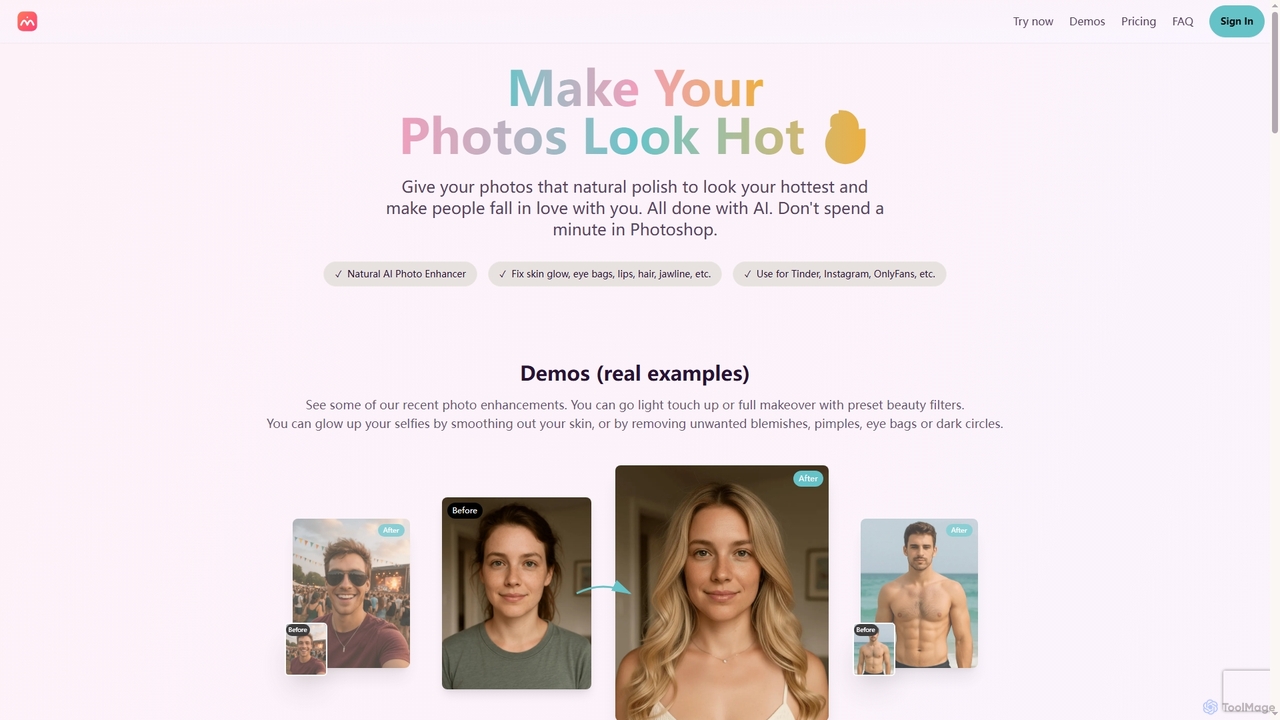
Makehot
Makehot is an AI-powered photo enhancer designed to naturally improve your photos in seconds. It offers features like facial retouching, background removal, professional headshot generation, and accessory additions, perfect for dating profiles, social media, and professional use.
Background Removal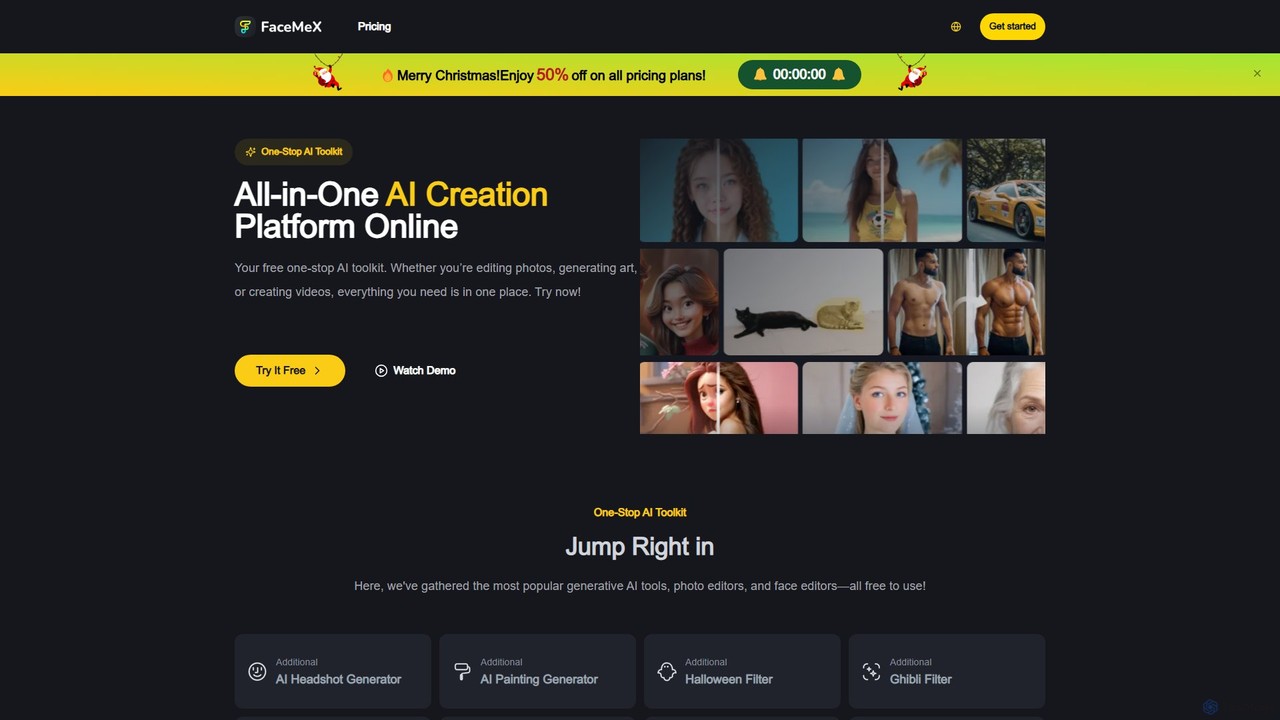
FaceMex
FaceMex is a comprehensive, all-in-one AI toolkit for creative image and video editing. It offers a wide range of free and premium tools, including face swapping, AI art generation, professional headshots, photo enhancement, and fun filters like Ghibli and cartoon styles. Designed for ease of use, it allows users to transform their photos with just a few clicks, making it ideal for social media content creators, designers, and anyone looking for a powerful yet simple photo editing solution.
Image Generationimagetocartoon
imagetocartoon is a free, web-based AI tool that transforms your photos into cartoons instantly. With over 80 unique styles, including Disney, Pixar, Anime, and Ghibli, you can create high-quality, professional-looking cartoon images in seconds. No software installation or registration is required. Simply upload your image, choose a style, and download your cartoonized photo for avatars, social media, or commercial projects.
Generative ArtPhotoleap
Photoleap is a powerful all-in-one AI photo editing app by Lightricks. It combines traditional editing tools with a massive suite of cutting-edge AI features, allowing users to transform photos, generate stunning AI art from text, create professional headshots, and apply creative effects with ease. It's designed for everyone from social media creators to casual users looking to elevate their images.
Generative ArtYouphoto
Youphoto is an all-in-one AI photo editor that transforms your images with a single click. It offers a vast library of styles for image restyling, including anime, Ghibli, and LEGO, alongside powerful tools like a meme generator, avatar maker, and photo enhancer for creating high-quality, shareable content effortlessly.
Meme Generator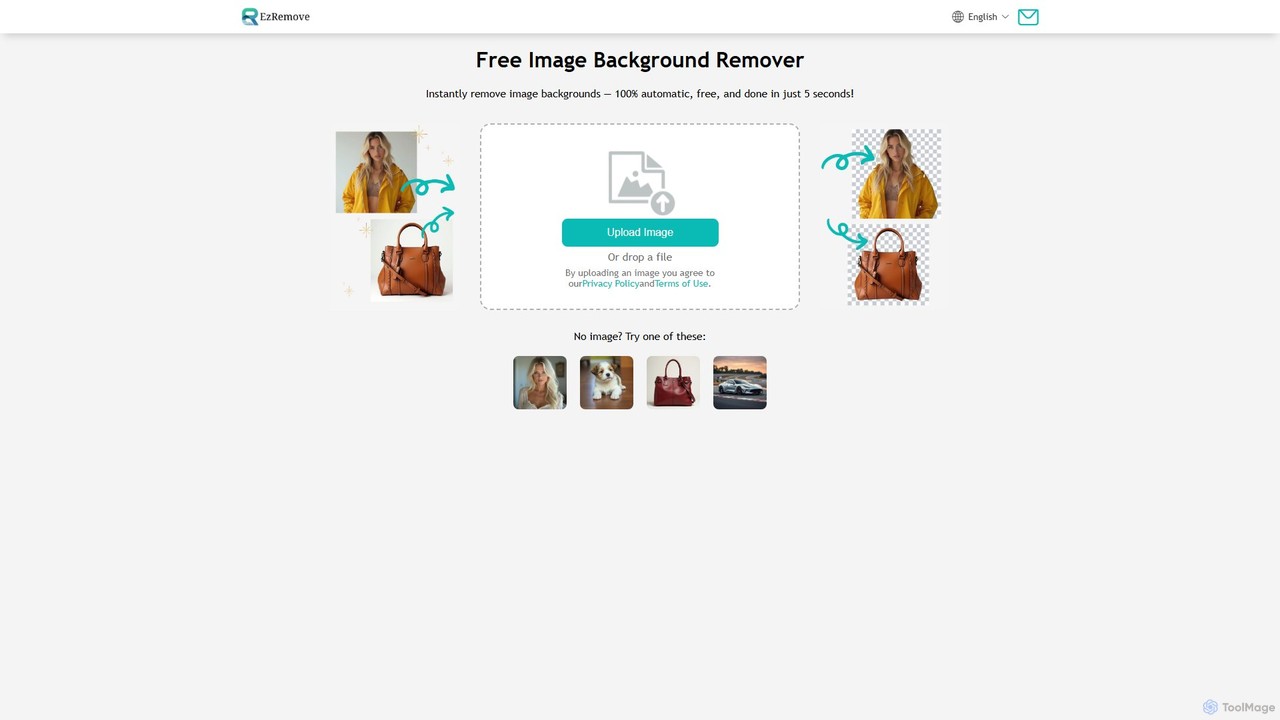
ezremove
ezremove is a free, AI-powered image background remover that automatically creates transparent backgrounds in just 5 seconds. Ideal for e-commerce, graphic design, and social media, it supports batch processing, basic editing, and various image formats. No software or technical skills required—simply upload your image and download a high-quality, clean PNG file instantly.
Image Editing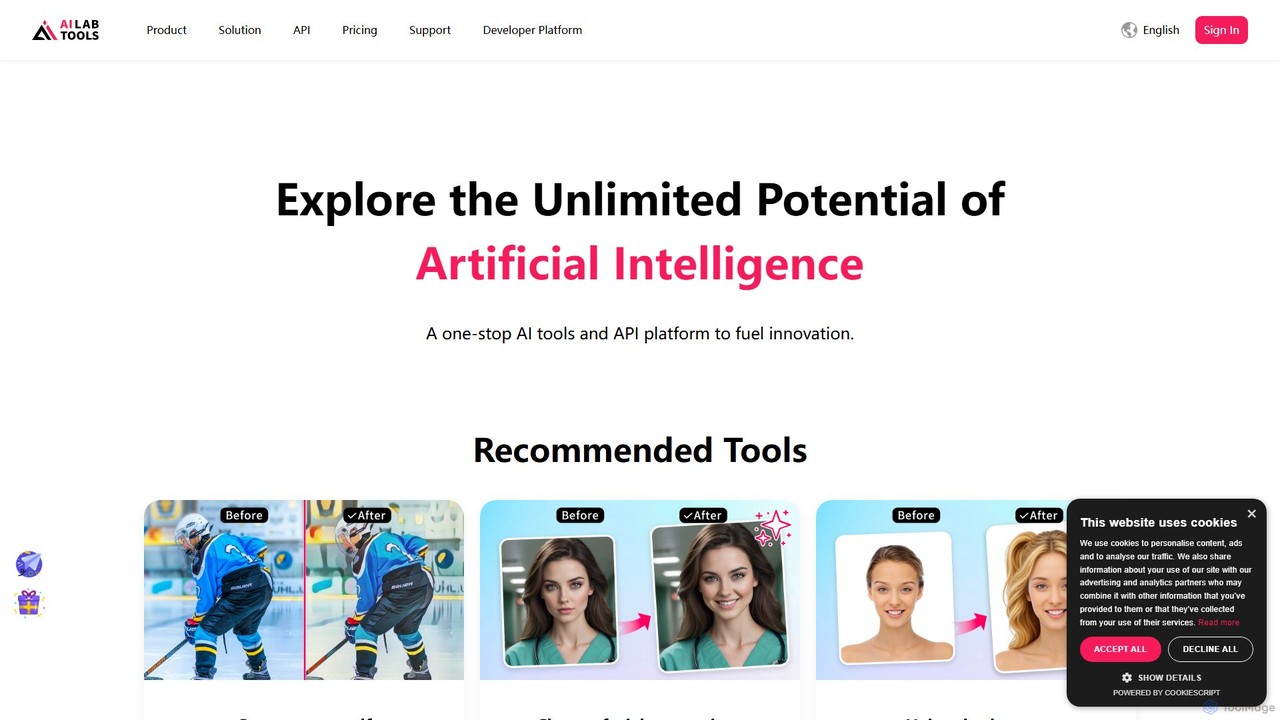
AILab Tools
AILab Tools is a comprehensive, all-in-one AI platform offering a wide array of image editing tools and a powerful API for developers. It enables users to effortlessly cartoonize photos, retouch portraits, change hairstyles, remove objects, and much more, catering to individuals, businesses, and developers.
Ai Art Generator
PhotoGrid
PhotoGrid is an all-in-one online collage maker and AI photo editor. It offers over 20,000 templates and a suite of powerful AI tools to create stunning photo collages, remove backgrounds, enhance image quality, and apply creative filters, making professional photo editing accessible to everyone.
Collage Maker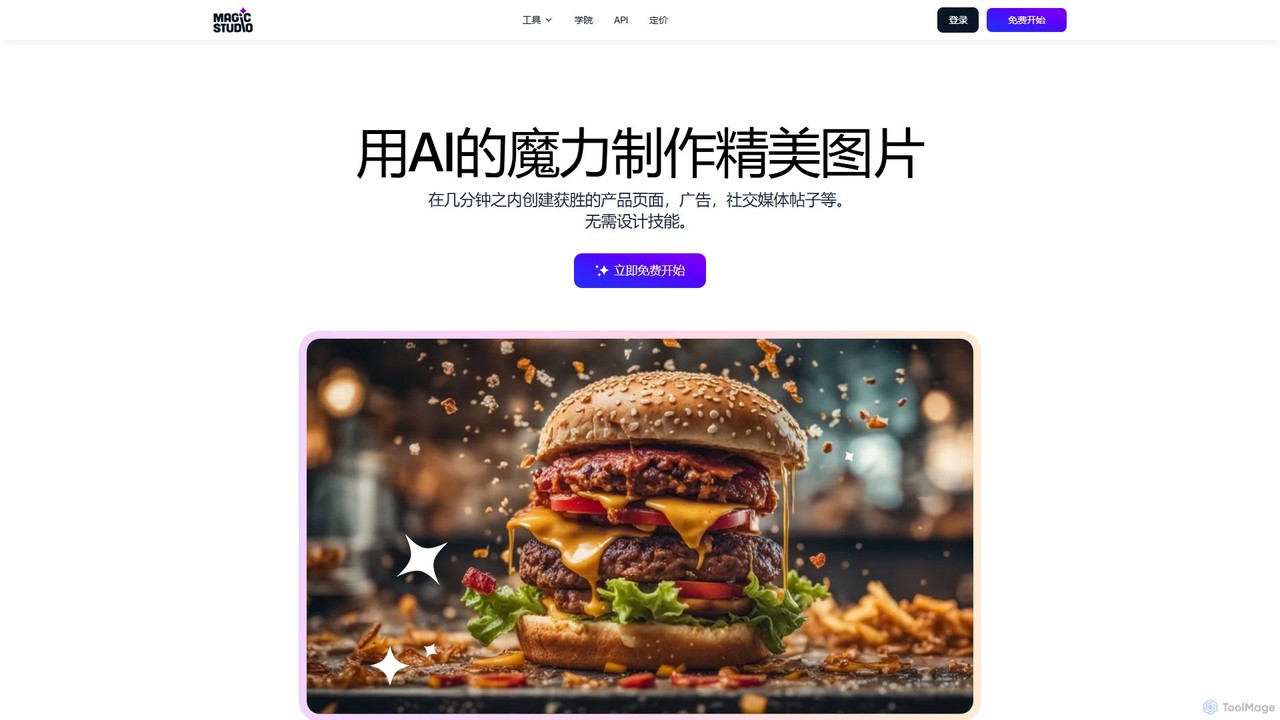
Magic Studio
Magic Studio is an all-in-one AI-powered image editing suite designed for everyone. It allows users to effortlessly create stunning visuals, remove unwanted objects, change backgrounds, generate images from text, and enhance photo quality in seconds, no design skills required.
Product Photos
Nero AI
Nero AI is a comprehensive suite of AI-powered tools for image and video enhancement. It offers features like image and video upscaling, photo restoration, background and object removal, face animation, and creative stylization. Designed for creators, marketers, and designers, it provides easy-to-use solutions for both online and desktop platforms to elevate visual content quality.
Graphic Design
New Profile Pic App Comments (0)
Sign in to comment.
Sign inNo comments yet.