

PaintPlanner Overview
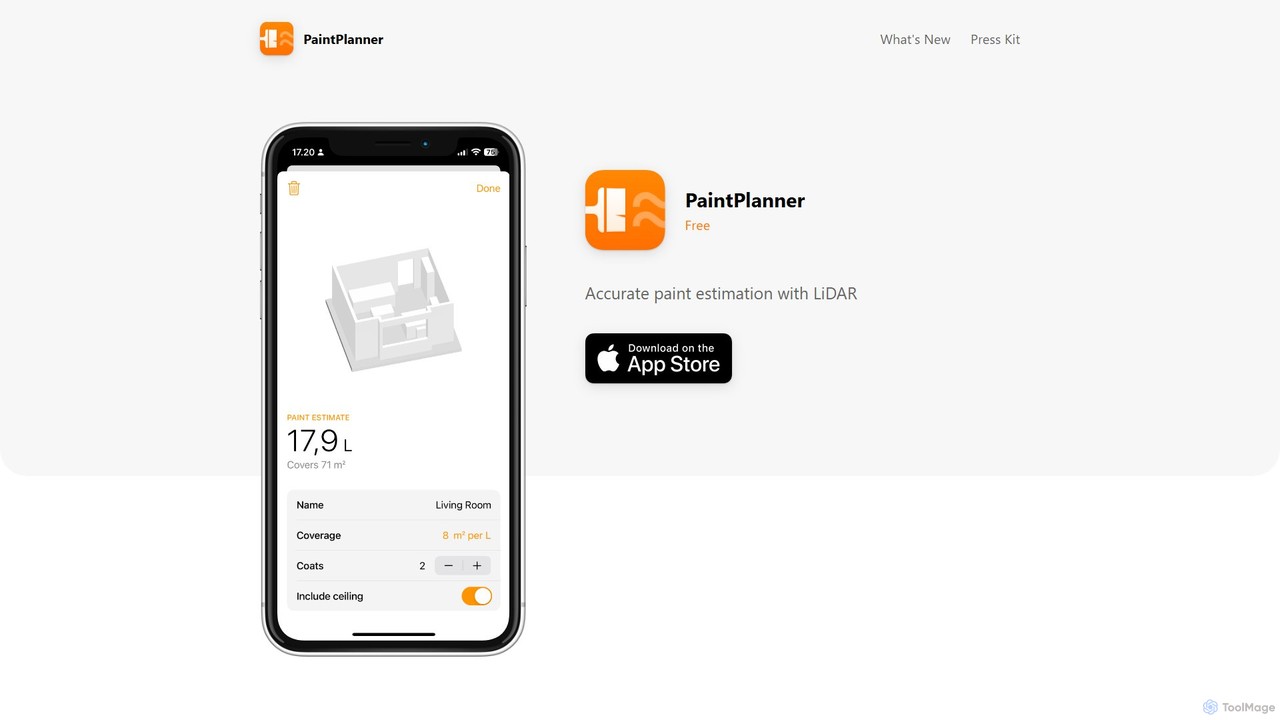
PaintPlanner is an innovative and free mobile application designed to revolutionize how you plan your painting projects. By leveraging the advanced LiDAR sensor technology in modern smartphones, PaintPlanner provides highly accurate paint estimations without the need for manual measurements with a tape measure. This powerful utility is perfect for DIY enthusiasts, professional painters, interior designers, and contractors who need fast, reliable, and easy-to-understand paint calculations. The app's core intelligence lies in its ability to create a 3D map of a room, automatically identify paintable surfaces, and intelligently subtract non-paintable areas like doors and windows, ensuring you buy the right amount of paint every time.
How to use PaintPlanner
Using PaintPlanner is a straightforward and intuitive process, designed to get you from scanning to a complete estimate in just a few minutes. Here’s a step-by-step guide:
- Download and Install: First, download the PaintPlanner app from the App Store onto your LiDAR-supported device (such as an iPhone Pro or iPad Pro).
- Initiate a Scan: Open the app and start a new project. Select the option to scan a room.
- Scan the Room: Point your device's camera towards the walls of the room. Slowly move around the space, following the on-screen prompts to ensure you capture all surfaces. The LiDAR sensor will build a precise 3D model of the room in real-time.
- Automatic Calculation: Once the scan is complete, PaintPlanner's AI algorithm instantly processes the data. It calculates the total surface area of the walls and automatically detects and subtracts the areas of doors, windows, and other large openings.
- Customize Your Estimate: The app will present you with an initial paint estimate. You can then fine-tune this calculation by adjusting key variables, such as the number of coats of paint you plan to apply and the specific coverage rate of your chosen paint (usually found on the paint can, e.g., sq ft/gallon or m²/liter).
- Save and Plan: Save the finalized estimate within the app. You can create and save estimates for multiple rooms, making it easy to plan for larger projects or entire home renovations.
Core Features of PaintPlanner
- LiDAR Room Scanning: Utilizes your device's LiDAR sensor to create precise 3D models of rooms, eliminating manual measuring errors and saving significant time.
- AI-Powered Surface Calculation: An intelligent algorithm processes the 3D scan to accurately calculate the total paintable wall area.
- Automatic Opening Subtraction: The app automatically identifies and excludes the area of doors, windows, and other openings from the total calculation, leading to a highly accurate paint requirement estimate.
- Customizable Project Parameters: Easily adjust the number of paint coats and the paint's specific coverage rate to match your project's exact needs.
- Project Management: Save and organize estimates for different rooms or projects, allowing for efficient planning and budgeting.
- Simple and Intuitive Interface: Designed for ease of use, allowing anyone to get a professional-level paint estimate without a learning curve.
Use Cases for PaintPlanner
PaintPlanner is a versatile tool suitable for a wide range of users:
- DIY Homeowners: Planning to repaint a bedroom, living room, or the entire house? Get an accurate estimate in minutes to avoid buying too much paint or making multiple trips to the store.
- Professional Painters and Contractors: Impress clients with quick, tech-savvy, and accurate on-the-spot quotes. Keep all job estimates organized on your phone for easy reference and invoicing.
- Interior Designers: Efficiently plan paint requirements for client projects. Experiment with different numbers of coats or paint brands by adjusting the coverage settings to stay within budget.
- Real Estate Agents & Property Managers: Quickly estimate the cost of repainting a property for sale or between tenants, streamlining the renovation and maintenance process.
Advantages of PaintPlanner
The key advantages of using PaintPlanner include:
- Unmatched Accuracy: LiDAR technology provides far greater precision than manual measurements, especially in rooms with complex shapes or many openings.
- Time-Saving Efficiency: What used to take 15-20 minutes of measuring and calculating can now be done in under two minutes.
- Cost-Effectiveness: By providing an accurate estimate, the app helps you avoid overspending on paint and reduces material waste.
- Ultimate Convenience: The only tool you need is your smartphone. No more fumbling with tape measures, ladders, or notepads.
- Simplified Planning: Centralizes all your paint project information in one place, making it easier to budget, shop for, and execute your plans.
Pricing and Plans
PaintPlanner is currently available completely free of charge. All features, including LiDAR scanning, automatic calculations, and saving estimates, are offered without any cost or subscription, making it an accessible tool for everyone.
PaintPlanner Alternatives
Planner 5D
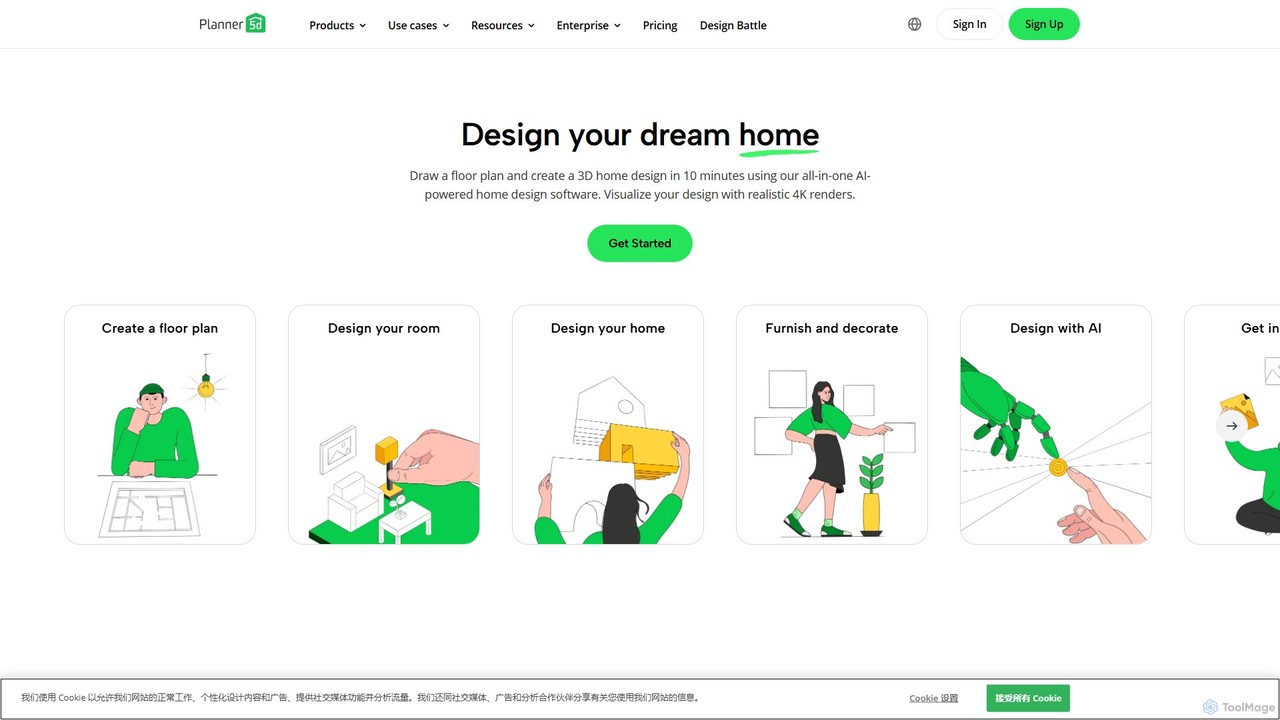
Planner 5D is an AI-powered home and interior design platform that allows users to easily create detailed 2D and 3D floor plans, furnish and decorate spaces, and visualize designs with stunning 4K renders. It's designed for homeowners, professionals, and students alike.
Interior Design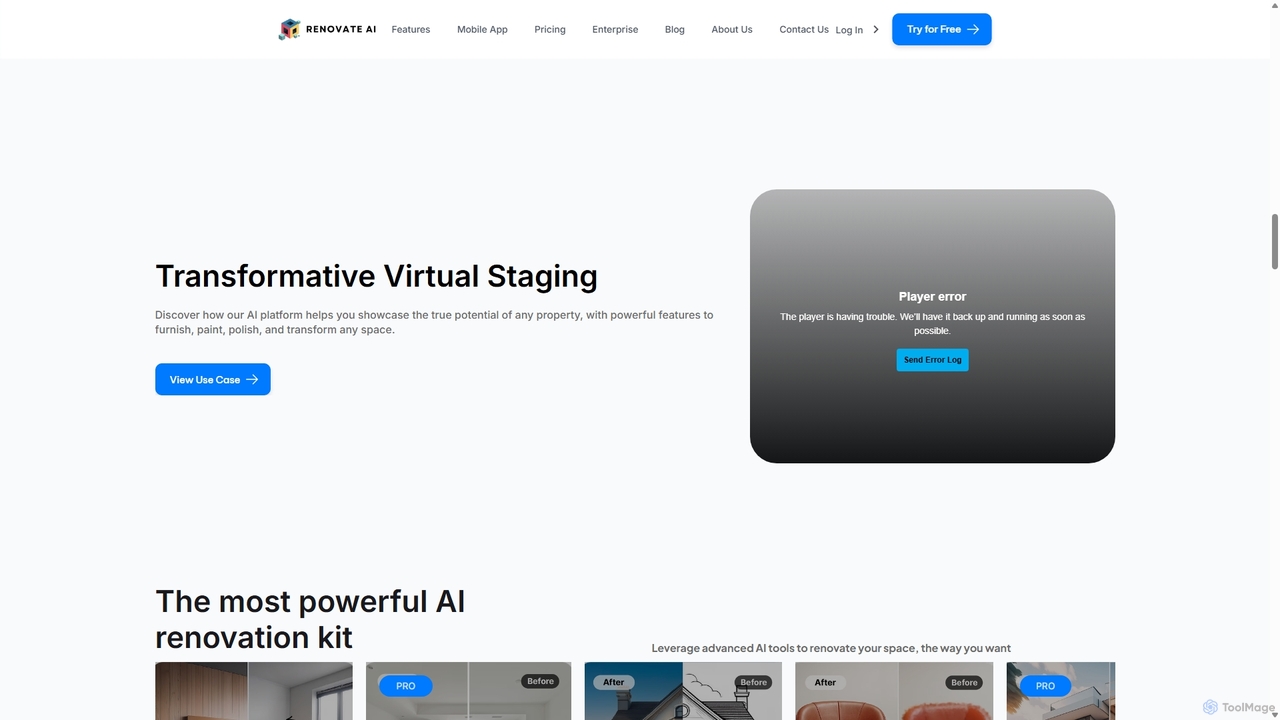
Renovate AI
Renovate AI is an AI-powered platform for home renovation and interior design. It allows users to upload photos of their spaces and instantly generate realistic redesigns in various styles. It's designed for homeowners, real estate agents, designers, and contractors to visualize changes effortlessly.
Interior Design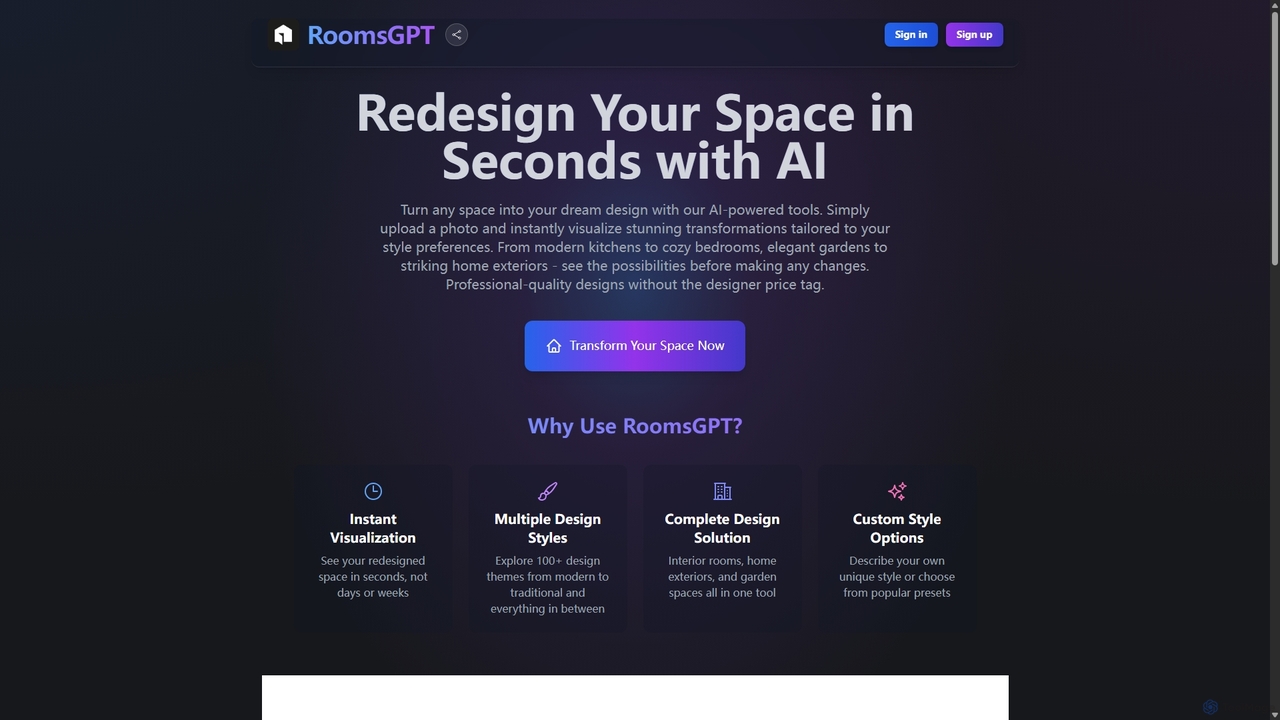
RoomsGPT
RoomsGPT is an AI-powered design tool that transforms your home, room, and garden in seconds. Simply upload a photo to visualize stunning redesigns in over 100 different styles. It's an all-in-one solution for interior, exterior, and landscape design, offering professional-quality concepts without the high cost.
Interior Design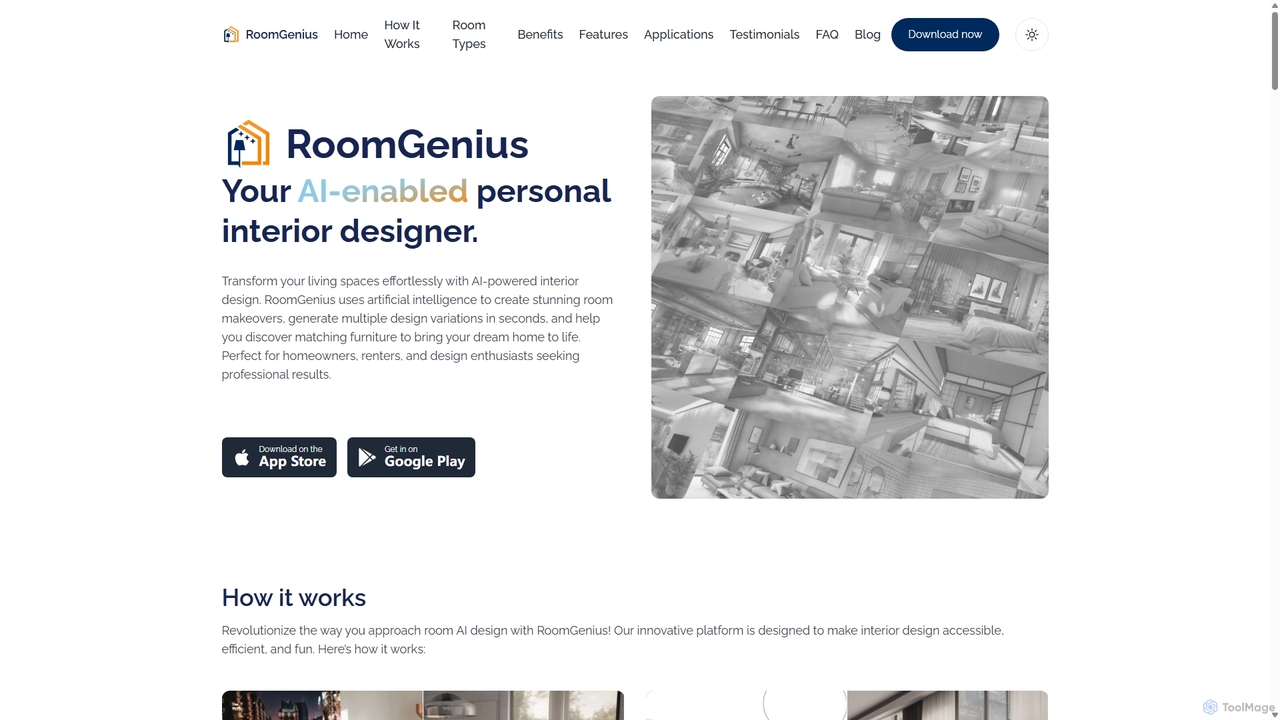
RoomGenius
RoomGenius is an AI-powered personal interior designer app that transforms your living spaces. Simply upload a photo of any room, choose from various design themes, and instantly receive multiple stunning makeover options. The app also features smart furniture matching, helping you find and purchase items to bring your virtual designs to life.
Interior Design
Spatiastudio
Spatiastudio is an AI-powered design tool that transforms interior, exterior, and garden spaces in seconds. Simply upload a photo of your space, describe your vision, and instantly generate stunning redesigns, virtual staging concepts, and landscape ideas.
Interior DesignPaintPlanner Categories
PaintPlanner Embed Widget
Copy this embed code to place the badge on your blog, article, or product site and send readers directly to this ToolMage detail page.

Related AI tools
Neighborbrite
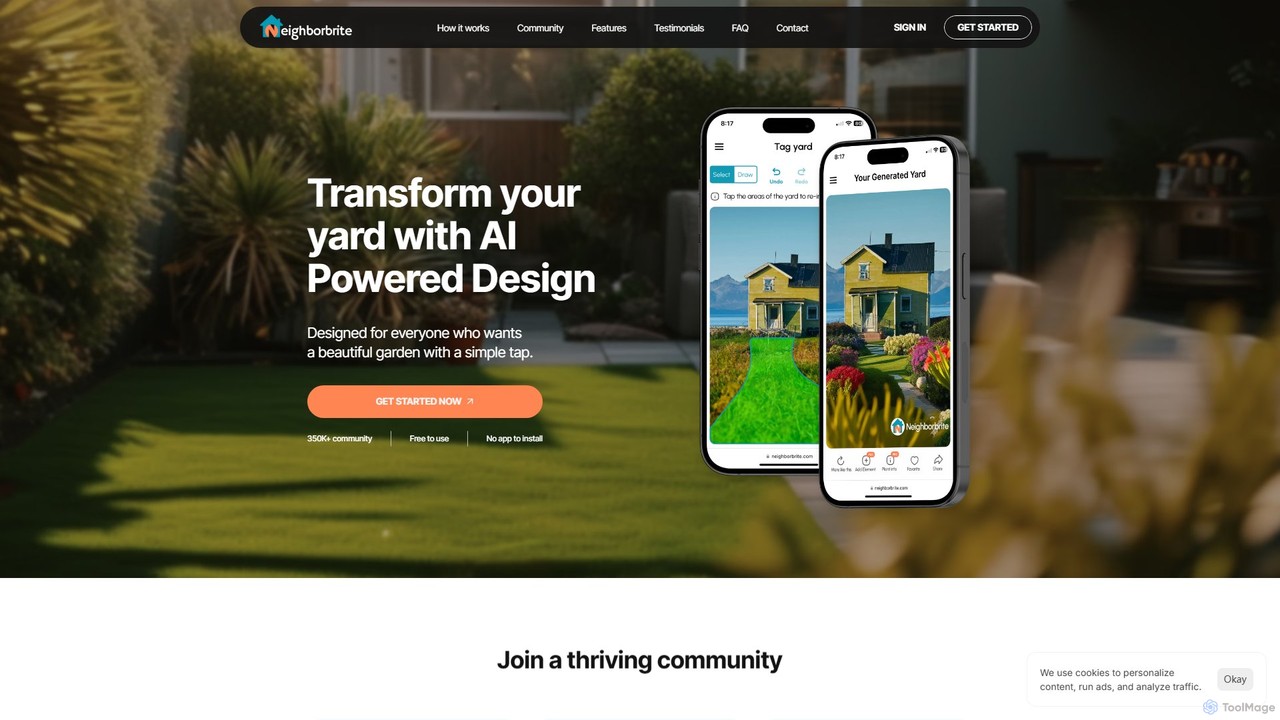
Neighborbrite is a free, AI-powered landscape design tool that transforms your yard photos into stunning garden designs. Simply upload a picture, select a style, and receive instant, customized visualizations with location-based plant suggestions, making professional design accessible to everyone.
Landscape Design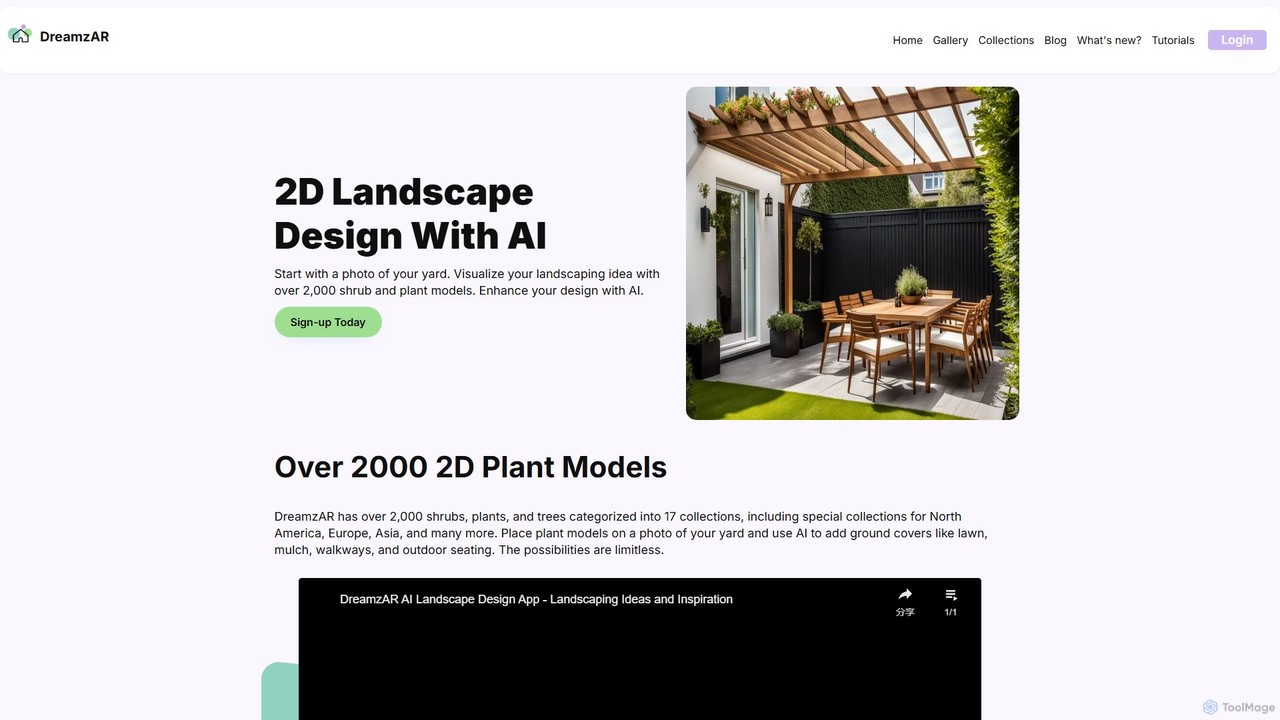
DreamzAR Landscaping Ideas
An AI-powered landscape design tool that transforms a photo of your yard into stunning visualizations. Generate ideas, add plants and hardscapes, and create your dream outdoor space using text prompts or a vast library of 2D models.
Landscape Design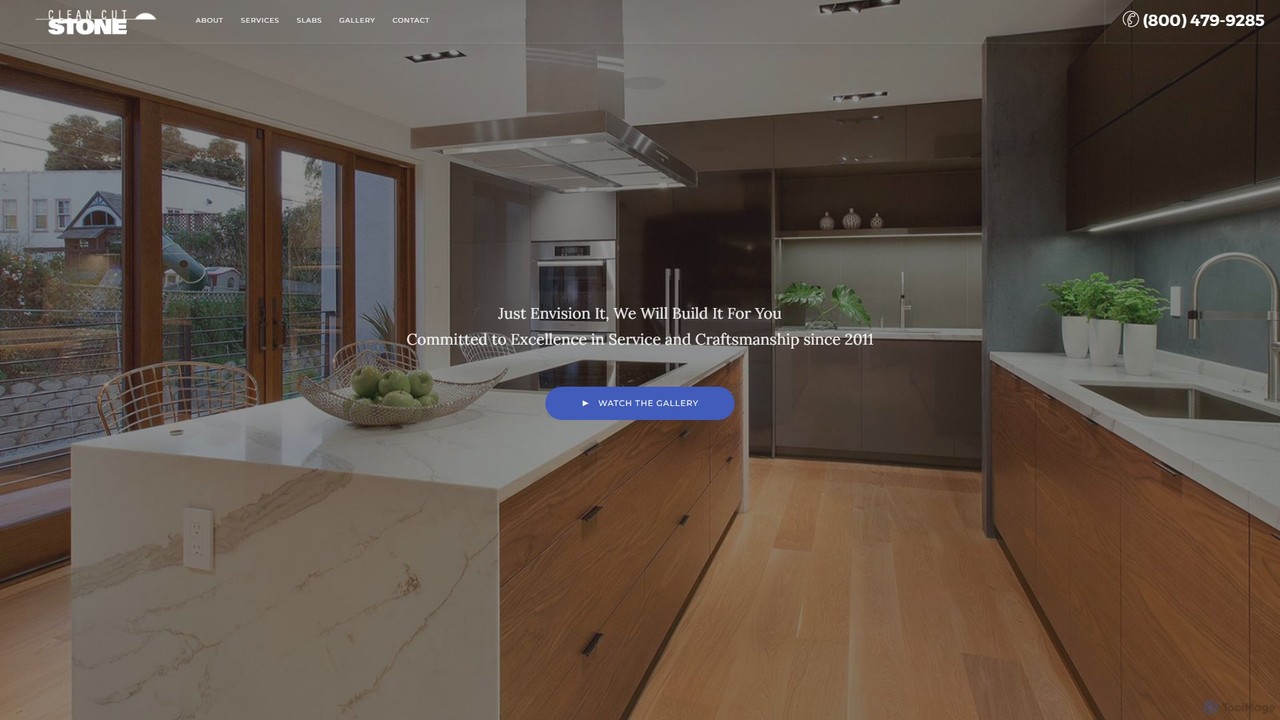
Clean Cut Stone
Clean Cut Stone is a professional service provider specializing in the fabrication and installation of luxury natural and engineered stone countertops. They offer a wide selection of materials like quartz, granite, and marble, providing end-to-end service from material selection at their slab yard to final installation for kitchens, bathrooms, and more.
Construction & Renovation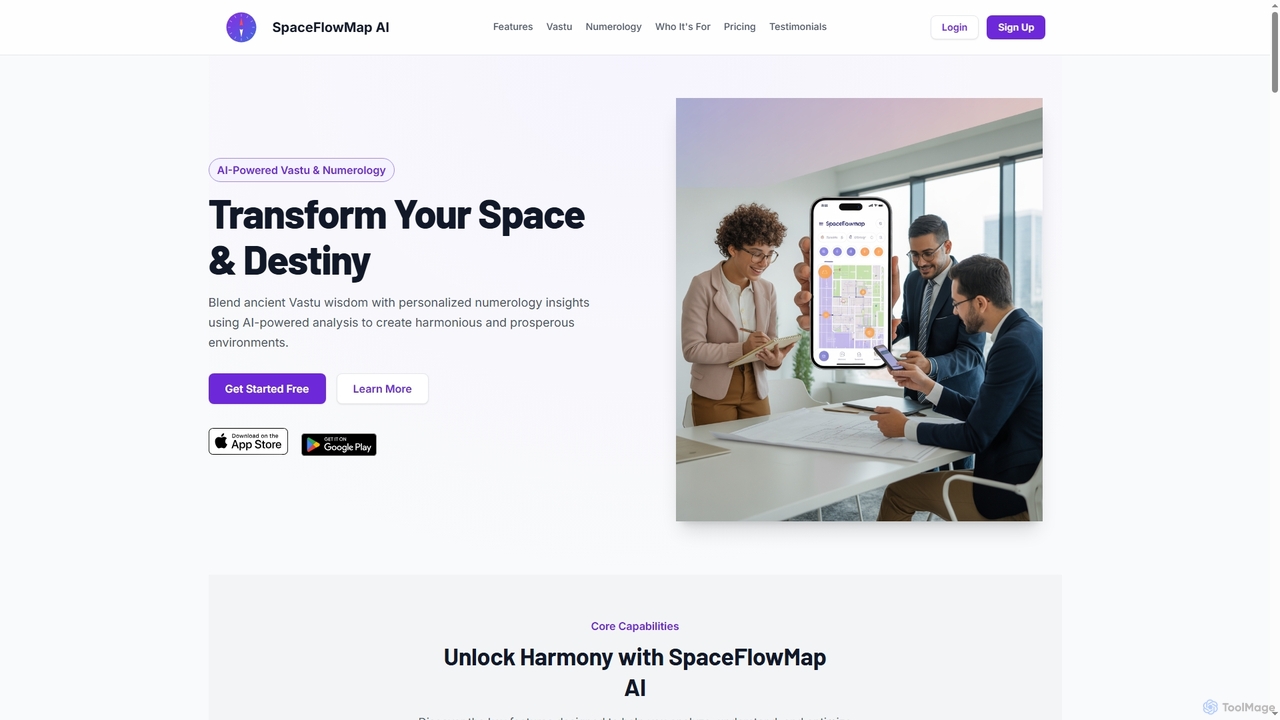
Spaceflowmapai
An AI-powered iOS app that combines ancient Vastu Shastra and numerology to analyze and optimize living or working spaces. It uses LiDAR technology to create digital floor plans and provides personalized insights for creating harmonious and prosperous environments.
Architecture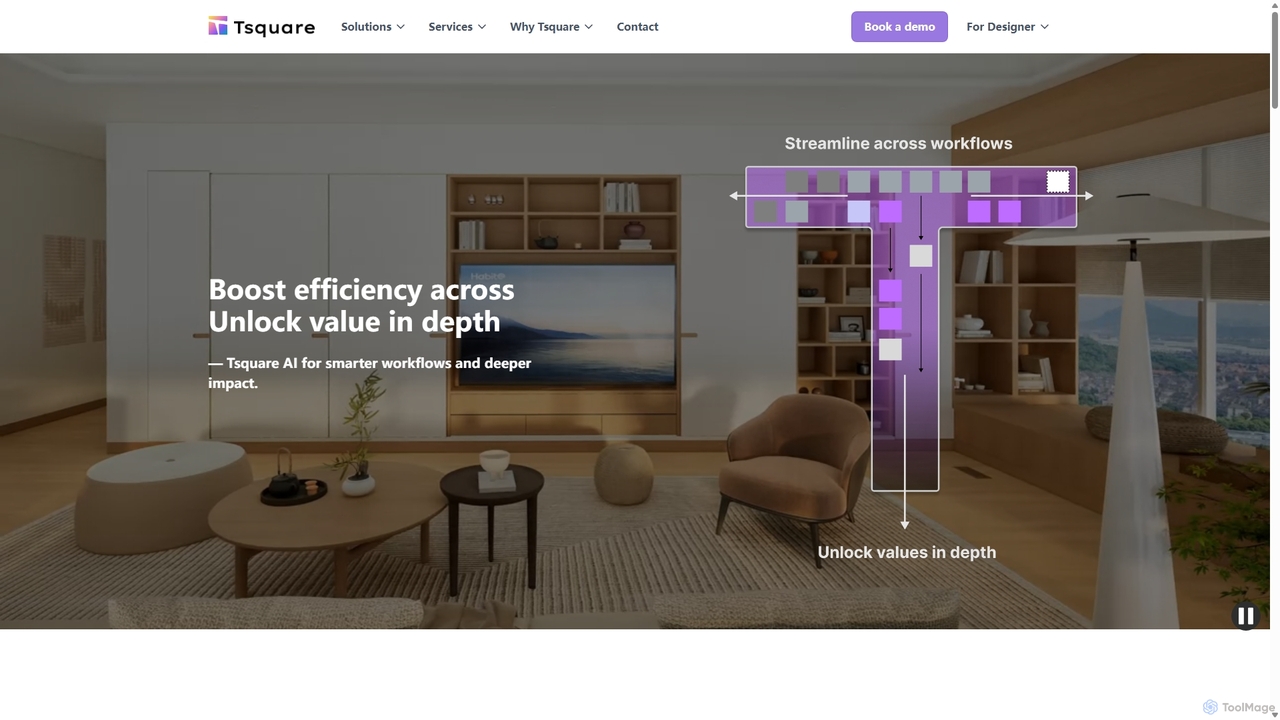
Tsquare AI
Tsquare AI is an AI-powered platform that transforms the sales journey for home improvement and design industries. It instantly converts 2D floor plans into fully furnished, interactive 3D spaces, enabling real-time product configuration, visualization, and automated quoting. This streamlines the design-to-sale process, enhances customer engagement, and boosts efficiency for sales teams and designers.
3D Modeling
Homehelper
Homehelper is an AI-powered construction expert for home improvement projects. Featuring an AI assistant named LEO, it provides project analysis, cost estimates from photos, step-by-step instructions, and tool recommendations. It's designed for both DIY enthusiasts and homeowners seeking professional help, simplifying home maintenance and renovation.
DiyPlanner 5D
Planner 5D is an AI-powered home and interior design platform that allows users to easily create detailed 2D and 3D floor plans, furnish and decorate spaces, and visualize designs with stunning 4K renders. It's designed for homeowners, professionals, and students alike.
Interior DesignRenovate AI
Renovate AI is an AI-powered platform for home renovation and interior design. It allows users to upload photos of their spaces and instantly generate realistic redesigns in various styles. It's designed for homeowners, real estate agents, designers, and contractors to visualize changes effortlessly.
Interior DesignRoomsGPT
RoomsGPT is an AI-powered design tool that transforms your home, room, and garden in seconds. Simply upload a photo to visualize stunning redesigns in over 100 different styles. It's an all-in-one solution for interior, exterior, and landscape design, offering professional-quality concepts without the high cost.
Interior DesignRoomGenius
RoomGenius is an AI-powered personal interior designer app that transforms your living spaces. Simply upload a photo of any room, choose from various design themes, and instantly receive multiple stunning makeover options. The app also features smart furniture matching, helping you find and purchase items to bring your virtual designs to life.
Interior DesignSpatiastudio
Spatiastudio is an AI-powered design tool that transforms interior, exterior, and garden spaces in seconds. Simply upload a photo of your space, describe your vision, and instantly generate stunning redesigns, virtual staging concepts, and landscape ideas.
Interior Design
superdwell
superdwell is an AI-powered online interior design tool that helps you redesign your space in minutes. Upload a photo of your room, choose your style, and receive personalized, shoppable design concepts. It transforms your design dreams into reality, allowing you to visualize and purchase real products directly from your new room design, making home styling faster and more accessible than ever.
Interior Design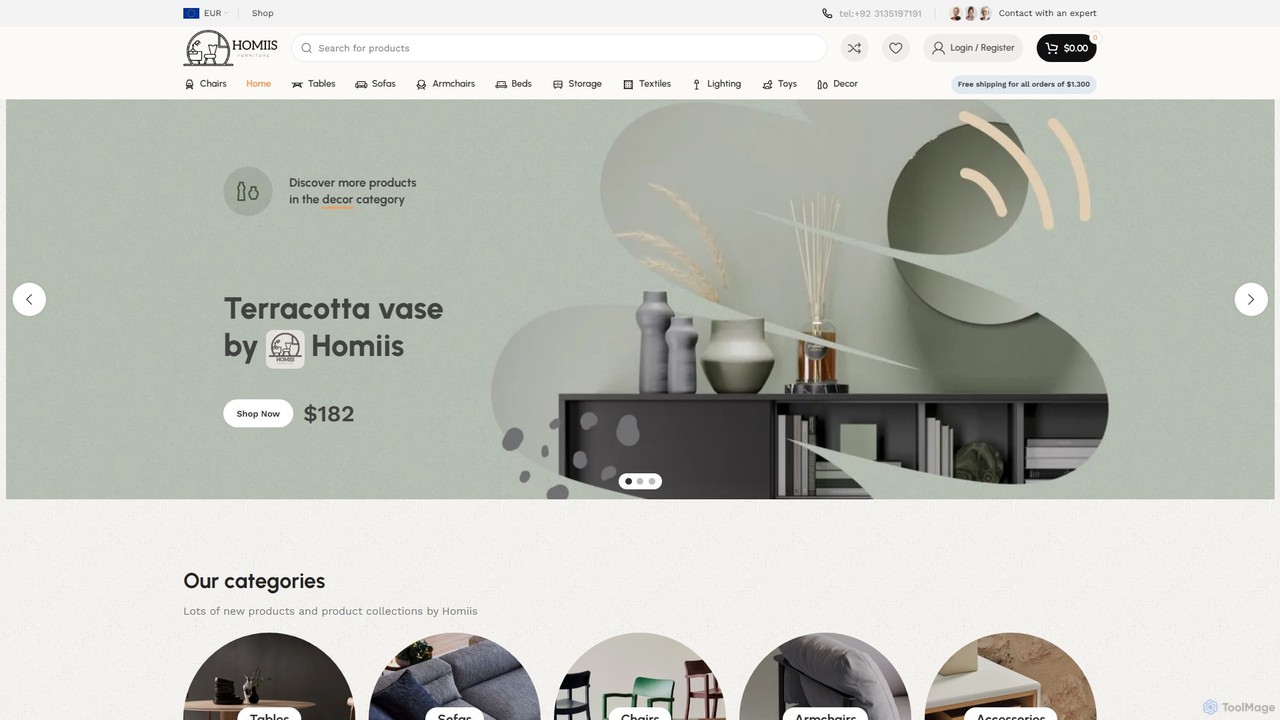
Homiis
Homiis is an AI-powered interior design platform that helps you visualize and furnish your perfect home. It uses advanced AI to generate personalized design concepts, allows you to virtually place furniture in your room using AR, and provides curated recommendations from a high-quality furniture marketplace. Transform your space with confidence and ease.
Interior Design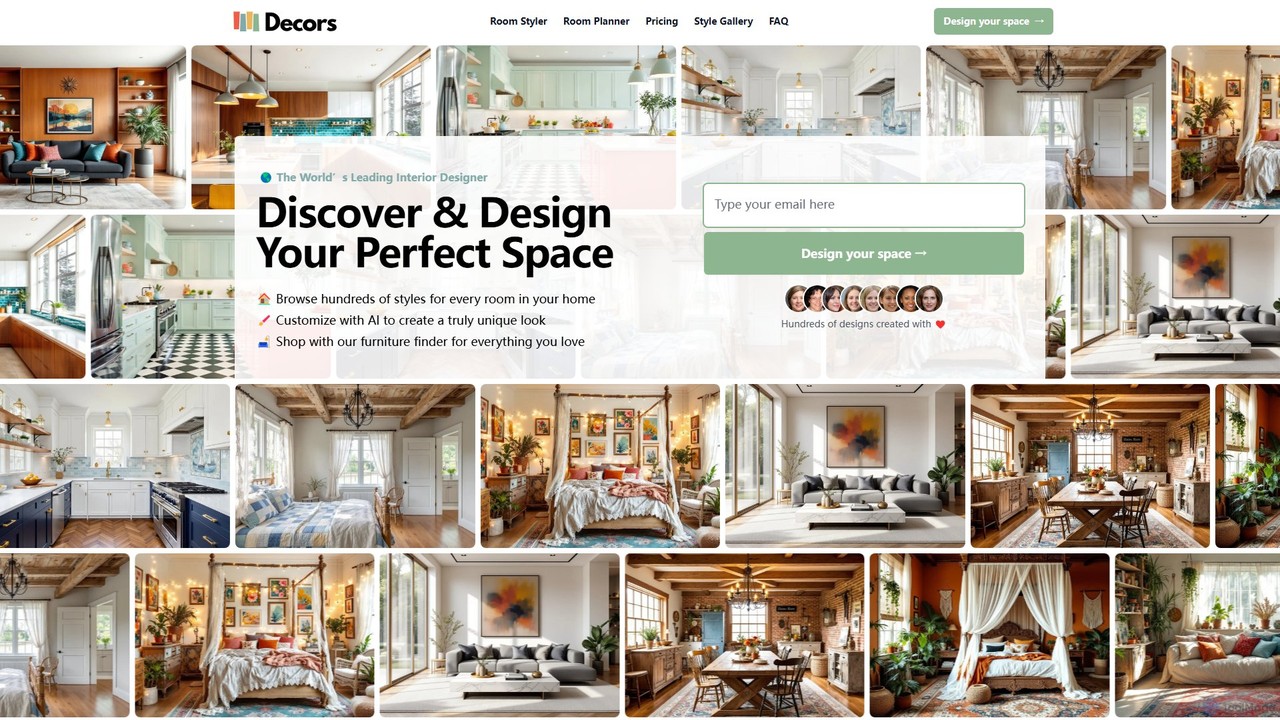
decorsai
Decorsai is an AI-powered interior design platform that transforms your space with thousands of design ideas. Upload a photo of your room, choose from over 200 styles, and instantly generate stunning, personalized design variations. It also features a 2D room planner for creating detailed floor plans.
Interior Design
goodhues
goodhues is an AI-powered interior design and shopping companion. Discover professionally curated design templates, use AI to visualize and customize them for your own space, and directly shop for every item in the design. It bridges the gap between design inspiration and real-world implementation, making professional interior design accessible to everyone.
Interior Design
PaintPlanner Comments (0)
Sign in to comment.
Sign inNo comments yet.