Real Estate Best in category 7 results Home Improvement AI Tool

Popular AI tools in the Home Improvement field of Real Estate include Neighborbrite、Aigardenplanner、Yardflip、LandscapeDesignsAI、Mindelia、PaintPlanner、DreamzAR Landscaping Ideas, etc., helping you quickly improve efficiency.

Aigardenplanner

Aigardenplanner

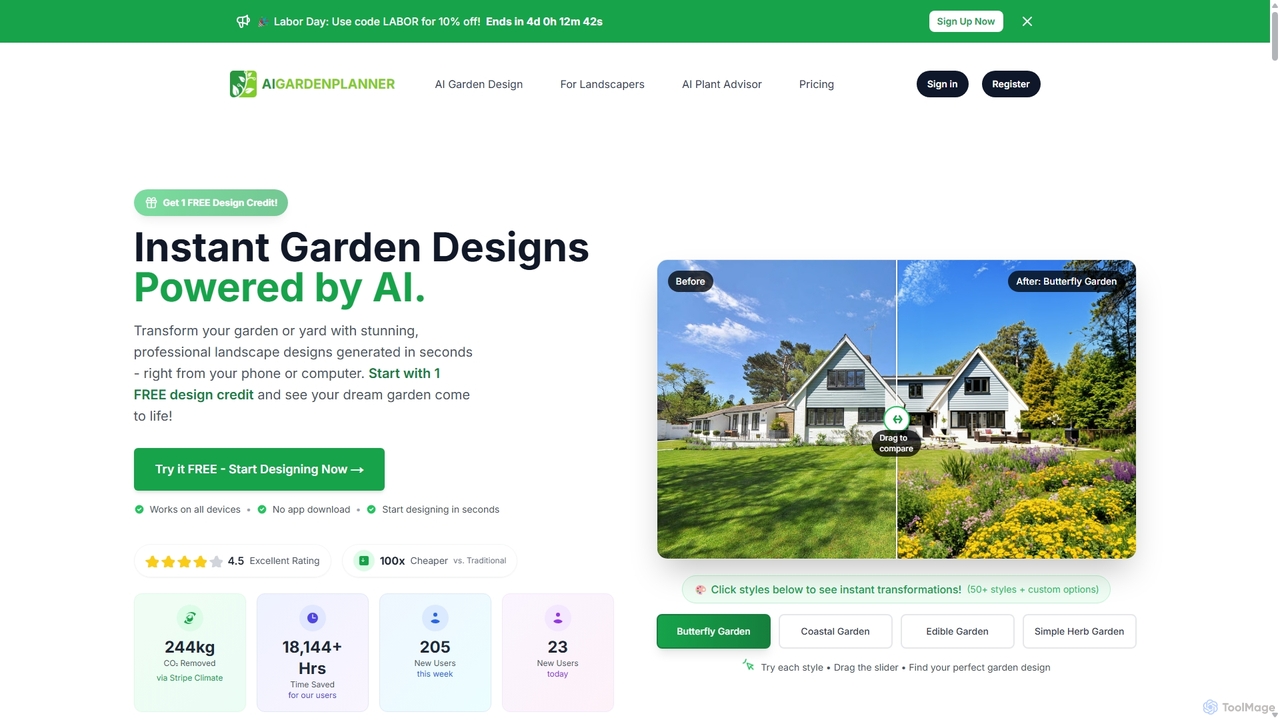
Aigardenplanner is an AI-powered tool that transforms your garden or yard with stunning landscape designs in seconds. Simply …

7.1K
Yardflip

Yardflip

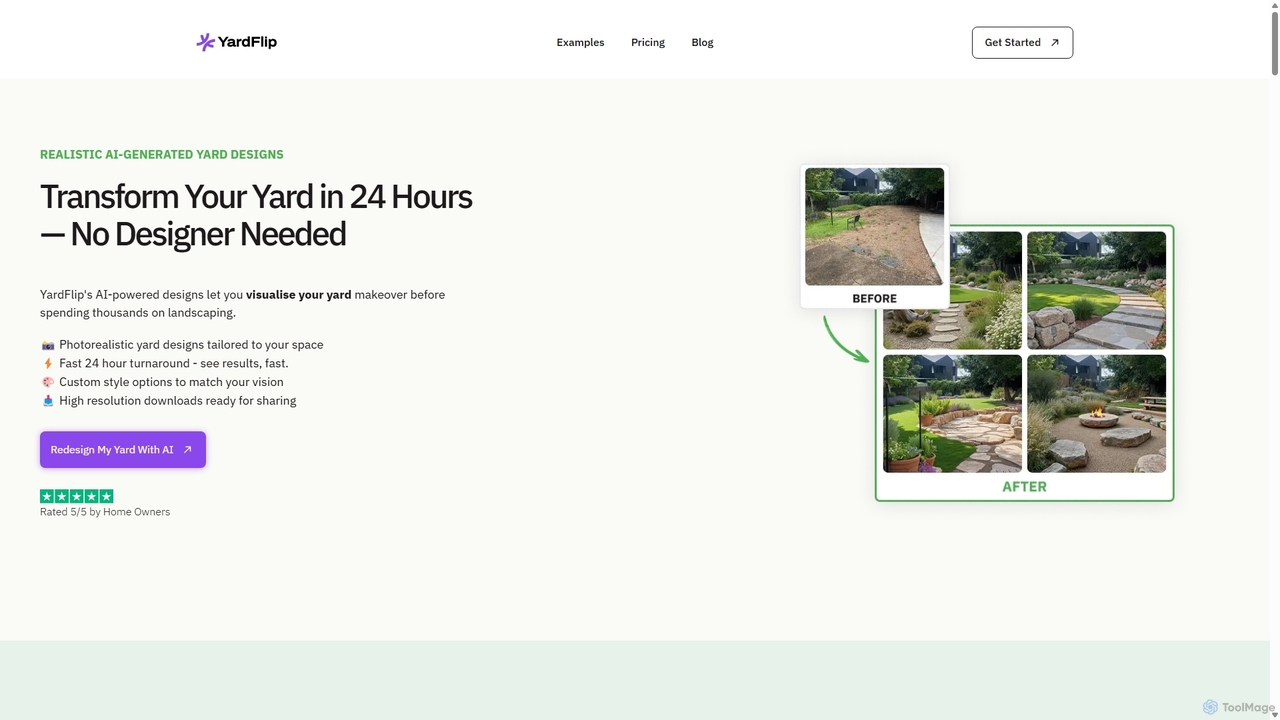
Yardflip is an AI-powered design service that transforms your outdoor spaces. Simply upload a photo of your yard, …

4.5K
Mindelia

Mindelia

Mindelia is an AI-powered platform connecting homeowners with top-tier renovation professionals. It streamlines the entire renovation process, from …

3.2K
DreamzAR Landscaping Ideas

DreamzAR Landscaping Ideas

An AI-powered landscape design tool that transforms a photo of your yard into stunning visualizations. Generate ideas, add …

3.2K
Free
Neighborbrite

Neighborbrite

Neighborbrite is a free, AI-powered landscape design tool that transforms your yard photos into stunning garden designs. Simply …

146.7K
LandscapeDesignsAI

LandscapeDesignsAI

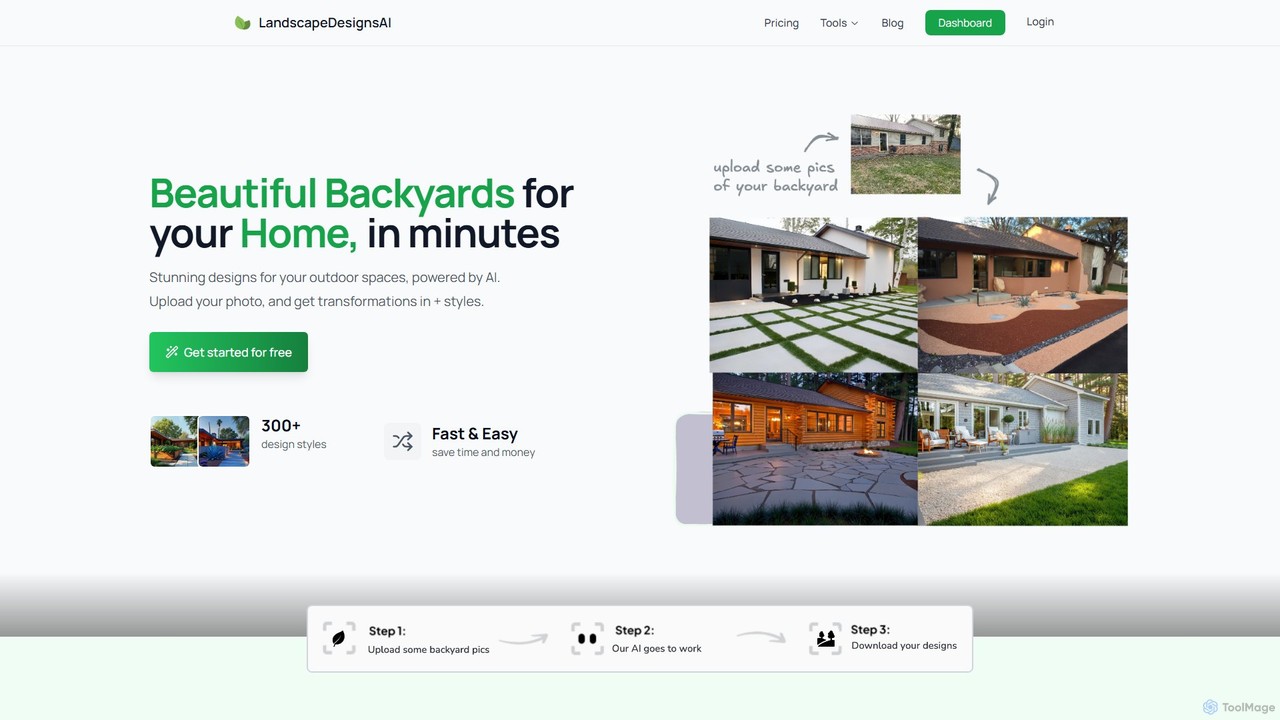
LandscapeDesignsAI is an AI-powered platform that transforms your outdoor spaces. Simply upload a photo of your yard, patio, …

3.2K
Free
PaintPlanner

PaintPlanner

PaintPlanner is a free AI-powered mobile app that uses your device's LiDAR sensor to accurately calculate paint needs. …

3.2K

About Home Improvement

AI Home Improvement tools are applications designed to assist in planning, visualizing, and managing home renovation and design projects. These tools leverage technologies like generative AI and computer vision to create realistic design mockups, optimize floor plans, and estimate material costs. They empower homeowners, designers, and contractors to make informed decisions, visualize outcomes before starting work, and streamline the entire improvement process. This approach significantly reduces planning uncertainty and helps in managing budgets more effectively.

Core Features

  • Virtual Staging & Visualization: Generates realistic images of rooms with different furniture, colors, and materials.
  • Floor Plan Generation: Automatically creates 2D and 3D floor plans from sketches or room scans.
  • Layout Optimization: Suggests the most efficient and ergonomic placement of furniture and fixtures.
  • Material & Cost Estimation: Analyzes designs to calculate the quantity of materials needed and estimate project costs.
  • Design Idea Generation: Provides personalized design suggestions and mood boards based on user preferences.

Use Cases

These tools are widely used by interior designers for client presentations, contractors for project planning and quoting, and homeowners for DIY renovation projects. For example, a user can upload a photo of their living room to virtually test different paint colors or furniture arrangements. A contractor can use it to generate a detailed material list and cost breakdown from a blueprint.

How to Choose

When selecting an AI Home Improvement tool, consider the scope of your project. For simple visualization, a tool with strong virtual staging features is sufficient. For complex renovations, look for comprehensive platforms that include floor plan generation, layout optimization, and cost estimation. Also, evaluate the tool's ease of use, the quality of its renderings, and its compatibility with different file formats or devices.

Home ImprovementUse Cases

1

AI Interior Design and Virtual Staging

An interior designer or homeowner wants to visualize a room's potential without physically moving furniture or painting walls. They upload a photo of the space to an AI Home Improvement tool. The tool allows them to instantly apply different paint colors, swap flooring materials, and place 3D models of furniture from various catalogs into the room. This process generates multiple high-quality design mockups in minutes, helping clients make decisions faster and enabling homeowners to experiment with styles risk-free before committing to a purchase or renovation.

2

Automated Floor Plan Generation and Optimization

A contractor or architect needs to create a floor plan for a new extension or a major remodel. Instead of drawing from scratch, they use an AI tool's mobile app to scan the existing rooms. The AI automatically generates an accurate 2D floor plan with measurements. They can then easily modify walls, add doors, and experiment with different room layouts in a 3D environment. The tool might also suggest layout optimizations for better traffic flow or furniture placement, saving hours of manual drafting and revision time.

3

Material and Cost Estimation for Renovation

A DIY homeowner is planning to retile their bathroom. They use an AI tool and input the room's dimensions and their chosen tile. The AI calculates the exact square footage, determines the number of tile boxes needed (accounting for cuts and waste), and estimates the required amount of grout and adhesive. It can also provide an estimated cost for materials based on current market prices from various suppliers. This provides a clear, actionable shopping list and a realistic budget, preventing over-purchasing and unexpected expenses.

4

Exterior and Landscape Design Visualization

A homeowner wants to redesign their backyard. Using an AI tool, they upload a picture of their house's exterior. The tool allows them to visualize changes like a new paint color for the facade, adding a deck, or installing a swimming pool. For landscaping, they can place virtual trees, flower beds, and pathways to see how the final design will look throughout different seasons. This helps in creating a cohesive outdoor living space and communicating the vision clearly to a landscaping contractor.

5

DIY Project Guidance and Troubleshooting

A DIY enthusiast is attempting to install kitchen cabinets for the first time. They encounter an issue with aligning a corner cabinet. Instead of searching through generic online videos, they use an AI tool that provides interactive, step-by-step guidance. They can upload a photo of their problem, and the AI's computer vision analyzes the situation, identifies the misalignment, and provides specific instructions or a diagram showing how to adjust the hinges or shims to correct it. This offers personalized, context-aware support that is more efficient than traditional tutorials.

6

Generating Design Mood Boards and Style Suggestions

A homeowner is starting a renovation but is unsure about the desired aesthetic. They use an AI tool and provide a few keywords like 'modern', 'cozy', and 'minimalist', along with a picture of a piece of furniture they like. The AI generates several mood boards, each showcasing a cohesive collection of color palettes, textures, furniture styles, and decor items that match the input. This helps the user to quickly define their style, discover new products, and create a unified design vision for their project before making any purchases.

Home ImprovementFrequently Asked Questions