Real Estate Best in category 7 results Architecture AI Tool

Popular AI tools in the Architecture field of Real Estate include Planner 5D、OpalAi、Cove、Hypar、Domai、Mason、Imaginary Interiors, etc., helping you quickly improve efficiency.

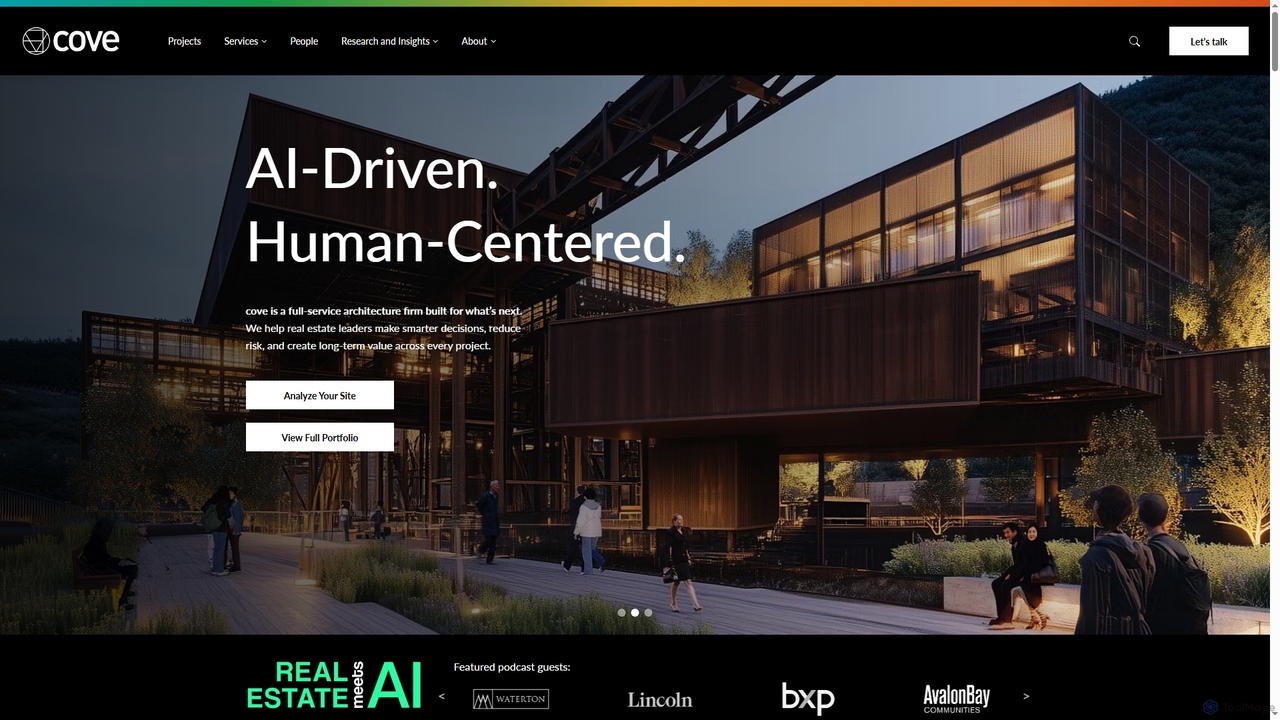
Cove

Cove

Cove is a full-service architecture firm that integrates proprietary AI technology to assist real estate leaders and developers. …

19.7K
Domai

Domai

Domai is an all-in-one AI platform designed for home construction, renovation, and daily life management. It integrates various …

4.0K
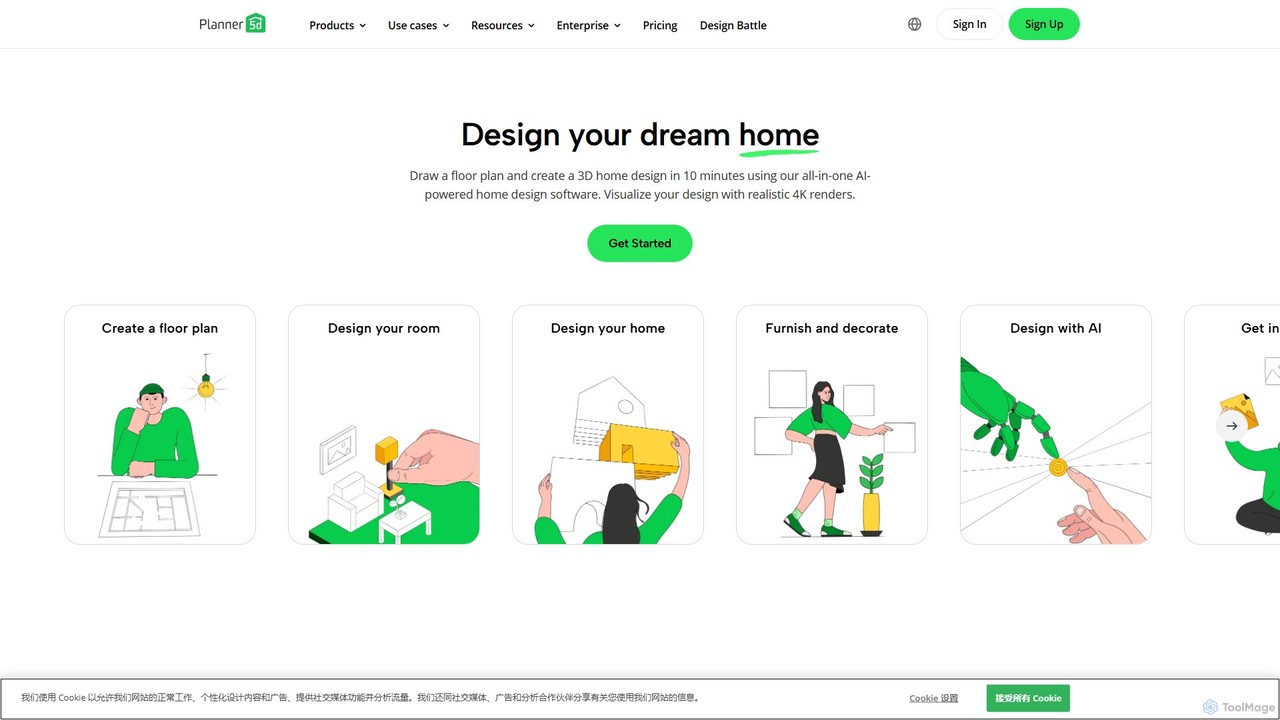
Planner 5D

Planner 5D

Planner 5D is an AI-powered home and interior design platform that allows users to easily create detailed 2D …

3.7M
Free
Imaginary Interiors

Imaginary Interiors

An AI-powered inspiration gallery showcasing unique, non-existent interior and architectural designs. It serves as a creative resource for …

3.0K
Mason

Mason

Mason is an AI-powered platform designed to revolutionize the homebuilding industry. It leverages artificial intelligence for generative design, …

3.3K
OpalAi

OpalAi

OpalAi is an advanced Spatial AI platform that transforms complex spatial, visual, textual, and audio data into actionable …

34.3K
Hypar

Hypar

Hypar is a cloud-based generative design platform for the Architecture, Engineering, and Construction (AEC) industry. It empowers users …

17.5K

About Architecture

AI Architecture tools are a class of software that uses artificial intelligence to automate and enhance the design, visualization, and analysis of buildings and spaces. These tools leverage algorithms for generative design, spatial optimization, and realistic rendering to transform simple inputs into complex architectural concepts. They empower architects, designers, and developers to explore a vast range of design possibilities rapidly, optimize for performance criteria like energy efficiency, and create compelling client presentations. This technology acts as a powerful co-pilot, accelerating workflows from initial concept to detailed planning.

Core Features

  • Generative Design: Automatically produces numerous design variations based on specified constraints such as site data, budget, and material requirements.
  • Automated Floor Plan Generation: Creates optimized and functional layouts from basic parameters like room types, sizes, and adjacencies.
  • AI-Powered Rendering: Generates photorealistic images, 360-degree panoramas, and virtual tours from 3D models in a fraction of the traditional time.
  • Performance Simulation: Analyzes designs for factors like sunlight exposure, energy consumption, wind flow, and structural integrity to inform sustainable choices.
  • Style and Material Application: Intelligently applies architectural styles, textures, and materials to models for rapid visualization of different aesthetic options.

Use Cases

These tools are primarily used by architects, interior designers, urban planners, and real estate developers. They are applied in the early conceptual stages for brainstorming and massing studies, in design development for creating detailed floor plans and facades, and for marketing and client communication through high-quality visualizations. They are also valuable in academic settings for teaching architectural principles.

How to Choose

When selecting an AI Architecture tool, consider its integration capabilities with your existing BIM or CAD software (like Revit, ArchiCAD, or SketchUp). Evaluate the specific functions you need most—whether it's generative design, rendering, or analysis. Assess the tool's learning curve and ease of use, as well as the level of control it offers over the final design output. Finally, review the pricing model and ensure it aligns with your project scale and budget.

ArchitectureUse Cases

1

Rapid Conceptual Design Exploration

An architect working on a new mixed-use development needs to present multiple initial concepts to a client quickly. Using an AI generative design tool, they input site boundaries, desired floor area ratio, height limits, and program requirements (e.g., retail, residential, office). The AI generates hundreds of viable massing models and basic layouts within hours, each optimized for factors like solar access and pedestrian flow. This allows the architect to evaluate a much wider range of options and present the top three compelling, data-backed concepts to the client, significantly shortening the conceptual phase.

2

Automated Residential Floor Plan Generation

A real estate developer plans to build a series of single-family homes and needs to create varied yet efficient floor plans. Instead of drafting each one manually, they use an AI floor plan generator. They specify constraints like total area, number of bedrooms and bathrooms, kitchen-living room adjacency, and window placement rules. The tool instantly produces dozens of different layouts that meet all criteria. The developer can then filter, refine, and select the best-performing plans for different lot sizes, reducing design time from weeks to days and ensuring all layouts are highly functional.

3

Photorealistic Interior Design Visualization

An interior designer is finalizing a design proposal for a luxury apartment. To help the client fully envision the space, they use an AI rendering tool. After creating a basic 3D model in SketchUp, they upload it to the AI platform. They then use text prompts and style selections to apply specific materials (e.g., 'Calacatta marble countertops'), lighting schemes ('warm afternoon sunlight'), and furniture styles ('mid-century modern sofa'). The AI generates multiple high-resolution, photorealistic images in minutes. This allows for rapid iteration and provides the client with a vivid, emotionally resonant preview of their future home, leading to faster approvals.

4

Sustainable Design Analysis for Urban Planning

An urban planning firm is designing a new neighborhood and wants to prioritize sustainability. They use an AI analysis tool to simulate environmental factors across their master plan. By inputting the 3D models of the proposed buildings and landscape, the AI can analyze solar radiation on facades to optimize shading strategies, simulate wind patterns to design comfortable public spaces, and estimate the overall energy consumption of the district. The results are visualized in heatmaps and data charts, allowing planners to make informed adjustments to building orientation and massing to maximize energy efficiency and resident comfort before construction begins.

5

Generating Facade Design Variations

A design firm is competing for a high-profile office tower project and needs to present several unique facade options. The lead architect provides an AI tool with the basic building massing and sets parameters for materials (glass, metal panels, terracotta), window-to-wall ratio, and desired architectural style (e.g., 'parametric modernism'). The AI then generates dozens of distinct facade designs, exploring complex patterns and material combinations that would be time-consuming to model manually. The team can then select the most promising designs, refine them in their primary CAD software, and present a diverse and creative portfolio to the client.

6

Automating Construction Documentation from BIM

An architectural technologist is tasked with creating detailed construction drawings from a complex BIM model in Revit. They use an AI-powered plugin that automates repetitive documentation tasks. The tool can automatically generate and place dimensions, tags, and annotations on floor plans and elevations according to predefined office standards. It can also identify inconsistencies in the model, such as misaligned elements or missing data, and flag them for review. This automation reduces the hours spent on manual drafting, minimizes human error, and allows the technologist to focus on more complex coordination issues, ensuring higher quality construction documents.

ArchitectureFrequently Asked Questions