
Pentra Overview
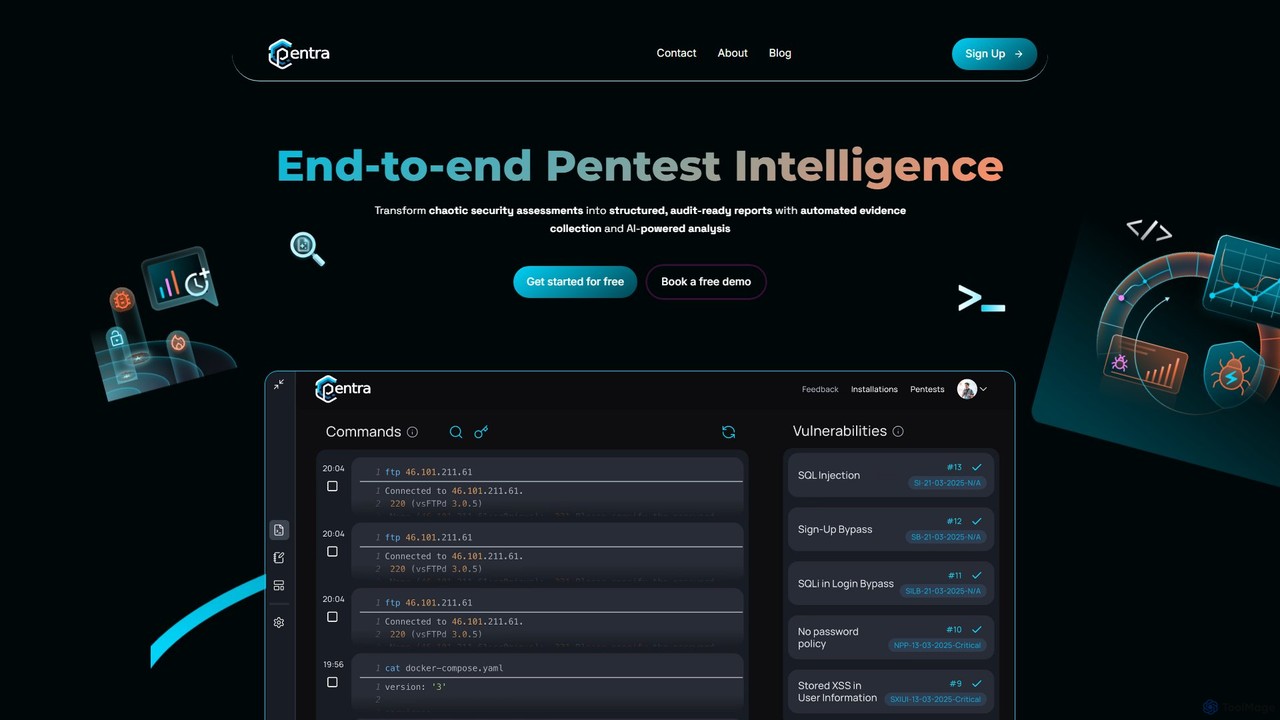
Pentra is a revolutionary platform built to transform the penetration testing lifecycle for cybersecurity professionals. At its core, Pentra addresses a major pain point in the industry: the immense administrative overhead associated with documenting, managing, and reporting on security assessments. By leveraging intelligent data management and AI, Pentra empowers pentesters to focus on what they do best—discovering and addressing vulnerabilities—rather than getting bogged down in tedious paperwork.
The platform is designed to seamlessly integrate into the existing workflow of a security professional. It acts as an intelligent assistant that captures every detail of a test, helps articulate complex findings, and produces client-ready reports that reflect the highest level of professionalism. Pentra's mission is to make the entire pentesting process more efficient, accurate, and impactful.
How to use Pentra
Using Pentra involves a straightforward process that enhances the traditional pentesting workflow:
- Setup and Integration: Begin by installing Pentra's passive Command-Line Interface (CLI) logger. This lightweight tool runs in the background of your terminal, capturing all commands and their outputs in real-time without disrupting your work.
- Conduct Penetration Test: Proceed with your security assessment as you normally would. Use your favorite tools and techniques, knowing that Pentra is creating a detailed, searchable archive of your entire session.
- AI-Powered Analysis: Once you've identified potential vulnerabilities, use Pentra's AI Generation feature. Feed the raw command outputs and technical data into the AI, which will transform them into well-structured, polished findings, complete with descriptions, impact analysis, and remediation recommendations.
- Report Generation and Customization: Consolidate your AI-generated findings into a comprehensive report. Use Pentra's intuitive report editor to customize the document to match your brand or your client's specific needs. You can modify the layout, add your logo, change colors, and edit content with ease.
- Vulnerability Management and Collaboration: Share the final report with your clients through the Pentra platform. This creates a connected security lifecycle where clients can view vulnerabilities, track remediation progress, and collaborate directly with the security team.
Core Features of Pentra
- AI Generation: Automatically converts raw terminal commands, tool outputs, and technical notes into clear, professional vulnerability descriptions and findings.
- Passive CLI Logger: A real-time logger that records the entire penetration test, creating a complete, searchable, and timestamped audit trail for enhanced traceability and future analysis.
- Advanced Report Customization: An intuitive interface to tailor reports completely. Modify content, formatting, and styling to create unique, branded, and professional outputs without formatting hassles.
- Centralized Vulnerability Management: A collaborative portal that connects clients to their security lifecycle, allowing them to view, manage, and track the remediation of identified vulnerabilities.
- Searchable Assessment Archive: All logged data is stored in a detailed, searchable archive, making it easy to recall specific commands or findings from past assessments.
Use Cases for Pentra
Pentra is ideal for a wide range of cybersecurity professionals and teams:
- Independent Security Consultants: Streamline the reporting process to take on more projects and deliver high-quality, branded reports that enhance their professional image.
- In-House Security Teams: Standardize reporting across the team, maintain a consistent quality, and create a valuable internal knowledge base of all past penetration tests.
- Managed Security Service Providers (MSSPs): Improve service delivery efficiency and provide clients with a modern, collaborative platform for viewing and managing their security posture.
- Compliance and Auditing: Use the detailed, immutable logs as evidence for compliance audits like PCI DSS, ISO 27001, and SOC 2, proving that thorough testing was conducted.
Advantages of Pentra
Pentra offers significant advantages over traditional methods:
- Massive Time Savings: Drastically cuts down the hours spent on manual data compilation, writing, and report formatting.
- Enhanced Accuracy and Consistency: The CLI logger ensures no detail is missed, while the AI ensures findings are described consistently and professionally across all reports.
- Improved Professionalism: Generate polished, aesthetically pleasing reports that are tailored to each client, elevating the perceived value of your service.
- Complete Traceability: The real-time log provides an undeniable audit trail of the entire assessment, useful for quality assurance and dispute resolution.
- Streamlined End-to-End Workflow: From initial command to final client report, Pentra unifies the entire process on a single platform.
Pricing and Plans
Pentra offers a flexible pricing structure to suit different needs, including a free entry point to experience the platform's power.
- Community Edition: A free plan designed for individual security professionals, students, and enthusiasts to explore the core features of Pentra. It may have limitations on the number of reports or projects per month.
- Professional Plan: A paid subscription for individual consultants and small teams, offering the full suite of features, unlimited reports, advanced customization options, and priority support.
- Enterprise Plan: A custom-priced plan for large security firms and MSSPs. It includes all professional features plus team management, API access for integrations, dedicated support, and potential on-premise deployment options.
For the most current and detailed pricing information, please visit the official Pentra website.
Pentra Alternatives
Pentest Copilot
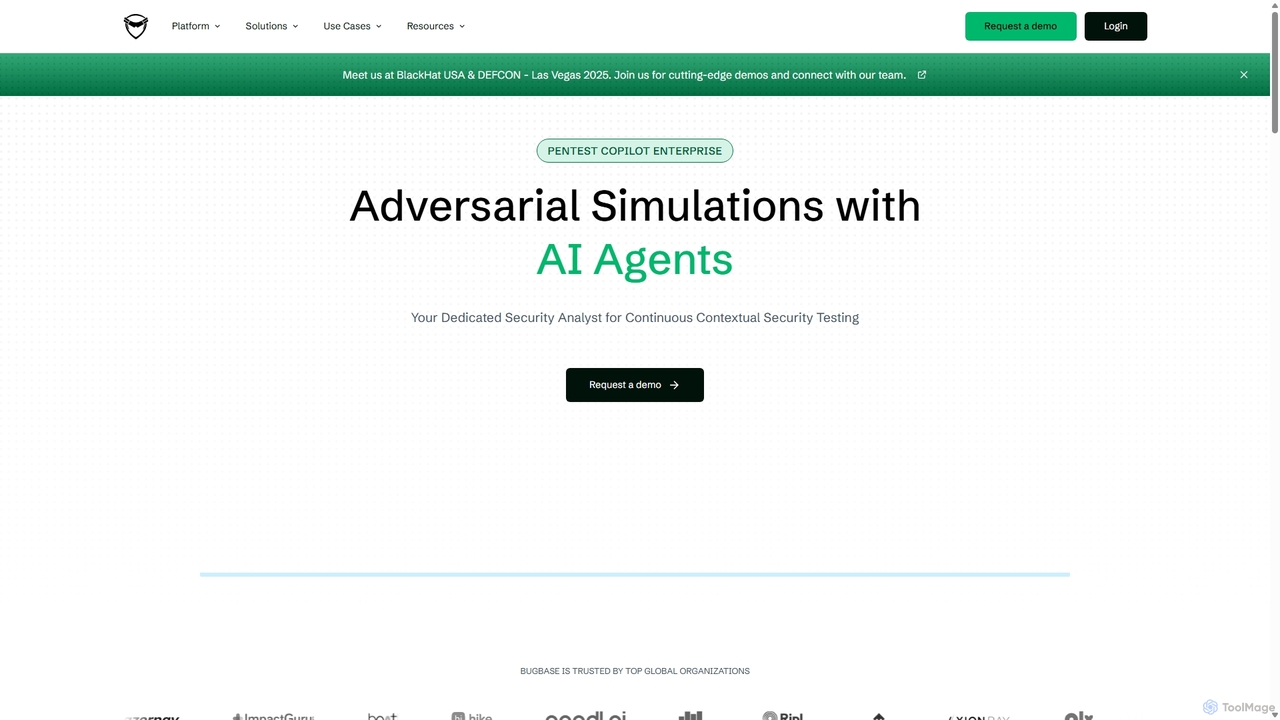
Pentest Copilot is an AI-powered adversarial exposure validation platform that automates red teaming and penetration testing. It uses AI agents to conduct continuous, context-driven security assessments, including external, internal, phishing, and credential compromise simulations. The platform visualizes attack paths with dynamic graphs and provides prioritized, actionable remediation reports for enterprises.
Security & Compliance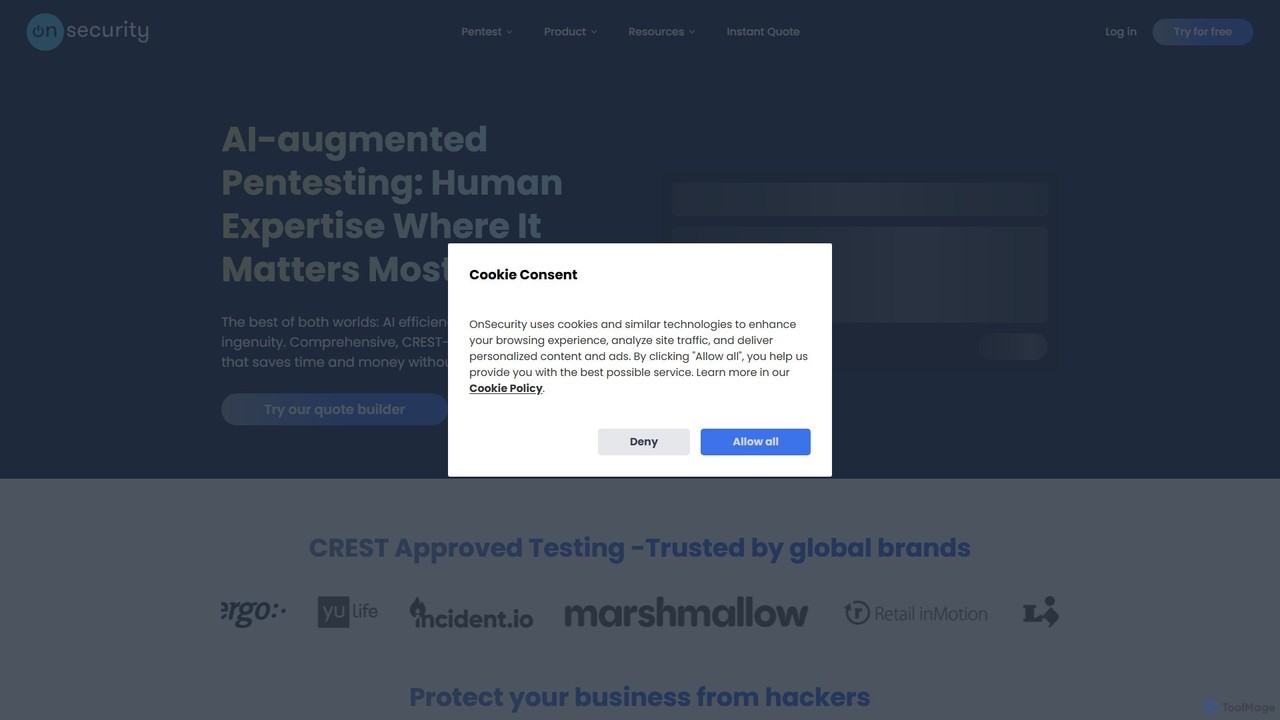
OnSecurity
OnSecurity is an AI-augmented penetration testing platform that combines the efficiency of AI automation with the ingenuity of expert ethical hackers. It offers CREST-approved, continuous cybersecurity services, including pentesting, vulnerability scanning, and threat intelligence, all managed through a single, flexible subscription-based platform for faster, more accurate results.
Testing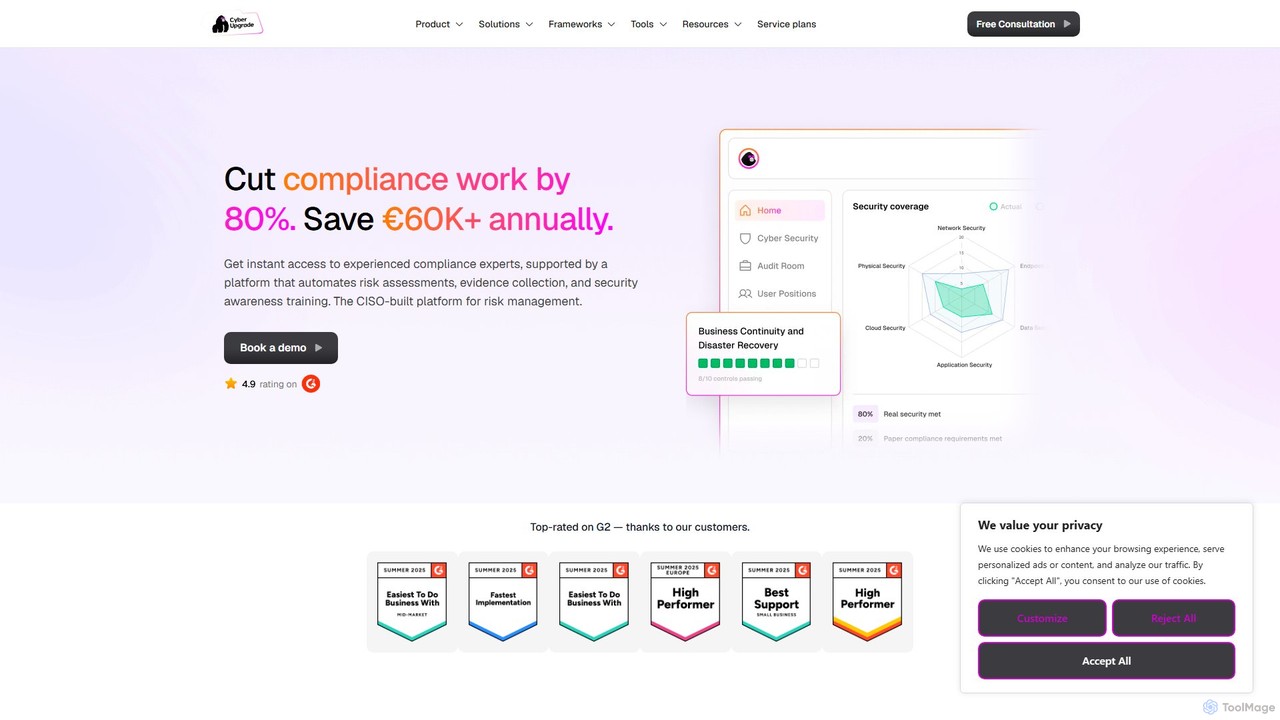
CyberUpgrade
CyberUpgrade is an AI-powered compliance automation platform combined with expert CISO support. It helps businesses streamline security compliance, automate evidence collection, and manage risks to achieve certifications like ISO 27001, SOC 2, and GDPR efficiently and affordably.
Risk Management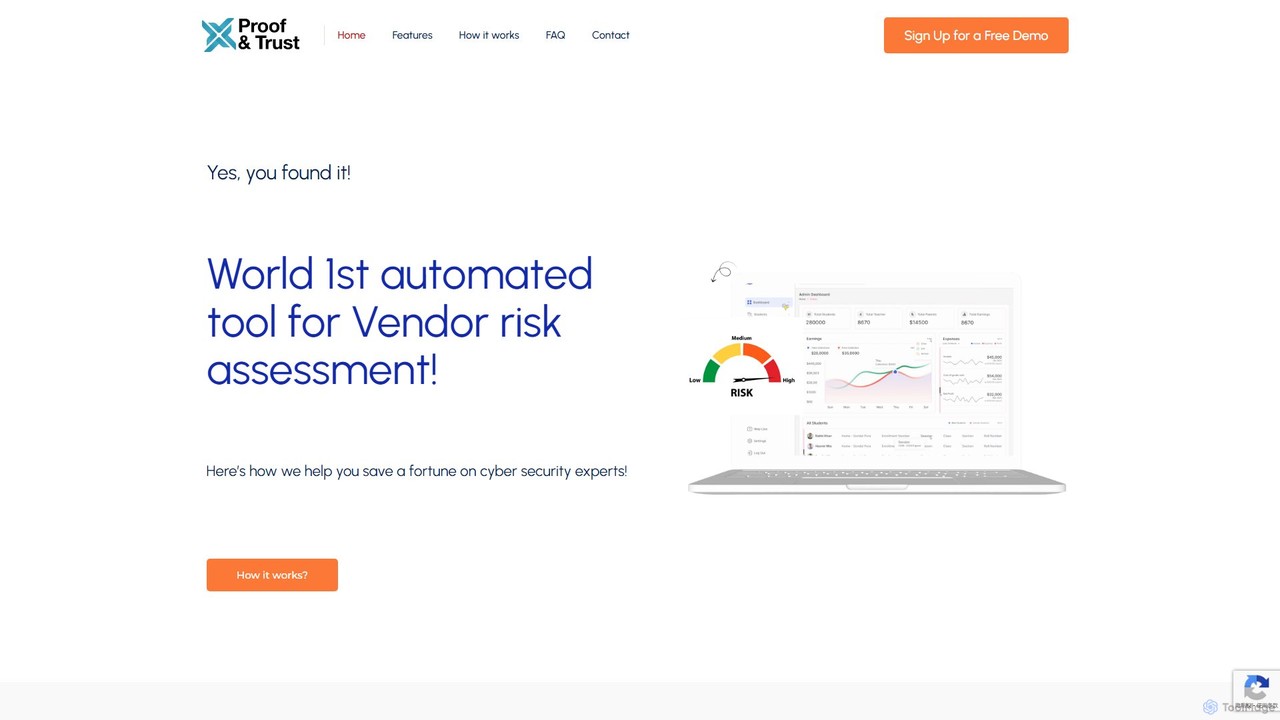
Proof&Trust
Proof&Trust is the world's first AI-powered tool for automated vendor risk assessment. It enables businesses of all sizes to conduct thorough security evaluations in minutes, not weeks, eliminating the need for expensive consultants and complex manual processes. Get fast, actionable insights to onboard vendors securely and efficiently.
Compliance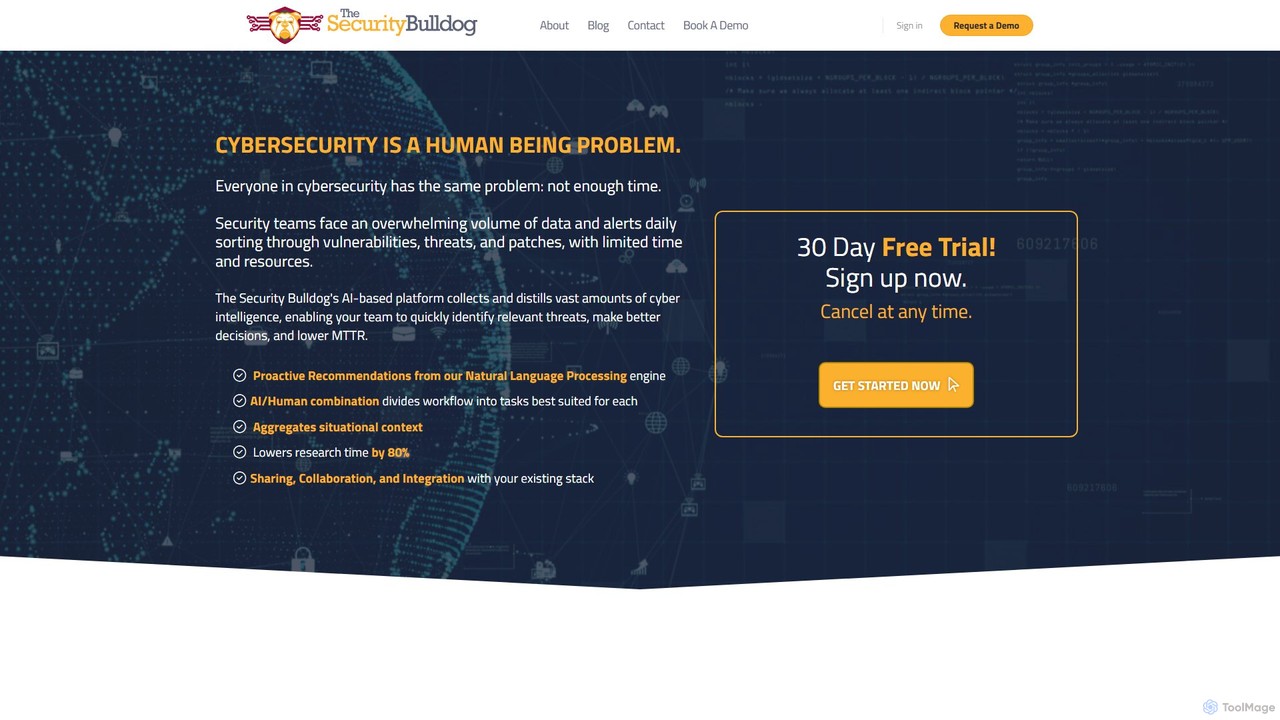
The Security Bulldog
The Security Bulldog is an AI-powered cybersecurity platform that uses a proprietary NLP engine to distill vast amounts of cyber intelligence. It helps security teams reduce manual research time, quickly identify relevant threats, make better decisions, and lower Mean Time To Remediate (MTTR).
DevsecopsPentra Categories
Pentra Embed Widget
Copy this embed code to place the badge on your blog, article, or product site and send readers directly to this ToolMage detail page.

Related AI tools
OnSecurity
OnSecurity is an AI-augmented penetration testing platform that combines the efficiency of AI automation with the ingenuity of expert ethical hackers. It offers CREST-approved, continuous cybersecurity services, including pentesting, vulnerability scanning, and threat intelligence, all managed through a single, flexible subscription-based platform for faster, more accurate results.
TestingCyberUpgrade
CyberUpgrade is an AI-powered compliance automation platform combined with expert CISO support. It helps businesses streamline security compliance, automate evidence collection, and manage risks to achieve certifications like ISO 27001, SOC 2, and GDPR efficiently and affordably.
Risk ManagementProof&Trust
Proof&Trust is the world's first AI-powered tool for automated vendor risk assessment. It enables businesses of all sizes to conduct thorough security evaluations in minutes, not weeks, eliminating the need for expensive consultants and complex manual processes. Get fast, actionable insights to onboard vendors securely and efficiently.
ComplianceThe Security Bulldog
The Security Bulldog is an AI-powered cybersecurity platform that uses a proprietary NLP engine to distill vast amounts of cyber intelligence. It helps security teams reduce manual research time, quickly identify relevant threats, make better decisions, and lower Mean Time To Remediate (MTTR).
Devsecops
cyberriskai
CyberRiskAI is an AI-powered platform designed for proactive cybersecurity risk management. It leverages predictive threat intelligence and automated analysis to help businesses identify, quantify, and mitigate cyber threats. The platform provides real-time risk scoring, vulnerability assessments, and actionable remediation guidance, enabling organizations to strengthen their security posture and ensure regulatory compliance.
CompliancePentest Copilot
Pentest Copilot is an AI-powered adversarial exposure validation platform that automates red teaming and penetration testing. It uses AI agents to conduct continuous, context-driven security assessments, including external, internal, phishing, and credential compromise simulations. The platform visualizes attack paths with dynamic graphs and provides prioritized, actionable remediation reports for enterprises.
Security & Compliance
Jyek
Jyek is an AI agent platform that understands objectives, creates execution plans, uses tools, and delivers verifiable results for complex, multi-step tasks.
Automation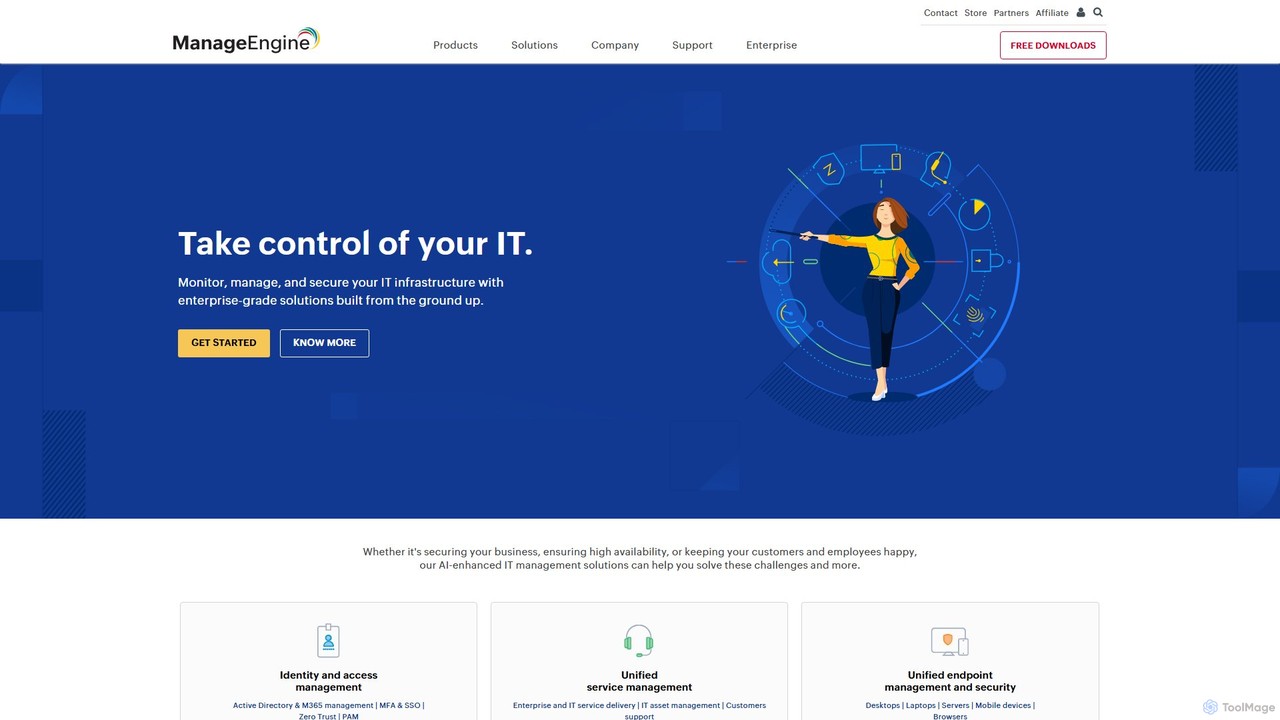
ManageEngine
ManageEngine offers a comprehensive suite of enterprise IT management software. It integrates AI and machine learning for IT service management (ITSM), operations (ITOM), security (SIEM), and analytics, helping organizations automate tasks, enhance security, and gain predictive insights across their entire IT infrastructure.
Analytics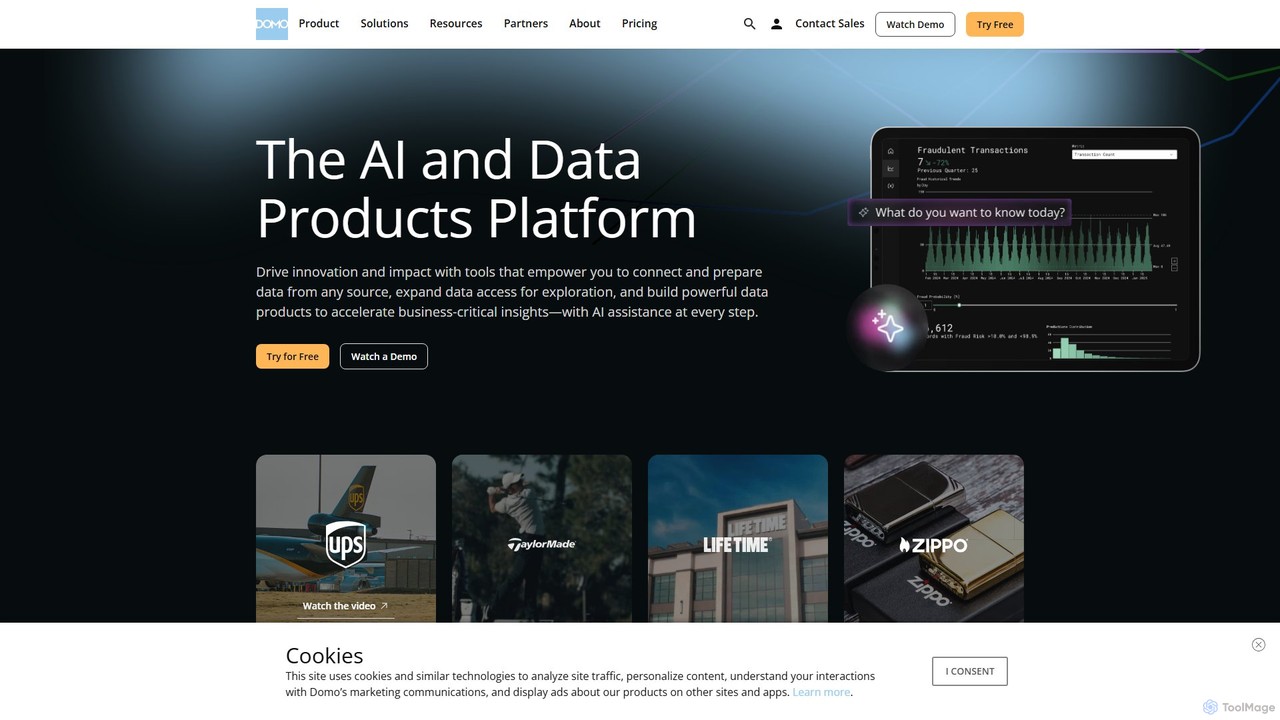
Domo
Domo is an AI-powered cloud platform that integrates all your business data, providing real-time analytics, interactive dashboards, and automated workflows. It empowers users to build data products, create AI agents, and make faster, data-driven decisions across the entire organization.
Business Intelligence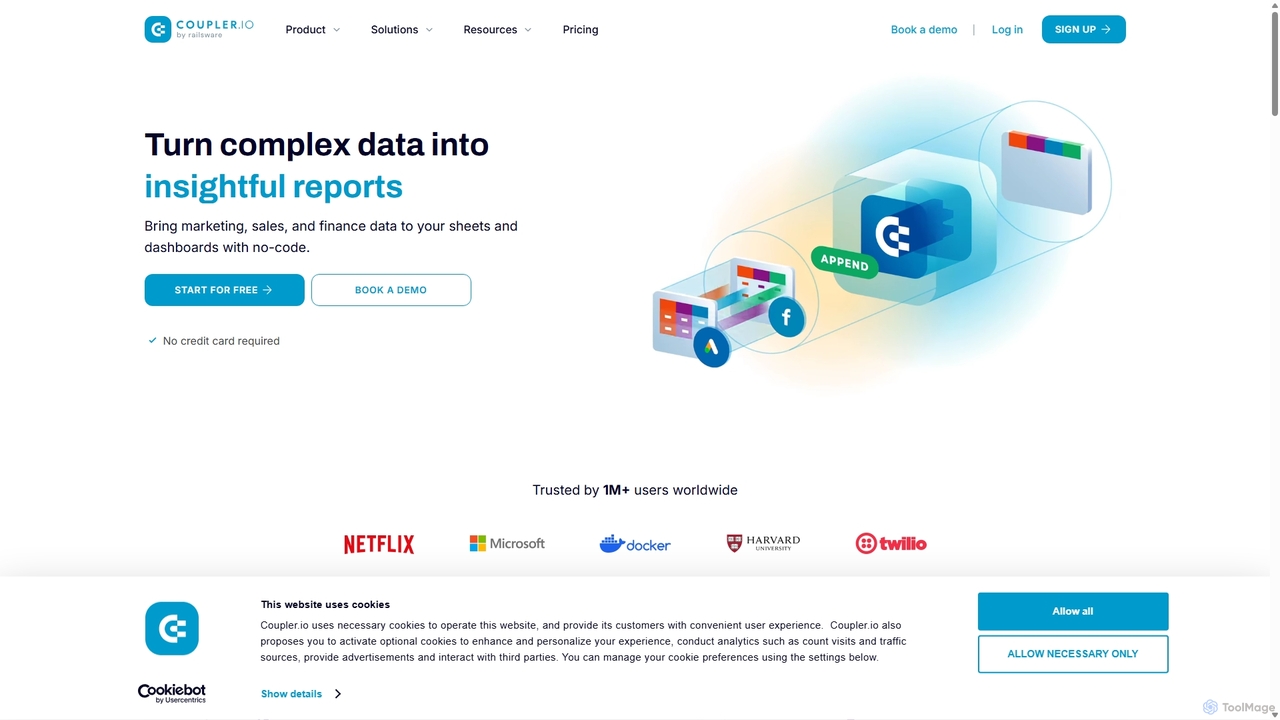
Coupler.io
Coupler.io is a no-code data analytics and automation platform that helps businesses connect disparate data sources from marketing, sales, and finance apps to spreadsheets, data warehouses, or BI tools. It automates data collection, transforms raw data into analysis-ready formats, and provides AI-powered insights and pre-built dashboard templates for faster, smarter decision-making.
Business Intelligence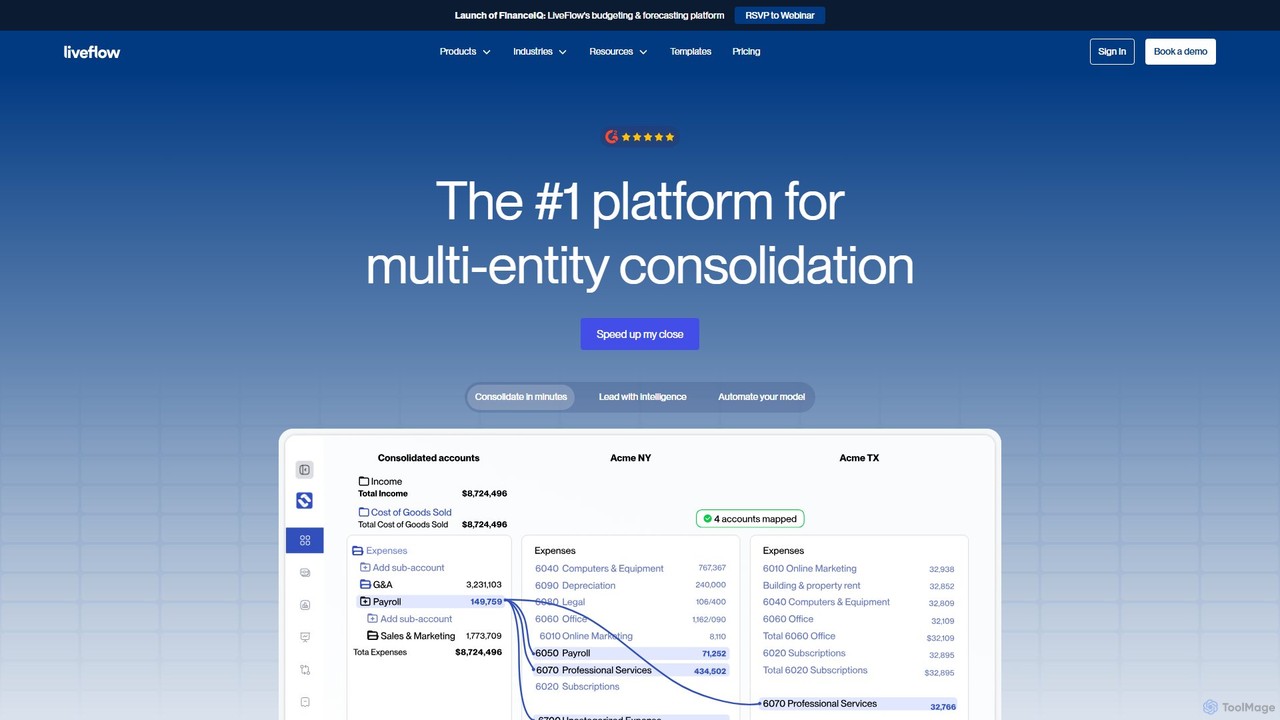
LiveFlow
LiveFlow is the #1 finance platform for automating financial reporting and consolidation. It connects live data from QuickBooks, Xero, and other sources directly into Google Sheets and Excel, eliminating manual work and providing real-time insights for finance teams and accounting firms.
Data Analysis
Comp AI
Comp AI is an AI-powered platform that simplifies and automates achieving and maintaining security and privacy compliance for standards like SOC 2, HIPAA, GDPR, and ISO 27001. It helps businesses streamline evidence collection, policy management, and audit readiness, saving significant time and resources.
Risk Management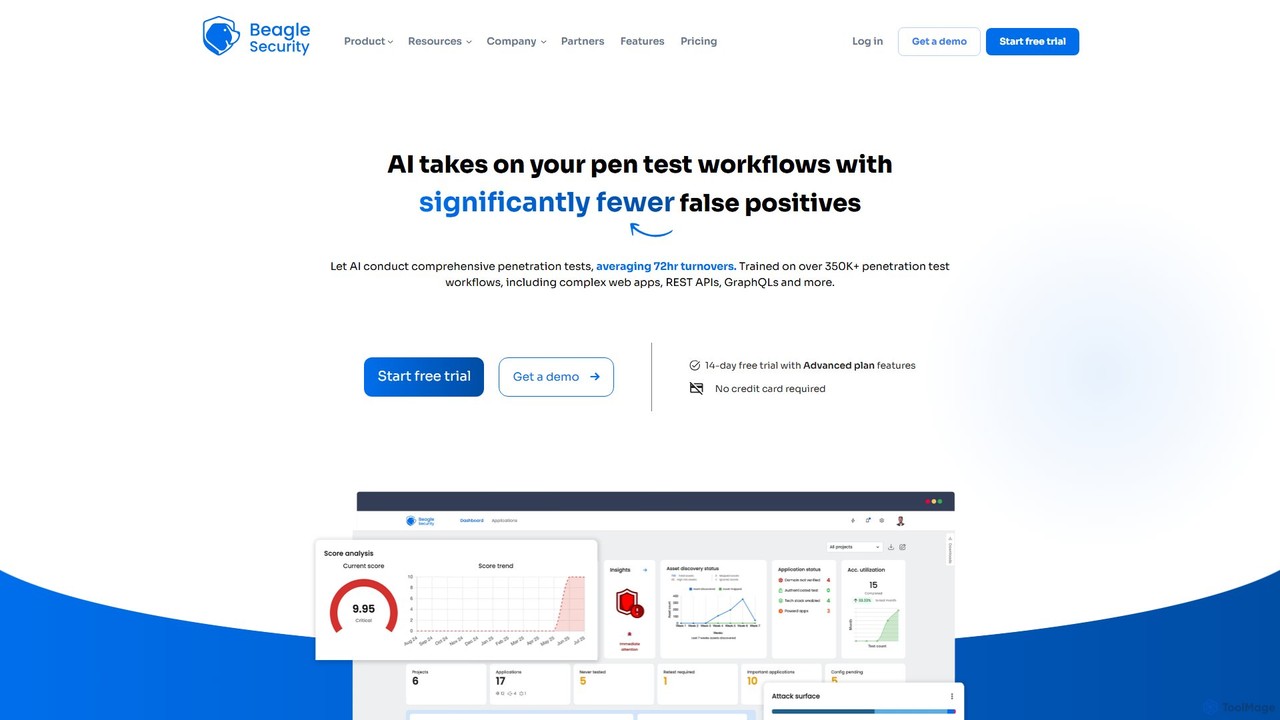
Beagle Security
Beagle Security is an AI-powered, automated penetration testing tool for web applications and APIs. It helps businesses proactively identify and remediate security vulnerabilities by integrating seamlessly into the DevSecOps lifecycle. The platform offers comprehensive scanning, detailed reporting, compliance management (HIPAA, PCI DSS), and actionable, LLM-based recommendations to strengthen your application security posture.
Testing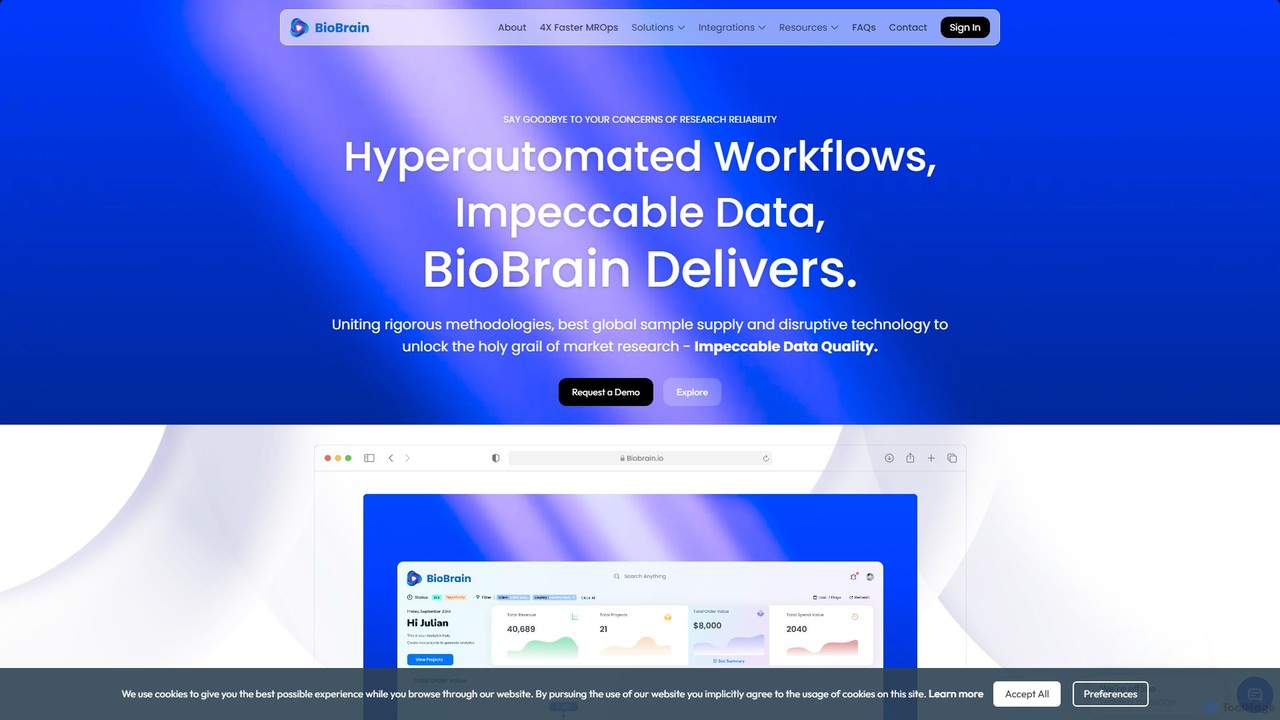
BioBrain
BioBrain is an AI-powered Agile MROps (Market Research Operations) platform designed to streamline and accelerate the entire market research lifecycle. It leverages automation and an advanced 'Insight Engine' to enhance efficiency, improve data quality, and deliver actionable insights with 4x speed, enabling businesses to make faster, data-driven decisions.
Data Analysis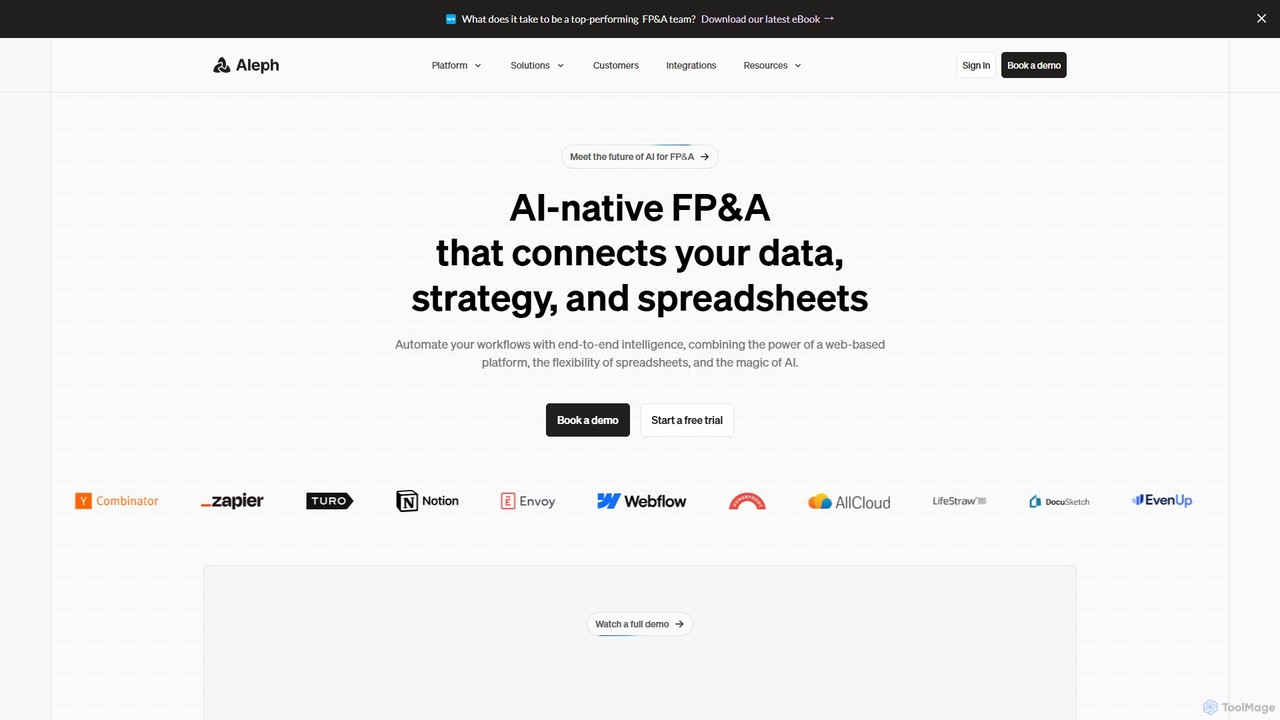
Aleph
Aleph is an AI-native FP&A (Financial Planning & Analysis) platform designed for modern finance teams. It automates tedious financial tasks, consolidates data from various systems into a single source of truth, and supercharges familiar tools like Excel and Google Sheets. By leveraging AI, Aleph helps teams multiply their output, reduce manual work, and focus on high-value strategic analysis.
Fp&A
Pentra Comments (0)
Sign in to comment.
Sign inNo comments yet.