
Reading Coach Overview
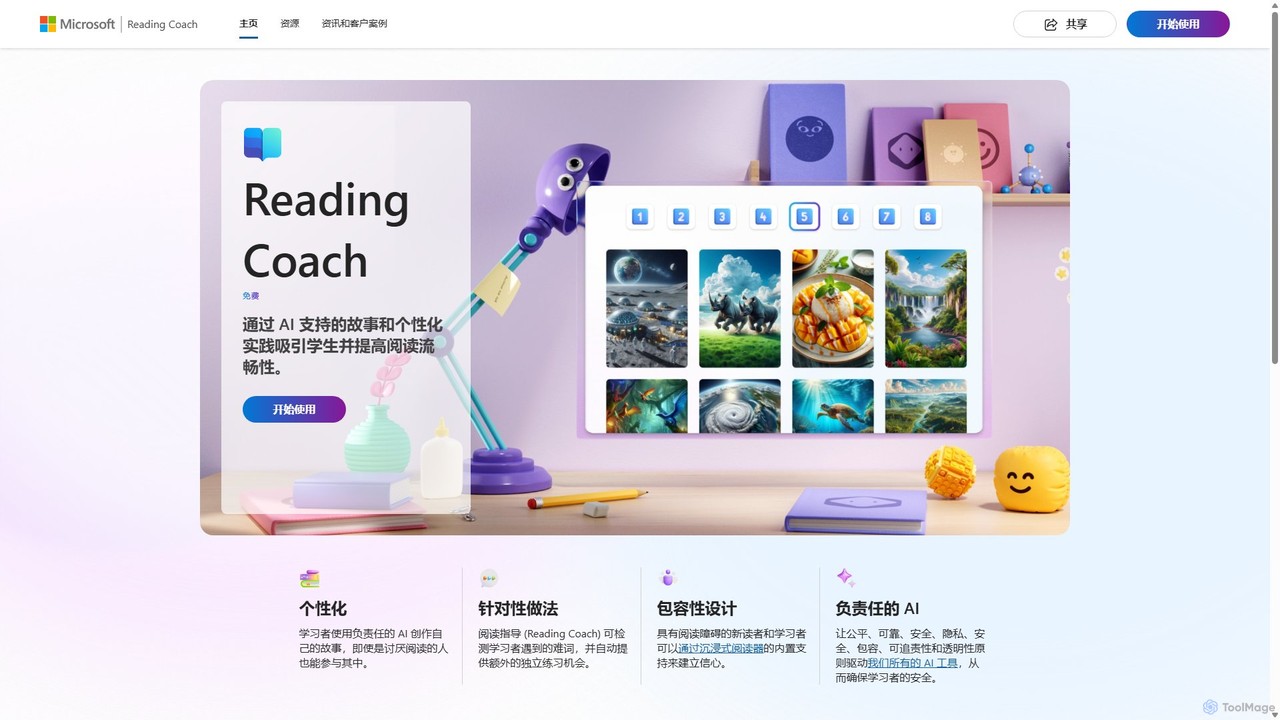
Reading Coach is a free, innovative AI-powered literacy tool developed by Microsoft to help learners of all ages improve their reading skills. It provides a personalized, engaging, and non-judgmental environment for practicing reading aloud. By leveraging advanced AI, Reading Coach listens to a reader, identifies areas for improvement, and offers tailored support to build fluency and confidence. The platform is designed based on Microsoft's Responsible AI principles, ensuring a safe, private, and inclusive space for learning.
How to use Reading Coach
Getting started with Reading Coach is simple and accessible for different users:
- Access the Tool: Users can access Reading Coach directly through its website or by downloading the dedicated Windows application. No subscription is required.
- Sign In: For home use, learners and parents can use a personal Microsoft account. For school use, teachers and students can log in with their existing school credentials, allowing for seamless integration into the educational environment.
- Create a Story: One of the most engaging features is the AI story generator. Learners can choose characters, settings, and plot points to create a unique story they are excited to read. This personalization significantly boosts motivation.
- Read Aloud: The learner reads the story aloud into their device's microphone. The AI actively listens, tracking fluency, pace, and pronunciation.
- Receive Feedback: After reading, the tool provides a comprehensive report highlighting correctly pronounced words, mispronunciations, omissions, and insertions. It specifically pinpoints the words the learner struggled with.
- Targeted Practice: Reading Coach automatically creates a personalized practice session focusing on the challenging words. It provides tools to break down words into syllables and listen to the correct pronunciation.
- Track Progress and Earn Rewards: The platform includes gamification elements where learners earn achievements and unlock new story elements as they practice, encouraging continuous engagement and celebrating their growth.
Core Features of Reading Coach
- AI-Powered Story Generation: Allows learners to create their own unique stories, making reading a creative and personal activity.
- Personalized Fluency Practice: Listens to the user read and provides real-time, individualized feedback on pronunciation, accuracy, and pace.
- Targeted Word Practice: Automatically identifies words the reader finds difficult and generates specific exercises to help master them.
- Immersive Reader Integration: Incorporates Microsoft's acclaimed Immersive Reader, which offers features like text-to-speech, line focus, picture dictionary, and syllable breakdown to support readers with dyslexia and other learning differences.
- Gamified Motivation: A system of badges and unlockable content keeps learners motivated and celebrates their progress, turning practice into a rewarding game.
- Safe and Secure Environment: Built on Microsoft's principles for Responsible AI, ensuring user data is private and the learning environment is safe, reliable, and inclusive.
- Multi-Platform Accessibility: Available as a web application and a Windows app, making it accessible at home and in the classroom.
Use Cases for Reading Coach
Reading Coach is a versatile tool suitable for various scenarios:
- Independent Student Practice: Students can use it at home or during free time at school to practice reading independently and build confidence without the pressure of reading in front of peers.
- Classroom Literacy Centers: Teachers can set up Reading Coach as a station in their literacy centers, allowing students to receive one-on-one practice while the teacher works with other groups.
- Support for Reluctant Readers: The engaging story creation and gamified rewards can motivate even the most reluctant readers to practice.
- English Language Learners (ELL): Provides a safe space for ELL students to practice their English pronunciation and fluency.
- Homeschooling and Parental Support: Parents can use this free tool to supplement their child's reading education and track their progress effectively.
Advantages of Reading Coach
The primary advantage of Reading Coach is that it makes reading practice effective and enjoyable. Its key benefits include:
- Completely Free: There are no costs, subscriptions, or hidden fees, making it accessible to everyone.
- Highly Engaging: The ability to create one's own stories transforms reading from a chore into a fun, creative process.
- Personalized Learning at Scale: It provides the kind of individualized attention that is often difficult for a single teacher to offer to every student in a large class.
- Inclusive by Design: With Immersive Reader, it supports learners of all abilities and reading levels.
- Builds Confidence: The private, non-judgmental AI feedback helps learners practice without fear of making mistakes in front of others.
Pricing and Plans
Reading Coach is completely free for all users. Whether for individual learners and parents at home or for teachers and students in a school setting, there is no cost to use the platform. Microsoft offers this tool as part of its commitment to education and accessibility.
Traffic
Latest traffic
Status
Monthly traffic trend
- 2026-1: 238.1K
- 2026-2: 147.0K
- 2026-3: 124.2K
- 2026-4: 119.7K
- 2026-5: 124.4K
Geography
Top 5 countries / regions
- 🇺🇸United States40.9%
- 🇦🇺Australia24.6%
- 🇨🇳China17.3%
- 🇻🇳Vietnam9.0%
- 🇨🇱Chile8.2%
Traffic sources
| Source type | Percentage |
|---|---|
Direct | 56.7% |
Referral | 42.2% |
Email | 1.1% |
Top keywords
| Keyword | Cost per click |
|---|---|
| coach | $0.56 |
| microsoft reading coach | $2.99 |
| reading coach | $1.58 |
| reading coach microsoft | $0.95 |
| reading comprehension trainer | $0.00 |
Reading Coach Videos on YouTube

Readability Tutor
Reading Universe
Reading Coach Alternatives
Talkpal
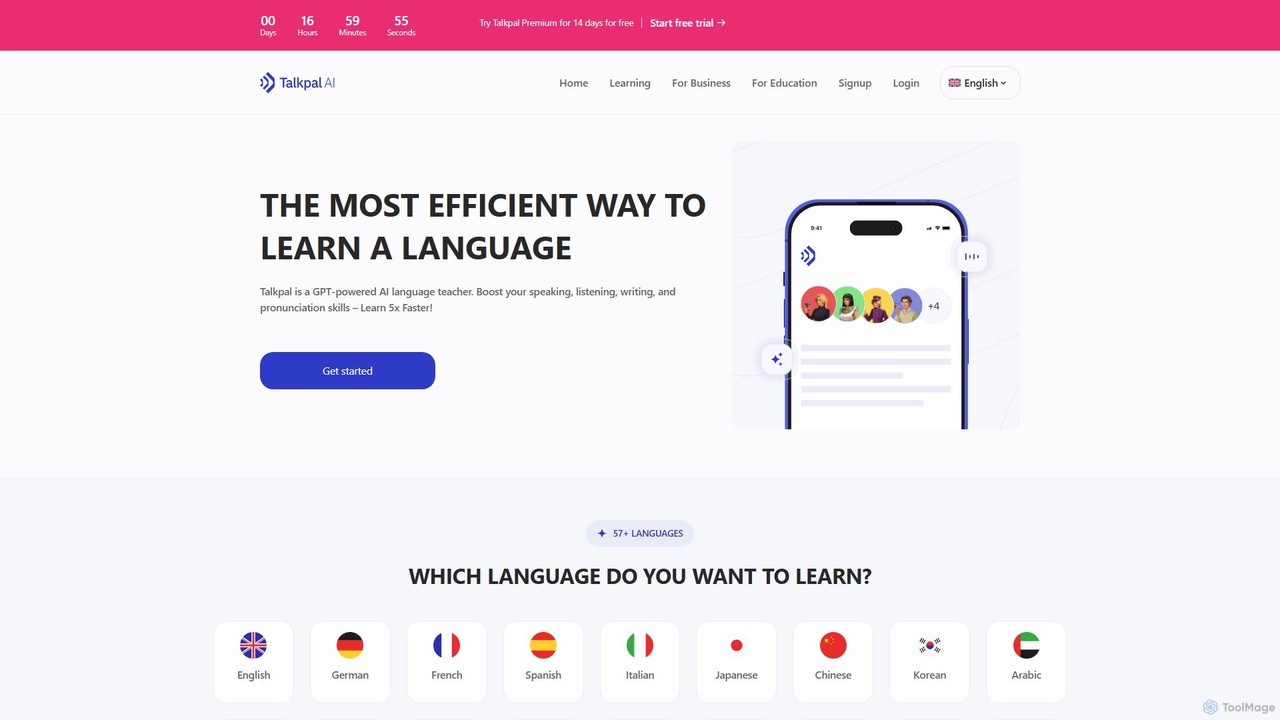
Talkpal is a GPT-powered AI language tutor designed to accelerate fluency. It offers an immersive learning experience through interactive conversations, roleplays, and real-time feedback. Supporting over 57 languages, Talkpal helps users improve speaking, listening, writing, and pronunciation skills up to 5x faster. Personalized learning paths and various practice modes make it suitable for learners of all levels, from beginners to advanced students.
Ai Chatbots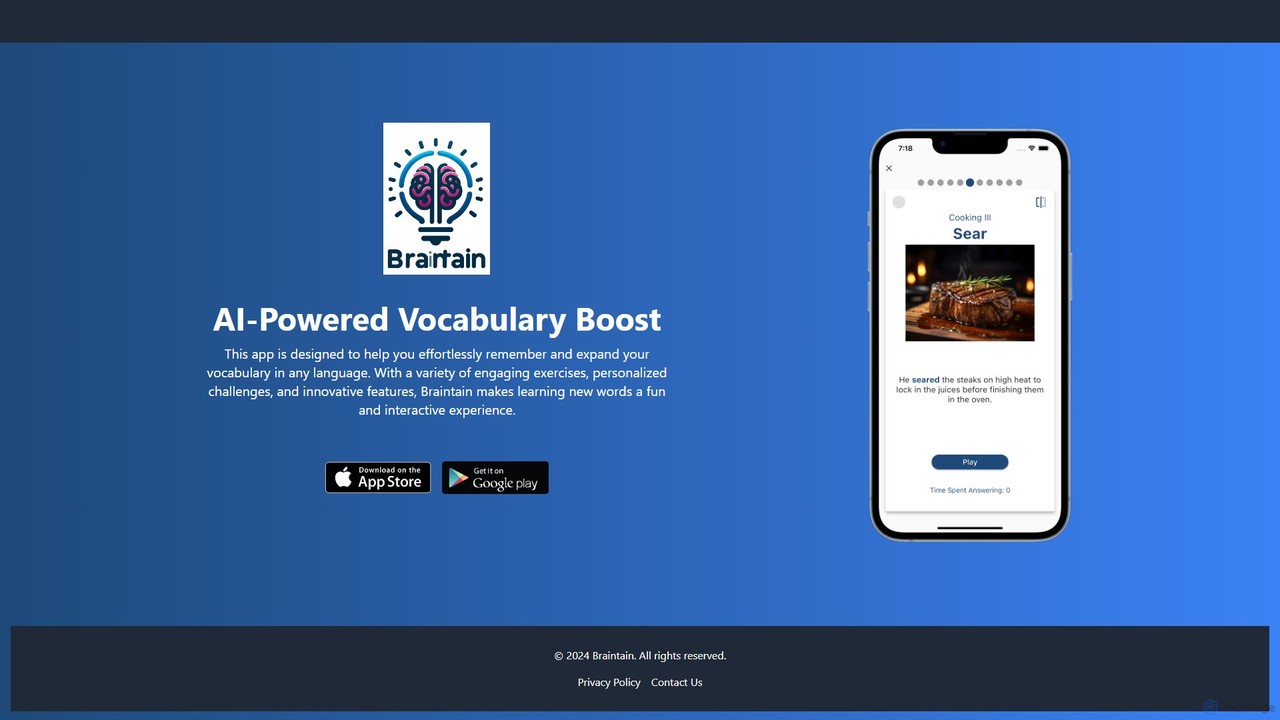
Braintain
Braintain is an AI-powered language learning app designed to boost your vocabulary retention. Using personalized challenges, gamified exercises, and a smart spaced repetition system, it makes remembering new words in any language effortless and engaging.
Personalized Learning
ArticuLearn
ArticuLearn is a personalized AI language learning companion designed for intermediate and advanced learners. It focuses on improving speaking and listening fluency through real-world conversations. The AI tutor remembers past discussions, provides personalized grammar feedback, and adapts lessons to your learning style, offering a flexible, judgment-free practice environment.
Language Learning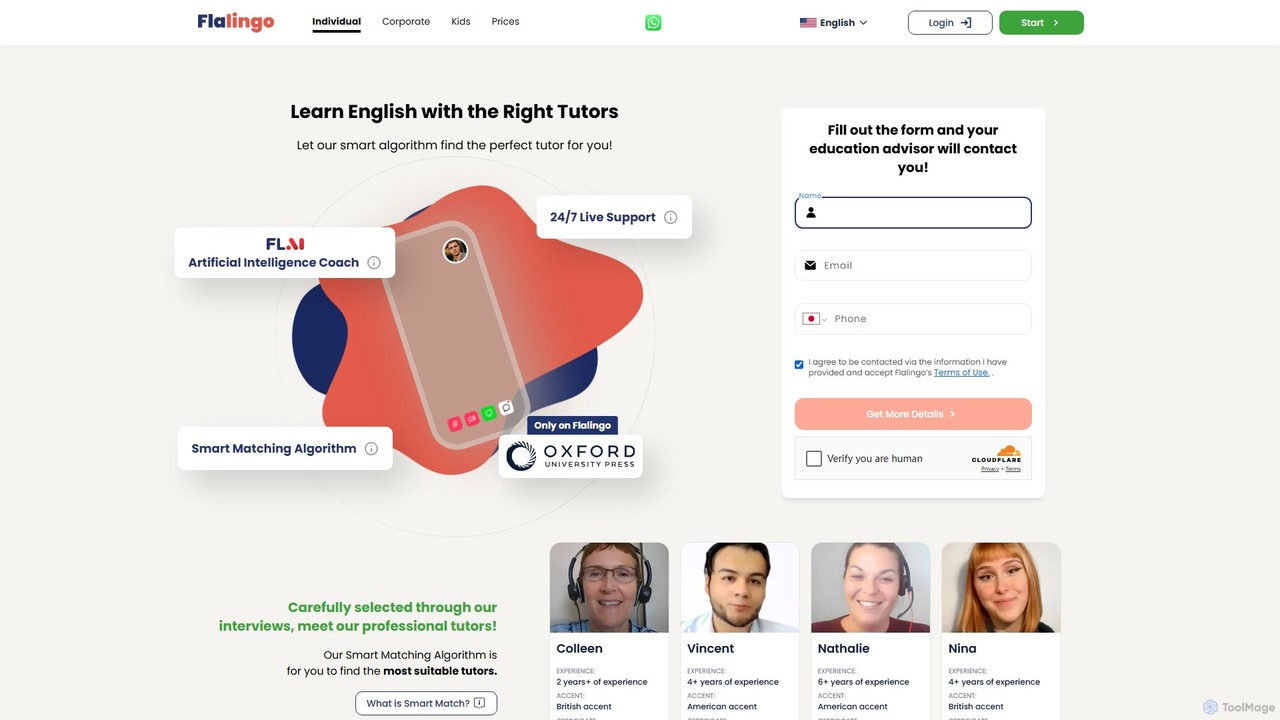
Flalingo
Flalingo is an AI-powered online platform for learning English with native-speaking tutors. It utilizes a smart matching algorithm to connect students with the perfect instructor and features an AI coach, FLAI, which provides detailed feedback, progress reports, and personalized exercises after each lesson.
Language Learning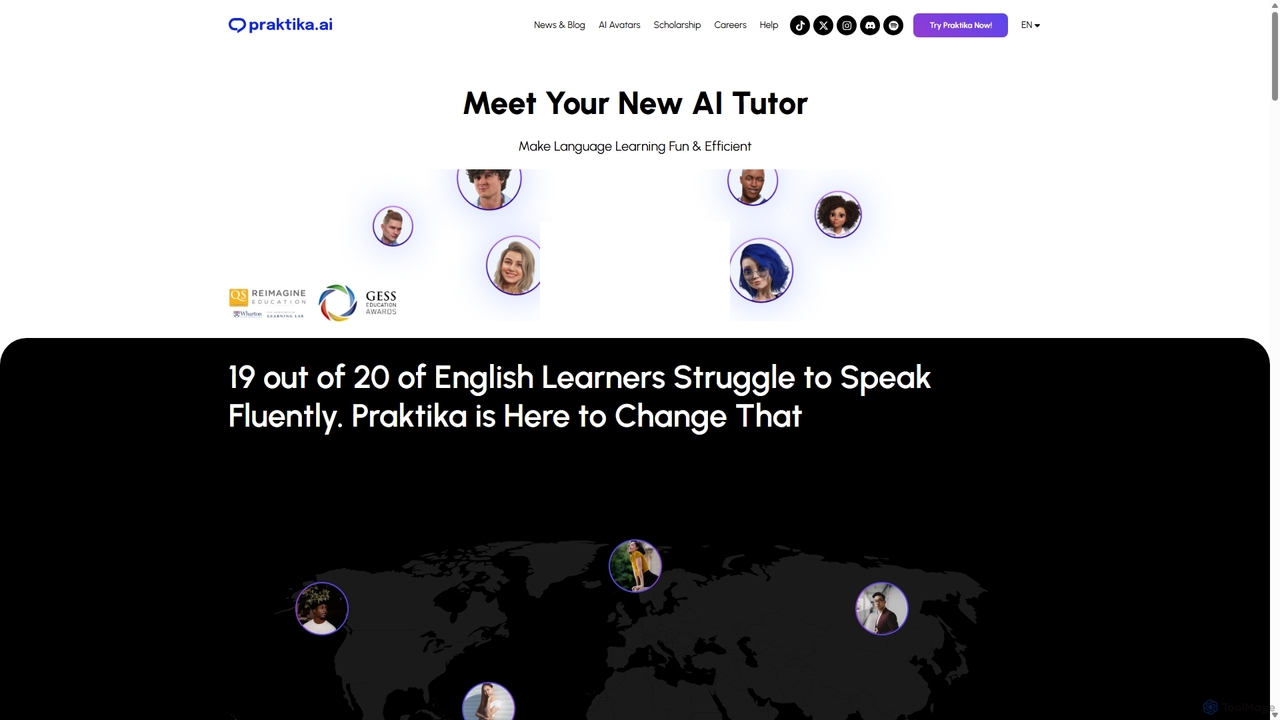
Praktika
Praktika is an AI-powered language learning app that helps you master English and other languages through conversation with ultra-realistic AI avatars. It offers personalized lessons, real-time feedback, and a pressure-free environment to improve fluency, pronunciation, and confidence 24/7.
Language LearningReading Coach Categories
Reading Coach Embed Widget
Copy this embed code to place the badge on your blog, article, or product site and send readers directly to this ToolMage detail page.

Related AI tools
Talkpal
Talkpal is a GPT-powered AI language tutor designed to accelerate fluency. It offers an immersive learning experience through interactive conversations, roleplays, and real-time feedback. Supporting over 57 languages, Talkpal helps users improve speaking, listening, writing, and pronunciation skills up to 5x faster. Personalized learning paths and various practice modes make it suitable for learners of all levels, from beginners to advanced students.
Ai ChatbotsBraintain
Braintain is an AI-powered language learning app designed to boost your vocabulary retention. Using personalized challenges, gamified exercises, and a smart spaced repetition system, it makes remembering new words in any language effortless and engaging.
Personalized LearningArticuLearn
ArticuLearn is a personalized AI language learning companion designed for intermediate and advanced learners. It focuses on improving speaking and listening fluency through real-world conversations. The AI tutor remembers past discussions, provides personalized grammar feedback, and adapts lessons to your learning style, offering a flexible, judgment-free practice environment.
Language Learning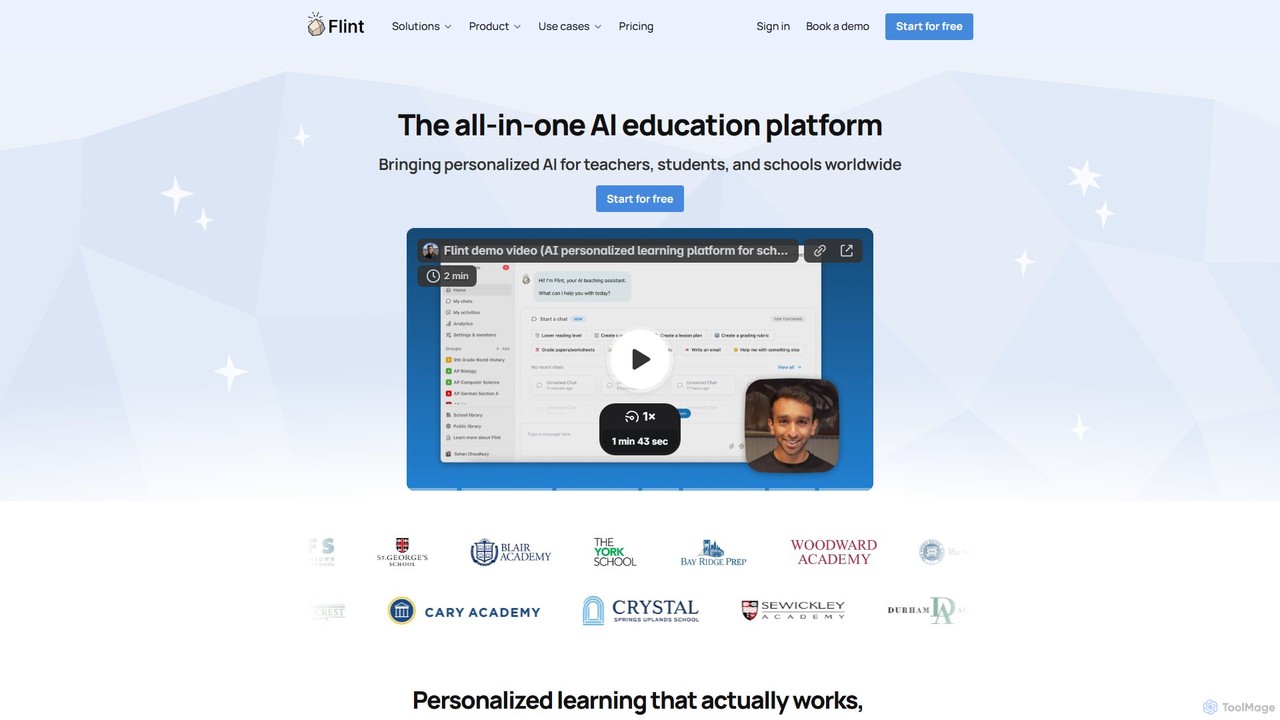
flintk12
Flint is an all-in-one AI education platform designed for K-12 schools. It provides personalized AI tutors for students across all subjects, helping with everything from math problem-solving to language practice. For teachers, its AI assistant, Sparky, automates the creation of lesson plans, rubrics, and activities, while offering powerful tools for grading and real-time analytics. Flint prioritizes data privacy and seamless school-wide integration, making it a safe and effective partner for modern education.
Language Learning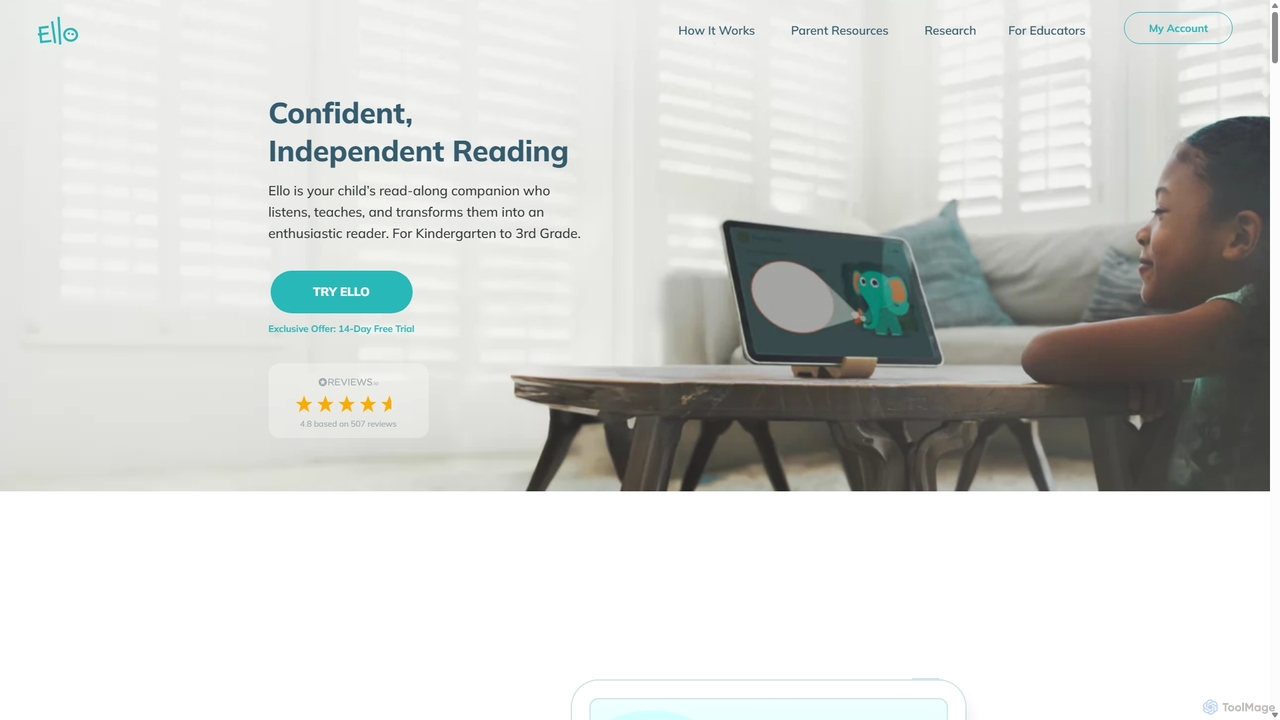
Ello
Ello is an AI-powered reading coach and companion app for children in Kindergarten to 3rd grade. It uses advanced speech recognition and adaptive learning technology to listen, teach, and help children become confident, independent readers in a fun and engaging way.
Language Learning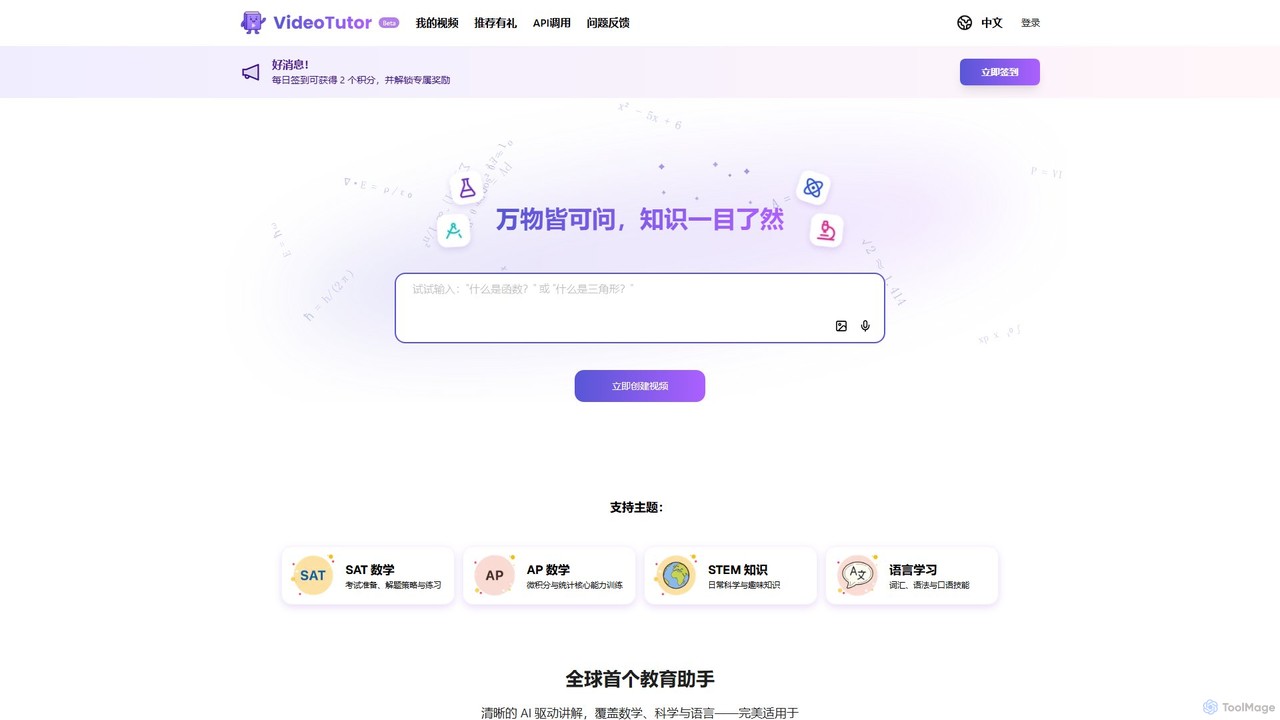
VideoTutor
VideoTutor is an AI-powered platform that generates personalized video explainers for a wide range of subjects, including math, science, and language learning. It acts as a 24/7 AI tutor, creating clear, step-by-step video lessons from any question or topic, making it ideal for exam preparation (SAT, AP) and general knowledge acquisition.
Tutoring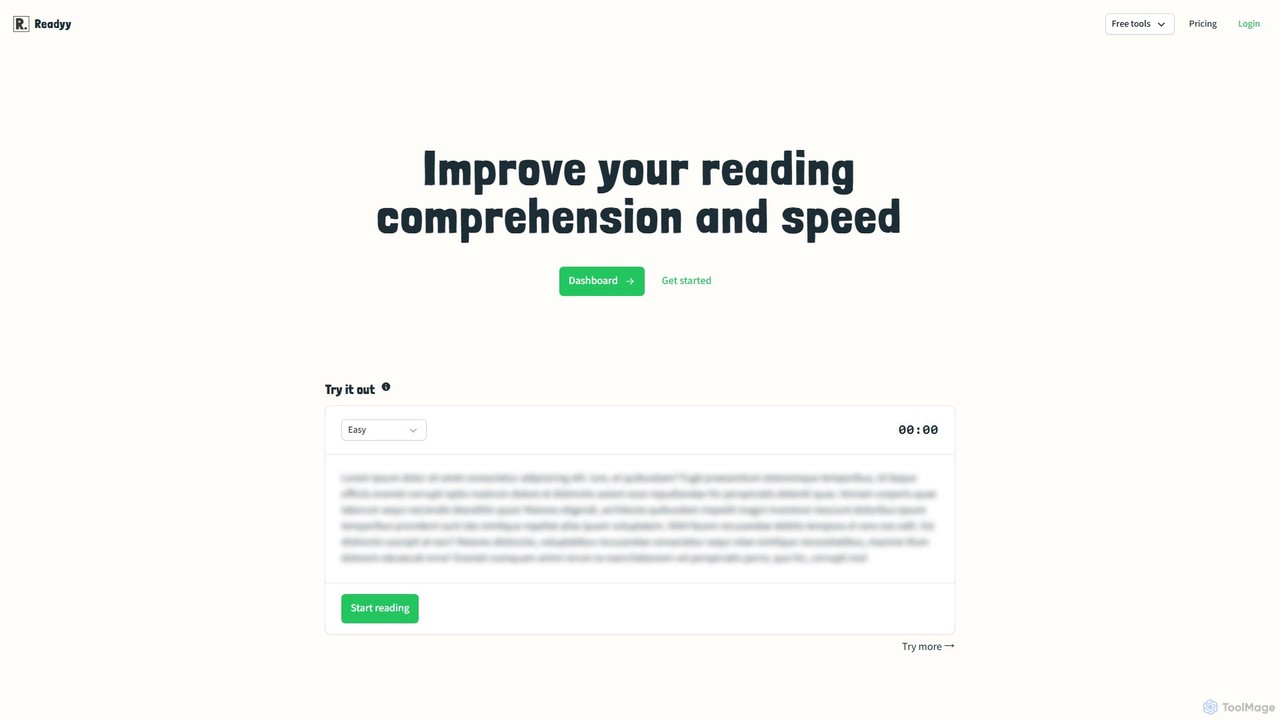
Readyy
Readyy is an AI-powered platform designed to enhance reading speed and comprehension. It provides users with AI-generated reading tests, detailed progress tracking, and a competitive global leaderboard. Ideal for students, professionals, and educational institutions, Readyy uses GPT technology to deliver fresh, engaging content, helping users improve their literacy and cognitive skills effectively.
Reading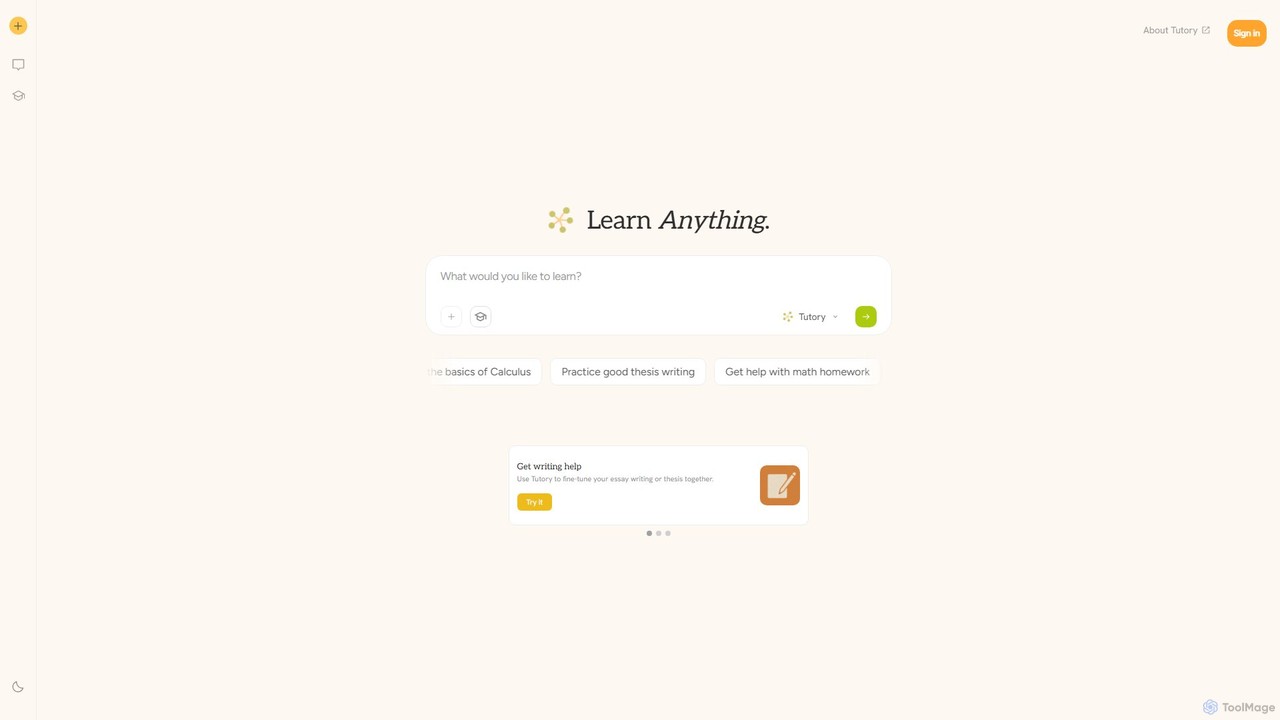
tutory
tutory is an AI-powered learning companion designed for students and teachers. It utilizes the Socratic method to foster deep understanding, asking guiding questions rather than providing direct answers. It offers personalized help across various subjects, including math and writing, and provides tools to enhance classroom productivity for educators.
Homework Helper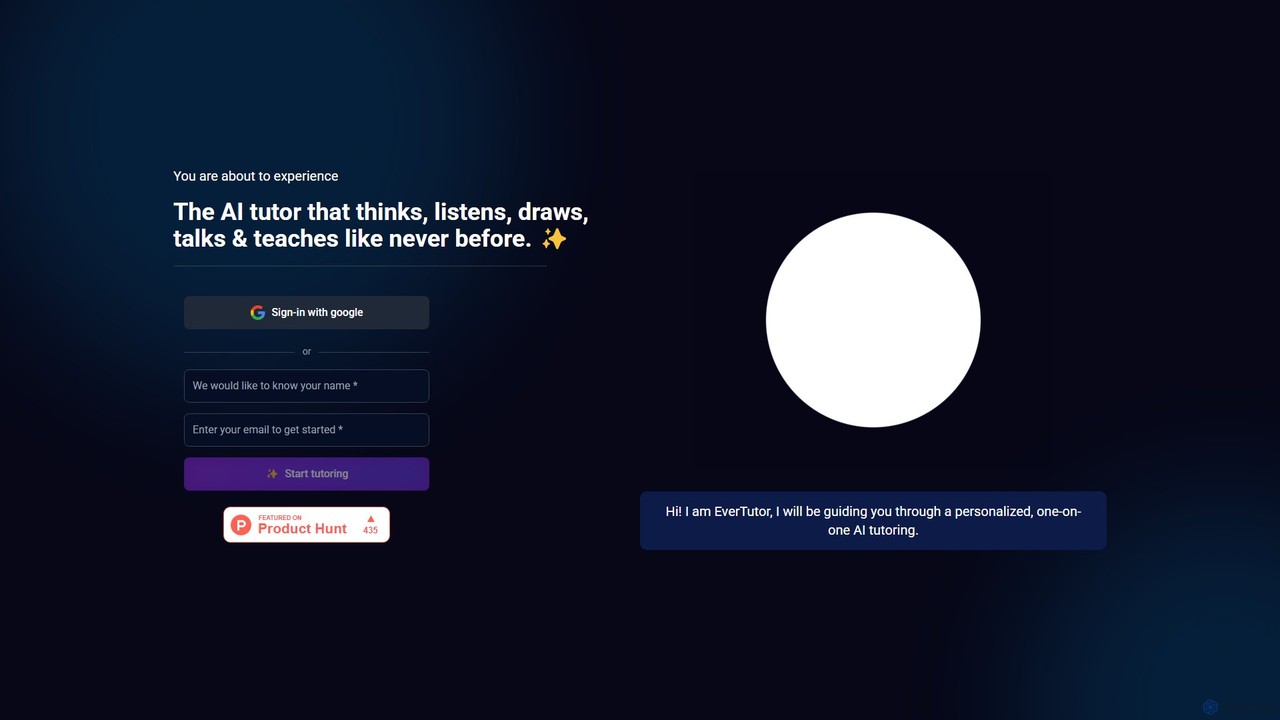
EverTutor
EverTutor is a revolutionary AI-powered tutor that offers personalized, one-on-one learning experiences. It thinks, listens, talks, and even draws to explain complex concepts, making it an ideal companion for homework help, exam preparation, and concept clarification across various subjects.
Personal Assistant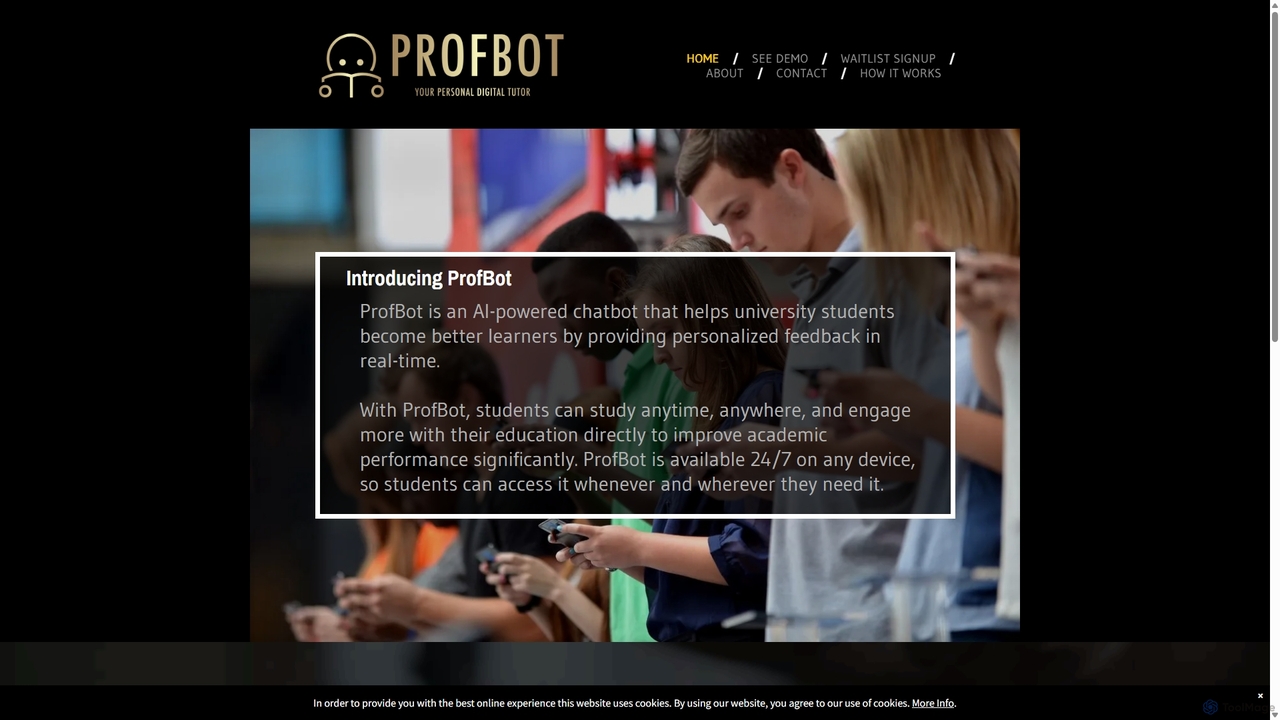
ProfBot
ProfBot is an AI-powered chatbot designed as a personal digital tutor for university students. It provides 24/7 personalized, real-time feedback on course materials, helping students to engage more deeply with their studies and significantly improve their academic performance.
Tutoring
Homeworkifyy
Homeworkifyy is an AI-powered academic assistant designed to help students tackle homework challenges. It provides instant, step-by-step solutions across a wide range of subjects, including math, science, and humanities. By offering clear explanations, it aims to enhance understanding and improve academic performance, making learning more efficient and accessible for students of all levels.
Homework HelperFlalingo
Flalingo is an AI-powered online platform for learning English with native-speaking tutors. It utilizes a smart matching algorithm to connect students with the perfect instructor and features an AI coach, FLAI, which provides detailed feedback, progress reports, and personalized exercises after each lesson.
Language LearningPraktika
Praktika is an AI-powered language learning app that helps you master English and other languages through conversation with ultra-realistic AI avatars. It offers personalized lessons, real-time feedback, and a pressure-free environment to improve fluency, pronunciation, and confidence 24/7.
Language Learning
Jyek
Jyek is an AI agent platform that understands objectives, creates execution plans, uses tools, and delivers verifiable results for complex, multi-step tasks.
Automation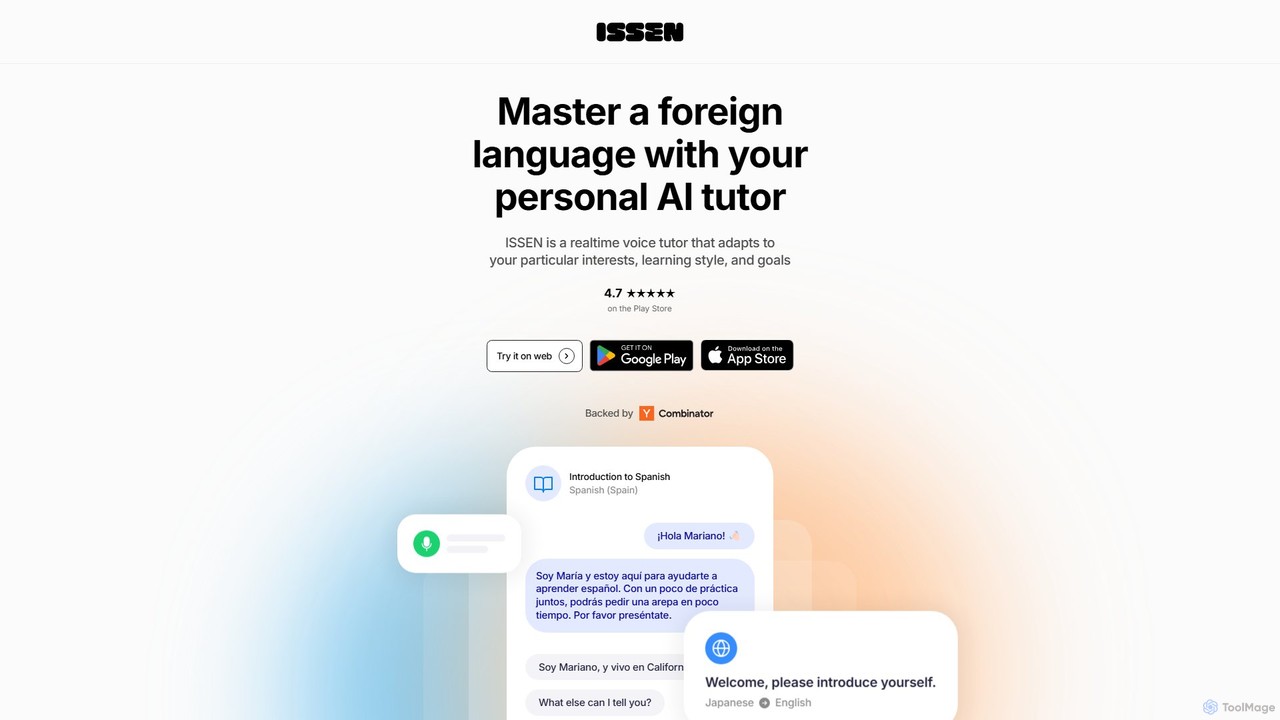
ISSEN
ISSEN is an AI-powered language tutor designed to help you achieve fluency through immersive, real-time conversations. Practice speaking anytime, anywhere with personalized AI tutors that adapt to your learning style, provide instant feedback, and offer structured lessons in over 50 languages.
Virtual Assistant
Reading Coach Comments (0)
Sign in to comment.
Sign inNo comments yet.