
flintk12 Overview
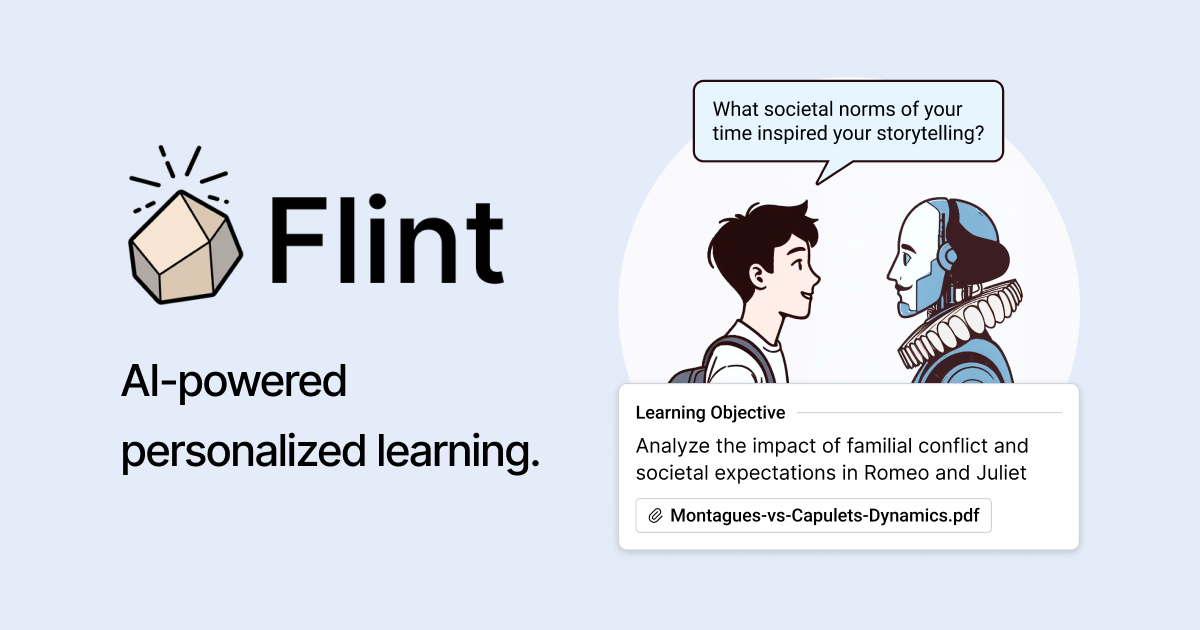
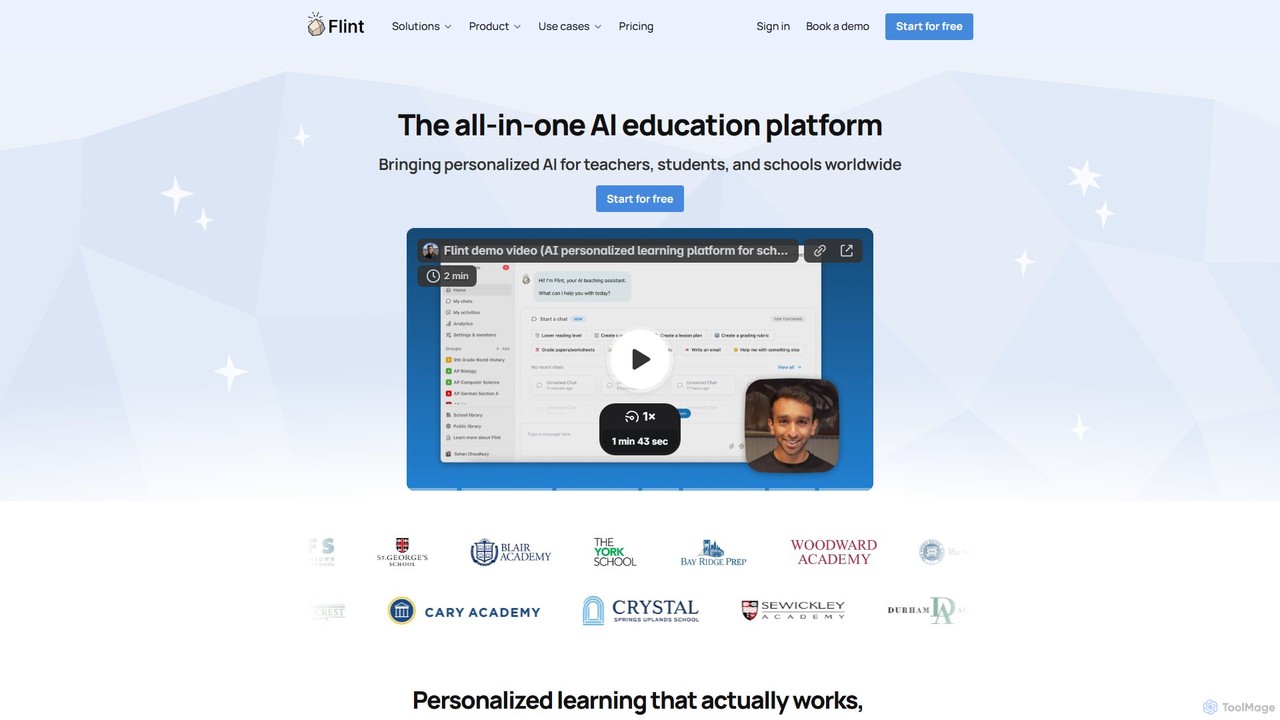
Flint is a comprehensive, all-in-one AI education platform built from the ground up for the unique needs of K-12 schools, teachers, and students worldwide. It aims to revolutionize the classroom by providing personalized learning experiences at scale, saving teachers valuable time, and offering administrators powerful, secure management tools. By integrating state-of-the-art AI, Flint functions as a partner in education, enhancing rather than replacing the crucial relationship between educators and learners.
The platform is centered around Sparky, an AI teaching assistant that helps educators design and deploy customized learning experiences. Teachers can create 1:1 AI tutors for their students based on specific learning objectives and their own teaching materials. This ensures that the AI-driven instruction is perfectly aligned with the curriculum. For students, Flint offers a supportive and engaging learning environment where they can receive instant, personalized help 24/7. The AI adapts to each student's skill level, providing gentle guidance when they're stuck without simply giving away the answers, fostering genuine understanding and critical thinking.
How to use flintk12
Using Flint is designed to be intuitive for all users within a school ecosystem:
For Teachers:
1. Sign up and create your classes. You can easily group students for differentiated instruction.
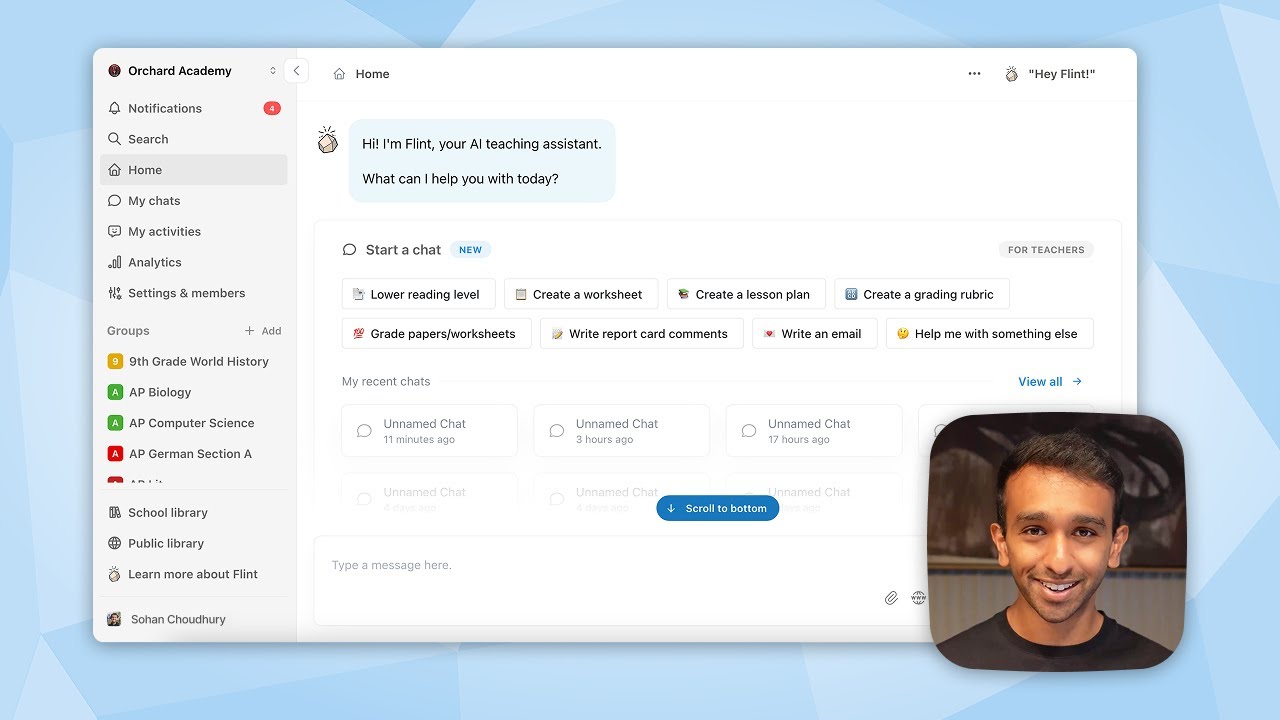
2. Interact with Sparky, the AI assistant. Simply message Sparky with your requirements, such as "Create a lesson plan on the water cycle for 5th graders" or "Generate a rubric for a persuasive essay."
3. Upload your own materials—including PDFs, Word documents, PowerPoint slides, or even website links—to serve as the foundation for the AI's content generation.
4. Sparky instantly generates lesson plans, activities, and assessments. You can review and edit these materials before assigning them to students.
5. Monitor student progress in real-time through a dashboard that shows their interactions with the AI. Use the auto-generated feedback and analytics to grade assignments and identify areas for improvement.
For Students:
1. Log in to the Flint platform to see assigned activities.
2. Engage in interactive sessions with the AI tutor. This could be a spoken conversation in French, a step-by-step math problem-solving session, or a collaborative essay drafting process.
3. Receive immediate, constructive feedback that helps you revise your work and deepen your understanding.
4. Learn at your own pace, with the AI adjusting the difficulty to keep you challenged but not overwhelmed.
For Administrators:
1. Utilize the admin dashboard for a full, school-wide view of Flint's usage.
2. Manage users, set up Google or Microsoft Single Sign-On (SSO), and configure custom AI guardrails to ensure safe and appropriate use.
3. Integrate Flint with your school's existing Learning Management System (LMS) and Student Information System (SIS) for seamless data flow.
4. Access comprehensive usage analytics to understand the platform's impact and inform pedagogical strategies.
Core Features of flintk12
- Personalized 1:1 AI Tutors: AI that adapts to each student's individual learning pace and style across subjects like Math, Science, English, and World Languages.
- AI Teaching Assistant (Sparky): Instantly generates lesson plans, rubrics, personalized activities, and follow-up exercises based on teacher prompts and uploaded materials.
- Multi-Format Content Upload: Supports PDFs, Word documents, PowerPoints, CSV files, and website links as source material for AI-generated content.
- Instant AI Feedback & Grading: Provides automated, detailed feedback on student work, from essays to math problems, significantly reducing teachers' grading time.
- Real-time Classroom Analytics: Allows teachers to watch student conversations with the AI as they happen and provides comprehensive summaries of class-wide performance.
- Multilingual & Multimodal Capabilities: Supports over 50 languages with text-to-speech and speech-to-text functionality, ideal for language learning and accessibility.
- Advanced Subject-Specific Tools: Includes a code editor, math formula editor, graphing support, and a whiteboard for diverse learning needs.
- School-Wide Administration & Security: Features a full admin dashboard, custom AI guardrails, LMS/SIS integrations, and SSO. Crucially, Flint does not use student data to train its models, ensuring data privacy.
- Equitable Access: Accessible to students under 13 without requiring a phone number, ensuring compliance and broad usability.
Use Cases for flintk12
World Language Practice: A French teacher can create an AI tutor that role-plays as a Parisian shopkeeper, allowing students to practice their conversational French through spoken or written dialogue.
Differentiated Math Instruction: In a math class, students work on problem sets where the AI provides tailored hints. Struggling students get foundational support, while advanced students are given more complex challenges.
Essay Writing Support: An English teacher assigns an essay, and students use Flint's drafting tool. The AI provides real-time feedback on thesis strength, argumentation, and grammar, acting as a personal writing coach throughout the process.
Exam Preparation: A history teacher uploads review materials and has Sparky create an interactive quiz session. The AI can run review sessions with students at any time, even at 9 PM the night before a test.
Coding Assignments: A computer science teacher uses Flint to create coding exercises that automatically scale in difficulty based on each student's demonstrated skill level, ensuring everyone is appropriately challenged.
Advantages of flintk12
Personalization at Scale: Flint delivers the benefits of 1:1 tutoring to every student in a class, a feat impossible for a single teacher to achieve manually.
Teacher Time-Saving: By automating administrative tasks like lesson planning, content creation, and grading, Flint frees up teachers to focus on high-impact instruction and student relationships.
Enhanced Student Engagement: The interactive and non-judgmental nature of the AI tutor makes learning more enjoyable and encourages students to take risks and revise their work more thoroughly.
Safe and School-Ready: Unlike open platforms, Flint is a closed ecosystem designed for education. It prioritizes student data privacy and provides administrators with the controls they need.
Actionable Insights: The platform provides deep insights into student thinking processes and areas of difficulty, empowering teachers to intervene more effectively.
Pricing and Plans
Flint offers a freemium model designed to scale with a school's needs:
- Free Plan: Perfect for individual teachers, this plan supports up to 80 users. It includes unlimited activities and sessions, support for all subjects, and custom class groups.
- Up to 150 Users: Priced at $3,000/year. Includes all features of the Free plan, plus SIS/LMS integrations, school-wide data analytics, and a dedicated customer success manager.
- Up to 250 Users: Priced at $4,000/year. Includes all features of the 150-user plan.
- Up to 500 Users: Priced at $6,500/year. Includes all features of the paid plans.
- Over 500 Users (Custom): For large schools and districts, offering custom, lower per-seat prices and tailored support. Contact sales for a quote.
Traffic
Latest traffic
Status
Monthly traffic trend
- 2025-9: 616.9K
- 2026-1: 712.8K
- 2026-2: 694.4K
- 2026-3: 897.7K
- 2026-4: 784.6K
- 2026-5: 825.4K
Geography
Top 5 countries / regions
- 🇺🇸United States76.9%
- 🇭🇰Hong Kong SAR China10.3%
- 🇨🇳China4.4%
- 🇻🇳Vietnam4.3%
- 🇨🇦Canada4.1%
Traffic sources
| Source type | Percentage |
|---|---|
Direct | 76.4% |
Referral | 17.6% |
Email | 6.0% |
Top keywords
| Keyword | Cost per click |
|---|---|
| ai study guide maker | $3.03 |
| ap lang essay grader | $1.69 |
| flint | $0.41 |
| flint ai | $0.50 |
| studley ai | $0.83 |
flintk12 Videos on YouTube

Flint - AI for personalized learning
Flint - AI for personalized learning
Flint - AI for personalized learning

Flint - AI for personalized learning
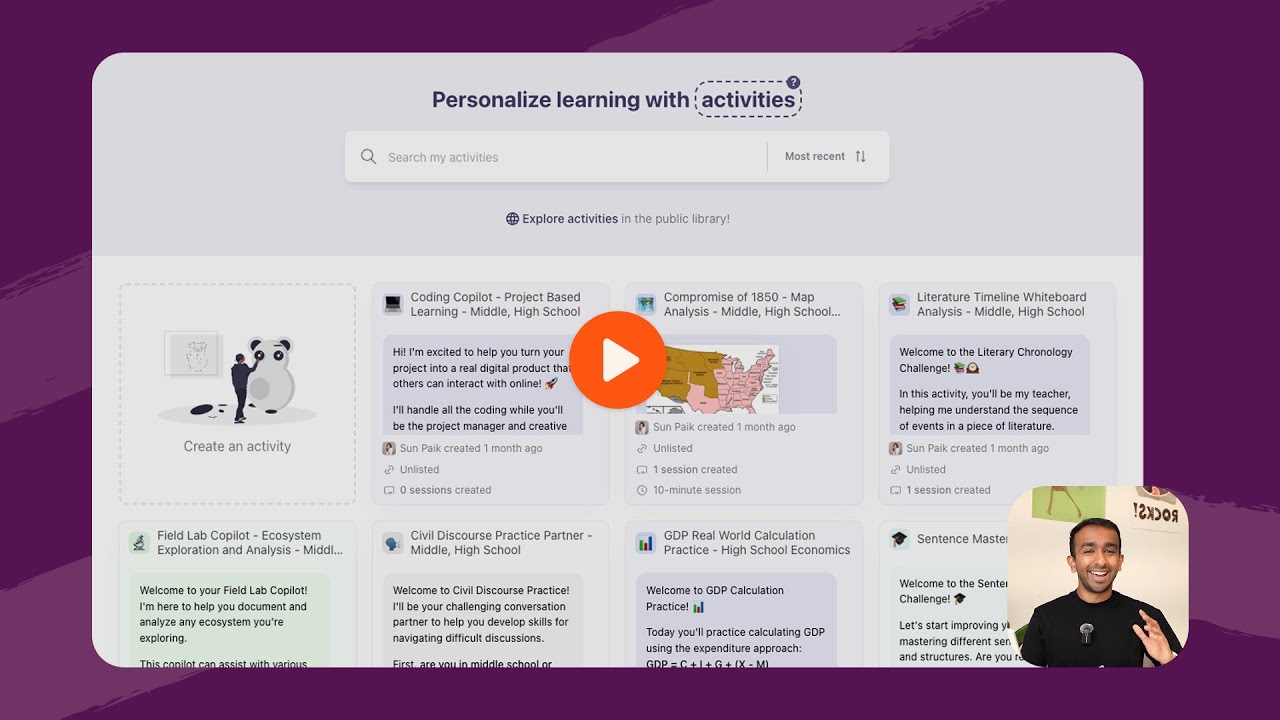
Flint - AI for personalized learning

Flint - AI for personalized learning

Flint - AI for personalized learning
Flint - AI for personalized learning
flintk12 Alternatives
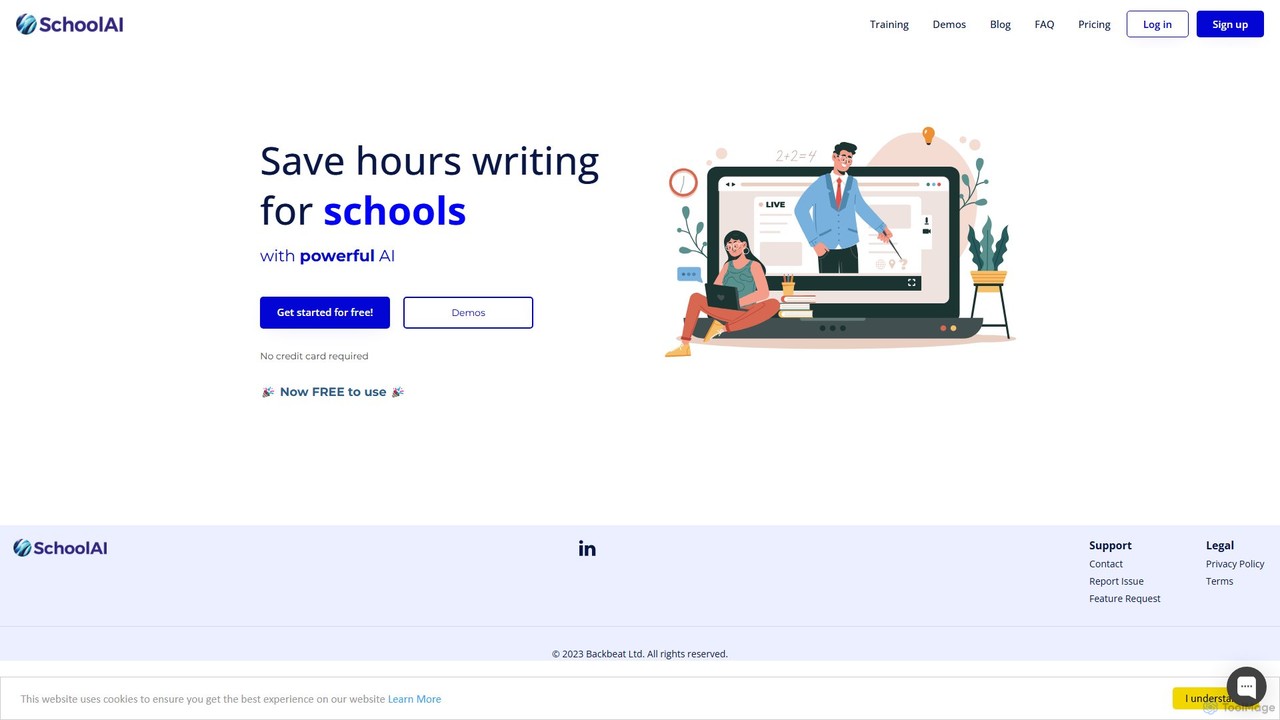
SchoolAI
SchoolAI is a trusted AI platform designed for education, empowering teachers and supporting every learner. It offers tools for personalized learning, lesson planning, real-time student monitoring, and content creation, saving educators over 10 hours per week. With a strong focus on safety and data privacy (FERPA & COPPA compliant), SchoolAI provides an interactive AI assistant for students and a comprehensive productivity suite for teachers, all within a secure, teacher-controlled environment.
Personalized Learning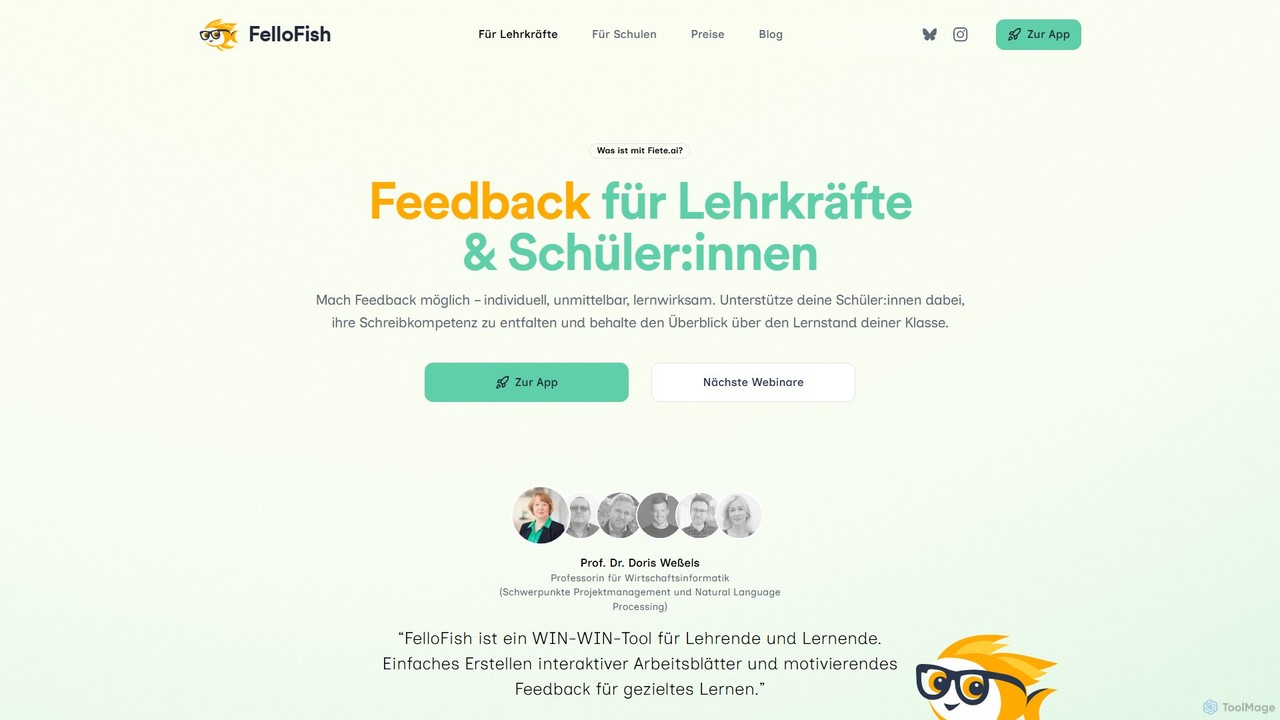
FelloFish
FelloFish (formerly fiete.ai) is an AI-powered educational tool designed for teachers and students. It provides instant, individualized, and effective feedback on written assignments based on teacher-defined criteria. This helps improve students' writing skills, increases their motivation, and significantly reduces the workload for educators, allowing them to focus on personalized support.
Language Learning
TeachCatalystAI
TeachCatalystAI is a comprehensive AI-powered teaching assistant designed to help educators save time, reduce burnout, and create engaging learning materials. With over 40 specialized tools for lesson planning, content creation, classroom management, and communication, it streamlines administrative tasks, allowing teachers to focus on what they do best: teaching. It's an all-in-one platform created by teachers, for teachers.
Teaching Assistant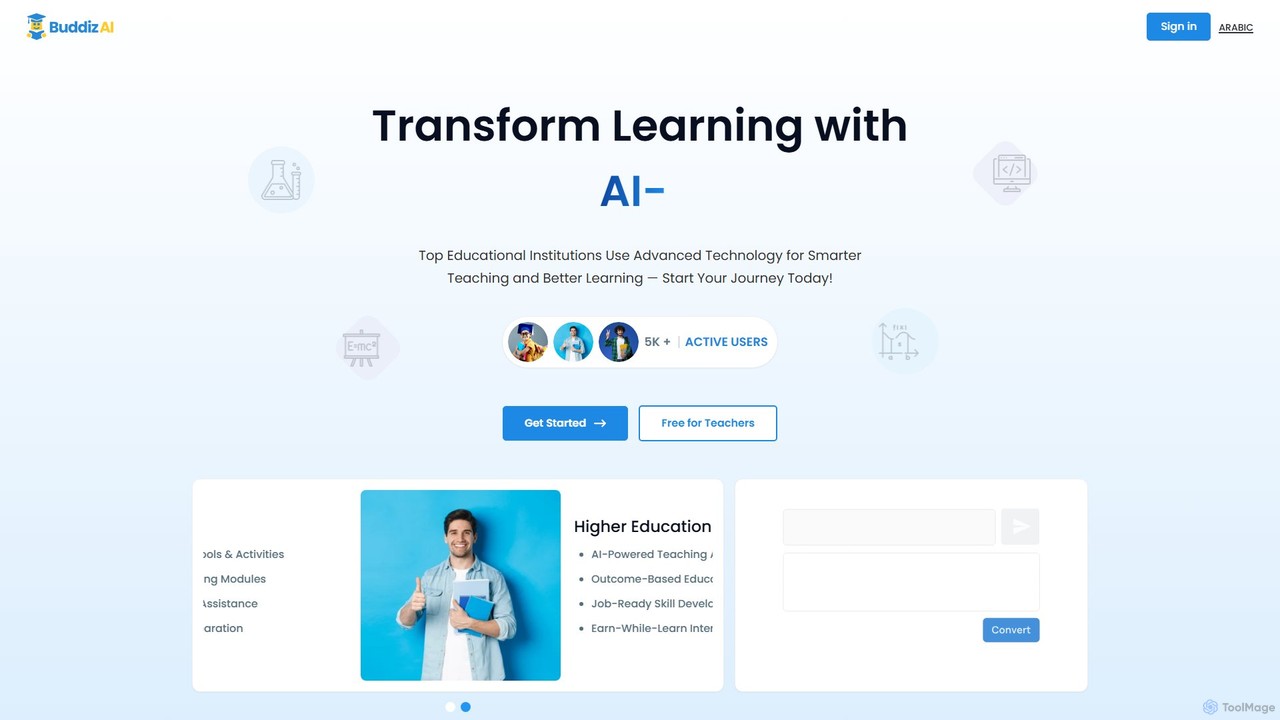
buddiz
Buddiz is an AI-powered educational platform for K-12 and higher education. It provides a suite of tools for teachers, students, and institutions to create personalized learning activities, streamline lesson planning, offer interactive homework assistance, and track student outcomes for smarter teaching and better learning.
Teaching Assistant
Stretch
Stretch is an AI-powered educational platform designed for teachers and students. It helps create personalized 'stretch and challenge' learning materials, generating differentiated instruction content, advanced quizzes, and in-depth concept explanations to push students beyond the core curriculum and foster deeper understanding.
Teaching Assistantflintk12 Categories
flintk12 Embed Widget
Copy this embed code to place the badge on your blog, article, or product site and send readers directly to this ToolMage detail page.

Related AI tools
SchoolAI
SchoolAI is a trusted AI platform designed for education, empowering teachers and supporting every learner. It offers tools for personalized learning, lesson planning, real-time student monitoring, and content creation, saving educators over 10 hours per week. With a strong focus on safety and data privacy (FERPA & COPPA compliant), SchoolAI provides an interactive AI assistant for students and a comprehensive productivity suite for teachers, all within a secure, teacher-controlled environment.
Personalized Learning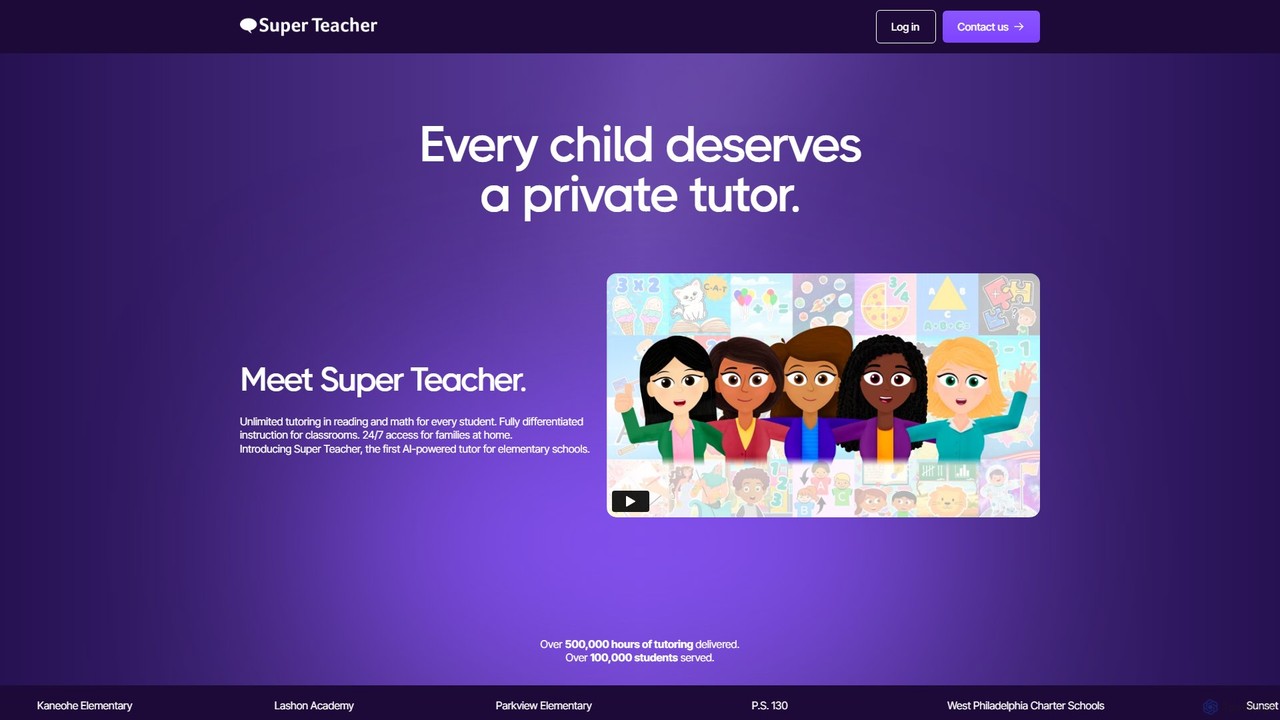
Super Teacher
Super Teacher is an AI-powered tutor designed for elementary schools, providing unlimited, personalized tutoring in reading and math. It offers 24/7 access for students, differentiated instruction for classrooms, and detailed progress dashboards for teachers, making one-on-one learning accessible and affordable for every child.
Learning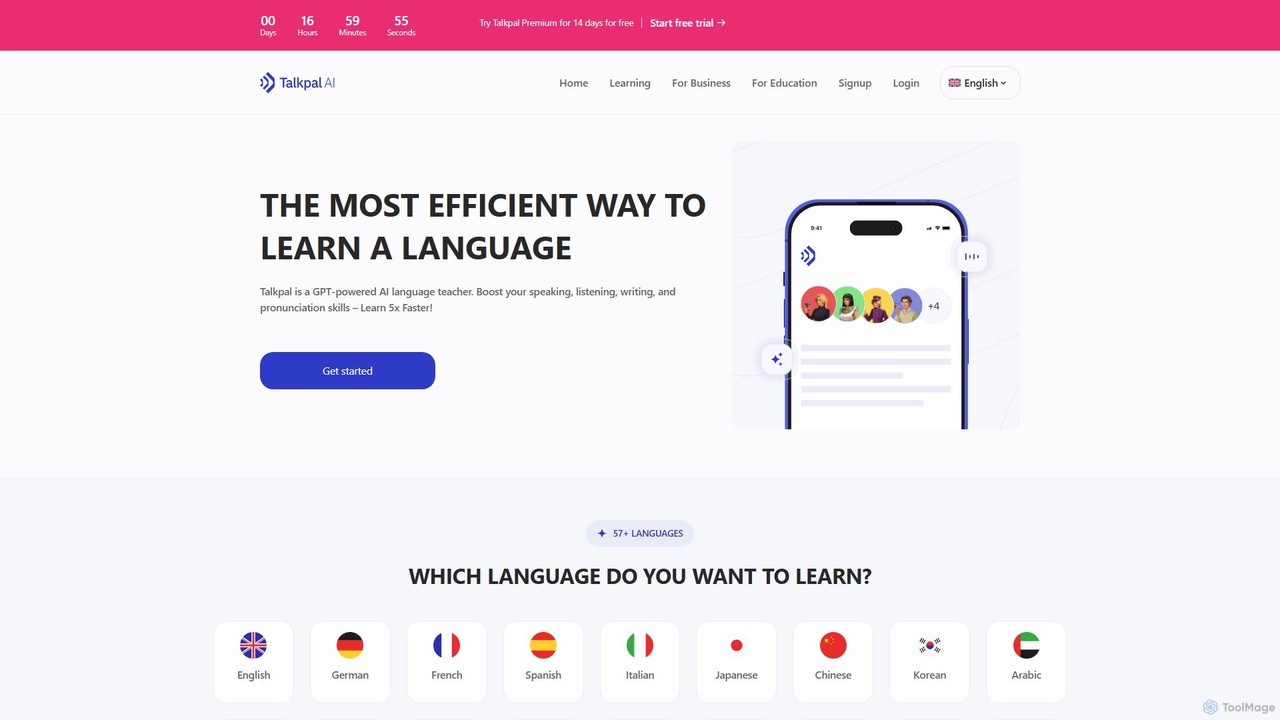
Talkpal
Talkpal is a GPT-powered AI language tutor designed to accelerate fluency. It offers an immersive learning experience through interactive conversations, roleplays, and real-time feedback. Supporting over 57 languages, Talkpal helps users improve speaking, listening, writing, and pronunciation skills up to 5x faster. Personalized learning paths and various practice modes make it suitable for learners of all levels, from beginners to advanced students.
Ai Chatbots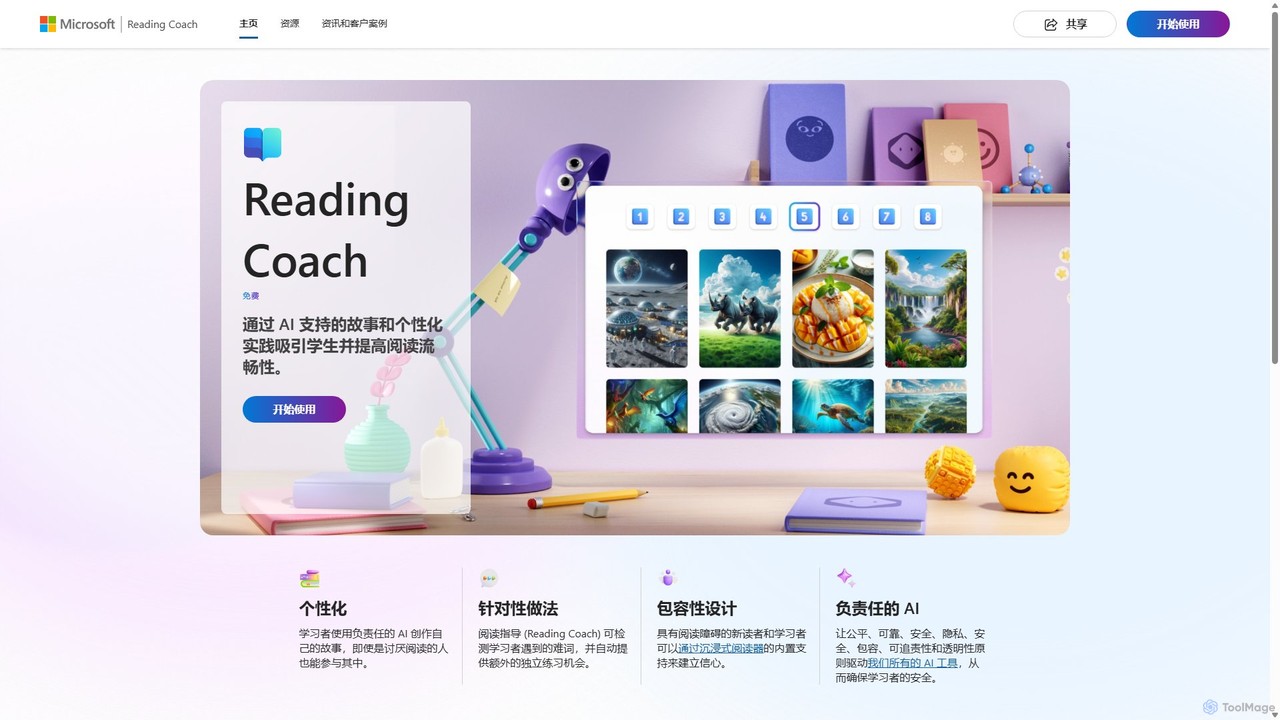
Reading Coach
Reading Coach is a free AI-powered tool from Microsoft designed to improve reading fluency and confidence. It engages learners through personalized, AI-generated stories and provides real-time feedback on pronunciation. With targeted practice for challenging words and integration with Immersive Reader, it offers an inclusive and motivating learning experience for students, teachers, and parents.
Accessibility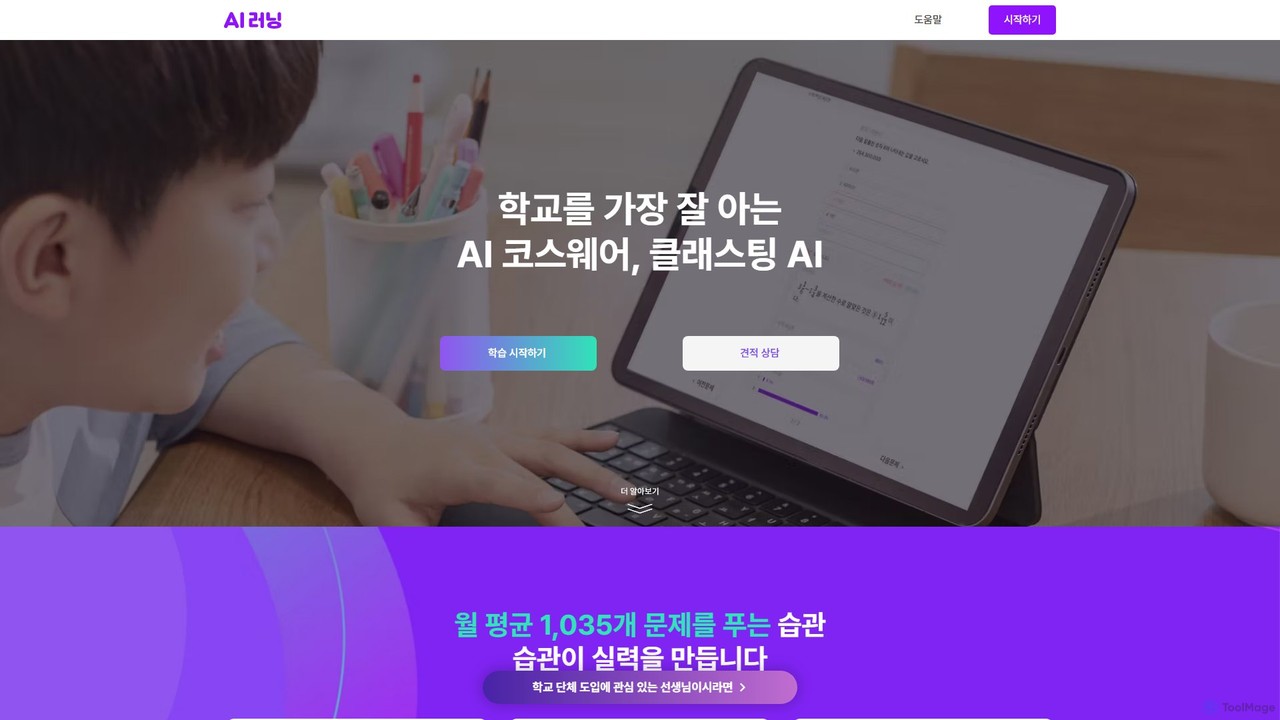
Classting AI
Classting AI is an AI-powered personalized learning platform for K-12 students. It uses a patented AI tutor to diagnose learning gaps, recommend optimal study paths, and provide customized problems across all subjects, making learning efficient and engaging through gamification.
Personalized Learning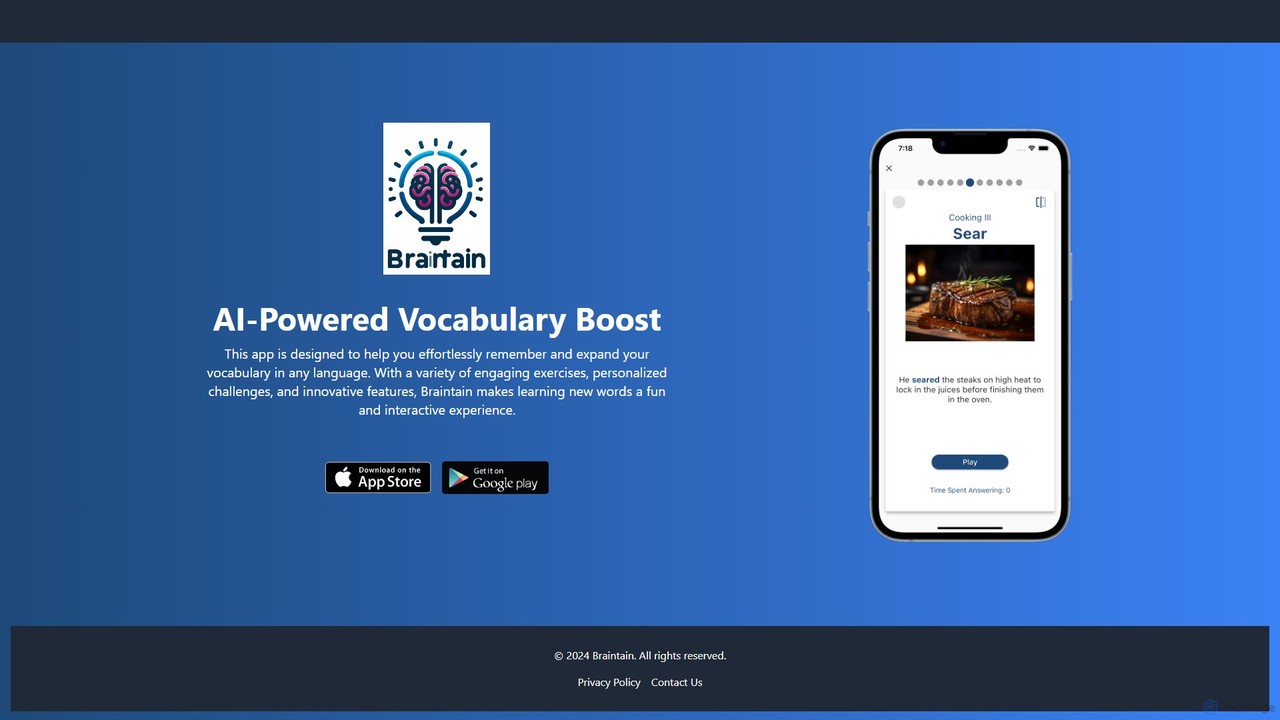
Braintain
Braintain is an AI-powered language learning app designed to boost your vocabulary retention. Using personalized challenges, gamified exercises, and a smart spaced repetition system, it makes remembering new words in any language effortless and engaging.
Personalized Learning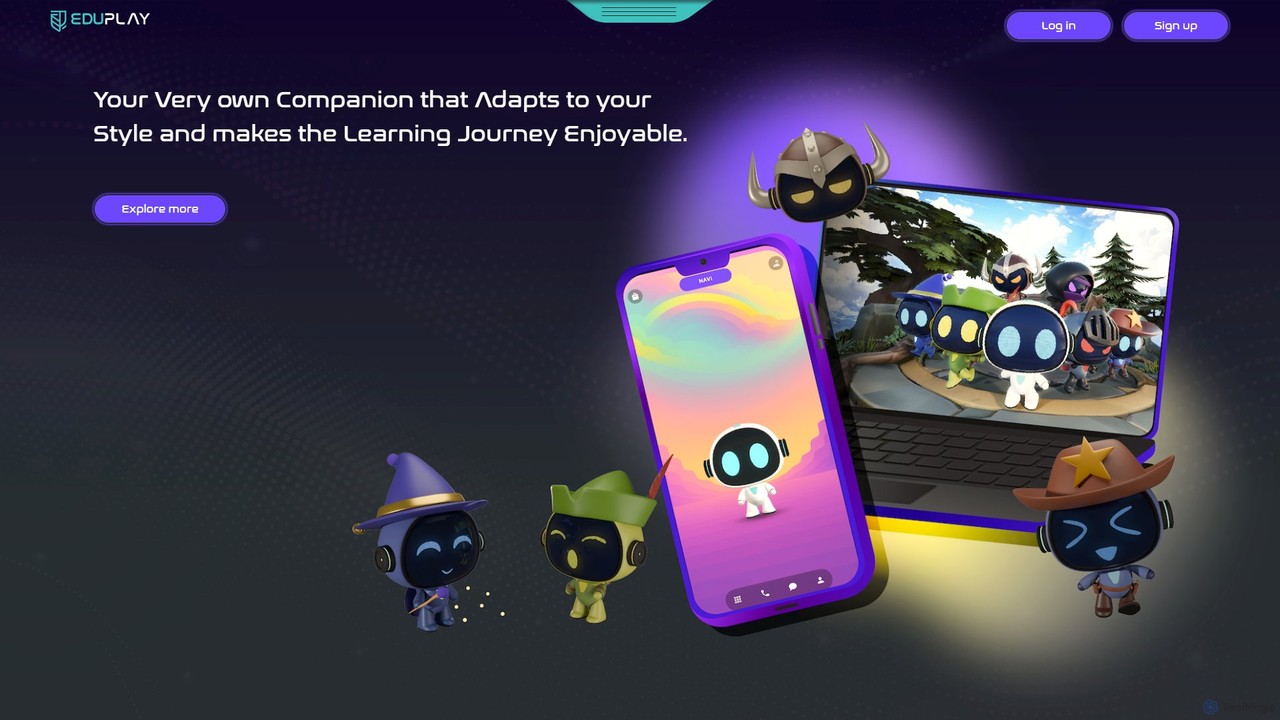
EduPlay
EduPlay is an AI-powered educational platform that revolutionizes learning through gamification and personalization. Featuring NAVI, an emotionally intelligent AI companion, it creates tailored learning paths that adapt to each student's pace and style. EduPlay makes learning enjoyable and effective by integrating rewards, levels, and interactive content, fostering both academic growth and essential life skills for a future-ready generation.
Gamified Learning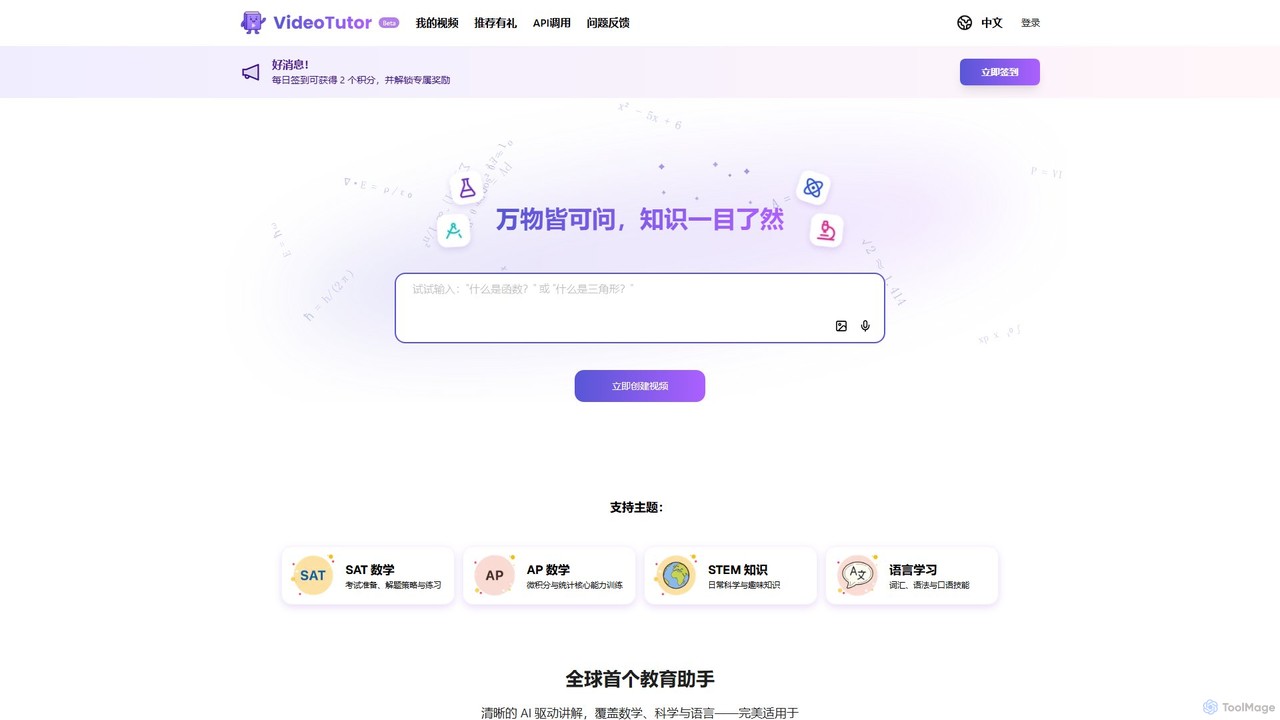
VideoTutor
VideoTutor is an AI-powered platform that generates personalized video explainers for a wide range of subjects, including math, science, and language learning. It acts as a 24/7 AI tutor, creating clear, step-by-step video lessons from any question or topic, making it ideal for exam preparation (SAT, AP) and general knowledge acquisition.
Tutoring
coschool
coschool is an AI-powered co-pilot for educators, designed to streamline workflows and reduce administrative burdens. It helps teachers generate high-quality lesson plans, quizzes, worksheets, report card comments, and other educational materials in minutes, freeing up valuable time to focus on teaching and student engagement.
Assessment Generation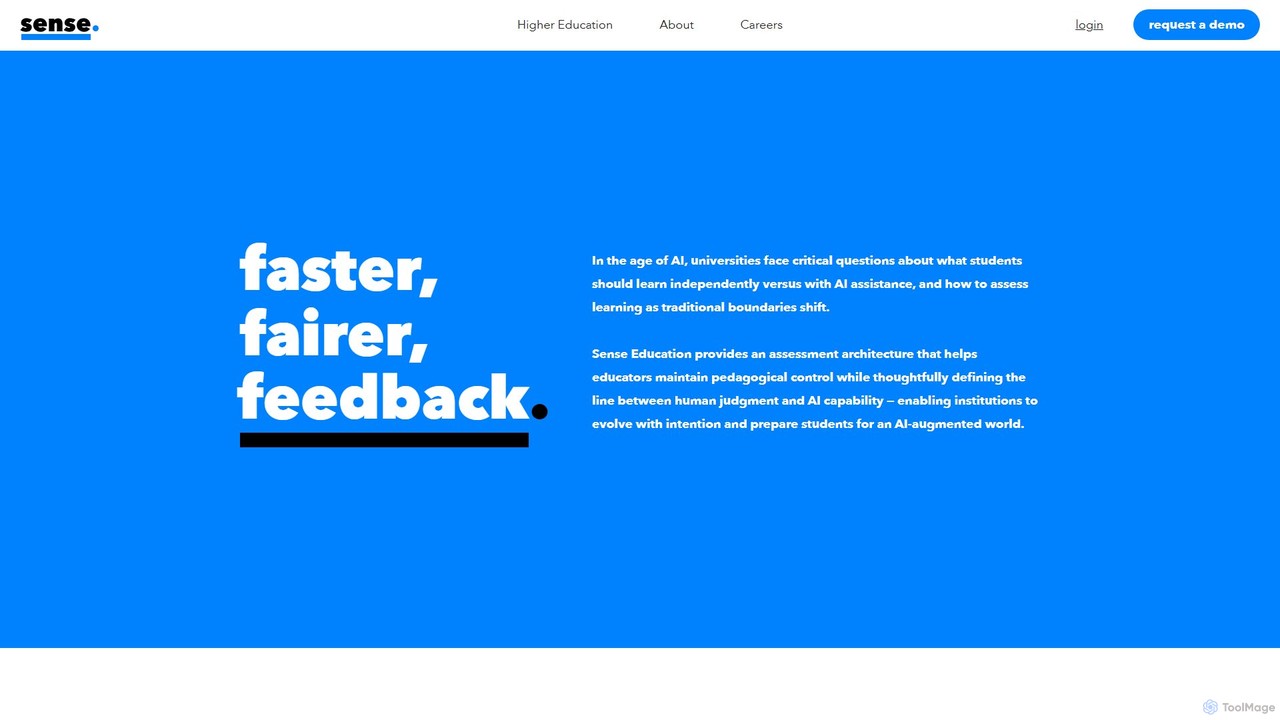
Sense
Sense is an AI-driven assessment and feedback platform designed for higher education. It empowers educators to provide personalized, high-quality feedback at scale, overcoming the challenges of large class sizes. By amplifying human expertise, Sense helps improve student outcomes and makes quality education more accessible.
Assessment
Infinilearn
Infinilearn is an AI-powered personalized learning companion designed for homeschoolers. It combines an adaptive curriculum with a unique social learning platform, allowing students to learn at their own pace while connecting with peers in a safe, moderated environment. It aims to make homeschooling more engaging, effective, and socially enriching for both students and parents.
Homeschooling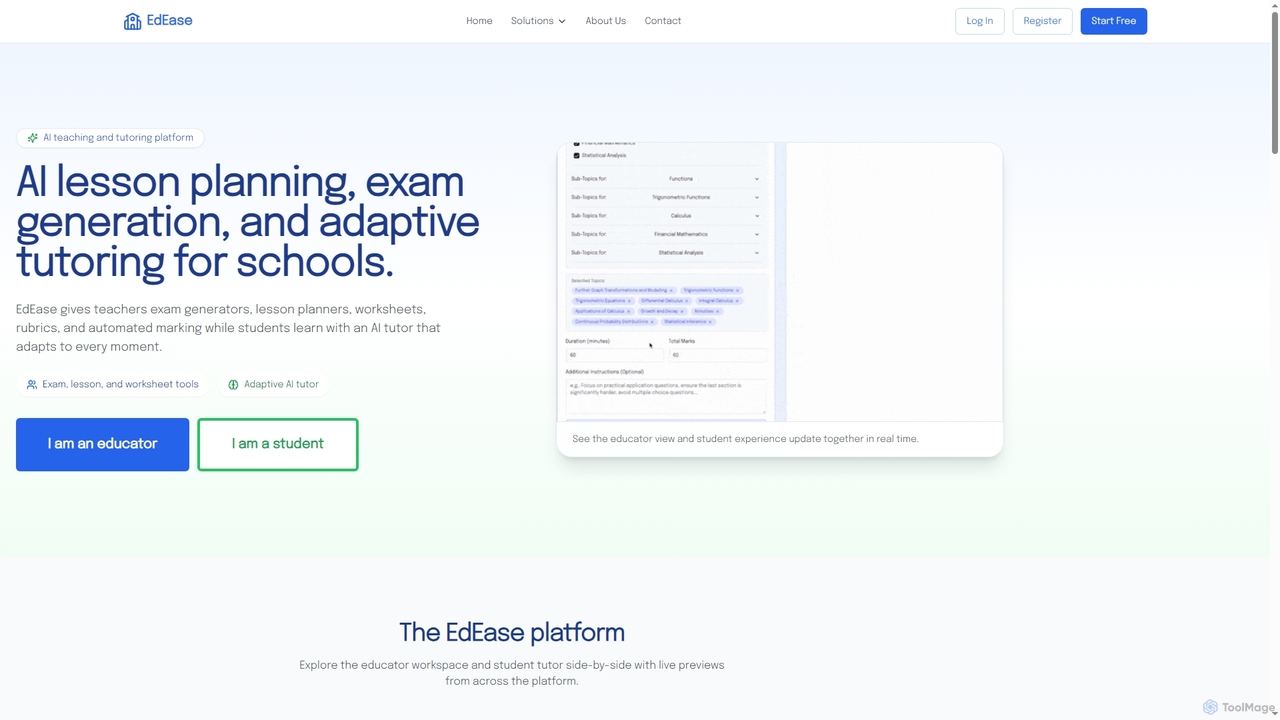
EdEase
EdEase is an AI-powered teaching and tutoring platform designed for educators and students. It streamlines lesson planning, exam generation, worksheet creation, and automated marking for teachers, while providing students with an adaptive AI tutor for personalized learning and practice. Built to reduce teacher workload and enhance student outcomes.
Assessment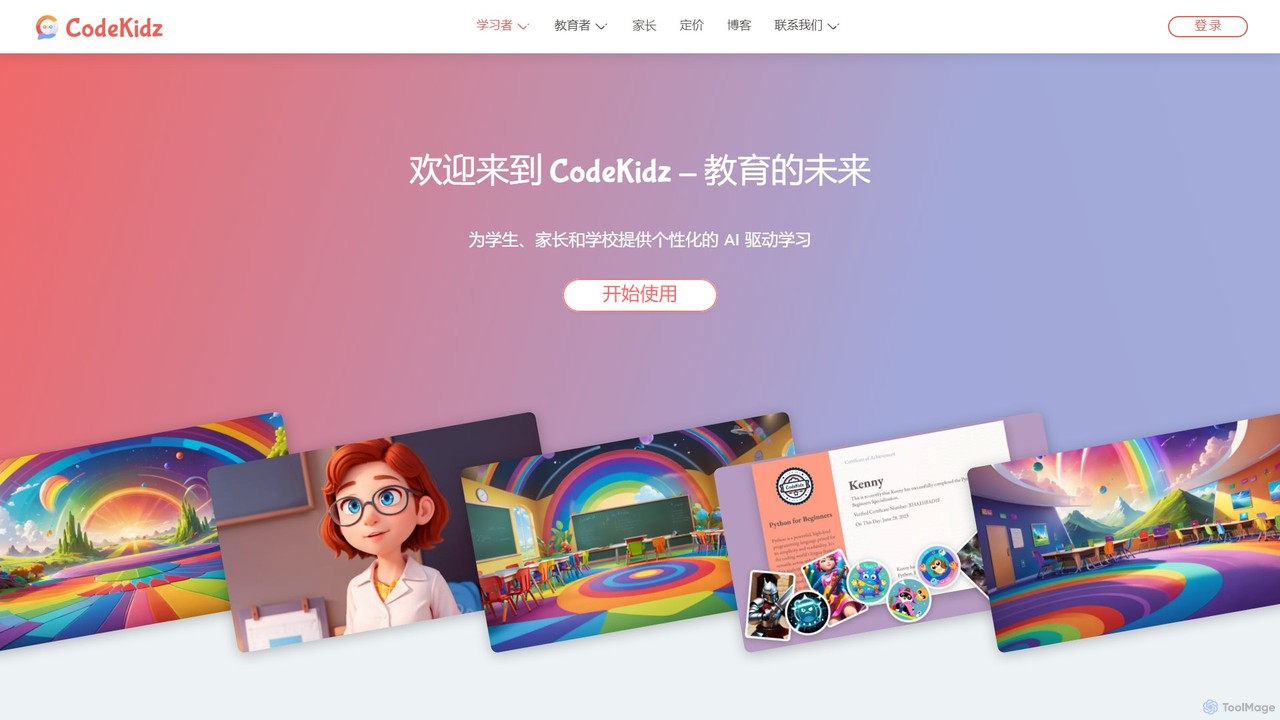
CodeKidz
CodeKidz is an AI-powered personalized learning platform for students, educators, and parents. It offers a wide range of courses from coding to arts, featuring customizable AI tutors, gamified rewards, and powerful tools for educators to create and manage digital lessons.
Virtual Assistant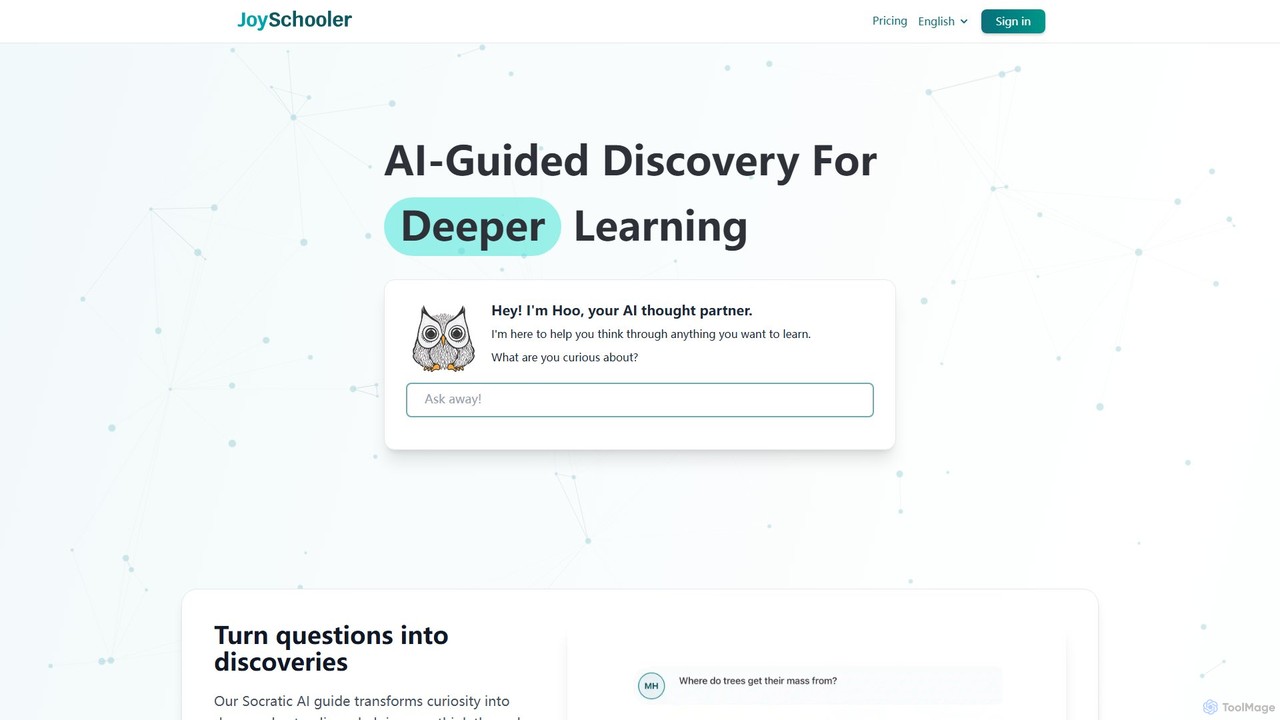
Joyschooler
Joyschooler is an AI-powered educational platform for students aged 5+. Featuring a Socratic AI guide named 'Hoo,' it helps kids develop critical thinking and deeper understanding across subjects like math, science, and writing. Instead of providing direct answers, it asks guiding questions, fostering independent problem-solving, curiosity, and improved writing skills in a safe, monitored environment for parents and teachers.
Learning AssistantFelloFish
FelloFish (formerly fiete.ai) is an AI-powered educational tool designed for teachers and students. It provides instant, individualized, and effective feedback on written assignments based on teacher-defined criteria. This helps improve students' writing skills, increases their motivation, and significantly reduces the workload for educators, allowing them to focus on personalized support.
Language Learning
flintk12 Comments (0)
Sign in to comment.
Sign inNo comments yet.