
SnipOwl Overview
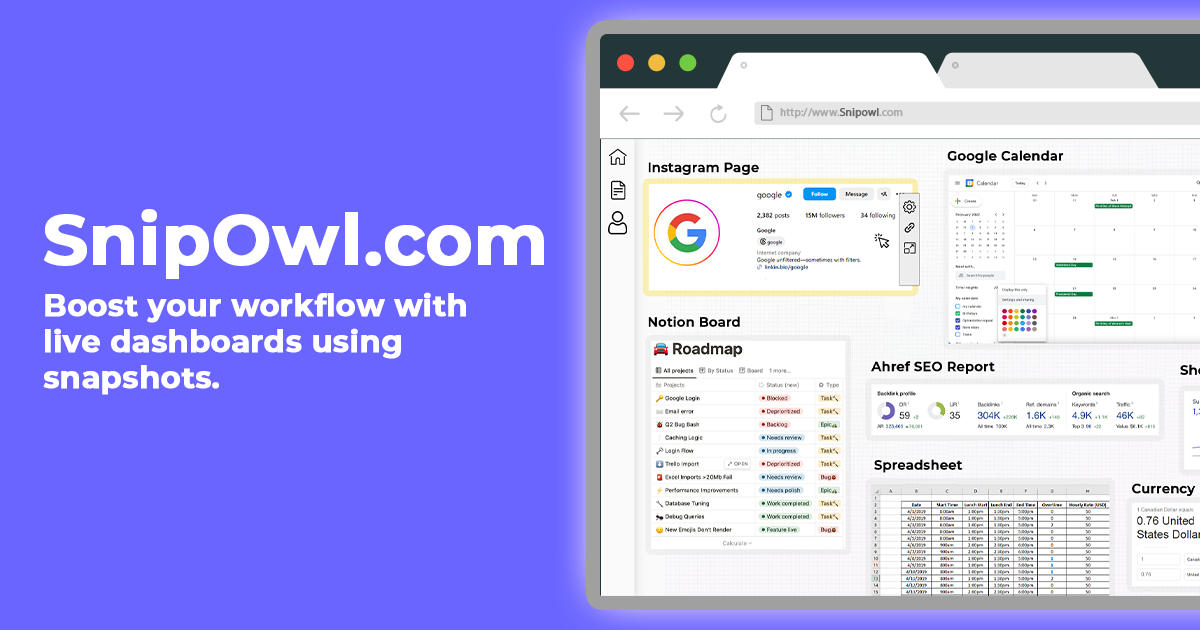
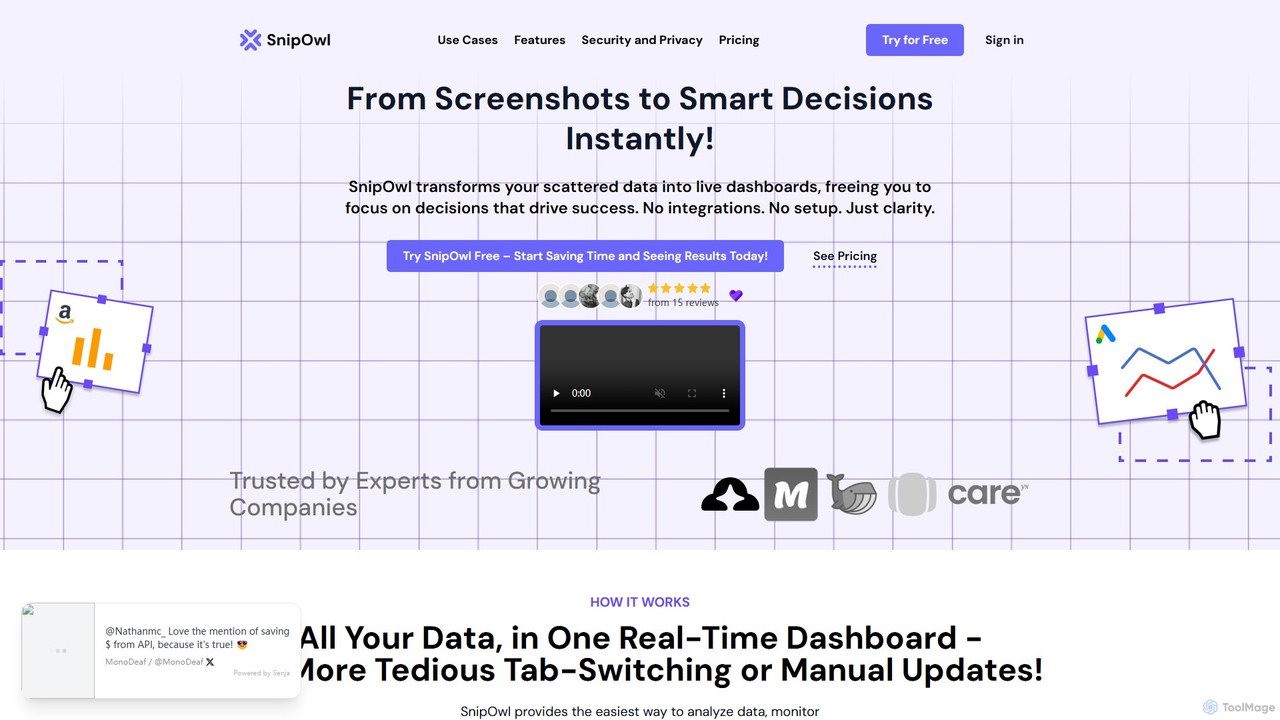
SnipOwl is a revolutionary platform designed to transform the way you interact with data. It addresses the common problem of scattered information across multiple tabs and platforms by allowing you to create live, dynamic dashboards from simple webpage snapshots. This eliminates the need for tedious manual updates, complex API integrations, or technical expertise. With SnipOwl, you can turn any visual element on a website—be it a graph, a KPI metric, a sales figure, or a project status—into a live feed on a centralized dashboard. This ensures you always have the most current information at your fingertips, empowering you to make smarter, data-driven decisions instantly.
The core philosophy of SnipOwl is simplicity and efficiency. It's built for professionals who need clarity and focus, not another complicated tool to learn. By providing a seamless way to aggregate and monitor data, SnipOwl frees up valuable time and mental energy, allowing you to focus on what truly matters: driving success for your business.
How to use SnipOwl
Getting started with SnipOwl is designed to be an effortless, three-step process that takes only minutes:
- Install the Chrome Extension: Begin by adding the free SnipOwl Chrome Extension to your browser. The installation is instant and requires no complex setup.
- Capture Your Data: Navigate to any webpage containing the data you want to track. This can be a social media analytics page, a sales platform, a project management tool, or any other web application, even those requiring a login. Use the extension to select and capture ('snip') the specific part of the page you need. Your data is encrypted and securely processed.
- Build Your Dashboard: Arrange your captured 'snips' on a personalized dashboard. Each snip acts as a live window to its original source, updating automatically at intervals you can define. You can create multiple dashboards for different projects or departments, all in one place.
Core Features of SnipOwl
- Live Dashboards from Snapshots: The primary feature is the ability to turn any webpage area into a live, auto-updating widget on your dashboard.
- No Integrations or APIs Needed: Connect to unlimited data sources without dealing with complex API keys or integration setups. This also helps save significantly on API subscription costs.
- AI-Powered Content Analysis: Let the built-in AI analyze your captured content to provide instant summaries and actionable insights, reducing the manual effort of data interpretation.
- Automatic Refreshes: Set custom time intervals for each snip to refresh automatically, ensuring your dashboard data is always current without manual intervention.
- Seamless Sharing and Embedding: Easily share your dashboards with team members via a link or embed them directly into websites, wikis, or applications like Notion or Confluence.
- Works with Login-Required Sites: SnipOwl is designed to securely access and capture data from websites and web applications that require you to be logged in.
- Robust Security: All captured data and user information are protected with strong encryption and robust security measures to ensure confidentiality and privacy.
- Template Library (Coming Soon): Gain access to a collection of pre-designed dashboard templates to organize your snips efficiently and get started even faster.
Use Cases for SnipOwl
SnipOwl is a versatile tool beneficial for various roles and industries:
- Digital Marketers: Consolidate key performance indicators (KPIs) from Google Ads, Facebook Ads, HubSpot, Google Analytics, and other marketing platforms into a single view. Track campaign performance, ad spend, and conversion rates in real-time to optimize strategies on the fly.
- Business Owners & Executives: Get a high-level overview of business health by tracking sales figures, revenue, customer support tickets, and operational metrics from different software on one screen.
- Project Managers: Monitor project progress, team velocity, and budget tracking from tools like Jira, Asana, or Trello without constantly switching tabs.
- E-commerce Managers: Keep an eye on sales, inventory levels, website traffic, and customer reviews from platforms like Shopify, Amazon Seller Central, and more.
Advantages of SnipOwl
Choosing SnipOwl offers several distinct advantages:
- Massive Time Savings: Eliminates the manual work of checking multiple websites and compiling reports, freeing up hours each week.
- Cost Efficiency: Save up to 50% in costs by avoiding the need for paid API access from various services.
- No Technical Skills Required: Its intuitive, no-code interface makes it accessible to everyone, regardless of their technical background.
- Centralized Clarity: All your critical data is in one place, providing a clear, holistic view that prevents information silos and improves decision-making.
- Enhanced Focus: By reducing context switching and data clutter, you can concentrate on analysis and strategy rather than data gathering.
Pricing and Plans
SnipOwl offers a freemium model with plans tailored to different needs, available monthly or with a 30-40% discount on yearly subscriptions.
- Free Trial: Users can get started for free to experience the core functionality.
- Starter Plan: Priced at $12/month, this plan is for basic use. It includes 10 snips, 3 dashboards, limited snip history, and the ability to embed dashboards with a watermark.
- Pro Plan: For $29.99/month, this plan is designed for advanced users. It offers unlimited snips, unlimited dashboards, unlimited history, embedding without a watermark, auto-refreshes, and AI-Powered Content Analysis.
- Starter Lifetime Deal: A limited-time offer of a $100 one-time payment for the Starter plan features, providing lifetime access.
All plans include unlimited connections to data sources, shareable links, 24/7 support, and encrypted data protection.
SnipOwl Alternatives
Domo
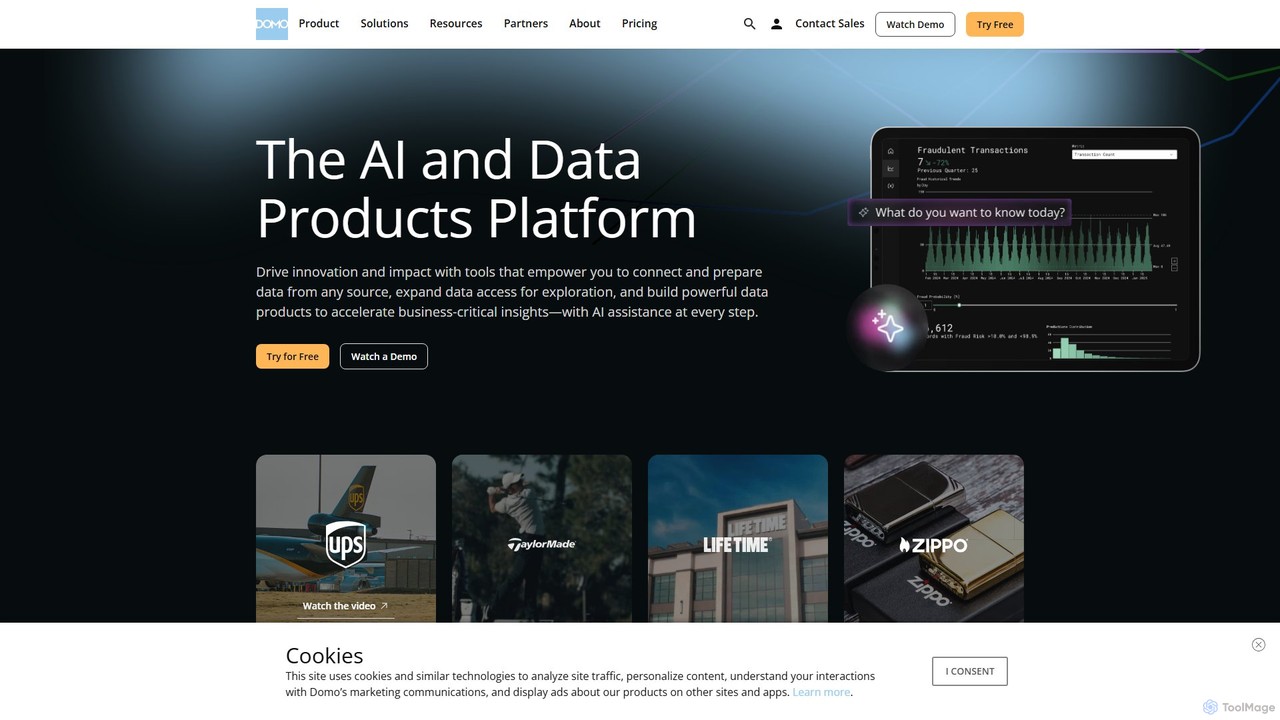
Domo is an AI-powered cloud platform that integrates all your business data, providing real-time analytics, interactive dashboards, and automated workflows. It empowers users to build data products, create AI agents, and make faster, data-driven decisions across the entire organization.
Business Intelligence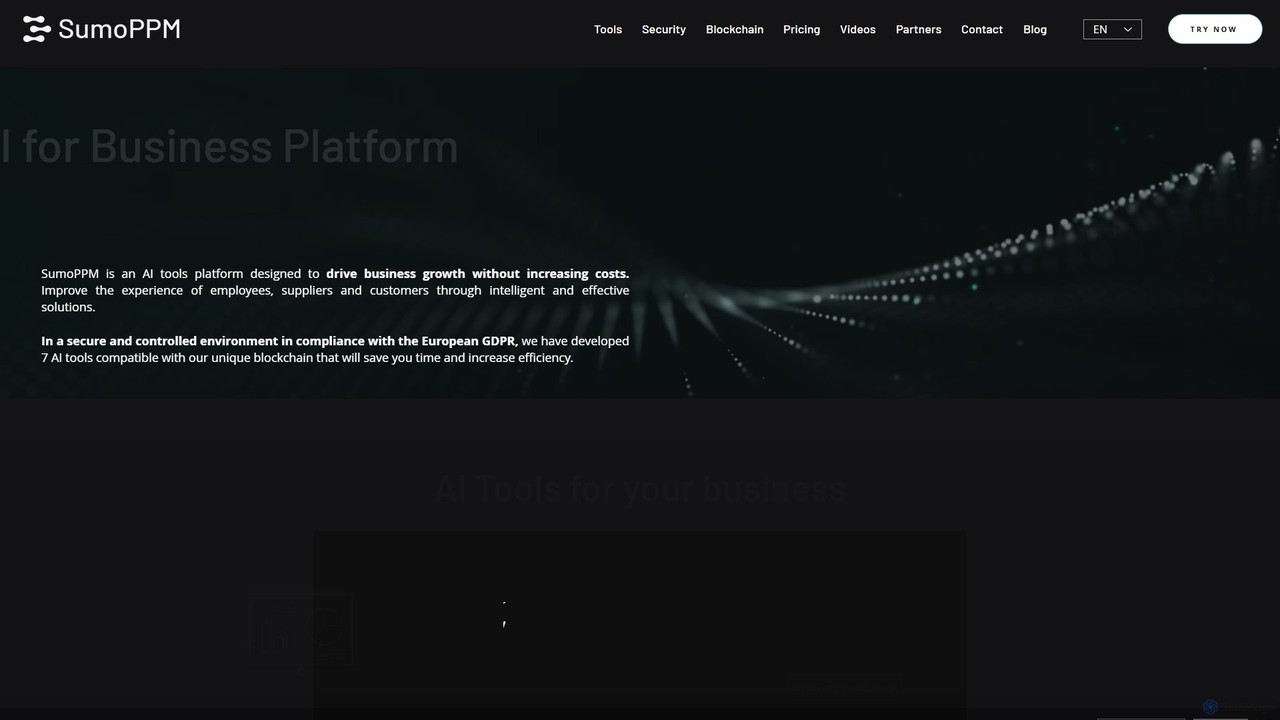
SumoPPM
SumoPPM is an all-in-one AI platform for businesses, offering a suite of tools for automation, data analysis, and customer engagement. It helps streamline operations with data visualization, predictive modeling, AI agents, and chatbots in a secure, GDPR-compliant environment.
All In One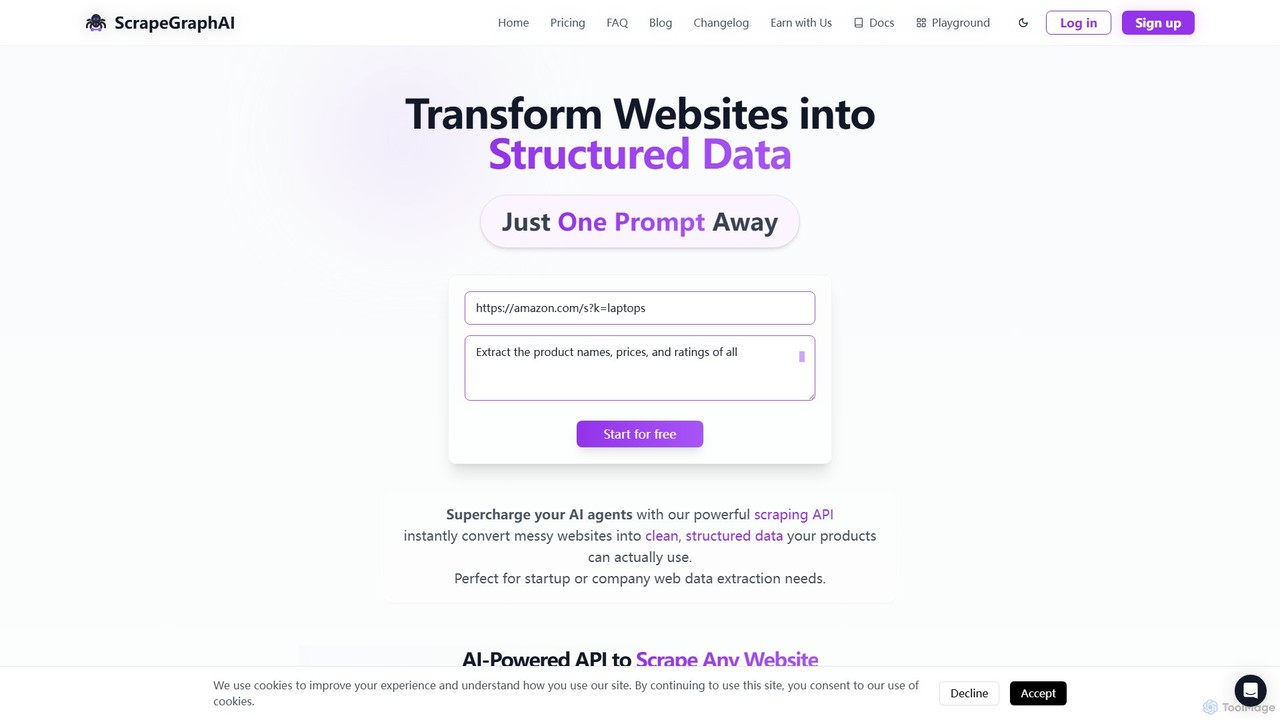
ScrapeGraphAI
ScrapeGraphAI is an AI-powered web scraping API that transforms unstructured websites into clean, structured JSON data using simple natural language prompts. Designed for developers, AI agents, and automated workflows, it simplifies data extraction without complex code.
Analytics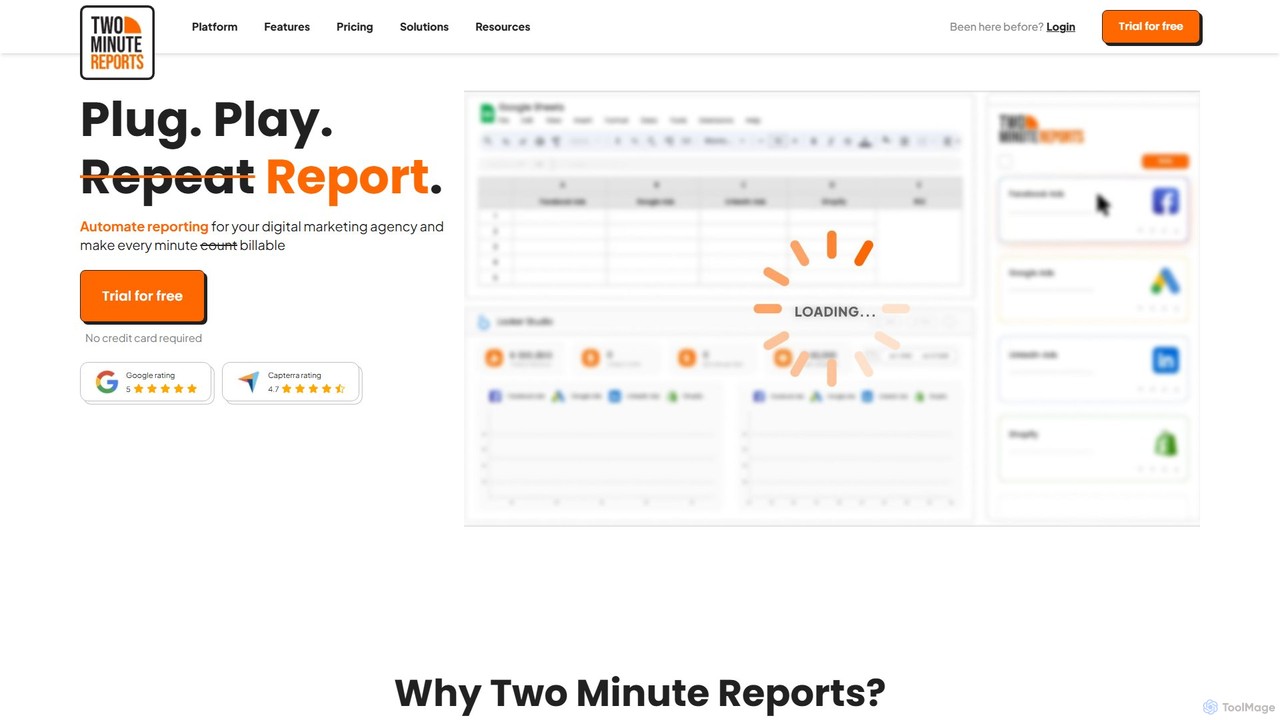
Two Minute Reports
Two Minute Reports is an automated reporting tool for marketing agencies and teams. It integrates with Google Sheets and Looker Studio to create professional, white-labeled, multi-channel performance reports in minutes. Automate data collection, blend insights from 30+ platforms, and save hours on client reporting.
Analytics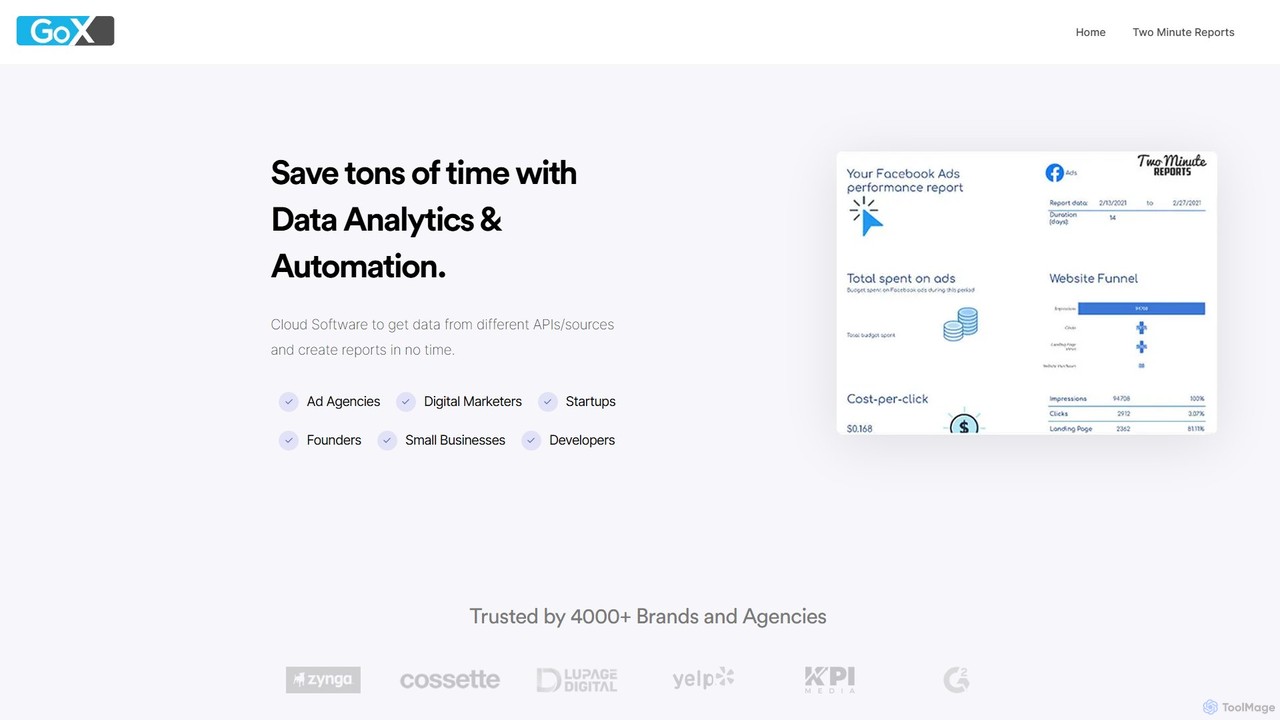
GoX
GoX is a data automation and analytics platform, delivered through its flagship product 'Two Minute Reports'. It helps marketers and agencies save time by connecting to various data sources (like Google Ads, Facebook Ads, SEO tools), consolidating data, and automating report generation directly within Google Sheets and Looker Studio. It's a no-code solution for creating beautiful, insightful reports in minutes.
Business IntelligenceSnipOwl Categories
SnipOwl Embed Widget
Copy this embed code to place the badge on your blog, article, or product site and send readers directly to this ToolMage detail page.

Related AI tools
Two Minute Reports
Two Minute Reports is an automated reporting tool for marketing agencies and teams. It integrates with Google Sheets and Looker Studio to create professional, white-labeled, multi-channel performance reports in minutes. Automate data collection, blend insights from 30+ platforms, and save hours on client reporting.
AnalyticsGoX
GoX is a data automation and analytics platform, delivered through its flagship product 'Two Minute Reports'. It helps marketers and agencies save time by connecting to various data sources (like Google Ads, Facebook Ads, SEO tools), consolidating data, and automating report generation directly within Google Sheets and Looker Studio. It's a no-code solution for creating beautiful, insightful reports in minutes.
Business Intelligence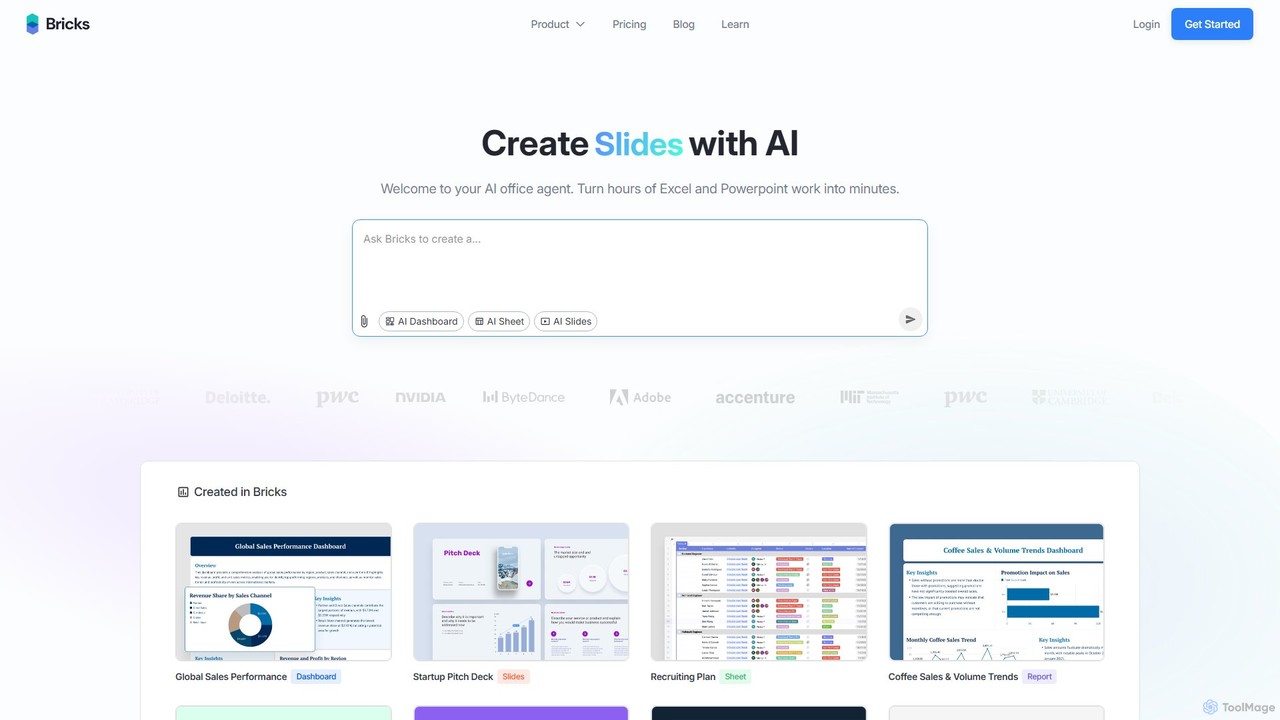
thebricks
thebricks is an AI-powered workspace that transforms data analysis and reporting. It allows users to create interactive dashboards, dynamic spreadsheets, and professional slides using simple natural language prompts. Turn hours of manual work in Excel and PowerPoint into minutes, streamlining your workflow and boosting productivity.
Business Intelligence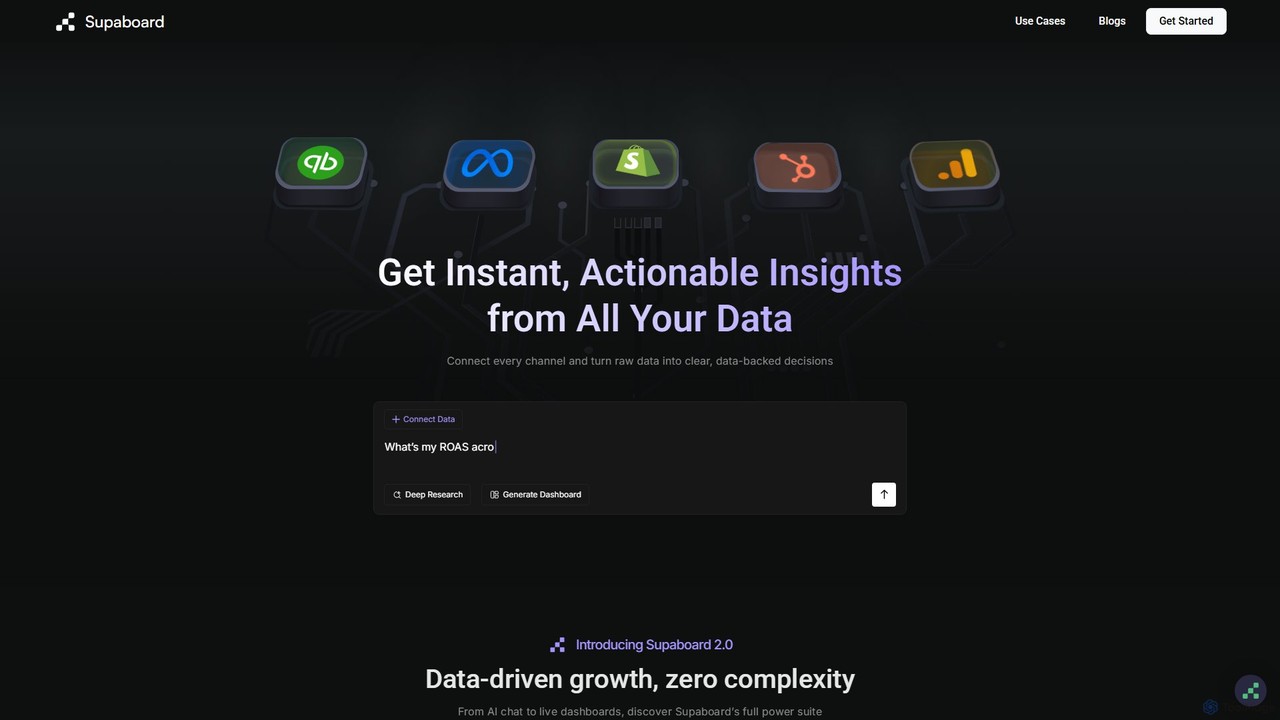
Supaboard
Supaboard is an AI-powered business intelligence platform that connects all your data sources into a unified hub. It transforms raw data into actionable insights and live dashboards, allowing teams to make data-backed decisions quickly without needing to write code or wrangle spreadsheets.
Business Intelligence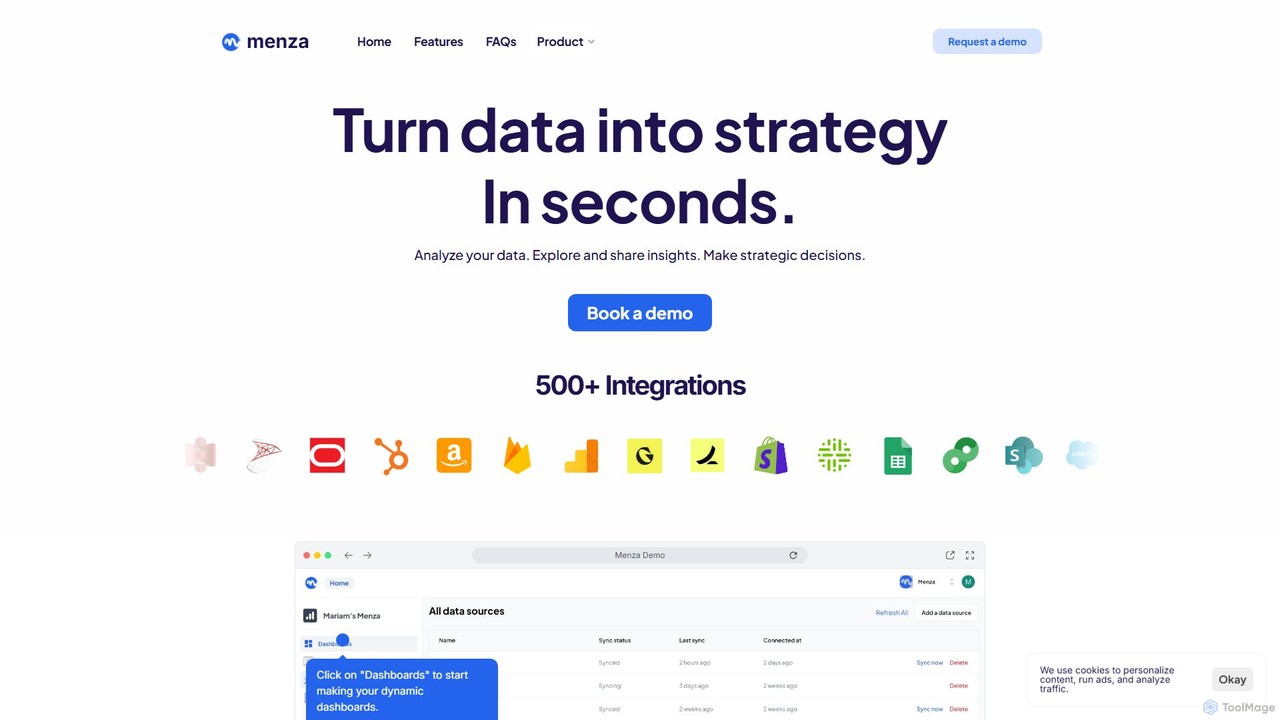
menza
menza is an AI-powered data analysis platform that transforms business data into actionable strategic insights in seconds. It allows non-technical users to analyze data, build interactive dashboards, and collaborate on decisions using plain language and a simple interface.
Business Intelligence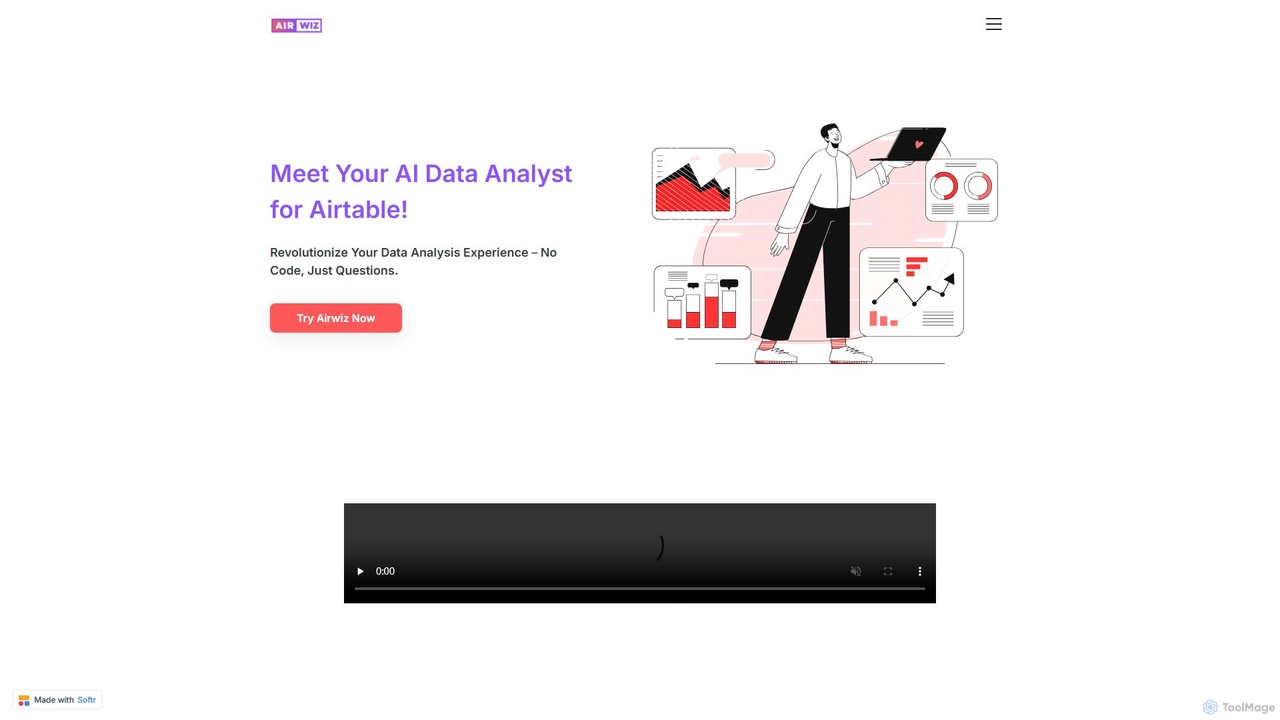
airwiz
Airwiz is an AI-powered data analyst designed specifically for Airtable. It allows users to ask complex questions about their data in plain English and receive instant, actionable insights. With seamless integration and no coding required, Airwiz democratizes data analysis, enabling teams in product, finance, and operations to make faster, data-driven decisions directly from their Airtable bases.
No Code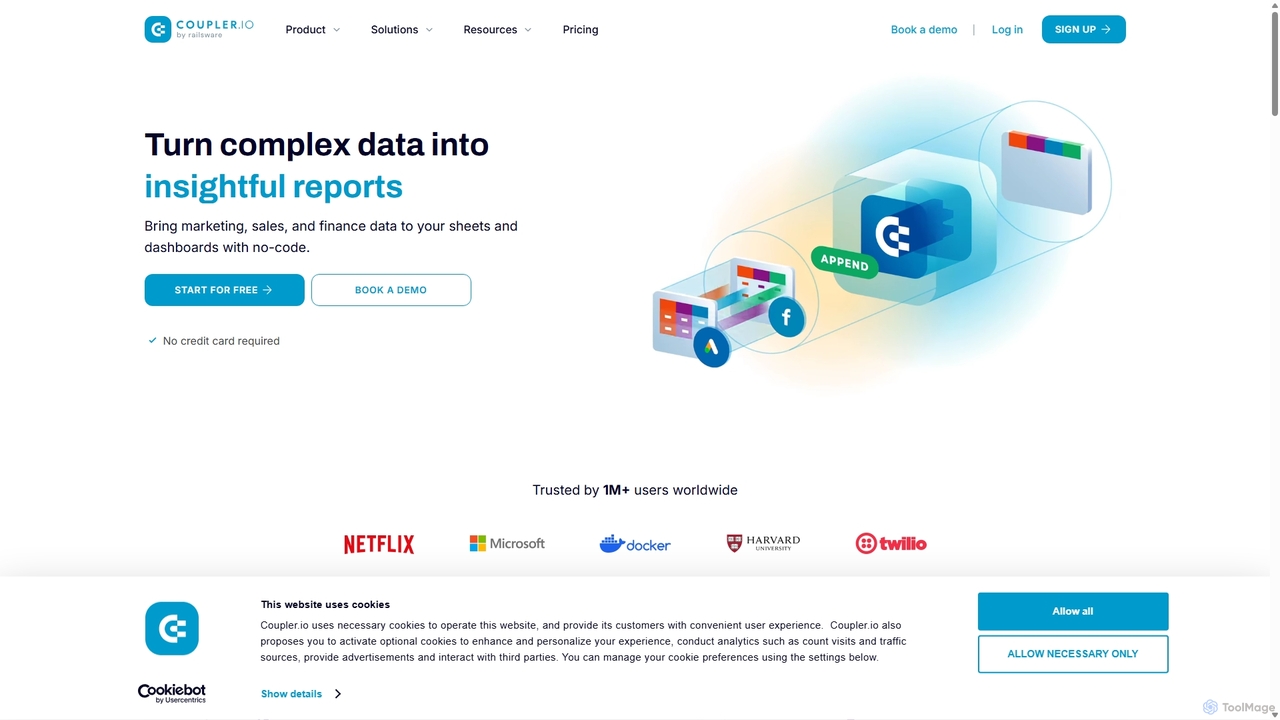
Coupler.io
Coupler.io is a no-code data analytics and automation platform that helps businesses connect disparate data sources from marketing, sales, and finance apps to spreadsheets, data warehouses, or BI tools. It automates data collection, transforms raw data into analysis-ready formats, and provides AI-powered insights and pre-built dashboard templates for faster, smarter decision-making.
Business Intelligence
Ajelix
Ajelix is an AI-powered suite of tools designed to enhance productivity for Excel and Google Sheets users. It acts as an AI data analyst, automating tasks, generating formulas and VBA scripts, creating insightful reports, and providing advanced data analysis through a simple chat interface.
Business Intelligence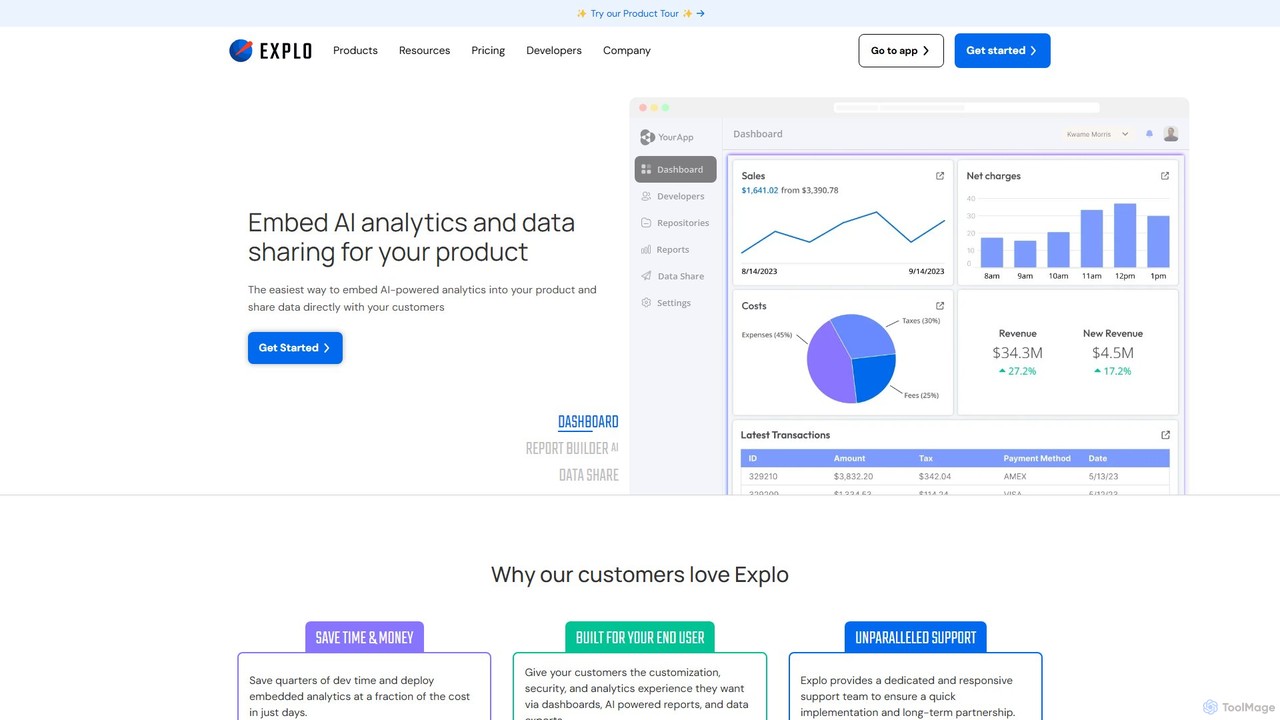
Explo
Explo is a powerful platform for creating and embedding customer-facing analytics and dashboards directly into any application. It allows businesses to connect their databases, build beautiful, customizable data visualizations, and share insights with their users seamlessly. With AI-powered features like a dashboard builder and reporting, Explo helps SaaS, E-commerce, and Fintech companies enhance their product value by providing native, white-labeled analytics experiences without extensive development effort.
Business Intelligence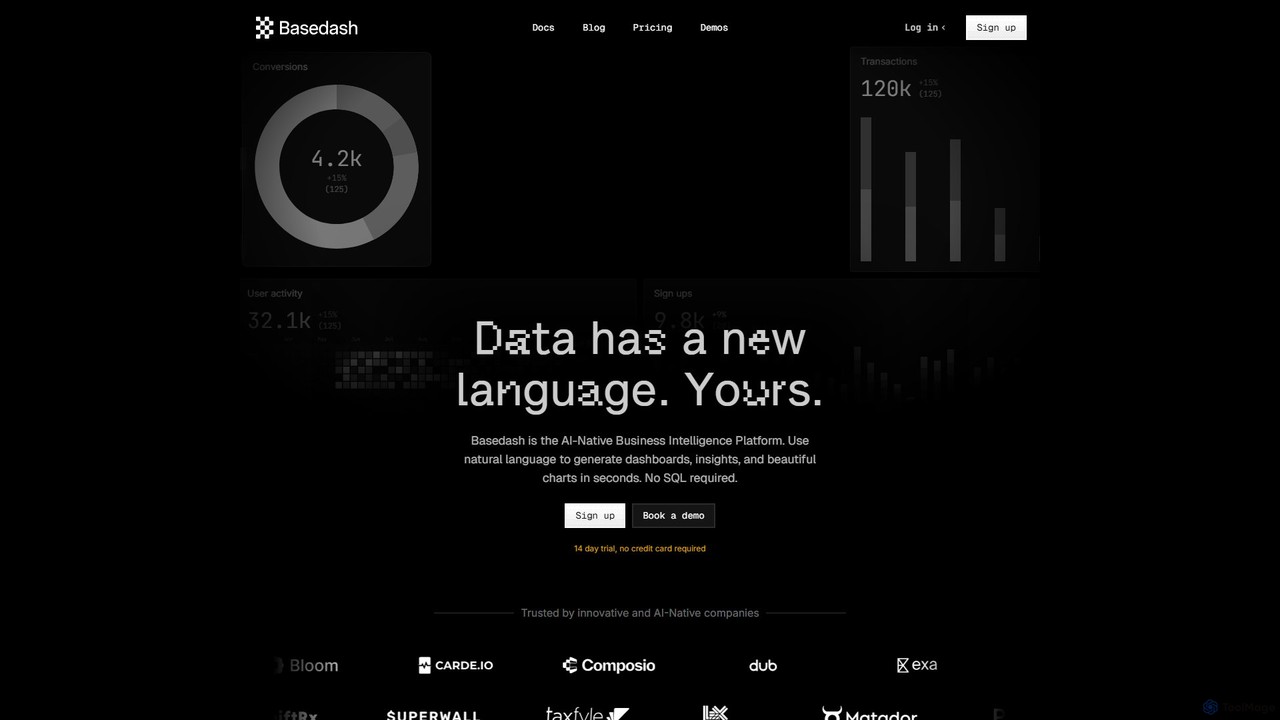
Basedash
Basedash is an AI-native business intelligence platform that allows teams to interact with their data using natural language. Generate beautiful dashboards, charts, and insights in seconds without writing any SQL code. Connect your data sources and simply ask questions to get answers.
Business Intelligence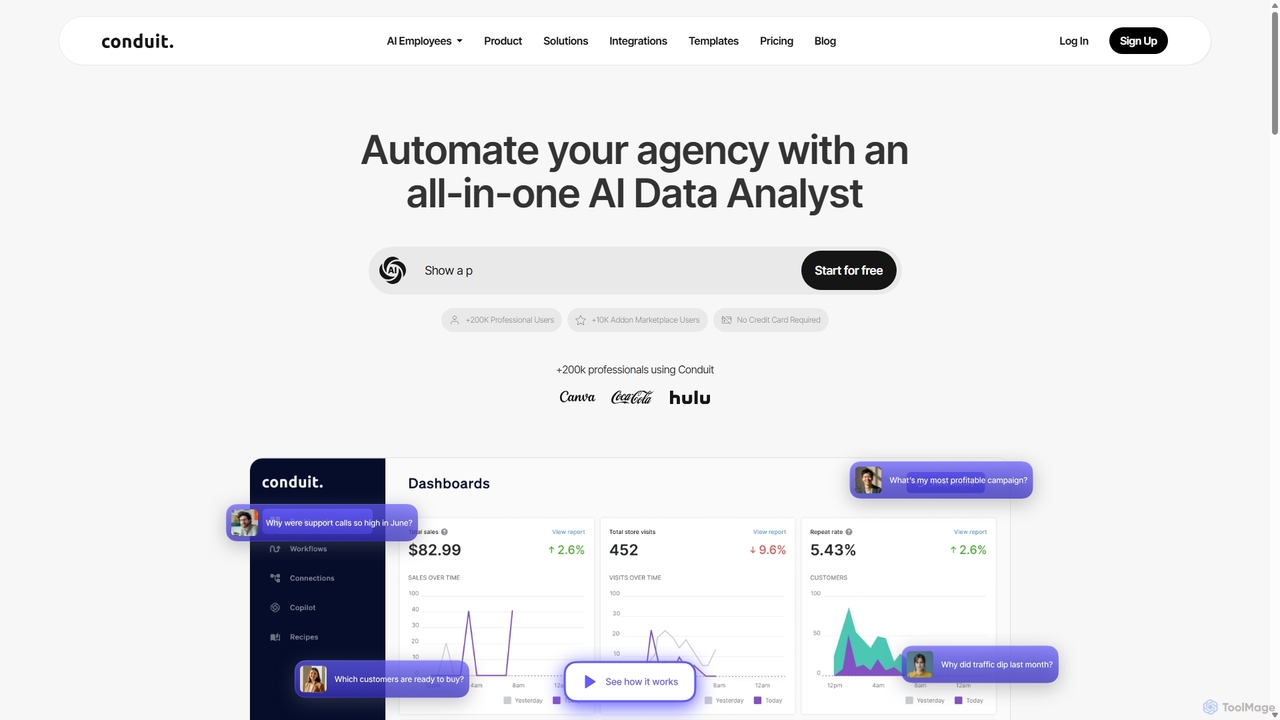
Conduit
Conduit is an all-in-one AI data analyst platform designed to automate agencies and businesses. It centralizes data from hundreds of sources like CRMs, ad platforms, and databases, enabling users to build automated workflows, create interactive dashboards, and query their data using a natural language AI copilot. It's built for marketing teams, data analysts, and developers to save time, improve accuracy, and make faster, data-driven decisions.
Business Intelligence
Stadai
Stadai is an advanced AI-powered platform for data analysis, business intelligence, and predictive modeling. It empowers users to transform complex data into actionable insights, automate reporting, and forecast trends through an intuitive, no-code interface.
Business Intelligence
pandalyst
Pandalyst is an AI-powered data analysis platform that transforms how you interact with data. Ask questions in natural language and receive instant visualizations, insights, and reports. It automates complex data tasks, making business intelligence accessible to everyone, from analysts to business leaders, without writing a single line of code.
Low Code No Code
ChatExcel
ChatExcel is an AI-powered data analysis tool that allows users to process spreadsheets and analyze data through a simple chat interface. It automates tasks like data cleaning, merging, and analysis, and generates over 100 types of charts and visualizations from natural language commands. No coding or complex formulas required, boosting productivity by up to 90%.
Business Intelligence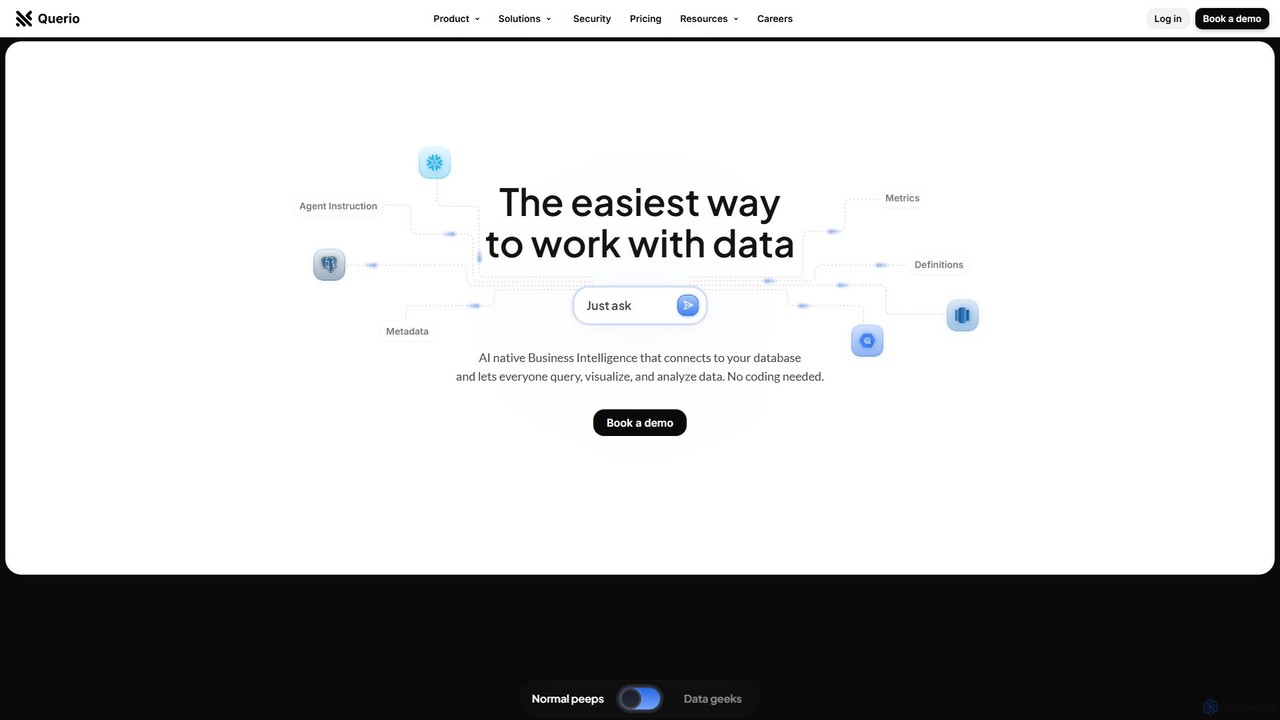
Querio
Querio is an AI-native Business Intelligence (BI) platform that allows teams to analyze their data using natural language. Connect directly to your database and ask questions to generate queries, visualizations, and reports without writing any code. It's designed for both technical and non-technical users to make data-driven decisions quickly.
Business Intelligence
SnipOwl Comments (0)
Sign in to comment.
Sign inNo comments yet.