

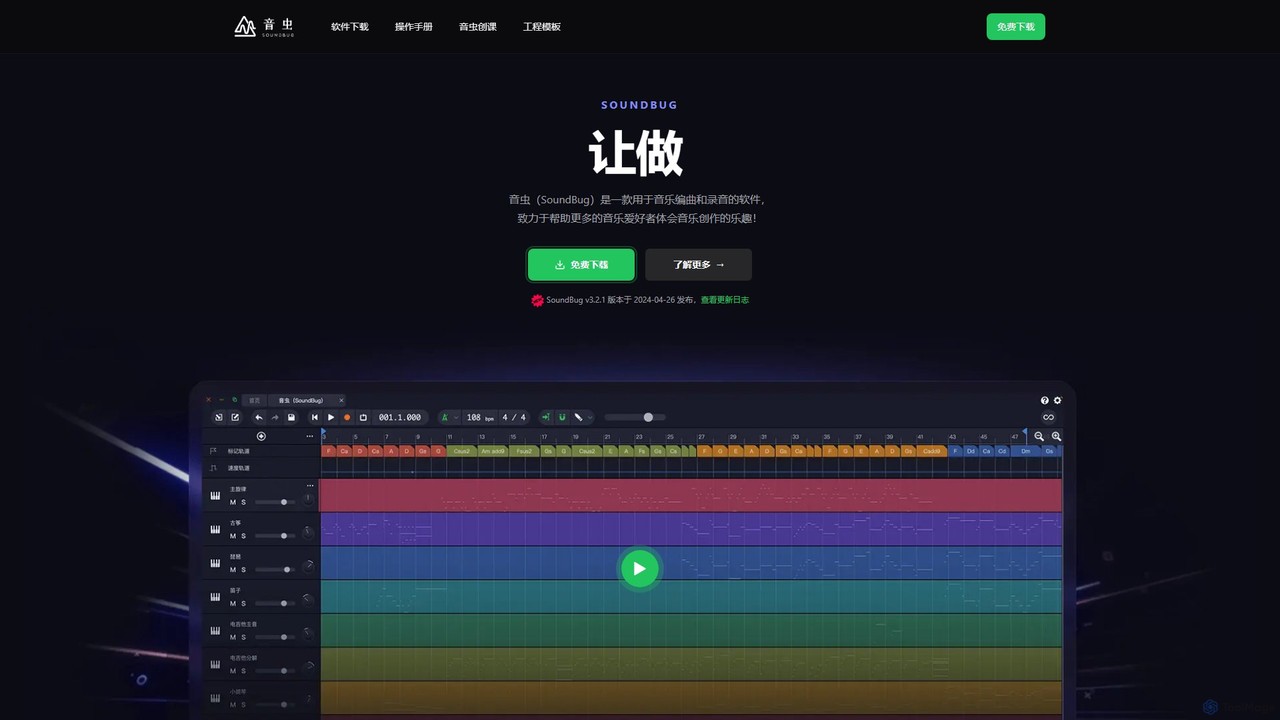
SoundBug Overview
SoundBug is an innovative and accessible Digital Audio Workstation (DAW) designed to make music creation simple and enjoyable for everyone, from absolute beginners to seasoned hobbyists. Developed with a mission to help more music lovers experience the joy of creation, SoundBug integrates powerful AI technology to streamline the composition and arrangement process. It stands out as a tool that is not only powerful but also exceptionally easy to use, making it a preferred choice for students, teachers, and aspiring producers.
The software comes packed with a rich library of resources to spark your creativity right away. With over 600 high-quality virtual instruments, you can find the perfect sound for any genre, from classical pianos and orchestral strings to modern synths and drum kits. Additionally, a collection of over 600 classic musical phrases and rhythm sections allows you to build a solid foundation for your track with a single click. For those who want to expand their sonic palette, SoundBug offers full support for VST and VST3 plugins, ensuring compatibility with thousands of third-party instruments and effects.
How to use SoundBug
Getting started with SoundBug is a straightforward process designed to get you creating music in minutes:
- Download and Install: Visit the official SoundBug website and download the free version for your Windows or Mac operating system.
- Choose a Template or Start Fresh: Launch the software and choose from a variety of project templates tailored for different genres, or start with a blank canvas to build your track from the ground up.
- Generate Ideas with AI: Use the AI Arrangement feature to instantly generate chord progressions, melodies, or full backing tracks. This is perfect for overcoming creative blocks or for beginners who are not yet familiar with music theory.
- Compose and Arrange: Drag and drop loops from the built-in library, record your own melodies using a MIDI keyboard with the virtual instruments, or record live audio such as vocals or guitar.
- Add Effects and Mix: Enhance your tracks using the 10+ built-in effects, or load your favorite VST/VST3 plugins. Use the mixer to balance the levels, pan the tracks, and polish your sound.
- Export Your Music: Once you are happy with your creation, export the final track in a high-quality audio format to share with the world.
Core Features of SoundBug
- AI-Powered Arrangement: Instantly generate musical ideas, chord progressions, and backing tracks, accelerating the creative process.
- Extensive Sound Library: Includes over 600 built-in virtual instruments with realistic sound reproduction and 600+ classic musical phrases and loops.
- VST & VST3 Plugin Support: Seamlessly integrate your favorite third-party virtual instruments and effects to expand your creative possibilities.
- User-Friendly Interface: A simplified and intuitive layout that minimizes the learning curve, making it ideal for students and beginners.
- All-in-One Solution: Comes with everything you need to start producing music out of the box, including instruments, effects, and arrangement tools.
- Cross-Platform Compatibility: Fully functional on both Windows and macOS.
- Educational Focus: Recognized as a designated teaching software and an excellent tool for music education in schools.
Use Cases for SoundBug
SoundBug is versatile and can be used by various individuals:
- Music Students and Teachers: An ideal platform for teaching and learning music composition, theory, and production in an interactive way.
- Beginner Producers and Hobbyists: A risk-free and easy entry point into the world of music production without the complexity of traditional DAWs.
- Songwriters: Quickly sketch out ideas and create professional-sounding backing tracks for their lyrics and melodies.
- Content Creators: Produce custom, royalty-free background music for videos, podcasts, and other digital content.
Advantages of SoundBug
SoundBug offers several key advantages. Its primary strength is its accessibility; the simplified design and AI features make it incredibly easy for anyone to start making music, regardless of their technical skill or music theory knowledge. The rich, built-in resource library and AI-powered tools provide a constant source of inspiration, helping users overcome creative hurdles. Being free to download, it offers a comprehensive, cost-effective solution that eliminates the financial barrier to entry. Finally, its all-in-one nature means users can produce complete tracks without needing to purchase additional software or plugins right away.
Pricing and Plans
SoundBug is available as a free download for both Windows and Mac. The free version provides access to the core music production features, the complete library of 600+ instruments and loops, and full VST/VST3 support. This makes it a fully functional and powerful tool at no cost. While the main software is free, the company may offer premium content packs, advanced features, or pro versions in the future.
Traffic
Latest traffic
Status
Monthly traffic trend
- 2025-9: 404
- 2026-1: 637
- 2026-2: 86
- 2026-3: 280
- 2026-4: 37
- 2026-5: 315
Geography
Top 5 countries / regions
- 🇺🇸United States100.0%
SoundBug Alternatives
LANDR
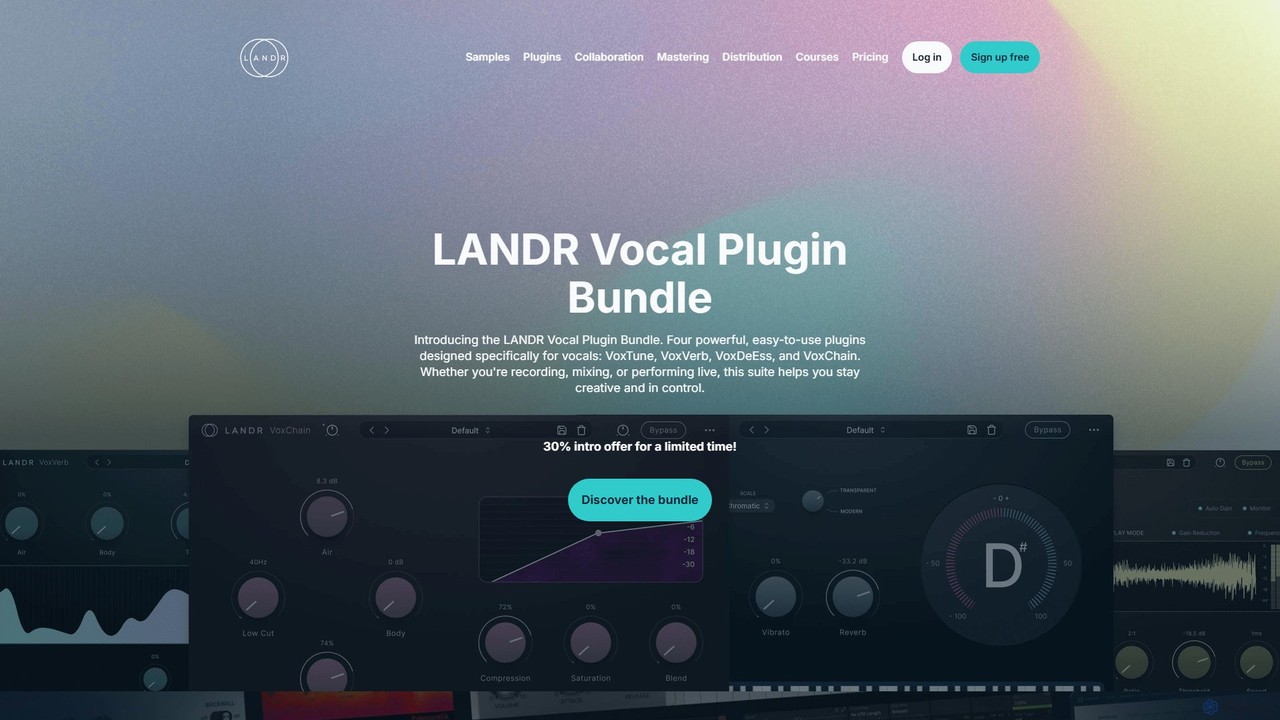
LANDR is an all-in-one AI-powered creative platform for musicians. It offers a complete suite of tools for music production, including AI mastering, digital distribution to over 150 platforms, a vast library of royalty-free samples and plugins, remote collaboration tools, and extensive online music courses. It's designed to empower creators from inspiration to release.
Mastering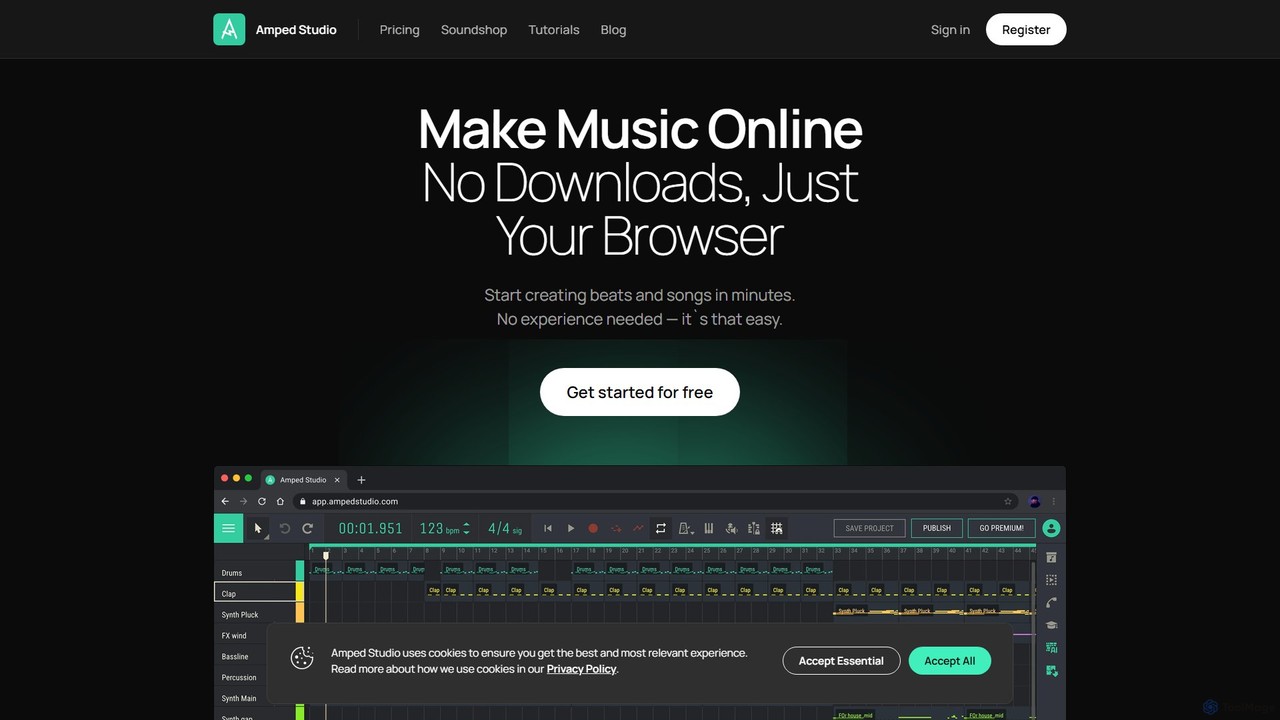
Amped Studio
Amped Studio is an innovative, browser-based online music studio and DAW that empowers users of all skill levels to create music. It integrates powerful AI tools, including a composition generator, song splitter, and voice changer, alongside traditional features like VST support, virtual instruments, and real-time collaboration. No downloads are required, making music production accessible to everyone, anywhere.
Generative Music
BandLab
BandLab is an all-in-one, free social music creation platform. It offers a powerful online Digital Audio Workstation (DAW), AI-powered mastering, a vast library of royalty-free samples, and robust collaboration tools. It empowers musicians of all levels to create, share, and distribute their music from any device, fostering a global community of over 100 million creators.
Audio Editing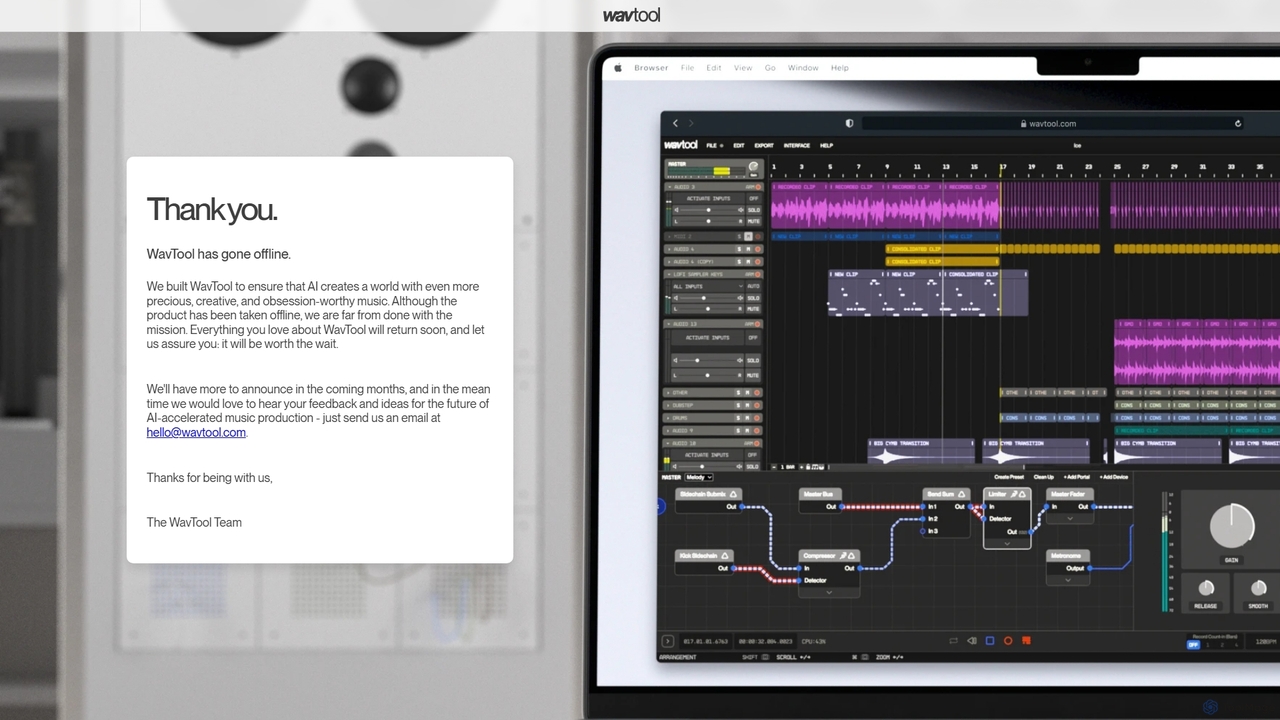
WavTool
WavTool is an innovative, AI-accelerated online digital audio workstation (DAW) designed to revolutionize music production. It combines a full-featured, in-browser DAW with powerful generative AI. Users can compose, record, edit, mix, and master music using natural language prompts and intelligent tools, making professional-grade music creation accessible to everyone from beginners to seasoned producers.
Music Production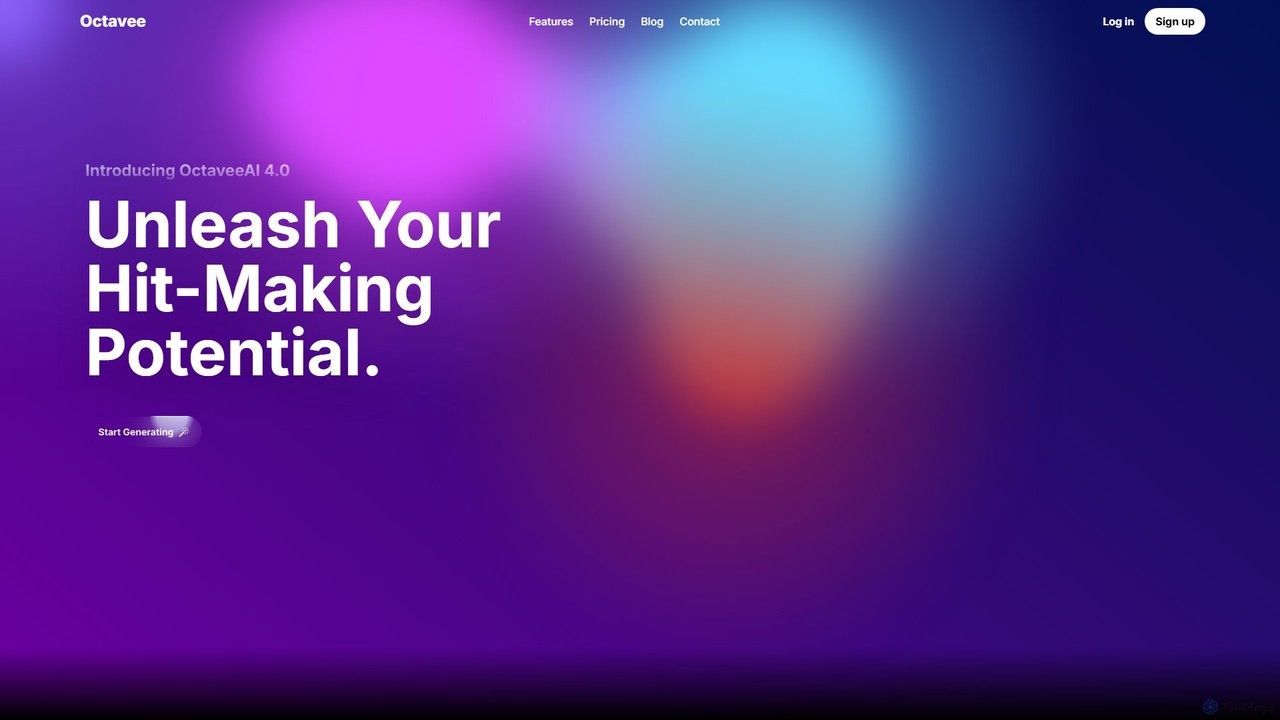
octavee
Octavee is an AI-powered MIDI generator for musicians and producers. It allows users to create unique melodies and chord progressions using simple text prompts. Export your creations as MIDI files and drag them into any DAW like FL Studio or Ableton. Octavee helps overcome creative blocks, speeds up workflow, and offers features like in-browser editing, detailed music analysis, and a library of popular prompts to inspire your next hit.
Music ProductionSoundBug Categories
SoundBug Embed Widget
Copy this embed code to place the badge on your blog, article, or product site and send readers directly to this ToolMage detail page.

Related AI tools
Amped Studio
Amped Studio is an innovative, browser-based online music studio and DAW that empowers users of all skill levels to create music. It integrates powerful AI tools, including a composition generator, song splitter, and voice changer, alongside traditional features like VST support, virtual instruments, and real-time collaboration. No downloads are required, making music production accessible to everyone, anywhere.
Generative Music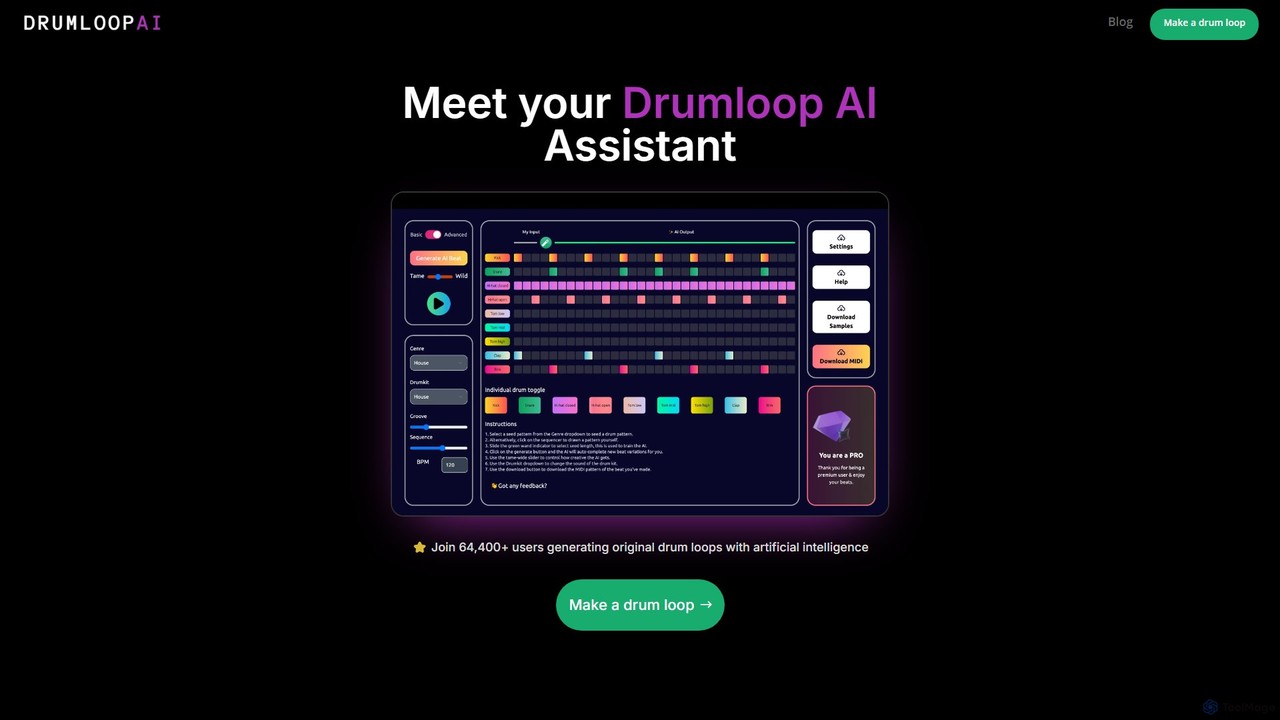
Drumloop AI
Drumloop AI is an advanced AI-powered tool that generates unique, royalty-free drum loops. It offers multiple creation methods, including text prompts, genre selection, and an interactive sequencer, making it perfect for music producers, artists, jammers, and content creators to quickly find inspiration and build rhythm tracks.
Music Generation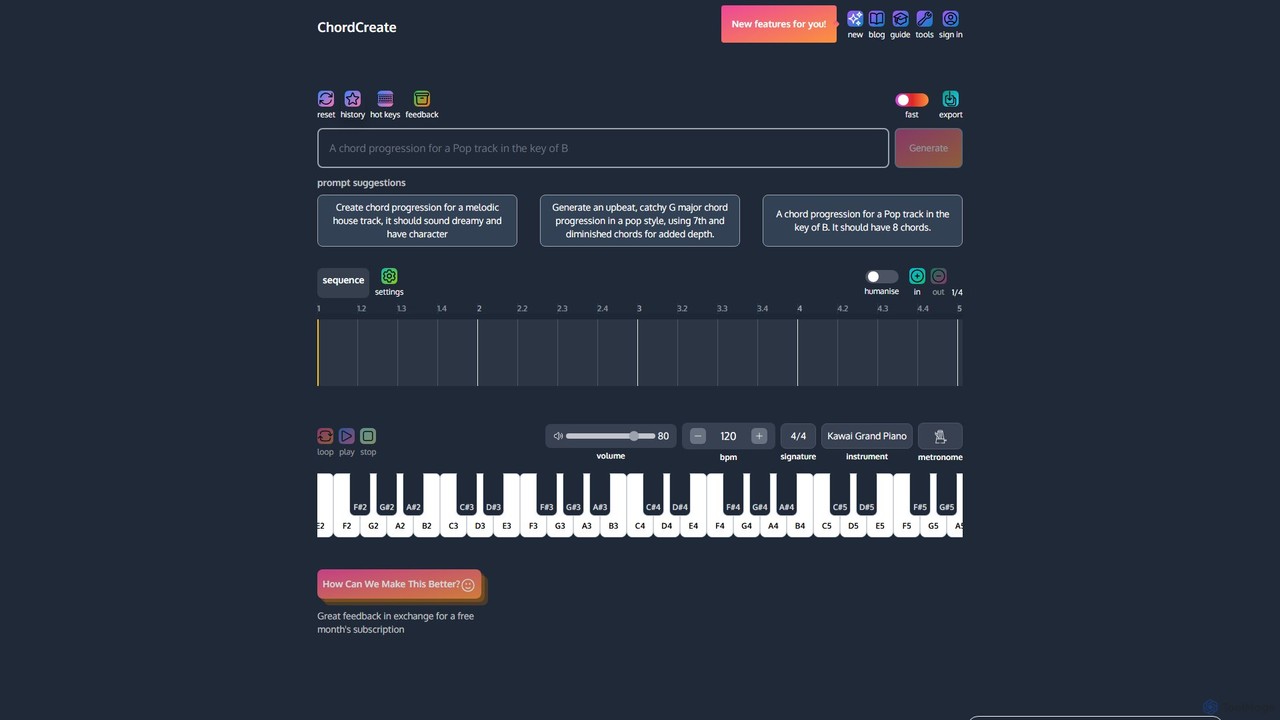
ChordCreate
ChordCreate is an AI-powered chord progression generator designed for musicians, producers, and songwriters. Use natural language prompts to instantly generate unique and inspiring chord sequences. Edit, customize, and humanize your creations in an intuitive sequence editor, then export them as MIDI or WAV files to integrate seamlessly into your digital audio workstation (DAW). It's the perfect tool to spark creativity and overcome writer's block.
Music Generation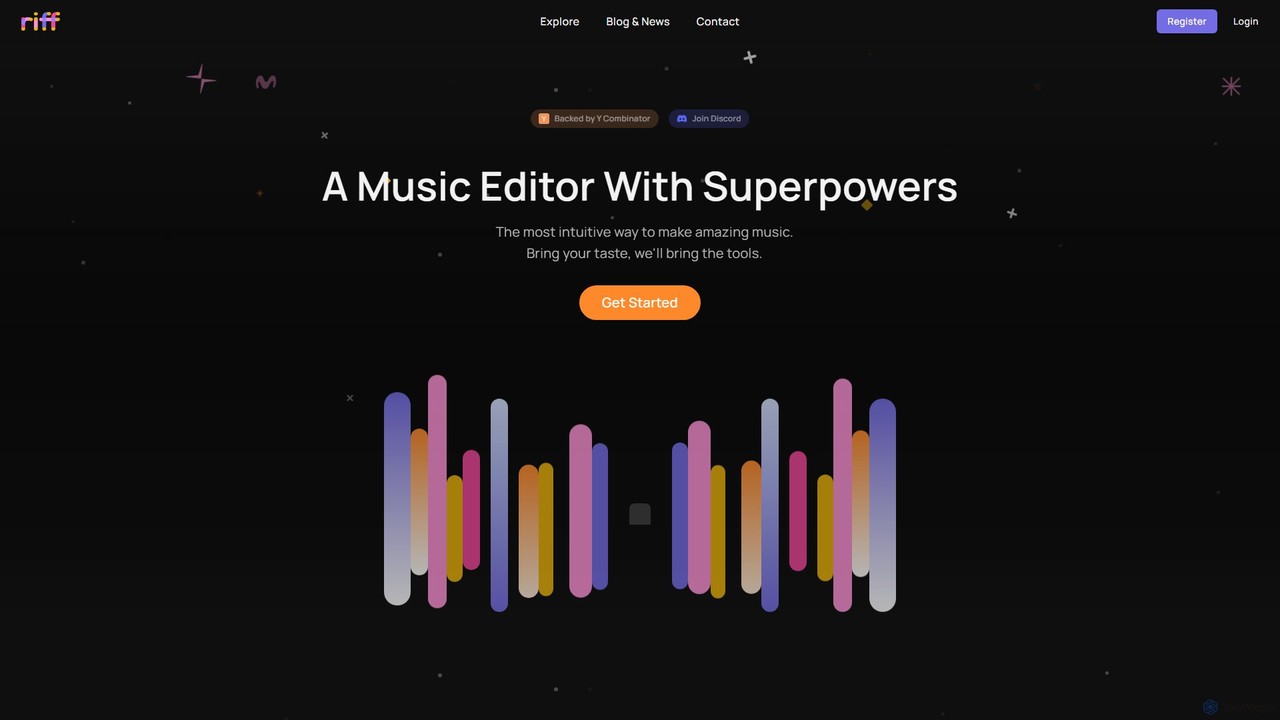
Riff
Riff is an AI-powered music editor and collaborative platform designed to make music creation intuitive and fun. Backed by Y Combinator, it combines a user-friendly interface with powerful AI tools, like a chatbot for edits and intelligent sample search, to help both beginners and experienced producers bring their musical ideas to life.
Music CreationBandLab
BandLab is an all-in-one, free social music creation platform. It offers a powerful online Digital Audio Workstation (DAW), AI-powered mastering, a vast library of royalty-free samples, and robust collaboration tools. It empowers musicians of all levels to create, share, and distribute their music from any device, fostering a global community of over 100 million creators.
Audio EditingWavTool
WavTool is an innovative, AI-accelerated online digital audio workstation (DAW) designed to revolutionize music production. It combines a full-featured, in-browser DAW with powerful generative AI. Users can compose, record, edit, mix, and master music using natural language prompts and intelligent tools, making professional-grade music creation accessible to everyone from beginners to seasoned producers.
Music Productionoctavee
Octavee is an AI-powered MIDI generator for musicians and producers. It allows users to create unique melodies and chord progressions using simple text prompts. Export your creations as MIDI files and drag them into any DAW like FL Studio or Ableton. Octavee helps overcome creative blocks, speeds up workflow, and offers features like in-browser editing, detailed music analysis, and a library of popular prompts to inspire your next hit.
Music Production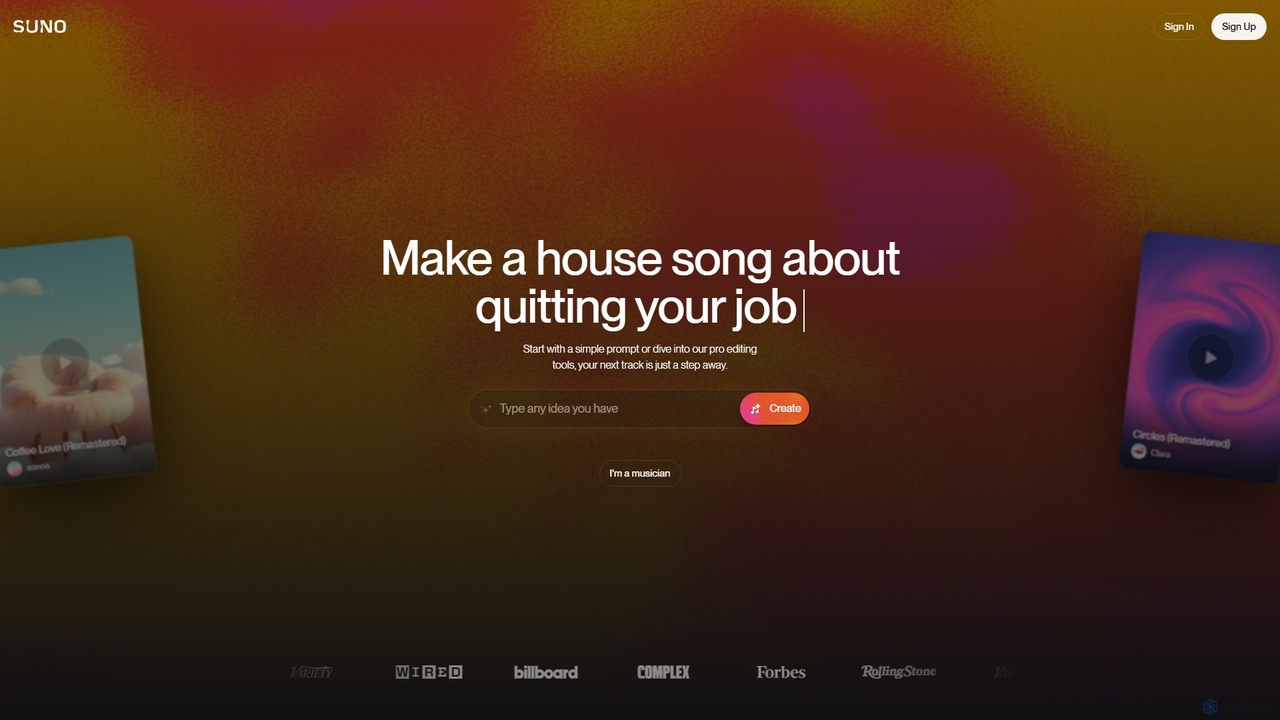
Suno
Suno is a revolutionary AI music generator that creates high-quality, full-length songs from simple text prompts. It empowers users, from beginners to professional musicians, to produce unique music with vocals, lyrics, and instruments across various genres in seconds.
Music Generation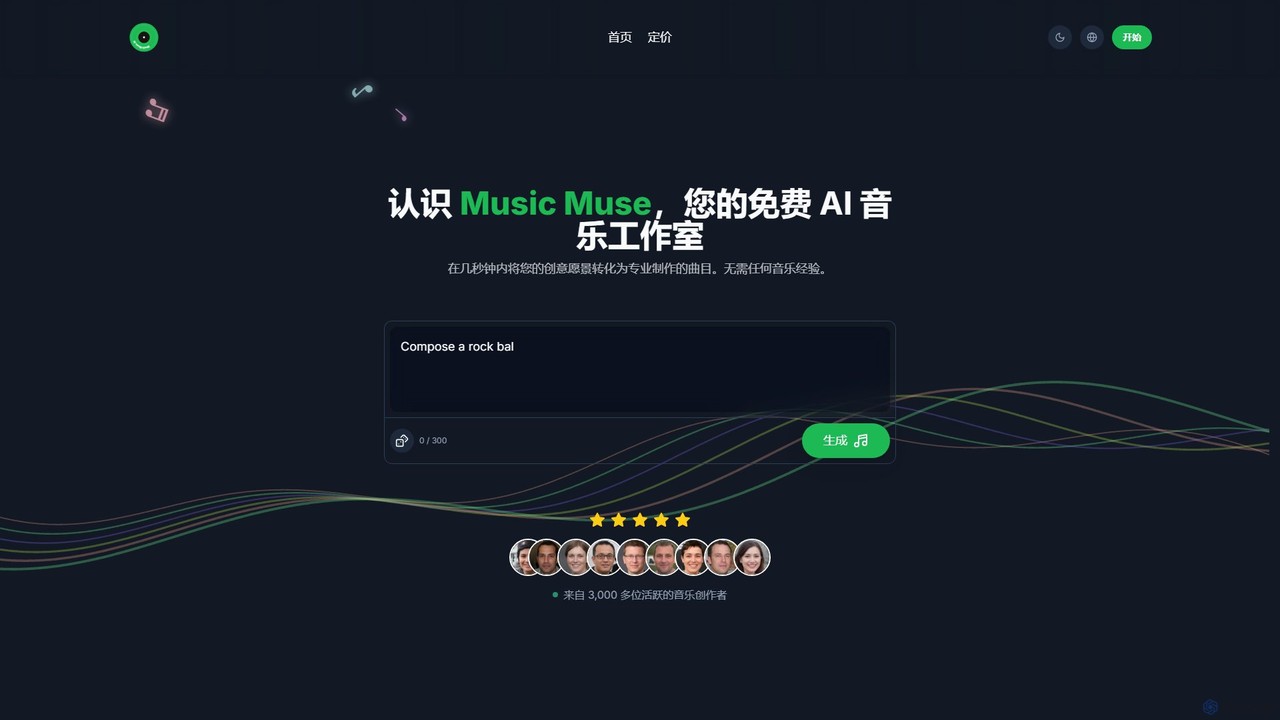
Music Muse
Music Muse is a powerful AI music generator that transforms your text prompts or lyrics into professional-quality, full tracks in seconds. Designed for everyone from beginners to professional musicians, it offers a seamless, intuitive creative process across a vast range of genres without requiring any musical experience.
Generative Art
Musick.ai
Musick.ai is a powerful AI music generator that allows users to create high-quality, royalty-free songs and instrumentals from simple text prompts. Supporting a vast array of genres, moods, and styles, it's designed for content creators, musicians, and businesses. Generate unique tracks, customize vocals, and explore a community of AI-generated music, all within an intuitive online platform.
Music Generation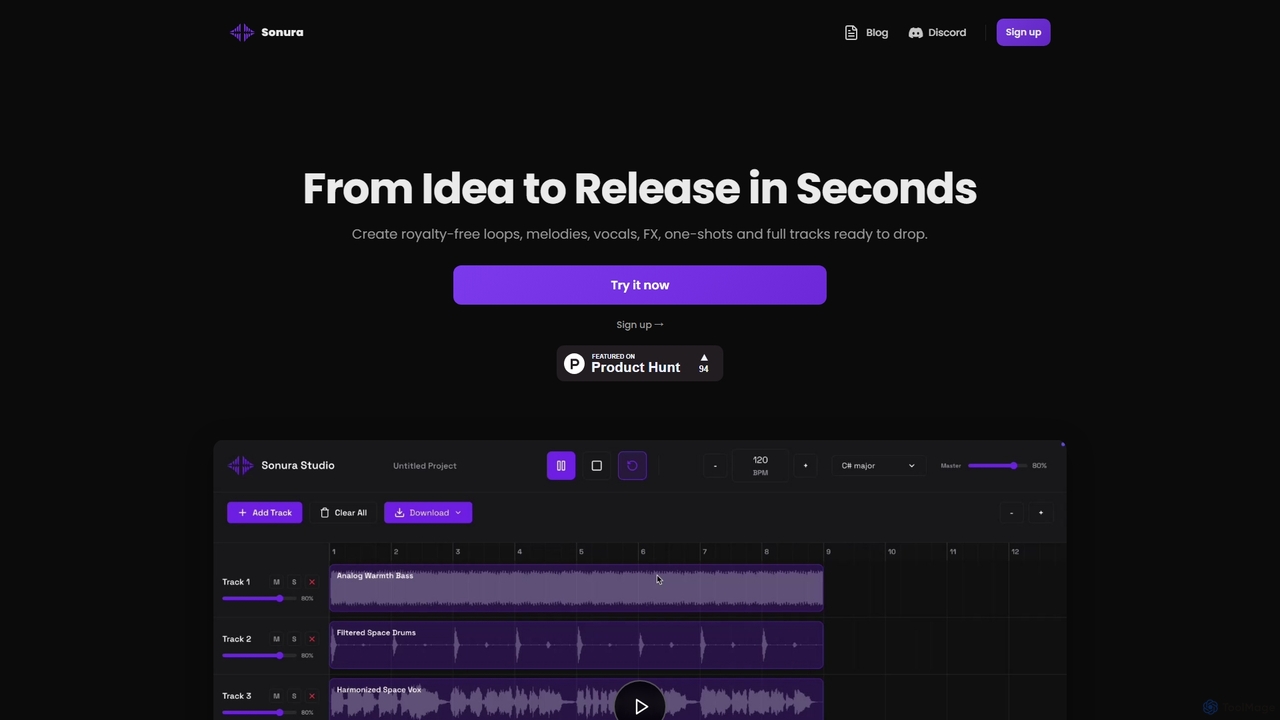
Sonura
Sonura is an AI music creation studio that generates professional-quality, royalty-free music in seconds. From text prompts, users can create unique loops, melodies, vocals, full tracks, and export individual stems for any project, suitable for beginners and producers alike.
Music Generation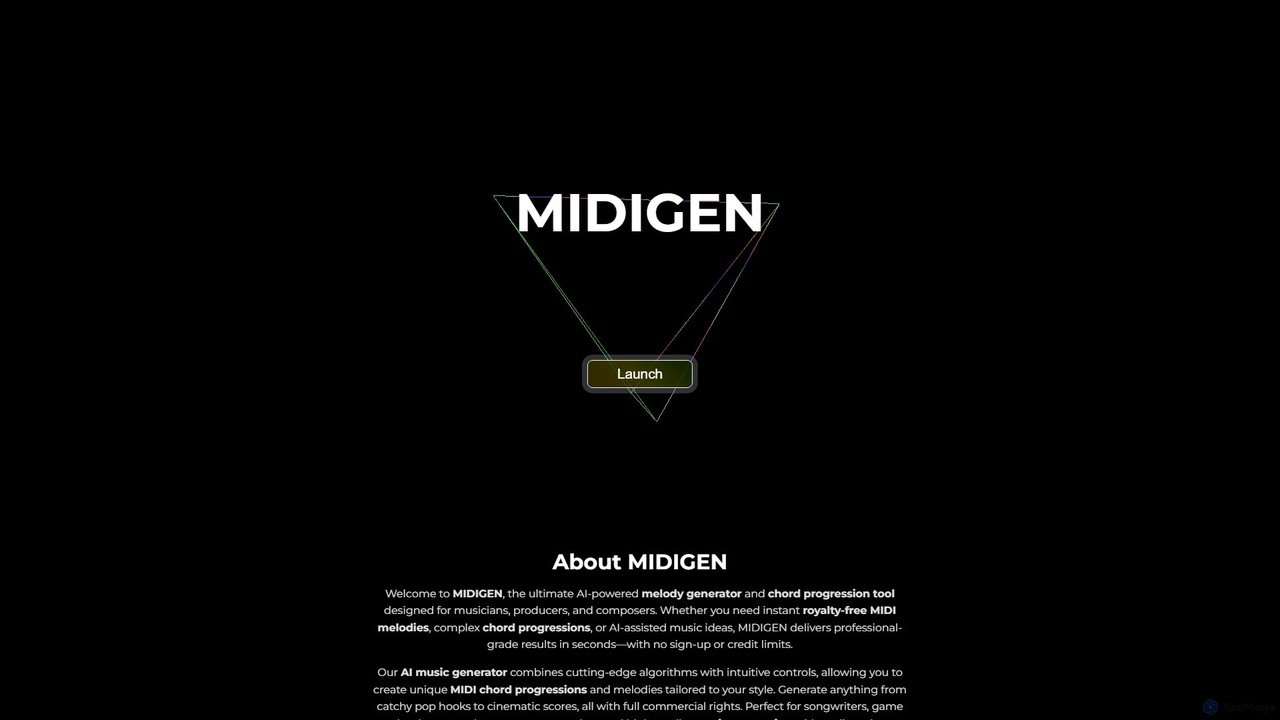
MIDIGEN
MIDIGEN is an AI-powered melody and chord progression generator for musicians and producers. It creates unique, royalty-free MIDI patterns in seconds, with customizable key, tempo, and complexity. No sign-up required, export directly to any DAW for unlimited commercial use.
Music Generation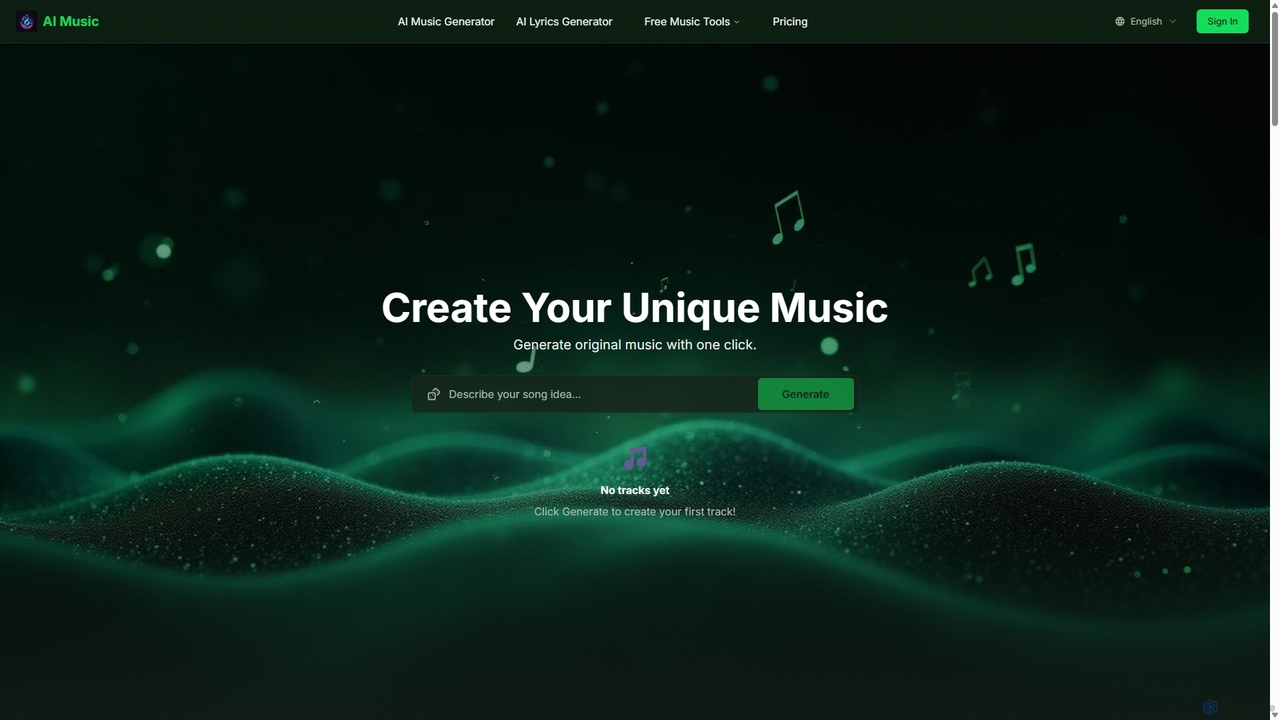
Aisongcreator
Aisongcreator is a powerful AI music and lyrics generator that transforms text prompts into studio-quality, royalty-free songs. Create full tracks with vocals, background music, or catchy lyrics in seconds. No sign-up required to start, making it perfect for content creators, musicians, and marketers.
Music Generation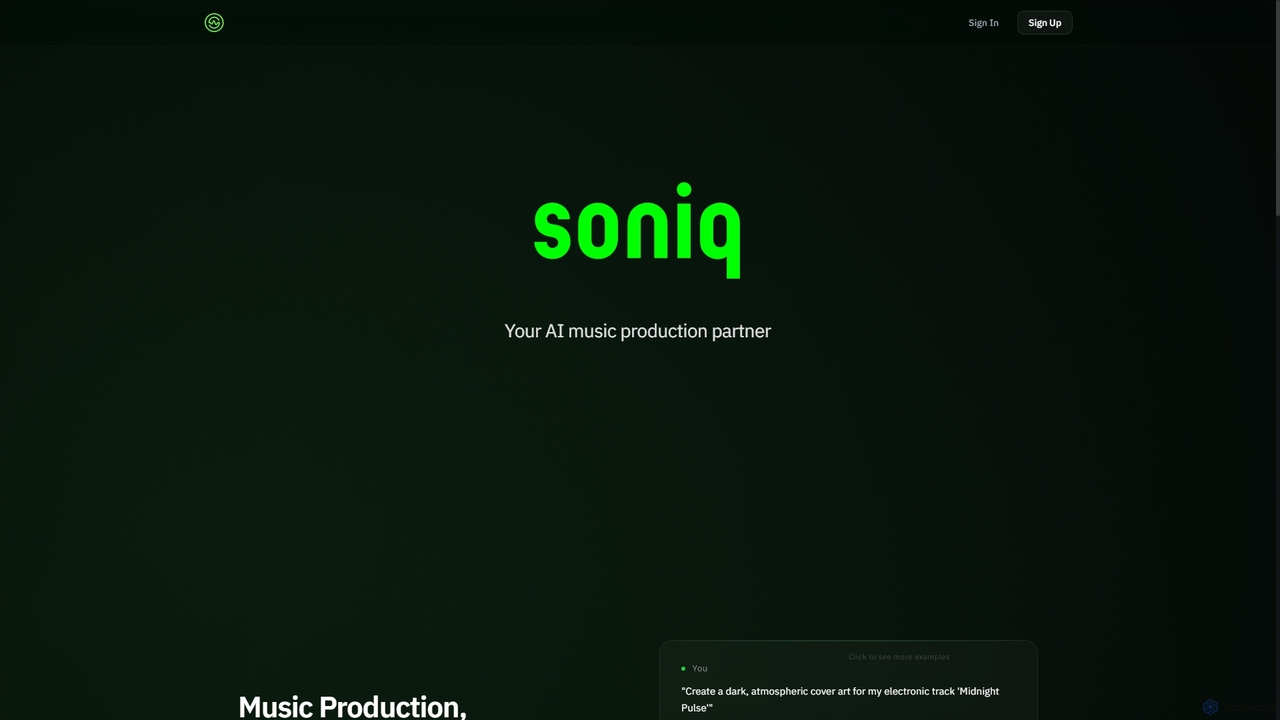
Soniq
Soniq is an AI-powered music production suite that acts as a collaborative co-producer, enabling artists and teams to create and release complete songs. It integrates songwriting, AI vocals, arrangement, cover art generation, and mix review into a single, seamless workflow, transforming musical ideas into polished tracks efficiently.
Audio Generation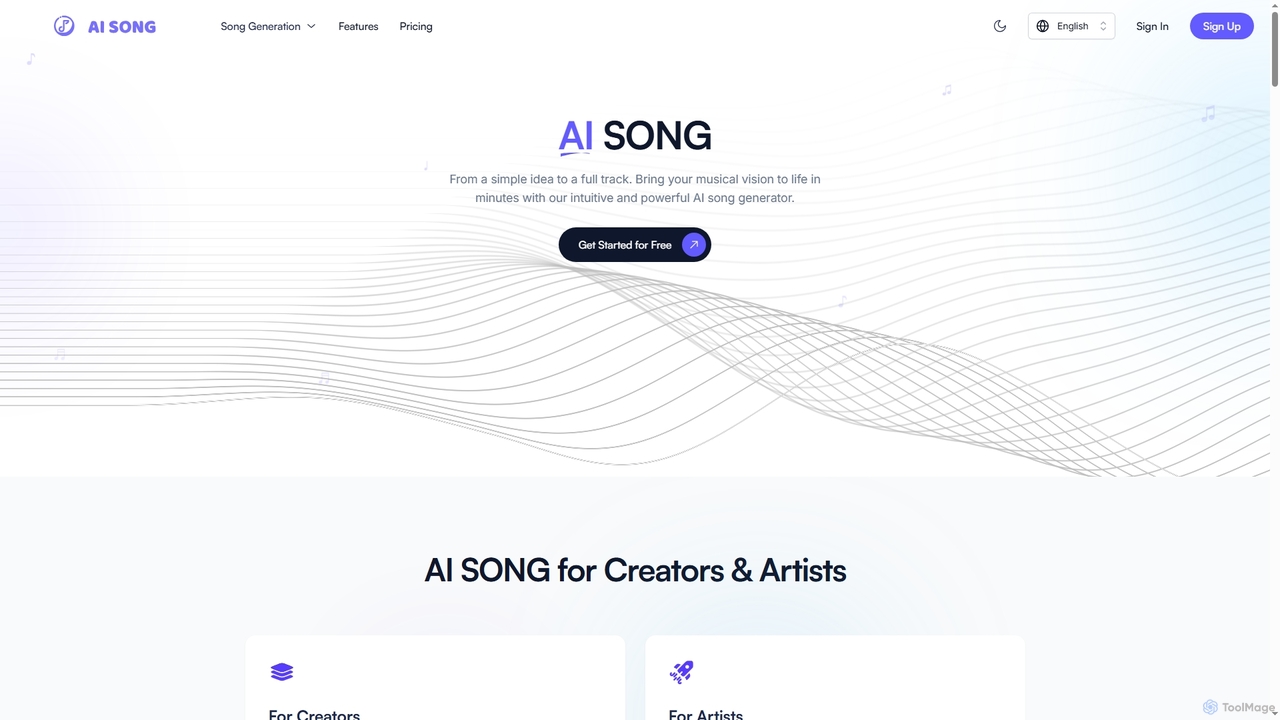
Aisong
Aisong is an intuitive AI song generator and music production toolkit designed for creators and artists. It enables users to transform simple ideas into full tracks, generate lyrics, remove vocals, and even create music videos, all with the power of artificial intelligence.
Vocal Removal
SoundBug Comments (0)
Sign in to comment.
Sign inNo comments yet.