

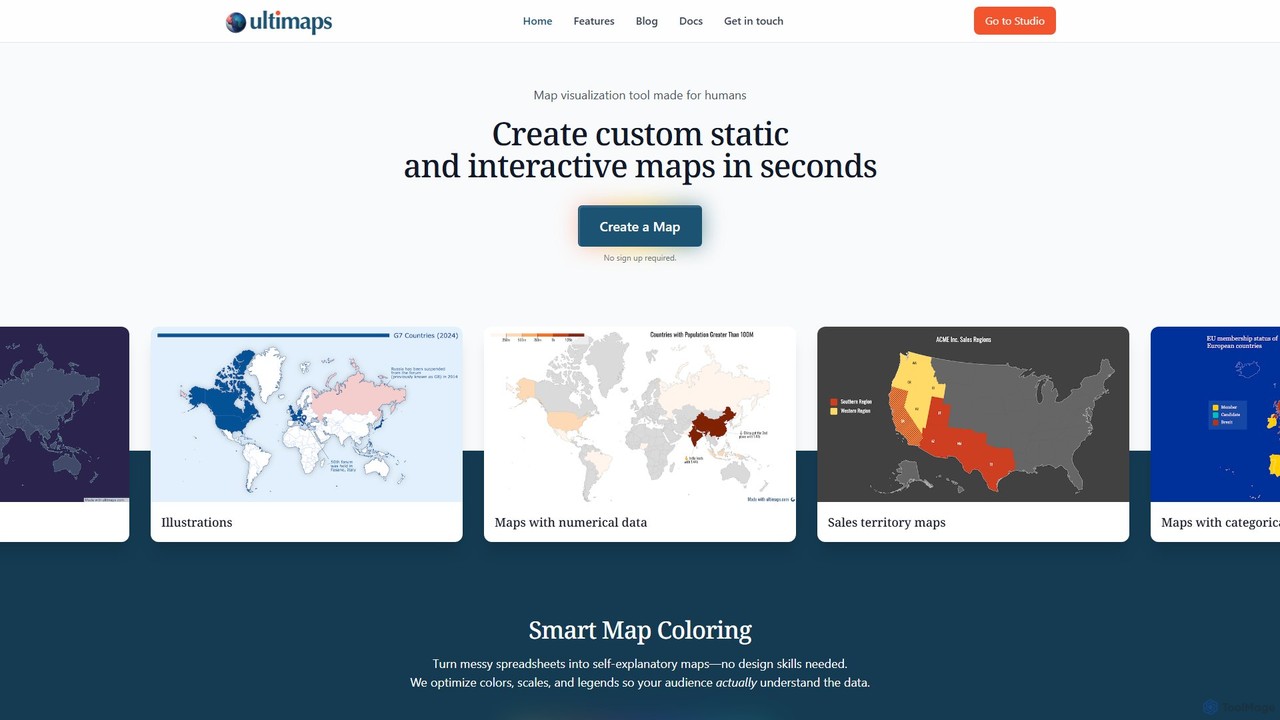
Ultimaps Overview
Ultimaps is a powerful and intuitive map visualization tool designed for everyone, from data analysts to marketers and educators. It simplifies the process of creating beautiful, data-driven static and interactive maps, transforming complex spreadsheets and datasets into clear, compelling visuals in just seconds. With a focus on user experience, Ultimaps eliminates the need for specialized design or GIS skills, making professional-grade cartography accessible to all.
The platform's core strength lies in its intelligent automation. Whether you're importing data or using a natural language prompt, Ultimaps' AI engine gets to work. It analyzes your data, cleans up inconsistencies (like recognizing 'NY', 'New York', and 'Nueva York' as the same place), selects the optimal color palette (sequential, diverging, etc.), and intelligently calculates scales and breaks to best represent your information. This ensures your map is not only aesthetically pleasing but also accurate and easy to understand for your audience.
How to use Ultimaps
Creating a map with Ultimaps is a straightforward, user-friendly process:
- Start Instantly: Navigate to the Ultimaps Studio. You can begin creating immediately without needing to sign up.
- Choose Your Map: Select a base map for your visualization, such as a world map, a specific country, or a regional map.
- Import Your Data: Ultimaps offers multiple ways to add data. You can upload Excel or CSV files, connect to Google Spreadsheets or Notion tables, or simply paste your data.
- Use the AI Prompt: For ultimate simplicity, write a prompt describing your data and desired visualization. For example: "Using an orange palette, color US states based on this sales data..."
- Automatic Visualization: The tool automatically processes your data, applies smart coloring, generates a legend, and formats values correctly (e.g., percentages vs. currency).
- Customize and Refine: While the AI provides a great starting point, you have full control to tweak the design. Fine-tune colors and fonts, add annotations like text, lines, and shapes, place pins to highlight specific locations, or apply pre-made themes for a polished look.
- Create Interactive Elements: Make your map dynamic by adding tooltips and popups that appear on hover or click, displaying additional information from your dataset. This can be done without writing a single line of code.
- Export and Share: Download your finished map as a high-quality PNG, SVG, or PDF file for reports and presentations. To share an interactive version, publish the map to generate a unique link or get an embed code for your website (this requires a free account).
Core Features of Ultimaps
- AI-Powered Map Generation: Create maps from simple text prompts, letting the AI handle the data interpretation and design.
- Smart Map Coloring: The algorithm automatically analyzes data to select appropriate color palettes and scales (gradients or stepped colors) for maximum clarity.
- Multiple Data Import Options: Supports Excel, CSV, Google Sheets, and Notion tables, providing flexibility for various workflows.
- Inconsistent Data Recognition: Intelligently identifies and standardizes different variations of location names.
- Diverse Map Types: Create Choropleth maps for numerical data, Category maps for distinct groups, and Illustration maps for highlighting regions without data.
- Interactive Elements: Easily add tooltips and popups to provide deeper insights and engage your audience.
- Advanced Customization Suite: A full visual editor to add annotations, pins, custom text, lines, and shapes. Use templates and themes to speed up your workflow.
- Multiple Export Formats: Download maps in presentation-ready formats including PNG, SVG, and PDF.
- Seamless Sharing and Embedding: Publish and share maps with a direct link or embed them on any website, with full responsiveness on all devices.
Use Cases for Ultimaps
Ultimaps is versatile enough for a wide range of professional and personal applications:
- Business & Sales: Visualize sales territories, track regional performance, map out service areas, and present market penetration data to stakeholders.
- Marketing & Analytics: Showcase customer distribution, map campaign reach, or visualize website traffic by geographic location.
- Data Journalism & Reporting: Turn complex datasets on topics like elections, demographics, or public health into easily digestible and shareable visual stories.
- Education & Research: Create maps for academic presentations, illustrate historical events, or visualize scientific data like climate change or disease prevalence.
- Real Estate: Map property listings, highlight neighborhood amenities, or show market value trends across a city.
Advantages of Ultimaps
Ultimaps stands out by being incredibly user-friendly without sacrificing power. Its key advantages include its speed, AI-driven intelligence that automates tedious design tasks, and the flexibility to create both simple illustrations and complex, interactive data visualizations. The generous free tier allows users to access core functionality without any initial investment or commitment, making it a risk-free tool to try.
Pricing and Plans
Ultimaps offers a flexible pricing structure to suit different needs:
- Basic (Free): Includes unlimited maps, export to PNG with attribution, map storage in your account, and the ability to create, share, and embed interactive maps. No sign-up is required to start creating.
- Pro (€49/month): Designed for regular users and professionals. Includes everything in the Free plan, plus high-resolution PNG export without attribution, SVG and PDF export, reusable templates, 5,000 geocoding requests, 500 AI requests per month, and priority support.
- Custom (Contact for pricing): Tailored for large companies and businesses with specific needs. Includes all Pro features, plus private map sharing, inviting users to workspaces, custom themes, and custom interactive logic.
Traffic
Latest traffic
Status
Monthly traffic trend
- 2025-9: 39.7K
- 2026-1: 84.4K
- 2026-2: 71.2K
- 2026-3: 100.1K
- 2026-4: 106.4K
- 2026-5: 135.3K
Geography
Top 5 countries / regions
- 🇺🇸United States65.9%
- 🇮🇳India20.2%
- 🇬🇧United Kingdom6.6%
- 🇨🇦Canada3.8%
- 🇳🇬Nigeria3.5%
Traffic sources
| Source type | Percentage |
|---|---|
Direct | 77.8% |
Referral | 20.7% |
Email | 1.5% |
Top keywords
| Keyword | Cost per click |
|---|---|
| asia map | $0.78 |
| blank map of the united states | $1.06 |
| map of eurasia | $0.00 |
| ultimaps | $0.00 |
| what county am i in | $0.00 |
Ultimaps Alternatives
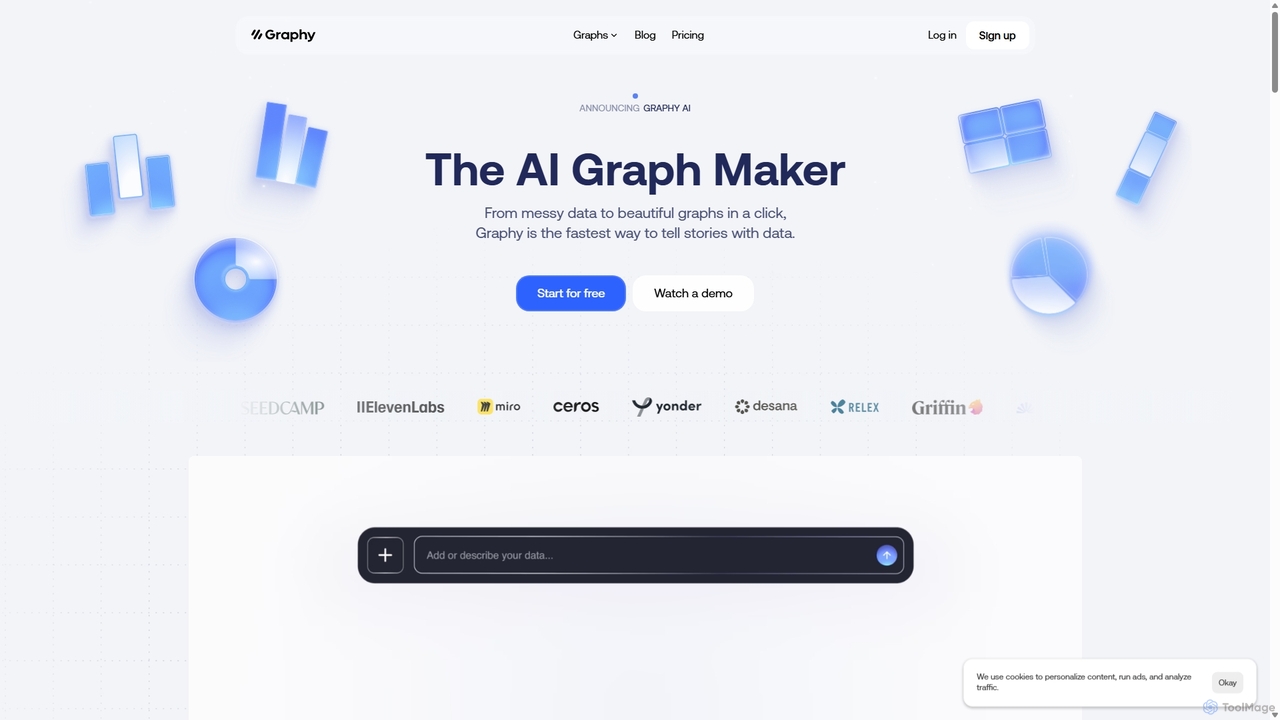
Graphy
Graphy is an AI-powered data visualization tool that transforms raw data into beautiful, interactive charts and graphs in seconds. It simplifies data storytelling by automatically identifying key insights, allowing users to chat with their data, and offering extensive customization. Ideal for marketers, analysts, and teams who need to create compelling visual reports and presentations without complex software.
3D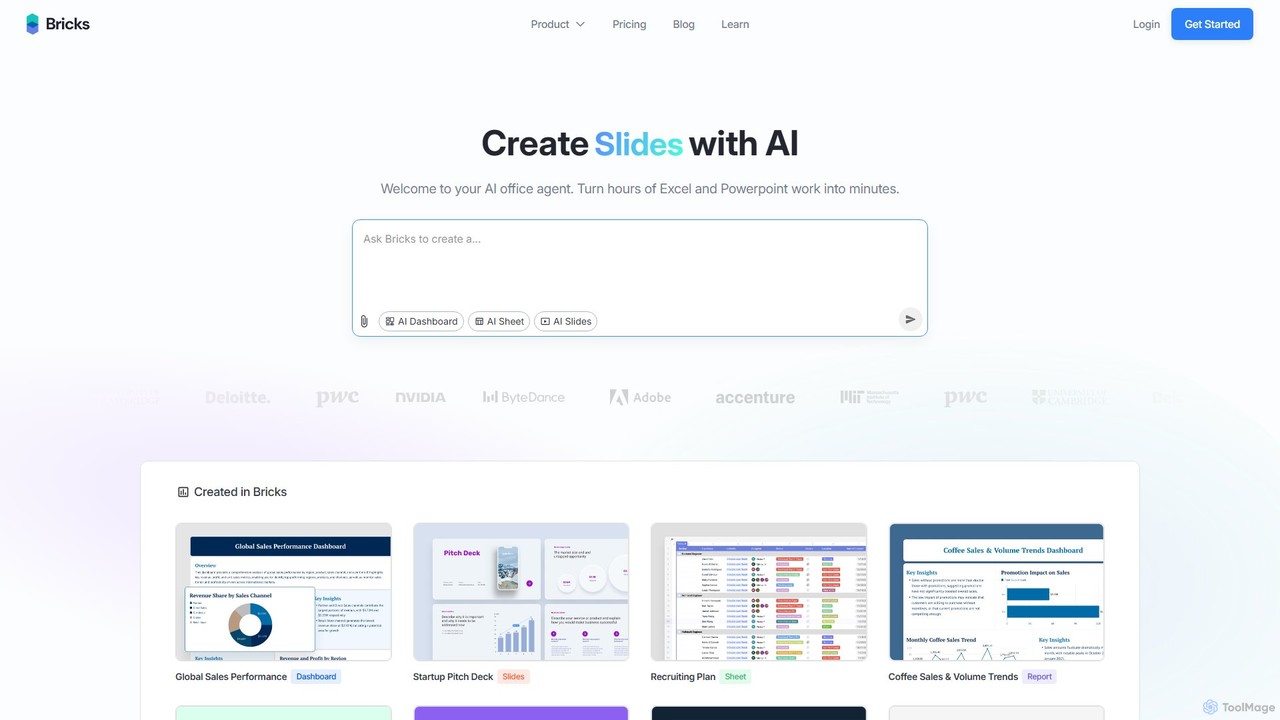
thebricks
thebricks is an AI-powered workspace that transforms data analysis and reporting. It allows users to create interactive dashboards, dynamic spreadsheets, and professional slides using simple natural language prompts. Turn hours of manual work in Excel and PowerPoint into minutes, streamlining your workflow and boosting productivity.
Business Intelligence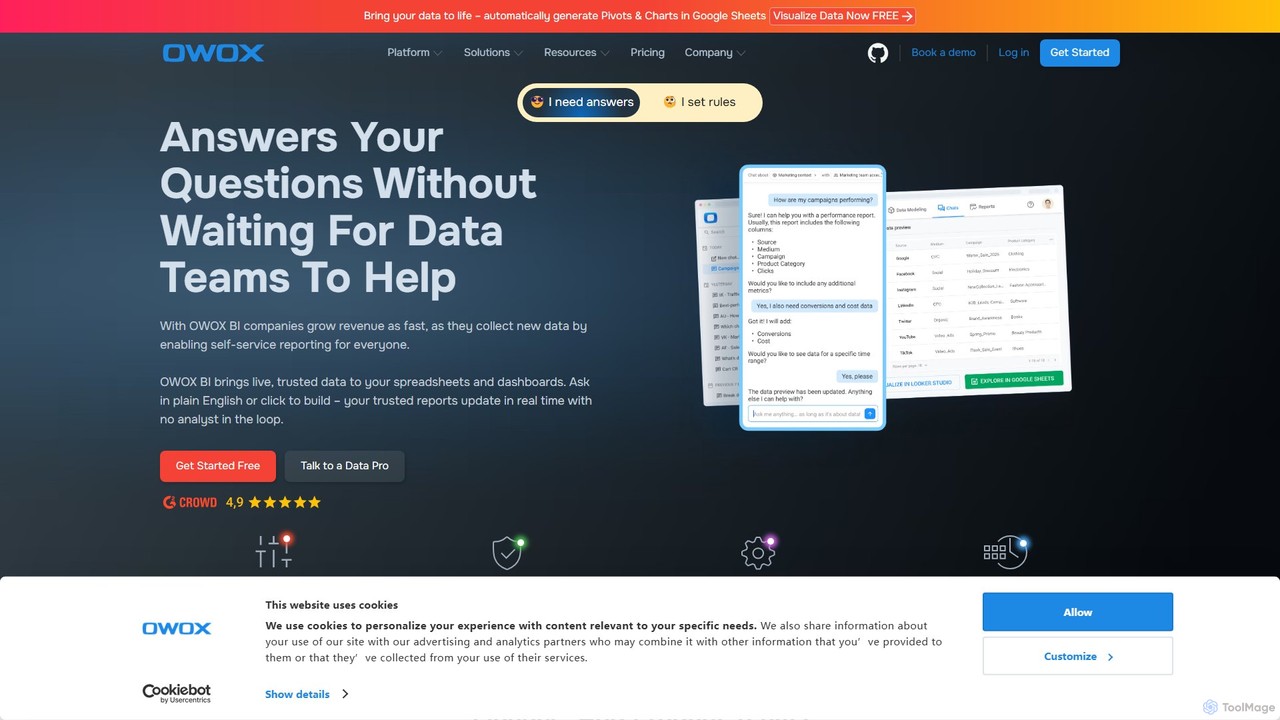
OWOX BI
OWOX BI is a comprehensive marketing analytics and business intelligence platform designed to consolidate all marketing data into Google BigQuery. It helps businesses build reports, calculate performance metrics, and create data-driven attribution models to optimize advertising spend and improve ROI.
Business Intelligence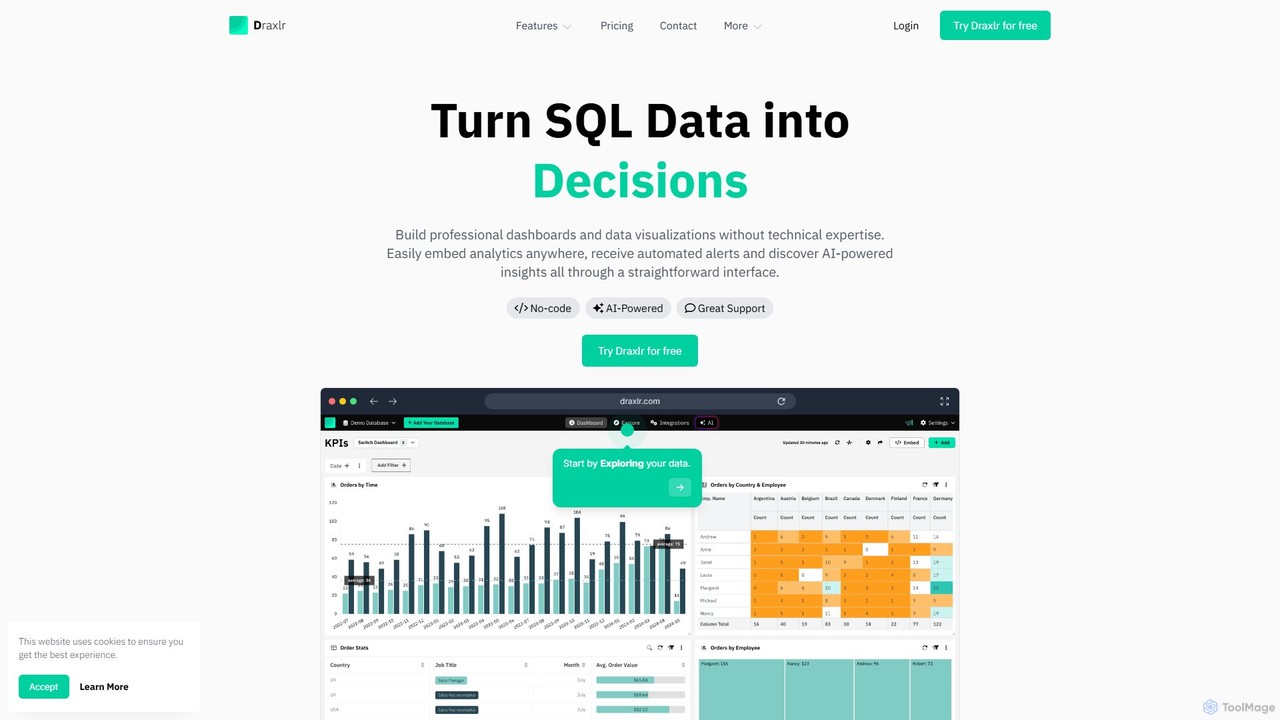
draxlr
Draxlr is an AI-powered business intelligence platform that enables users to build professional dashboards and data visualizations from SQL databases without technical expertise. It offers a no-code query builder, embeddable analytics, and automated alerts to transform raw data into actionable decisions.
Business Intelligence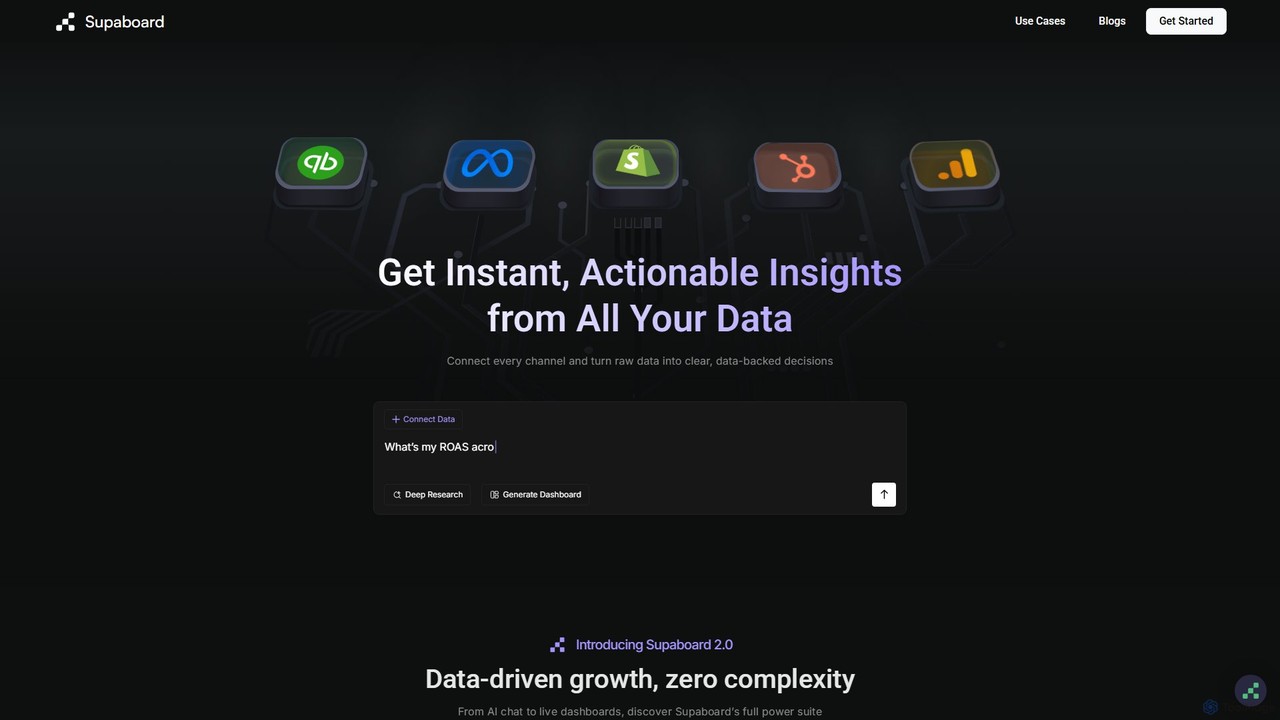
Supaboard
Supaboard is an AI-powered business intelligence platform that connects all your data sources into a unified hub. It transforms raw data into actionable insights and live dashboards, allowing teams to make data-backed decisions quickly without needing to write code or wrangle spreadsheets.
Business IntelligenceUltimaps Categories
Ultimaps Embed Widget
Copy this embed code to place the badge on your blog, article, or product site and send readers directly to this ToolMage detail page.

Related AI tools

Textomap
Textomap is an AI-powered tool that instantly transforms text, ChatGPT prompts, images, or CSV files into interactive, customizable maps. It's designed for content creators, educators, and travel professionals to visualize location-based data effortlessly, saving hours of manual work.
GeographyGraphy
Graphy is an AI-powered data visualization tool that transforms raw data into beautiful, interactive charts and graphs in seconds. It simplifies data storytelling by automatically identifying key insights, allowing users to chat with their data, and offering extensive customization. Ideal for marketers, analysts, and teams who need to create compelling visual reports and presentations without complex software.
3D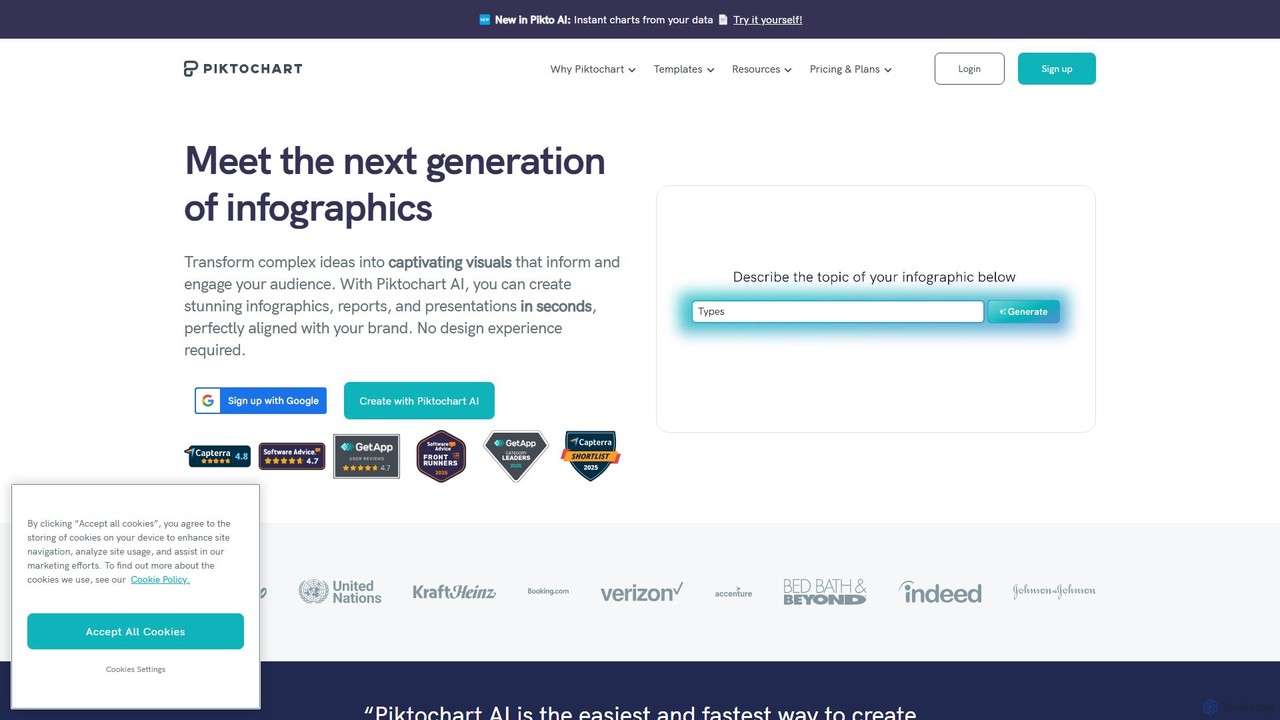
Piktochart
Piktochart is an all-in-one visual communication tool, now enhanced with AI, for creating professional infographics, presentations, reports, and social media graphics. It simplifies data visualization and design, enabling users to transform text and data into compelling visuals effortlessly, with features for brand consistency and team collaboration.
Data Visualization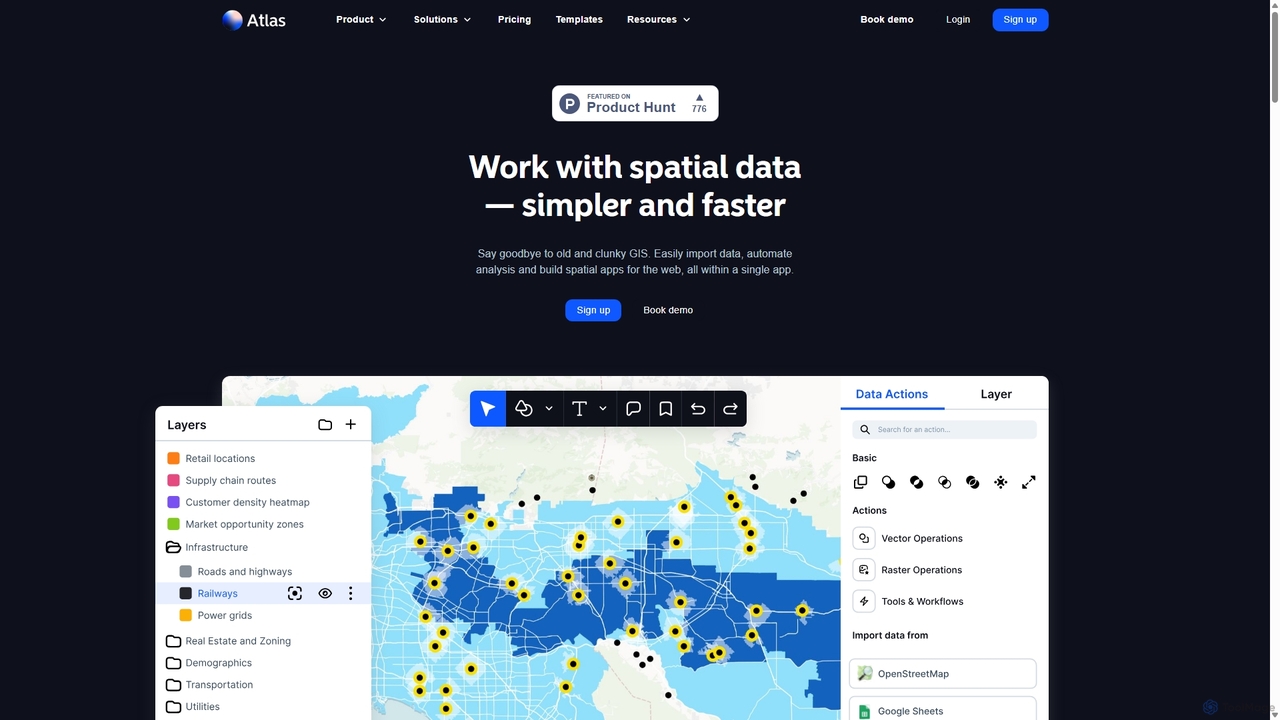
Atlas
Atlas is an all-in-one, browser-based GIS platform that simplifies spatial data analysis and map creation. It enables users to easily import data, perform over 50 advanced spatial analyses, and build interactive web maps without prior GIS expertise. Designed for collaboration, Atlas is ideal for teams in sales, marketing, real estate, and environmental analysis to visualize data, identify trends, and make informed, location-driven decisions.
Business Intelligence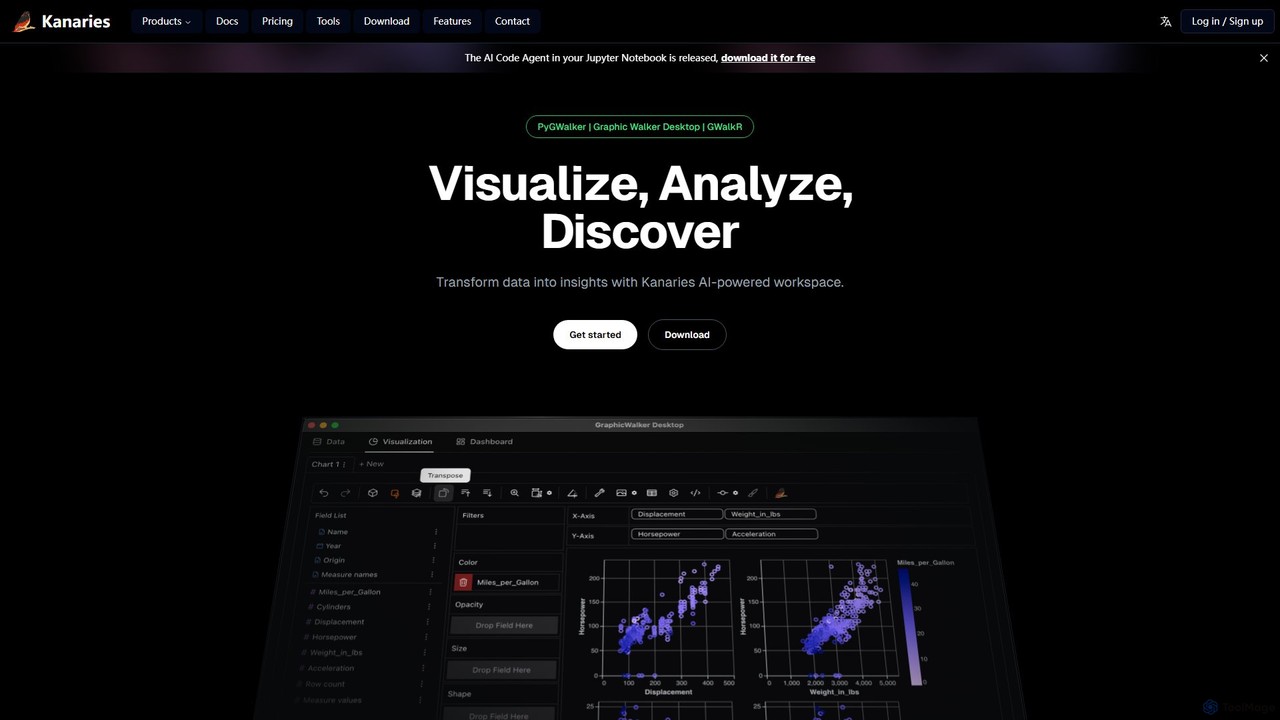
Kanaries
Kanaries is an AI-powered workspace designed for exploratory data analysis (EDA) and visualization. It offers a suite of tools, including PyGWalker for Python and GWalkR for R, that transform dataframes into interactive visual analytics applications with a single line of code. It features a drag-and-drop interface, AI-powered chat for data querying, and collaborative features, streamlining the entire data-to-insight workflow for analysts, data scientists, and developers.
3D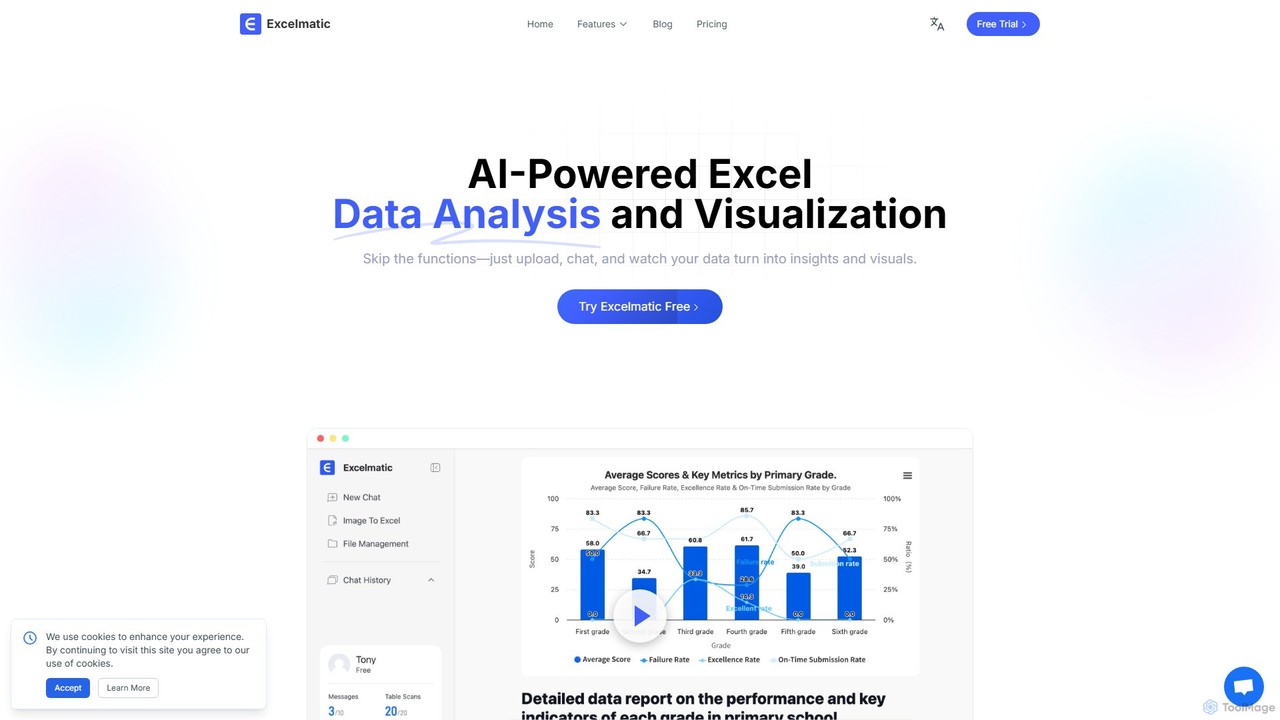
excelmatic
Excelmatic is an AI-powered assistant that transforms your Excel and spreadsheet tasks. Simply upload your data, ask questions in plain English, and instantly get data analysis, visualizations, and generated formulas. It's a no-code solution designed to automate data cleaning, chart creation, and insight discovery, making data accessible to everyone.
Business Intelligence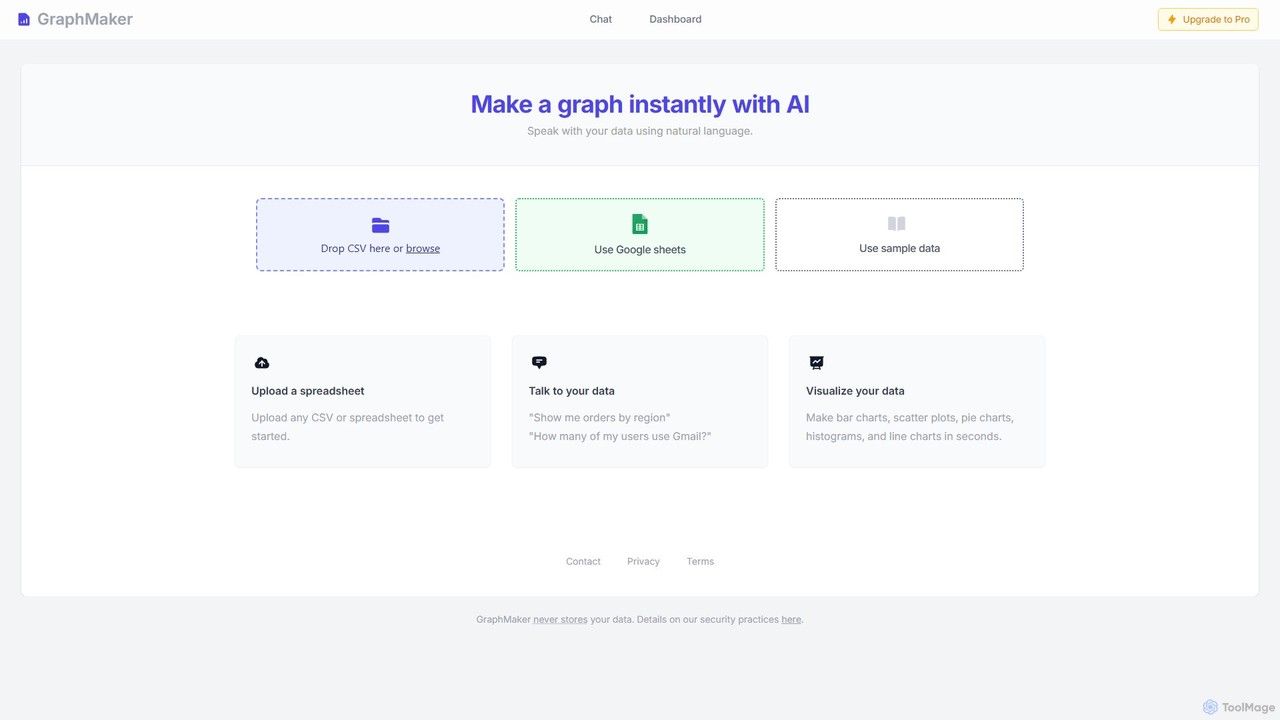
GraphMaker
GraphMaker is an AI-powered data visualization tool that allows you to create various charts and graphs in seconds. Simply upload your data from a CSV file or Google Sheets, and use natural language commands to generate insightful visualizations like bar charts, pie charts, and histograms. It's designed for speed, simplicity, and security, as it never stores your data.
Business Intelligence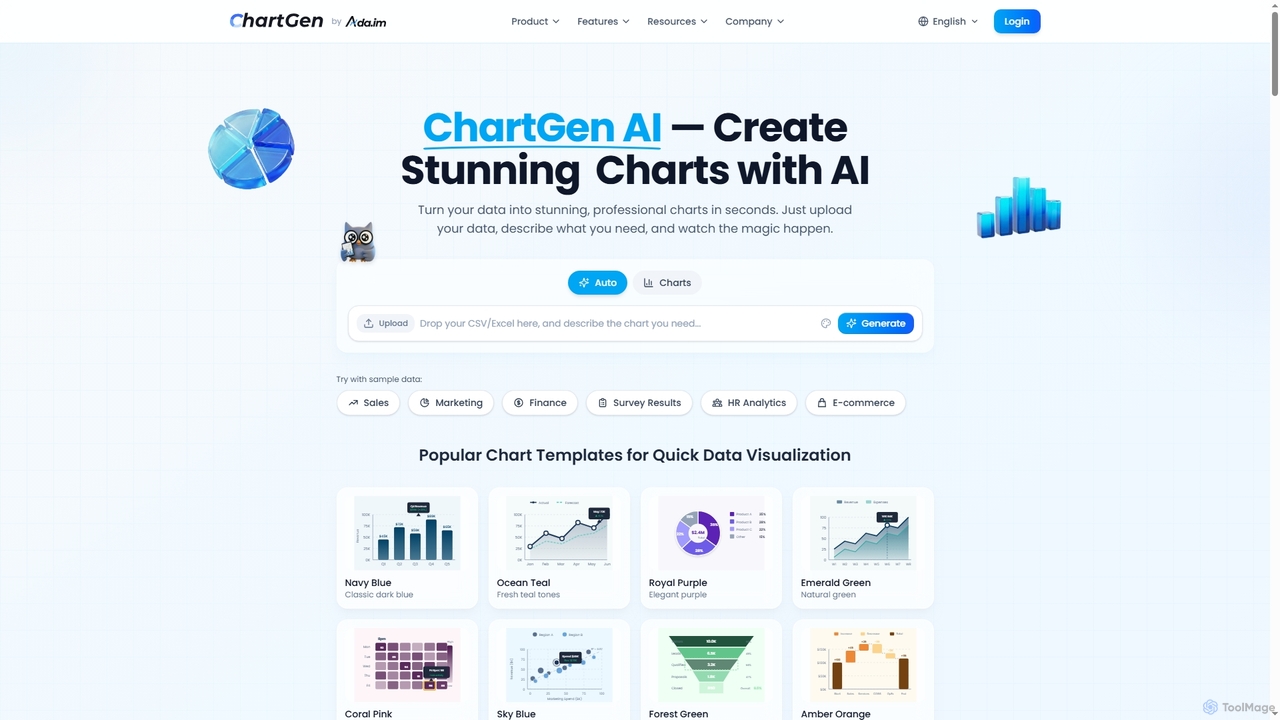
ChartGen
ChartGen is an AI-powered chart generator that transforms raw data into stunning, professional visualizations in seconds. Users simply upload CSV or Excel files, describe their desired chart in plain English, and the AI instantly creates various chart types like bar, line, and pie charts. It's designed for quick, effortless data visualization without requiring design or coding skills.
Charts & Graphs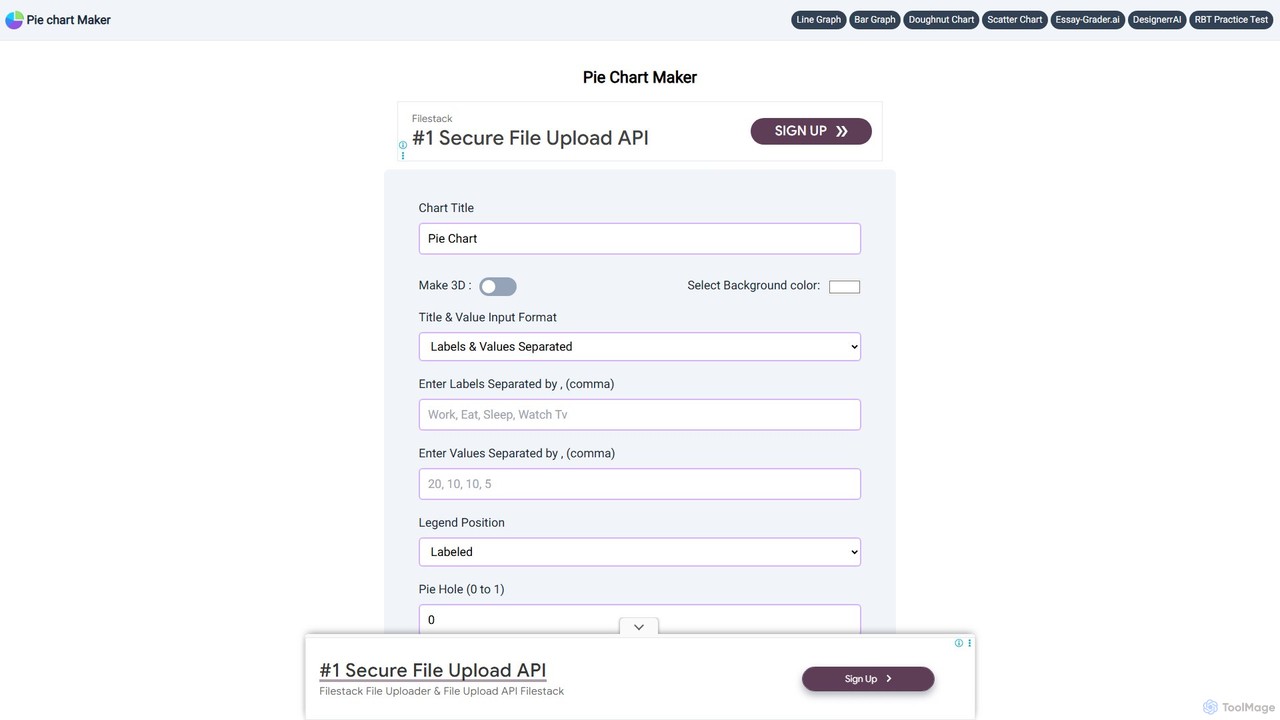
Pie Chart Maker
A free, user-friendly online tool for creating beautiful and customizable pie charts, doughnut charts, and line graphs in just a few clicks. Instantly visualize your data by simply entering labels and values, and download your charts in various formats like PNG, JPEG, and SVG.
Student Tools
Infografix
Infografix is an AI-powered infographic generator that transforms simple text prompts into professional-quality visuals. Create stunning charts, diagrams, mind maps, and timelines in seconds without any design skills. Available on web and mobile, it's perfect for marketers, students, and professionals who need to visualize data quickly and effectively.
Infographics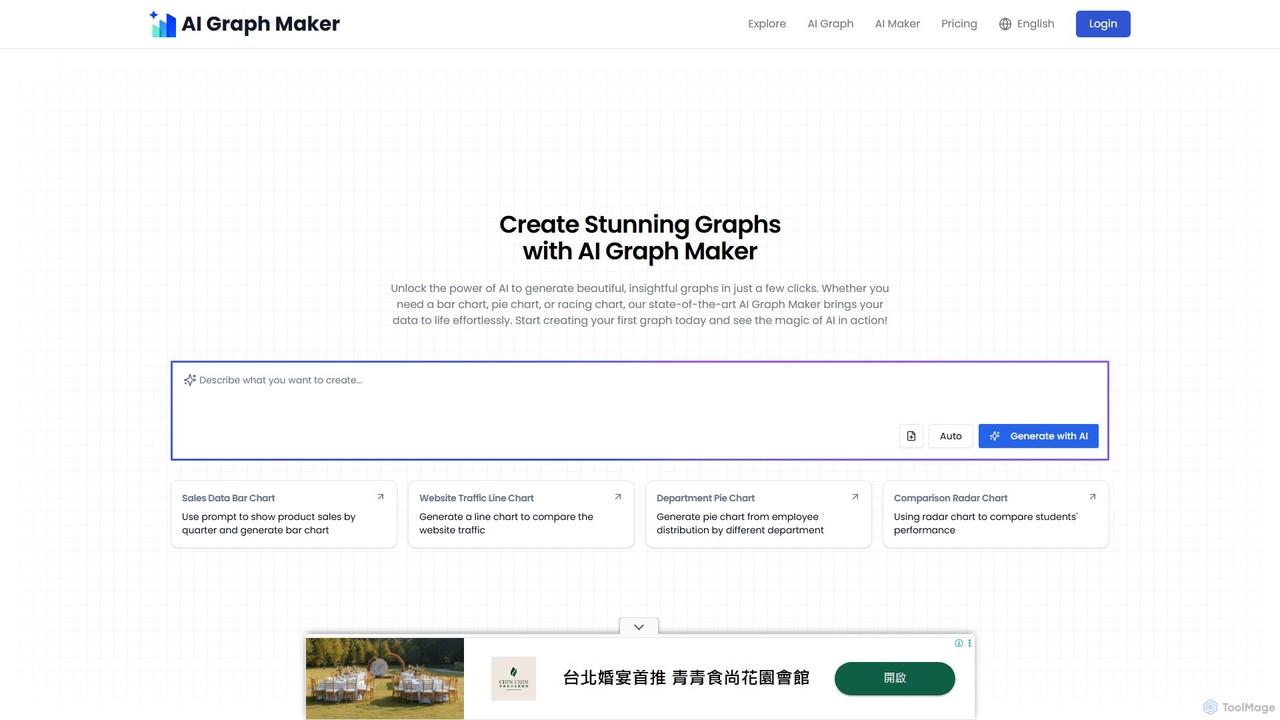
aigraphmaker
aigraphmaker is an AI-powered platform that transforms raw data and text prompts into a wide variety of professional and interactive charts and diagrams. It enables users, from beginners to experts, to effortlessly create stunning visualizations like bar charts, mind maps, flowcharts, and knowledge graphs in seconds, without any coding or design skills required.
Analytics
Jyek
Jyek is an AI agent platform that understands objectives, creates execution plans, uses tools, and delivers verifiable results for complex, multi-step tasks.
Automation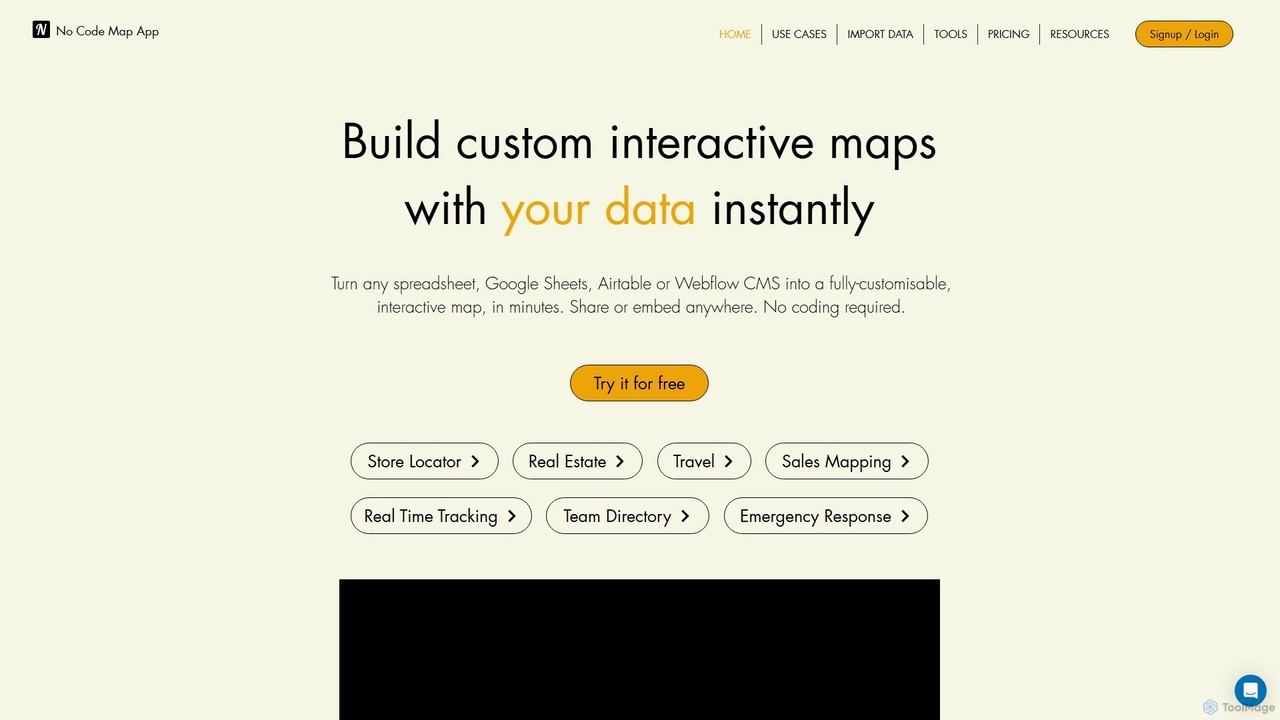
nocodemapapp
nocodemapapp is an AI-powered, no-code platform that instantly transforms data from spreadsheets, Google Sheets, Airtable, or Webflow CMS into fully customizable, interactive maps. Create store locators, real estate listings, or sales territory maps in minutes. Features include automatic data sync, heatmap layers, and deep design customization. Share or embed your responsive map anywhere, no coding required.
Location Intelligencethebricks
thebricks is an AI-powered workspace that transforms data analysis and reporting. It allows users to create interactive dashboards, dynamic spreadsheets, and professional slides using simple natural language prompts. Turn hours of manual work in Excel and PowerPoint into minutes, streamlining your workflow and boosting productivity.
Business IntelligenceOWOX BI
OWOX BI is a comprehensive marketing analytics and business intelligence platform designed to consolidate all marketing data into Google BigQuery. It helps businesses build reports, calculate performance metrics, and create data-driven attribution models to optimize advertising spend and improve ROI.
Business Intelligence
Ultimaps Comments (0)
Sign in to comment.
Sign inNo comments yet.