

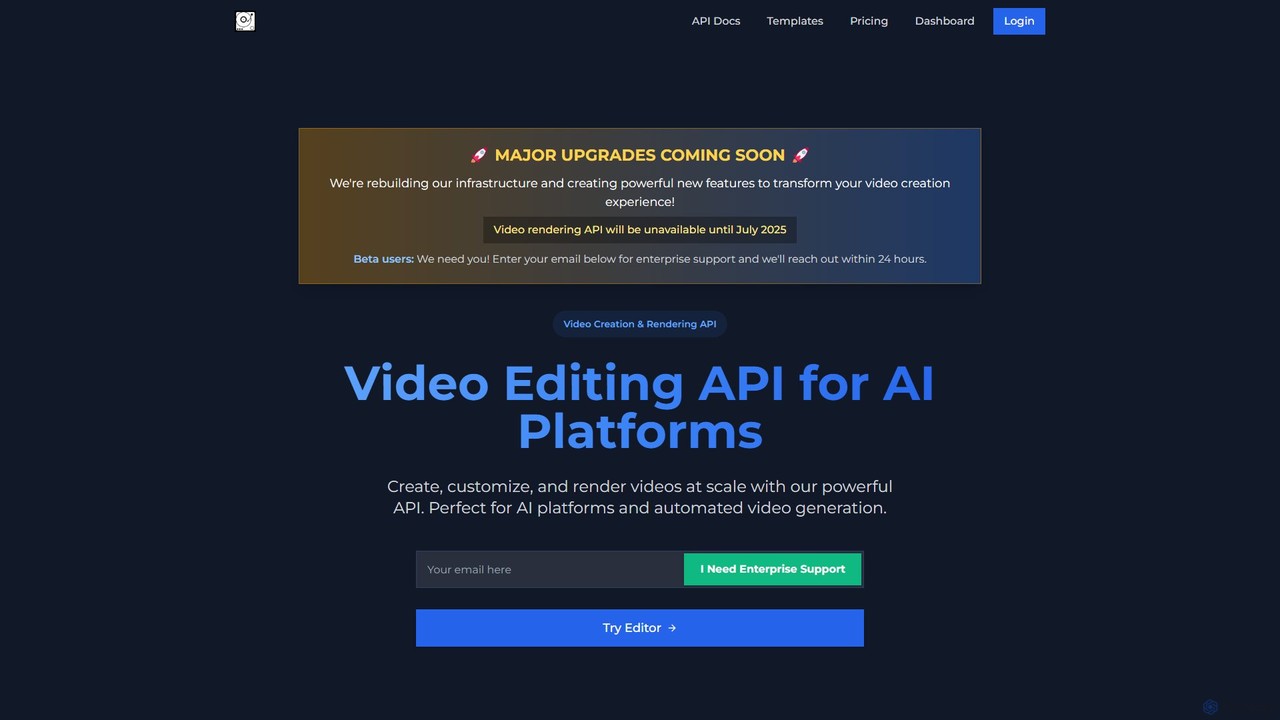
VideoAIditor Overview
VideoAIditor is a comprehensive video editing and creation platform designed to cater to both developers and individual users. At its core, it offers a powerful and scalable Video Editing API, purpose-built for AI platforms and applications that require automated video generation. This API allows for the creation, customization, and rendering of videos at scale through simple JSON payloads. For individual creators and smaller projects, VideoAIditor provides a completely free, browser-based video editor that ensures absolute privacy by processing all data directly on the user's device, meaning no files are ever uploaded to a server.
The platform is engineered for flexibility and power. Developers can leverage its AI-ready pipeline for batch processing and streamlined workflows. Key API features include template-based generation, automatic multi-language captioning, advanced composition with multiple layers, and real-time status updates via webhooks. This makes it an ideal solution for businesses looking to automate their video marketing, social media content, or personalized video messages.
How to use VideoAIditor
VideoAIditor offers two primary ways to create videos:
1. Using the Video Editing API (For Developers):
- Get an API Key: Sign up for a plan (including the free testing plan) to receive your API key.
- Choose a Template or Build from Scratch: You can use pre-existing templates or define the entire video structure—including canvas size, duration, and clips—in a JSON object.
- Customize via API Call: Send a POST request to the API endpoint with your JSON payload. You can dynamically replace media sources (images, videos), update text content, change colors, and adjust styling.
- Render and Receive: The platform renders the video based on your specifications. You can use webhooks to get notified upon completion and receive the URL to the final video.
2. Using the Free Browser-Based Editor (For Individuals):
- Visit the Website: Navigate to the VideoAIditor website.
- Start a New Project: Use the intuitive in-browser editor to start creating. You can upload your media files directly.
- Edit Your Video: Arrange clips on the timeline, add text, apply basic transformations (scaling, rotation), and generate captions.
- Export: Once you're finished, you can render and export your video. Since all processing is done in your browser, the process is fast and completely private.
Core Features of VideoAIditor
- Video Creation & Rendering API: A robust API for programmatic video generation, perfect for integration into AI platforms and automated workflows.
- Template-Based Generation: Create reusable video templates and customize them on the fly by changing media, text, and styles via API.
- Auto Caption Generation: Automatically generate and style captions in multiple languages. Control timing, appearance, and word highlighting through API parameters.
- Advanced Composition: Layer multiple video streams, images, and text with precise control over positioning (x, y, z-index), timing, and transitions.
- Browser-Based Editor: A free-to-use editor that runs entirely in your browser, ensuring 100% privacy as no data leaves your device.
- Webhook Integration: Receive real-time notifications about render status and completion, enabling seamless integration with other systems.
- Post-Creation Editing: Access redirect URLs for post-creation modifications, allowing users to review and adjust videos without rebuilding them from scratch.
- Project Portability: Enterprise users can seamlessly export and import project functionality for backup and collaboration.
Use Cases for VideoAIditor
- Automated Social Media Content: Businesses can automatically generate video posts, stories, and ads by feeding data (e.g., product info, user reviews) into video templates.
- Personalized Video Marketing: Create thousands of personalized videos for email campaigns or customer onboarding, addressing each user by name or with custom data.
- AI Application Integration: AI platforms (e.g., text-to-video generators) can use VideoAIditor as their rendering engine to produce high-quality video outputs.
- E-learning and Tutorials: Automatically generate instructional videos by combining screen recordings, voiceovers, and dynamic text overlays.
- Individual Creators: YouTubers, bloggers, and hobbyists can use the free browser editor for quick, private video editing without needing to install software.
Advantages of VideoAIditor
- Scalability: The API is designed for high-volume video generation, with enterprise plans offering dedicated rendering resources.
- Flexibility: Serves both technical users (developers) with a powerful API and non-technical users with an accessible browser editor.
- Privacy-Focused: The free editor's client-side processing is a significant advantage for users concerned about data privacy.
- Developer-Friendly: Comes with clear documentation, API examples (cURL, Python, JavaScript), and modern features like webhooks.
- Cost-Effective: Offers a free testing plan and transparent, usage-based subscription models, making it accessible for projects of all sizes.
Pricing and Plans
VideoAIditor uses a freemium model with clear, transparent pricing:
- TESTING PLAN (Free): Includes 30 minutes of free rendering, API access with rate limits (e.g., 3 calls/min), basic caption generation, and unlimited client-side rendering. It's valid for 30 days, perfect for trying out the service.
- SUBSCRIPTION PLAN (Paid): Priced at $0.10 per minute of rendering. Tiered monthly plans are available (e.g., 300 minutes for $30/month, 500 minutes for $50/month). This plan includes prioritized rendering, higher API limits, unlimited caption generations, and priority email support.
- ENTERPRISE PLAN (Custom): For users needing 3,000+ minutes per month. It offers dedicated rendering resources, custom API limits, a 99.9% uptime SLA, dedicated technical support, custom integrations, and volume discounts.
VideoAIditor Alternatives
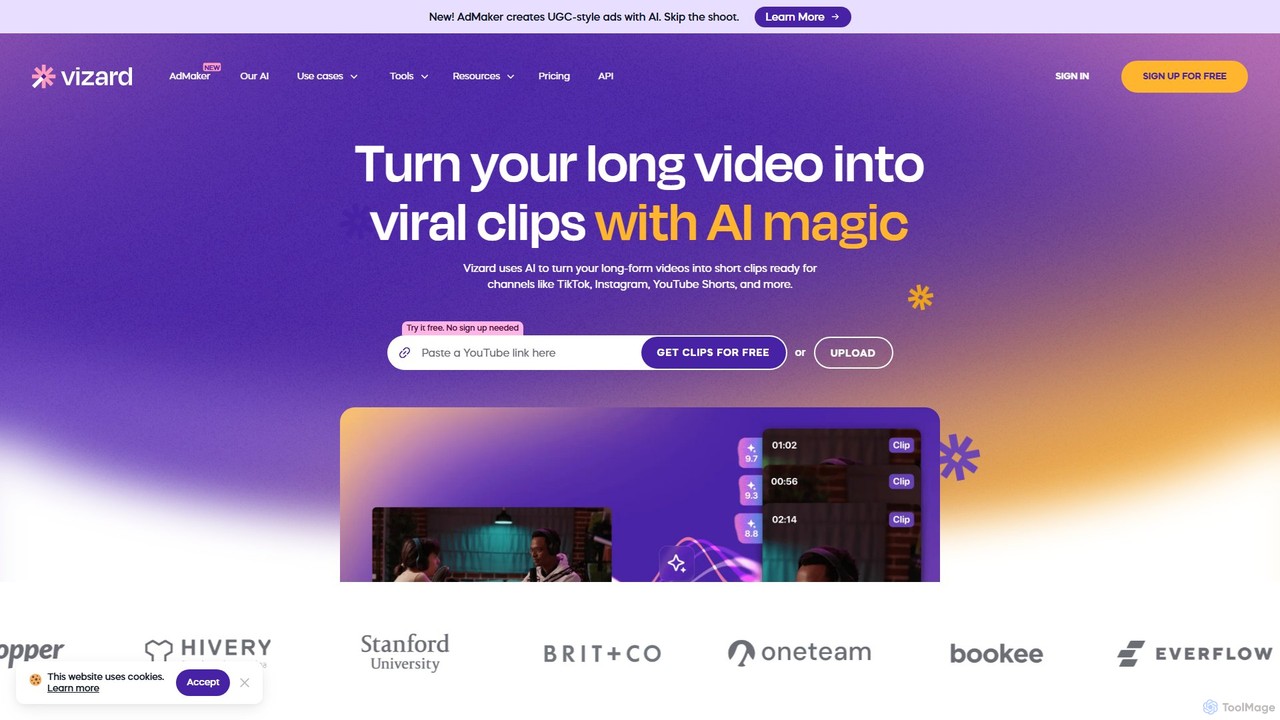
Vizard
Vizard is an AI-powered video editing platform that automatically transforms long-form videos into engaging, short clips for social media. It uses AI to identify highlights, generate transcriptions and captions, and resize videos for platforms like TikTok, Instagram, and YouTube Shorts, saving creators and marketers hours of manual work.
Video Marketing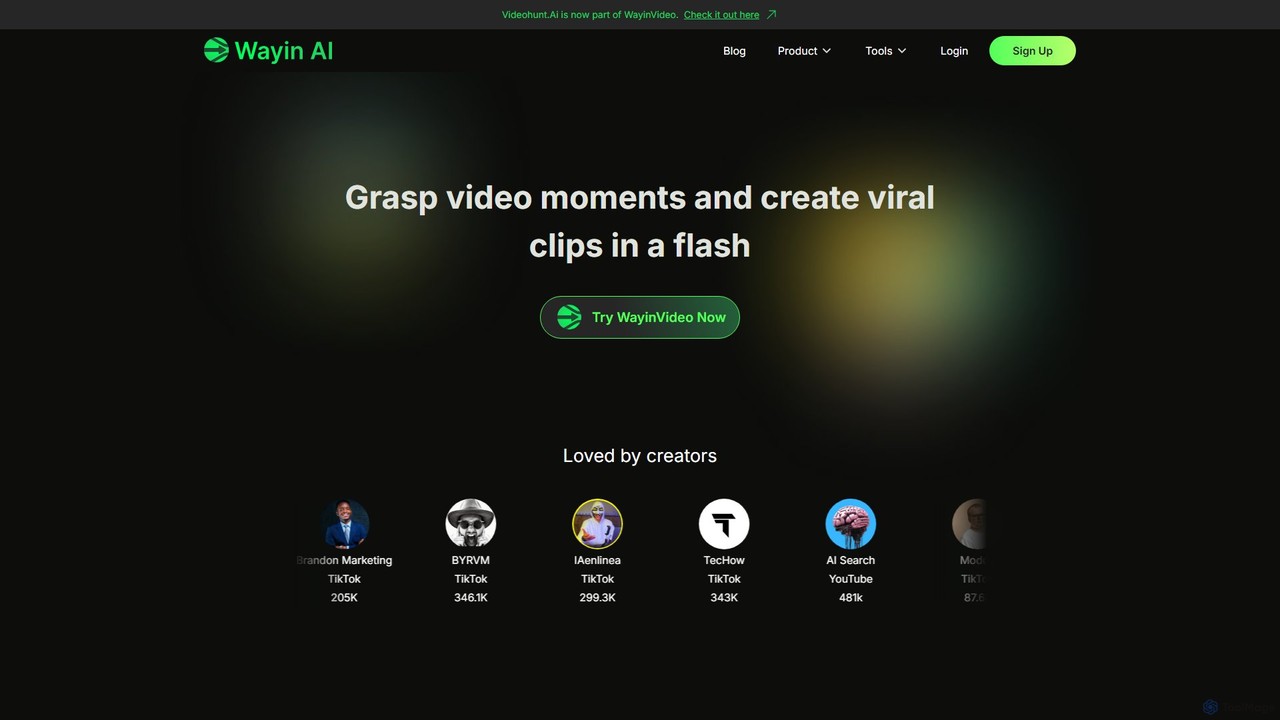
WayinVideo
WayinVideo is an AI-powered platform designed for content creators and marketers to effortlessly transform long-form videos into engaging, viral short clips. By simply pasting a video link or uploading a file, the AI automatically identifies key moments, generates animated captions, and reframes content for social media platforms like TikTok, YouTube Shorts, and Instagram Reels, saving hours of manual editing.
Automation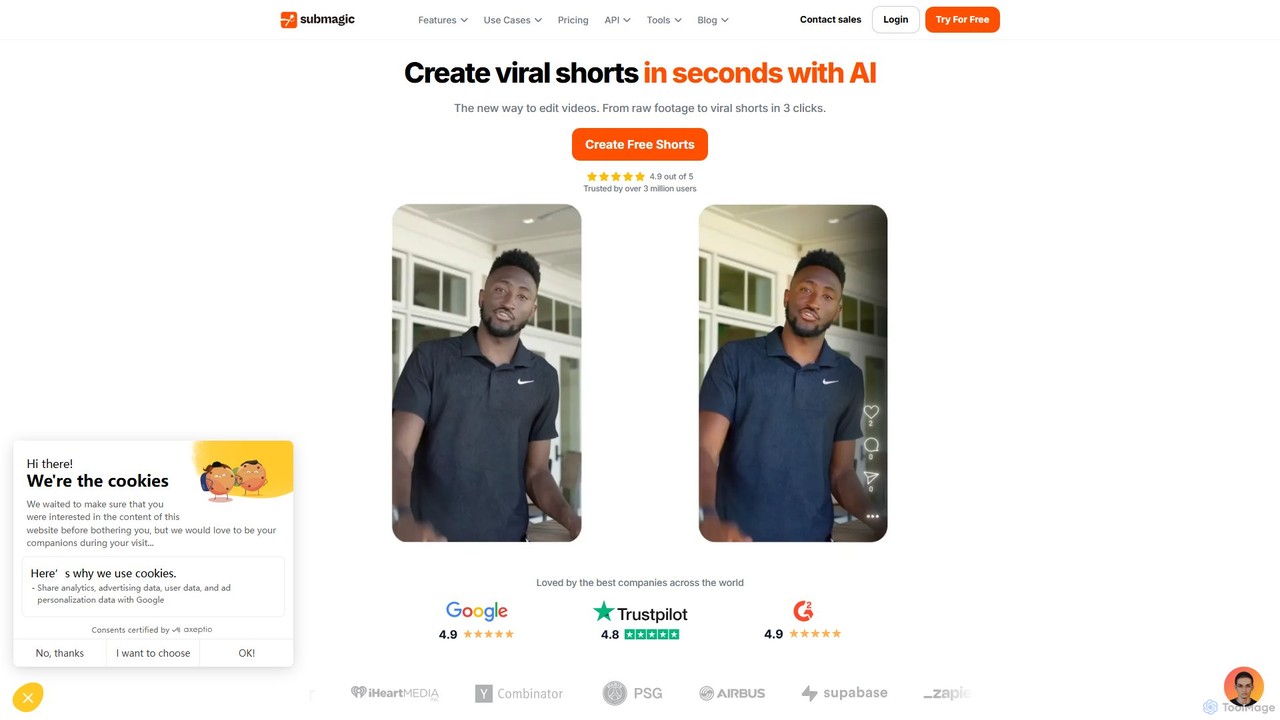
Submagic
Submagic is an all-in-one AI platform designed for creating viral short-form videos in seconds. It automates tedious editing tasks by generating trendy captions with emojis, adding dynamic B-rolls, creating smooth transitions, and extracting key moments from long videos. It's the perfect tool for content creators, marketers, and businesses looking to boost engagement and save time on video production.
Automation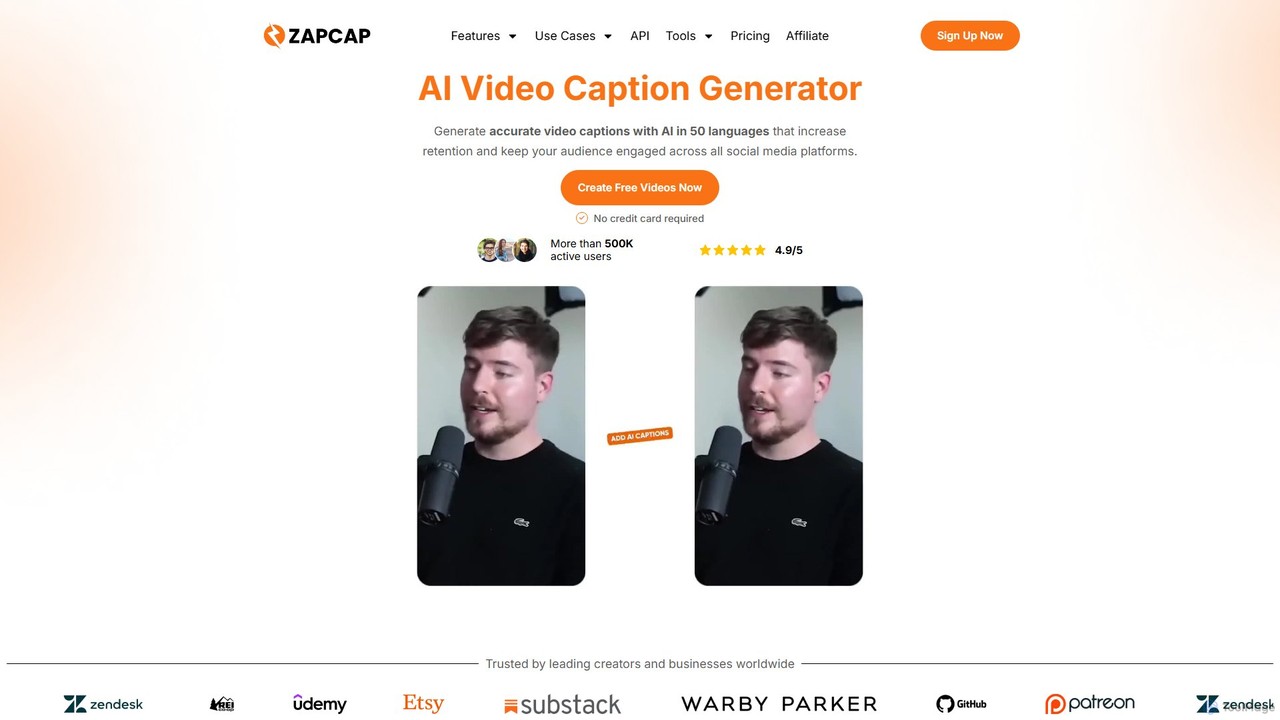
zapcap
zapcap is an AI-powered video editing platform designed to create viral short-form videos with ease. It automatically generates accurate captions in over 50 languages, removes silences, creates short clips from long videos, adds B-roll, sound effects, and generates SEO-optimized descriptions. It's an all-in-one tool for content creators, marketers, and businesses to boost engagement and save time.
Video Marketing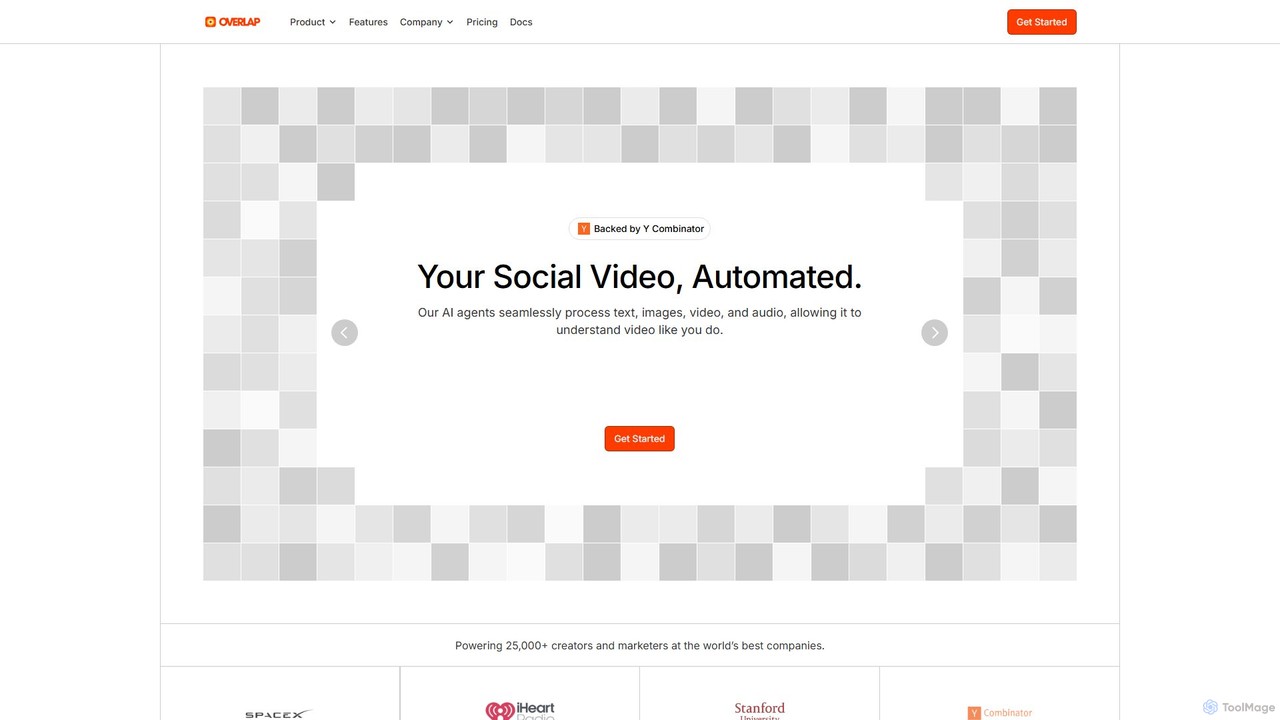
Overlap
Overlap is a Y Combinator-backed AI video marketing agent that automates the entire video creation workflow. It transforms long-form content like podcasts and webinars into engaging, short-form social media clips. The platform uses advanced AI to edit, reframe, and enhance videos, helping creators and marketers significantly boost their online presence and engagement.
Social Media MarketingVideoAIditor Categories
VideoAIditor Embed Widget
Copy this embed code to place the badge on your blog, article, or product site and send readers directly to this ToolMage detail page.

Related AI tools
Revideo
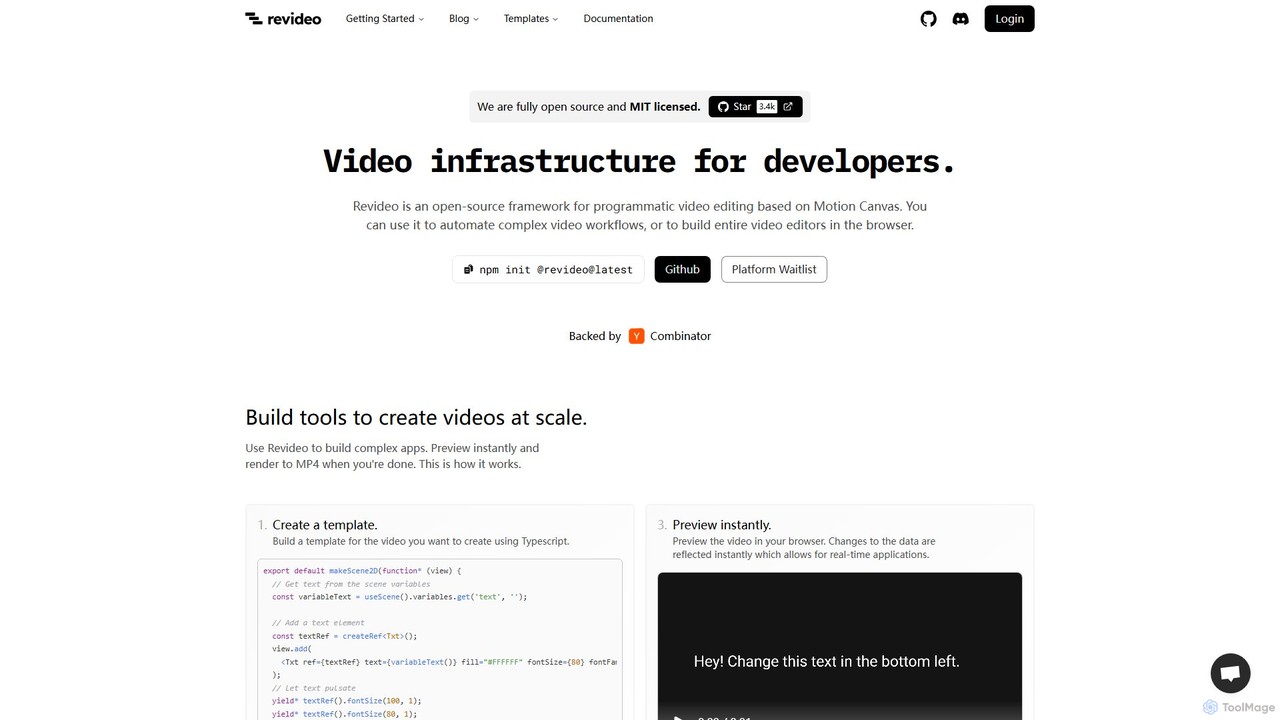
Revideo is an open-source framework for developers to create and automate videos programmatically. Using TypeScript and based on Motion Canvas, it allows for building complex video workflows, generating dynamic content from data, and even creating entire video editors. It's ideal for automating short-form content, A/B testing video ads, and creating personalized videos at scale.
Video Generation
Jyek
Jyek is an AI agent platform that understands objectives, creates execution plans, uses tools, and delivers verifiable results for complex, multi-step tasks.
Automation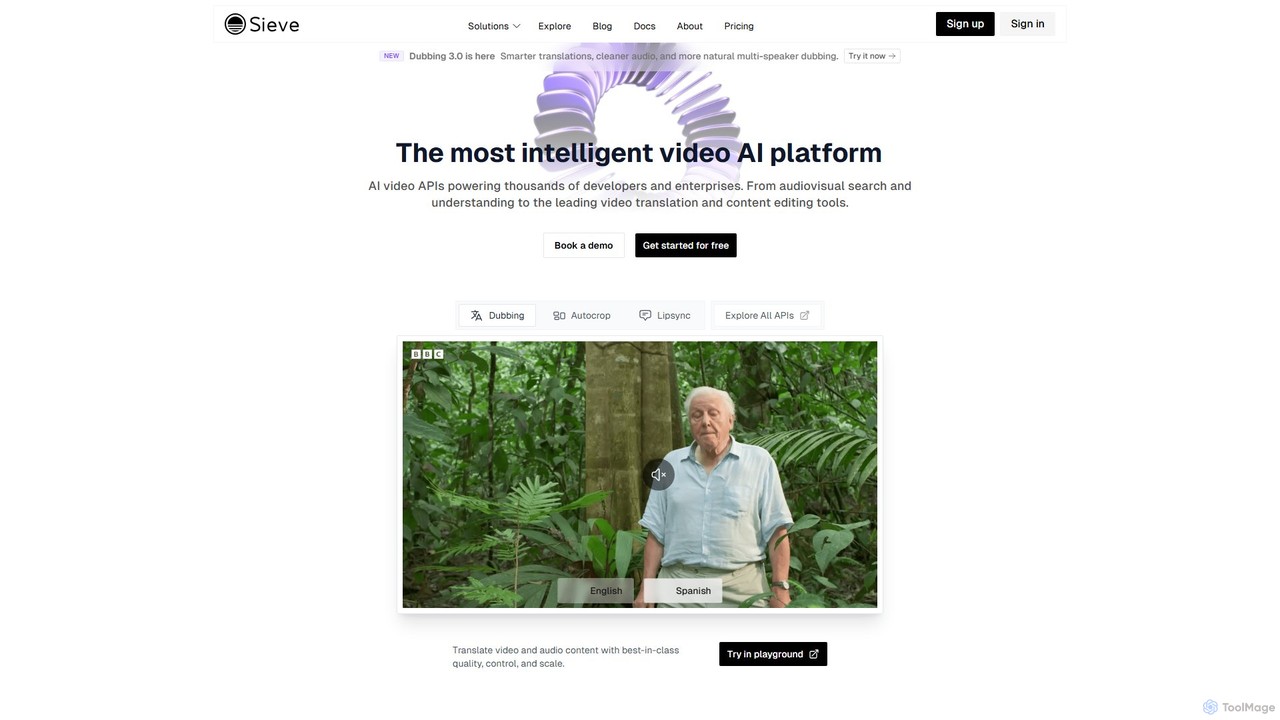
Sieve
Sieve is an intelligent AI video platform offering a comprehensive suite of APIs for developers and enterprises. It enables advanced video processing, including dubbing, transcription, background removal, lipsync, and content analysis. Built for scale, Sieve provides the infrastructure to understand, manipulate, and generate video content efficiently.
Transcription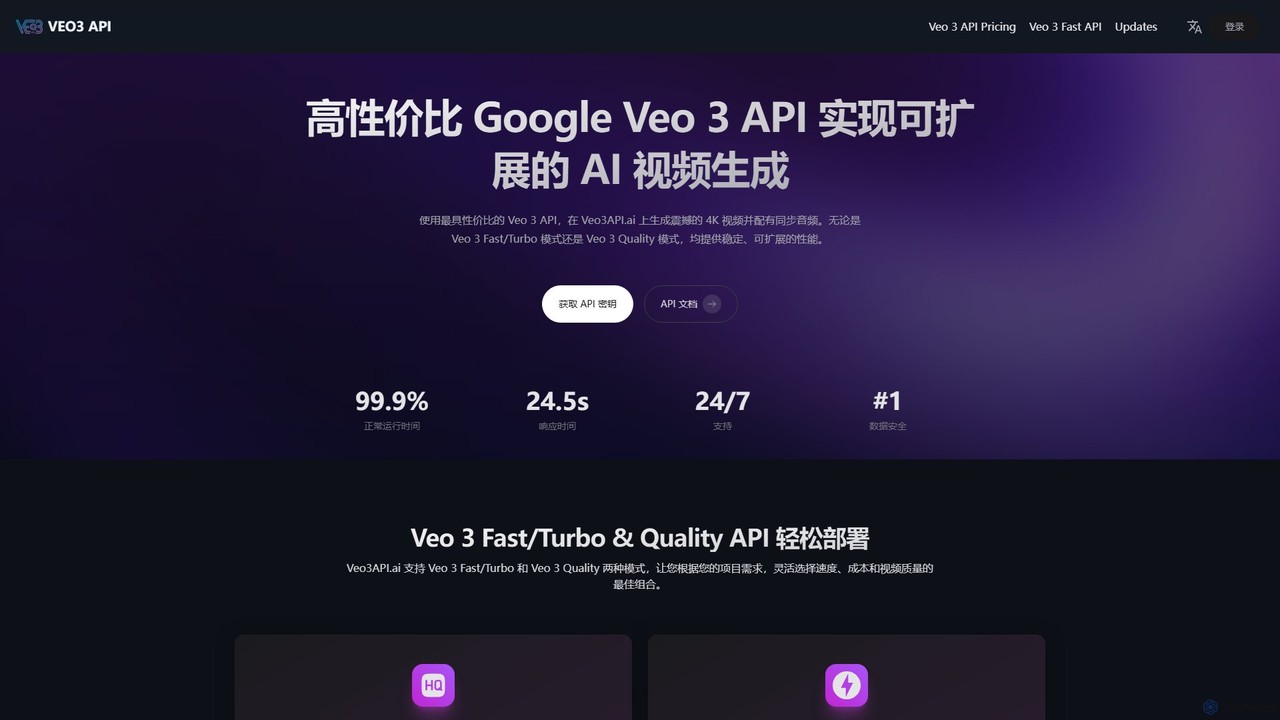
veo3api
veo3api offers a cost-effective, stable, and scalable API for Google's Veo 3 model, enabling developers to easily integrate advanced AI video generation. It supports text-to-video, image-to-video, synchronized audio, and 4K/1080p output with robust developer tools.
ApiVizard
Vizard is an AI-powered video editing platform that automatically transforms long-form videos into engaging, short clips for social media. It uses AI to identify highlights, generate transcriptions and captions, and resize videos for platforms like TikTok, Instagram, and YouTube Shorts, saving creators and marketers hours of manual work.
Video Marketing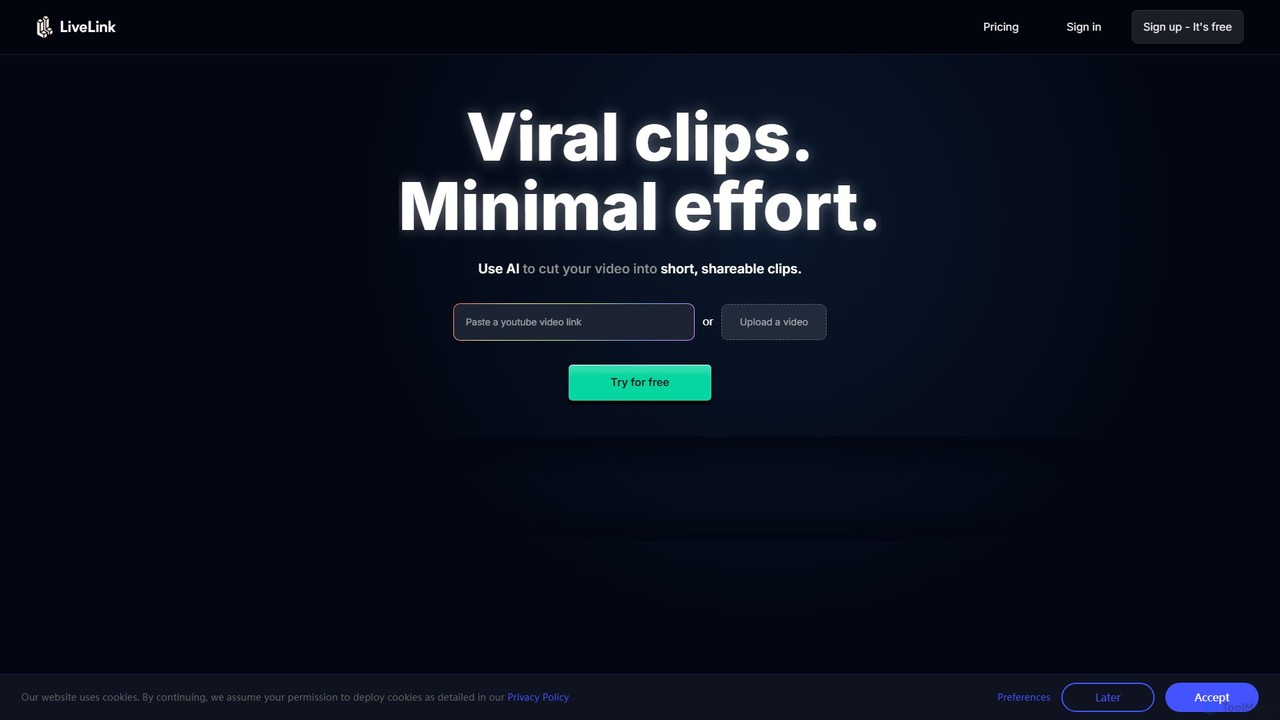
LiveLink
LiveLink is an AI-powered video clip maker that transforms long-form videos into engaging, shareable short clips for social media. It automates clipping, adds captions, reframes shots, and schedules posts to platforms like TikTok, YouTube Shorts, and Instagram Reels, saving creators and marketers significant time.
Repurposing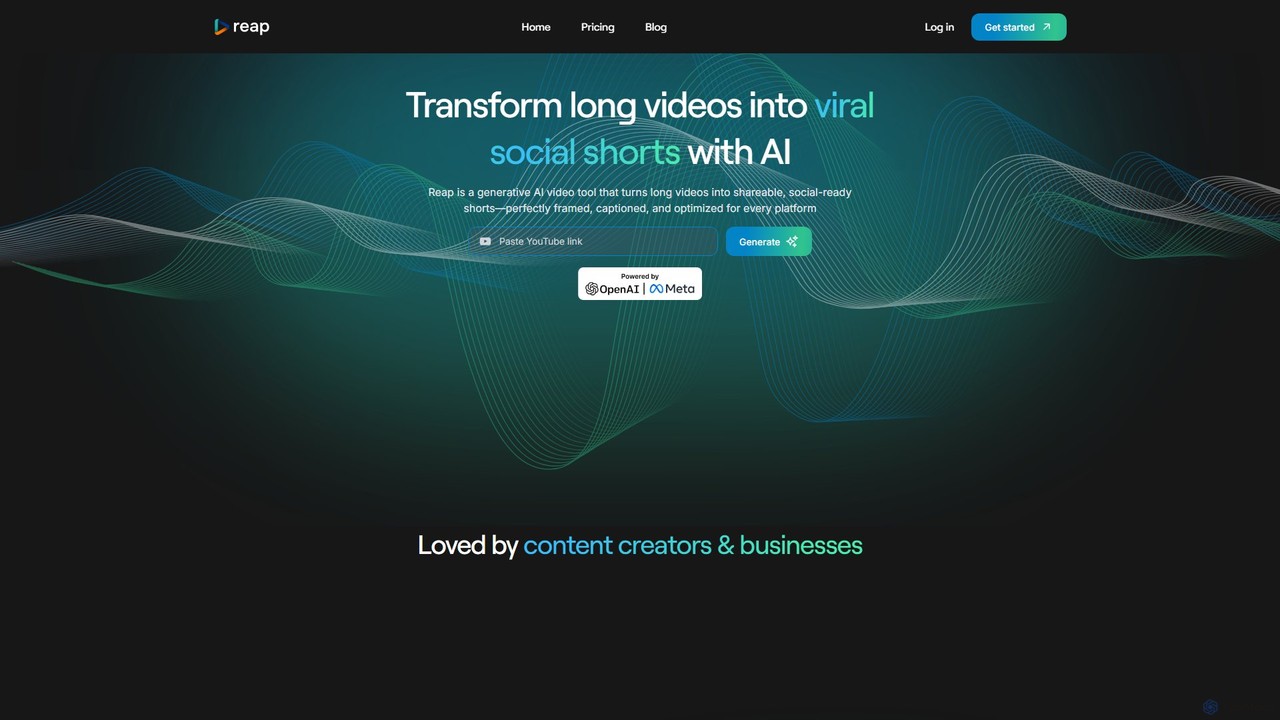
reap
An AI-powered video editing platform that automatically transforms long-form videos into viral short clips for social media. It features AI-driven clipping, transcript-based editing, automatic captions, and audio enhancement tools to save creators time and boost their content's reach.
Repurposing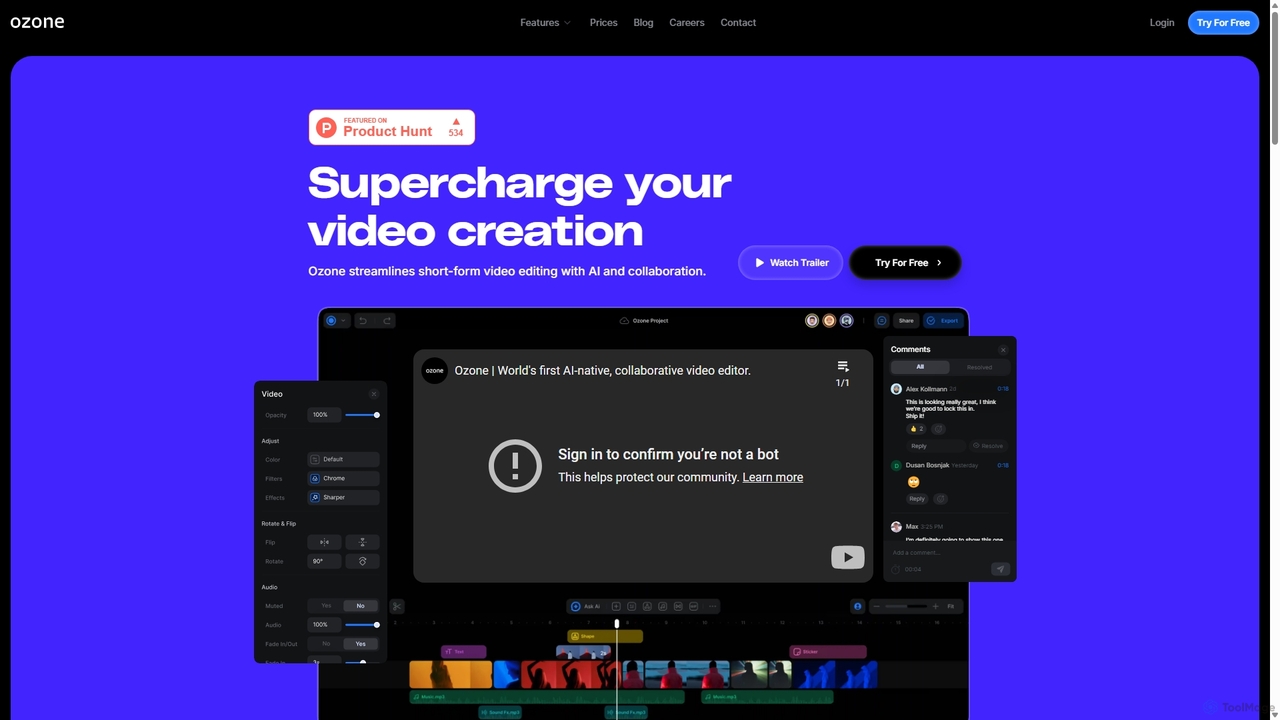
Ozone
Ozone is an AI-powered, cloud-based video editing platform that streamlines short-form video creation. It combines intelligent features like auto-captioning, text-to-video, and silence removal with real-time collaboration tools. Designed for content creators and marketing teams, Ozone eliminates the need for powerful hardware and complex workflows, allowing users to focus on storytelling and produce professional videos faster from anywhere.
Voice Synthesis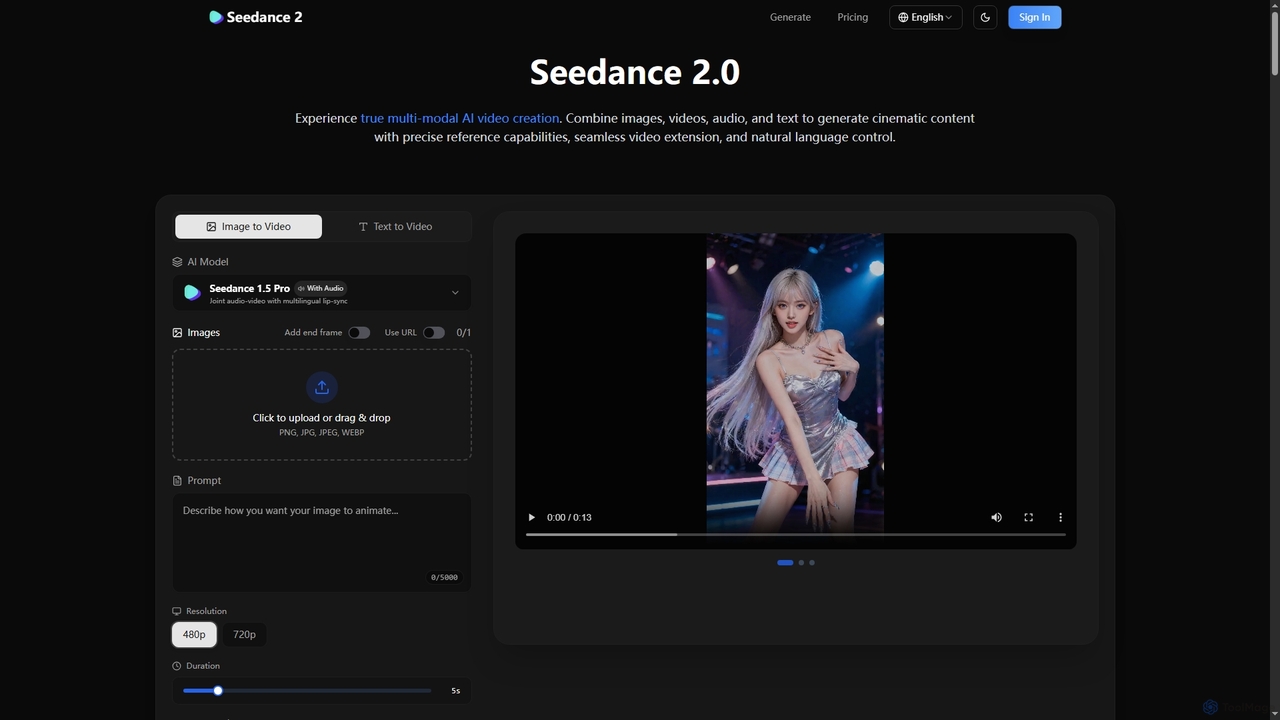
Seedance 2
Break free from generic AI video. Seedance 2 offers unparalleled multi-modal control, allowing creators to precisely reference motion, styles, and characters from their own assets, ensuring cinematic consistency and targeted editing capabilities.
Content Creation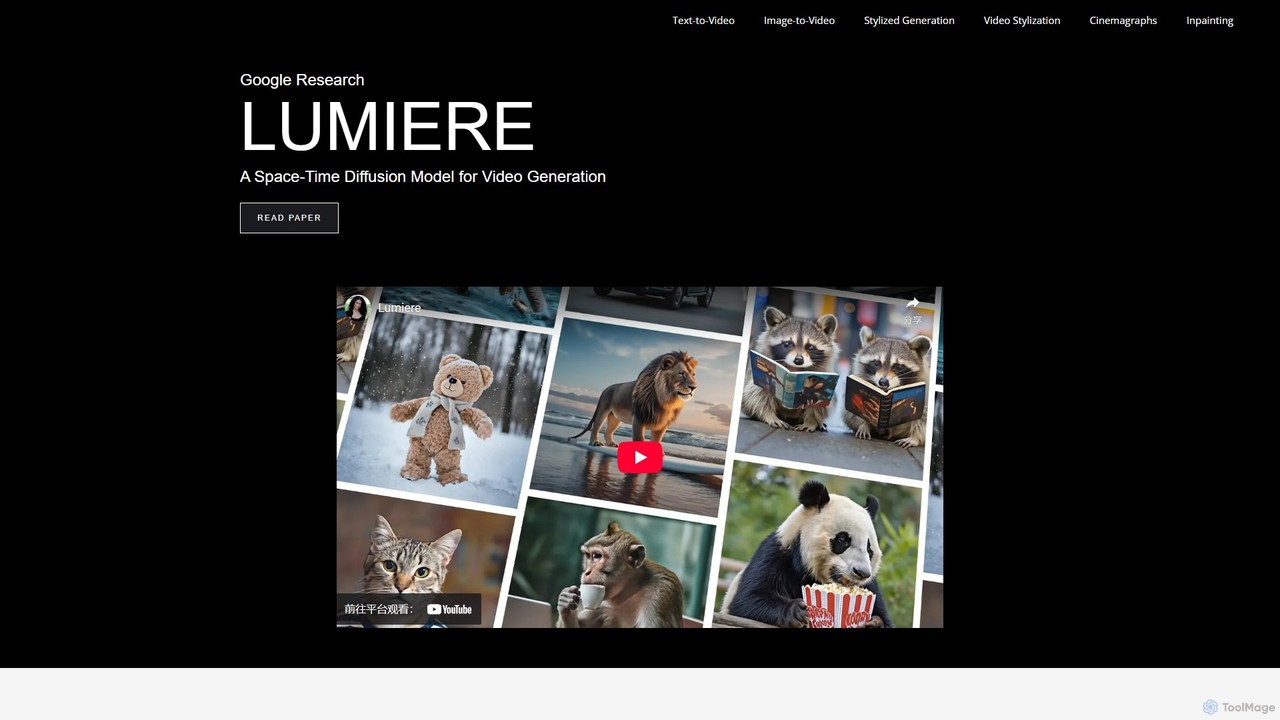
Lumiere
Lumiere is a state-of-the-art text-to-video diffusion model by Google Research. It is designed to generate videos with realistic, diverse, and coherent motion. Its unique Space-Time U-Net architecture generates the entire video duration in a single pass, ensuring exceptional temporal consistency and enabling a wide range of video creation and editing tasks.
Animation
Kling 2.6
Kling 2.6 is an advanced AI-powered video generation platform that transforms text and images into stunning, high-quality videos with unparalleled prompt adherence and temporal consistency. It offers cinematic motion, deep scene understanding, and rapid generation for professional creative workflows.
Motion Graphics
2Vid
2Vid is an AI-powered platform that transforms product links, websites, or text into high-converting viral marketing video ads in minutes. It features customizable AI avatars, automated scriptwriting, dynamic B-roll generation, and realistic voiceovers to create engaging content for social media and advertising campaigns.
Product Videos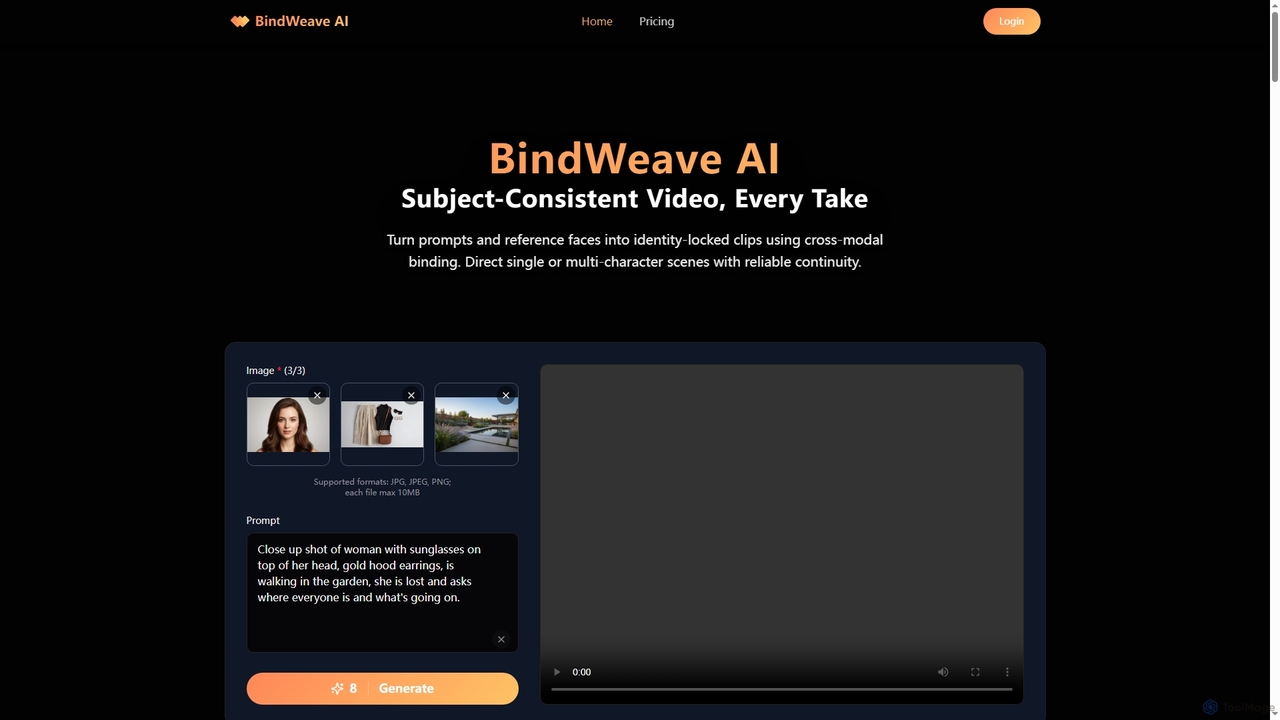
BindWeave AI
BindWeave AI is an advanced AI video generation platform that creates subject-consistent videos by binding text prompts to reference images. It ensures identity lock for single or multi-character scenes, maintaining visual fidelity and temporal coherence across various takes and interactions.
3D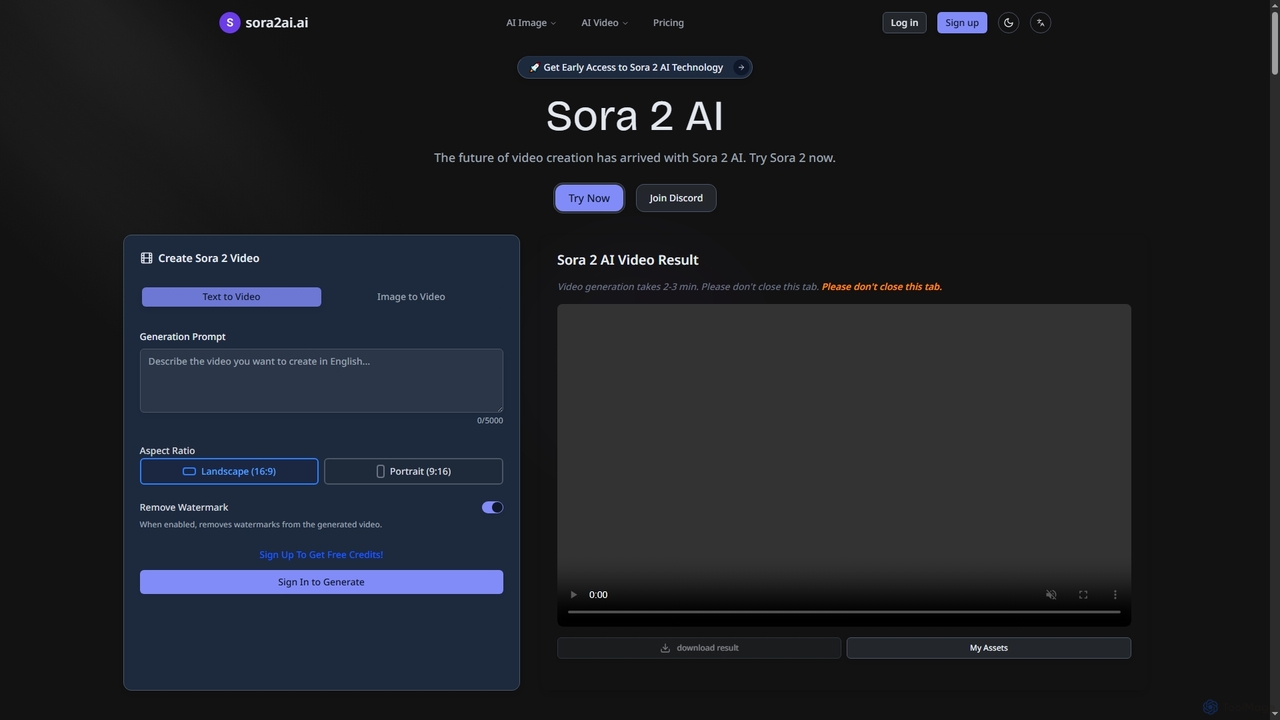
Sora2ai
Sora2ai is a comprehensive AI creative platform offering early access to advanced AI video and image generation. It integrates cutting-edge models like Sora 2 for 20-second continuous video generation with unique cameos and native audio, Google's Veo 3 for cinematic videos, and NanoBanana for powerful image editing, providing a unified workflow for diverse creative needs.
Content Creation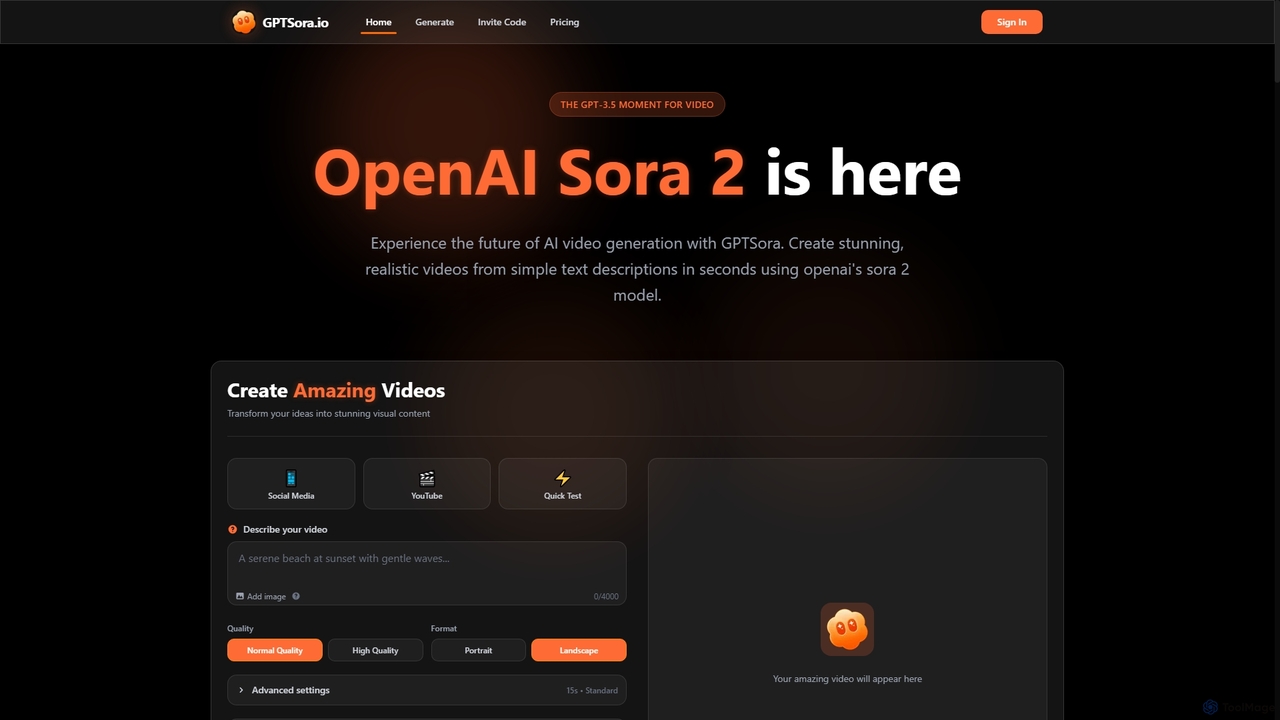
GPTSora
GPTSora is an advanced AI video generation platform powered by OpenAI's Sora 2 model, enabling users to create stunning, realistic videos from simple text descriptions and images in seconds. It offers enhanced control, synchronized audio, and advanced physics for diverse creative and commercial applications.
3D
VideoAIditor Comments (0)
Sign in to comment.
Sign inNo comments yet.