ToolMage
Sign in

Best 5 3D & Design AI tools

Popular 3D & Design AI tools include Marble, Fuser, blackshark.ai, AI Architectures, and Turbo Play, helping you work more efficiently.

Turbo Play
Freemium

Turbo Play

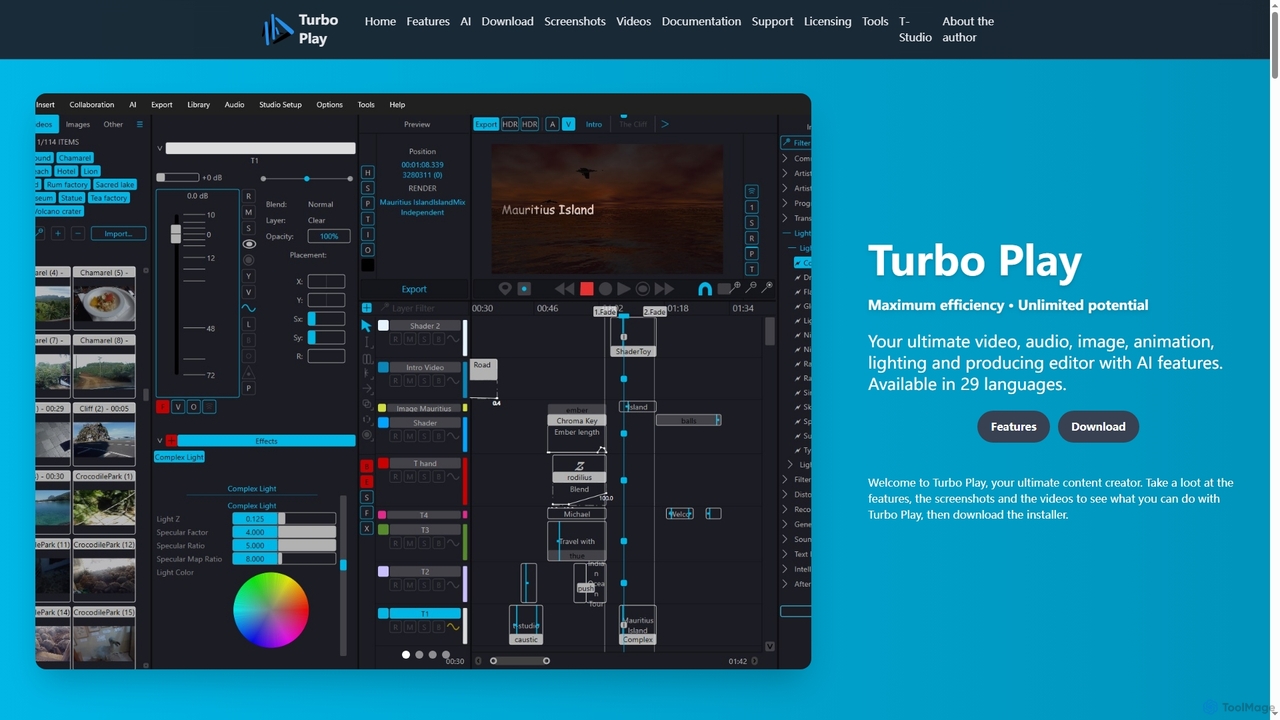
Turbo Play is an all-in-one AI-powered video, audio, image, and animation editor designed for maximum efficiency and unlimited creative potential. It offers a comprehensive suite of tools for content creation, including advanced AI features for background removal, face swapping, speech separation, and text-to-image generation, catering to both casual and professional users across 29 languages.

3D
Visits 3.4KFavorites 128Likes 133
Marble

Marble

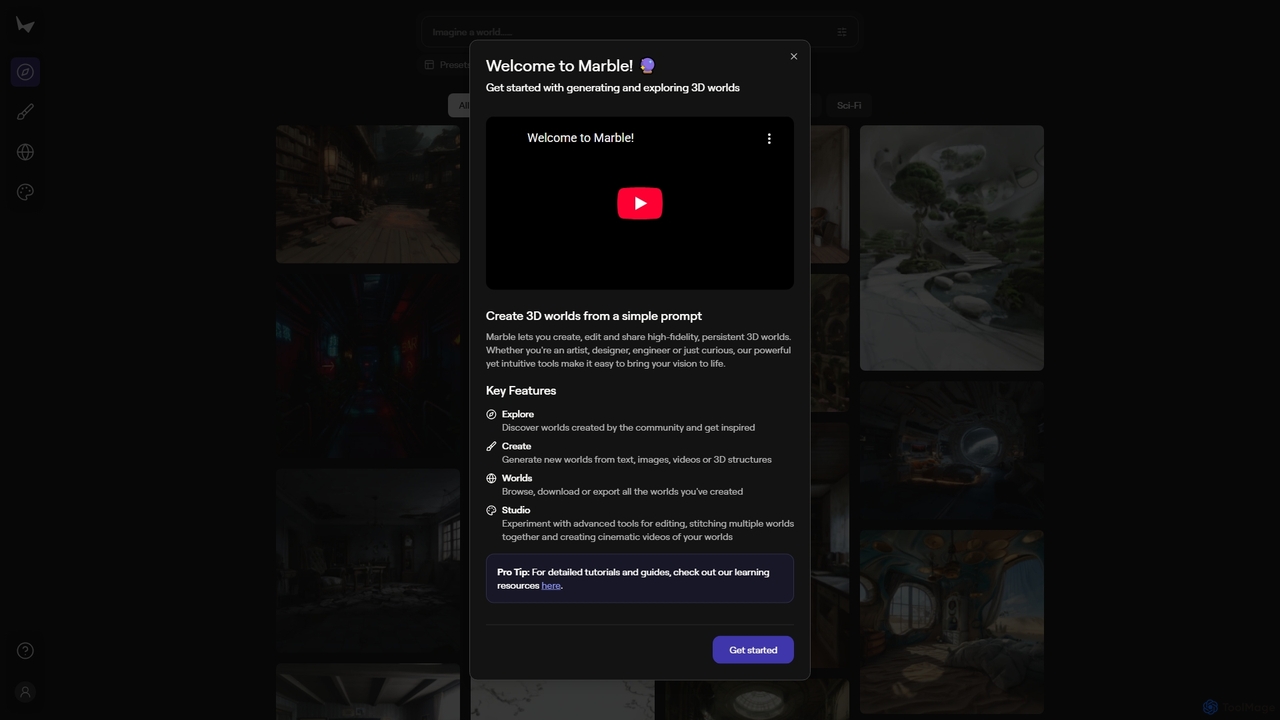
Marble is an innovative AI tool that empowers artists, designers, and enthusiasts to create, edit, and share high-fidelity, persistent 3D worlds from simple prompts. It transforms text, images, videos, or 3D structures into immersive virtual environments, fostering creativity and exploration within a vibrant community.

World Generation
Visits 153.9KFavorites 134Likes 132
Fuser
Freemium

Fuser

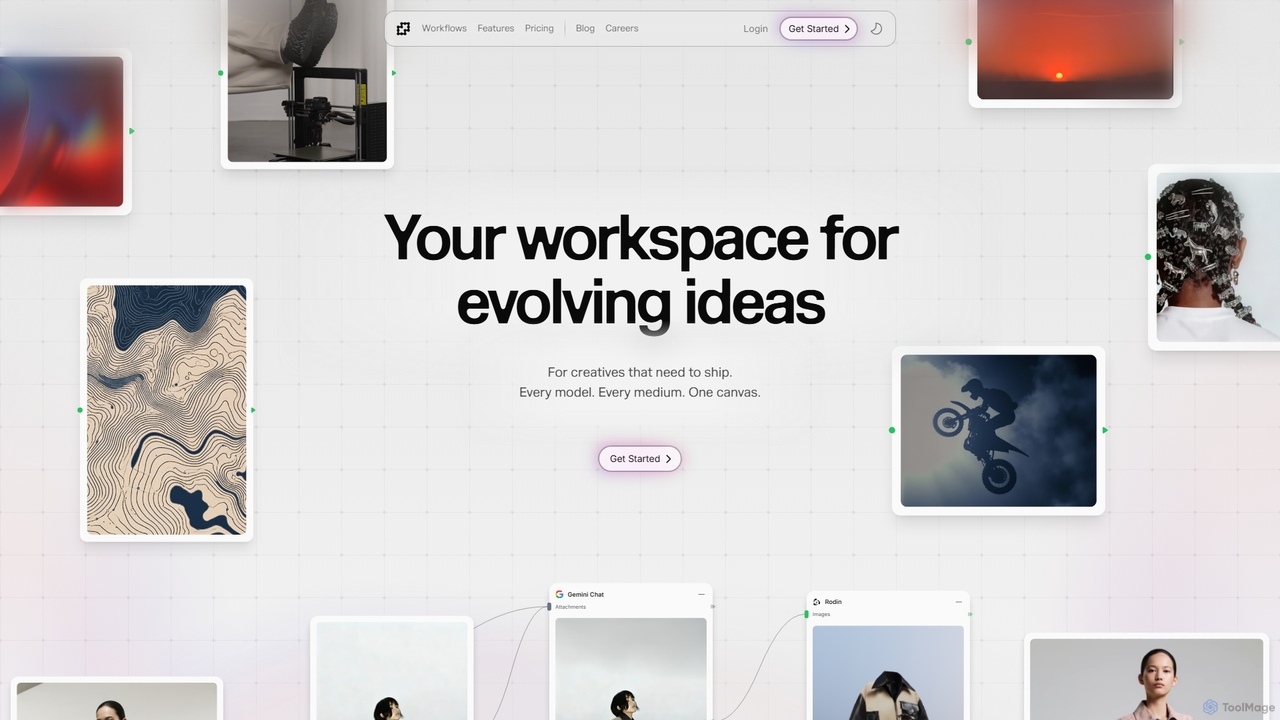
Fuser is an innovative AI workspace designed for creatives to evolve ideas across various mediums. It offers a unified canvas to integrate over 160 models and 300 LLMs, facilitating iterative design for text, images, videos, audio, and 3D. Emphasizing process over output, Fuser empowers users to build tailored workflows, manage assets, and connect API keys for seamless creative exploration and production.

Modeling
Visits 76.4KFavorites 100Likes 93
AI Architectures
Paid

AI Architectures

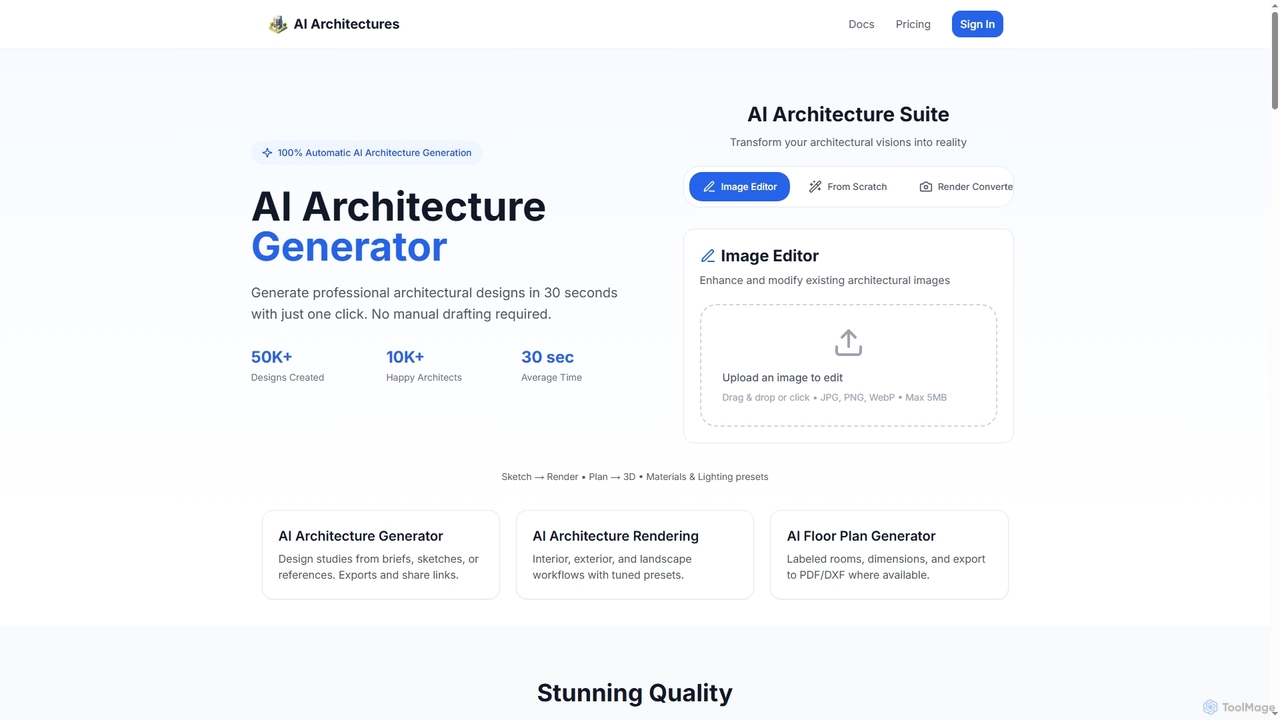
AI Architectures is an advanced AI platform designed for architects and designers, enabling 100% automatic generation of professional architectural designs, floor plans, and photorealistic renders in seconds. It transforms sketches, briefs, or existing images into stunning visualizations for various architectural scenarios.

Rendering
Visits 10.7KFavorites 109Likes 110
blackshark.ai
Paid

blackshark.ai

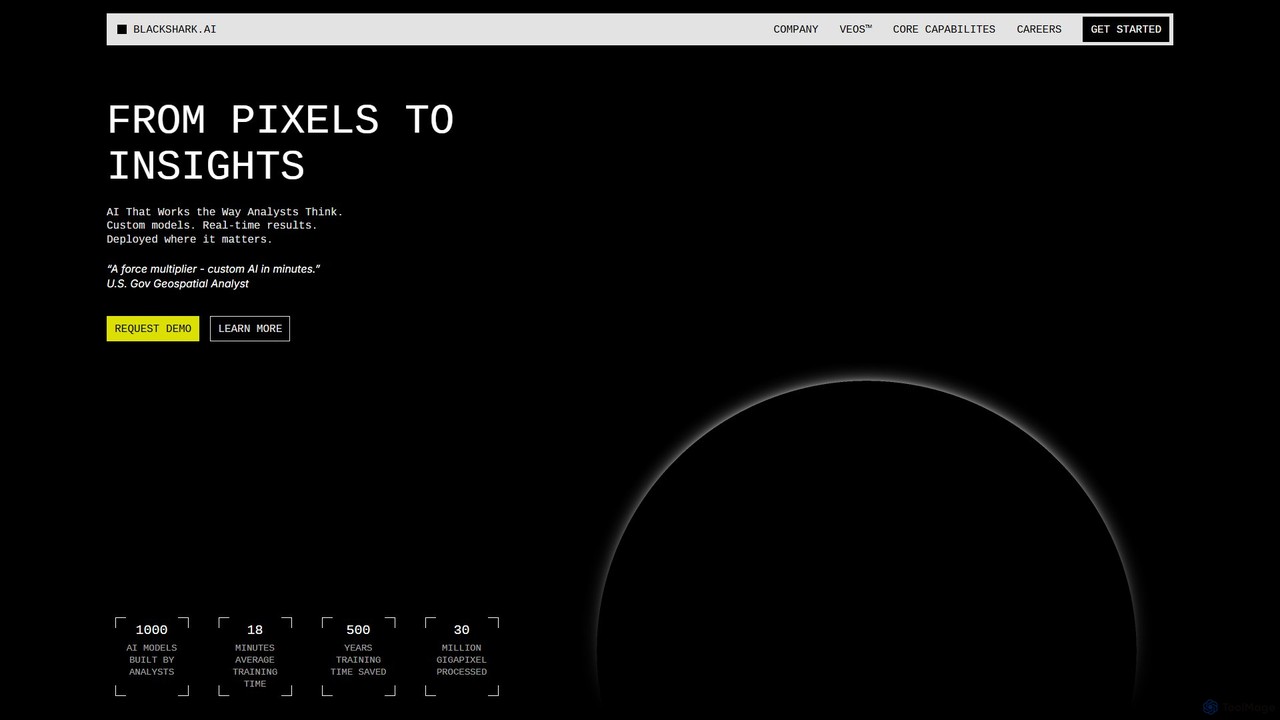
blackshark.ai is an AI-powered Visual Earth Operating System (VEOS) that transforms satellite, aerial, and drone imagery into actionable 2D/3D geospatial intelligence and realistic simulations. It empowers analysts to rapidly train custom AI models for detection, classification, and monitoring, serving the defense, infrastructure, and autonomy sectors with unprecedented speed and flexibility.

Simulation
Visits 22KFavorites 157Likes 151

About 3D & Design

3D & Design are AI-powered tools that revolutionize the creation, modification, and optimization of visual content across two-dimensional and three-dimensional spaces. These tools leverage advanced machine learning algorithms, including generative AI, to automate complex design tasks, accelerate workflows, and unlock new creative possibilities. They empower designers, artists, architects, and engineers to generate models, textures, and entire scenes with unprecedented speed and precision, transforming traditional design processes.

Core Features

  • Generative 3D Modeling: Automatically create complex 3D models from text prompts, sketches, or existing assets.
  • Intelligent Texturing & Material Generation: Apply realistic textures and materials, or generate new ones based on visual input or descriptions.
  • Automated Rendering & Optimization: Enhance rendering quality, optimize lighting, and accelerate rendering times using AI algorithms.
  • Design Style Transfer: Apply specific artistic styles or design aesthetics to existing 2D images or 3D models.
  • Layout & Composition Assistance: AI-driven suggestions for optimal visual arrangement and composition in 2D and 3D scenes.

Use Cases

These tools are widely adopted in industries requiring high-fidelity visual content and rapid iteration. From game development studios accelerating asset creation to architectural firms visualizing complex structures, and product designers prototyping new concepts, AI 3D & Design tools streamline demanding visual workflows. They also assist marketing teams in generating diverse advertising creatives and animators in automating character rigging and motion.

How to Choose

When selecting AI 3D & Design tools, consider the specific design tasks you need to automate (e.g., modeling, texturing, rendering). Evaluate the tool's integration capabilities with your existing software ecosystem (e.g., Blender, Unity, Adobe Creative Suite). Assess the quality and fidelity of the AI-generated output, and compare pricing models based on usage or subscription. Finally, consider the learning curve and available community support for efficient adoption.

Featured tool rankings

3D & Design use cases

1

Rapid Prototyping for Product Design

Product designers can leverage AI 3D & Design tools to quickly generate multiple design iterations from initial concepts or textual descriptions. This allows for faster visualization of product variations, material simulations, and ergonomic assessments, significantly reducing the time and cost associated with traditional physical prototyping. Engineers can also use these tools for early-stage design validation and optimization.

2

Architectural Visualization & Interior Design

Architects and interior designers utilize AI to transform 2D floor plans or conceptual sketches into detailed 3D models and realistic renderings. AI can automatically populate spaces with furniture, suggest optimal lighting, and apply various material finishes, enabling clients to visualize projects with high fidelity before construction begins. This accelerates client feedback cycles and design approval.

3

Game Asset Creation & Environment Design

Game developers employ AI 3D & Design tools to rapidly generate diverse game assets, including characters, props, and environmental elements. From creating unique textures to generating entire landscapes based on simple prompts, AI streamlines the labor-intensive process of asset production. This allows artists to focus on creative refinement rather than repetitive modeling tasks, speeding up game development cycles.

4

Marketing & Advertising Visual Content Generation

Marketing professionals and advertisers use AI 3D & Design tools to create compelling visual content for campaigns. This includes generating high-quality product renders for e-commerce, designing engaging social media graphics, or producing short animated advertisements. AI enables the rapid creation of numerous visual variations tailored for different platforms and target audiences, enhancing campaign effectiveness.

5

Fashion Design & Virtual Apparel Creation

Fashion designers can utilize AI 3D & Design tools to visualize new apparel collections in a virtual environment. These tools allow for the rapid creation of garment prototypes, simulation of fabric drapes, and application of various patterns and textures. This reduces the need for physical samples, accelerates design iterations, and facilitates virtual try-on experiences for customers, revolutionizing the design-to-market process.

6

Industrial Design & Engineering Simulation

Industrial designers and engineers apply AI 3D & Design tools for complex part design, assembly visualization, and early-stage performance simulation. AI can suggest optimized geometries for manufacturing, analyze structural integrity, and predict material behavior under stress. This integration helps in identifying potential design flaws early, improving product functionality, and reducing development risks in fields like automotive and aerospace.

3D & Design FAQ

What are AI 3D & Design tools?

AI 3D & Design tools are software applications that leverage artificial intelligence, particularly machine learning and generative AI, to assist and automate various tasks in 2D and 3D visual content creation. They typically feature capabilities like generating models from text, intelligent texturing, automated rendering, and design optimization. These tools aim to enhance efficiency, foster creativity, and simplify complex design workflows for professionals across industries such as gaming, architecture, product design, and marketing.

How do I choose the best AI 3D & Design tool for my project?

To choose the best AI 3D & Design tool, first identify your primary needs: are you focused on 3D modeling, texturing, rendering, or 2D graphic design? Evaluate the tool's specific features and ensure they align with your workflow. Consider its compatibility with your existing software ecosystem (e.g., CAD, DCC tools) and the quality of its output. Also, assess the learning curve, pricing model, and the level of community support or tutorials available to ensure a smooth integration into your design process.

What specific tasks can AI 3D & Design tools automate or enhance?

AI 3D & Design tools can automate or significantly enhance a wide range of tasks. This includes generating initial 3D models from simple prompts or sketches, creating realistic textures and materials, optimizing lighting setups for rendering, and even automating character rigging and animation. In 2D design, they can assist with layout suggestions, style transfer, and intelligent image editing. These capabilities free designers from repetitive tasks, allowing them to focus on higher-level creative decisions and complex problem-solving.

What are the main benefits of using AI in 3D & Design workflows?

The main benefits of integrating AI into 3D & Design workflows include significantly increased efficiency and speed, as AI can automate time-consuming tasks like modeling, texturing, and rendering. It also unlocks new creative possibilities by generating novel designs and variations that might not be conceived through traditional methods. Furthermore, AI tools can improve design quality through optimization and provide accessibility to complex design processes for users with varying skill levels, ultimately reducing costs and accelerating project delivery.

Can AI 3D & Design tools integrate with existing design software?

Yes, many AI 3D & Design tools are designed with integration in mind. They often offer plugins, APIs, or file format compatibility (e.g., OBJ, FBX, GLTF) that allow them to work seamlessly with popular existing design software like Blender, Autodesk Maya, 3ds Max, Cinema 4D, Unity, Unreal Engine, and Adobe Creative Suite applications. This enables designers to leverage AI capabilities within their familiar environments, enhancing their current workflows rather than requiring a complete overhaul.