2-b.ai
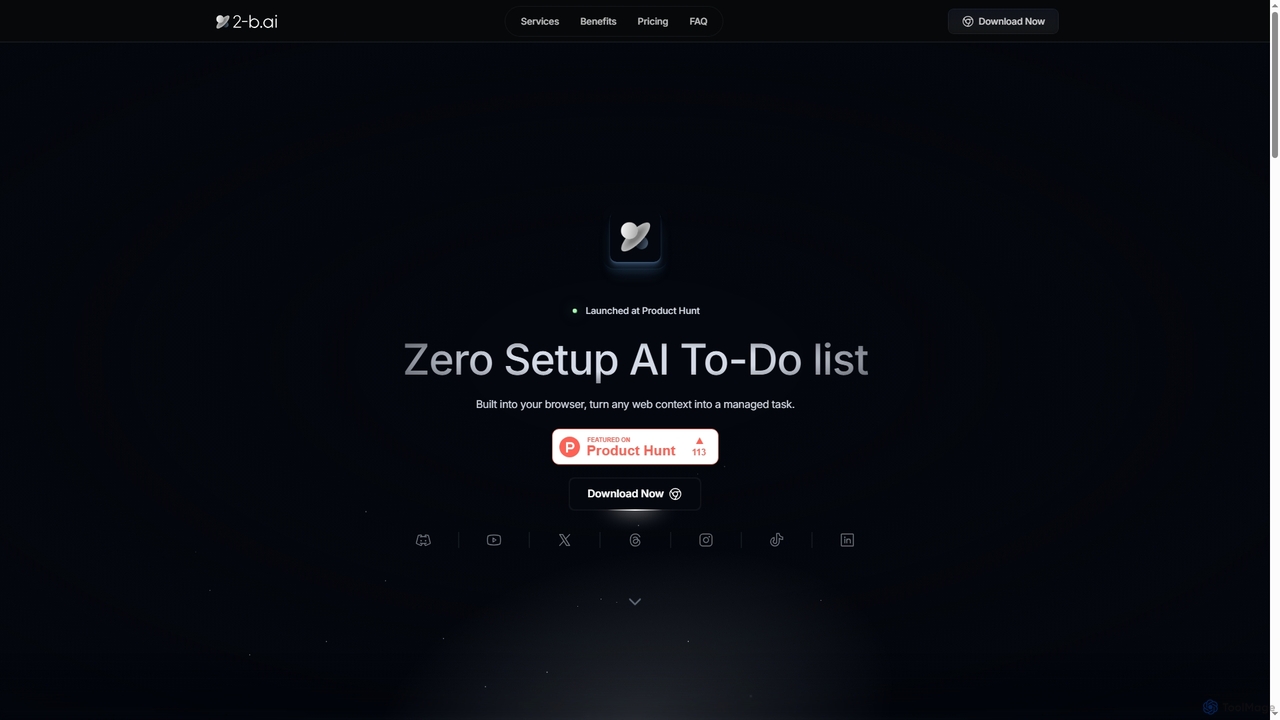
2-b.ai is a browser-based AI To-Do list extension that seamlessly transforms any web context into manageable tasks. It …
2-b.ai is a browser-based AI To-Do list extension that seamlessly transforms any web context into manageable tasks. It offers AI-powered task creation, breakdown, and an AI chat for workflow organization, integrating with Google Calendar to enhance productivity directly within your browser.
Symplify
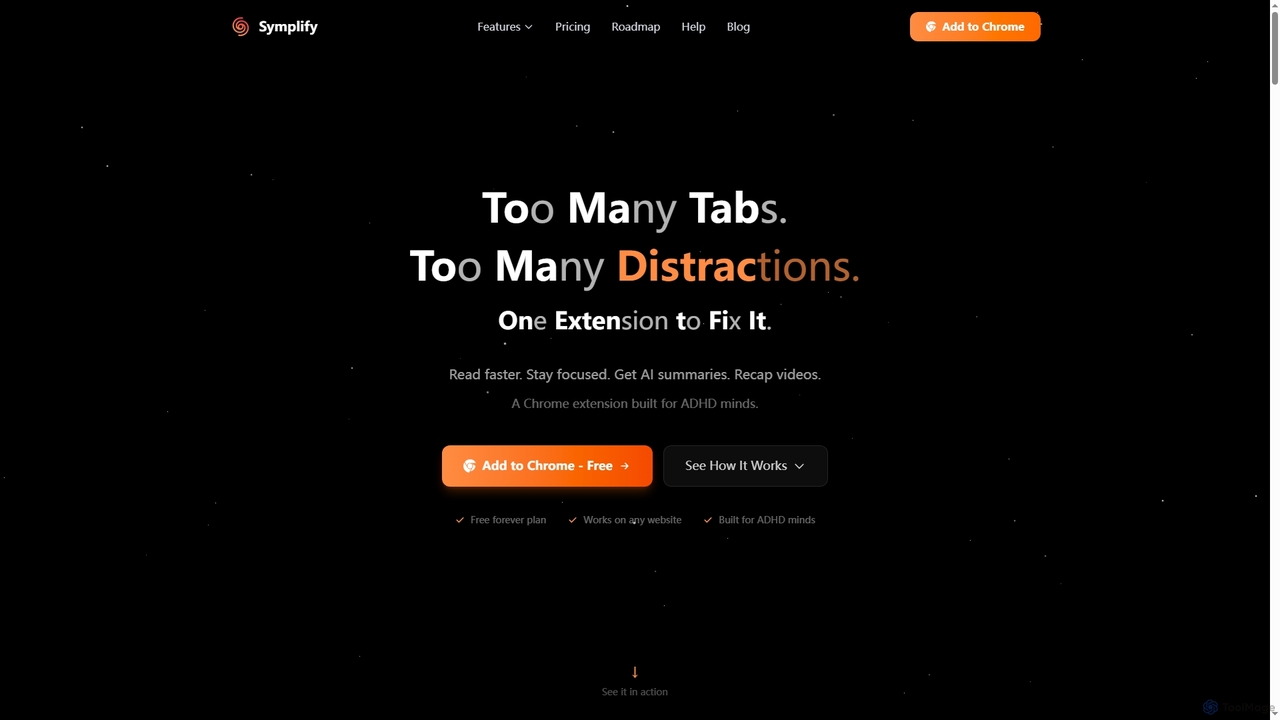
Symplify is an AI-powered Chrome extension designed to enhance focus and productivity by eliminating digital distractions. It offers …
Symplify is an AI-powered Chrome extension designed to enhance focus and productivity by eliminating digital distractions. It offers features like AI summaries, video recaps, easy reading mode, and time tracking, specifically built to support individuals with attention differences.
ChatEngram
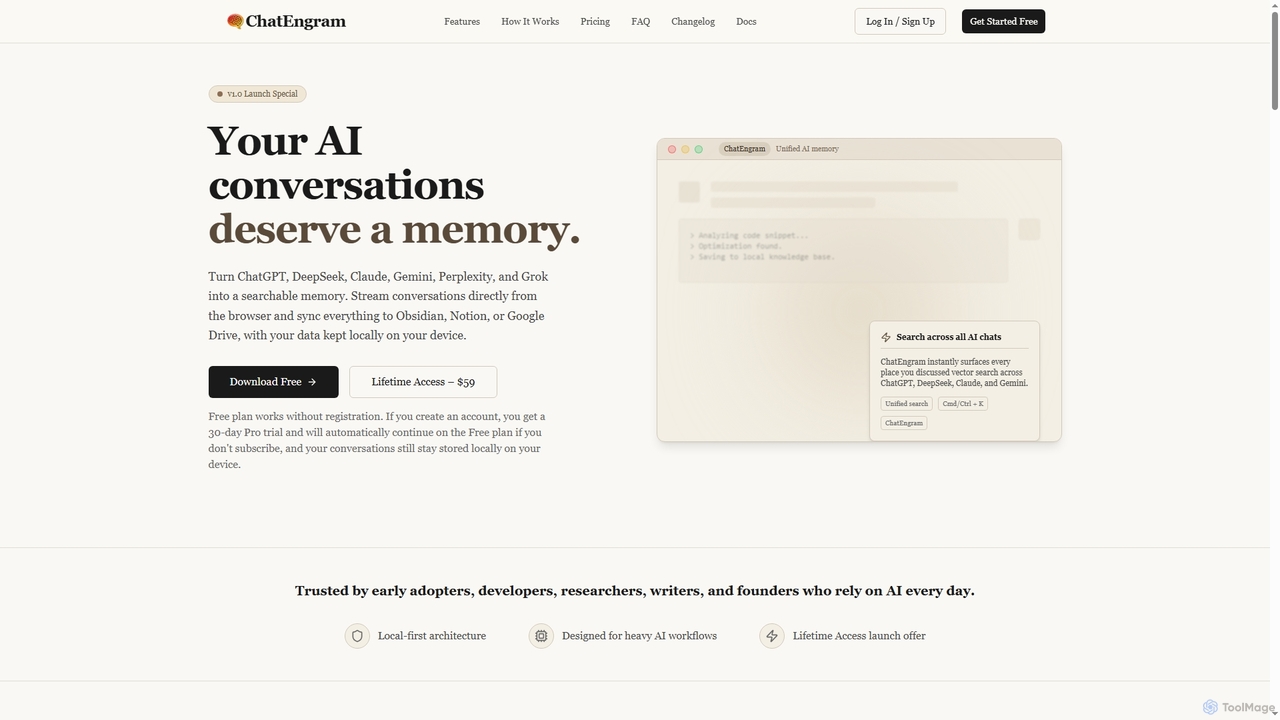
ChatEngram is an AI second brain that captures, stores, and organizes your AI conversations from platforms like ChatGPT, …
ChatEngram is an AI second brain that captures, stores, and organizes your AI conversations from platforms like ChatGPT, DeepSeek, Claude, Gemini, Perplexity, and Grok. It creates a local, searchable, permanent knowledge base, ensuring you never lose valuable insights or code snippets.
Dex
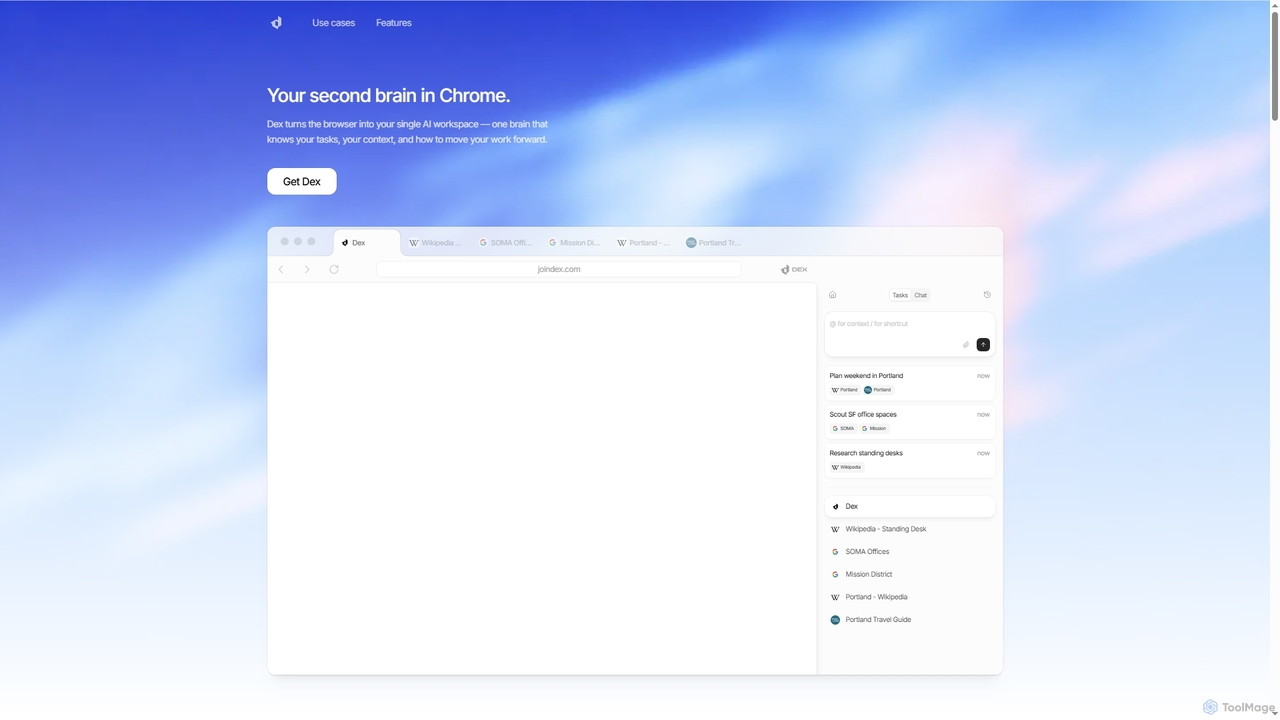
Dex is an AI-powered Chrome extension that transforms your browser into a smart, integrated workspace. It acts as …
Dex is an AI-powered Chrome extension that transforms your browser into a smart, integrated workspace. It acts as your second brain, managing tasks, understanding context, and proactively moving your work forward by connecting with over 14 applications to eliminate context switching and boost productivity.
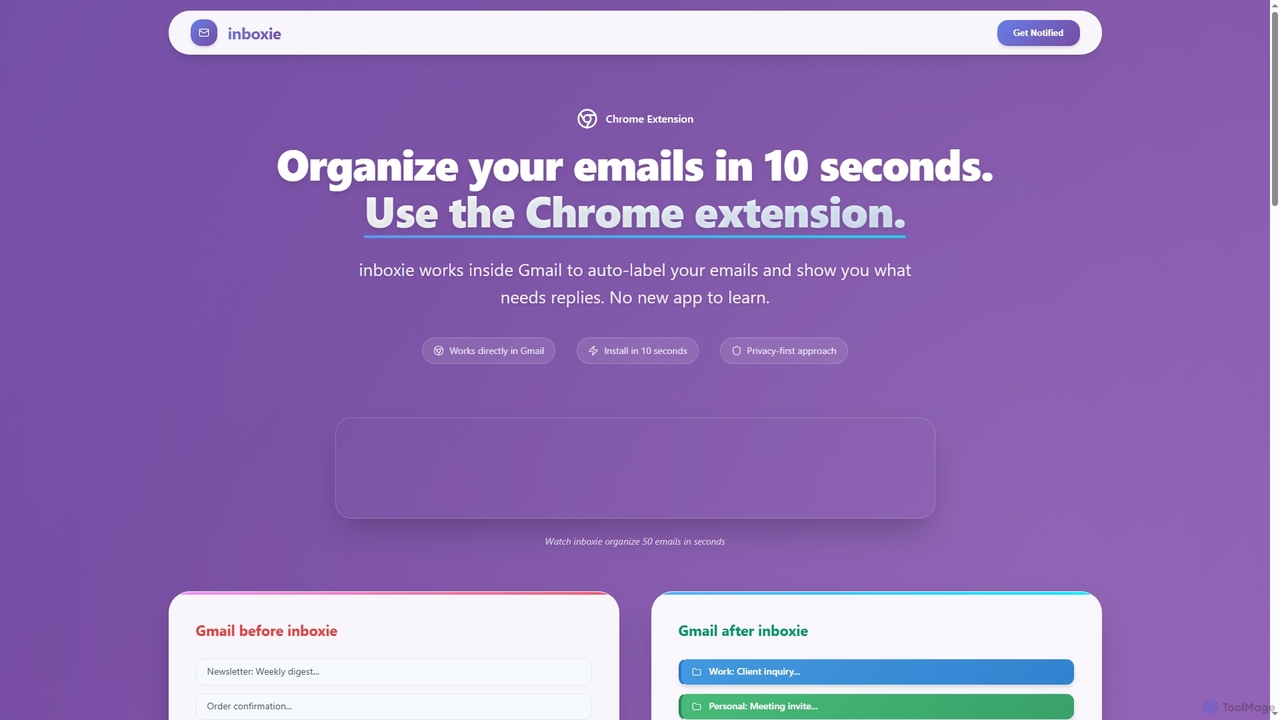
Inboxie
Inboxie is an AI-powered Chrome extension designed to organize your Gmail inbox efficiently. It automatically labels emails, highlights …
Inboxie is an AI-powered Chrome extension designed to organize your Gmail inbox efficiently. It automatically labels emails, highlights those requiring a response, and provides a smart inbox view, all within your existing Gmail interface. Streamline your email management and achieve inbox clarity in seconds.
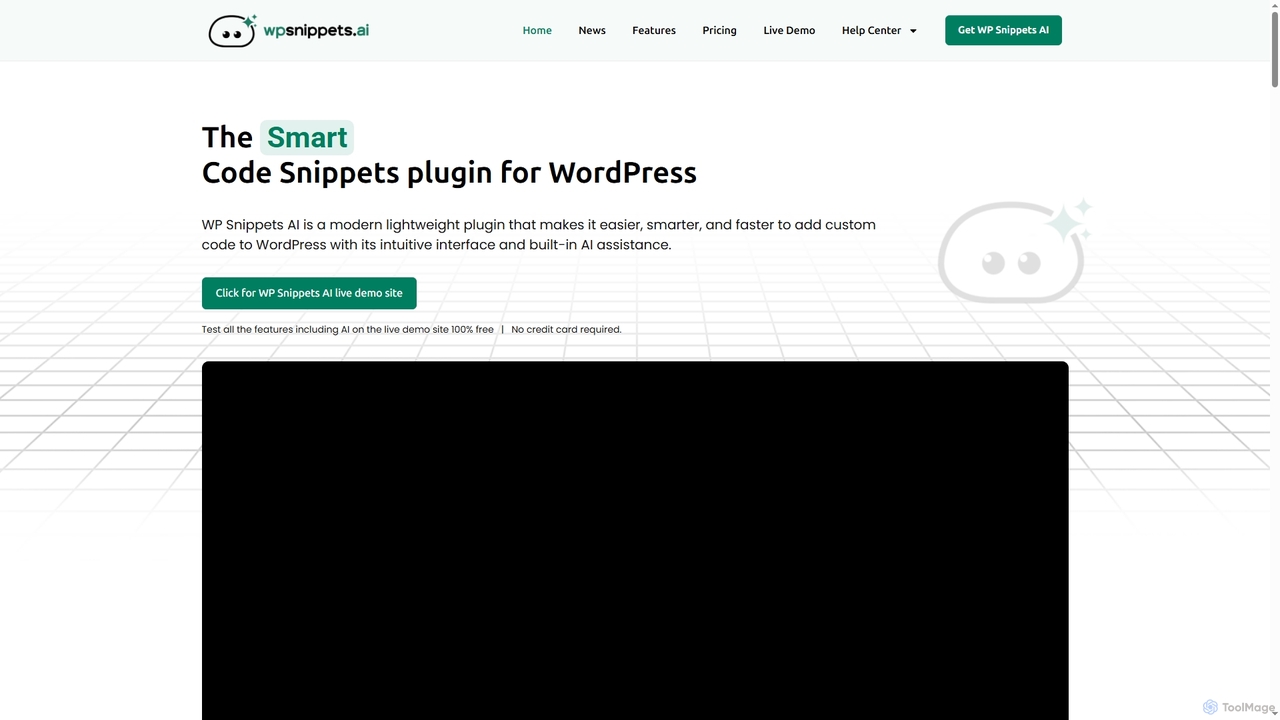
WP Snippets AI
WP Snippets AI is a fast, modern, and lightweight WordPress plugin designed to simplify custom code management. It …
WP Snippets AI is a fast, modern, and lightweight WordPress plugin designed to simplify custom code management. It features an intuitive interface and built-in AI assistance for generating, analyzing, and improving code snippets in HTML, CSS, JavaScript, and PHP, enhancing workflow for developers and site administrators.
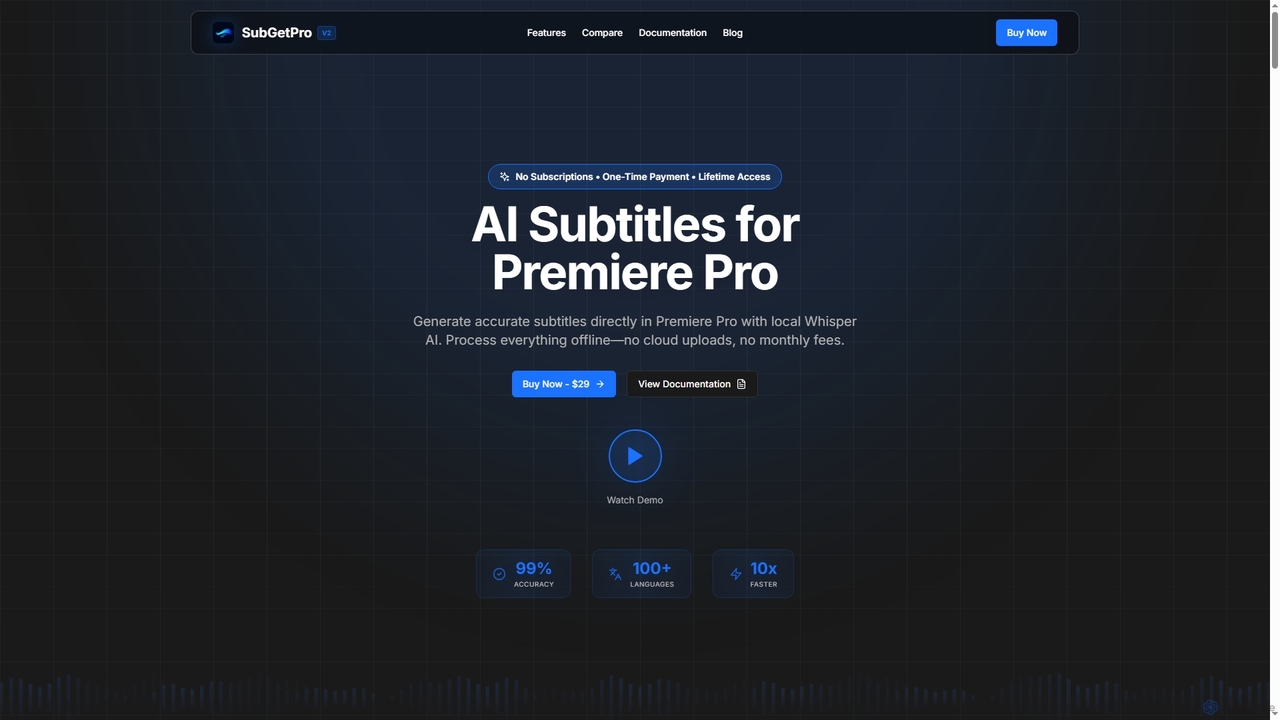
SubGetPro
SubGetPro is an AI subtitle generator designed for Adobe Premiere Pro, offering accurate, offline transcription with a one-time …
SubGetPro is an AI subtitle generator designed for Adobe Premiere Pro, offering accurate, offline transcription with a one-time payment. It leverages local Whisper AI to create subtitles in over 100 languages, ensuring privacy and significantly faster processing without any subscriptions.
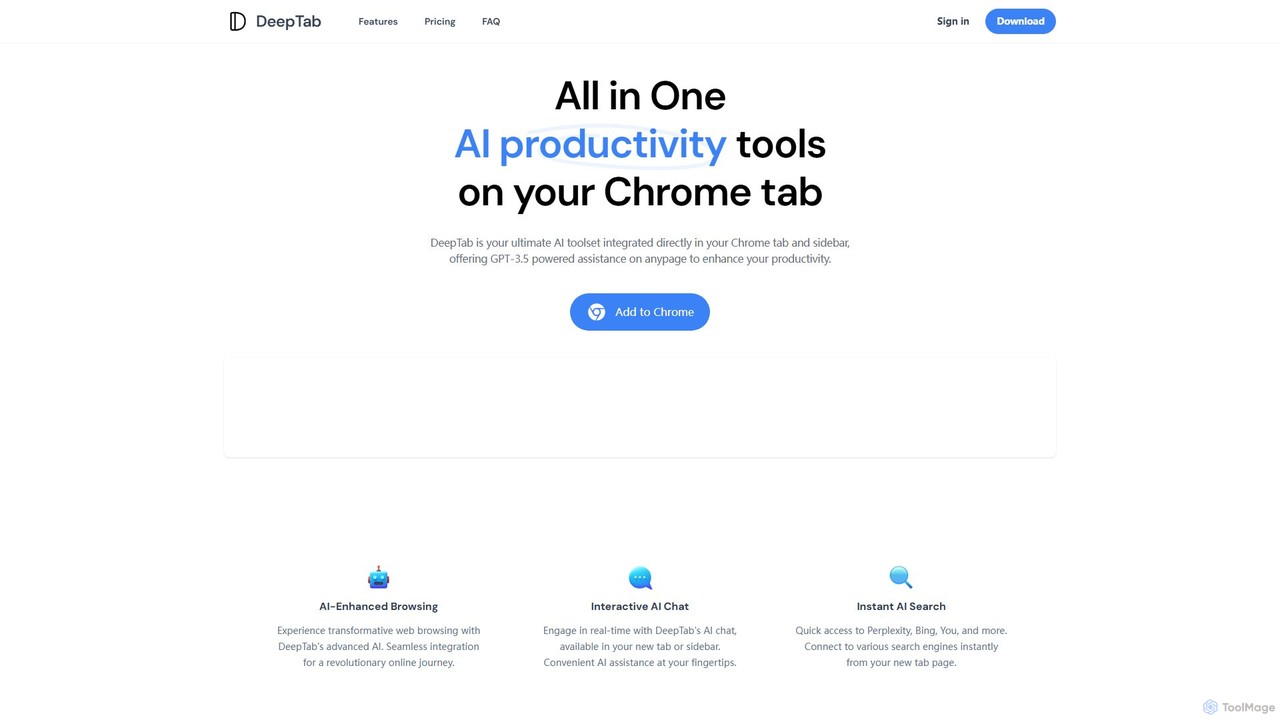
DeepTab
DeepTab is an all-in-one AI productivity toolkit integrated into your Chrome new tab and sidebar. It offers GPT-3.5/GPT-4 …
DeepTab is an all-in-one AI productivity toolkit integrated into your Chrome new tab and sidebar. It offers GPT-3.5/GPT-4 powered assistance, an interactive AI chat, instant access to multiple AI search engines, and a directory of AI websites to supercharge your browsing experience.
aircmp
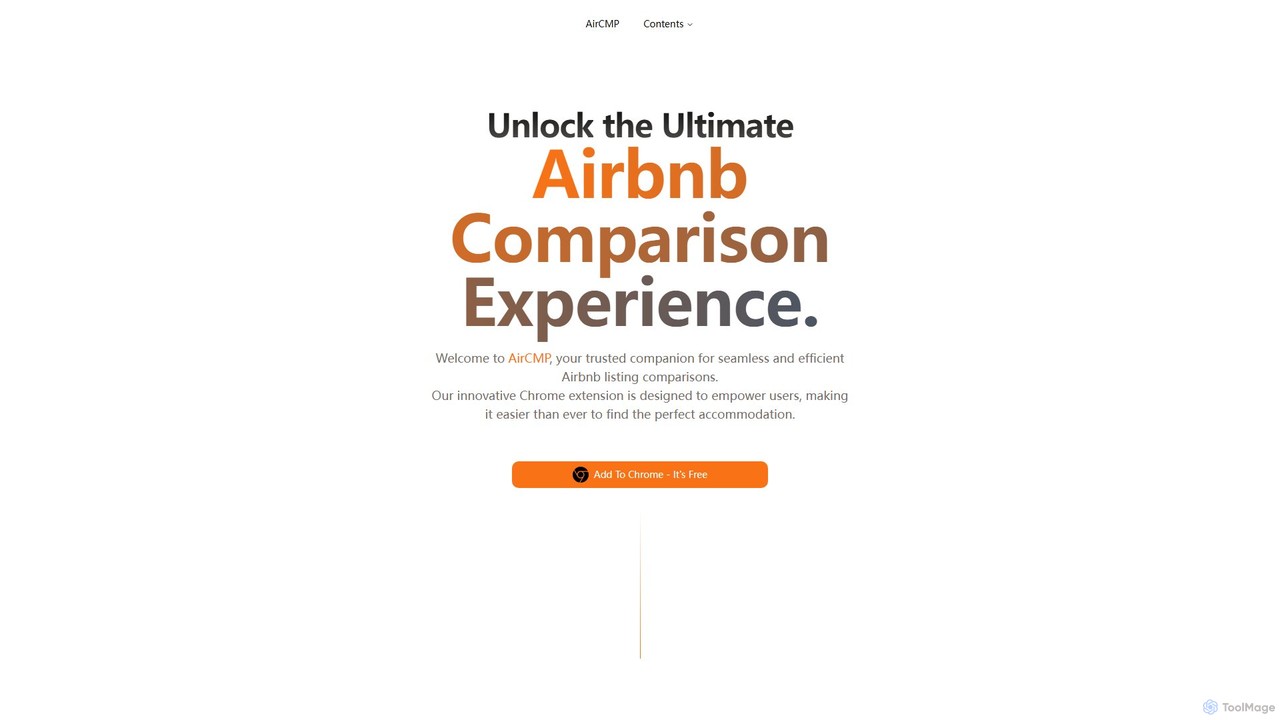
AirCMP is an AI-powered Chrome extension that simplifies finding the perfect Airbnb. It allows users to compare multiple …
AirCMP is an AI-powered Chrome extension that simplifies finding the perfect Airbnb. It allows users to compare multiple listings side-by-side, get smart recommendations, and analyze guest reviews to make informed booking decisions efficiently.
About Ai Assistant
AI Assistants are a class of AI-powered tools designed to understand natural language commands and perform tasks on behalf of a user. They leverage technologies like Natural Language Processing (NLP) and machine learning to interpret requests, access information, and execute actions. The primary value of an AI Assistant is to automate routine activities, streamline complex workflows, and provide instant, context-aware support. Unlike simple automated scripts, they can often learn user preferences and adapt their behavior over time.
Core Features
- Natural Language Understanding: Interprets complex user requests in conversational text or voice.
- Task Automation: Executes actions such as scheduling meetings, sending emails, or managing to-do lists.
- Information Retrieval: Quickly finds and summarizes data from the web or internal knowledge bases.
- Cross-App Integration: Connects with other software (e.g., calendars, CRMs, project management tools) to perform multi-step tasks.
- Personalization: Adapts responses and suggestions based on user history, context, and preferences.
Use Cases
AI Assistants are widely used across various professional and personal domains. In business, they help teams manage projects, automate customer support triage, and summarize meeting transcripts. For individuals, they serve as powerful productivity tools for organizing schedules, drafting communications, and conducting research. Developers also integrate assistant functionalities into their applications to create more intuitive user experiences.
How to Choose
When selecting an AI Assistant, evaluate its integration capabilities with your existing tools and platforms. Assess the scope and reliability of its task automation features for your specific needs. Consider its platform availability (desktop, mobile, web) and the provider's data privacy and security policies. Finally, examine the user interface and ease of use to ensure it aligns with your workflow.
Ai AssistantUse Cases
Personal Productivity and Schedule Management
A project manager juggling multiple deadlines uses an AI Assistant to streamline their daily workflow. By issuing simple voice or text commands, they can schedule meetings directly from their email, set reminders for critical tasks, and block out focus time in their calendar. The assistant automatically checks for scheduling conflicts across multiple calendars and suggests optimal times. This automation saves them significant time on administrative tasks, allowing them to concentrate on strategic planning and team leadership.
Automated Meeting Summarization and Analysis
A remote team uses an AI Assistant integrated with their video conferencing platform. During meetings, the assistant transcribes the conversation in real-time. After the meeting concludes, it automatically generates a concise summary, identifies key decisions made, and extracts a list of action items with assigned owners. This ensures that all participants, including those who couldn't attend, are aligned on outcomes and next steps, significantly reducing the manual effort of writing and distributing meeting minutes.
Enterprise Knowledge Base Navigation
An employee at a large corporation needs to find specific information about the company's data security policy. Instead of manually searching through a complex intranet or multiple documents, they ask the internal AI Assistant a direct question, such as "What are the requirements for sharing data with external partners?" The assistant instantly searches across all internal knowledge bases, documents, and past communications to provide a precise, synthesized answer with links to the source documents, saving valuable time and ensuring compliance.
Drafting and Refining Communications
A marketing professional needs to draft a promotional email for a new product launch. They provide the AI Assistant with key product features, the target audience, and the desired tone. The assistant generates a complete draft of the email, including a compelling subject line, engaging body copy, and a clear call-to-action. The marketer can then ask the assistant to refine specific sections, such as making the tone more formal or shortening a paragraph, iterating quickly to produce a polished final version in a fraction of the time.
Code Generation and Debugging for Developers
A software developer is working on a new feature and needs to write a complex function. Instead of writing it from scratch, they describe the function's logic to an AI Assistant integrated into their code editor. The assistant generates the code snippet in the correct programming language and syntax. Later, when encountering a bug, they can paste the problematic code and ask the assistant to identify the error and suggest a fix. This accelerates the development cycle and helps developers learn new coding patterns.
Automated Customer Service Triage
An e-commerce company integrates an AI Assistant into its website's live chat. When a customer initiates a chat, the assistant first engages them to understand their issue. It can instantly answer common questions about order status, return policies, or product information by accessing the company's database. For more complex issues, such as a damaged product, the assistant gathers all necessary information (order number, issue description, photos) and creates a support ticket, routing it to the appropriate human agent. This provides 24/7 support and frees up agents to handle high-priority cases.