Freemium
Coworker
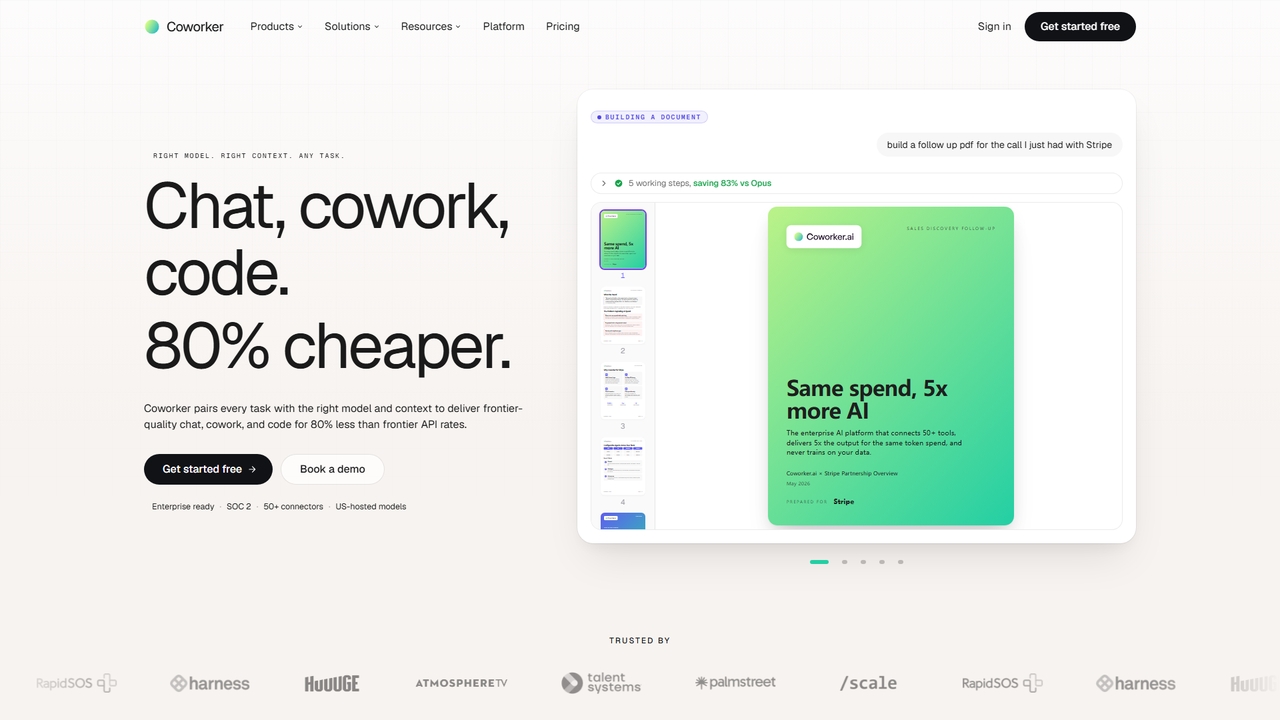
An enterprise AI platform that connects 50+ tools, delivers 5x output for the same token spend, and never trains on your data for secure, cost-effective automation.
Conversational AiVisits 58KFavorites 23Likes 13
Popular Ai Assistants include Tempus, Coworker, Sandbar, Clone Robotics, Muset, Career Compass AI, BRXCE, TENET, WizNote, and Fyller, helping you work more efficiently.
An enterprise AI platform that connects 50+ tools, delivers 5x output for the same token spend, and never trains on your data for secure, cost-effective automation.
Conversational Ai
BRXCE is an AI-powered task management and workflow automation application that allows users to organize and execute tasks using natural language commands. It integrates with major LLM clients to provide an intuitive, conversational interface for managing personal and team projects, reducing complex clicks and streamlining productivity.
Virtual Assistant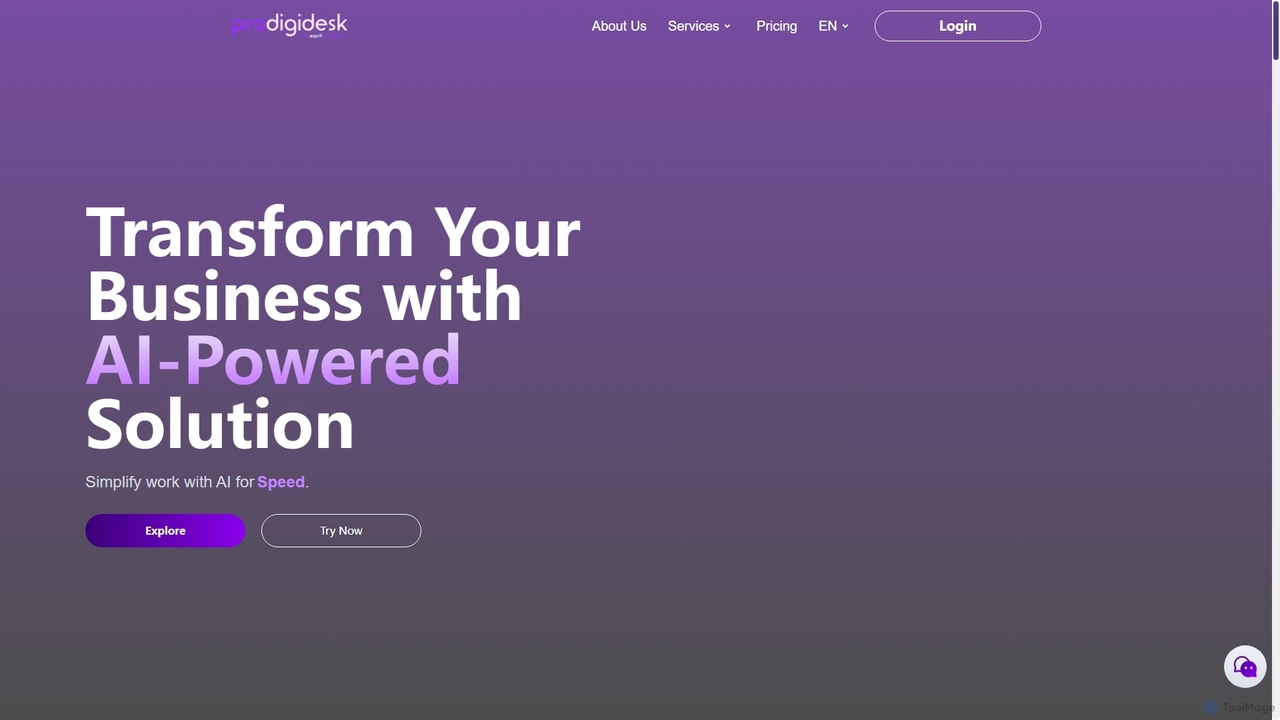
ProdigiDesk is an AI-driven solution designed to empower businesses by streamlining operations, enhancing productivity, and providing intelligent insights. It aims to transform how companies manage their daily tasks and strategic decisions through advanced artificial intelligence.
Virtual Assistant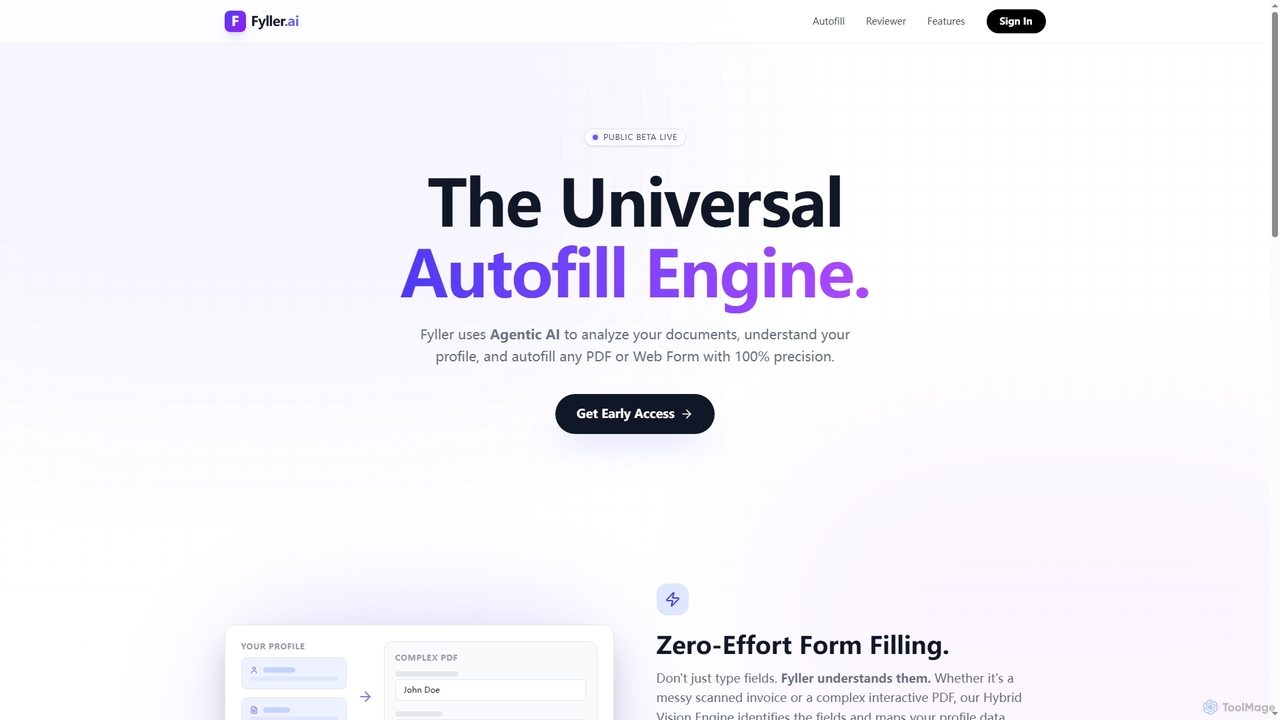
Fyller is an AI-powered universal autofill engine that uses agentic AI to analyze documents, understand user profiles, and accurately autofill PDFs and web forms with 100% precision. It also functions as an AI document assistant for summarizing, finding clauses, and generating documents, streamlining complex administrative tasks.
Document Analysis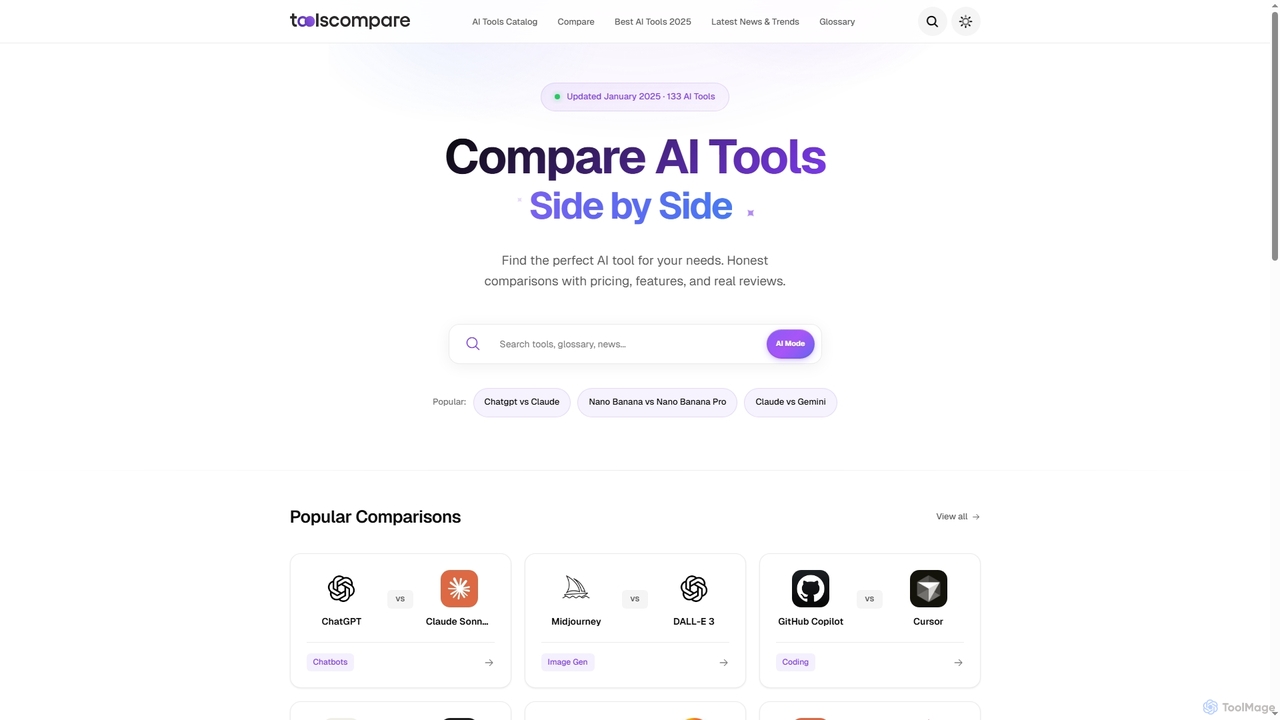
Tools Compare is an independent platform designed to help professionals efficiently discover, evaluate, and choose the best AI tools. It offers honest, data-driven comparisons with detailed features, pricing, and real reviews to simplify decision-making in the rapidly expanding AI landscape.
Comparison
Career Compass AI is an advanced AI-powered platform designed to provide personalized career guidance, smart job matching, and professional development tools. It helps individuals, from fresh graduates to experienced professionals, navigate the job market, optimize their resumes, identify skill gaps, and prepare for interviews to accelerate their career growth.
Career Coach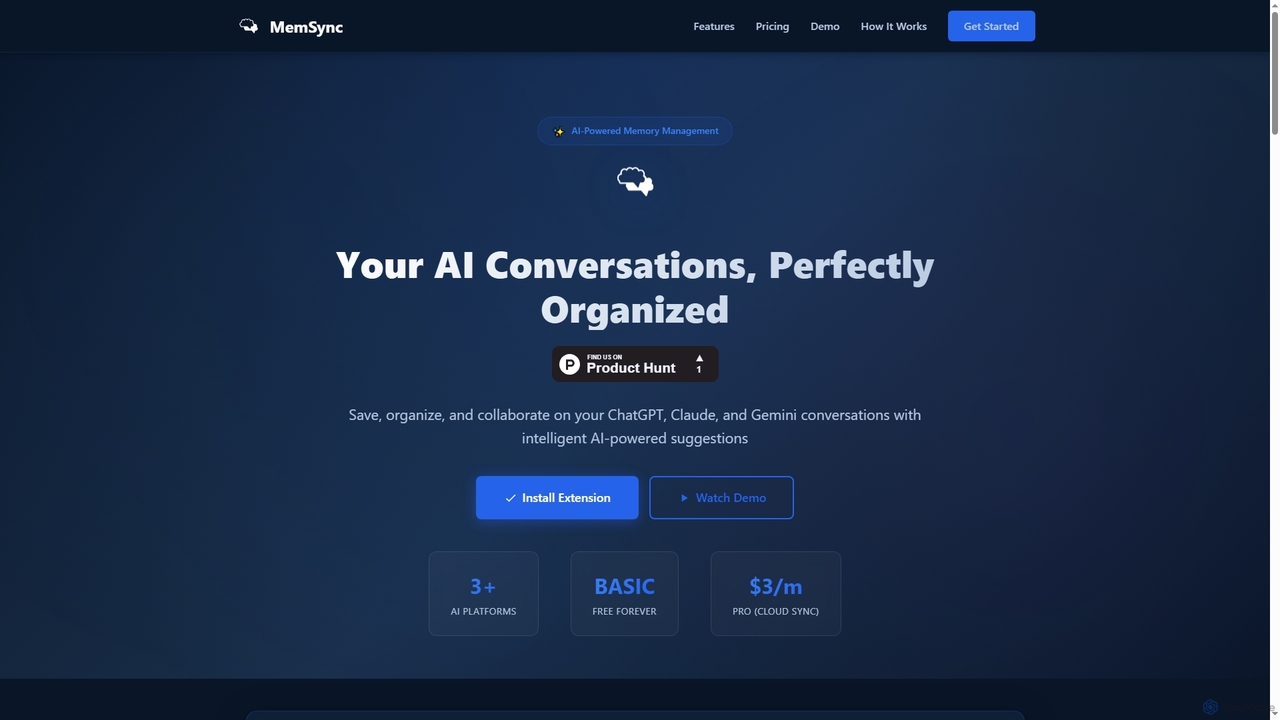
MemSync is an AI-powered browser extension designed to effortlessly save, organize, and collaborate on your AI conversations from platforms like ChatGPT, Claude, and Gemini. It offers smart memory saving, AI-driven organization suggestions, and seamless cloud synchronization.
Conversation Tools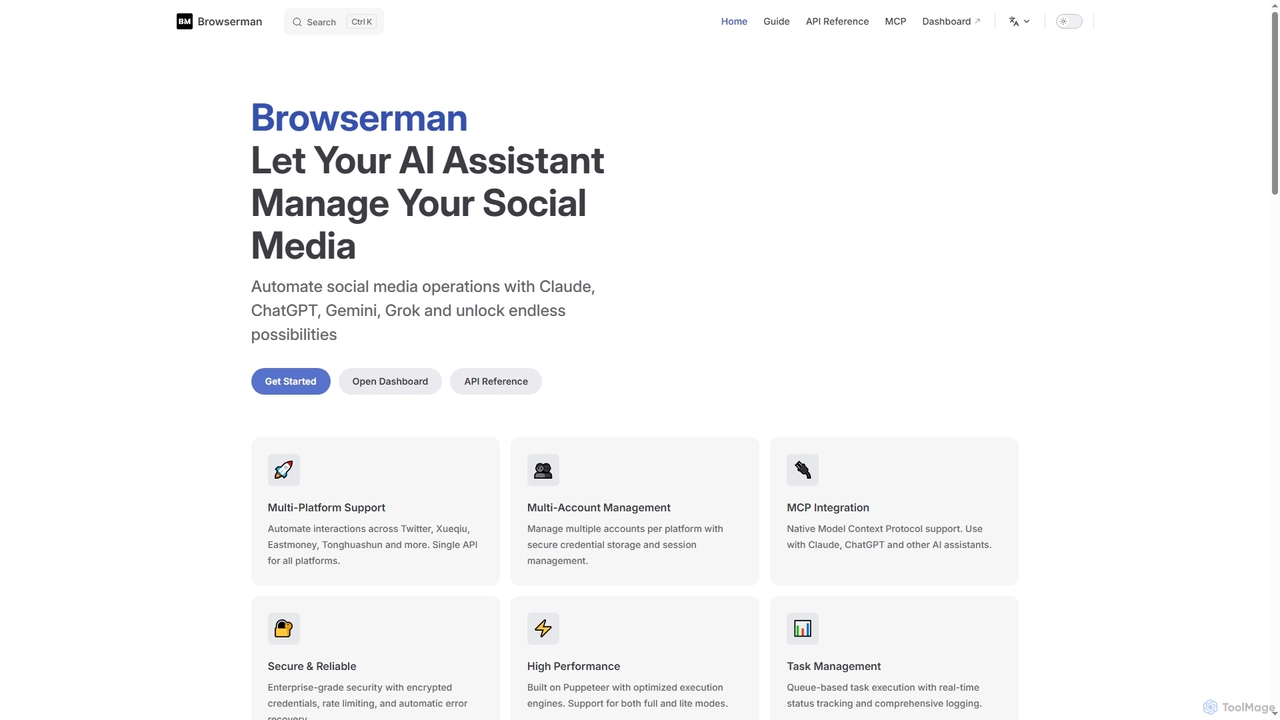
Browserman is an advanced browser automation platform designed to empower AI assistants like Claude, ChatGPT, Gemini, and Grok to manage social media operations. It offers multi-platform and multi-account support, a robust REST API, and native Model Context Protocol (MCP) integration for seamless, scalable, and secure automation workflows.
Integration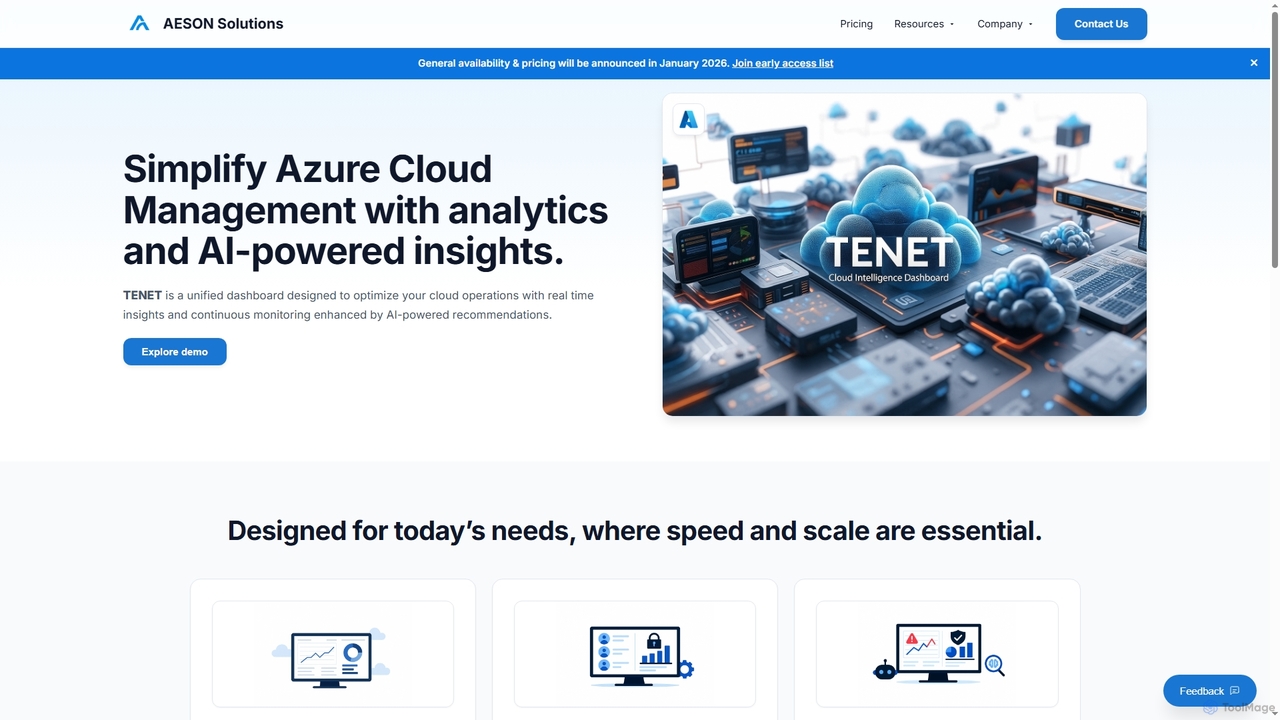
TENET is an AI-powered Azure Cloud Intelligence Platform by AESON Solutions, designed to simplify cloud management. It provides a unified dashboard with real-time analytics and continuous monitoring, enhanced by AI-driven insights and recommendations to optimize cloud operations, detect anomalies, and strengthen security.
Cloud Operations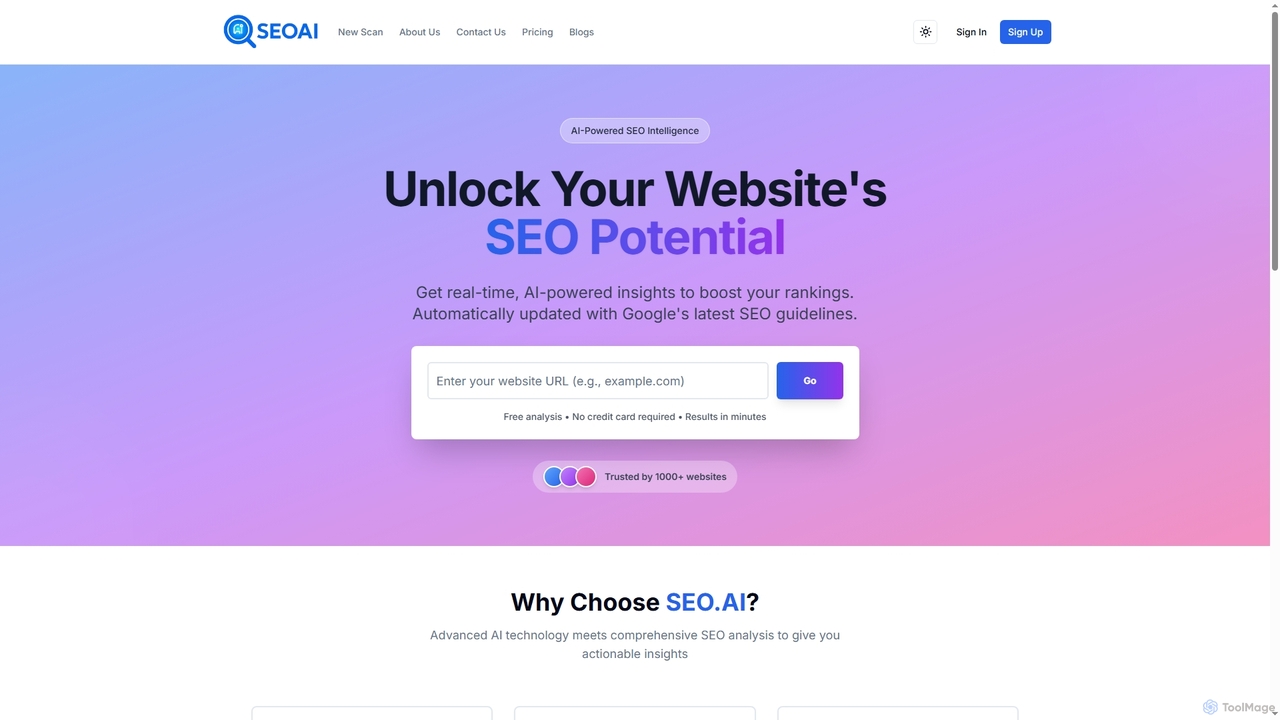
SEO.AI is an AI-powered website scanning and analysis tool that provides real-time, actionable insights to boost search engine rankings. It automatically updates with Google's latest guidelines, offering comprehensive reports and optimization recommendations for modern websites.
Seo Assistant
ConvoLive is an AI-powered language learning app designed for experiential conversation practice. It helps users achieve fluency by engaging with AI avatars in realistic scenarios, offering interactive quizzes, personalized feedback, and the ability to create custom conversations. Available on iOS and Android, it makes language acquisition natural and engaging, focusing on learning by doing.
Conversation Practice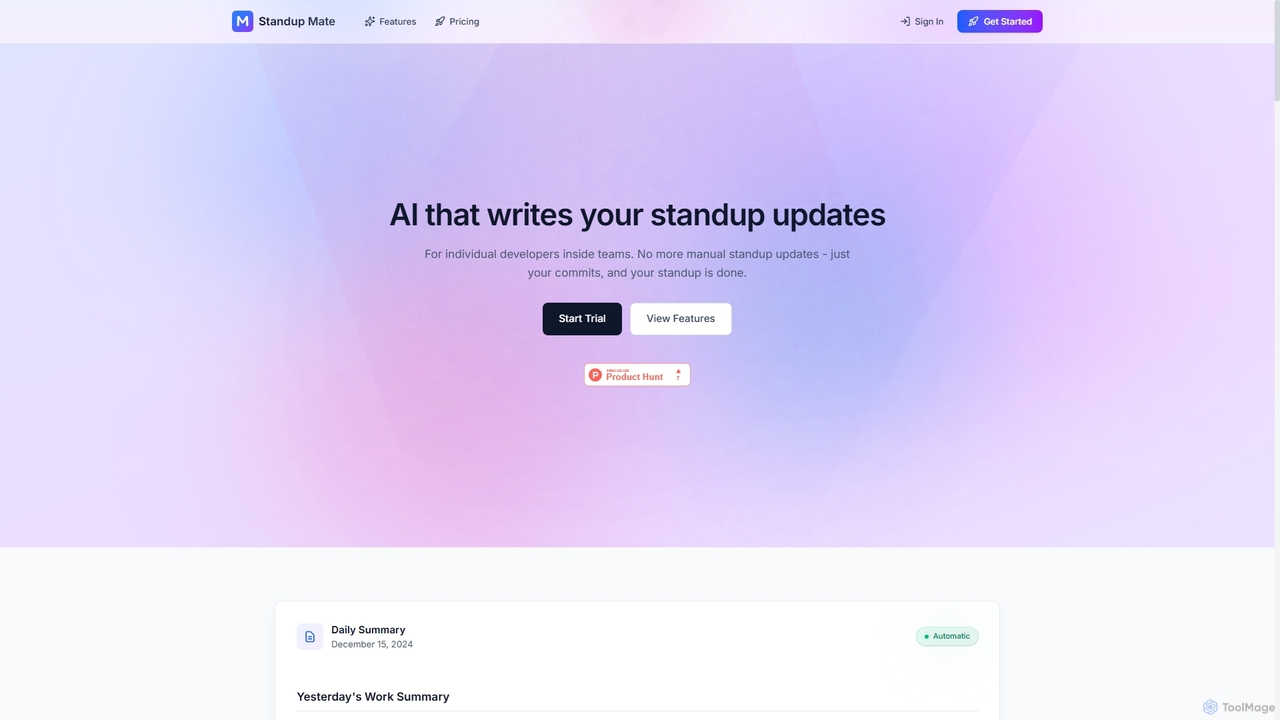
Standup Mate is an AI-powered tool that automatically generates daily standup updates and sprint reports directly from your GitHub activity. Designed for individual developers, it transforms commits, pull requests, and issues into clear, concise summaries, saving valuable time and ensuring accurate reporting without manual effort.
Workflow Automation
Sandbar is an interface company that developed the Stream Ring, a voice-first smart ring for capturing thoughts, building ideas through conversational AI, and controlling music. It acts as a seamless extension of your mind for instant, private, and effortless interaction.
Voice Assistants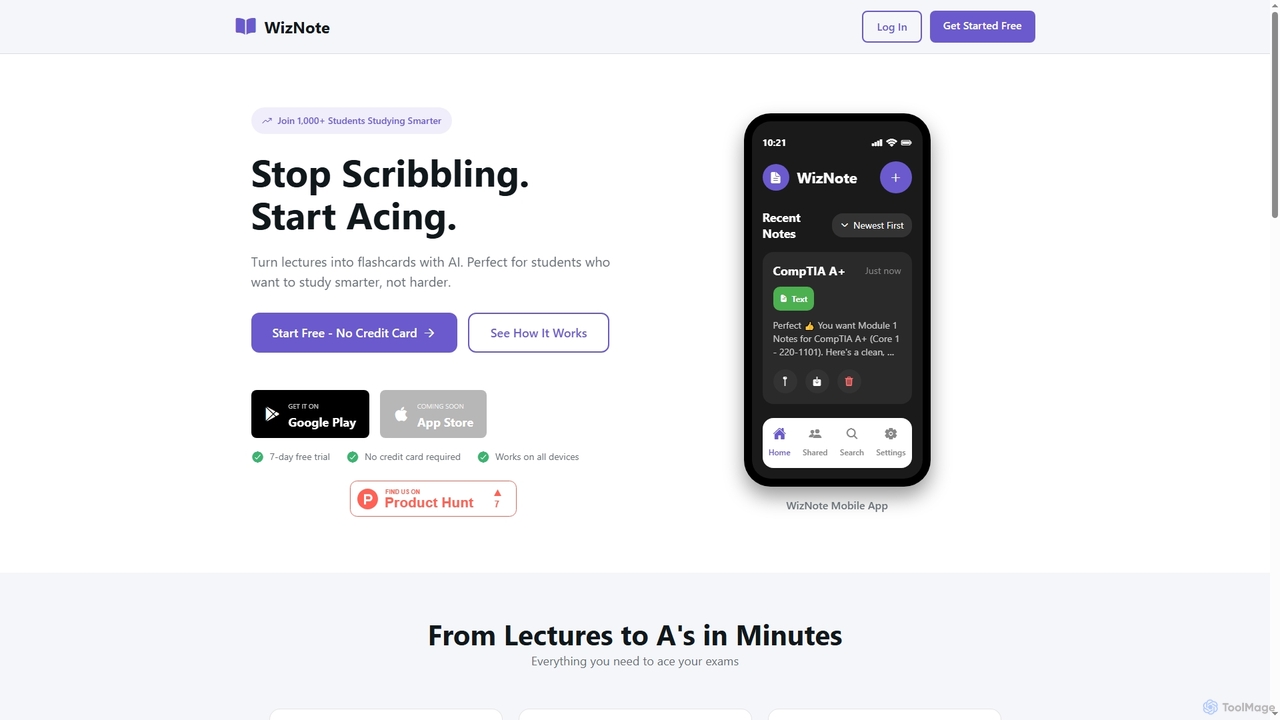
WizNote is an AI-powered study tool designed for students to transform lectures and notes into effective learning materials. It offers instant AI transcriptions of recordings, automatic flashcard generation, smart summaries, and practice quizzes. Students can also upload PDFs for text extraction and access their study materials across all devices with real-time sync, aiming to help them study smarter and achieve better academic results.
Learning Assistant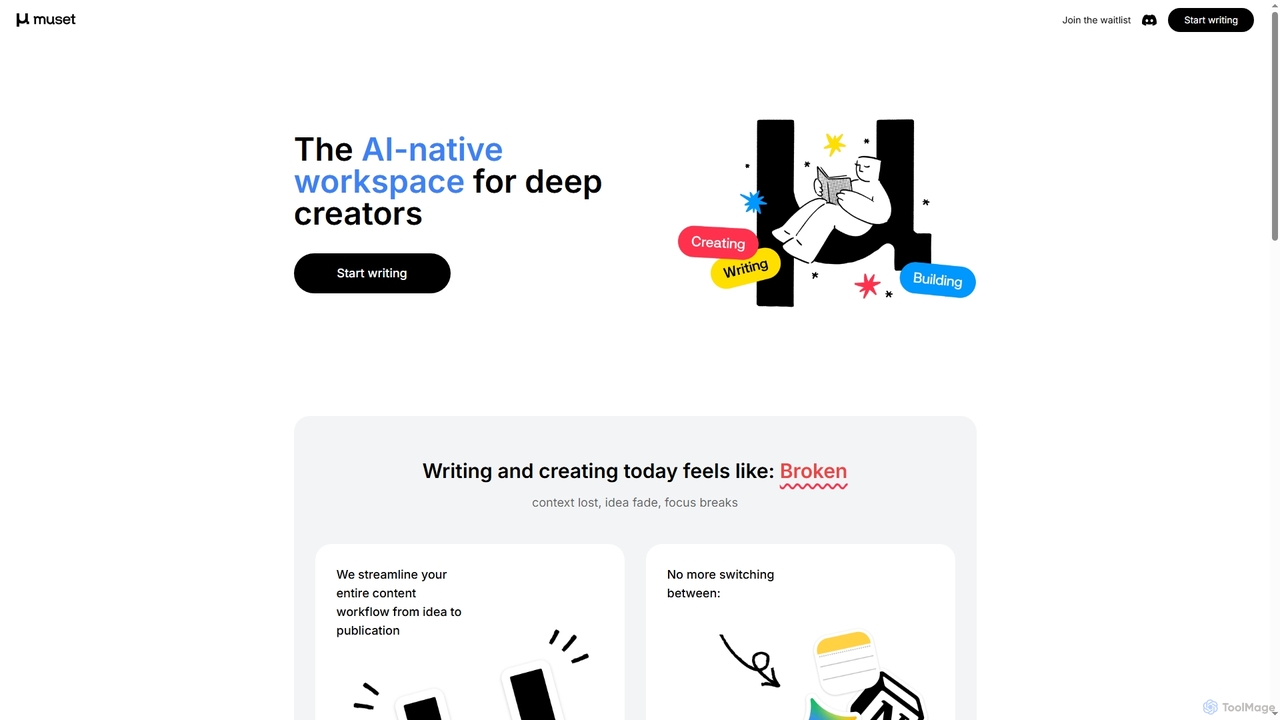
Muset is an AI-native workspace designed for deep creators, streamlining the entire content workflow from idea generation to publication. It acts as a context-aware co-creation agent to prevent lost context and focus breaks.
Content Generation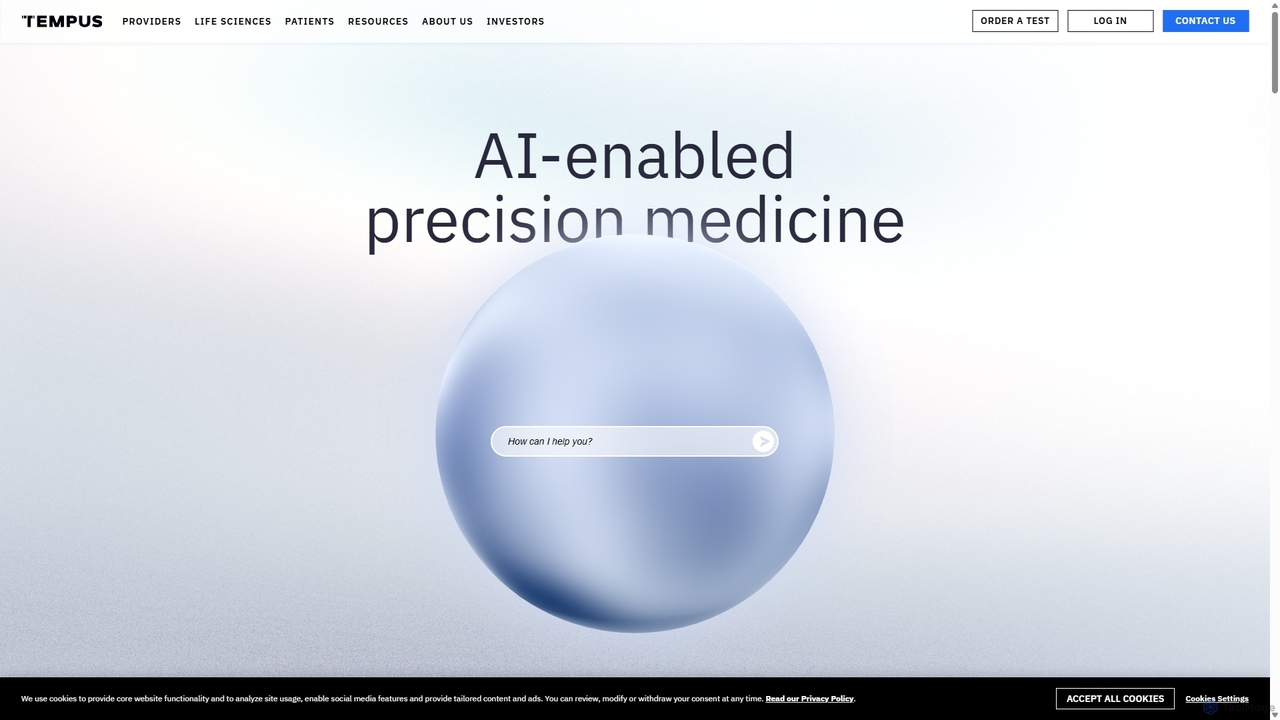
Tempus is a leading technology company advancing precision medicine through the practical application of artificial intelligence in healthcare. It leverages one of the world's largest libraries of multimodal clinical and molecular data to help physicians deliver personalized patient care and accelerate the discovery and development of new therapeutics.
Clinical Support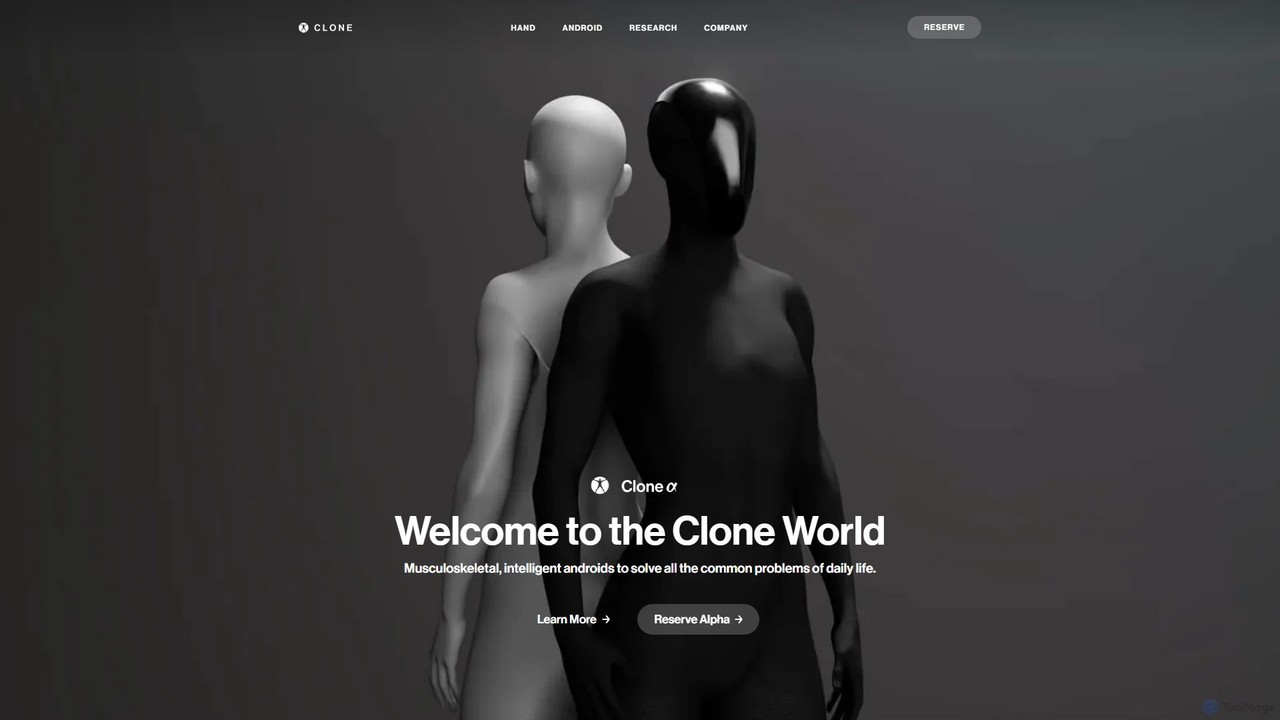
Clone Robotics is developing advanced, musculoskeletal humanoid androids designed to assist with daily life tasks for both individuals and businesses. Powered by revolutionary "Myofiber" artificial muscle technology and integrated with large language models, these bipedal robots offer human-level strength and dexterity. They can be controlled through natural language, making them intuitive companions for automation, assistance, and complex problem-solving.
Physical AssistantsAI Assistants are intelligent software tools designed to understand user commands and automate tasks through natural language interaction. They leverage technologies like Natural Language Processing (NLP) and machine learning to perform a wide range of functions, from scheduling meetings to retrieving complex information. These assistants integrate into workflows to enhance productivity, streamline communication, and provide personalized support across various digital platforms. Their key advantage lies in their ability to learn from interactions and proactively anticipate user needs.
AI Assistants are used by a wide range of professionals. Executives and managers utilize them to automate scheduling and manage communications. Sales teams integrate them with CRMs to streamline data entry and follow-ups. Developers employ specialized assistants for code generation and debugging, while content creators use them for research and summarization.
When selecting an AI Assistant, consider its integration capabilities with your existing software stack (e.g., Google Workspace, Slack, Salesforce). Evaluate the scope of its automation features to ensure it matches your specific needs, whether for scheduling, research, or coding. Also, assess its platform availability (browser extension, desktop app, API) and its capacity for customization and learning your unique workflows.
For project managers and executives, coordinating schedules for a multi-person meeting can consume significant time. An AI Assistant automates this entire process. The user simply specifies the attendees and the meeting's purpose. The assistant then accesses everyone's calendars via integration, identifies common availability, proposes times, and sends out invitations once a slot is confirmed. After the meeting, it can process the audio recording to generate a transcript, summarize key discussion points, and create a list of action items, assigning them to the relevant participants in a project management tool.
Sales representatives often spend hours on manual data entry, updating their CRM after calls and meetings. An AI Assistant integrated with a CRM like Salesforce can eliminate this burden. The assistant can join sales calls, transcribe the conversation, and automatically identify and extract key information such as contact details, budget, timeline, and next steps. It then populates the relevant fields in the CRM, creates a summary of the call, and sets a reminder for the follow-up task. This frees up the sales team to focus on building relationships and closing deals rather than on administrative work.
For researchers, analysts, and content creators, gathering and synthesizing information from multiple sources is a core task. An AI Assistant can act as a powerful research partner. A user can ask it to find the latest studies on a specific topic, and the assistant will browse academic journals, news articles, and reports to compile a list of relevant sources. Furthermore, it can summarize long documents, extract key statistics and quotes, and even generate a draft outline for an article or report based on the collected information. This significantly reduces research time and helps users quickly grasp the essence of complex subjects.
For software developers, an AI Assistant specialized in coding acts as an intelligent pair programmer. Integrated into an IDE like VS Code, it provides real-time code suggestions that go beyond simple syntax completion. It can generate entire functions or code blocks based on a natural language comment describing the desired logic. When encountering bugs, the developer can ask the assistant to analyze the problematic code. The assistant can then identify potential errors, explain the root cause, and suggest one or more corrected versions of the code, drastically speeding up the debugging process and improving code quality.
Team leads can use an AI Assistant to maintain visibility across complex projects without constant manual checks. By integrating with tools like Asana, Jira, or Trello, the assistant can respond to natural language queries like, "What's the status of the Q3 marketing campaign?" or "Show me all overdue tasks for the design team." It can automatically compile this information into a daily or weekly digest and send it via Slack or email. Furthermore, it can be instructed to remind team members of upcoming deadlines, flag potential bottlenecks, and even generate draft progress reports for stakeholder meetings.
For any busy professional, starting the day organized is crucial. An AI Assistant can create a personalized daily briefing. It connects to the user's calendar, email, and task list to provide a consolidated view of the day ahead. The briefing might include the day's schedule with relevant links for meetings, a summary of important unread emails, a prioritized list of tasks for the day, and even relevant news updates based on the user's industry or interests. This proactive summary helps users immediately focus on what's most important, saving the time typically spent manually reviewing different applications.
An AI Assistant is a software application that uses artificial intelligence, particularly natural language processing (NLP), to understand and perform tasks on behalf of a user. Unlike simple chatbots that primarily answer questions, AI Assistants are proactive and action-oriented. They integrate with other applications like calendars, email, and project management tools to automate complex workflows, such as scheduling meetings, managing tasks, and summarizing information. Their goal is to reduce administrative overhead and help users focus on more strategic work.
Choosing the right AI Assistant depends on your specific needs. Consider the following factors:
The primary difference lies in their scope and proactivity. A standard chatbot is typically reactive, designed to answer user questions or handle simple commands within a specific context, like a website's customer service. An AI Assistant is proactive and has a much broader scope. It integrates with a user's entire digital ecosystem (email, calendar, apps) to perform complex, multi-step tasks, learn user habits, and anticipate needs. While a chatbot's role is often informational, an assistant's role is executional—it actively does things for you.
AI Assistants can automate a wide variety of tasks, ranging from simple to complex. Common examples include:
A wide range of individuals and teams can benefit from an AI Assistant. This includes: