
ToolMage
Sign in

Best 1 Gpts AI tools for Ai Chatbots

Popular Gpts AI tools in Ai Chatbots include Gapier, helping you work more efficiently.

Gapier
Freemium

Gapier

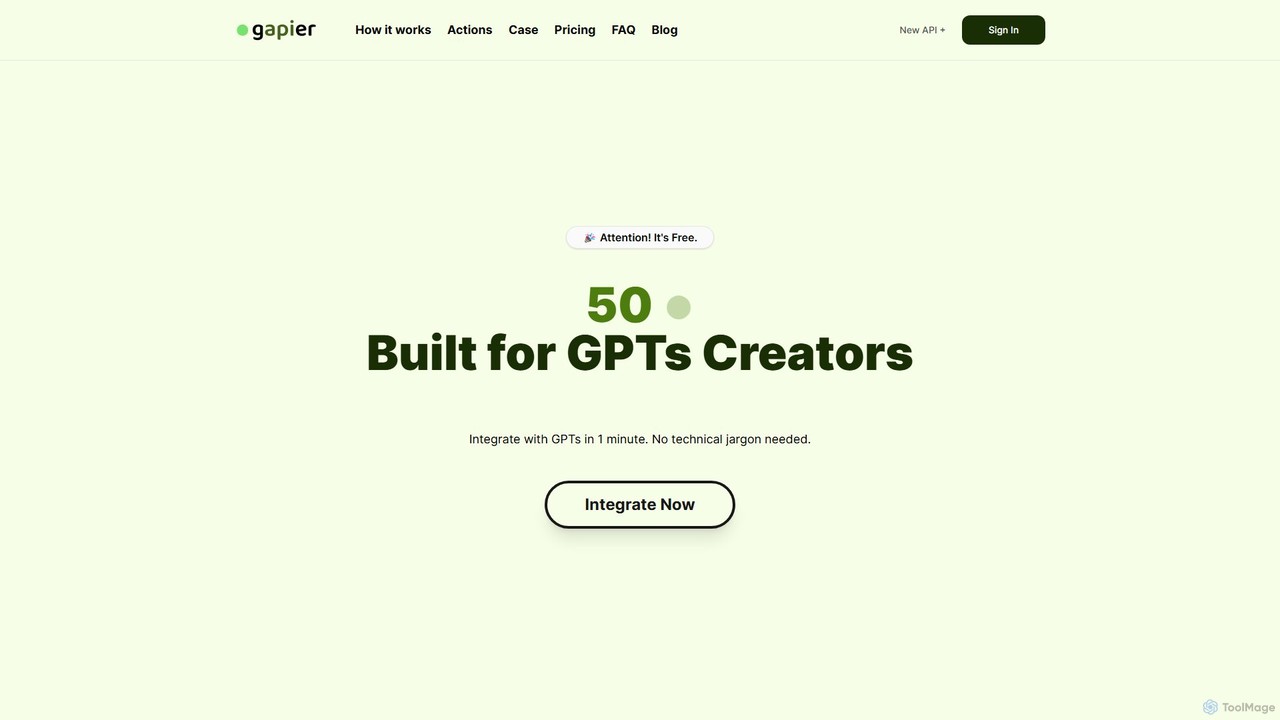
Gapier provides over 50 free, no-code Actions to supercharge custom GPTs. Easily integrate external capabilities into your ChatGPT creations in just one minute, allowing them to perform real-world tasks. Ideal for GPT creators, especially non-developers, looking to enhance their AI agents.

Gpts
Visits 5.2KFavorites 116Likes 121

About Gpts

GPTs are custom versions of large language models that users can create for specific tasks or topics without writing code. They operate by combining user-provided instructions, expanded knowledge from uploaded files, and defined skills or actions. This allows for the creation of highly specialized AI assistants tailored to personal productivity, professional workflows, or entertainment. Unlike general-purpose chatbots, GPTs are designed to be experts in a narrow domain, offering more relevant and capable responses within their designated scope.

Core Features

  • No-Code Customization: Build and configure AI agents using natural language instructions, defining their personality, purpose, and constraints.
  • Knowledge Base Integration: Enhance the AI's knowledge by uploading documents like PDFs, text files, or spreadsheets, creating a specialized information source.
  • Action & API Connectivity: Enable GPTs to interact with external services and databases through APIs, allowing them to perform real-world tasks like booking appointments or retrieving live data.
  • Shareable and Discoverable: Easily share created GPTs with others via a link or publish them to a public marketplace for broader use.

Applicable Scenarios

GPTs are used by individuals and businesses to automate niche tasks. For example, a marketing team can build a GPT trained on brand guidelines to generate social media content. An HR department can create one based on internal policy documents to answer employee queries. Developers also use them to build specialized coding assistants that adhere to specific project standards.

Selection Criteria

When choosing or building a GPT, consider the underlying AI model's capabilities and limitations. Evaluate the platform's ease of use for creation and modification. Assess the options for knowledge integration, including supported file types and size limits. For advanced use, verify the flexibility of API connections and the platform's data privacy and security policies.

Gpts use cases

1

Create an Internal HR Policy Expert

An HR manager needs to provide employees with instant, accurate answers to questions about company policies, benefits, and procedures. Instead of manually searching through dozens of documents, they use a GPT builder. They upload all relevant HR documents, including the employee handbook, benefits guides, and policy PDFs. The GPT is instructed to act as a friendly and professional HR assistant. Now, employees can ask questions like "What is our policy on remote work?" or "How many vacation days do I have?" and receive immediate, consistent answers based solely on the provided knowledge base, saving the HR team significant time.

2

Develop a Personalized Learning Tutor

A student preparing for a history exam wants a study partner that knows their specific course material. Using a GPT creation tool, they upload their lecture notes, textbook chapters, and assigned readings. They instruct the GPT to act as a Socratic tutor, asking probing questions to test their understanding rather than just giving answers. The student can then have a conversation with their custom tutor, asking it to "Explain the main causes of World War I based on my notes" or "Quiz me on the key figures from Chapter 5." This creates a highly personalized and interactive study experience that is more effective than passive reading.

3

Automate Customer Support Triage

A small e-commerce business wants to improve its customer support response time. They create a GPT and connect it to their support email system via an API. The GPT is trained on past support tickets and product information. Its instructions are to analyze incoming emails, categorize them (e.g., 'Return Request', 'Shipping Inquiry', 'Technical Issue'), and extract key information like order numbers. It then automatically creates a ticket in their helpdesk system with the correct category and summary. This allows human agents to immediately focus on resolving complex issues rather than spending time on manual data entry and categorization.

4

Build a Creative Writing Partner

A fantasy author is building a complex world with unique lore, characters, and magic systems. To maintain consistency and overcome writer's block, they create a GPT. They upload all their world-building documents, character backstories, and plot outlines. The GPT is instructed to act as a lore-keeper and creative collaborator. The author can then ask, "What would be a typical greeting in the Northern Kingdom?" or "Suggest a plot twist involving Lady Elara's secret." The GPT provides answers consistent with the established lore and can brainstorm new ideas, acting as an tireless assistant that deeply understands the author's fictional universe.

5

Generate Code Snippets for a Specific Framework

A software development team works extensively with a proprietary front-end framework that has unique syntax and best practices. To speed up development, they create a GPT trained on their framework's official documentation and internal coding style guides. A developer can now prompt the GPT with "Create a reusable button component with a primary and secondary variant that accepts an onClick handler," and it will generate the code snippet perfectly formatted according to their team's standards. This reduces time spent looking up documentation and ensures code consistency across the entire project.

6

Create a Trip Planner with Real-Time Data

A travel enthusiast wants a personalized travel agent. They build a GPT and configure it with 'Actions' to connect to real-time flight and hotel booking APIs. They also upload travel guides for their destination cities as a knowledge base. The user can then have a natural conversation, such as: "Find me a round-trip flight from NYC to Rome for the first week of June, and suggest three boutique hotels near the Colosseum with good reviews." The GPT can call the APIs to get live pricing and availability, then cross-reference this information with its knowledge base to provide curated suggestions, streamlining the entire travel research and planning process.

Gpts FAQ

What are GPTs?

GPTs are custom, specialized versions of a large language model (like ChatGPT) that anyone can build for a specific purpose without needing to code. They are created by providing a set of instructions, extra knowledge through uploaded files, and optionally, the ability to perform actions like searching the web or connecting to other services. Essentially, you are tailoring a general AI to become an expert in a narrow task, such as being a creative writing assistant trained on your novel's lore or an HR bot that only answers questions based on your company's handbook.

What is the difference between GPTs and standard AI chatbots?

The key difference is customization and scope. A standard AI chatbot is typically a general-purpose tool or a pre-built solution with limited customization. In contrast, GPTs are built by the user for a highly specific purpose. The main distinctions are:

  • Creation: You create a GPT yourself using natural language and by providing your own data. Standard chatbots are usually developed by a company for broad use.
  • Knowledge: GPTs can be given a specific knowledge base (e.g., your project documents), making them experts in that niche. Standard chatbots rely on their general training data.
  • Skills: GPTs can be configured with specific 'Actions' to interact with external APIs, allowing them to perform tasks beyond conversation.

Think of a standard chatbot as a public library, and a GPT as your personal, curated bookshelf with a direct line to other services.

Do I need coding skills to create a GPT?

No, for most use cases, you do not need any coding skills to create a GPT. The creation process is designed to be user-friendly and is based on natural language. You can build a powerful custom AI simply by:

  • Writing clear instructions in plain English (or another language) to define its role and behavior.
  • Uploading files (like PDFs, text documents) to provide it with a specialized knowledge base.

Coding skills (specifically knowledge of APIs and schemas like OpenAPI) are only required if you want to enable 'Actions'—the feature that allows your GPT to connect to and interact with external services, databases, or your own applications.

What kind of tasks are GPTs best suited for?

GPTs excel at tasks that require specialized knowledge, a consistent personality, or a specific repeatable process within a narrow domain. They are particularly effective for:

  • Knowledge Retrieval: Acting as an expert on a specific set of documents, like a company's internal wiki or a product's technical manuals.
  • Content Creation: Generating text that adheres to specific style guides, tones, or formats, such as creating marketing copy in a brand's voice.
  • Task Automation: Streamlining simple, repetitive workflows, like summarizing meeting notes into a standard template or triaging support requests.
  • Personalized Assistance: Serving as a tailored assistant for tasks like meal planning based on dietary restrictions or brainstorming ideas for a specific project.

They are less suited for tasks requiring broad, real-time general knowledge (unless connected to the web) or those that demand high levels of creativity and originality beyond their training.

How can I share a GPT I've created?

Most platforms that support GPT creation offer simple sharing options. Typically, once you have saved your GPT, you will be given different visibility settings. Common options include:

  • Private: Only you can access and use the GPT. This is the default for personal tools.
  • Anyone with a link: You can share a unique URL with specific people (like colleagues or friends), and only those with the link can access it.
  • Public: You can make your GPT discoverable to everyone, often by publishing it to a public 'GPT Store' or marketplace where other users can find and use it.

The exact steps and options depend on the specific platform (e.g., OpenAI's GPT Builder), but the process is generally straightforward and doesn't require technical expertise.