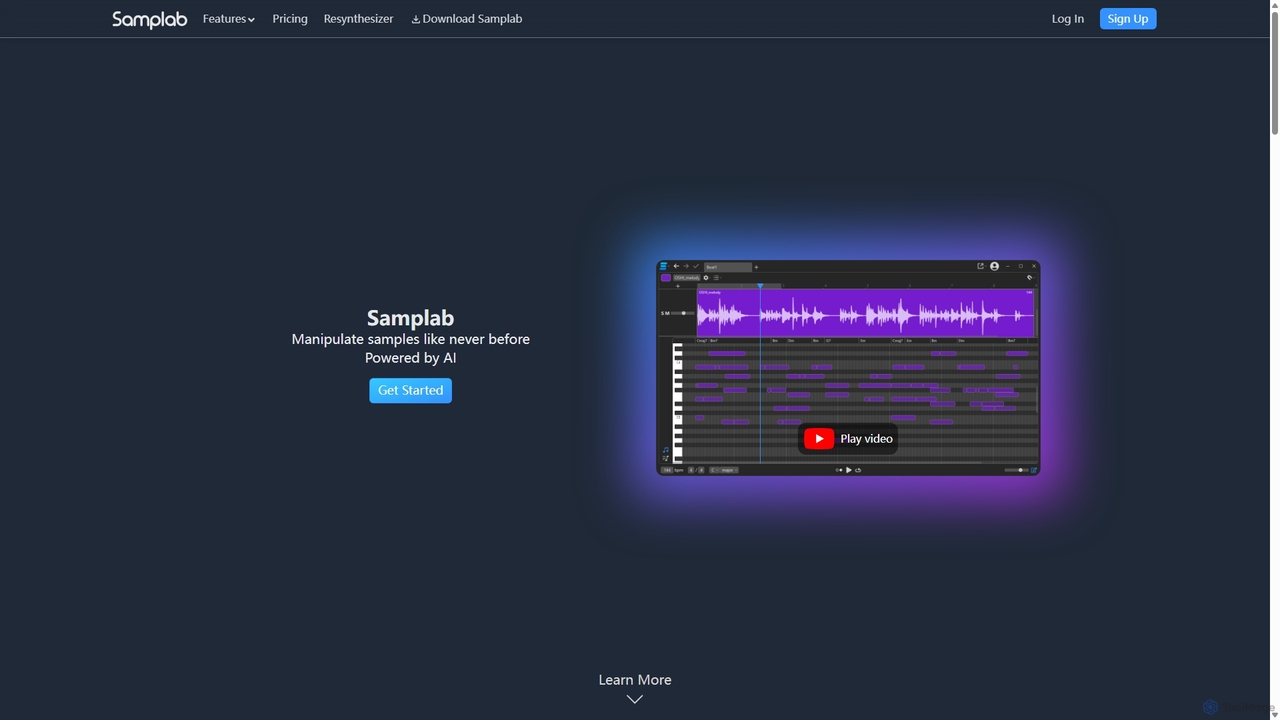
Samplab
Samplab is an AI-powered audio tool for music producers that allows for unprecedented manipulation of samples. Edit individual …
Samplab is an AI-powered audio tool for music producers that allows for unprecedented manipulation of samples. Edit individual notes in polyphonic audio, detect and change chords, split music into stems, and seamlessly match the tempo and key of different samples. It integrates directly into your DAW as a VST3/AU plugin.
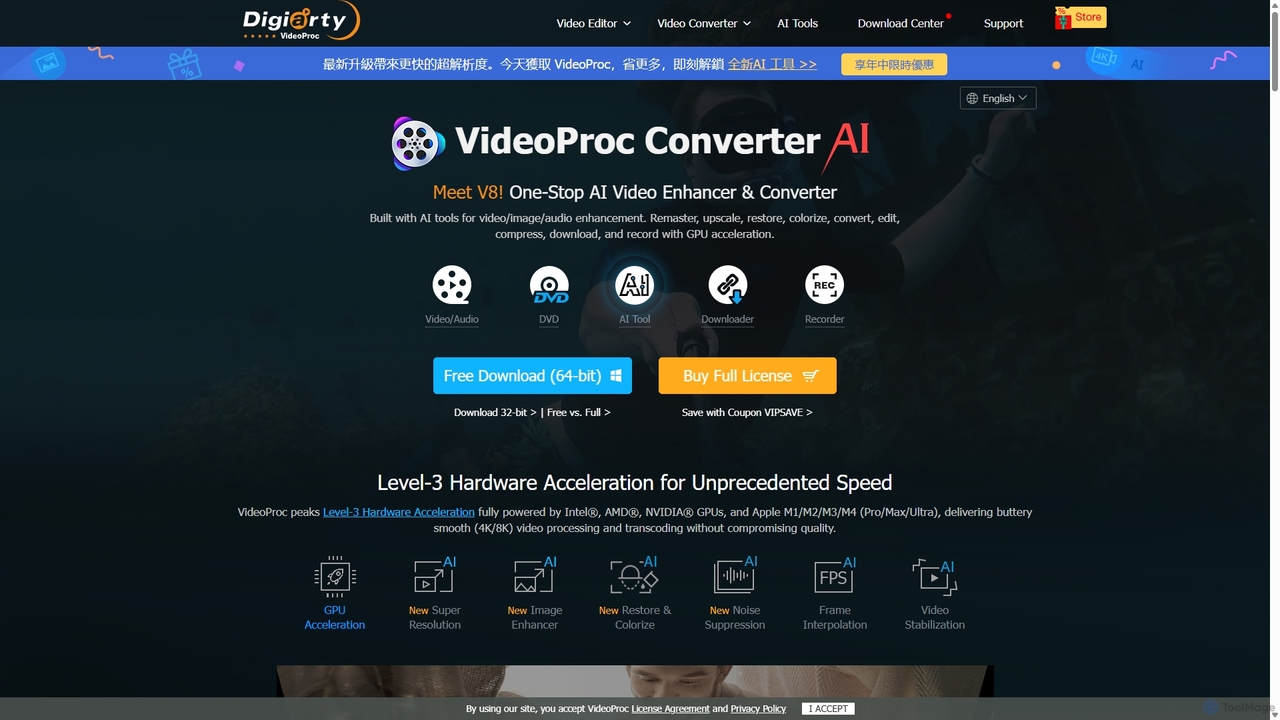
VideoProc
VideoProc is a one-stop, AI-powered media processing suite. It enhances, converts, edits, compresses, downloads, and records 4K/8K videos …
VideoProc is a one-stop, AI-powered media processing suite. It enhances, converts, edits, compresses, downloads, and records 4K/8K videos with full GPU acceleration. Its AI tools upscale video/images, stabilize shaky footage, interpolate frames for smooth motion, and remove background noise from audio.
UniFab
UniFab is an all-in-one AI-powered video and audio enhancement suite. It upscales videos to 16K, converts SDR to …
UniFab is an all-in-one AI-powered video and audio enhancement suite. It upscales videos to 16K, converts SDR to HDR, denoises, colorizes, and stabilizes footage. It also features audio upmixing to surround sound, format conversion for over 1000 formats, and free tools like a vocal and background remover. Designed for both professionals and enthusiasts, it streamlines content creation with a user-friendly interface and GPU-accelerated processing.
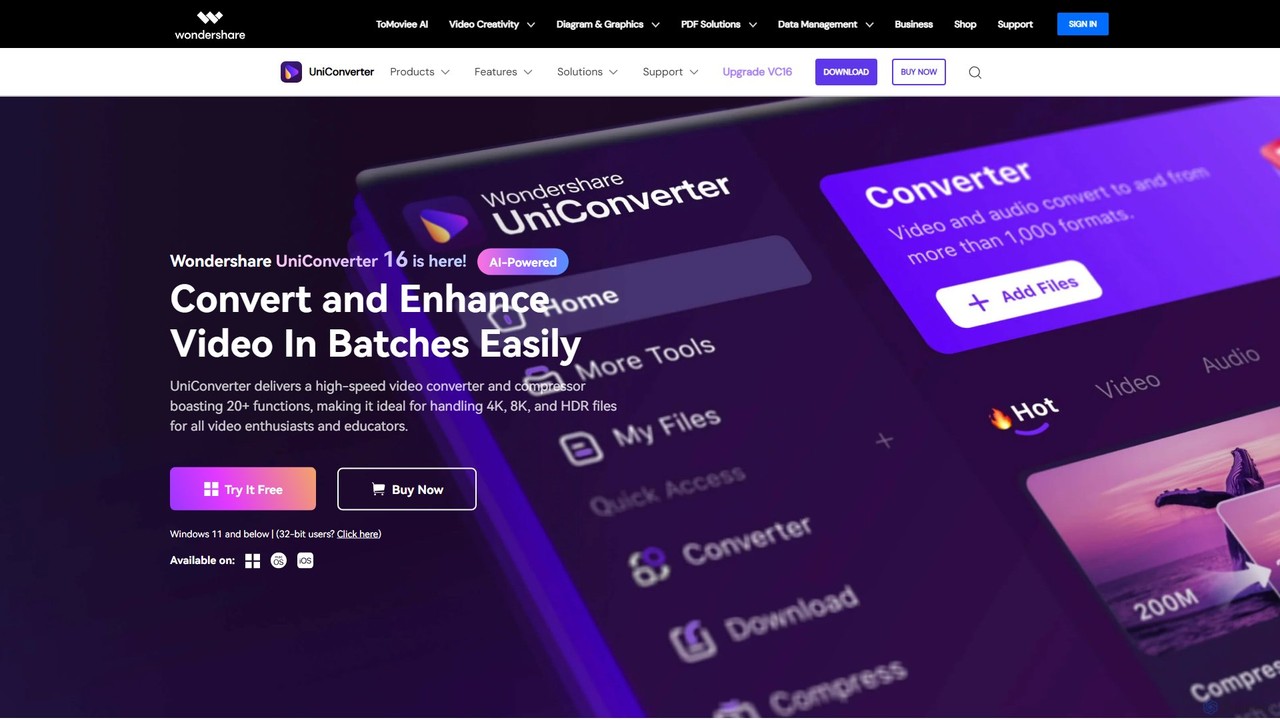
Wondershare UniConverter
Wondershare UniConverter is an all-in-one, AI-powered video toolbox designed for enthusiasts and professionals. It integrates a high-speed video …
Wondershare UniConverter is an all-in-one, AI-powered video toolbox designed for enthusiasts and professionals. It integrates a high-speed video converter, an efficient compressor, a versatile editor, and a suite of AI enhancement tools. Handle 4K/8K/HDR files, convert between 1000+ formats, and leverage AI to upscale video, remove noise, generate subtitles, and more, all within a single, user-friendly application.
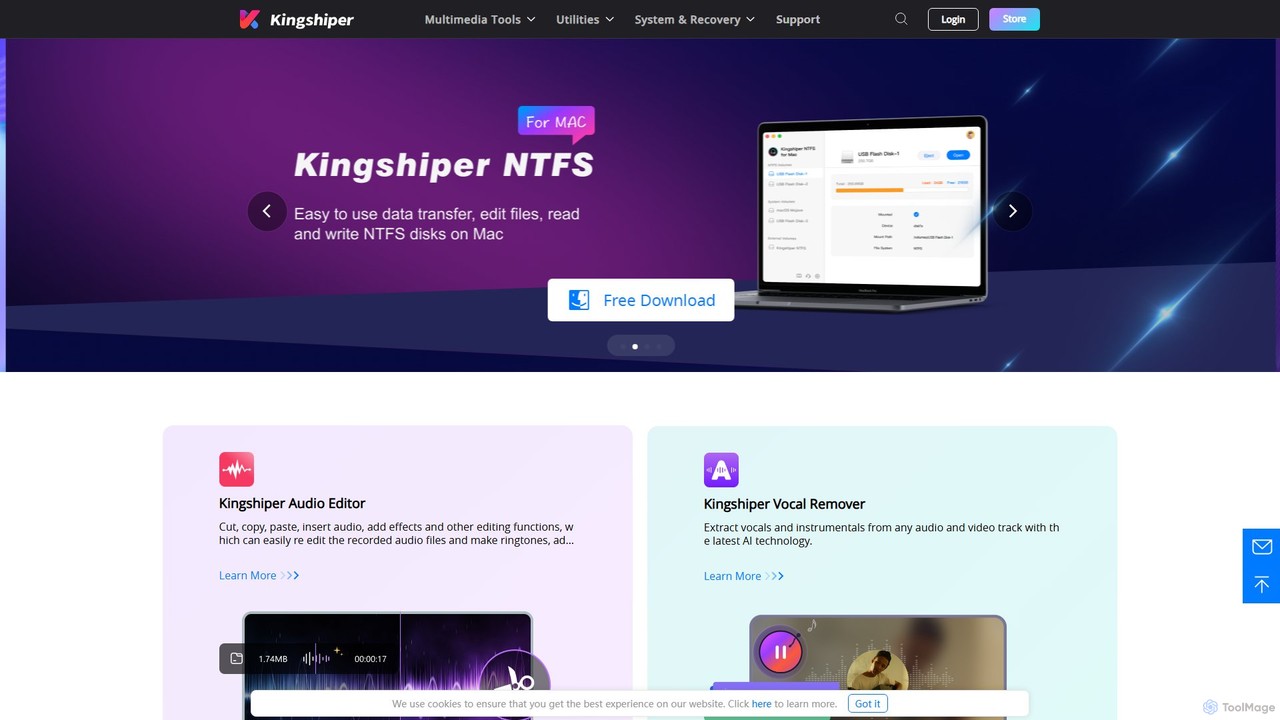
Kingshiper
A versatile suite of desktop tools for audio editing, AI-powered vocal removal, file conversion (audio & PDF), and …
A versatile suite of desktop tools for audio editing, AI-powered vocal removal, file conversion (audio & PDF), and system utilities. Kingshiper offers user-friendly, high-performance solutions for Windows and Mac, enabling users to easily cut, merge, convert, and manage their digital files with professional-quality results.
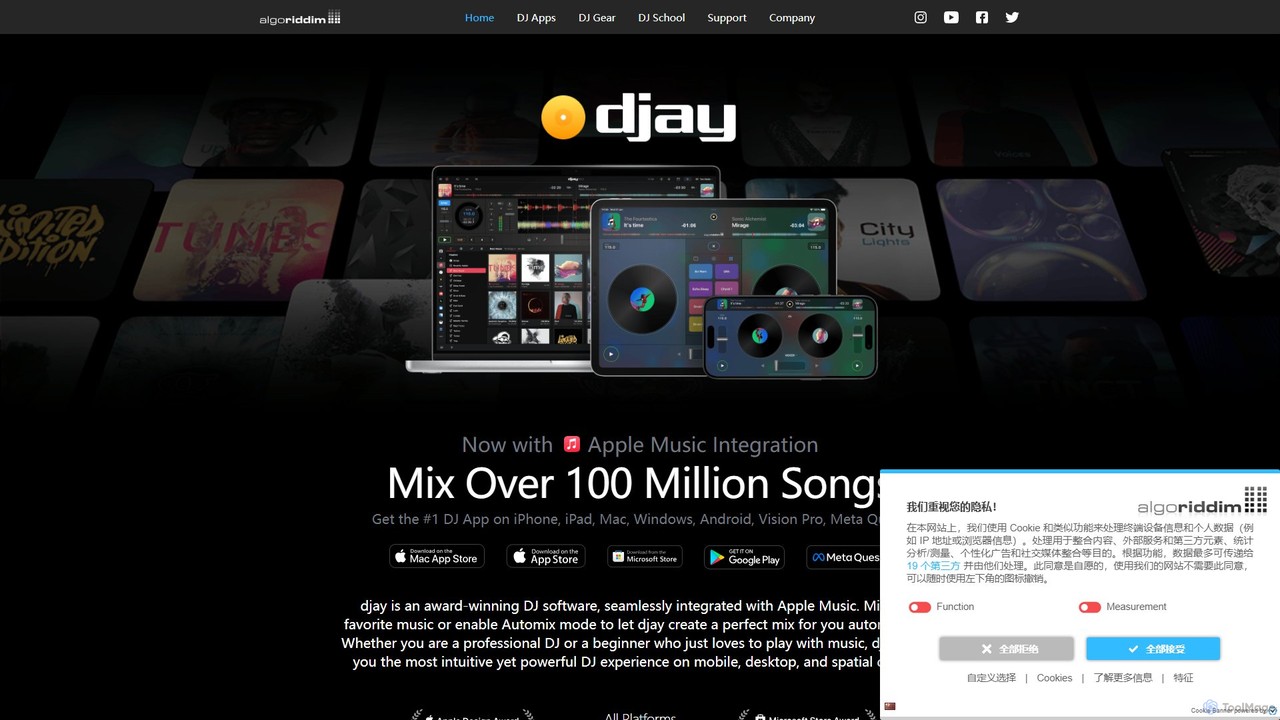
djay
djay is an award-winning DJ software and app from Algoriddim, available on iOS, Android, Mac, Windows, and VR/AR …
djay is an award-winning DJ software and app from Algoriddim, available on iOS, Android, Mac, Windows, and VR/AR platforms. It features the revolutionary Neural Mix™ AI for real-time track separation, seamless integration with streaming services like Apple Music, and a powerful interface for both beginners and professional DJs. Experience the future of DJing with intuitive controls and immersive spatial environments.
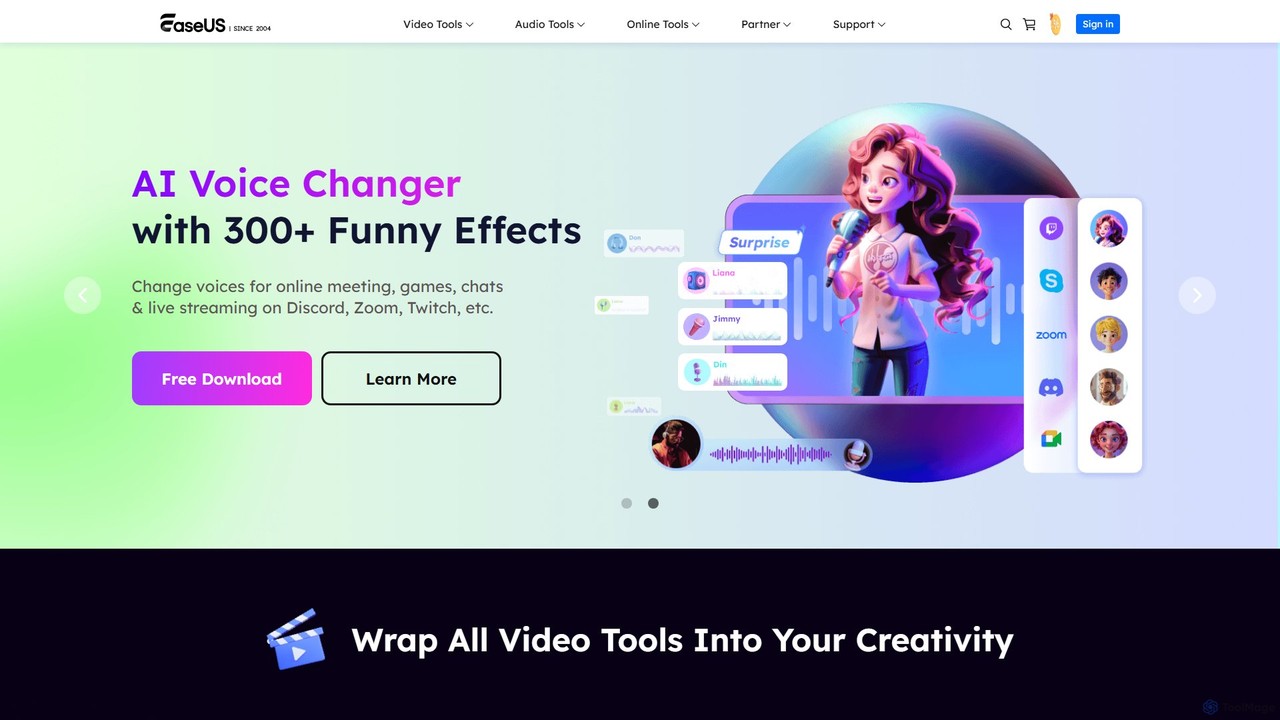
EaseUS Multimedia
EaseUS Multimedia is an all-in-one AI-powered toolkit for video and audio processing. It includes a video converter, editor, …
EaseUS Multimedia is an all-in-one AI-powered toolkit for video and audio processing. It includes a video converter, editor, downloader, screen recorder, and AI voice changer. Ideal for content creators, gamers, and general users, it simplifies tasks like format conversion, audio extraction, noise removal, and creating AI song covers.
DVDFab
DVDFab is a comprehensive multimedia toolkit for DVD/Blu-ray/4K UHD backup, ripping, and conversion. It features AI-powered video enhancement …
DVDFab is a comprehensive multimedia toolkit for DVD/Blu-ray/4K UHD backup, ripping, and conversion. It features AI-powered video enhancement to upscale resolution up to 8K, convert SDR to HDR, and denoise footage. The suite also includes tools for downloading videos and music from over 1000 streaming services.
About Audio Editing
AI Audio Editing tools are applications that leverage artificial intelligence to automatically clean, repair, and enhance audio recordings. These tools use machine learning models to identify and process specific audio elements, such as background noise, filler words, or vocal frequencies. They empower creators to achieve professional-grade sound quality with minimal manual effort, dramatically speeding up post-production workflows for podcasts, videos, and music.
Core Features
- Intelligent Noise Reduction: Precisely removes background noise, hum, and reverb without affecting the main vocal clarity.
- Automatic Filler Word & Silence Removal: Detects and cuts filler words (e.g., "um," "ah") and extended pauses to create concise, engaging content.
- Voice Cloning & Overdubbing: Replicates a speaker's voice to correct misspoken words or generate new dialogue seamlessly.
- AI-Powered Equalization & Mastering: Automatically balances frequencies and loudness to optimize audio for different platforms.
Use Cases
These tools are widely used in podcast production for dialogue cleanup, video post-production for enhancing on-location audio, and music creation for polishing vocal tracks. They are also valuable for audiobook narrators correcting mistakes and for businesses restoring old or damaged audio archives.
How to Choose
When selecting an AI Audio Editing tool, consider its primary function (e.g., speech enhancement vs. music mastering). Evaluate whether it operates as a standalone application or a plugin for your existing software (DAW). Also, assess its processing speed, user interface simplicity, and pricing structure (subscription vs. perpetual license).
Audio EditingUse Cases
Effortless Podcast Dialogue Cleanup
A podcast producer working on a weekly interview show faces tight deadlines. The raw audio from a remote guest contains significant background hum and echo. Instead of spending hours manually applying noise gates and equalization, the producer uploads the track to an AI Audio Editing tool. The tool automatically identifies and removes the hum and reverb while also detecting and cutting over 50 instances of "ums" and "ahs" in a single pass. This reduces the editing time for a one-hour episode from three hours to under 30 minutes, ensuring a polished, professional sound for every release.
Rescuing On-Location Video Audio
A documentary filmmaker has captured a crucial interview outdoors, but the audio is marred by unpredictable wind gusts and distant traffic noise. Re-shooting is not an option. Using an AI Audio Editing tool, the post-production editor isolates the dialogue from the disruptive background sounds. The AI algorithm intelligently suppresses the wind and traffic without creating unnatural artifacts, restoring the clarity of the speaker's voice. This salvages the irreplaceable footage and avoids the need for expensive and time-consuming ADR (Automated Dialogue Replacement).
Seamless Audiobook Narration Corrections
An audiobook narrator discovers a mispronounced name in a chapter that was recorded weeks ago. The recording setup and vocal tone are impossible to replicate perfectly for a simple re-take. The narrator uses an AI tool with voice cloning capabilities. They type the correct pronunciation, and the tool generates the corrected word in the narrator's own voice, matching the exact tone and cadence of the original recording. This allows for a seamless, undetectable fix without re-recording the entire paragraph, maintaining consistency throughout the audiobook.
Professional Vocal Polishing for Musicians
A home studio musician has recorded a vocal track for their new song but lacks advanced audio engineering skills. The recording contains harsh sibilance ("s" sounds) and noticeable breaths between phrases. They process the vocal track through an AI editing tool. The software's AI-powered de-esser intelligently softens the sibilance without dulling the vocal, and its smart breath control reduces the volume of breaths without completely removing them, maintaining a natural feel. The result is a clean, balanced, and radio-ready vocal track achieved in minutes.
Automating Webinar to Podcast Conversion
A marketing team wants to repurpose a one-hour webinar recording into a more concise podcast episode. The original audio contains long pauses, audience Q&A transitions, and filler words from the speaker. Using an AI Audio Editing tool, they can automatically trim all silences longer than two seconds and remove filler words. The tool generates a tightened-up audio file that is 25% shorter and more engaging for listeners. This automates the content repurposing workflow, allowing the team to create new assets from existing content with minimal effort.
Restoring Vintage Audio Archives
An archivist at a historical society is digitizing a collection of old vinyl and tape recordings. The recordings suffer from significant hiss, crackle, and low-frequency hum characteristic of their age. Manually restoring each file would be prohibitively time-consuming. The archivist uses an AI Audio Editing tool designed for audio restoration. The AI analyzes the audio, distinguishes the original content from the noise, and carefully removes the hiss and crackle while enhancing the original speech or music. This makes the historical content accessible and intelligible for modern audiences.