ToolMage
Sign in

Best 21 Audio Editing AI tools

Popular Audio Editing AI tools include OpenMusic, AIDubbing, Lamucal, Soundwise, SimpleClean, acapella_extractor, Fuser, MusicExtend, AIVideoTranslator, and TuneBlades, helping you work more efficiently.

Turbo Play
Freemium

Turbo Play

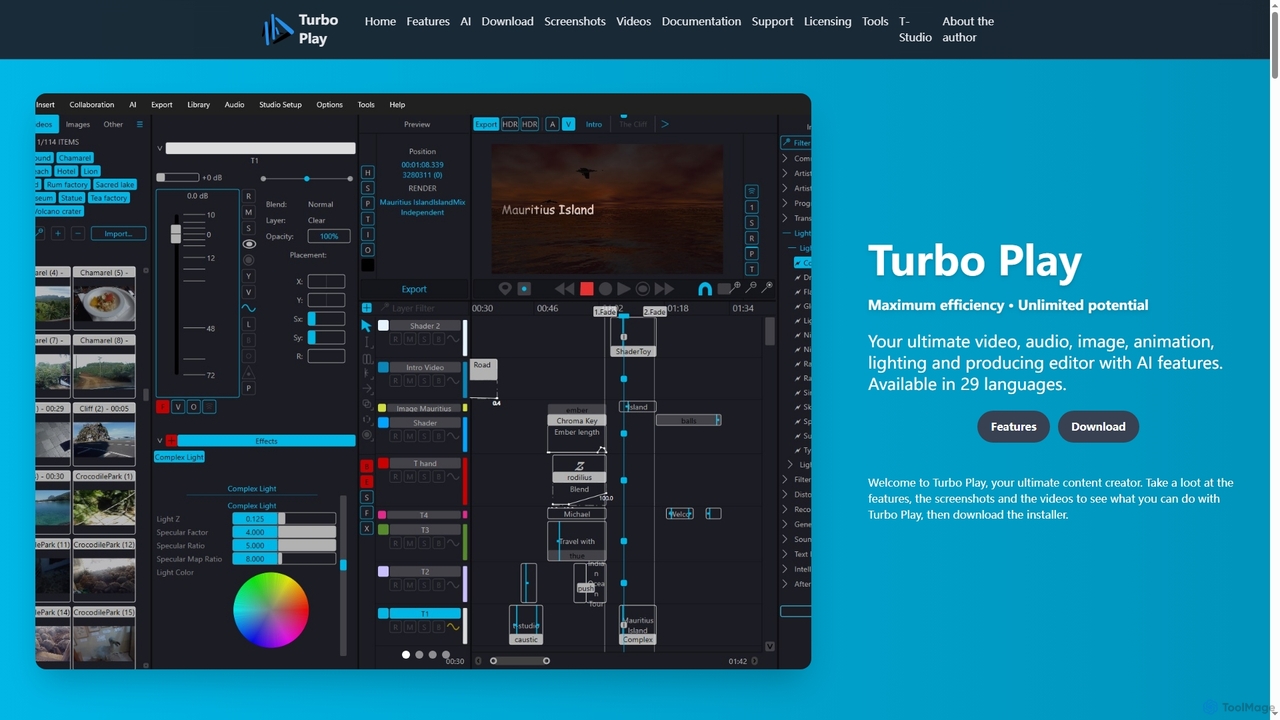
Turbo Play is an all-in-one AI-powered video, audio, image, and animation editor designed for maximum efficiency and unlimited creative potential. It offers a comprehensive suite of tools for content creation, including advanced AI features for background removal, face swapping, speech separation, and text-to-image generation, catering to both casual and professional users across 29 languages.

3D
Visits 5.3KFavorites 135Likes 150
Alex Audio Butler
Paid

Alex Audio Butler

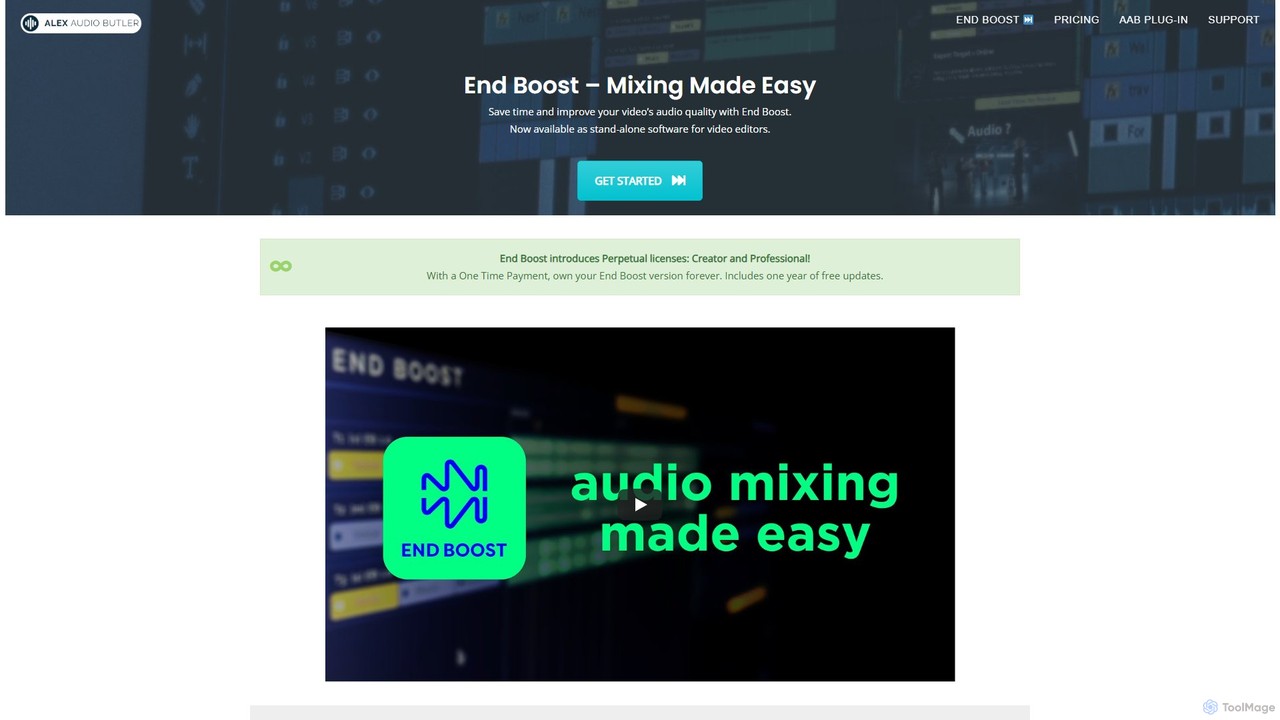
Alex Audio Butler is an AI-powered audio mixing tool, primarily through its standalone app "End Boost," designed for video editors. It automates complex audio tasks like leveling, ducking, noise reduction, and mastering. By using intelligent presets, it allows creators without audio expertise to achieve professional-quality sound for their videos, saving significant time in post-production. It integrates seamlessly with all major NLEs like Premiere Pro, DaVinci Resolve, and Final Cut Pro.

Mixing & Mastering
Visits 7KFavorites 139Likes 136

About Audio Editing

AI Audio Editing tools are a class of software leveraging artificial intelligence to enhance, modify, and process audio content with unprecedented efficiency and precision. These tools utilize advanced machine learning algorithms to analyze sound, identify patterns, and perform complex tasks like noise reduction, vocal isolation, and automatic mastering. They empower musicians, podcasters, video editors, and content creators to achieve professional-grade audio quality, significantly streamlining post-production workflows and opening new creative possibilities.

Core Features

  • Intelligent Noise Reduction: Automatically identifies and removes unwanted background noise, hums, and hisses from recordings.
  • Vocal Isolation & Enhancement: Separates vocals from instrumental tracks or isolates speech from ambient sounds, often enhancing clarity.
  • Automatic Audio Mastering: Applies intelligent equalization, compression, and limiting to optimize overall sound quality and loudness for various platforms.
  • Speech-to-Text Transcription: Converts spoken audio into accurate text, useful for subtitling, documentation, and content repurposing.
  • Audio Style Transfer: Applies characteristics from one audio source (e.g., a specific reverb or instrument sound) to another.

Use Cases

AI audio editing tools are invaluable across various industries. Podcasters use them to clean up interview audio, ensuring clear dialogue for listeners. Musicians leverage AI for stem separation to remix tracks or for intelligent mastering to prepare their songs for release. Video editors rely on these tools to remove distracting background noise from dialogue, improving the overall viewer experience.

How to Choose

When selecting an AI audio editing tool, consider its specific AI capabilities, such as the quality of noise reduction or vocal isolation, and its ease of use for your skill level. Evaluate integration with your existing workflow (e.g., DAW compatibility) and the output quality it delivers. Finally, assess the pricing model and whether it aligns with your budget and usage frequency.

Featured tool rankings

Audio Editing use cases

1

Podcast Audio Enhancement

Podcasters use AI tools to automatically remove background noise, echo, and plosives from interview recordings. This ensures crystal-clear dialogue, improving listener engagement and saving hours of manual editing time, allowing creators to focus on content.

2

Music Stem Separation & Remixing

Musicians and DJs leverage AI to separate individual instruments (vocals, drums, bass, etc.) from mixed tracks. This enables creative remixing, sampling, or isolating specific elements for practice, mastering, or creating instrumental versions.

3

Video Dialogue Cleanup

Video editors utilize AI audio editing to eliminate distracting ambient noise, wind, or hum from on-location dialogue. This significantly enhances speech intelligibility and overall video quality, providing a more professional and immersive viewing experience.

4

Automated Voiceover Generation

Content creators can use AI to generate natural-sounding voiceovers from text scripts in various languages and voices. This accelerates content production for tutorials, e-learning modules, or marketing videos, reducing the need for professional voice actors.

5

Audio Restoration of Old Recordings

Archivists and enthusiasts employ AI to restore damaged or old audio recordings by removing clicks, pops, crackles, and tape hiss. This preserves historical speeches, music, or family recordings, bringing clarity back to valuable sonic artifacts.

6

Real-time Communication Enhancement

Professionals in online meetings or live streamers use AI tools to filter out keyboard clicks, fan noise, or room reverb in real-time. This ensures clearer communication and a more professional presence during virtual interactions and broadcasts.

Audio Editing FAQ

What are AI Audio Editing tools?

AI Audio Editing tools are software applications that use artificial intelligence and machine learning algorithms to automate and enhance various audio processing tasks. They can intelligently identify and manipulate sound elements, performing functions like noise reduction, vocal isolation, and automatic mastering, often achieving results that would be complex or time-consuming with traditional methods.

How do AI audio editing tools differ from traditional audio editors?

Traditional audio editors rely on manual adjustments and user expertise for tasks like equalization, compression, and noise removal. AI audio editing tools, however, automate these processes by analyzing the audio content and applying intelligent algorithms. This allows for faster, often more precise, and less labor-intensive editing, especially for repetitive or complex tasks, making professional results more accessible.

What specific tasks can AI audio editing tools automate?

AI audio editing tools can automate a wide range of tasks. These include intelligent noise and echo reduction, vocal isolation from background music, automatic audio mastering for optimal loudness and clarity, speech-to-text transcription, and even audio style transfer. They can also assist with automatic mixing, sound effect generation, and enhancing specific frequencies.

Who benefits most from using AI audio editing tools?

A diverse group of users benefits significantly from AI audio editing tools. Podcasters and YouTubers can quickly clean up dialogue. Musicians and producers can achieve better mixes and masters. Video editors can improve audio quality in their projects. Journalists and researchers can transcribe interviews efficiently. Essentially, anyone working with audio who seeks to save time, improve quality, or access advanced features without deep technical expertise will find these tools valuable.

How to choose the best AI audio editing software for my needs?

To choose the best AI audio editing software, first identify your primary needs: are you focused on noise reduction, vocal isolation, mastering, or transcription? Evaluate the quality and effectiveness of the AI algorithms for those specific tasks. Consider the tool's ease of use, its compatibility with your existing hardware and software (e.g., DAW integration), pricing, and the availability of features like real-time processing or cloud capabilities. Reading reviews and trying free trials can also be very helpful.