ToolMage
Sign in

Best 2 Personalized Video AI tools for Avatars

Popular Personalized Video AI tools in Avatars include Topview.ai and BuzzClip, helping you work more efficiently.

BuzzClip
Freemium

BuzzClip

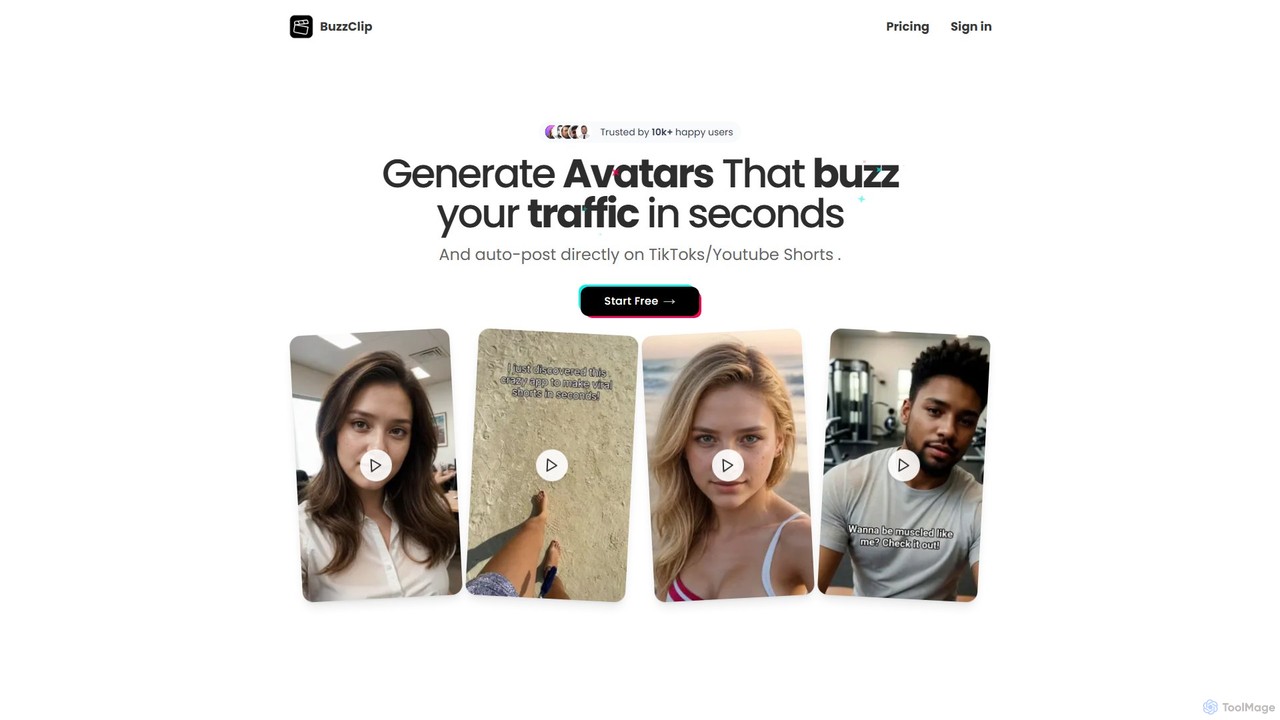
BuzzClip is an AI-powered platform that enables users to create engaging, viral UGC-style short videos for TikTok and YouTube Shorts in seconds. It utilizes AI avatars, multilingual voiceovers, and automated posting to streamline content creation, boost traffic, and save time and money.

Personalized Video
Visits 5.6KFavorites 142Likes 142
Topview.ai
Freemium

Topview.ai

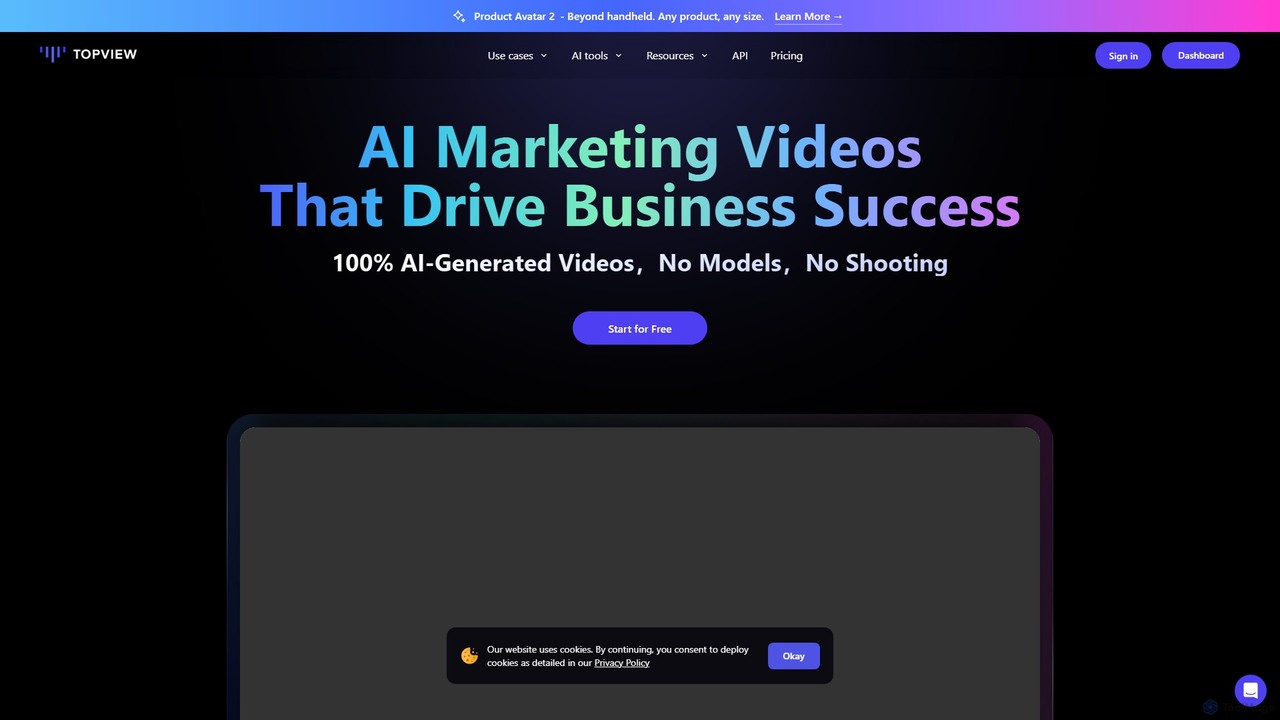
Topview.ai is an AI-powered video editor designed to create viral marketing videos effortlessly. It generates 100% AI-driven content with realistic digital avatars, eliminating the need for models, cameras, or physical shooting. Ideal for product marketing, app promotions, and e-commerce, it allows users to create professional videos with custom avatars, voice cloning, and dynamic product showcases, scaling video production efficiently.

Personalized Video
Visits 1.1MFavorites 158Likes 129

About Personalized Video

Personalized Video tools are AI-powered platforms that automatically generate unique video content tailored to individual viewers at scale. These tools work by merging a base video template with dynamic data, such as names, company logos, or user-specific information, often delivered by a digital avatar or a real person. Their primary value is in creating highly relevant and engaging experiences for marketing, sales, and customer communications, which can significantly boost engagement and conversion rates. Unlike standard video editors, they enable one-to-one communication on a massive scale without losing the personal touch.

Core Features

  • Dynamic Data Integration: Connects with CRMs, spreadsheets, or APIs to automatically pull in personalized data for each video.
  • Customizable Video Templates: Allows users to create or modify video templates where dynamic elements can be inserted.
  • AI Avatars and Voice Cloning: Generates videos using digital presenters or clones a human voice for consistent, scalable narration.
  • Scalable Cloud Rendering: Capable of producing thousands of unique video variations simultaneously in the cloud.
  • Analytics and Distribution: Provides tools to share videos via email or unique links and track viewer engagement metrics.

Use Cases

Personalized Video tools are widely used by sales and marketing teams for hyper-personalized outreach and lead nurturing campaigns. Customer success departments leverage them for automated, personalized onboarding and support videos. They are also valuable in e-commerce for abandoned cart recovery and in HR for engaging with potential candidates on a personal level.

How to Choose

When selecting a Personalized Video tool, first evaluate its integration capabilities with your existing CRM or marketing automation software. Assess the depth of personalization available—can you customize text, images, audio, and scenes? Consider the presenter options (AI avatars vs. real footage) and ensure the platform's pricing model and rendering capacity align with your campaign volume requirements.

Personalized Video use cases

1

Scaled Sales Outreach Videos

A Sales Development Representative (SDR) needs to contact over 100 leads daily with a personal touch that stands out from generic emails. By connecting their CRM to a personalized video tool, they create a master video template. The platform automatically generates a unique version for each lead, inserting their name, company name, and a dynamic screenshot of their website into the video. This one-to-one approach at scale results in significantly higher email open and reply rates, leading to more qualified meetings booked.

2

Personalized Customer Onboarding

A Customer Success Manager at a SaaS company aims to improve user activation rates for new sign-ups. They set up an automated workflow where a personalized video is triggered for each new user. The video, featuring an AI avatar, greets the user by name, confirms their specific subscription plan, and provides a tailored call-to-action pointing to the most relevant first step for them. This proactive, personalized guidance helps users find value faster, significantly increasing product adoption and reducing early-stage churn.

3

Dynamic E-commerce Retargeting

An e-commerce marketing manager wants to recover abandoned carts more effectively. They integrate a personalized video tool with their Shopify store. When a customer abandons a cart, an automated email is sent containing a video. In the video, a presenter showcases the exact product the customer left behind, addresses them by name, and presents a limited-time discount code on-screen. This hyper-relevant visual reminder creates a strong sense of urgency and personalization, leading to a higher cart recovery rate than standard text-based reminder emails.

4

Automated Candidate Engagement in HR

A corporate recruiter needs to stand out when reaching out to a large pool of high-demand candidates. Using a personalized video tool, they create a template where the hiring manager (or their AI avatar) introduces the company and the specific role. The tool integrates with their applicant tracking system to insert the candidate's name, the job title they applied for, and even a reference to a specific skill from their resume. This tailored approach makes candidates feel valued and recognized, significantly increasing response rates and improving the overall candidate experience.

5

Personalized Billing and Statement Explanations

A utility or subscription-based company wants to reduce customer support calls related to confusing bills. They implement a system that generates a short, personalized video for each customer alongside their monthly statement. The video uses on-screen text and voiceover to greet the customer by name, visually break down their charges, highlight any changes from the previous month, and clearly state the due date. This clear, easy-to-digest format preemptively answers common questions, leading to a significant reduction in billing-related inquiries and improved customer satisfaction.

6

Large-Scale Internal Corporate Communications

An internal communications manager at a large enterprise needs to deliver a CEO's message about annual performance results to thousands of employees globally. Instead of a generic broadcast, they use a personalized video tool. The CEO records the core message once. The tool then generates individual videos where the CEO appears to greet each employee by name, and on-screen graphics display data relevant to the employee's specific department or region. This approach makes company-wide announcements feel more direct and personal, boosting employee engagement and morale.

Personalized Video FAQ

What are Personalized Video tools?

Personalized Video tools are software platforms that automate the creation of videos tailored to individual recipients at scale. They work by combining a video template with specific data points for each viewer, such as their name, company, or purchase history. The primary goal is to make mass communication feel like a one-to-one conversation, which is highly effective in sales, marketing, and customer service to increase engagement and conversion rates.

How is Personalized Video different from using an AI Avatar tool?

While both can feature AI avatars, their core purposes differ. An AI Avatar tool's primary function is to create a video of a digital human speaking from a text script. A Personalized Video tool's primary function is to scale communication by dynamically inserting data into a video template. Many personalized video platforms *include* an AI avatar feature as one way to present the video, but their key technology is the data-merge and rendering engine that creates thousands of unique variants, which is not a standard feature of a basic avatar generator.

What kind of data can be used for personalization?

The range of data depends on the specific tool, but common examples include:

  • Text-based data: First name, last name, company name, job title, city.
  • Image-based data: Company logos, profile pictures, product images, website screenshots.
  • Numerical data: Account numbers, invoice amounts, usage statistics, discount percentages.
  • Conditional logic: Showing different video scenes or messages based on a viewer's segment, like 'new customer' vs. 'loyal customer'.
Most tools can pull this data from a simple spreadsheet (CSV) or through direct integration with CRMs like Salesforce or HubSpot.

Are Personalized Video tools difficult to use?

Most modern Personalized Video platforms are designed to be user-friendly for non-technical users, particularly marketers and salespeople. The process typically involves a visual, drag-and-drop style editor to create the video template. The most technical part is often connecting the data source, but many tools offer pre-built integrations with popular CRMs and marketing platforms, simplifying this step significantly. While advanced features might require some learning, creating a basic personalized campaign is generally straightforward.

How to choose the right Personalized Video tool?

To choose the right tool, consider these key factors:

  • Integration: Does it connect seamlessly with your essential software (e.g., CRM, email marketing platform, e-commerce store)?
  • Personalization Depth: What elements can be customized? Look for flexibility in changing text, images, audio, and even entire video scenes.
  • Presenter Options: Does it support AI avatars, screen recordings, or uploading your own footage? Choose one that fits your brand's style.
  • Scalability and Pricing: Evaluate the cost per video or subscription tier against your expected volume. Ensure the platform can handle your peak campaign needs without performance issues.