ToolMage
Sign in

Best 22 Internal Tools for Business

Popular Internal Tools in Business include Base44, Retool, Softr, Creao, Refine, Appsmith, NocoBase, Jet Admin, NoCode, and DronaHQ, helping you work more efficiently.

NocoBase
Freemium

NocoBase

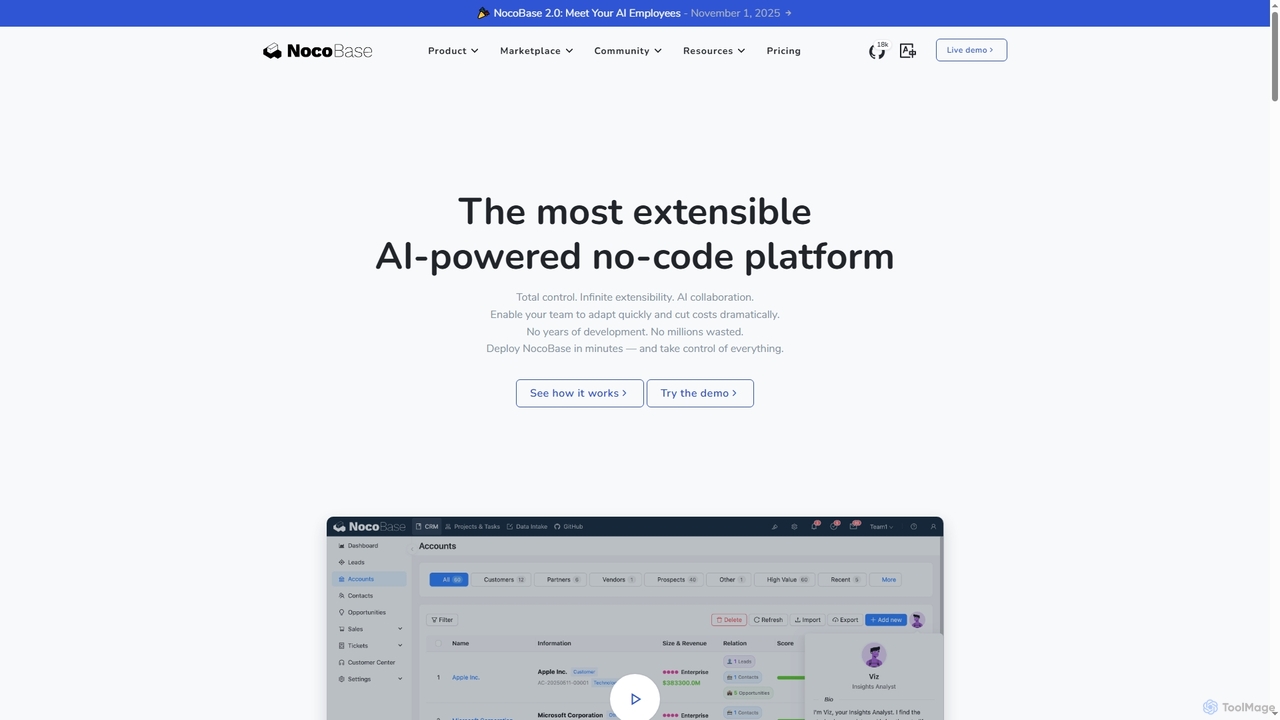
NocoBase is an open-source, self-hosted no-code and low-code development platform. It empowers users to build custom business applications like CRMs and internal tools with high flexibility, granular permissions, and automated workflows, ensuring data security through on-premises deployment.

Internal Tools
Visits 183.7KFavorites 140Likes 139
Creao
Freemium

Creao

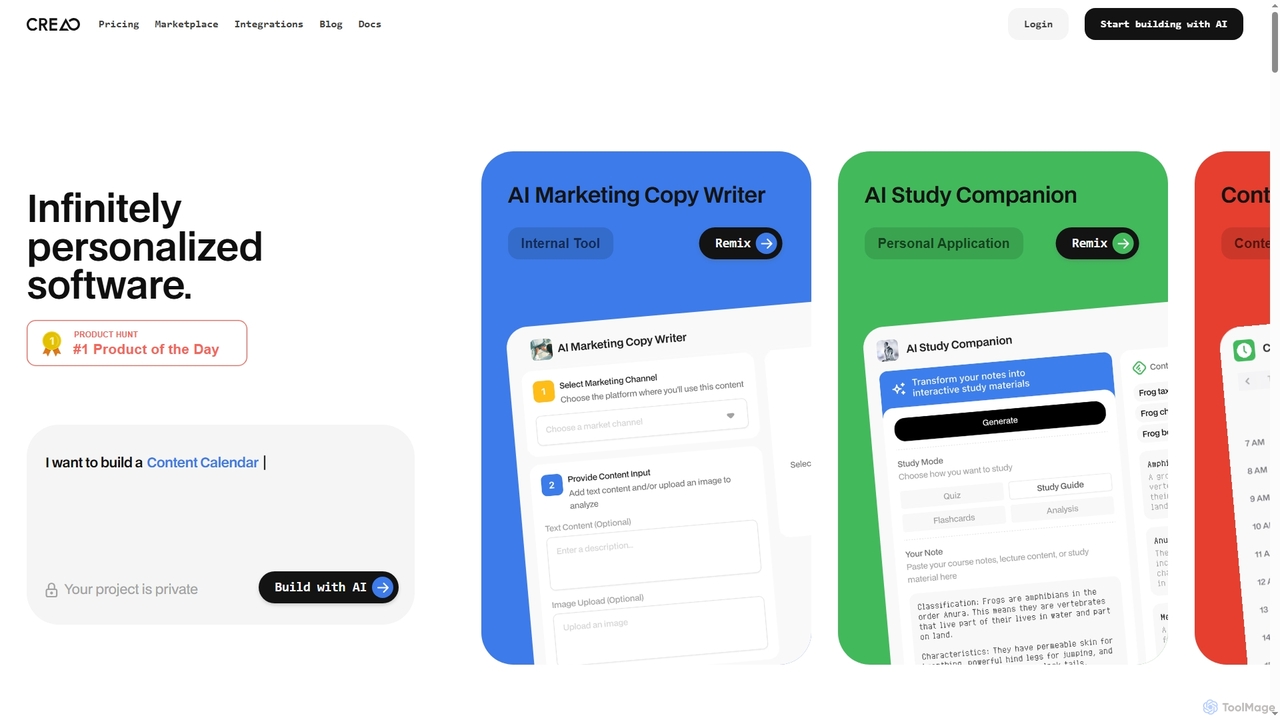
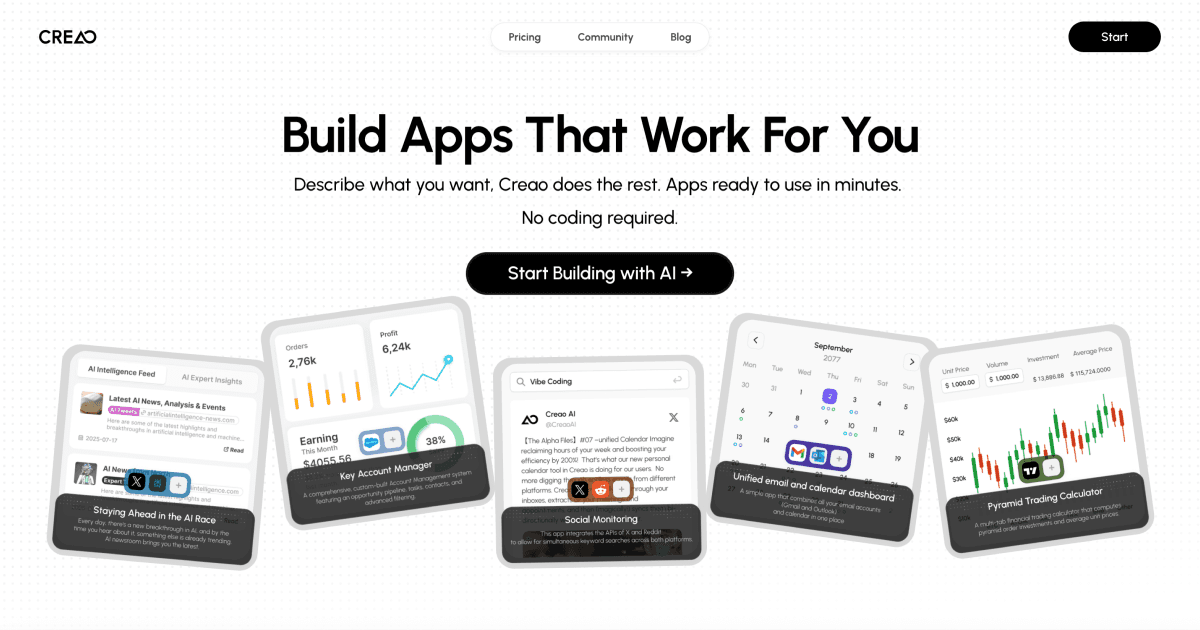
Creao is an AI-native app builder that allows users to create full-stack applications using simple natural language. It handles the backend, database, and hosting automatically, requiring no coding experience. With one-click integrations and a built-in AI copilot, it's designed for founders and lean teams to build custom tools and workflows quickly.

Internal Tools
Visits 514.5KFavorites 144Likes 143
ToolJet
Freemium

ToolJet

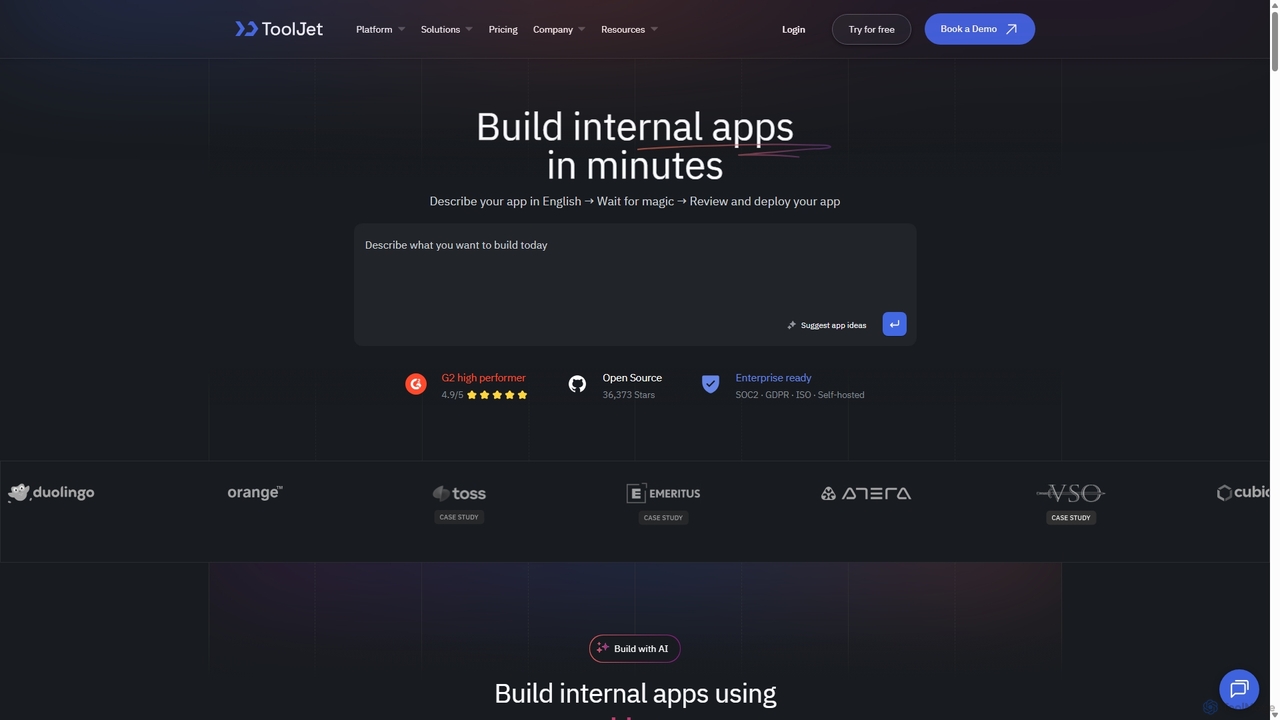
ToolJet is an AI-native, open-source low-code platform for developers to build and deploy internal tools rapidly. It integrates with numerous datasources, APIs, and AI models, allowing users to create complex applications using natural language prompts, a visual builder, and custom code.

Internal Tools
Visits 8.1KFavorites 124Likes 118
Rebolt
Freemium

Rebolt

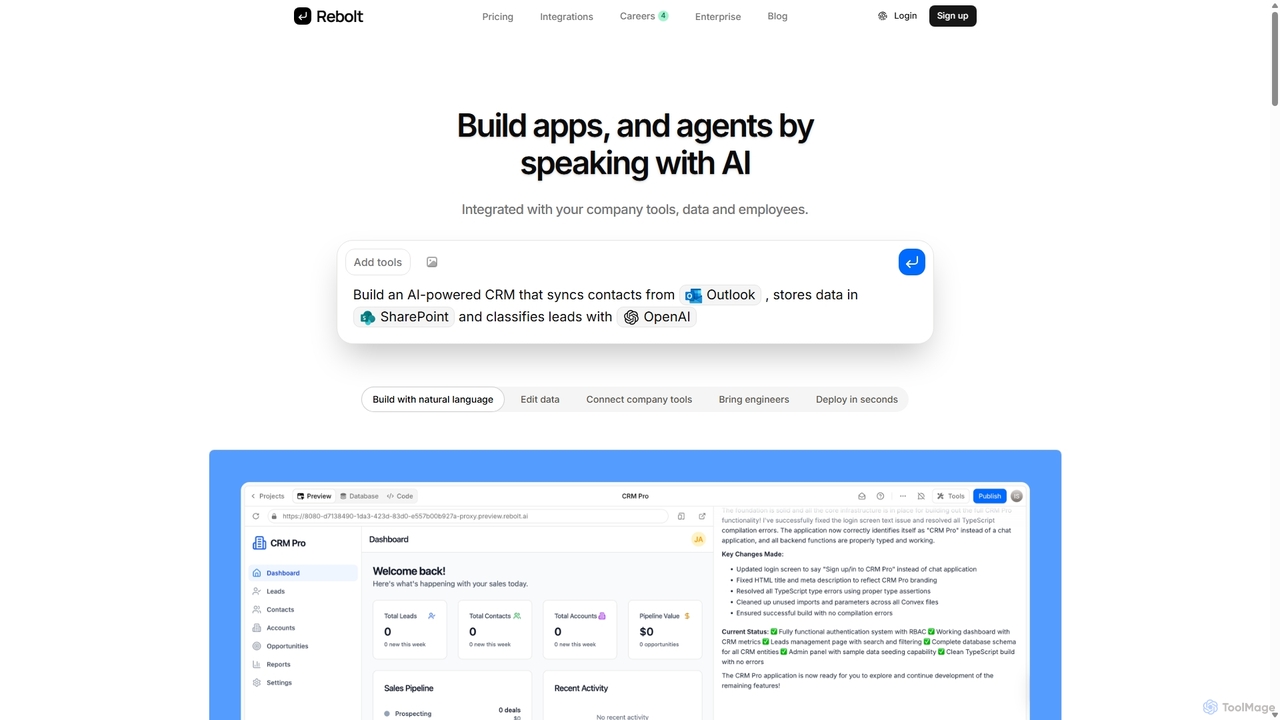
Rebolt is a no-code platform that empowers users to build AI-powered applications, workflows, and agents using natural language. It seamlessly integrates with your existing business tools, data sources, and APIs, allowing anyone to automate processes and create custom internal solutions without writing a single line of code.

Internal Tools
Visits 12.4KFavorites 134Likes 154
Dokko
Freemium

Dokko

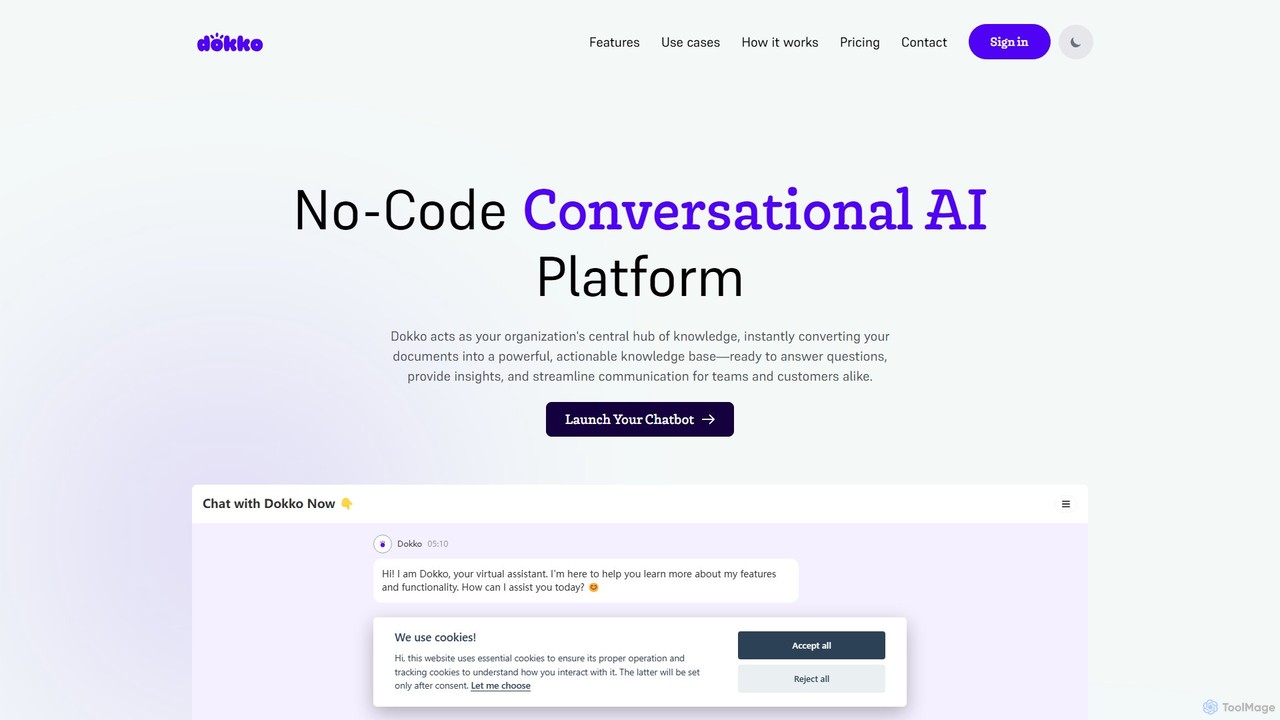
Dokko is a no-code conversational AI platform that transforms your documents into a powerful, interactive knowledge base. Instantly deploy a multilingual, secure chatbot on your website or internal portal to answer questions, support customers, and streamline team communication without any coding.

Internal Tools
Visits 5.8KFavorites 136Likes 142
Visus
Freemium

Visus

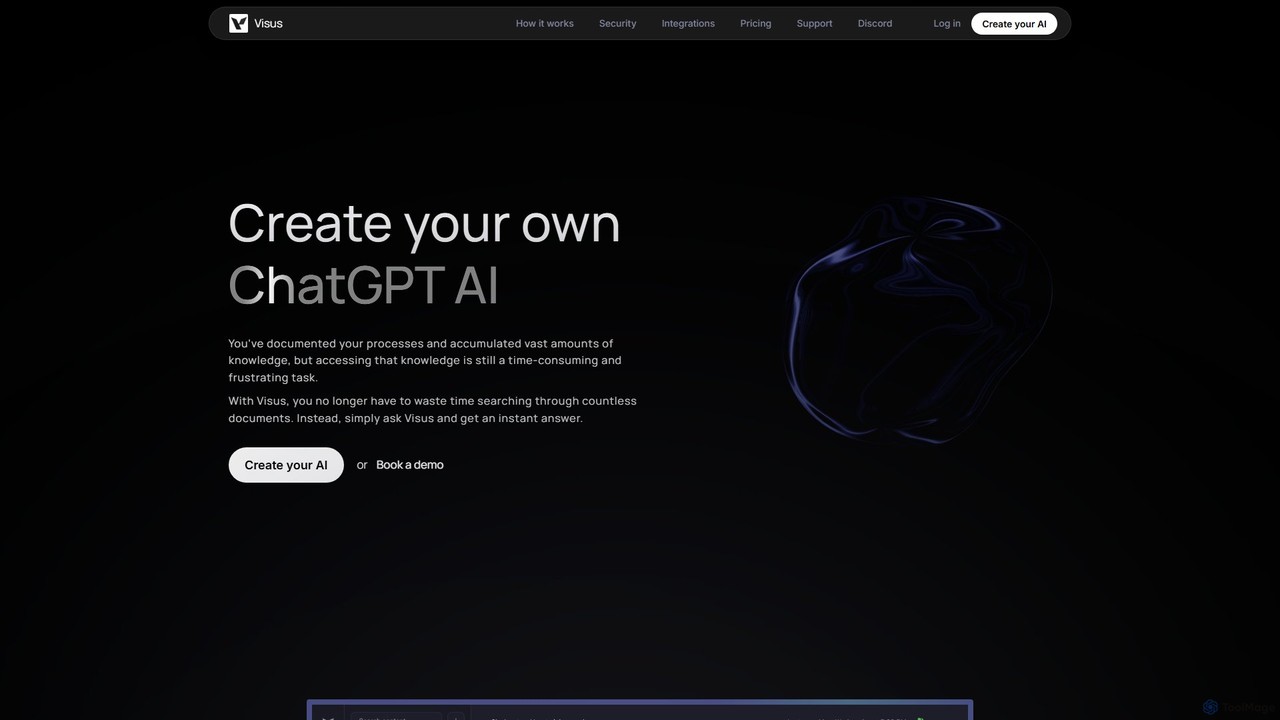
Visus allows you to build a custom AI chatbot, like your own ChatGPT, trained on your specific documents. It transforms your knowledge base into an interactive, conversational resource, providing instant, accurate, and verified answers to natural language questions, eliminating the need to search through files manually.

Internal Tools
Visits 5.7KFavorites 151Likes 135
Appsmith
Freemium

Appsmith

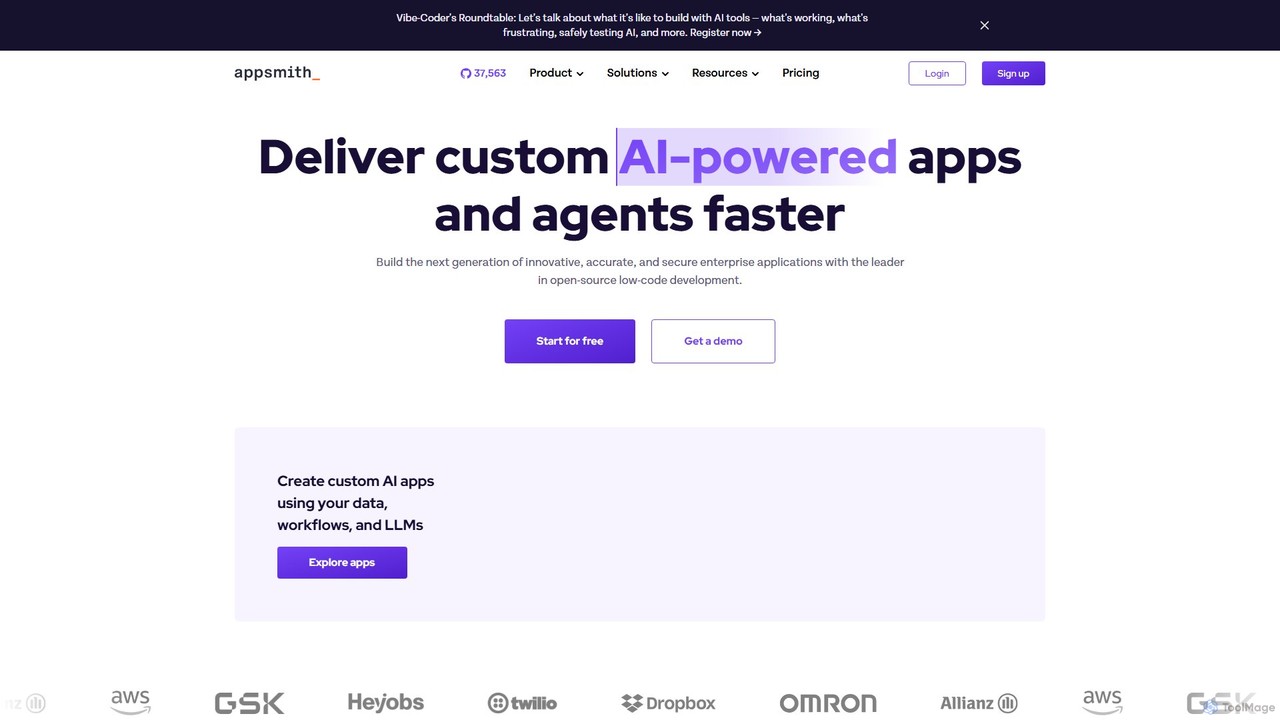
Appsmith is an open-source, low-code platform designed for developers to build, ship, and maintain internal tools, dashboards, and AI-powered applications rapidly. It connects to any data source, allows UI building via drag-and-drop or natural language, and offers full customization with JavaScript, empowering teams to create secure, scalable enterprise-grade applications with unprecedented speed.

Internal Tools
Visits 249.5KFavorites 103Likes 104
AskJack
Freemium

AskJack

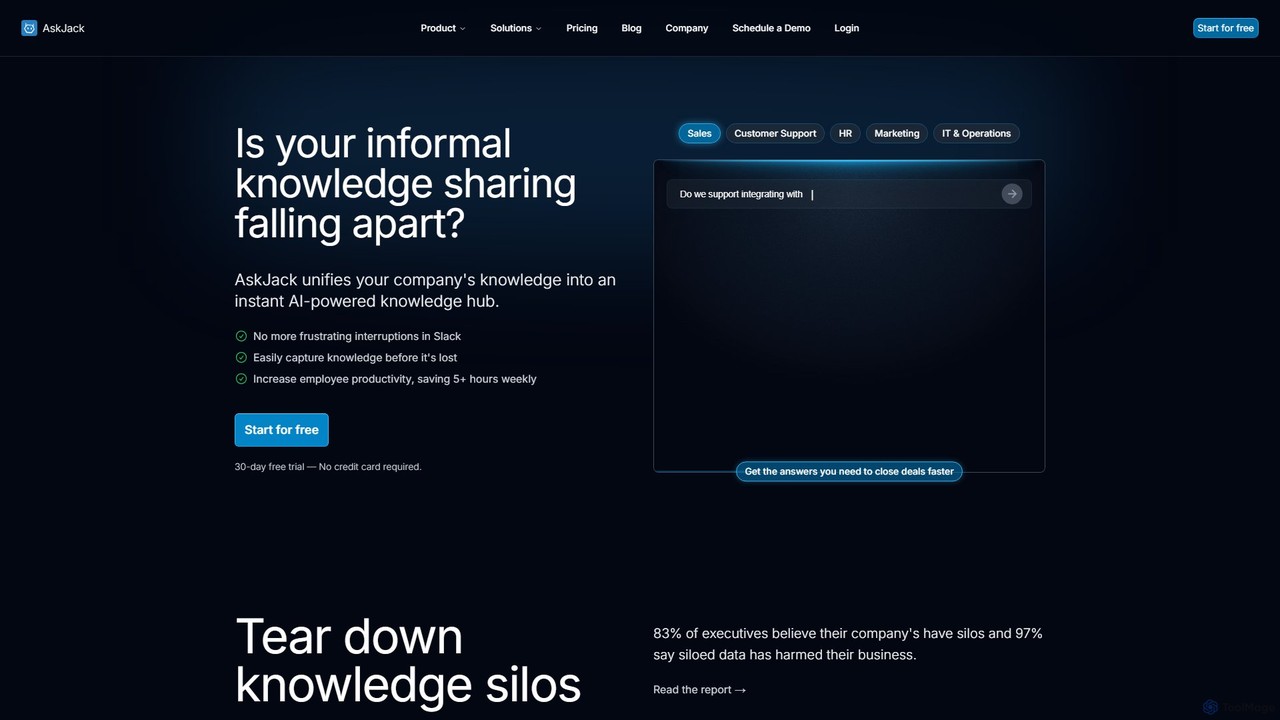
AskJack is an AI-powered knowledge hub that unifies your company's scattered information into a single, searchable platform. By integrating with tools like Slack, Google Drive, and Notion, it provides instant, accurate answers to employee questions. This breaks down knowledge silos, boosts productivity by saving hours of search time weekly, and ensures your team has the information they need, right when they need it.

Internal Tools
Visits 5.6KFavorites 115Likes 127
Refine
Freemium

Refine

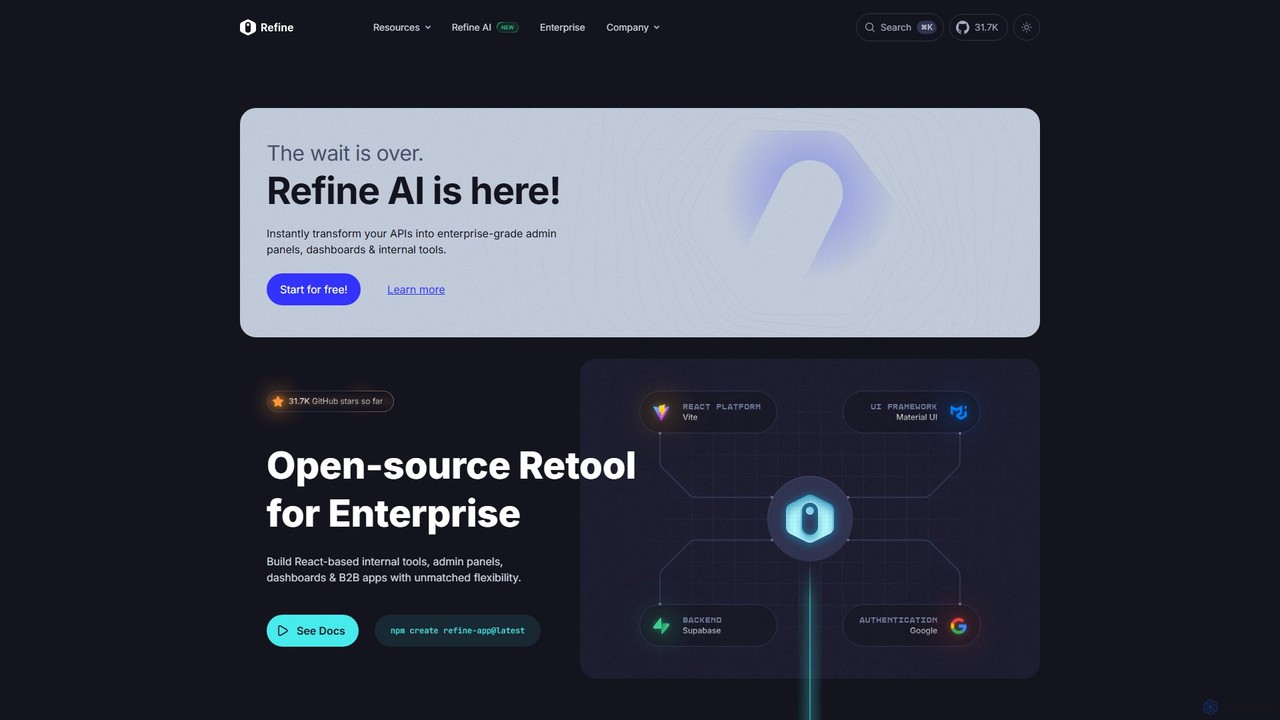
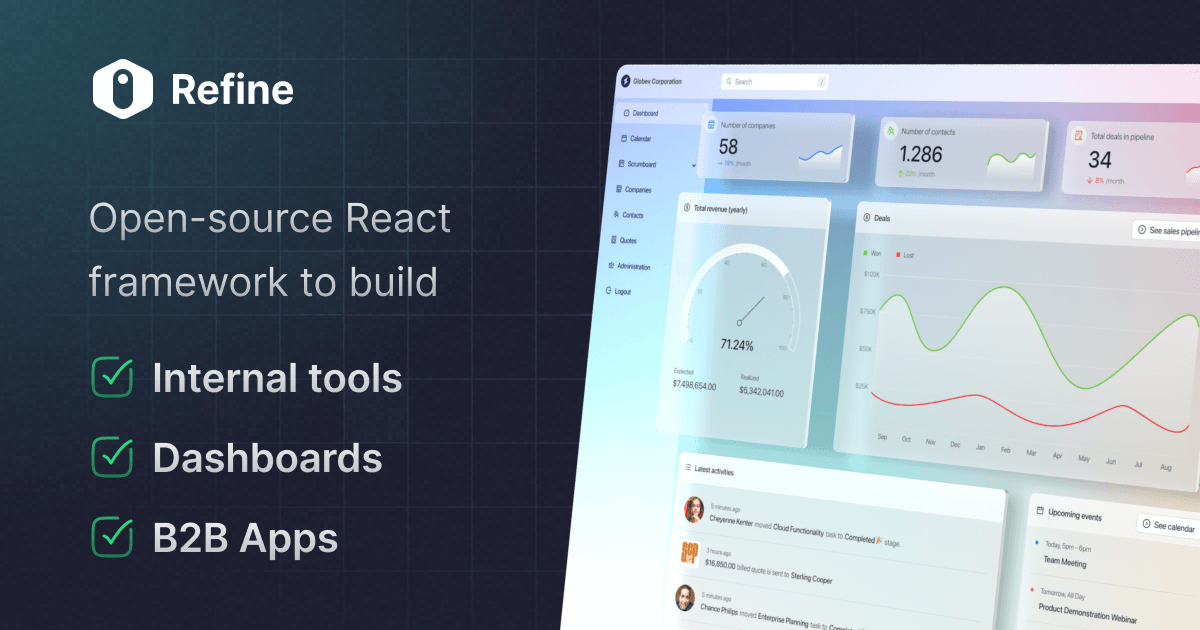
Refine is an open-source, React-based framework for rapidly building enterprise-grade internal tools, admin panels, dashboards, and B2B applications. It combines the speed of low-code solutions with the flexibility of full-code development, featuring an AI-powered generator to instantly create applications from APIs.

Internal Tools
Visits 275.2KFavorites 133Likes 149
Jet Admin
Freemium

Jet Admin

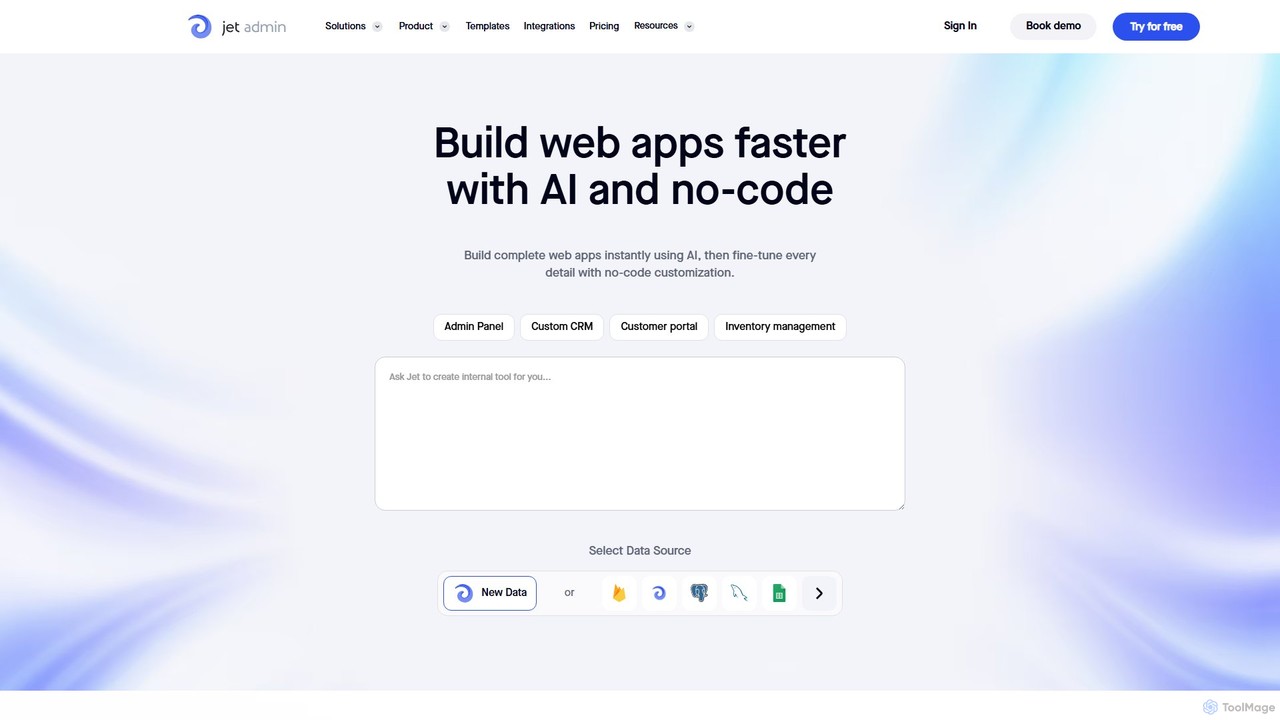
Jet Admin is an AI-powered no-code/low-code platform for building custom business applications like admin panels, CRMs, and customer portals. It enables users to connect to any data source, automate complex workflows, and design pixel-perfect user interfaces without extensive coding, significantly accelerating internal tool development.

Internal Tools
Visits 49.7KFavorites 130Likes 138
Retool
Freemium

Retool

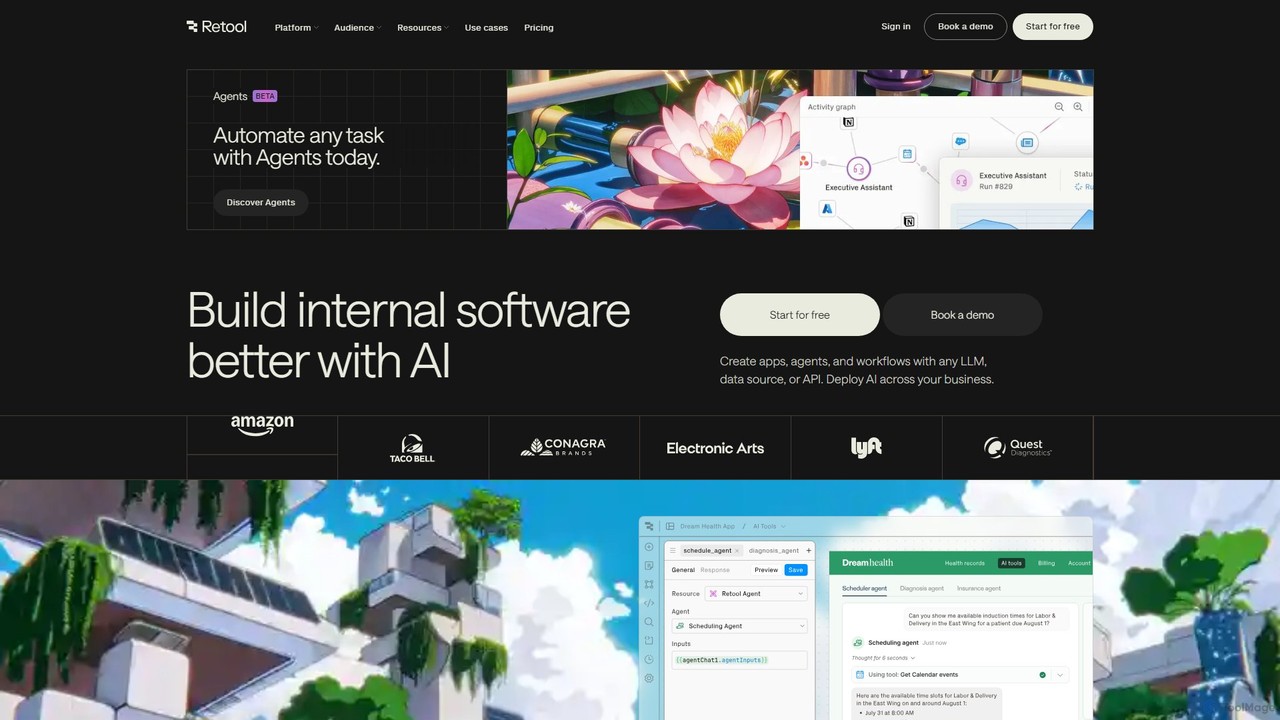
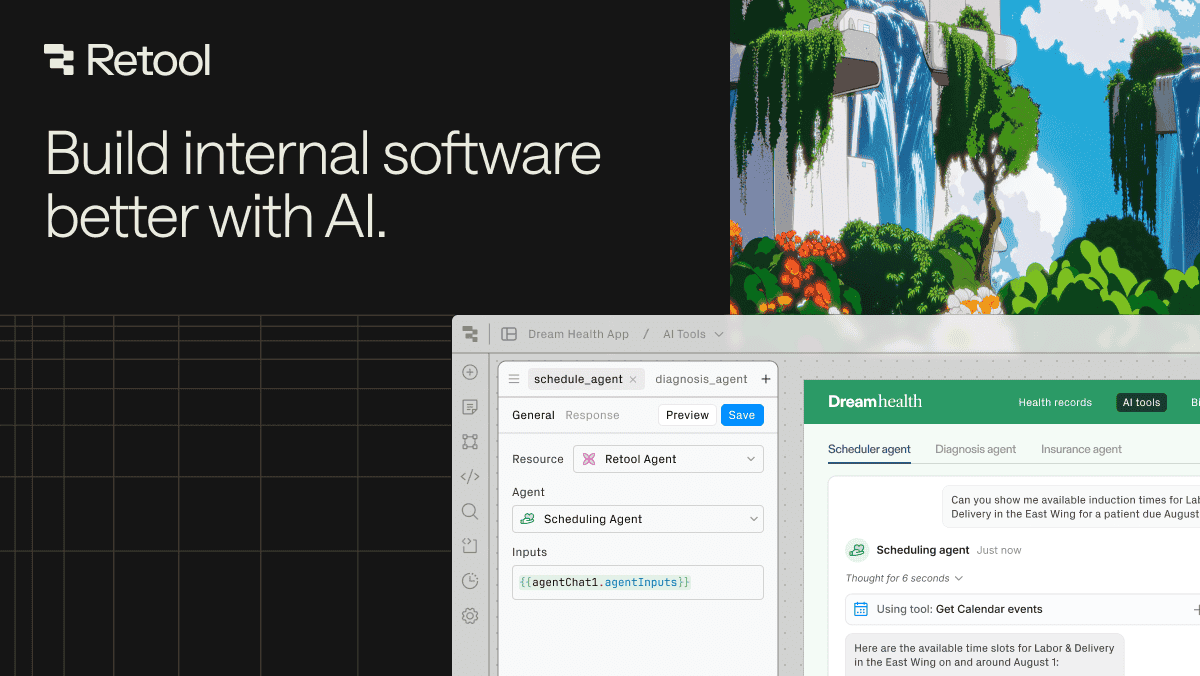
Retool is an AI-powered development platform for building internal software, applications, and automated workflows with exceptional speed. It enables developers and teams to create custom tools like admin panels, dashboards, and CRMs by connecting to any database or API, using a combination of visual building, code, and AI agents.

Internal Tools
Visits 1.6MFavorites 147Likes 138
Flowscript

Flowscript

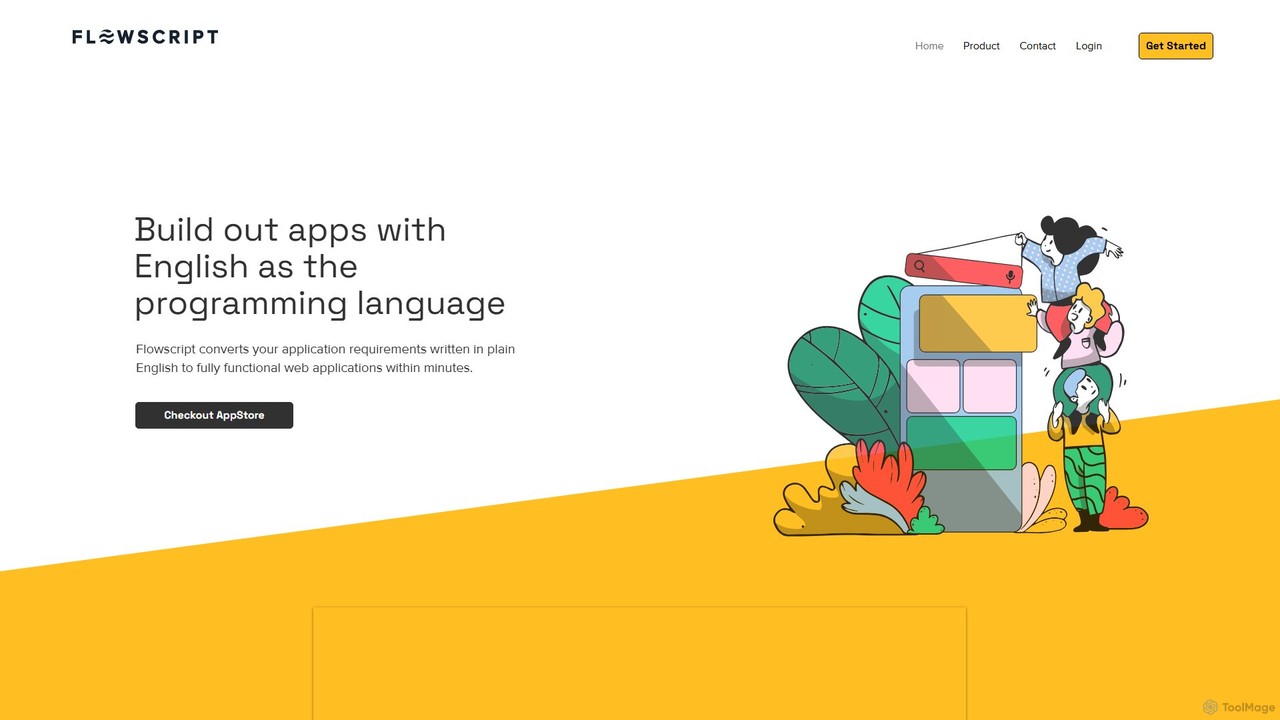
Flowscript is a revolutionary no-code platform that transforms plain English into fully functional web applications. Its AI-powered engine interprets your requirements to build apps with complex workflows, robust data management, and security rules in minutes. This empowers anyone, regardless of technical skill, to become a developer, streamlining processes and bringing ideas to life at the speed of thought.

Internal Tools
Visits 5.4KFavorites 116Likes 119
Typeblock
Freemium

Typeblock

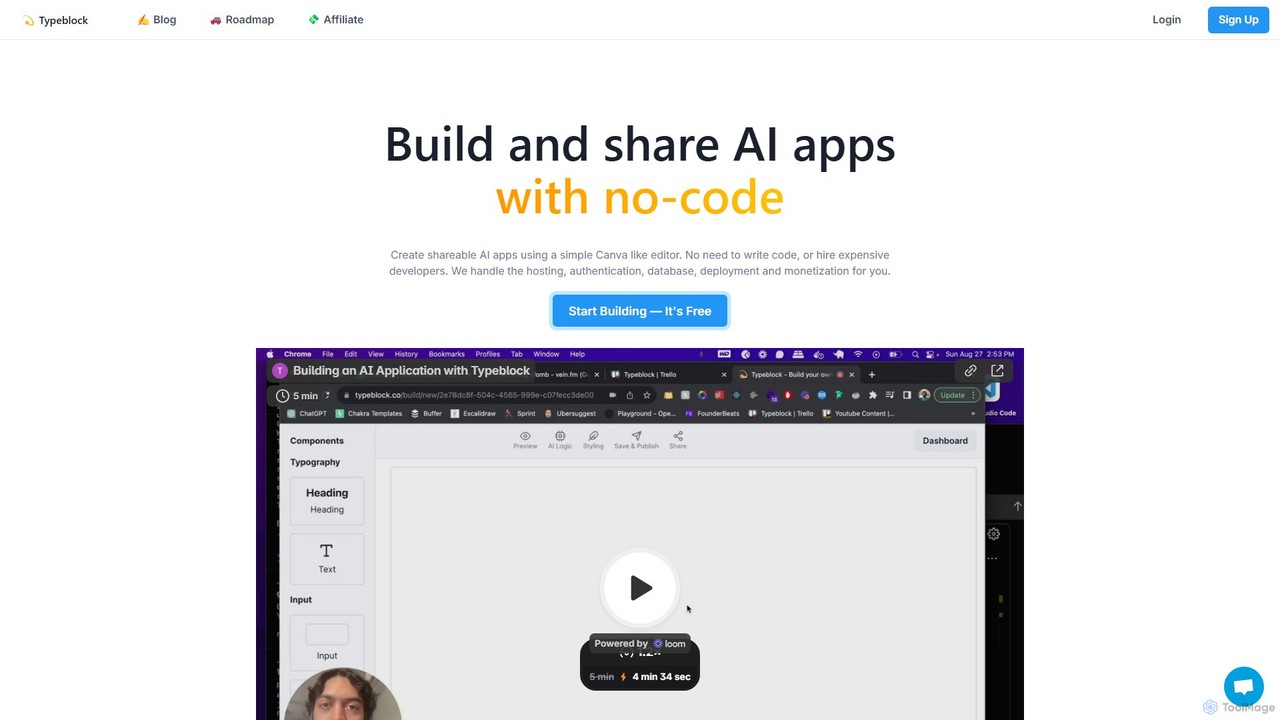
Typeblock is an intuitive no-code platform that allows users to build and share custom AI applications. Using a simple, Canva-like visual editor, anyone can create powerful AI tools for marketing, content creation, business automation, and more, without writing any code.

Internal Tools
Visits 5.7KFavorites 159Likes 152
IngestAI
Paid

IngestAI

IngestAI is a no-code AI platform for businesses to build custom AI applications, chatbots, and internal tools trained on their proprietary data. It transforms company knowledge into a competitive advantage, enabling rapid development and deployment of highly accurate AI solutions.

Internal Tools
Visits 7.1KFavorites 154Likes 158
Sutro
Freemium

Sutro

Sutro is an AI-powered application builder that transforms natural language prompts into secure, custom software in minutes. Designed for non-technical users, it automates the entire development process, from generating requirements to building full-stack web and mobile apps. Sutro helps businesses replace expensive SaaS, streamline internal workflows, and create custom productivity tools without writing a single line of code, emphasizing speed, security, and accessibility.

Internal Tools
Visits 7.3KFavorites 111Likes 110
Base44
Freemium

Base44

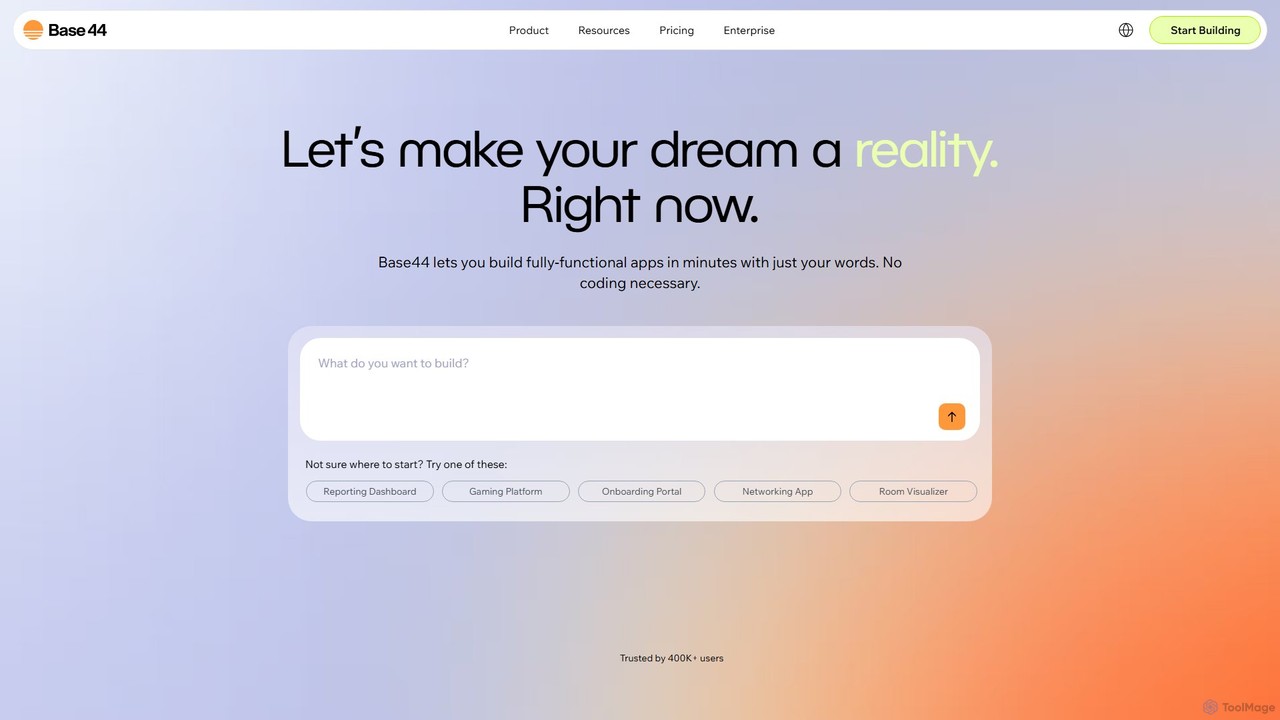
Base44 is an AI-powered, no-code platform that enables users to build fully-functional web applications in minutes using natural language. No coding is required. Simply describe your idea, and the AI handles the backend, database, user authentication, and deployment, turning your concept into a ready-to-use app.

Internal Tools
Visits 18MFavorites 118Likes 144
Abstra
Freemium

Abstra

Abstra is a Python-native low-code platform that empowers developers to build interactive web applications, internal tools, and automated workflows with remarkable speed. By writing simple Python scripts, you can create forms, dashboards, and scheduled jobs, abstracting away the complexities of frontend development and deployment. It's the fastest way for Python developers to ship business applications.

Internal Tools
Visits 13.4KFavorites 128Likes 125
AppifyText.ai
Freemium

AppifyText.ai

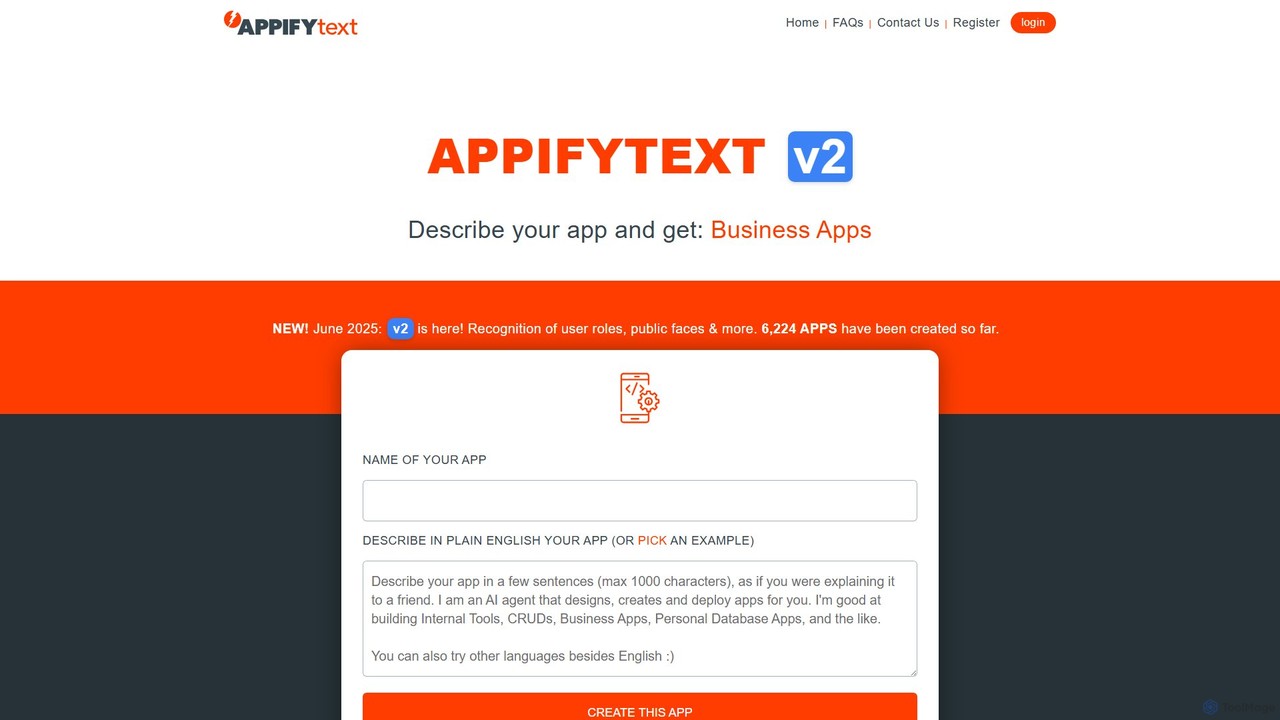
AppifyText.ai is an AI-powered platform that transforms plain English descriptions into functional, responsive web applications. It specializes in creating internal tools, CRUD apps, and data-driven business applications without requiring any coding knowledge, enabling rapid development and deployment.

Internal Tools
Visits 5.6KFavorites 139Likes 119
Softr
Freemium

Softr

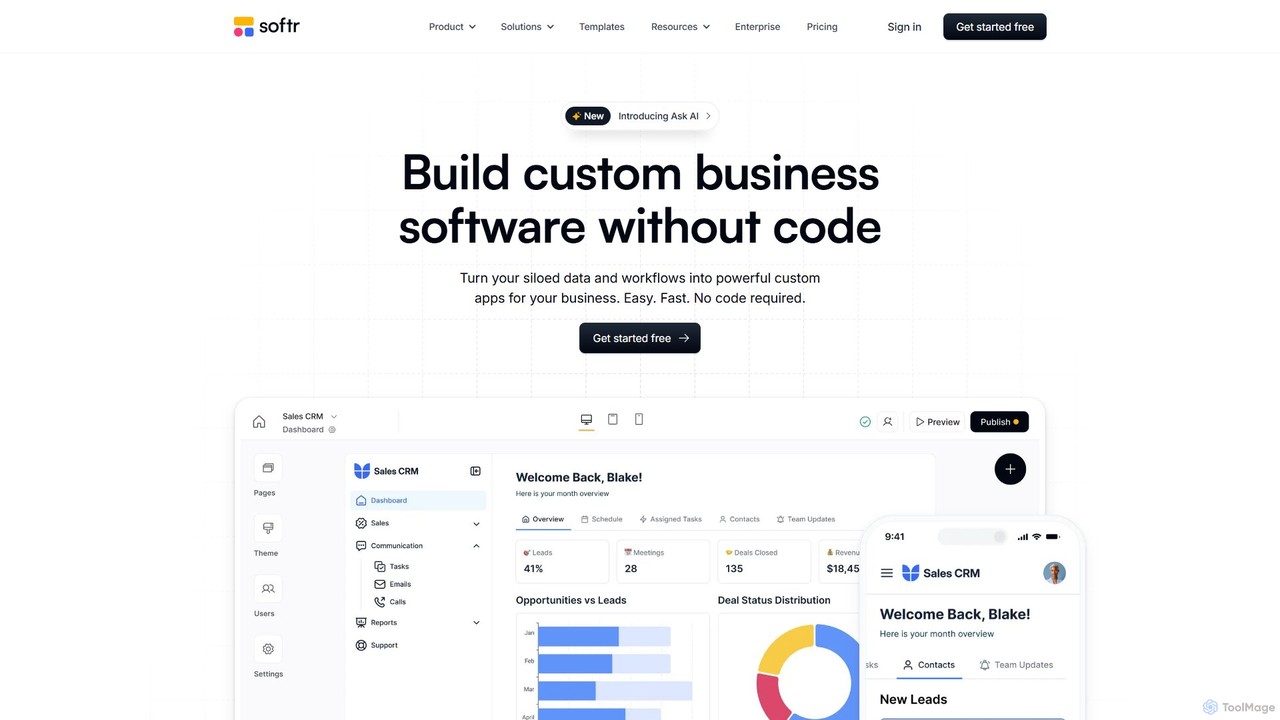
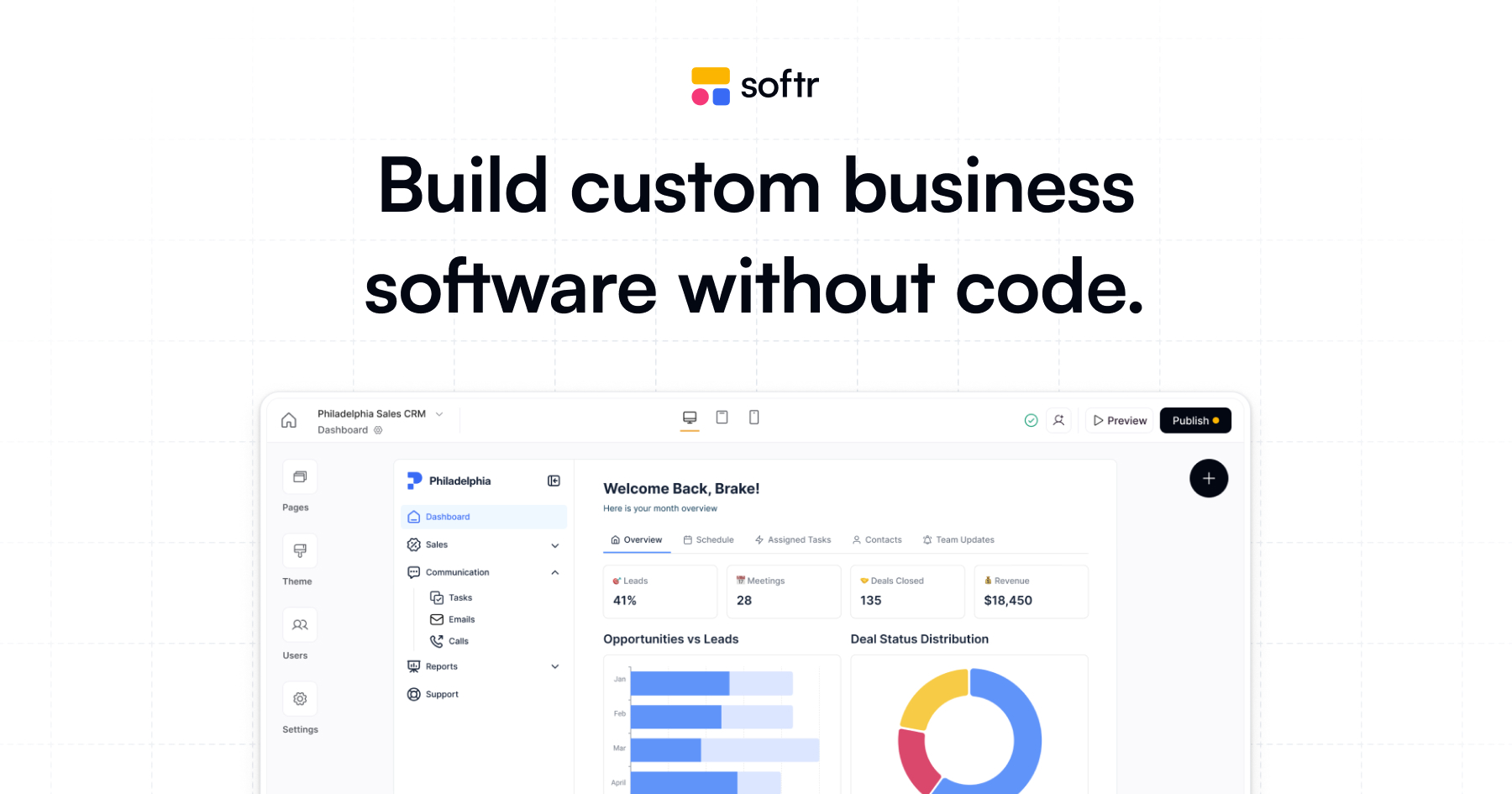
Softr is a leading no-code platform that empowers users to build custom business applications, client portals, and internal tools without writing a single line of code. It transforms existing data from sources like Airtable, Google Sheets, and HubSpot into powerful, interactive web apps. With its new AI-powered builder, you can generate applications even faster, streamlining workflows and boosting productivity.

Internal Tools
Visits 650.9KFavorites 138Likes 130
NoCode
Freemium

NoCode

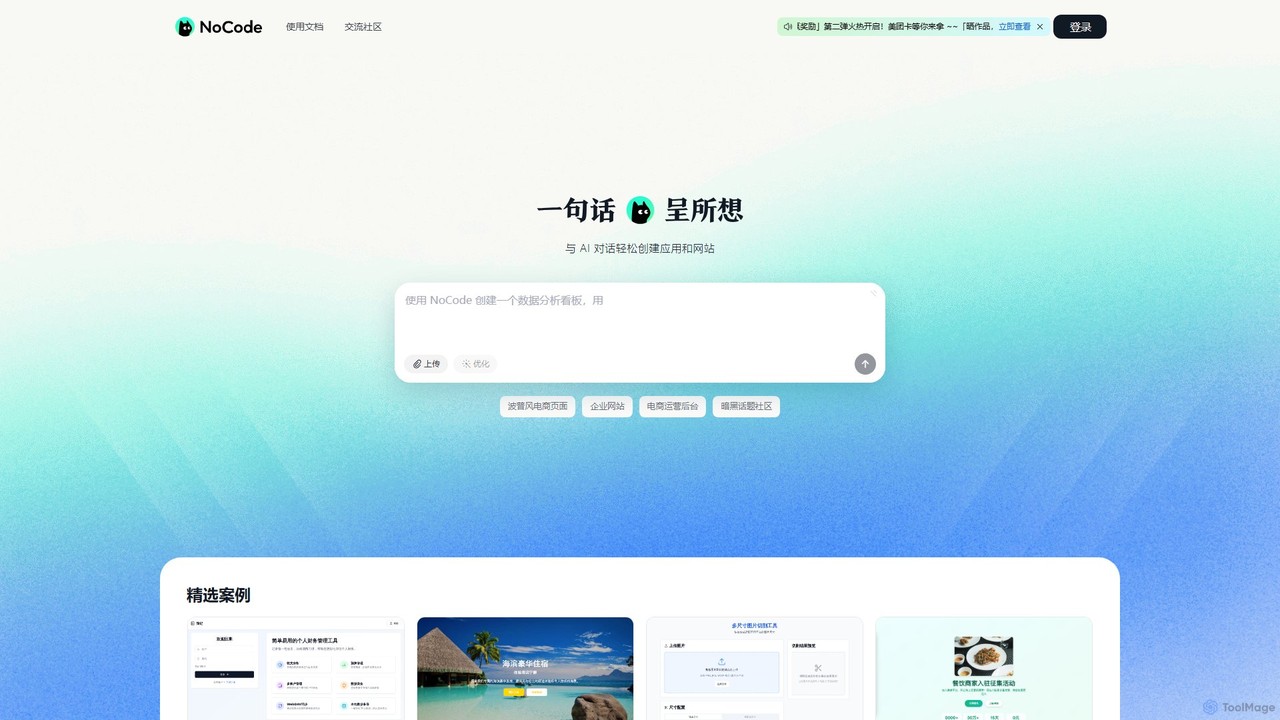
NoCode is an AI-powered, conversational no-code platform that allows users to build websites, applications, and internal tools simply by describing their needs in natural language. It transforms text prompts into functional digital products, from e-commerce sites to data management dashboards, without writing a single line of code.

Internal Tools
Visits 46.1KFavorites 125Likes 127
DronaHQ
Freemium

DronaHQ

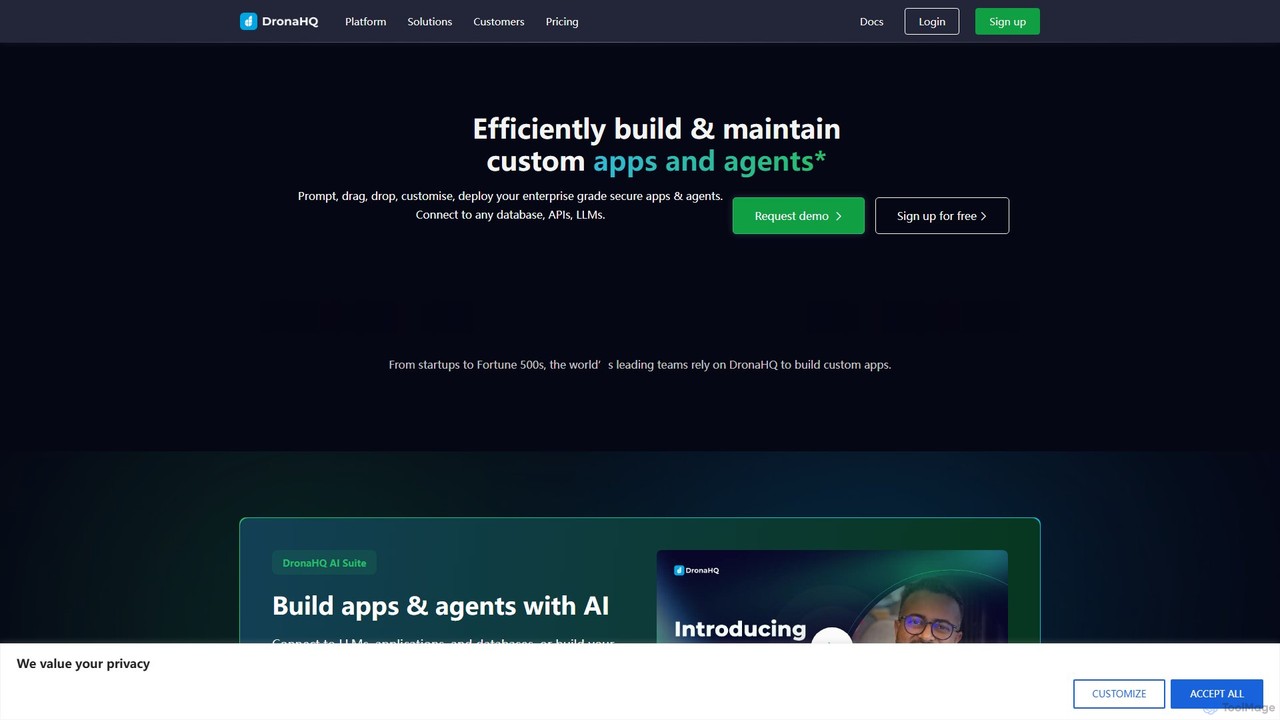
DronaHQ is a low-code AI platform designed for building custom internal applications, AI agents, and automated workflows with high efficiency. It empowers developers and businesses to connect to any database, API, or LLM, using a visual drag-and-drop interface and AI-assisted development to create and deploy secure, enterprise-grade tools 10x faster.

Ai App Builders
Visits 43.2KFavorites 109Likes 114

About Internal Tools

AI Internal Tools are custom applications designed to streamline and automate a company's internal operations. Leveraging low-code or no-code platforms, these tools connect to various internal data sources like databases and APIs to create tailored workflows. They empower teams to solve unique business challenges, enhance productivity, and build secure, bespoke software without extensive development resources. This approach allows for the rapid deployment of solutions for specific departmental needs.

Core Features

  • Custom Workflow Automation: Design and deploy automated processes for tasks like approvals, data entry, and notifications.
  • Internal Data Integration: Securely connect to and interact with company databases, APIs, and third-party services.
  • Interactive UI Builder: Construct custom dashboards, forms, and admin panels for employees to interact with data and processes.
  • AI-Powered Search & Analysis: Embed AI capabilities to search internal knowledge bases or analyze business data for insights.
  • Role-Based Access Control: Manage user permissions to ensure employees only access relevant data and functionalities.

Use Cases

These tools are widely used by operations, IT, HR, and finance teams. For example, an operations team can build a custom inventory management system, while an HR department can create an automated employee onboarding portal. They are ideal for replacing manual processes, spreadsheets, or legacy systems with modern, efficient applications.

How to Choose

When selecting an AI Internal Tool builder, evaluate its integration capabilities with your existing software stack. Consider the platform's ease of use—whether it's truly no-code or requires some technical skill. Also, assess its security features, data privacy compliance, and pricing model to ensure it aligns with your company's scale and budget.

Featured tool rankings

Internal Tools use cases

1

Automate HR Employee Onboarding Process

An HR manager can use an internal tool builder to create a comprehensive onboarding application. This tool automates task assignments for IT (equipment setup), Finance (payroll), and managers (training schedule). New hires receive a personalized portal to submit documents, complete forms, and track their progress. The AI component can power a chatbot to answer common policy questions, reducing the HR team's manual workload and ensuring a consistent, efficient onboarding experience for every new employee.

2

Build a Custom Sales Lead Management Tool

A sales operations team can build a custom tool to aggregate leads from multiple sources like web forms, emails, and internal databases into a single, unified view. The application can automatically assign leads to sales reps based on territory or workload. An AI feature could analyze lead data to score their quality and predict the likelihood of conversion, helping the sales team prioritize their efforts on the most promising prospects and improving overall sales efficiency.

3

Create an AI-Powered Internal Knowledge Base

Any department can build a smart internal wiki or knowledge base. Employees can ask questions in natural language (e.g., 'What is our remote work policy?') and an AI model, connected to company documents like PDFs and Google Docs, provides instant, accurate answers with source citations. This centralizes information, reduces repetitive questions to senior staff, and empowers employees to find the information they need to perform their jobs effectively and independently.

4

Develop an IT Support Ticket Automation System

An IT department can create an internal tool for managing support tickets. Employees submit requests through a simple form. The system can use AI to categorize the ticket (e.g., hardware, software, access request) and route it to the correct IT specialist automatically. For common issues, the tool can suggest knowledge base articles or trigger automated resolution scripts, freeing up IT staff to focus on more complex problems and reducing resolution times for employees.

5

Streamline Financial Expense Approval Workflows

A finance team can build an application to manage employee expense reports. Employees upload receipts, and the tool uses AI-powered OCR to automatically extract data like vendor, date, and amount. The system then routes the report through a multi-step approval chain based on pre-defined rules (e.g., amounts over $500 require director approval). This automates a tedious manual process, reduces errors, ensures policy compliance, and accelerates reimbursement times.

6

Construct a Marketing Asset Management Dashboard

Marketing teams can create a central dashboard to manage all their digital assets like images, videos, and campaign documents. The tool can connect to cloud storage (e.g., Google Drive, Dropbox) and use AI-powered tagging to automatically categorize assets based on their content. This makes it easy for team members to search for and find the right asset quickly, track asset usage across campaigns, and ensure brand consistency without relying on complex, expensive Digital Asset Management (DAM) software.

Internal Tools FAQ

What are AI Internal Tools?

AI Internal Tools are custom software applications built by a company for its own employees to use. Unlike off-the-shelf software, they are designed to solve specific, internal operational challenges. They often use low-code or no-code platforms, allowing non-developers to build and automate workflows, manage data, and create custom dashboards that integrate with the company's existing systems.

How do AI Internal Tools differ from standard business software (SaaS)?

The key difference is customization versus generalization. Standard SaaS products (like Salesforce or Slack) are built for a broad market and offer a fixed set of features. AI Internal Tools are built by you to fit your company's exact workflows. This allows for:

  • Perfect Fit: Solves your unique problems without workarounds.
  • Deeper Integration: Connects seamlessly with your specific internal databases and APIs.
  • Cost-Effectiveness: Can be more affordable than paying for enterprise SaaS licenses with features you don't need.
  • Agility: Can be built and modified much faster than requesting features from a SaaS vendor.

Is programming knowledge required to build AI internal tools?

Not necessarily. The market for internal tools is dominated by no-code and low-code platforms.

  • No-Code Platforms: These are designed for business users with no programming experience. They use drag-and-drop interfaces to build applications and automate workflows.
  • Low-Code Platforms: These are for users with some technical skills, including developers. They offer more flexibility and power by allowing custom code (like JavaScript or SQL) to be added for more complex logic or integrations.
Many companies use a mix, where business teams build simple apps and developers handle more complex ones.

Who typically builds and uses these internal tools within a company?

A wide range of roles build and use internal tools. Builders are often operations managers, IT specialists, business analysts, or developers who identify a process bottleneck and use a platform to create a solution. Users are typically employees across all departments—such as sales, HR, marketing, and support—who interact with the custom applications to perform their daily tasks more efficiently, access data, or follow automated workflows.

What are the key factors for choosing an AI Internal Tool platform?

When selecting a platform, consider these critical factors:

  • Integration Capabilities: Does it easily connect to your essential data sources and applications (e.g., SQL databases, Salesforce, Google Sheets, Slack)?
  • Security and Compliance: How does the platform handle sensitive data? Does it offer features like role-based access control, audit logs, and compliance with standards like SOC 2 or GDPR?
  • Scalability: Can the platform grow with your company? Consider its performance under heavy load and how its pricing scales with more users or applications.
  • Ease of Use: Evaluate the user interface and learning curve for both builders and end-users to ensure high adoption rates.