Innovatheratech
Innovatheratech provides custom digital transformation and process automation solutions for small and medium-sized businesses (SMEs). Specializing in industries …
Innovatheratech provides custom digital transformation and process automation solutions for small and medium-sized businesses (SMEs). Specializing in industries like restaurants, retail, and construction, they offer end-to-end services from in-depth business diagnosis to custom software development, data analysis, and 24/7 support, aiming to optimize operations and foster growth.
Cygnus AI
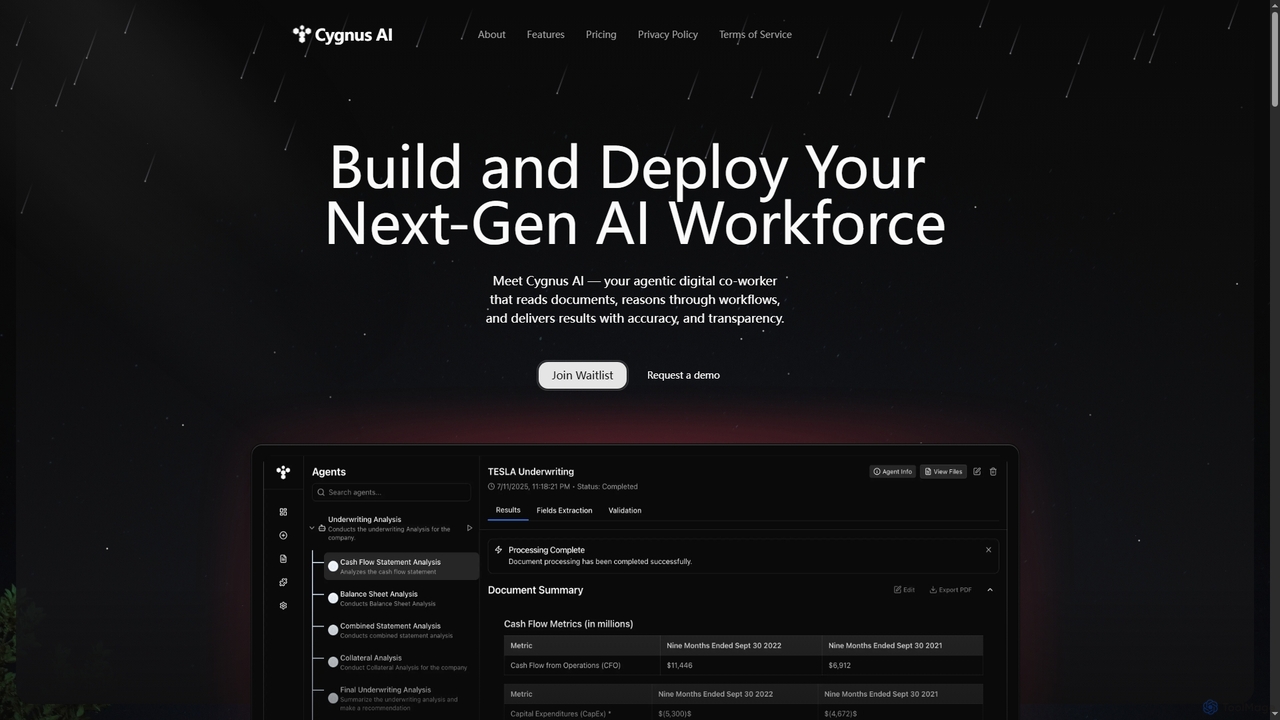
Cygnus AI is a platform for building and deploying an agentic digital workforce. Create AI agents that read …
Cygnus AI is a platform for building and deploying an agentic digital workforce. Create AI agents that read documents, reason through complex workflows, and execute tasks autonomously with accuracy and transparency, all through a no-code interface.
Stepper
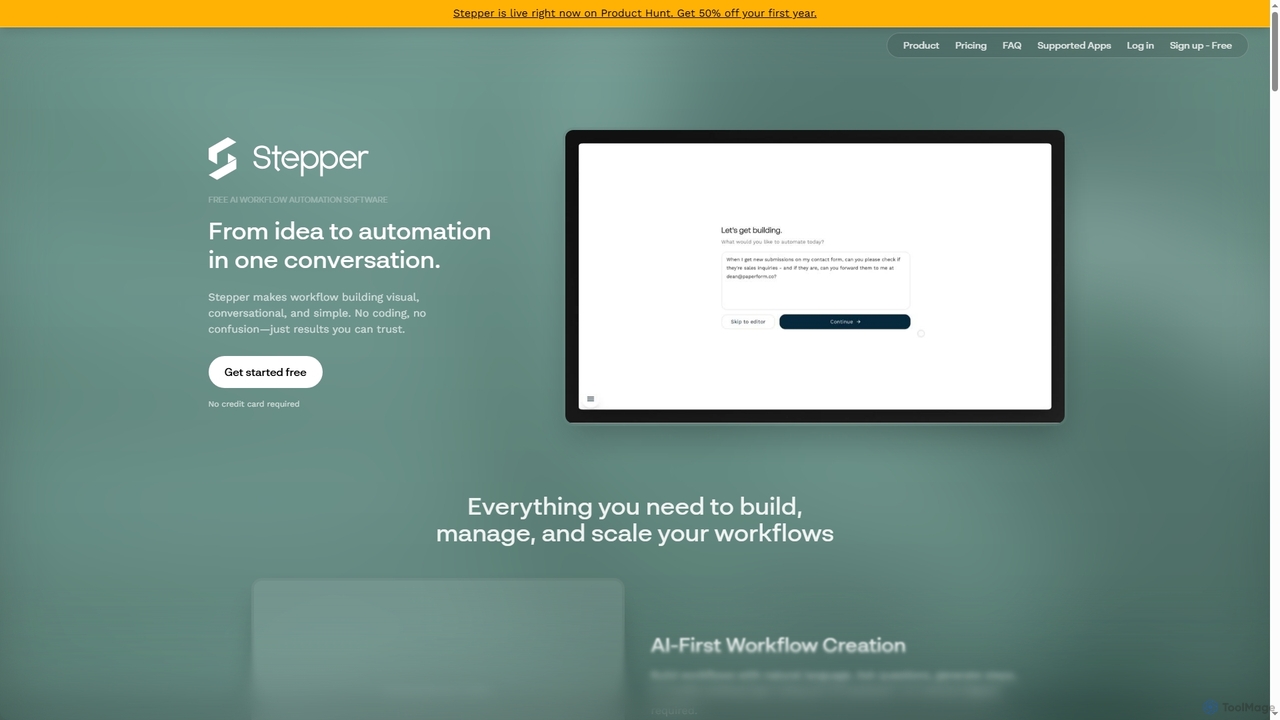
Stepper is a free AI-native workflow automation software designed to simplify complex business processes. It offers a visual, …
Stepper is a free AI-native workflow automation software designed to simplify complex business processes. It offers a visual, conversational, and no-code platform, allowing users to build, manage, and scale workflows using natural language and reusable components. Automate tasks efficiently and cost-effectively, from lead qualification to content distribution.
DeepOpinion
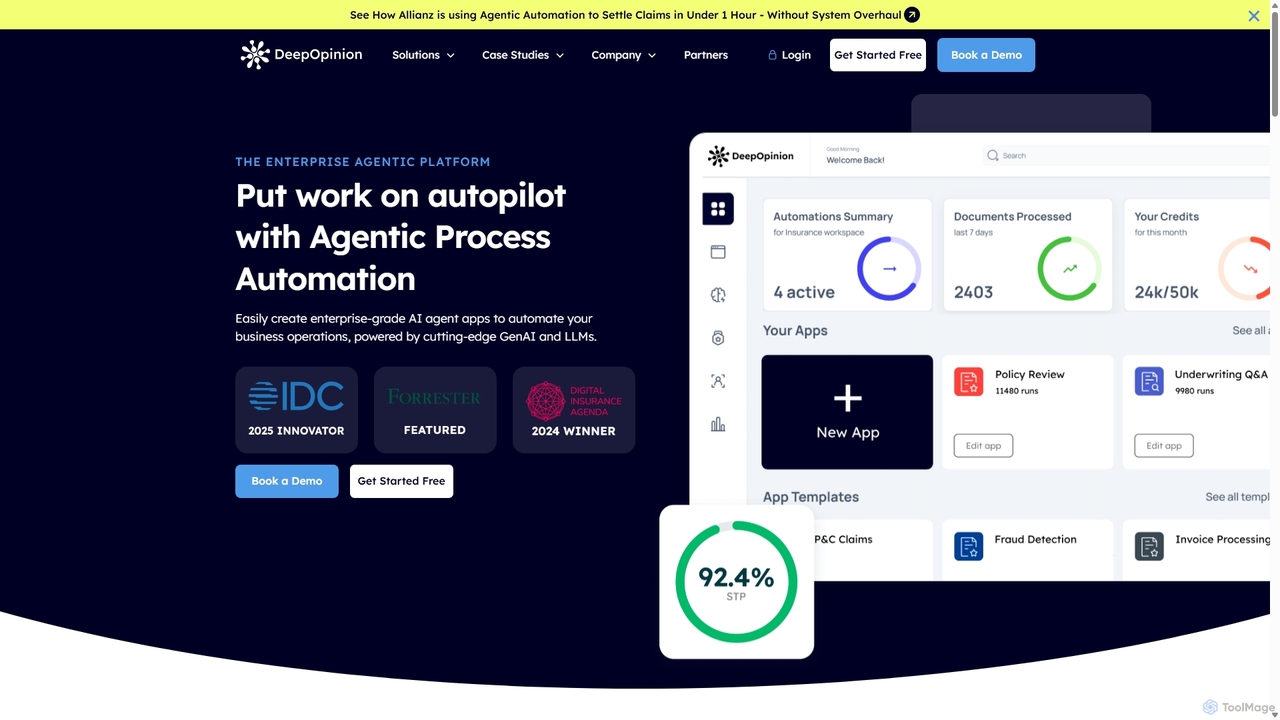
DeepOpinion is an enterprise-grade Agentic Process Automation (APA) platform that uses Generative AI and LLMs to automate complex …
DeepOpinion is an enterprise-grade Agentic Process Automation (APA) platform that uses Generative AI and LLMs to automate complex business operations. It provides a no-code/low-code environment for building autonomous AI agents that can process unstructured data from documents and emails with high accuracy, streamlining workflows in sectors like insurance, finance, and manufacturing.

AI4BD
AI4BD provides a modular Cognitive Business Robotics (CBR) software platform for enterprises. It automates monotonous tasks through AI-powered …
AI4BD provides a modular Cognitive Business Robotics (CBR) software platform for enterprises. It automates monotonous tasks through AI-powered solutions for document processing, smart maintenance, and master data management. Designed for seamless integration, it helps businesses of all sizes optimize workflows, increase efficiency, and make data-driven decisions without requiring specialized AI expertise.
About Process Automation
Process Automation tools are AI-powered solutions designed to streamline and automate repetitive, rule-based, and data-intensive tasks within business workflows. Leveraging technologies like Robotic Process Automation (RPA), machine learning, and natural language processing, these tools mimic human actions to execute processes, make data-driven decisions, and integrate disparate systems. They significantly enhance operational efficiency, reduce human error, and free up valuable human resources for more strategic and creative endeavors, accelerating business operations across various departments.
Core Features
- Task Orchestration: Automates sequences of tasks across multiple applications and systems, ensuring smooth workflow execution.
- Intelligent Document Processing (IDP): Extracts, classifies, and processes data from unstructured documents (e.g., invoices, forms) using AI.
- Decision Automation: Applies machine learning models to make rule-based or predictive decisions within a process, reducing manual intervention.
- System Integration: Connects and exchanges data between different software applications, creating seamless end-to-end automated workflows.
- Bot Management: Centralized control and monitoring of automated bots, including scheduling, performance tracking, and error handling.
Applicable Scenarios
Process Automation tools are vital for organizations seeking to optimize their operational workflows. They are widely adopted in finance for invoice processing and reconciliation, in human resources for onboarding and payroll, and in customer service for ticket routing and data entry. Any department with high-volume, repetitive tasks can benefit from these solutions, enabling faster execution and improved accuracy.
How to Choose
When selecting a Process Automation tool, consider its integration capabilities with existing systems, the complexity of tasks it can handle (rule-based vs. intelligent automation), scalability to meet future demands, and the ease of use for non-technical users. Evaluate the vendor's support, pricing model, and compliance features to ensure it aligns with your organizational needs and security requirements.
Process AutomationUse Cases
Automate Invoice Processing
Finance departments can use AI process automation to automatically extract data from incoming invoices, validate against purchase orders, and initiate payment workflows. This reduces manual data entry errors, accelerates payment cycles, and ensures compliance, saving hours of administrative work daily.
Streamline Customer Onboarding
For service-based businesses, process automation tools can guide new customers through registration, document submission, and initial setup. By automating form filling, identity verification, and system provisioning, it creates a seamless and efficient onboarding experience, reducing dropout rates and staff workload.
Enhance IT Service Desk Operations
IT teams can deploy automation to automatically categorize incoming support tickets, route them to the correct department, and even resolve common issues (e.g., password resets) without human intervention. This significantly reduces response times and allows IT staff to focus on more complex problems.
Optimize Supply Chain Management
Businesses can automate inventory tracking, order processing, and supplier communication. AI tools monitor stock levels, automatically reorder when thresholds are met, and update stakeholders, leading to reduced stockouts, optimized logistics, and improved supplier relationships.
Accelerate HR Employee Onboarding
Human Resources departments can automate the entire new hire onboarding process, from sending welcome emails and collecting necessary documents to setting up IT accounts and assigning training modules. This ensures a consistent, efficient, and compliant onboarding experience for every new employee.
Automate Data Migration and Synchronization
For businesses undergoing system upgrades or needing to maintain data consistency across multiple platforms, process automation tools can automatically migrate large volumes of data and ensure real-time synchronization between systems. This prevents data silos and reduces manual data reconciliation efforts.