ToolMage
Sign in

Best 25 Team Collaboration AI tools for Business

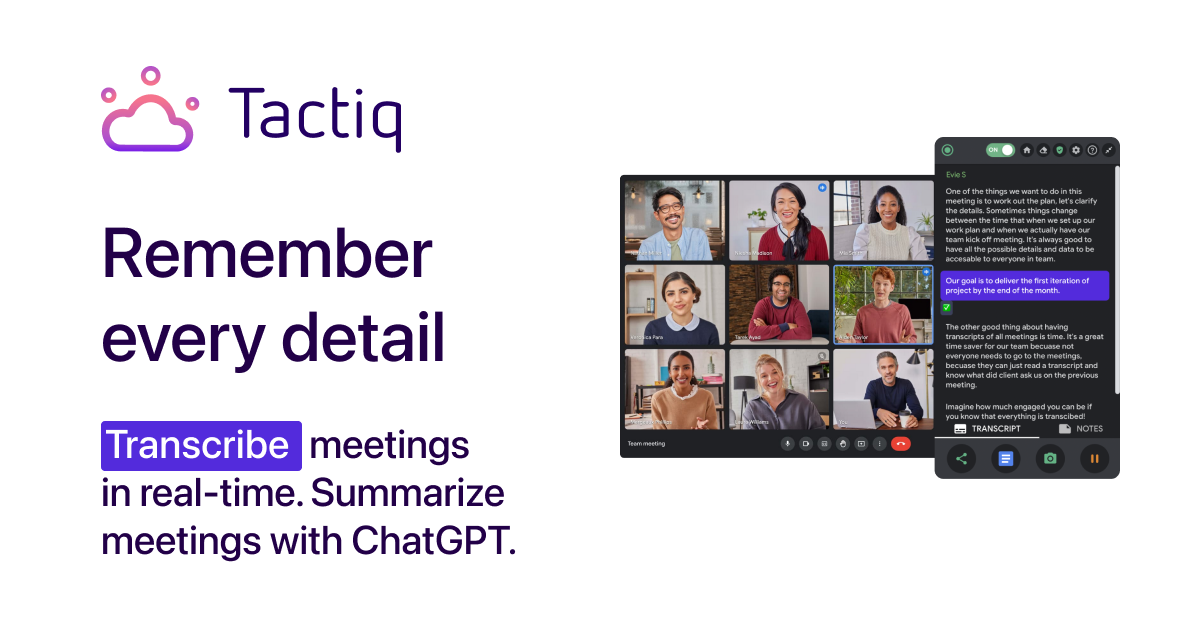
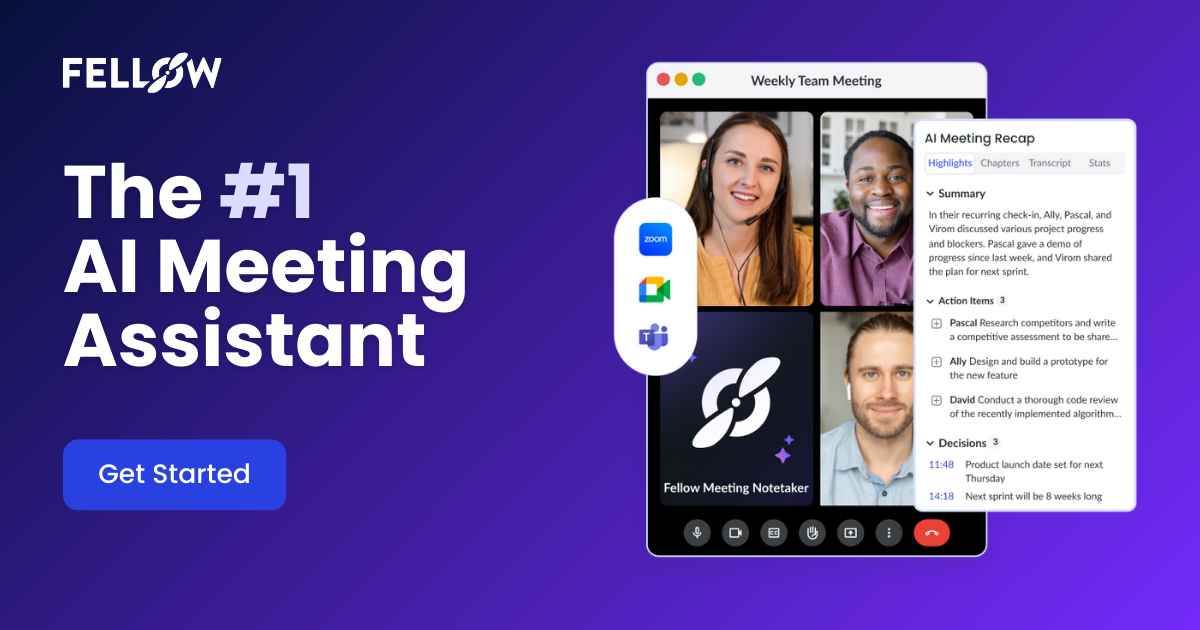
Popular Team Collaboration AI tools in Business include Tactiq, Inner AI, Fellow.app, dadan, Leiga, TeamPal, Rumi.ai, timehero, SAiY, and Salley, helping you work more efficiently.

SAiY
Freemium

SAiY

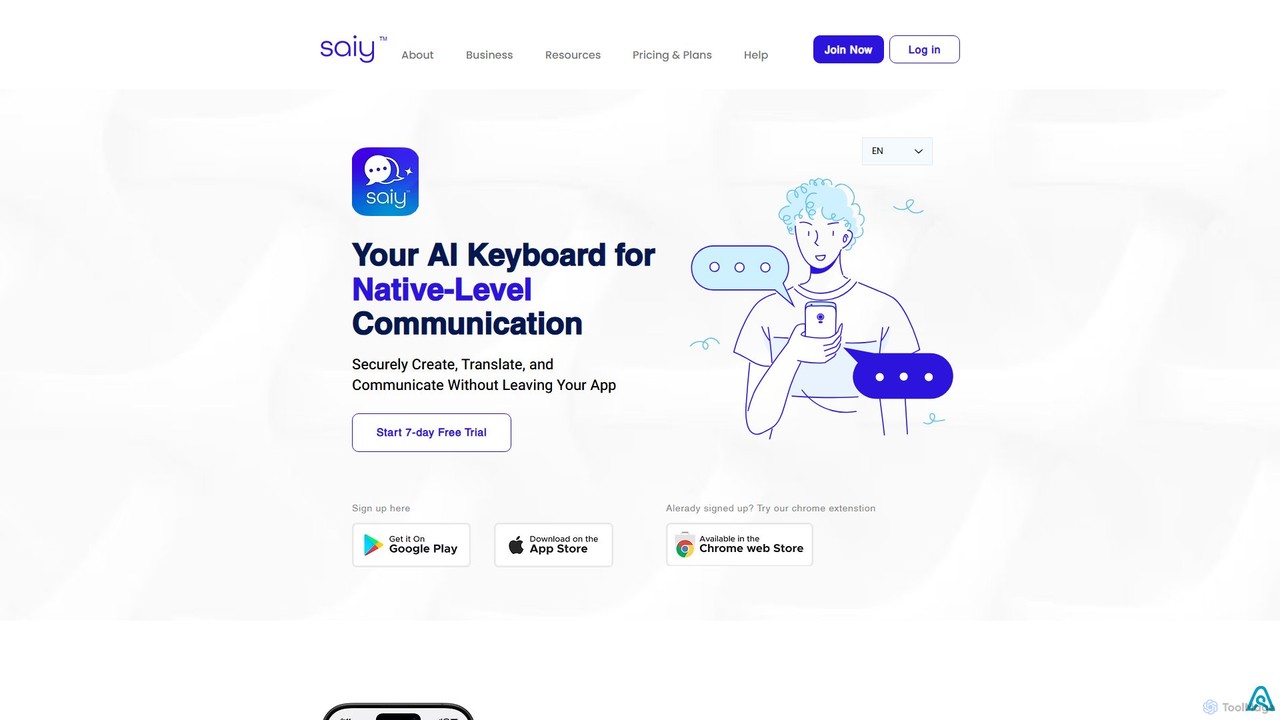
SAiY is an AI-powered keyboard app designed for non-native speakers and global teams. It enhances communication by providing real-time translation, content creation, and text refinement directly within any application. Communicate confidently and professionally in any language, ensuring your message is clear, nuanced, and fluent, just like a native speaker.

Team Collaboration
Visits 7.4KFavorites 155Likes 149
About Team Collaboration

Team Collaboration AI tools are intelligent platforms designed to enhance communication, project management, and productivity within teams. These tools leverage artificial intelligence to automate routine tasks, provide actionable insights, and streamline workflows. They empower teams to work more efficiently, make data-driven decisions, and foster a more connected and productive work environment, ultimately driving business success.

Core Features

  • Automated Meeting Summaries: AI transcribes meetings, identifies key discussion points, action items, and decisions, then generates concise summaries.
  • Intelligent Task Management: AI analyzes project progress and team member availability to suggest optimal task assignments and deadlines.
  • Smart Document Organization: Automatically categorizes, tags, and indexes shared documents, making information retrieval faster and more accurate.
  • Sentiment Analysis for Communication: Monitors team communications to detect sentiment, helping managers identify potential conflicts or engagement issues early.
  • Predictive Project Insights: AI analyzes historical project data to forecast potential delays, resource bottlenecks, and suggest proactive adjustments.

Applicable Scenarios

Team Collaboration AI tools are vital for diverse organizations, from startups to large enterprises, seeking to optimize their operational efficiency. They are particularly beneficial for remote and hybrid teams needing seamless communication and project oversight. Marketing agencies use them for campaign coordination, software development teams for agile project tracking, and consulting firms for client engagement and knowledge sharing.

How to Choose

When selecting Team Collaboration AI tools, prioritize integration capabilities with existing software like CRM or project management systems. Evaluate the specific AI features offered, such as natural language processing for summaries or predictive analytics for project forecasting. Consider scalability to accommodate team growth and data security measures to protect sensitive information. User-friendliness and a clear pricing model are also crucial for successful adoption.

Featured tool rankings

Team Collaboration use cases

1

Automating Meeting Minutes and Action Items

Project managers and team leads utilize AI-powered collaboration tools to automatically transcribe virtual meetings. The AI identifies key decisions, assigned action items, and responsible team members, then generates a concise summary and distributes it. This saves hours of manual note-taking, ensures no critical information is missed, and accelerates follow-up actions, improving overall project velocity.

2

Optimizing Project Resource Allocation

Development teams or creative agencies employ AI to analyze project timelines, team member skills, and current workloads. The AI suggests optimal resource allocation for new tasks, identifies potential bottlenecks before they occur, and recommends adjustments to keep projects on track. This proactive approach minimizes delays, prevents burnout, and ensures efficient use of specialized talent.

3

Enhancing Cross-functional Communication

Large organizations with multiple departments use AI-driven platforms to bridge communication gaps. AI can translate messages in real-time, summarize lengthy discussion threads, and identify relevant experts for specific topics. This facilitates smoother information exchange between sales, marketing, and product teams, reducing misunderstandings and accelerating decision-making across the enterprise.

4

Streamlining Onboarding and Knowledge Sharing

HR departments and team managers leverage AI collaboration tools to create intelligent knowledge bases for new hires. AI can automatically categorize onboarding documents, answer common questions from new employees, and suggest relevant training materials. This accelerates the onboarding process, reduces the burden on existing team members, and ensures consistent access to critical company information.

5

Proactive Conflict Detection and Team Well-being

Team leaders in high-pressure environments use AI-powered sentiment analysis within communication channels. The AI monitors language patterns to detect early signs of stress, frustration, or potential conflict among team members. This allows managers to intervene proactively, offer support, and address issues before they escalate, fostering a healthier and more productive team culture.

6

Intelligent Document Management and Retrieval

Legal firms or research teams manage vast amounts of shared documents. AI collaboration tools automatically tag, categorize, and index these documents based on content, client, or project. When a team member needs specific information, the AI can quickly retrieve relevant documents and even highlight key passages, drastically reducing search time and improving accuracy in critical tasks.

Team Collaboration FAQ

What are Team Collaboration AI tools?

Team Collaboration AI tools are software solutions that integrate artificial intelligence to improve how teams communicate, manage projects, and share information. They automate tasks like meeting summaries, optimize resource allocation, and provide insights into team dynamics, aiming to boost efficiency and productivity.

How do Team Collaboration AI tools enhance productivity?

These tools enhance productivity by automating time-consuming tasks such as generating meeting minutes, organizing shared files, and scheduling. They also provide intelligent insights, like predicting project risks or suggesting optimal task assignments, allowing teams to focus on strategic work and make faster, more informed decisions.

What's the difference between traditional collaboration tools and AI-powered ones?

Traditional collaboration tools provide basic functionalities like chat, file sharing, and task lists. AI-powered tools go further by adding intelligence: they can understand context, automate complex processes, offer predictive analytics, and personalize recommendations. This shift moves beyond mere communication to active assistance and optimization of team workflows.

What specific AI technologies are used in Team Collaboration tools?

Team Collaboration AI tools commonly employ Natural Language Processing (NLP) for understanding and summarizing text/speech, Machine Learning (ML) for pattern recognition in project data and task recommendations, and Computer Vision (CV) for document analysis. These technologies enable features like smart search, sentiment analysis, and automated content generation.

Who benefits most from using Team Collaboration AI tools?

Remote and hybrid teams benefit significantly from these tools by maintaining seamless communication and project oversight. Project managers gain from automated insights and resource optimization. Any organization looking to streamline workflows, reduce administrative overhead, and foster data-driven decision-making across departments will find these tools invaluable.