ToolMage
Sign in

Best 50 Workflow Automation AI tools for Business

Popular Workflow Automation AI tools in Business include Box, Trello, Fillout, Filevine, getmailbird, Readdle, Zip, Flowise, CoChat, and Feathery, helping you work more efficiently.

Serviceaide
Paid

Serviceaide

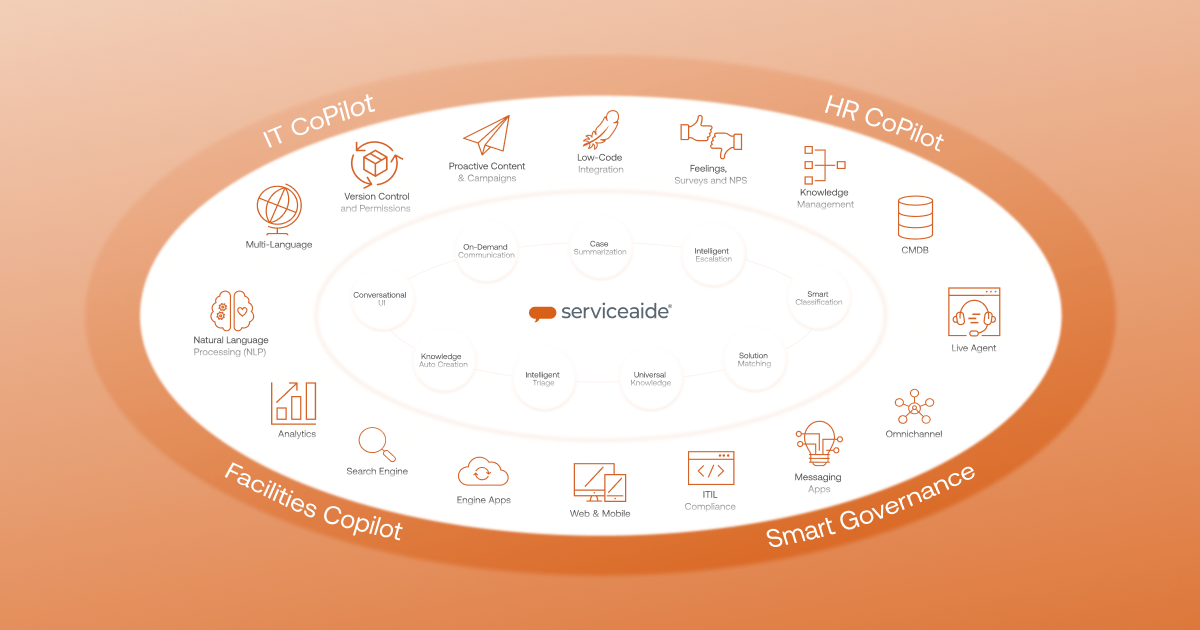
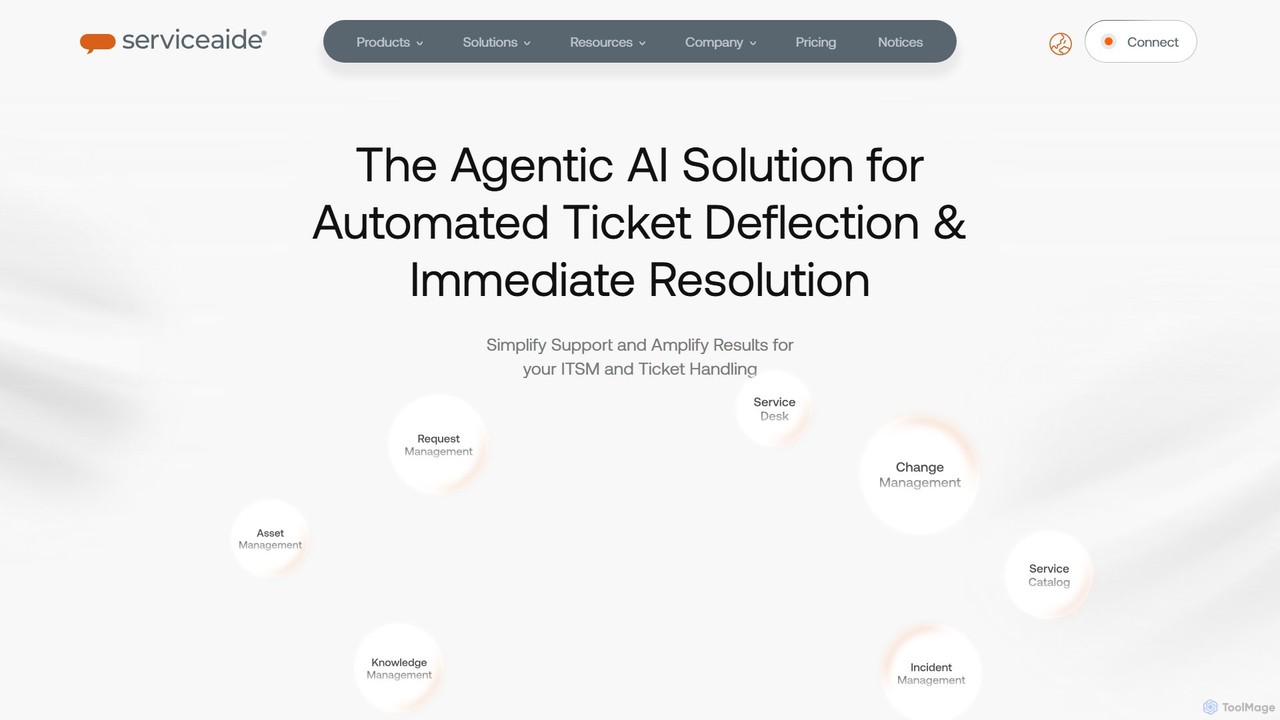
Serviceaide is an AI-powered enterprise service management platform designed to automate and streamline IT and business processes. It leverages Agentic AI through its Luma Virtual Agent to provide intelligent automation, 24/7 support, and first-contact resolution, empowering workforces and optimizing service delivery across the entire organization.

It Service Management
Visits 63.3KFavorites 158Likes 165
Promptitude.io
Freemium

Promptitude.io

Promptitude.io is a comprehensive prompt management platform designed for teams and developers. It allows you to create, test, manage, and deploy AI prompts into any application or workflow in minutes via a simple REST API. It supports multiple AI providers like OpenAI, Alibaba Qwen, and Sonar, enabling flexible and efficient AI integration without vendor lock-in. The platform centralizes prompt engineering, collaboration, and performance monitoring.

Workflow Automation
Visits 20.7KFavorites 146Likes 135

About Workflow Automation

Workflow Automation tools are AI-powered solutions designed to streamline and optimize repetitive business processes. These tools leverage artificial intelligence, machine learning, and robotic process automation (RPA) to automate tasks, integrate systems, and manage data flows across various applications. By minimizing manual intervention, they enhance operational efficiency, reduce errors, and free up human resources for more strategic work, ultimately driving productivity within the business context.

Core Features

  • Task Orchestration: Automatically sequence and execute tasks across different systems and applications based on predefined rules or AI-driven insights.
  • Intelligent Document Processing: Use AI to extract, classify, and process data from unstructured documents like invoices, forms, and contracts, feeding it into workflows.
  • System Integration: Seamlessly connect disparate software, databases, and cloud services, enabling data exchange and synchronized operations without manual coding.
  • Rule-Based & AI-Driven Automation: Implement automation based on explicit business rules or leverage machine learning to adapt and optimize workflows over time.
  • Monitoring & Analytics: Provide real-time dashboards and reports to track workflow performance, identify bottlenecks, and measure the impact of automation.

Applicable Scenarios

Businesses across various sectors utilize Workflow Automation to transform their operations. For instance, finance departments automate invoice processing and expense approvals, while HR teams streamline onboarding procedures and leave requests. Marketing and sales departments can automate lead nurturing, CRM updates, and personalized email campaigns, ensuring consistent customer engagement and faster response times.

How to Choose

When selecting a Workflow Automation tool, consider its integration capabilities with your existing tech stack, ensuring seamless data flow. Evaluate the complexity of the workflows it can handle, from simple rule-based tasks to advanced AI-driven decision-making. Assess the user-friendliness of its interface for non-technical users and its scalability to grow with your business needs. Finally, compare pricing models and the level of support offered.

Featured tool rankings

Workflow Automation use cases

1

Automate Customer Onboarding Process

For SaaS companies or financial institutions, Workflow Automation tools can streamline the entire customer onboarding journey. When a new customer signs up, the system automatically triggers a series of actions: sending welcome emails, creating accounts in CRM, provisioning access to services, and assigning a customer success manager. This ensures a consistent, efficient, and personalized experience, reducing manual setup time by up to 70% and minimizing human errors.

2

Streamline Invoice Processing and Approval

Finance departments often face bottlenecks in processing invoices. With Workflow Automation, an AI-powered tool can automatically extract data from incoming invoices (vendor, amount, due date), match it against purchase orders, and route it for approval based on predefined rules (e.g., amount thresholds, department). Once approved, it can trigger payment processing and update accounting systems, significantly accelerating the financial close cycle and improving accuracy.

3

Automate HR Employee Lifecycle Management

HR professionals can leverage Workflow Automation to manage the complete employee lifecycle, from hiring to offboarding. This includes automating offer letter generation, background checks, IT equipment provisioning, and payroll setup for new hires. For existing employees, it can manage leave requests, performance review reminders, and training enrollments. Upon offboarding, it ensures all access is revoked and final payments are processed, ensuring compliance and efficiency.

4

Enhance Marketing Lead Nurturing Campaigns

Marketing teams can use Workflow Automation to create sophisticated lead nurturing sequences. Based on a lead's behavior (e.g., website visits, content downloads, email opens), the system automatically sends targeted emails, updates their status in the CRM, and notifies sales representatives for hot leads. This personalized, timely engagement increases lead conversion rates by ensuring prospects receive relevant information at each stage of their buying journey without constant manual oversight.

5

Automate IT Service Request Fulfillment

IT departments can significantly improve response times and service quality by automating common service requests. When an employee submits a ticket for password reset, software installation, or access request, the Workflow Automation tool can automatically verify identity, trigger the necessary system changes, or route the request to the appropriate specialist with all relevant information. This reduces resolution times, frees up IT staff, and enhances user satisfaction.

6

Optimize Supply Chain Order Fulfillment

For e-commerce or manufacturing businesses, Workflow Automation can optimize the order-to-delivery process. Upon receiving an order, the system can automatically check inventory levels, generate picking lists for the warehouse, update shipping information, and send tracking notifications to customers. If inventory is low, it can trigger reorder alerts to suppliers. This end-to-end automation minimizes delays, reduces manual errors, and improves customer delivery experience.

Workflow Automation FAQ

What are Workflow Automation tools?

Workflow Automation tools are software solutions that use artificial intelligence and predefined rules to automatically execute a series of tasks or processes within an organization. They aim to minimize human intervention in repetitive, rule-based, or data-intensive operations, connecting disparate systems and applications to ensure smooth, efficient, and error-free execution of business workflows. This leads to increased productivity and reduced operational costs.

How do Workflow Automation tools differ from Robotic Process Automation (RPA)?

While both aim to automate tasks, Workflow Automation focuses on orchestrating end-to-end business processes across multiple systems and departments, often involving human interaction and decision points. It's about managing the flow of work. RPA, on the other hand, typically focuses on automating highly repetitive, rule-based tasks by mimicking human actions on a user interface, often within a single application. Workflow Automation is broader, encompassing RPA as one potential component for specific task automation.

What are the key benefits of implementing Workflow Automation?

Implementing Workflow Automation brings several significant benefits. Firstly, it drastically increases operational efficiency by automating manual tasks, leading to faster process completion and reduced cycle times. Secondly, it minimizes human errors, improving data accuracy and compliance. Thirdly, it frees up employees from mundane, repetitive work, allowing them to focus on more strategic, creative, and value-added activities. Finally, it provides better visibility into processes, enabling continuous optimization and cost savings.

What types of tasks can be automated using Workflow Automation?

Workflow Automation can automate a wide range of tasks, particularly those that are repetitive, rule-based, time-consuming, or require data transfer between multiple systems. This includes data entry, document processing (e.g., invoice extraction, contract review), email management, approval routing (e.g., expense reports, leave requests), system integrations, report generation, and customer communication sequences. Essentially, any predictable sequence of actions can be a candidate for automation.

How do I choose the right Workflow Automation tool for my business?

To choose the right Workflow Automation tool, start by clearly defining the specific processes you want to automate and your business objectives. Look for a tool that offers robust integration capabilities with your existing software ecosystem (CRM, ERP, HRIS). Evaluate its flexibility to handle both simple and complex workflows, its scalability to grow with your needs, and its ease of use for your team. Consider vendor support, security features, and pricing models to ensure it aligns with your budget and technical requirements.