Communication Best in category 2 results Messaging Assistant AI Tool

Popular AI tools in the Messaging Assistant field of Communication include VN Translator、WhatGPT, etc., helping you quickly improve efficiency.

VN Translator

VN Translator

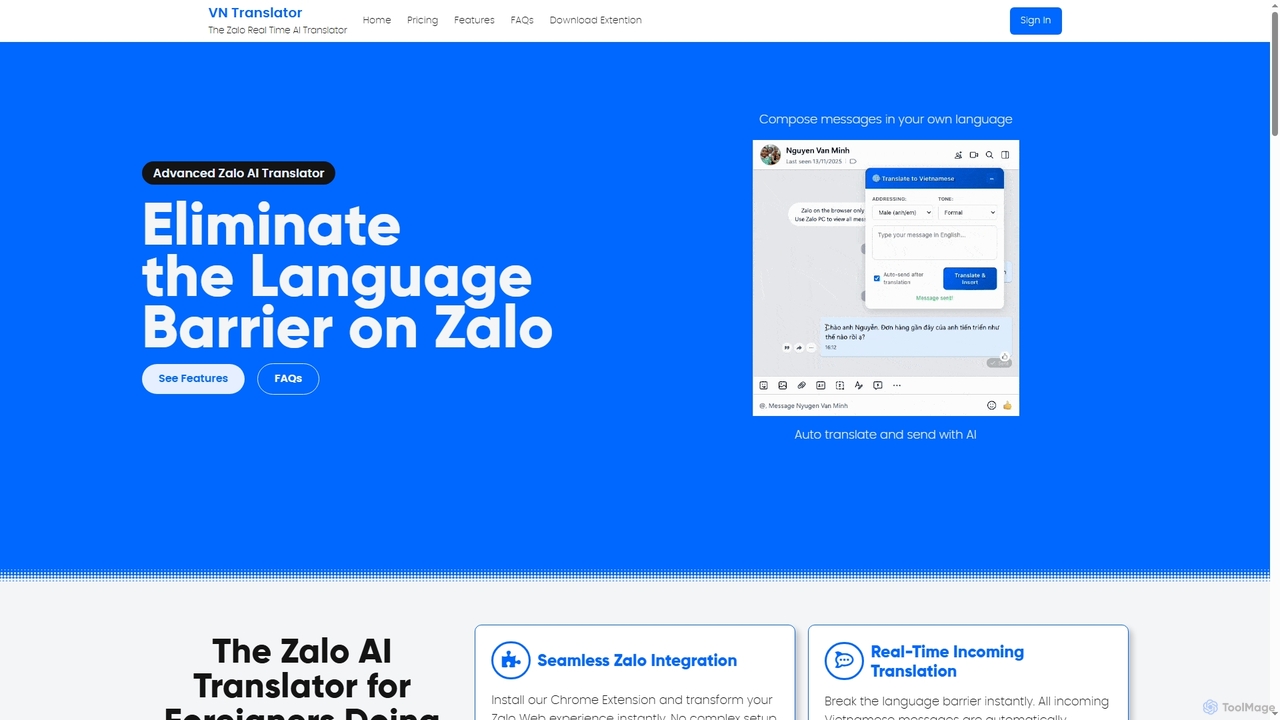
VN Translator is an advanced AI-powered Chrome extension designed for real-time Zalo translation, specifically for expats and businesses …

2.9K
WhatGPT

WhatGPT

WhatGPT is a powerful AI assistant that integrates directly into your favorite messaging app, like WhatsApp. Get instant, …

2.8K

About Messaging Assistant

Messaging Assistants are AI-powered tools designed to automate, streamline, and enhance digital communication across various platforms. Leveraging natural language processing (NLP) and machine learning, these assistants can understand user intent, generate contextually relevant responses, and manage conversational flows. They significantly boost efficiency in customer service, sales, and internal communication by handling routine inquiries, qualifying leads, and providing instant support.

Core Features

  • Automated Response Generation: Automatically drafts and sends replies based on predefined rules or AI-driven understanding of incoming messages.
  • Sentiment Analysis: Analyzes the emotional tone of messages to prioritize urgent issues or tailor responses appropriately.
  • Multi-channel Integration: Connects with various communication platforms like email, chat apps, social media, and CRM systems.
  • Personalized Communication: Delivers tailored messages by utilizing user data and interaction history for a more engaging experience.
  • Task Automation & Scheduling: Assists with scheduling meetings, setting reminders, and automating follow-up messages.

Applicable Scenarios

Messaging Assistants are invaluable for businesses seeking to scale their communication efforts and individuals aiming to manage their digital interactions more effectively. They are widely adopted in customer support centers for handling FAQs, sales teams for initial lead qualification, and marketing departments for personalized outreach campaigns. Additionally, they aid internal teams in coordinating schedules and disseminating information efficiently.

How to Choose

When selecting a Messaging Assistant, consider its integration capabilities with your existing CRM and communication platforms, the sophistication of its natural language understanding (NLU) for accurate intent recognition, and its customization options for branding and specific workflows. Evaluate its scalability to handle varying message volumes, the level of human oversight required, and the pricing model that aligns with your budget and usage needs.

Messaging AssistantUse Cases

1

Automating Customer Service Inquiries

A customer support team uses a Messaging Assistant to handle a high volume of routine customer questions, such as order status, shipping information, or FAQ answers. The assistant instantly provides accurate responses, freeing human agents to focus on complex issues. This reduces response times by up to 70% and improves overall customer satisfaction by offering 24/7 support without increasing staffing costs.

2

Automating Customer Support FAQs

Customer service teams can deploy Messaging Assistants to instantly answer frequently asked questions across websites, social media, and messaging apps. By processing common queries like "What's my order status?" or "How do I reset my password?", the assistant reduces agent workload by up to 60%, allowing human agents to focus on complex issues and improving overall response times.

3

Qualifying Sales Leads via Chat

A sales team deploys a Messaging Assistant on their website to engage visitors, ask qualifying questions (e.g., budget, needs, timeline), and collect contact information. Based on the responses, the assistant can score leads and route high-potential prospects directly to a sales representative for a personalized follow-up. This process streamlines lead generation, ensuring sales reps spend time on the most promising opportunities and increasing conversion rates by 15-20%.

4

Qualifying Sales Leads via Chat

Sales development representatives utilize Messaging Assistants to engage website visitors in real-time, asking qualifying questions about their needs, budget, and timeline. The assistant gathers essential information, identifies high-potential leads, and seamlessly hands them over to a human salesperson, significantly streamlining the sales funnel and increasing conversion rates by pre-qualifying prospects 24/7.

5

Enhancing Internal Team Communication

A project manager uses a Messaging Assistant within their team's communication platform (e.g., Slack, Microsoft Teams) to automate daily stand-up summaries, schedule meeting reminders, and facilitate quick information retrieval from shared documents. The assistant can also answer common internal policy questions, reducing interruptions for HR and management. This improves team productivity by centralizing information and reducing administrative overhead by 10-15 hours per week.

6

Personalized Marketing Campaign Outreach

Marketing professionals leverage Messaging Assistants to send personalized messages to segmented audiences across email or social media platforms. For example, an assistant can send a follow-up message to users who abandoned their shopping carts, offering a discount, or provide tailored product recommendations based on browsing history, leading to higher engagement and conversion rates.

7

Personalized Marketing Campaign Outreach

A marketing specialist uses a Messaging Assistant to send personalized promotional messages or offers to segmented customer lists via SMS or social media direct messages. The assistant can dynamically insert customer names, past purchase history, or browsing behavior into messages, making each interaction highly relevant. This approach significantly boosts engagement rates by 25% and drives higher conversion rates compared to generic broadcast messages, fostering stronger customer relationships.

8

Streamlining Internal Team Communication

Project managers and team leads use Messaging Assistants within internal communication tools (e.g., Slack, Microsoft Teams) to automate routine tasks. This includes scheduling team meetings, sending project reminders, collecting quick feedback via polls, or disseminating important announcements, ensuring team members stay informed and organized without constant manual intervention.

9

Streamlining Onboarding and Training

A human resources department utilizes a Messaging Assistant to guide new hires through the onboarding process. The assistant provides step-by-step instructions for paperwork, benefits enrollment, and initial training modules, answering common questions instantly. It can also send automated reminders for pending tasks and provide links to relevant resources. This reduces the administrative burden on HR staff by 30% and ensures a smoother, more consistent onboarding experience for new employees.

10

Managing Personal Email & Calendar

Busy professionals can employ Messaging Assistants to manage their personal and professional correspondence. The assistant can prioritize emails, draft quick replies to common inquiries, suggest meeting times based on calendar availability, and even filter spam, saving hours each week that would otherwise be spent on administrative communication tasks.

11

Gathering Feedback and Conducting Surveys

A product team uses a Messaging Assistant to collect user feedback on new features or conduct short satisfaction surveys directly within their application or website. The assistant can engage users at specific points in their journey, ask targeted questions, and record responses efficiently. This method achieves higher response rates (often 20-30% higher) than traditional email surveys, providing timely and actionable insights for product development and service improvement.

12

Consolidating Multi-Channel Messaging

Businesses with a presence on multiple communication channels (e.g., WhatsApp, Instagram DMs, website chat) use Messaging Assistants to centralize incoming messages. The assistant can route queries to the correct department, provide consistent initial responses, and maintain a unified customer interaction history, ensuring no message is missed and improving cross-channel customer experience.

Messaging AssistantFrequently Asked Questions