Communication Best in category 2 results Virtual Assistant AI Tool

Popular AI tools in the Virtual Assistant field of Communication include HeyMeetAI、Paka, etc., helping you quickly improve efficiency.

HeyMeetAI

HeyMeetAI

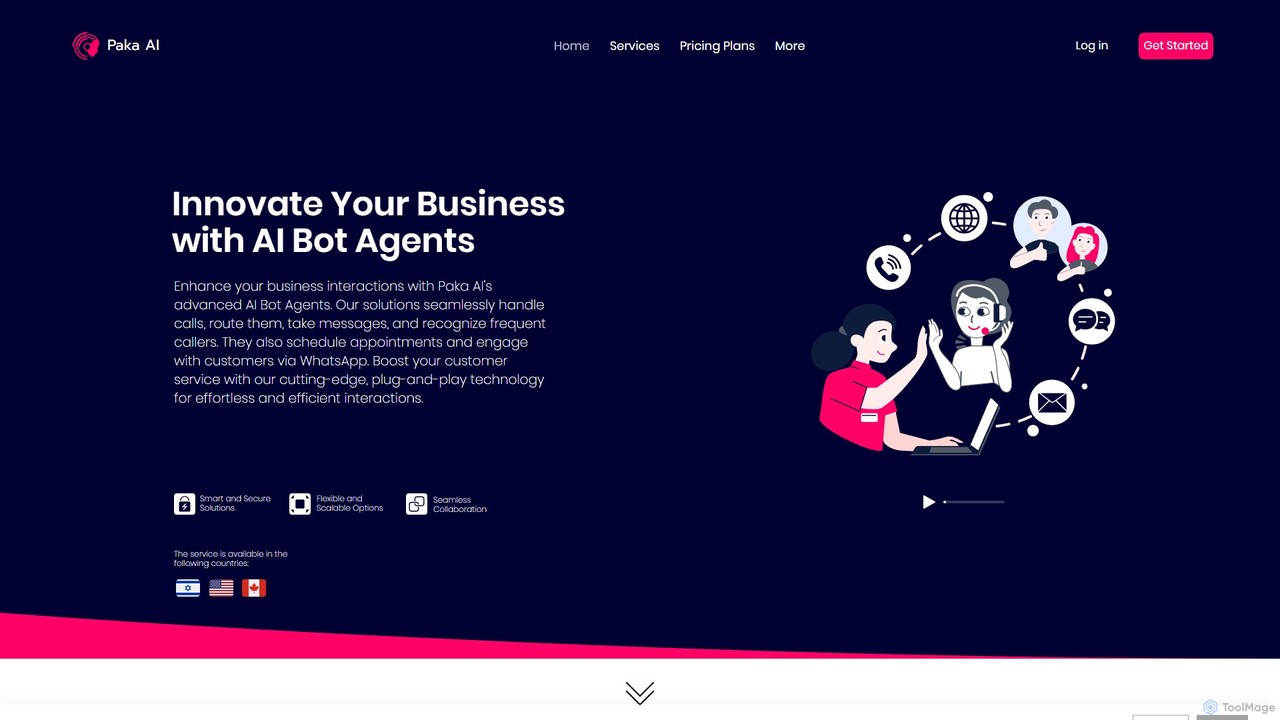
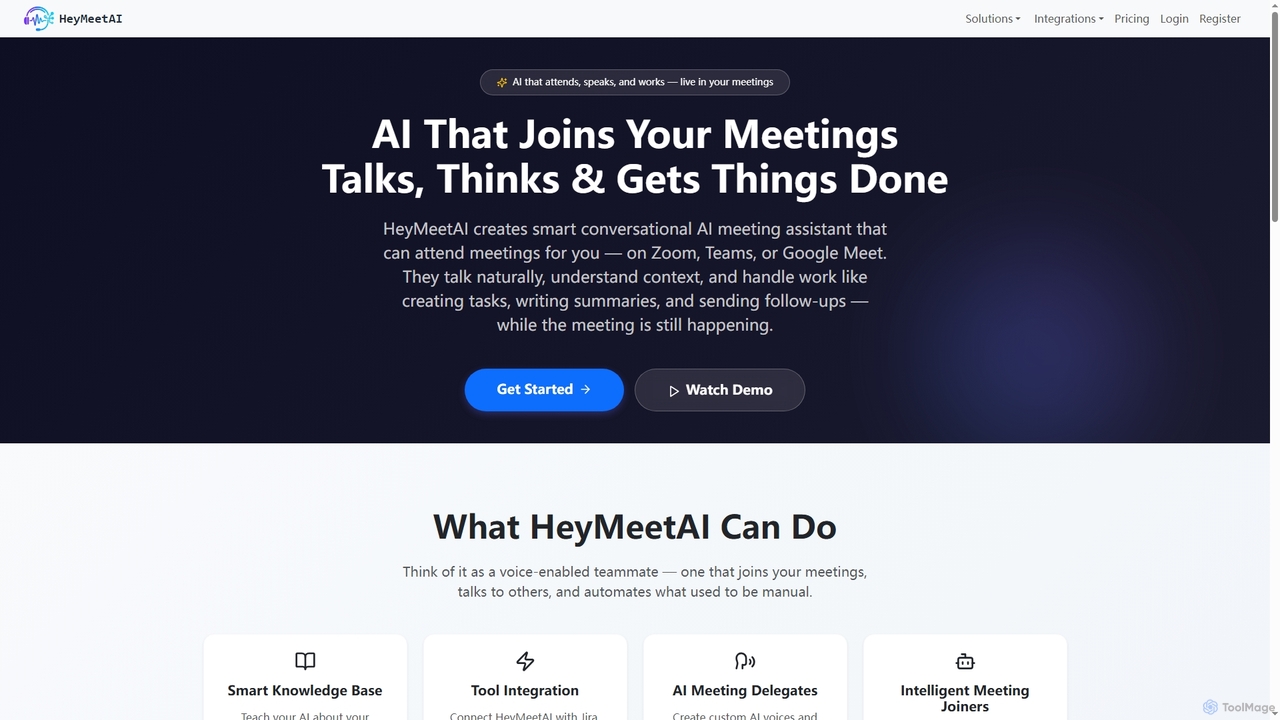
HeyMeetAI is an intelligent conversational AI meeting assistant designed to actively participate in your virtual meetings on platforms …

2.6K
Paka

Paka

Paka offers advanced AI Bot Agents to revolutionize business communications. It provides smart, secure, and scalable solutions for …

2.5K

About Virtual Assistant

A Virtual Assistant is an AI-powered application designed to perform tasks and provide services for a user based on voice or text commands. These tools utilize Natural Language Processing (NLP) and machine learning to understand user intent, manage personal information, and control connected devices. They serve as a central hub for automating daily routines, retrieving information quickly, and interacting with technology hands-free. This capability makes them a key component of modern communication and productivity ecosystems.

Core Features

  • Natural Language Interaction: Understands and responds to conversational commands for intuitive control.
  • Task Automation: Schedules appointments, sets reminders, sends messages, and creates to-do lists.
  • Information Retrieval: Provides real-time answers to questions, weather forecasts, and news updates.
  • Device and App Control: Manages smart home devices, plays music, and launches applications.
  • Personalization: Learns user preferences and routines over time to offer proactive assistance.

Use Cases

Virtual Assistants are widely used by busy professionals to manage schedules and communications, by homeowners to create a unified smart home experience, and by drivers for hands-free navigation and calls. They are also integral for users seeking accessibility features, allowing for device control through voice alone.

How to Choose

When selecting a Virtual Assistant, consider its ecosystem integration (e.g., Google, Apple, Amazon) to ensure compatibility with your devices. Evaluate the scope of its capabilities—whether it excels in productivity, smart home control, or general knowledge. Also, review its platform availability (mobile, desktop, smart speakers) and its privacy policies regarding data handling.

Virtual AssistantUse Cases

1

Automating Daily Scheduling for Professionals

For project managers and consultants juggling multiple meetings, a Virtual Assistant streamlines calendar management. Instead of manually opening apps to check availability or create events, they can use simple voice commands like 'Schedule a meeting with the design team tomorrow at 10 AM'. The assistant automatically checks for conflicts, sends invitations, and sets reminders for follow-ups. This process significantly reduces administrative overhead, minimizes scheduling errors, and allows professionals to focus on strategic tasks rather than logistical coordination.

2

Hands-Free Control While Driving

For commuters and professional drivers, safety is paramount. A Virtual Assistant integrated into a car's infotainment system or a smartphone allows for hands-free operation. Drivers can initiate calls, dictate and send text messages, get turn-by-turn directions, or change a music playlist without taking their hands off the wheel or their eyes off the road. This use case directly enhances safety by reducing distractions, ensuring compliance with traffic laws, and making the driving experience more convenient and connected.

3

Managing a Unified Smart Home Ecosystem

Homeowners with multiple smart devices—such as lights, thermostats, locks, and speakers—can use a Virtual Assistant as a central command hub. Instead of managing each device through its separate app, a user can issue a single command like 'Good night' to trigger a routine that turns off all lights, lowers the thermostat, and locks the doors. This centralizes control, simplifies home automation, and creates a more cohesive and responsive living environment. It transforms a collection of individual gadgets into a truly integrated smart home.

4

Quick Information Retrieval and Fact-Checking

Students, writers, and researchers often need quick access to facts, definitions, or calculations without disrupting their workflow. A Virtual Assistant on a desktop or smart speaker provides instant answers. A user can ask, 'What is the capital of Mongolia?' or 'Convert 50 miles to kilometers' and get an immediate response. This eliminates the need to switch contexts by opening a web browser and searching manually, thereby maintaining focus and accelerating the research and writing process. It acts as an on-demand knowledge base.

5

Setting Up Personalized Daily Routines

Anyone looking to improve productivity can create personalized routines with a Virtual Assistant. For example, a user can configure a 'Good Morning' routine that, when triggered by a single phrase, simultaneously reads the day's calendar, gives a weather report, plays a news briefing, and turns on the coffee maker. Similarly, an 'End of Day' routine could set the alarm for the next morning and play relaxing music. This automation bundles multiple repetitive actions into one simple command, saving time and reducing cognitive load at the start and end of each day.

6

Accessibility Support for Users with Disabilities

Virtual Assistants are powerful accessibility tools for individuals with motor or visual impairments. Voice commands replace the need for fine motor skills required to navigate touchscreens or use a keyboard. A user can compose and send emails, make phone calls, browse the web, and control their environment (like smart lights) entirely through speech. This empowers users with greater independence, providing them with an alternative and effective way to interact with digital technology and manage daily tasks that might otherwise be challenging.

Virtual AssistantFrequently Asked Questions