ToolMage
Sign in

Best 1 Graphic Design AI tools for Creative Assistant

Popular Graphic Design AI tools in Creative Assistant include AIGraffiti, helping you work more efficiently.

AIGraffiti
Paid

AIGraffiti

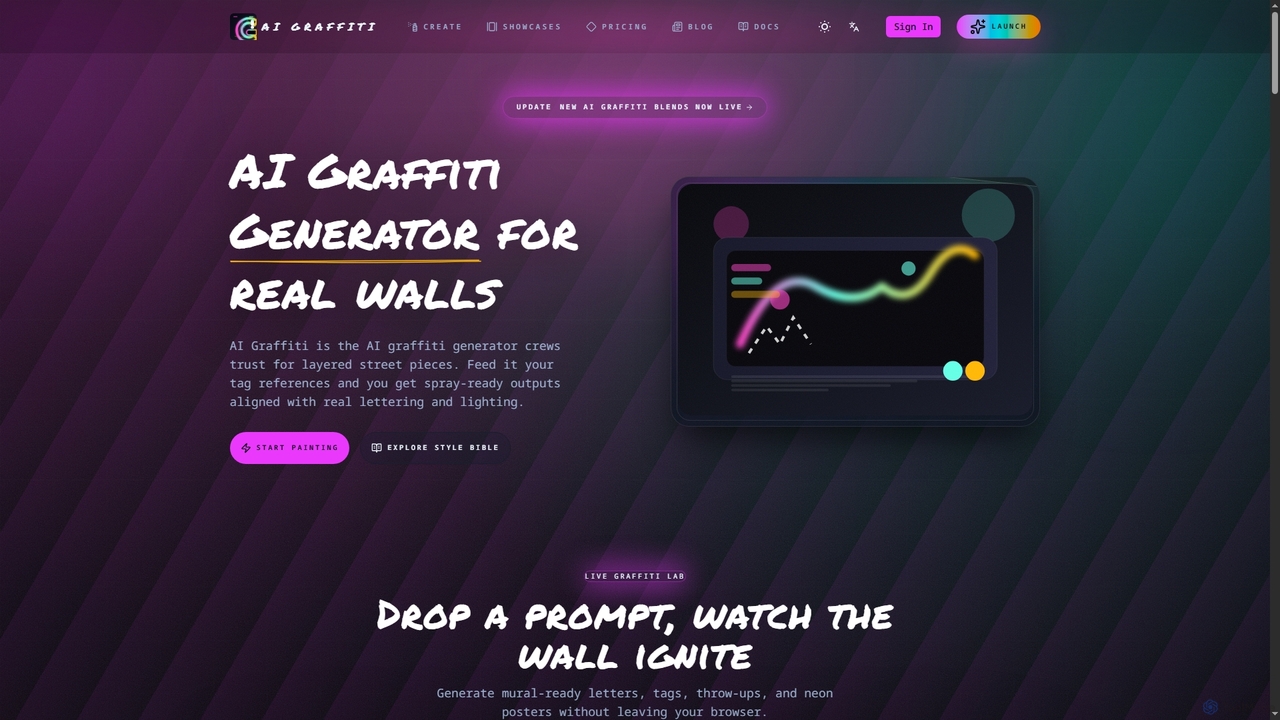
AIGraffiti is an AI-powered graffiti generator designed for street artists, agencies, and XR teams. It transforms tag references and prompts into production-ready graffiti art for walls, merchandise, and immersive experiences, streamlining the creative workflow from concept to export.

Graphic Design
Visits 5.1KFavorites 117Likes 111

About Graphic Design

Graphic Design AI tools are a category of AI-powered applications that automate and enhance various aspects of visual content creation. These tools leverage advanced algorithms, including machine learning and computer vision, to assist designers and marketers in generating, editing, and optimizing visual assets. They significantly accelerate design workflows, democratize access to design capabilities, and enable rapid iteration for diverse creative projects within the broader Creative Assistant domain.

Core Features

  • AI Image Generation: Creates unique images, illustrations, or art from text prompts or sketches.
  • Background Removal & Editing: Automatically isolates subjects, removes backgrounds, and allows for precise image manipulation.
  • Style Transfer & Enhancement: Applies artistic styles to images, upscales resolution, and improves overall visual quality.
  • Layout & Template Suggestions: Generates design layouts, suggests optimal element placement, and creates customizable templates.
  • Vectorization & Upscaling: Converts raster images to scalable vectors and enhances low-resolution graphics without quality loss.

Applicable Scenarios

Graphic Design AI tools are widely used by marketing teams for creating campaign visuals, e-commerce businesses for product image processing, and content creators for generating unique illustrations. They also assist professional designers in accelerating concept development and automating repetitive tasks, allowing for more focus on strategic creative work.

How to Choose

When selecting a Graphic Design AI tool, evaluate its core functionalities (e.g., generation, editing, automation), the quality and style of its AI output, and its ease of use. Consider its integration capabilities with your existing design software, pricing structure, and whether it offers the specific features needed for your primary design tasks, such as creating social media graphics or product mockups.

Graphic Design use cases

1

Generate Marketing Visuals for Social Media

Marketing teams and social media managers can quickly create engaging graphics for various platforms. By inputting text prompts describing the campaign message or desired aesthetic, AI tools generate multiple visual concepts, allowing for rapid iteration and customization to maintain a consistent brand presence across all channels without extensive manual design work.

2

Automate E-commerce Product Photo Editing

Online retailers and e-commerce businesses can efficiently process large volumes of product images. AI graphic design tools automatically remove backgrounds, adjust lighting, and enhance image quality, ensuring consistency across hundreds or thousands of product listings. This significantly reduces the time and cost associated with manual photo editing, accelerating product launches.

3

Rapid Concept Art for Game Development

Game artists and concept designers can leverage AI to generate multiple character, environment, or asset concepts from textual descriptions or rough sketches. This accelerates the initial design phase, allowing artists to explore a wider range of creative directions and iterate on ideas much faster than traditional manual sketching, providing a strong foundation for further development.

4

Personalized Brand Asset Creation

Small businesses, startups, and individual entrepreneurs can design consistent brand assets without hiring a professional designer. AI tools can generate logos, color palettes, typography sets, and brand guidelines based on user input about their business and desired aesthetic. This ensures a professional and cohesive visual identity that resonates with their target audience, saving significant costs.

5

Design Layouts for Presentations & Reports

Professionals and students can automatically generate visually appealing slide layouts or report templates. By providing content outlines or raw data, AI tools suggest optimal arrangements of text, images, and charts, ensuring clarity and aesthetic balance. This saves significant time on formatting and allows users to focus on the substance of their presentations and documents.

6

Upscale and Restore Old or Low-Resolution Images

Photographers, archivists, and individuals can enhance the quality of old photographs or low-resolution digital images. AI graphic design tools utilize advanced algorithms to intelligently upscale images, adding detail and clarity, and can also repair damage, remove noise, and correct colors in historical photos. This breathes new life into visuals that would otherwise be unusable for modern applications.

Graphic Design FAQ

What are Graphic Design AI tools?

Graphic Design AI tools are software applications that use artificial intelligence to assist in creating, editing, and enhancing visual content. They leverage machine learning to automate repetitive tasks, generate design elements, and provide creative suggestions, significantly streamlining the graphic design process. These tools range from AI image generators to intelligent photo editors and layout assistants, making design more accessible and efficient.

How do AI graphic design tools differ from traditional design software?

AI graphic design tools primarily differ by automating complex tasks and generating content autonomously, whereas traditional software relies heavily on manual input and designer skill. While traditional tools offer precise control over every detail, AI tools excel in speed, scalability, and democratizing design by simplifying processes like background removal, style transfer, or generating images from text prompts. They often complement, rather than replace, traditional software, enhancing a designer's workflow.

What specific design tasks can AI graphic design tools automate?

AI graphic design tools can automate a wide array of tasks, including generating images from text descriptions, removing backgrounds from photos, upscaling low-resolution images, applying artistic styles, suggesting optimal design layouts, and even creating variations of logos or marketing materials. This automation frees designers to focus on higher-level creative strategy, refinement, and conceptualization, rather than repetitive manual adjustments.

Who benefits most from using AI graphic design tools?

A diverse range of users benefits significantly, including marketing professionals needing quick social media visuals, e-commerce businesses requiring bulk product image editing, and content creators generating unique illustrations. Professional graphic designers also find these tools invaluable for accelerating their workflow, automating mundane tasks, and exploring new creative avenues, allowing them to focus on more complex and strategic design challenges.

How to choose the best AI graphic design tool for my needs?

When selecting an AI graphic design tool, consider its core functionalities (e.g., image generation, editing, layout automation) and ensure they align with your primary design tasks. Evaluate the quality and style of its AI output, its ease of use and user interface, and its integration capabilities with your existing design software or workflow. Also, compare pricing models, available templates, and community support to find the best fit for your specific requirements and budget.